Generate your resume free from
Start a resume free with suggestions for the job title you enter. Select an example that fits your work, add accurate details and check the preview before keeping it. You control what goes into the draft.
- Your job title brings up suggestions
- Pick the ones that match your work
- Edit any suggestion with your details
- Build, preview and save for free

Danny
Apr 2023
“I'll recommend it to friends and family.”

Dayani F.
Jan 2025
“Everything about this tool is amazing, I love it”

Kelvin P.
Jul 2025
“You guys were amazing, I got a new job.”

John W.
Nov 2022
“You made my resume professional”
from 3,900+ reviews



Build, preview and save your resume free
Use a free template and job suggestions to put your draft together. Review the full page, correct any details that need attention and save it so you can continue later.
- Any template you like
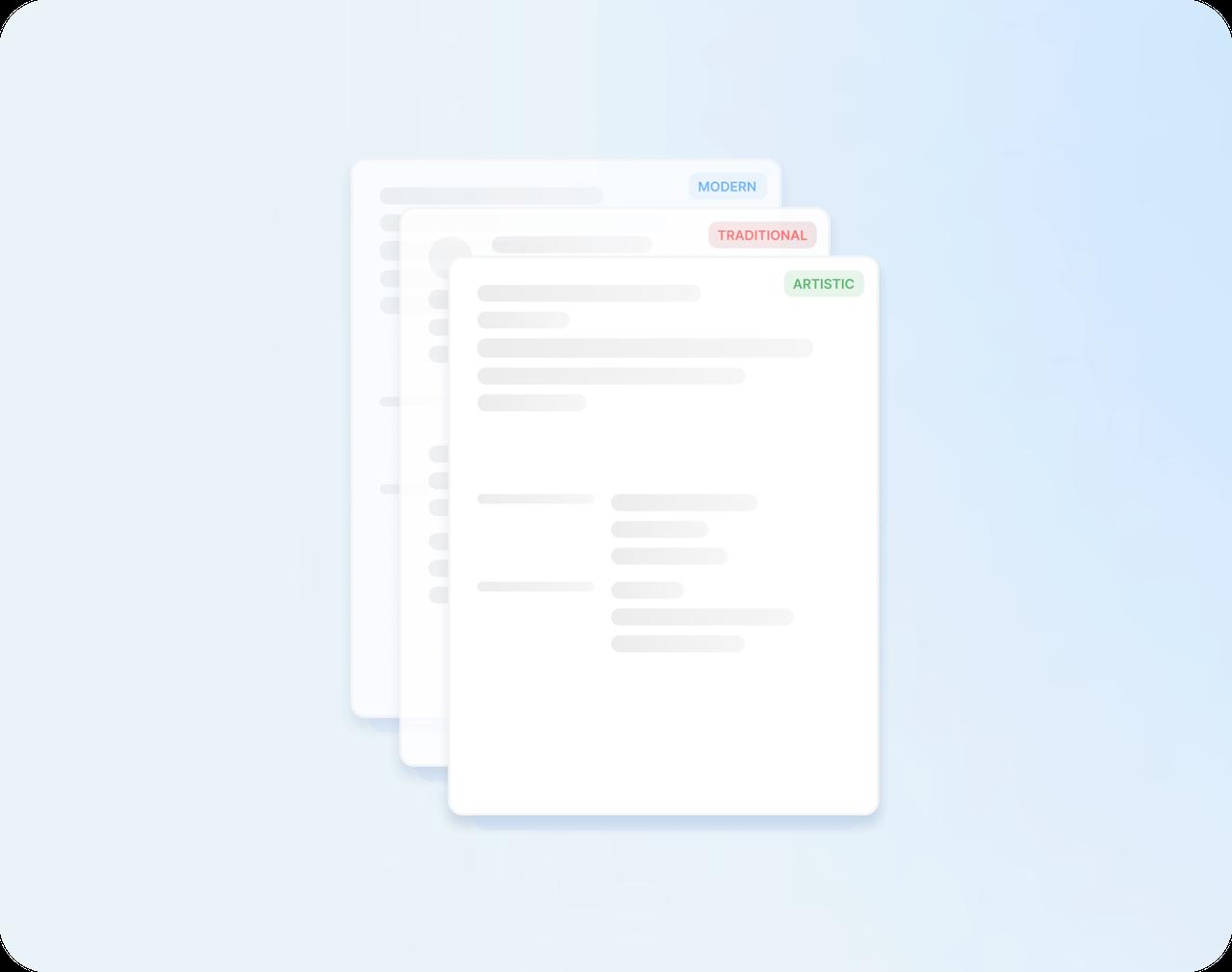
Choose any modern, traditional or creative design, and switch whenever you like without losing a word.
- Job-specific suggestions
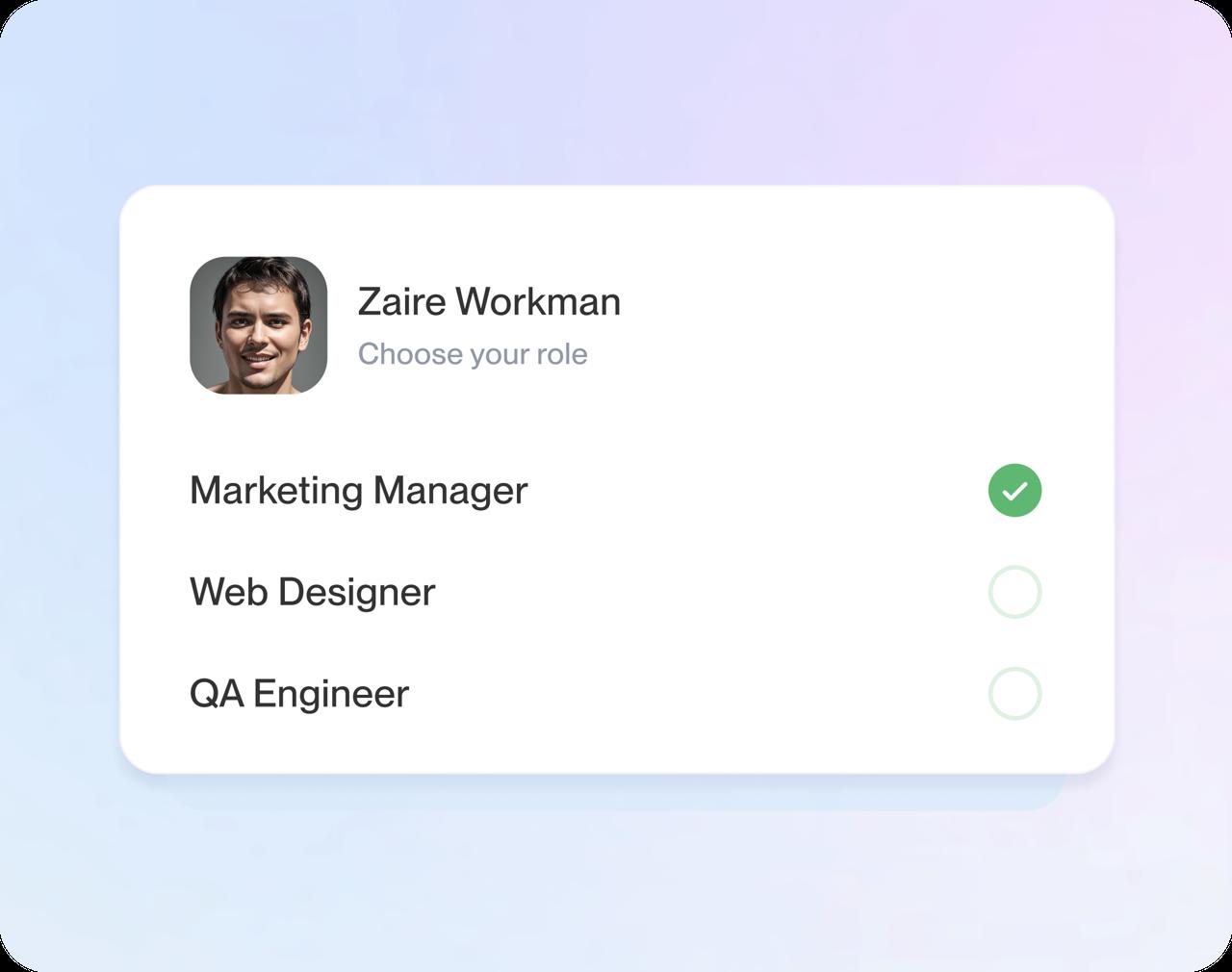
Type your job title to see suggestions written for it. Choose the closest and make each one your own.
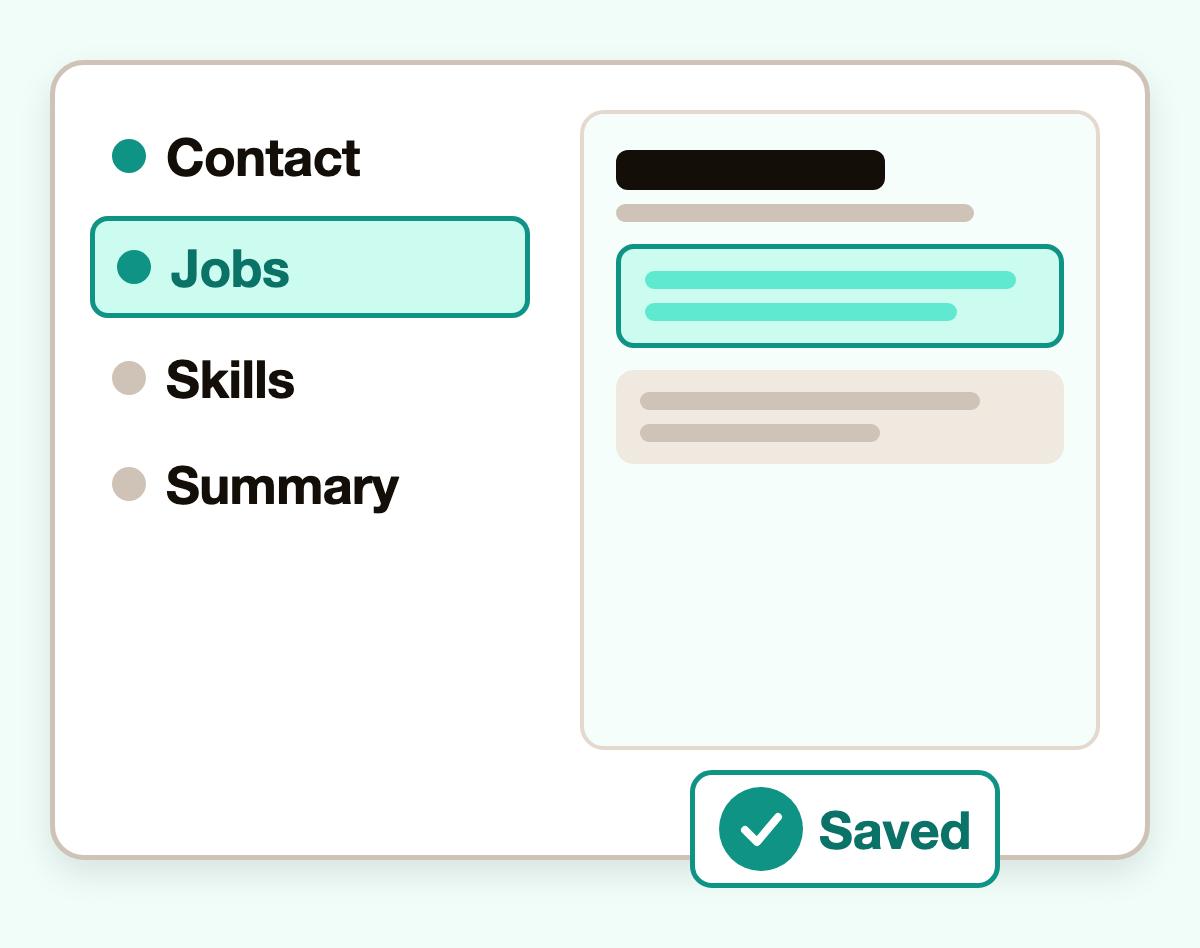
- Step-by-step guidance
The builder walks you through one section at a time, from contact details to skills.
- Preview and saving
Watch your resume take shape line by line, then save it to your account and finish it another day.
Build your resume online in four steps
Step 1
Pick any design
Answer a question or two about your background, then pick the template you like best.
Step 2
Write each section
Add your contact details, jobs, schools and skills, using suggestions for your job title where they help.
Step 3
Polish and save
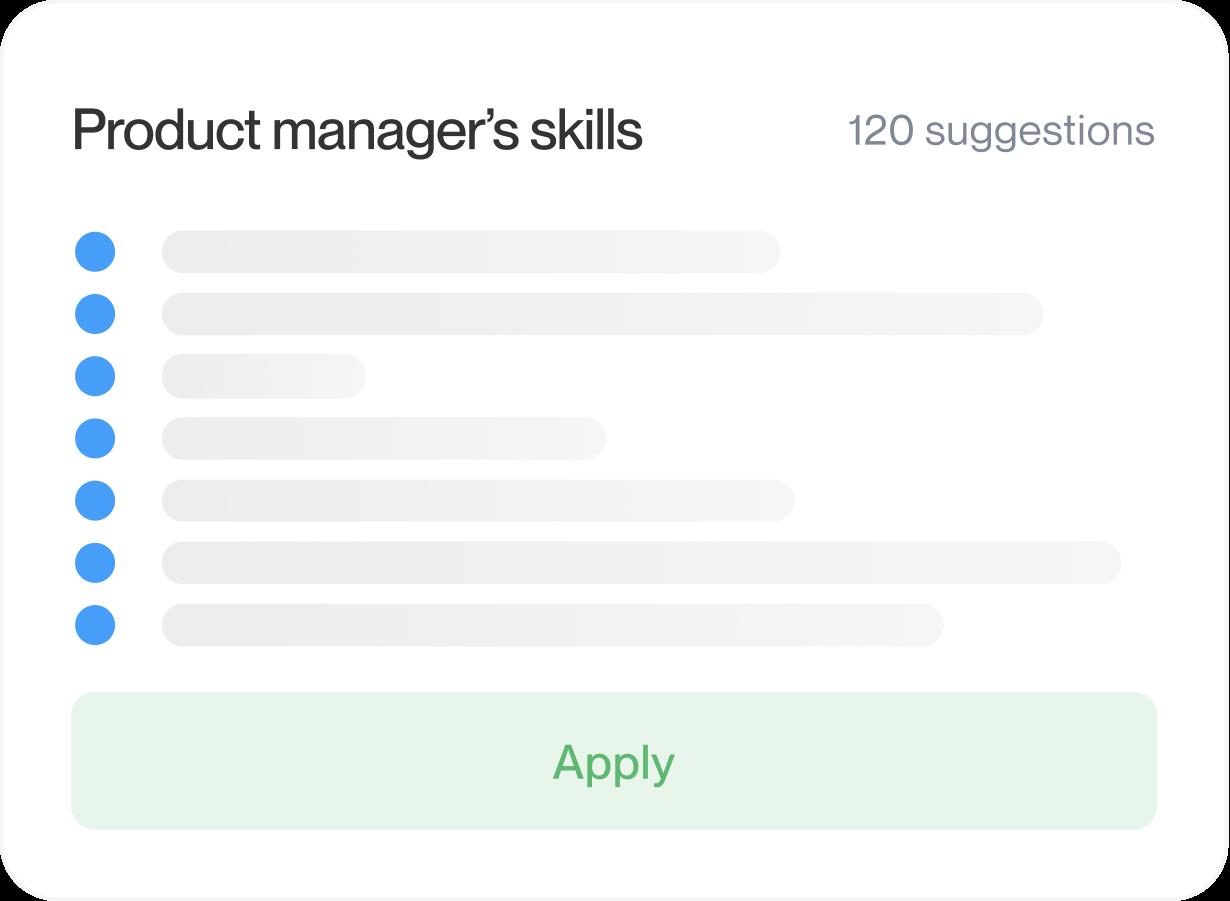
Edit your bullet points, arrange your sections and save your resume to your account.
Step 4
Read it and download
Give the preview a last read for names and dates, then download the finished page for your applications.

Step 1
Pick any design
Answer a question or two about your background, then pick the template you like best.
Step 3
Polish and save
Edit your bullet points, arrange your sections and save your resume to your account.
Step 2
Write each section
Add your contact details, jobs, schools and skills, using suggestions for your job title where they help.
Step 4
Read it and download
Give the preview a last read for names and dates, then download the finished page for your applications.
Every template is free to build with
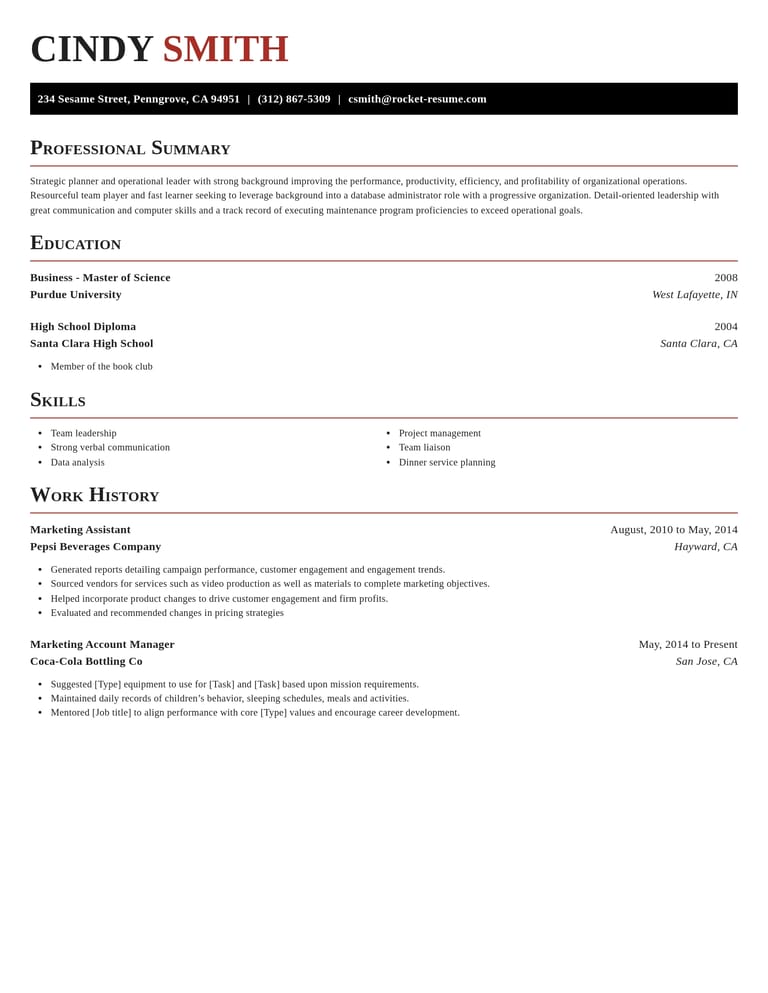
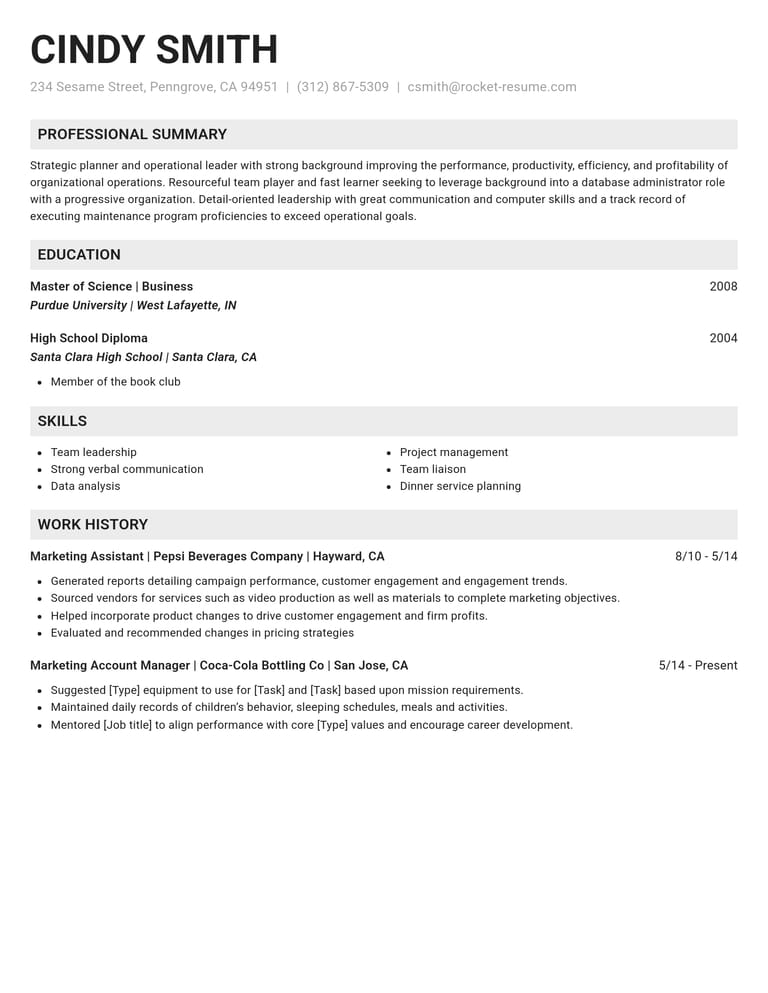
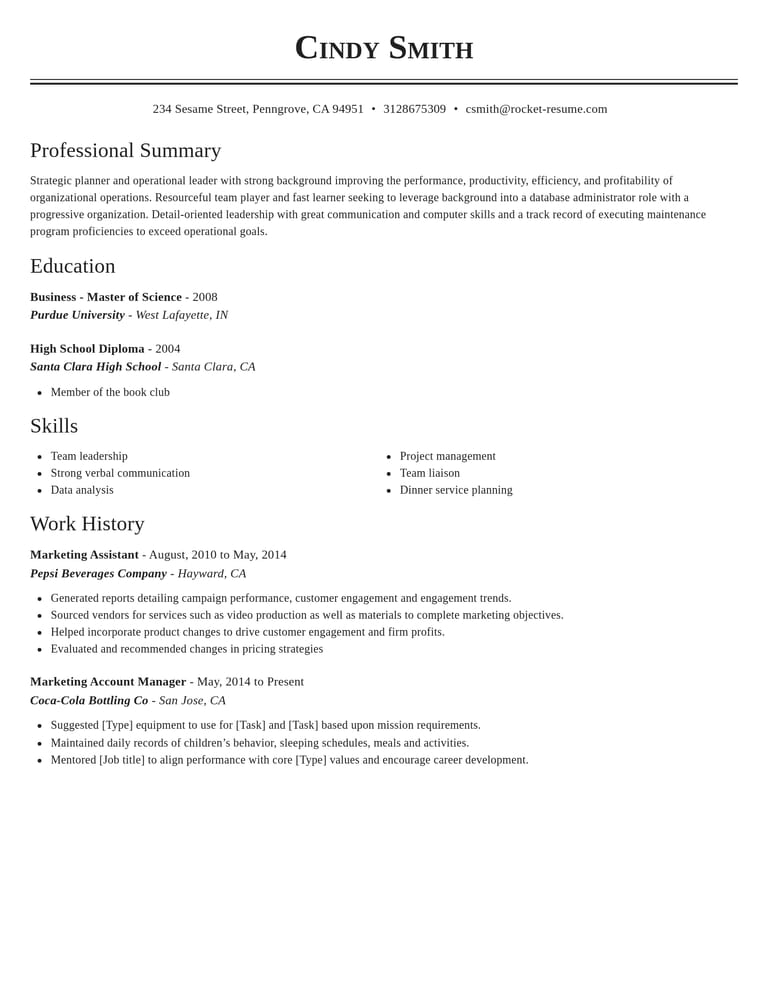
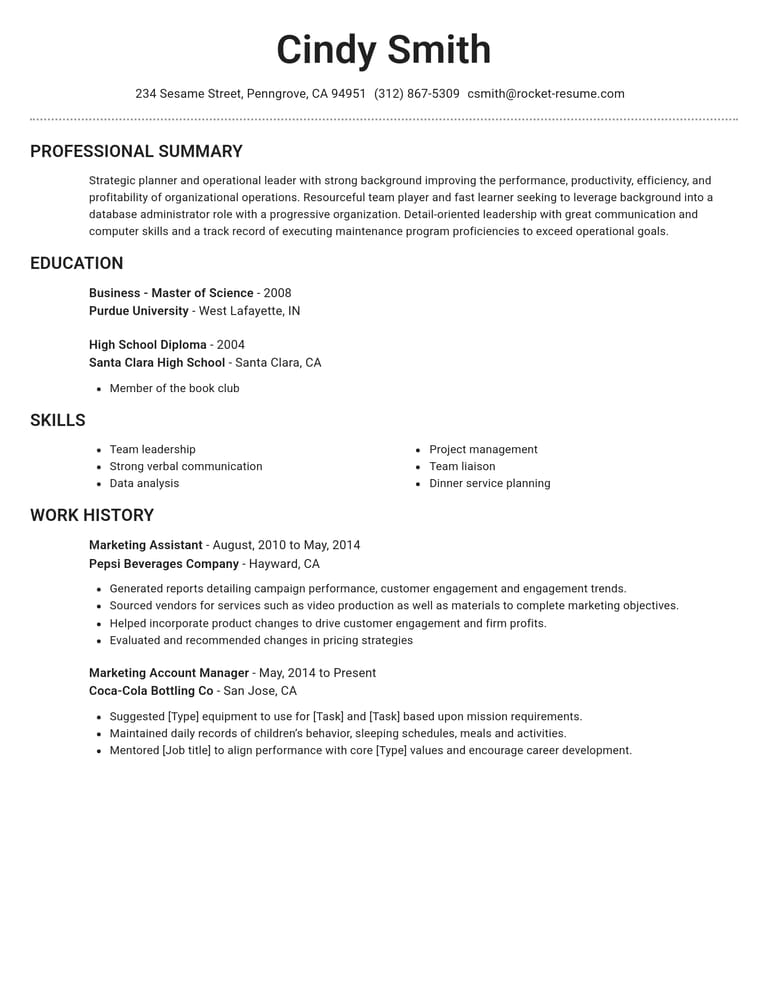
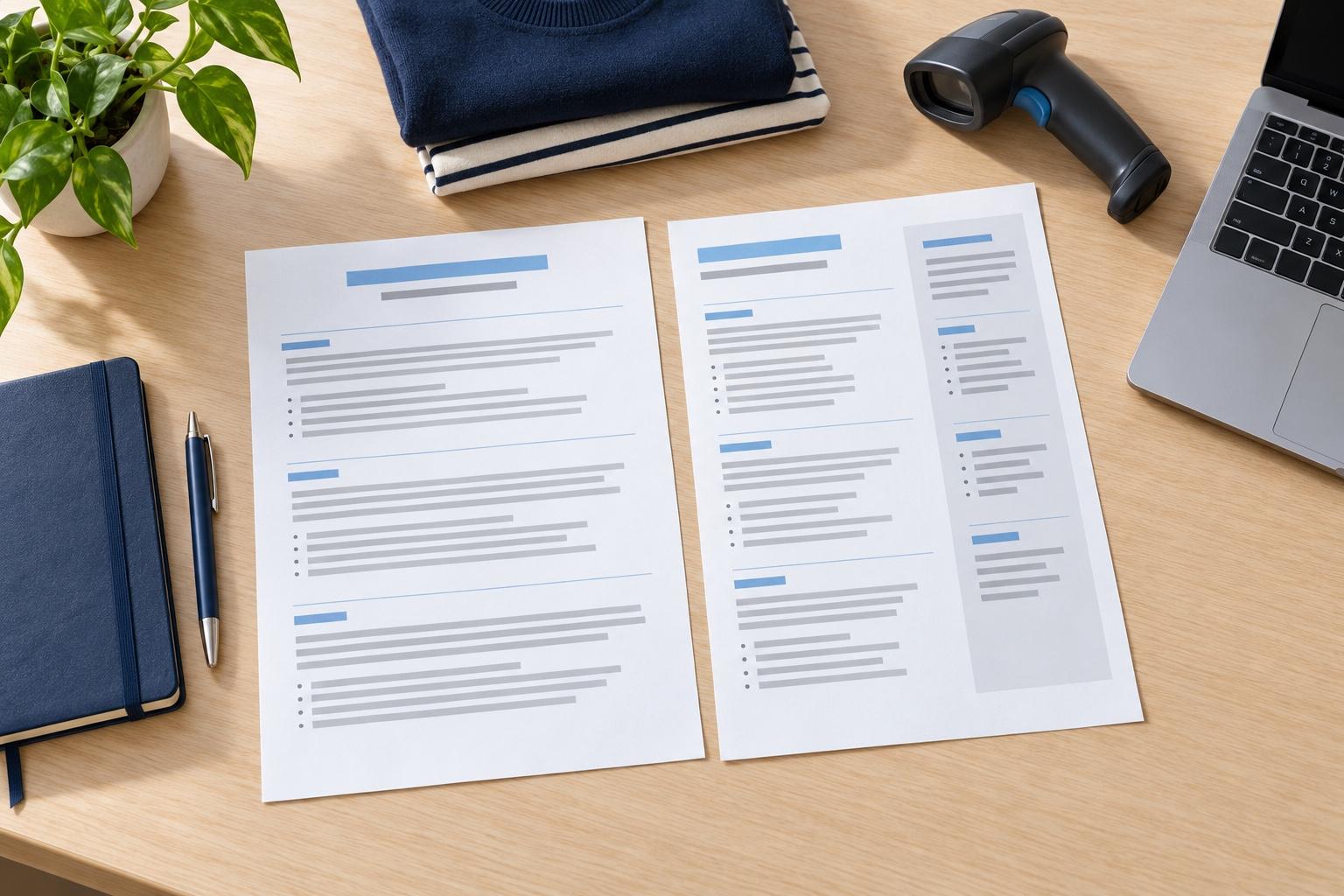
How to build a strong resume with a free builder
Have your job titles, employer names, dates and education details ready before you start. Keep the job posting nearby so you can choose experience that matters for this application. The free builder uses the same templates and suggestions as the main Rocket Resume builder.
What do I get in the free resume builder?
The free resume builder gives you all of this while you build:
- Every template, from modern to creative, with no design held back
- Suggestions for your job title that you can edit to match your experience
- A screen for each part of your resume, so you know what comes next
- A live preview of every change
- Saving to your account, so you can stop and come back later
You can switch templates as often as you like while you work, and everything you've typed moves into the new design.
How do the suggestions help?
Start with a role you have held and choose examples that match work you actually did. Replace any tools, responsibilities or results that do not apply. For example, a cashier could write: “Served [number] customers per shift and trained [number] new cashiers.” Use your own verified figures, or leave them out.
How to build a strong resume for free
The builder handles the formatting, so put your effort into the words:
- Lead each job with the responsibility or result most relevant to the opening.
- Put a number on your work where you can: customers served, sales made or shifts covered.
- Borrow the posting's wording for skills you really have.
- Check every name, date and spelling in the preview before you download.
A free resume for your first job
With little work history, lead with what you can show: school projects, volunteering, clubs, part-time work and the skills you used in them. Describe what you did and add a result when you can support it. Give education space when it strengthens the application. Our free resume examples can help you describe experience beyond paid jobs.
If you include a summary, name the role you want and one relevant skill you can support with an example.
A free resume for a career change
Name the role you're moving toward in your summary, then connect it to experience you already have. Training new hires, for example, may show instruction and communication skills. Keep your actual job titles and qualifications clear; transferable experience does not replace a required credential. Our career change resume guide has worked examples of this layout.
How long does a free resume take to build?
The time depends on how much you have ready and how much you need to revise. Gather your dates and role details first, then leave time to compare your draft with the job posting and proofread it.
Does a free resume look less professional?
A professional-looking resume needs clear headings, consistent dates and specific experience. Use the preview to check those details, then read each bullet point for accuracy. Building for free does not change what you need to check.
For help with the writing itself, our how to write a resume guide walks through each section, and you can browse the designs on our free resume templates page before you start.
Research on resumes and hiring
“Great resume builder, I'll be using it again”

“I needed a resume fast, great and very useful”

Free resume builder: what people ask
What is the best free resume builder?
Look for a builder that helps you write and review your resume, as well as choose a layout. Rocket Resume offers templates, job-specific suggestions and a preview so you can check your work as you go.
Can I build a resume for free with Rocket Resume?
Yes. You can build your complete resume for free, choosing any template and using the step-by-step guidance, without creating an account. Create a free account when you want to save your resume and pick up where you left off.
Are the suggestions for my job title free too?
Yes. Job-specific suggestions are free to use while you build. Choose examples that fit your experience, then edit them so every detail is accurate.
Start from an example in your industry
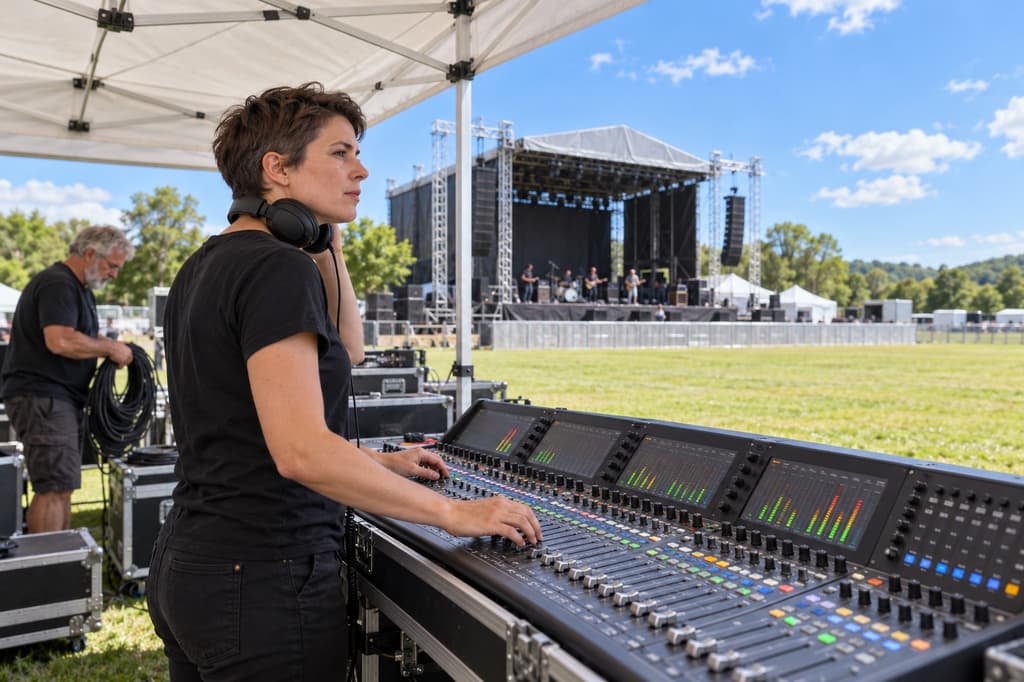
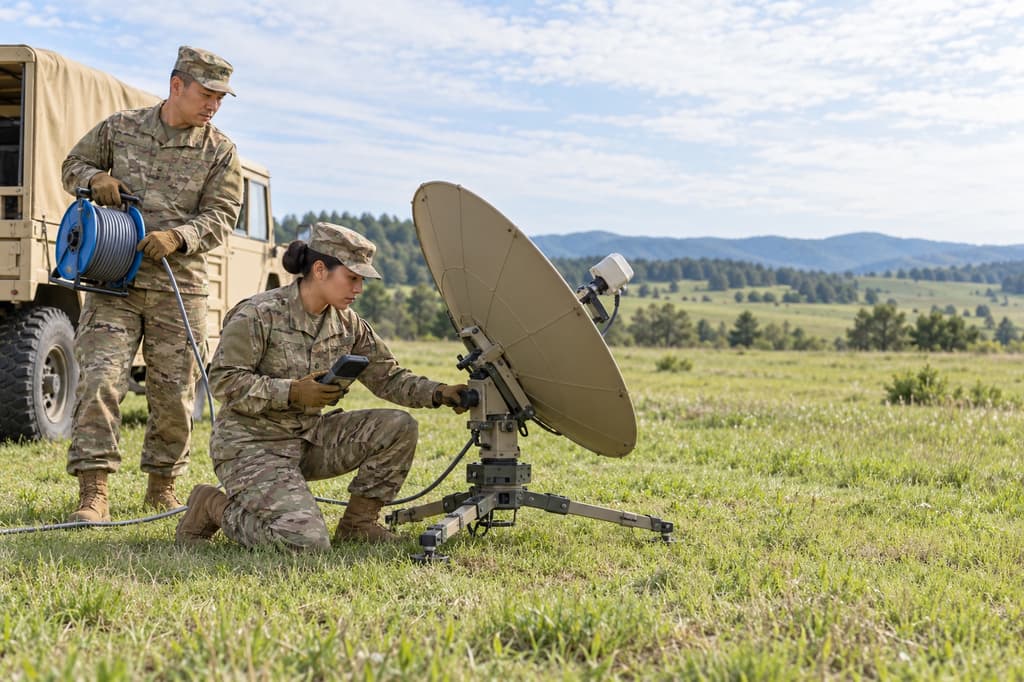
Industries in the weekly focus



- 12 examples
- 10 examples
- 20 examples
- 23 examples
- 9 examples
- 18 examples






Show all industries (A–Z)Show fewer
- Aerospace & Defense, 8 examples
- Agriculture, 23 examples
- Apparel & Textiles, 13 examples
- Architecture, 15 examples
- Artificial Intelligence, 6 examples
- Arts & Entertainment, 24 examples
- Automotive, 21 examples
- Beauty & Personal Care, 17 examples
- Biotechnology & Life Sciences, 7 examples
- Business Services, 23 examples
- Chemical Engineering, 4 examples
- Childcare, 14 examples
- Construction, 106 examples
- Creative, 15 examples
- Customer Service, 17 examples
- Education, 94 examples
- Energy, 39 examples
- Environmental Science, 5 examples
- Finance, 63 examples
- Food & Beverage, 68 examples
- Government, 48 examples
- Healthcare, 160 examples
- Hospitality, 35 examples
- Human Resources, 18 examples
- Insurance, 10 examples
- Legal, 12 examples
- Logistics, 37 examples
- Manufacturing, 68 examples
- Marketing, 8 examples
- Media, 20 examples
- Military, 24 examples
- Mining & Metals, 9 examples
- Nonprofit, 8 examples
- Pharmaceuticals, 12 examples
- Public Relations, 10 examples
- Real Estate, 7 examples
- Retail, 38 examples
- Robotics, 11 examples
- Sales, 14 examples
- Security Services, 19 examples
- Social Services & Counseling, 21 examples
- Social Work, 14 examples
- Sports & Fitness, 96 examples
- Technology, 67 examples
- Telecommunications, 6 examples
- Tourism & Travel, 9 examples
- Transportation, 38 examples
- Veterinary, 9 examples
Looking for a different role?

What people say after building here
from 3,900+ reviews