AI resume builder with
Our AI resume builder offers AI-enhanced suggestions matched to the job title you type. Pick the lines that fit, then edit them in your own words.
- AI-enhanced expert suggestions
- Lines matched to every job you add
- You decide which lines stay
- Professional, ATS-friendly templates

Ed A.
Aug 2022
“Very helpful for making a resume and applying for jobs”

James S.
Aug 2026
“This service was perfect for my needs.”

Nicole C.
Feb 2026
“I loved the templates.”

Sheila J.
Apr 2026
“This app is perfect, it helped me get my job”
from 4,000+ reviews



How the AI-enhanced suggestions help
The suggestions speed up the wording, while the final say on every line stays with you.
- Matched to the job title you type
Add a job and type its title, and suggestions for that role appear, ready to add to your resume.
- You choose every line
A suggestion goes on your resume only when you add it. After that, reword, move or delete it like any line you typed.
- Your facts, better words
You enter the employers, dates and results; the suggestions help you describe that work clearly and confidently.
- Help with skills and summary too
The skills and summary steps offer suggestions for your job title as well, so those sections never start from a blank box.
How to use the AI resume builder
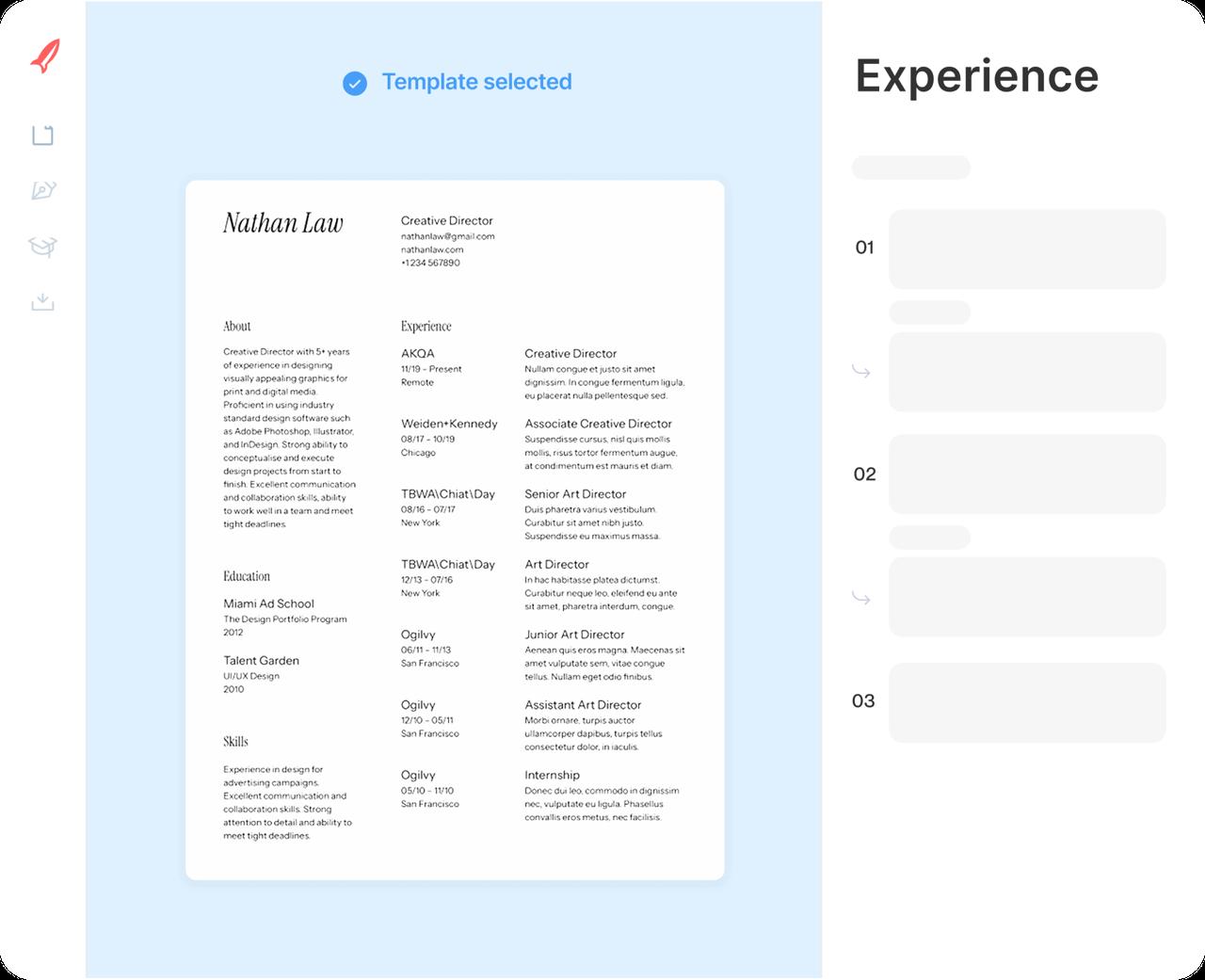
Step 1
Answer the first questions
Say how much experience you have, choose a design and add your contact details.
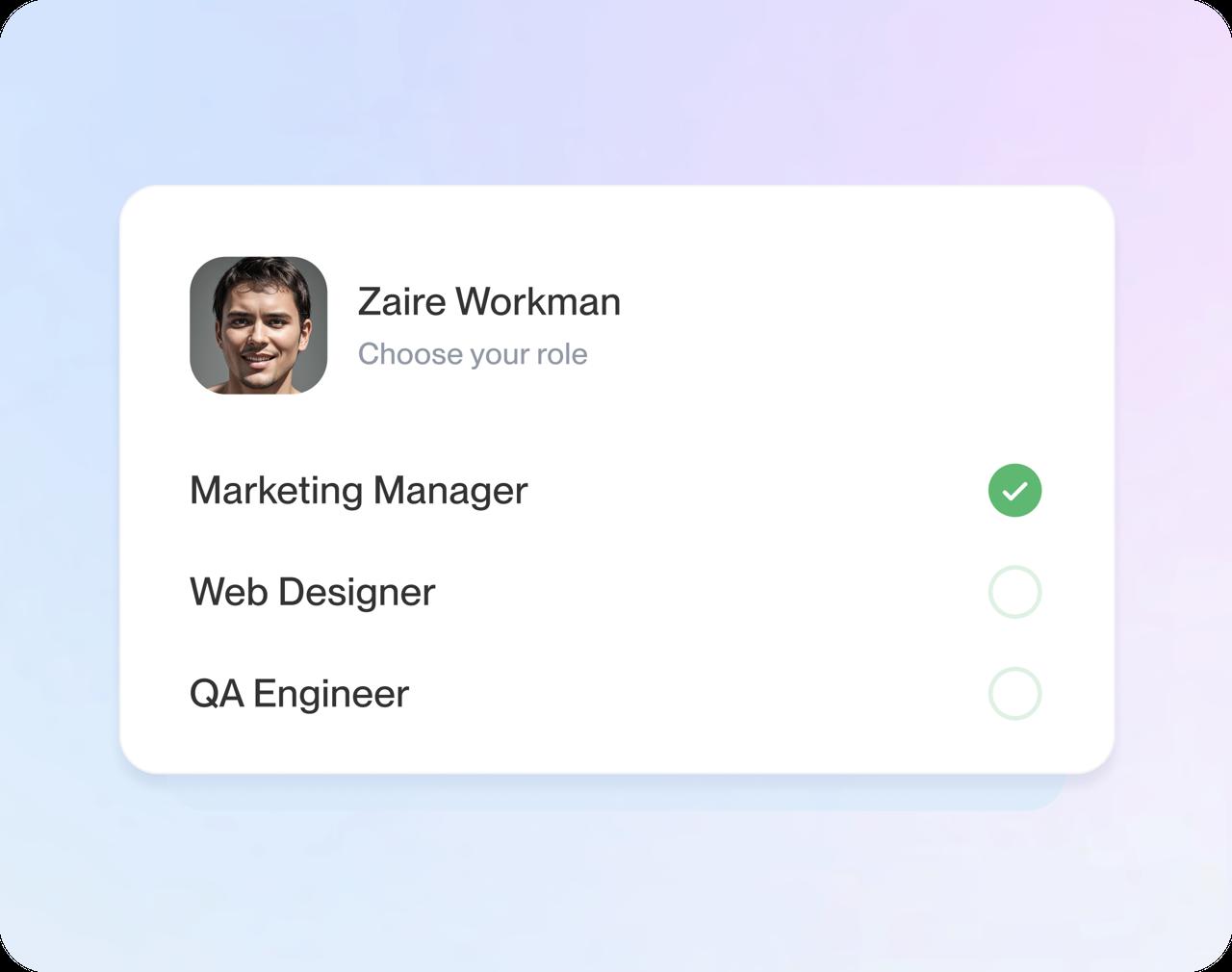
Step 2
Add a job and type its title
The title decides which suggestions you see first, so use the real title you held.
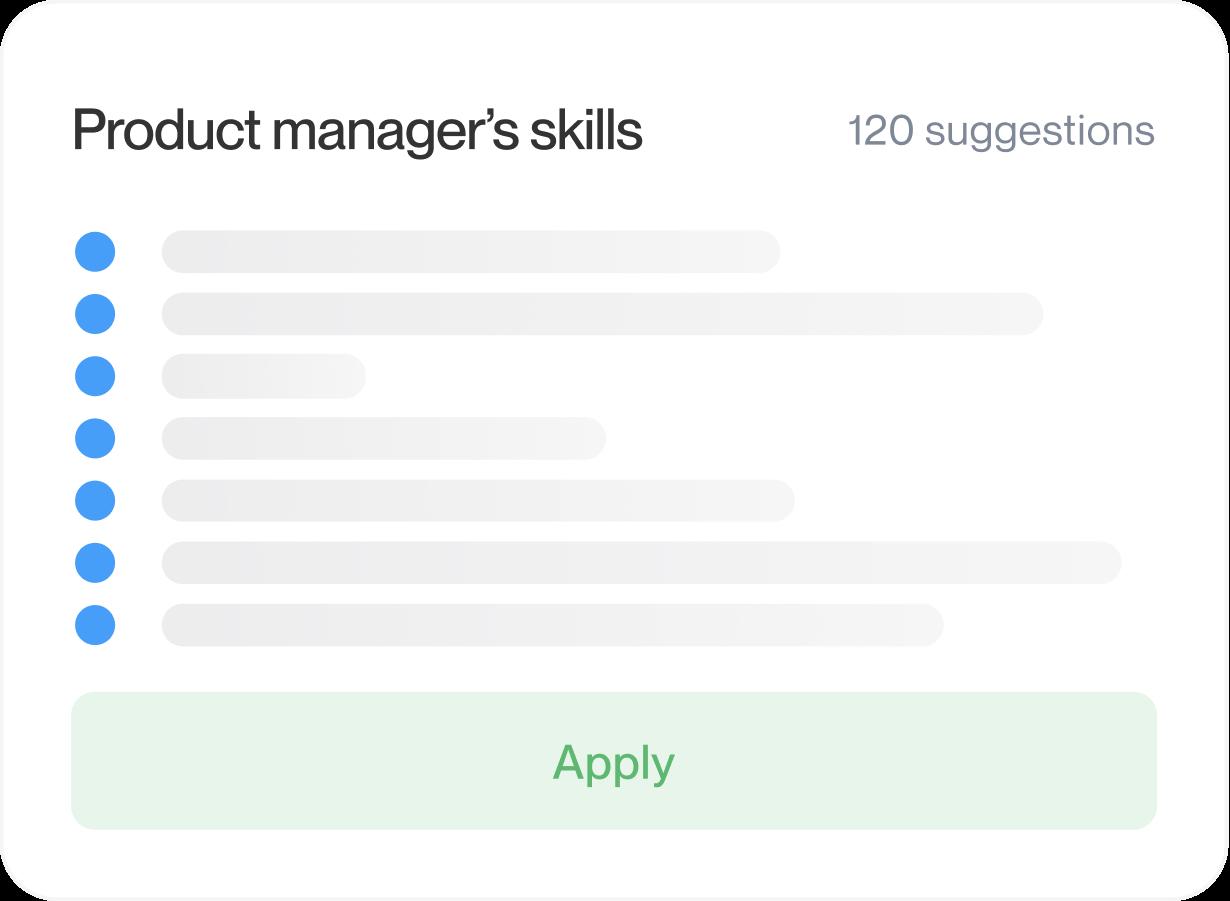
Step 3
Add and edit the lines that fit
Pick the suggestions that describe your work, then change numbers, tools and verbs until each one is accurate.
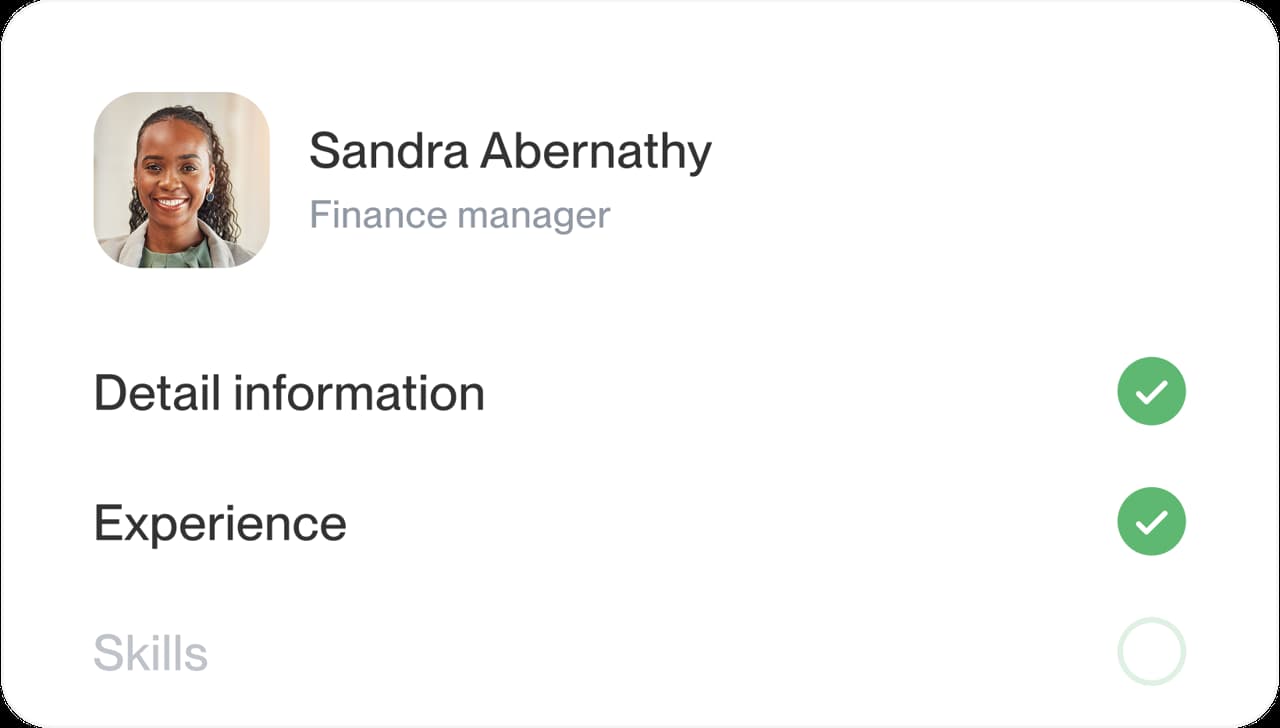
Step 4
Round it off and download
Use the skills and summary suggestions, preview your resume and download it once it sounds like you.
Step 1
Answer the first questions
Say how much experience you have, choose a design and add your contact details.
Step 3
Add and edit the lines that fit
Pick the suggestions that describe your work, then change numbers, tools and verbs until each one is accurate.
Step 2
Add a job and type its title
The title decides which suggestions you see first, so use the real title you held.
Step 4
Round it off and download
Use the skills and summary suggestions, preview your resume and download it once it sounds like you.
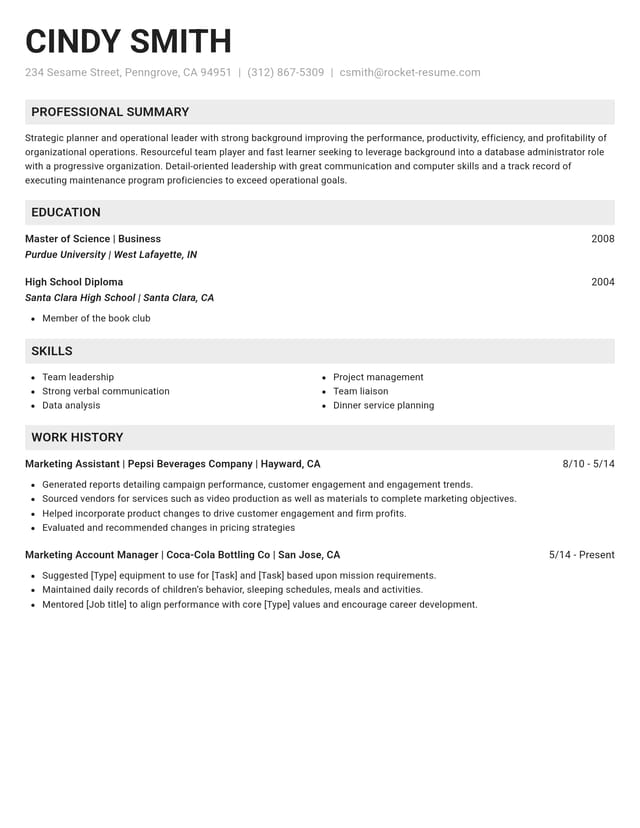
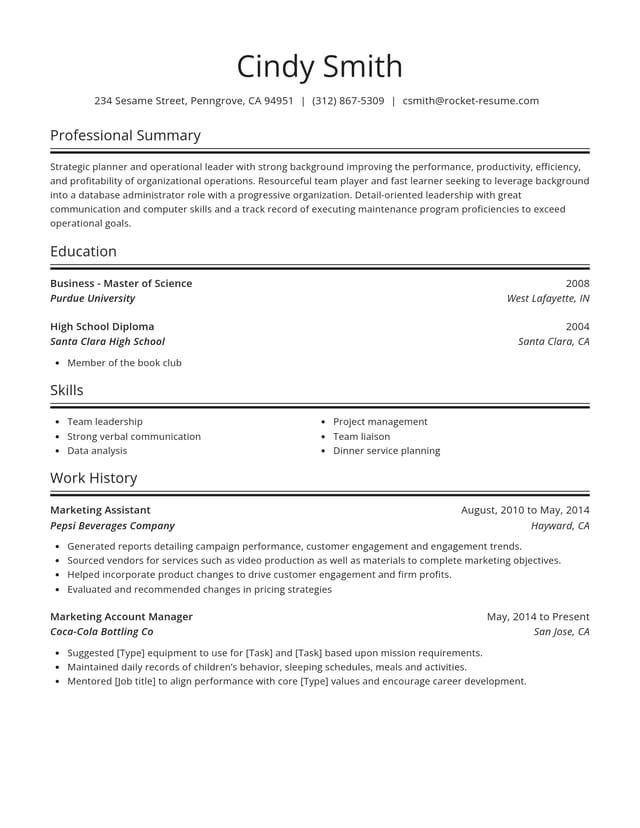
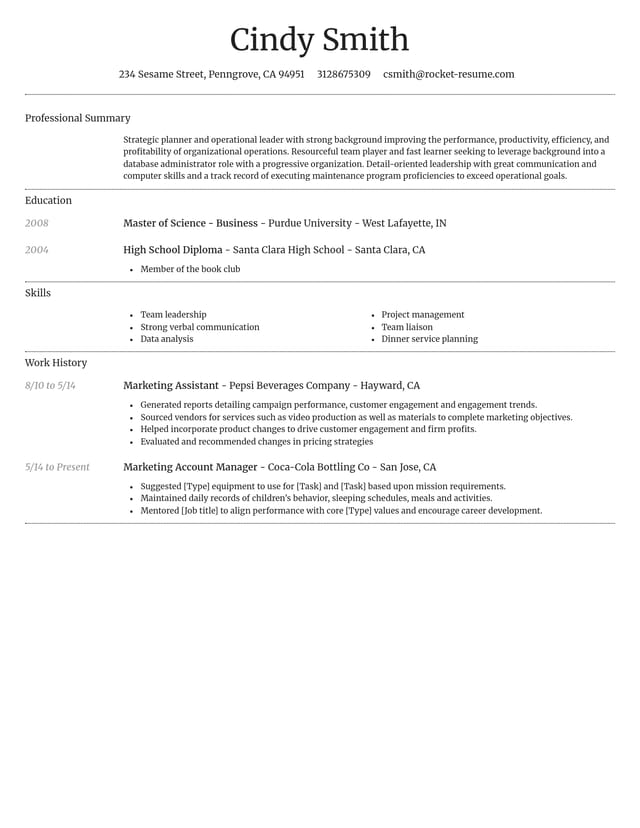
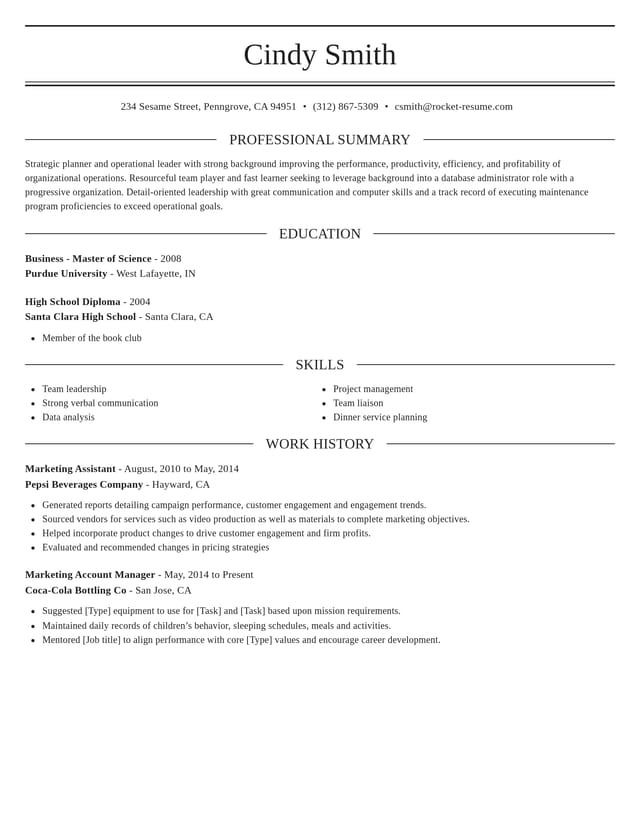
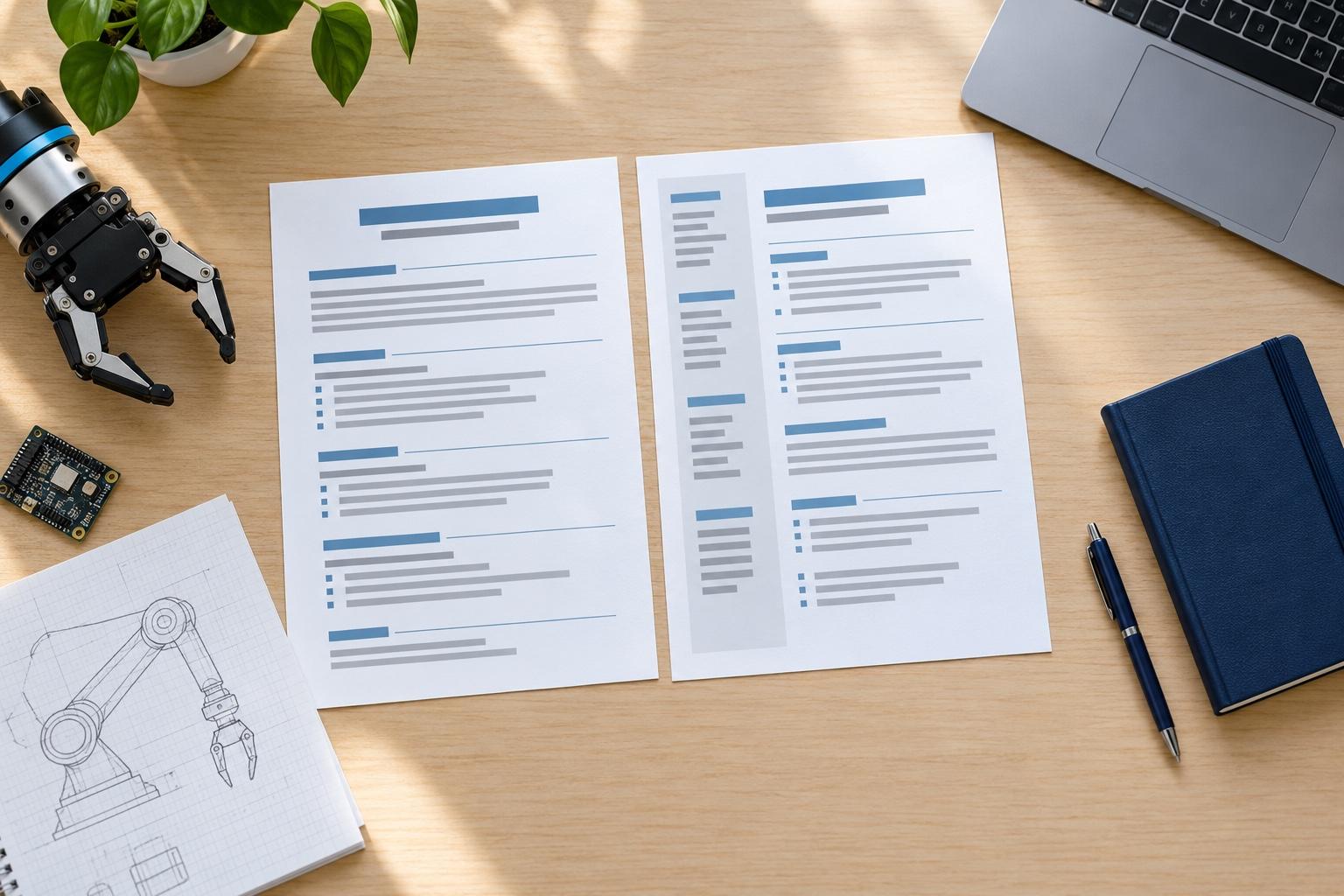
Pair your suggestions with a professional template
Can employers tell you used AI on your resume?
Sometimes, but what employers notice is less the tool you used than how your resume reads. A resume that sounds generic, claims work you can't talk about or reads nothing like you in an interview raises doubts. All three are fixable, line by line.
What gives AI-written lines away?
A few patterns stand out to anyone who reads a lot of resumes:
- The same polished phrases on every line, with no names, tools or numbers
- Results that are too big or too round to be believable
- Skills you can't explain when an interviewer asks about them
- Buzzwords like "results-driven" or "dynamic" with nothing to back them up
Are AI resume builders any good?
They're good at the part most people find hardest: getting from an empty box to a first draft of each line. What no tool can know is what you actually did, so the finished resume is only as strong as the facts you add. Treat every suggestion as a draft, and an AI resume builder becomes a real time-saver. The strongest resumes come from editing every line rather than accepting the first version.
Five edits that make a suggestion yours
Run every suggested line through these five edits before you keep it:
- Pick a verb that fits. Swap a general word like "managed" for what you did, such as "scheduled" or "trained."
- Use your real numbers. Treat any figure in a suggestion as a placeholder, then put in your own or cut it.
- Name the tools. Replace "software" with the scheduling app you used or the register system you ran.
- Cut what you didn't do. If a line describes work you never did, delete it, however good it sounds.
- Read it out loud. If it doesn't sound like something you'd say about your job, reword it until it does.
A quick before-and-after
A suggestion like "Managed inventory and ordering" is a fine start. Edited, it might become "Placed weekly orders for a 40-item bar menu." The new line is specific, true and easy to back up when an interviewer asks about it. Do the same for each suggestion you keep, and your resume will read as if one person wrote it: you.
Likewise, "Provided excellent customer service" could become "Handled about 50 calls a shift and settled most billing questions on the first call." Specific numbers and tools are what make a line believable.
What should you never leave to AI?
Your facts. Employers, dates, job titles, numbers and credentials have to come from you, because no suggestion can know them. Let the suggestions shape how a line reads, then check every fact against your own records before you download.
How AI suggestions fit with screening software
Applicant tracking systems sort resumes by what they say, such as job titles, skills and dates, so a suggested line helps most when it uses the posting's terms and is true for you. Keep the layout simple and let the words carry the match. If a posting asks for a skill you have, say so in the words it uses, both in your skills section and in the line that proves it. Our AI and resume FAQs explain how AI screening works on the employer's side.
Let the suggestions break the blank page
Used this way, AI-enhanced suggestions save you from staring at an empty screen, while the facts and the voice stay yours. For more on chat tools, see our answer on ChatGPT and resumes, and for the rest of the writing, read how to write a resume.
Why writing help makes a difference
“Great resume service.”

“My resume is now a hot topic!”

AI resume builder questions
Which AI resume builder is best?
The best AI resume builder is one whose suggestions you can check and edit. Some tools draft a full resume from a prompt, so every claim needs checking. Rocket Resume offers AI-enhanced expert suggestions for the title you enter; you choose the ones that fit and edit them.
Can ChatGPT make my resume instead?
It can draft wording, but check it closely. Chat tools can sound generic and may add duties or numbers you never mentioned. In Rocket Resume you choose from suggestions in the section you're filling in, and the template handles the layout.
Is it okay to use AI for my resume?
Yes, as long as everything on it is true. Follow any instructions about AI in the job posting, and if an application asks how you used AI, answer honestly.
Can I see sample resume lines before I start?
Yes. Our resume examples show sample lines for many job titles, so you can get a feel for strong wording before you build.
What if my exact job title isn't listed?
Keep your real title on your resume. If the suggestions don't fit, search a similar title in the suggestions box, then edit what you add.
Find examples for your job title by industry
Featured this week


 31 examples
Secretary · Interpreter · Customer Service Support Representative

 18 examples
Talent Acquisition Recruiter · Human Resources Assistant · Payroll Administrator
All 45 industries
- Aerospace & Defense, 8 examples
- Agriculture, 23 examples
- Apparel & Textiles, 13 examples
- Architecture, 15 examples
- Arts & Entertainment, 24 examples
- Automotive, 21 examples
- Beauty & Personal Care, 17 examples
- Biotechnology & Life Sciences, 7 examples
- Business Services, 31 examples
- Chemical Engineering, 4 examples
- Construction, 107 examples
- Creative, 15 examples
- Data Science, 4 examples
- Education, 99 examples
- Energy, 40 examples
- Environmental Science, 5 examples
- Finance, 66 examples
- Food & Beverage, 68 examples
- Government, 48 examples
- Healthcare, 162 examples
- Hospitality, 36 examples
- Human Resources, 18 examples
- Insurance, 10 examples
- Legal, 12 examples
- Logistics, 39 examples
- Manufacturing, 68 examples
- Marketing, 18 examples
- Media, 20 examples
- Military, 24 examples
- Mining & Metals, 9 examples
- Nonprofit, 8 examples
- Pharmaceuticals, 12 examples
- Public Relations, 2 examples
- Real Estate, 7 examples
- Retail, 39 examples
- Robotics, 1 example
- Security Services, 18 examples
- Social Services & Counseling, 21 examples
- Social Work, 22 examples
- Sports & Fitness, 96 examples
- Technology, 66 examples
- Telecommunications, 6 examples
- Tourism & Travel, 8 examples
- Transportation, 38 examples
- Veterinary, 9 examples
Don’t see your role?

See the suggestions for your job title
Start your resume, pick a design and add your most recent job. Type its title and the matching suggestions are ready to add.
What customers said about the help
from 4,000+ reviews