A resume builder that
Our online resume builder gives you step-by-step help, expert suggestions for your job title and professional templates. Edit as you go and finish in under 10 minutes.
- Step-by-step help with every section
- Expert suggestions matched to your job
- Modern, traditional and creative templates
- Change your template and keep your text

Ed A.
Aug 2022
“Very helpful for making a resume and applying for jobs”

James S.
Aug 2026
“This service was perfect for my needs.”

Nicole C.
Feb 2026
“I loved the templates.”

Sheila J.
Apr 2026
“This app is perfect, it helped me get my job”
from 4,000+ reviews



How our online resume builder helps
Rocket Resume helps you put your best work forward, in clear words and a clean layout, without wrestling with formatting.
- Stand out in a crowded pile
Employers see more applications than ever. Specific, results-focused lines help yours rise above the generic ones.
- Built for screeners and people
Clean layouts and standard section names help applicant tracking systems (ATS) and recruiters find what matters.
- Words that fit your job
Type your job title, pick from expert suggestions written for it, then reword each line so it sounds like you.
- Proof, not just duties
Swap a plain duty for a result. A number, a tool or an outcome makes any line easier to believe.
Build a resume in four steps
Step 1
Start with a template
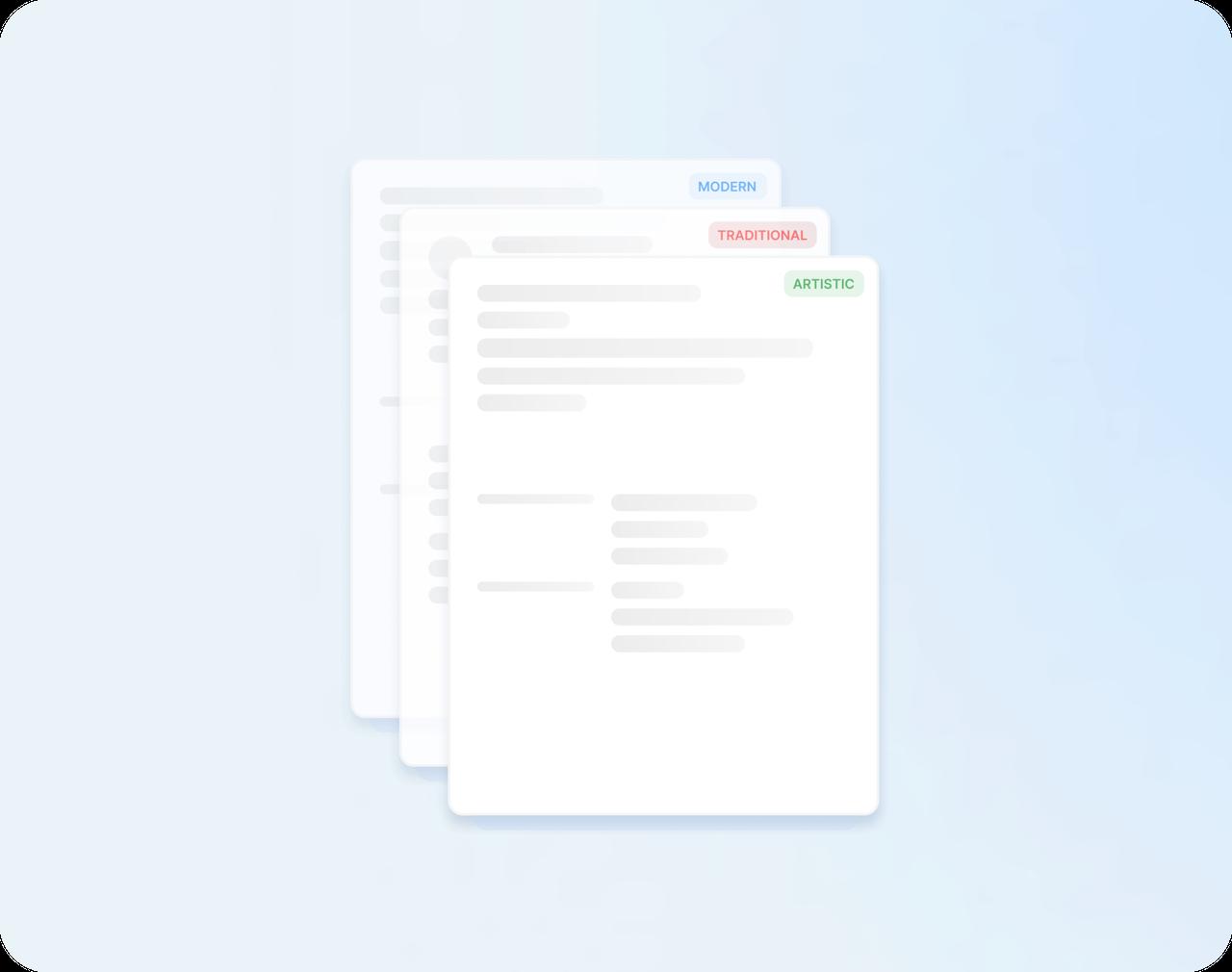
Say how much work experience you have, then choose a modern, traditional or creative design.
Step 2
Fill in your history
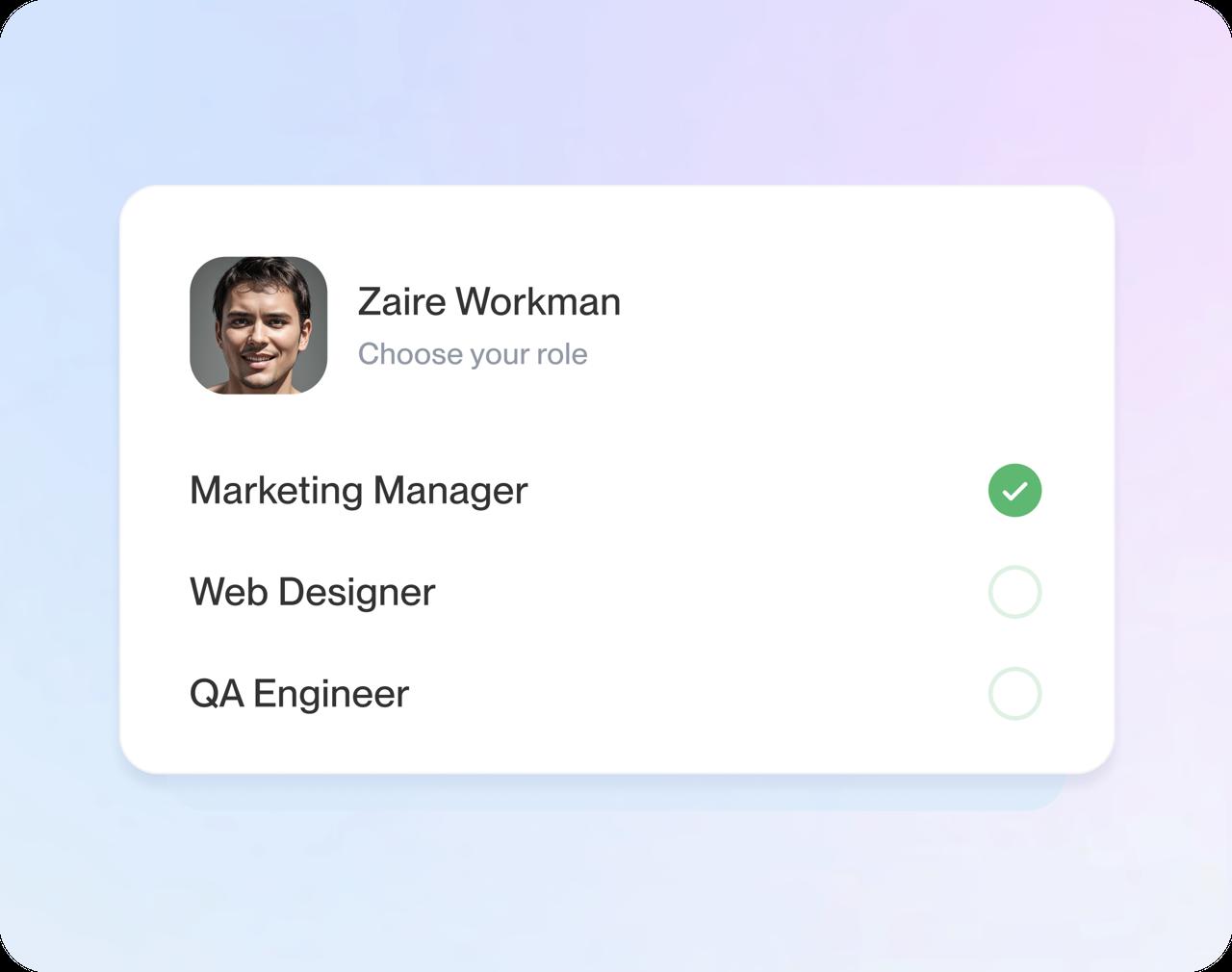
Enter your jobs, schools and skills, one screen at a time. Type a job title to see expert suggestions for it.
Step 3
Make every line yours
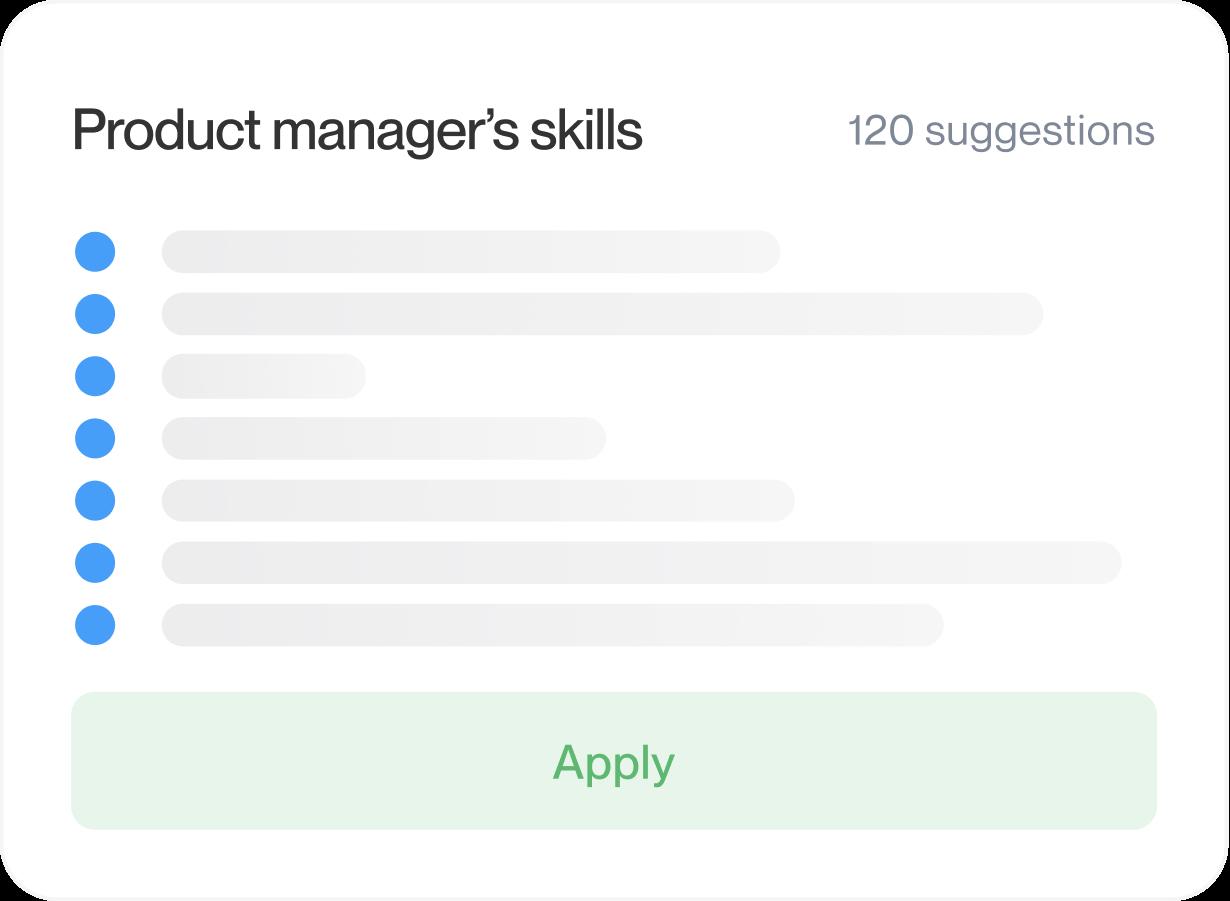
Keep the suggestions that fit, reword them, and reorder sections so your strongest work comes first.
Step 4
Check it, then download
Look over the whole page, switch templates if you like, then download your resume and start applying.

Step 1
Start with a template
Say how much work experience you have, then choose a modern, traditional or creative design.
Step 3
Make every line yours
Keep the suggestions that fit, reword them, and reorder sections so your strongest work comes first.
Step 2
Fill in your history
Enter your jobs, schools and skills, one screen at a time. Type a job title to see expert suggestions for it.
Step 4
Check it, then download
Look over the whole page, switch templates if you like, then download your resume and start applying.
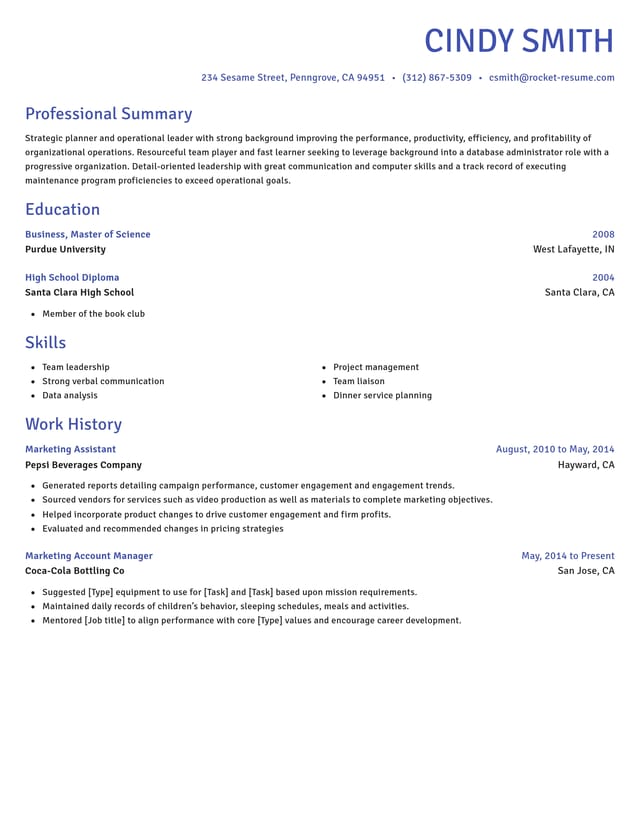
Start with a template that fits your field


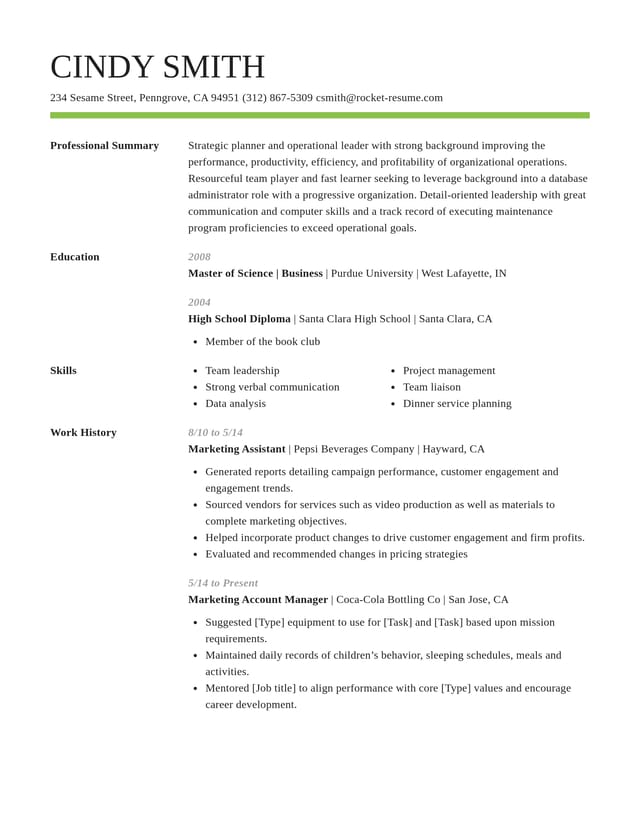
How to choose a resume builder
The right resume builder helps you write strong lines, keeps your layout clean and lets you change your mind later. Most builders look alike on the first screen. The differences show up once you start typing, so run these six checks before you commit an hour to one. Each one says what to look for, why it matters and how Rocket Resume handles it.
1. Writing help you can edit
Good suggestions give you a starting point for your own job, not finished claims about work you never did. Lines written for your exact role save the most time, because you edit instead of inventing. Here, typing a job title brings up expert suggestions written for that role, and you can reword every one.
Whichever tool you pick, change each suggestion until it is true for you: put in your own numbers, tools and results, and open with a verb that says what you did. When a line still feels flat, the strong action verbs guide shows how to turn a passive phrase into an active one.
2. Templates you can switch without retyping
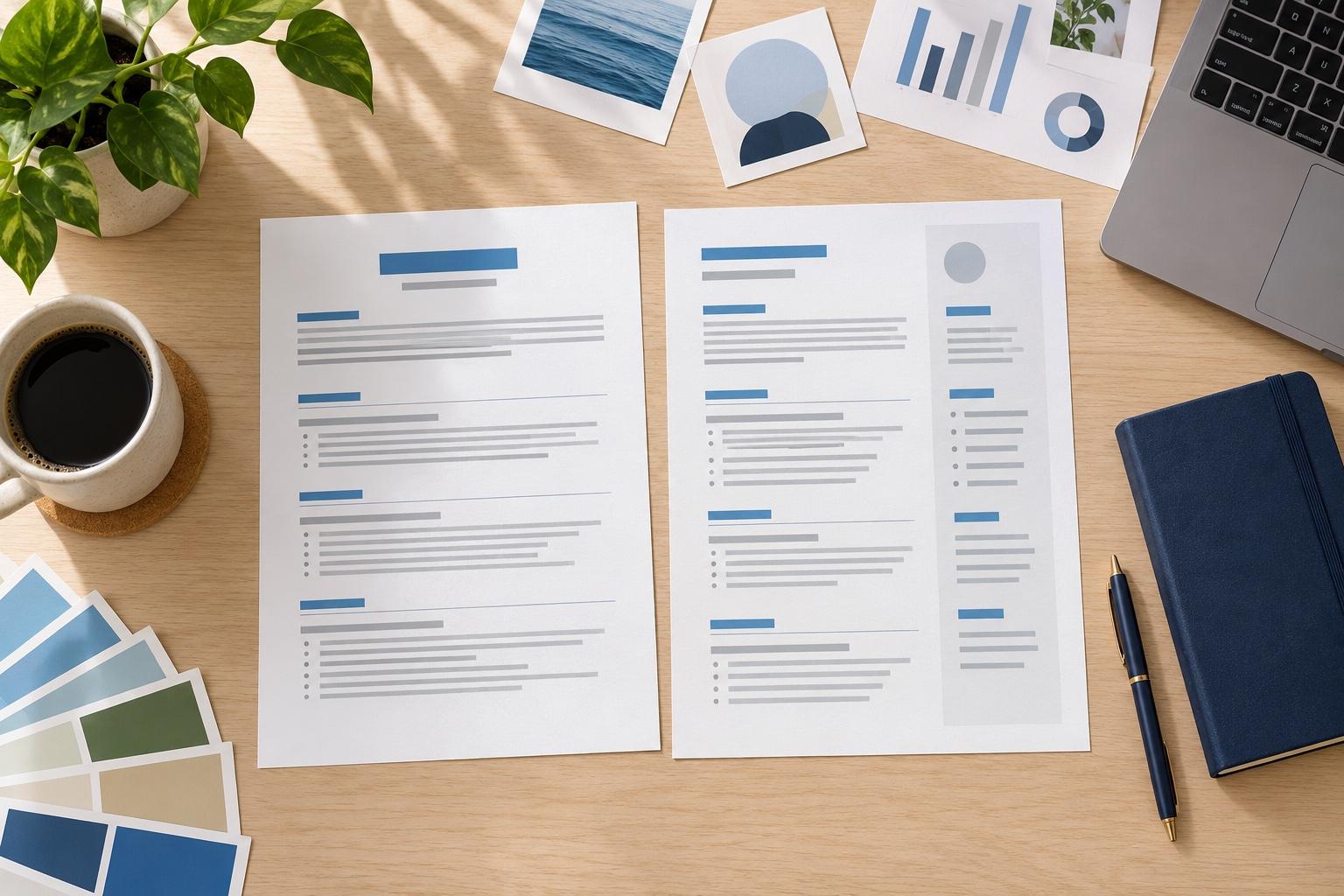
You may not know which look suits you until you see your own details in it. Seeing two or three designs with your real content is the fastest way to choose, so here you can change the template at any point and keep everything you entered.
Traditional layouts tend to suit finance, law and government roles, while modern and creative ones fit design, media and marketing roles. If you are unsure, a modern design with plain headings is a safe middle ground.
3. A layout screening software can read
Many employers run resumes through an applicant tracking system before a person reads them. Standard section names, real text rather than images and a simple layout are the safest choices, and our guide to resume format explains why. Every Rocket Resume template is ATS-friendly, so you can choose on looks and leave the structure to the design.
Leave out text boxes, tables and icons that stand in for words. A resume can still look polished with nothing more than clear headings, even spacing and one accent color.
4. A copy for each job you apply to
You'll likely adjust your resume for each application, so check that you can save your work, come back later and keep more than one version. Rocket Resume saves to your account, and My Library lets you duplicate a resume and tailor each copy to one posting. Keep a note of which copy went to which employer, so you know what they read when a recruiter calls back.
5. Room to work on a phone
If you apply between shifts or on the go, make sure the builder works just as well in your phone's web browser as on a laptop. Ours does, with nothing to install, and a resume you save on one device opens on the other.
Long lines are harder to check on a small screen, so a preview that updates as you type matters even more on a phone. Use it to catch a wrapped date or a heading that has slipped onto its own line.
6. Examples from your line of work
Seeing how someone in your field describes the same job makes your own lines easier to write. Before you start, browse resume examples for your job title and note the skills and results they lead with, then describe your own experience in your own words.
How long should building a resume take?
With your job titles, employers and dates in front of you, a good builder gets you to a first draft in under 10 minutes. Spend the time you save on tailoring: reading the posting, choosing which results to lead with and trimming what the job does not need.
What's the best site to build a resume?
The best resume builder for you is the one that clears all six checks for your situation. The quickest test is your own work history: add one job here, read it back in the preview and see whether it sounds like you at your best. If it does, keep going, because the rest of the resume follows the same pattern.
What research says about applying for jobs
“Great resume service.”

“My resume is now a hot topic!”

Resume builder questions
What is a resume builder?
A resume builder is an online tool that turns the details you enter into a formatted resume. Some sites call it a resume creator. Rocket Resume's builder walks you through each part, from contact details to skills, and lays it all out in the template you pick.
Does the resume builder write my resume for me?
It suggests the wording, and you decide what stays. Enter a job title to get expert suggestions written for it, then choose the ones that fit and put them in your own words. Anything you type yourself stays exactly as you wrote it.
Will my resume work with applicant tracking systems (ATS)?
Our templates are ATS-friendly, laid out so screening software can read them and recruiters can scan them fast. Each employer's system ranks resumes its own way, so also use the posting's own words where they honestly fit your experience.
Can I change my template after I start?
Yes. Switch designs whenever you like and all your text moves across, so you can compare a few looks before you download.
Is there a resume builder app?
You can build on your phone without one: Rocket Resume runs in your phone's web browser, with nothing to install. Start on the go and finish later on a computer.
How is a resume builder different from a resume template?
A template is the design: the layout, fonts and spacing of the page. A builder is the tool you fill it in with, section by section. You can browse our resume templates, or pick one in the builder's first step.
Is it worth using a resume builder?
Yes, if you'd like help with both the words and the look. A builder formats the page while you type and offers lines for your job title, so your time goes into describing what you did rather than adjusting margins and fonts.
Build from an example in your field
Featured this week
 9 examples
Veterinarian Assistant · Locum Tenens Veterinarian · Professional Pet Groomer




All 45 industries
- Aerospace & Defense, 8 examples
- Agriculture, 23 examples
- Apparel & Textiles, 13 examples
- Architecture, 15 examples
- Arts & Entertainment, 24 examples
- Automotive, 21 examples
- Beauty & Personal Care, 17 examples
- Biotechnology & Life Sciences, 7 examples
- Business Services, 31 examples
- Chemical Engineering, 4 examples
- Construction, 107 examples
- Creative, 15 examples
- Data Science, 4 examples
- Education, 99 examples
- Energy, 40 examples
- Environmental Science, 5 examples
- Finance, 66 examples
- Food & Beverage, 68 examples
- Government, 48 examples
- Healthcare, 162 examples
- Hospitality, 36 examples
- Human Resources, 18 examples
- Insurance, 10 examples
- Legal, 12 examples
- Logistics, 39 examples
- Manufacturing, 68 examples
- Marketing, 18 examples
- Media, 20 examples
- Military, 24 examples
- Mining & Metals, 9 examples
- Nonprofit, 8 examples
- Pharmaceuticals, 12 examples
- Public Relations, 2 examples
- Real Estate, 7 examples
- Retail, 39 examples
- Robotics, 1 example
- Security Services, 18 examples
- Social Services & Counseling, 21 examples
- Social Work, 22 examples
- Sports & Fitness, 96 examples
- Technology, 66 examples
- Telecommunications, 6 examples
- Tourism & Travel, 8 examples
- Transportation, 38 examples
- Veterinary, 9 examples
Don’t see your role?

Start building your resume
Pick a template and add your first job. The builder guides you through every step after that.
Reviews of the resume builder
from 4,000+ reviews