How to Choose a Resume Format and Set Up the Page
See what a properly formatted resume looks like, choose a chronological, hybrid or functional resume, and set up the page and the file before you send it.

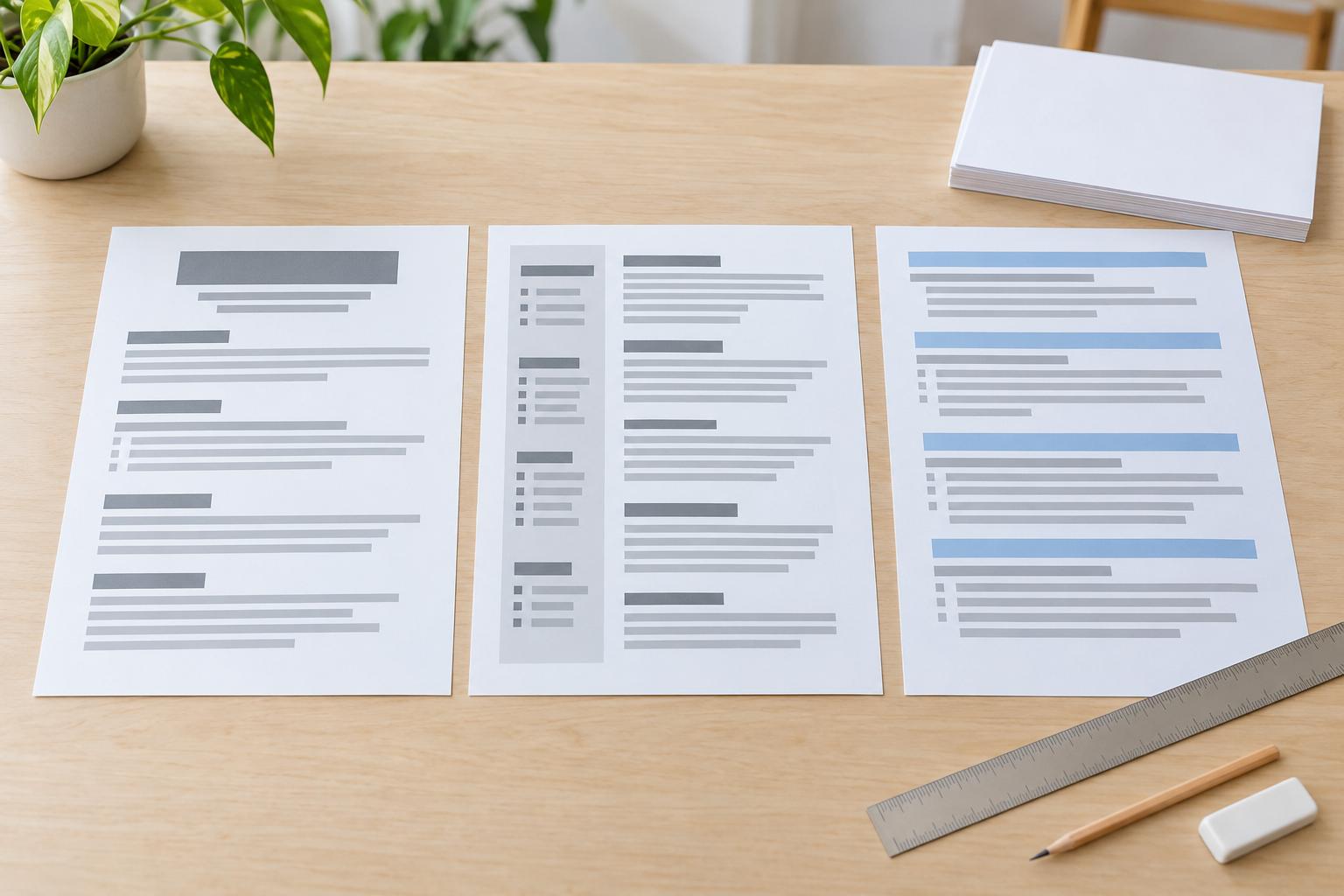
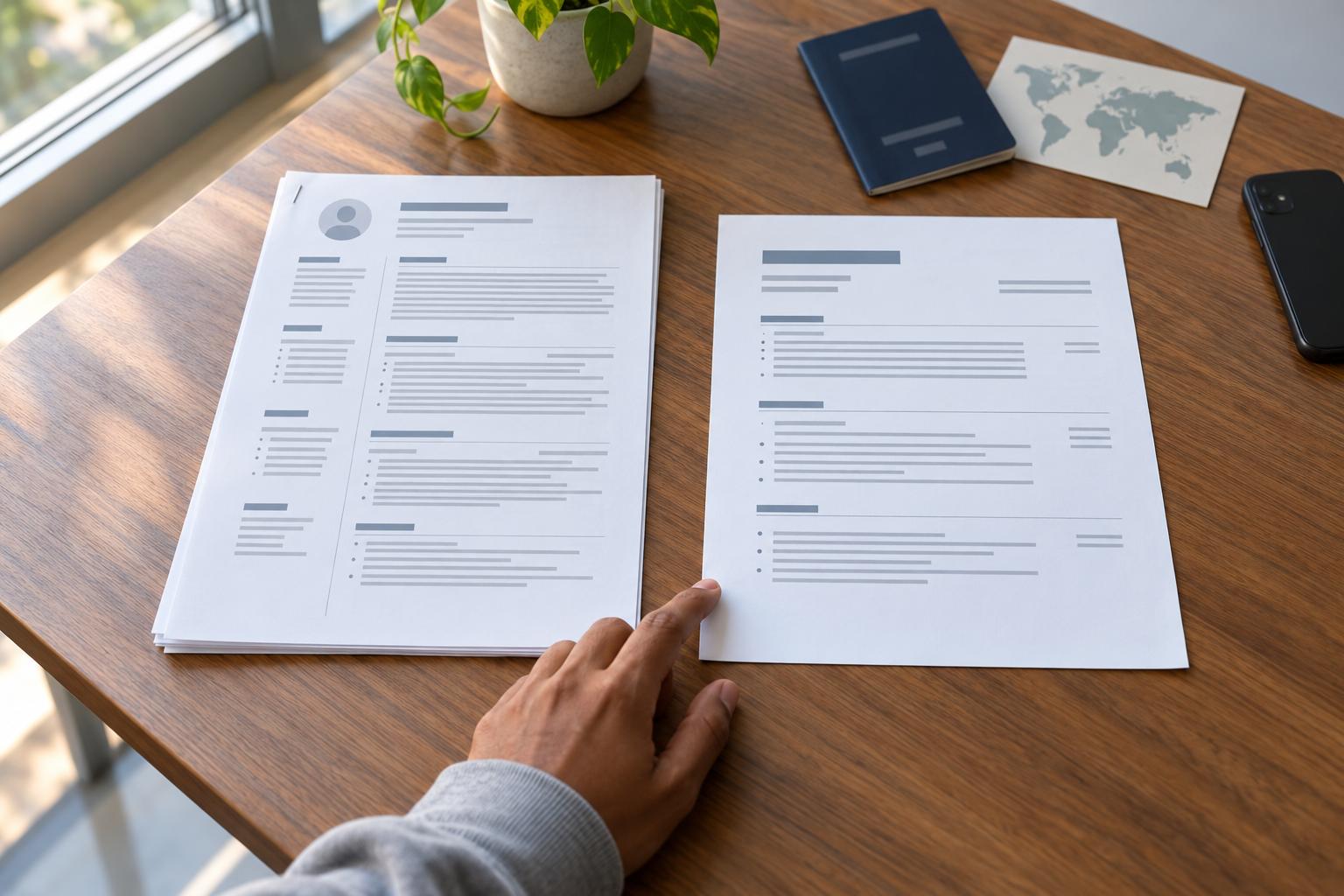
A resume format is the way a resume is organized: which section comes first, what order your jobs go in, and how the page is set up. There are three main formats. A chronological resume lists your jobs newest first, a hybrid (or combination) resume adds a short skills section above that list, and a functional resume groups your experience under skill headings, often without dates.
A chronological resume suits most people: it's the standard layout, and it shows a steady work history at a glance. Students can use it too, with their education listed first. A hybrid is the better choice if you're changing careers or coming back after time away, or if your strongest skills come from several different jobs. Use a functional resume only if you have a specific reason, because leaving out dates and employers tends to raise questions.
What a properly formatted resume looks like
Here's a one-page chronological resume from top to bottom, filled in for Jordan Lee, an assistant store manager. Every name, employer and number in this guide's examples is made up.
- Name: Jordan Lee, in the largest text on the page (14 to 20 points).
- Contact line: city and state, phone number and email address, on one line under the name.
- Summary: a short paragraph, so the Experience section starts near the top of the page.
- Experience: jobs listed newest first. Each starts with a title line such as "Assistant Store Manager, Main Street Market, Columbus, OH · Mar 2022 – Present," followed by three to five bullet points.
- Education: degree, school, city and year, below the Experience section unless you're a student or recent graduate.
- Skills: a plain list such as "Excel, QuickBooks, inventory counts, staff scheduling," with no rating bars, dots or icons.
Everything sits in a single column in one font, the headings all look alike, and every date follows the same pattern. That consistency matters more than any particular font or size.
To see a complete page laid out this way, open the assistant store manager resume example or compare the designs on the resume templates page. There are also resume examples by job title, all with made-up names. For what to write in each section, see what to put on a resume.
The three resume formats
The three formats differ mainly in what leads the page: your jobs or your skills. Indeed's resume format guide and other career guides describe the same three.
Format | What leads the page | Dates and employers | Watch out for |
Chronological | Work history, newest job first | Shown for every job | A long gap or an unrelated recent job sits near the top |
Hybrid (combination) | A short skills section, then work history, newest first | Shown for every job | A skills list with no proof in the jobs below it |
Functional | Skill groups, with jobs listed briefly or not at all | Often left out | Readers may assume something is hidden, and some hiring software expects dated jobs |
Some guides add a "targeted" or "mini" resume to the list, but those are variations on the same three structures, not new formats.
Which format fits your situation
Your situation | Format | How to handle it |
Steady work history in one field | Chronological | List every job newest first, with dates |
Student or recent graduate | Chronological | Put education first, then part-time jobs, internships and campus roles |
Little work experience | Chronological | Lead with education or training, then list every job, internship or volunteer role newest first, with dates |
Changing careers | Hybrid | Lead with the skills the new job asks for, backed up by the jobs below |
Returning after time away | Hybrid | Keep your dates, and add one line for the gap if you like |
Mostly freelance or project work | Hybrid or functional | Keep a dated list of clients or projects either way |
Long career | Chronological | Cut older jobs to one or two bullet points |
Format is not the same as design
The format is the structure: what comes first and the order everything follows. The design is the font, color and spacing applied to that structure, so a modern, traditional or creative design works just as well for a chronological resume as for a hybrid.
When to use a chronological resume
Use a chronological resume when your recent jobs lead toward the one you want, as they do for most applicants. It's also called reverse-chronological, because the newest job comes first.
MIT's career office notes that recruiters don't have time to search a resume and appreciate familiar formats. A dated list, newest first, answers a recruiter's first questions quickly: what you do now and how you got there.
It works less well if you're changing fields or if a long gap would sit at the top of the page. The hybrid resume, covered next, handles those cases better.
Before and after: listing jobs newest first
Before | After |
Cashier, Main Street Market, 2019–2020 / Assistant Store Manager, Main Street Market, 2022–Present / Shift Supervisor, 2020–2022 | Assistant Store Manager, Main Street Market, Columbus, OH · Mar 2022 – Present / Shift Supervisor, Main Street Market, Columbus, OH · Jun 2020 – Feb 2022 / Cashier, Main Street Market, Columbus, OH · May 2019 – May 2020 |
The newest job now comes first, and every line gives the title, employer, city and month-and-year dates in the same order.
If you're a student
Put your education above your experience, then list part-time jobs, internships and campus roles newest first. The college student resume example shows this layout.
When to use a hybrid resume
Use a hybrid, also called a combination resume, when the skills that qualify you for your next job come from several roles, as often happens after a career change or time away. It opens with a short skills section and keeps your dated work history below it; our guide to the hybrid resume shows how to build one.
When to use a functional resume
Rarely. A functional resume, also called a skills-based resume, groups your experience under skill headings and lists your jobs briefly at the end, often without dates. The appeal is that your strengths come first and a gap stays out of sight. The cost is context: a reader can't see where you did the work, how recently or for how long, and missing dates can look like something is being hidden.
Career guides also warn that some hiring software expects a date on every job, so an undated resume can end up with empty or jumbled fields. Systems differ, though.
If you have a gap in your work history
A hybrid gives you the same skills-first opening without hiding anything. Keep your dates, and if you want to explain the gap, one honest line is enough, such as "Family caregiver, 2022–2024."
If your work is freelance or project-based
This is where leading with skills makes the most sense, but the page still needs a dated list of clients or projects, with each skill tied to one of them.
Before | After |
Project management: Led projects across several organizations, improving efficiency. | Project management: Led a six-week inventory-system rollout across 3 stores for client Main Street Market (2022–2024), cutting stock-count time by about a third. |
The second line keeps the skill heading but adds the client, the dates and a result, so a reader can check the claim.
Should a resume be one page?
Not necessarily: one page suits students and people early in their careers, and two pages suit longer relevant experience. Our article on when a resume can run to two pages covers resume length in detail.
How to format the page: fonts and margins
Use one common font, such as Calibri, Arial, Georgia or Garamond, with body text at the standard 12 points, section headings a little larger and one-inch margins on all four sides. Narrow the margins only as a last resort. MIT's career office suggests margins of at least half an inch and text no smaller than 10 points, and a page squeezed to those limits is harder to read than a second page.
Our guide to resume margins and font size has more detail.
Write every date the same way
A reader notices when one job says "Jan 2022" and the next says "01/22." Pick one style and use it on every line.
Before | After |
Jan 2022 – present | Jan 2022 – Present |
03/2019-2021 | Mar 2019 – Dec 2021 |
Summer '18 | Jun 2018 – Aug 2018 |
The After column sticks to one style: abbreviated month, four-digit year, the same dash and the same capitalization.
Keep contact details in the body of the page
Put your name and contact details in the main body of the page, not in the document's header or footer, a text box or an image. Career guides warn that some hiring software skips those areas.
Letter or A4 paper
Use US Letter for jobs in the US and Canada and A4 for most other countries. Applying abroad or for an academic post may call for a CV, which follows its own conventions; CV vs resume explains the difference.
One column or two?
One column is the safer choice, because people and hiring software both read it top to bottom, while two columns can be read out of order. Our article on two-column resumes covers when two columns can work.
Check the file before you send it
Hiring software usually reads either a text-based PDF or a Word file. Send a PDF unless the posting asks for Word, because it keeps your fonts and page breaks as you set them.
Harvard's career office suggests checking that your formatting survives the conversion to PDF. Before you send the file, run through these checks:
- Open every page of the PDF and look for odd breaks or missing text.
- Copy all of its text into a plain-text app such as Notepad, and check that it reads in order, with each job's title, employer and dates together.
- Open the file on your phone.
- Reread the posting for instructions about file type.
- Put your name in the file name, and keep an editable copy.
Before: resume_final_v3 (2).docx
After: Jordan-Lee-Resume.pdf
A file with your name on it is easy to find in a recruiter's downloads, and a PDF opens the same way on most devices.
Using AI or a resume builder
AI chat tools
AI chat tools can take on formatting chores, such as turning a messy list into bullet points or catching dates written three different ways. The choice of format is still yours, though, and these tools sometimes add claims or numbers you never gave them. Check everything a tool produces before it goes on your resume.
Rocket Resume's builder
The builder doesn't choose a format for you either, and it has no functional mode that drops dates.
- Design: choose a design; each is one column by default.
- Work history: enter each job with its employer and dates, the backbone of a chronological resume.
- Section order: move your summary and skills above your work history to make a hybrid.
- Download: get your finished resume when it's ready.
Build your resume
When you've picked a format, the Rocket Resume builder walks you through each section in turn.
For quick answers to more resume questions, see our resume and career FAQs.
Frequently Asked Questions
What is the best resume format?
For most people it's chronological, which lists jobs newest first with their dates. It's the familiar layout recruiters can scan quickly. If you're changing careers or returning to work, a hybrid usually works better, because it leads with your skills and still shows your dates.
Which is better, a functional or a chronological resume?
Chronological, in most cases. It shows where and when you did each job, while a functional resume moves your employers to a short list at the end and often leaves out the dates, which can make readers wonder why. If you want your skills to lead, a hybrid gives you that and keeps the dates.
Is there a new resume format for 2026?
No. Chronological, hybrid and functional are still the three formats, and the advice in this guide doesn't depend on the year.
Build your resume with our resume builder
Tell us how much experience you have, pick a template, then build a resume one section at a time.