Pick the best CV
Looking for the best CV templates? Compare modern, traditional and creative designs, see which suits your field and experience, then try one with your own details.
- Modern, traditional and creative styles
- Advice by field and experience level
- Try any design on your own CV
- ATS-friendly layouts throughout

Mitchel D.
Jan 2024
“A fantastic source for resume building.”

Pablo
Jul 2022
“I really appreciate all the great tools”

Tracy A.
Mar 2026
“User-friendly, I would recommend it to others.”

Jason B.
Feb 2025
“A great website, I got a job.”
from 4,000+ reviews
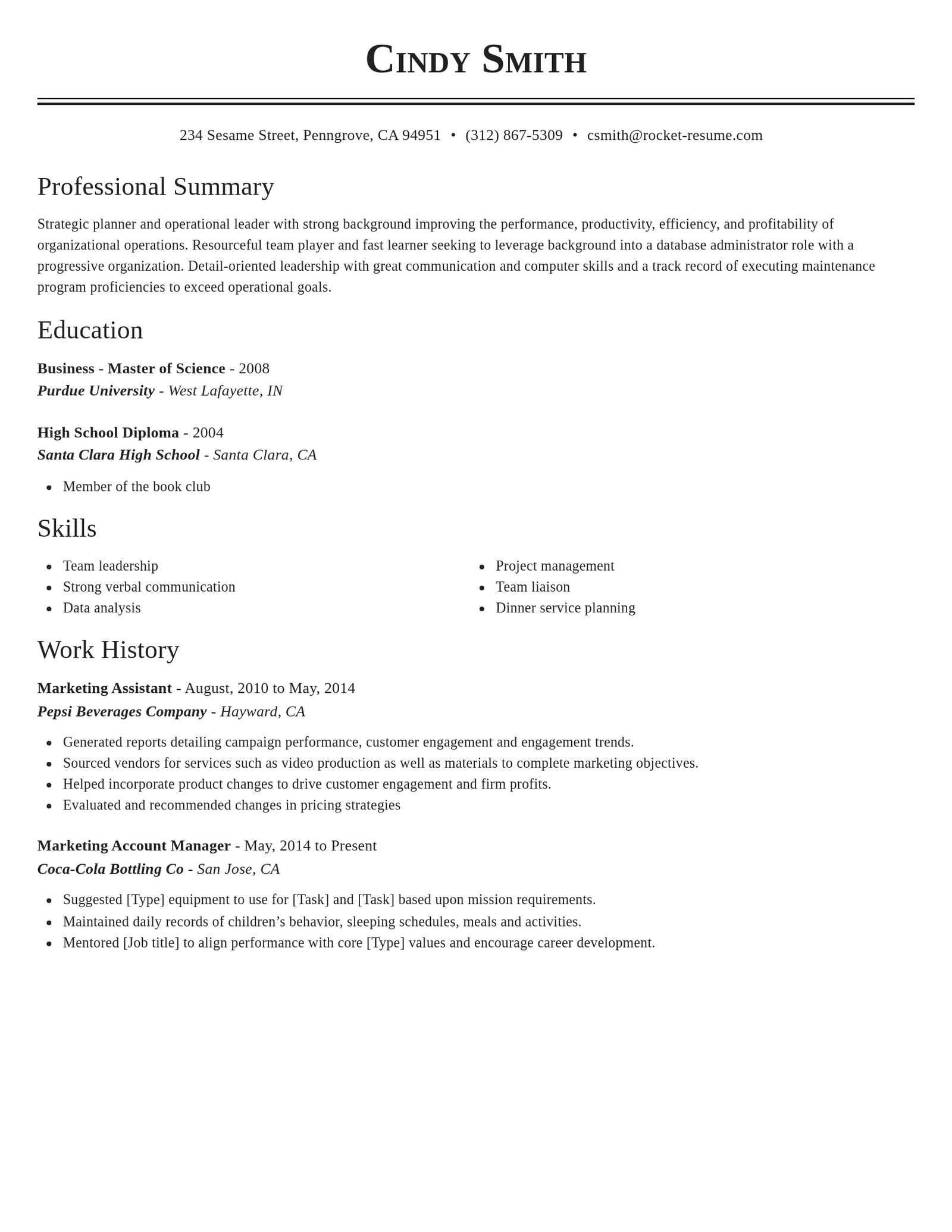
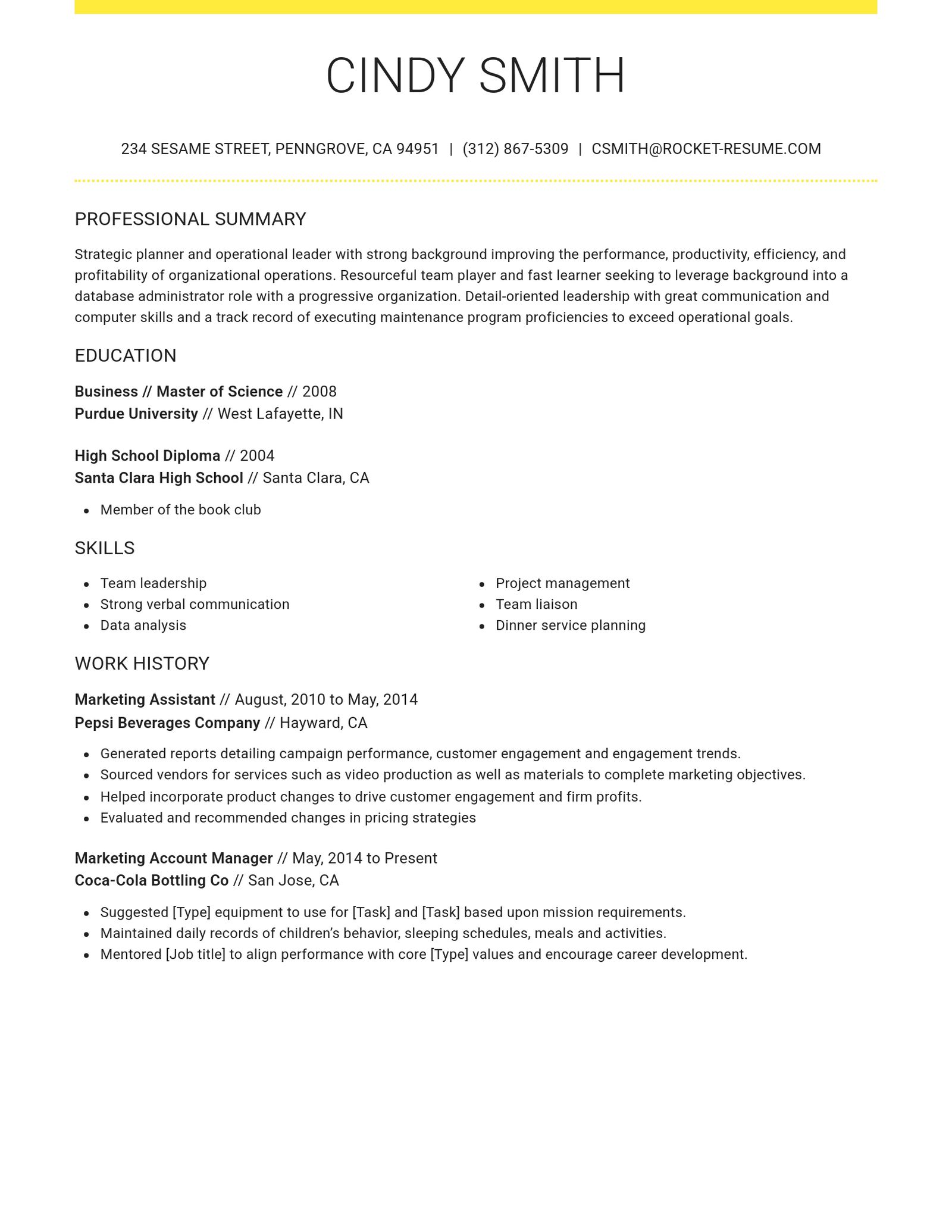
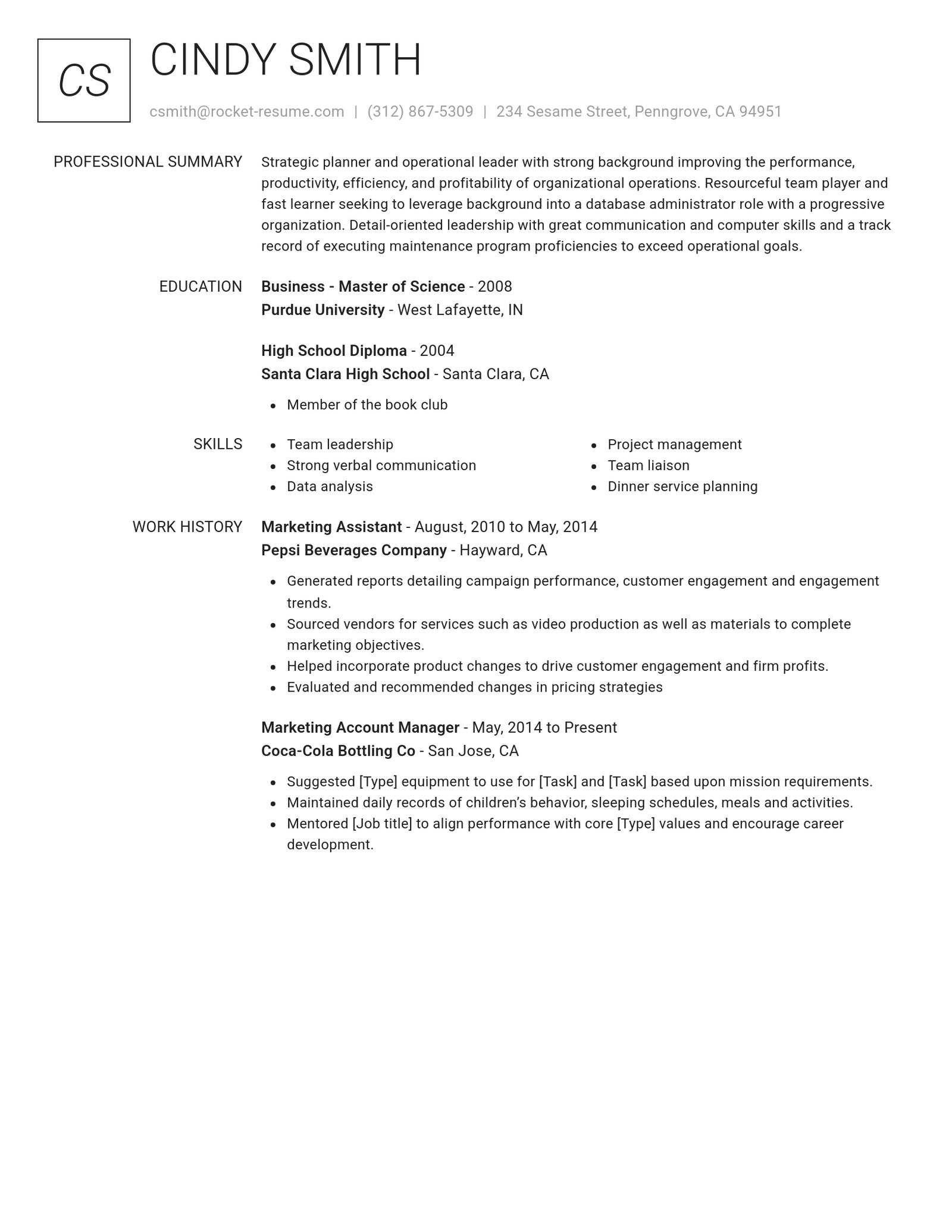
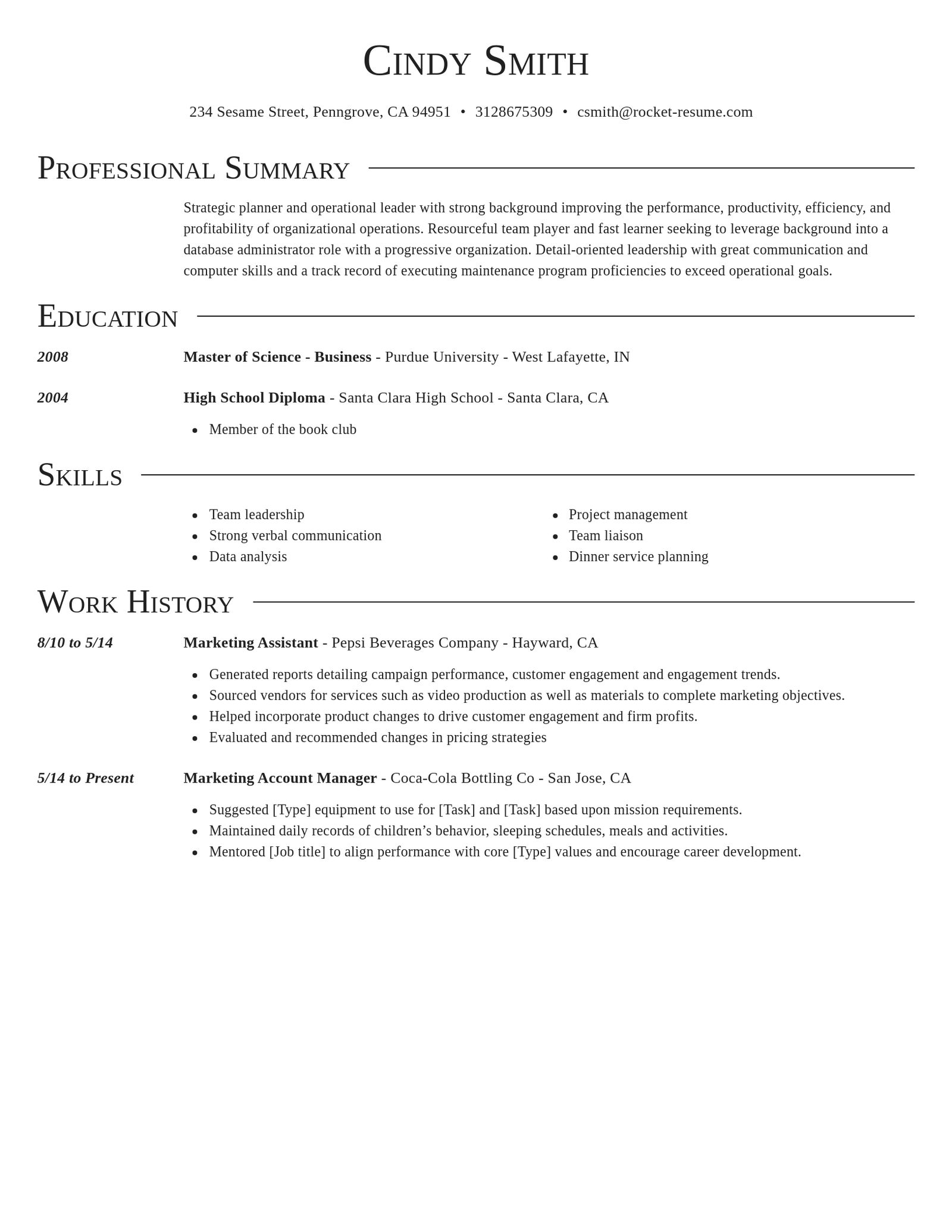
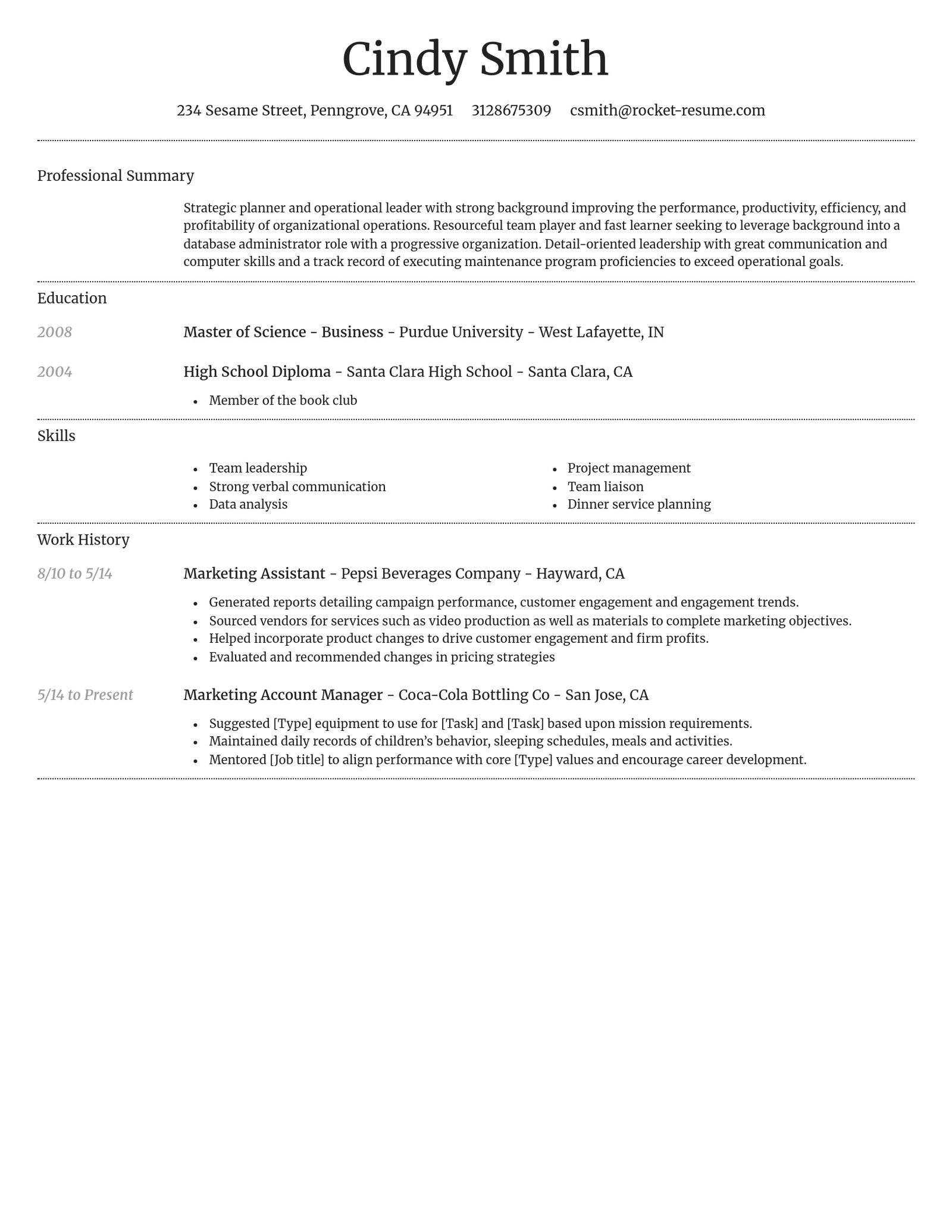
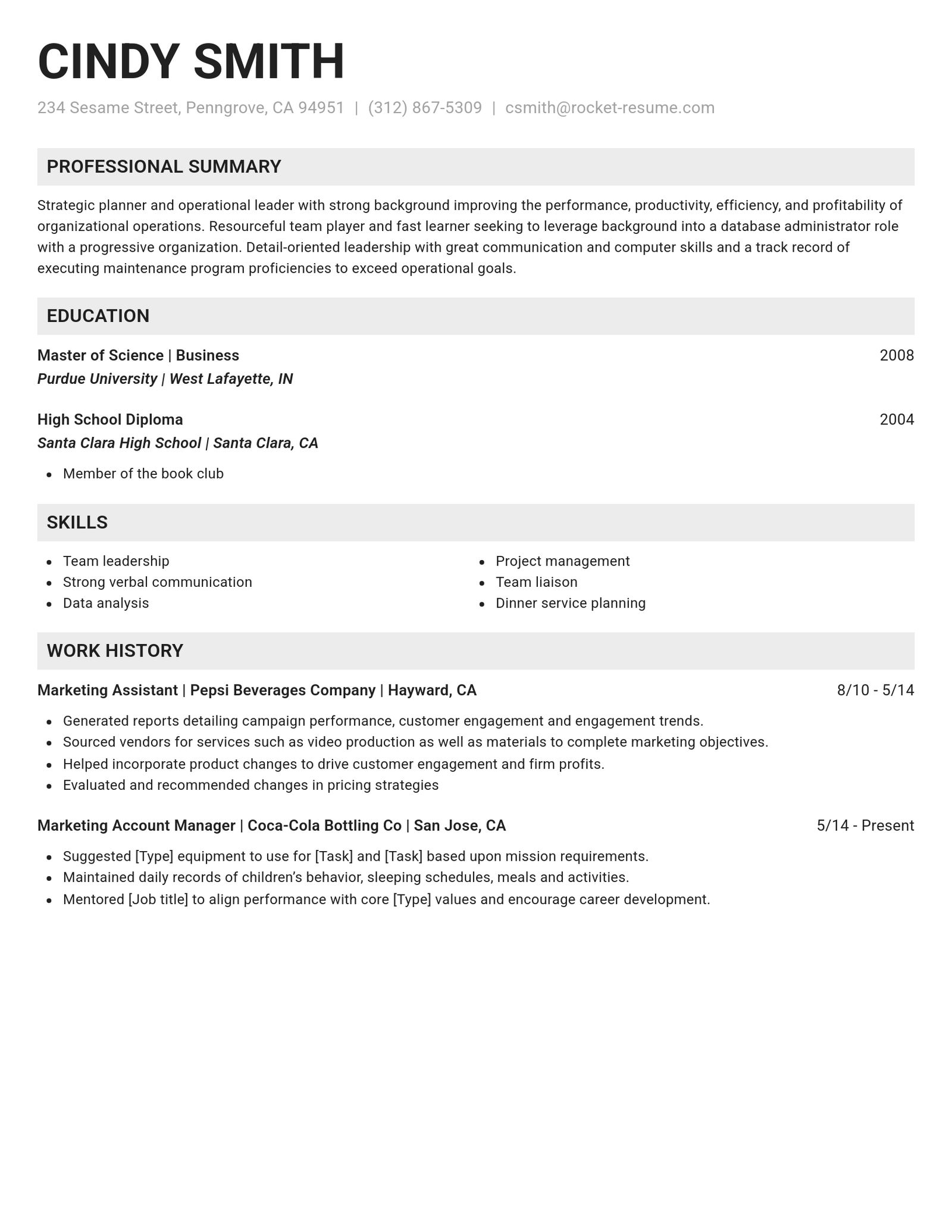
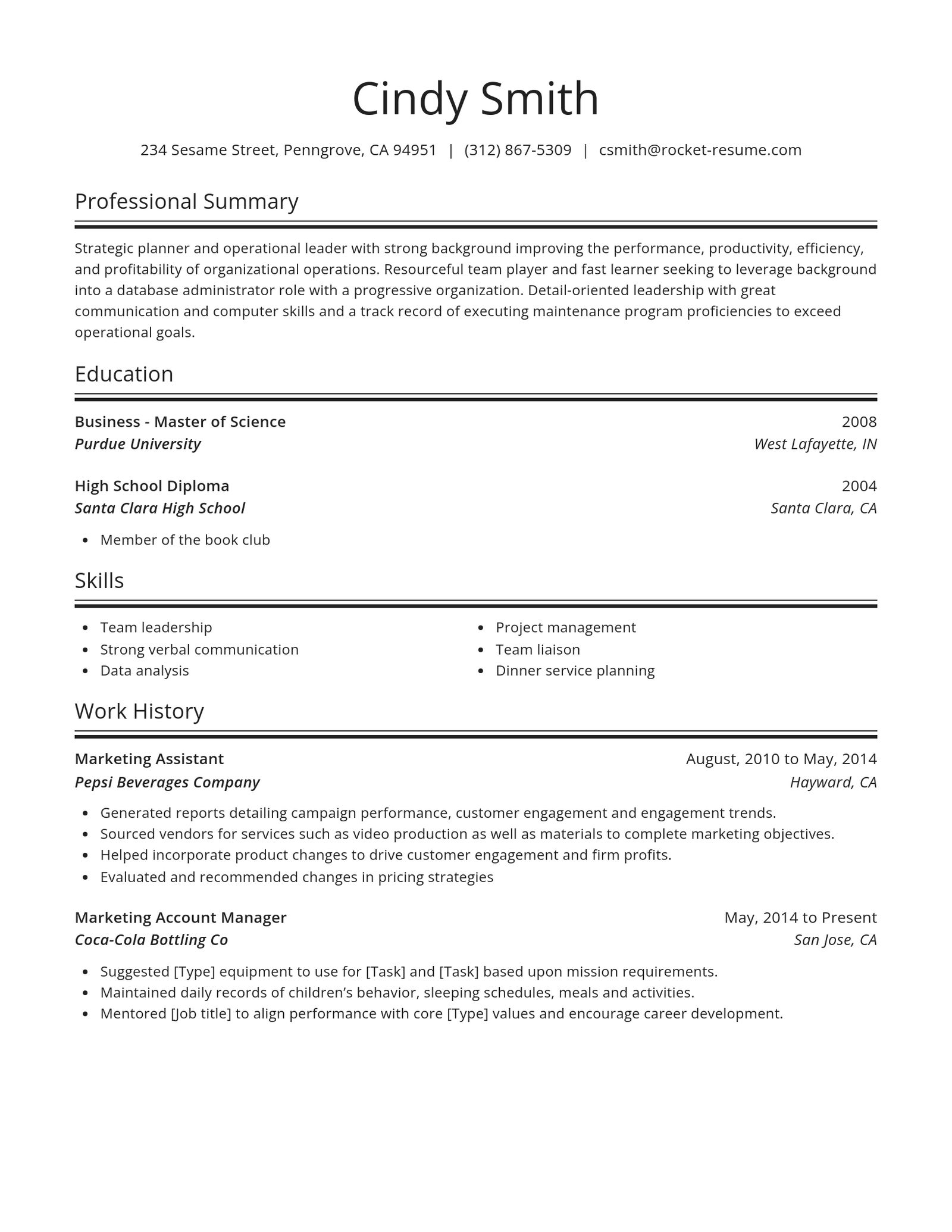
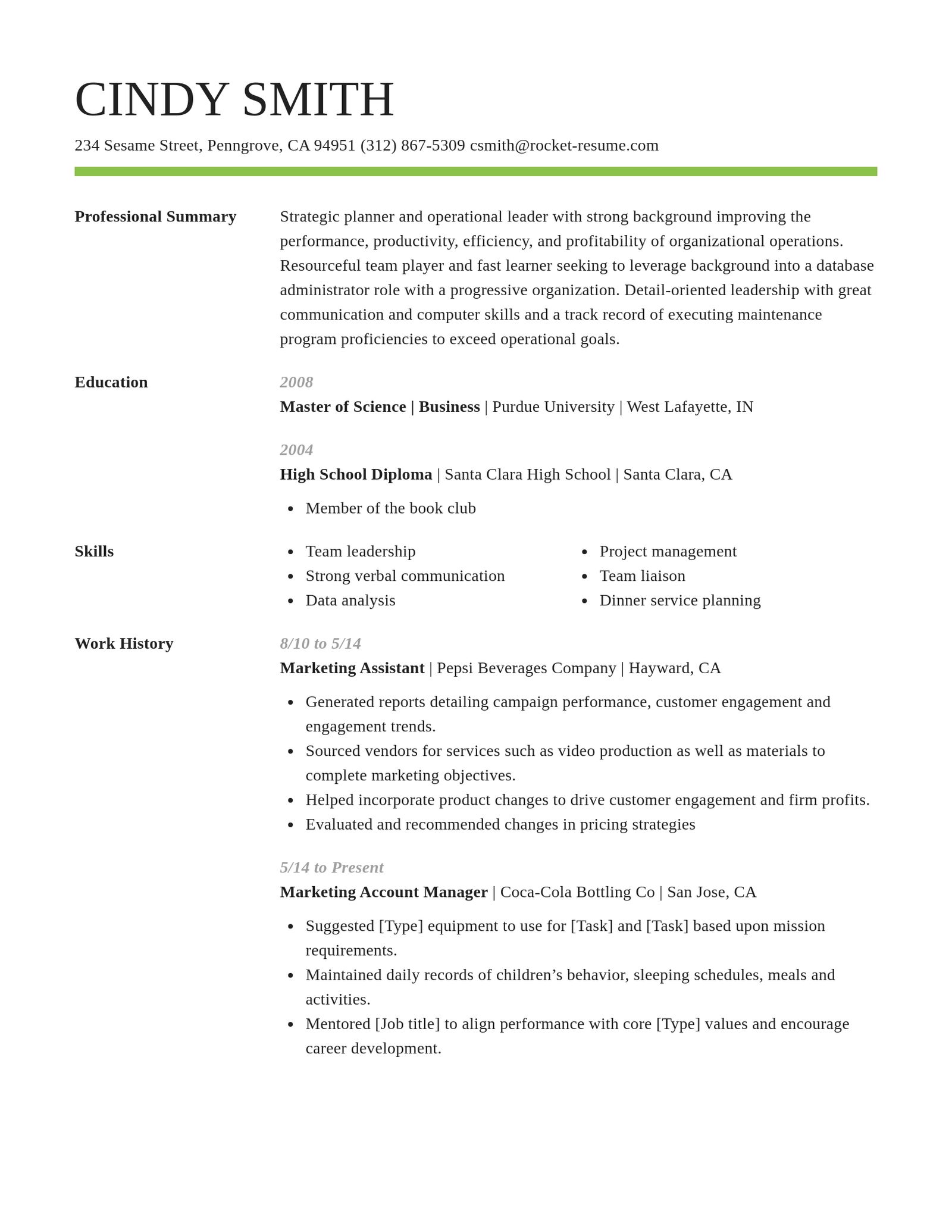
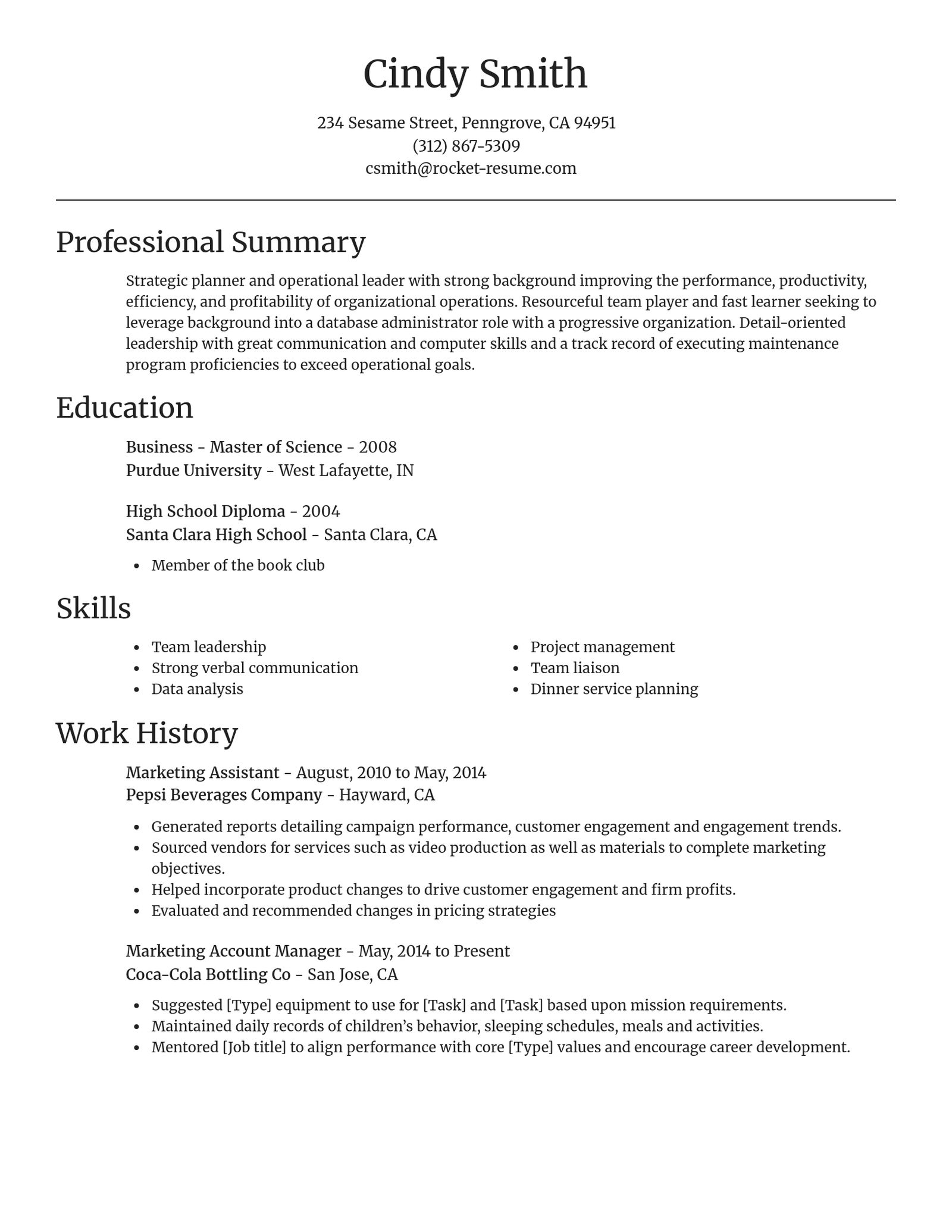
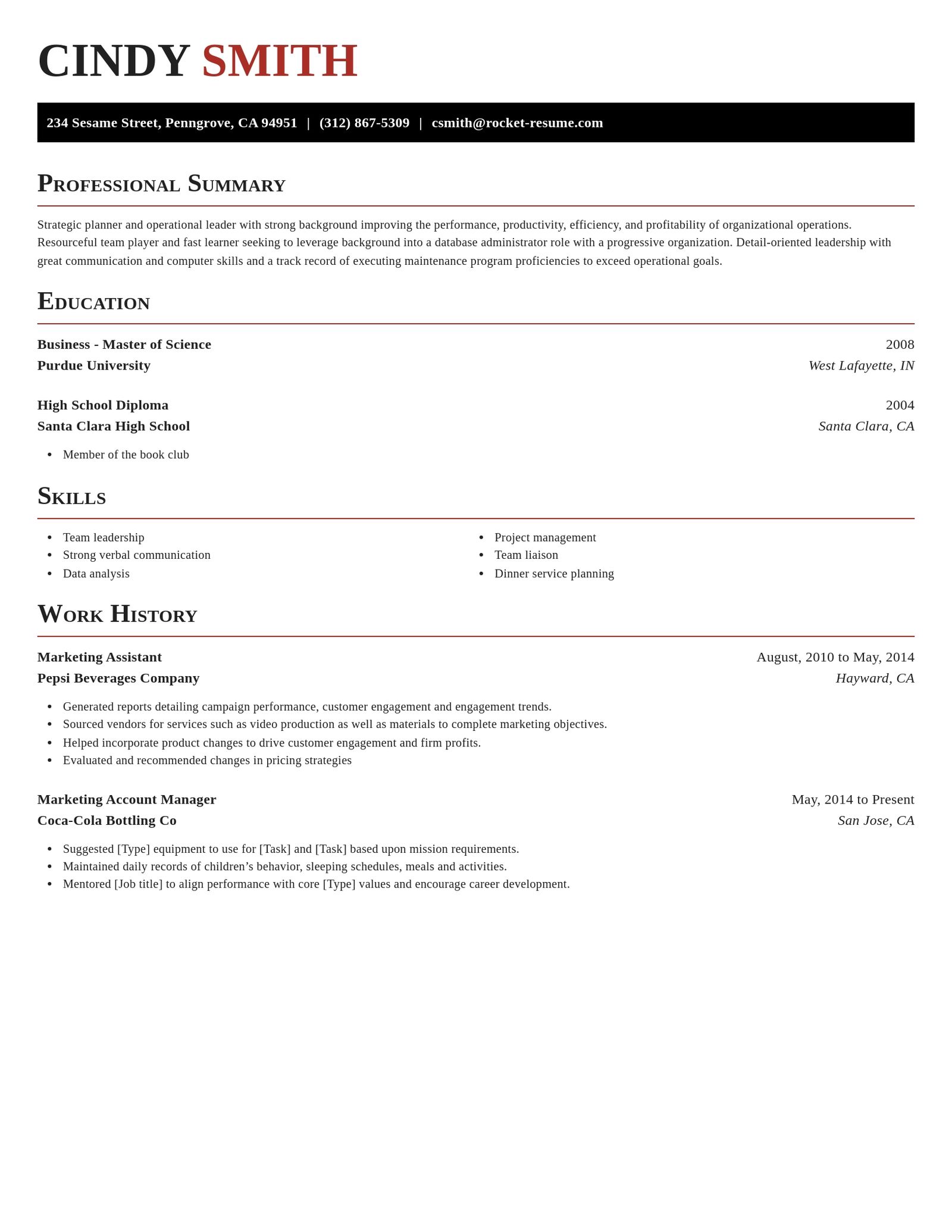
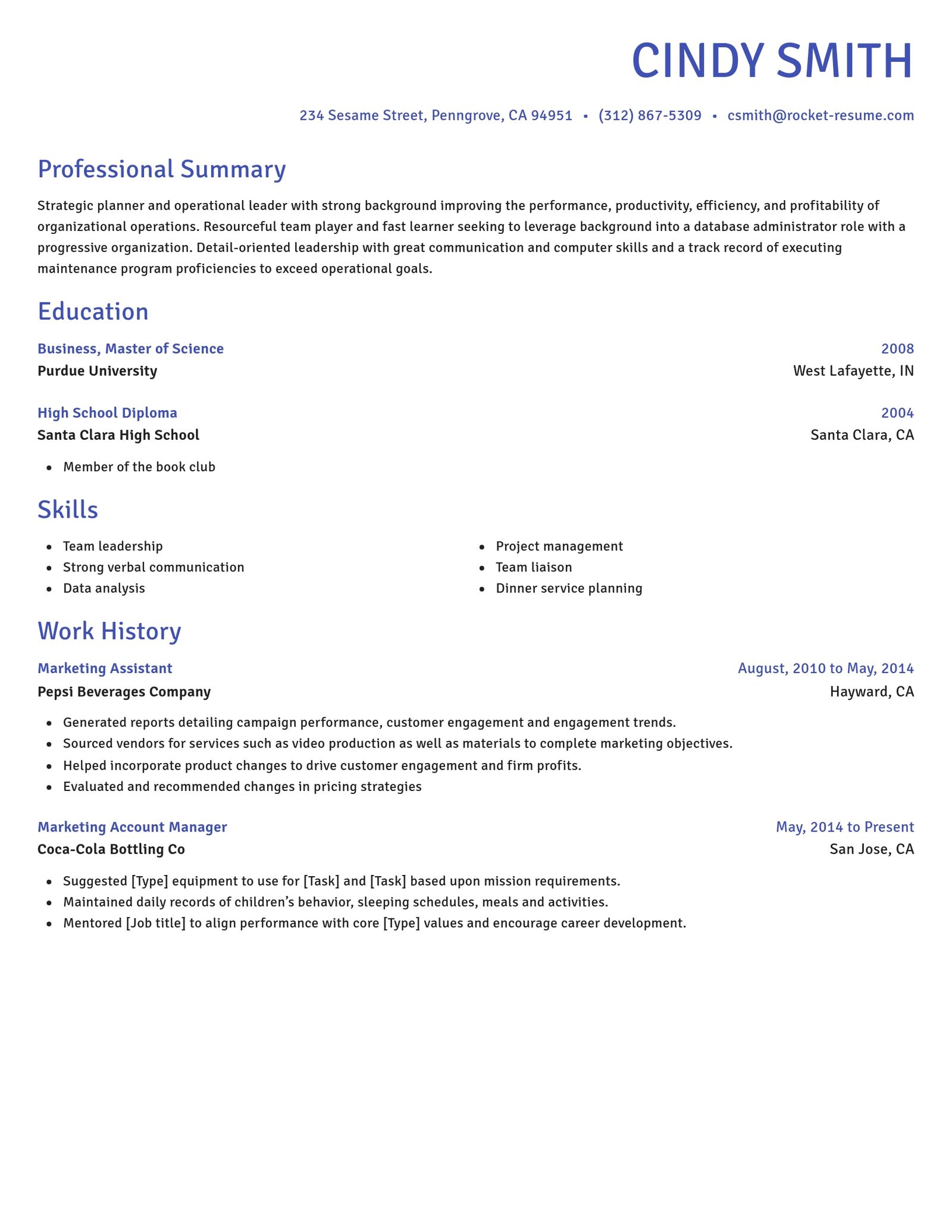
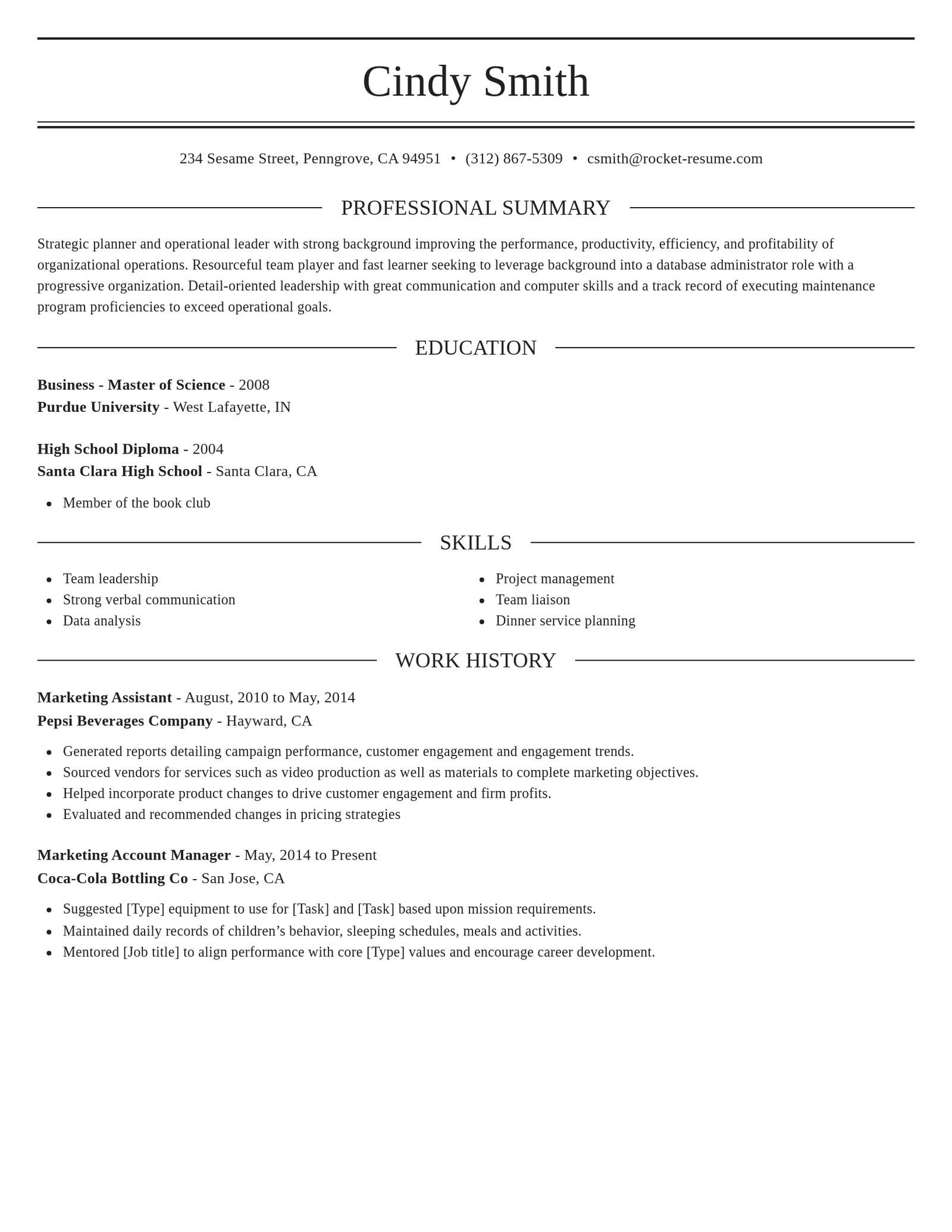
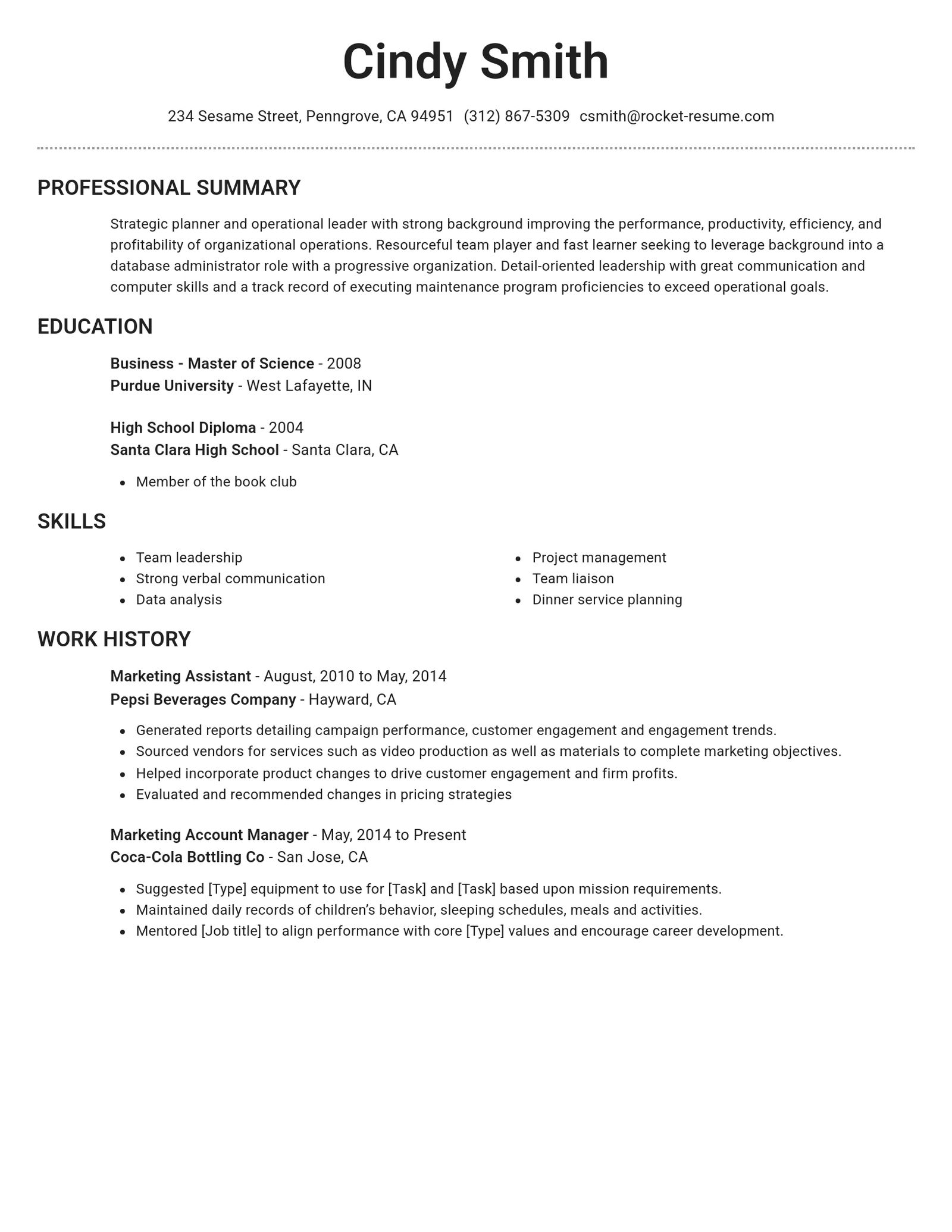
Compare the CV templates

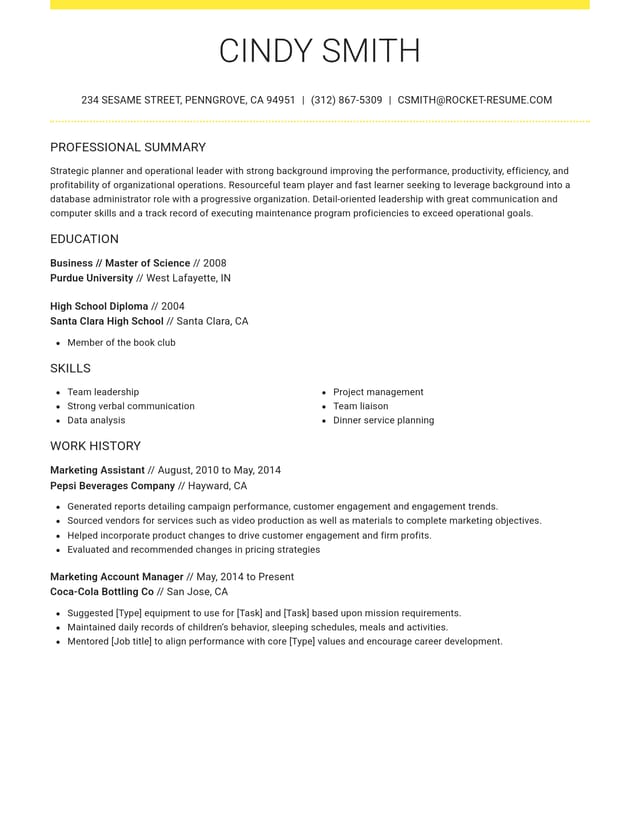
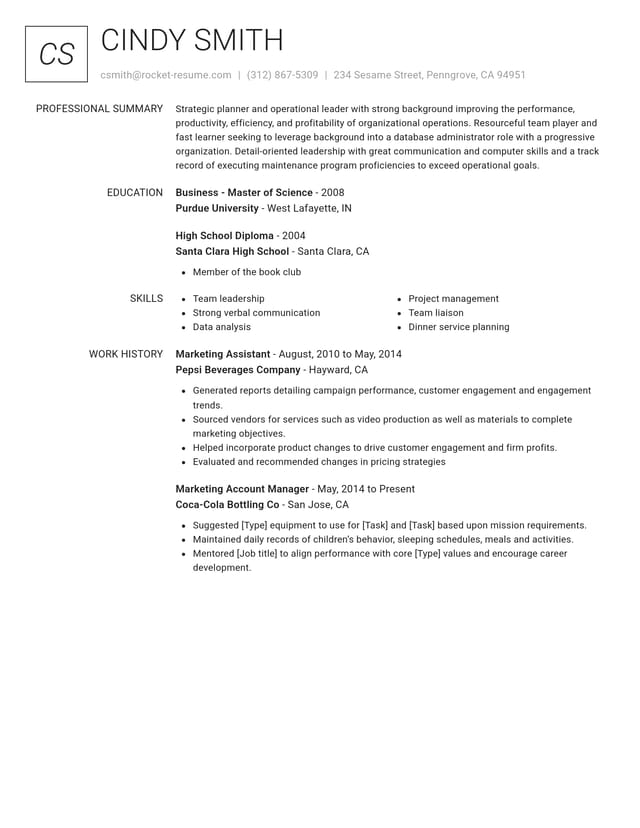
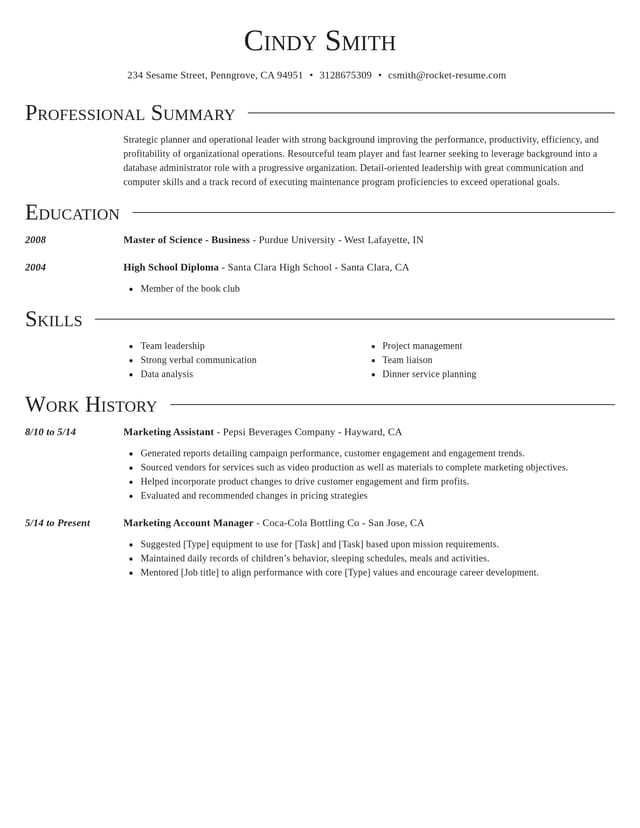
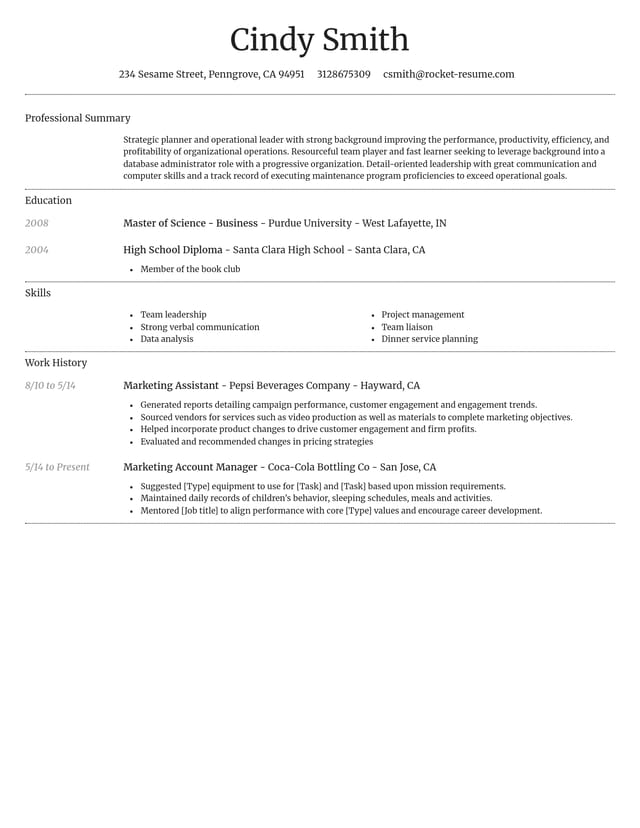
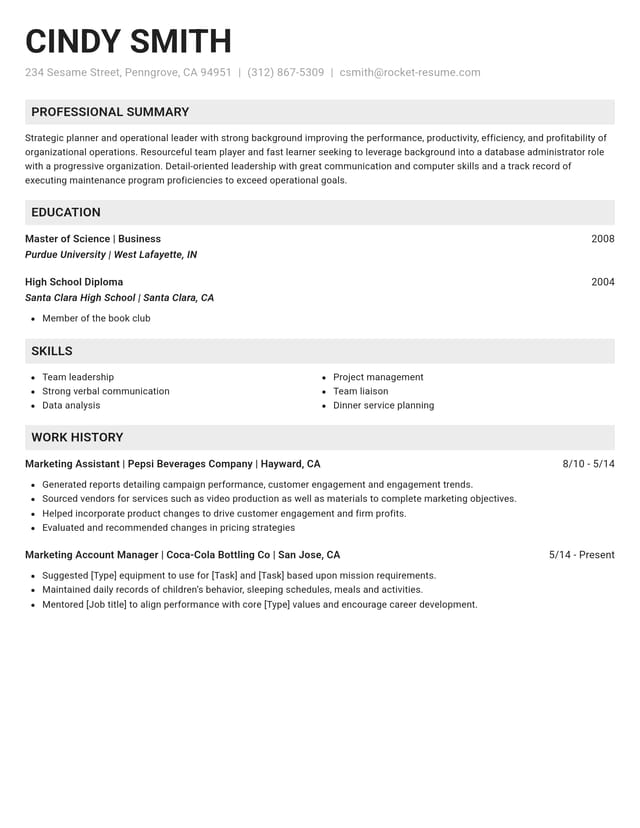
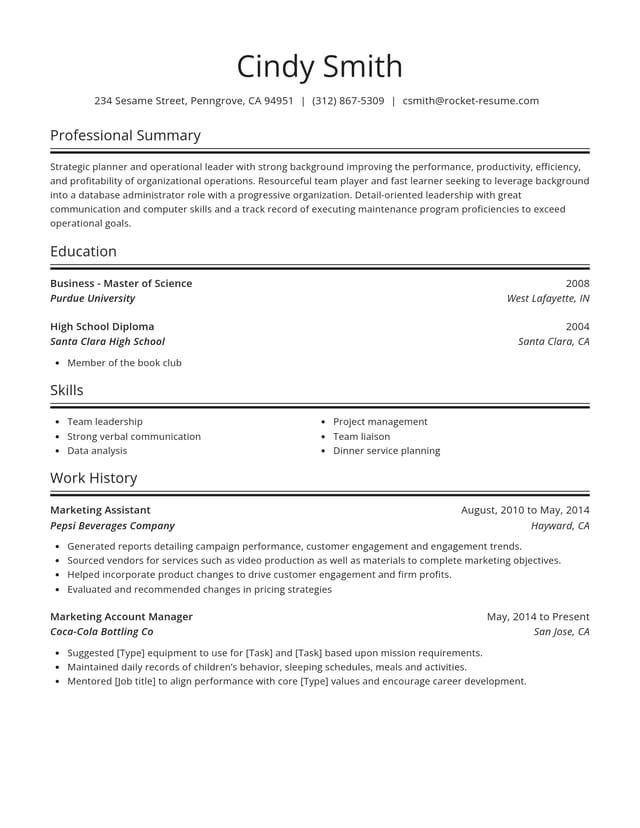
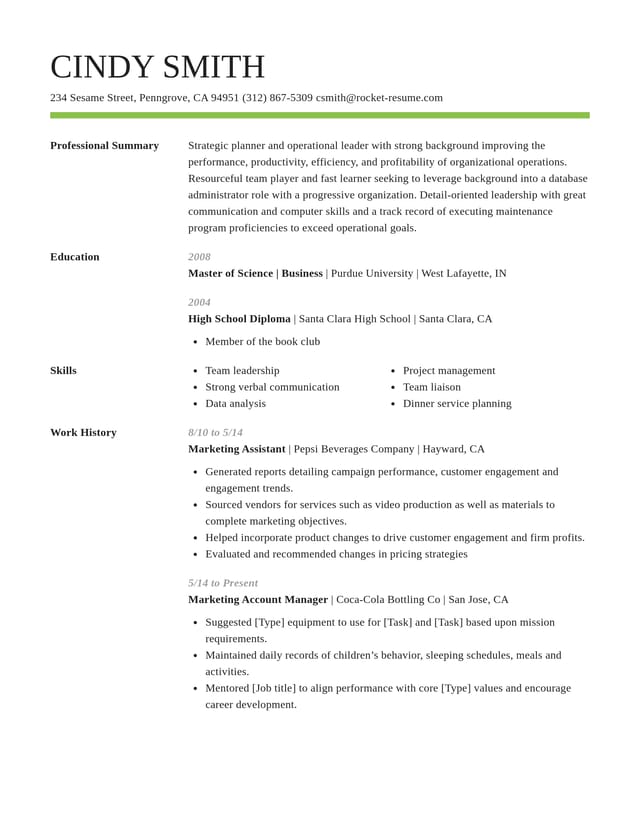
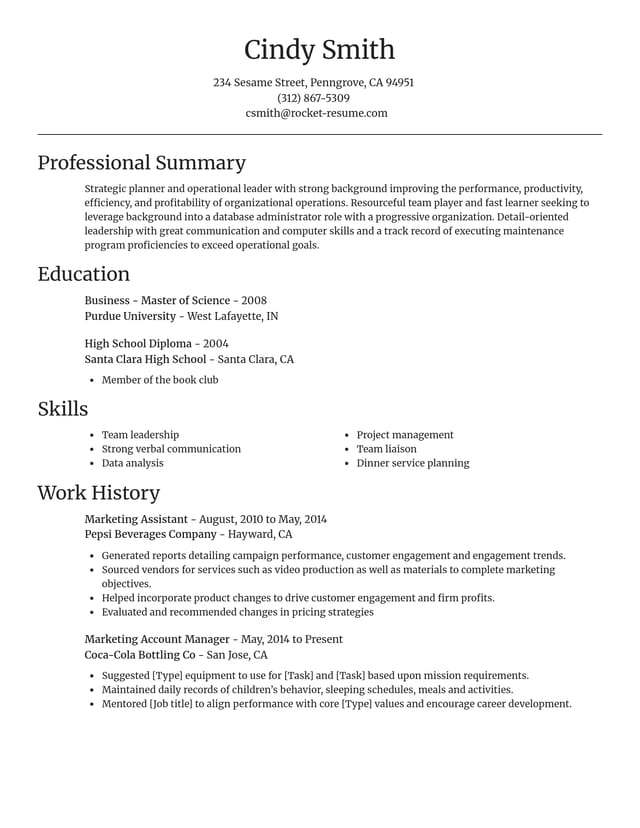

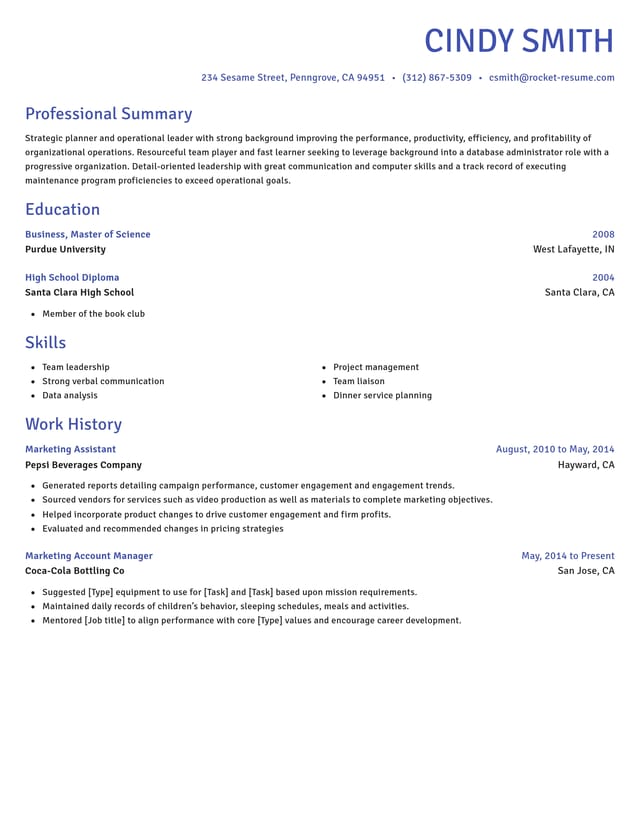
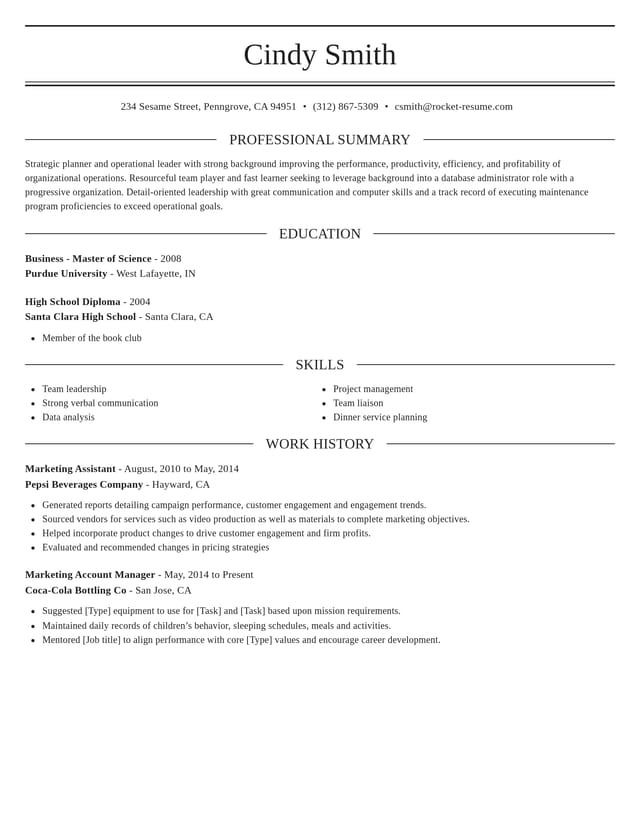
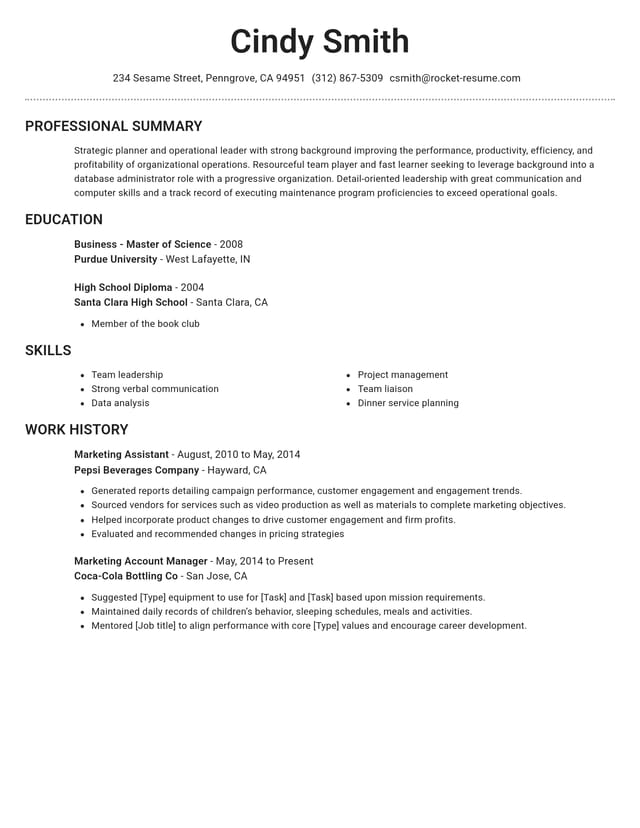
Which CV style suits your situation
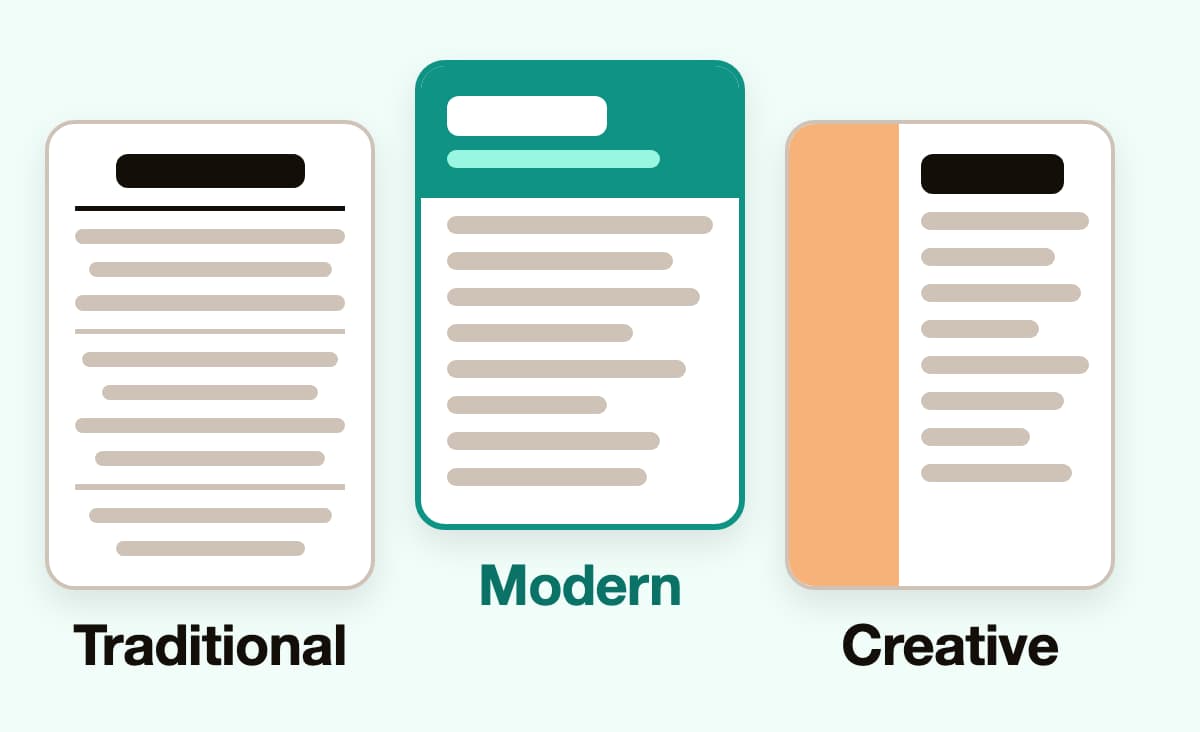
Each style works for most jobs, but some fit certain situations especially well. Match yours below.
- A first CV or student CV
A modern design keeps a short CV looking full and organized. The college student example shows how to word it.
- A long career
A clean traditional or modern design keeps attention on your experience and suits senior roles in most fields.
- Accounting, banking or law
Formal fields tend to favor a conservative look, so start with a traditional design. See the senior accountant example.
- Marketing or design work
A creative design adds personality in roles where the look of your work matters. The growth manager example shows the wording.
- Healthcare or technical roles
A modern design keeps licenses, certifications and tools easy to spot near the top of the page.
- Still deciding?
Start with a modern design, which suits most jobs, then compare it with one other once your details are in.
What every design comes with

Help with the wording
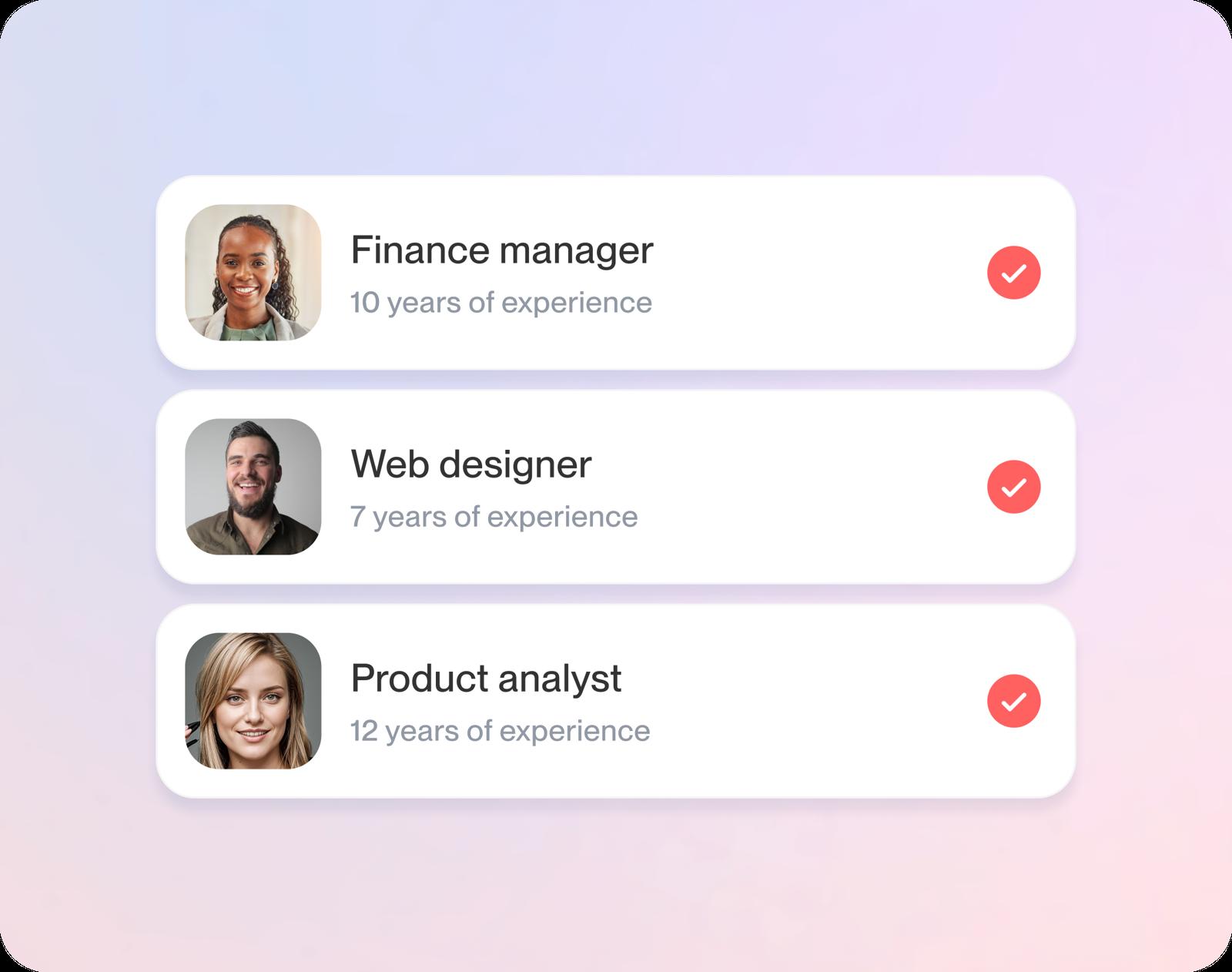
Expert suggestions appear for each job title you type. Choose the ones that match your work and make them specific.
Freedom to change your mind
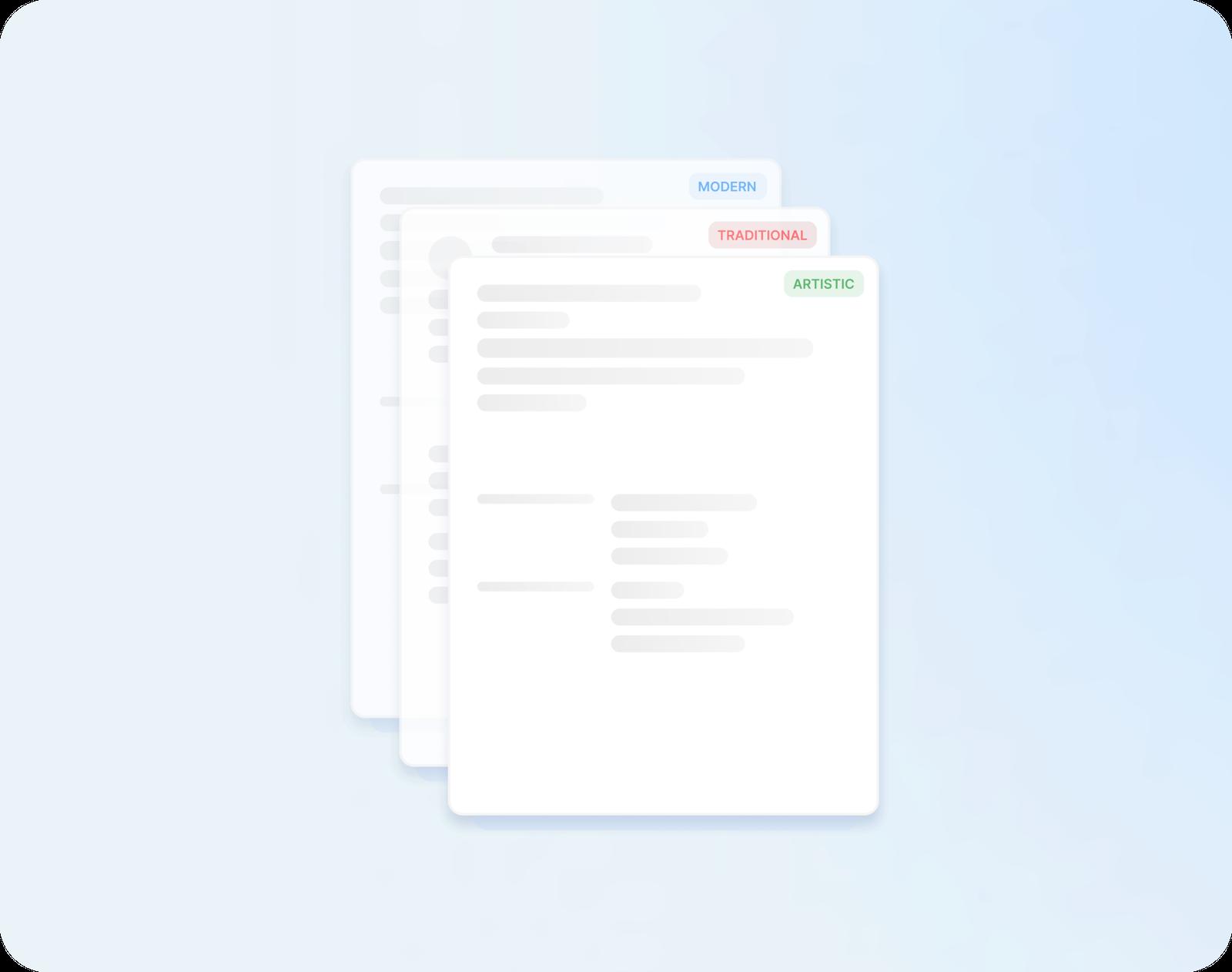
Swap one design for another at any stage. Nothing you've written is lost, so comparing styles takes seconds.
Layouts that read cleanly
ATS-friendly structure and standard headings help screening software and hiring managers find your experience fast.
Tailored copies, one per role
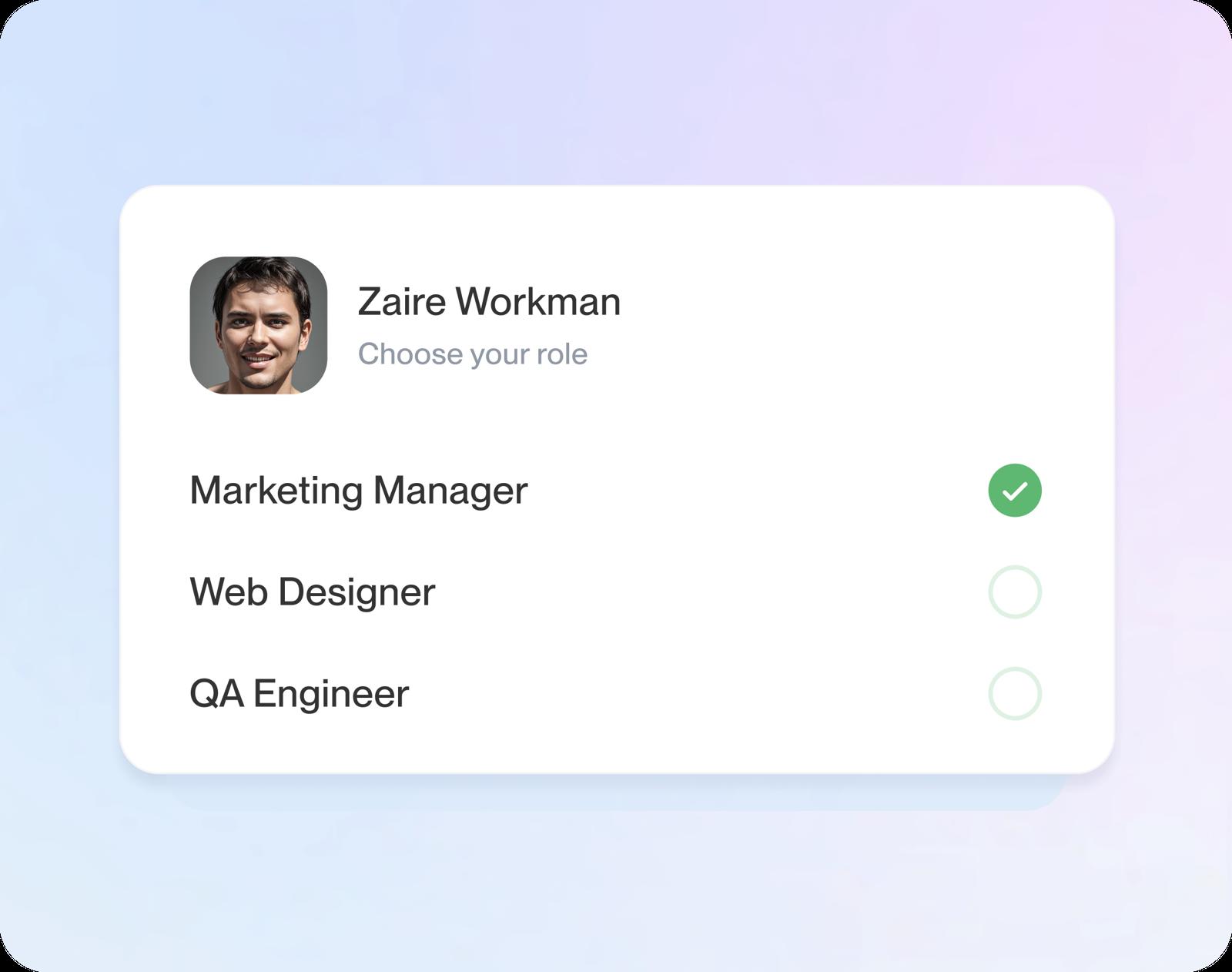
Keep more than one version of your CV in your account, one for each type of role, so tailoring the next application is quick.
Compare designs with your own details
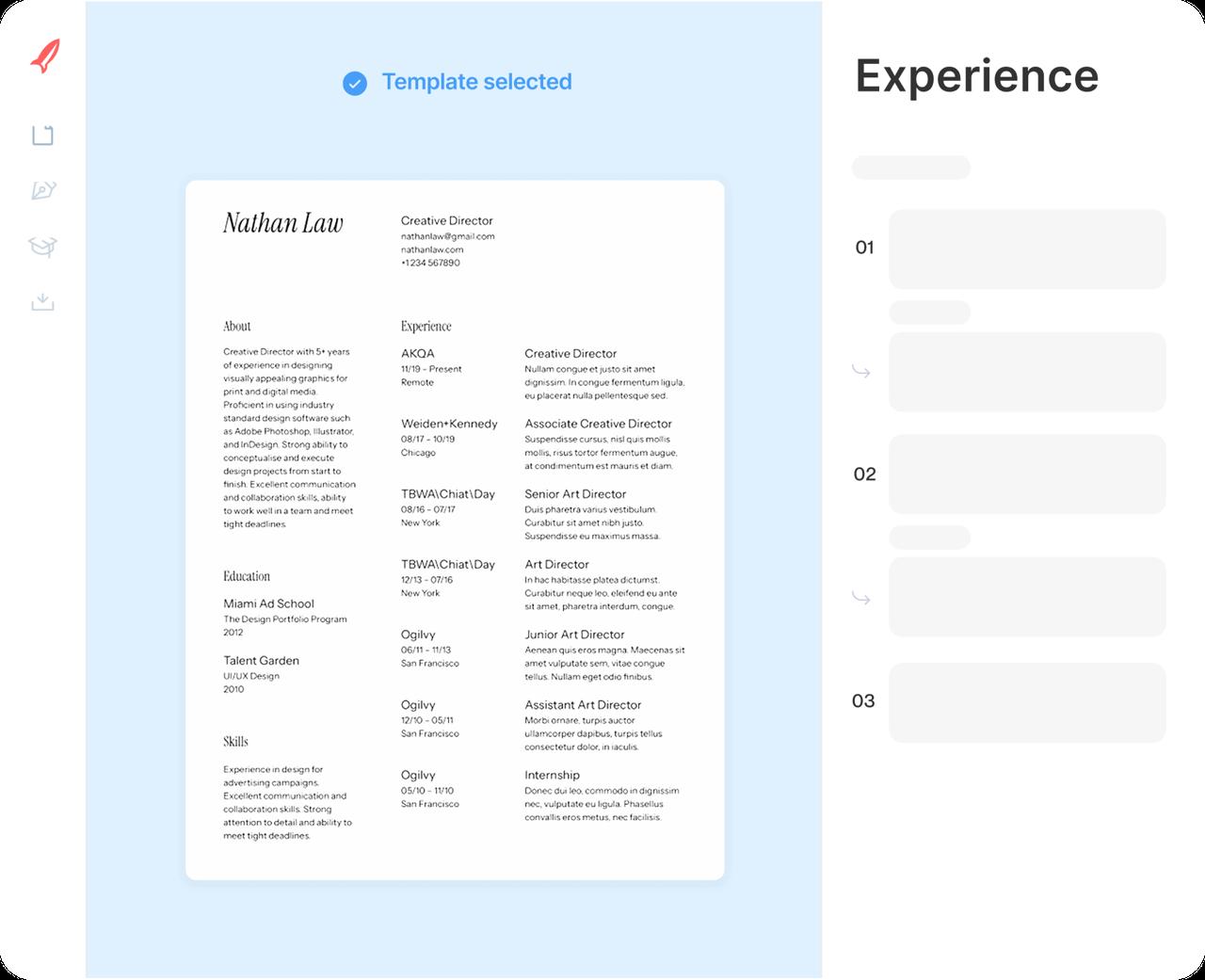
Step 1
Shortlist two or three designs
Answer the experience question, then narrow the designs to a few favorites and start with the one you like most.
Step 2
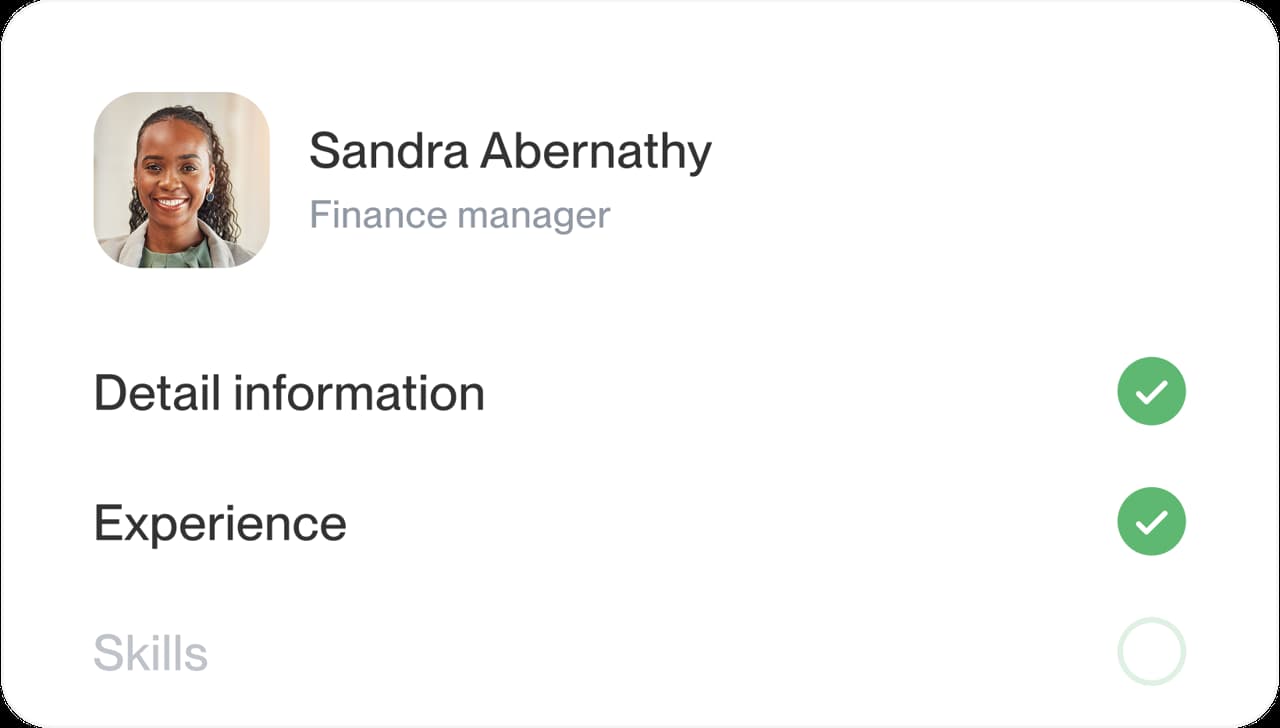
Fill it in with real details
Work from contact details through to skills, adding suggestions for your job title and rewording them.
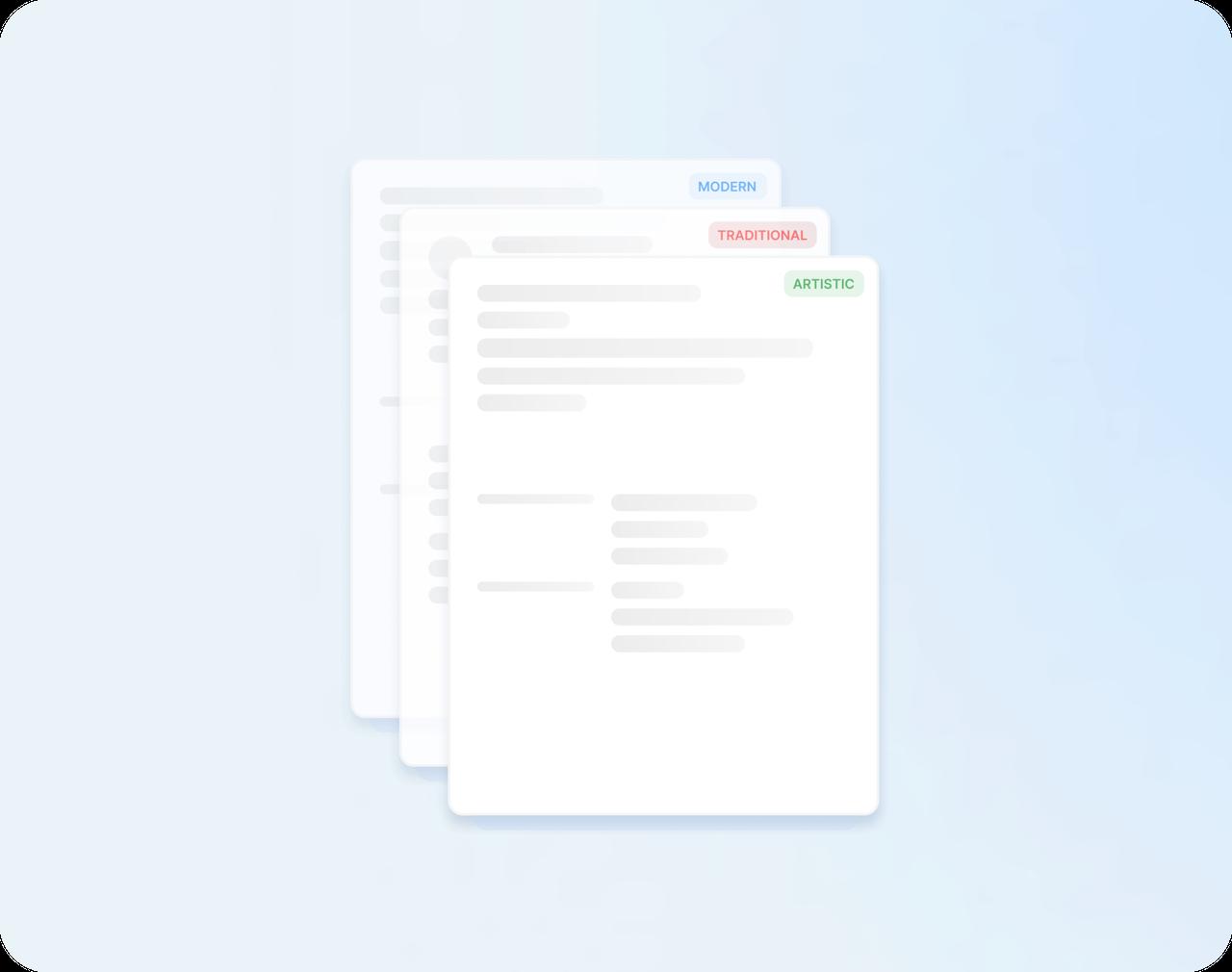
Step 3
Switch designs to compare
Try each shortlisted design on your finished CV. Your details stay put, so keep the one that reads most clearly.
Step 4
Read it through and download
Give the whole CV one last read in the preview, then download it and start applying.

Step 1
Shortlist two or three designs
Answer the experience question, then narrow the designs to a few favorites and start with the one you like most.
Step 3
Switch designs to compare
Try each shortlisted design on your finished CV. Your details stay put, so keep the one that reads most clearly.
Step 2
Fill it in with real details
Work from contact details through to skills, adding suggestions for your job title and rewording them.
Step 4
Read it through and download
Give the whole CV one last read in the preview, then download it and start applying.
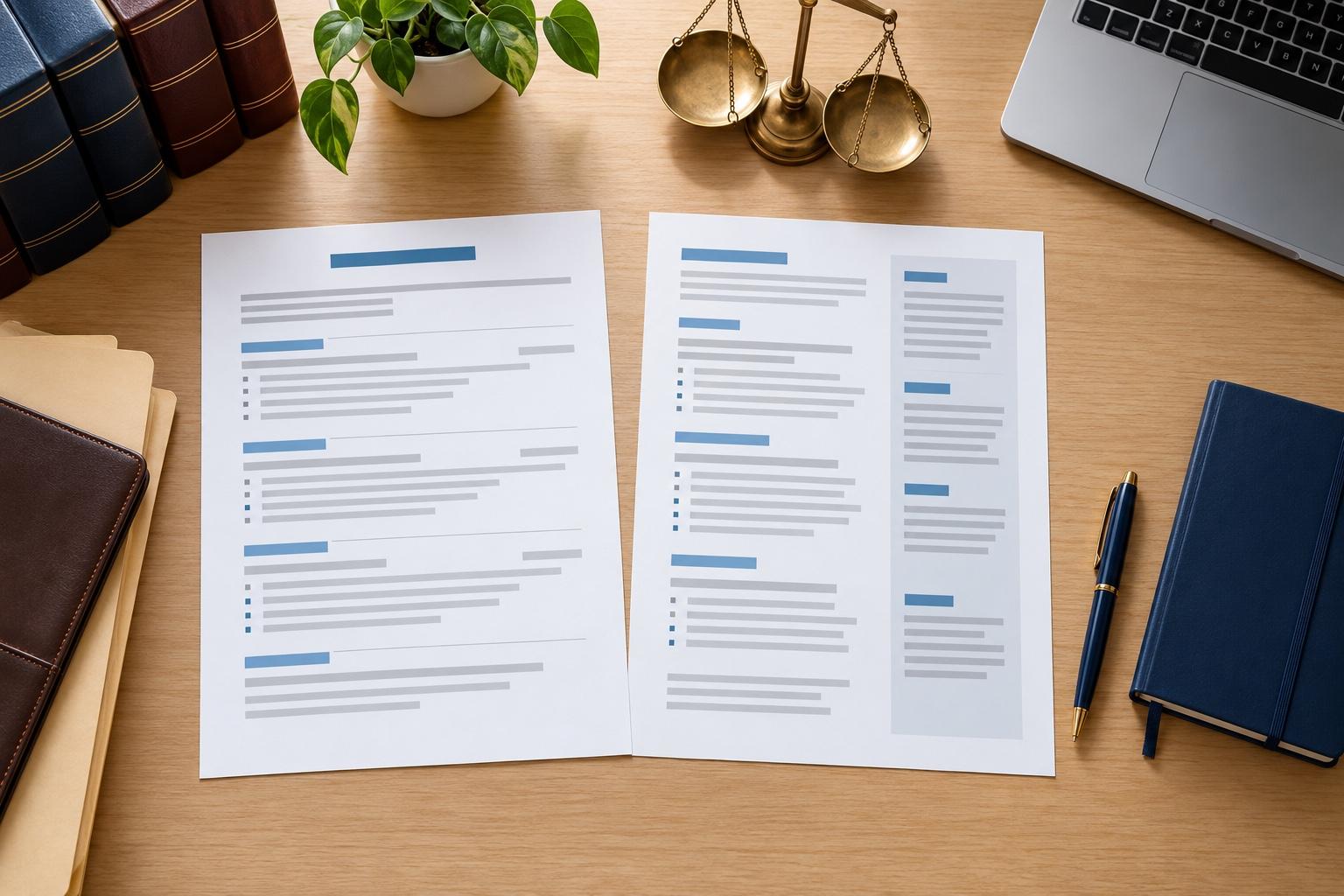
Is there a most successful CV template?
No single CV template is the most successful for everyone, because the design is only one part of what an employer judges. The best CV template for you makes your experience quick to find and easy to trust, in your field and at your level. These checks help you find yours.
What successful CV templates have in common
Successful CV templates make the reader’s job easy. Whatever the style, the templates that work share four traits:
- Your latest job title, employer and dates are visible within seconds.
- Headings use plain names such as Work History and Education, so readers and screening software find each part.
- Spacing and type size stay consistent from top to bottom.
- Nothing decorative competes with your results.
Judge those four things before colors and fonts. A design that passes all four is worth shortlisting; one that fails any of them makes a strong CV harder to read, however polished it looks.
Which CV format do employers prefer?
For most jobs, reverse-chronological: your newest job first, then the ones before it, each with dates, employer and results. A skills section near the top can help a career changer bring transferable skills forward, but most readers still expect the job-by-job history below it. Pick a template whose layout makes that order obvious.
Check the CV template against your field
The style list above pairs common situations with a look. Before you commit, compare your pick with a few finished CVs from your field. If most of them look formal, a bold design will be remembered for the design rather than for you, so lean toward what your field expects.
Fit the design to your experience
A short work history looks stronger in a design that uses space well, with education and skills near the top. A long career needs room for results, so choose a layout that keeps each job compact. Changing careers? Choose one with room for a skills section near the top, so transferable skills are seen before your job titles. In the builder you can change the section order to suit any of these.
What fonts and colors should a CV template use?
Plain, readable ones. Look for a classic serif or a clean sans-serif at a comfortable size, dark text on a light background and one accent color at most. Color works best on headings and dividers, where it guides the eye, while your job titles and results stay in the plain text a reader takes in fastest.
Test the template with your own details
A design can look perfect with sample text and cramped with yours. Fill in your real jobs, then compare two or three designs. Keep the one where a stranger could find your current role, your biggest result and your key skills in a few seconds. Trying another design keeps every word you’ve typed, so compare as many as you like.
Which website is best for CV templates?
The one that helps with the writing as well as the look. Check for a range of professional designs, suggested wording for your job title, editing that’s easy to follow and the freedom to switch designs without retyping. Rocket Resume offers all four, so you can judge it on your own CV before you decide.
Where the real difference is made
The wording decides most of the outcome: a plain template with sharp, specific bullet points does more for you than a striking one filled with duties. Swap duties for results, use the job ad’s own terms for your skills and check every date. Look at CV examples by job for examples that work in your field, and our guide to writing a CV for help with each section.
Why clarity beats decoration
“This service is amazing, a customer for life.”

“We come back to Rocket Resume, it's the best!”

Choosing a CV template
Which template is best for a CV?
The best CV template is the one that suits your field and keeps your latest job easy to find. It should also fit what the job ad asks for. What you write and where you send it matter more than the design.
Do recruiters prefer simple CV templates?
Usually, yes. A simple, well-spaced layout lets a recruiter find your job titles, dates and results quickly, which counts for more than decoration. Keep bolder designs for creative fields, where showing your style can work in your favor.
Should I use a modern or traditional CV template?
Use traditional for conservative fields such as banking, law and government, and modern for most other roles. If you're torn, choose the plainer of the two and let your results stand out.
Does the design of a CV matter?
Yes, but less than the words. A clear design helps a reader find your strengths quickly, while a cluttered one can bury them. Once the layout is clean, spend your time on specific, honest bullet points for the job you want.
Can I preview my CV before I download it?
Yes. The preview shows your whole CV as you make it, so you can check the layout and read it through before you download.

What customers say once their CV is done
from 4,000+ reviews