Free CV templates to
Fill in our free CV templates with ready-made suggestions for the roles you list and a live preview as you type. Save your CV and come back anytime.
- Every template free to fill in
- Suggestions for your job title
- Save free and edit anytime
- ATS-friendly, customizable designs

Mitchel D.
Jan 2024
“A fantastic source for resume building.”

Pablo
Jul 2022
“I really appreciate all the great tools”

Tracy A.
Mar 2026
“User-friendly, I would recommend it to others.”

Jason B.
Feb 2025
“A great website, I got a job.”
from 4,000+ reviews
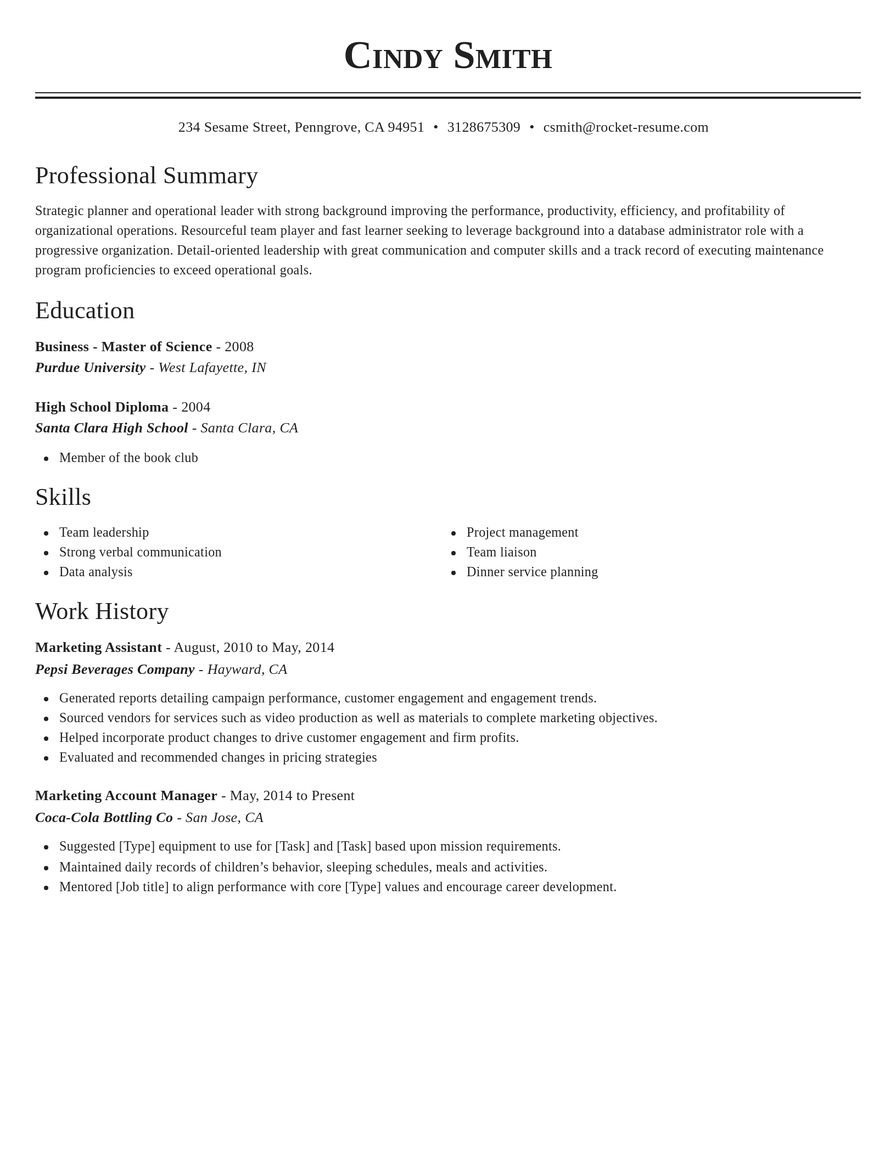
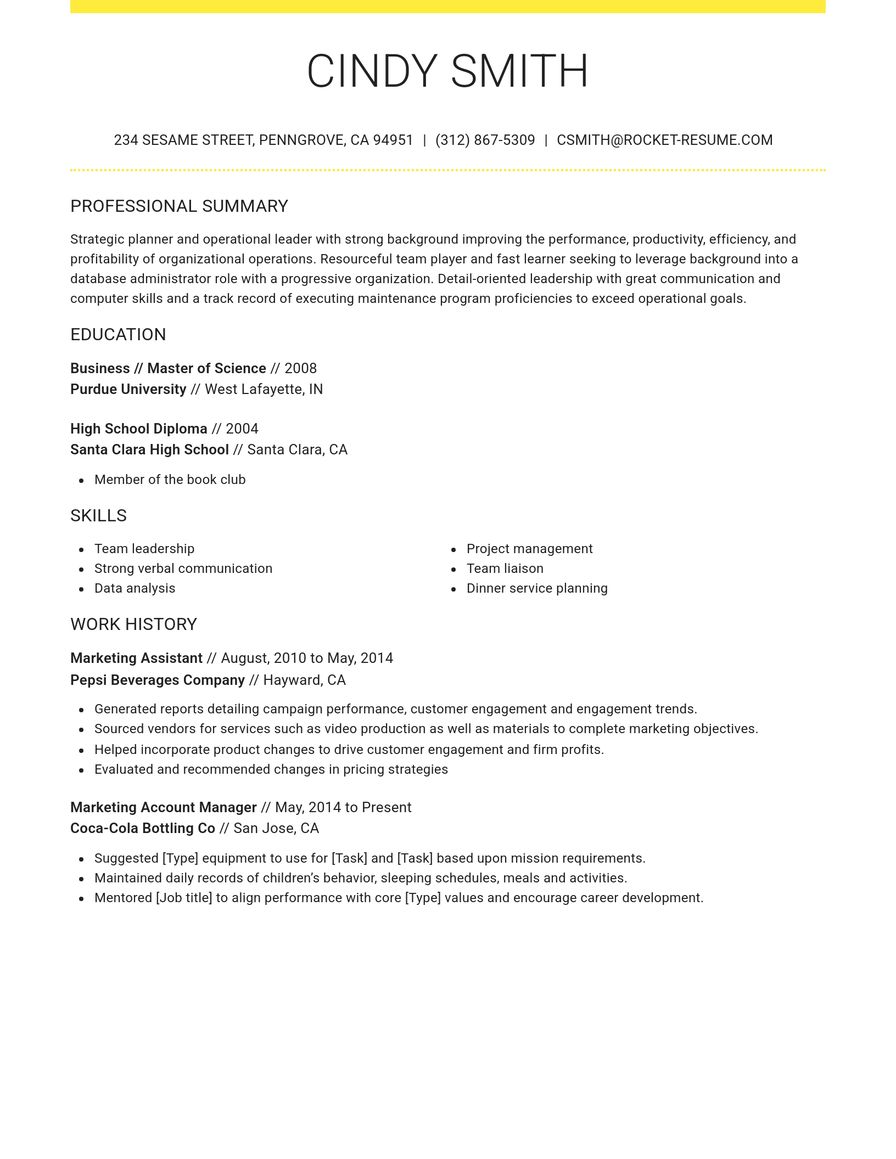
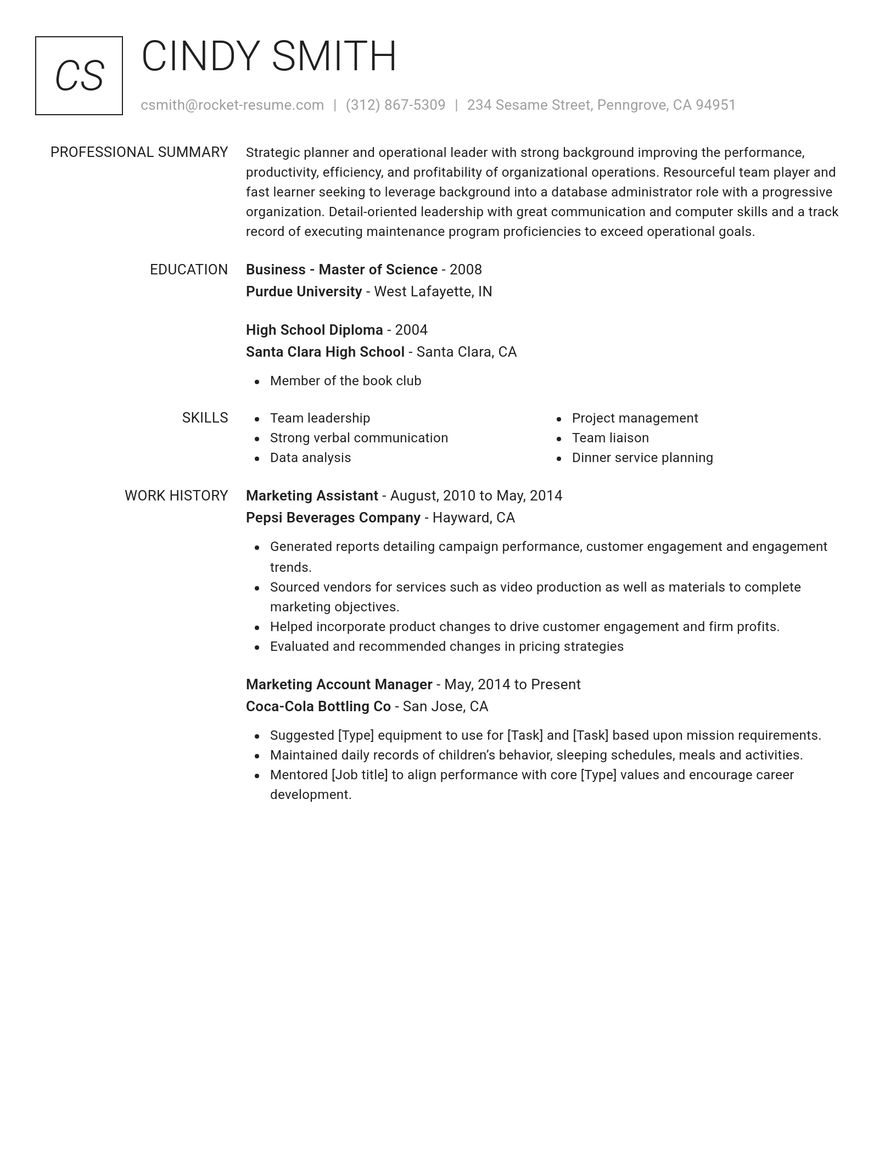
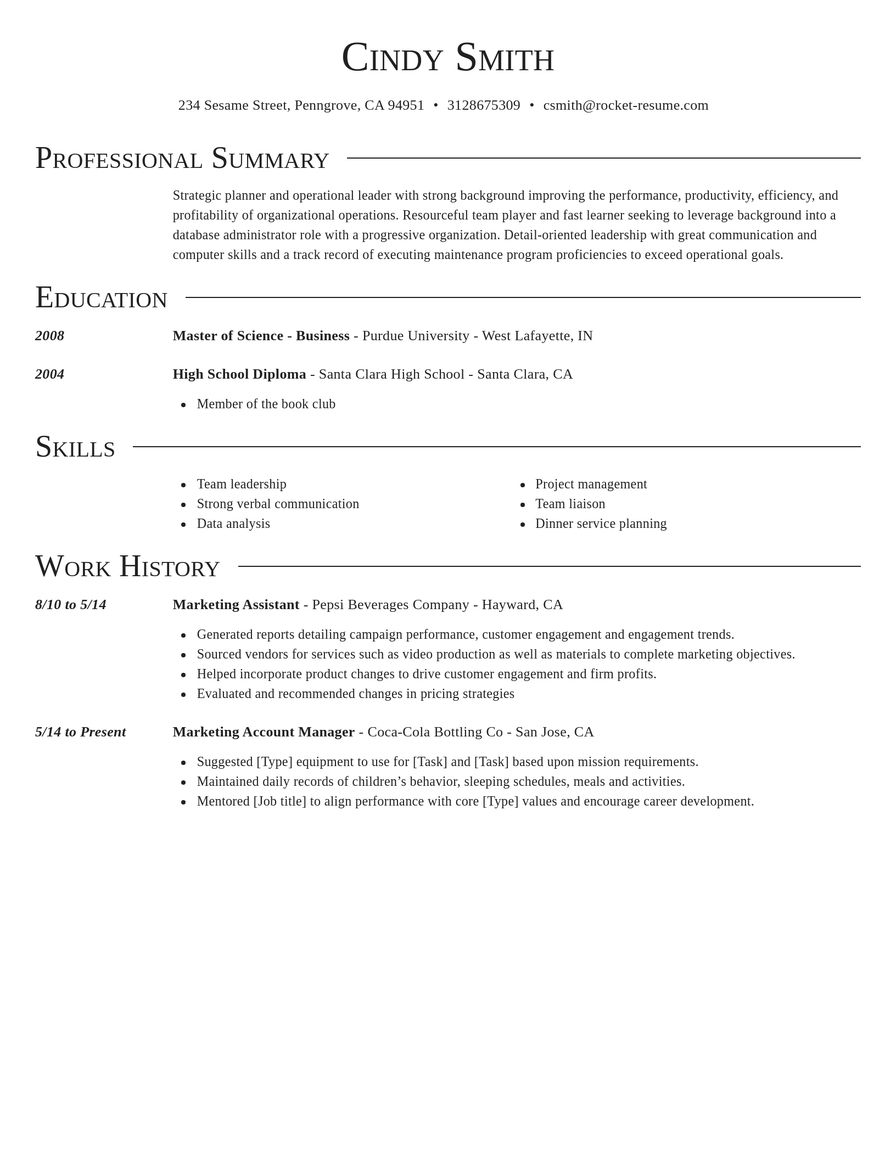
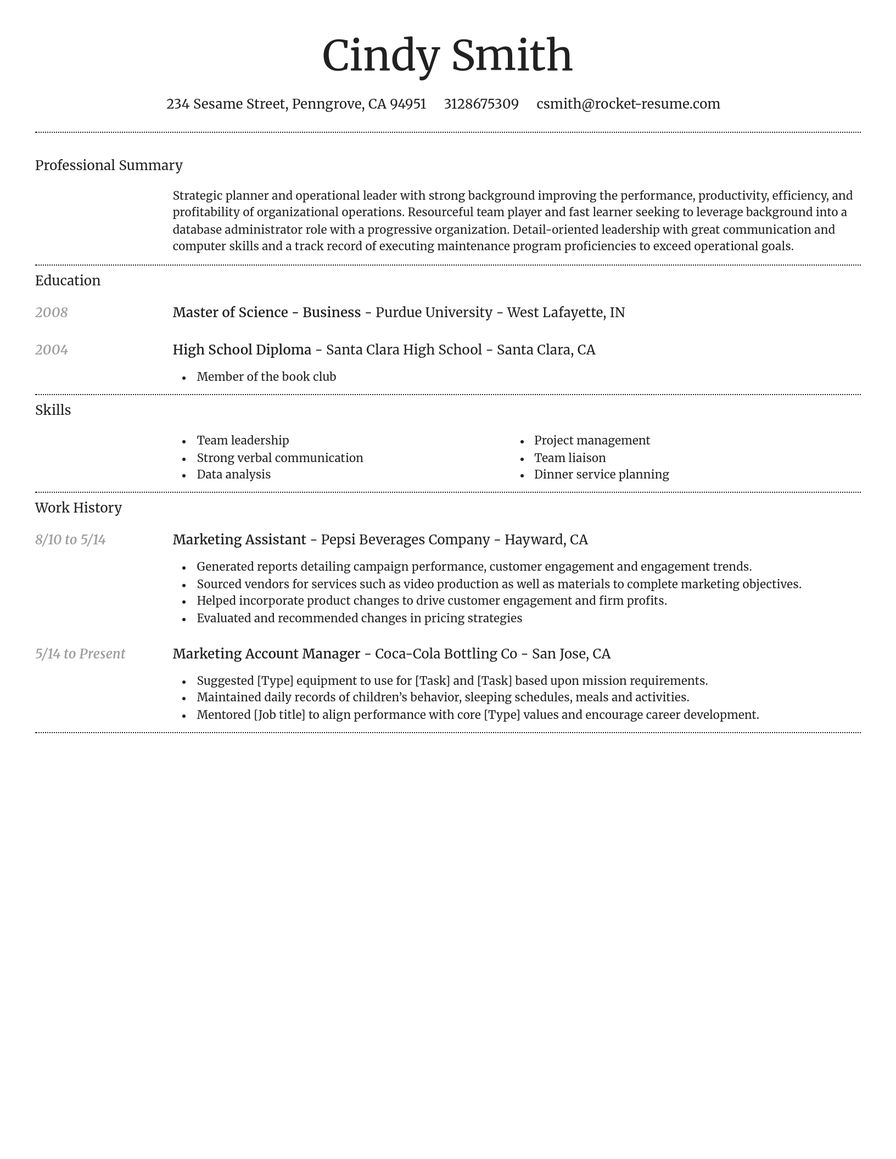
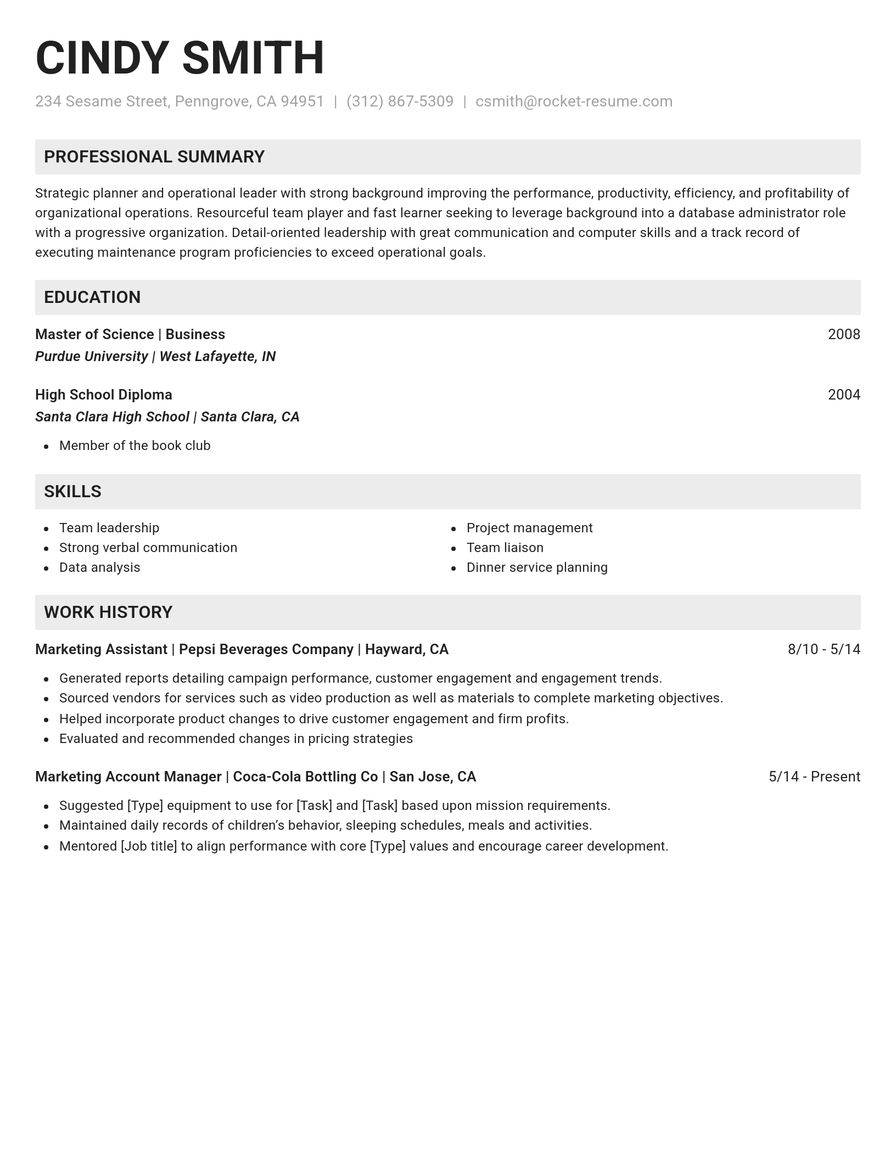
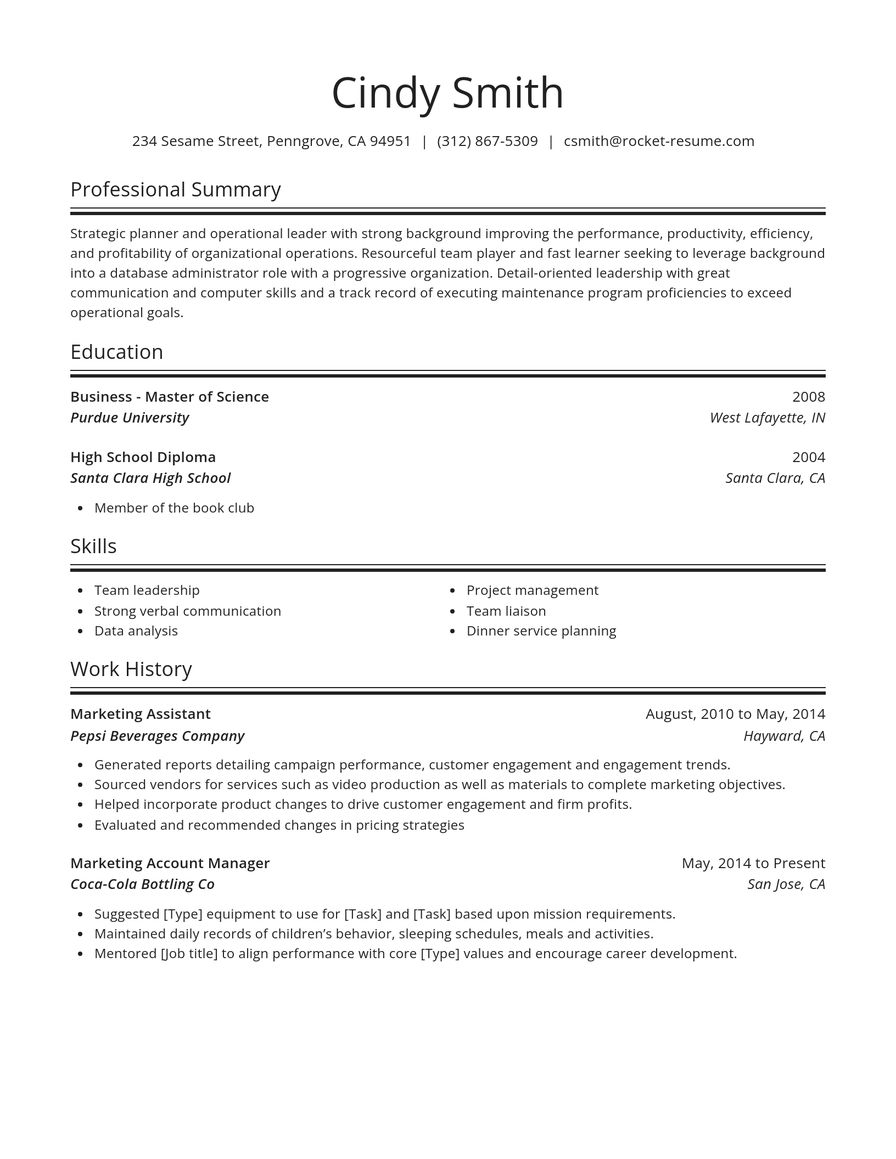
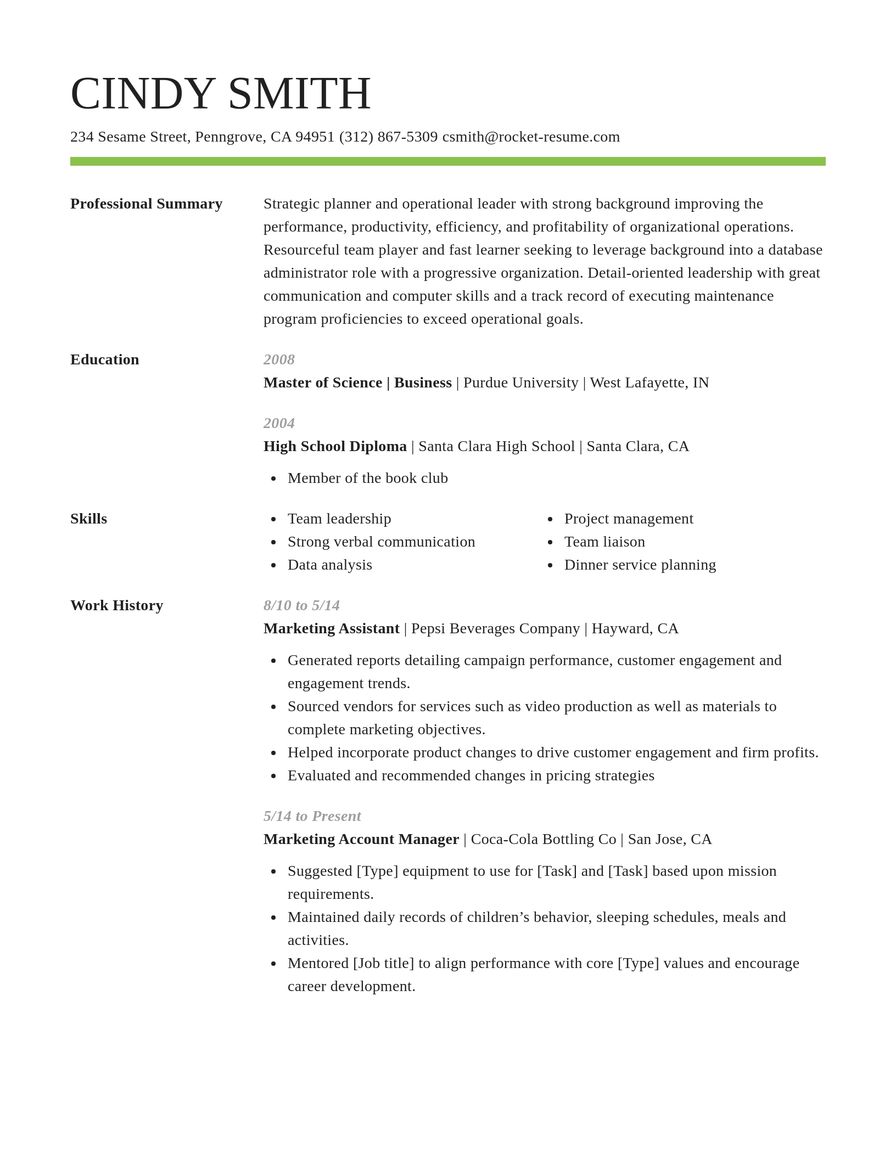
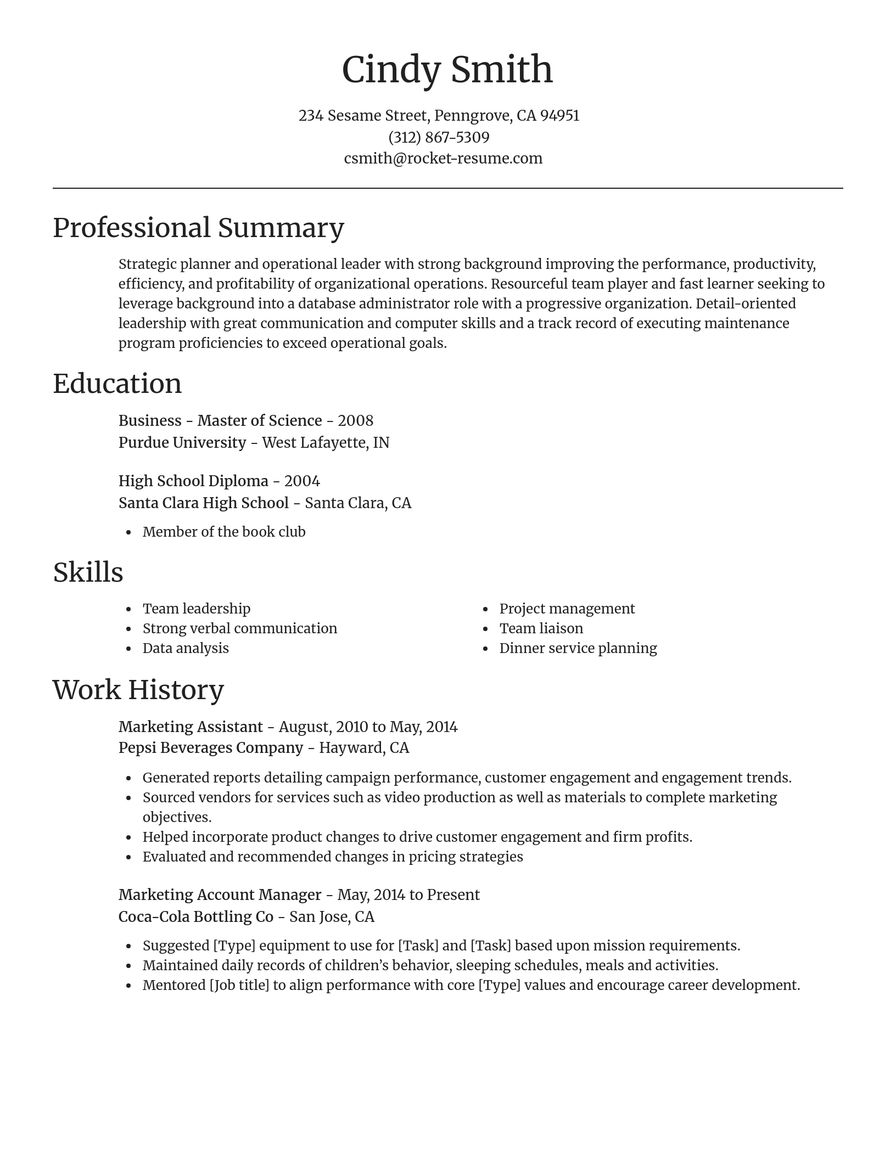
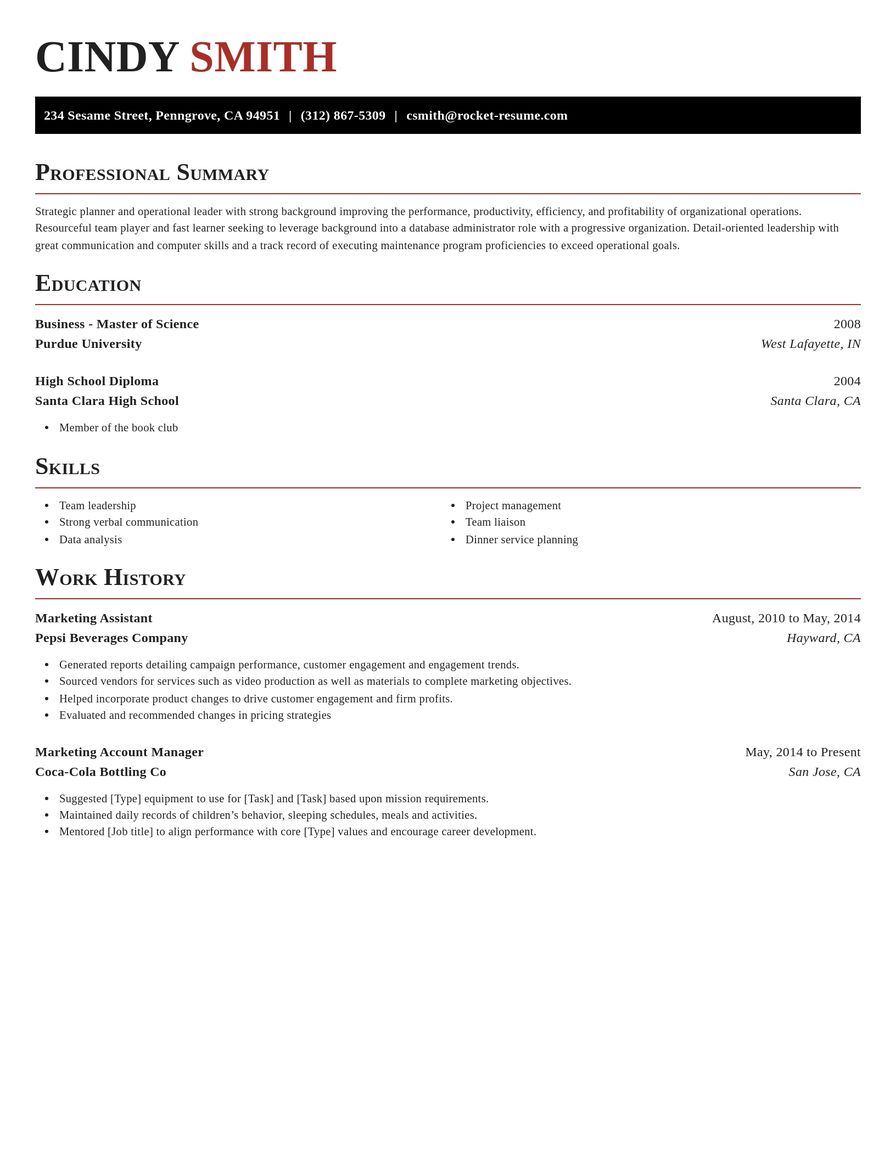
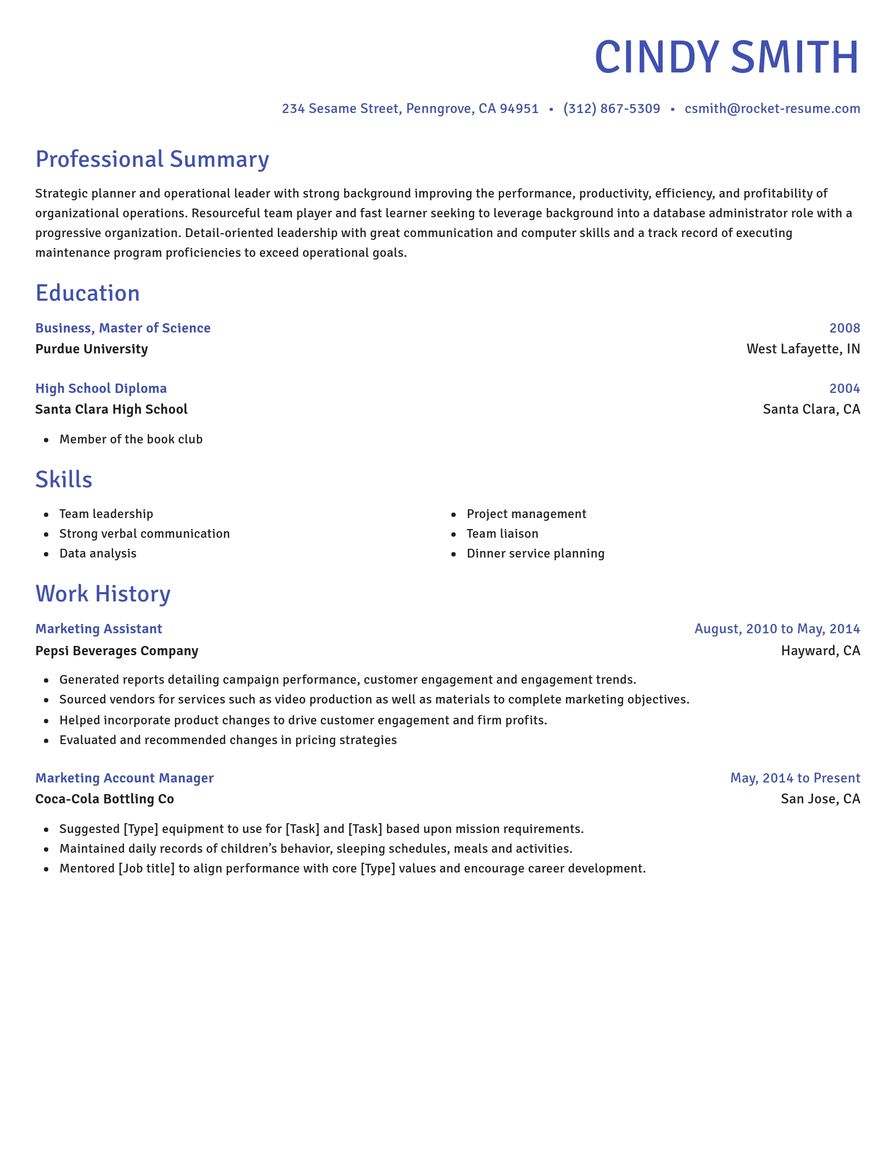
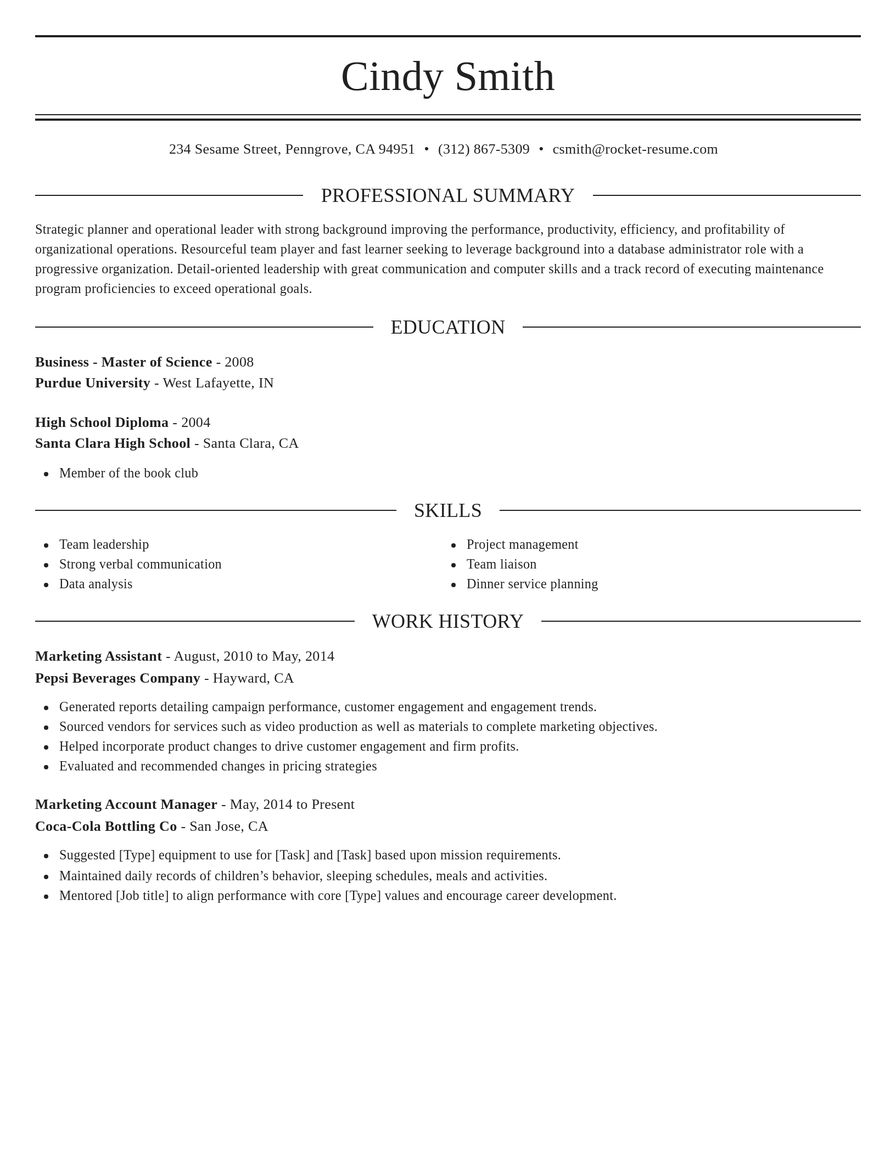
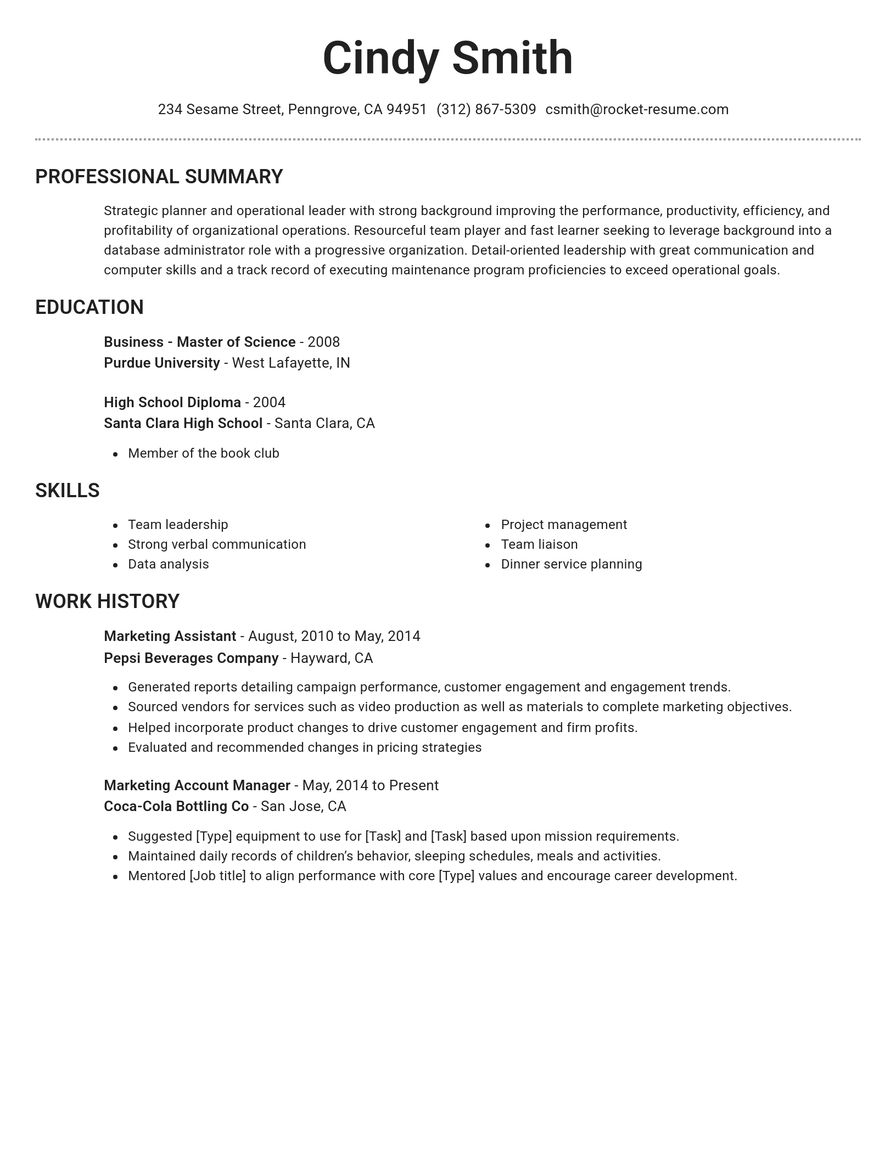
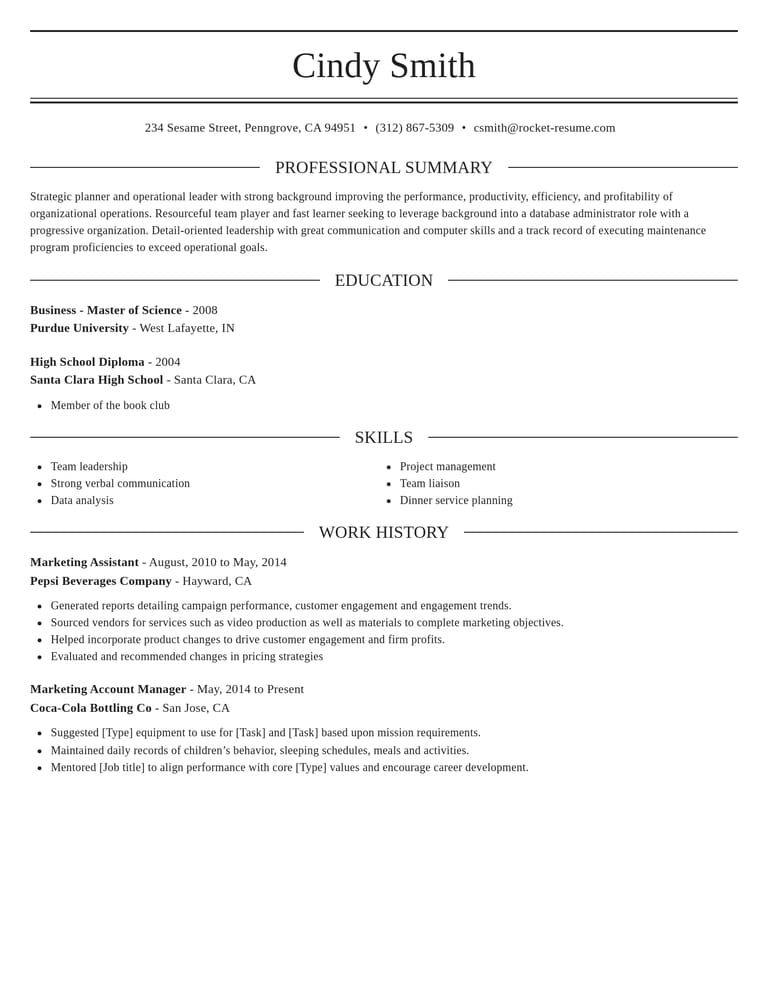
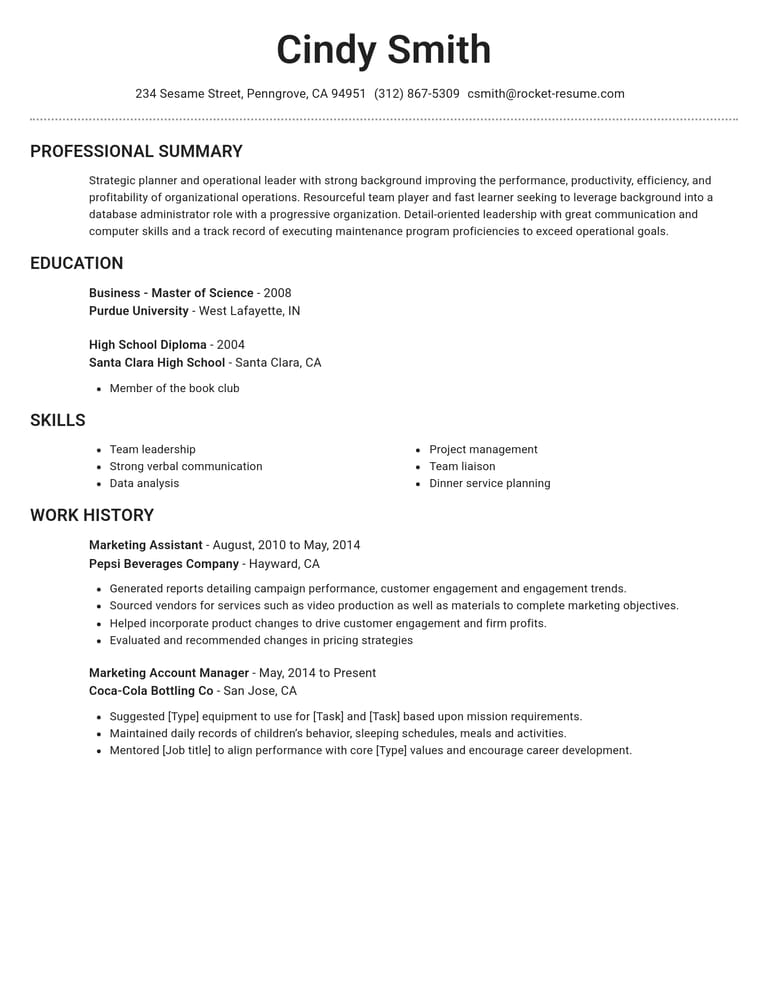
Choose your free CV design
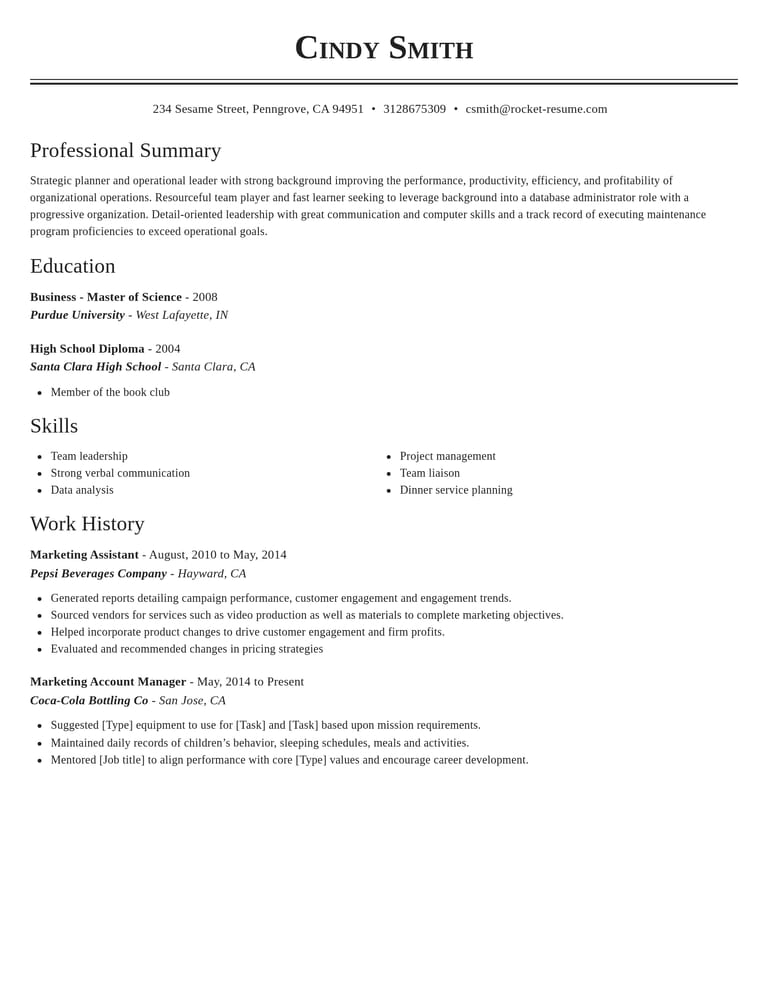
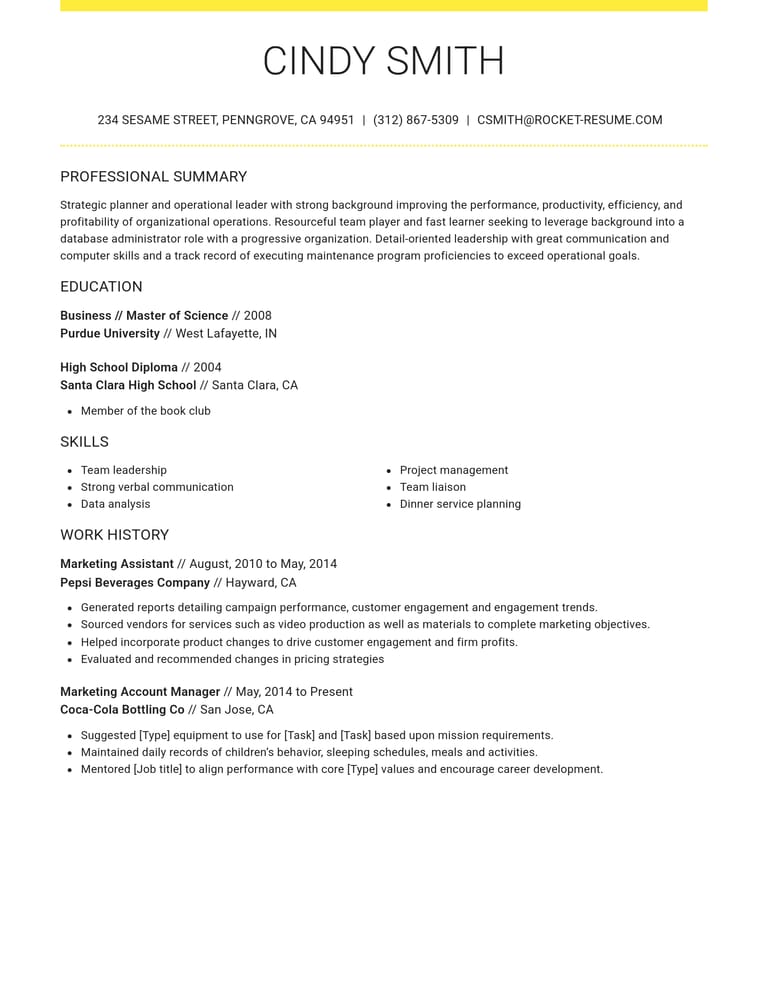
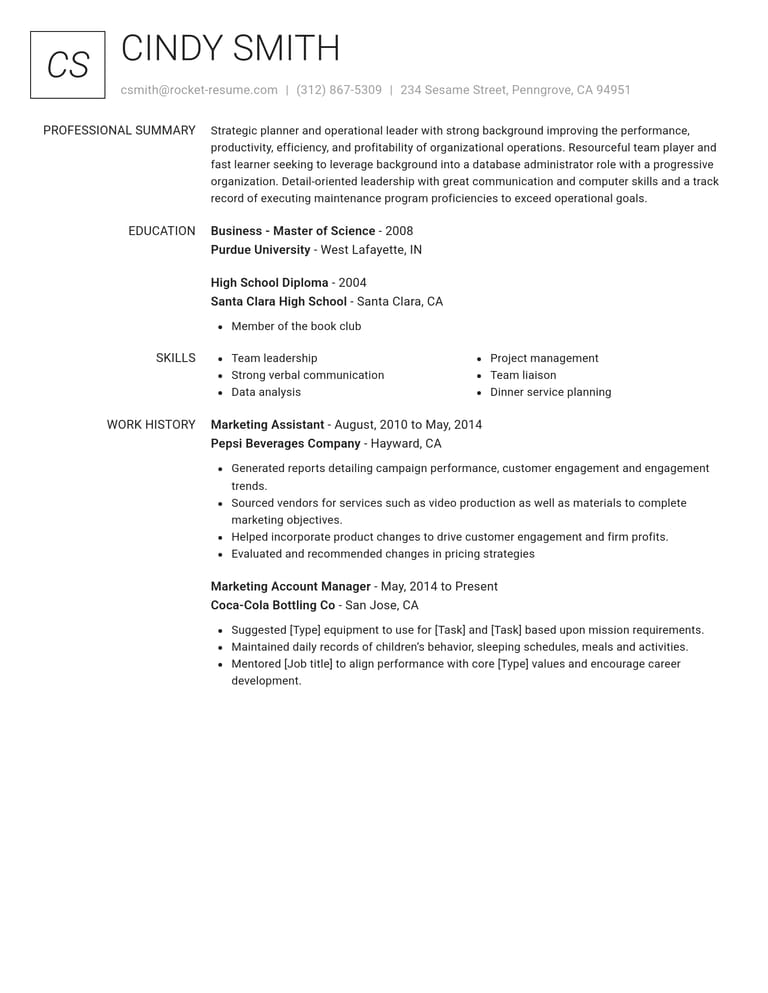
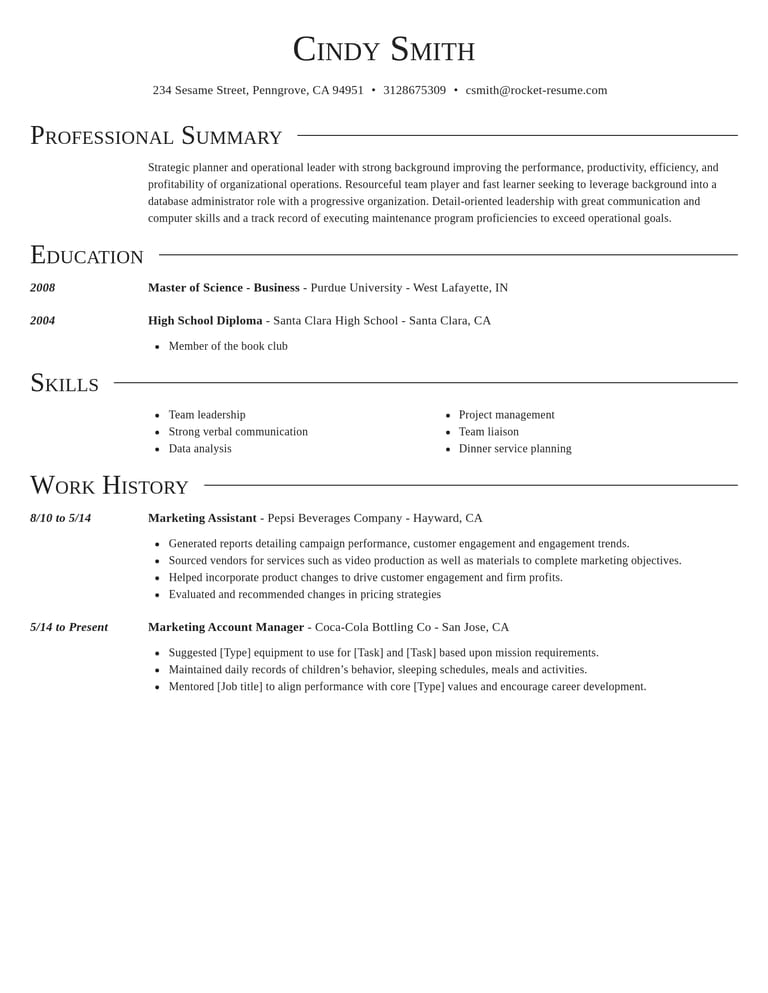
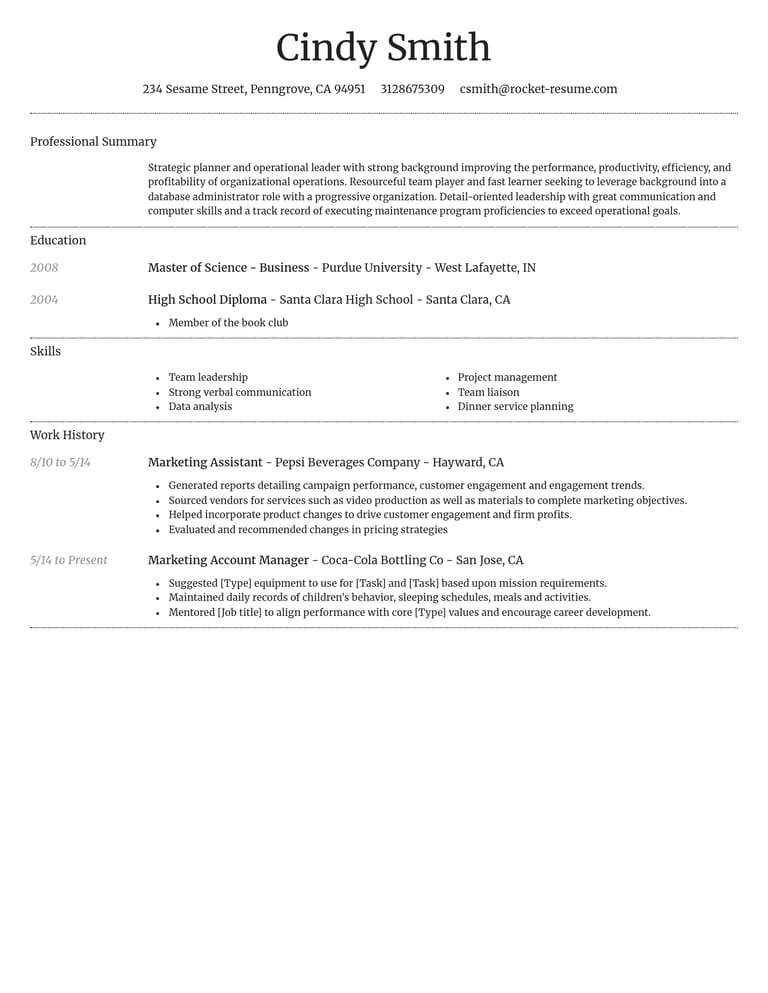
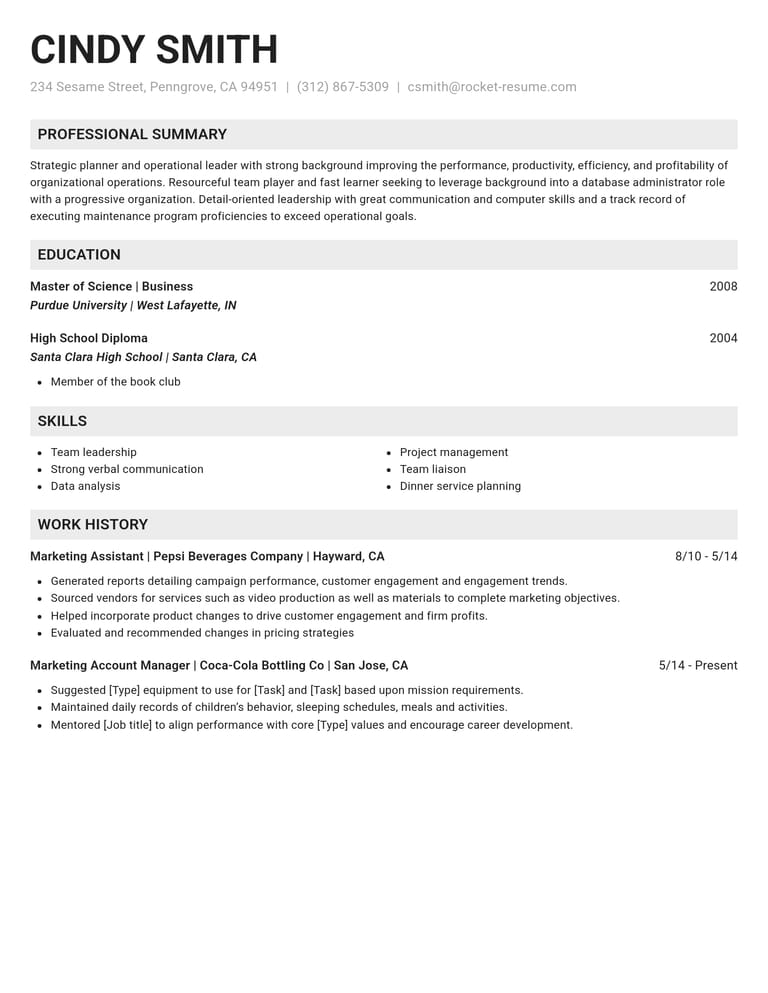
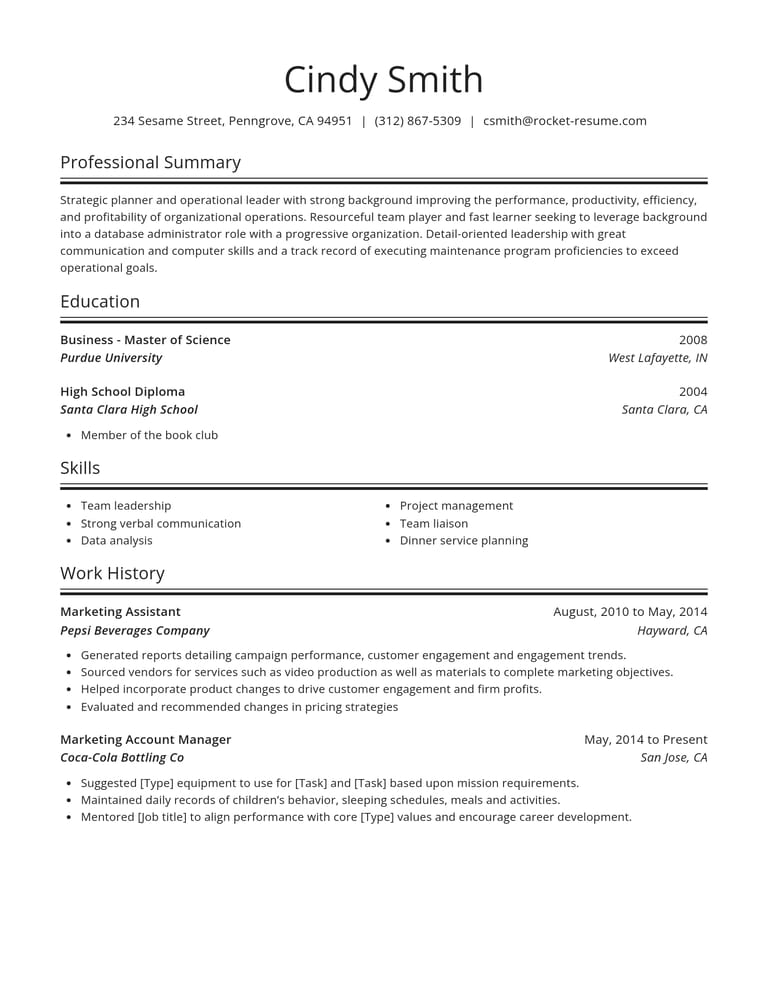
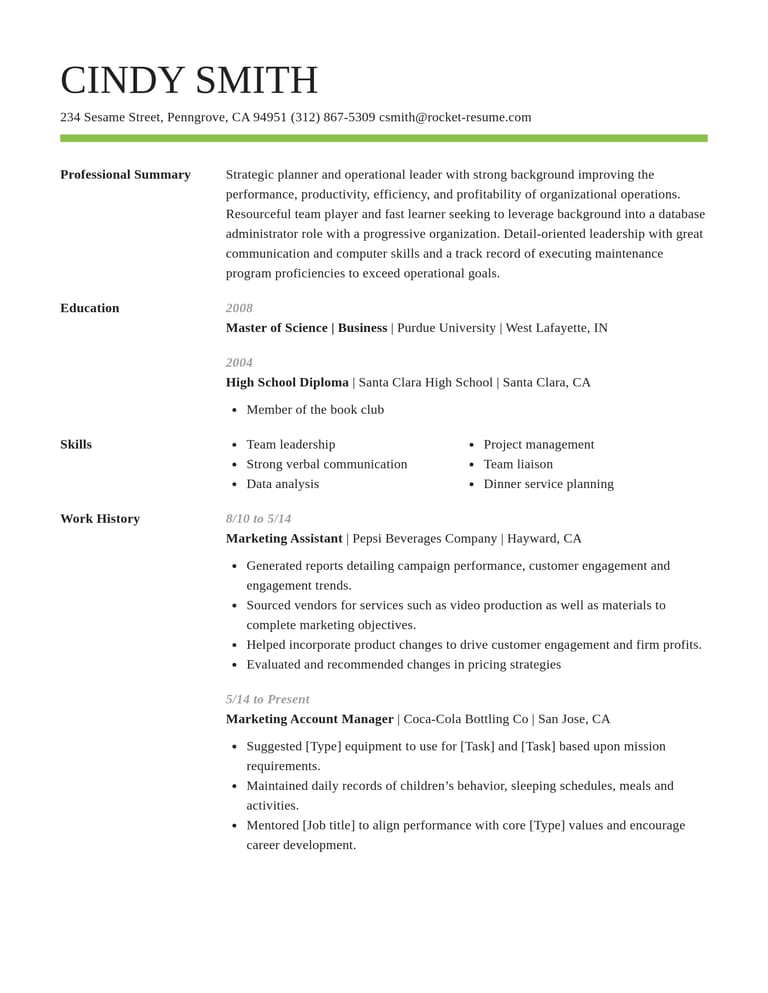
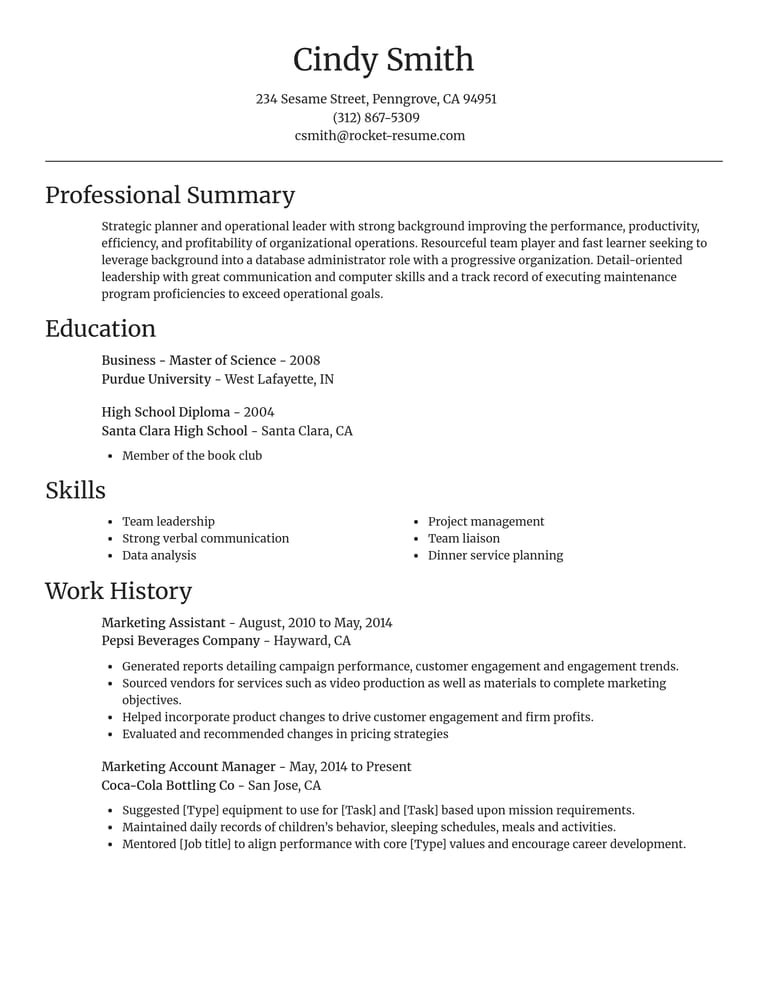
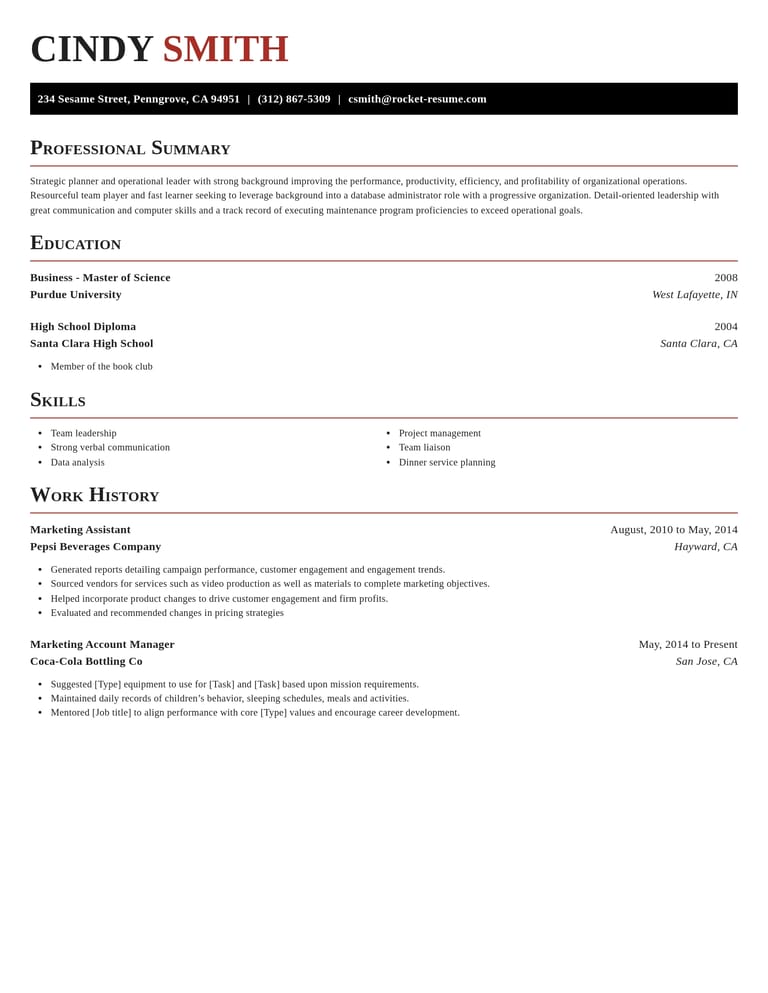
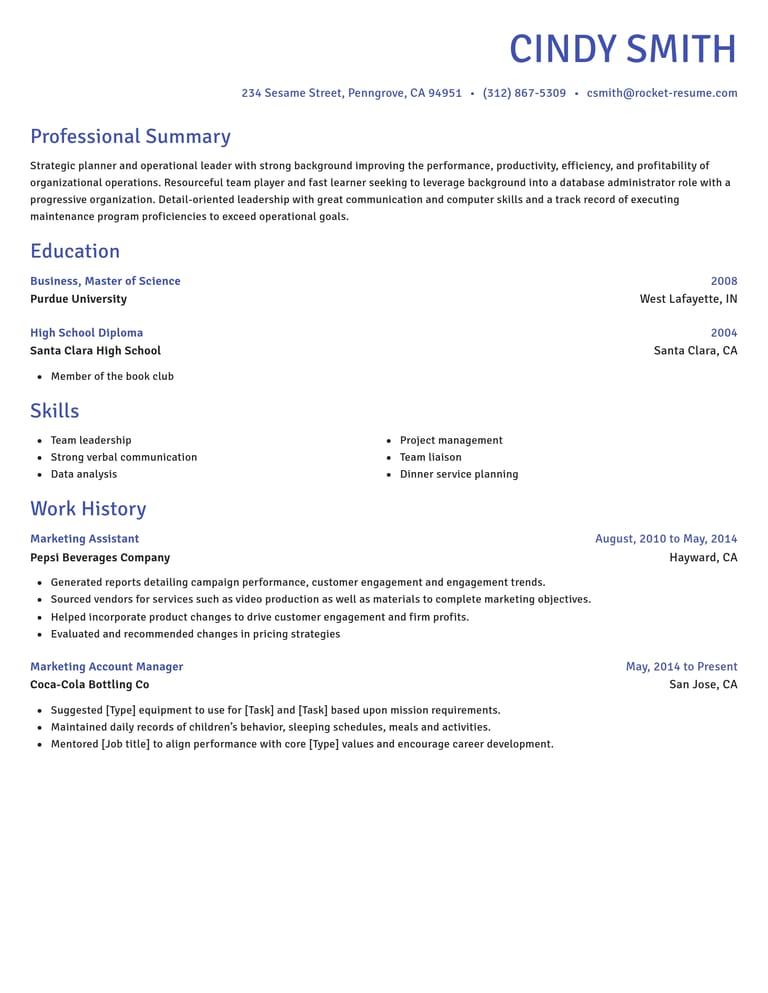
Free tools in every CV template
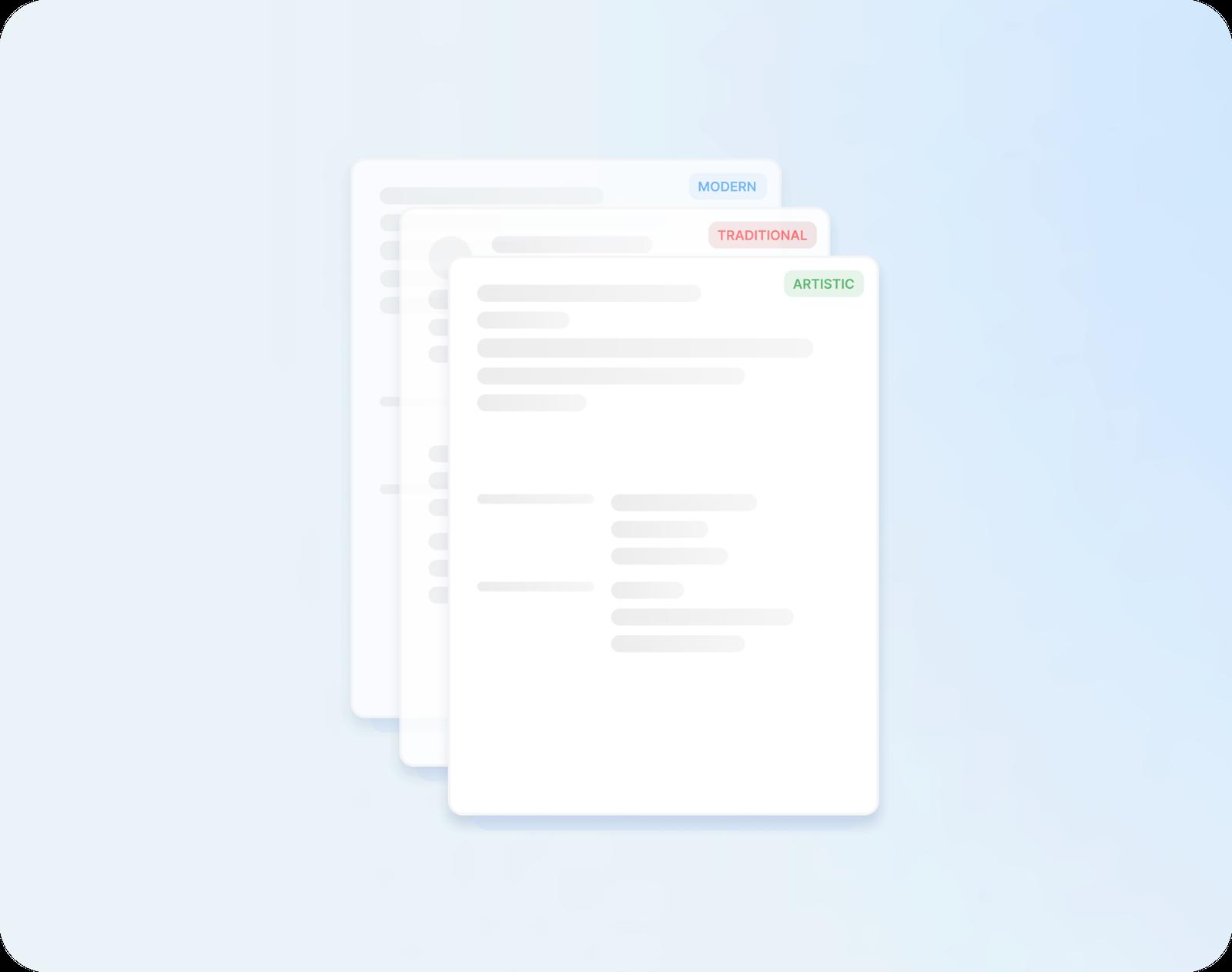
Every design open to you
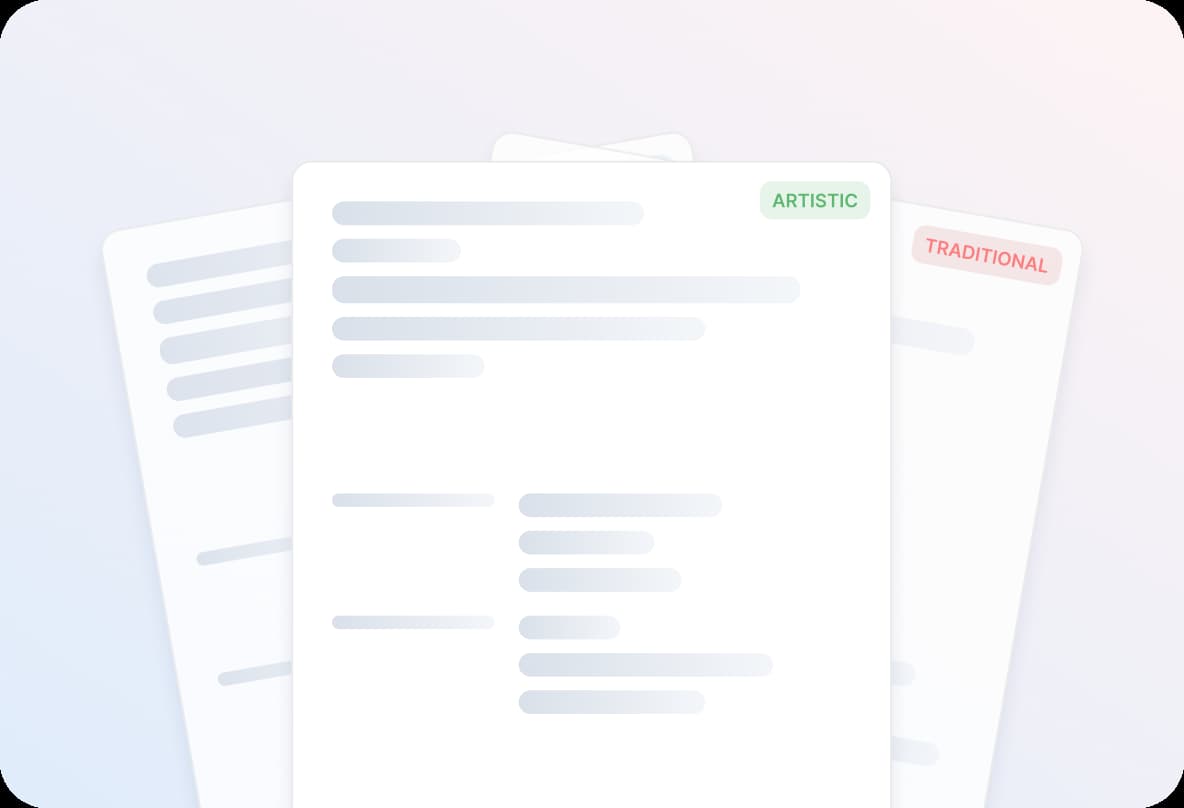
Pick any design and start typing. Change to another whenever you like, and your details move across with you.

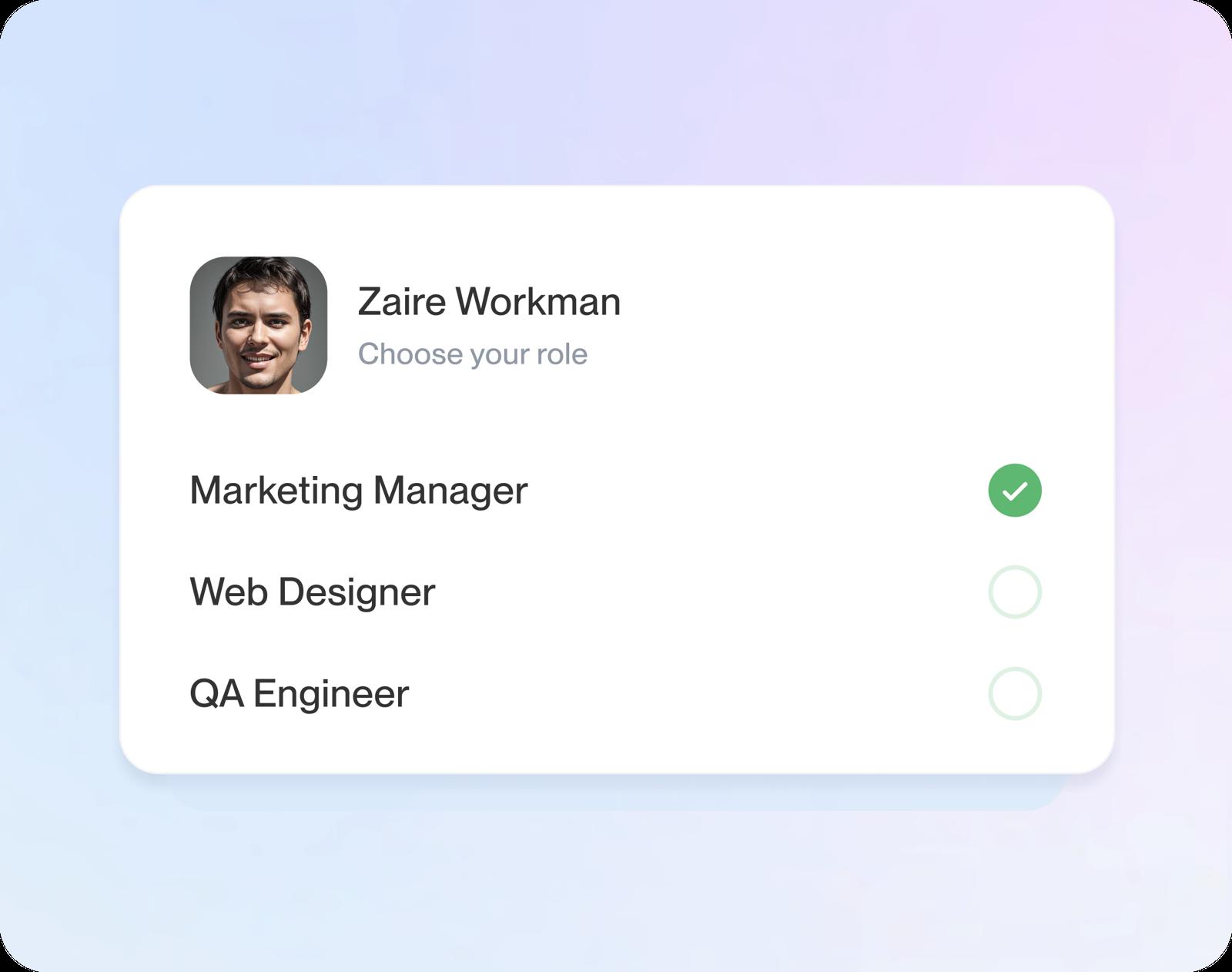
Ready-made examples to start from
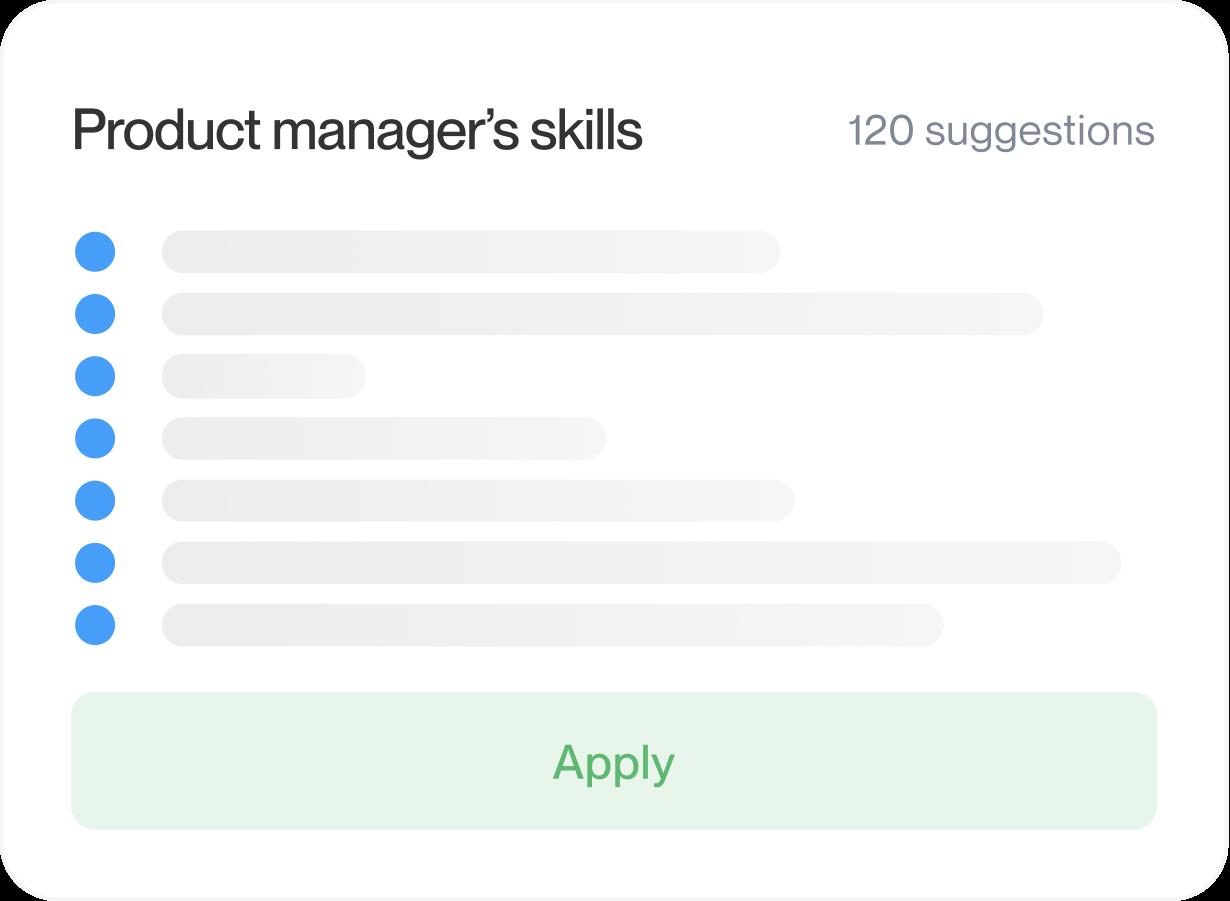
Enter a job title and expert suggestions for it appear, ready to edit. Keep what's true for you and change the rest.
A live preview
Watch your CV take shape as you type, so you can see how each section looks before you move on.
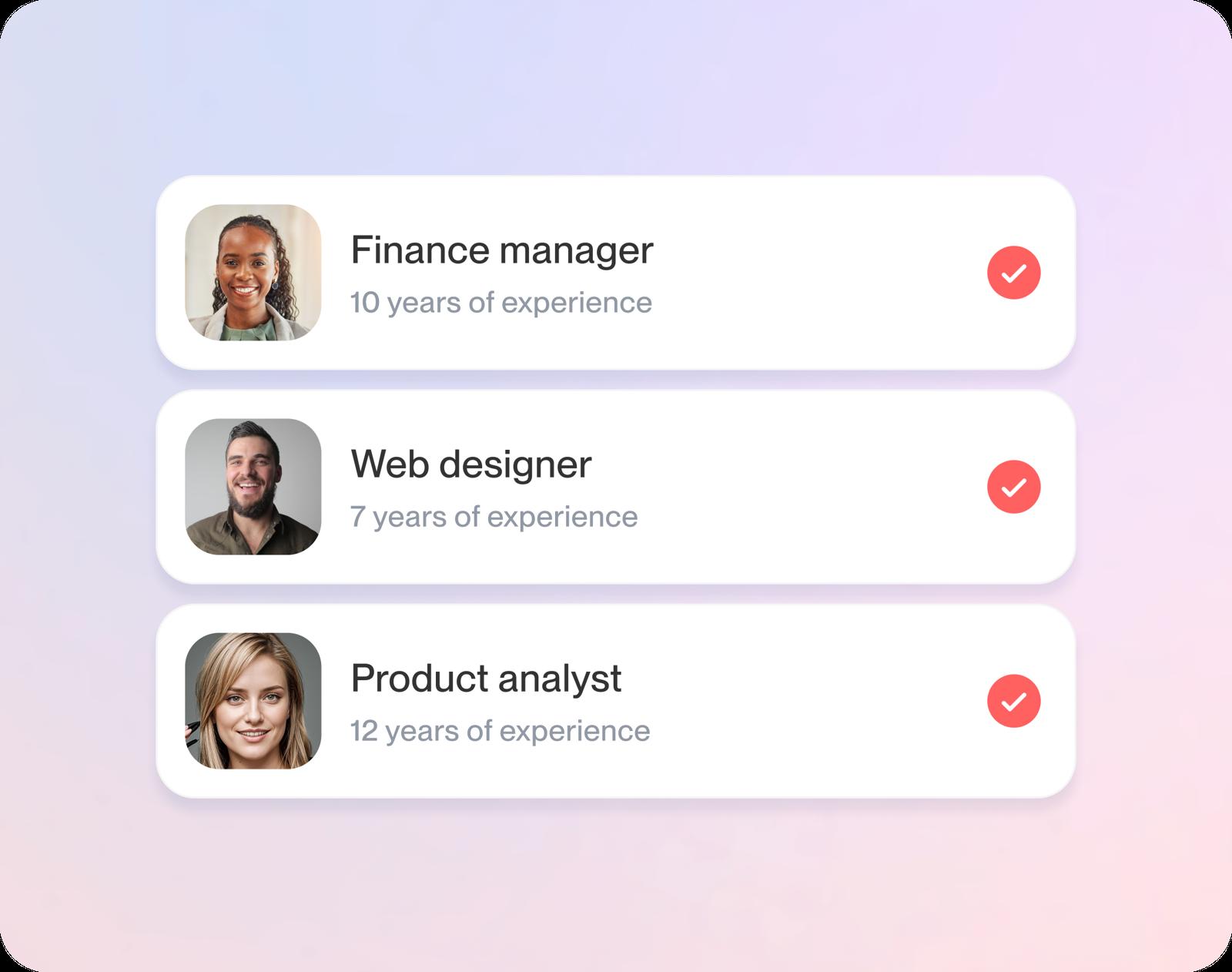
Saved to your account
Save your CV free and return to it later, whether you have one change to make or a whole section to finish.
From free template to finished CV
Step 1
Choose a template
Start by saying where you are in your career, then choose any design. Each one is free to fill in.
Step 2
Fill in each section
Add your contact details, jobs, education and skills, picking from the examples suggested as you type each job title.
Step 3
Save as you go
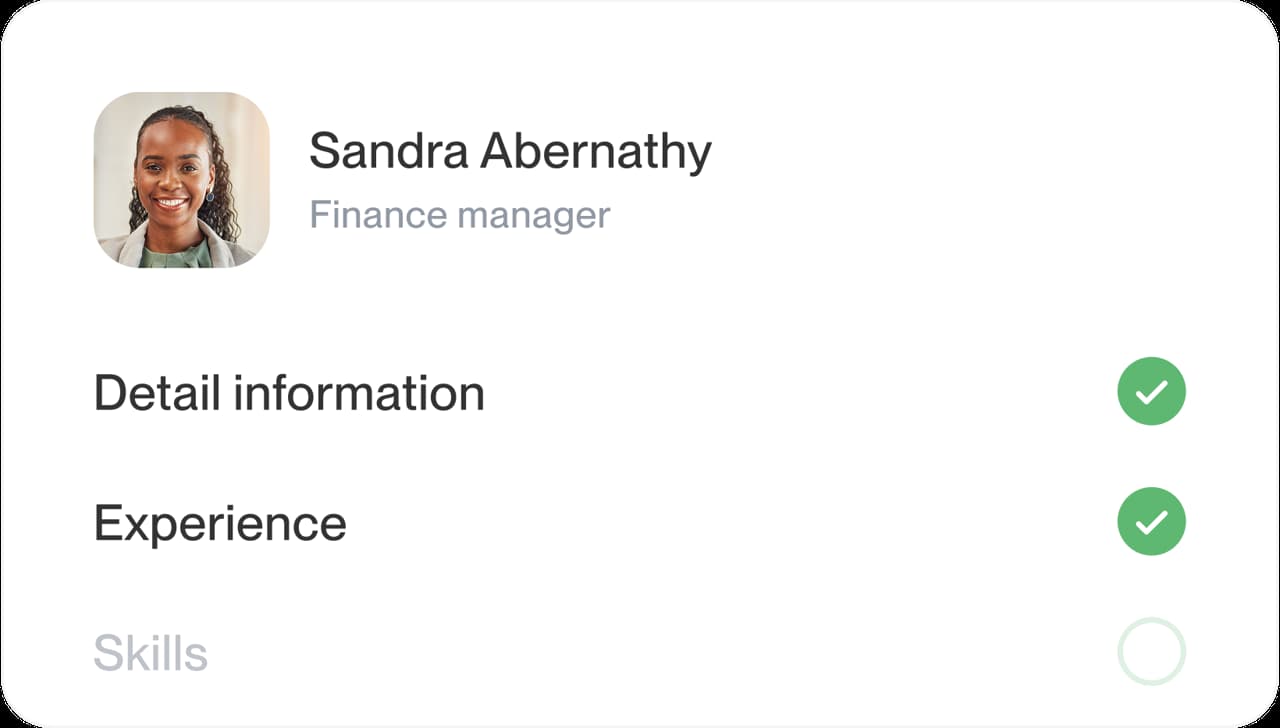
Keep your CV in your account free, then come back to change it whenever you need to.
Step 4
Download when ready
Give the preview a final check, then download your finished CV.

Step 1
Choose a template
Start by saying where you are in your career, then choose any design. Each one is free to fill in.
Step 3
Save as you go
Keep your CV in your account free, then come back to change it whenever you need to.
Step 2
Fill in each section
Add your contact details, jobs, education and skills, picking from the examples suggested as you type each job title.
Step 4
Download when ready
Give the preview a final check, then download your finished CV.
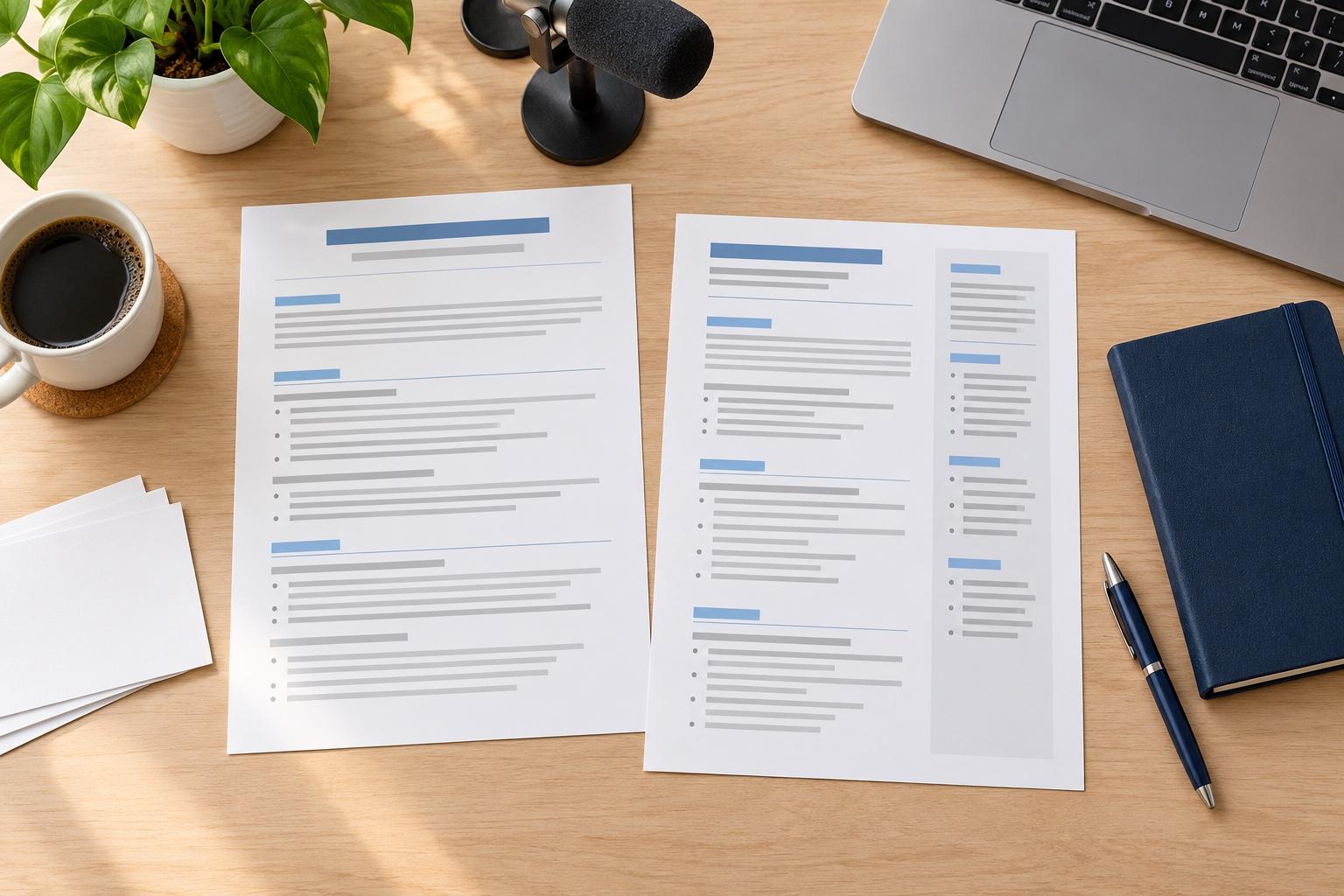
How to fill in a CV template
To fill in a CV template, work in this order: contact details and job facts first, then results under each job, then education and skills, and your profile last. The template already handles the layout, so all your effort goes into the words.
Start with the facts
Fill in your name, phone number, email address and town or city first. Then list each job you want to include with its title, employer and dates, newest first. Facts first means you never stall on an empty profile box, and seeing your dates in a row shows any gap you’ll want to explain.
How to handle a gap in your dates
Fill it with what you did. Study, caring for family, travel or freelance work can each go in with dates and a line on what it involved. A single honest line is enough for a longer break, and a gap of a few months needs no explanation at all.
Replace each sample bullet point with a result
Template previews and sample CVs show examples written for an invented person. Don’t copy them. Write something you actually did, and say what changed because of it.
- Sample: “Responsible for stock control.”
- Yours: “Cut stock shortages by reorganizing the weekly count across both stores.”
In the builder, type each job title to see suggestions for that role. Treat them as a starting point, then add the figures, tools and outcomes from your own work.
How many bullet points to put under each job
Three to five under your latest job, two or three under the one before, and one line or none for jobs from long ago or far from the role you want. Start each line with a verb and put the strongest result first, because many readers only get that far. Our guide on how many bullet points to give each job compares two ways to split them.
Add education, skills and certificates
List qualifications with the most recent first. Give each certificate or license its full name, and add when you earned it; if you’re still studying, give the date you expect to finish. Choose skills the posting names and your work history backs up; a skill that no line on the page supports reads as padding.
Write your profile last
Two or three lines are enough: who you are, what you’re good at and the kind of job you want. It’s far easier once the rest of the page is done, because you can lift your strongest result straight into it.
What if the template’s section order doesn’t suit me?
Change it. The builder lets you move sections up or down, so a recent graduate can put education above work history and someone changing careers can bring skills to the top. A design’s order is a starting point, not a rule.
Can I change the template after filling it in?
Yes. Switch to another design at any point and everything you’ve typed moves across, so you can fill one in now and compare looks later. Try your finished CV in two or three designs; one usually suits your details better than the rest.
Make it fit each job
Before each application, reread the job ad and move the matching skills and results higher. A template makes that quick, since the layout stays put while you change the words. Save one version per kind of job you apply for, and the next application begins with most of the work done.
Check it before you send it
Read it through once in the preview and once aloud, looking for these four things:
- No sample or placeholder text left anywhere
- Dates in the same format all the way down
- Spelling that suits the country you’re applying in
- Your strongest section close to the top
Want tips for your field? Browse CV examples for your job, or read our full guide to writing a CV.
Why the words matter as much as the design
“This service is amazing, a customer for life.”

“We come back to Rocket Resume, it's the best!”

Filling in a free CV template: answers
Should I delete the sample text in a CV template?
Yes, every word of it. Examples describe an invented person, so replace each one with something you really did, and check that no placeholder is left before you send your CV.
Can I fill in a CV template for a career change?
Yes. Move your skills section above work history, open with a profile that names the role you want, and describe past work in the words the new field uses, where that is true.
How do I write a CV with a free template?
Pick a design, add your contact details and jobs, then write each line about your own results. Write your profile last. The guide above walks through each section.
Will employers know I used a template?
Using a template is normal, and a clean, consistent layout works in your favor. Replace every sample bullet point with your own results so each one is clearly yours.
Can I use these templates for jobs abroad?
Yes. Job CVs follow a similar structure in most countries. Check what employers there expect on length and spelling before you send yours.
Pair a template with an example from your field
Featured this week





- 11 examples
- 6 examples
- 13 examples
- 23 examples
- 11 examples
- 19 examples






Show all industries (A–Z)Show fewer
- Aerospace & Defense, 8 examples
- Agriculture, 23 examples
- Apparel & Textiles, 13 examples
- Architecture, 15 examples
- Artificial Intelligence, 6 examples
- Arts & Entertainment, 24 examples
- Automotive, 21 examples
- Beauty & Personal Care, 17 examples
- Biotechnology & Life Sciences, 7 examples
- Business Services, 23 examples
- Chemical Engineering, 4 examples
- Childcare, 14 examples
- Construction, 106 examples
- Creative, 15 examples
- Customer Service, 17 examples
- Education, 94 examples
- Energy, 39 examples
- Environmental Science, 5 examples
- Finance, 63 examples
- Food & Beverage, 68 examples
- Government, 48 examples
- Healthcare, 160 examples
- Hospitality, 35 examples
- Human Resources, 18 examples
- Insurance, 10 examples
- Legal, 12 examples
- Logistics, 37 examples
- Manufacturing, 68 examples
- Marketing, 8 examples
- Media, 20 examples
- Military, 24 examples
- Mining & Metals, 9 examples
- Nonprofit, 8 examples
- Pharmaceuticals, 11 examples
- Public Relations, 10 examples
- Real Estate, 7 examples
- Retail, 38 examples
- Robotics, 11 examples
- Sales, 14 examples
- Security Services, 19 examples
- Social Services & Counseling, 21 examples
- Social Work, 14 examples
- Sports & Fitness, 96 examples
- Technology, 67 examples
- Telecommunications, 6 examples
- Tourism & Travel, 8 examples
- Transportation, 38 examples
- Veterinary, 9 examples
Don’t see your job title?

In our customers' words
from 4,000+ reviews