CV templates for
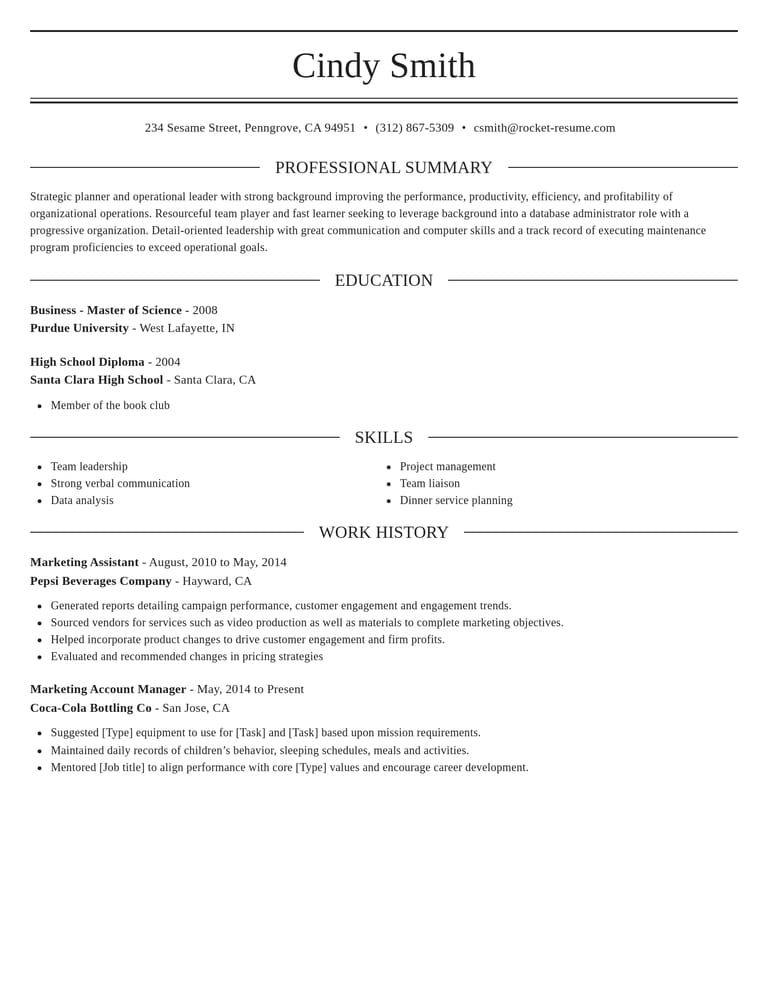
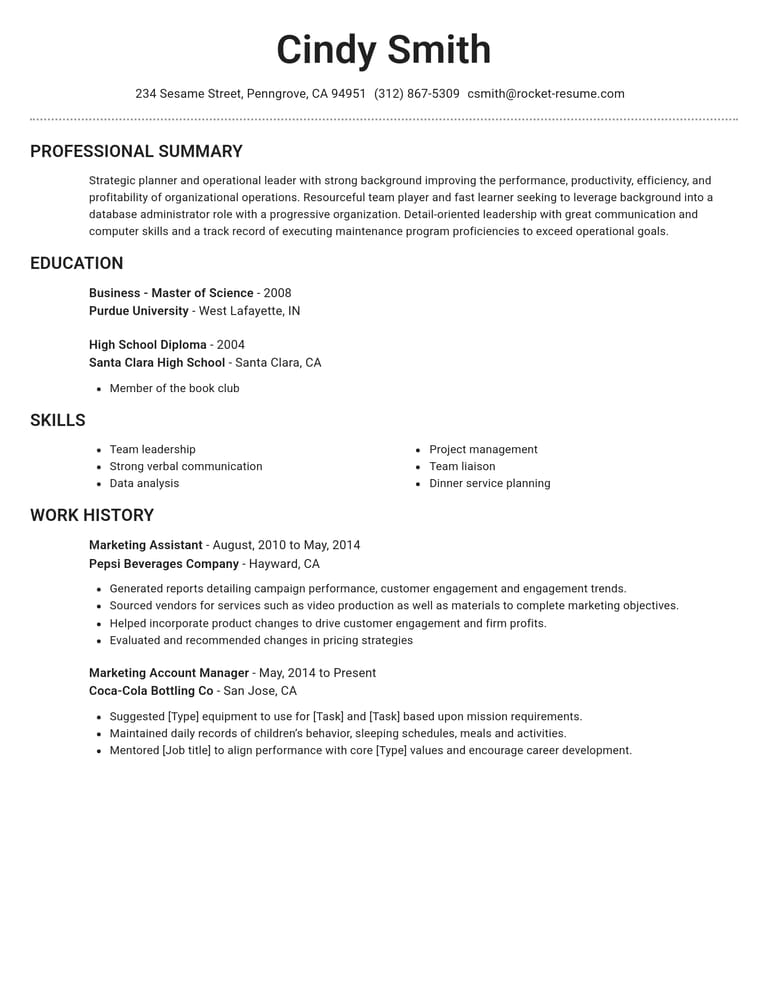
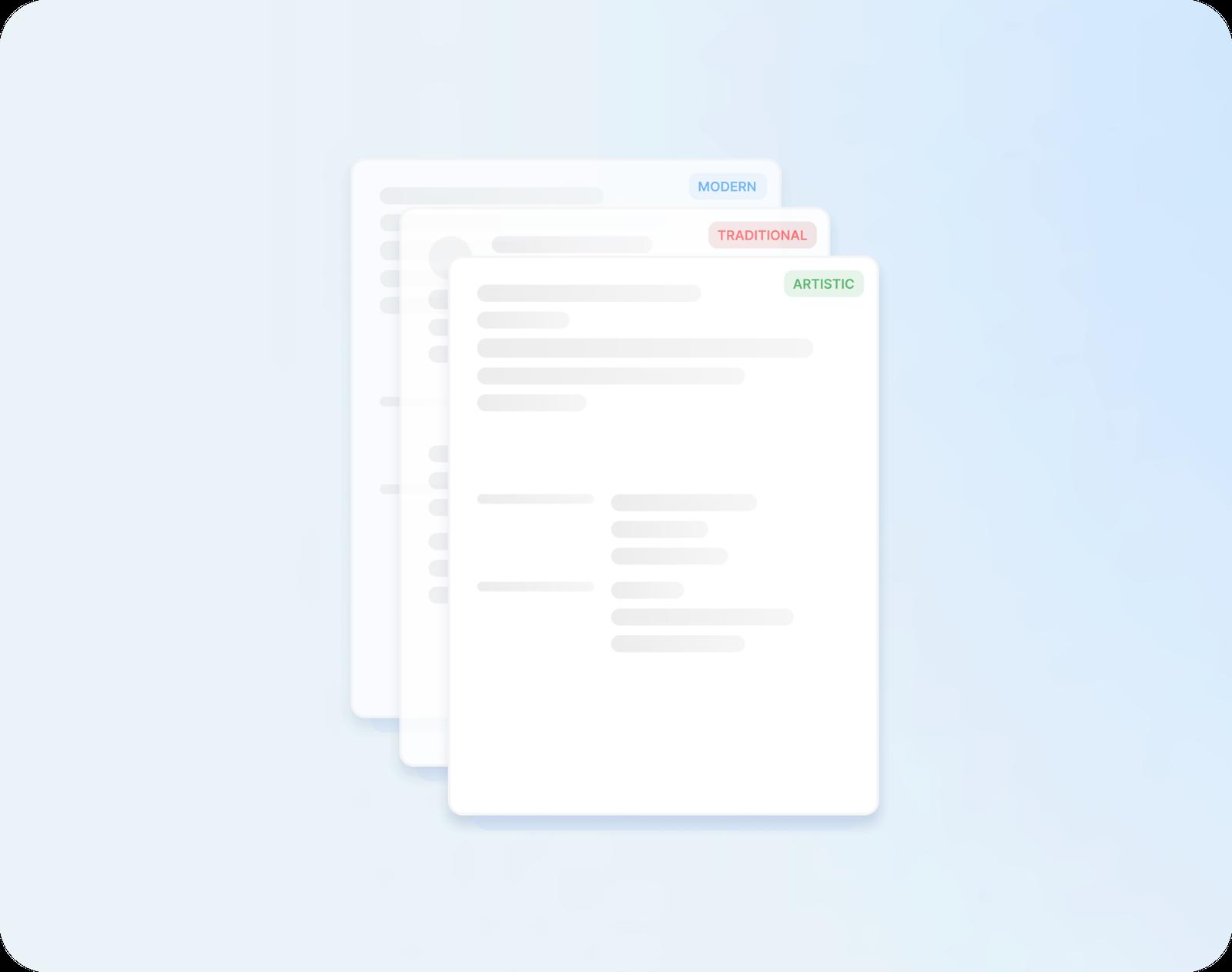
Browse professional CV templates in modern, traditional or creative styles, then fill yours in step by step with suggestions for your job title.
- Layouts with clear section headings
- CV examples for the job you do
- Change templates and keep every word
- Fill it in on your phone or computer

Danny
Apr 2023
“I'll recommend it to friends and family.”

Dayani F.
Jan 2025
“Everything about this tool is amazing, I love it”

Kelvin P.
Jul 2025
“You guys were amazing, I got a new job.”

John W.
Nov 2022
“You made my resume professional”
from 3,900+ reviews
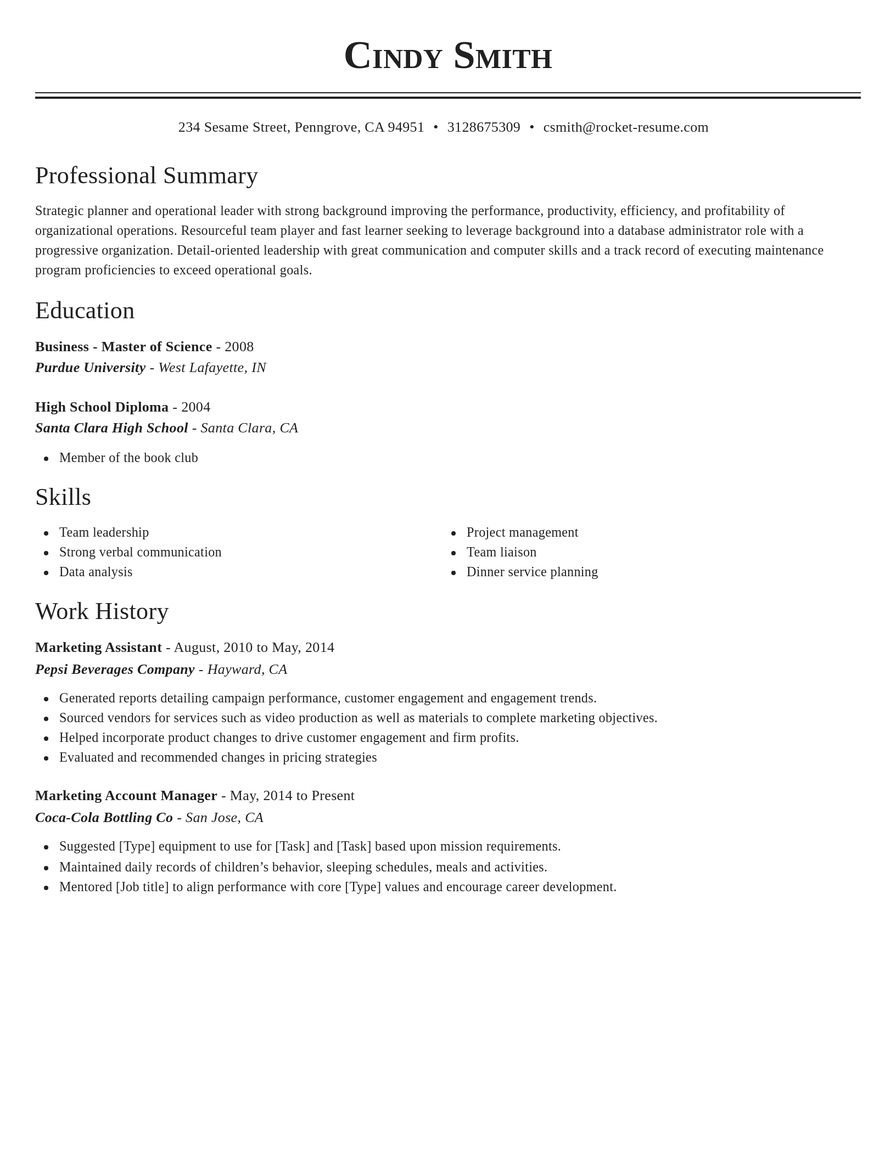
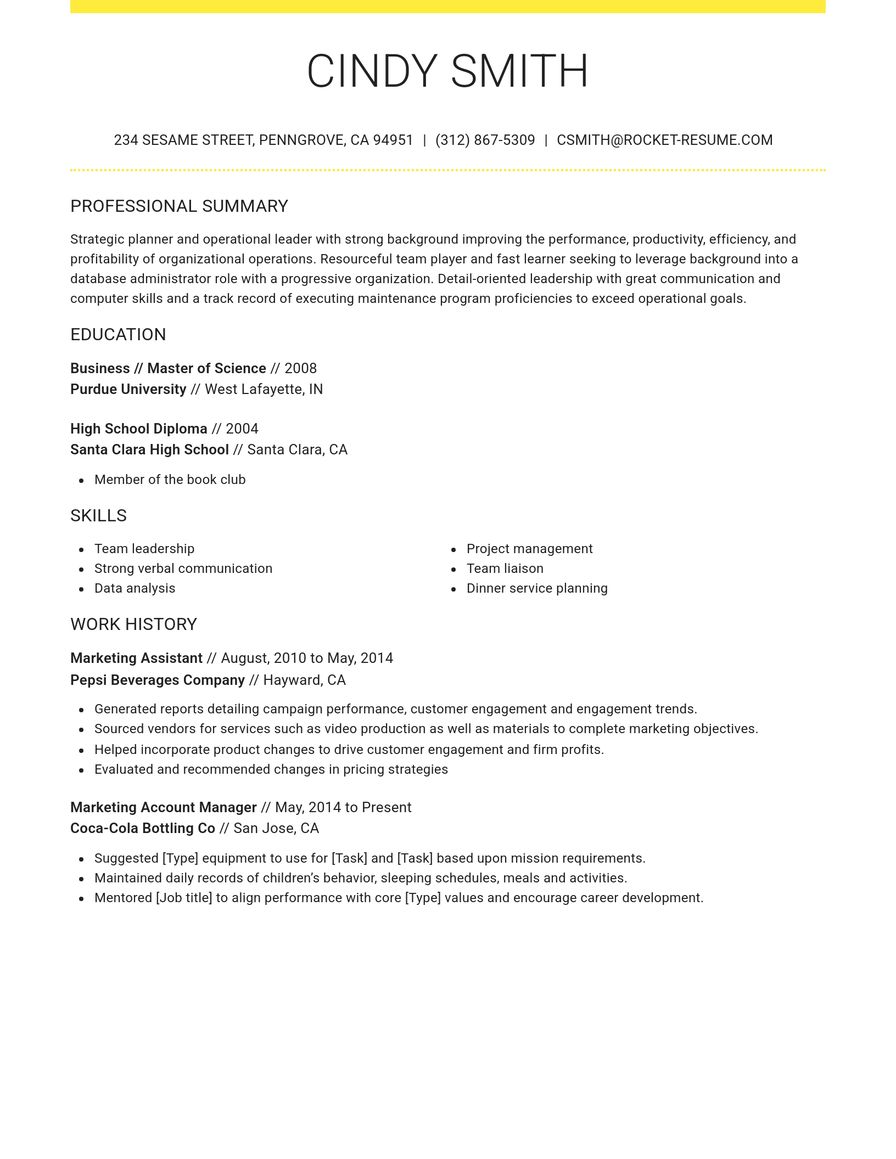
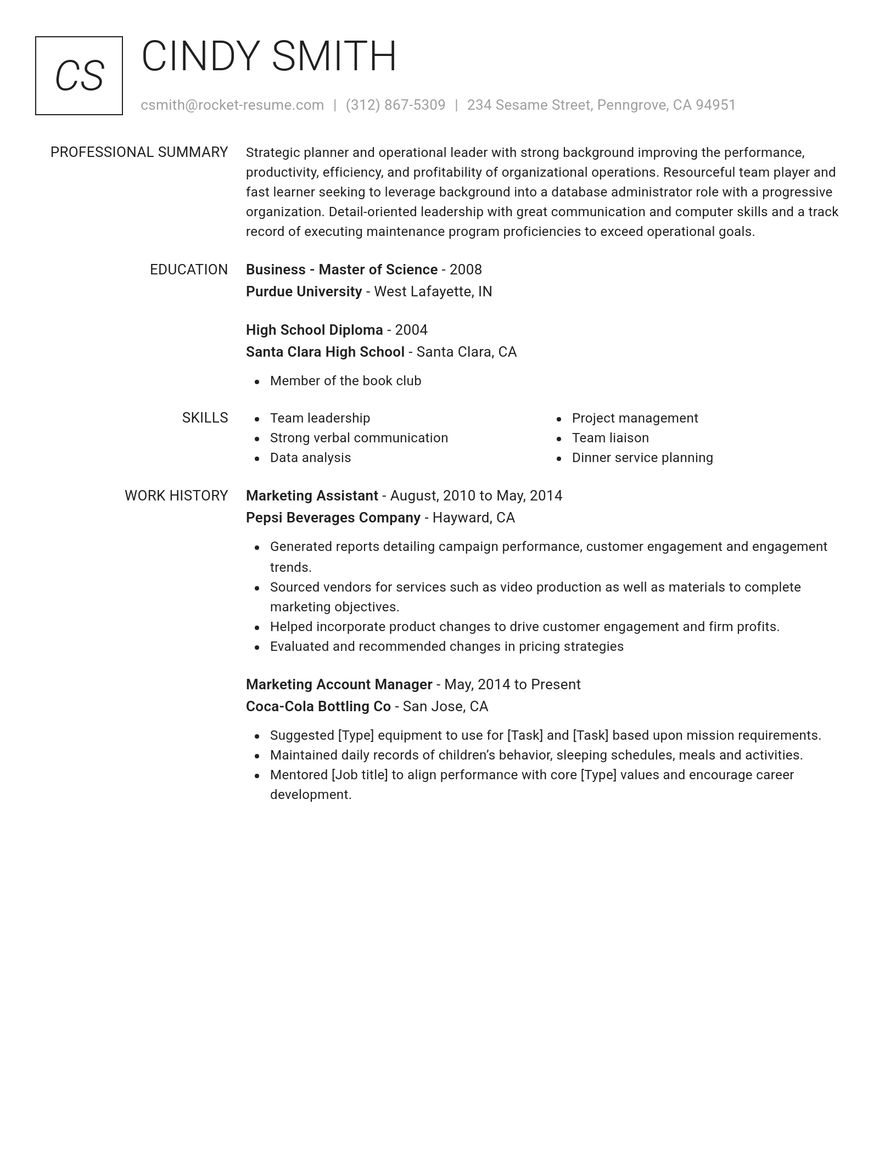
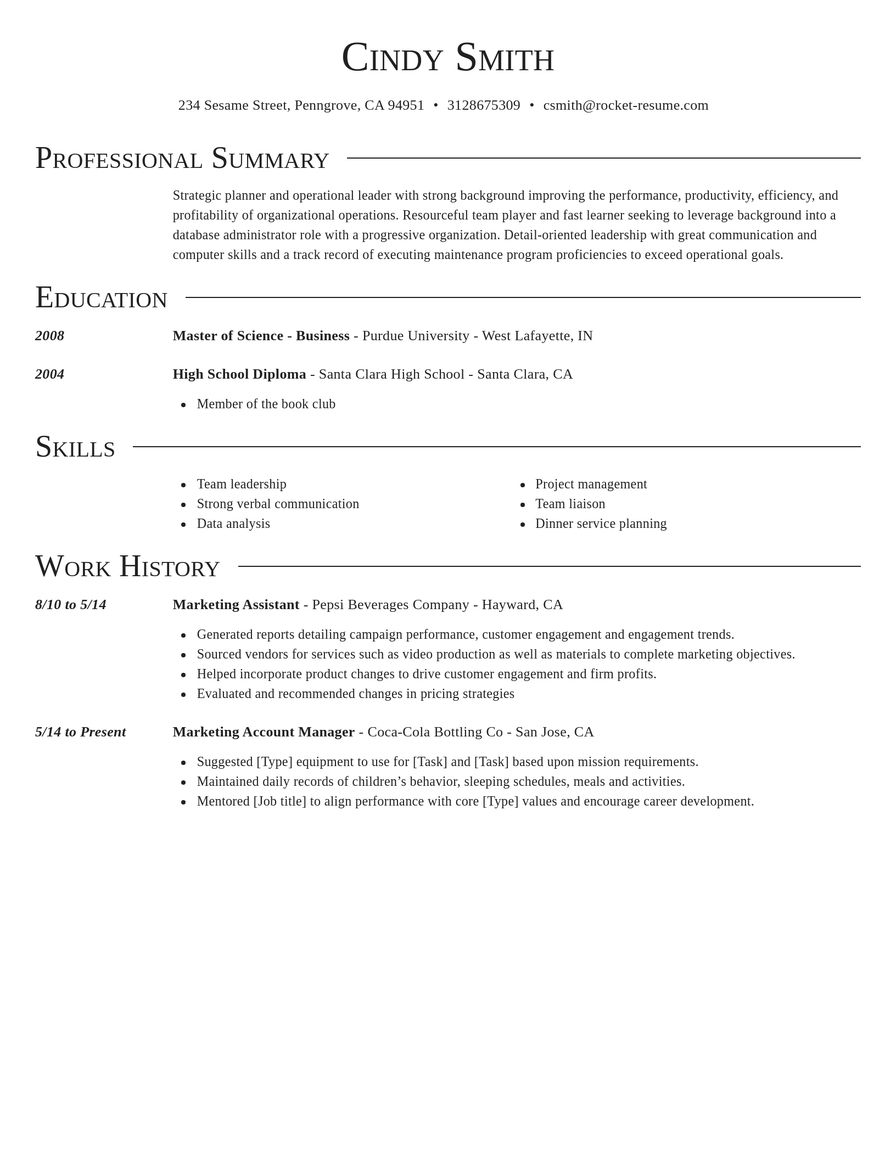
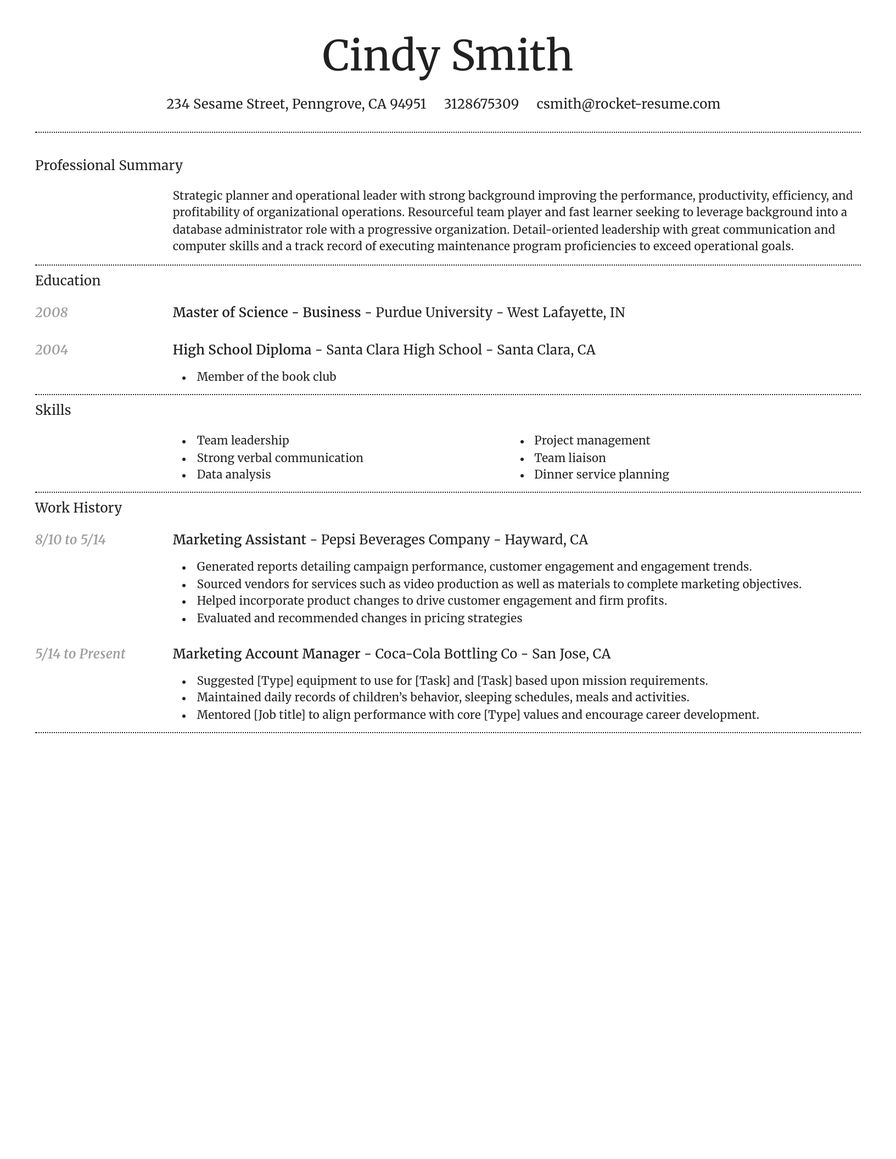
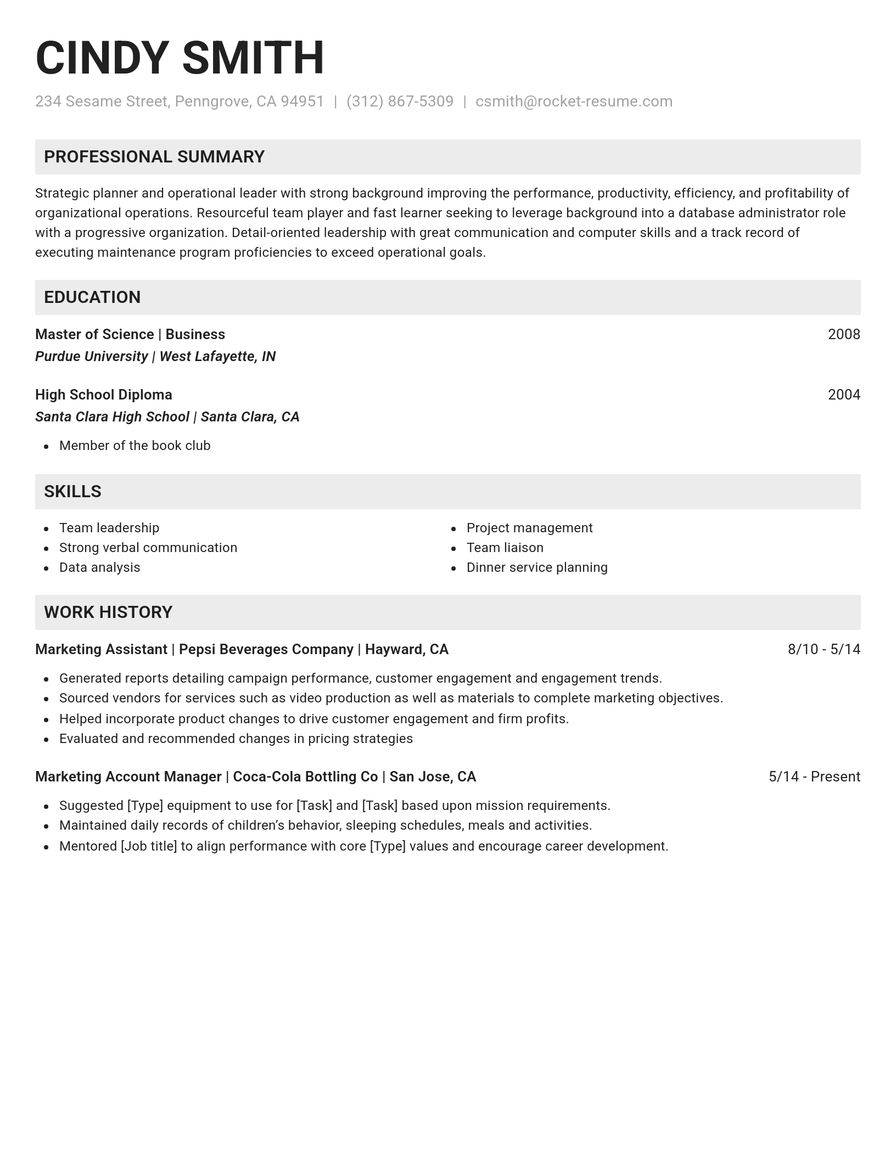
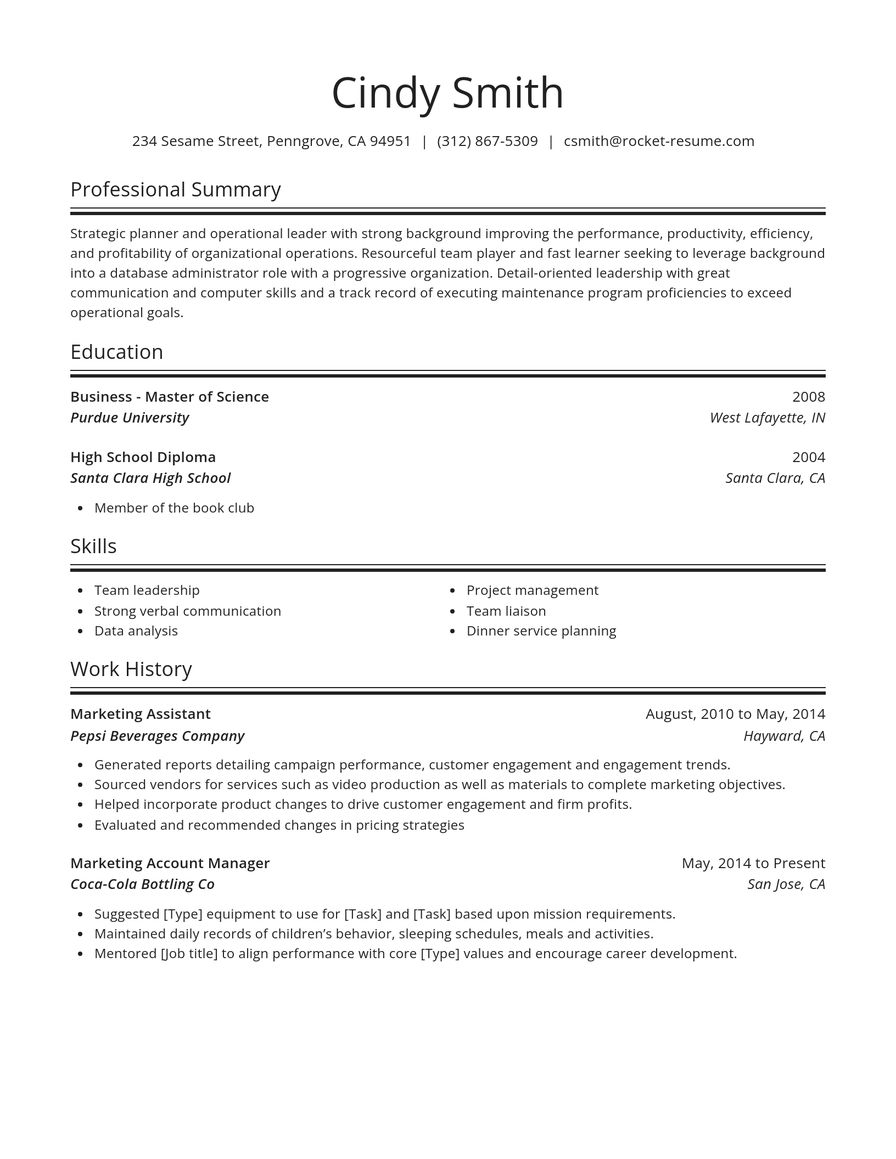
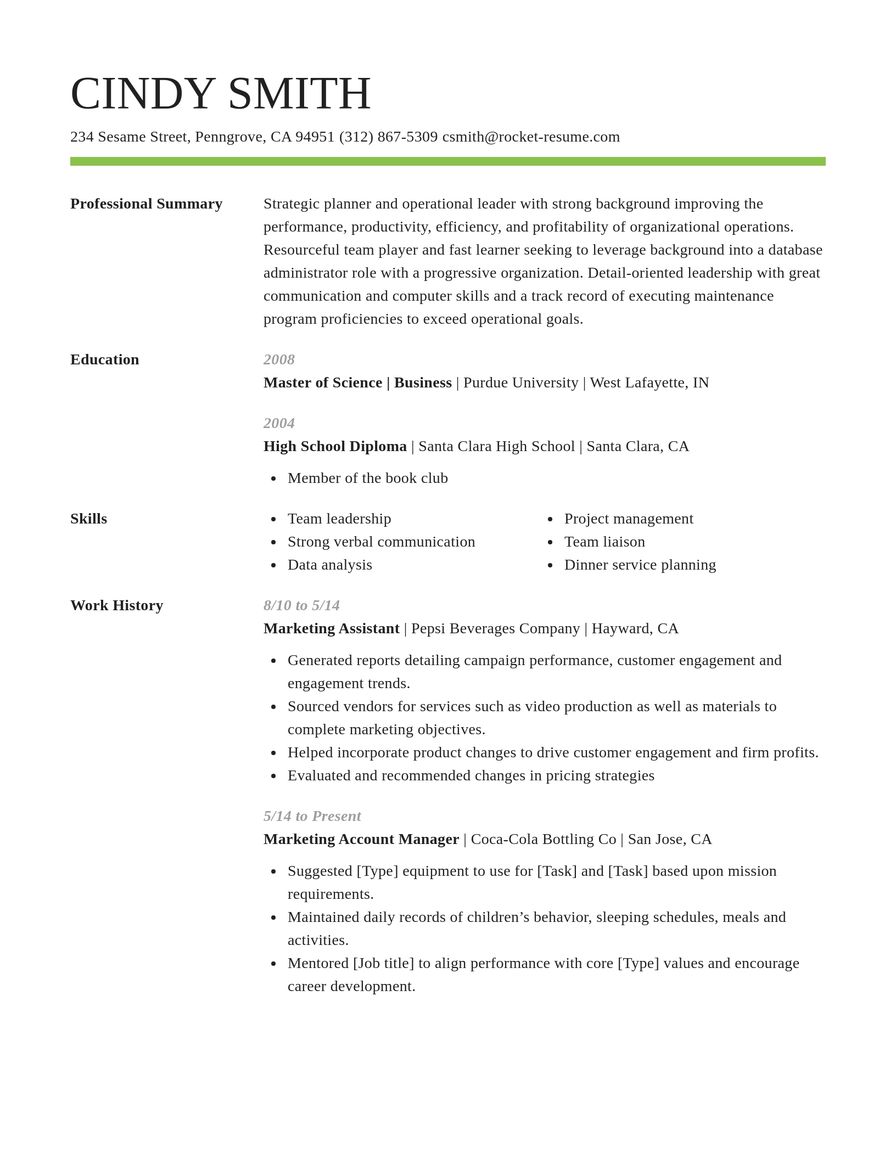
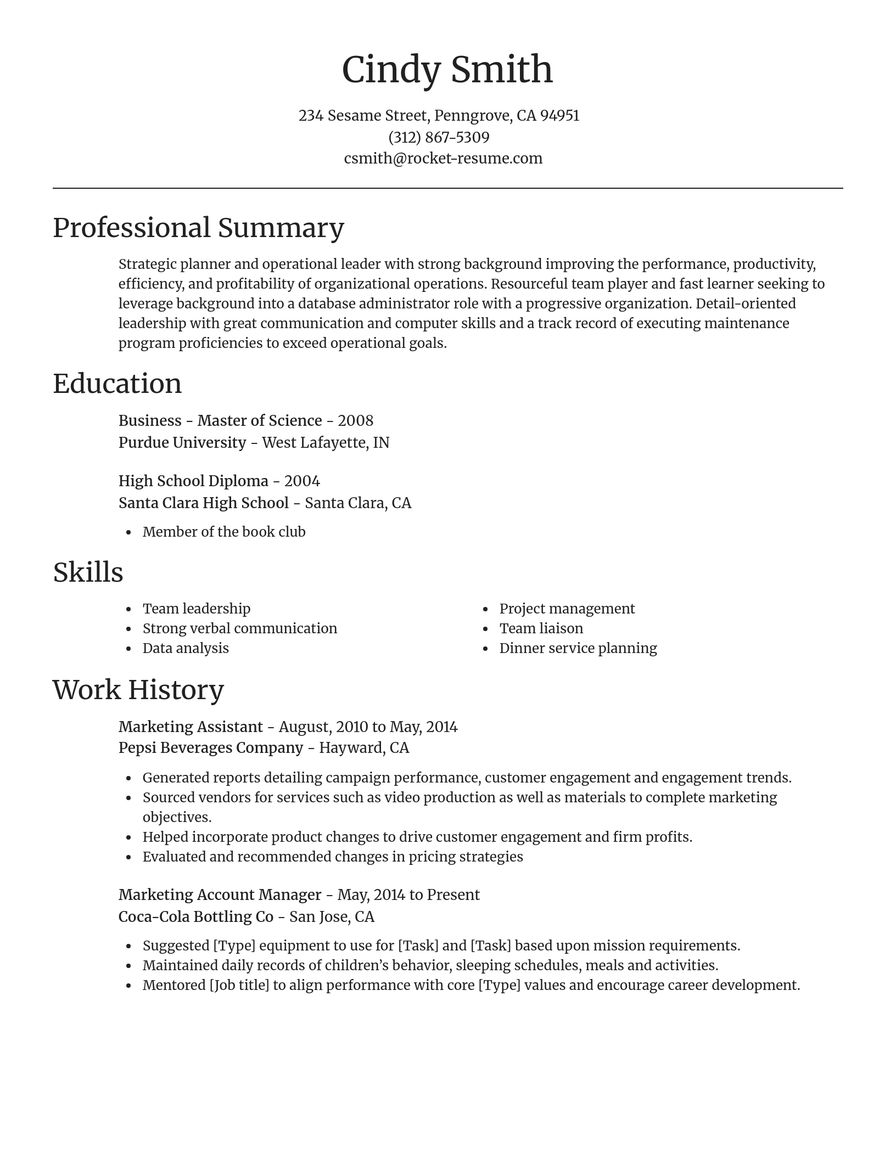
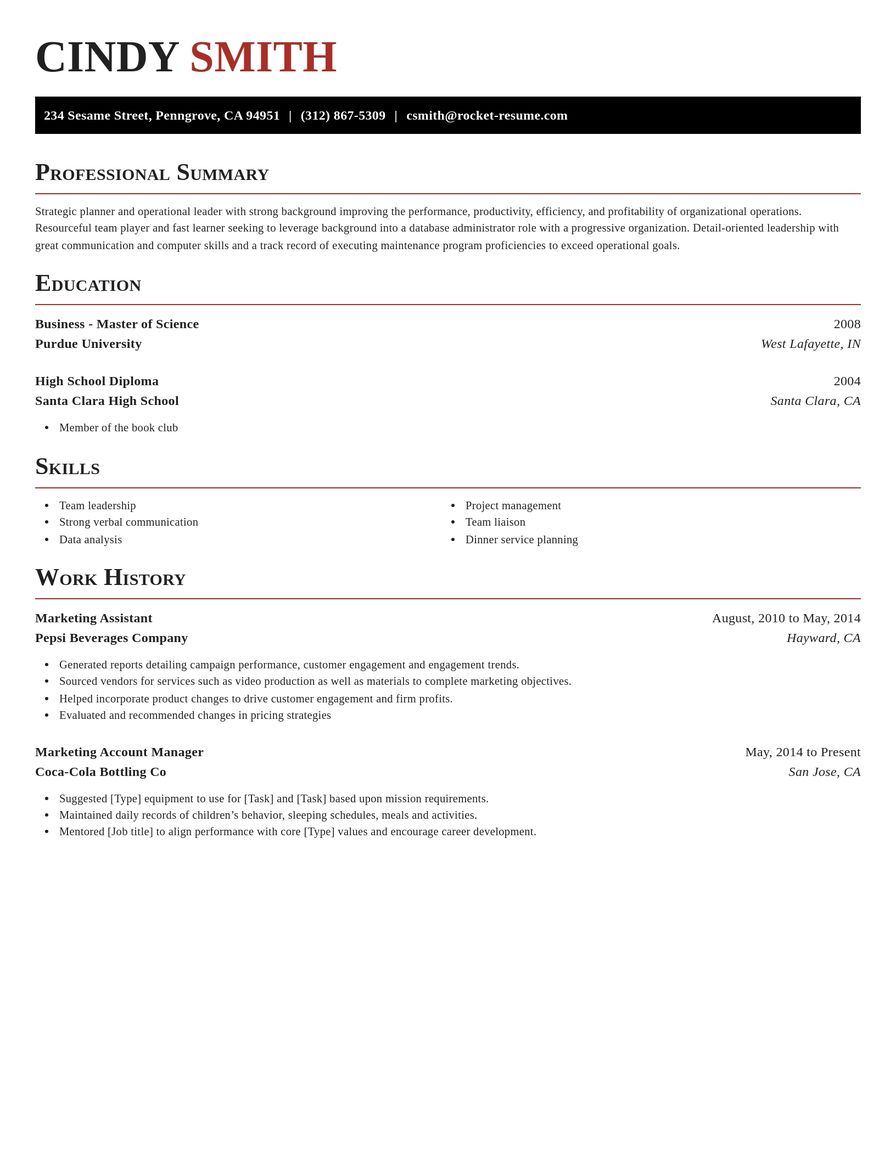
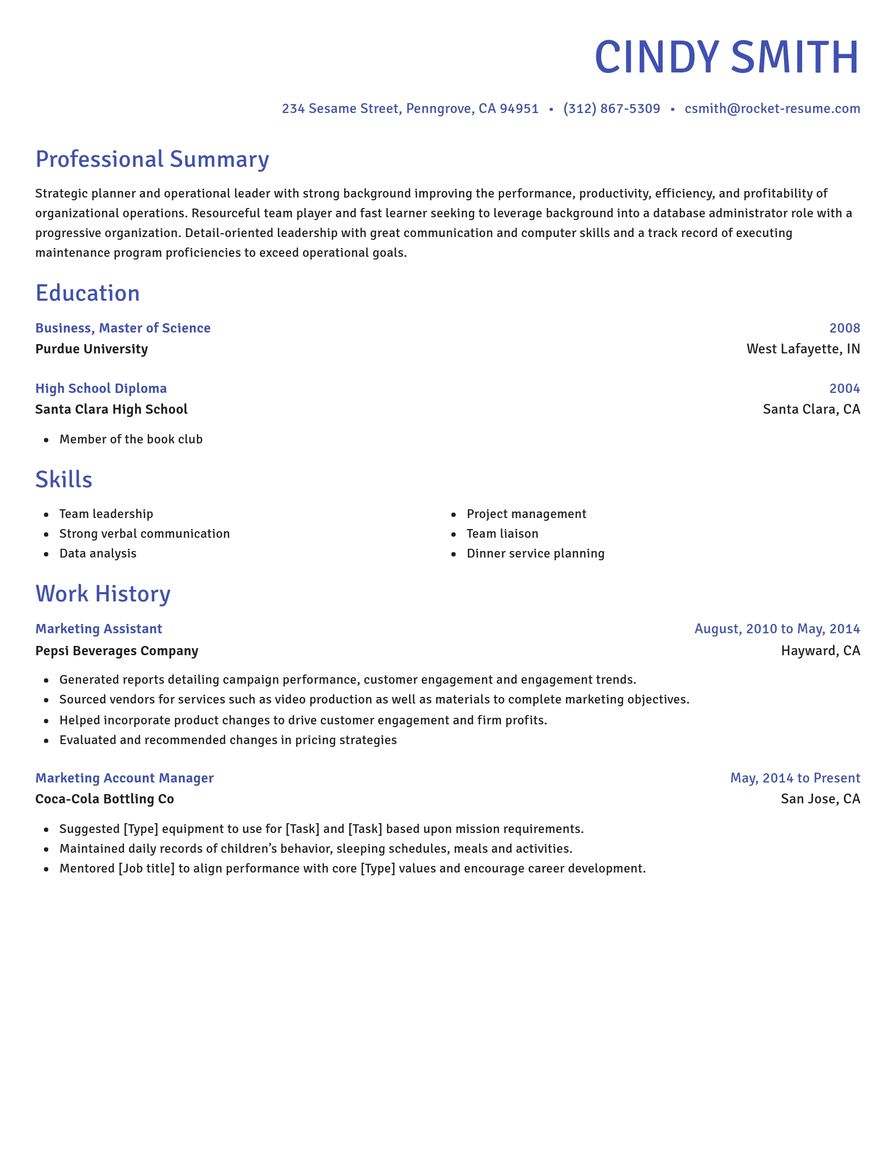
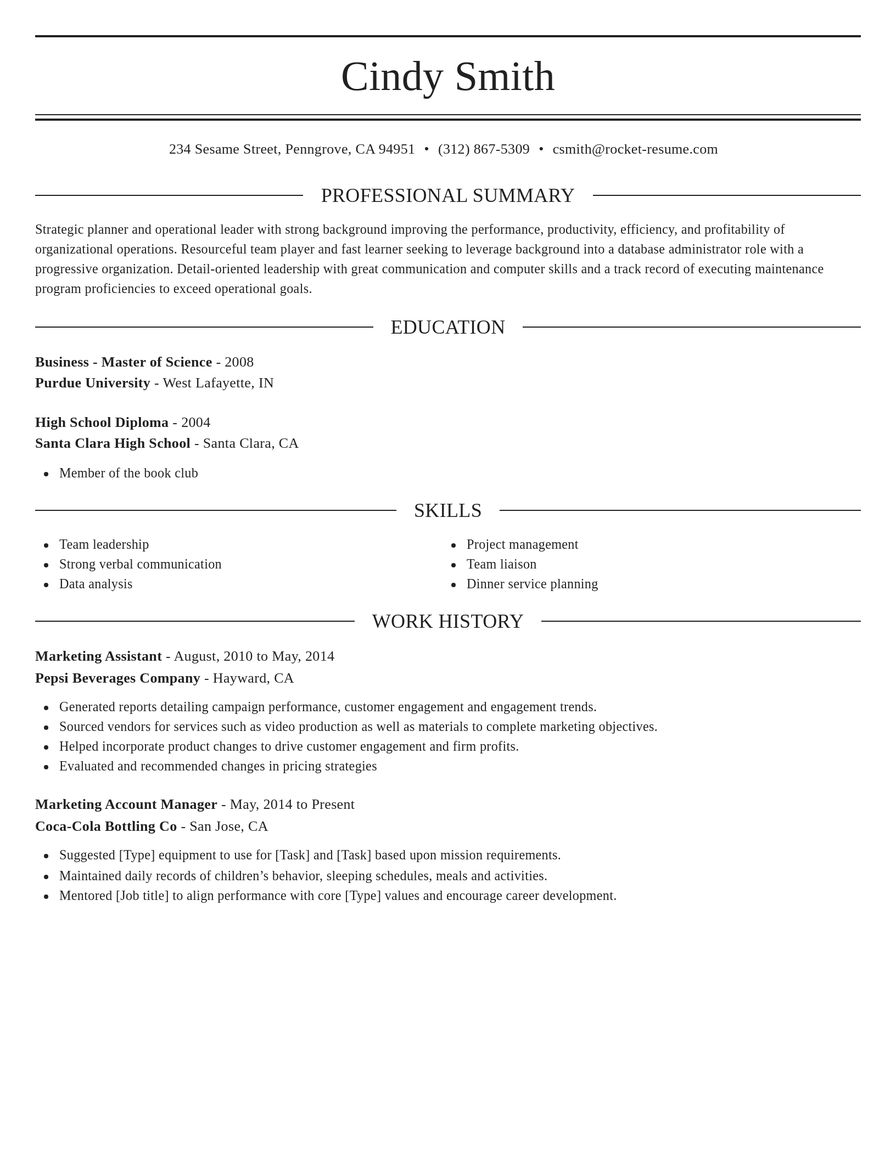
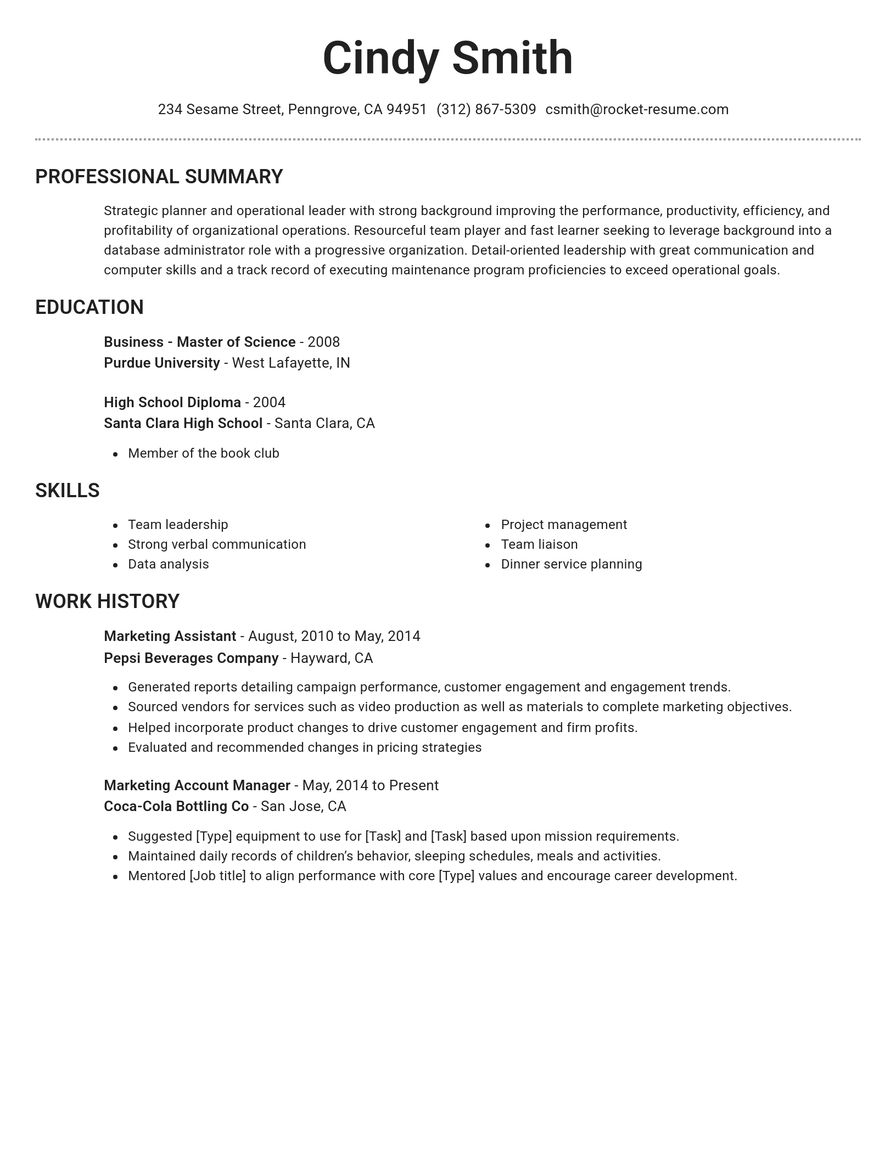
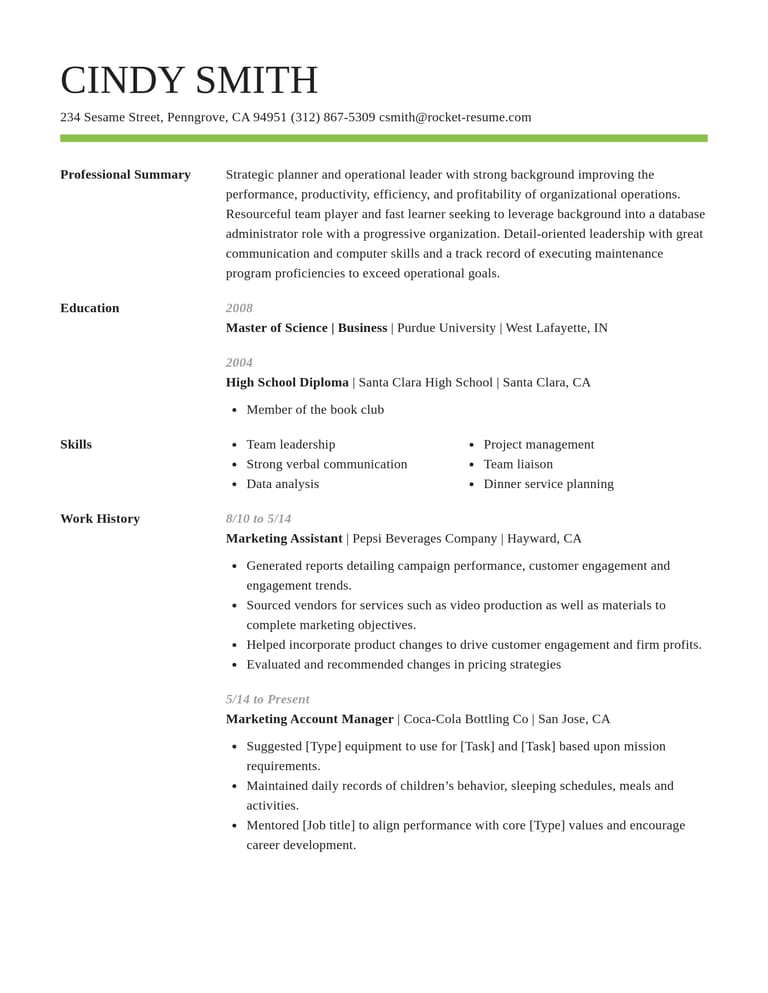
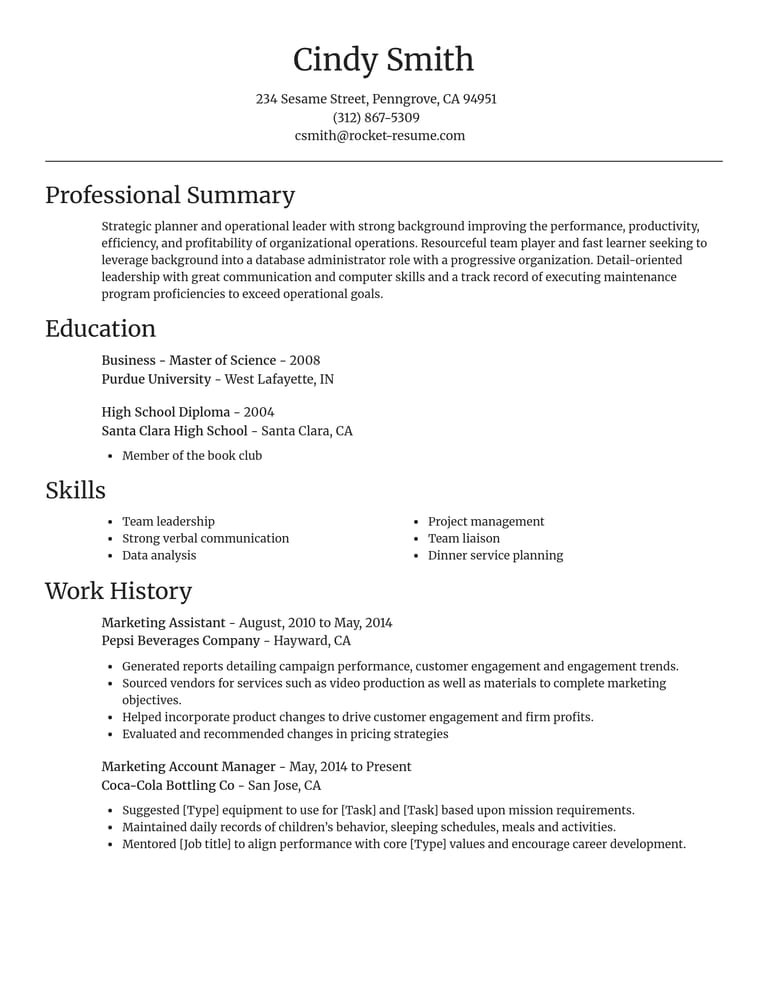
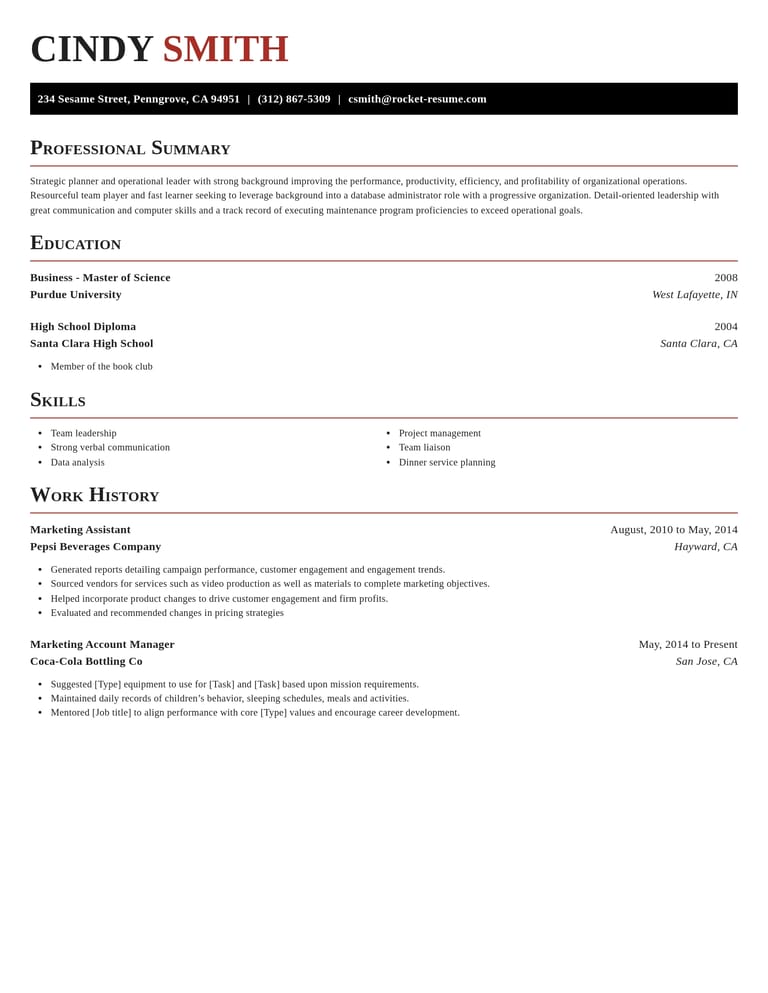
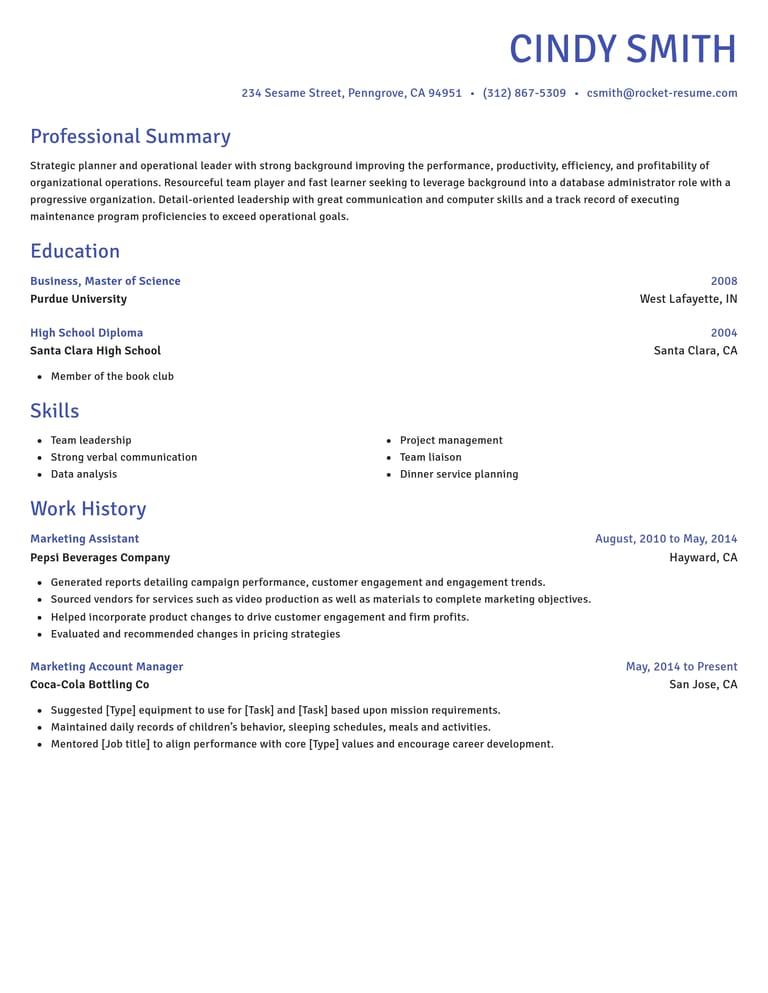
Choose your CV template
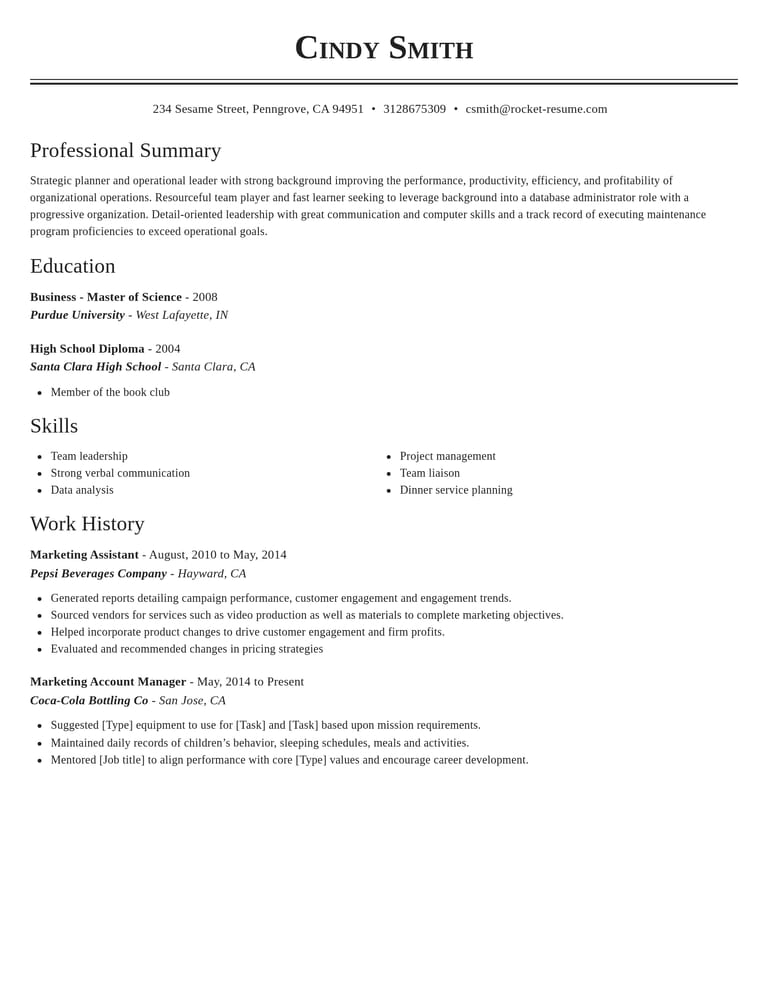
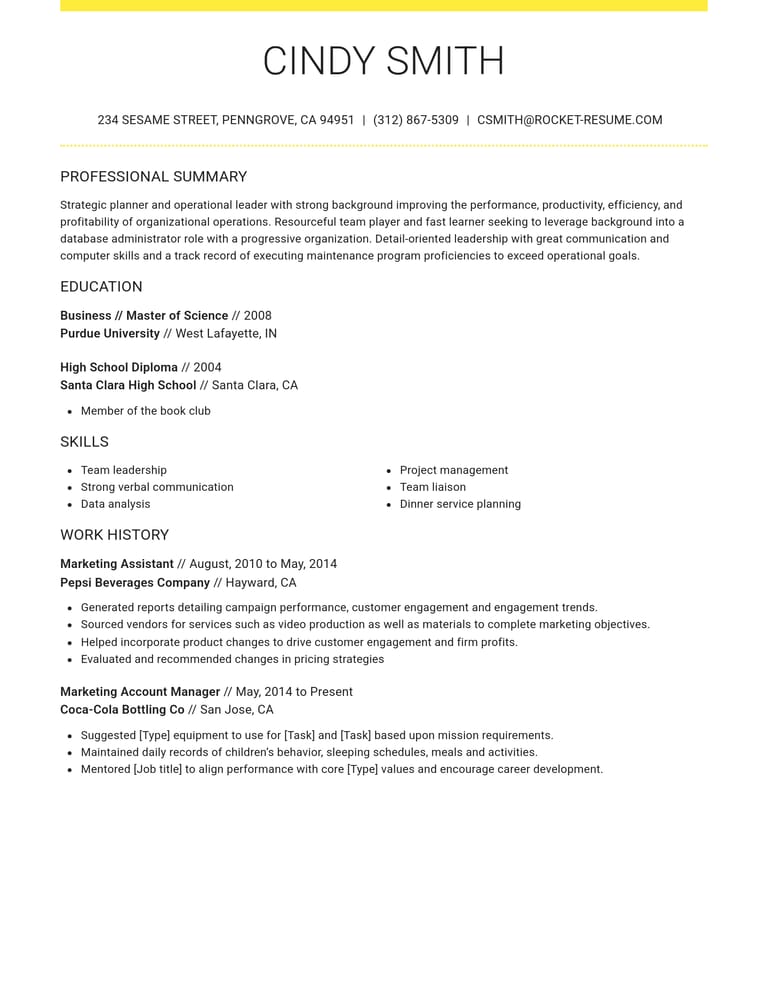
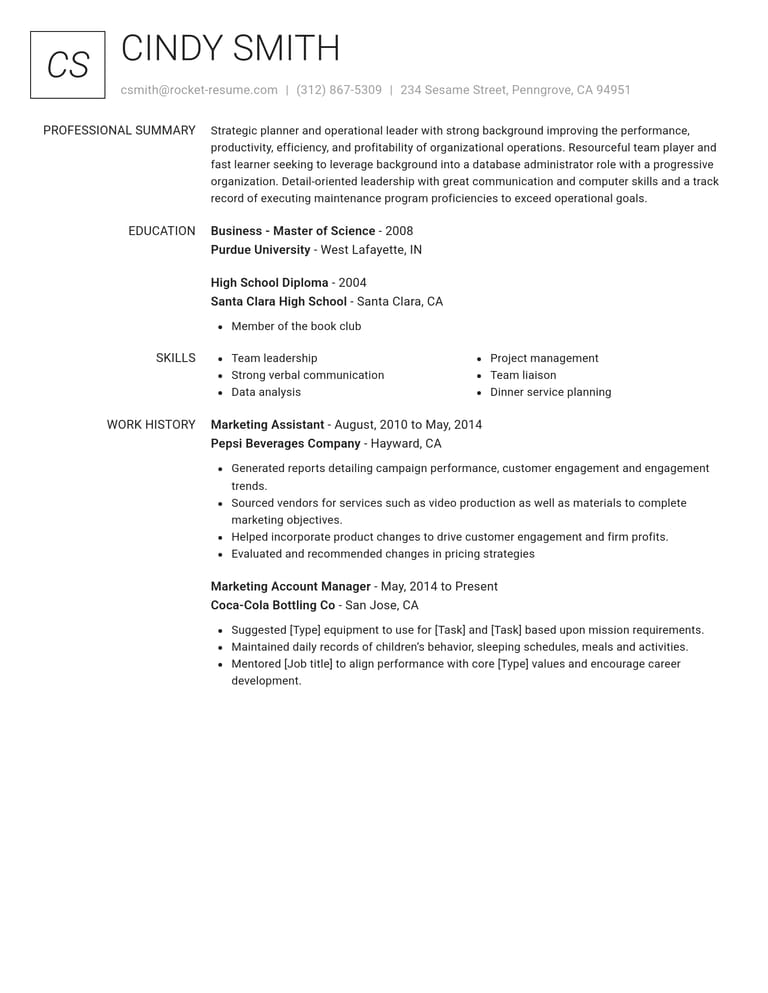
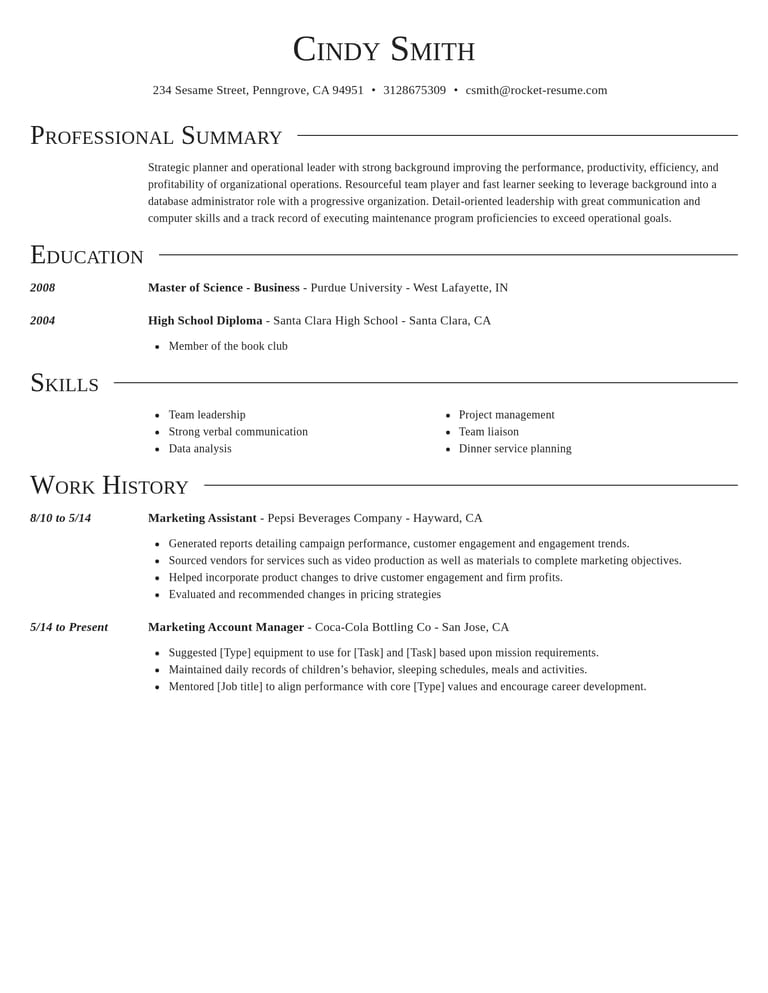
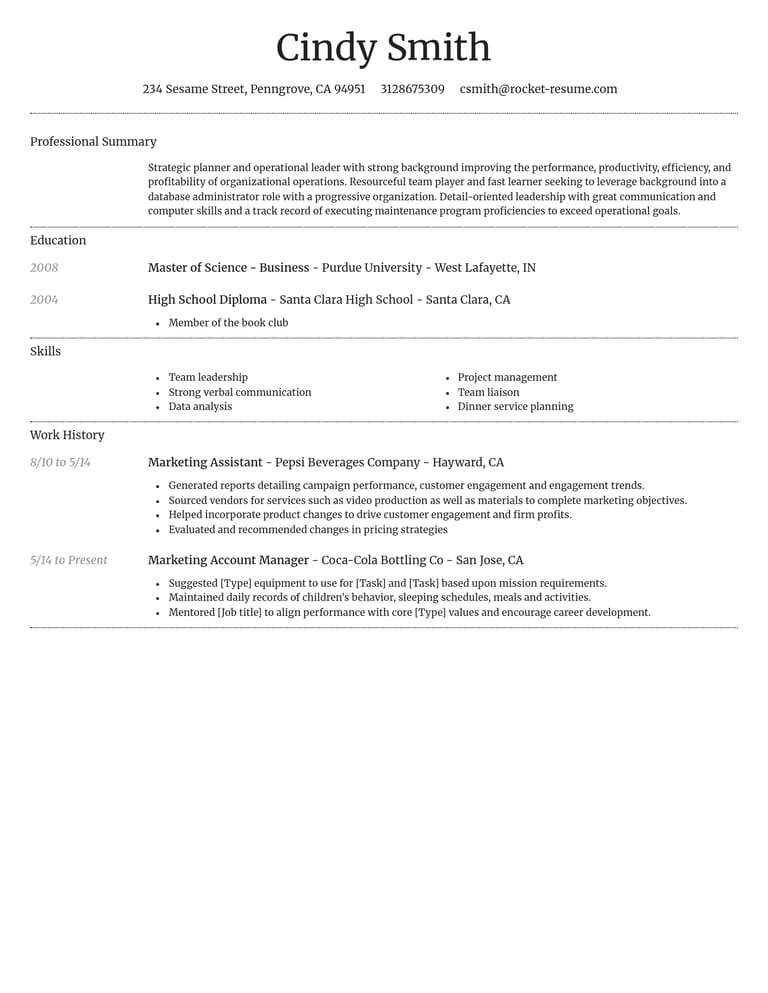
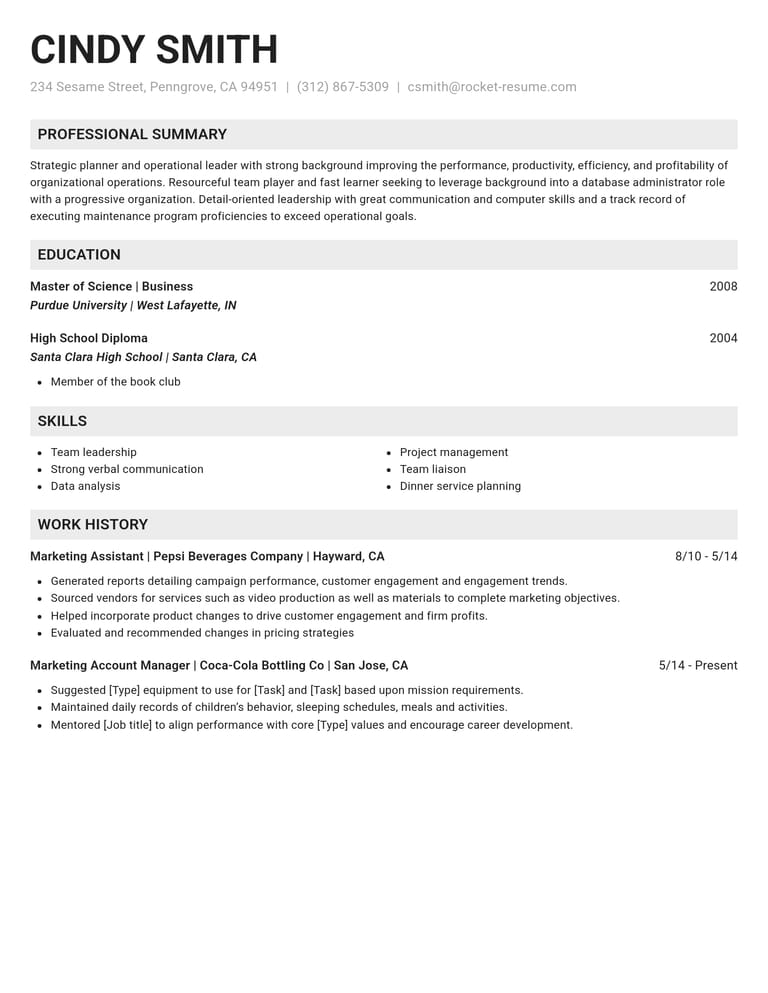
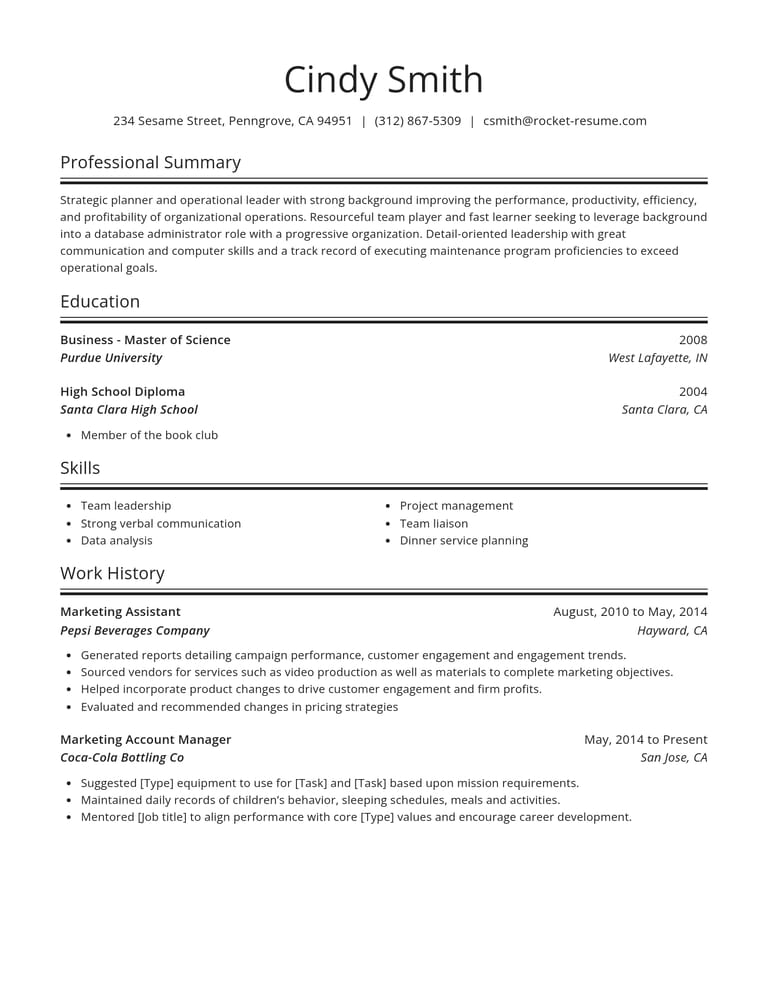
More than a blank CV layout

Suggestions written for your role
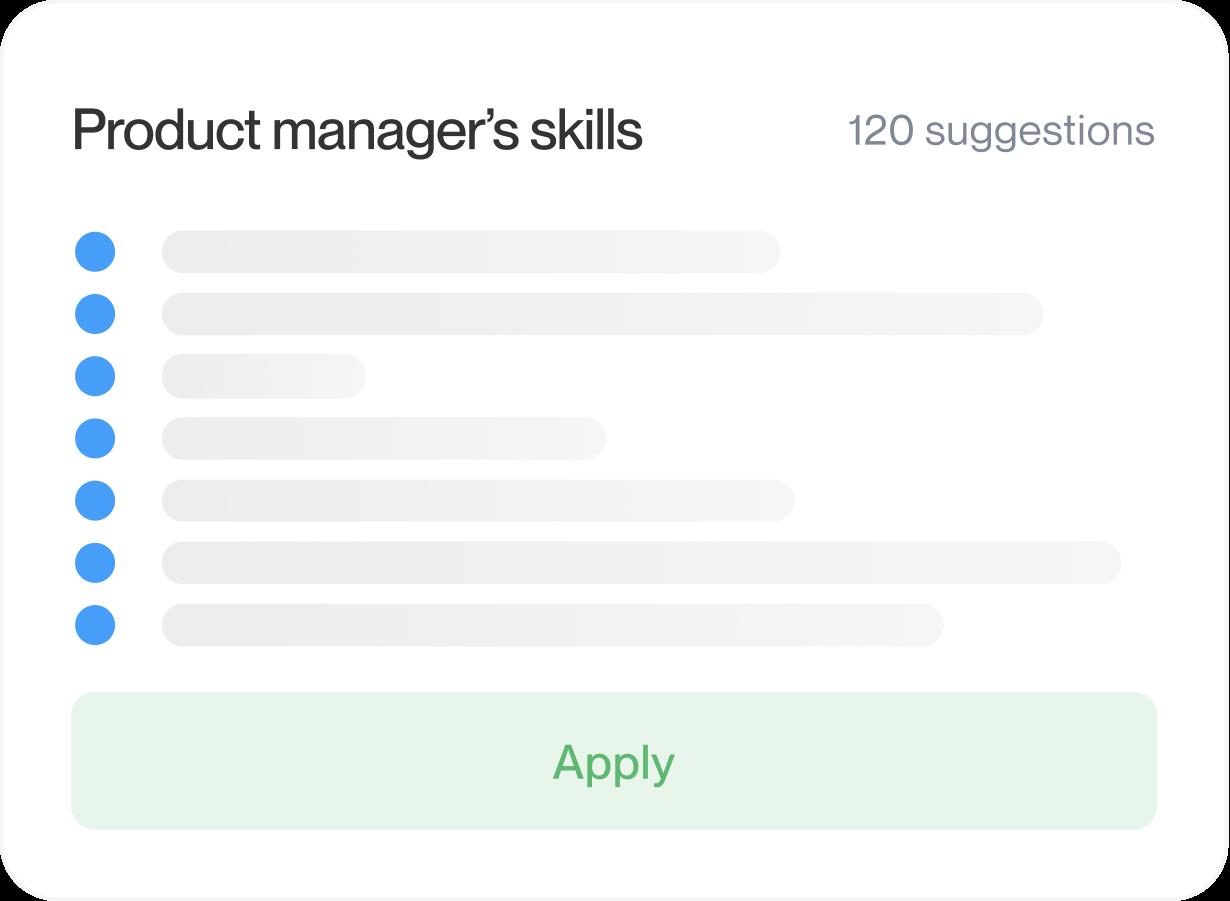
Enter your job title to see suggestions for the role. Use the ones that fit and add the details that make your experience specific.
Easy to edit as you go
Change a line, move a section up or try another design. Your words stay put, and the preview shows each change straight away.
Keep the important details in view
Look for a clear place for job titles, dates and qualifications. Check the layout with your own details before you settle on it.
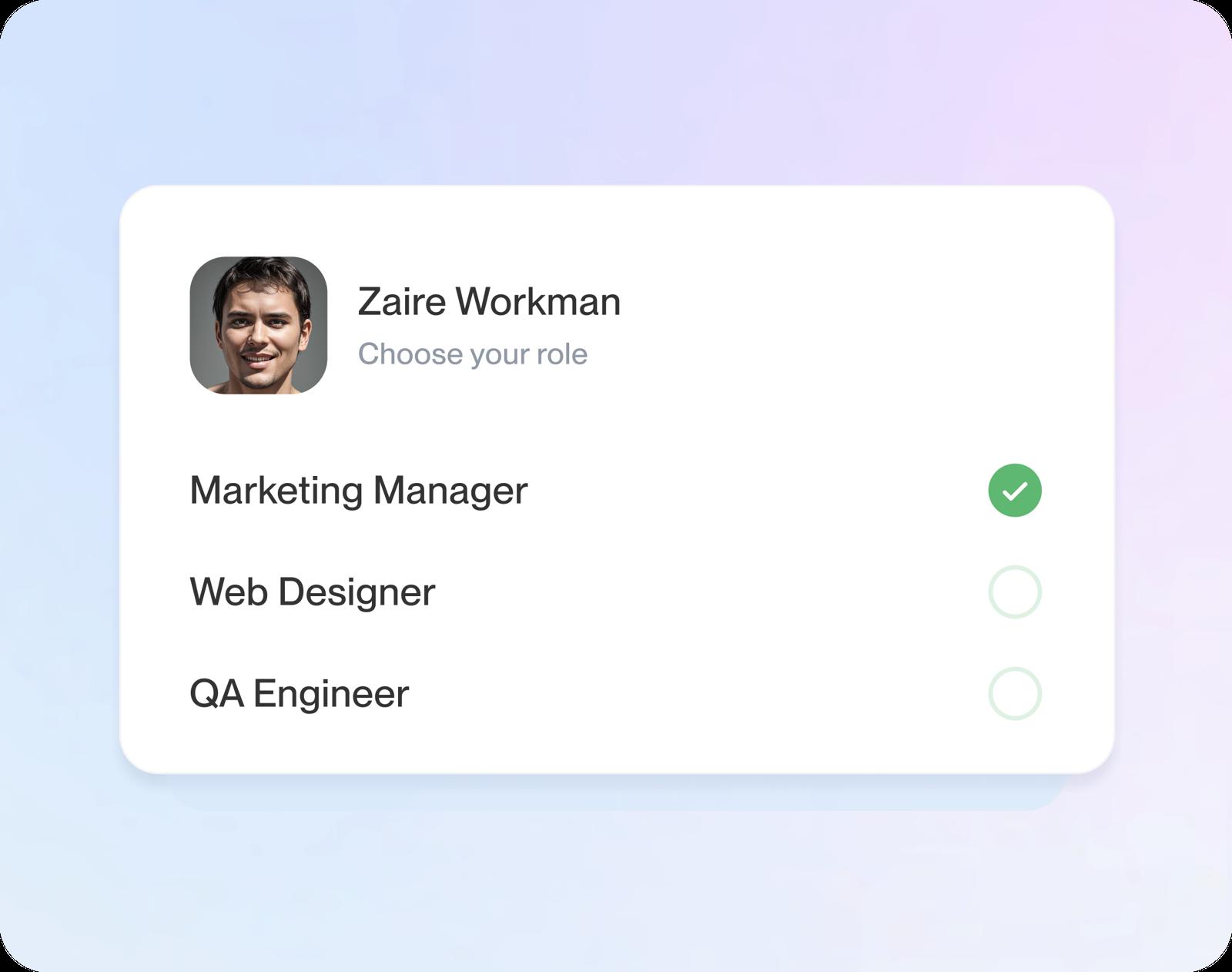
Fill in one section at a time
The builder guides you through your work history, education and skills so you can focus on one section at a time.
What happens after you pick a design
Step 1
Pick your design
Choose a design with room for your experience. If you’ve already selected a template above, continue with that choice.
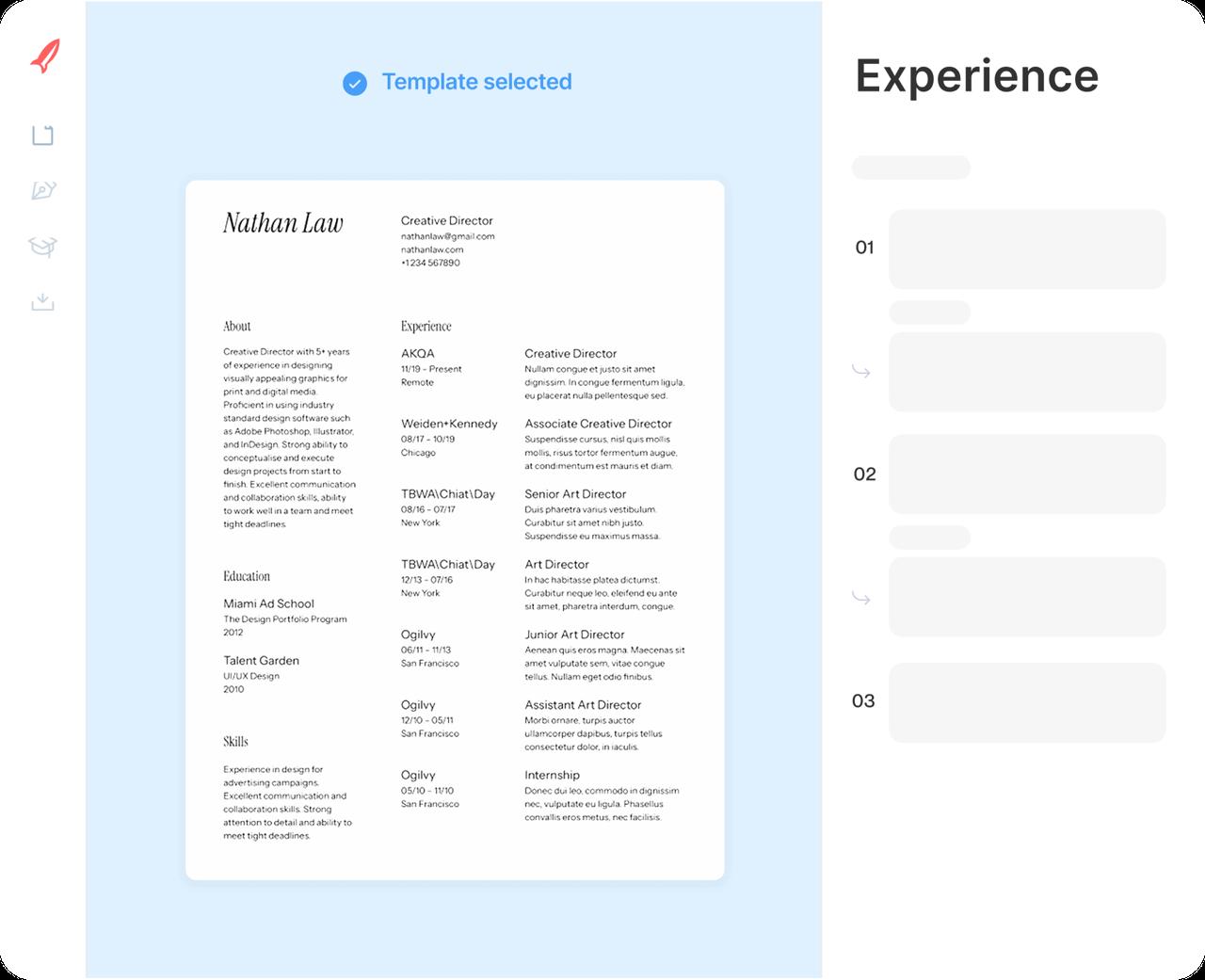
Step 2
Add your work history
Enter each job, newest first. Examples for each title appear as you go: keep the useful ones and make them your own.
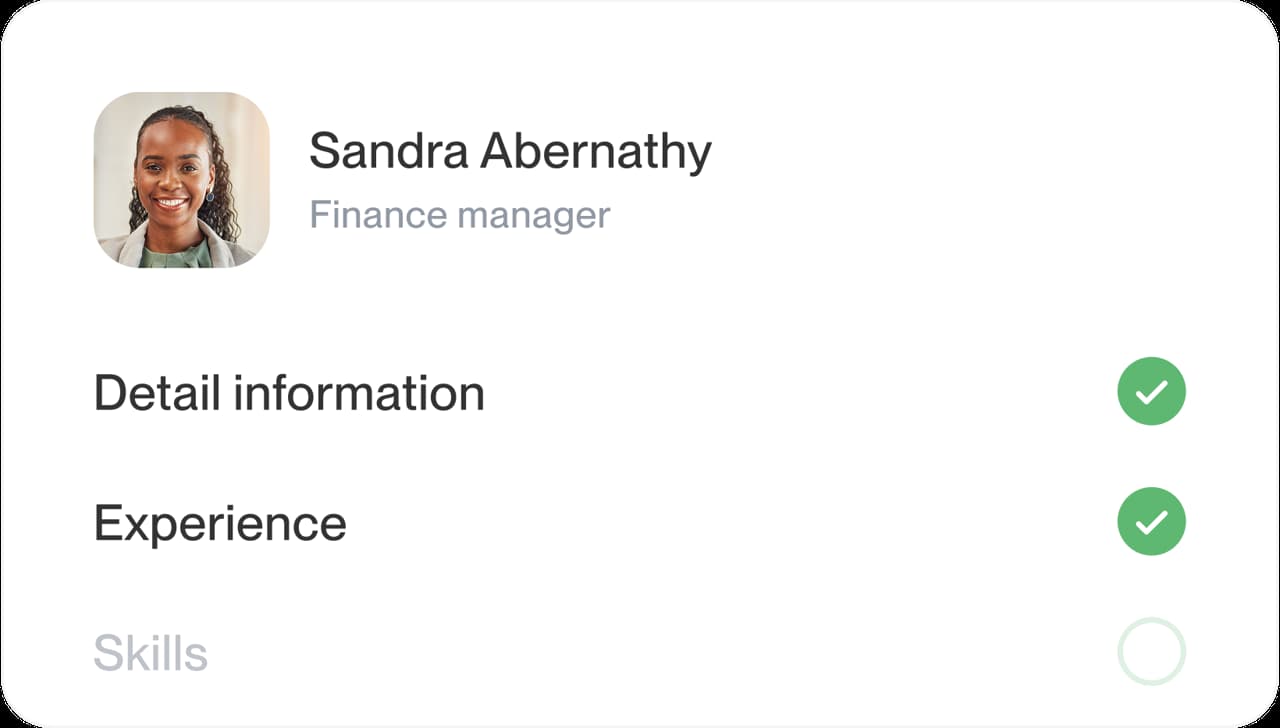
Step 3
Finish the other sections
Add education and skills, then a short profile. It's easier to sum yourself up once your jobs are on the page.
Step 4
Review and download
Read the preview, put your sections in the order that suits you, then download your finished CV.

Step 1
Pick your design
Choose a design with room for your experience. If you’ve already selected a template above, continue with that choice.
Step 3
Finish the other sections
Add education and skills, then a short profile. It's easier to sum yourself up once your jobs are on the page.
Step 2
Add your work history
Enter each job, newest first. Examples for each title appear as you go: keep the useful ones and make them your own.
Step 4
Review and download
Read the preview, put your sections in the order that suits you, then download your finished CV.

Which type of CV template do I need?
Check whether the application asks for a job CV, an academic record or Europass. The choice depends on the application, not just your job title. Use the distinctions below before selecting a layout.
What a job CV template should include
For a UK or Irish job application, a CV usually summarises your work, education and skills. Look for clear headings and room for your recent experience. Try your longest job title and a few work-history entries in the layout: they should be easy to read without crowding.
That’s the document Rocket Resume’s CV templates are designed for. Enter a job title to see examples you can adapt to your own experience. For finished CVs in your field, look through our CV examples and keep one open beside the CV maker while you write.
What goes in an academic CV
Research and teaching applications may ask for an academic CV with publications, presentations and other academic work. Follow the institution’s instructions for sections and length. The job CV templates shown here are for employment summaries; don’t assume they meet an academic application’s requirements.
When to use a Europass CV
Europass has its own CV tool and format. If the application asks for Europass by name, follow that requirement. A CV template here should not be treated as a Europass CV.
How to tell which CV the employer wants
The posting and the country usually tell you. Check these four things before you choose a design:
- Read the posting: publications, a research statement or a teaching record point to an academic CV.
- Look for the name: a request for a Europass CV will say so plainly.
- Check the application instructions: the country alone doesn’t settle the format.
- Still unsure? Ask the recruiter; it’s a normal question.
Why start from a CV template, not a blank page
A template gives your details a layout from the start. Fill in a section, check how it reads in the preview and adjust it before moving on.
Do I need a different CV template for each country?
Usually not. A job CV’s structure travels well; what changes from country to country is custom, such as spelling, date formats, how long the CV runs and which personal details belong on it. Keep the design you like and adjust those details for each application. Our CV vs resume guide compares the US, the UK, the EU and India in one table.
One CV template for several applications
You can keep the same layout for sales and customer service applications while changing what you emphasise. For sales, highlight relevant sales results; for customer service, show how you handled customer needs. Keep the facts and dates consistent. The how to write a CV guide gives tips on every section.
Research behind clear CV writing
“Great resume builder, I'll be using it again”

“I needed a resume fast, great and very useful”

CV templates: what people ask
Are CV templates and resume templates the same?
A job CV and a resume can use a similar layout. The application instructions matter more than the name, especially when an employer requests an academic CV.
In the US and Canada, “CV” more often means a longer academic record.
Do I need a job CV template or an academic CV template?
Use the format requested by the employer or programme. A job CV summarises relevant experience and skills; an academic CV gives more detail on research, publications and teaching. Check any required sections and length before choosing.
How do I choose a clear CV layout?
Start with readable headings and a clear order for your work and education. Check your own content in the preview, and follow any layout instructions in the job ad.
Can I change the section order in a CV template?
Use the editor’s section controls to emphasise education or relevant work experience, then check the layout with your own details in place.
What’s the difference between a CV template and a CV example?
A template gives your CV its layout. An example shows how someone’s experience could be described for a particular role. Choose a template for the design and use examples for ideas about content.
See CV examples from your industry
Industries in the weekly focus





- 9 examples
- 35 examples
- 67 examples
- 94 examples
- 18 examples
- 38 examples






Show all industries (A–Z)Show fewer
- Aerospace & Defense, 8 examples
- Agriculture, 23 examples
- Apparel & Textiles, 13 examples
- Architecture, 15 examples
- Artificial Intelligence, 6 examples
- Arts & Entertainment, 24 examples
- Automotive, 21 examples
- Beauty & Personal Care, 17 examples
- Biotechnology & Life Sciences, 7 examples
- Business Services, 23 examples
- Chemical Engineering, 4 examples
- Childcare, 14 examples
- Construction, 106 examples
- Creative, 15 examples
- Customer Service, 17 examples
- Education, 94 examples
- Energy, 39 examples
- Environmental Science, 5 examples
- Finance, 63 examples
- Food & Beverage, 68 examples
- Government, 48 examples
- Healthcare, 160 examples
- Hospitality, 35 examples
- Human Resources, 18 examples
- Insurance, 10 examples
- Legal, 12 examples
- Logistics, 37 examples
- Manufacturing, 68 examples
- Marketing, 8 examples
- Media, 20 examples
- Military, 24 examples
- Mining & Metals, 9 examples
- Nonprofit, 8 examples
- Pharmaceuticals, 12 examples
- Public Relations, 10 examples
- Real Estate, 7 examples
- Retail, 38 examples
- Robotics, 11 examples
- Sales, 14 examples
- Security Services, 19 examples
- Social Services & Counseling, 21 examples
- Social Work, 14 examples
- Sports & Fitness, 96 examples
- Technology, 67 examples
- Telecommunications, 6 examples
- Tourism & Travel, 9 examples
- Transportation, 38 examples
- Veterinary, 9 examples
Don’t see your job?

Hear from customers before you pick
from 3,900+ reviews