CV builder with
Our online CV builder helps you build a CV that shows your experience clearly. Pick a professional design, choose expert suggestions for your role and polish every line.
- Build your CV in under 10 minutes
- Expert suggestions for your job title
- Professional designs, ready to fill in
- Easy editing at every step

Ed A.
Aug 2022
“Very helpful for making a resume and applying for jobs”

James S.
Aug 2026
“This service was perfect for my needs.”

Nicole C.
Feb 2026
“I loved the templates.”

Sheila J.
Apr 2026
“This app is perfect, it helped me get my job”
from 4,000+ reviews



How our online CV builder helps you stand out
Employers skim CVs fast. This CV builder helps you put your strongest work up front, in words that fit the job.
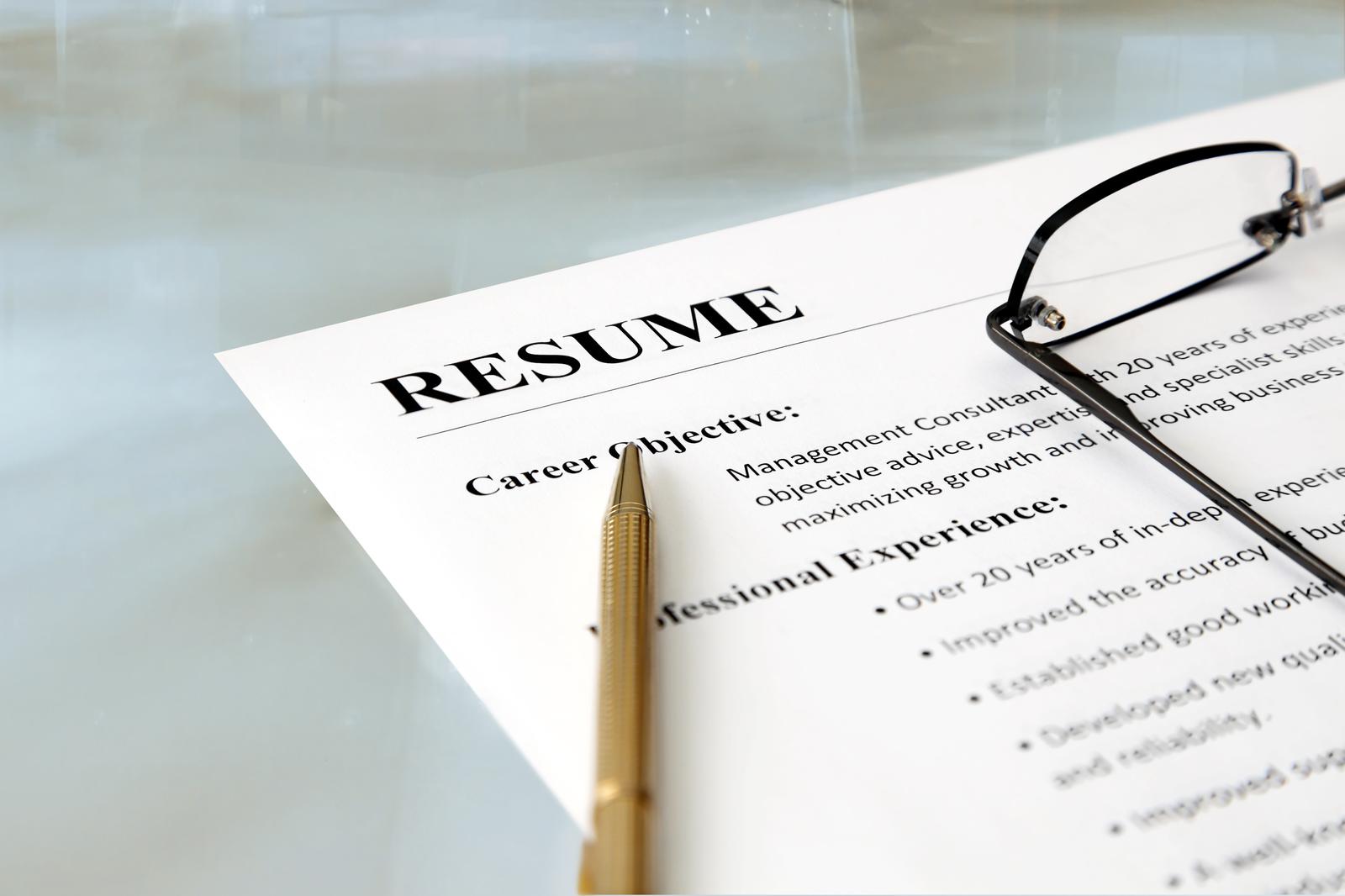
Stand out from the pile
A generic CV is easy to pass over. Expert suggestions help you turn everyday duties into clear, specific achievements.
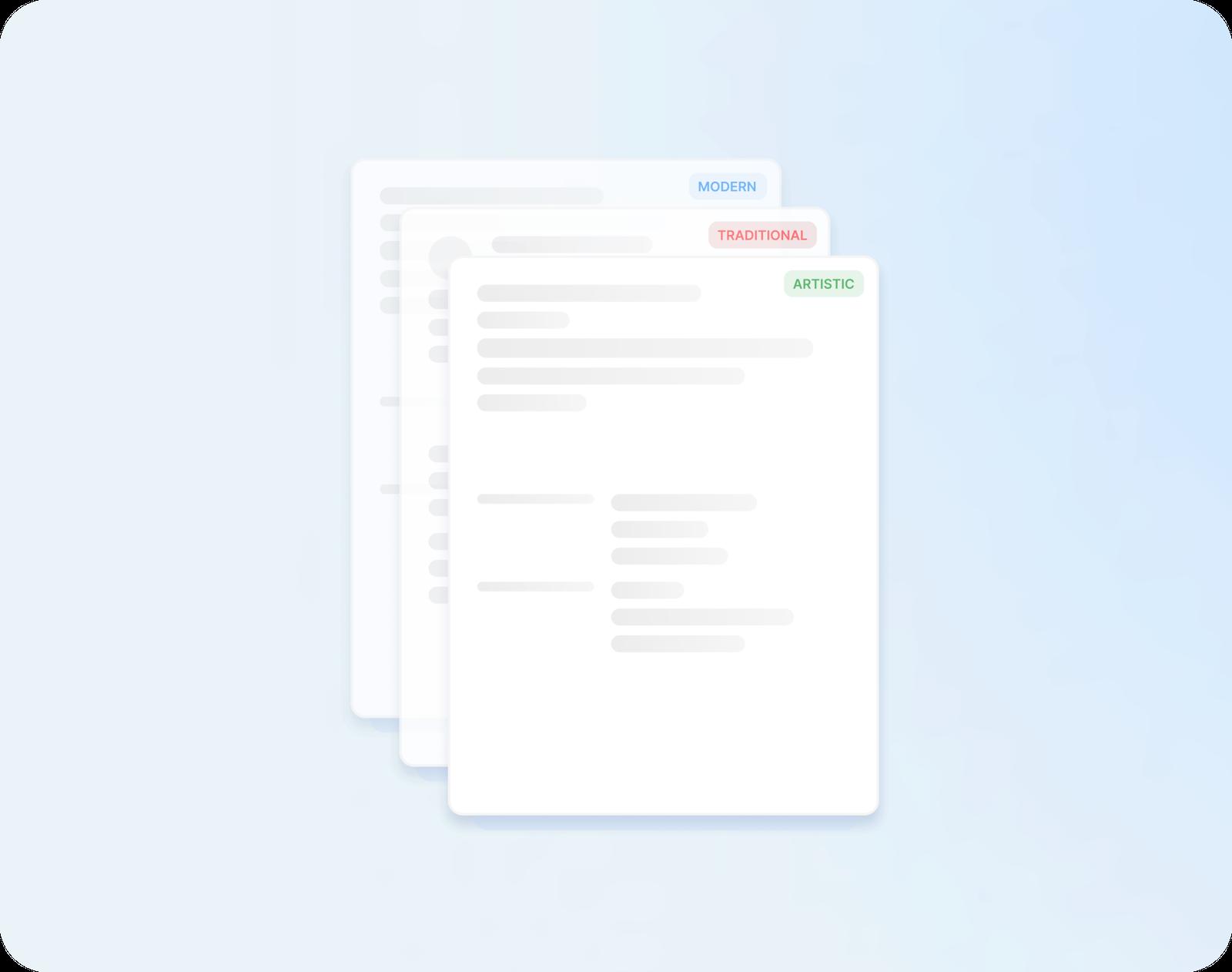
Get past the first screen
Many employers sort CVs with software first. Every design is ATS-friendly, so your headings and details stay easy for software and people to follow.
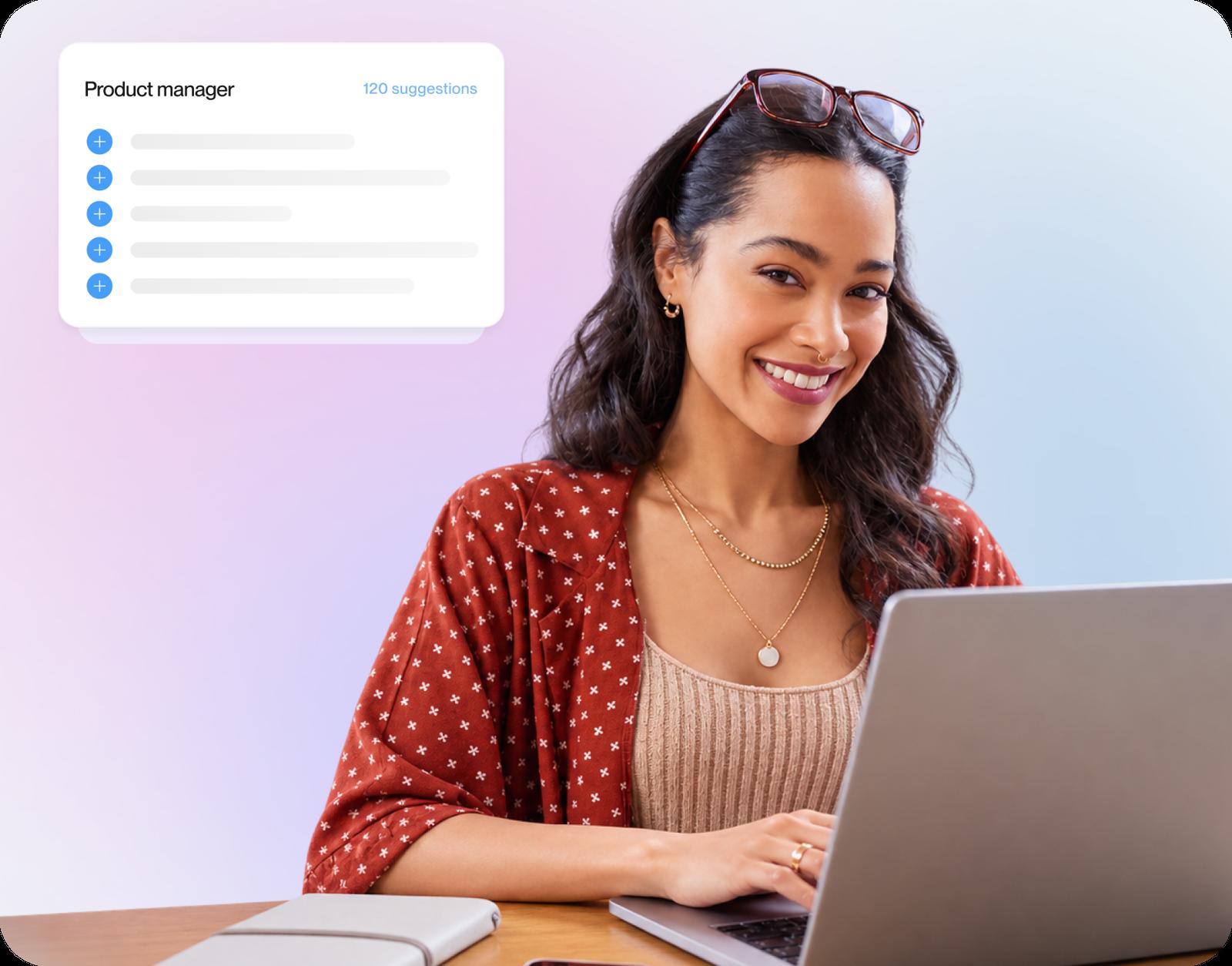
Wording help for your job title
Enter a job you've held and the builder offers AI-enhanced suggestions for it. Keep the strongest and rephrase them in your own voice.
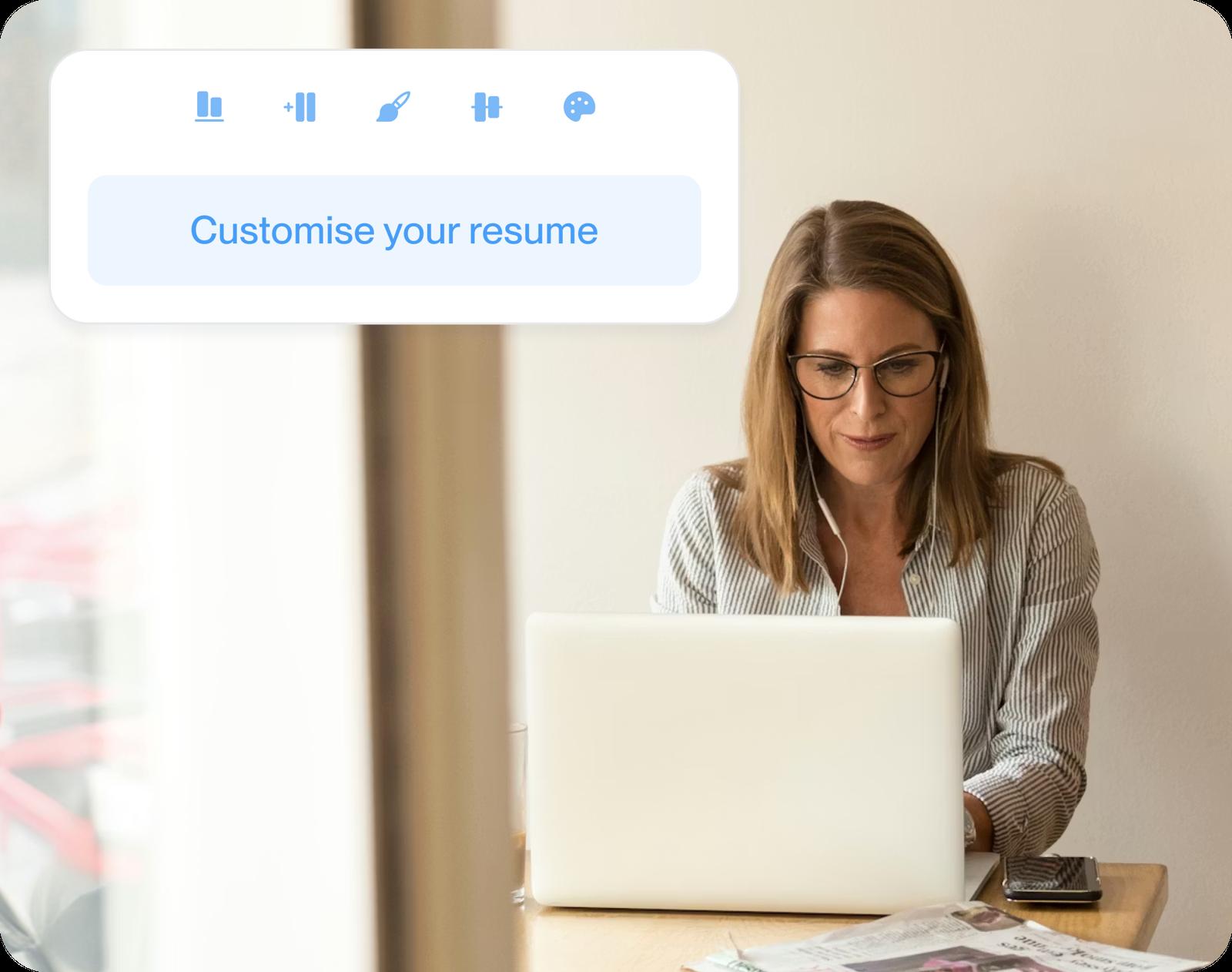
Match each CV to the job
Save your CV, duplicate it in My Library and adjust each copy for the role you're applying to.
How to build a CV with the CV builder
Step 1
Pick a design to start
Start with a quick question about your background, then choose a professional design. A later design change keeps all your text.
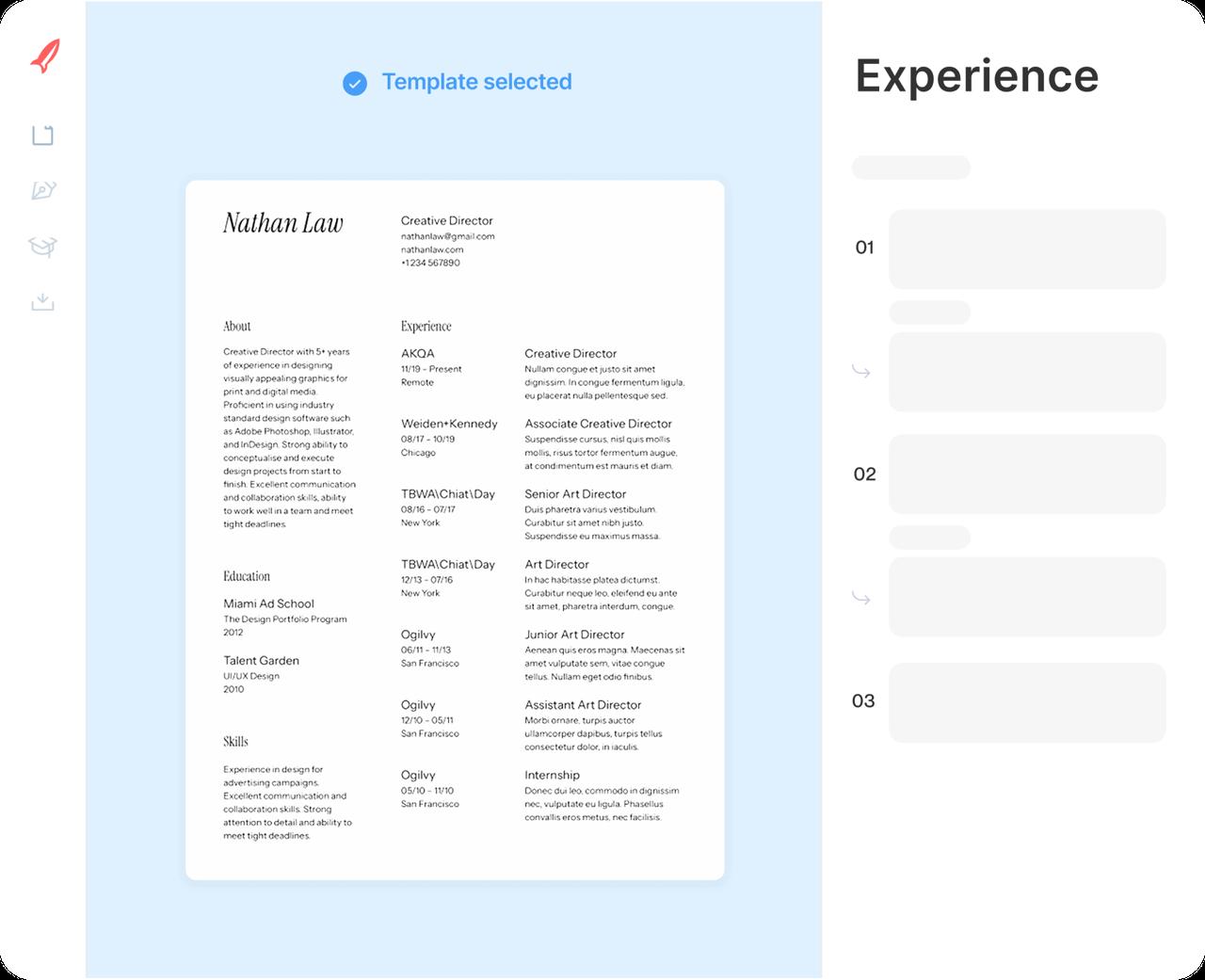
Step 2
Add your jobs and schooling
Enter each job, newest first, then your education. Each job title you type brings up suggested lines; pick the ones that match your work.
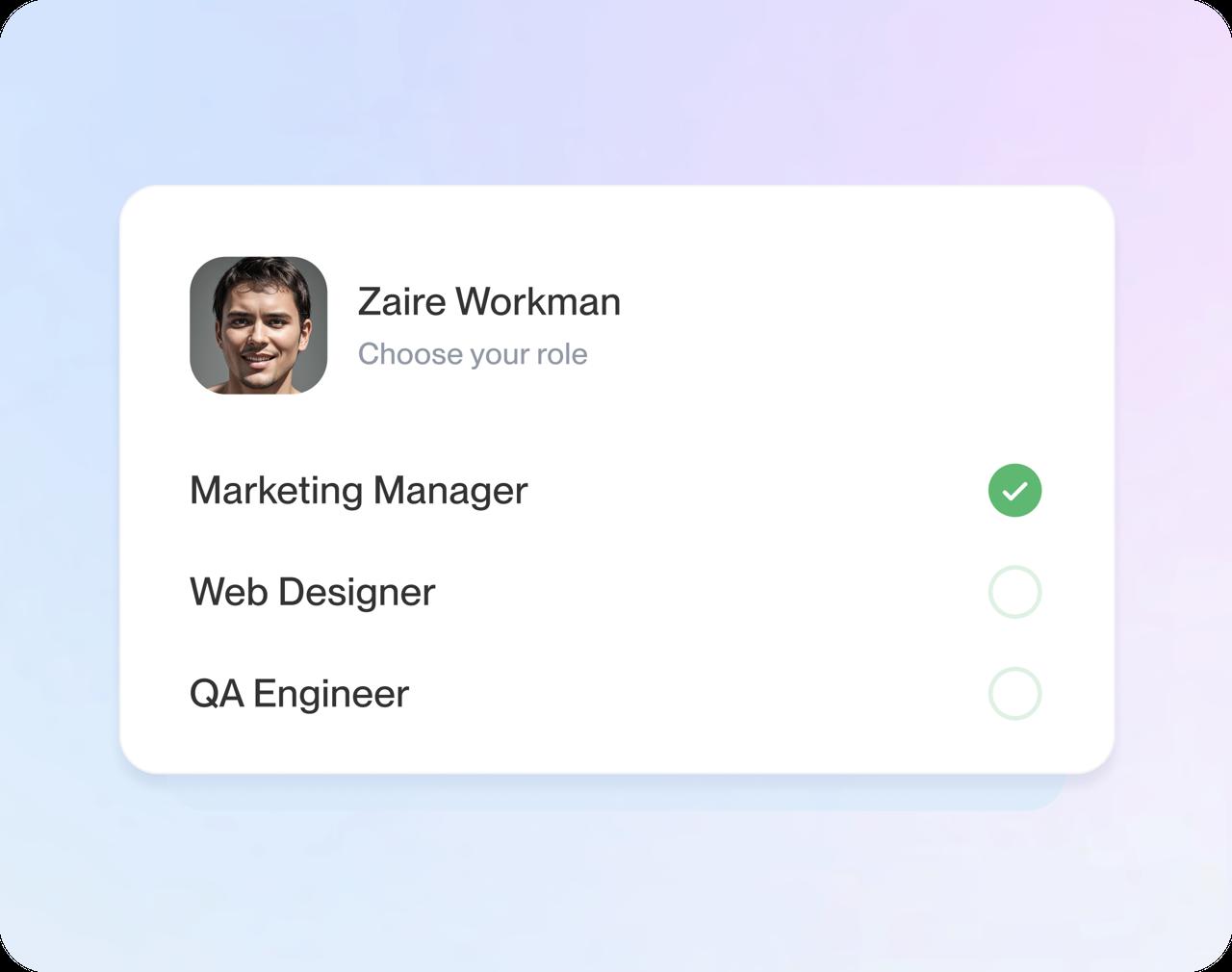
Step 3
Polish it as you go
Reword lines until they sound like you, lead with your strongest section and check the preview as your CV takes shape.

Step 4
Download your CV
Read it once more for dates and spelling, then download the finished CV.
Step 1
Pick a design to start
Start with a quick question about your background, then choose a professional design. A later design change keeps all your text.
Step 3
Polish it as you go
Reword lines until they sound like you, lead with your strongest section and check the preview as your CV takes shape.
Step 2
Add your jobs and schooling
Enter each job, newest first, then your education. Each job title you type brings up suggested lines; pick the ones that match your work.
Step 4
Download your CV
Read it once more for dates and spelling, then download the finished CV.
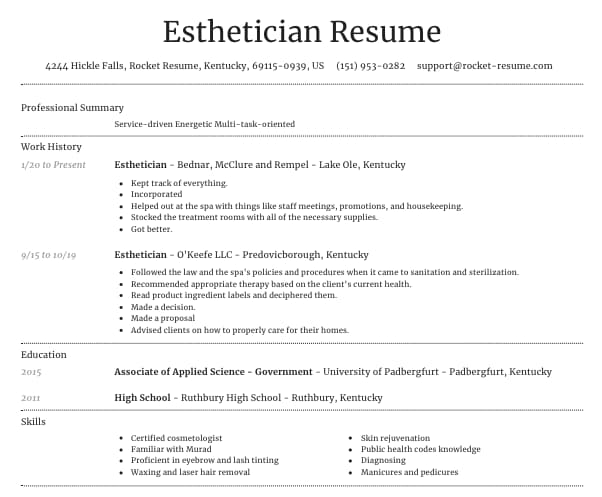
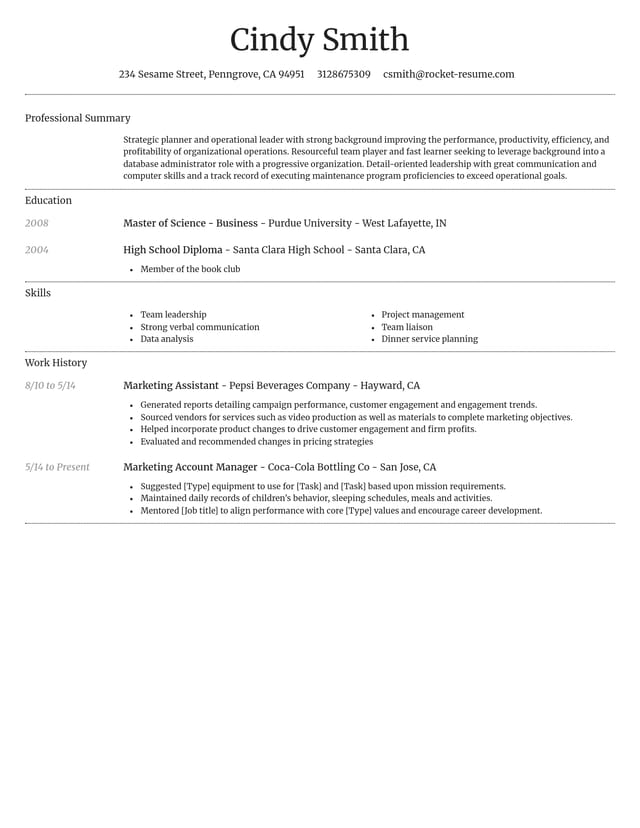
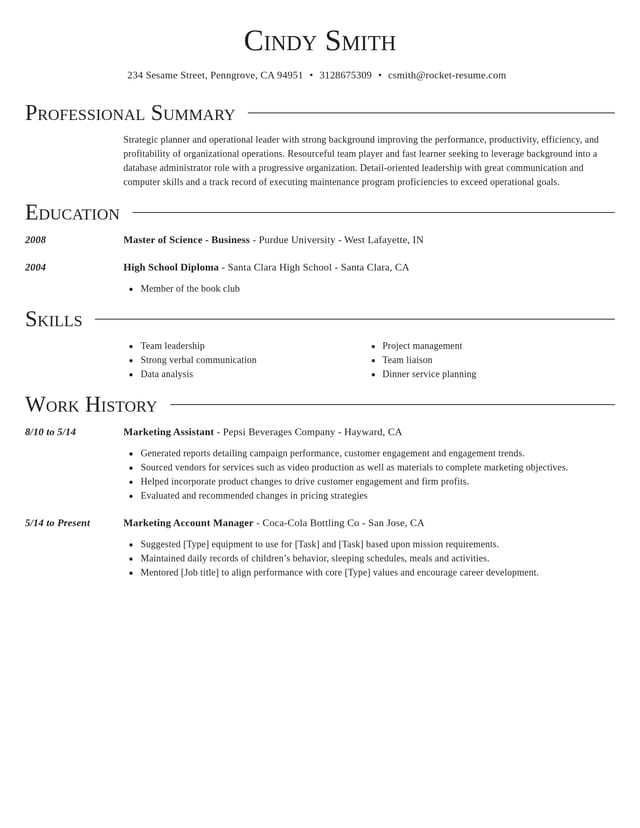
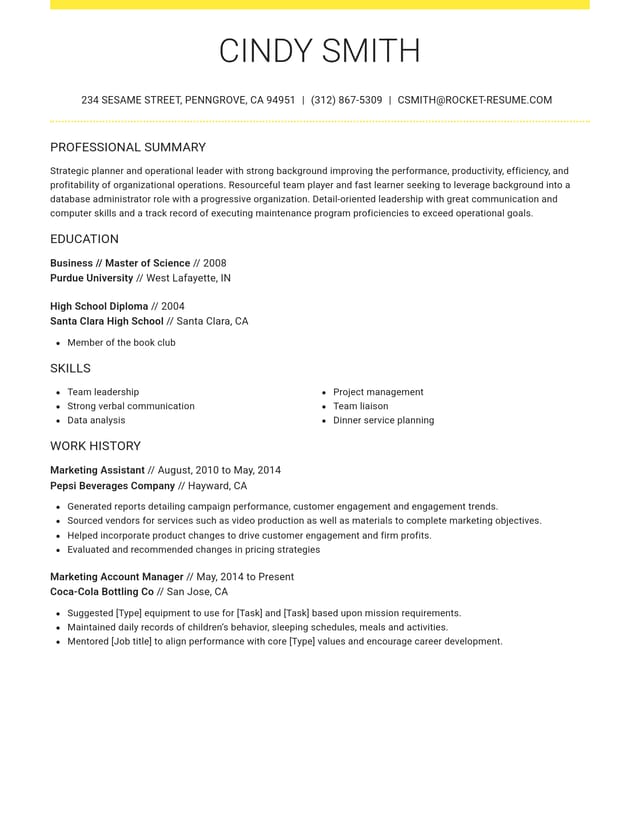
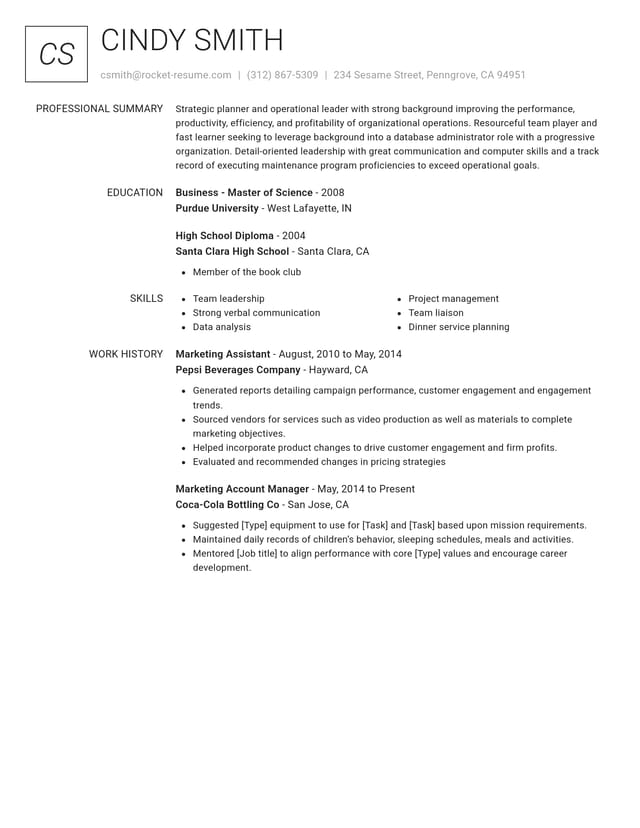
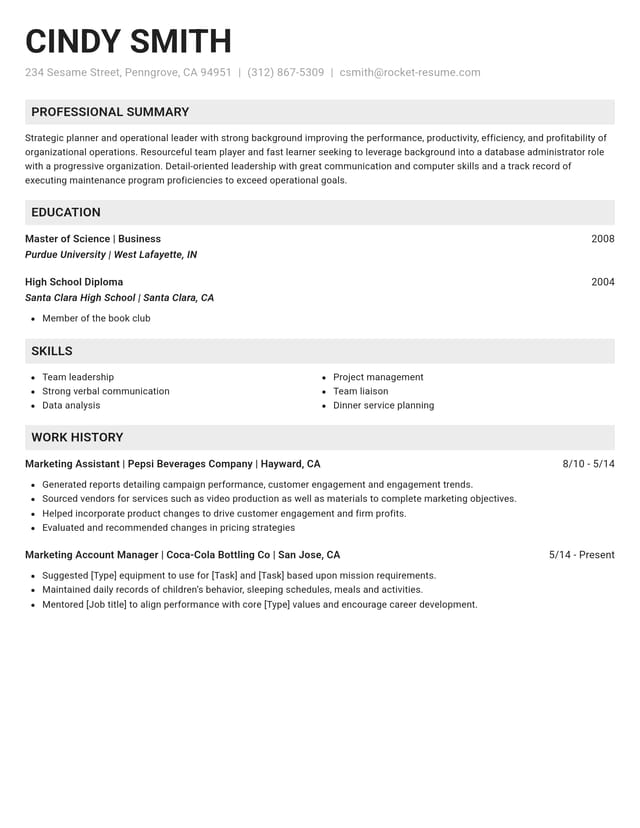
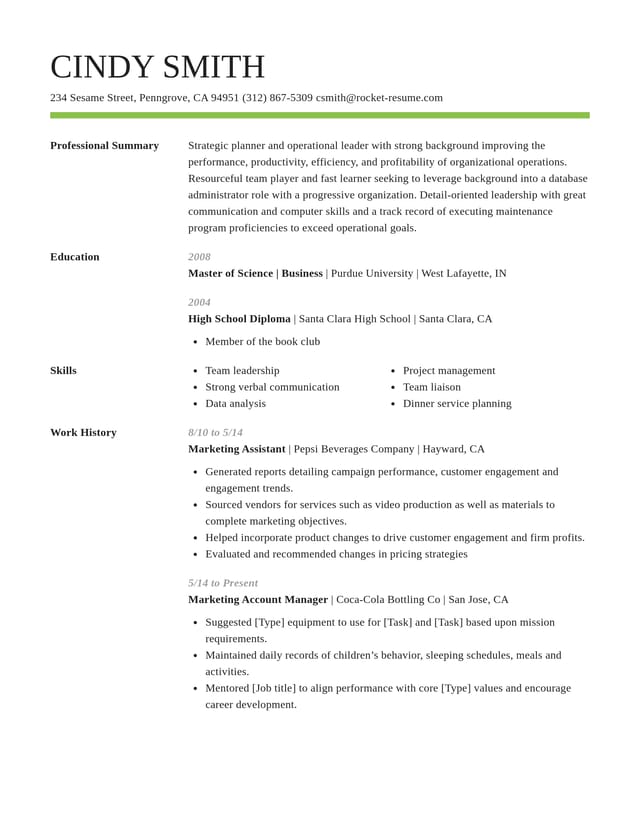
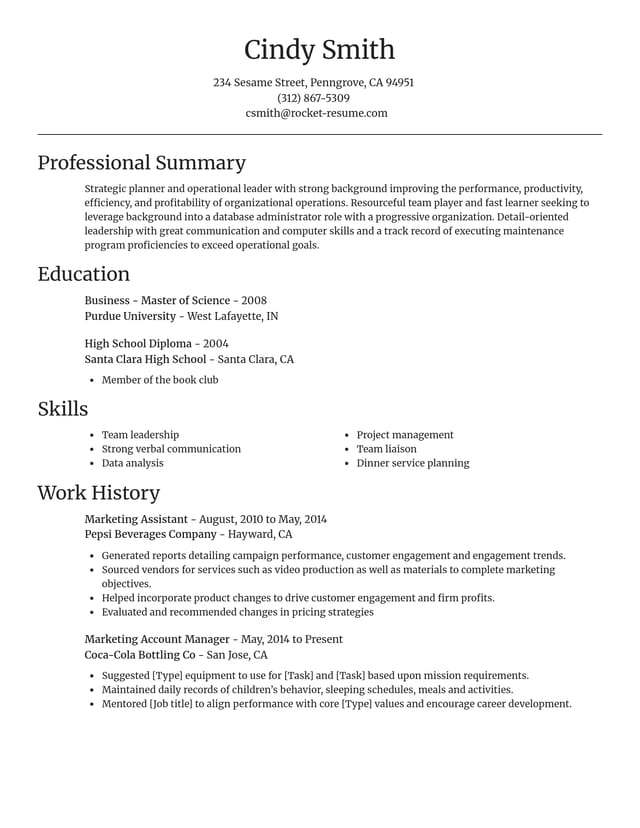
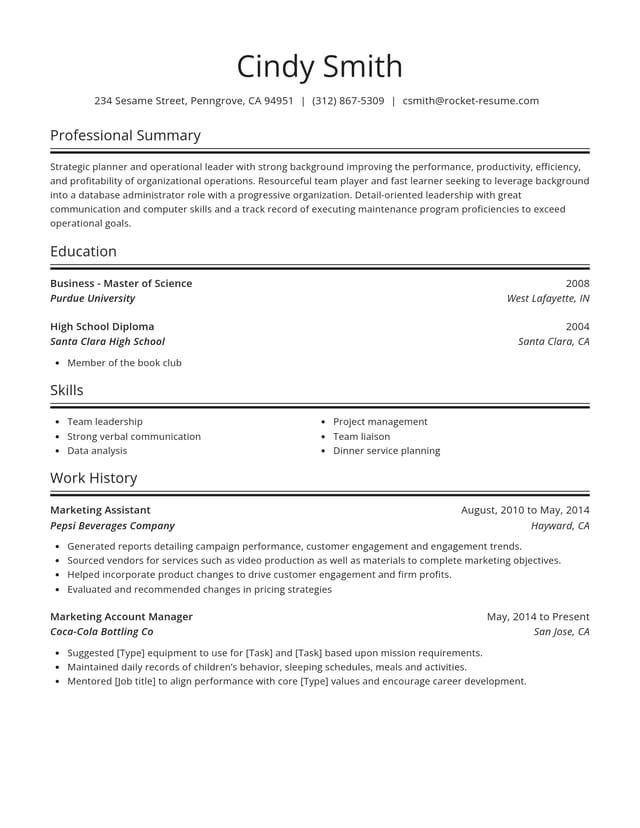
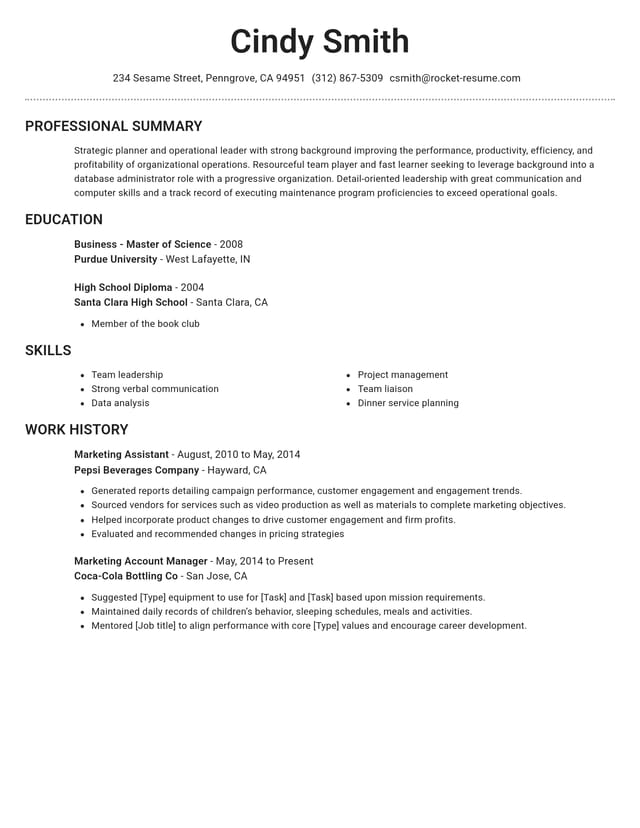
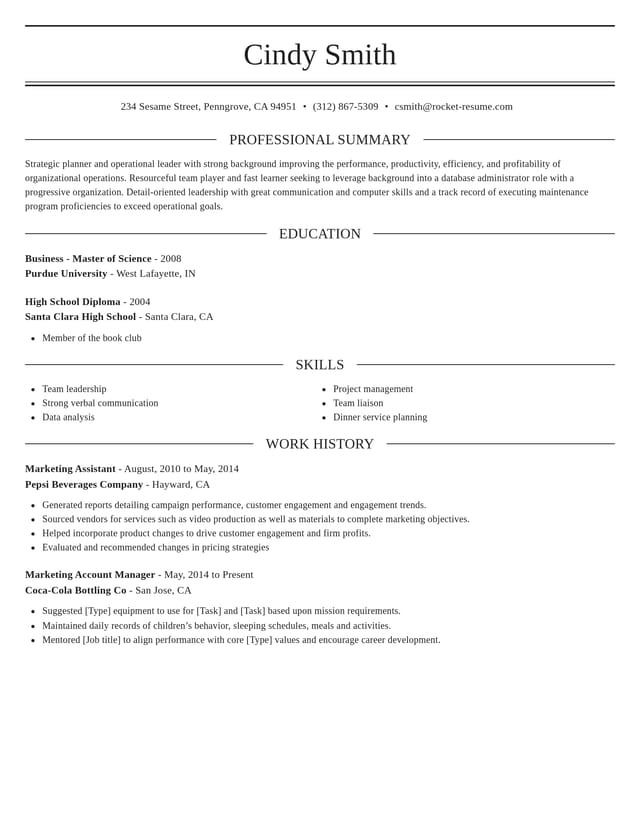
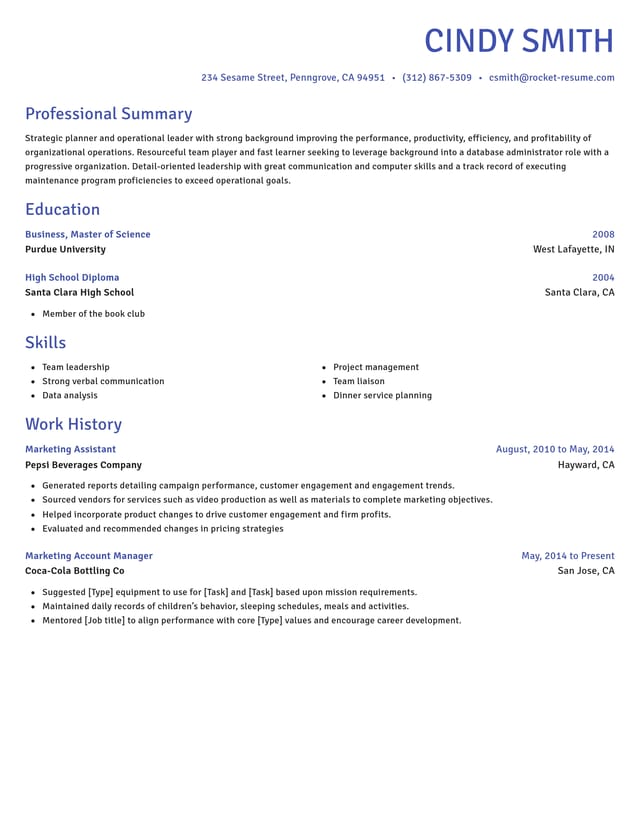
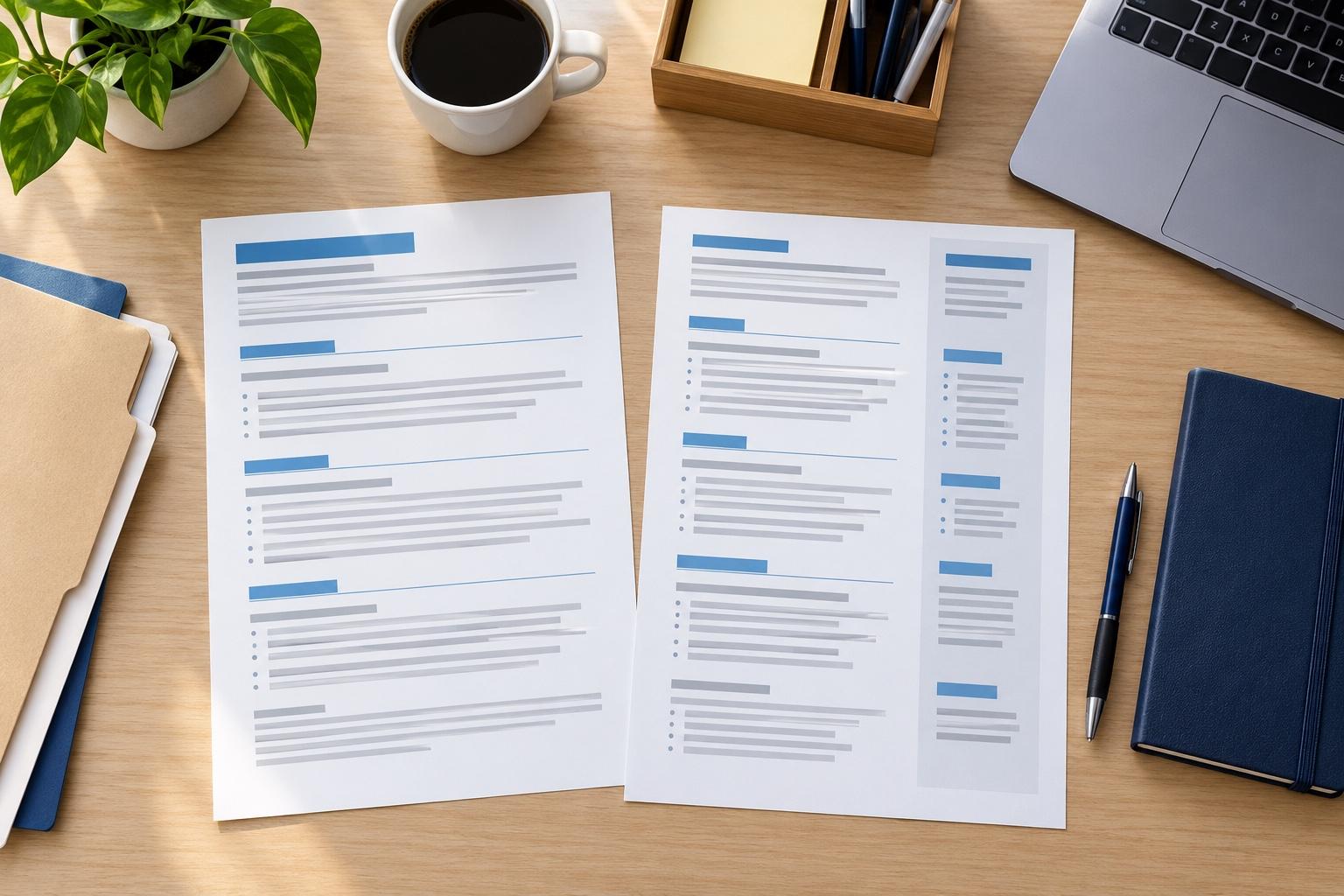
Pick a CV design that suits your field


What to have ready before you build your CV
To build a CV online without stopping, have five things in front of you: your contact details, each job with its dates, your education and certificates, your skills and languages, and the job ad you're answering. Collect them in one note and keep it open beside the builder.
What contact details go on a CV?
Write down the name you use at work, your mobile number, an email address you check daily, and your city and country. If you're applying abroad and already have the right to work there, note that too, so you can say it in one line near the top.
How should you list each job?
Work from your newest job back to your oldest. For each one, write down:
- your exact job title, as the employer used it
- the employer's name and location
- the month and year you started and left
- two or three results you're proud of, with a number where you have one
Numbers make results believable: the size of the team you led, the customers you served each shift or the hours you saved each week. An honest estimate works when you lack exact figures, as long as you could explain it in an interview.
Give the last ten years the most detail and sum up older roles in a line each. If you have a gap, note what filled it, such as study, caring for family or freelance work, so you can mention it in a few words.
Which qualifications and certificates should you include?
Note each school, college or university, the qualification you earned and the year you finished. Add courses, apprenticeships and certificates the job asks for, such as a first aid certificate or a forklift license. If you are still studying, write down your expected finish date, because employers read it as the point when you're available full time.
How do you show skills and languages on a CV?
Jot down the tools, software and methods you use at work, then mark the ones the job ad mentions. Give every language a level, either a plain word such as native or fluent, or the result of a recognized language test if you've taken one.
Keep the list to skills you could back up with an example from a job, a course or a project. Soft skills such as teamwork read better as proof inside your work history than as single words in a list.
Why keep the job ad open while you build?
A CV for a job works best when it answers that job's ad. Its wording shows which skills and results to put first, and it gives you the words for a short profile of two or three lines at the top of your CV. When the builder suggests lines for your job title, choose the ones that match what the ad asks for, then reword them so they describe your work.
What can wait until later?
References, hobbies and a full list of every course you've taken can wait. Employers usually ask for references after an interview, and most don't expect their names on a job CV. Add an interest or two only if it supports the application.
For more depth on each section, read how to write a CV. For finished wording from roles like yours, look through our CV examples, then try a few CV templates to see which layout suits your notes. With everything gathered, building is mostly choosing and polishing lines.
Why a sharp CV matters now
“Great resume service.”

“My resume is now a hot topic!”

CV builder questions, answered
Are a CV and a resume the same thing?
For most job applications, yes. Employers in the UK, Ireland and most of Europe ask for a CV, while US employers ask for a resume.
Our CV vs resume guide shows what employers expect in each country.
Can ChatGPT write a CV for you?
It can draft one, but it only knows what you tell it, so check every fact and date.
Rocket Resume works differently: you pick expert suggestions for your job title, edit them, and let the design set the layout.
Our CV guide lists checks for a ChatGPT draft.
Can I build a CV in one sitting?
Yes, if your details are ready: you can build a CV in under 10 minutes. The guide above lists what to gather first, and you can save your CV and finish it later.
Do I need a different CV for every job?
Not a new one each time, but adjust it for each role. Duplicate your saved CV in My Library, then change the profile and top lines to match each job ad.
Can I build a CV with no work experience?
Yes. When the builder asks how much experience you have, choose No experience. Then put your education first and add volunteering, school projects or part-time work.
Our advice on writing a first CV shows what to include.
Which CV builder is best?
The best CV builder for you offers editable suggestions for your job title. It also lets you change designs midway and runs smoothly on a phone.
Rocket Resume does all three, so you can try it with one job before you decide.
Can I change my CV after I download it?
Yes. Your saved CV waits in your account: sign in whenever you apply, update a job or skill and download a fresh copy.
Pick your industry, then build your CV
Featured this week

 12 examples
Clinical Research Associate · Pharmacovigilance Specialist · Aseptic Filling Operator
 7 examples
Microbiologist · Research Scientist · Biotechnologist

All 45 industries
- Aerospace & Defense, 8 examples
- Agriculture, 23 examples
- Apparel & Textiles, 13 examples
- Architecture, 15 examples
- Arts & Entertainment, 24 examples
- Automotive, 21 examples
- Beauty & Personal Care, 17 examples
- Biotechnology & Life Sciences, 7 examples
- Business Services, 31 examples
- Chemical Engineering, 4 examples
- Construction, 107 examples
- Creative, 15 examples
- Data Science, 4 examples
- Education, 99 examples
- Energy, 40 examples
- Environmental Science, 5 examples
- Finance, 66 examples
- Food & Beverage, 68 examples
- Government, 48 examples
- Healthcare, 162 examples
- Hospitality, 36 examples
- Human Resources, 18 examples
- Insurance, 10 examples
- Legal, 12 examples
- Logistics, 39 examples
- Manufacturing, 68 examples
- Marketing, 18 examples
- Media, 20 examples
- Military, 24 examples
- Mining & Metals, 9 examples
- Nonprofit, 8 examples
- Pharmaceuticals, 12 examples
- Public Relations, 2 examples
- Real Estate, 7 examples
- Retail, 39 examples
- Robotics, 1 example
- Security Services, 18 examples
- Social Services & Counseling, 21 examples
- Social Work, 22 examples
- Sports & Fitness, 96 examples
- Technology, 66 examples
- Telecommunications, 6 examples
- Tourism & Travel, 8 examples
- Transportation, 38 examples
- Veterinary, 9 examples
Don’t see your role?

Start your CV in a professional design
Pick a design, add your latest job and see suggested lines for it right away.
What job seekers say about the CV builder
from 4,000+ reviews