Make a simple resume, then
Start a simple resume from a plain, professional design, fill it in with suggestions for your job and download it once it looks right.
- Plain layouts with standard headings
- Suggested bullets and skills for your job
- Every change shows in the preview
- Download the moment it's ready

Mitchel D.
Jan 2024
“A fantastic source for resume building.”

Pablo
Jul 2022
“I really appreciate all the great tools”

Tracy A.
Mar 2026
“User-friendly, I would recommend it to others.”

Jason B.
Feb 2025
“A great website, I got a job.”
from 4,000+ reviews
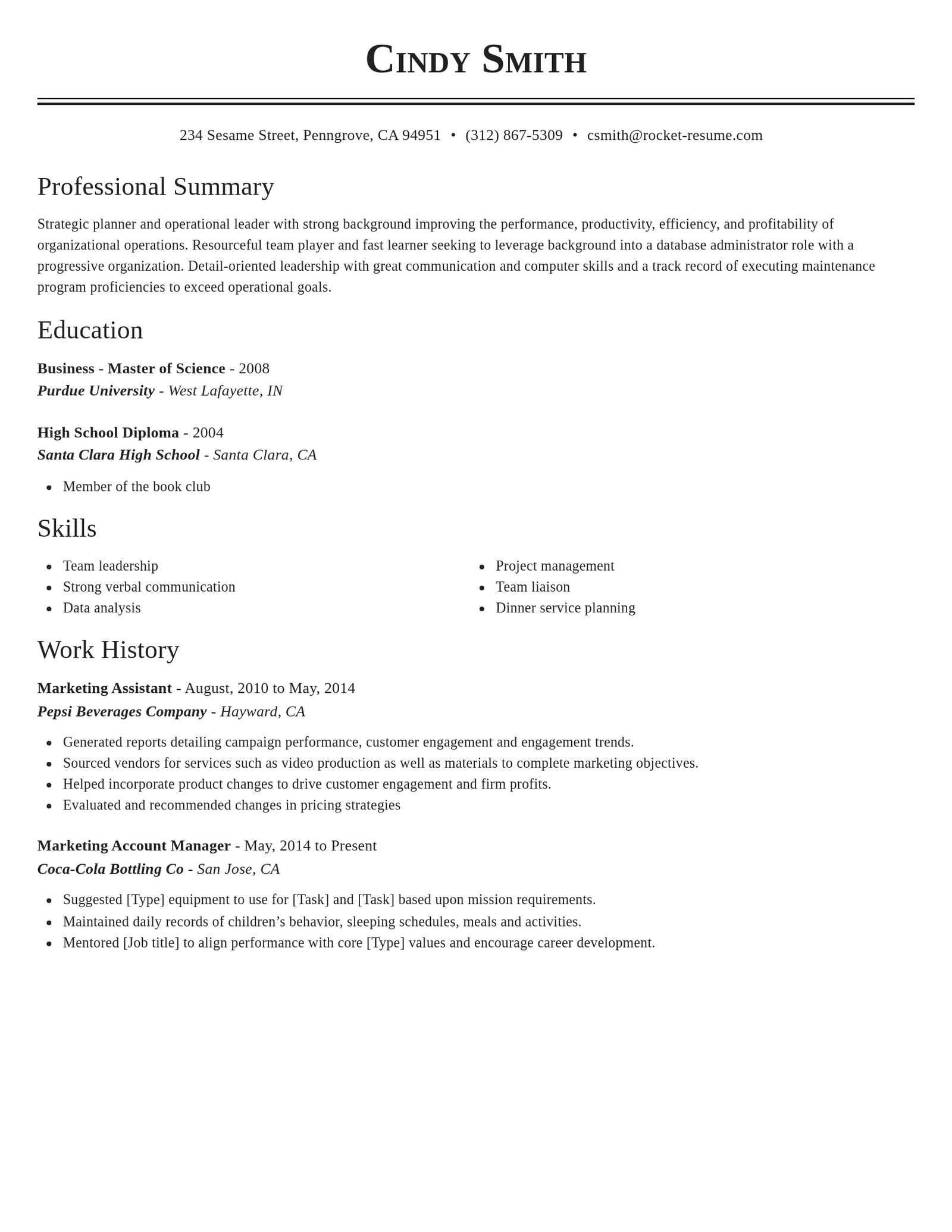
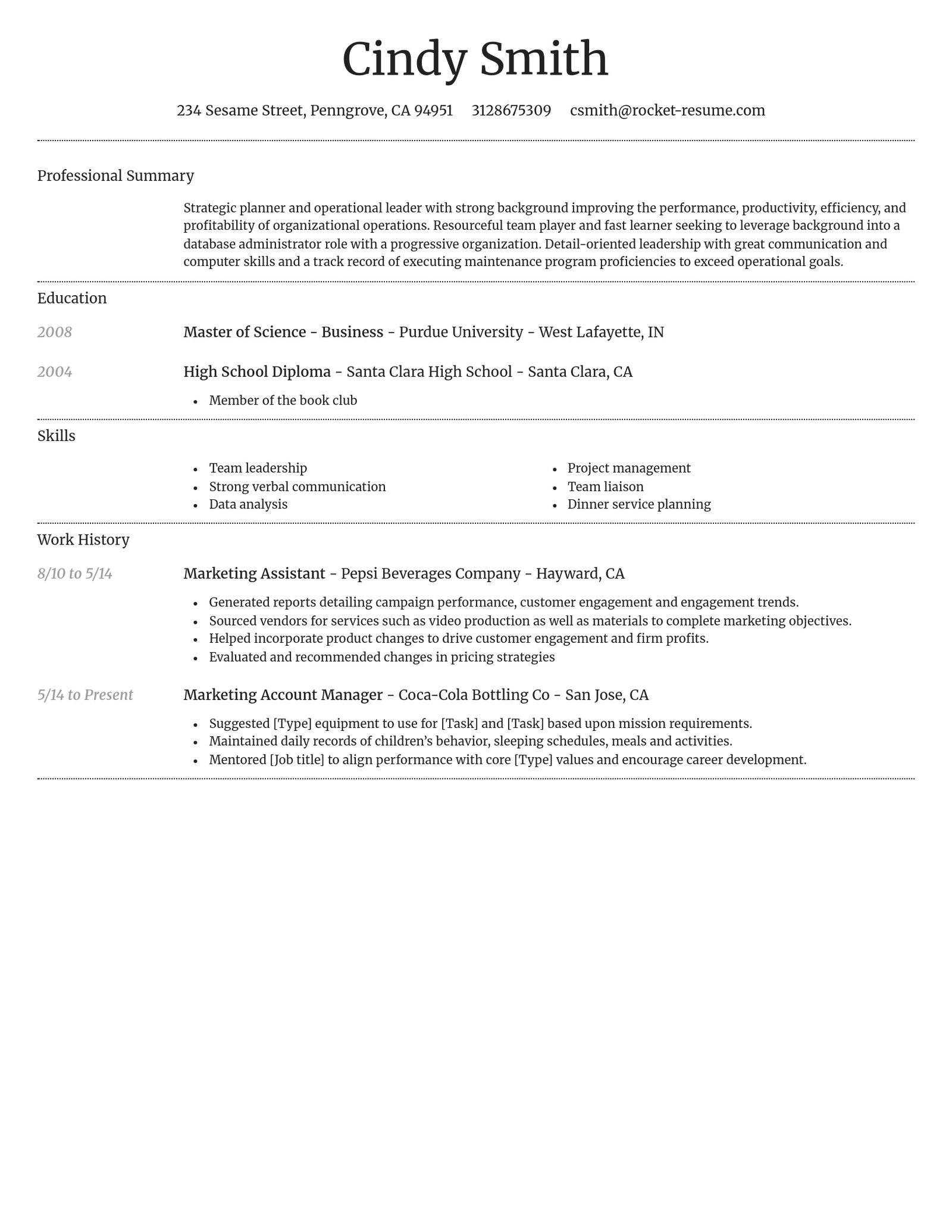
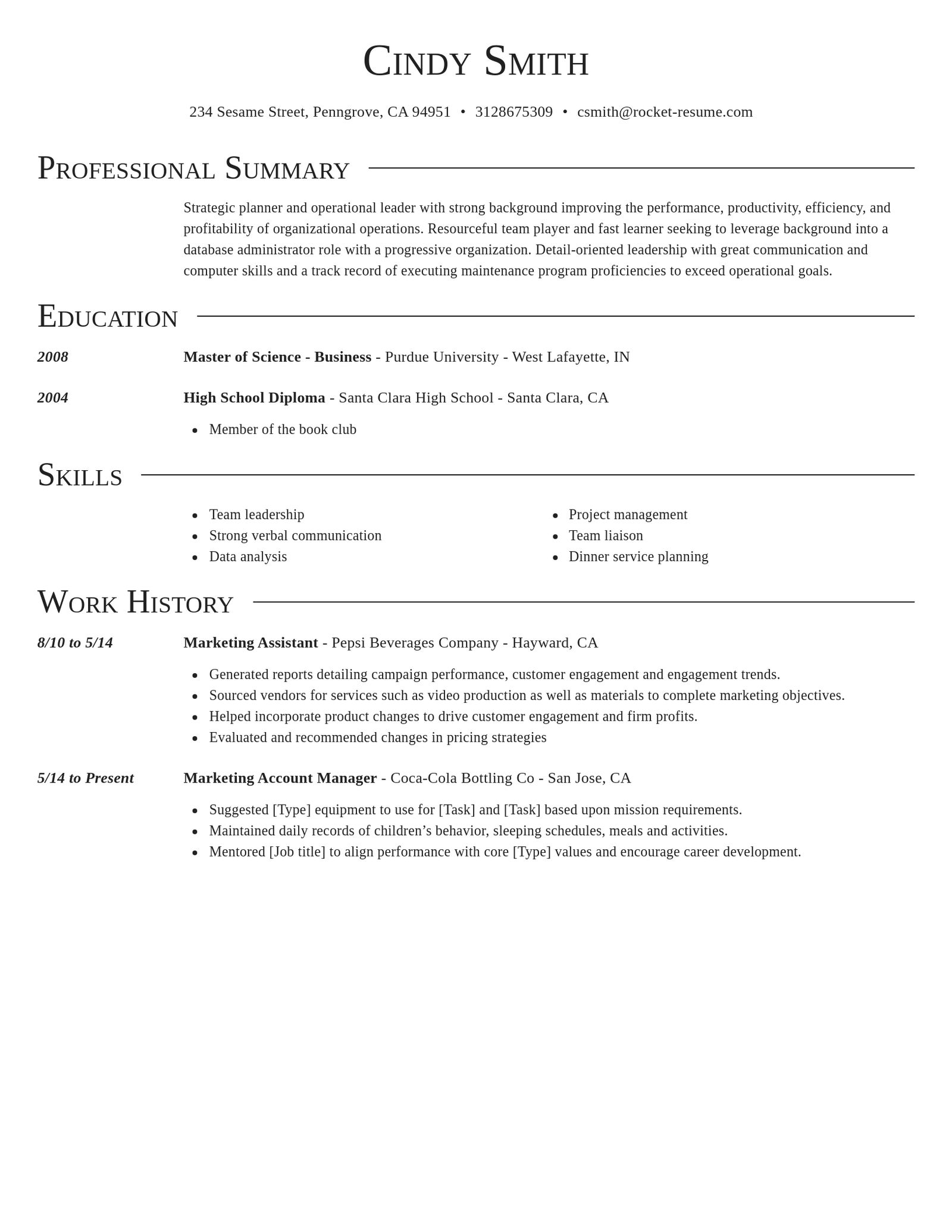
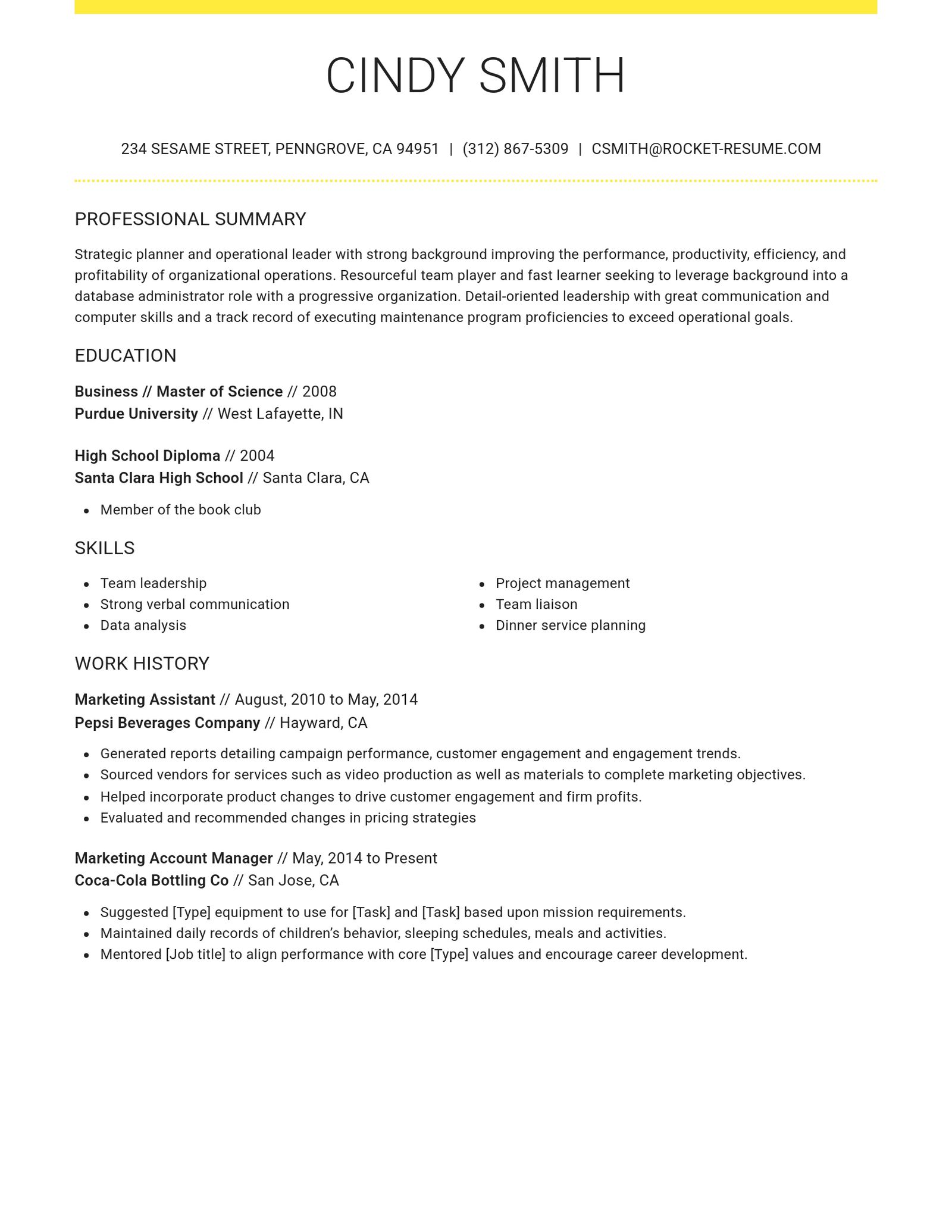
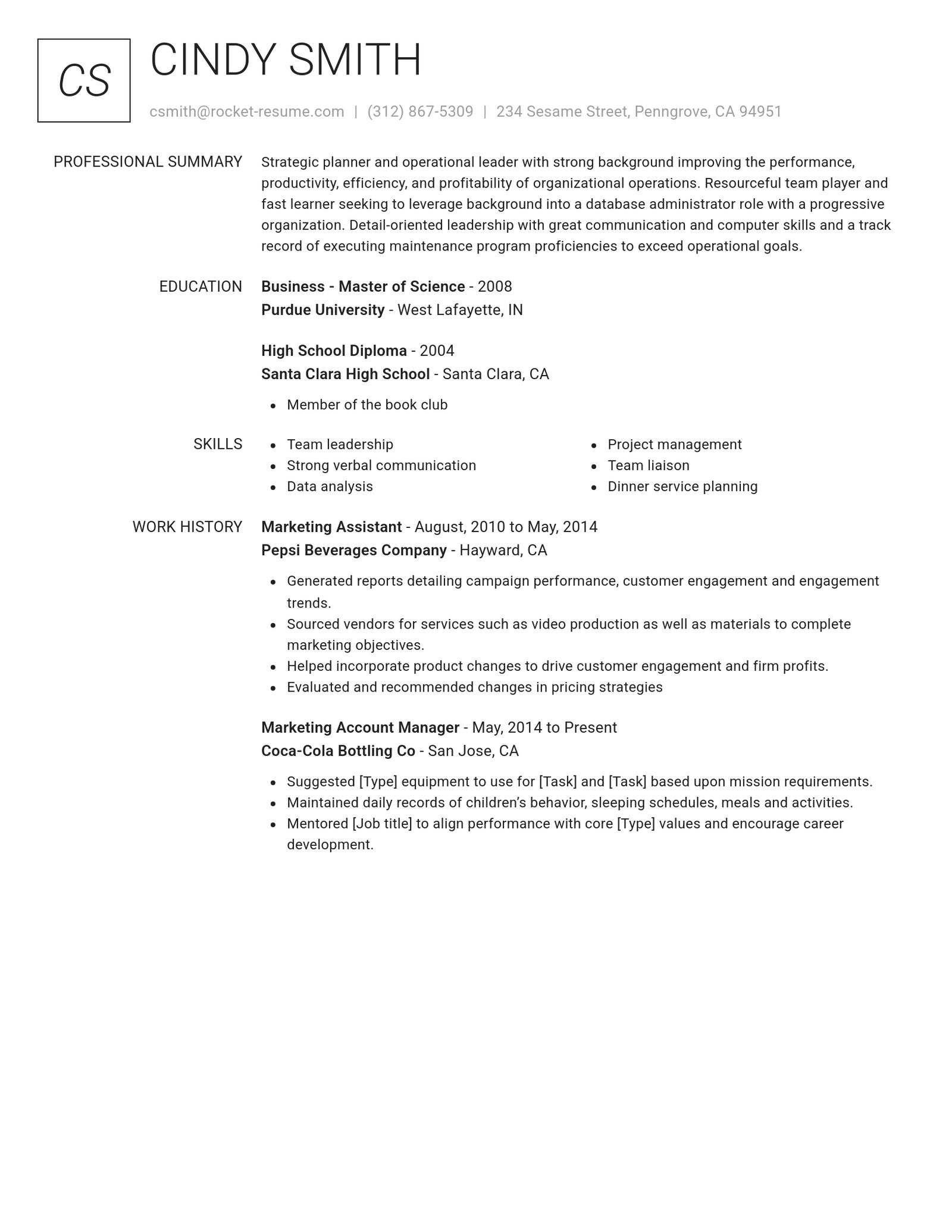
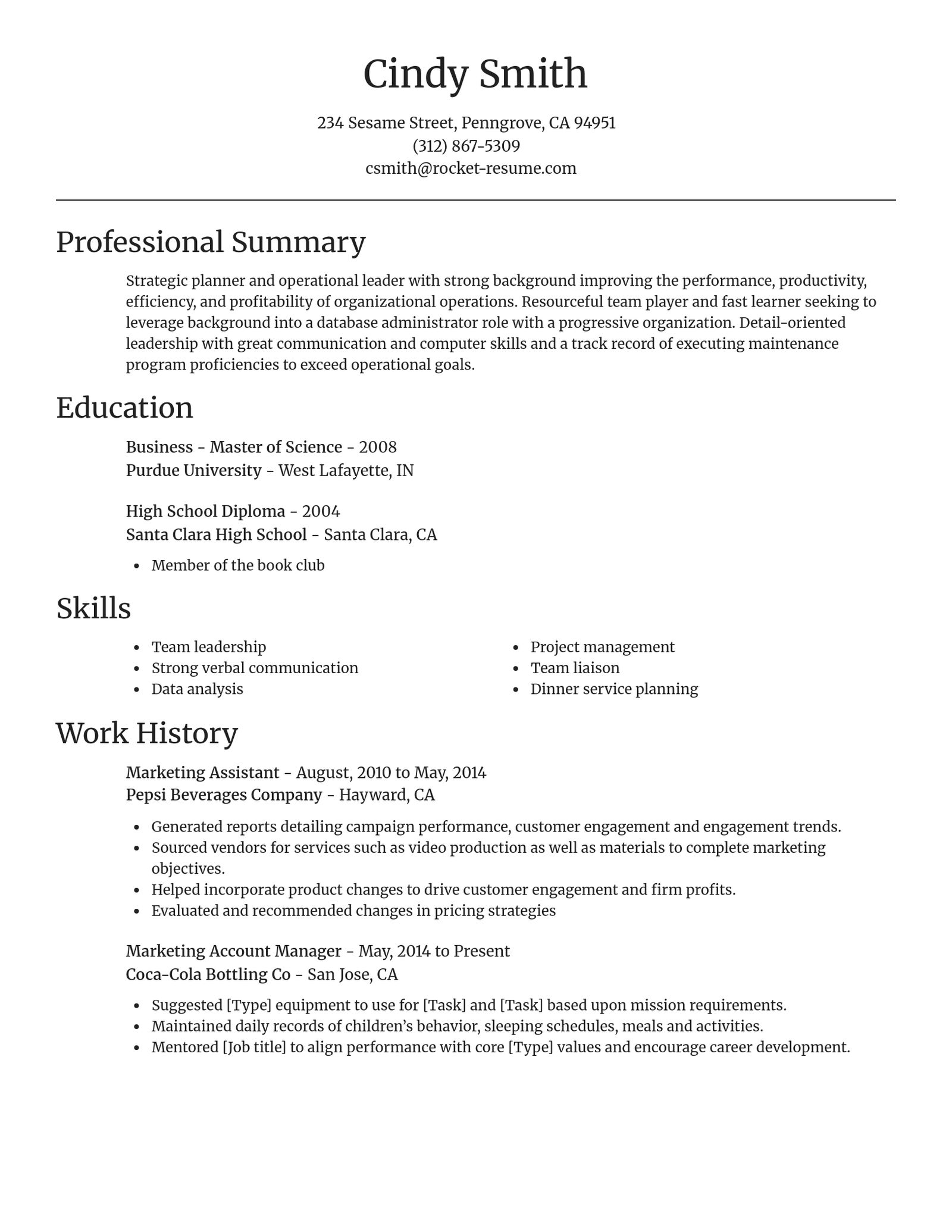
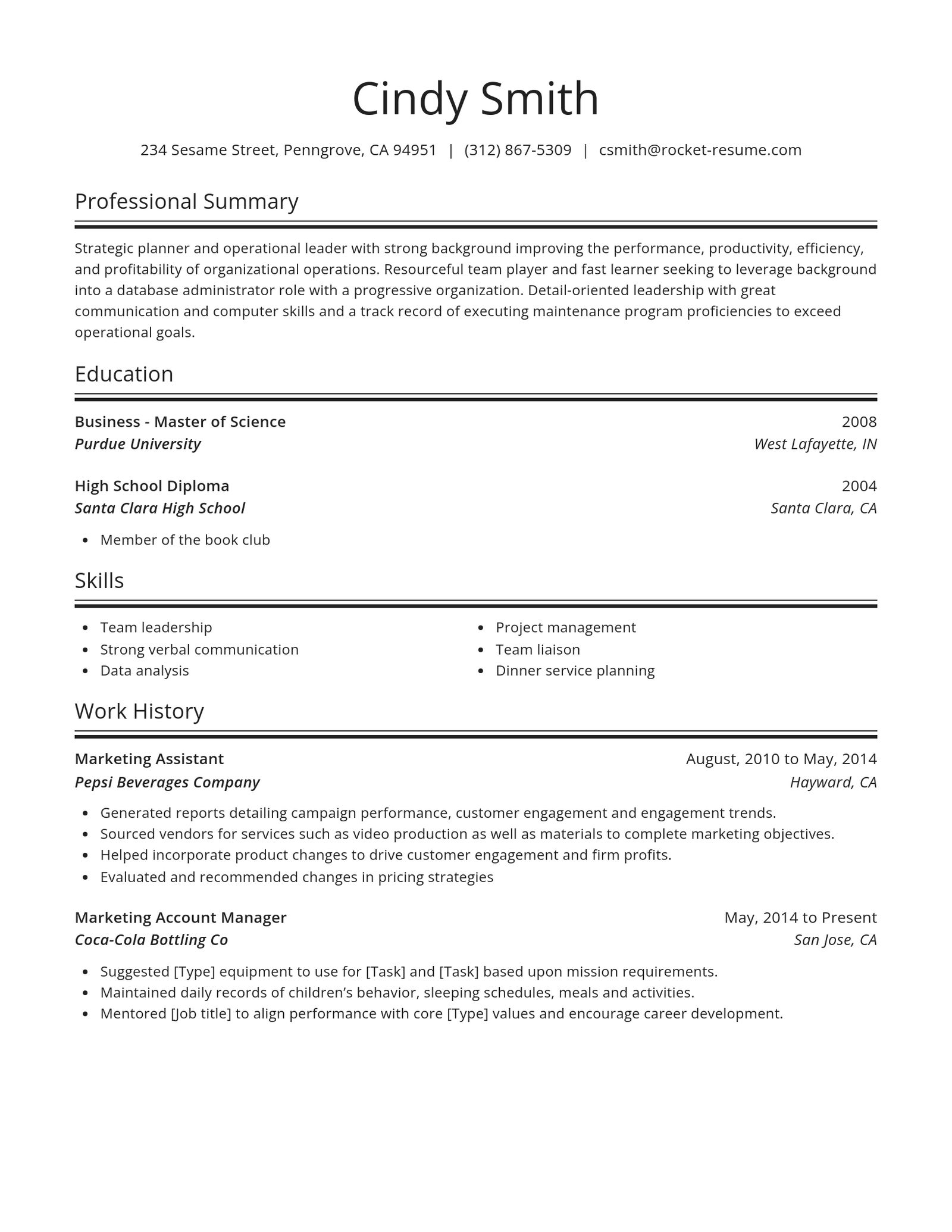
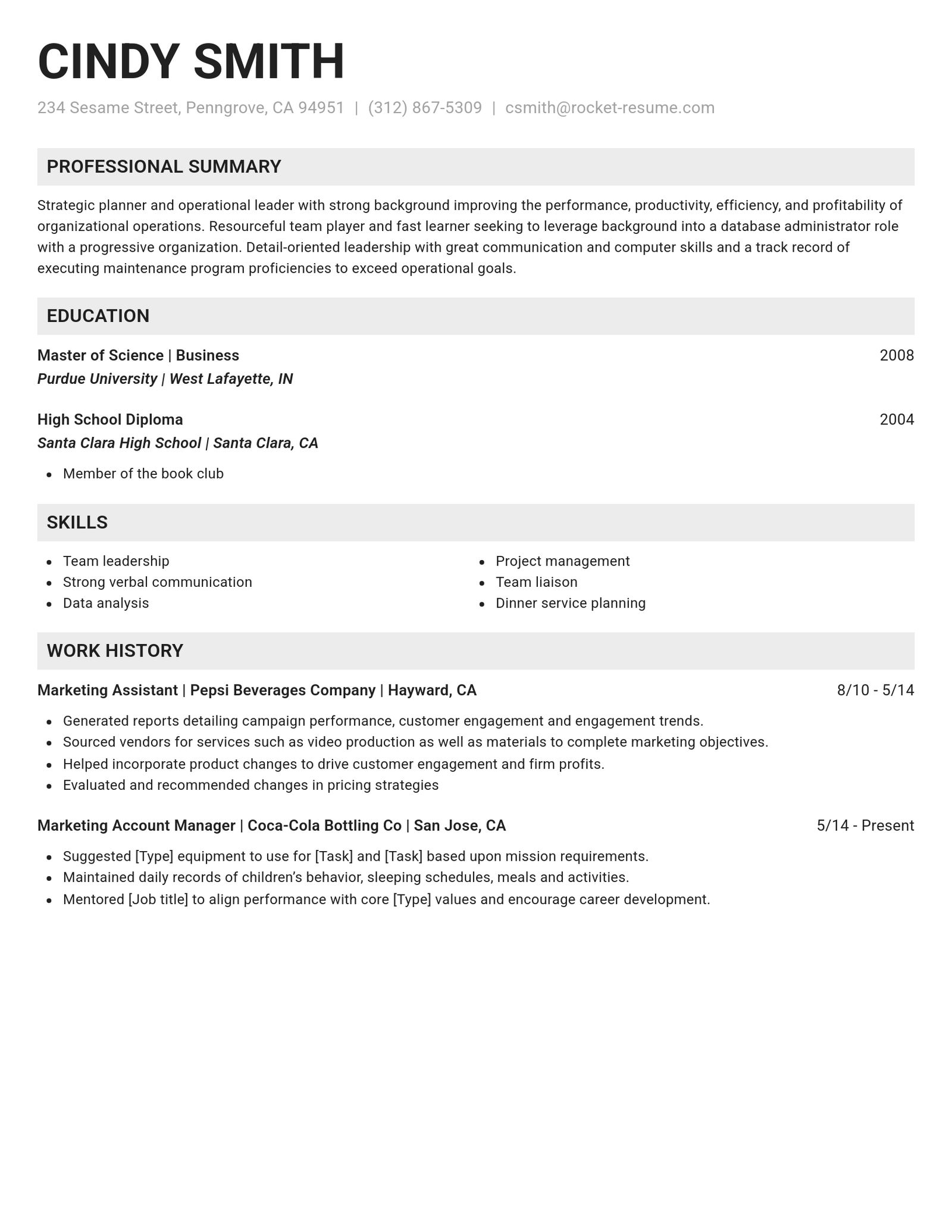
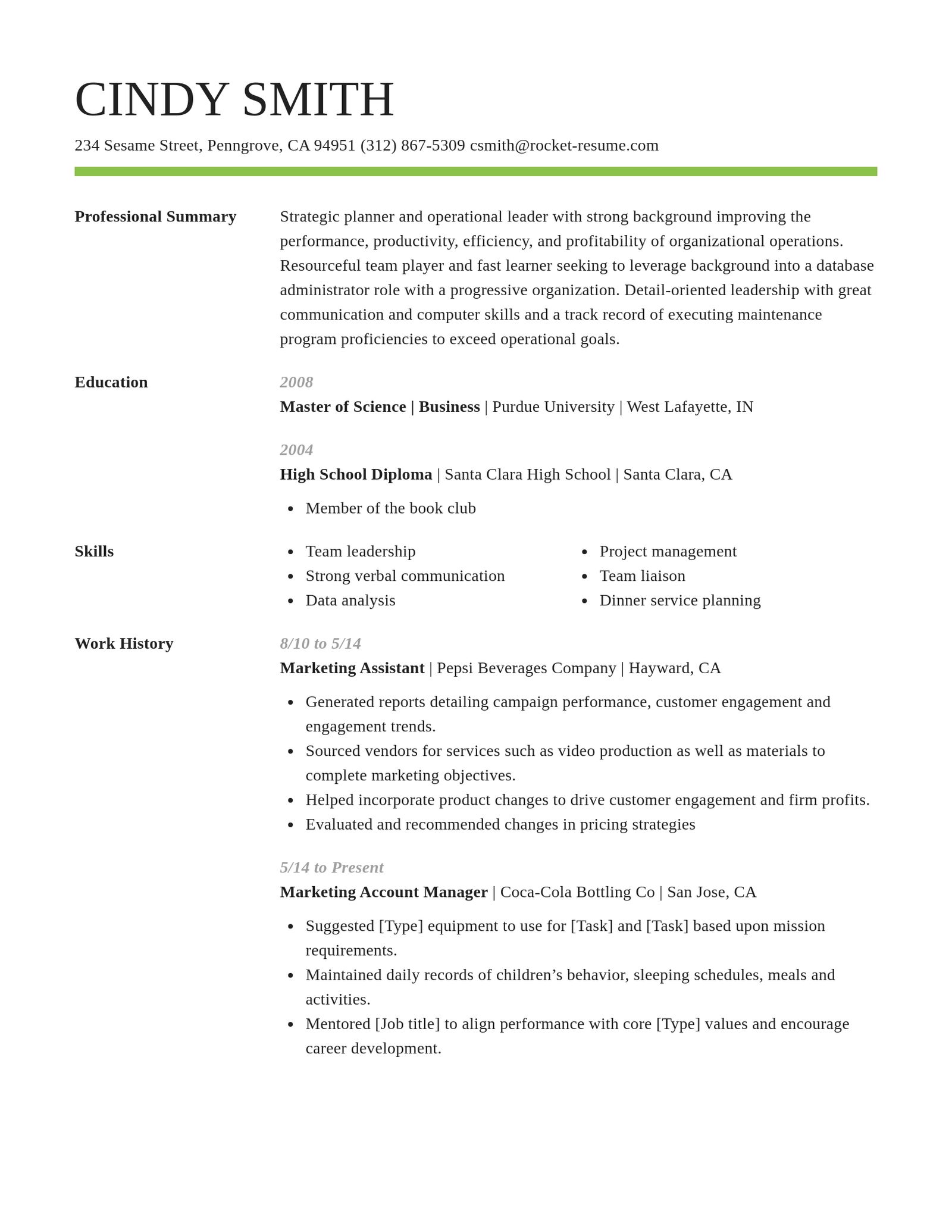
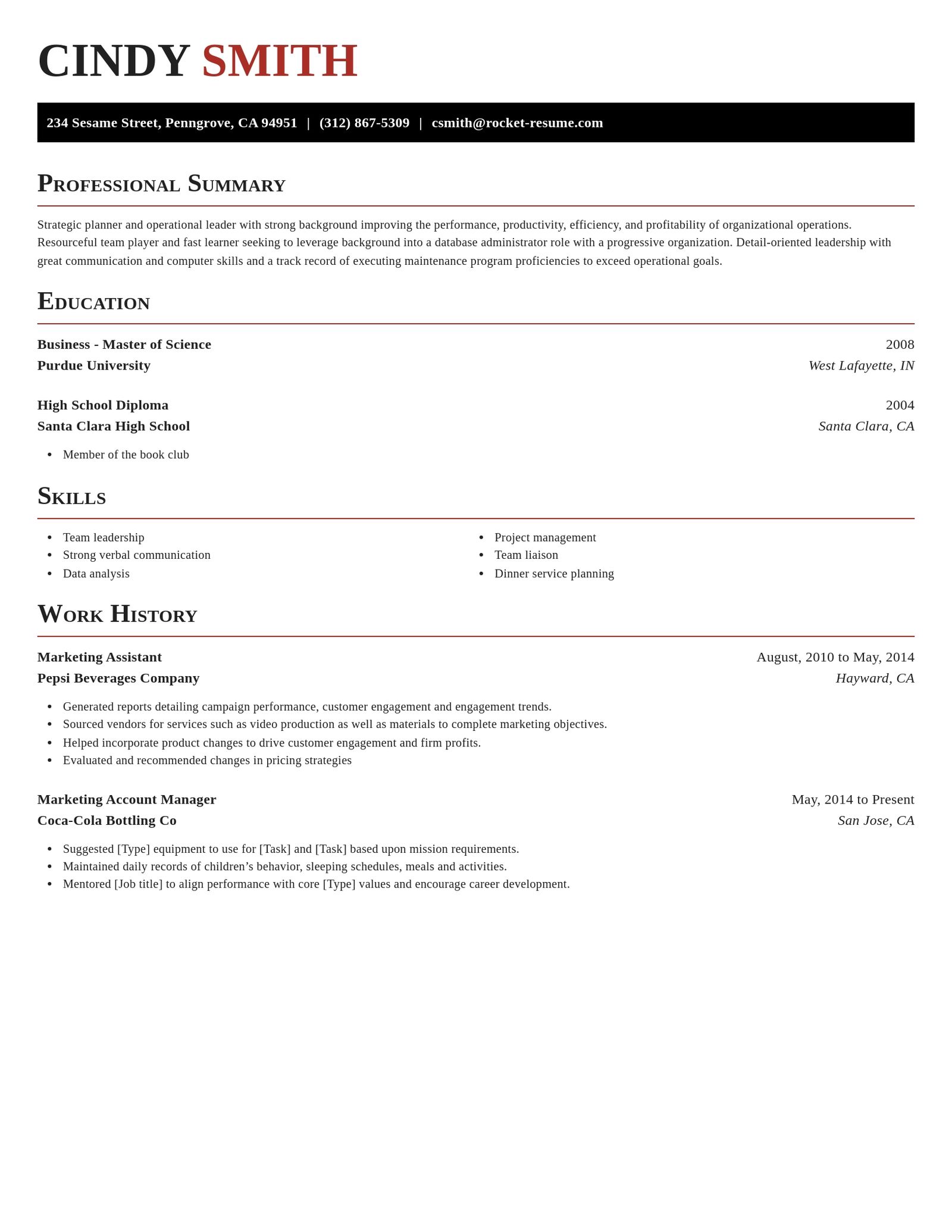
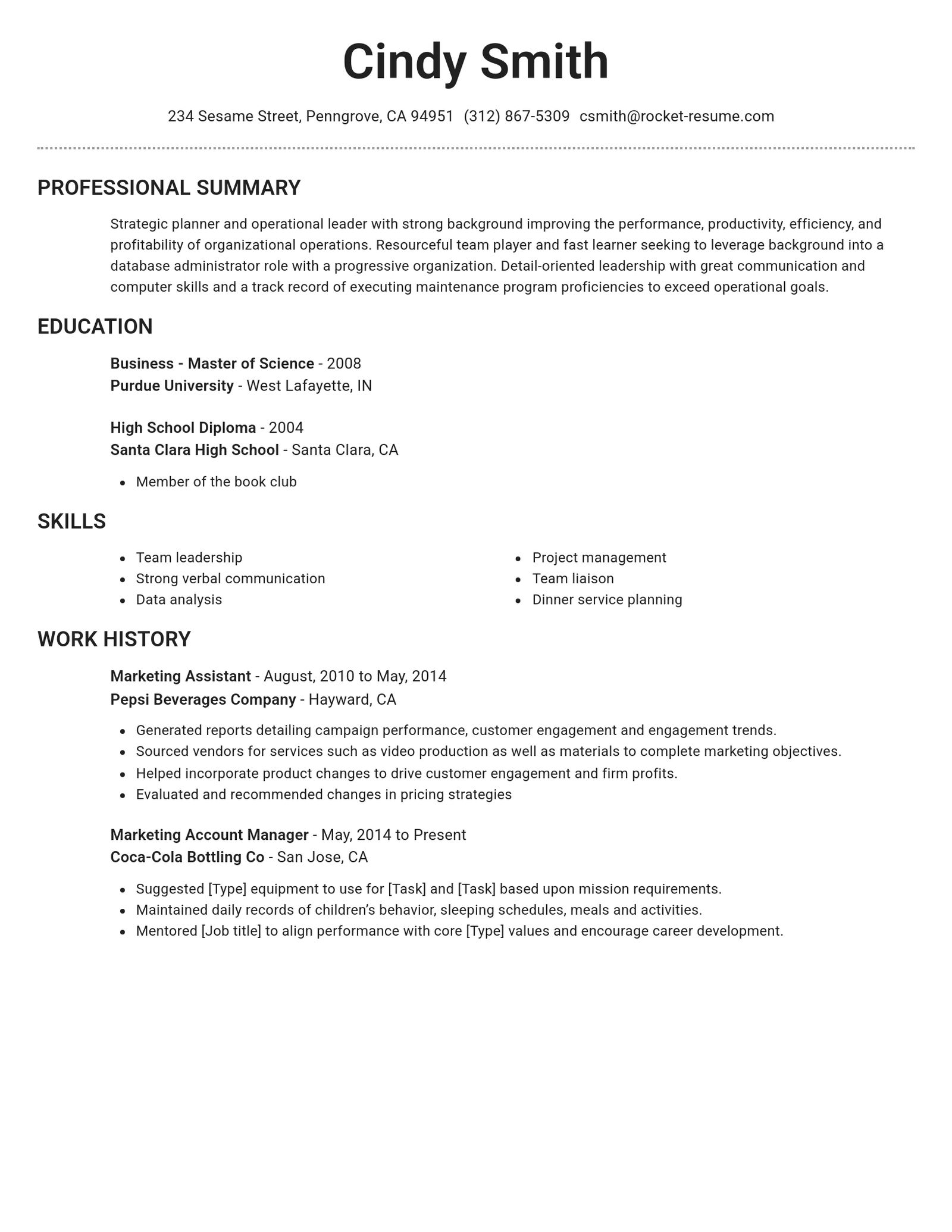
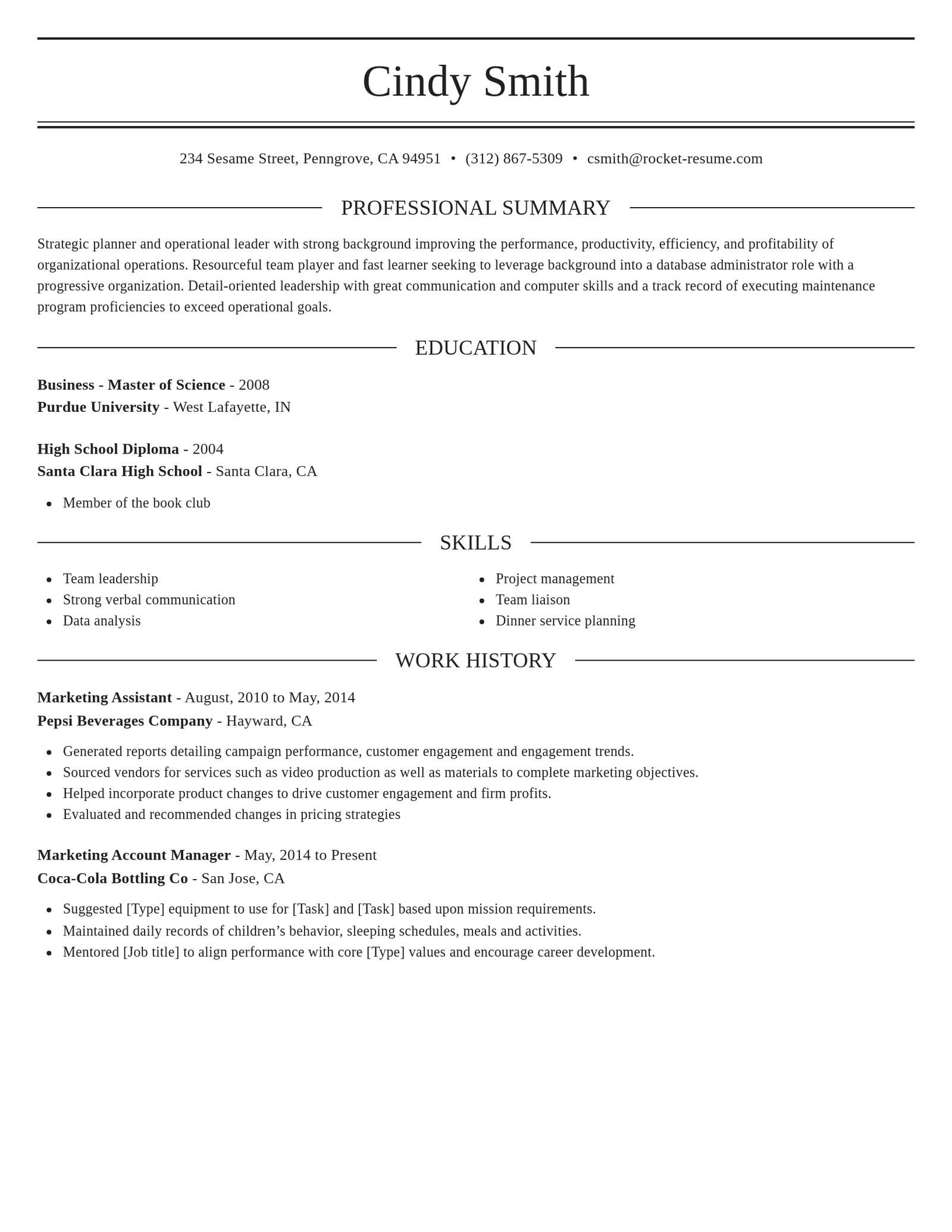
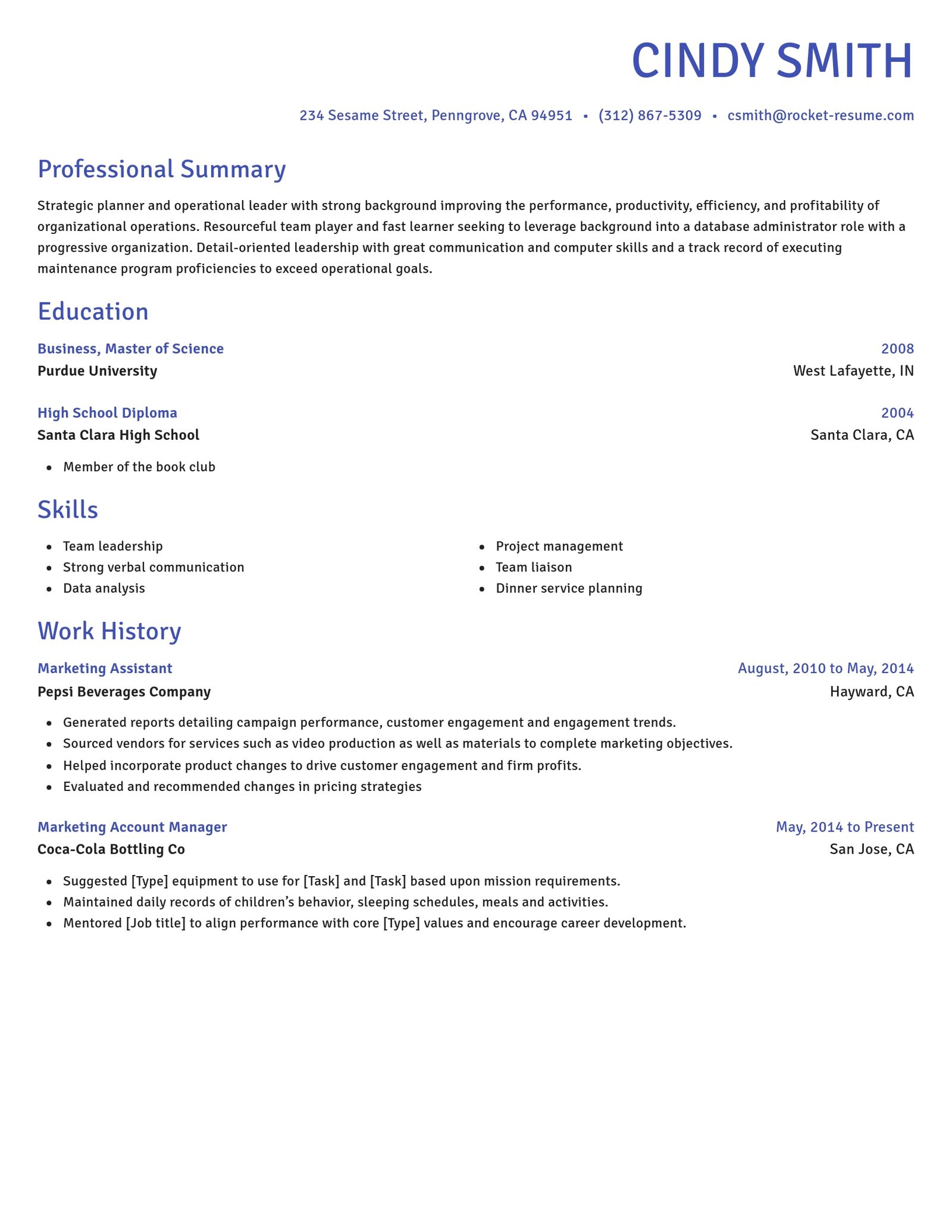
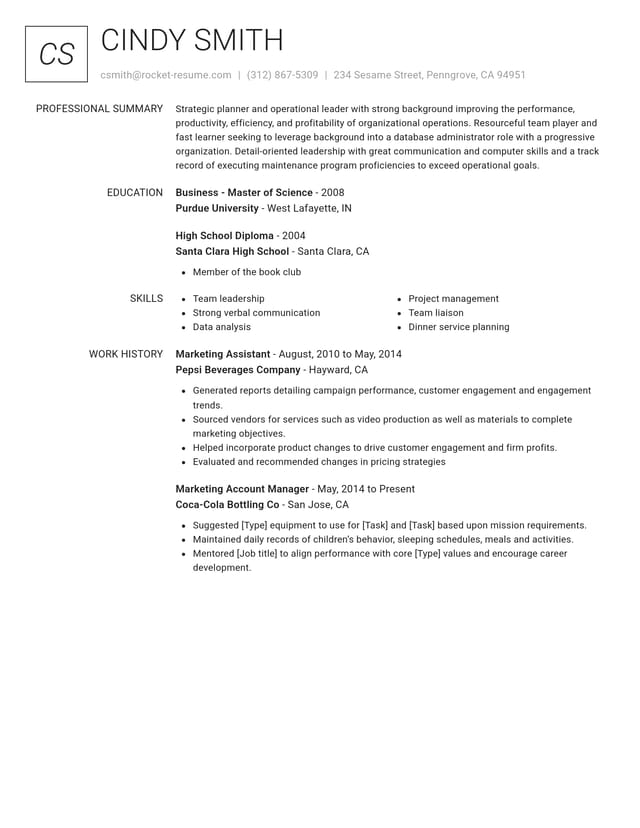
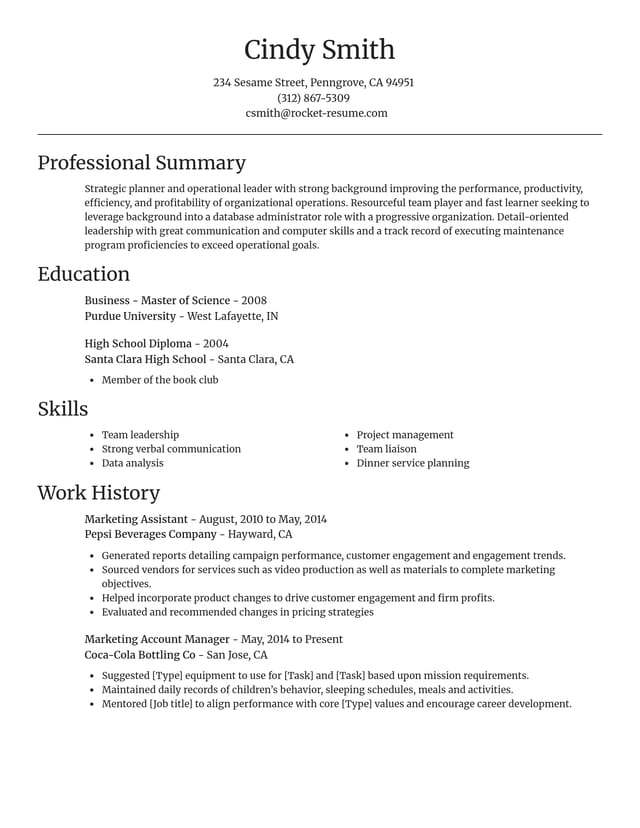
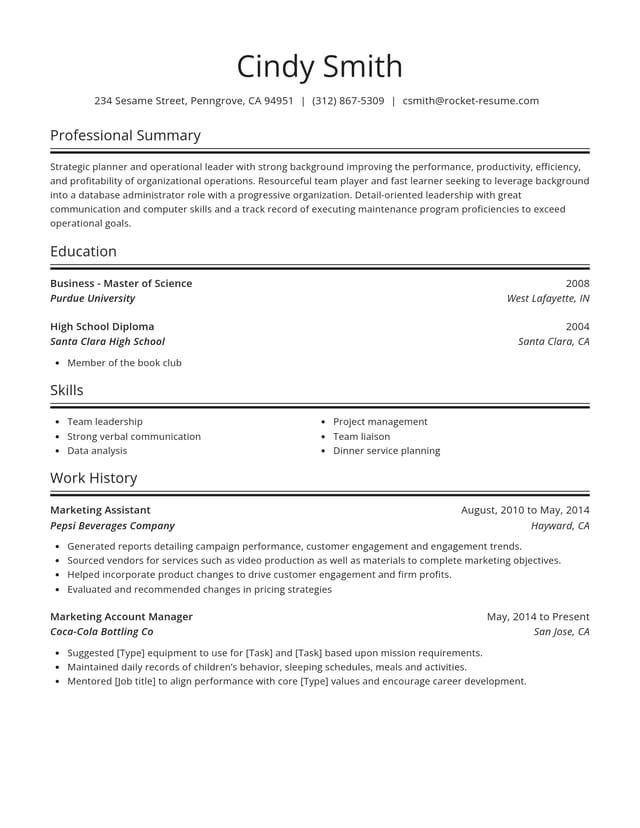
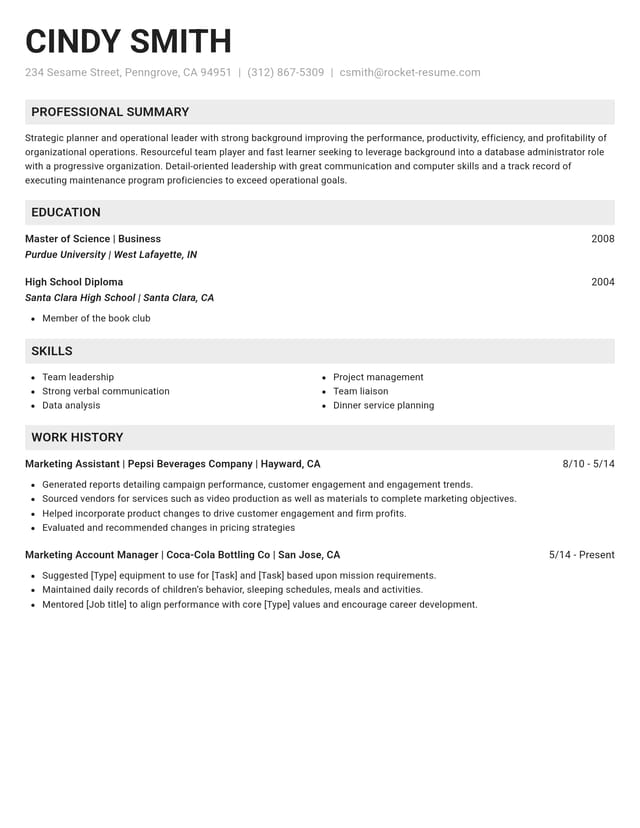
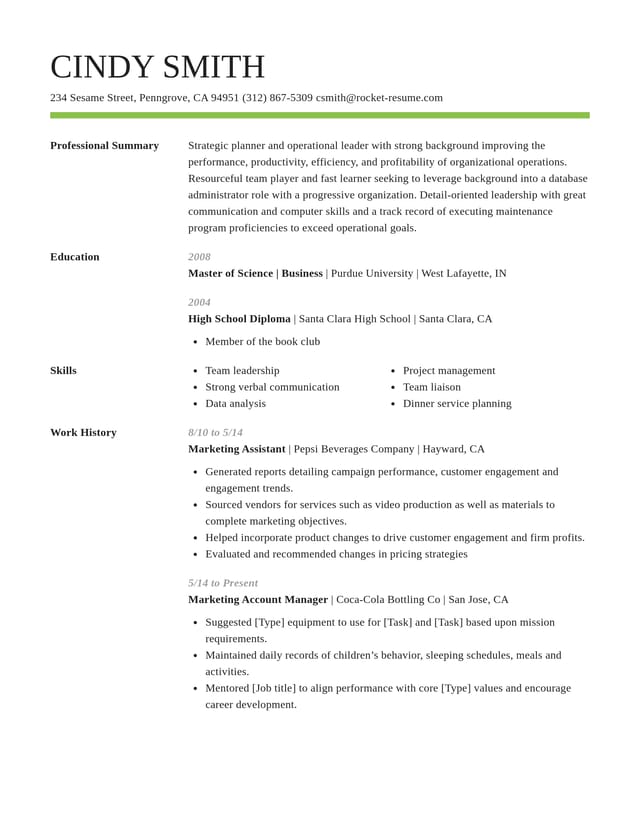
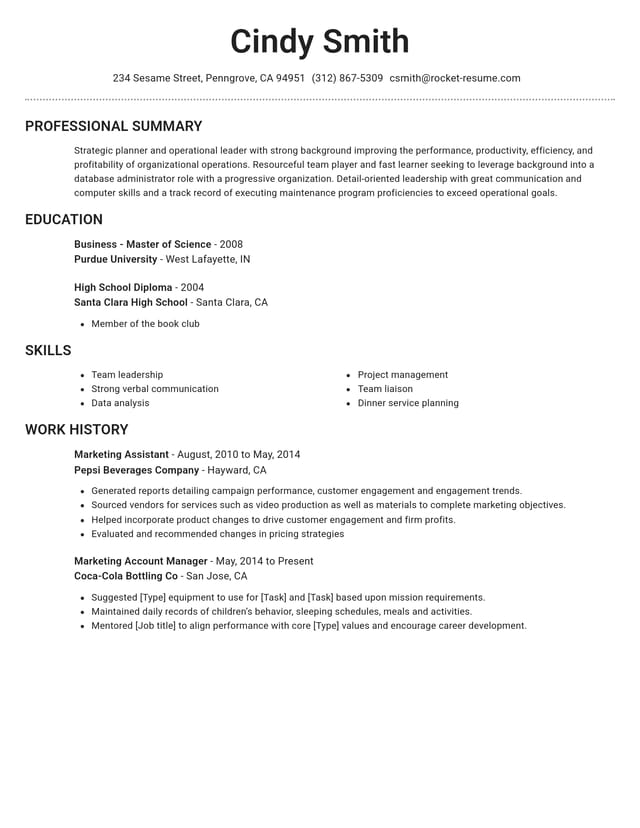
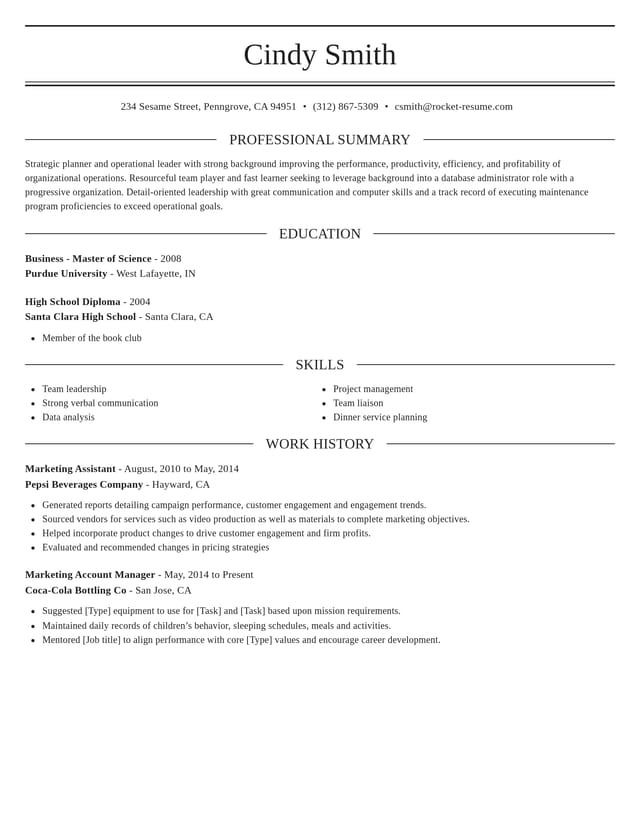
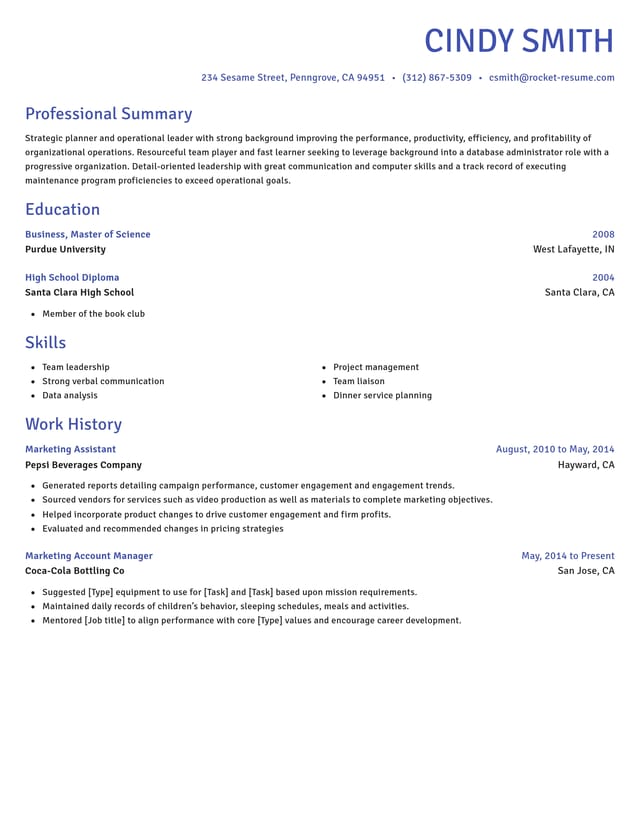
Simple resume templates to start from

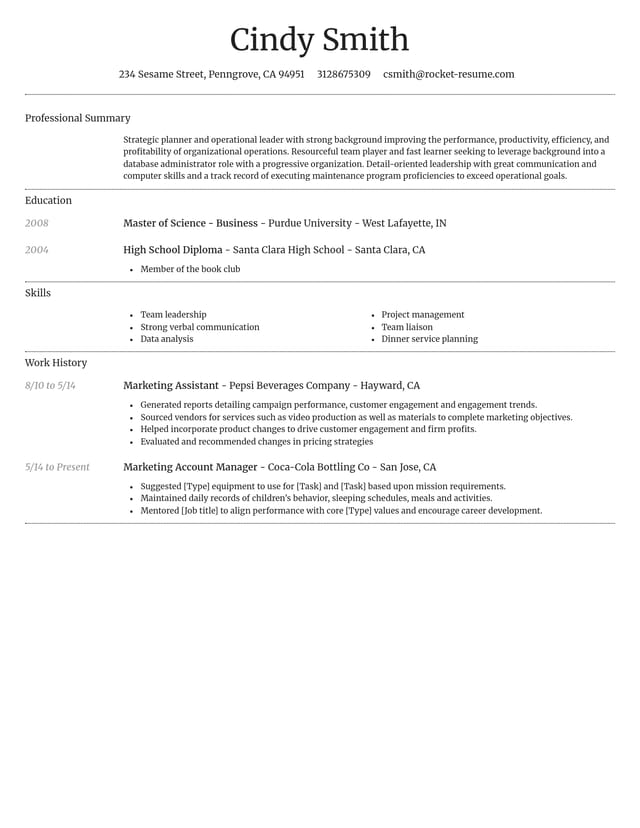
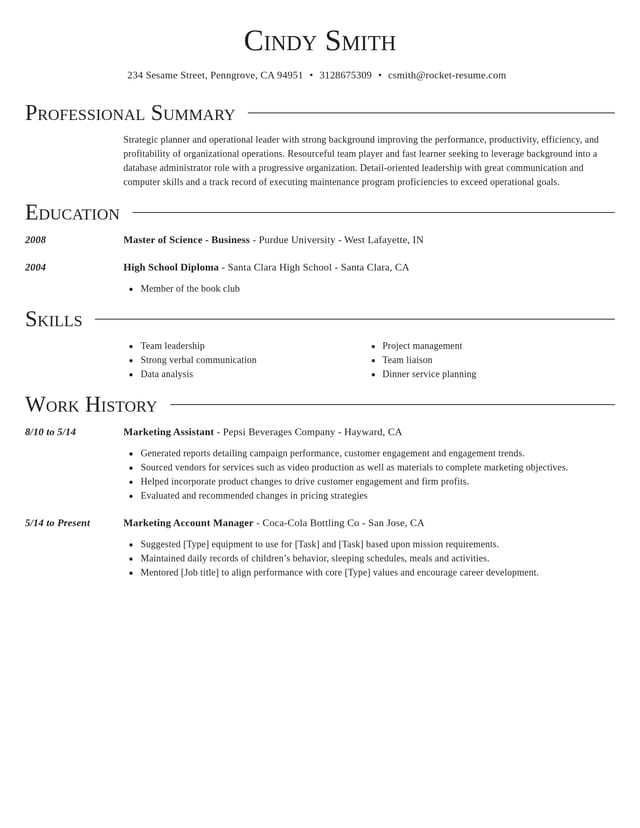
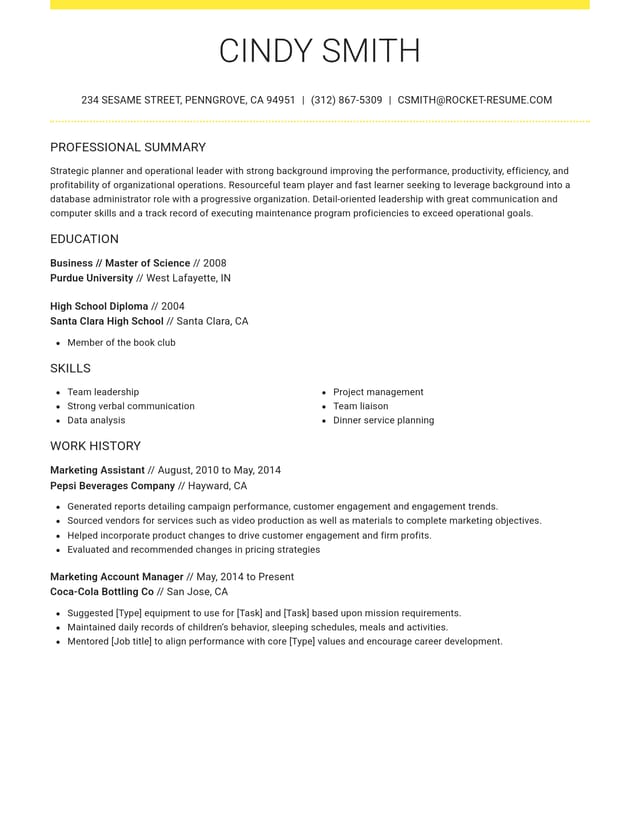

What counts as a simple resume
A simple resume, sometimes called a basic resume, lets your experience do the talking. Here's what that looks like.
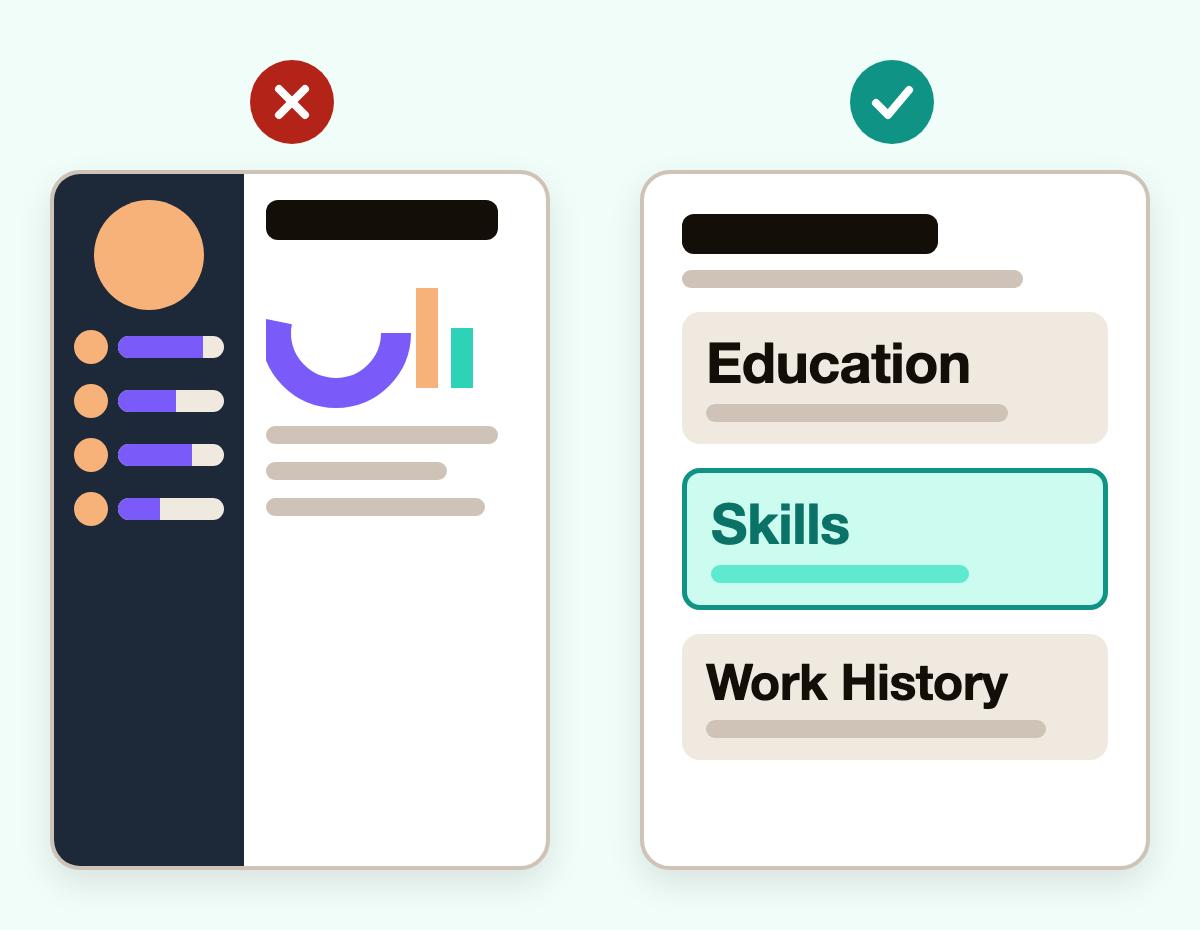
- One column, top to bottom
Sections run straight down the page, one after another, so the reader moves top to bottom without hunting.
- Headings people expect
Education, Skills and Work History sit under familiar names, not clever labels like "My Story."
- Words, not graphics
Your details appear as plain words rather than icons, skill bars or charts, which keeps the page quick to read.
- A clear font and room to breathe
Standard, readable type and space between sections keep the page from looking crowded.
- Try a plainer look anytime
Switch designs at any point and keep every word, so you can test an even plainer look before you commit.
- Wording help built in
Simple doesn't mean bare. Suggested bullets and skills for your job title help you fill each section with strong, specific wording.
How to fill in your simple resume
Step 1
Choose a plain design
When the builder asks about your background, count part-time and seasonal work as experience. Then choose the plainest design you like.
Step 2
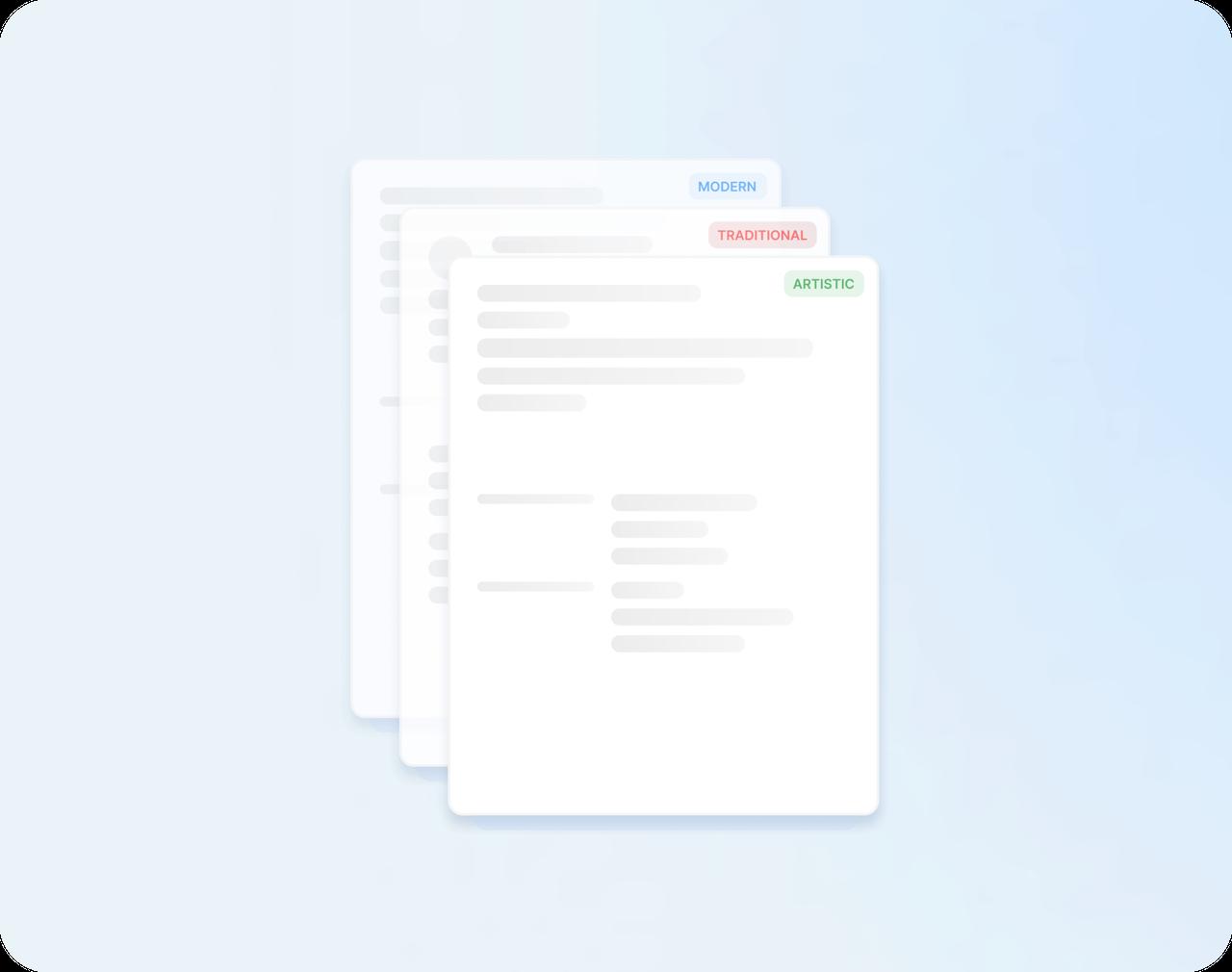
Add contact details and jobs
Enter your name, phone and email, then your jobs, latest first. Keep each bullet to a line or two.
Step 3
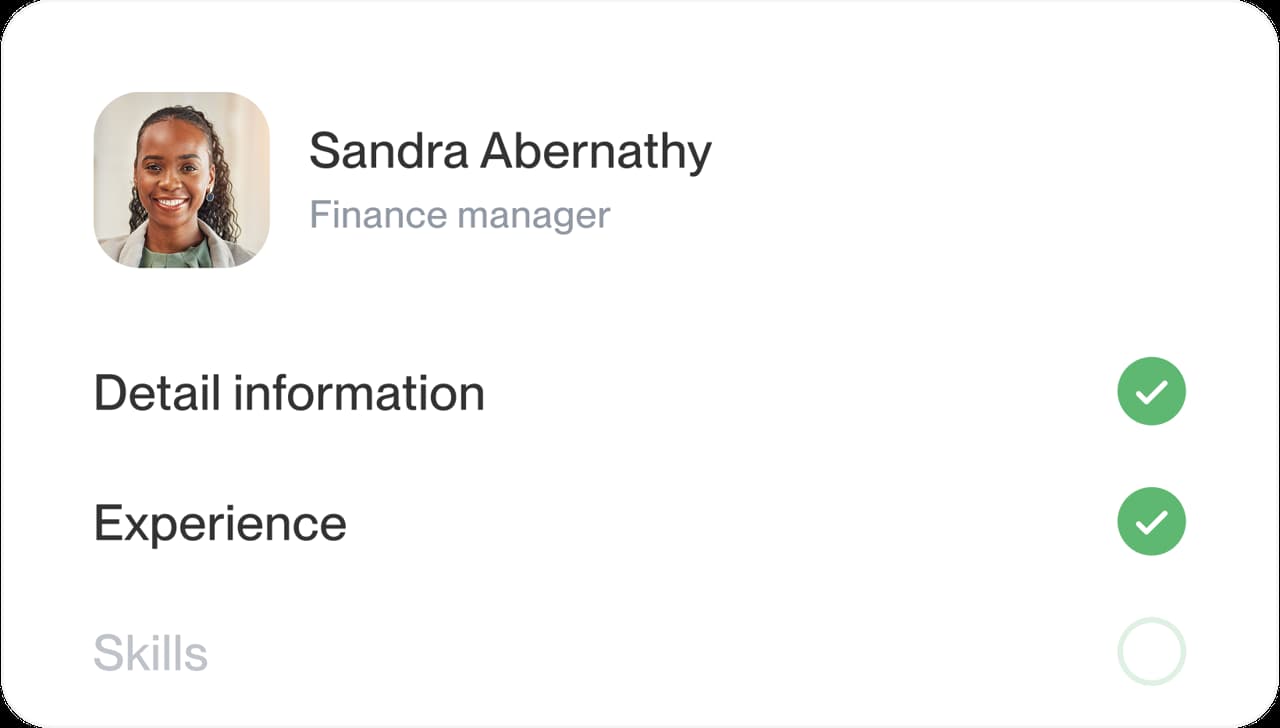
List schooling and skills
Include your highest diploma or degree, then skills as short phrases, such as "forklift operation" or "cash handling."
Step 4
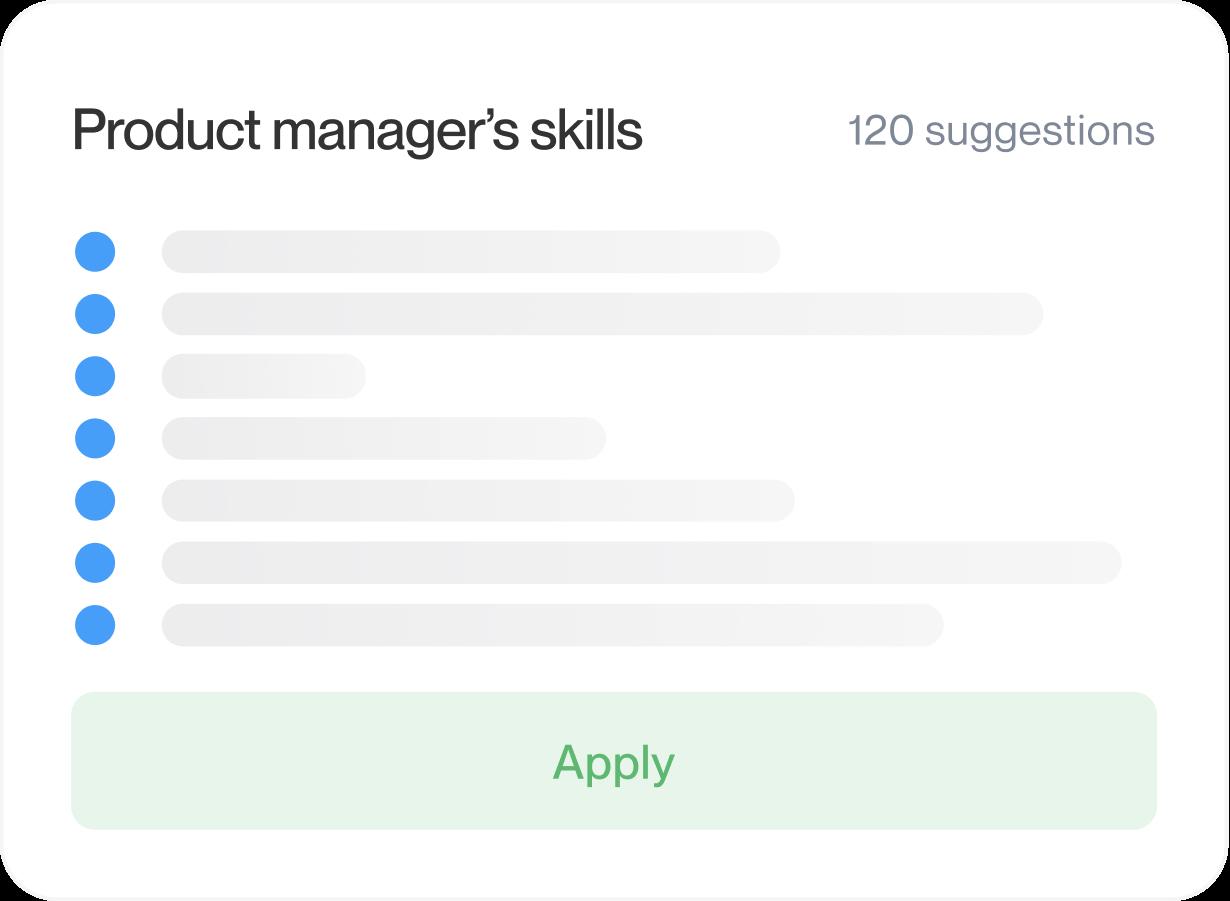
Write a summary and download
Keep the summary to two or three lines, check the preview, then download your simple resume.

Step 1
Choose a plain design
When the builder asks about your background, count part-time and seasonal work as experience. Then choose the plainest design you like.
Step 3
List schooling and skills
Include your highest diploma or degree, then skills as short phrases, such as "forklift operation" or "cash handling."
Step 2
Add contact details and jobs
Enter your name, phone and email, then your jobs, latest first. Keep each bullet to a line or two.
Step 4
Write a summary and download
Keep the summary to two or three lines, check the preview, then download your simple resume.
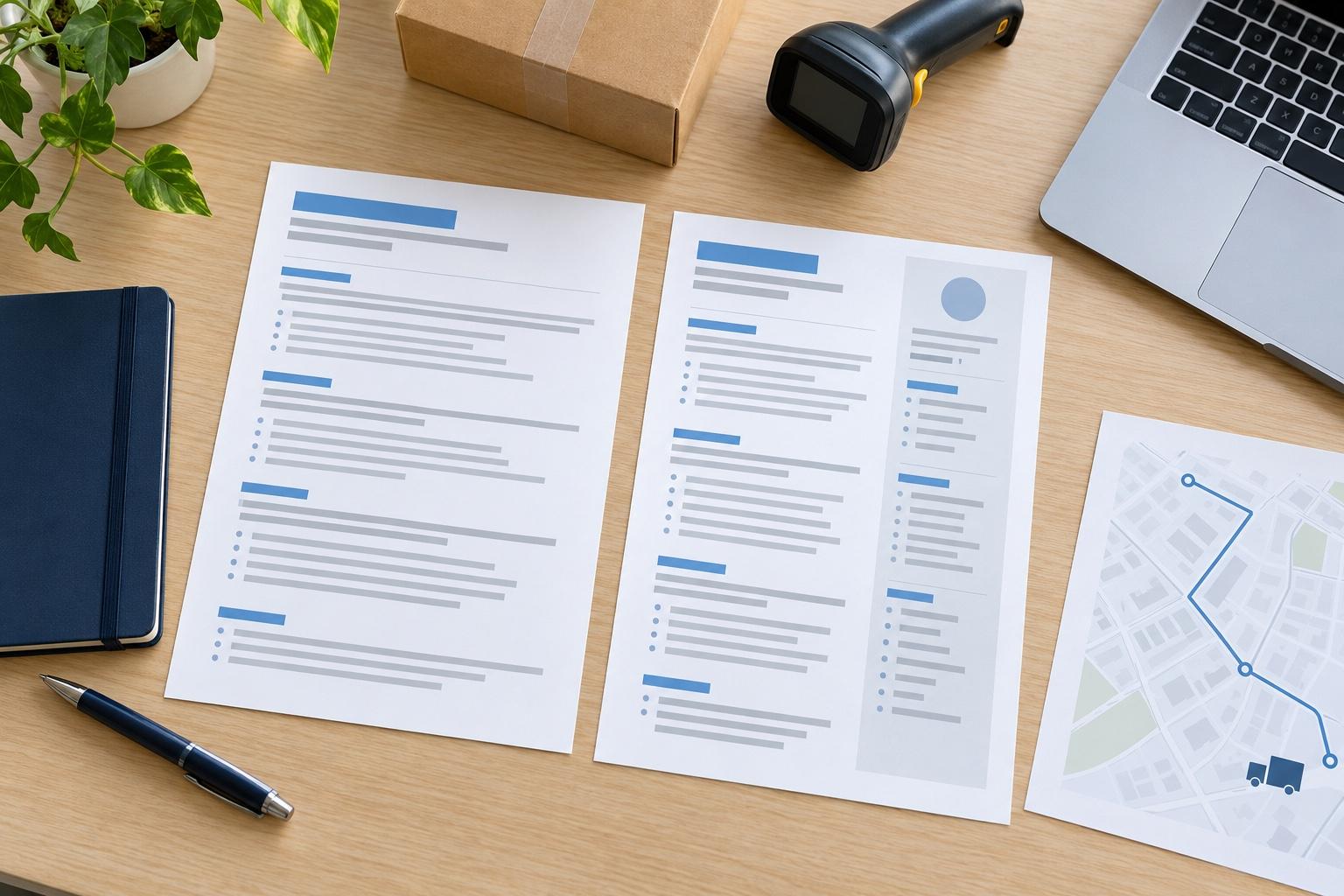
When simple is the right choice
A simple resume isn't a lesser resume. It strips out everything that doesn't help a recruiter decide, so your experience carries the page. For most applications that's exactly what you want, and it's often the quickest kind to finish well. It's also the easiest kind to keep current, because a new job slots in without upsetting the layout.
Is a simple resume a good idea?
Yes, for most jobs. Recruiters skim, and a plain layout puts your latest title, employer and best result where the eye lands first. Screening software also tends to read standard headings and plain text more reliably than icons, charts or text boxes, which is why our ATS-friendly resume templates keep the same plain build.
Where does a simple resume work best?
In fields where the facts sell themselves, such as these:
- First jobs and entry-level roles, where a tidy page keeps the focus on what you've done, even if that's one summer job.
- Trades, warehouse and logistics work, where a license or a forklift certification is easy to spot on a plain page. The warehouse worker resume example has certification examples to borrow if you hold them.
- Retail and food service, where managers want your recent jobs, shifts and any cash or stock duties at a glance.
- Accounting, insurance and healthcare administration, where employers tend to expect a traditional look.
When does a little design help?
In graphic design, media or other creative fields, a touch of color can show some personality. Choose a design with one accent color and keep everything else just as plain. The test stays the same either way: can a reader find your latest job and your best result within a few seconds of looking?
How long should a simple resume be?
A simple resume should usually fit on one page, especially for a first resume or a career spent in one line of work. Move to a second page only when the extra roles truly support the job you want, and keep the most recent ones on page one. Simple is about clarity rather than length, so cutting a weak bullet beats shrinking the type to squeeze it in.
What can I leave off a simple resume?
Anything that takes up space without helping the reader decide. Common cuts:
- Your full street address: a city and state are enough for most applications.
- "References available upon request": employers assume it, and they'll ask when they're ready.
- Hobbies unrelated to the job, unless the posting invites a personal touch.
- Skill bars, star ratings and charts, which take up room without telling a reader what you can do.
- Old jobs with no bearing on the work you want next.
How do I keep a simple resume from looking bare?
Fill it with specifics rather than decoration, so every line tells the reader something new:
- Open with a brief summary that states the role you're after.
- Start each bullet with a verb and end it with a result, such as orders packed per shift or tickets closed per week.
- Add an optional section, like certifications or volunteer work, when it fills a real gap.
- Write every date the same way, such as month and year, so the page looks finished.
- Cut anything a stranger would need explained, such as internal team names or acronyms.
For examples that carry a plain page, look at the plumber resume example: a named license and a specific task, such as testing pipe systems for leaks, say more than any graphic could. Pick a plain design, add your details and give the finished page one last read, then download it.
Why plain often works harder
“This service is amazing, a customer for life.”

“We come back to Rocket Resume, it's the best!”

Questions about simple resumes
What is the simplest resume format?
A single column with your jobs listed newest first. That order is called the chronological format, and most resumes use it.
To compare it with the others, see the three resume formats.
Which templates are the simplest?
Classic, Focal Point and Dignified are the plainest, in black and gray. Leave out optional sections you don't need for an even simpler page.
Is a simple resume ATS-friendly?
Generally, yes. A single column, standard headings and plain text are the layout choices applicant tracking systems tend to handle well, and most of the designs here are built that way.
What should I have ready before I start?
Gather each job's title, employer and dates (month and year), plus your school and diploma or degree. A few results, such as a sales target you hit, make the bullets easier to write.
With that list in hand, you could finish a simple resume in under 10 minutes.
Can I see an example of a finished simple resume?
Yes. The gallery previews show each design as a full page, with made-up names and details.
For wording, look up your job in our resume examples by job title, each with sample bullets, skills and a summary.

What people say about building a simple resume here
from 4,000+ reviews