ATS resume templates with
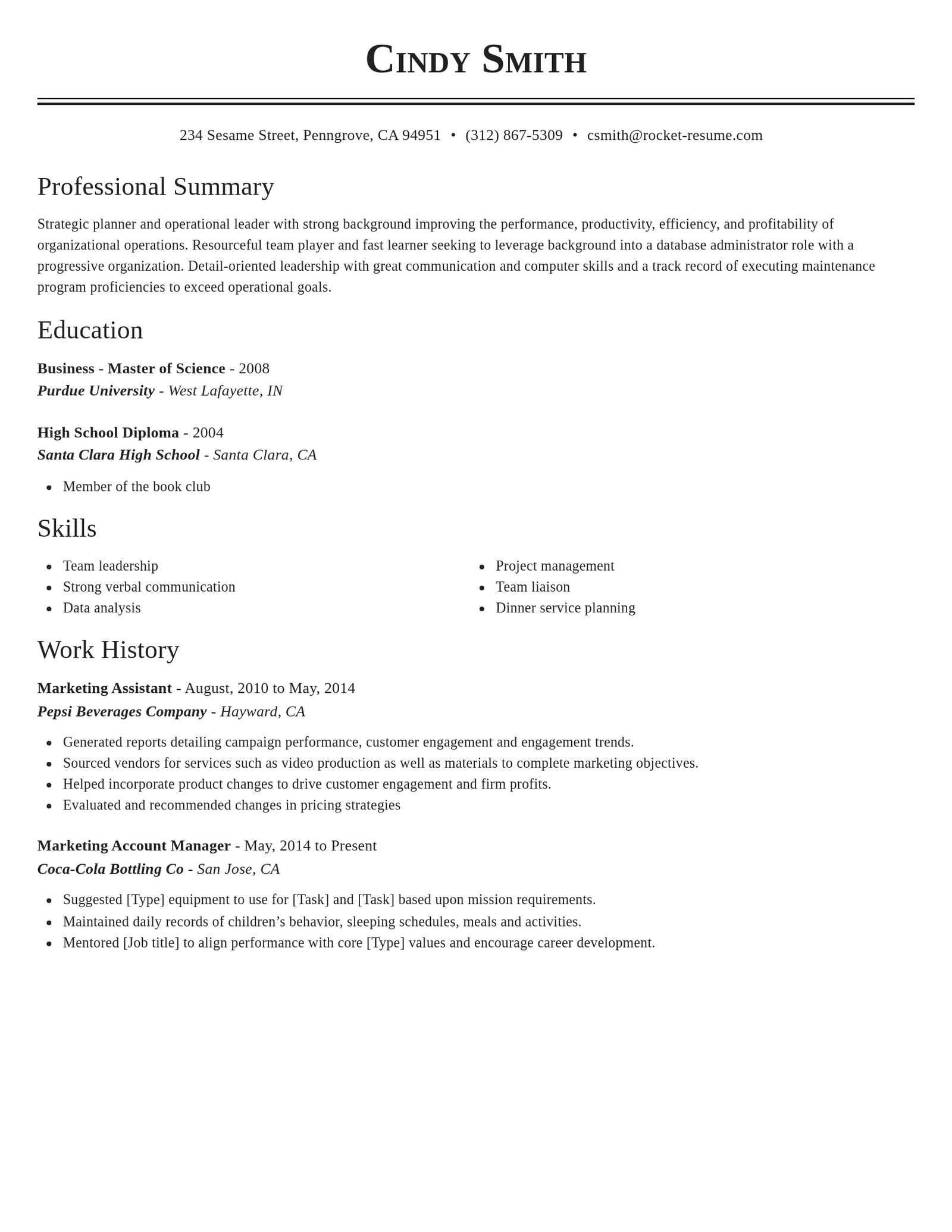
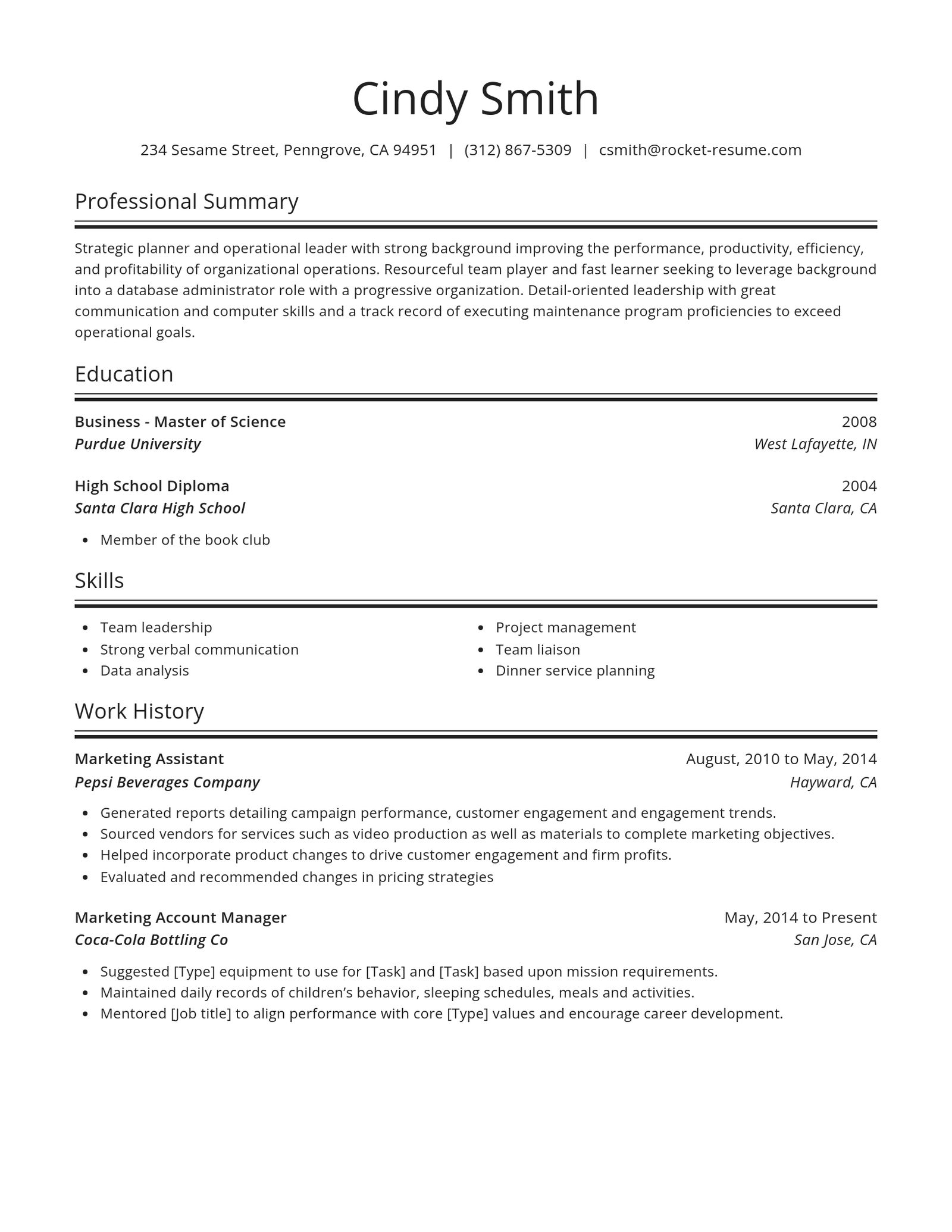
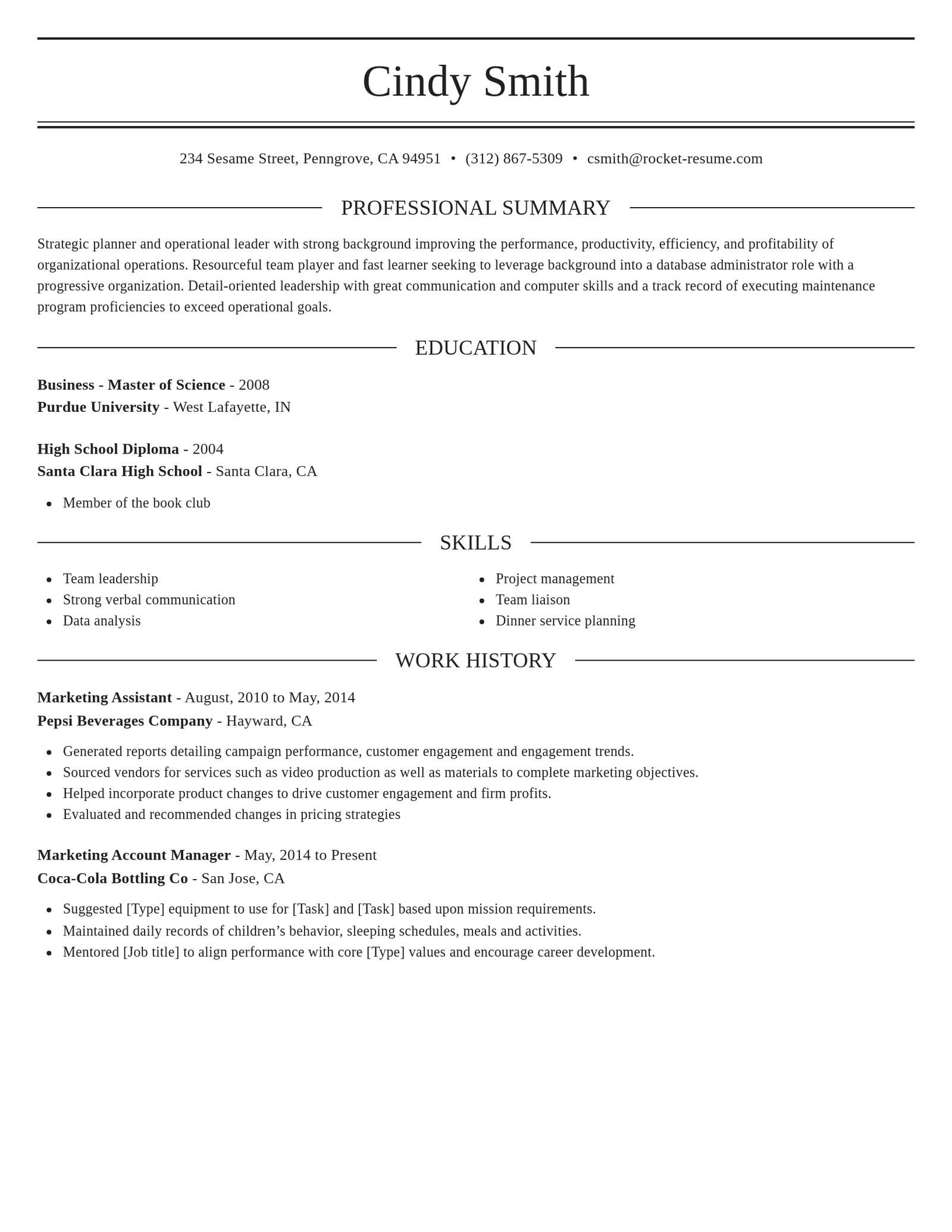
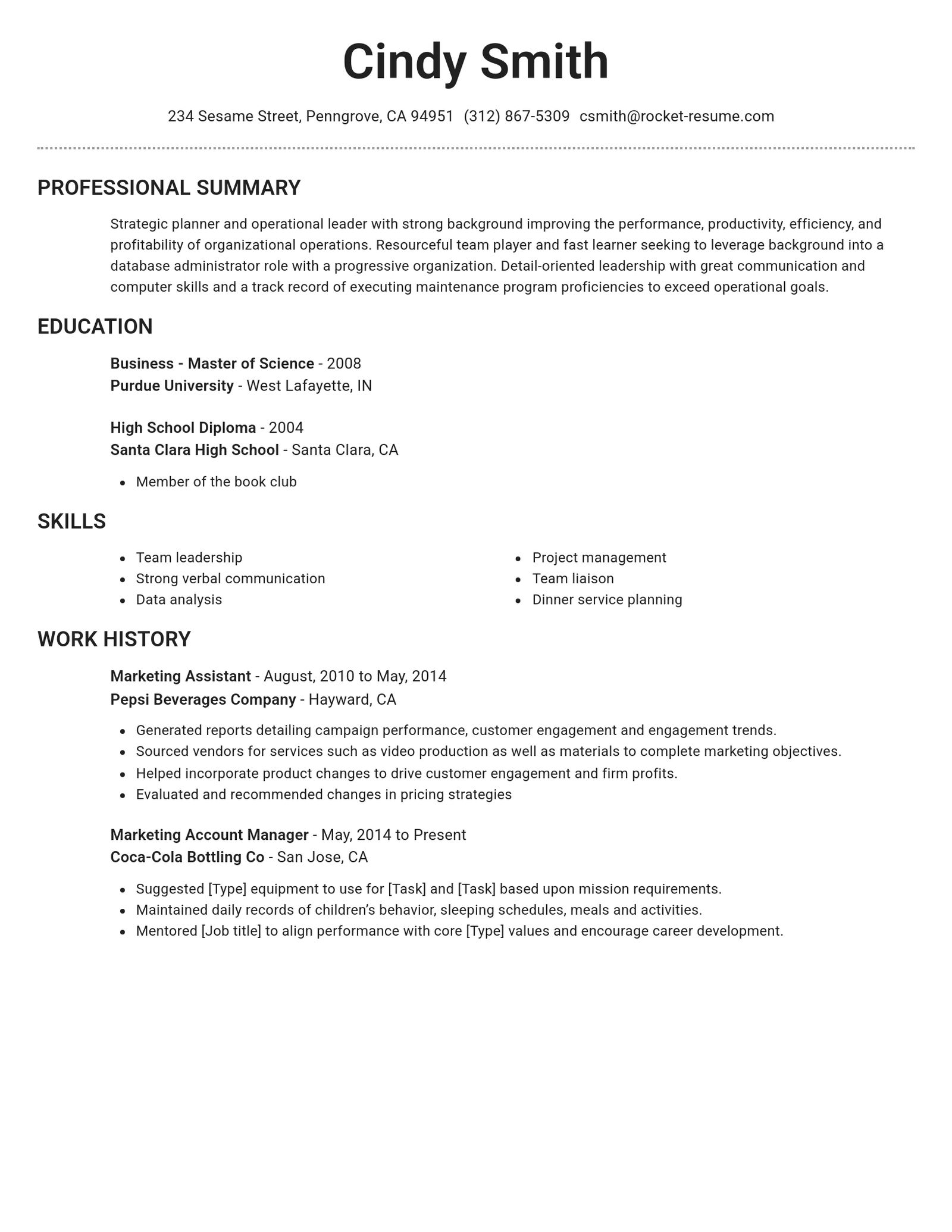
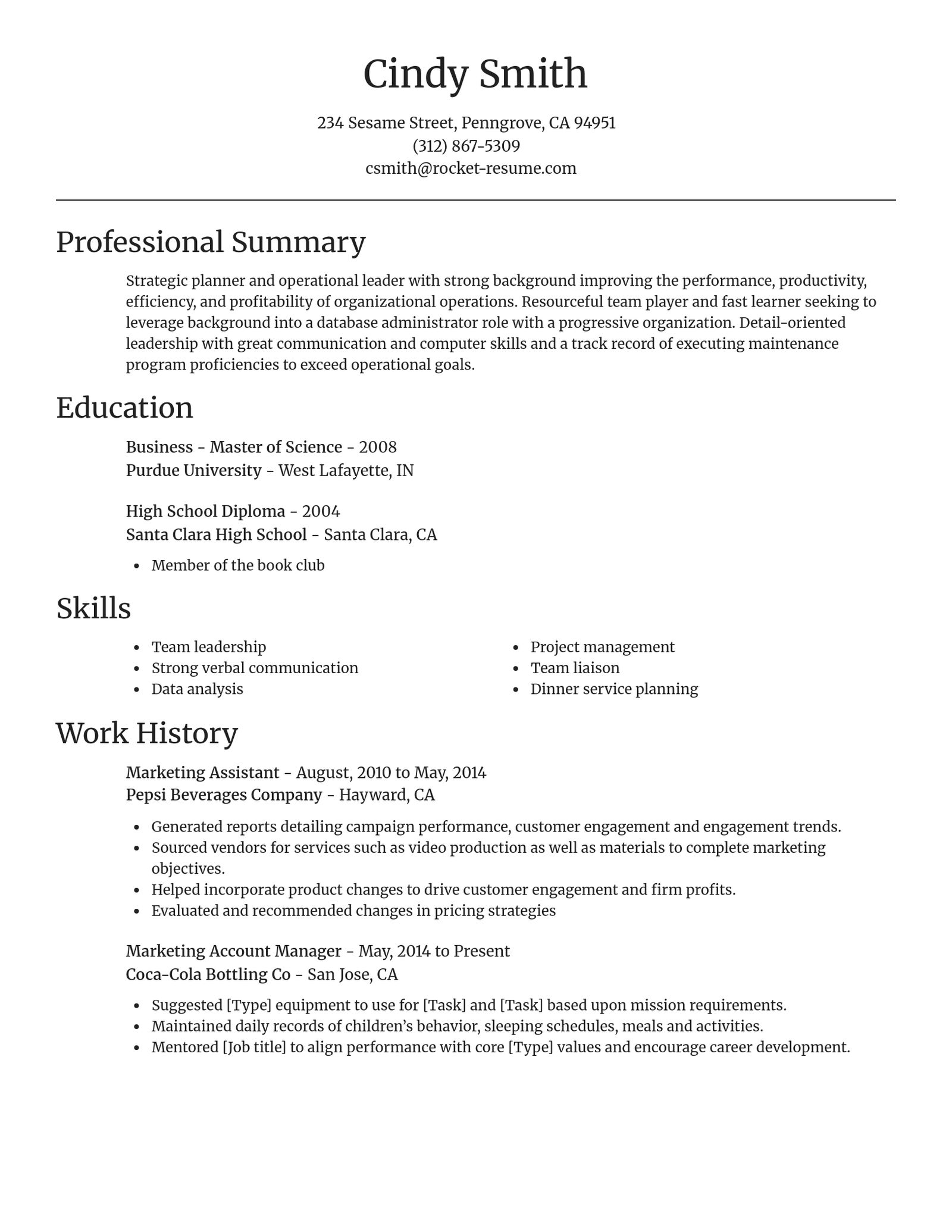
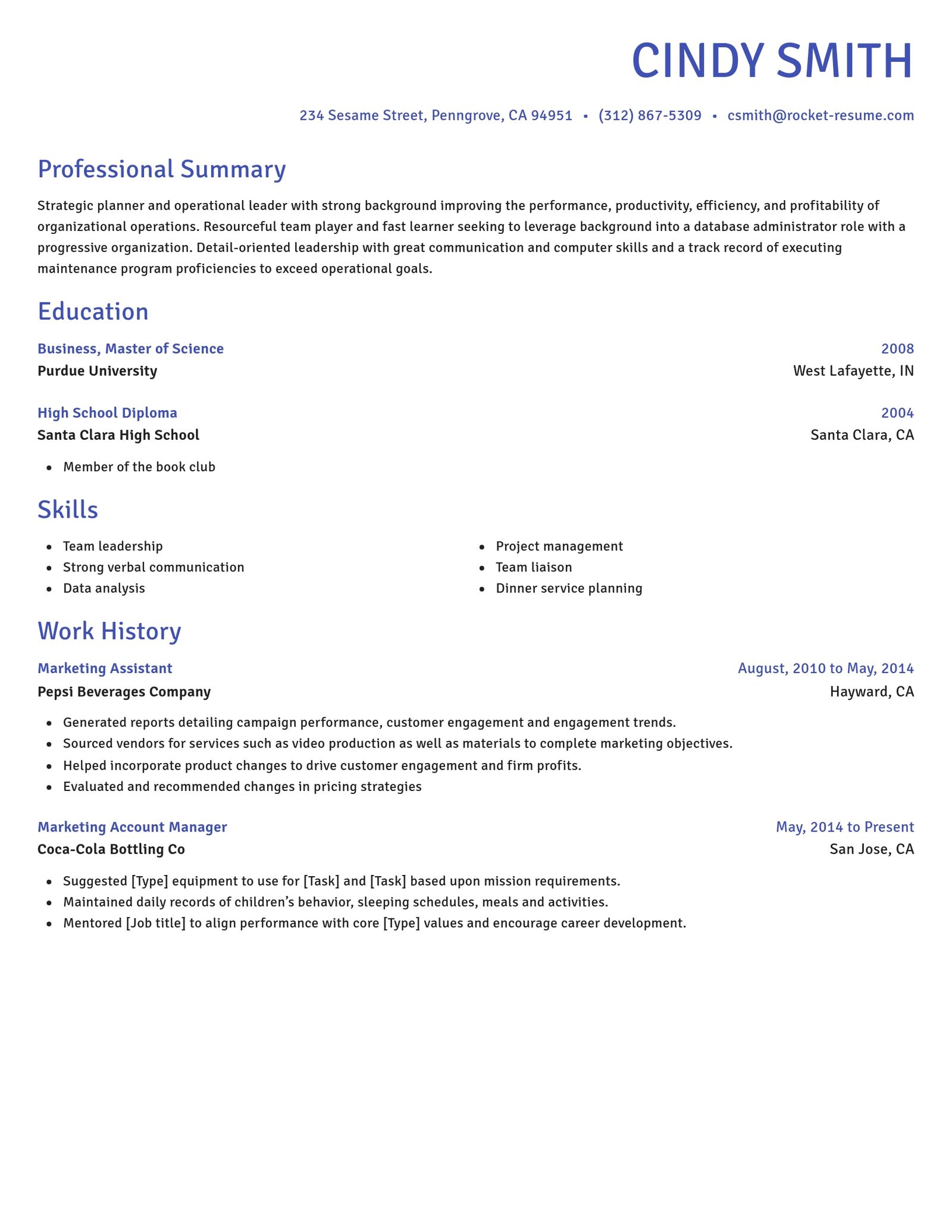
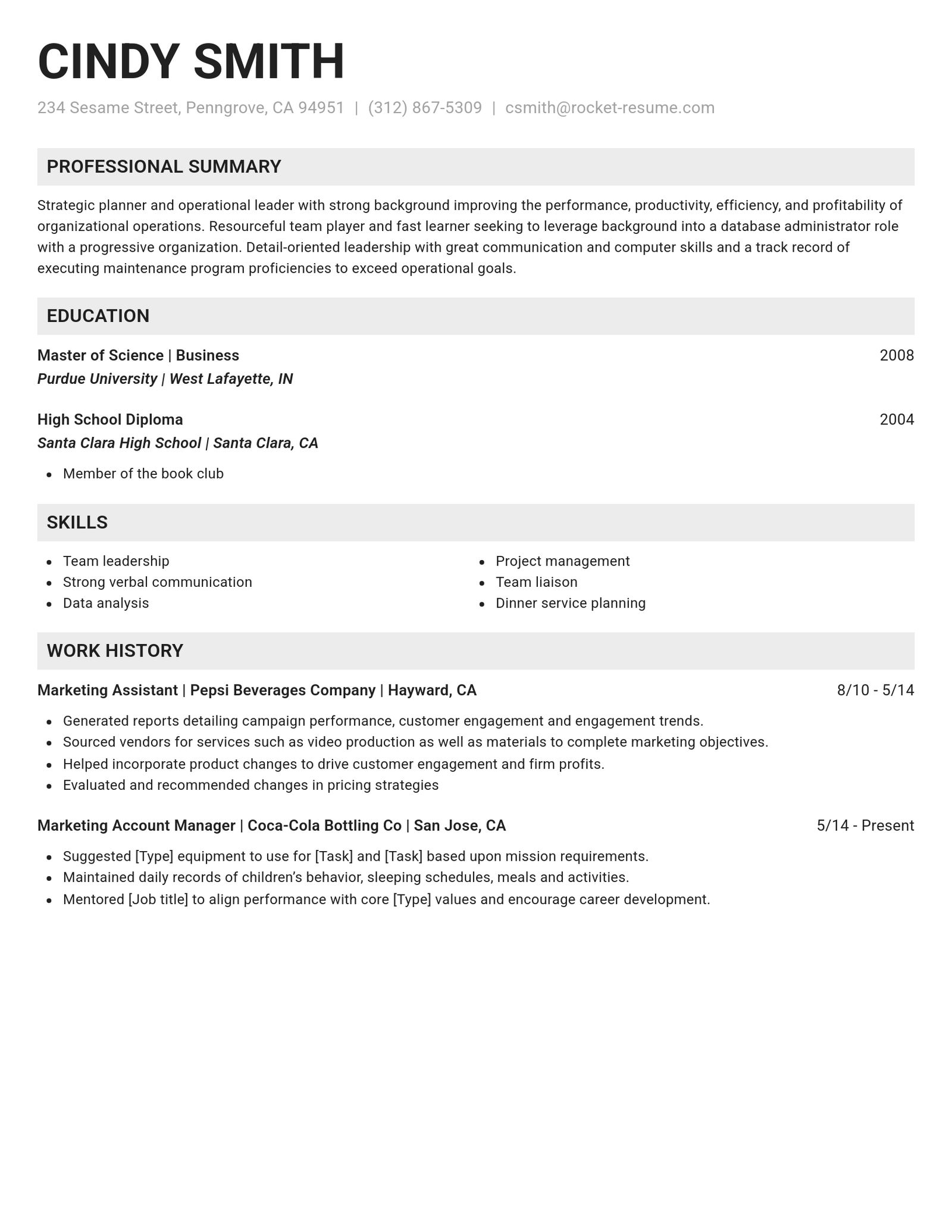
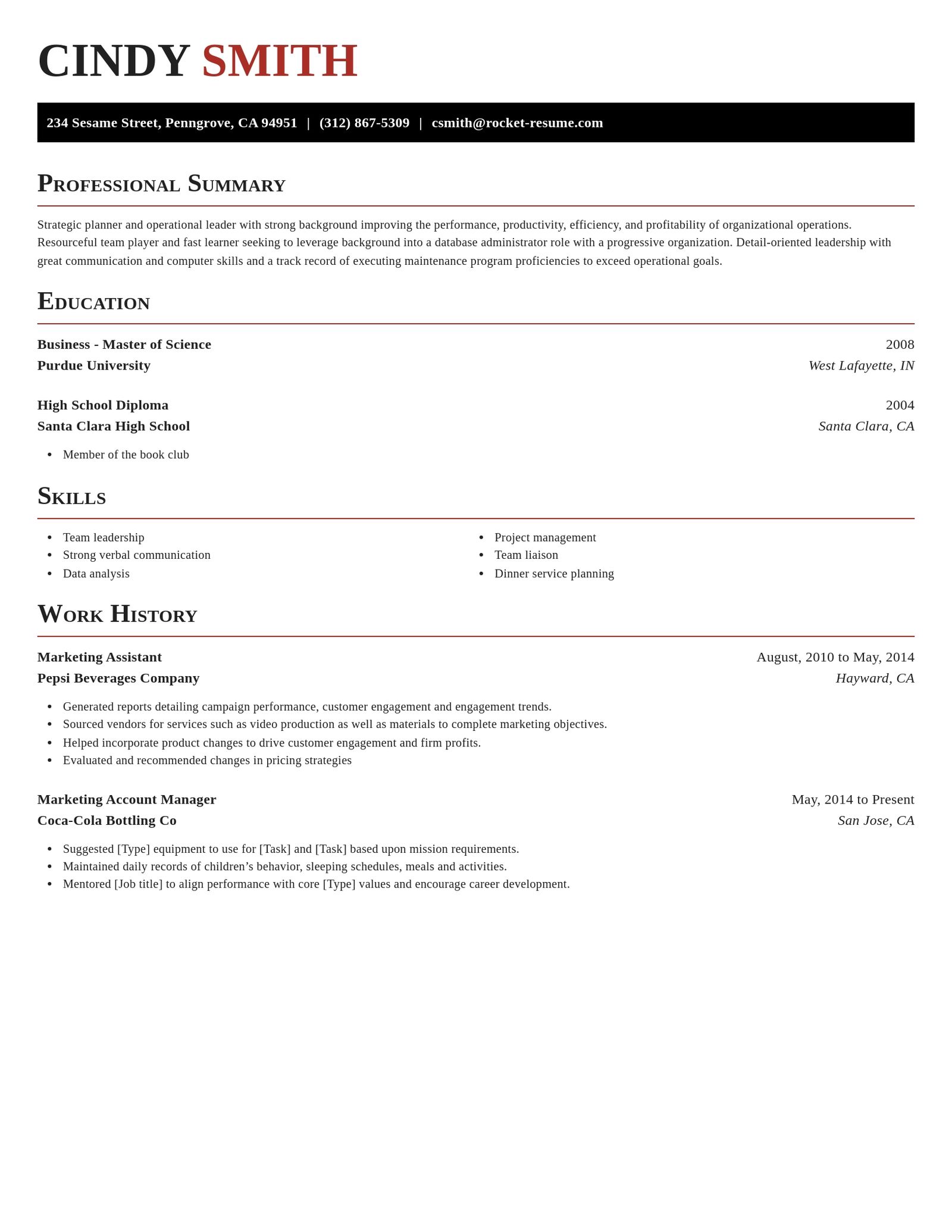
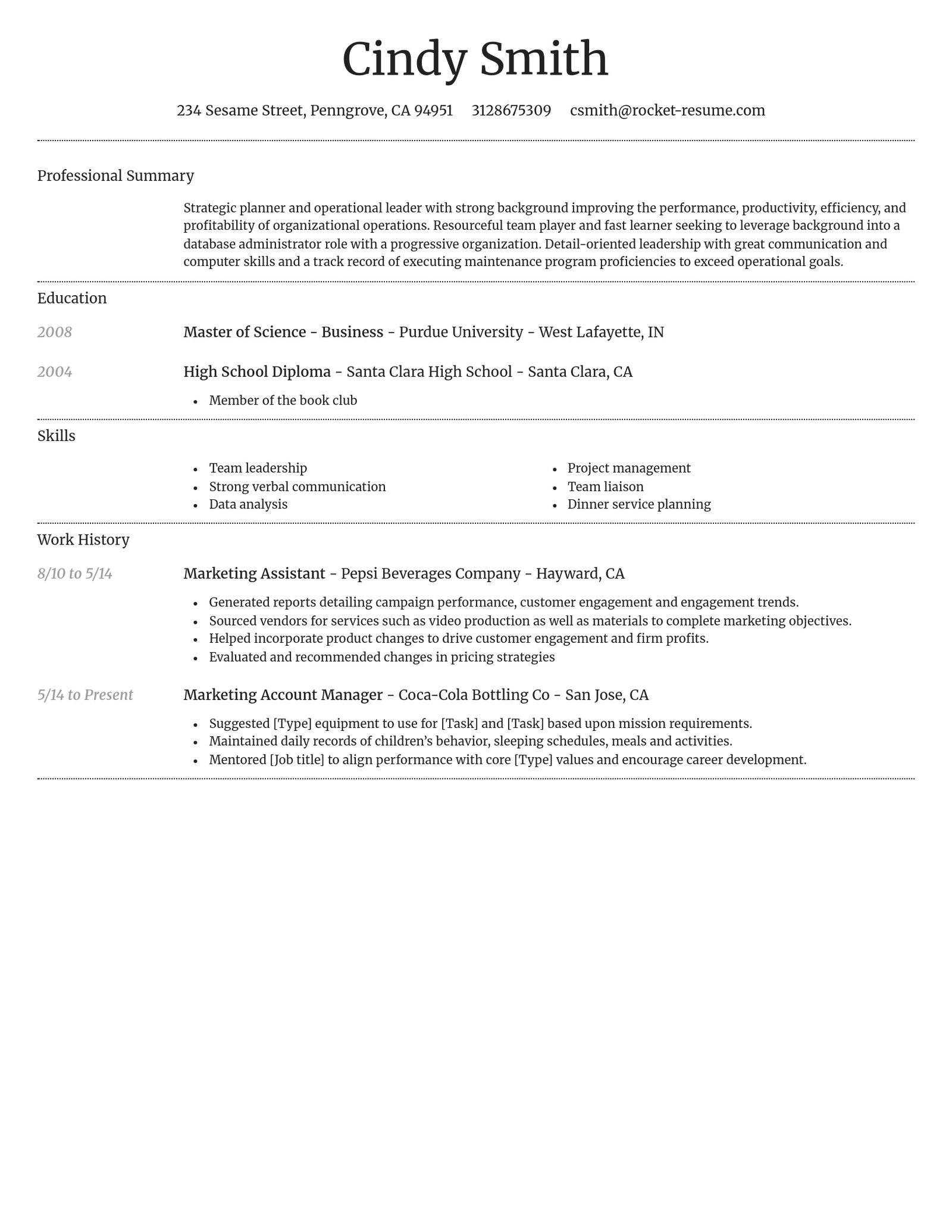
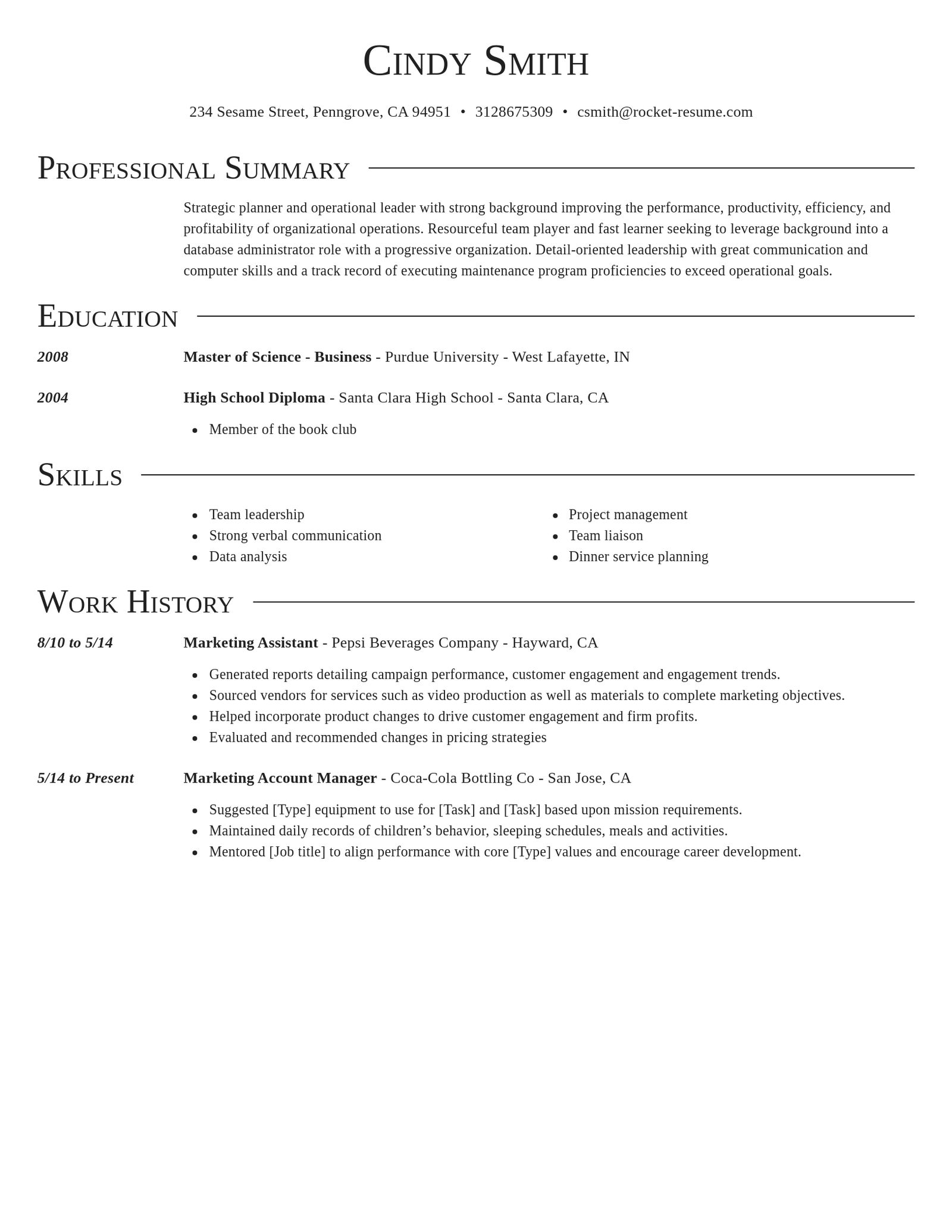
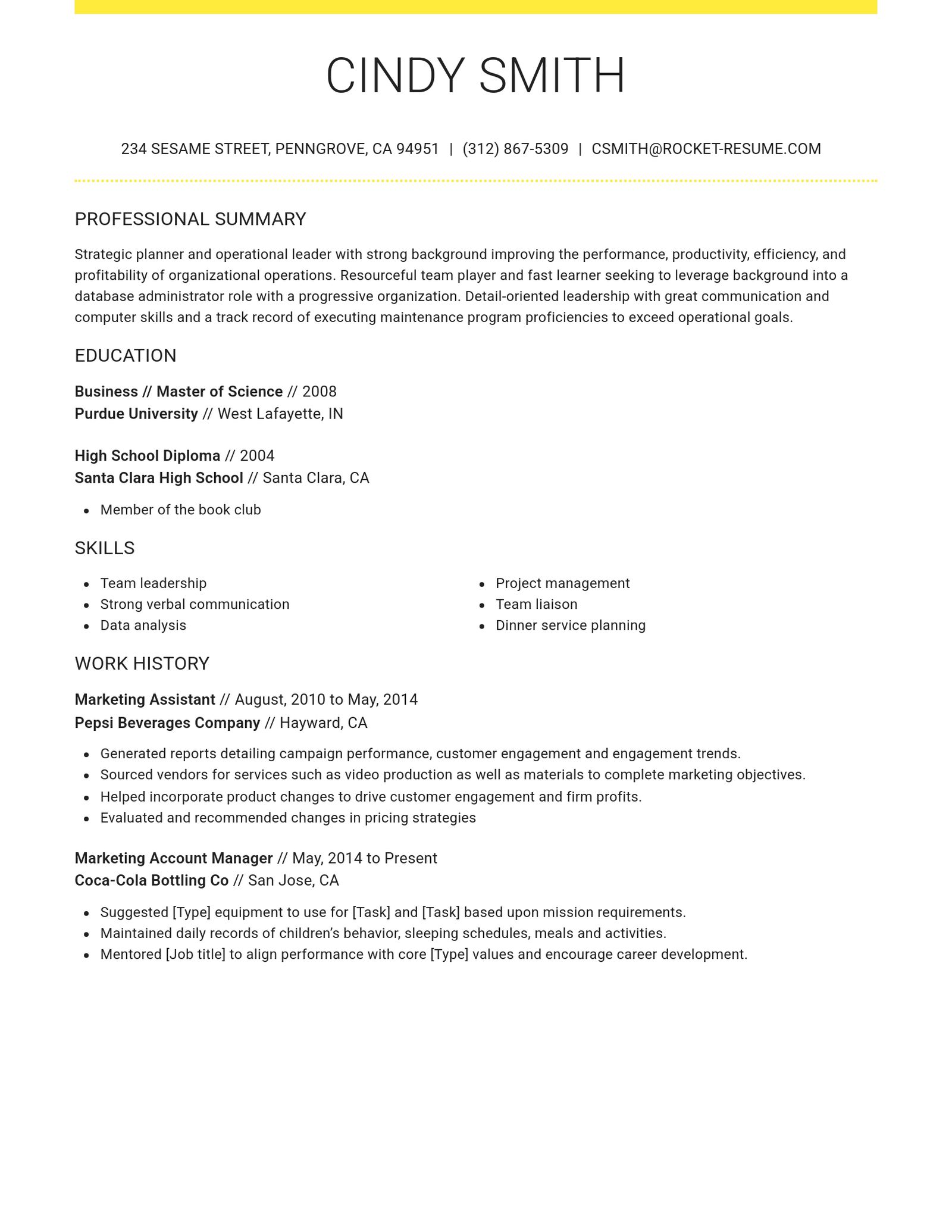
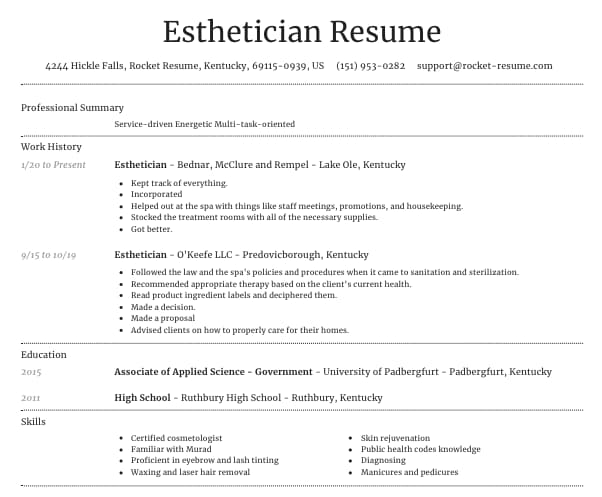
Many applicant tracking systems (ATS) pull your resume's text into fields recruiters search, though systems differ. These designs use one column, standard headings and selectable text.
- One column, no sidebars
- Standard headings you can rename
- A PDF with real, selectable text
- Contact details in the page body
What ATS-friendly means here
Three layout features that every design on this page shares. They describe formatting, not how any system will treat your resume.
- One column, no sidebars
Every section, from your summary to your skills, runs full width, top to bottom, with no sections set side by side.
- Standard headings you can rename
Each resume starts with headings such as Professional Summary, Work History, Education and Skills. You can rename them, but familiar names are easier to find.
- Real, selectable text
Your resume downloads as a PDF of text you can select, not a picture, and no table or text box holds your words.
What a template can't do for you
Good formatting is a start, not a promise. These three things are up to the employer and to you.
- Systems differ
Employers use different applicant tracking systems and set them up in their own ways, so no layout comes with a promise.
- Your words still count
Many systems let recruiters search the text they pull from your resume. Use the posting's terms wherever they truly fit your experience.
- Your edits can change the layout
The builder lets you drag a section into a side column. If one column matters to you, keep every section in the main column.
How to keep your resume in one column
Step 1
Pick a design from this page
Choose one of the single-column designs at the top of this page. The builder's picker shows more designs, so pick one you saw here.
Step 2
Keep plain section names
Keep the standard names, such as Professional Summary, Work History, Education and Skills, or rename them in plain words. Skip clever titles for familiar sections.
Step 3
Leave sections in the main column
If you rearrange your resume, move sections up or down, not into a side column.

Step 4
Download and check the text
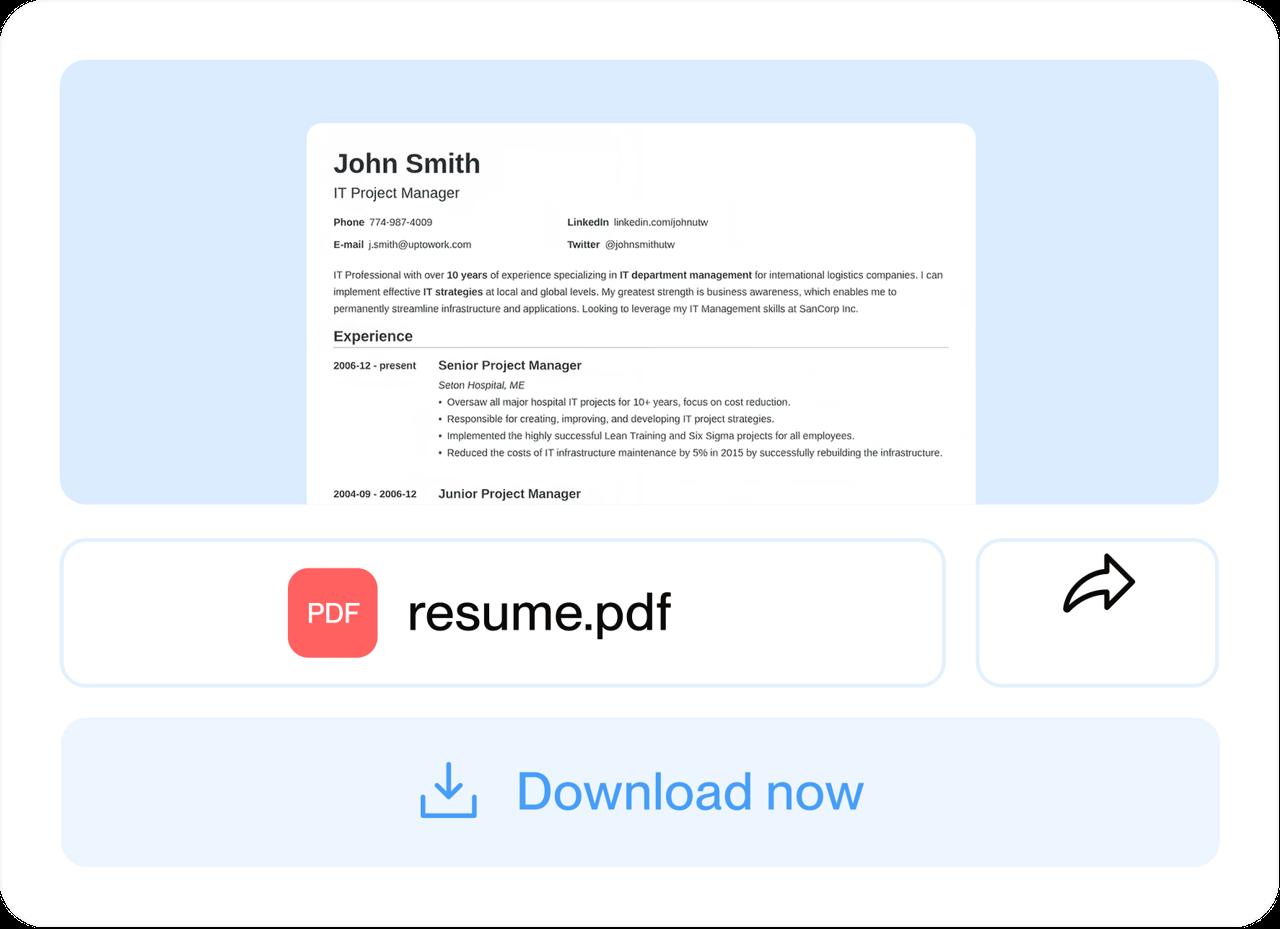
Download your PDF, select all the text and paste it into a plain document to check that every line came through.
Step 1
Pick a design from this page
Choose one of the single-column designs at the top of this page. The builder's picker shows more designs, so pick one you saw here.
Step 3
Leave sections in the main column
If you rearrange your resume, move sections up or down, not into a side column.
Step 2
Keep plain section names
Keep the standard names, such as Professional Summary, Work History, Education and Skills, or rename them in plain words. Skip clever titles for familiar sections.
Step 4
Download and check the text
Download your PDF, select all the text and paste it into a plain document to check that every line came through.
Pick an industry example for your ATS resume
Featured this week


 7 examples
Microbiologist · Research Scientist · Biotechnologist

All 45 industries
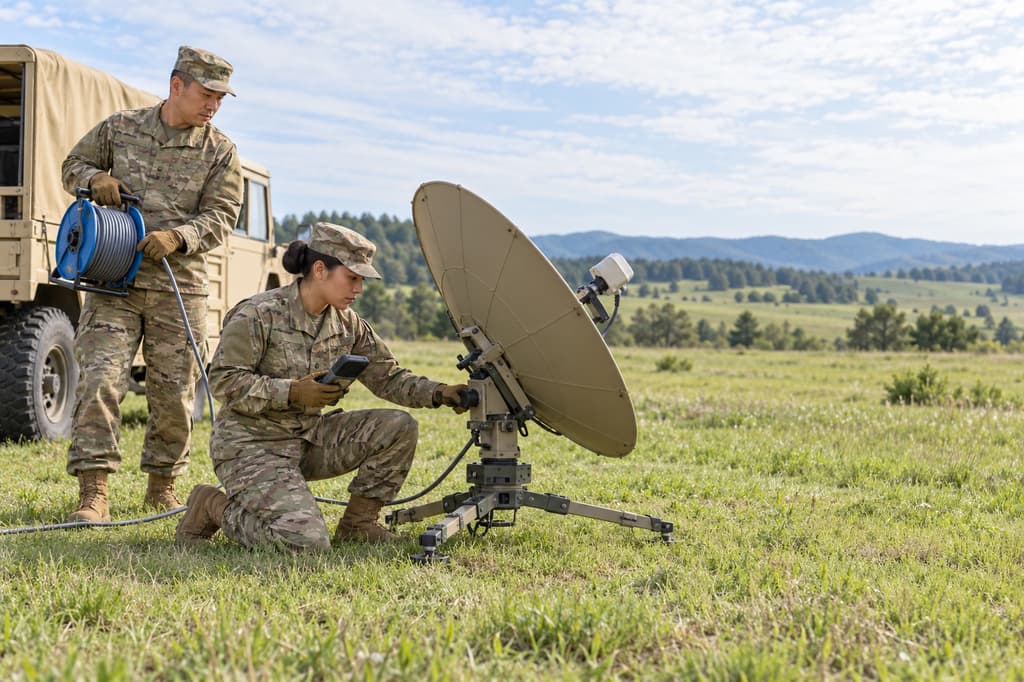
- Aerospace & Defense, 8 examples
- Agriculture, 23 examples
- Apparel & Textiles, 13 examples
- Architecture, 15 examples
- Arts & Entertainment, 24 examples
- Automotive, 21 examples
- Beauty & Personal Care, 17 examples
- Biotechnology & Life Sciences, 7 examples
- Business Services, 31 examples
- Chemical Engineering, 4 examples
- Construction, 107 examples
- Creative, 15 examples
- Data Science, 4 examples
- Education, 99 examples
- Energy, 40 examples
- Environmental Science, 5 examples
- Finance, 66 examples
- Food & Beverage, 68 examples
- Government, 48 examples
- Healthcare, 162 examples
- Hospitality, 36 examples
- Human Resources, 18 examples
- Insurance, 10 examples
- Legal, 12 examples
- Logistics, 39 examples
- Manufacturing, 68 examples
- Marketing, 18 examples
- Media, 20 examples
- Military, 24 examples
- Mining & Metals, 9 examples
- Nonprofit, 8 examples
- Pharmaceuticals, 12 examples
- Public Relations, 2 examples
- Real Estate, 7 examples
- Retail, 39 examples
- Robotics, 1 example
- Security Services, 18 examples
- Social Services & Counseling, 21 examples
- Social Work, 22 examples
- Sports & Fitness, 96 examples
- Technology, 66 examples
- Telecommunications, 6 examples
- Tourism & Travel, 8 examples
- Transportation, 38 examples
- Veterinary, 9 examples
Don’t see your role?
Questions about ATS-friendly templates
What does ATS-friendly mean on this page?
Three layout features: one column with no sidebars, standard section headings, and a PDF with real, selectable text. They describe how the designs shown here are laid out. No template can promise how a particular employer's system will read your resume.
Can any template promise an ATS will read my resume correctly?
No. Employers use different systems and configure them differently, so no layout can promise a result. What you can control is a plain layout and wording that uses the posting's terms where they fit your experience.
Can an ATS read a two-column resume?
Systems differ, and no one outside an employer can say how its system handles columns. One column for every section keeps that risk low, which is why each design here starts with one.
Your own edits can add a side column, so keep sections in the main one.
Which headings should I use on an ATS resume?
Familiar ones: a summary, Work History, Education and Skills, plus sections such as Certifications when the job asks for them. New resumes start with these, and you can rename any heading, but plain names are easiest to find.
Can an ATS read tables, text boxes or images?
Some systems misread text inside tables, as our answer on tables explains. In these designs, what you type stays as text, outside tables, text boxes and images.
What file do I get?
A US Letter PDF with real, selectable text, not a picture of your resume. PDF is the only file type the builder offers.
Why aren't all Rocket Resume designs on this page?
Smart and Renowned set each heading in a label column beside its text, so this page leaves them out. Both are still in the builder's template picker if you prefer their look.

Start with a single-column design
Choose one of these designs and add your details. The full page shows in the preview before any download.
Reviews of the format and the finished resume
from 4,000+ reviews