CV creator for
Our CV creator helps you present your career in a clear curriculum vitae (CV). Pick a design, fill in each heading with expert suggestions and edit until it sounds right.
- Each CV heading, step by step
- Suggestions matched to your role
- Change the look whenever you like
- Create it on your phone or laptop

Mitchel D.
Jan 2024
“A fantastic source for resume building.”

Pablo
Jul 2022
“I really appreciate all the great tools”

Tracy A.
Mar 2026
“User-friendly, I would recommend it to others.”

Jason B.
Feb 2025
“A great website, I got a job.”
from 4,000+ reviews

A CV creator that does your career justice

Show what makes you different
Expert suggestions help you swap vague duties for concrete results, so employers see what you did, not just your job title.

Make your value clear fast
Recruiters skim. A clean design and strong opening lines help your strongest experience stand out at a glance.

Fit the role you want
Reword bullet points to echo the job ad, then move sections so the most relevant part of your career comes first.
Ready for screening software
Clear, ATS-friendly layouts use simple headings, so tracking software and the people behind it can follow your CV.

Expert help with the wording
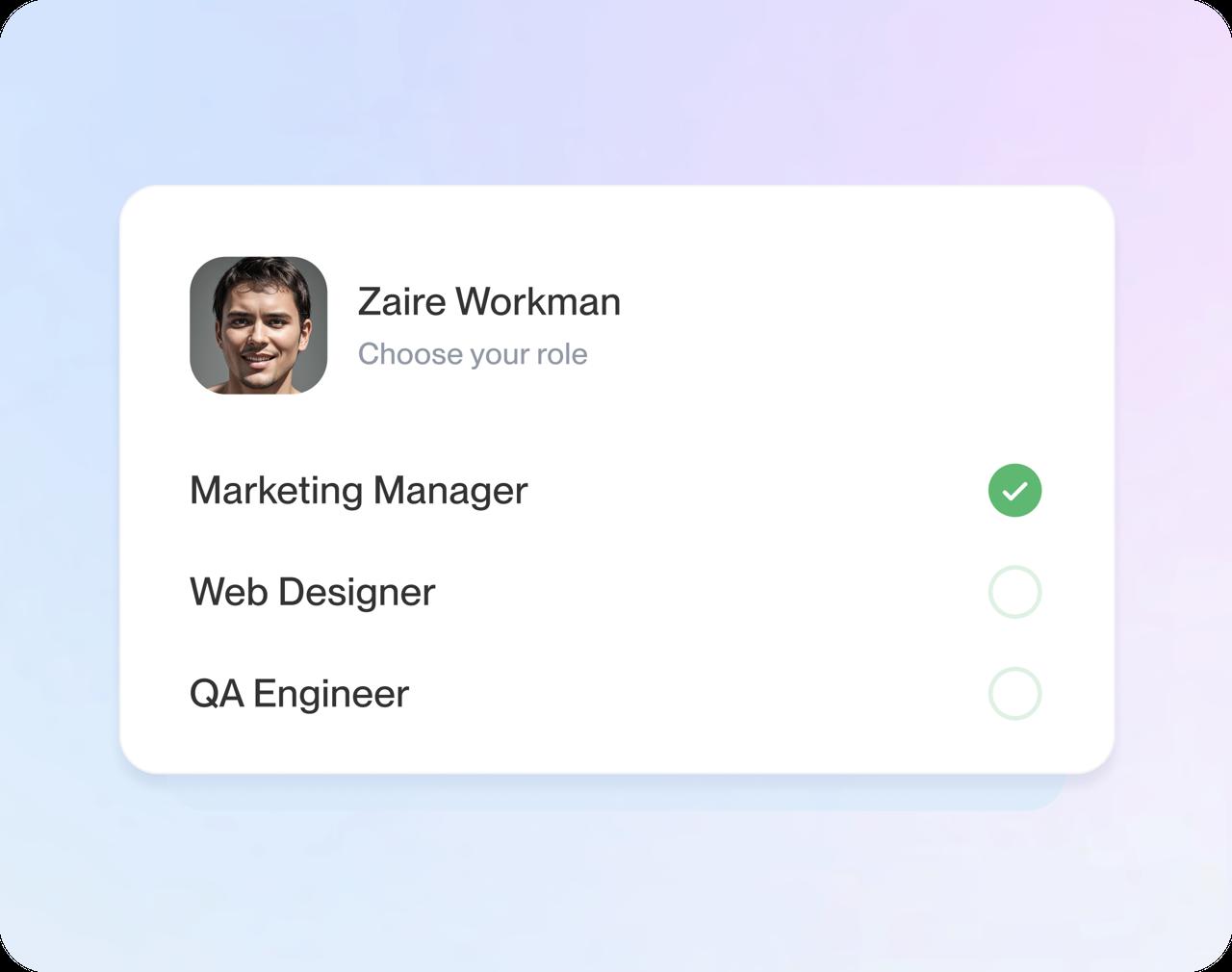
Enter your job title and AI-enhanced suggestions for that kind of work appear. Choose a few, then adjust them until they describe you.
How to create your CV online
Step 1
Pick your design
Start with a question or two about your work history, then choose a design. Change it later and keep every line you wrote.
Step 2
Fill in each heading
Work through contact details, experience, education and skills. Each job title you enter brings up suggestions to tailor.
Step 3
Review and download
Check the preview, put your strongest section first and download your CV when it's ready.
Step 1
Pick your design
Start with a question or two about your work history, then choose a design. Change it later and keep every line you wrote.
Step 3
Review and download
Check the preview, put your strongest section first and download your CV when it's ready.
Step 2
Fill in each heading
Work through contact details, experience, education and skills. Each job title you enter brings up suggestions to tailor.
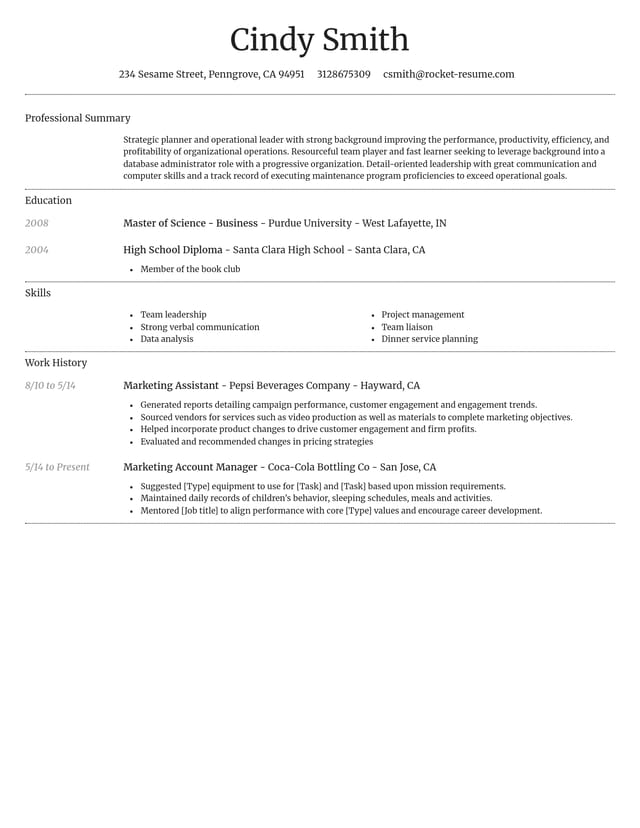
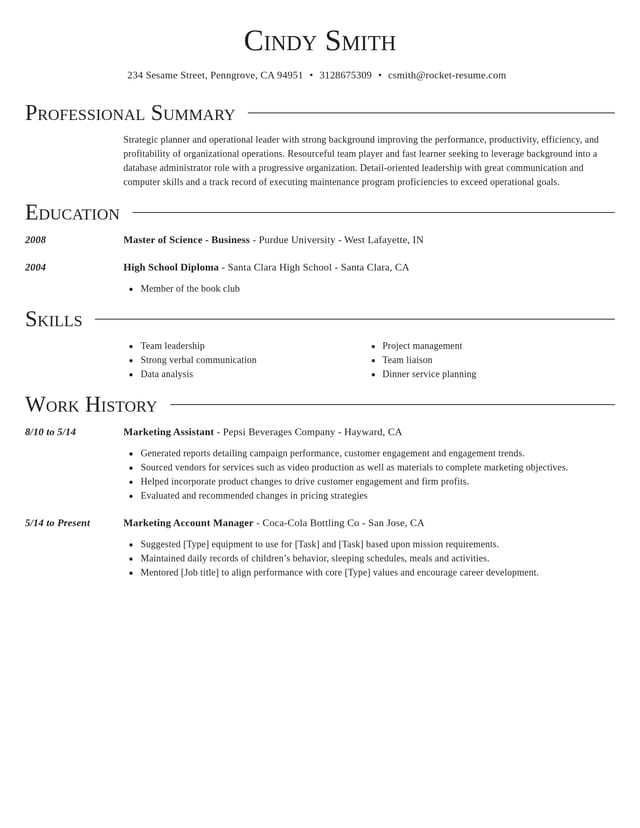
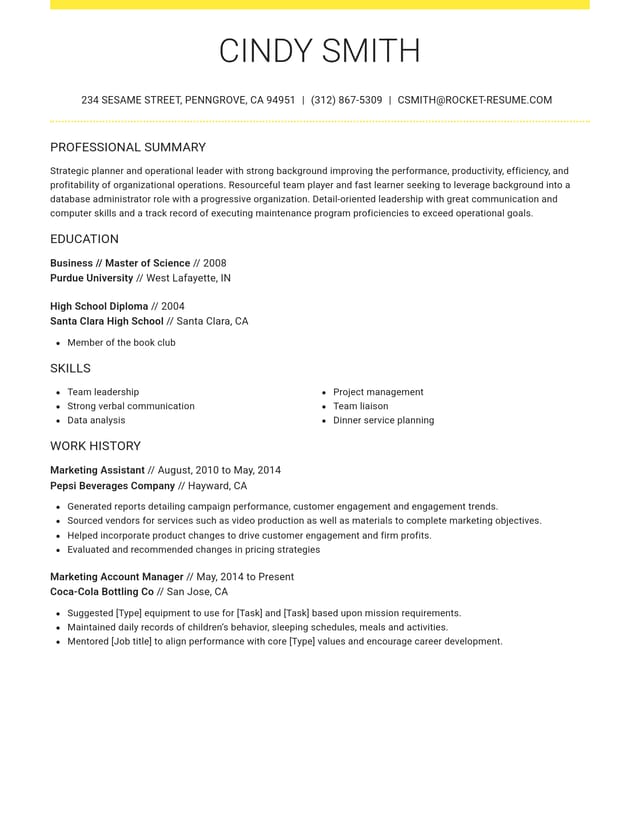
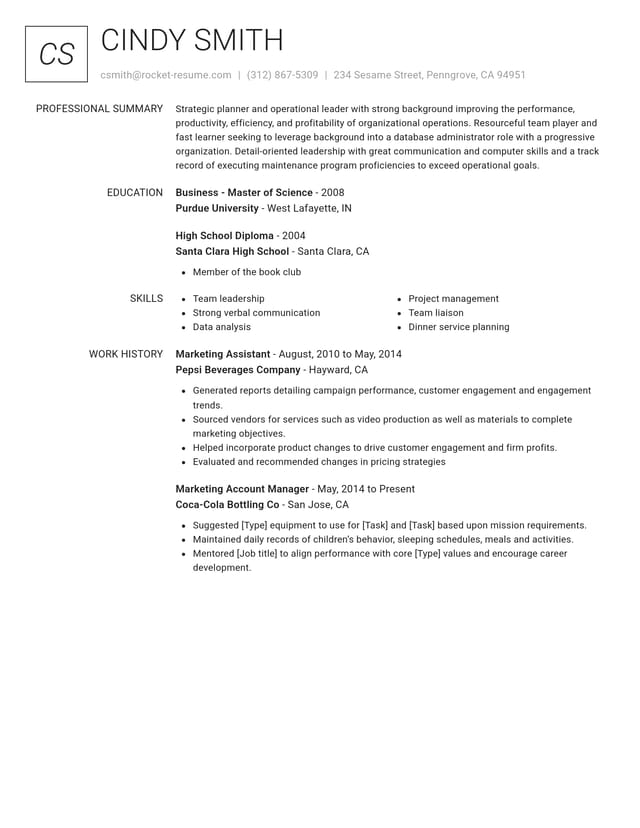
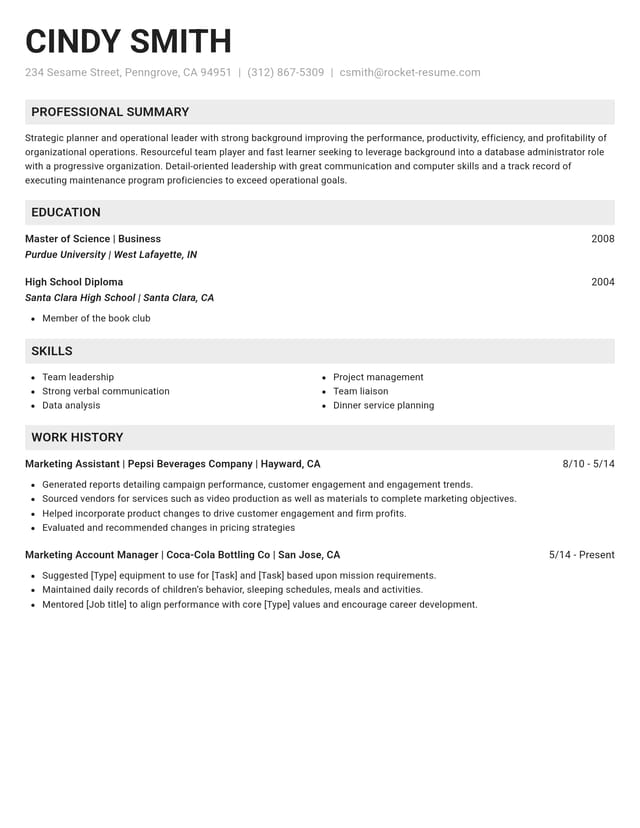
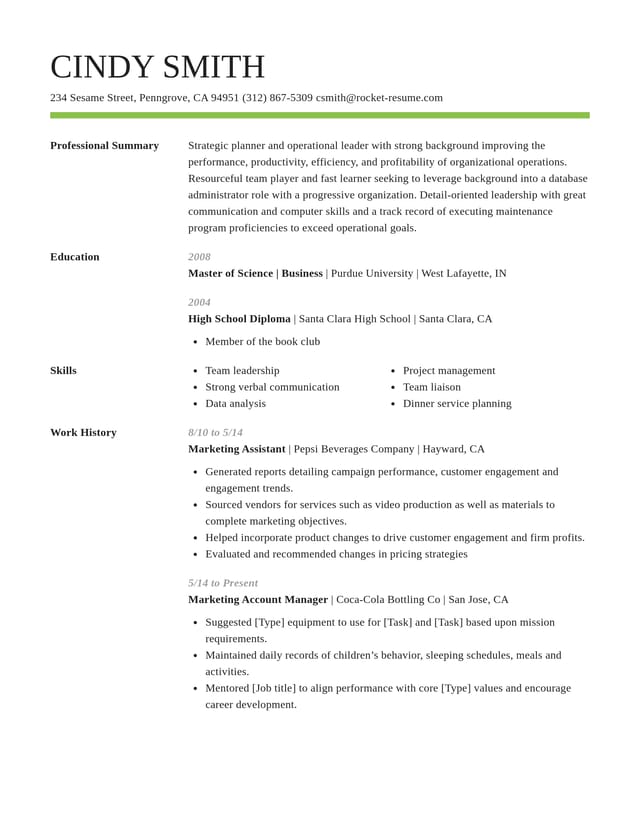
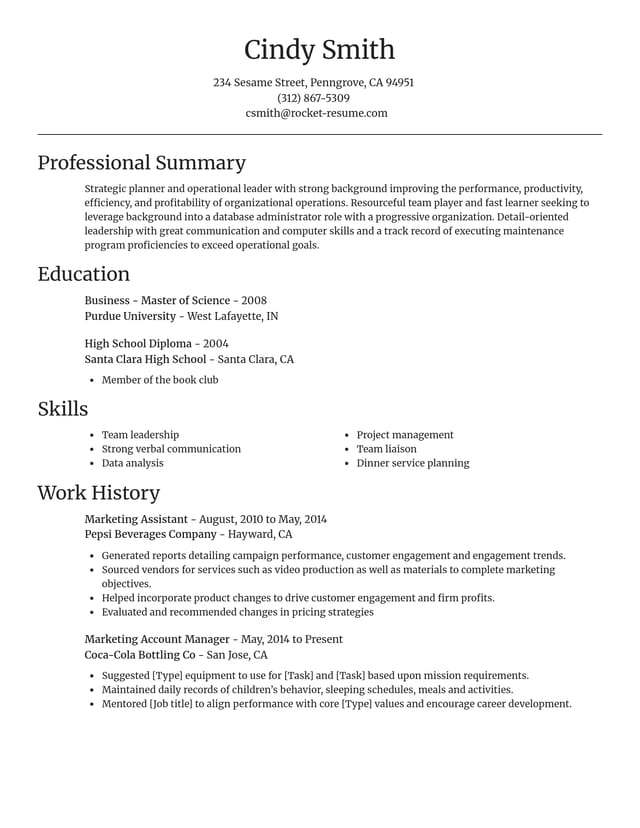
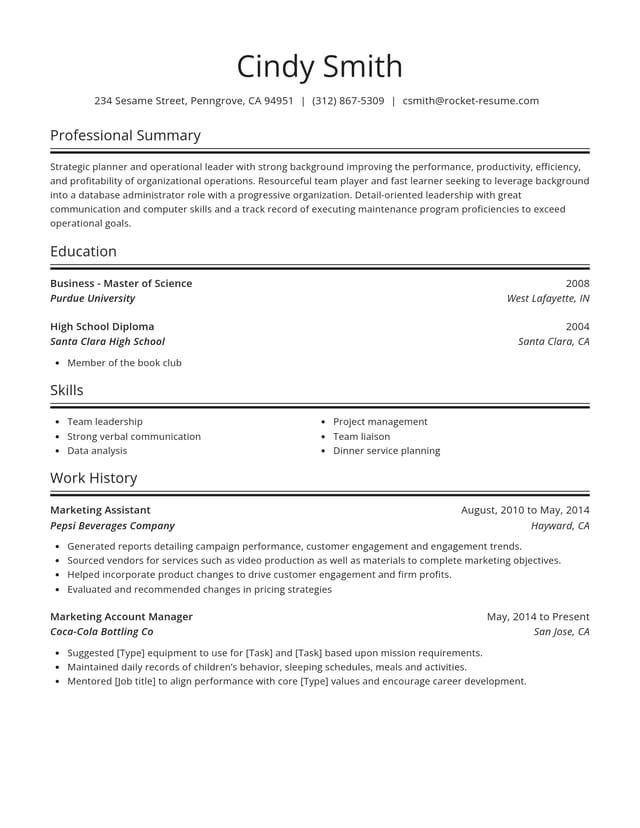
Give your CV its look


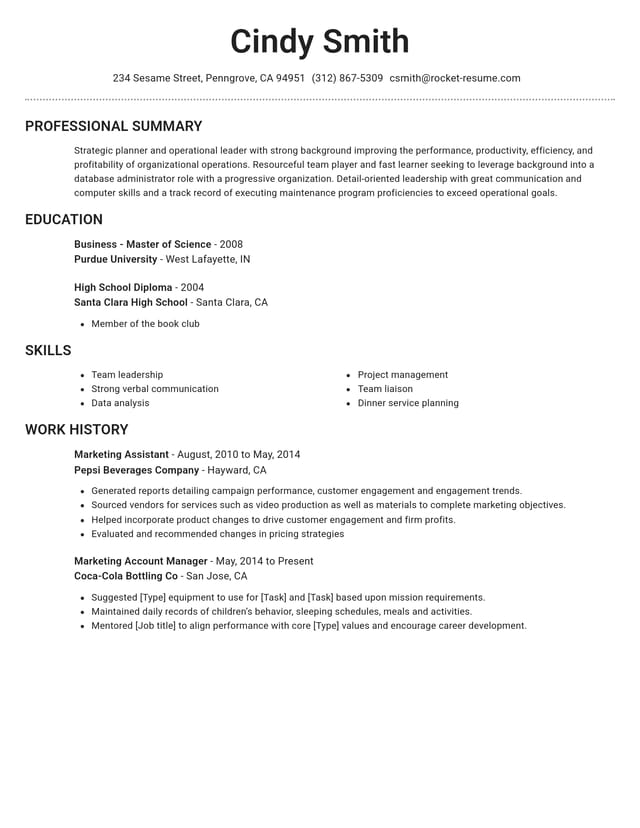
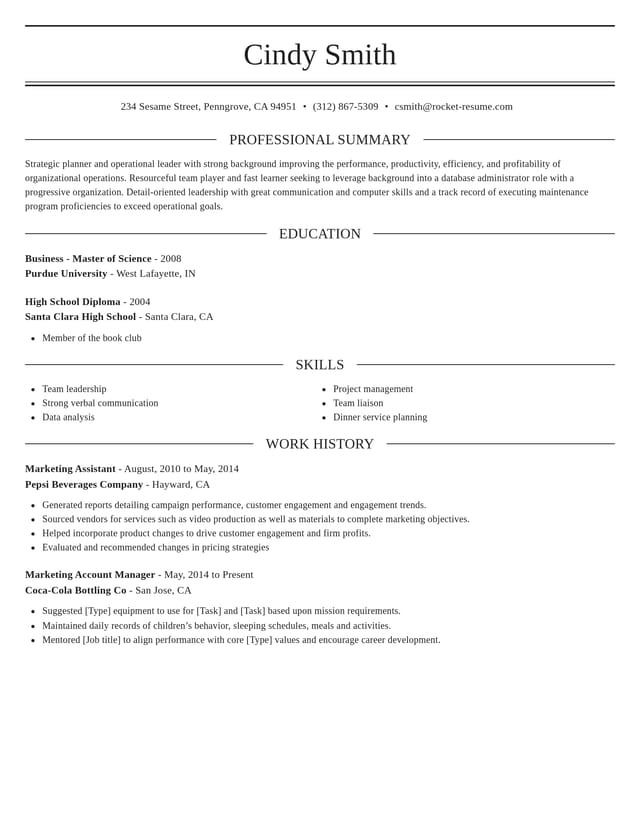
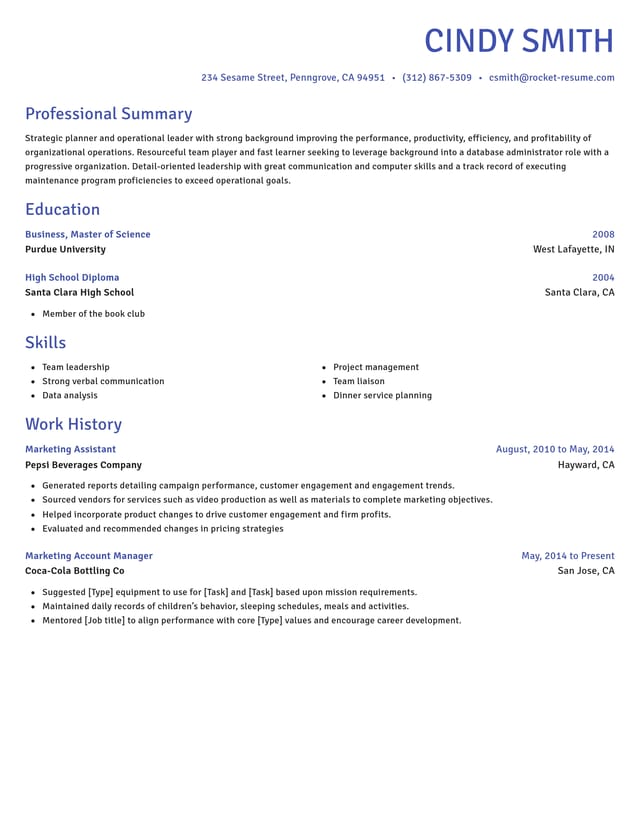

A fill-in CV outline
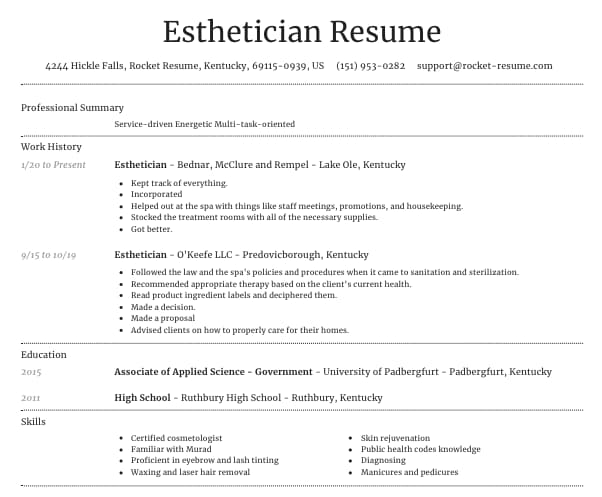
A curriculum vitae for a job follows a familiar order: contact details, a short profile, work experience, education, skills, then certificates or languages. Employers expect each part in roughly the same place, so answer every prompt below and you'll have the content for a complete CV.
1. Name and contact details
Prompt: How should an employer reach you? Give your full name, a phone number, an email address, and your town or city with the country. Leave out your date of birth, marital status and street address unless the job ad asks for them.
Tip: give the name you go by at work. A middle name or initial belongs here only if you always sign with it.
2. Profile
Prompt: In two or three lines, who are you at work and what do you want next? For example: "Customer service lead with six years in retail banking, looking for a team manager role."
Tip: write this part last. Once the rest of your CV is done, it's easier to pick the two or three strengths your profile should name.
3. Work experience
Prompt: For each job, newest first, what was your title, who was the employer, when did you start and leave, and what did you achieve? Aim for three to five lines per recent role, each starting with a verb.
For example: "Trained 12 new starters in six months and cut the time they needed to work alone by a week." A number, a time frame and an outcome make a line easy to believe. To see more bullet points built this way, read a few CV examples from jobs like yours.
4. Education
Prompt: Which schools, colleges or universities did you attend, what did you earn and when did you finish? Recent graduates can put this above work experience and add a strong project, dissertation or award.
Tip: after your first few jobs, one line per qualification is usually enough.
5. Skills
Prompt: Which tools, methods and strengths from the job ad can you prove? List the ones you could discuss in an interview, in the ad's own words where they fit.
Tip: when the list runs long, group it, for example software on one line and methods or techniques on another, so a recruiter can scan it quickly.
6. Certificates, awards and languages
Prompt: Which certificates, awards, memberships or languages strengthen your case for this job? Add only the ones that matter to the employer, and give a level for each language, such as fluent or conversational.
Tip: give each certificate the year you earned it, and an expiry date if the employer is likely to check that it is still valid.
7. Optional sections
Prompt: Is there volunteering, a project, a publication or a membership that shows something the rest of your CV leaves out? Give it one short section of its own, and skip this heading when nothing fits.
Turning your answers into a CV
Once every prompt has an answer, creating the CV is mostly typing. Pick a design from our CV templates, enter your answers step by step and use the suggestions to sharpen the wording. Before you finish, read the CV against the job ad once more and move the section that matches it best higher up. Writing a CV, section by section goes deeper on each part.
What employers face when they read CVs
“This service is amazing, a customer for life.”

“We come back to Rocket Resume, it's the best!”

Questions about creating your CV
What is a curriculum vitae?
A curriculum vitae (CV) is a short record of your work, education and skills that you send to employers when you apply for a job.
See how the two differ in our CV vs resume guide.
How do I create my own CV?
Pick a design, then fill in each heading: contact details, profile, experience, education and skills. Use the outline above to prepare your answers and the suggestions to polish them.
Can the CV creator suggest wording for my job?
Yes. Enter any job title and the CV creator lists examples written for that role. Pick the closest matches, then add your own figures and details.

How customers rate Rocket Resume
from 4,000+ reviews