Free CV builder for
Rocket Resume is a free CV builder that takes you from your first template to a final read-through, with expert suggestions for each role you list.
- Free to build, in any design
- Expert suggestions for your job title
- Preview and save as you go
- Build it on your phone or computer

Mitchel D.
Jan 2024
“A fantastic source for resume building.”

Pablo
Jul 2022
“I really appreciate all the great tools”

Tracy A.
Mar 2026
“User-friendly, I would recommend it to others.”

Jason B.
Feb 2025
“A great website, I got a job.”
from 4,000+ reviews



Free tools that help your CV stand out

Strong examples, suggested for you
Type a job title and choose from AI-enhanced expert suggestions for that role, then reword each one so it describes your work.
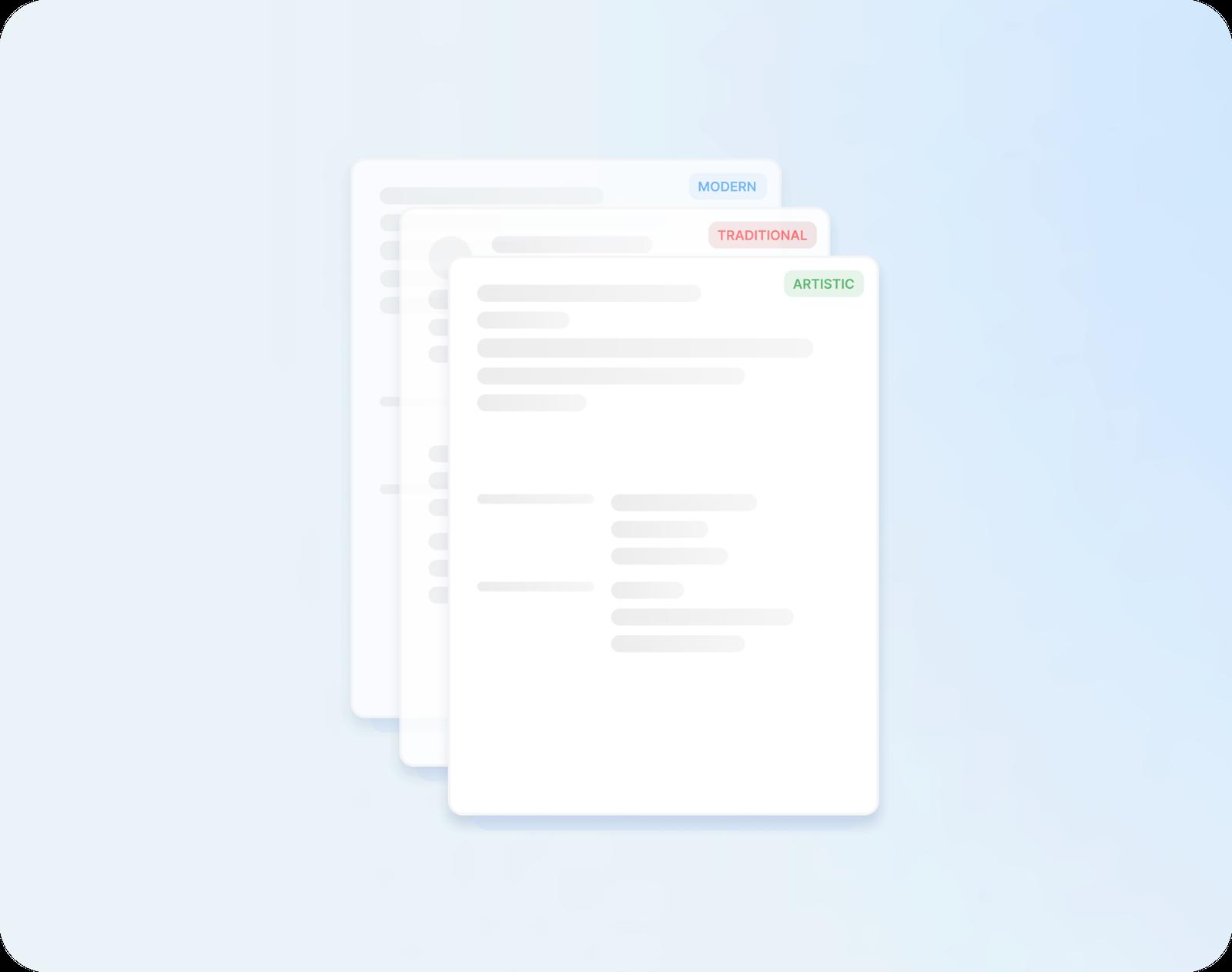
Every design, ready to fill in
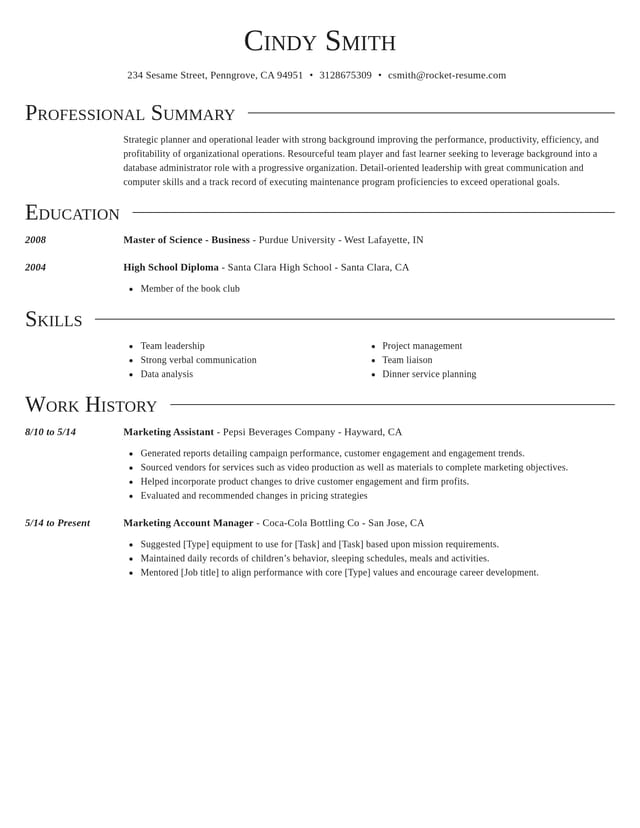
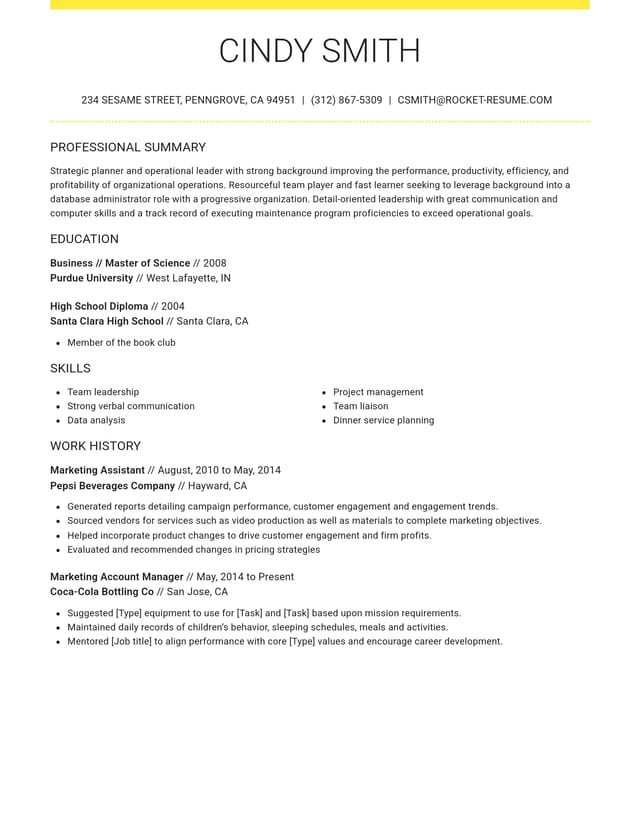
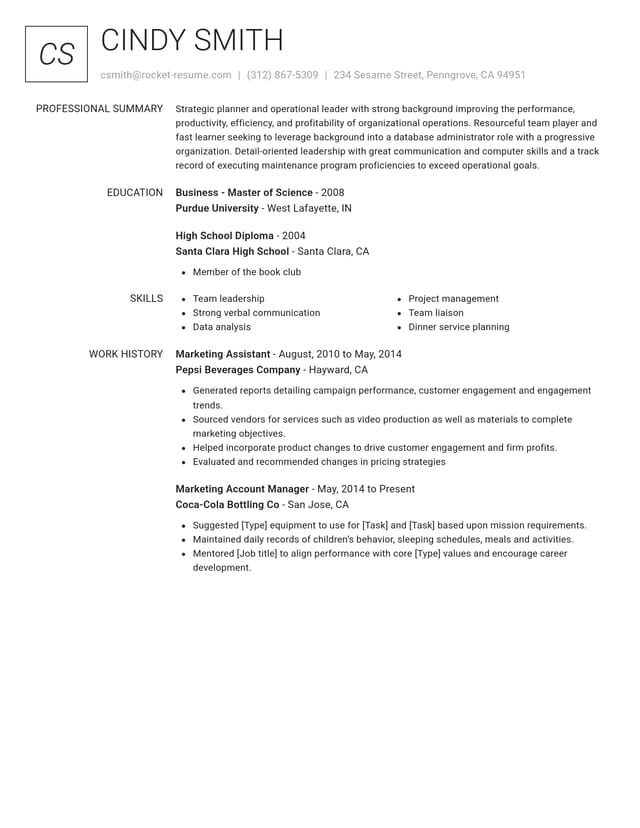
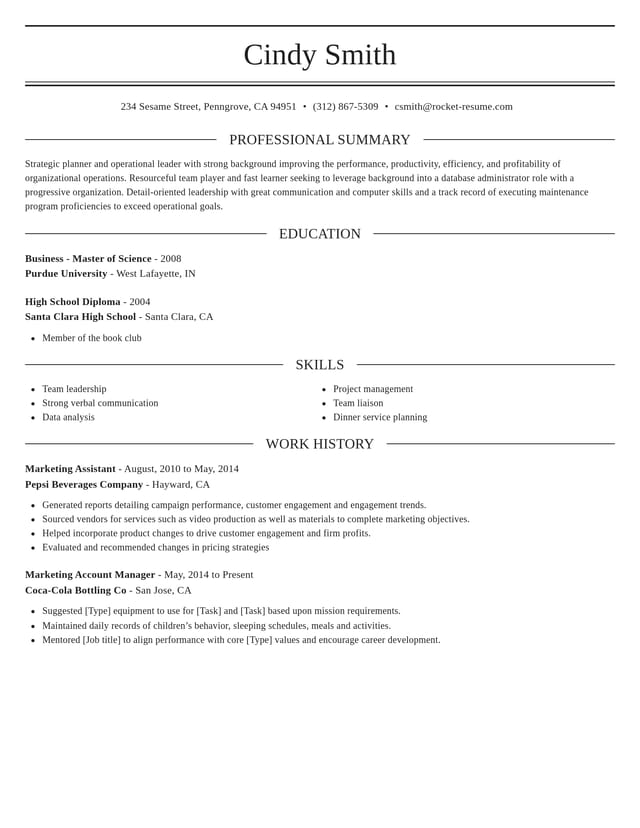
Modern, traditional or creative: try any design, then switch later and your words carry over to the new layout.
A preview whenever you want
Check how your CV looks at any point, so you catch gaps and long lines before an employer does.

Saved for next time
Save your CV to your account and sign in later to tailor it for the next job ad.
Three steps to your finished CV
Step 1
Choose any design
First comes one question about your experience, then a design to pick. Change your mind later and your work stays.
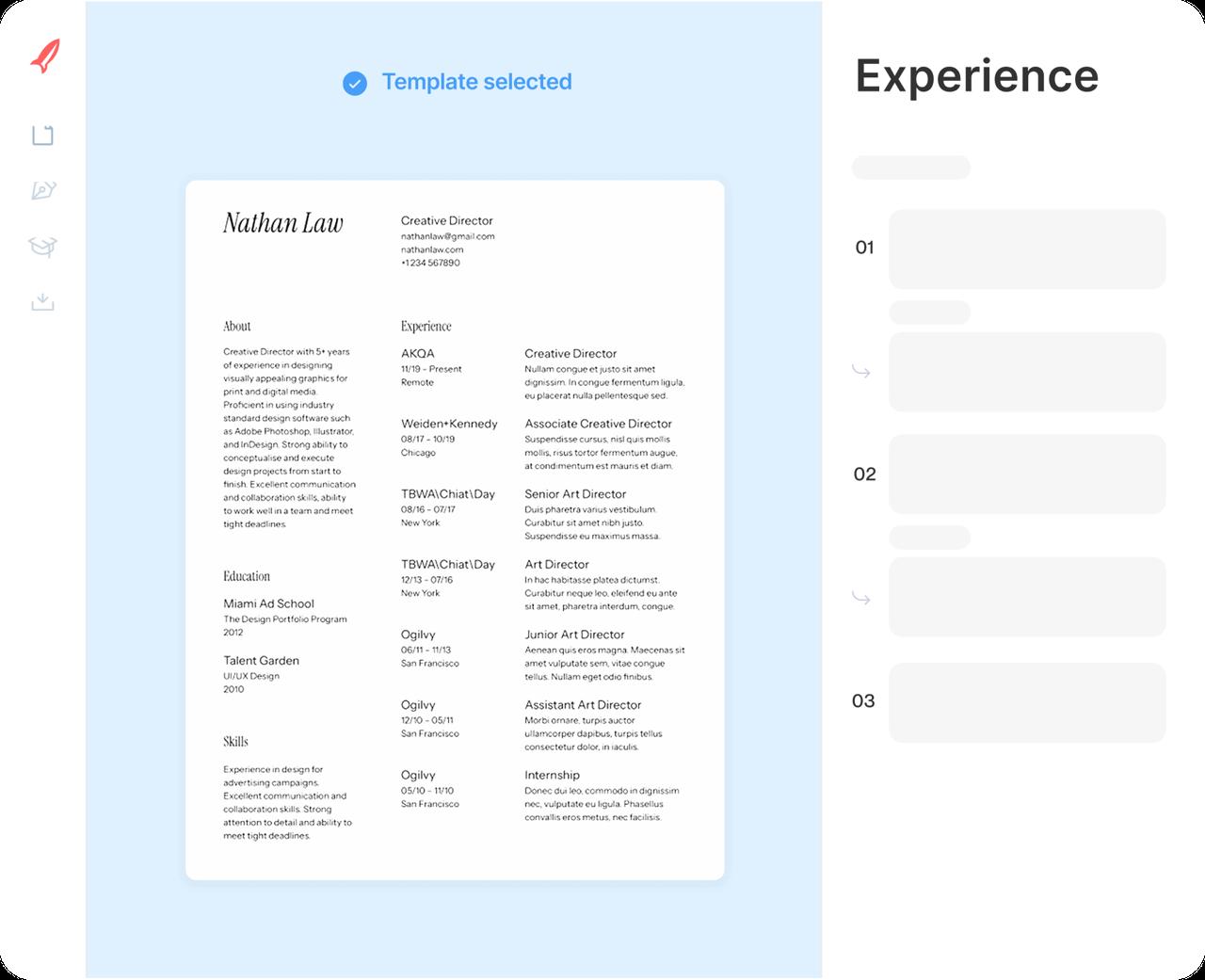
Step 2
Fill in each section
Add your jobs, education and skills. Enter each job title and expert suggestions for that role appear; keep the ones that fit.
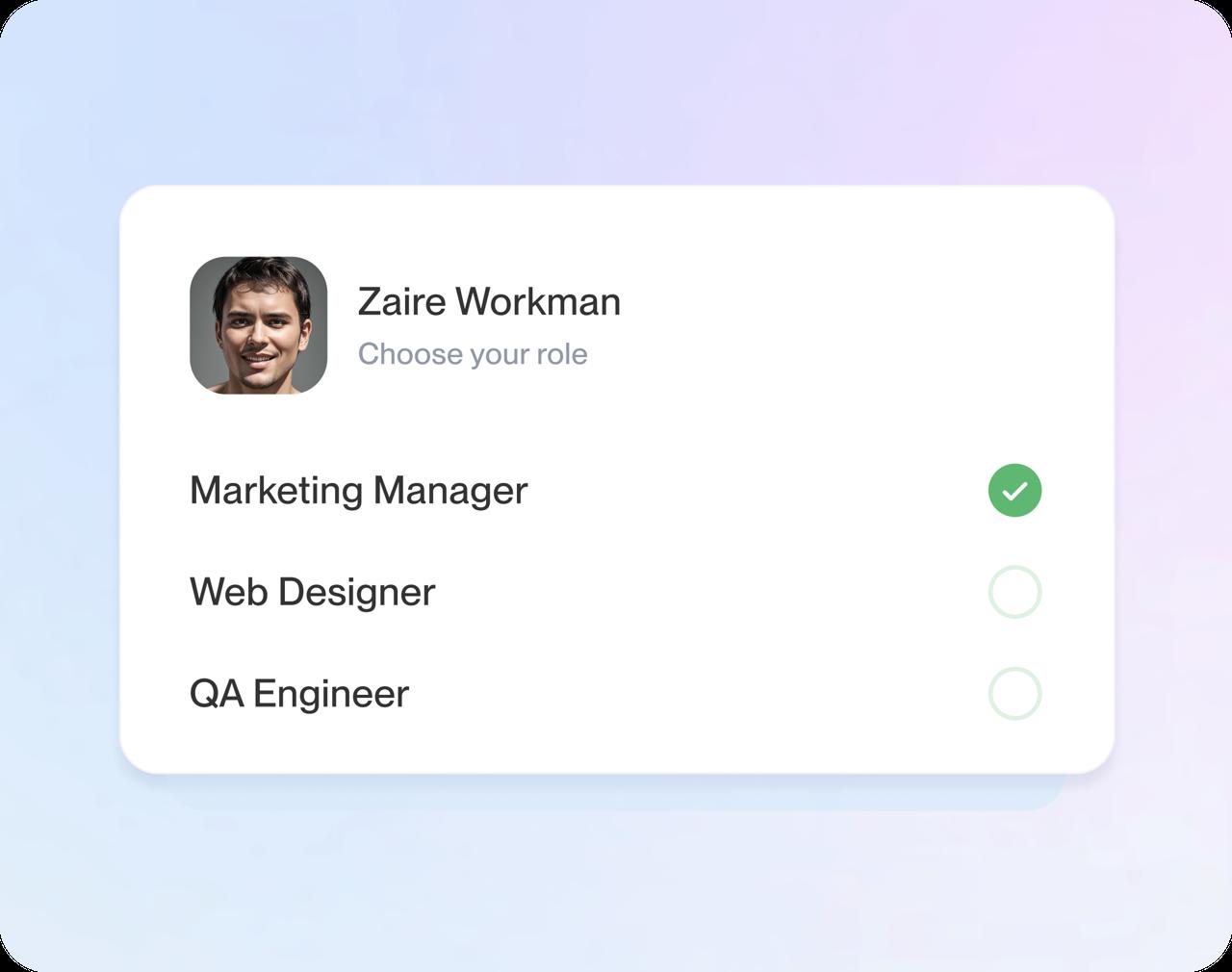
Step 3
Download when you're ready
Check dates and spelling one last time, then download your CV for your next application.
Step 1
Choose any design
First comes one question about your experience, then a design to pick. Change your mind later and your work stays.
Step 3
Download when you're ready
Check dates and spelling one last time, then download your CV for your next application.
Step 2
Fill in each section
Add your jobs, education and skills. Enter each job title and expert suggestions for that role appear; keep the ones that fit.
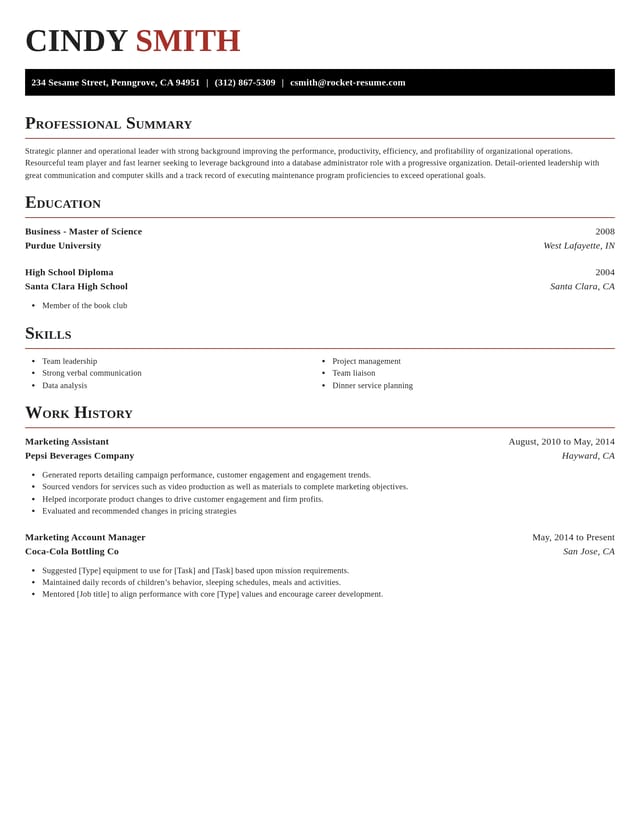
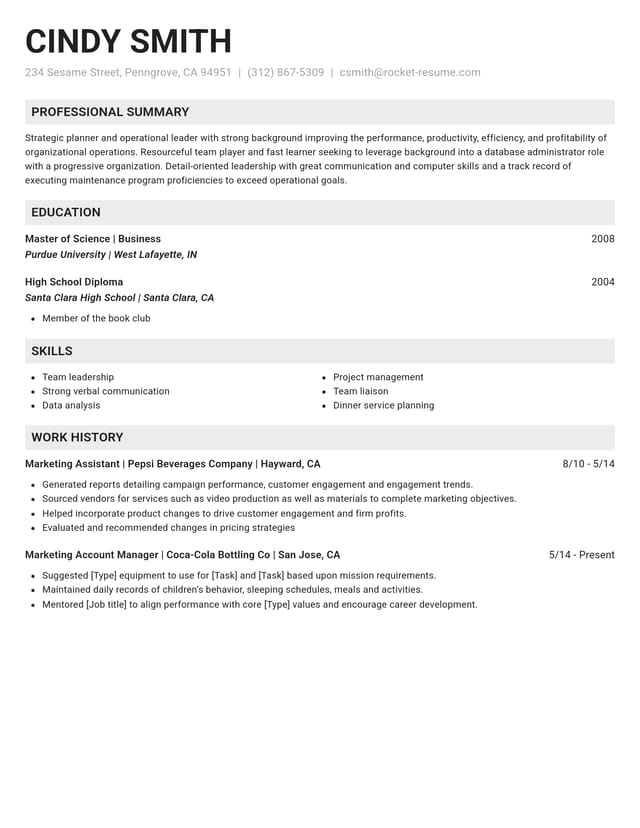
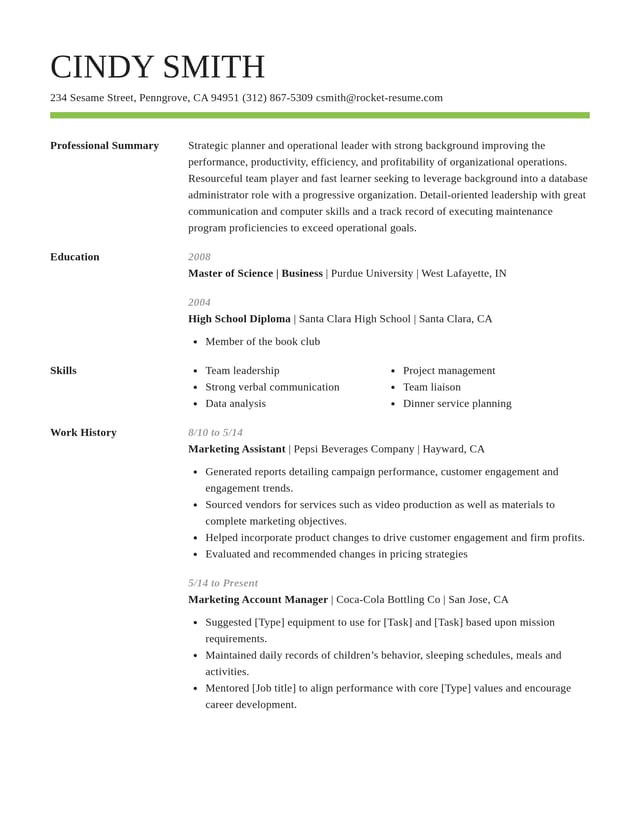
Choose any CV design, free
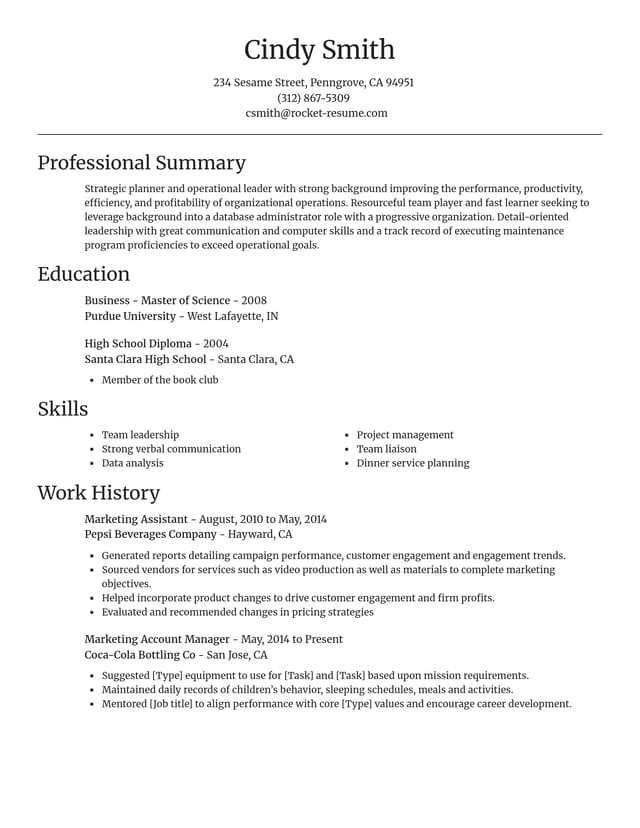
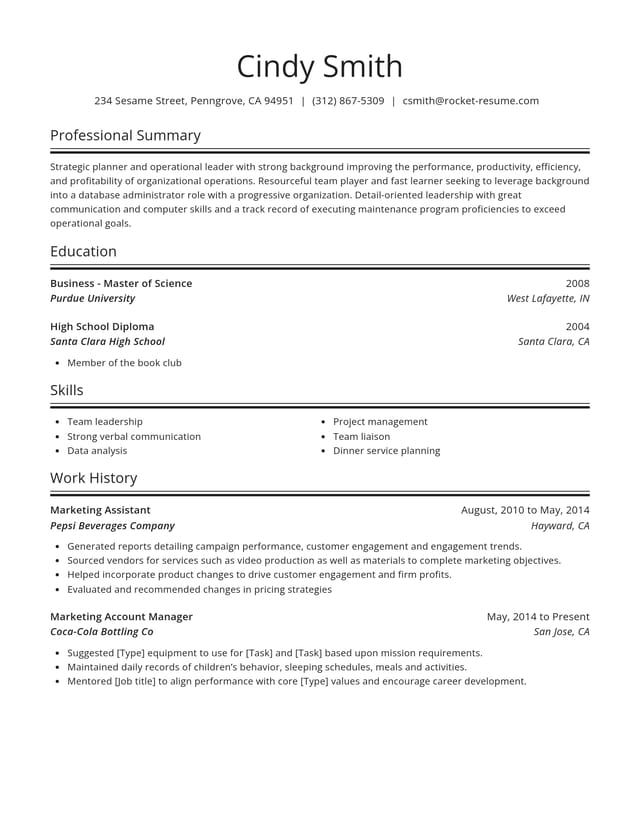
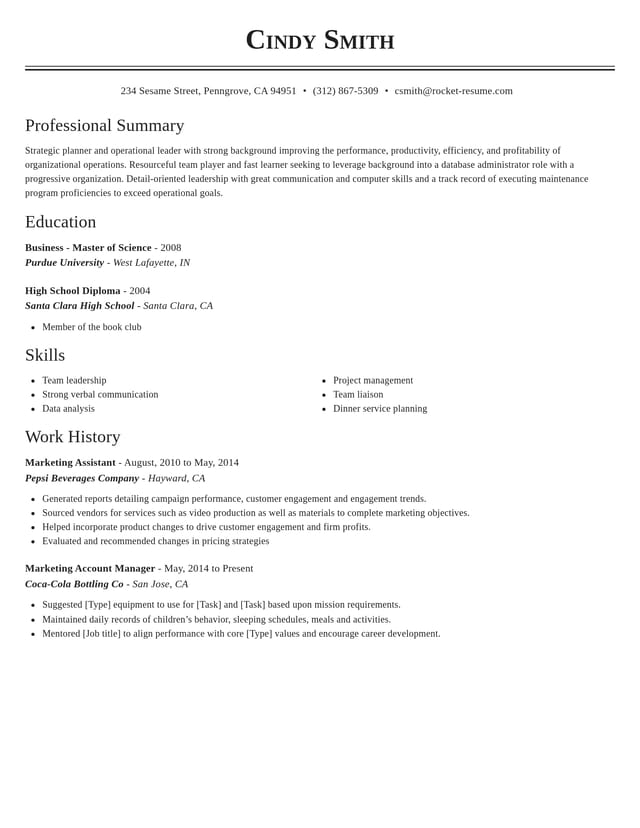
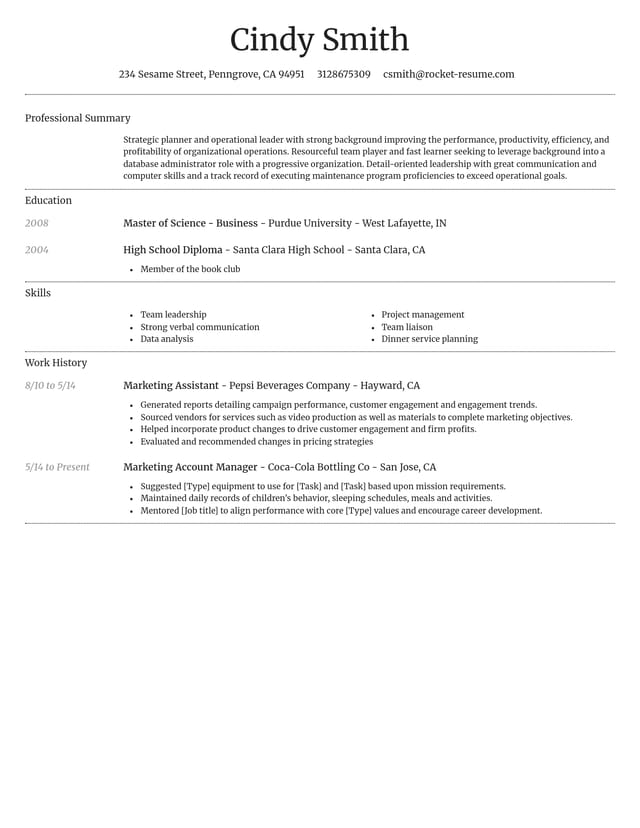
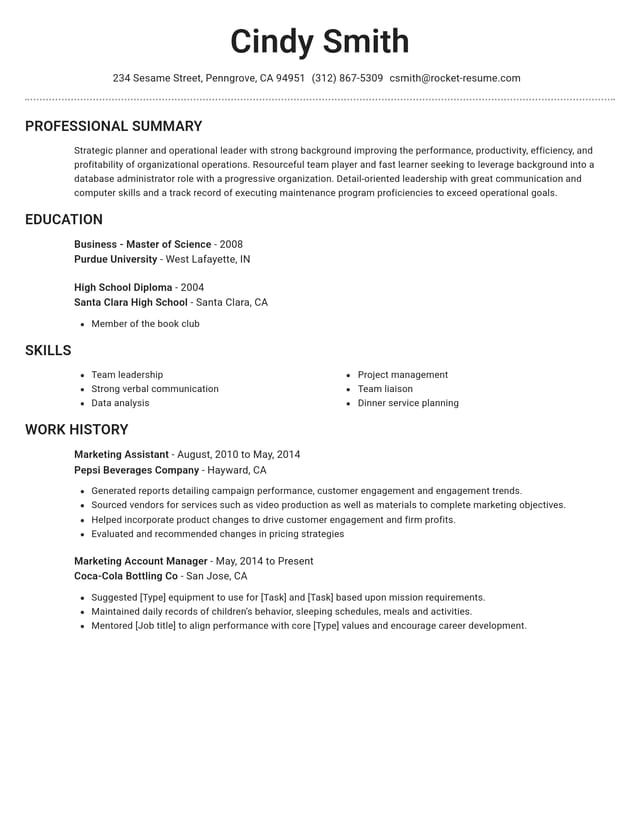
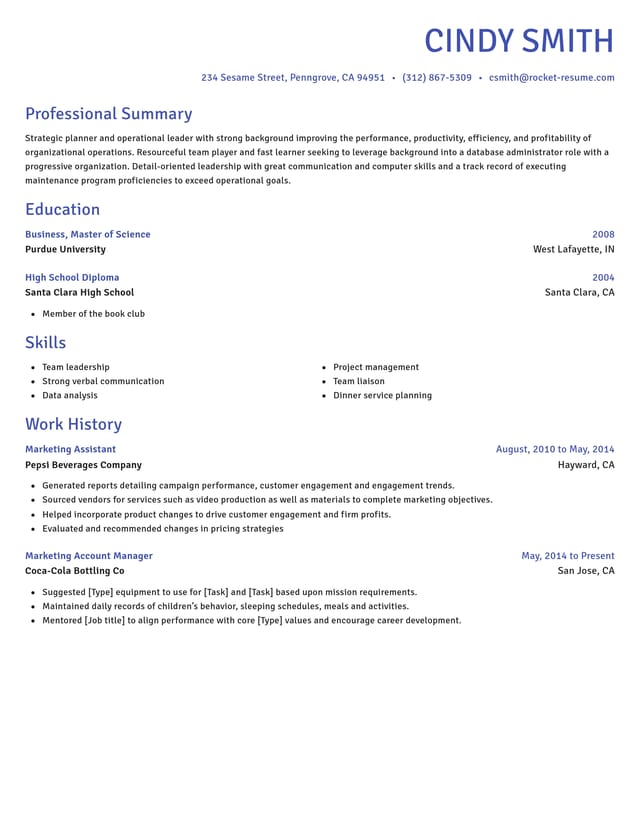
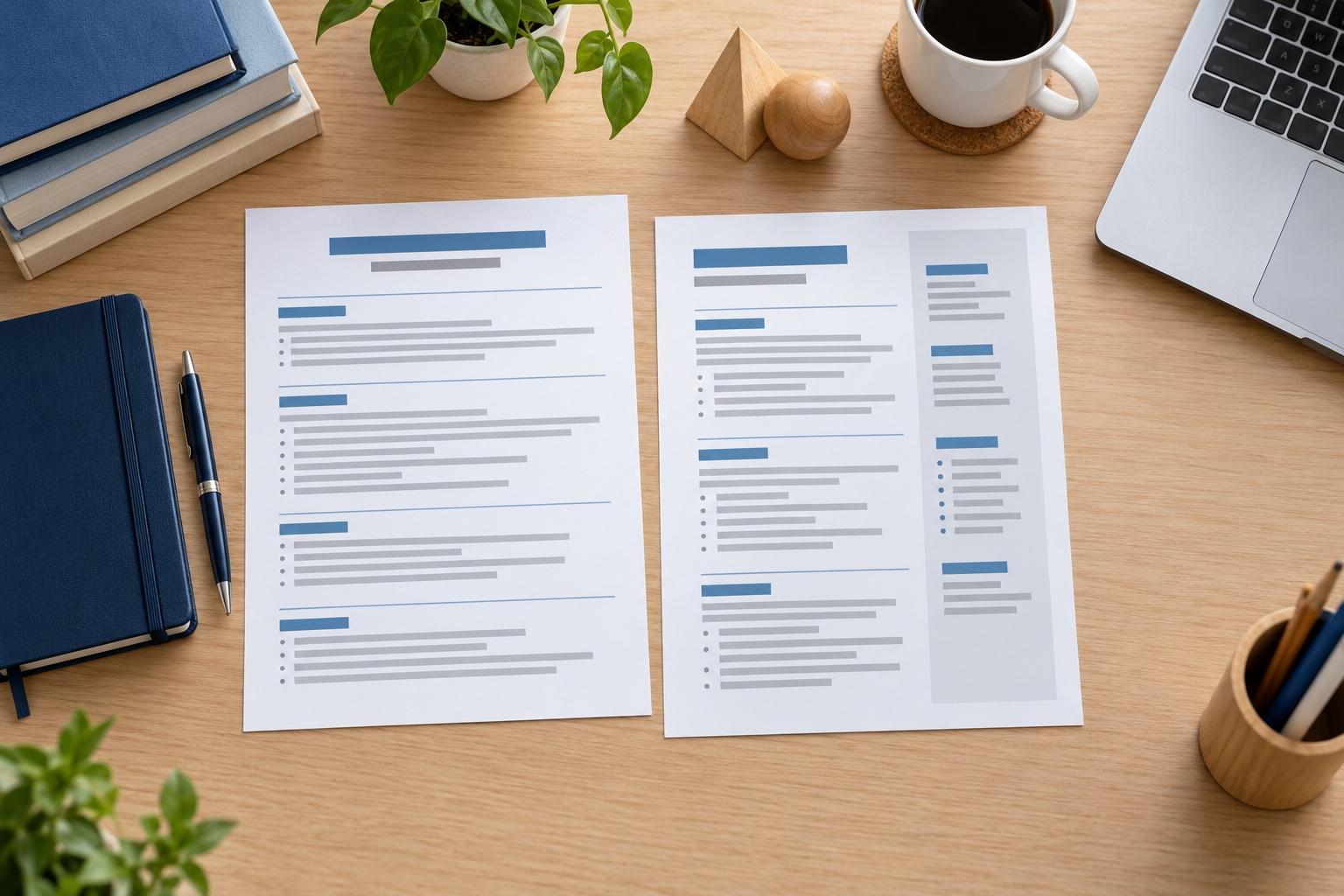
How to build your CV free, step by step
To build your CV free, choose a design, work through each section using the suggestions for your job titles, and keep previewing until it reads well. The designs, the suggestions, editing and saving are all free while you build, so take each step at your own pace.
1. Choose a design
First, say how much experience you have, then pick a design. Every design is open to you while you build, so try two or three with your details in before you settle; switch later and your text stays put. To compare layouts side by side first, browse our free CV templates.
2. Add your contact details
Add your name, one phone number, one email address, and your city and country so employers know where you're based. Read each detail back once: a single wrong digit can cost you a callback.
An email address built on your name looks more professional than a nickname, and it's the address a recruiter types when they reply, so it's worth setting one up if you need to.
3. Add your work history, newest first
Start with your latest job. Type the job title, and the builder lists expert suggestions written for it. Pick the ones that match what you did, then make them specific by adding the team size, the number of customers or the result you achieved.
Give your recent jobs the most bullet points and older ones one or two. If a suggestion almost fits, change its verb or add a detail rather than deleting it.
4. Add education, skills and a short profile
List your qualifications, newest first, and the skills the job ad asks for. Finish with a two- or three-line profile at the top that says what you do and what you want next. If this is your first CV, school projects, volunteering and part-time work all count as experience.
The profile is easiest to write once everything else is in: by then you can see which two or three strengths come up again and again.
5. Preview, then download
Read the preview from top to bottom, check dates and spelling, and move a section up when your education or skills deserve the top spot. Reading it aloud once catches the words your eyes skip over. When it reads well, download the finished CV.
6. Tailor a copy to each role
Once your CV is saved, duplicate it in My Library for each kind of role you apply for, then bring the jobs and skills that matter most for that role nearer the top of each copy. The original stays as it is, so every new application starts from a finished CV instead of a blank page.
Keep every copy honest: the jobs, dates and results stay the same in each version, and only the order and the emphasis change to suit the role.
How do I pick the best free CV builder?
Pick the one that helps most with the writing. Check four things: whether its suggestions fit your job title, whether you can switch designs without retyping, whether it runs well on your phone, and whether you can see the finished page while you type.
Rocket Resume meets all four, and your CV stays saved in your account between sessions. For the writing itself, how to write a CV takes each section in turn, and our free CV examples show how others describe similar work.
Why good wording is worth a few extra minutes
“This service is amazing, a customer for life.”

“We come back to Rocket Resume, it's the best!”

Before you build your free CV
What's free in the free CV builder?
Every design, the expert suggestions for each job title, the live preview, editing and saving to your account are free while you build your CV.
Can I save my CV and finish it later?
Yes. Your progress stays in your account: sign in on your phone or computer and carry on from the last section you worked on.
Can I change the design after I start?
Yes. Change the design whenever you like; your text carries straight over to the new one. Try a few and keep your favorite.
Build your free CV from an industry example
Featured this week




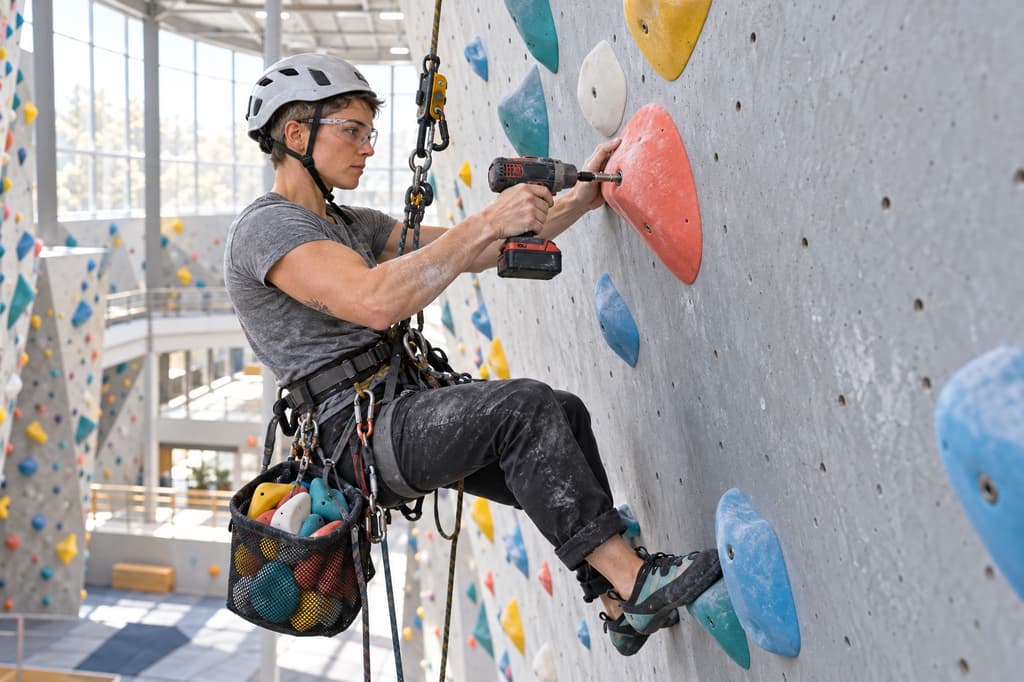
- 8 examples
- 7 examples
- 14 examples
- 21 examples
- 8 examples
- 6 examples






Show all industries (A–Z)Show fewer
- Aerospace & Defense, 8 examples
- Agriculture, 23 examples
- Apparel & Textiles, 13 examples
- Architecture, 15 examples
- Artificial Intelligence, 6 examples
- Arts & Entertainment, 24 examples
- Automotive, 21 examples
- Beauty & Personal Care, 17 examples
- Biotechnology & Life Sciences, 7 examples
- Business Services, 23 examples
- Chemical Engineering, 4 examples
- Childcare, 14 examples
- Construction, 106 examples
- Creative, 15 examples
- Customer Service, 17 examples
- Education, 94 examples
- Energy, 39 examples
- Environmental Science, 5 examples
- Finance, 63 examples
- Food & Beverage, 68 examples
- Government, 48 examples
- Healthcare, 160 examples
- Hospitality, 35 examples
- Human Resources, 18 examples
- Insurance, 10 examples
- Legal, 12 examples
- Logistics, 37 examples
- Manufacturing, 68 examples
- Marketing, 8 examples
- Media, 20 examples
- Military, 24 examples
- Mining & Metals, 9 examples
- Nonprofit, 8 examples
- Pharmaceuticals, 11 examples
- Public Relations, 10 examples
- Real Estate, 7 examples
- Retail, 38 examples
- Robotics, 11 examples
- Sales, 14 examples
- Security Services, 19 examples
- Social Services & Counseling, 21 examples
- Social Work, 14 examples
- Sports & Fitness, 96 examples
- Technology, 67 examples
- Telecommunications, 6 examples
- Tourism & Travel, 8 examples
- Transportation, 38 examples
- Veterinary, 9 examples
Don’t see your job title?

What job seekers say after building their CV
from 4,000+ reviews