Perfect your CV with
Draft your CV with examples and a ready layout, then work through the checks below. Catch unclear dates, inconsistent spelling and details that do not match the job.
- AI-enhanced examples to keep, reword or skip
- Check what the employer will read first
- Saved to your account between sittings
- Compare designs using your own text

Danny
Apr 2023
“I'll recommend it to friends and family.”

Dayani F.
Jan 2025
“Everything about this tool is amazing, I love it”

Kelvin P.
Jul 2025
“You guys were amazing, I got a new job.”

John W.
Nov 2022
“You made my resume professional”
from 3,900+ reviews


Seven checks to run before you send your CV
A final check can catch mistakes that are easy to miss while drafting. Read for accuracy, consistency and the requirements in the advert. These checks are for a UK job-application CV; they do not promise a perfect result. If you are still drafting, our CV writing guide explains what goes in each part.
Have any American spellings slipped in?
Often a few have, and they're easy to miss. Text pasted in from an older CV can carry them, and a phone or laptop set to US English may change colour to color as you type. Endings in -ize are accepted in British English, though -ise is more usual in the UK, as the FAQ explains. These words trip up even careful writers:
- analyse, which keeps -yse even if you've chosen -ize elsewhere
- modelled, labelled and counselled, with a double l
- enrol, fulfil and enrolment, with a single l
- practice as a noun, practise as a verb
How should dates look on a UK CV?
Use a consistent month-and-year format for your jobs, and check each date against your records. Written months, such as Jun 2022, avoid the ambiguity of numeric dates. A tidy format does not tell you whether a date is correct.
Is every job in the right tense?
Use past tense for completed roles and achievements. Use present tense for work you still do, even if other bullet points in that current job describe completed projects. Keep the voice consistent in your personal statement. Our article on strong action verbs shows how to swap a passive opener such as "responsible for" for an active one.
Is my finished CV easy to read?
Check the version you intend to send. Keep headings with the text that follows them and look for clipped text, awkward breaks or a nearly empty final page. Follow any length limit in the advert. If the draft needs trimming, remove less relevant detail before making the text smaller. For the builder options, see the section-order tips.
Have I left out unnecessary personal details?
For a UK application, leave off your date of birth, age and marital status. Keep the focus on your experience and qualifications. Follow the application instructions for any additional information, and keep qualification details accurate.
Should my CV end with "References available on request"?
Usually you can leave that sentence out. Check the advert for reference instructions, and ask permission before sharing a referee's details. Keep their contact information current.
Does my CV match the job description's spelling?
Use the advert's terminology when it accurately describes your experience. Check British spellings, but preserve official qualification names, employer names and software names. A spelling choice alone does not establish whether screening software will reject your application. Common distinctions include:
- programme for a scheme or course, and program only for computer software, even in British English
- licence as the noun and license as the verb, the same split as practice and practise
- -ise or -ize, whichever the advert uses, as in organisation
Draft your CV, then check it with fresh eyes
The builder guides you through your details and offers examples you can edit. Choose a design for the layout, then concentrate on getting the facts right. Once you have a draft, work through the checks:
- After the opening question or two, pick a design; if another suits the employer better later, all your text moves across.
- Enter each job, latest first, with the right month and year, and drop any example that overstates your role.
- Add your education and skills, then a personal statement that keeps one voice from its first line to its last.
- Take a break, read your CV against the seven checks and inspect the finished version before sending.
Pick a design that holds up to a close read
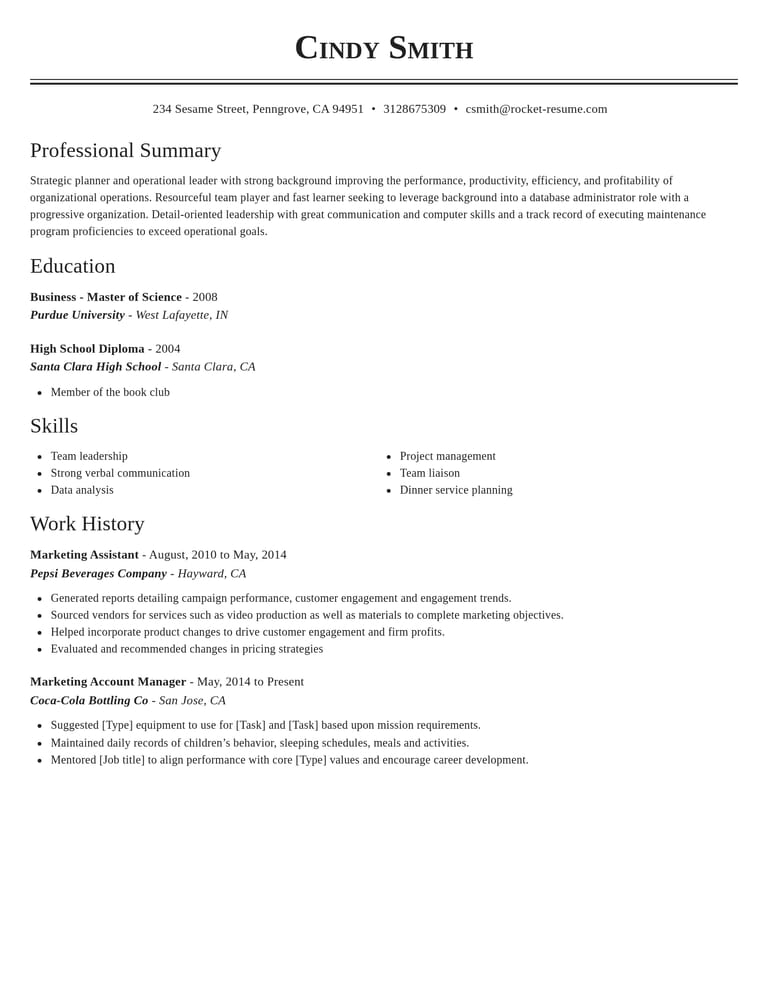
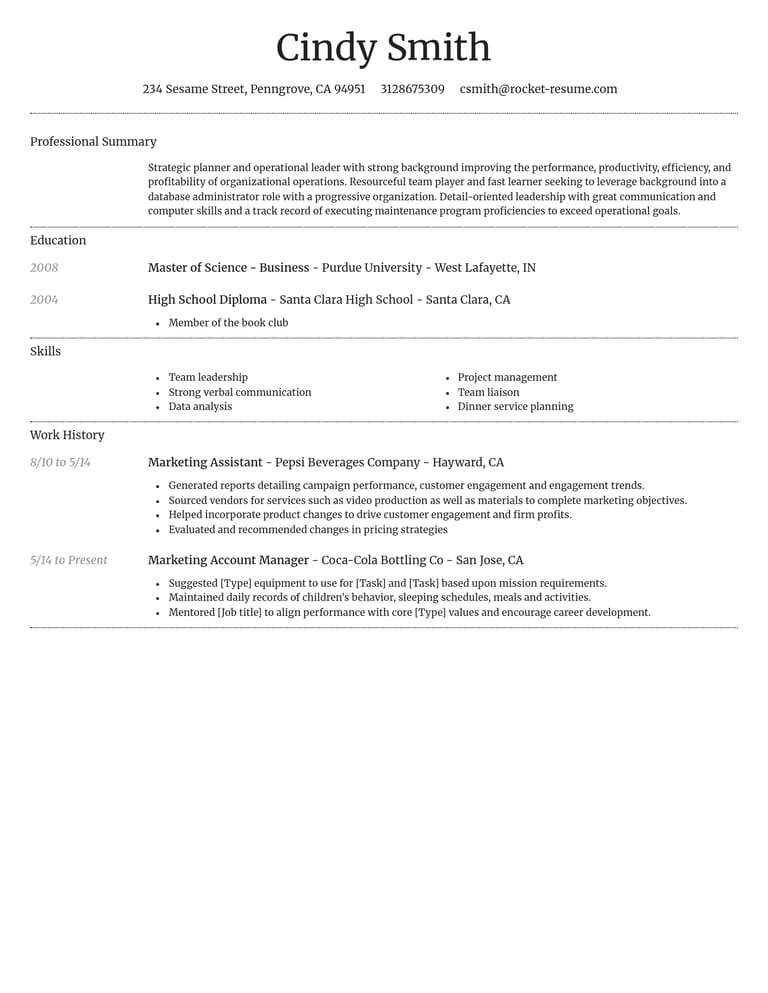
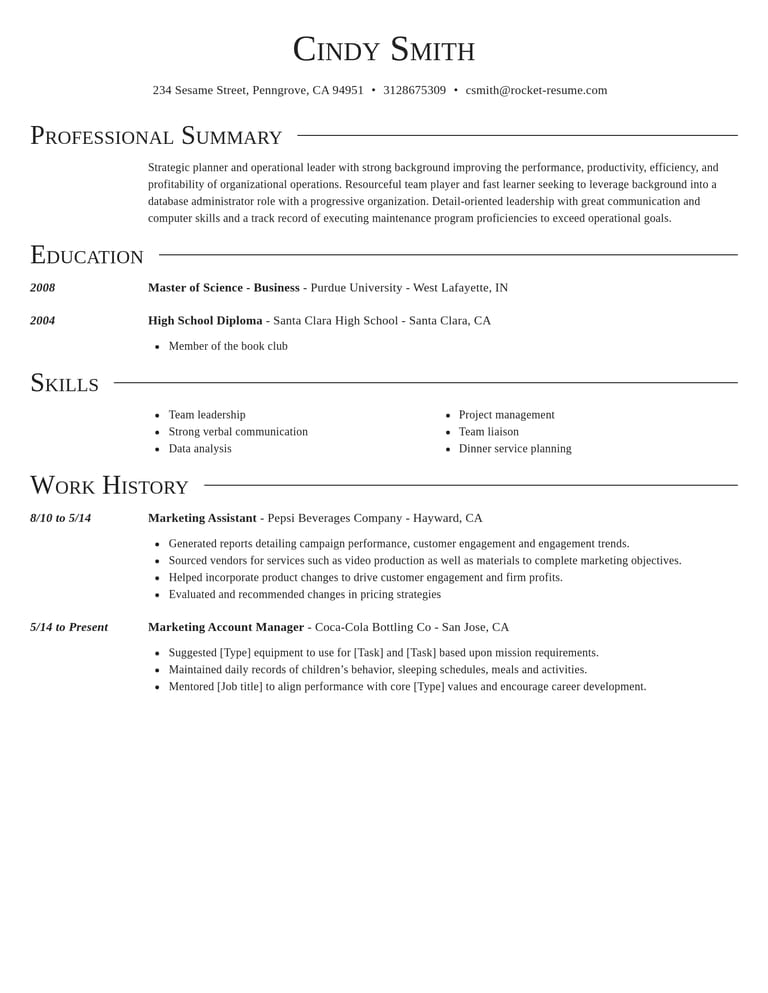
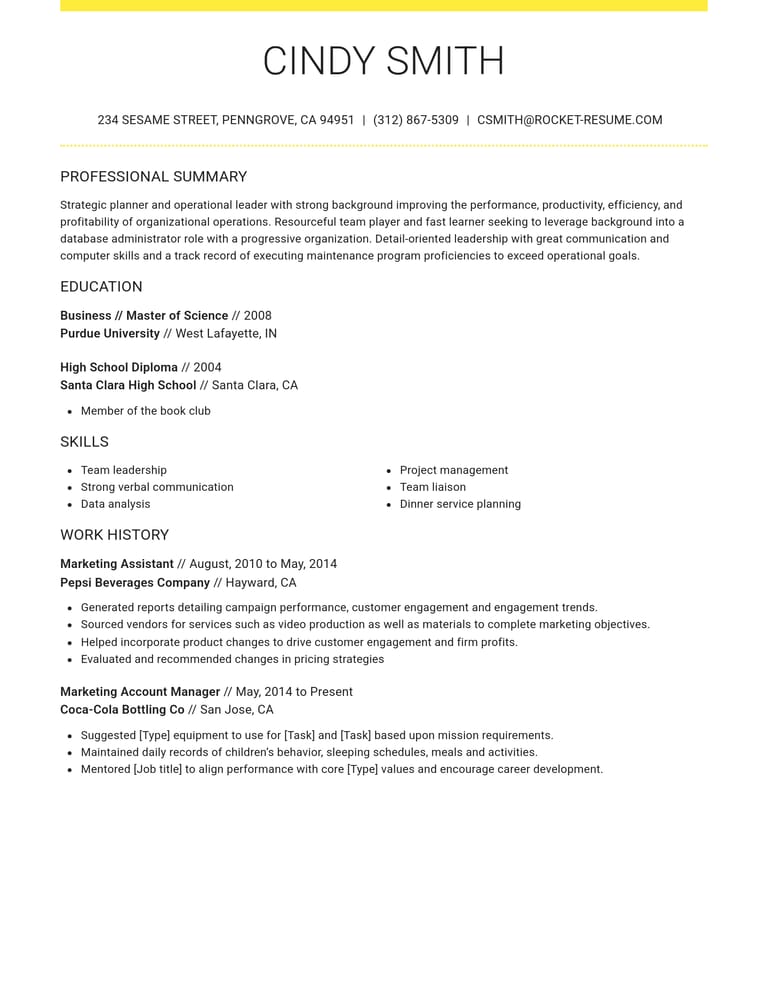
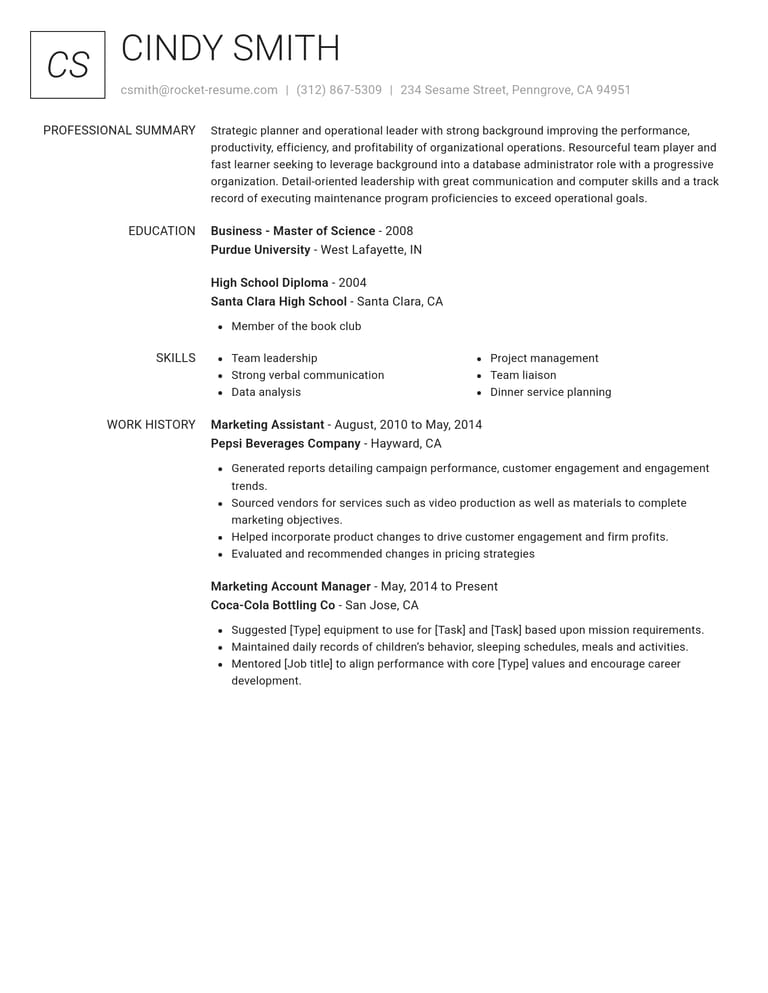
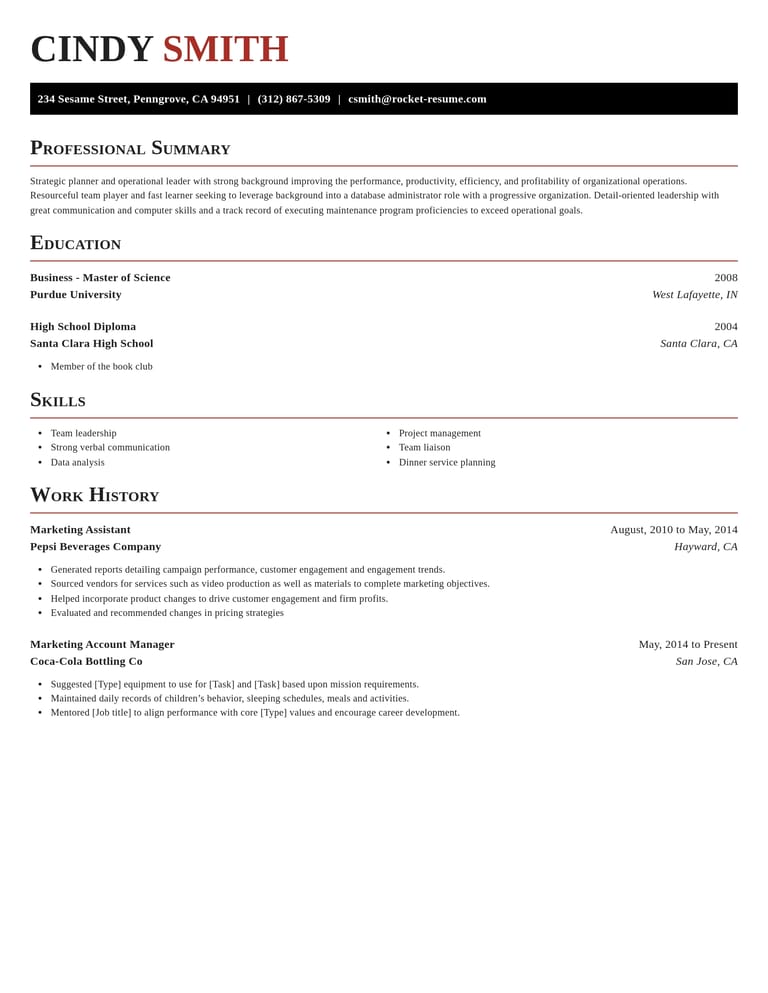
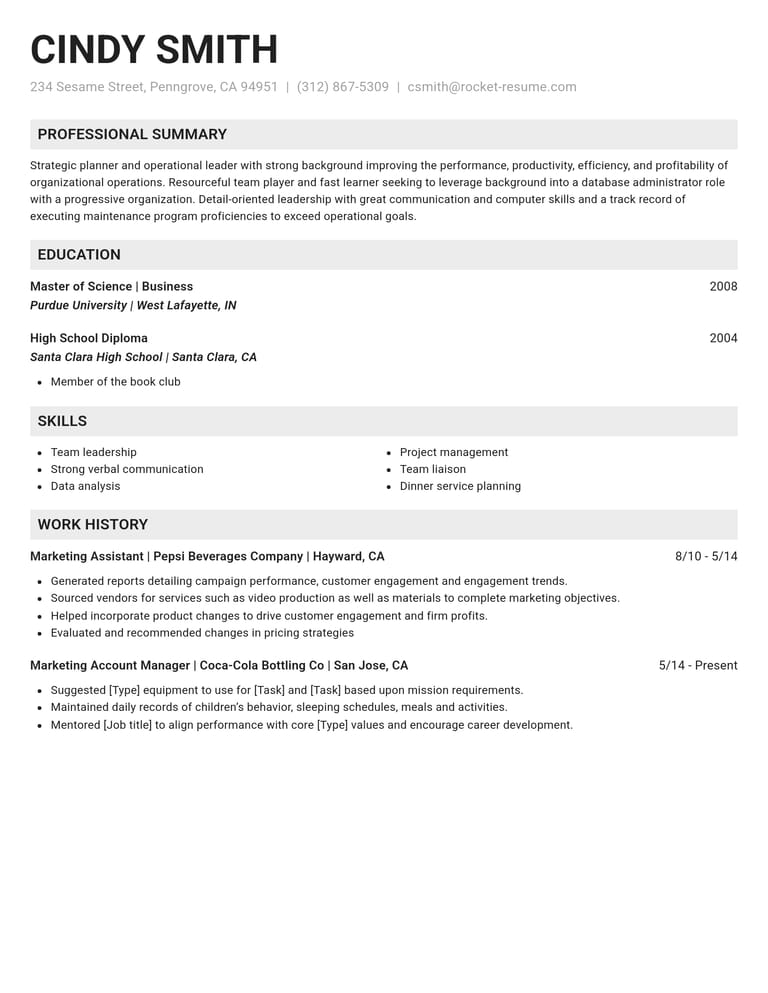
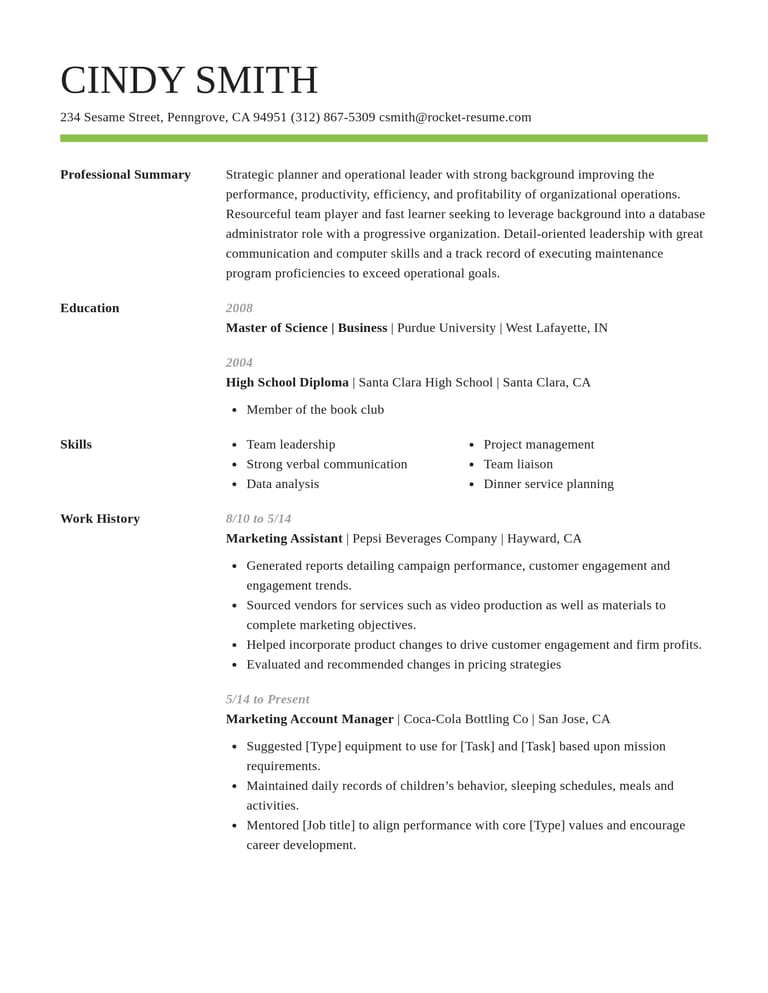
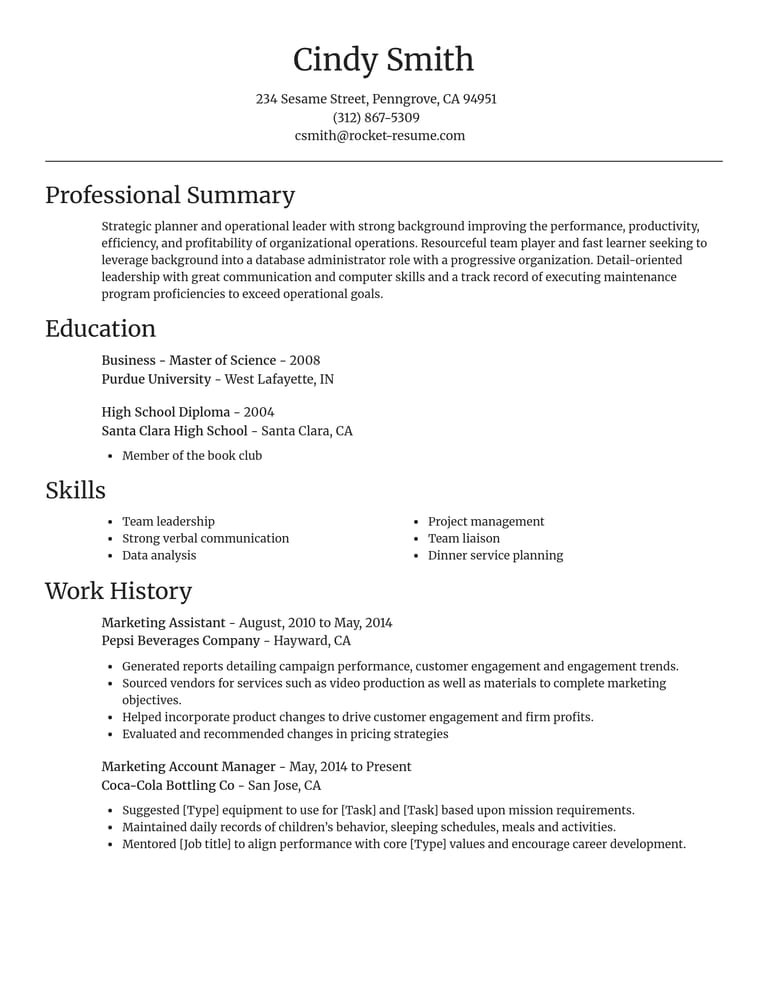
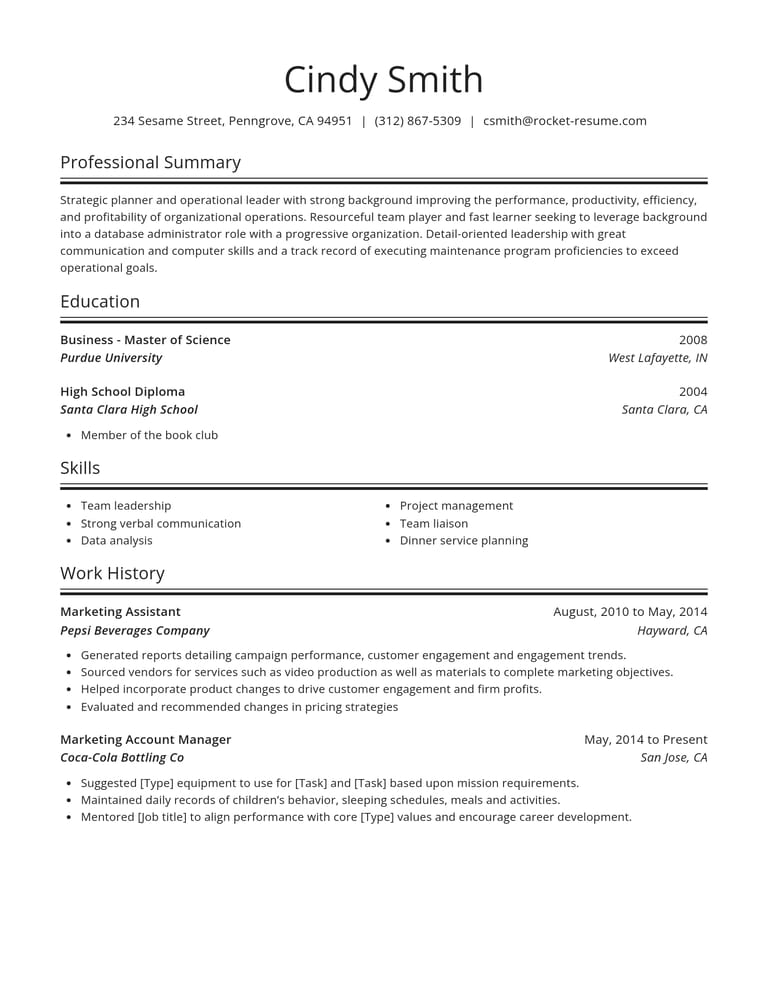
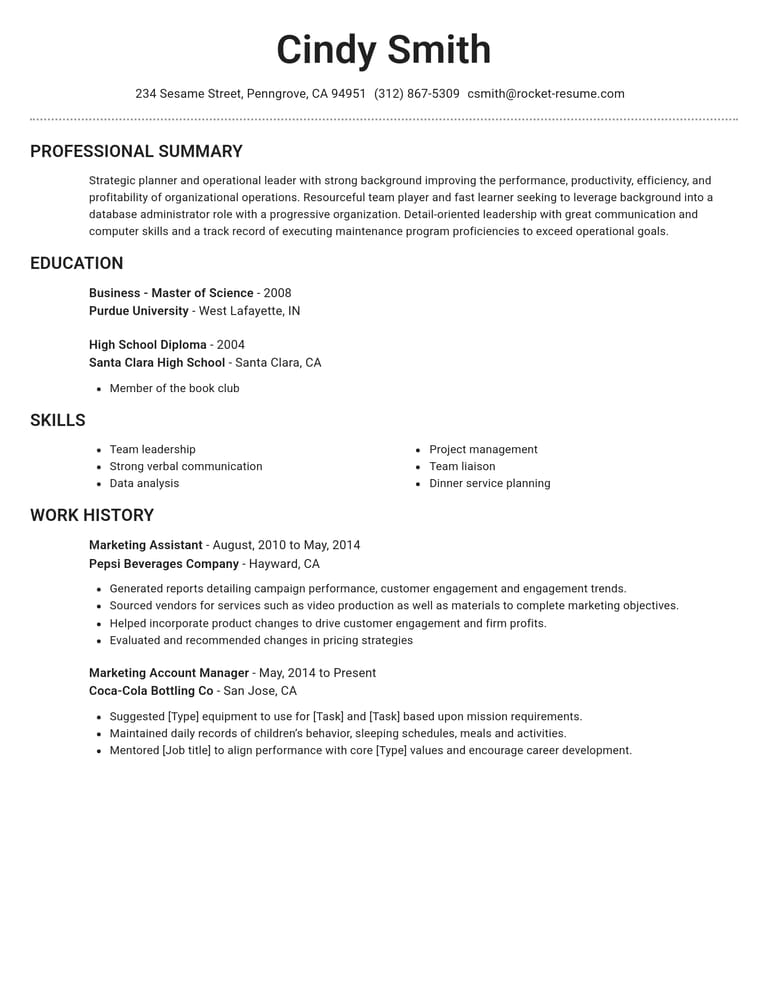
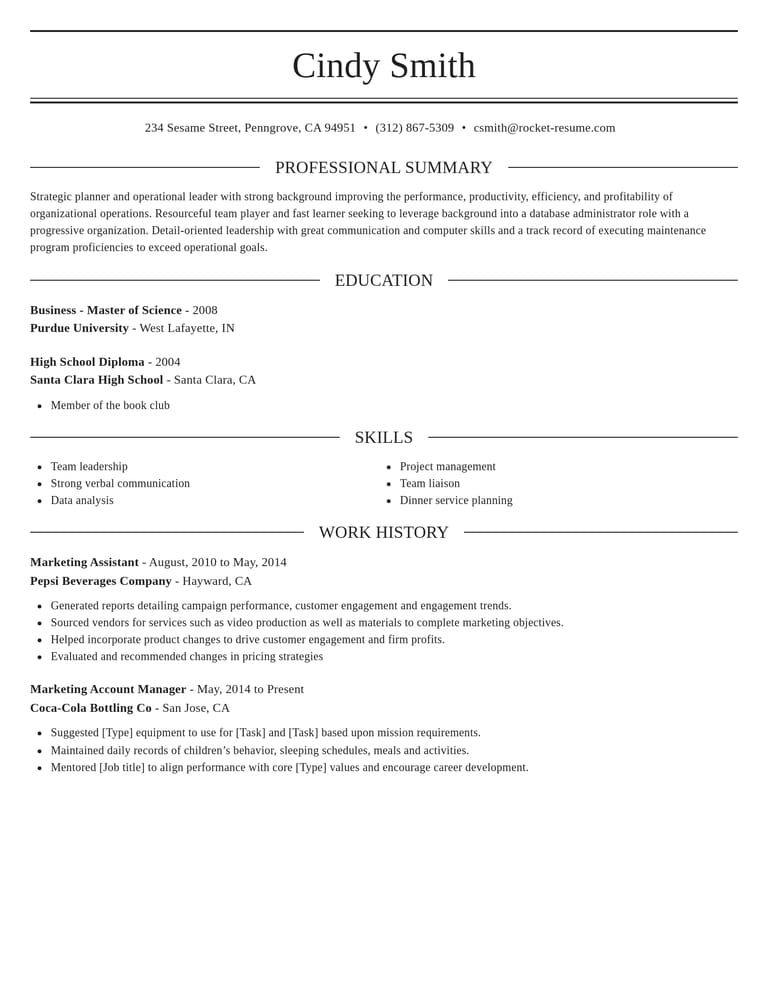
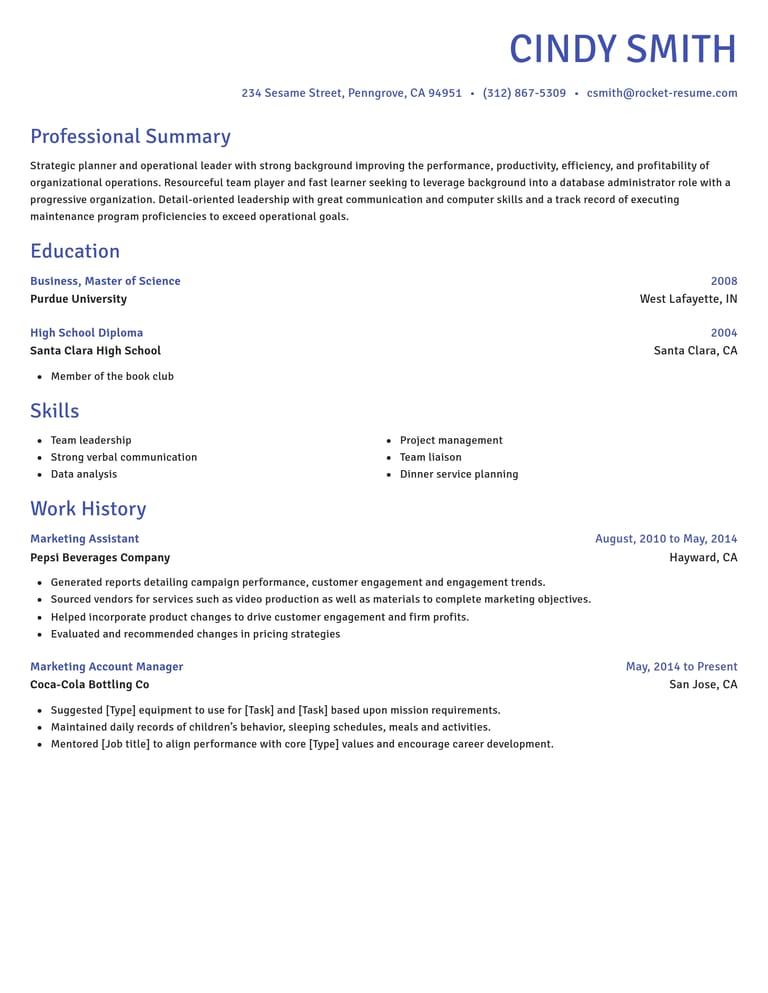
From first screen to finished draft in the CV builder

Suggestions, checked by you
Read the examples for your role. Keep what fits your experience and edit each suggestion until it sounds like you.

Check your section order
Education may deserve more attention when it is your strongest evidence. Check that your chosen layout makes the relevant qualifications easy to find.

Come back with fresh eyes
Save your CV to your account before taking a break, then return for a fresh read.
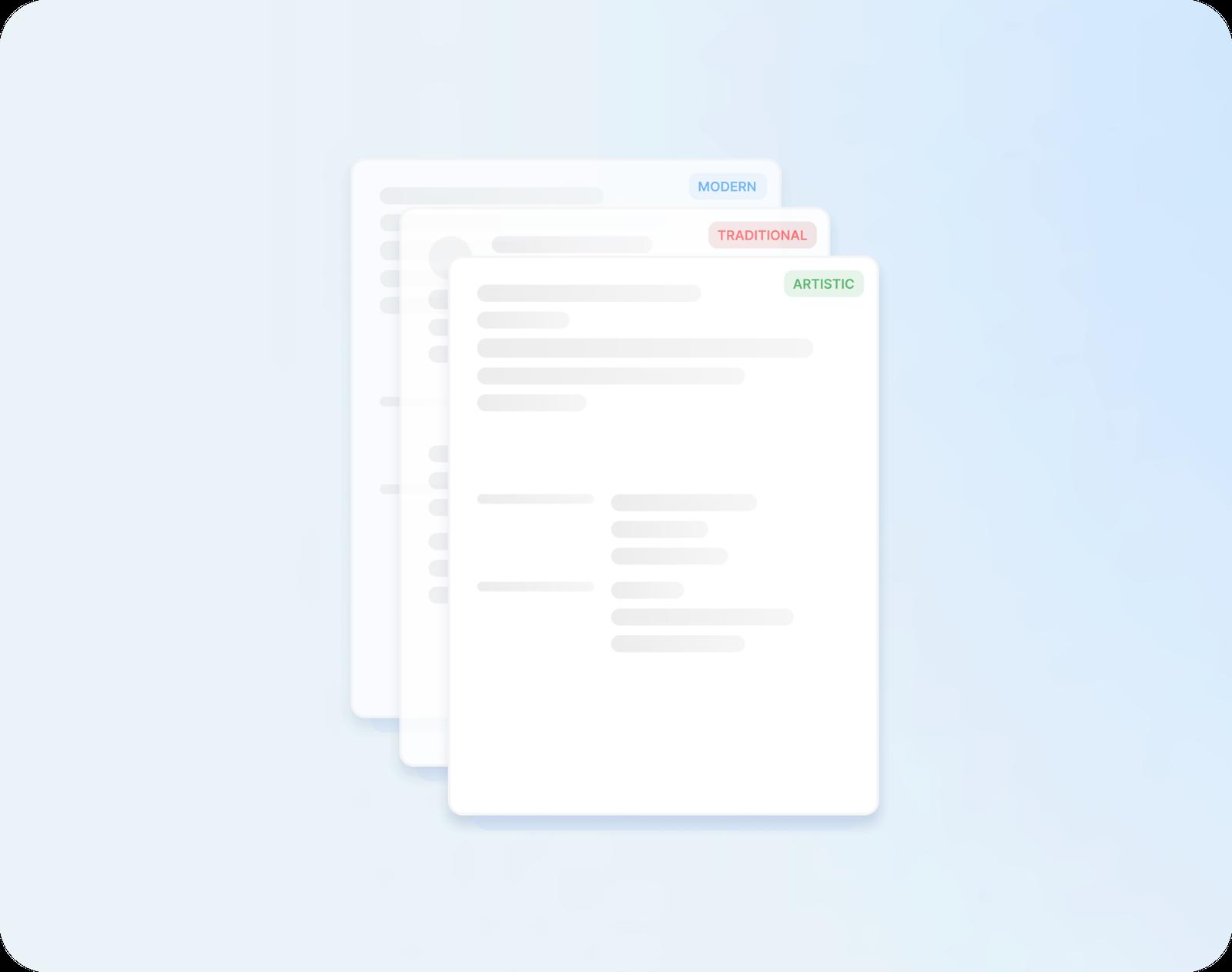
Every word moves with the design
Unsure whether a classic or modern look suits the employer? Try both. Your sections and every line you've typed move across to each design.
Hiring research behind the advice
“Great resume builder, I'll be using it again”

“I needed a resume fast, great and very useful”

Pre-send questions, from spelling to references
What does a perfect CV look like to a UK employer?
There is no single perfect CV. For a UK application, use clear dates, consistent spelling and relevant evidence, then follow the advert's instructions. A careful final check is more useful than chasing a flawless design.
Should I use -ise or -ize on a UK CV?
Either is correct British English, but -ise is far more common in the UK, so it's the safer choice. Keep to one ending in every line. Words such as analyse and paralyse take -yse either way.
Should dates on a UK CV spell out the month?
Yes, written in full or shortened, such as June 2022 or Jun 2022. A year on its own is vaguer, since 2021 to 2022 could mean two months in a job or nearly two years.
Do I need my date of birth on a UK CV?
Leave it off, along with your age, photo and marital status: your skills and experience are what an employer should judge you on. If a role has a minimum age, the employer will ask you separately.
Should I write "References available on request" on my CV?
Usually you can leave the sentence off. If the advert asks for referees, supply the number and details requested, with each person's permission. Otherwise, keep the information ready to provide later.
Does my CV need to fill two full pages?
It doesn't. A full first page and half of the second is a perfectly good length when every line is worth reading. Stretching it to fill the space only buries your best points under weaker ones.
Can I put my education above my work history?
Yes, education can lead when it is your strongest evidence, such as for a recent graduate. Check the section order in your chosen layout before sending.
Pick your industry, then build your CV
Explore the weekly selection





- 67 examples
- 6 examples
- 11 examples
- 9 examples
- 48 examples
- 8 examples






Show all industries (A–Z)Show fewer
- Aerospace & Defense, 8 examples
- Agriculture, 23 examples
- Apparel & Textiles, 13 examples
- Architecture, 15 examples
- Artificial Intelligence, 6 examples
- Arts & Entertainment, 24 examples
- Automotive, 21 examples
- Beauty & Personal Care, 17 examples
- Biotechnology & Life Sciences, 7 examples
- Business Services, 23 examples
- Chemical Engineering, 4 examples
- Childcare, 14 examples
- Construction, 106 examples
- Creative, 15 examples
- Customer Service, 17 examples
- Education, 94 examples
- Energy, 39 examples
- Environmental Science, 5 examples
- Finance, 63 examples
- Food & Beverage, 68 examples
- Government, 48 examples
- Healthcare, 160 examples
- Hospitality, 35 examples
- Human Resources, 18 examples
- Insurance, 10 examples
- Legal, 12 examples
- Logistics, 37 examples
- Manufacturing, 68 examples
- Marketing, 8 examples
- Media, 20 examples
- Military, 24 examples
- Mining & Metals, 9 examples
- Nonprofit, 8 examples
- Pharmaceuticals, 12 examples
- Public Relations, 10 examples
- Real Estate, 7 examples
- Retail, 38 examples
- Robotics, 11 examples
- Sales, 14 examples
- Security Services, 19 examples
- Social Services & Counseling, 21 examples
- Social Work, 14 examples
- Sports & Fitness, 96 examples
- Technology, 67 examples
- Telecommunications, 6 examples
- Tourism & Travel, 9 examples
- Transportation, 38 examples
- Veterinary, 9 examples
Looking for a different role?

Job seekers give their verdict on the builder
from 3,900+ reviews