Resume creator: start
Start with your experience, even if you don’t have an old resume. The creator guides you through each section with templates and examples for your job.
- Guidance for each resume section
- Examples to help describe your work
- Templates with fonts and spacing set
- Change designs without retyping

Danny
Apr 2023
“I'll recommend it to friends and family.”

Dayani F.
Jan 2025
“Everything about this tool is amazing, I love it”

Kelvin P.
Jul 2025
“You guys were amazing, I got a new job.”

John W.
Nov 2022
“You made my resume professional”
from 3,900+ reviews


How to create a resume from scratch
Start with four smaller tasks: gather your history, choose a structure, describe your work and select the details that fit. You don’t need polished sentences yet. The creator gives you a place to put each part.
Where do I find my work history when I'm starting from nothing?
Start with records you already have. Use them to check titles and dates rather than relying on memory. Put the details in one list:
- Offer letters and welcome emails, for your exact job title and first day
- Pay records, to help check when you worked; a pay date may differ from your first or last day
- Old US tax records, to help identify employers and years to check
- School transcripts and diplomas, for the official name of each degree or program and when you earned it
- License and certificate cards, for each credential's full name and the body that issued it
If a date is missing, ask the former employer’s HR or payroll team. Keep uncertain dates marked in your notes until you can check them. Gather the full history before deciding what belongs on the resume.
Which section should lead my new resume?
Lead with the experience that supports the job you want. Work history often comes first; education or projects may deserve more space when you have little paid experience. Use clear headings for skills and credentials, and keep job dates easy to find.
Plan the order around the evidence you’ve gathered. The resume format guide compares the layouts in more depth, and if you've never had a paid job, start with how to create a resume with no experience.
How do I turn my notes into bullet points?
Turn each note into an action, a task and a result or scope you can explain. Fictional stylist example: “Provided color services for [number] clients a week.” Add a rebooking result only if you have a reliable figure. Start with your latest role, where the details are freshest.
Use examples for your job title to get started, then check each one against your notes. Keep only work you did and add results you can support. You’ll find what our resume creator does further down this page. For more on phrasing each part of a resume, read how to write a resume.
Which items from my long list make the page?
Choose details that support the job you want next. In the fictional stylist example, suppose the person also ordered salon products and trained new assistants:
- For a senior stylist role, lead with color work and relevant training.
- For salon management, give more space to ordering supplies and training assistants.
The titles and dates stay the same in either version. Change the emphasis, not the history. The hiring research below provides background on applications and resume writing.
Create your resume with Rocket Resume
Use your notes to fill in each section. Rocket Resume offers examples for your job title and the starting designs on this page, with fonts and spacing already set. You can change the design without retyping your content. Read how it went for other job seekers before you begin. From here, it takes four steps:
- Open the creator, say how long you've been working and pick a starting design.
- Work down your list, newest job first, and use examples for each job title to help describe your experience.
- Shape the bullet points you keep into verb, task and result, and lead with the section that best fits the job you want.
- Before you download, check every job title and date against your paperwork list.
Give your new resume a professional look
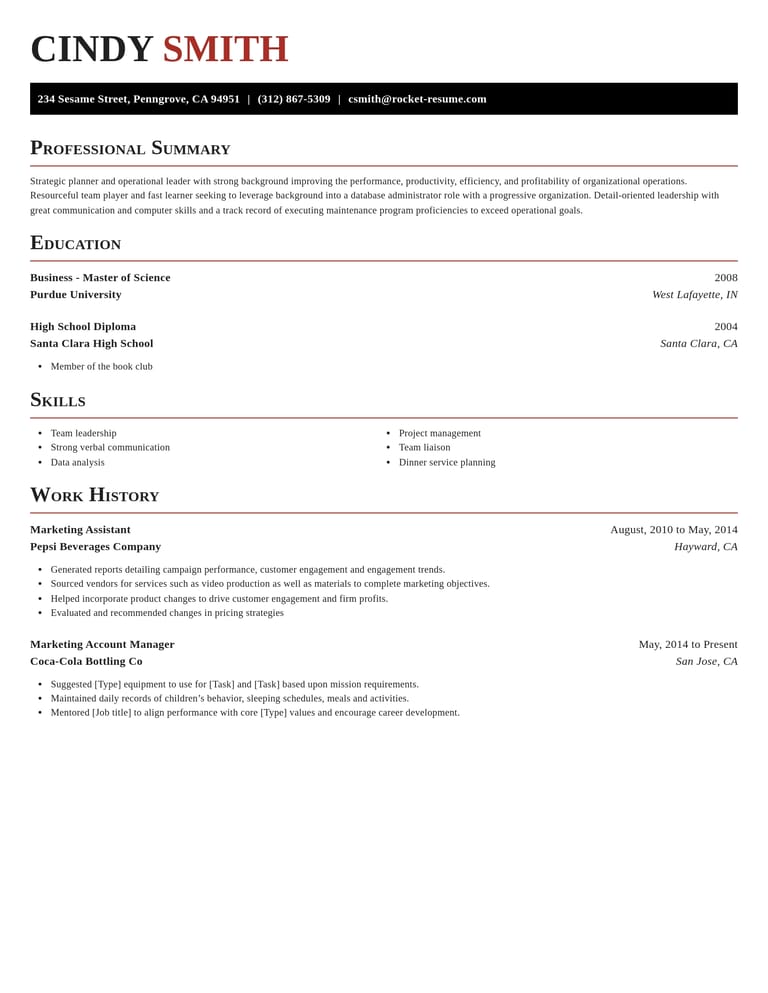
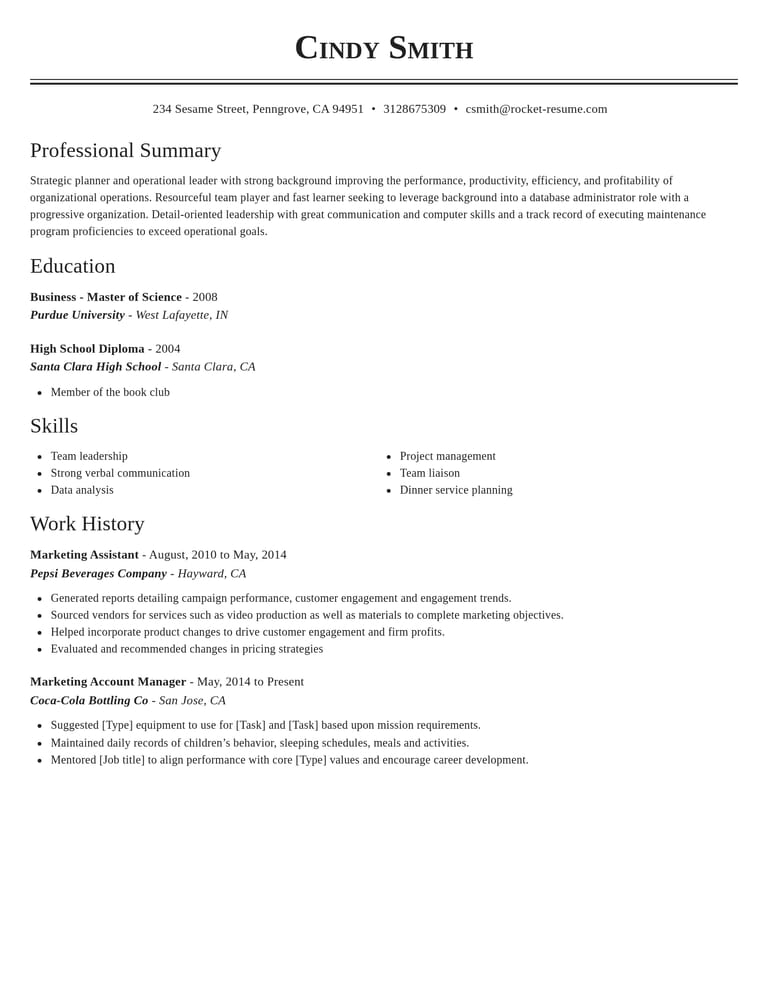
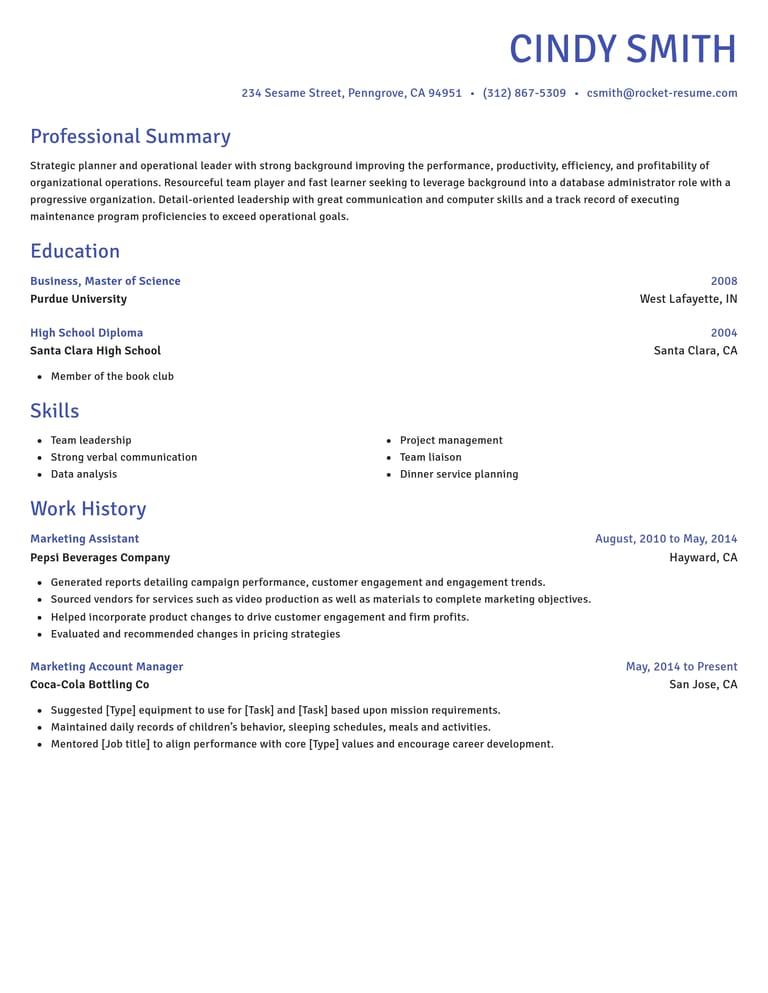
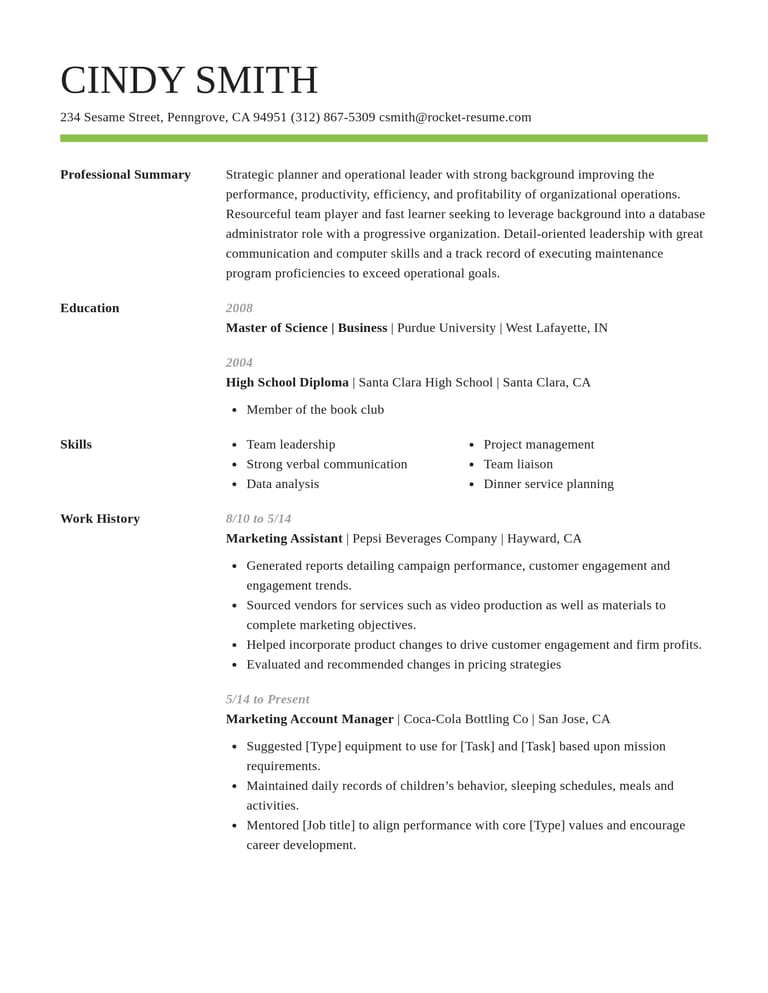
What our resume creator handles for you
A clear structure from the start
The builder takes you through the main sections so you can focus on one part at a time.

Examples for your experience
Use examples for your job title to start describing your experience. Keep the facts accurate and rewrite anything that doesn’t fit.
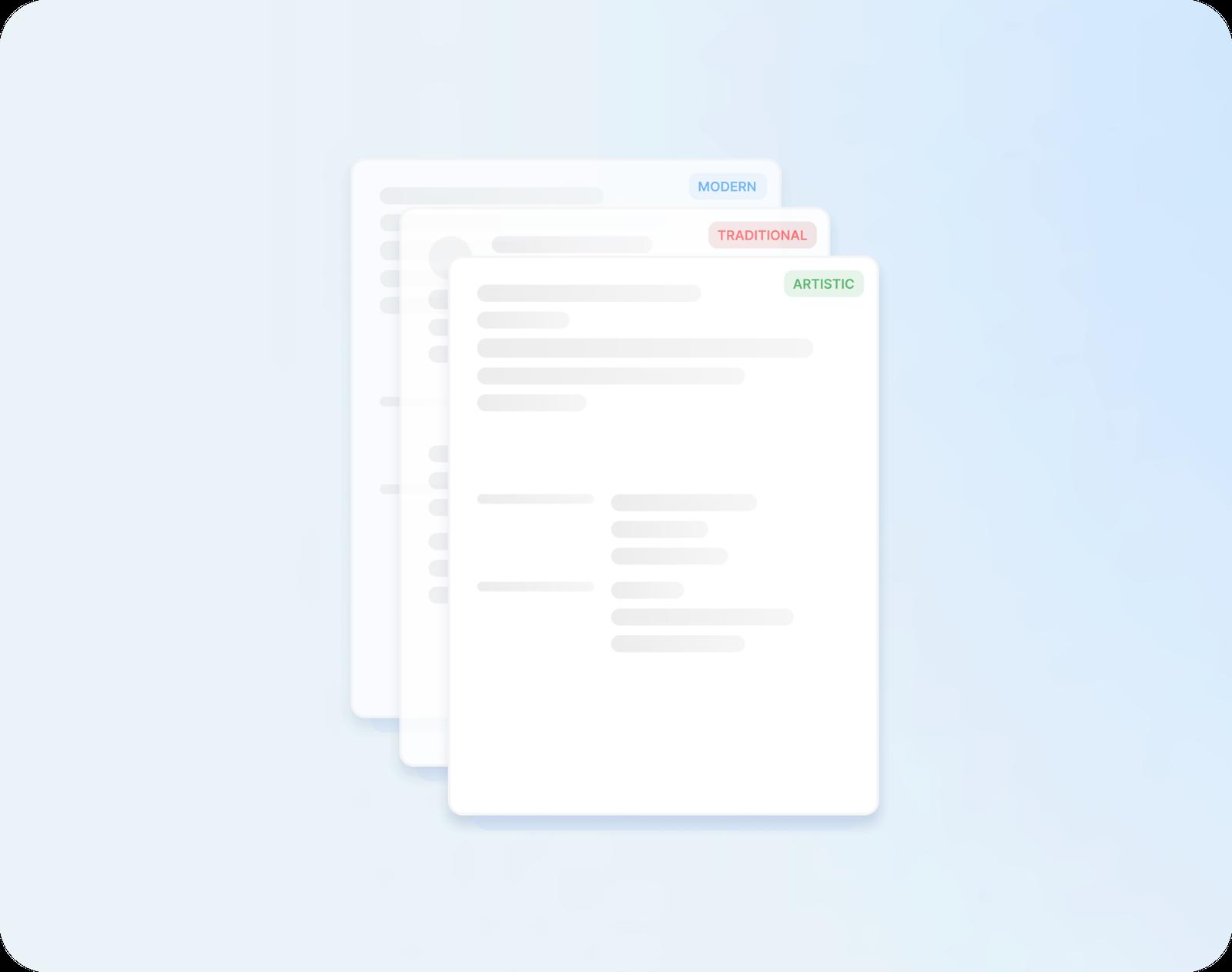
A professional layout, set for you
Your chosen design sets the spacing, fonts and alignment, whether it's modern, traditional or creative. Change it later and your words follow.
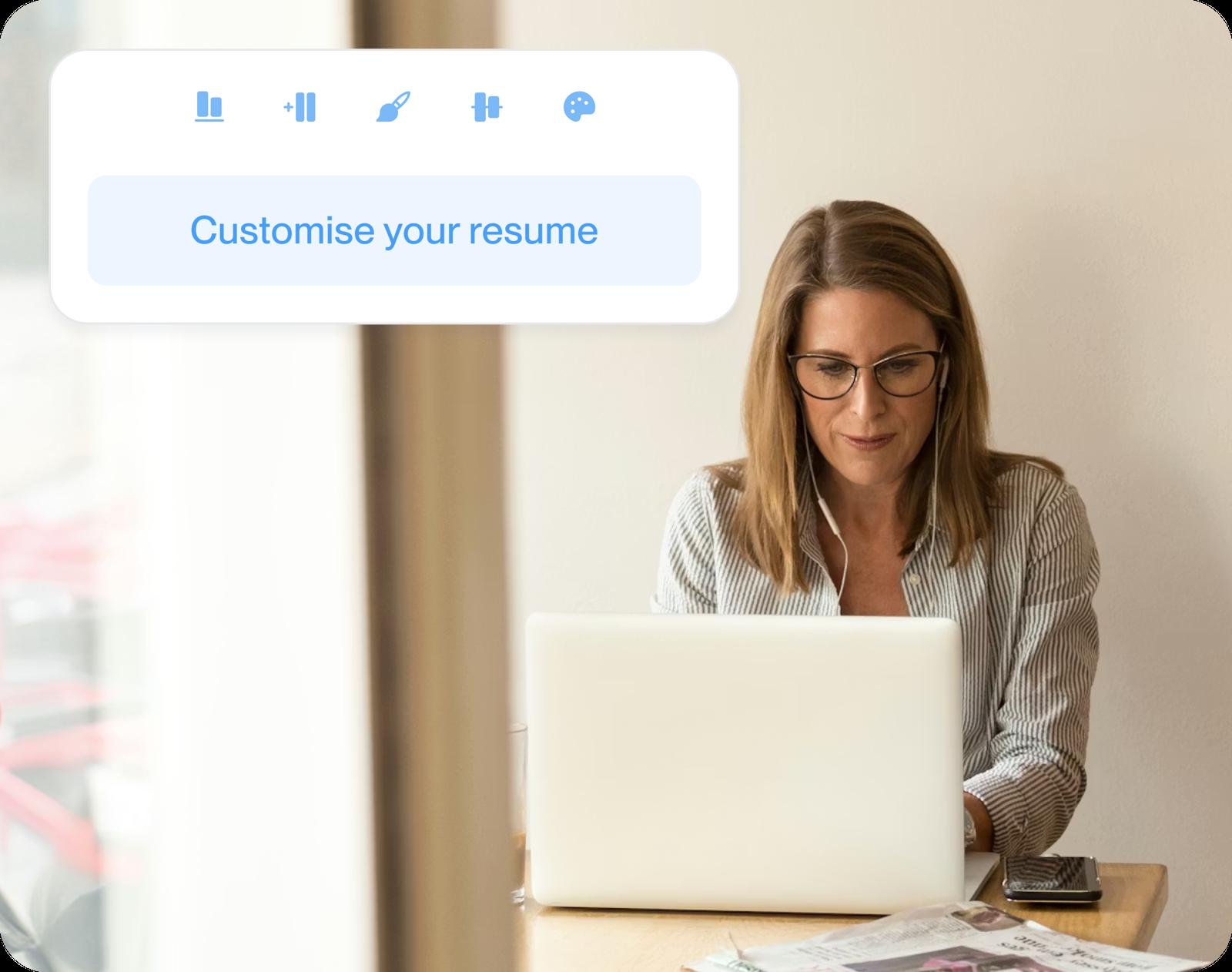
Keep refining your draft
Revise a description or add a job you forgot, then read the preview to check the result.
Why a new resume needs more than a template
“Great resume builder, I'll be using it again”

“I needed a resume fast, great and very useful”

Your questions about starting a resume from nothing
What is a resume creator?
It’s an online tool for putting your experience into a resume. You fill in your history and use a template and job examples to build a draft. You don’t need an old resume to begin.
Do I need design skills to create a resume?
You don’t. Choose a template for the fonts, spacing and headings, then focus on your details. If you try a different design, check the preview with your own content.
How do I find my old employment dates?
Check offer letters, employment records and old emails. If the dates are still unclear, contact the former employer’s HR or payroll team. Don’t guess a month just to fill the space.
How should I use resume suggestions?
Treat suggestions as a starting point. Check the task, tools and results in each one before you use it. Remove anything that didn’t happen and add details you can explain in an interview.
Should I create my resume from scratch or copy an example?
Start from your own records and use an example to spot useful details you may have missed. If it mentions a result you also achieved, describe your result using your own evidence.
What should I do once my resume is created?
Read it against the job ad you're answering and move the results that match it higher. Then update any online profile an employer might check, such as LinkedIn, so its job titles and dates match your resume.
Build from an example in your field
Featured this week





- 68 examples
- 39 examples
- 15 examples
- 12 examples
- 24 examples
- 21 examples






Show all industries (A–Z)Show fewer
- Aerospace & Defense, 8 examples
- Agriculture, 23 examples
- Apparel & Textiles, 13 examples
- Architecture, 15 examples
- Artificial Intelligence, 6 examples
- Arts & Entertainment, 24 examples
- Automotive, 21 examples
- Beauty & Personal Care, 17 examples
- Biotechnology & Life Sciences, 7 examples
- Business Services, 23 examples
- Chemical Engineering, 4 examples
- Childcare, 14 examples
- Construction, 106 examples
- Creative, 15 examples
- Customer Service, 17 examples
- Education, 94 examples
- Energy, 39 examples
- Environmental Science, 5 examples
- Finance, 63 examples
- Food & Beverage, 68 examples
- Government, 48 examples
- Healthcare, 160 examples
- Hospitality, 35 examples
- Human Resources, 18 examples
- Insurance, 10 examples
- Legal, 12 examples
- Logistics, 37 examples
- Manufacturing, 68 examples
- Marketing, 8 examples
- Media, 20 examples
- Military, 24 examples
- Mining & Metals, 9 examples
- Nonprofit, 8 examples
- Pharmaceuticals, 12 examples
- Public Relations, 10 examples
- Real Estate, 7 examples
- Retail, 38 examples
- Robotics, 11 examples
- Sales, 14 examples
- Security Services, 19 examples
- Social Services & Counseling, 21 examples
- Social Work, 14 examples
- Sports & Fitness, 96 examples
- Technology, 67 examples
- Telecommunications, 6 examples
- Tourism & Travel, 9 examples
- Transportation, 38 examples
- Veterinary, 9 examples
Reviews from people who've already done it
from 3,900+ reviews