Resume formats for
Most work histories fit a chronological resume, latest job first. For a career change or a return to work, a hybrid puts skills first and keeps your dates.
- Which format suits your work history
- Advice for career changes and breaks
- Clean designs in a single column
- Move sections to match your format
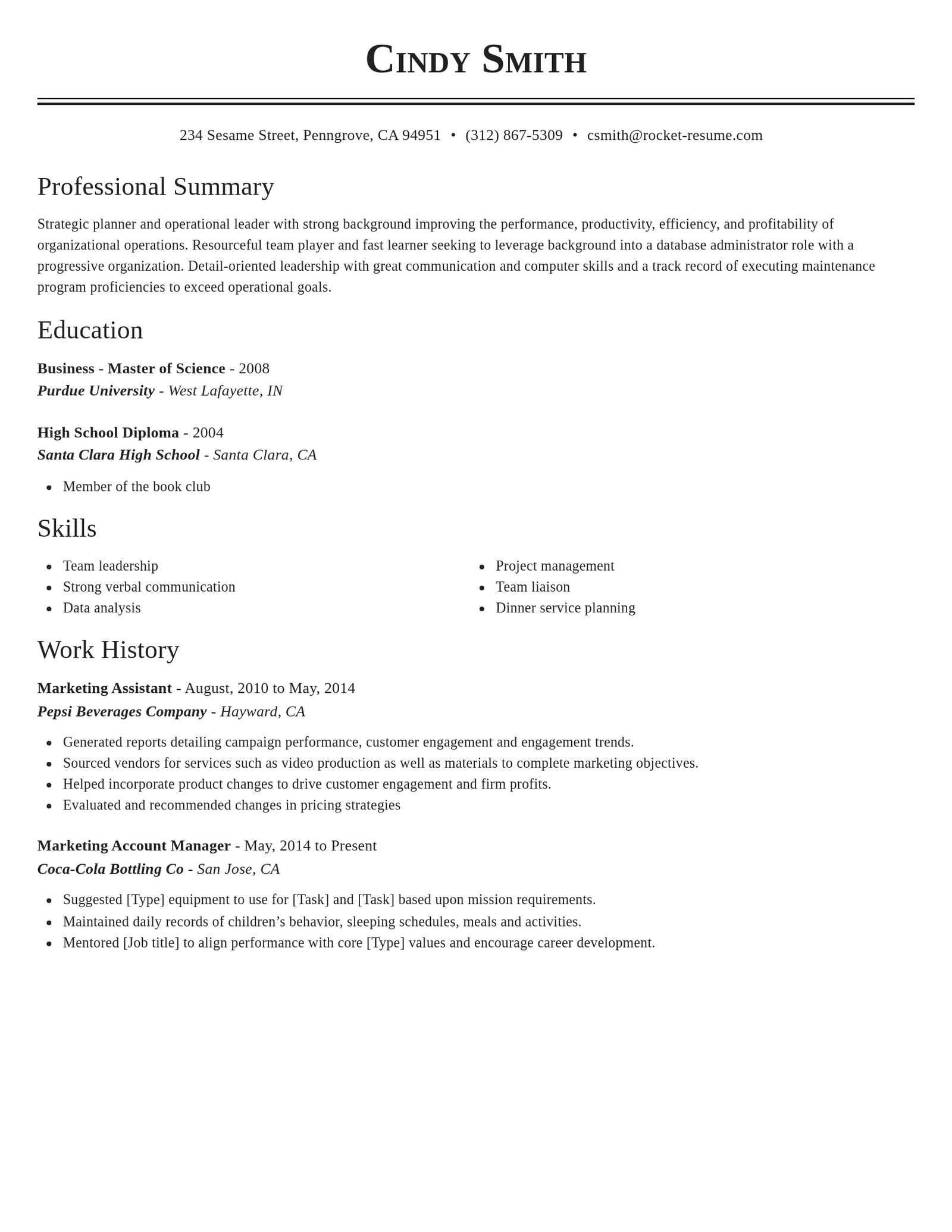
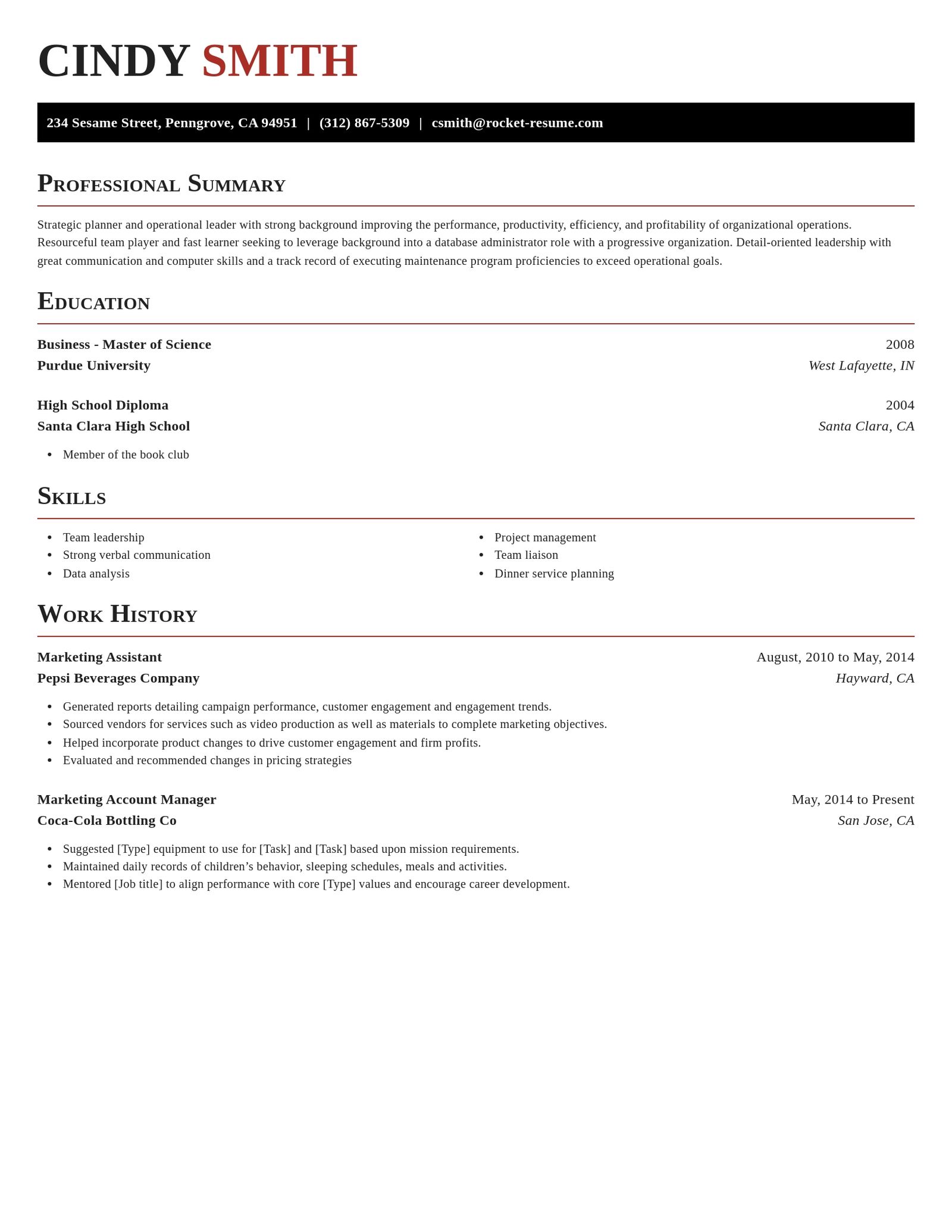
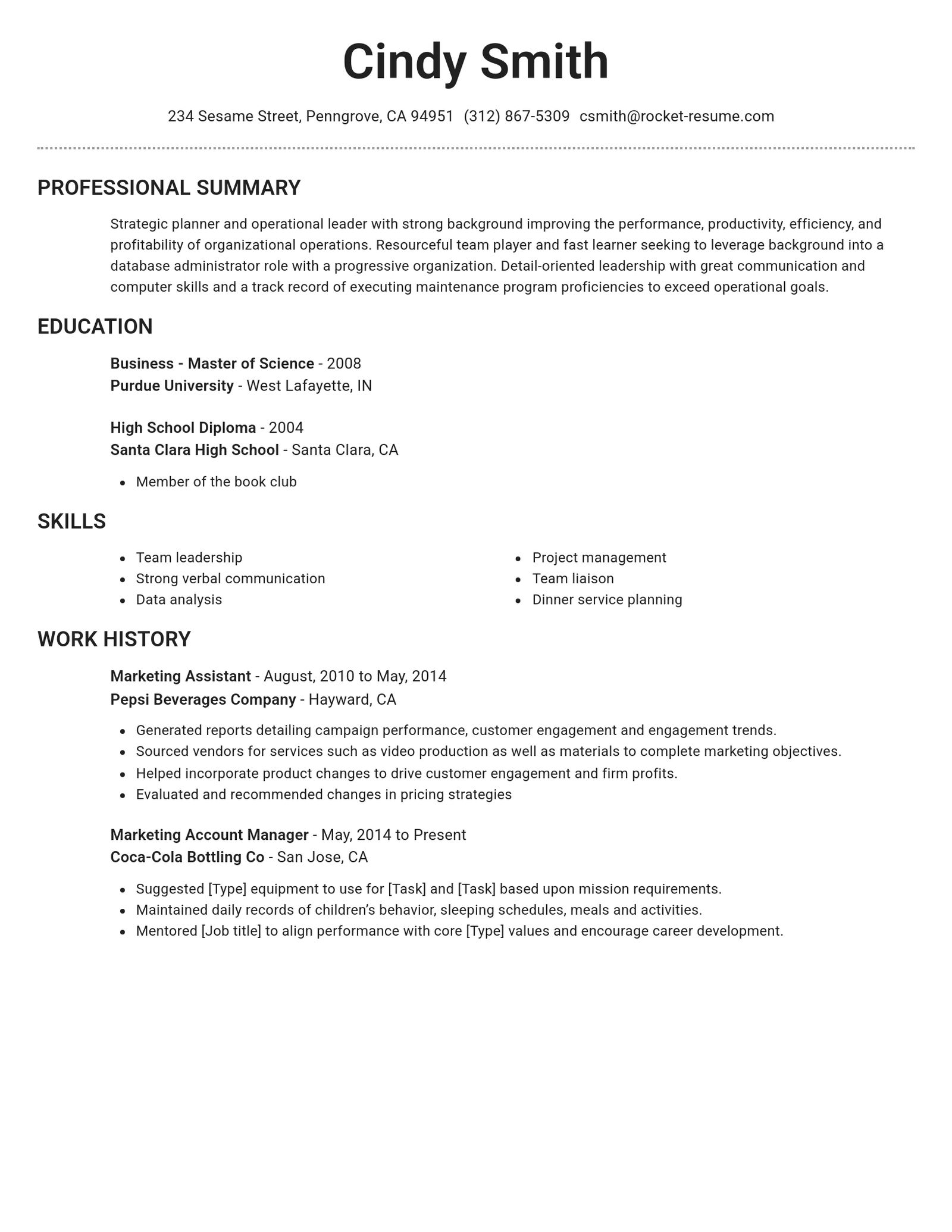
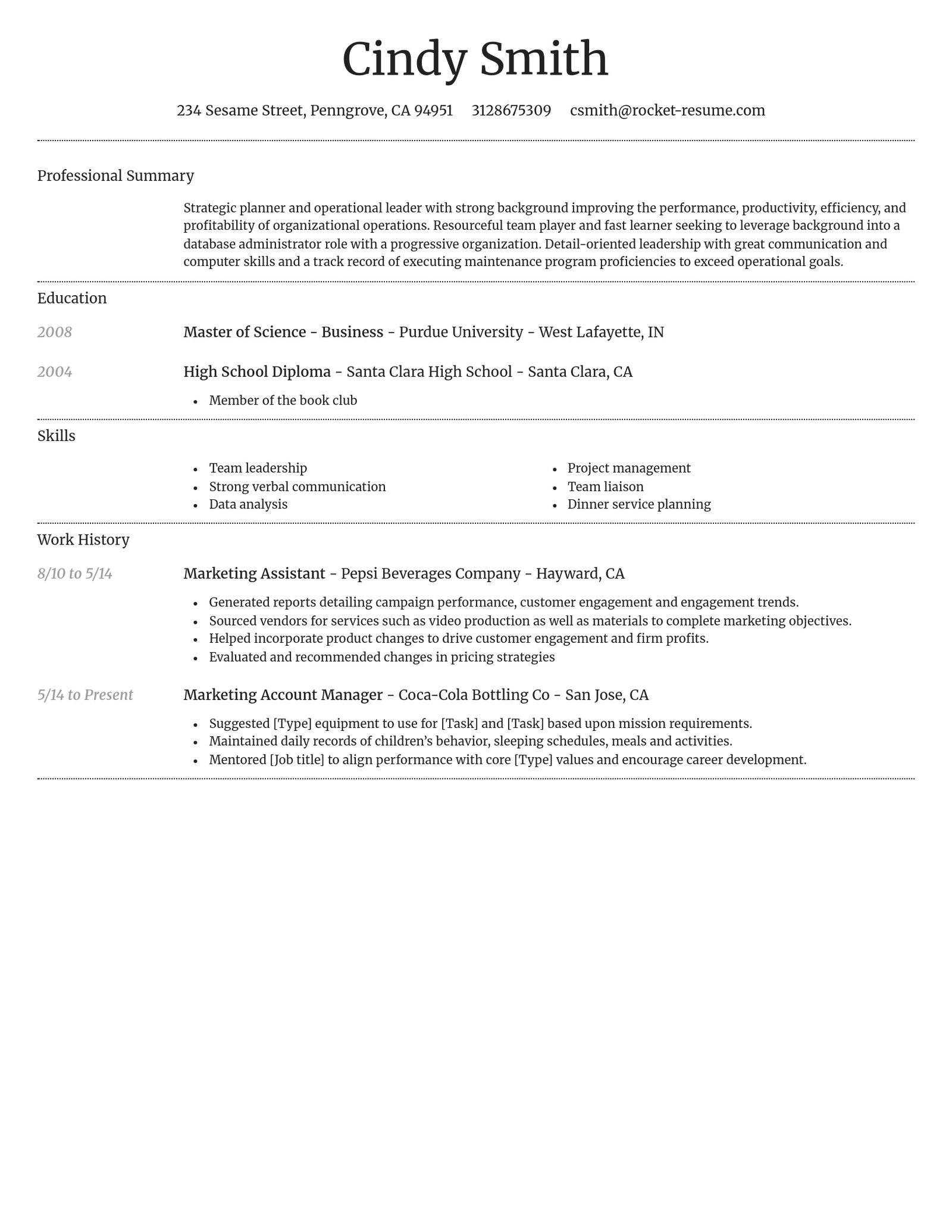
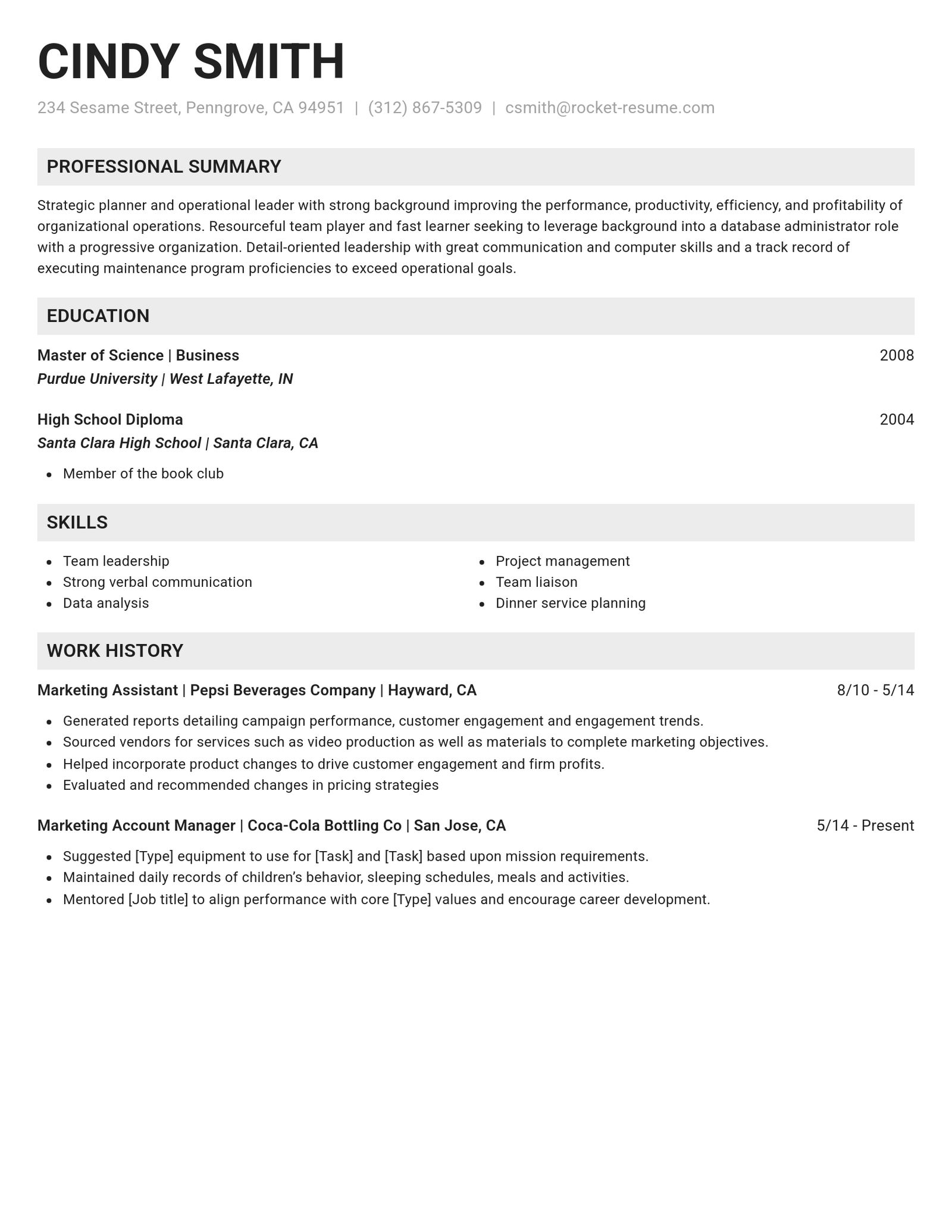
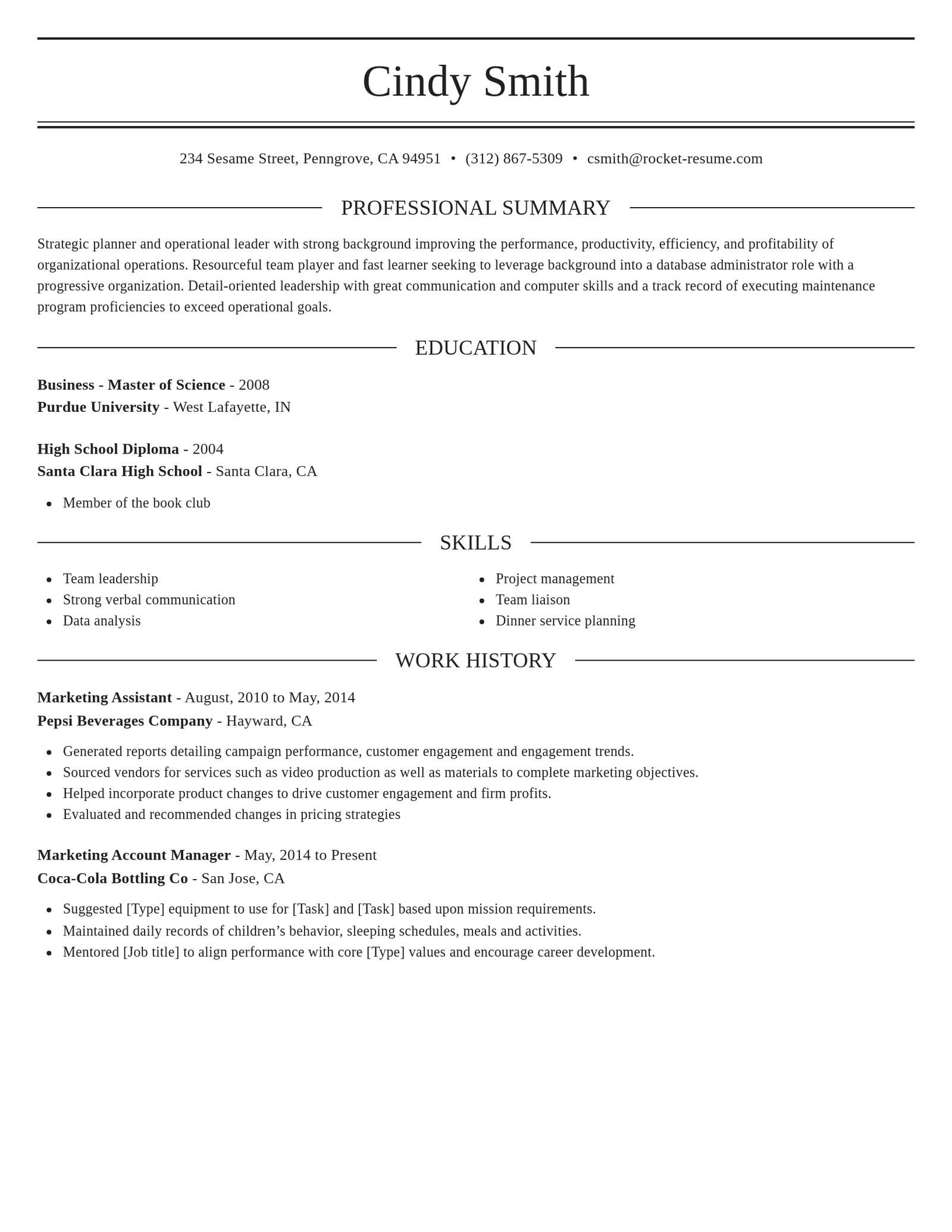
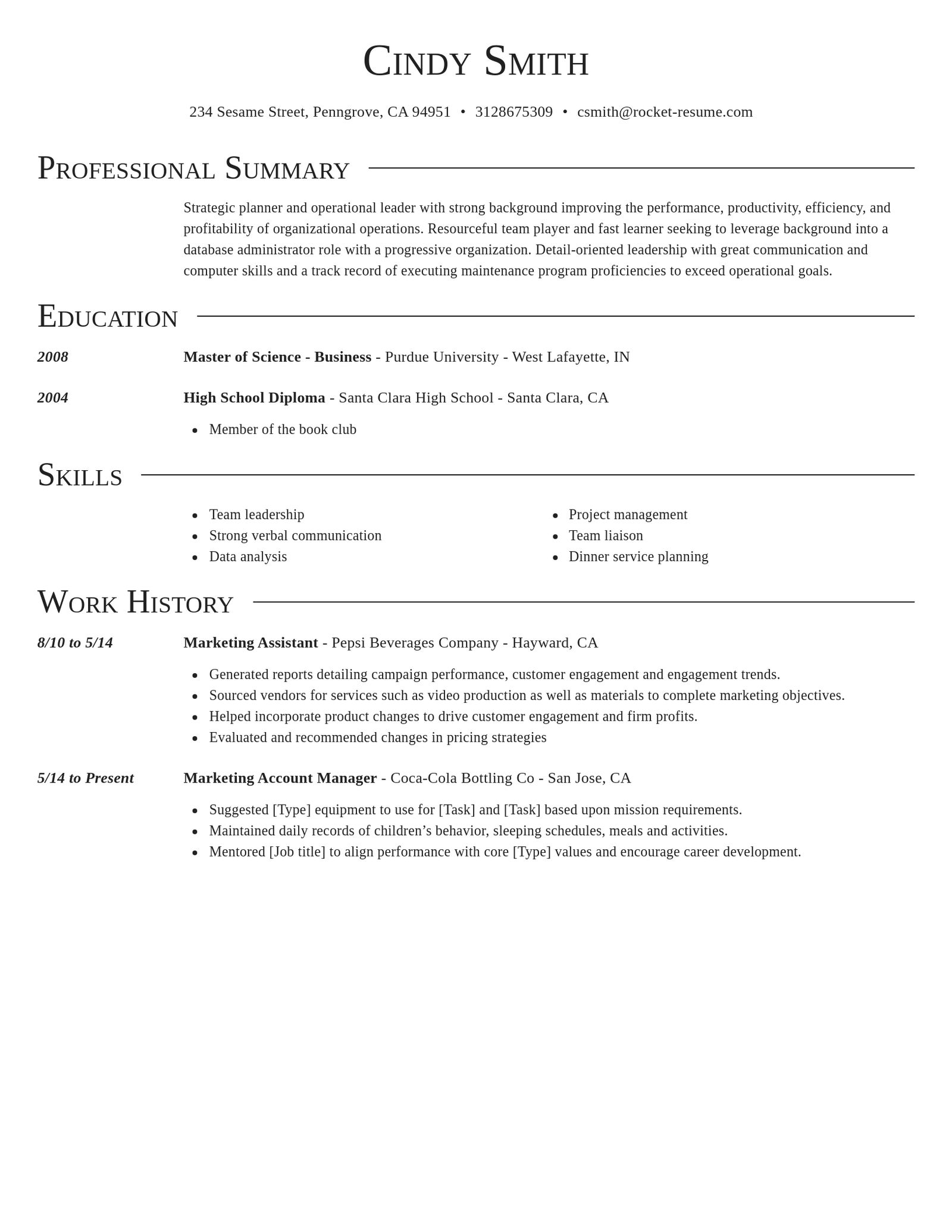
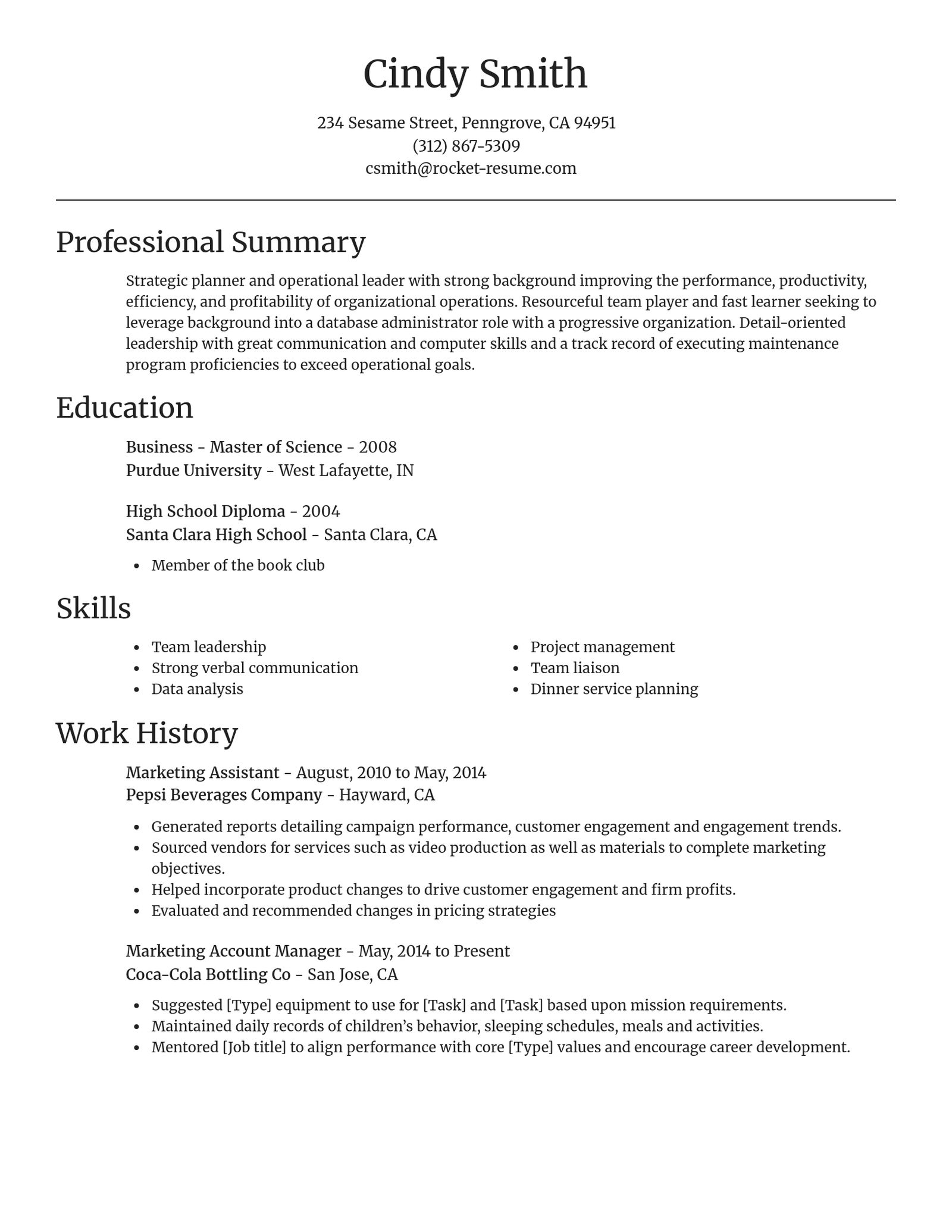
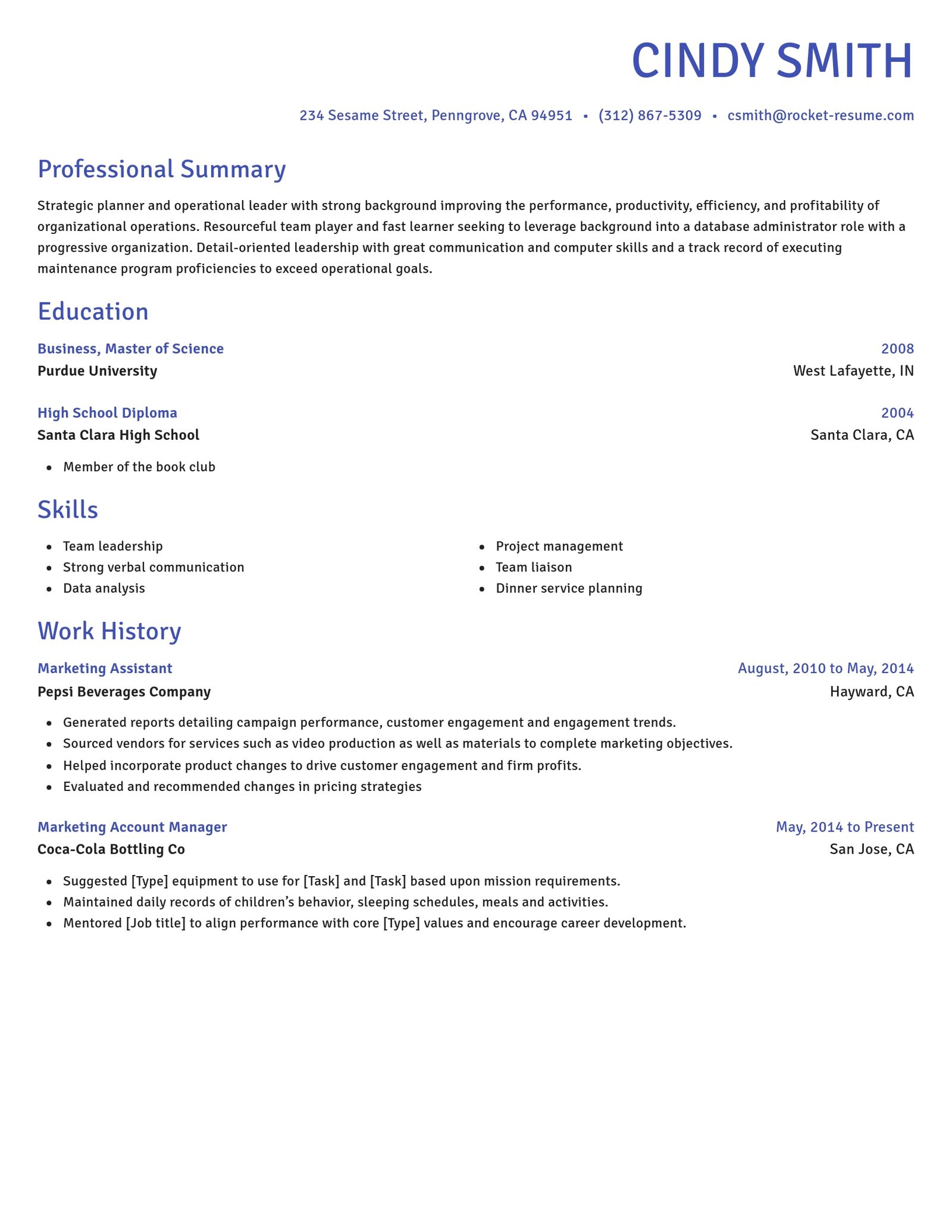
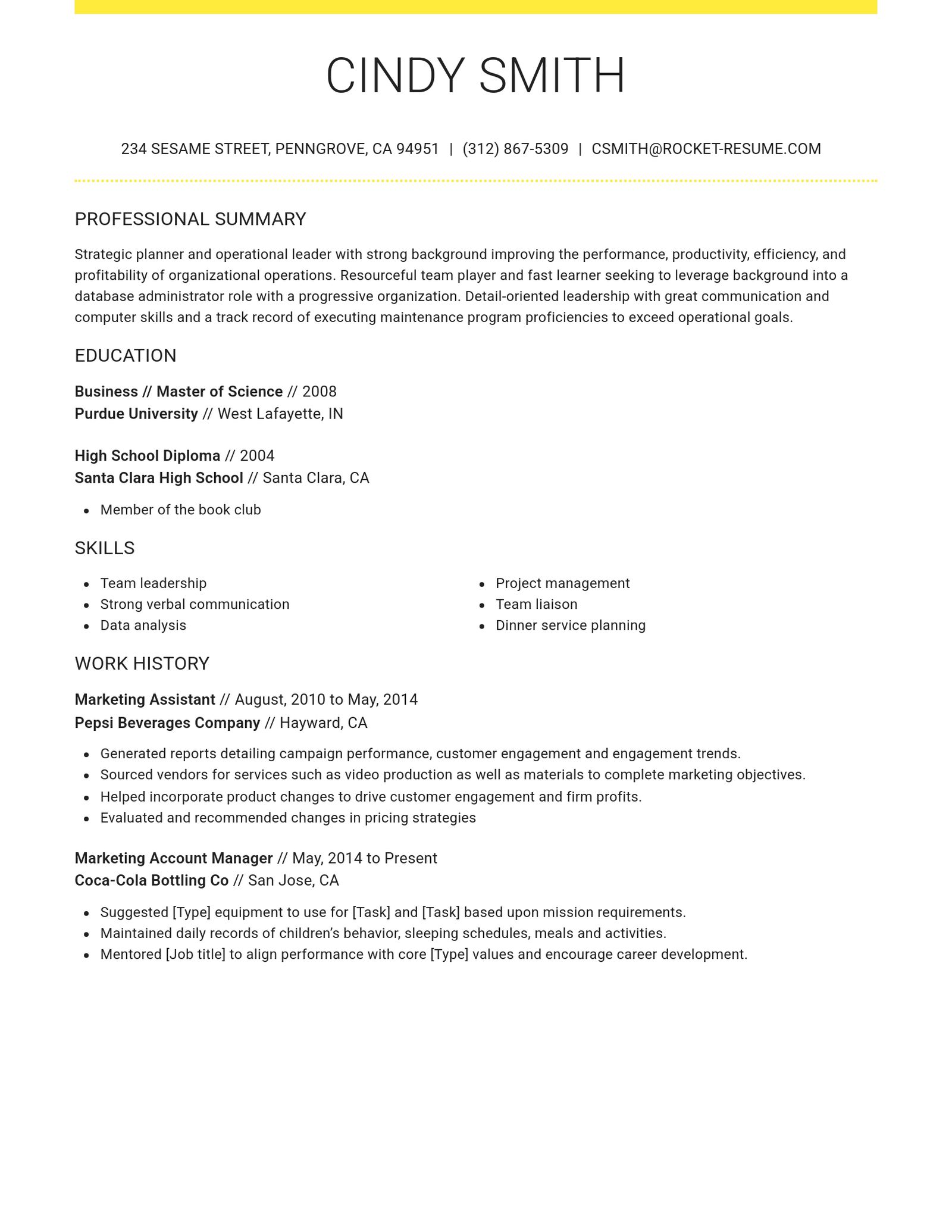
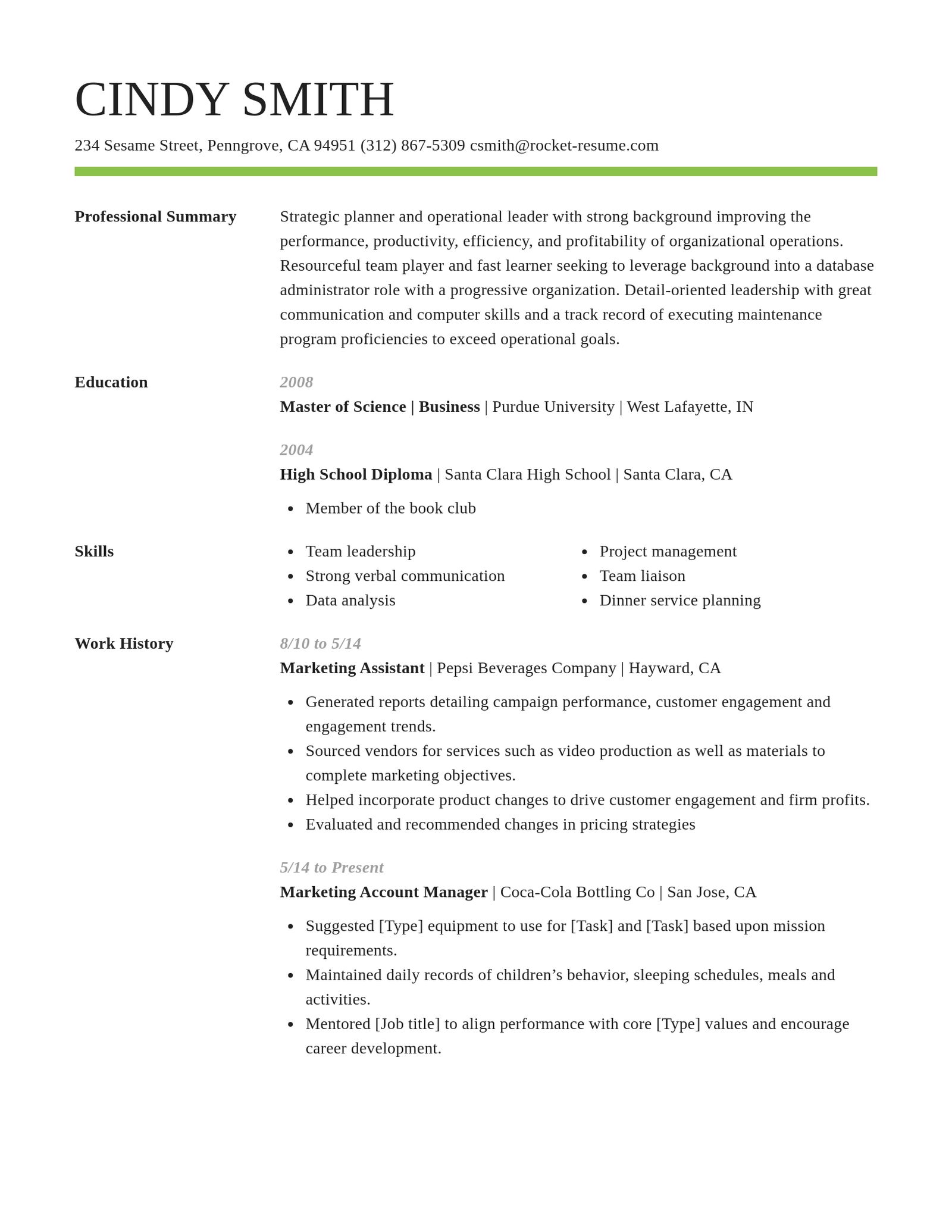
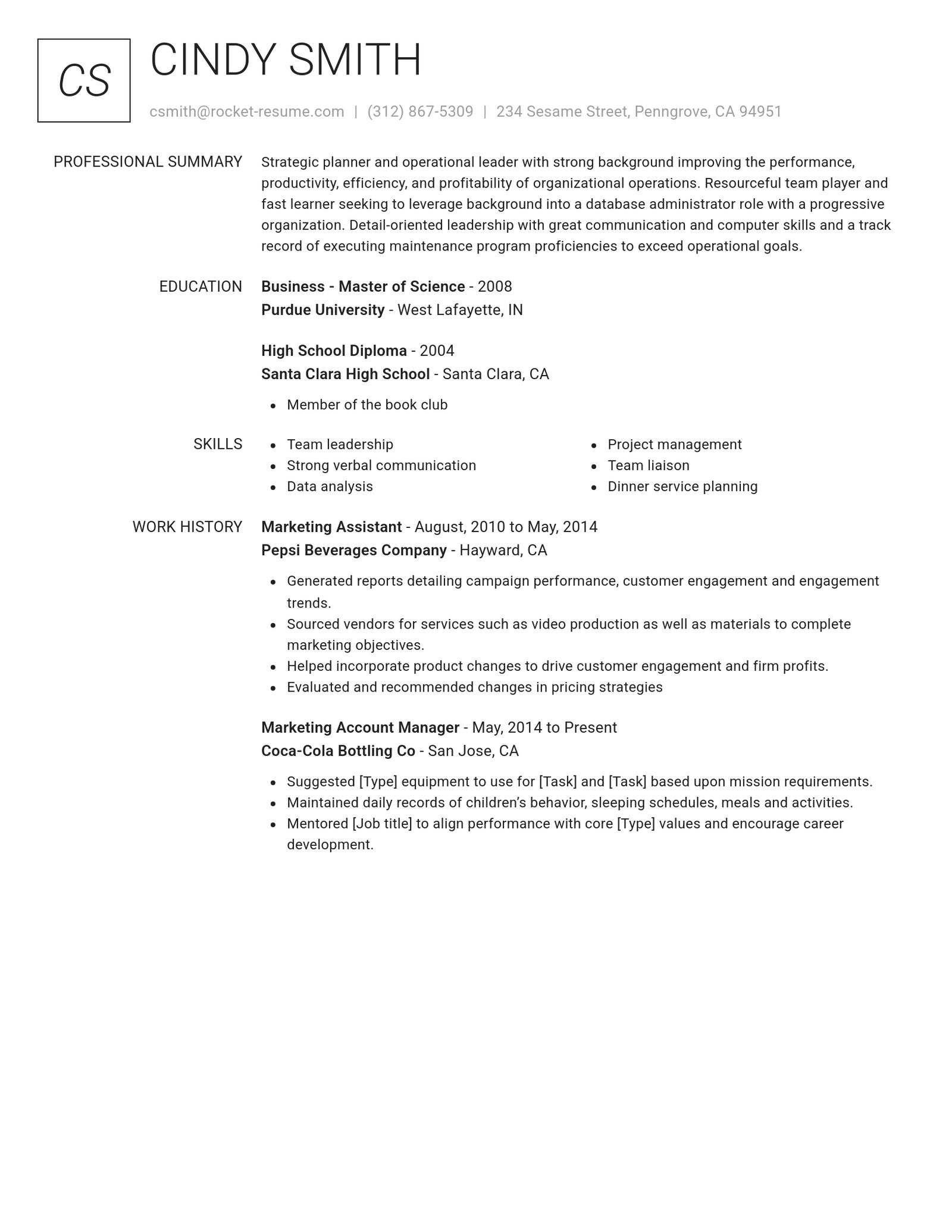
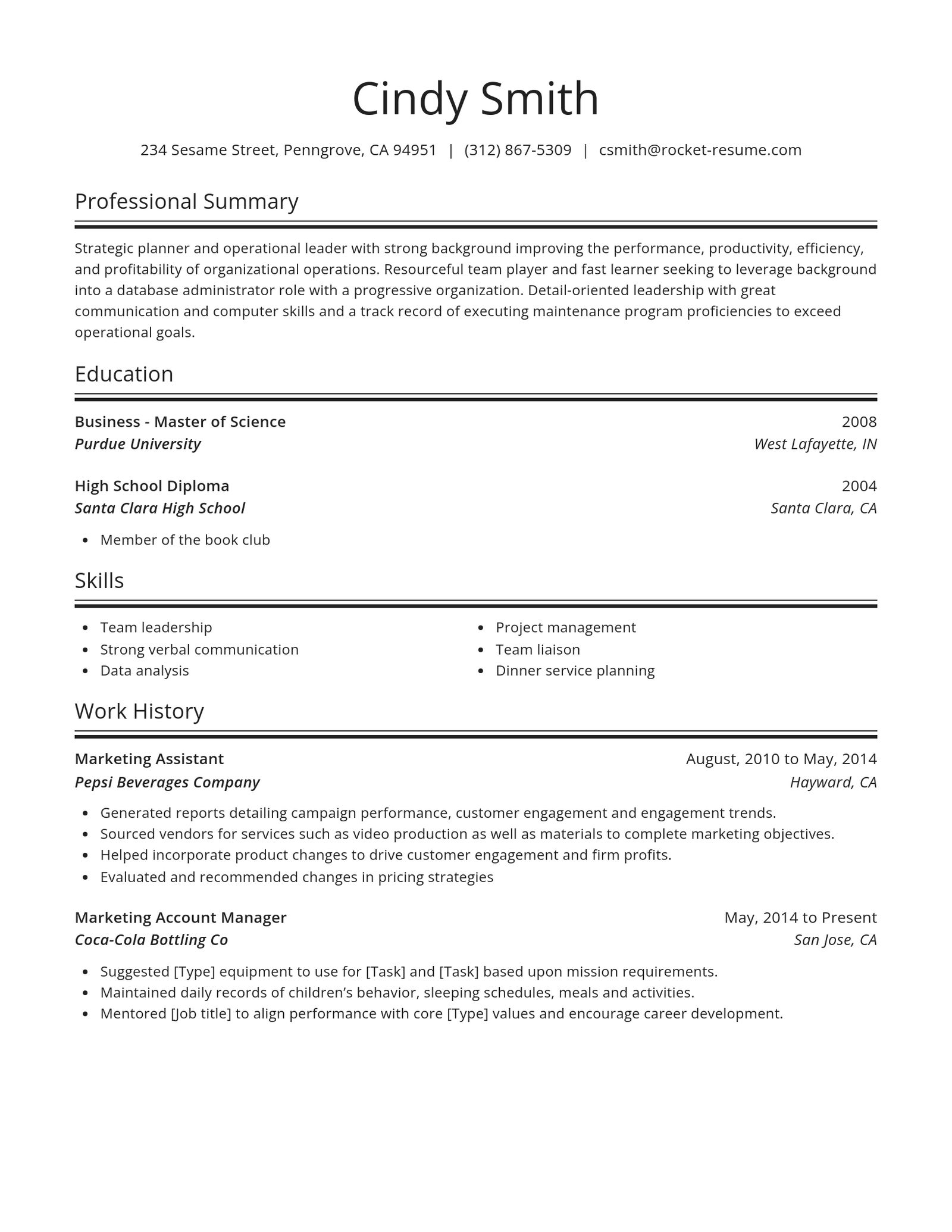
The three resume formats at a glance
Each format puts something different at the top, where readers look first. Our resume format guide covers length and fonts.
- Chronological (also called reverse-chronological)
Your work history follows your summary, latest job first, each with dates. It works best when your jobs build toward the one you want.
- Hybrid (also called combination)
A short skills section sits above your full, dated work history. Use it when you're changing fields or returning after a long break.
- Functional (also called skills-based)
Skill headings fill the page and your jobs shrink to a short list, sometimes undated. The builder makes chronological and hybrid resumes, which keep dates.
Pick a design for your resume


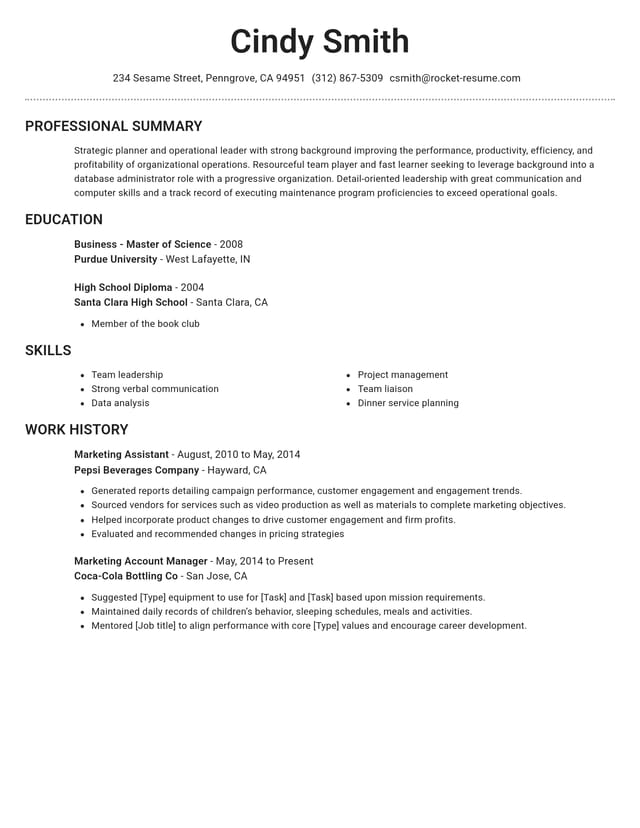
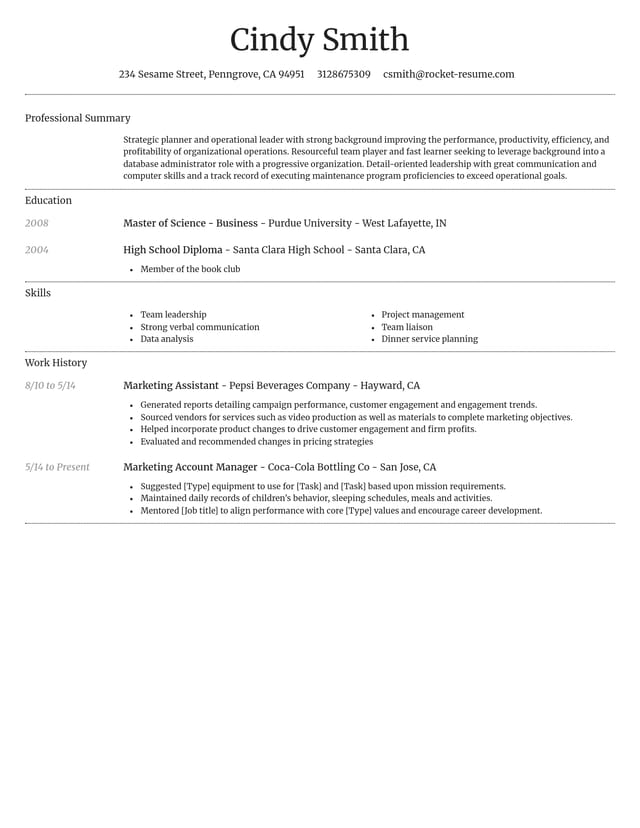
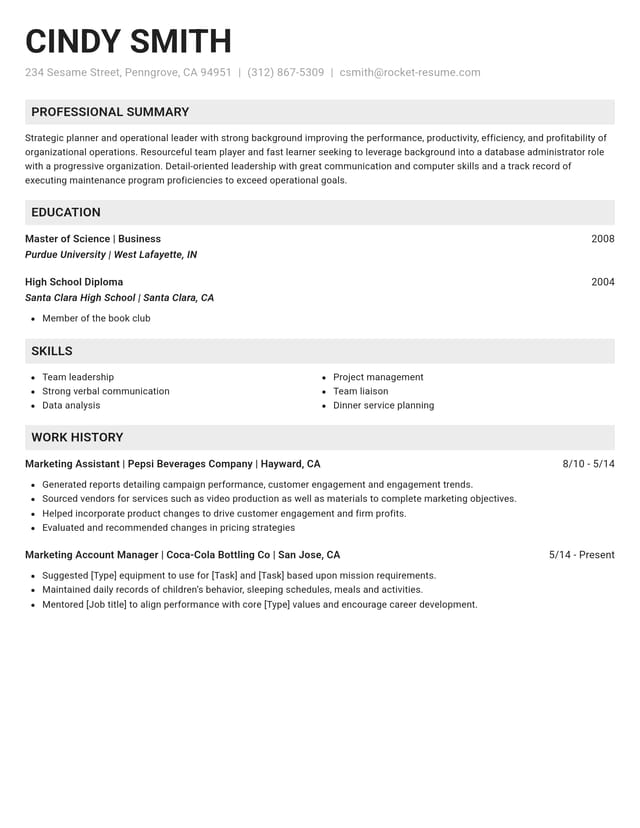
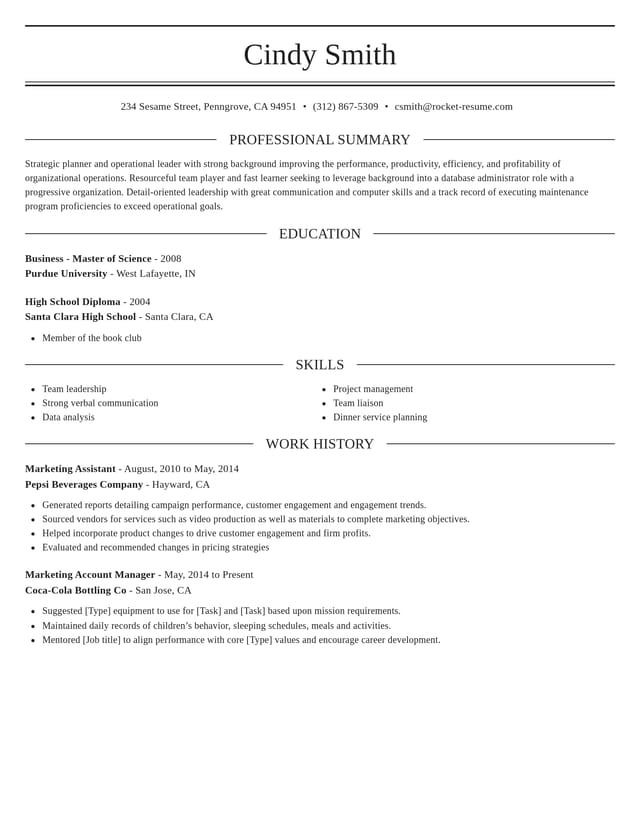
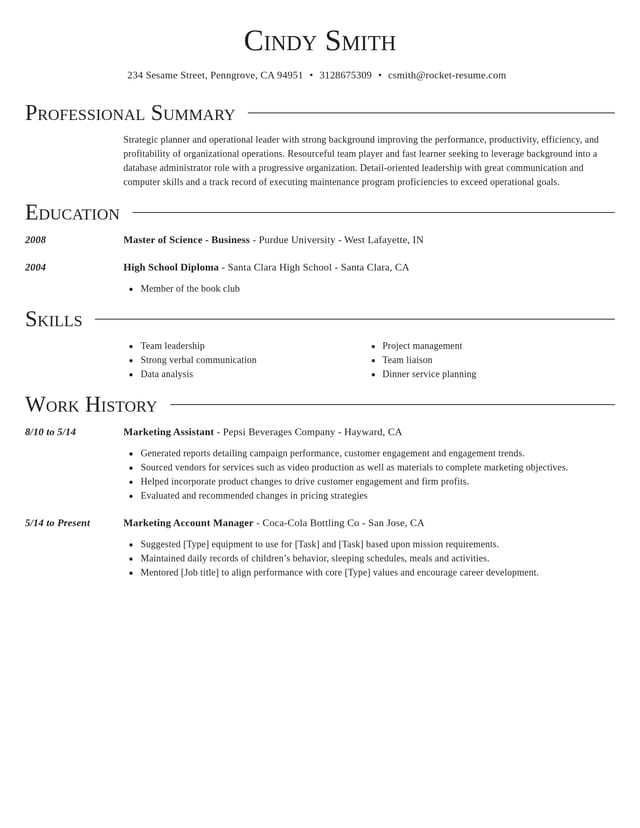
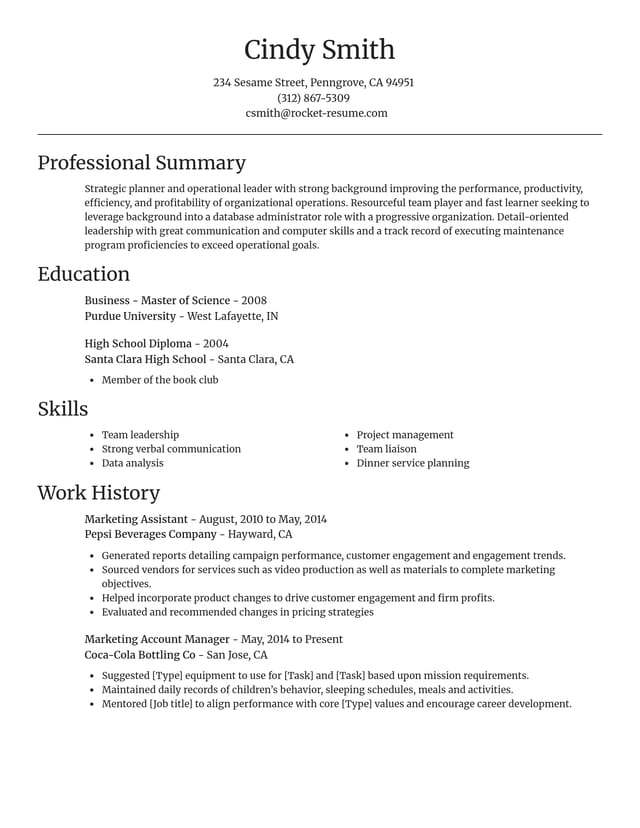
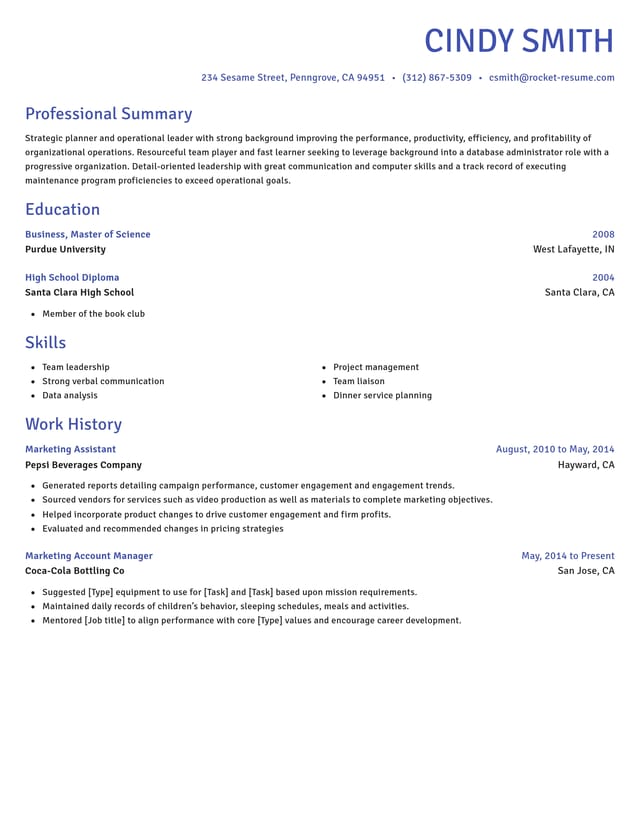
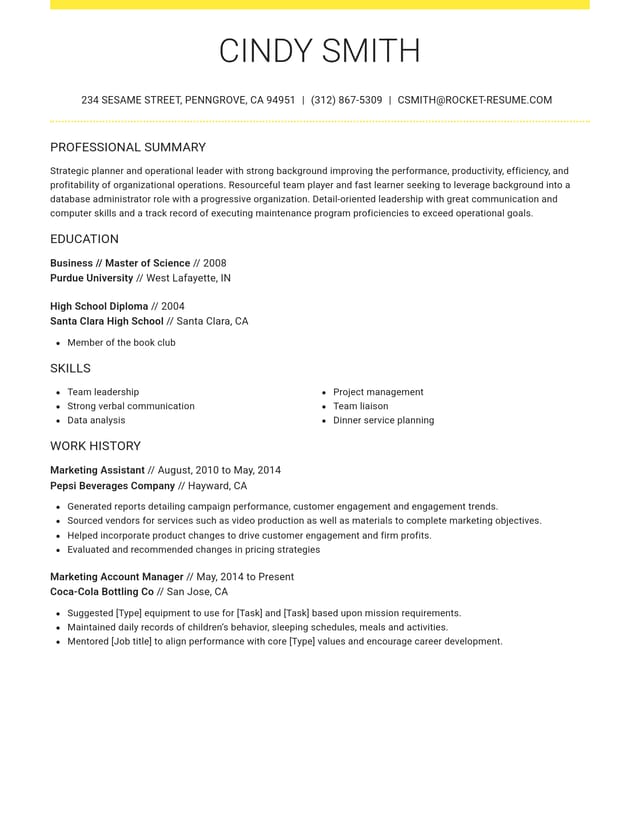
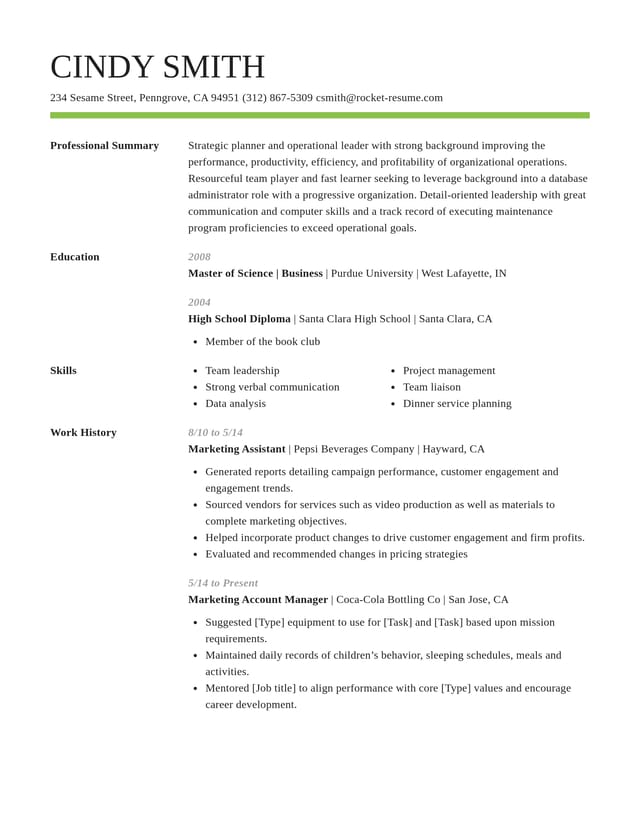
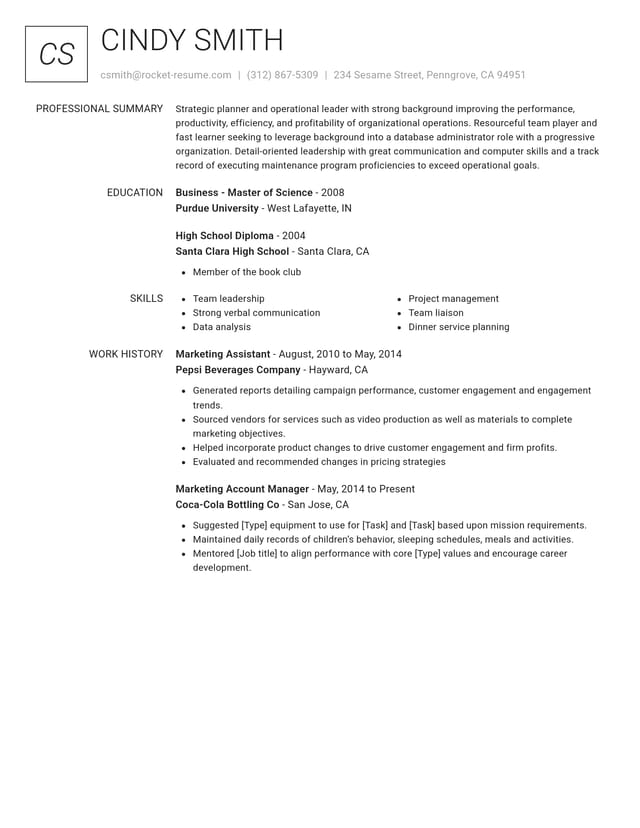
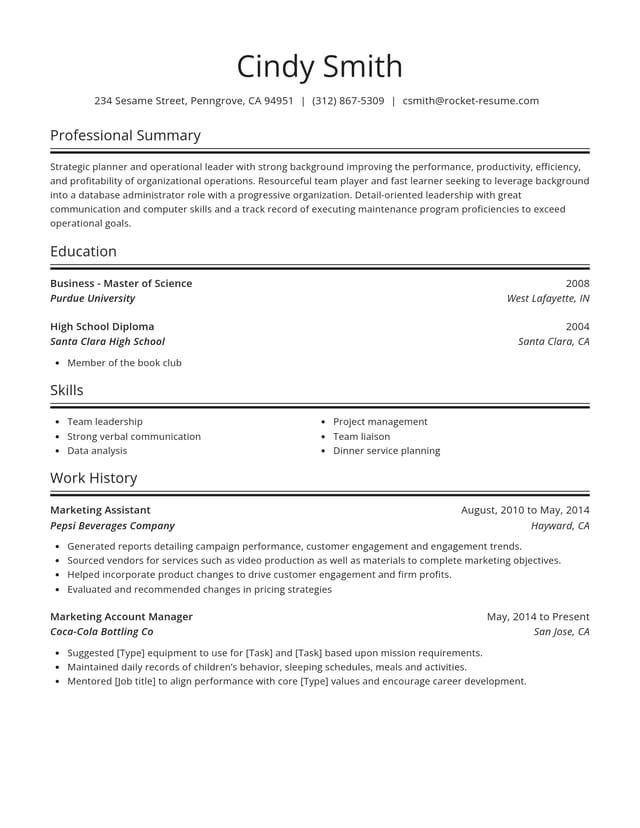
Match a format to your situation
Find the situation closest to yours. For a sample to work from, browse resume examples for your job title.
- You've worked steadily in one field
Use a chronological resume, with your work history right under a short summary.
- You're a student or first-time job seeker
Use a chronological resume with education on top. In the builder, move education above work history.
- You're changing careers
Use a hybrid that opens with skills the new job needs, each tied to something you've done. In the builder, move skills under your summary.
- You're returning after a long break
Use a hybrid and keep every date, so the break shows plainly and nothing looks hidden. Skills go right under your summary.
- Your work is mostly freelance or temp
Use a chronological resume with one dated entry for your business or agency, and list the main clients or assignments as bullets under it.
- You're not sure yet
A hybrid is a chronological resume with the skills moved up, so switching takes no retyping. Start with a chronological resume and decide later.
The same work history in two formats
Renee kept books at Ridgeline for five years, then managed a bike shop. Now she wants accounts payable work. This example is made up.
- As a chronological resume
Under her summary, the first job is Store Manager, Spoke & Chain Cycles, 2021 to present. Her bookkeeping job starts halfway down the page.
- As a hybrid resume
Accounting skills sit under her summary: processing about 150 invoices a month and reconciling accounts for 12 Ridgeline clients. Her jobs and dates don't change.
- Try it with your own history
Build your resume with every job dated, then move skills up to compare both versions.
Set up your format in the builder
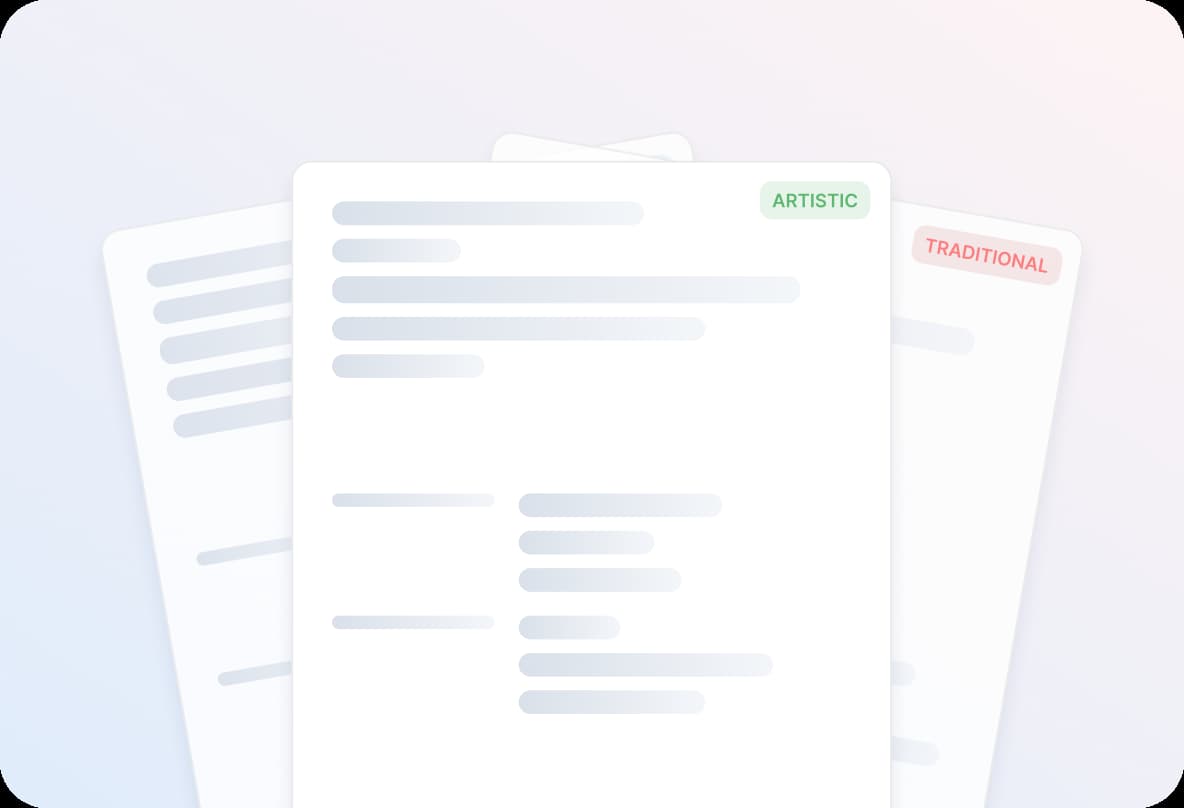
Step 1
Pick a design and add your contact details
Tell the builder your experience level, then pick a design; you can switch later. Your contact details head the page in every format.
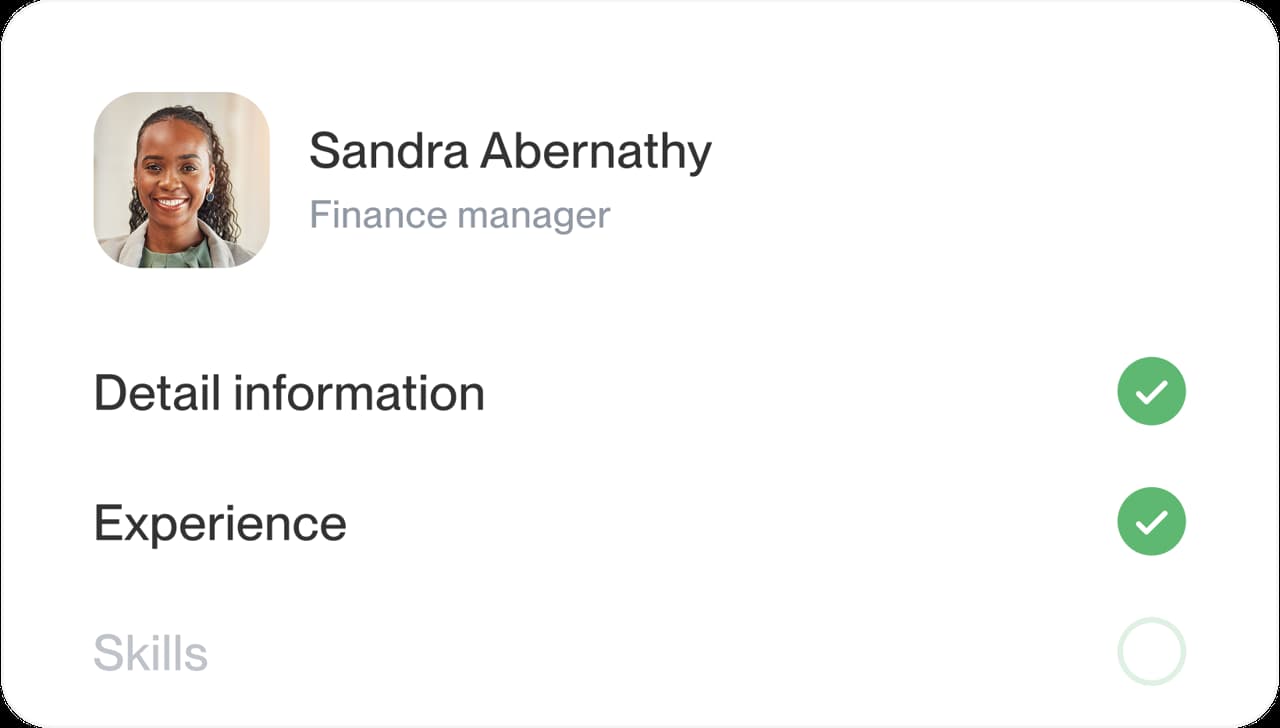
Step 2
List your jobs, latest first
Give each one its employer and dates. Chronological and hybrid resumes both rest on this dated list.
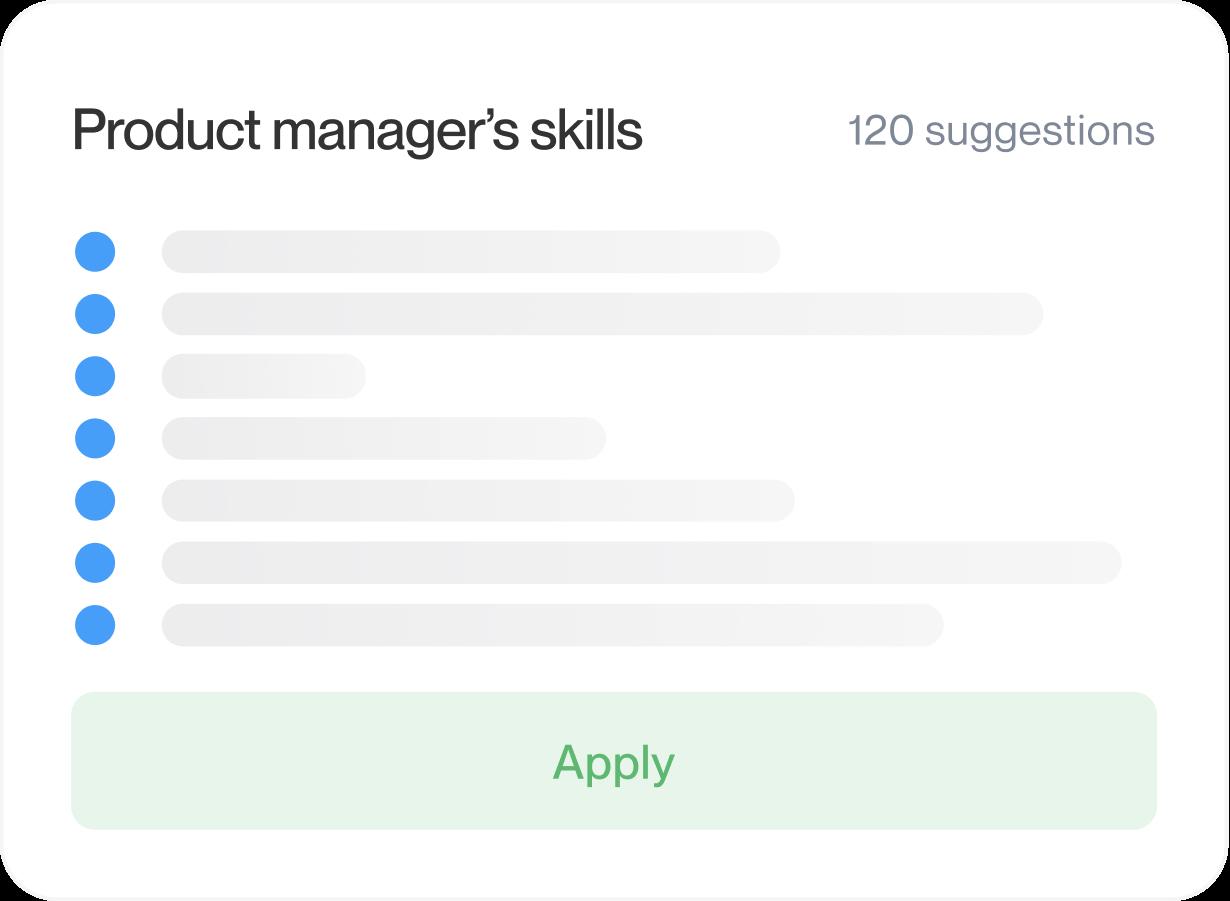
Step 3
Fill in education, skills and your summary
Add your education and skills, then a short summary. Suggested lines for your job title give you a place to start.
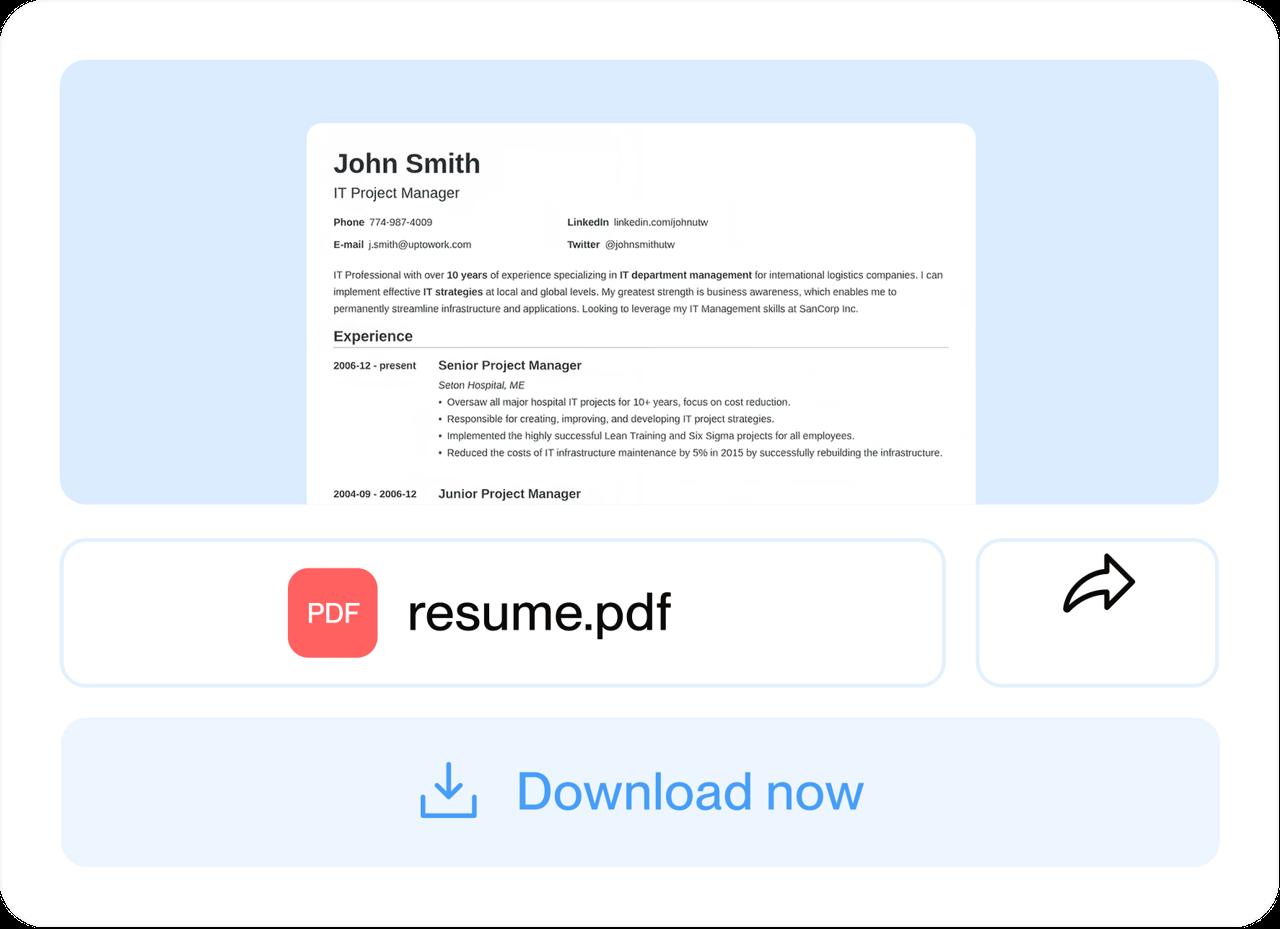
Step 4
Arrange your sections and download
Add any optional sections. Then move skills, education or your summary until the top of your resume matches your format, and download your PDF.
Step 1
Pick a design and add your contact details
Tell the builder your experience level, then pick a design; you can switch later. Your contact details head the page in every format.
Step 3
Fill in education, skills and your summary
Add your education and skills, then a short summary. Suggested lines for your job title give you a place to start.
Step 2
List your jobs, latest first
Give each one its employer and dates. Chronological and hybrid resumes both rest on this dated list.
Step 4
Arrange your sections and download
Add any optional sections. Then move skills, education or your summary until the top of your resume matches your format, and download your PDF.
Questions people ask about resume formats
What are the three main types of resume formats?
Chronological, hybrid (also called combination) and functional. Chronological lists your latest job first, a hybrid puts a few skills above your dated jobs, and functional groups your experience by skill and plays down dates.
How many resume formats are there?
Three, if you count structures: chronological, hybrid and functional. Longer lists add a section (a resume profile), a tailoring habit (a targeted resume) or a visual style (infographic resumes), and none of them changes the order your information follows.
What is the recommended format for a resume in 2026?
Chronological, for most people: latest job first, with dates on every entry. Switch to a hybrid when your recent jobs don't show what you can do next, often after a career change or a long break.
Which resume format do applicant tracking systems handle best?
Generally chronological and hybrid resumes, because every job sits under a standard heading with its title, employer and dates.
A functional resume plays those details down. No format is a sure thing, since employers set up their systems differently.
How do I show a long break from work on my resume?
Use a hybrid so your skills come first, and keep the real dates on each job. Explain the break in one line, in your summary or as its own entry: "Career break: full-time parent, 2021–2024."
What format should a resume be in?
Usually chronological, in a clean design, as a PDF unless the posting asks for another file. Ours are US Letter PDFs. A "resume format template" is usually just a design, so pick any clean one you like.
What to do if a job asks for a Word file

Start building in the format that fits you
Choose a design, add your jobs with their dates, and arrange your sections for a chronological or hybrid resume.
What job seekers say about the builder
from 4,000+ reviews