How to build a resume
See what each part of a resume needs to prove, from your contact line to the extras, on one worked example. Then build yours with expert suggestions and ATS-friendly templates.
- A guided screen for each main section
- AI-enhanced expert help with your wording
- ATS-friendly templates you can switch
- From blank page to resume in under 10 minutes

Mitchel D.
Jan 2024
“A fantastic source for resume building.”

Pablo
Jul 2022
“I really appreciate all the great tools”

Tracy A.
Mar 2026
“User-friendly, I would recommend it to others.”

Jason B.
Feb 2025
“A great website, I got a job.”
from 4,000+ reviews


How to build a resume from the top of the page down
To build a resume, work from the top of the page down and give each part one thing to prove. Your contact line shows how to reach you, the summary shows you fit the role, your work history and skills show you can do the job, and education and extra sections cover any requirement still open. Many openings draw hundreds of applications (the hiring research has the figures), so a page where each part has a clear job is quicker to judge. The examples follow one person, Sam, a solar installer applying to lead an installation crew.
What goes at the top of a resume?
Your name, then a single line that tells an employer how to reach you and where you're based: a phone number you answer, an email address, and your city and state. For crew work the city carries extra weight, because it tells a hiring manager whether the job sites are within reach. Sam's name sits on the first line, and the second reads 559-555-0176 | sam.rivera@example.com | Fresno, CA. In the builder, this is the first screen after you pick a design.
What should a resume summary prove?
That you're ready for the job in the posting, even when your current title says otherwise. Sam is an installer applying to be a crew lead, so his summary opens with the leading he has already done: "Solar installer with eight months as acting crew lead on residential rooftop jobs. More than 300 systems installed with no failed inspections. NABCEP PV Associate certified." Every claim in it is backed up further down the page, which is what the next parts are for.
What does my work history need to show?
That you've already done the core of the job you want. For a step up, that means the bullets about leading come before the ones about doing. Under his current job (Solar Installer, Example Solar Co., April 2021 to present), Sam's first bullet reads "Ran a three-person crew as acting lead for eight months, finishing every scheduled install on time." His install count follows it.
In the builder, type your job title on the work history screen and pick from the expert suggestions for that title, then swap in your own numbers. To see how others in your trade describe the same work, browse resume examples by industry. For the wording of each line, how to write a resume walks through it with before-and-after rewrites.
What belongs in a resume's skills section?
The specific tools, methods and codes your bullets don't have room to name. Sam lists inverter installation, roof-mount racking, panel wiring and National Electrical Code requirements. A lead role adds the skills of running the work as well as doing it, so crew scheduling and job-site safety briefings go on his list too, since he handled both while acting lead.
How much space does education need?
Only as much as the job asks of it. Sam's posting asks for a high school diploma, so his education takes one line, and the training a solar employer weighs more heavily goes under Certifications instead. If a degree is the strongest thing you bring, give it more room; what to put on a resume covers what an education section can hold.
Which extra sections should I add?
Only those that prove a requirement the main sections leave open. After the summary, the builder offers four optional sections: Certifications, Accomplishments, Affiliations and Additional Information. Sam's posting requires NABCEP PV Associate and OSHA 30-Hour Construction, so Certifications goes in, and on the builder's final screen he drags it up to sit right below his work history. The posting also wants someone who can talk homeowners through a new system in Spanish, so a line about his Spanish goes under Additional Information. Accomplishments and Affiliations stay off, since the posting doesn't ask for either.
Build each part in Rocket Resume's builder
Each main part gets a screen of its own: contact details first, then work history, education, skills and the summary, with the optional sections after them. AI-enhanced expert suggestions give you a start on every job you add, and the final screen shows your whole resume so you can set the sections in the order that suits the job. Every one of the templates below is ATS-friendly, switching designs keeps your text, and the FAQ covers common questions about the build.
- Give your experience level, then choose the design you'll start from.
- Work through each screen, picking suggested lines for every job you add.
- Reword anything that doesn't sound like you and drag your strongest sections higher.
- Read the finished page once more, download it and apply.
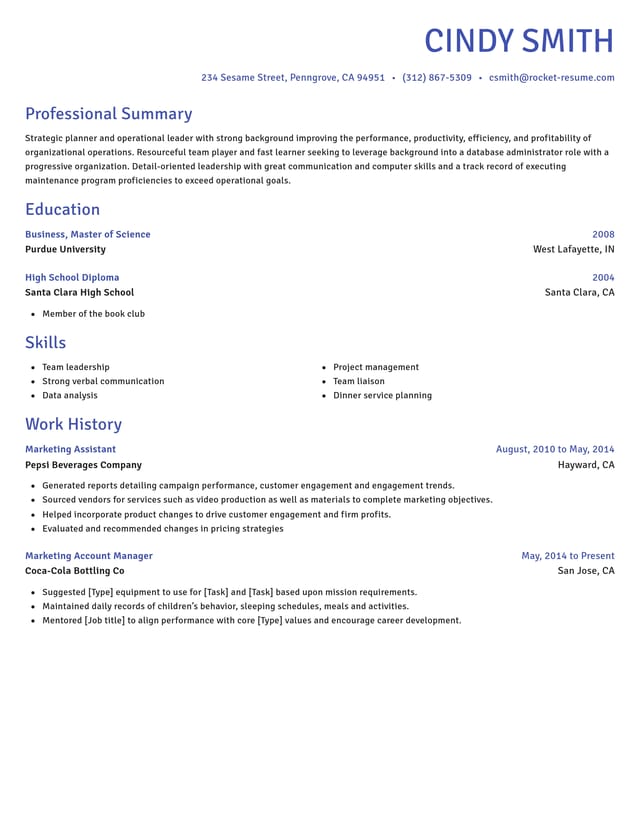
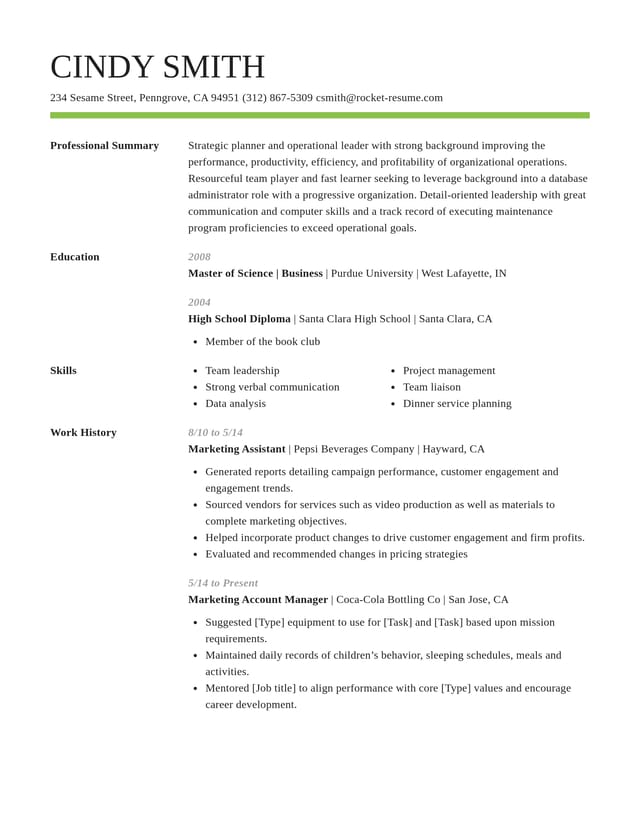
Choose the template your sections go into


What the builder does at each screen
Layout handled for you
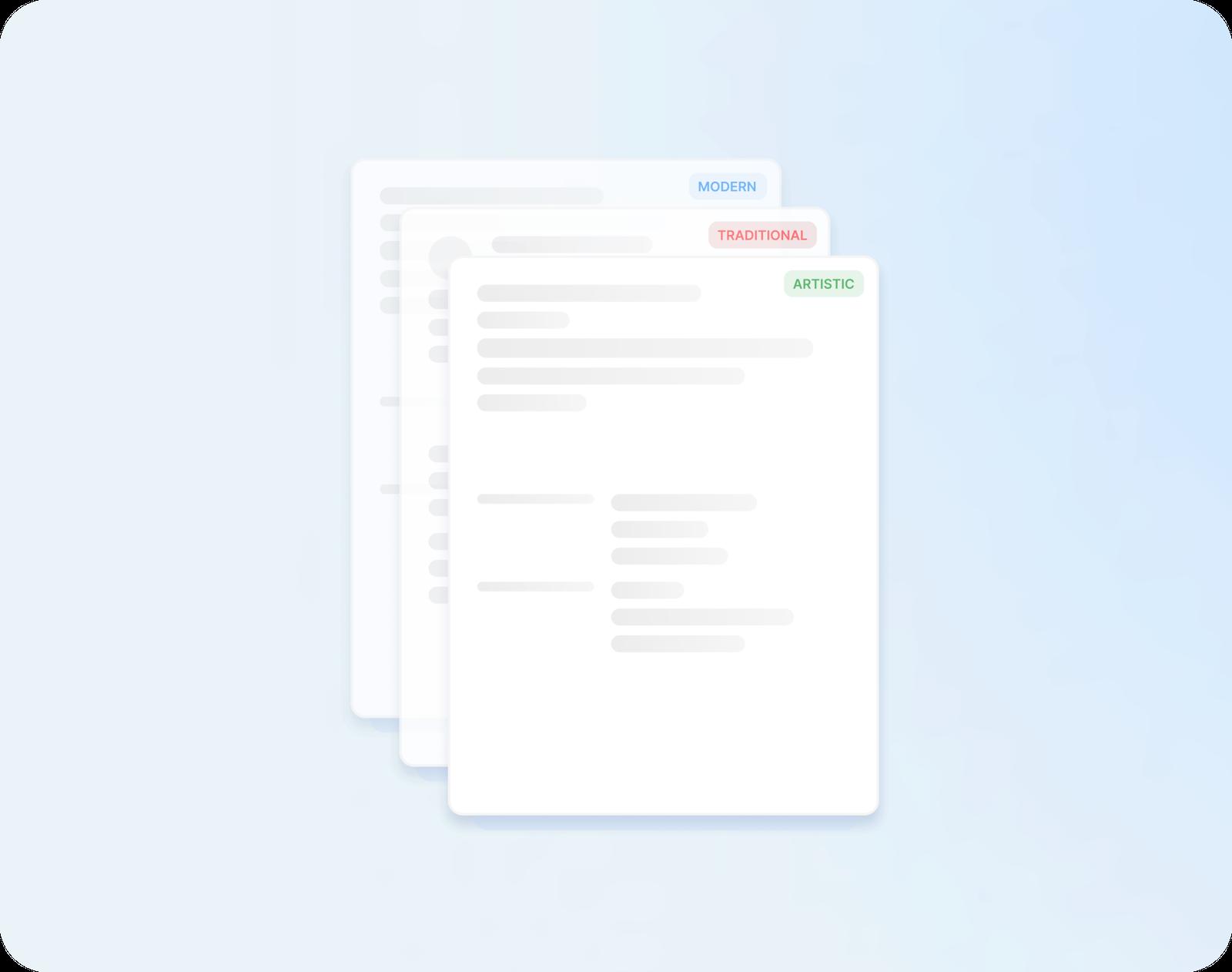
Modern, traditional or creative, each design sets spacing and alignment for you, and trying another keeps every word you've typed.

A head start on every bullet
Pick from AI-enhanced expert suggestions for every job title you enter, then change the details to match what you actually did.

Headings already in place
Each design sets out every section, from your summary to the extras, under its own heading in a clean order. You just add your lines.

Edit and rearrange as you go
Reword a line or drag a section to a new spot. Your changes show on the page as you make them.
What hiring looks like when your resume arrives
“This service is amazing, a customer for life.”

“We come back to Rocket Resume, it's the best!”

Common questions as you build a resume
In what order does the builder ask for each section?
After the experience question and the design picker, the screens run contact details, Work History, Education, Skills and Professional Summary. Optional sections such as Certifications or Accomplishments come next, followed by a final screen where you can drag sections into a new order.
What does the builder's experience question do?
It decides whether you see one more question before the designs. If you choose 3 or less years, the builder asks about your education first; if you choose no experience, you go straight to picking a design. Either way, your answer leaves the resume page itself as it is.
What is a reverse-chronological resume?
A resume that lists your jobs from newest to oldest, so your current or latest role sits first under Work History. A recruiter sees your present role straight away, then the path that led to it.
Where should a required certification go on a resume?
In a Certifications section of its own, moved up to sit right under your work history, as Sam does with his NABCEP and OSHA 30-Hour credentials. When a credential is only a bonus, the section can follow education instead.
Can I change a section after I've built my resume?
Yes. Your resume stays stored in your account, so you can reopen any section later to reword or move it, and the page reflects each edit. A switch to another template brings all your text along.
Build from an example in your field
Featured this week
 5 examples
EHS Manager · Sustainability Manager · Health and Safety Officer



 21 examples
Mental Health Counselor · Behavioral Health Technician · Life Coach
- 162 examples
- 6 examples
- 31 examples
- 6 examples
- 9 examples
- 40 examples






Show all 45 industries (A–Z)Show fewer
- Aerospace & Defense, 8 examples
- Agriculture, 23 examples
- Apparel & Textiles, 13 examples
- Architecture, 15 examples
- Artificial Intelligence, 6 examples
- Arts & Entertainment, 24 examples
- Automotive, 21 examples
- Beauty & Personal Care, 17 examples
- Biotechnology & Life Sciences, 7 examples
- Business Services, 31 examples
- Chemical Engineering, 4 examples
- Construction, 107 examples
- Creative, 15 examples
- Education, 99 examples
- Energy, 40 examples
- Environmental Science, 5 examples
- Finance, 67 examples
- Food & Beverage, 68 examples
- Government, 48 examples
- Healthcare, 162 examples
- Hospitality, 36 examples
- Human Resources, 18 examples
- Insurance, 10 examples
- Legal, 12 examples
- Logistics, 39 examples
- Manufacturing, 68 examples
- Marketing, 18 examples
- Media, 20 examples
- Military, 24 examples
- Mining & Metals, 9 examples
- Nonprofit, 8 examples
- Pharmaceuticals, 12 examples
- Public Relations, 10 examples
- Real Estate, 7 examples
- Retail, 39 examples
- Robotics, 11 examples
- Security Services, 19 examples
- Social Services & Counseling, 21 examples
- Social Work, 22 examples
- Sports & Fitness, 96 examples
- Technology, 68 examples
- Telecommunications, 6 examples
- Tourism & Travel, 8 examples
- Transportation, 38 examples
- Veterinary, 9 examples
Don’t see your job title?

Notes from people who used our builder
from 4,000+ reviews