Free resume maker with
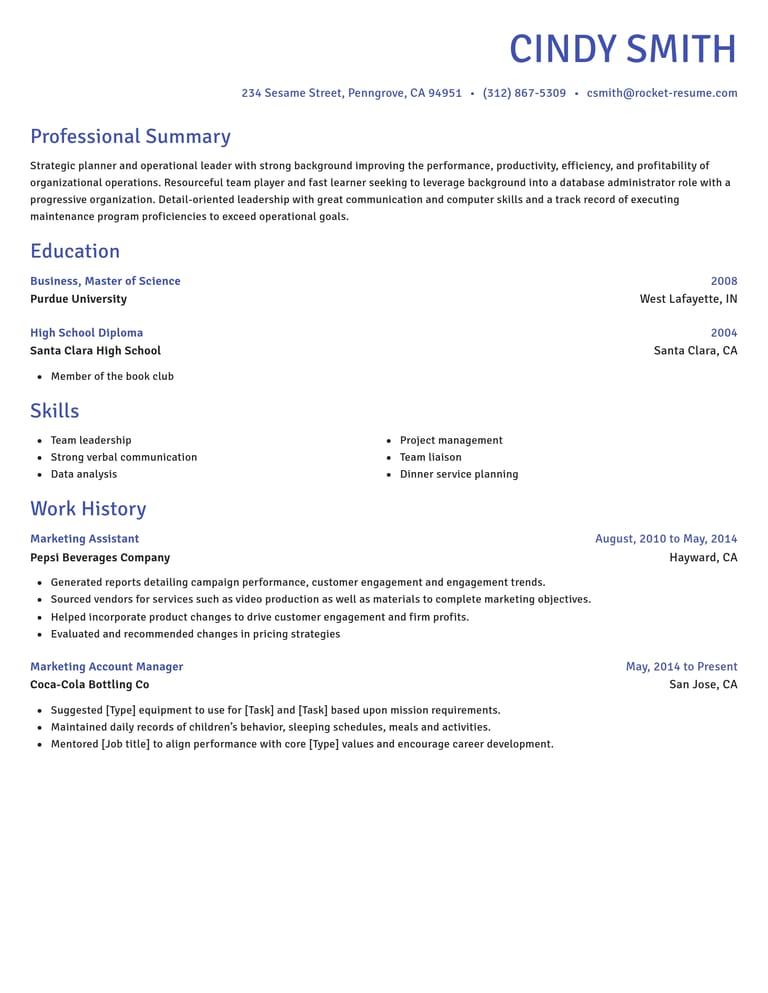
Rocket Resume is a free resume maker: choose any template, add resume examples for each job and see the finished page take shape as you work.
- Make every section for free
- Any template, switch anytime
- Resume examples for your job
- A live preview of the finished page

Danny
Apr 2023
“I'll recommend it to friends and family.”

Dayani F.
Jan 2025
“Everything about this tool is amazing, I love it”

Kelvin P.
Jul 2025
“You guys were amazing, I got a new job.”

John W.
Nov 2022
“You made my resume professional”
from 3,900+ reviews



What the free resume maker gives you
Choose a template, get help describing your work and check the resume as you make it.
- Suggestions for your job
Enter a job title and choose suggestions that fit your experience. Change the details to match what you actually did.
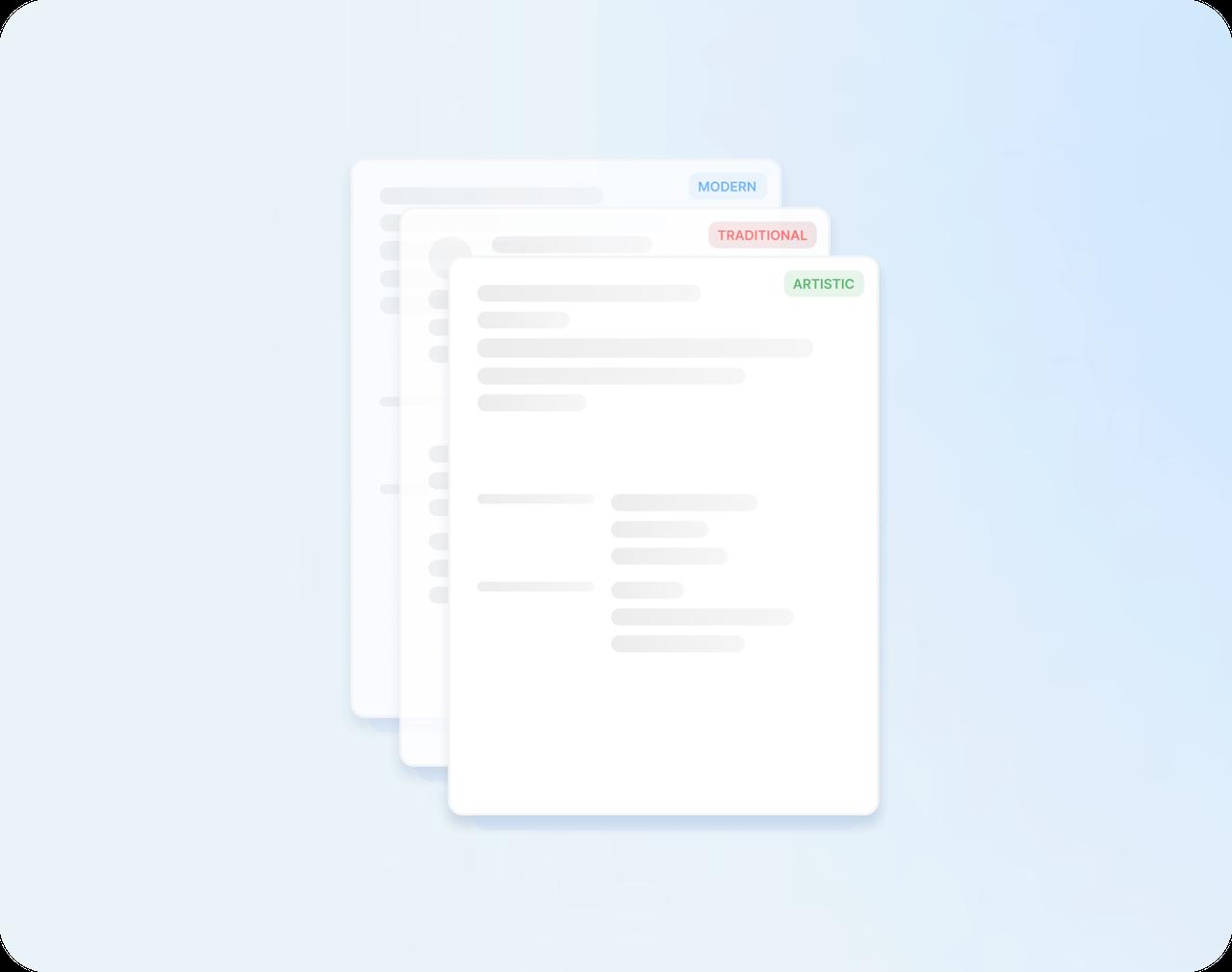
- Designs that look sharp
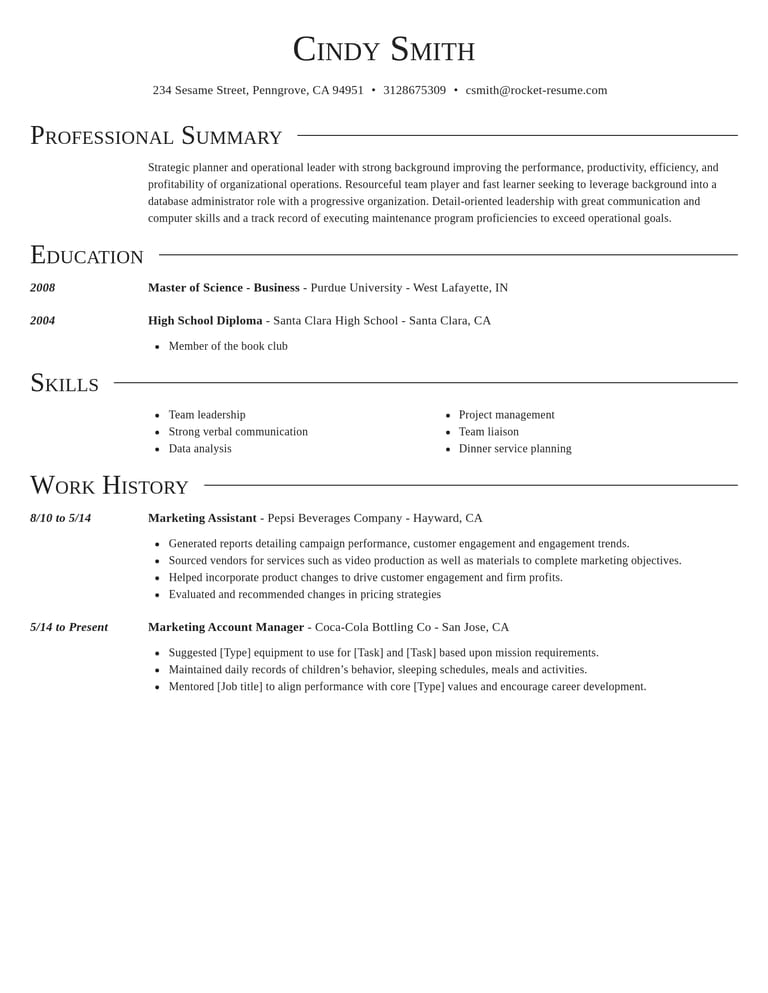
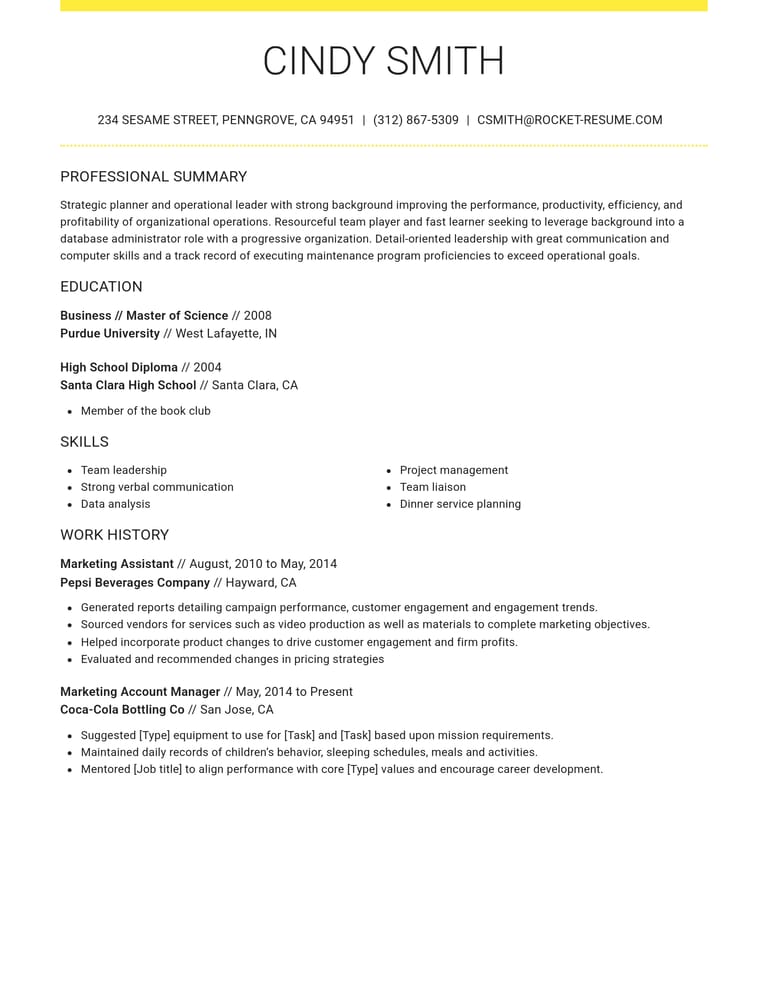
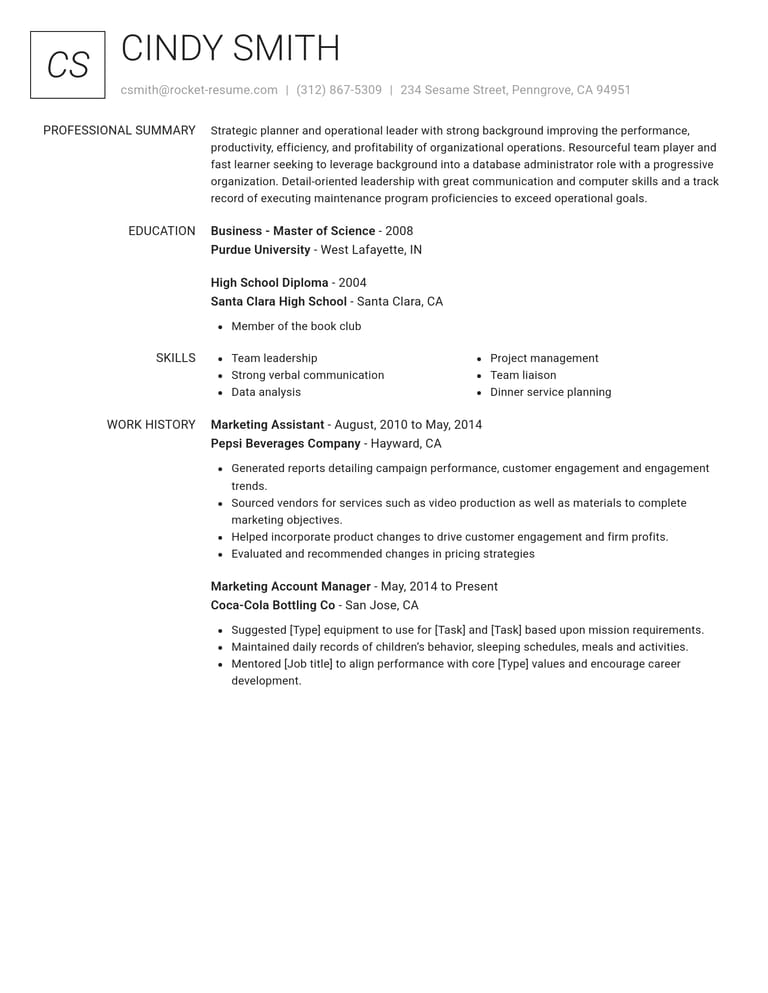
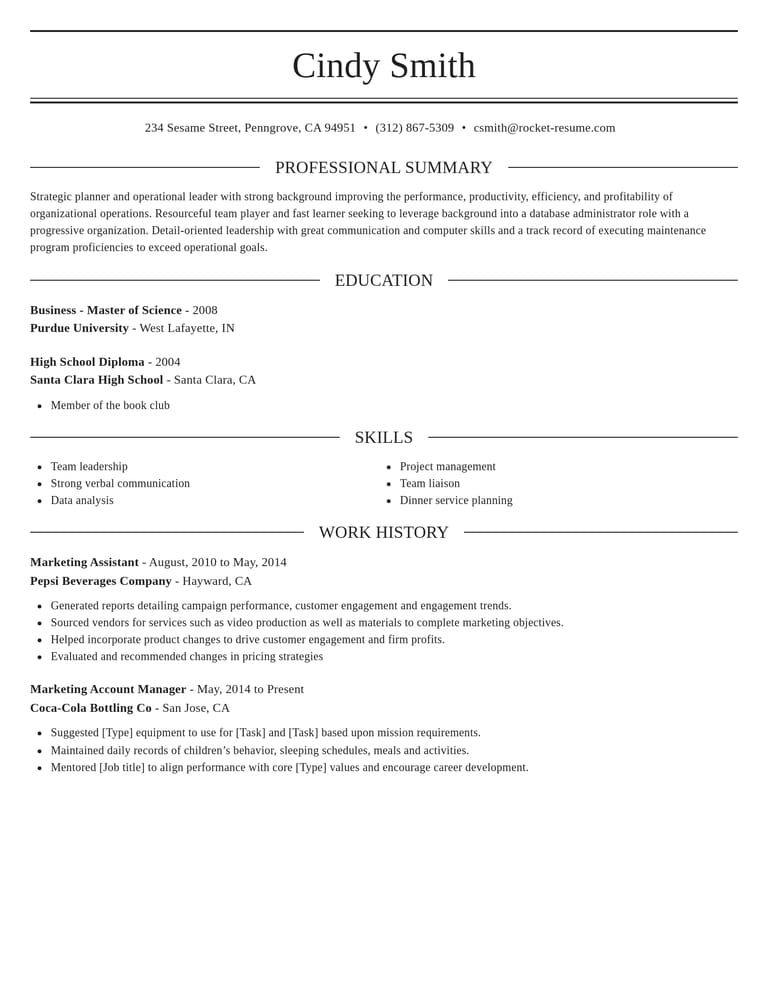
Modern, traditional and creative designs keep your spacing and fonts consistent while you focus on the words.
- See it before you download
The preview shows the finished page as you work, so you can fix anything that's off before you download.
- Saved for later
Save your resume to your account and come back to it whenever you're ready to keep going.
How the free resume maker works
Step 1
Choose where to begin
Tell us how long you've been working, then choose a design that suits the job you want.
Step 2
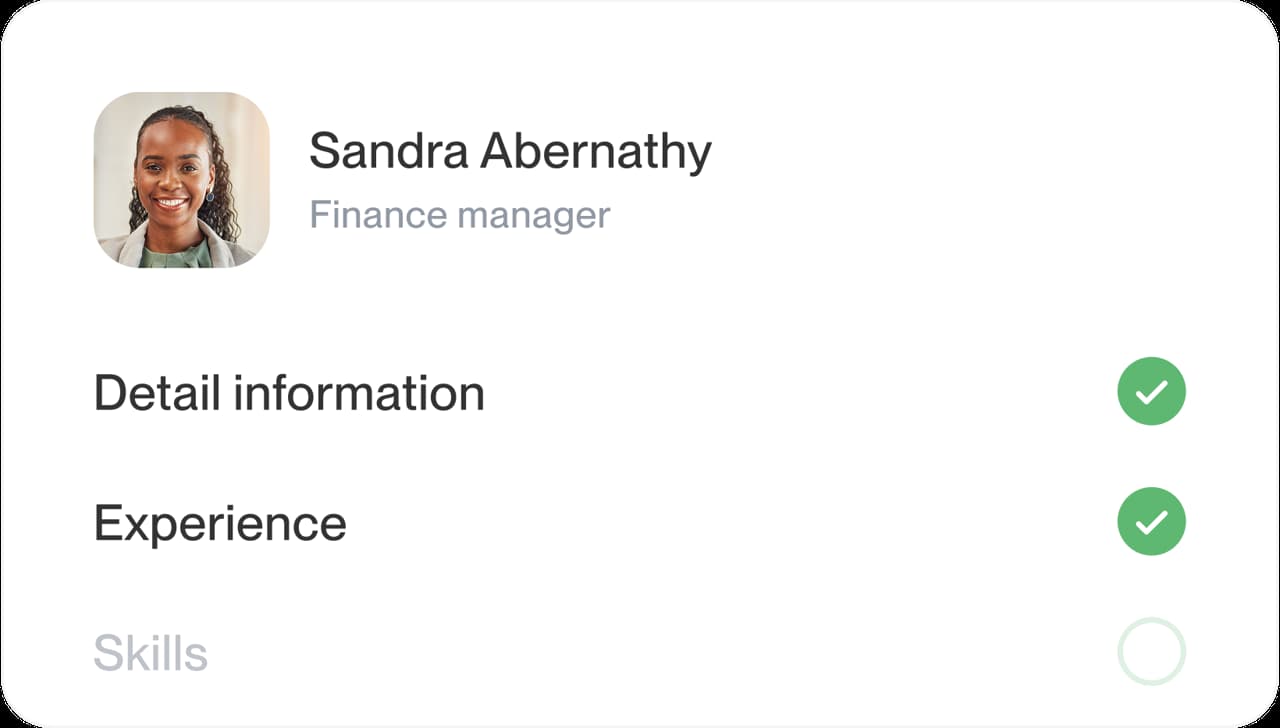
Work through each part
Fill in contact details, jobs, education and skills, adding suggestions wherever they save you time.
Step 3
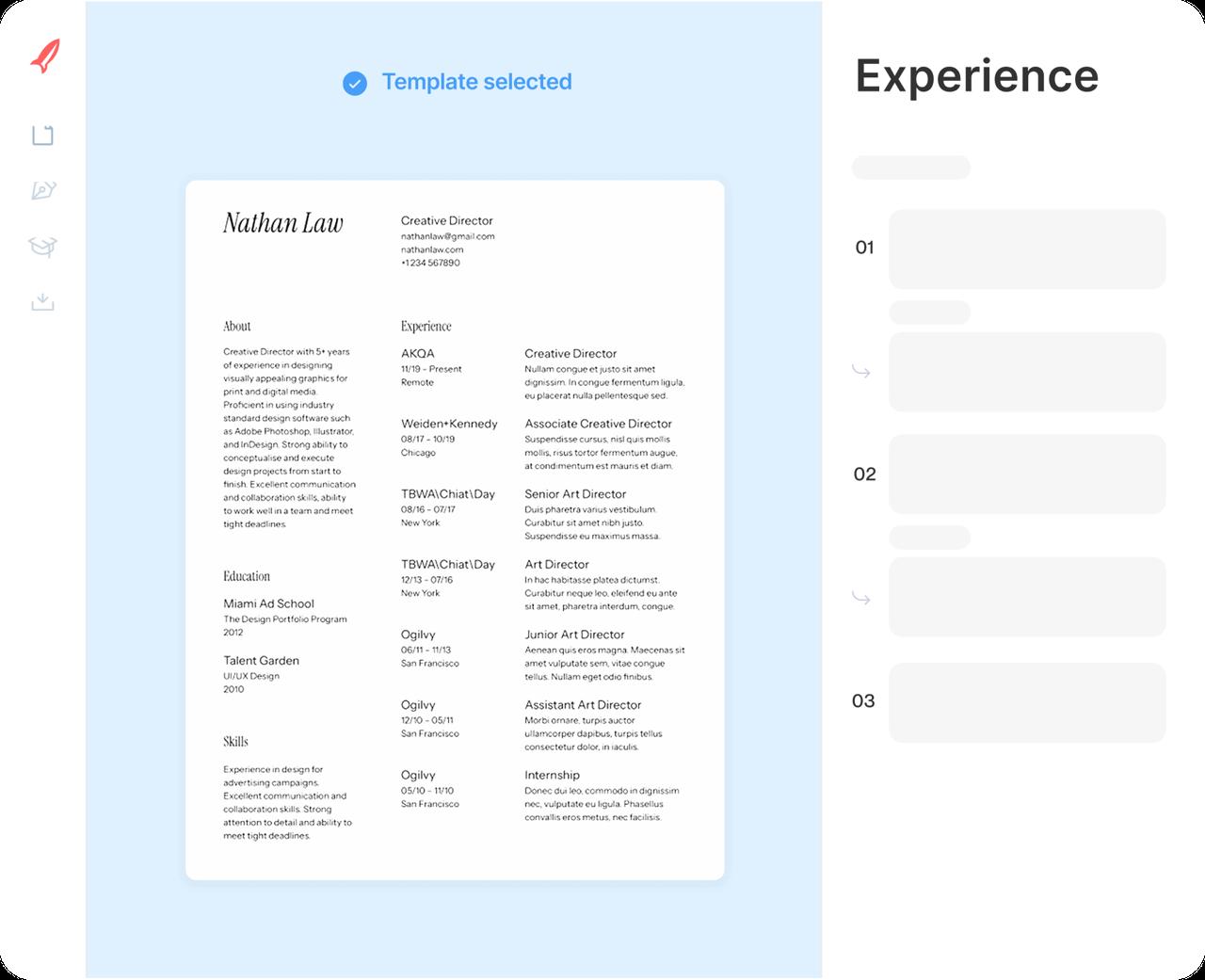
Check the preview
Read the whole resume, go back to any section and fix what needs it.
Step 4
Download when it reads right
Read it once more, then download your resume and attach it to your application.

Step 1
Choose where to begin
Tell us how long you've been working, then choose a design that suits the job you want.
Step 3
Check the preview
Read the whole resume, go back to any section and fix what needs it.
Step 2
Work through each part
Fill in contact details, jobs, education and skills, adding suggestions wherever they save you time.
Step 4
Download when it reads right
Read it once more, then download your resume and attach it to your application.
Pick a free design to start
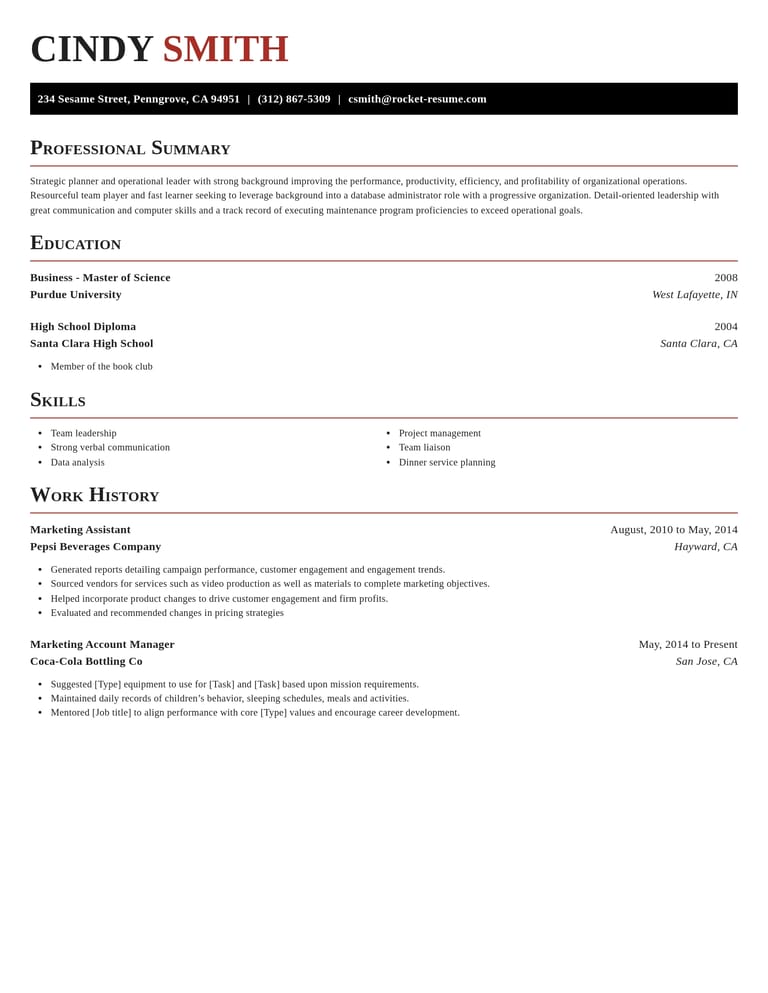
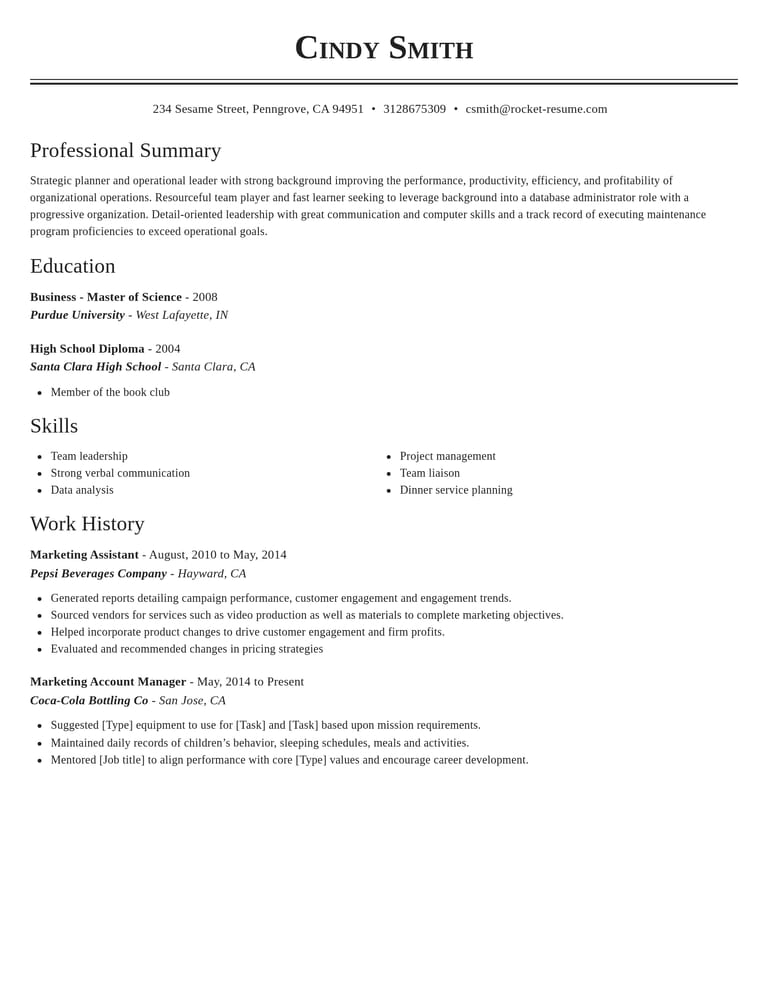
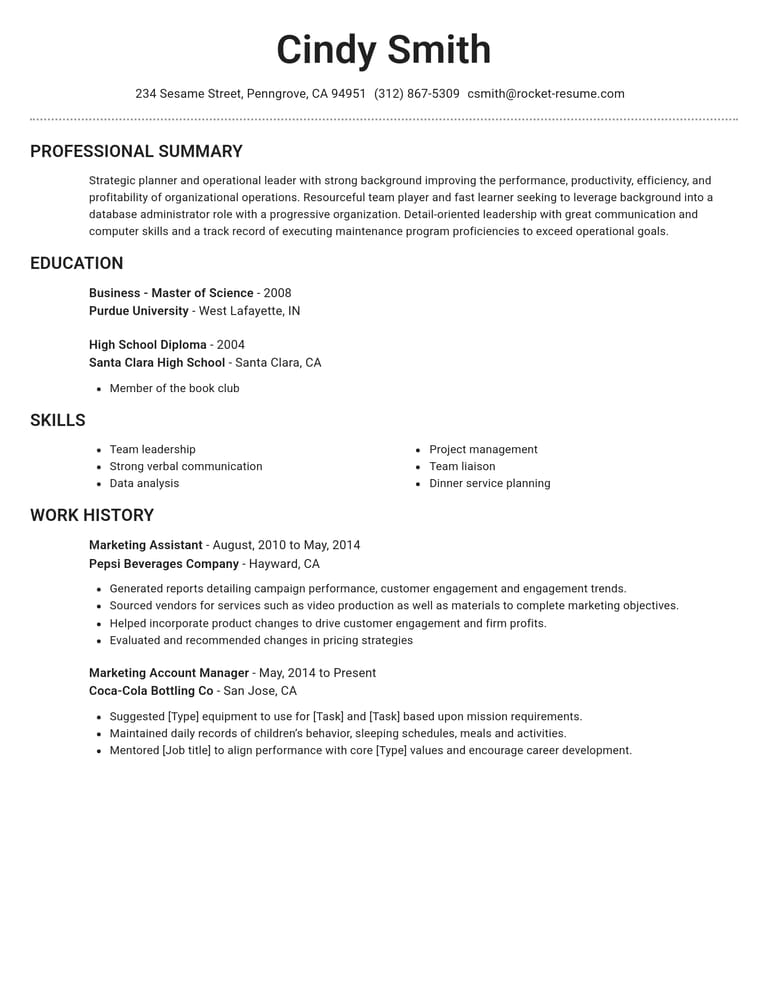
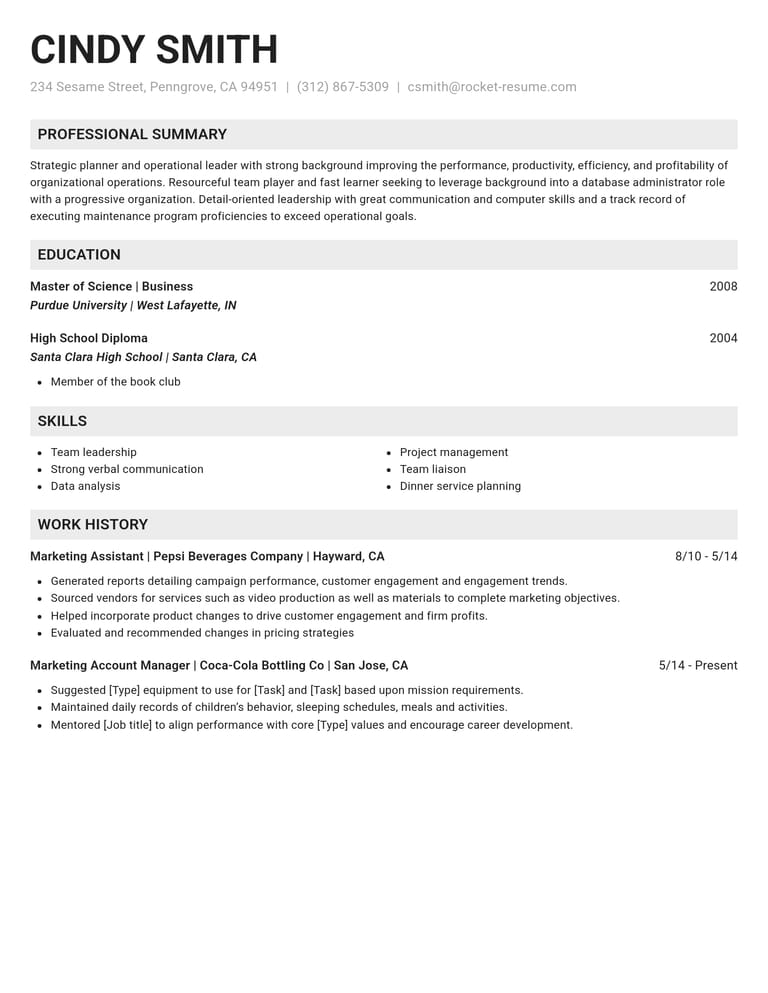
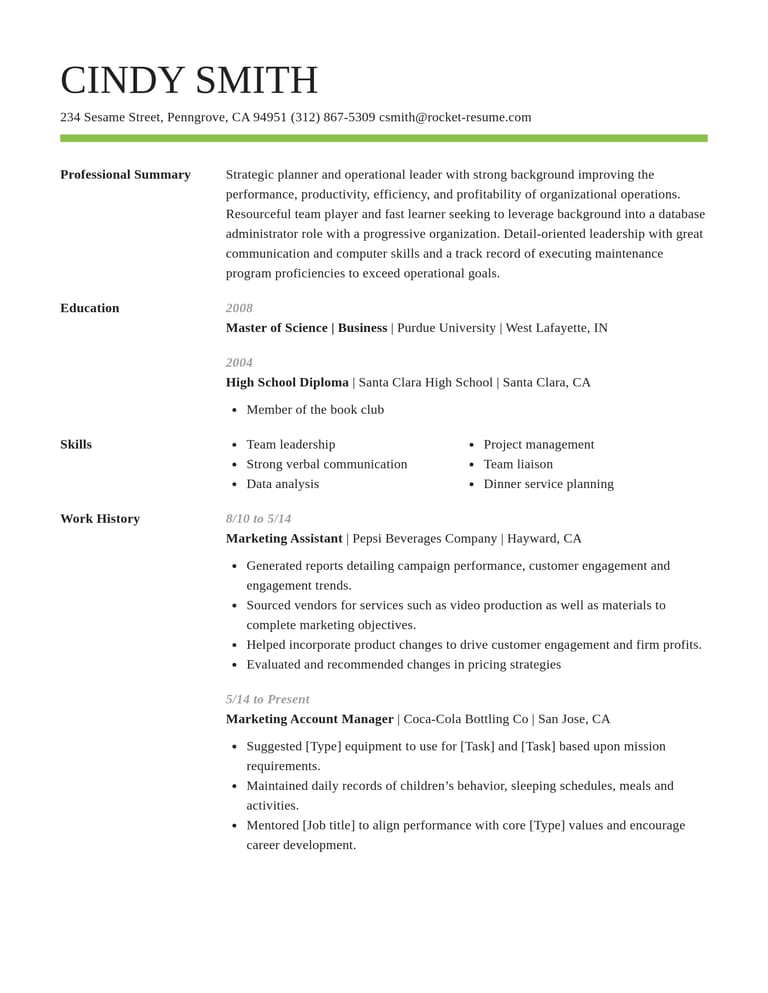
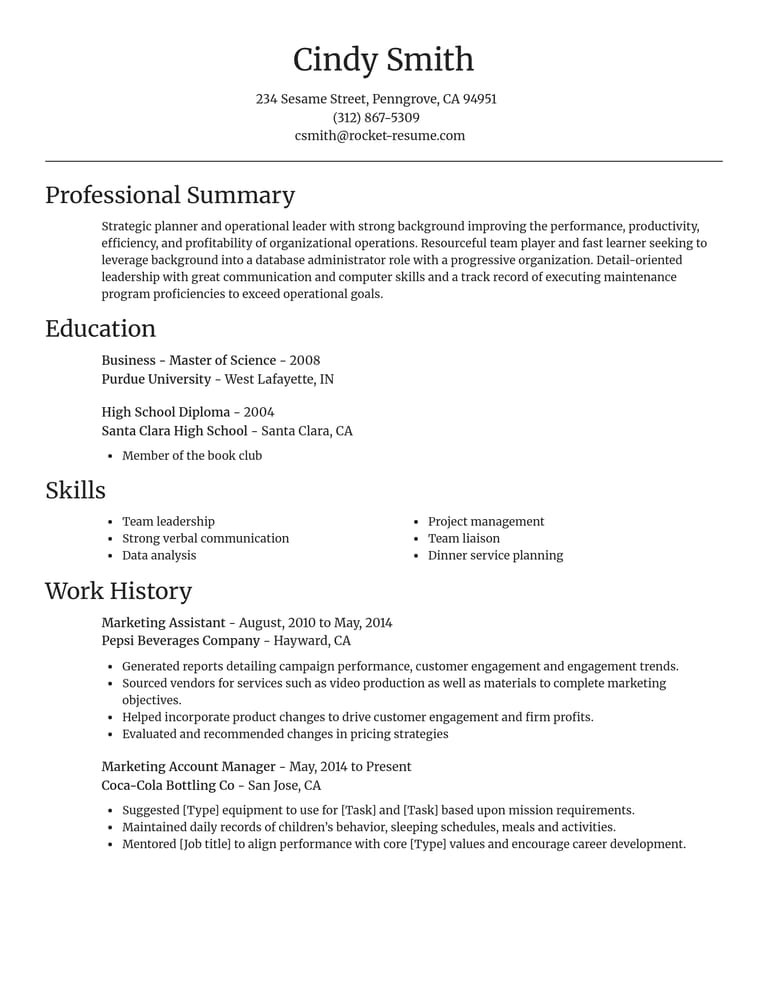
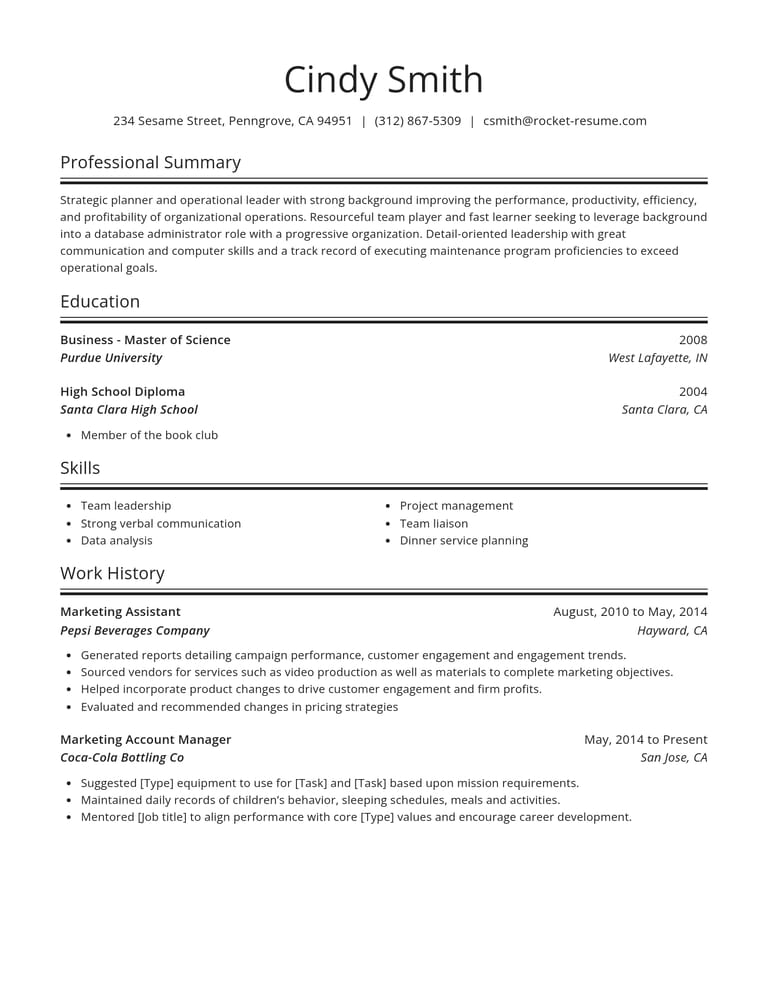
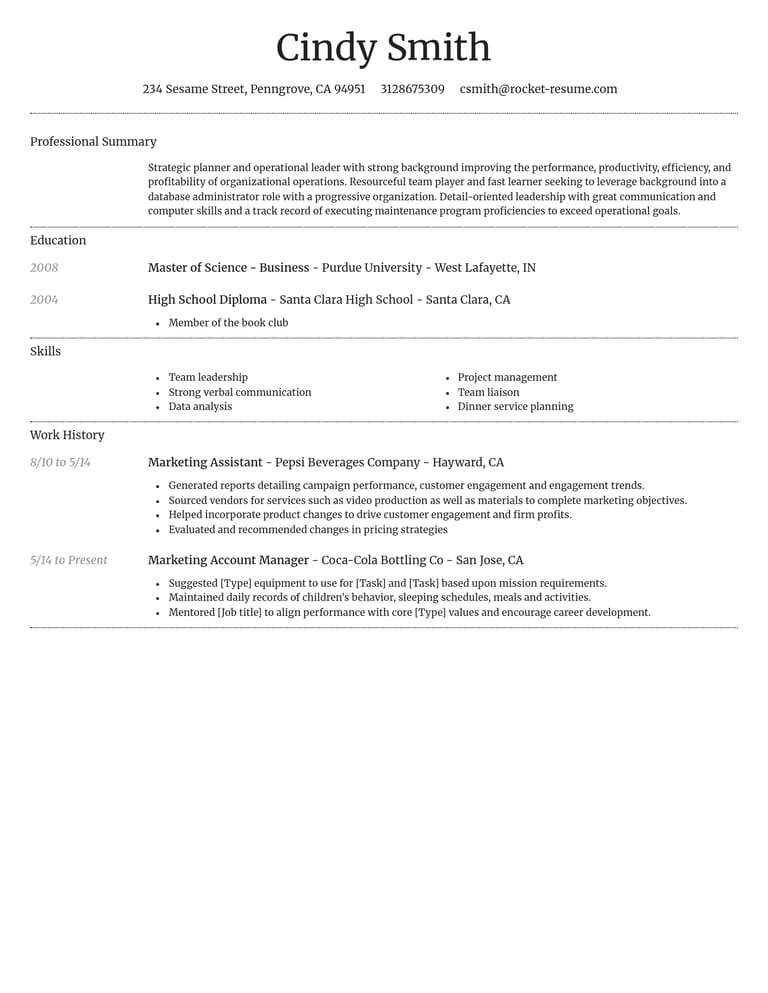
What to check in any free resume maker
Start with a job you know well. Add your title, dates and a few details about the work. As you go, check whether the examples fit your experience and whether the preview makes the important details easy to read.
Can I see the finished page as I work?
Yes. Use the preview to check how your descriptions fit on the page. Look for long paragraphs, missing dates or a heading that is hard to spot, then return to that section to edit it.
Can I switch designs without retyping?
Yes. Your content stays with the resume when you change designs. Compare how two templates handle the same work history, and keep the one that makes your relevant experience easier to find.
Does the resume maker guide me through each section?
Yes. Work through contact details, work history, education and skills one section at a time. Before you finish, check whether the application also calls for qualifications or experience you have not included.
What should I change for each job?
Read the posting and identify the responsibilities you can support with real experience. Give those details more space, trim unrelated repetition and check that your summary still fits the application. Save your work to your account so you can return to edit it.
Will I get examples for my job?
You can use job-specific suggestions to get started. Keep the ones that describe work you have done and edit any details that do not fit. You can also browse our free resume examples to borrow ideas from.
Try describing one responsibility in your own words first, then compare it with a relevant example. Keep whichever details make the work clearer without adding claims you cannot support. Our guide to what to put on a resume covers which sections belong on yours.
How do I know which details to keep?
Ask what each detail tells the employer about your fit. For a customer-facing role, handling a difficult request may matter more than a routine opening task. Keep enough context to explain what you did, and remove repeated duties that add nothing new.
Will the finished resume look professional?
The template gives you a starting layout. Your final check is to make sure the content is accurate, the dates are consistent and each section is easy to read.
Check that headings, dates and spacing line up from top to bottom, and that the page still reads clearly when a recruiter skims it. Our free resume templates page lets you compare designs first.
Once your first role reads clearly, use the same checks on the rest of your resume.
Make your free resume count
“Great resume builder, I'll be using it again”

“I needed a resume fast, great and very useful”

Making your free resume: quick answers
Can I add suggestions for more than one job?
Yes. Type each job title as you add it, and the resume maker shows suggestions written for that role, so a cashier job and a warehouse job each get their own suggestions.
Does the free resume maker show a preview as I work?
Yes. The free resume maker shows the finished page while you type, so you can catch a slipped date or a section that runs long before you download.
Does the free resume maker walk me through each section?
Yes. The free resume maker takes you through contact details, work history, education and skills. You can return to a section when you need to change it.

Why job seekers rate Rocket Resume
from 3,900+ reviews