Easy CV builder for
New to CVs, returning to work or applying in the UK? Our easy CV builder breaks the job into small, clear steps, with suggested wording for each role.
- Guided steps, even for a first CV
- Wording ideas for every job title
- Neat, ATS-friendly designs to fill in
- Reorder sections so your best part leads

Mitchel D.
Jan 2024
“A fantastic source for resume building.”

Pablo
Jul 2022
“I really appreciate all the great tools”

Tracy A.
Mar 2026
“User-friendly, I would recommend it to others.”

Jason B.
Feb 2025
“A great website, I got a job.”
from 4,000+ reviews


How to make a CV the easy way, one section at a time
With an easy CV builder, you never have to work out the whole CV at once. After a quick question or two about your experience and your pick of a clean, professional design, it asks for your contact details, then your jobs, education and skills, and suggests wording for each role you add.
Why does writing a CV feel so daunting?
Because every decision lands at once: what to include, how to word it and how it should look. A first CV adds the worry of having little to show. After a career break, your experience can feel out of date. If you learned to job-hunt in another country, UK habits may be new to you. Plenty of people feel the same, and the reviews further down show how others got on once they started.
Which part of a CV should I write first?
Begin with the easy bit: how an employer can reach you. Your name, mobile number, email and town take a minute and get you going. Next, fill in the part you know best, whether that's your last job or your course, so you build some momentum before the harder sections. Save the personal statement, the short profile at the top, for the end; by then you'll have spotted the strengths worth naming in it.
What can I put on a first CV if I've barely worked?
More than most people expect. Weekend and holiday jobs, volunteering, a role on a sports team or student society, a school or university project and helping in a family business all show that you're reliable and quick to learn. Under each one, write a line about the responsibility you had and how it turned out, and list your grades or predicted grades with your education. Our volunteering ideas can jog your memory, and you'll find more on each heading in how to write a CV.
How do I bring older experience up to date after a break?
Lead with what's current, then let your earlier roles back it up. Put any recent course or certificate at the top of your education, even a short one, such as "Level 2 Certificate in Bookkeeping, 2025". Read two or three current ads for the job you want and describe your older roles in their words, as long as each line is still true. Skills you used while away count too: if you kept the accounts for a sports club or organised a school fundraiser, add it to show those skills are still in use. Can't remember the exact dates? The quick answers cover that.
What should I change on my CV if I'm new to UK jobs?
Add a right-to-work line and take off the ID numbers and family details that CVs in some countries include:
- Keep ID numbers off, including your National Insurance, passport and national ID numbers. An employer who wants to hire you will ask for them separately.
- Leave out family and faith details, such as a father's or spouse's name and your religion. The photo and your age can go too.
- If you can work in the UK with no time limit or sponsorship, one line such as "Full right to work in the UK" covers it. Your nationality and immigration history can stay off the page.
In the UK, Ireland and much of Europe, a CV is the document a US employer calls a resume; our comparison of CVs and resumes covers other countries.
What if I get stuck on a section?
Write something rough and move on, because a plain line is easier to fix than an empty box. If you can't think how to describe a job, type its title and skim the suggested lines; even the ones you don't use can remind you of tasks you'd forgotten. An old job description or contract, if you kept one, lists duties you can start from, and the unit titles of a recent course name skills in words employers know. Then come back to the hard part once the rest is done.
Let Rocket Resume take on the hard parts of your CV
You don't need to know every CV rule to start. Rocket Resume works out the order for you and walks you through each part. When the words won't come, borrow an AI-enhanced line written for your job and make it your own. Each ATS-friendly design then arranges the page so an employer can take in your experience at a glance. You'll find what the builder takes on further down. Getting started takes four steps:
- Choose your experience level, even if it's none yet, then a design, which you can change later with your text intact.
- Add your contact details, then any jobs, newest first, and your education, picking from the lines offered for each role.
- Change any line until it's true to your work, move your strongest part higher and see each edit in the preview.
- Look over the finished page, then download your CV, ready for your next application.
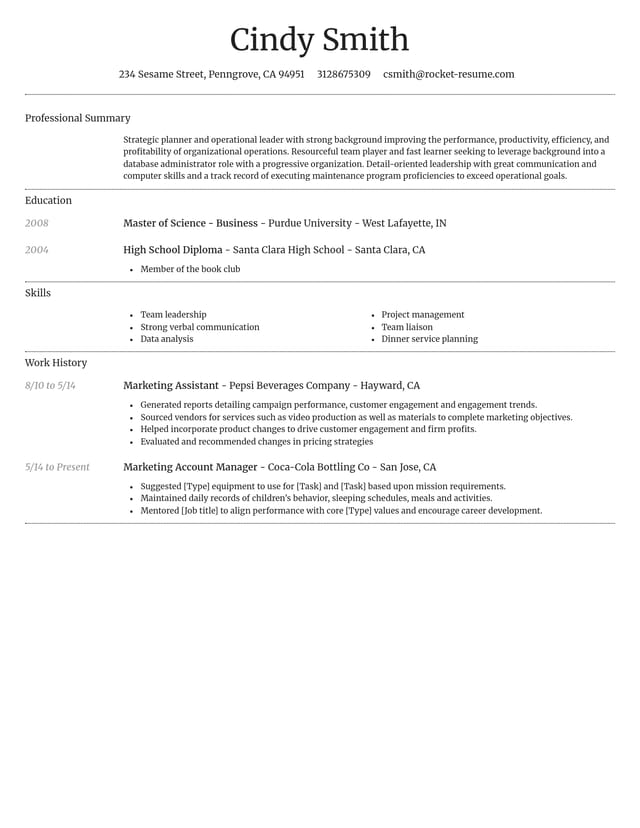
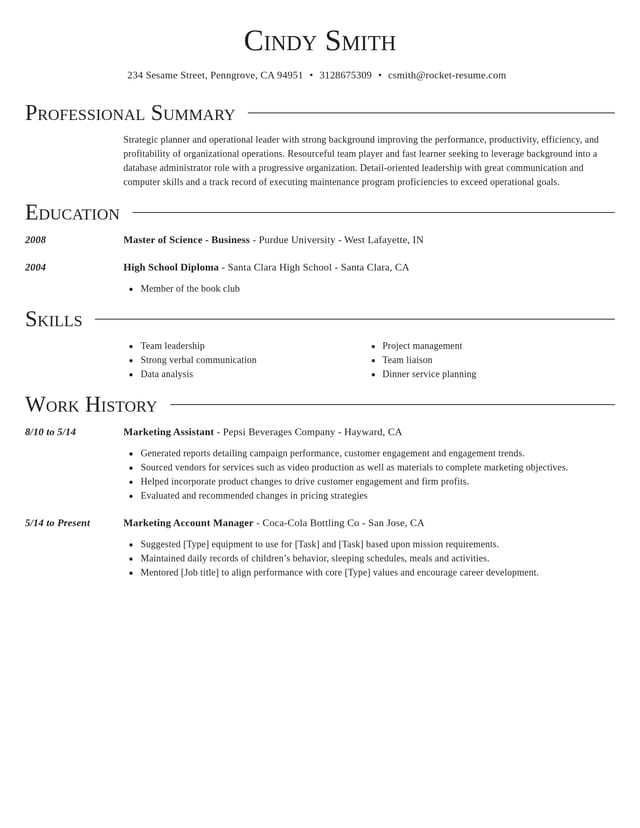
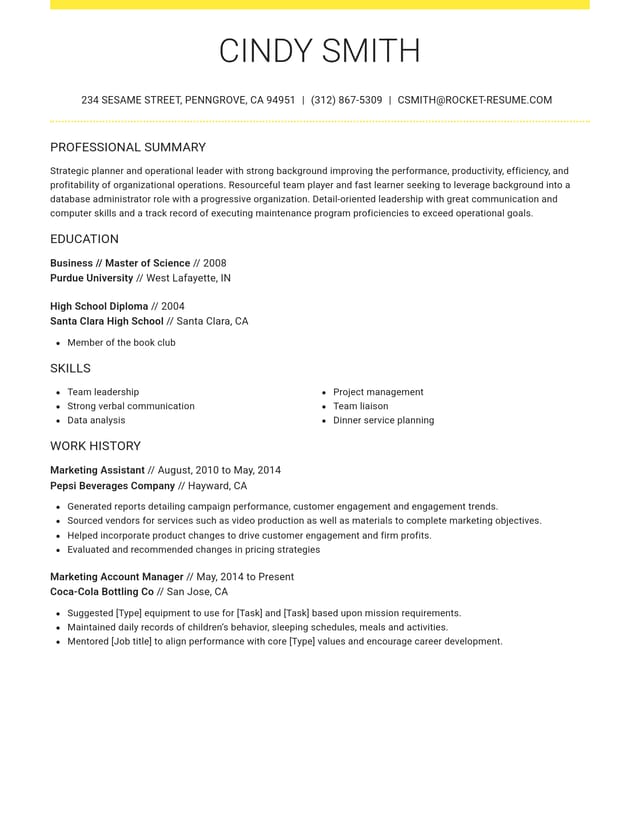
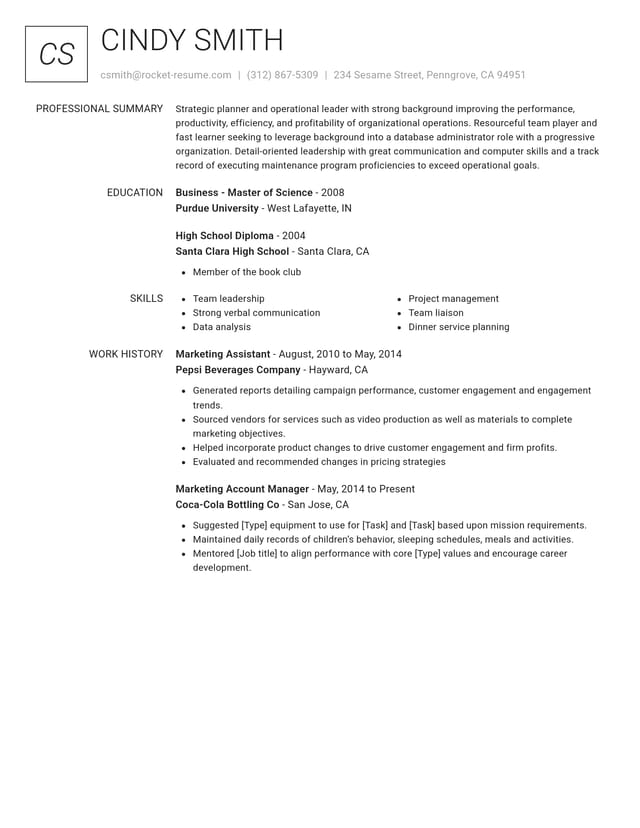
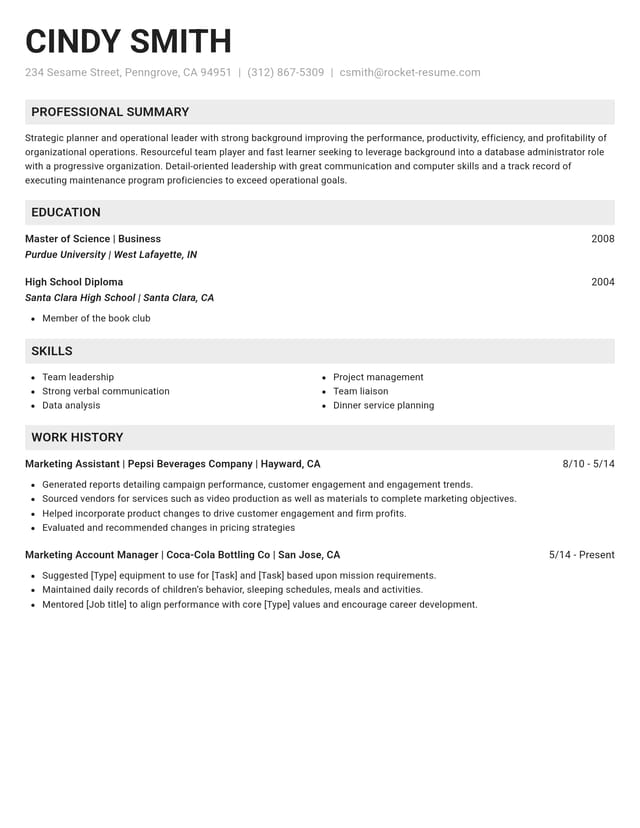
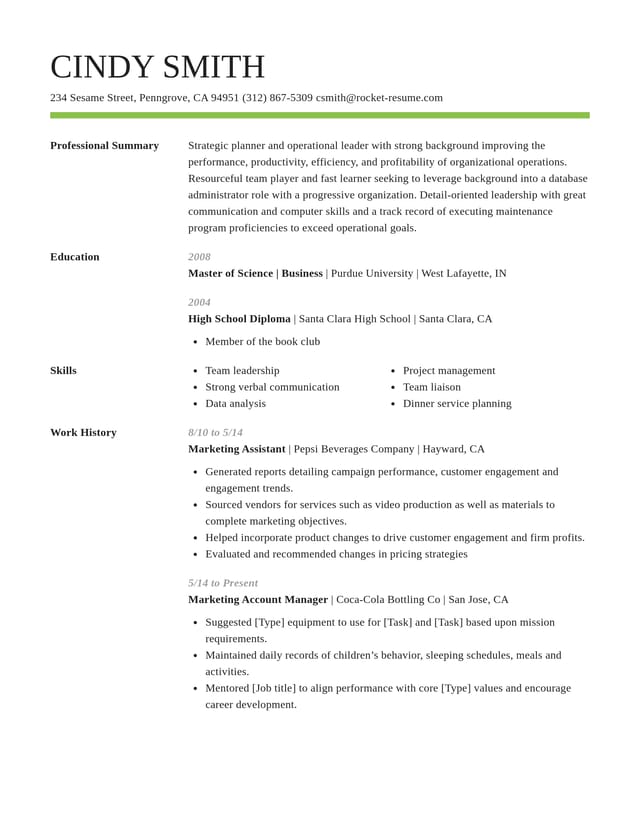
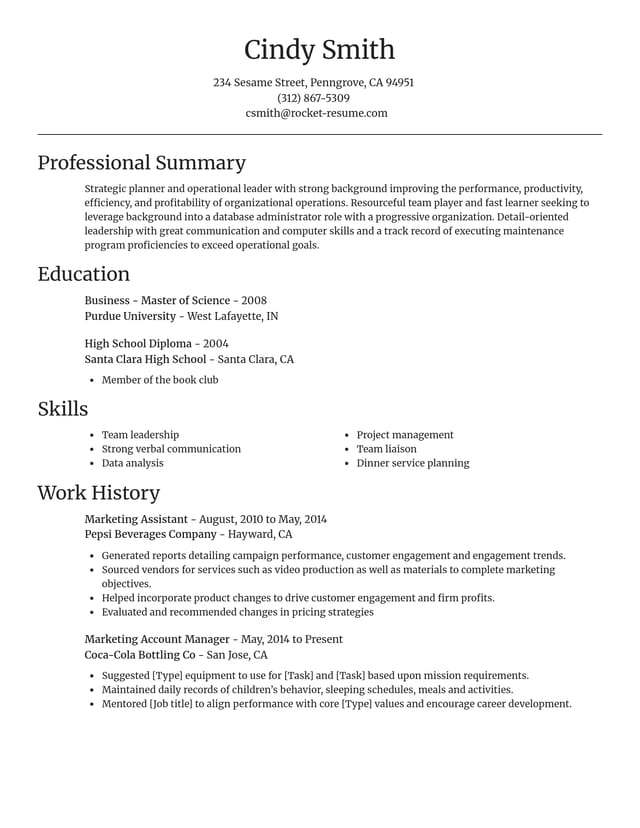
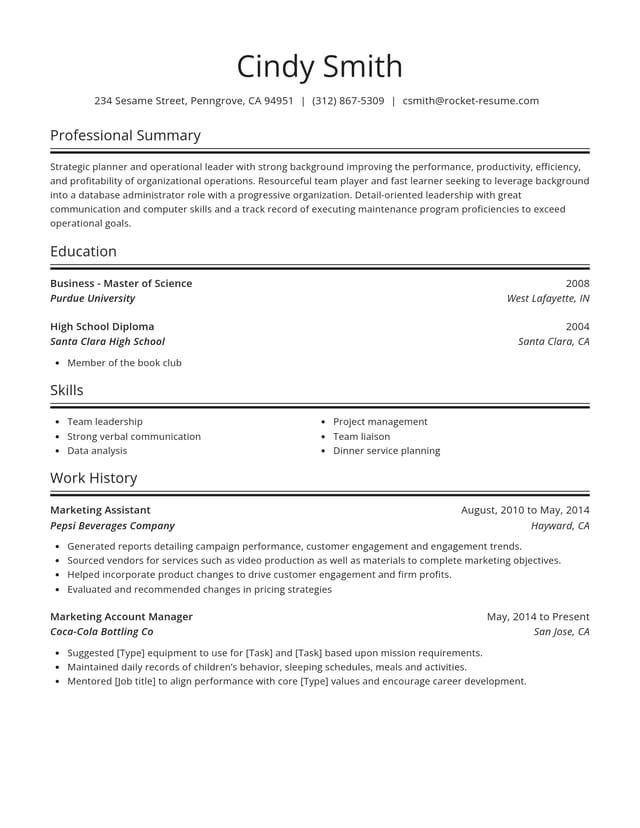
Pick a clear design and fill it in


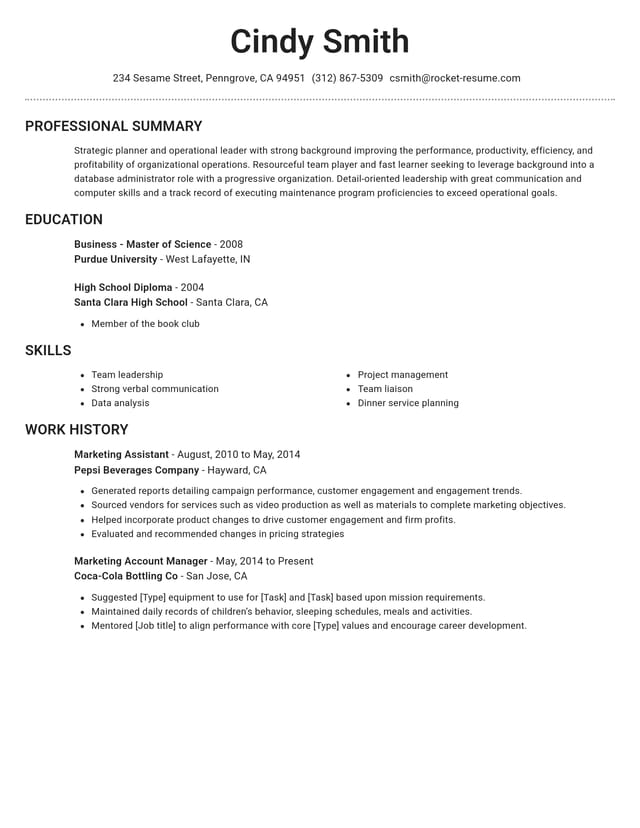
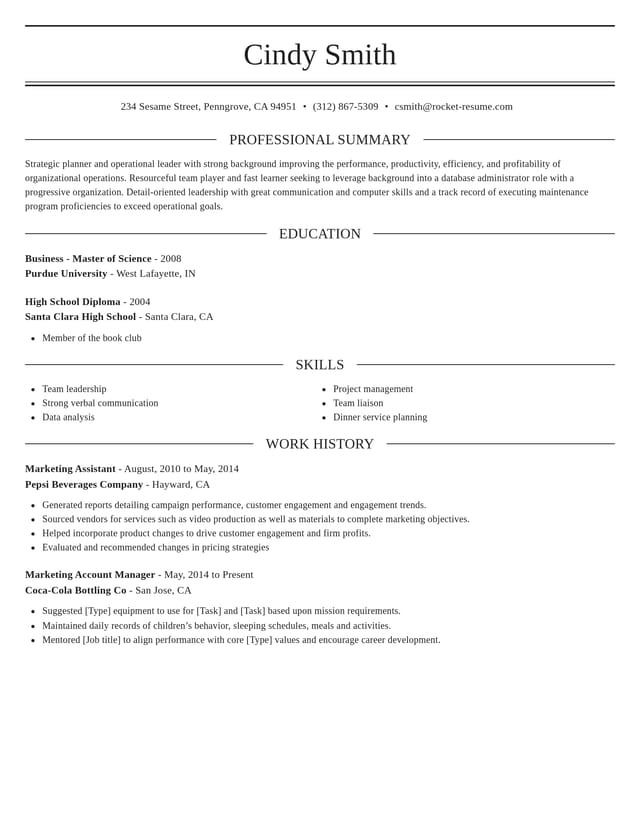
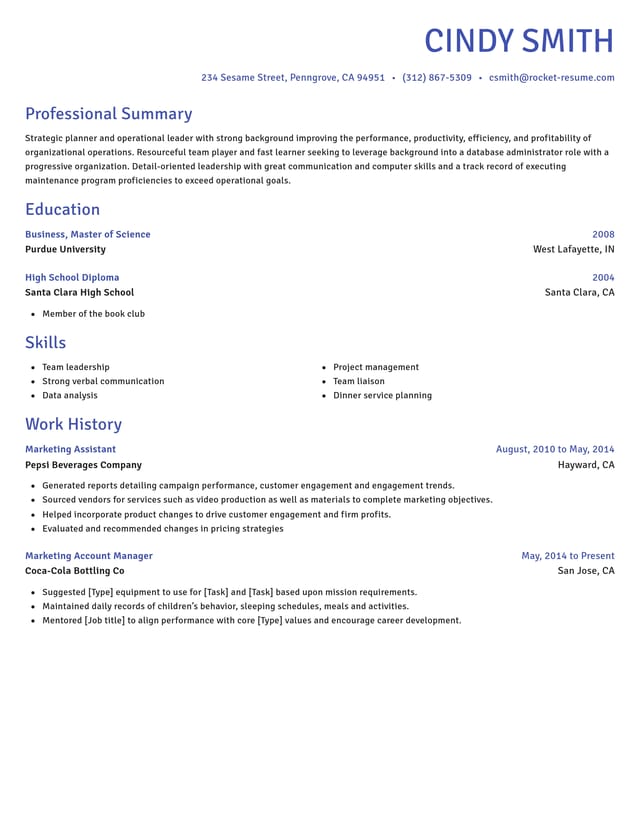
How the builder takes the strain out of your CV
Takes your CV part by part
Contact details first, then jobs, education and skills. You work through them in turn, which keeps the whole job manageable.

Offers the words when you're stuck
For every job you add, there are AI-enhanced lines to choose from. Edit any of them until it matches your work.
Sorts out spacing and fonts
Headings, margins and alignment come with each ATS-friendly design, so your CV looks tidy without any fiddling.

Waits while you take a break
Stop whenever you like, save and pick up next time. Want a version for a different job? Duplicate it in My Library.
Why help with your CV pays off
“This service is amazing, a customer for life.”

“We come back to Rocket Resume, it's the best!”

First CVs, career breaks and UK habits: your questions
What is the easiest way to make a CV?
Take it in order of difficulty, easiest first: your contact details, then the job or course you know best, then the rest. Pick from the suggested lines for each role and change them to fit, and write the personal statement last.
Can I use the CV builder if I'm not confident with computers?
Yes. If you can fill in a form online, you can use it. After a question or two about your experience, it takes your CV one part at a time. Suggested lines are a click or tap away, and it works in your browser, so there's nothing to download.
What if I can't remember exact dates from years ago?
Old payslips, contracts, P60s or emails can help you find the month and year for each job, and a P45 shows the date you left. Write every date the same way, keep each job in the right order, and only let two jobs overlap if they really did.
What job title do I use for work that had no official title?
Choose a plain title that says what you did, such as "Shop assistant (family business)" or "Football coach (volunteer)". Keep it honest and modest, since you may be asked about it at interview, and let the lines underneath show what the work involved.
How do I list an employer a UK reader won't have heard of?
Give the name it trades under, then its city and country. Add a few words on what it does and how big it is, such as "regional bus operator, 300 staff", so the reader can picture the job before reading your lines about it.
What if I run out of steam halfway through?
Save it and stop for the day. Everything you've entered will be there when you sign back in, so you can write your jobs one evening and return to the personal statement with fresh eyes.
Pick your industry, then build your CV
Featured this week

 18 examples
Talent Acquisition Recruiter · Human Resources Assistant · Payroll Administrator

 31 examples
Secretary · Interpreter · Customer Service Support Representative

- 9 examples
- 39 examples
- 11 examples
- 36 examples
- 15 examples
- 8 examples






Show all 45 industries (A–Z)Show fewer
- Aerospace & Defense, 8 examples
- Agriculture, 23 examples
- Apparel & Textiles, 13 examples
- Architecture, 15 examples
- Artificial Intelligence, 6 examples
- Arts & Entertainment, 24 examples
- Automotive, 21 examples
- Beauty & Personal Care, 17 examples
- Biotechnology & Life Sciences, 7 examples
- Business Services, 31 examples
- Chemical Engineering, 4 examples
- Construction, 107 examples
- Creative, 15 examples
- Education, 99 examples
- Energy, 40 examples
- Environmental Science, 5 examples
- Finance, 67 examples
- Food & Beverage, 68 examples
- Government, 48 examples
- Healthcare, 162 examples
- Hospitality, 36 examples
- Human Resources, 18 examples
- Insurance, 10 examples
- Legal, 12 examples
- Logistics, 39 examples
- Manufacturing, 68 examples
- Marketing, 18 examples
- Media, 20 examples
- Military, 24 examples
- Mining & Metals, 9 examples
- Nonprofit, 8 examples
- Pharmaceuticals, 12 examples
- Public Relations, 10 examples
- Real Estate, 7 examples
- Retail, 39 examples
- Robotics, 11 examples
- Security Services, 19 examples
- Social Services & Counseling, 21 examples
- Social Work, 22 examples
- Sports & Fitness, 96 examples
- Technology, 68 examples
- Telecommunications, 6 examples
- Tourism & Travel, 8 examples
- Transportation, 38 examples
- Veterinary, 9 examples
Don’t see your job title?

How others found building their CV here
from 4,000+ reviews