Fast CV builder with
Choose a ready layout and use examples to draft your CV. Spend your time on the experience the advert asks for, then check it before you send.
- Start with your job titles and dates
- Examples for the role you type in
- Switch templates any time without retyping
- Guided steps right through to download

Danny
Apr 2023
“I'll recommend it to friends and family.”

Dayani F.
Jan 2025
“Everything about this tool is amazing, I love it”

Kelvin P.
Jul 2025
“You guys were amazing, I got a new job.”

John W.
Nov 2022
“You made my resume professional”
from 3,900+ reviews


How to get a CV ready before the closing date
A closing date gives you a clear priority: show the experience the employer asks for. Gather your dates and qualifications before you start, then use the builder to organise your draft (see what else it handles). Keep time for a final check and for the application form, if there is one.
How do I write a CV fast without it showing?
Start with the job ad and your most relevant experience. Pick one of the ready-made designs and work through your CV in this order:
- The job ad: read it first and underline whatever it lists as essential, because those requirements decide what goes near the top of your CV.
- Your latest job: start here unless another role is more relevant. Keep the examples that reflect your work, and add a result or useful detail you can verify.
- Earlier jobs and education: shorten less relevant roles, then list the qualifications the advert asks for. Label predicted results clearly; do not guess missing dates or grades.
- Personal statement: write it last, using experience that supports the role you want.
Start each bullet point with what you did, such as trained, organised or resolved. Once this application is sent, our article on how to write a CV goes through every part in more depth.
What does a recruitment agency need from my CV?
Give an agency clear job titles, employment dates, relevant skills and where you are looking for work. Include your availability if the consultant asks for it. The FAQ covers notice periods. Use familiar headings and readable text; our guide to applicant tracking systems explains the role of screening software.
Should I wait until the closing date to apply?
Submit once you have checked the application, with time to spare before the stated deadline. Check whether the advert warns that it may close early. The hiring research below provides wider hiring context; it does not predict how many people will apply for this vacancy. Before sending, check your phone number, email and any required attachments.
What if the employer asks for an application form?
If the employer asks for a form, complete it rather than sending only a CV. Use your checked job titles and dates, then give a relevant example for each essential criterion in the supporting information. Follow the instructions and any length limit.
How do I get a head start on the next vacancy?
Treat tonight's CV as your master and do your tailoring on copies. For each new vacancy, make a copy in My Library and change only what the new ad asks for, usually the personal statement and the evidence for its essential criteria. Research on tailored applications discusses tailoring in more detail. Note which version went to each employer or agency. Add new courses and results to your master as they happen.
Make a start before the deadline
Use a template for the layout and examples to help describe your jobs. Check each suggestion against your experience before keeping it. You can also read the reviews and browse examples from your industry for ideas, then start:
- Say whether you're new to work or experienced, and choose a starting design.
- Enter your newest role first and keep whichever examples are true of it.
- Rewrite anything that isn't quite your voice and see each change on the page.
- Download the finished CV and send it before the vacancy closes.
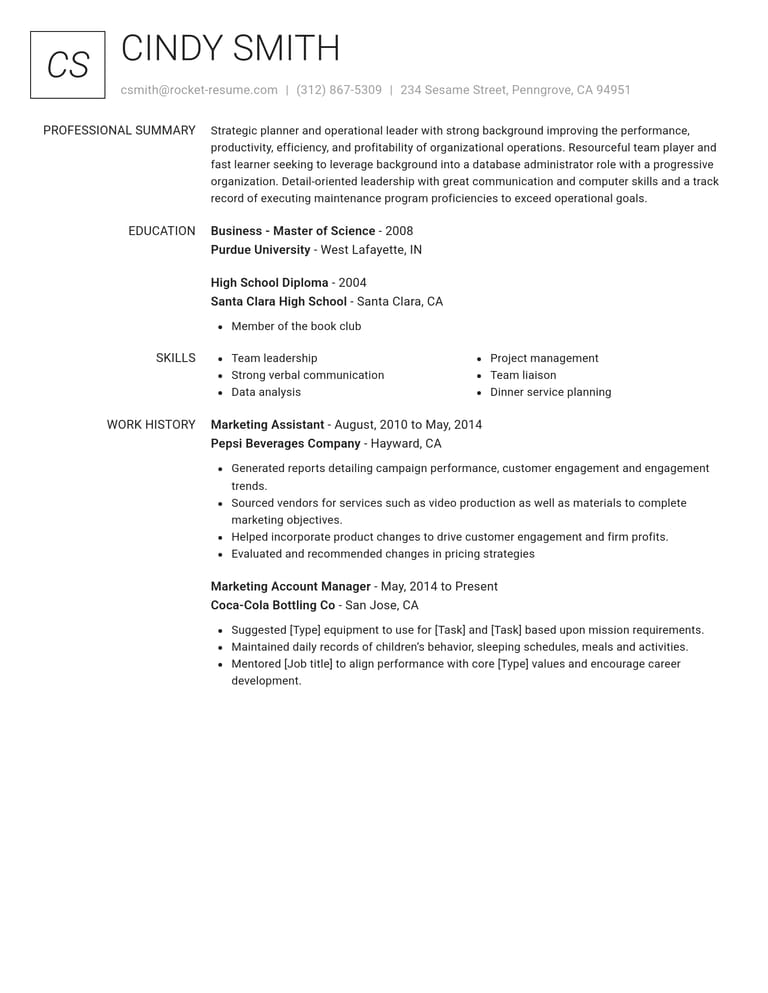
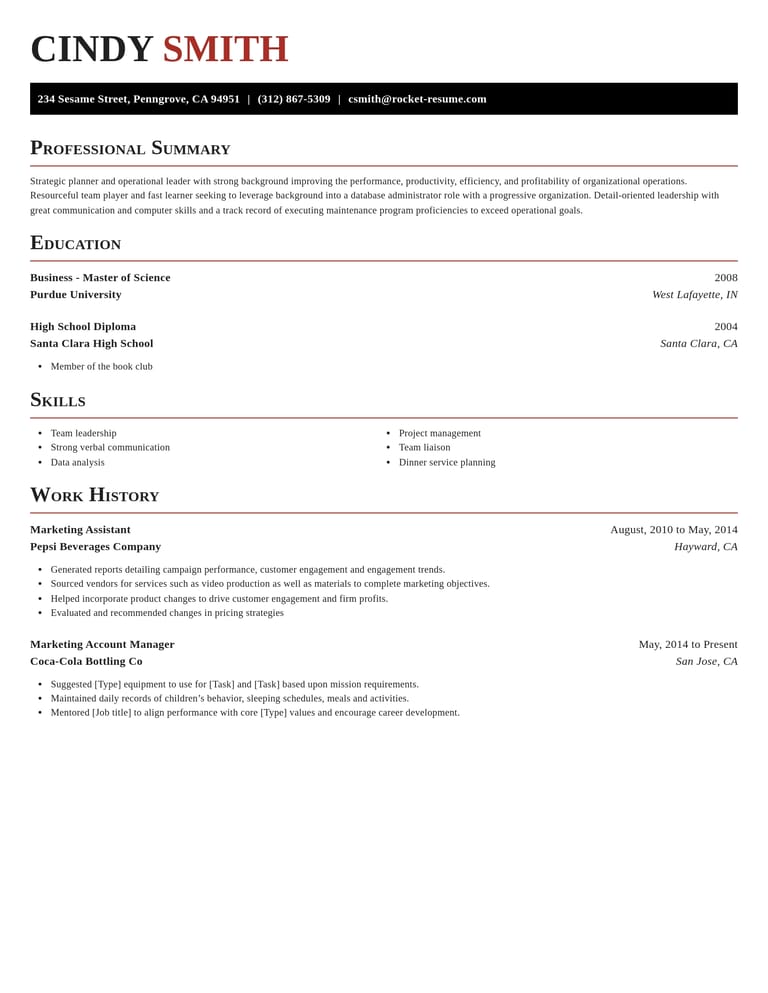
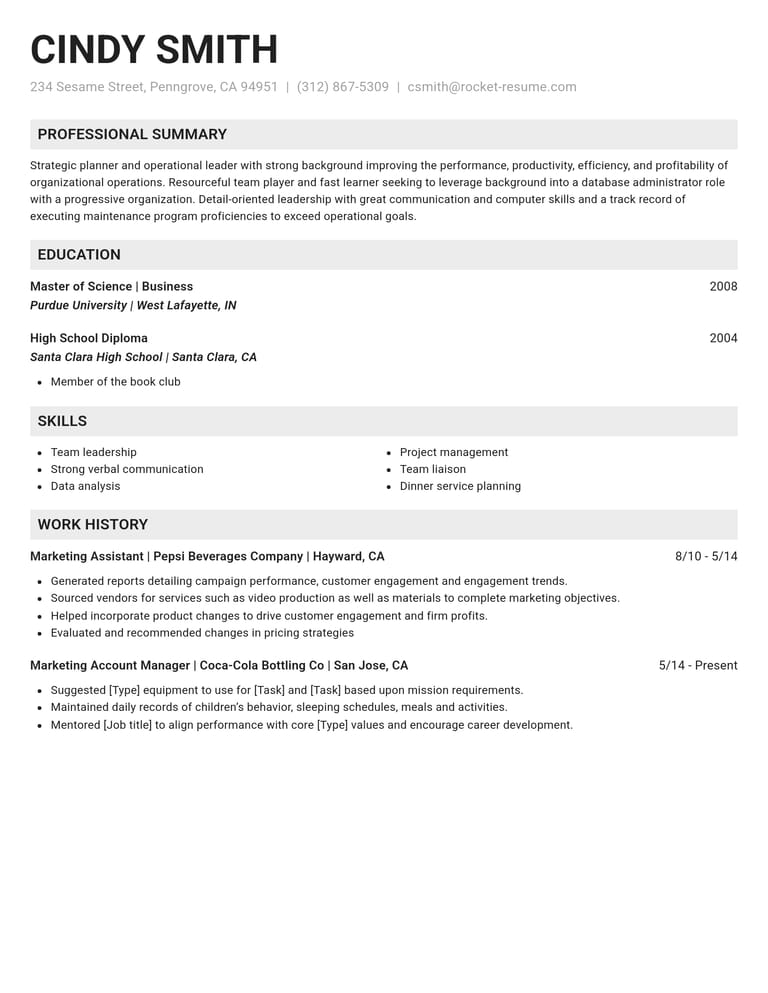
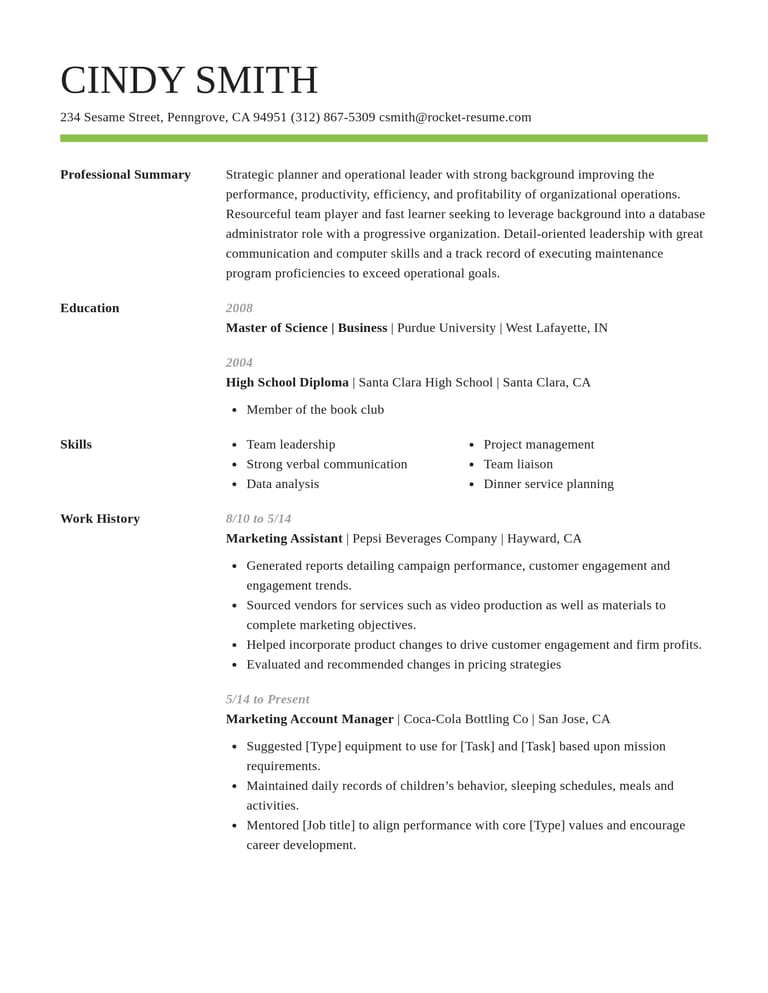
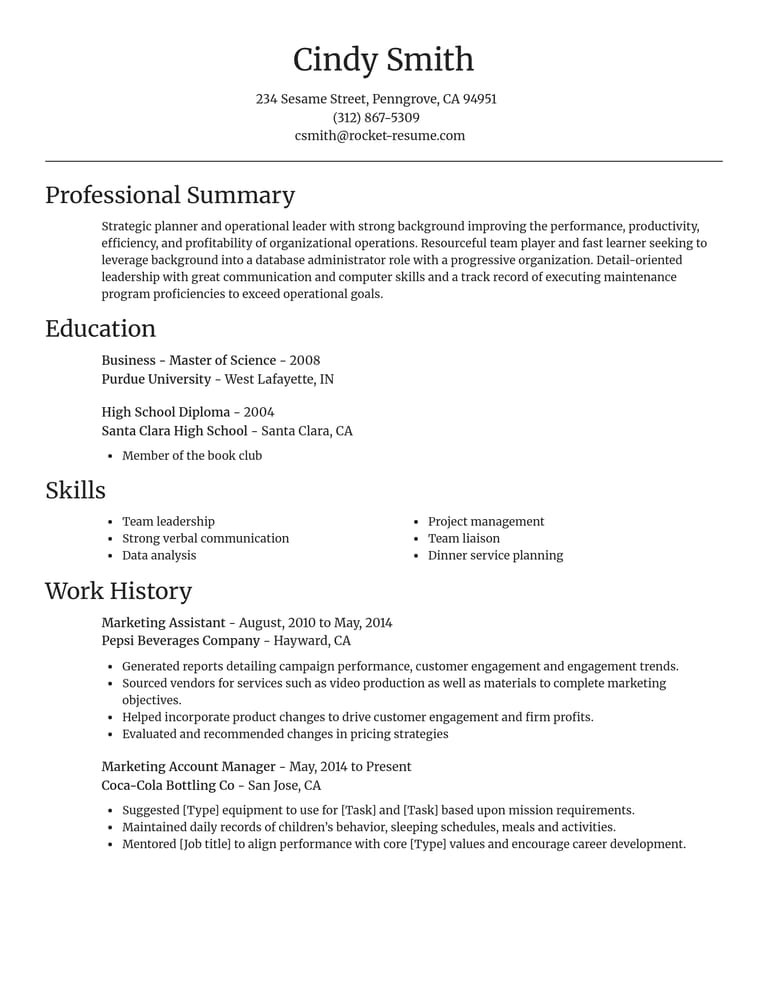
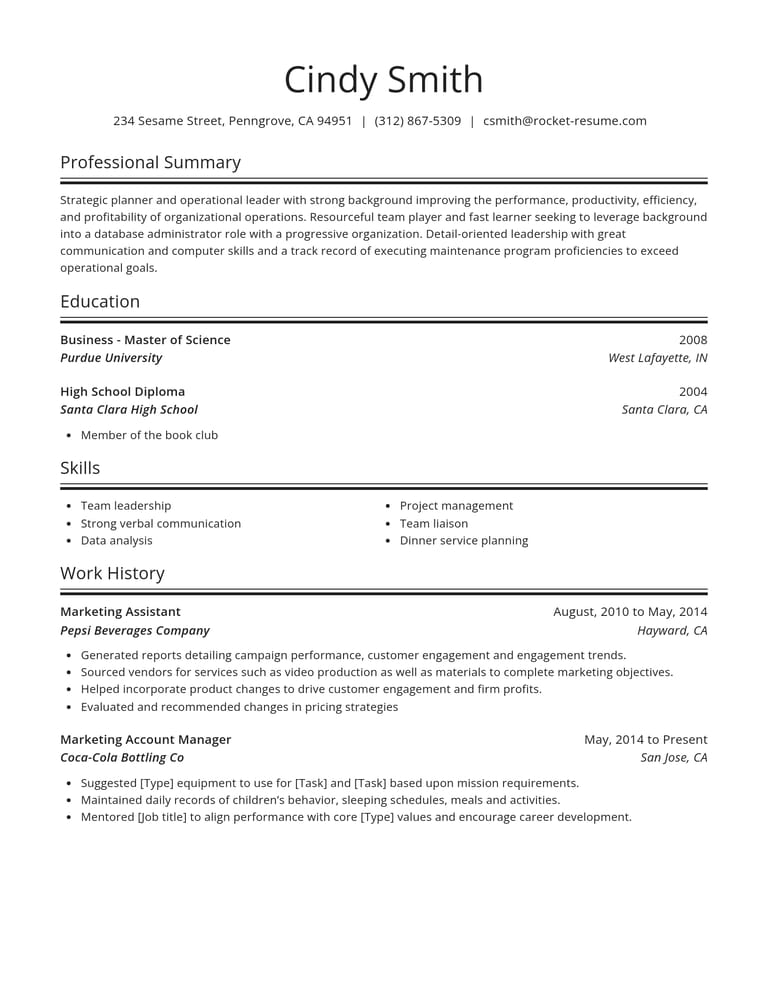
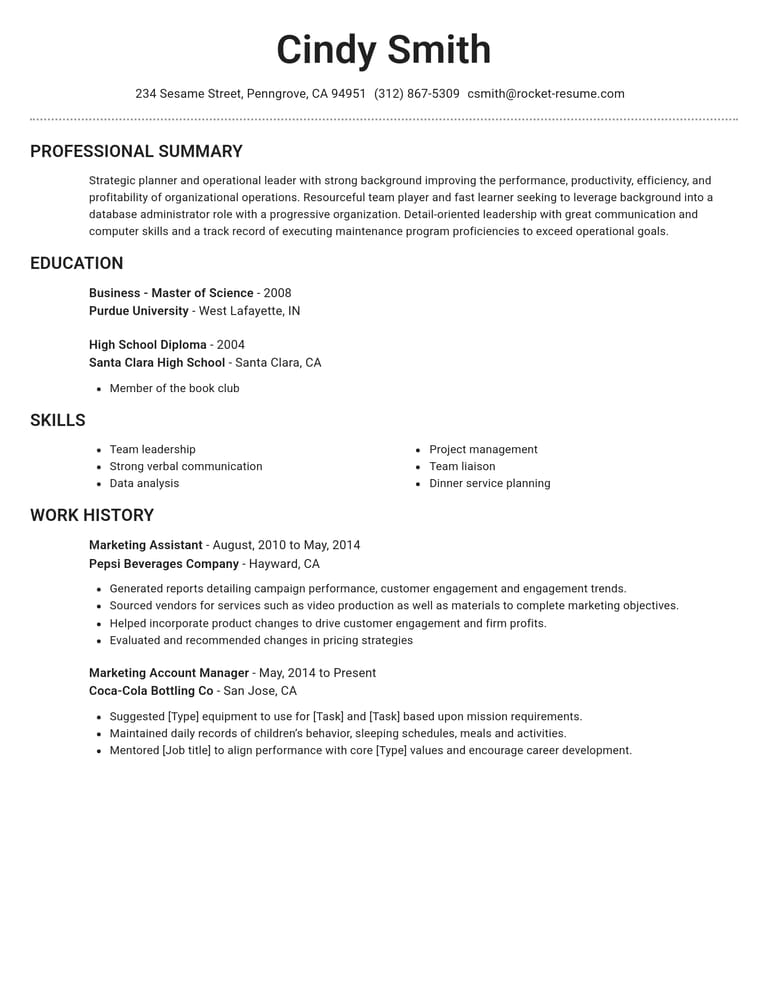
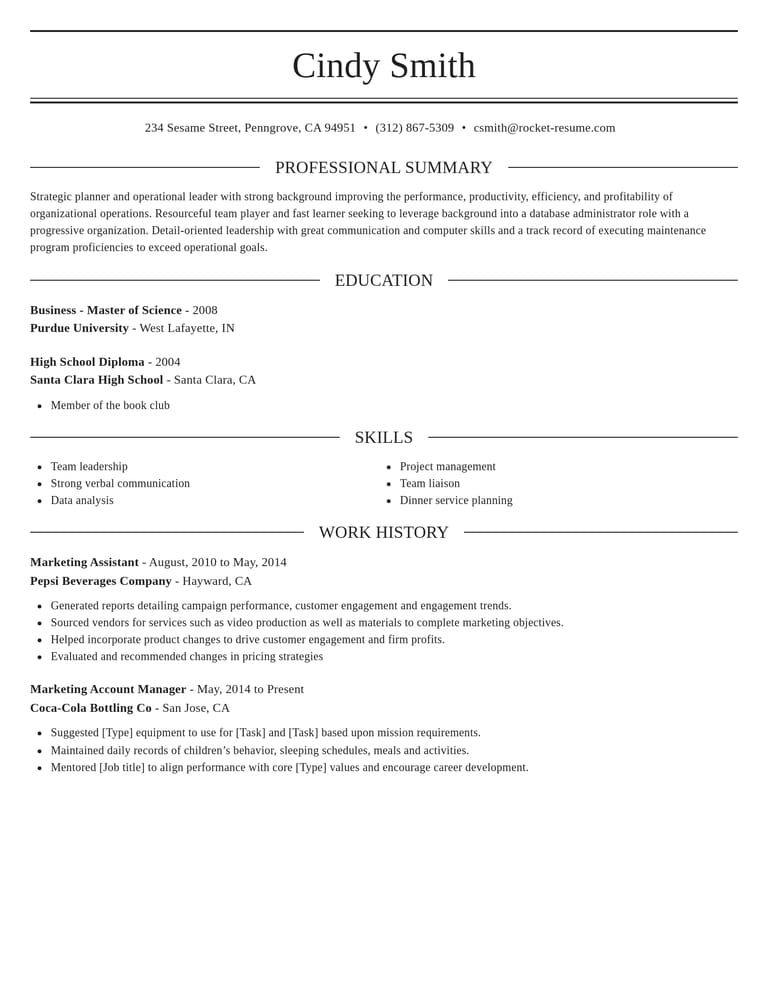
Start from a finished CV layout
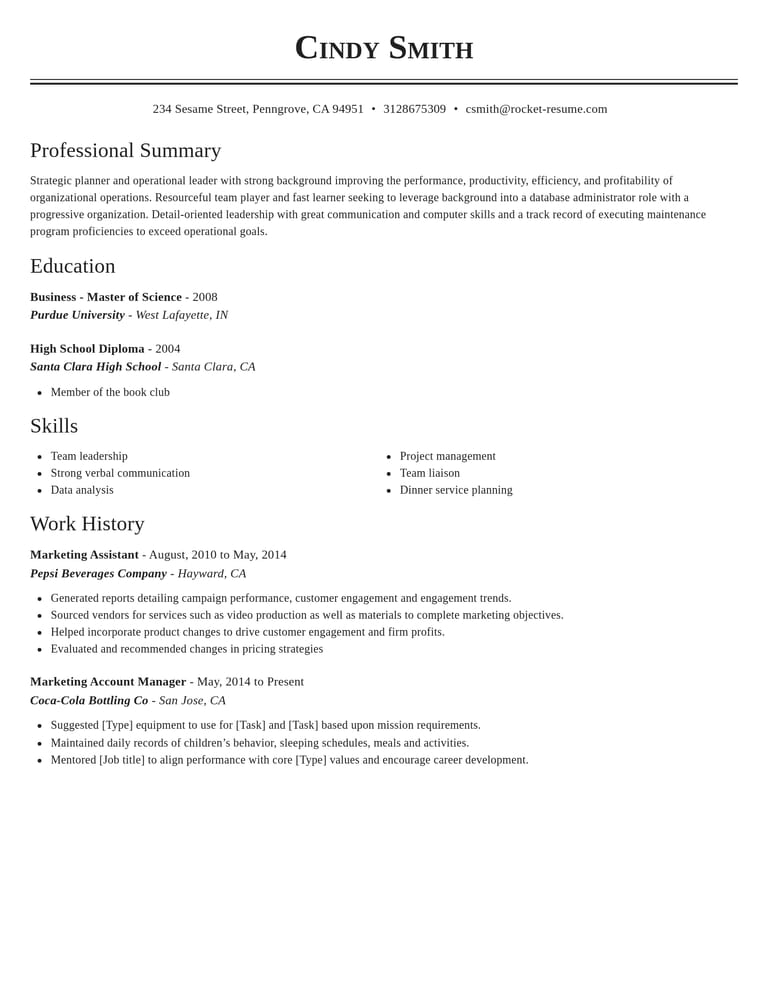
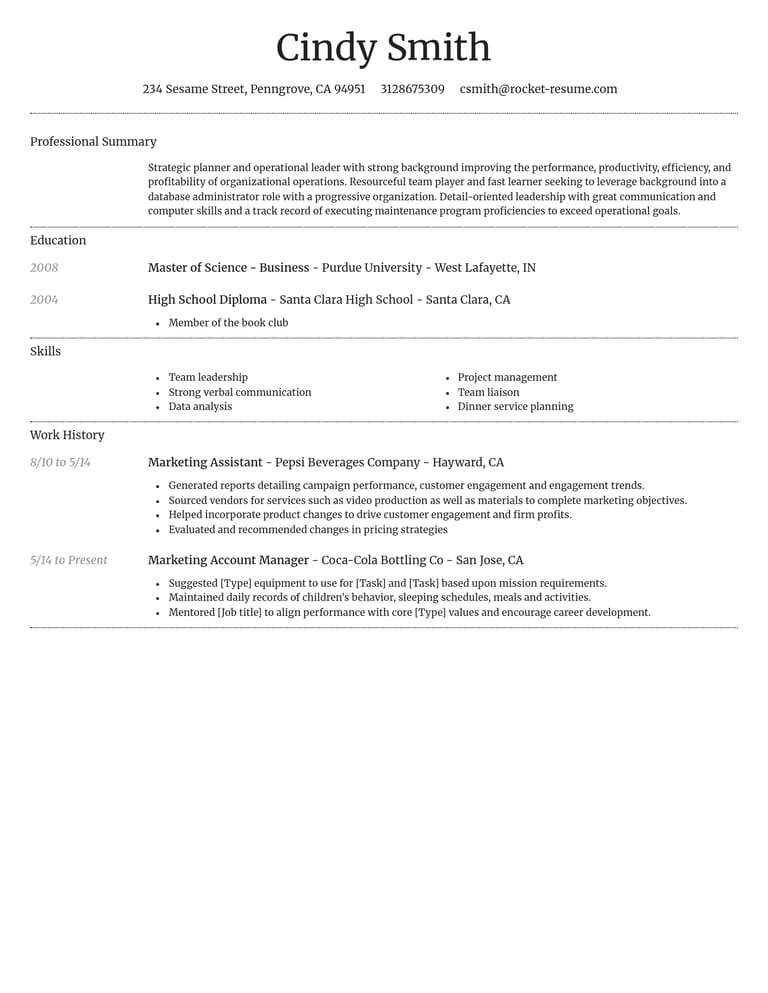
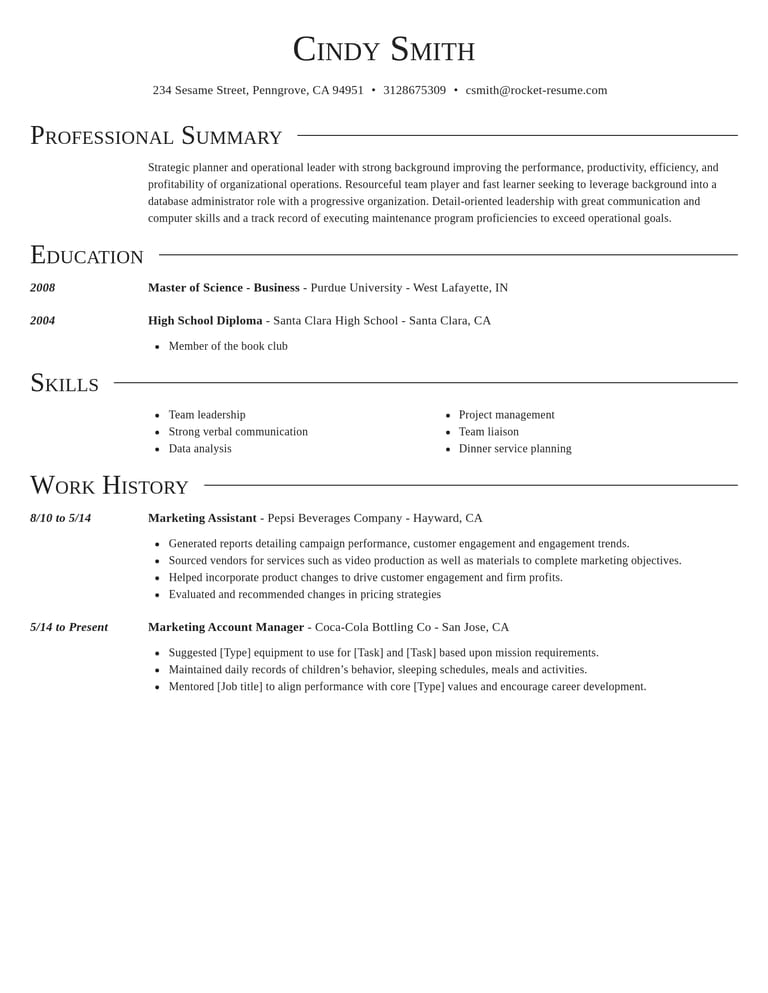
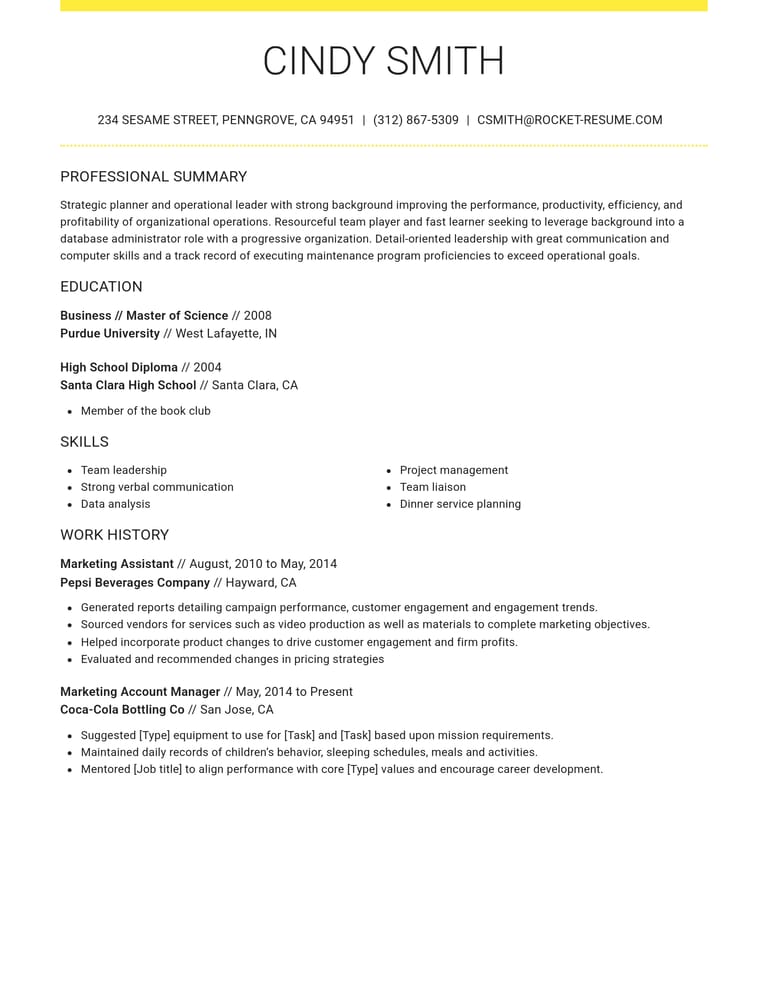
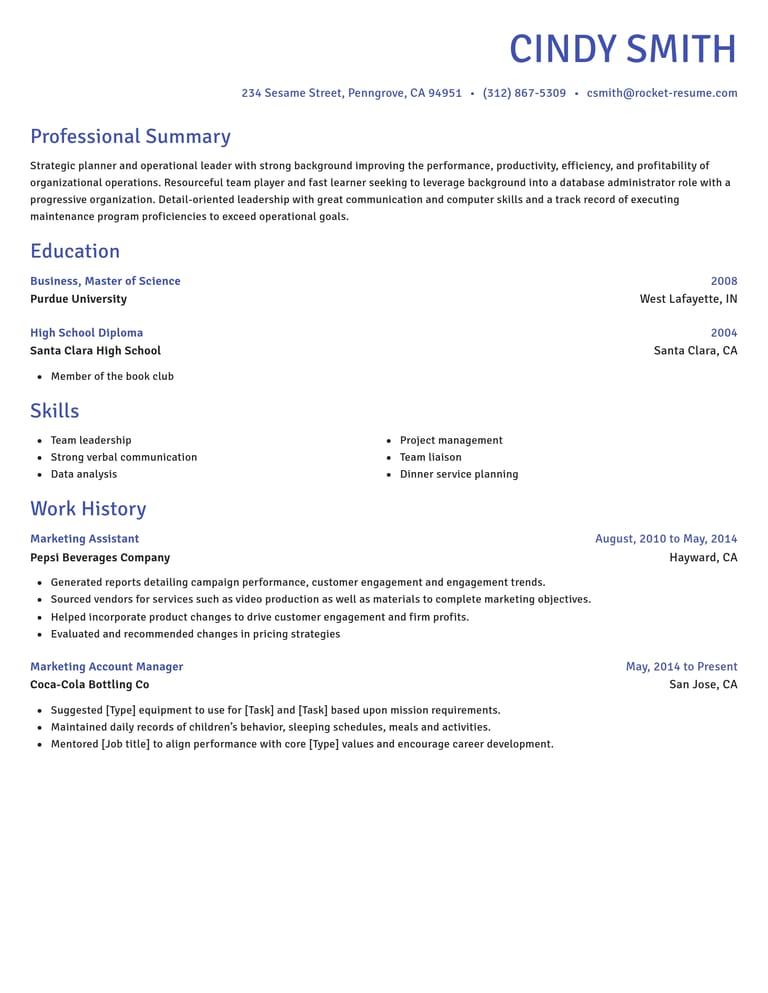
How our fast CV builder speeds up the slow parts

Examples matched to your job
Search for examples for your role, keep the relevant ones and add facts from your experience.
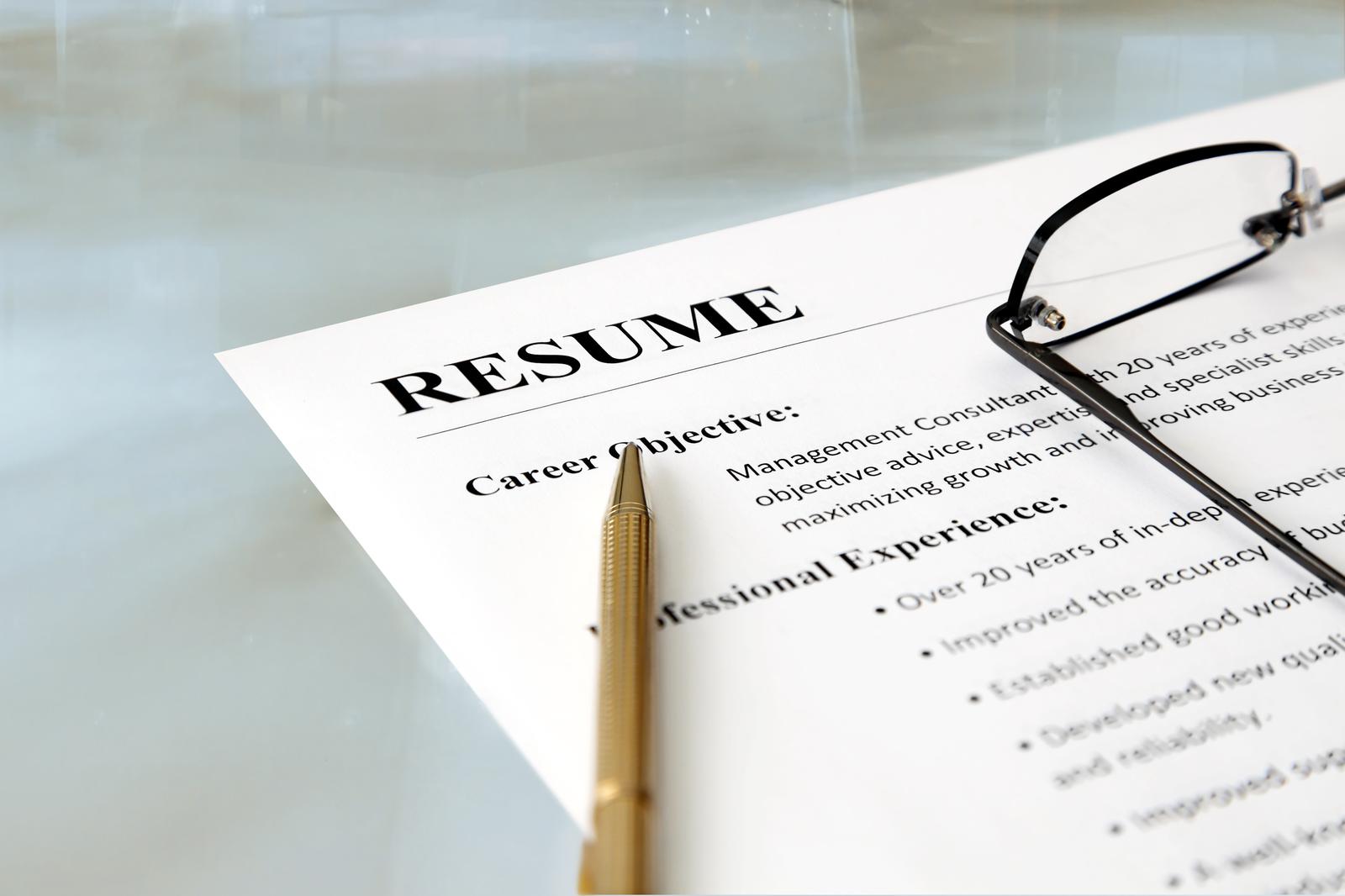
The layout sets itself
Tired of formatting in Word? A template gives you a starting layout. Check its spacing again after you finish editing.
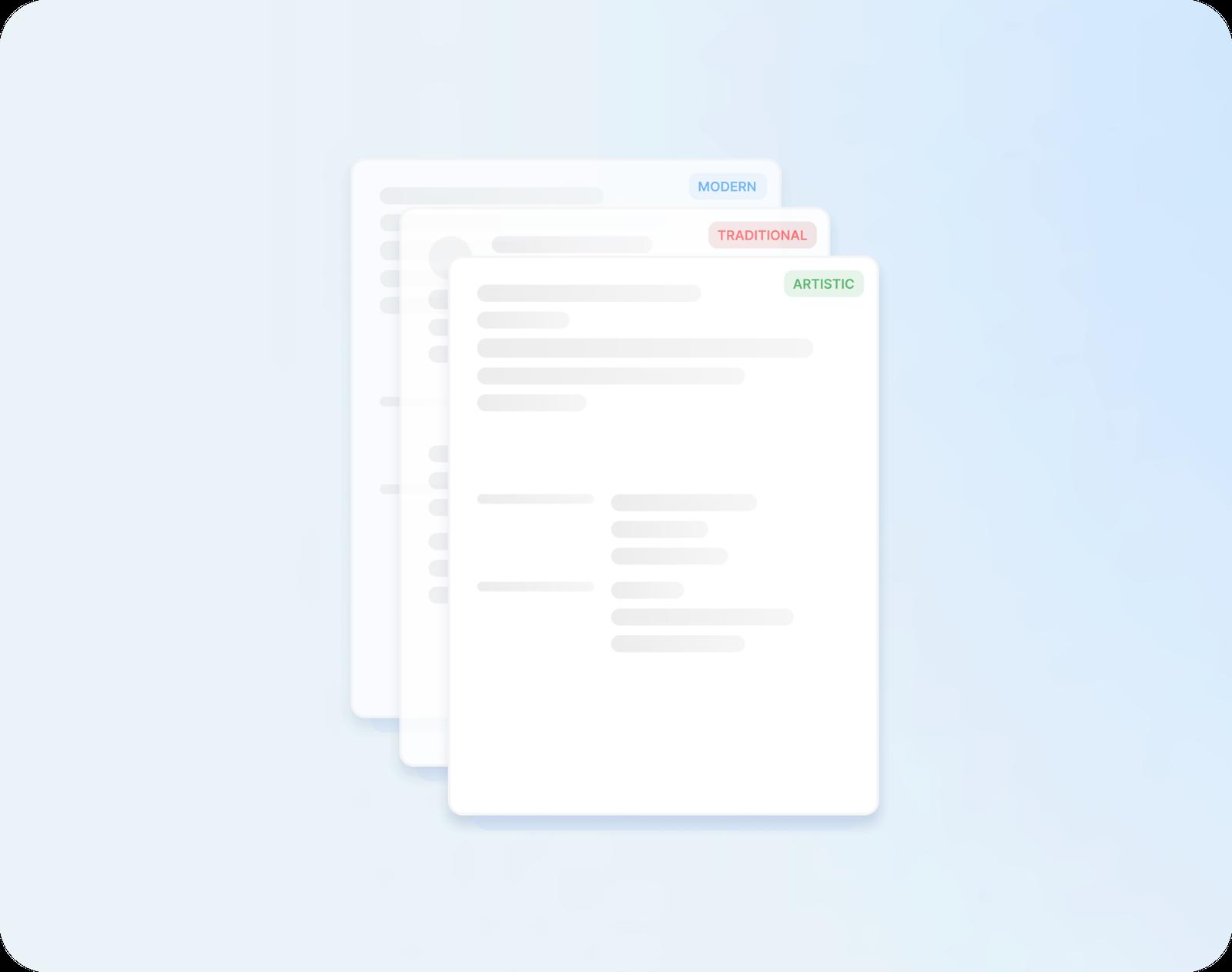
A new design, the same words
Started in a traditional design and want something more modern? Switch designs and check how your text fits the new layout.
Leave time for one last check
Spotted a mistake on your final read? Correct it, then review the finished CV before sending.
Why a CV written fast still has to be clear
“Great resume builder, I'll be using it again”

“I needed a resume fast, great and very useful”

Closing dates, agencies and other fast CV questions
Can I write a CV the night before the closing date?
You can make a start tonight. Have your employers, job titles and dates beside you, and focus on the requirements that matter most. Allow time to check the finished CV and complete any form; the work needed depends on what you already have.
How do I match my CV to the essential criteria in a job ad?
List the essential criteria, then point to evidence you actually have for each one. Put the most relevant experience where it is easy to find. Do not add a skill just because the advert asks for it.
Should I use a different CV for agencies and direct applications?
Use the same CV with small changes. For an agency, keep the personal statement broad enough to suit several of its clients' roles. For a direct application, aim it at that employer's essential criteria. Save one version of each in My Library.
Is it OK to register with more than one recruitment agency?
You can work with more than one agency. Keep a record of where each has submitted your CV and agree who will represent you for a particular vacancy.
Should I put my notice period on my CV?
Add it when you're applying through an agency, or when the ad asks when you can start. One line under your personal statement is enough, such as "Available to start on four weeks' notice." For other direct applications, you can leave it for the interview.
Is it quicker to ask ChatGPT to write my CV?
A chatbot can help with a draft, but you still need to verify the details and prepare the layout. Rocket Resume brings examples and a template into the same process. Choose the approach that helps you produce an accurate application.
Pick your industry, then build your CV
Explore the weekly selection





- 96 examples
- 12 examples
- 9 examples
- 17 examples
- 68 examples
- 15 examples






Show all industries (A–Z)Show fewer
- Aerospace & Defense, 8 examples
- Agriculture, 23 examples
- Apparel & Textiles, 13 examples
- Architecture, 15 examples
- Artificial Intelligence, 6 examples
- Arts & Entertainment, 24 examples
- Automotive, 21 examples
- Beauty & Personal Care, 17 examples
- Biotechnology & Life Sciences, 7 examples
- Business Services, 23 examples
- Chemical Engineering, 4 examples
- Childcare, 14 examples
- Construction, 106 examples
- Creative, 15 examples
- Customer Service, 17 examples
- Education, 94 examples
- Energy, 39 examples
- Environmental Science, 5 examples
- Finance, 63 examples
- Food & Beverage, 68 examples
- Government, 48 examples
- Healthcare, 160 examples
- Hospitality, 35 examples
- Human Resources, 18 examples
- Insurance, 10 examples
- Legal, 12 examples
- Logistics, 37 examples
- Manufacturing, 68 examples
- Marketing, 8 examples
- Media, 20 examples
- Military, 24 examples
- Mining & Metals, 9 examples
- Nonprofit, 8 examples
- Pharmaceuticals, 12 examples
- Public Relations, 10 examples
- Real Estate, 7 examples
- Retail, 38 examples
- Robotics, 11 examples
- Sales, 14 examples
- Security Services, 19 examples
- Social Services & Counseling, 21 examples
- Social Work, 14 examples
- Sports & Fitness, 96 examples
- Technology, 67 examples
- Telecommunications, 6 examples
- Tourism & Travel, 9 examples
- Transportation, 38 examples
- Veterinary, 9 examples
Search for your job title

Read a few reviews, then get your CV started
from 3,900+ reviews