Professional CV builder with
Our professional CV builder gives your CV a polished look without design work. The layout is set for you, and expert suggestions help you describe your work with confidence.
- Traditional, modern and creative looks
- Clean, consistent formatting throughout
- Expert suggestions to reword as you like
- Switch designs without retyping

Mitchel D.
Jan 2024
“A fantastic source for resume building.”

Pablo
Jul 2022
“I really appreciate all the great tools”

Tracy A.
Mar 2026
“User-friendly, I would recommend it to others.”

Jason B.
Feb 2025
“A great website, I got a job.”
from 4,000+ reviews

A professional CV without the formatting work
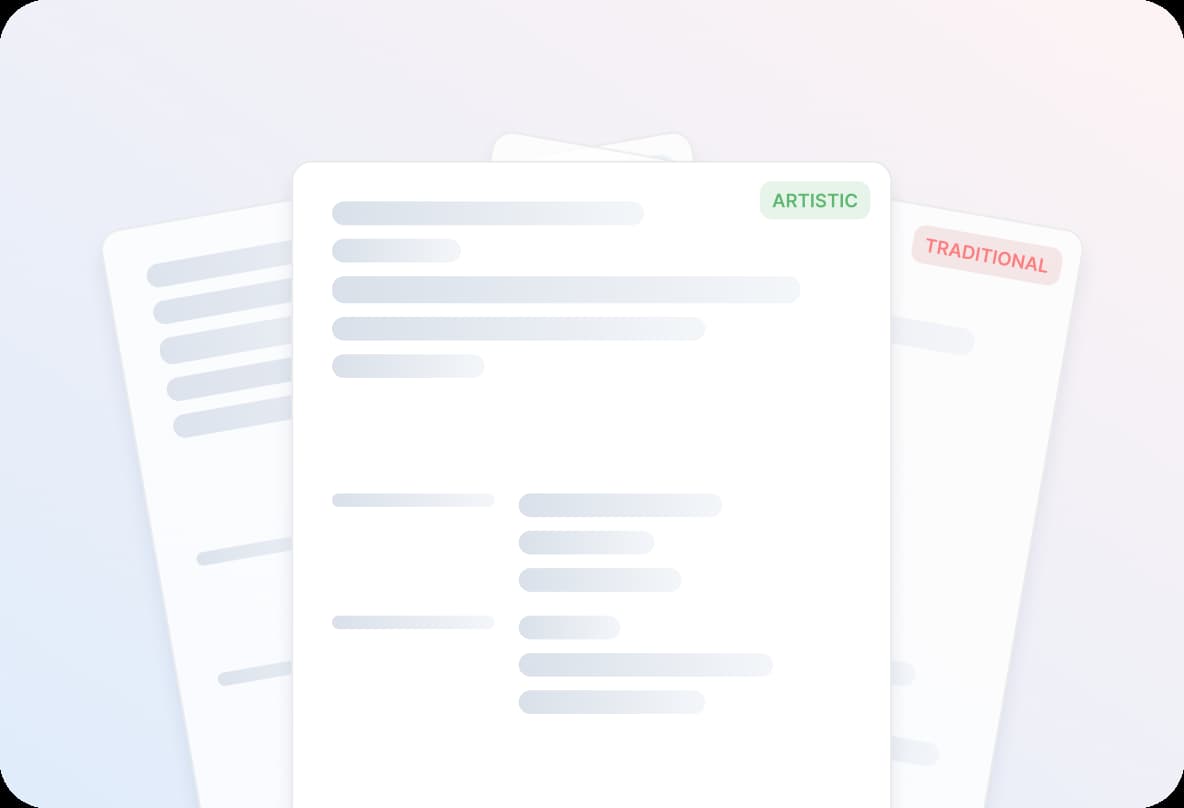
Consistent formatting from top to bottom
Fonts, spacing and headings match across your CV, so it looks put together rather than pasted from three documents.

Wording that sounds professional
AI-enhanced expert suggestions for your job title give you confident, specific bullet points to start from. Edit each one to fit your work.

Results, not just duties
Turn a list of tasks into achievements an employer can picture, such as how many people you trained or how much time you saved.
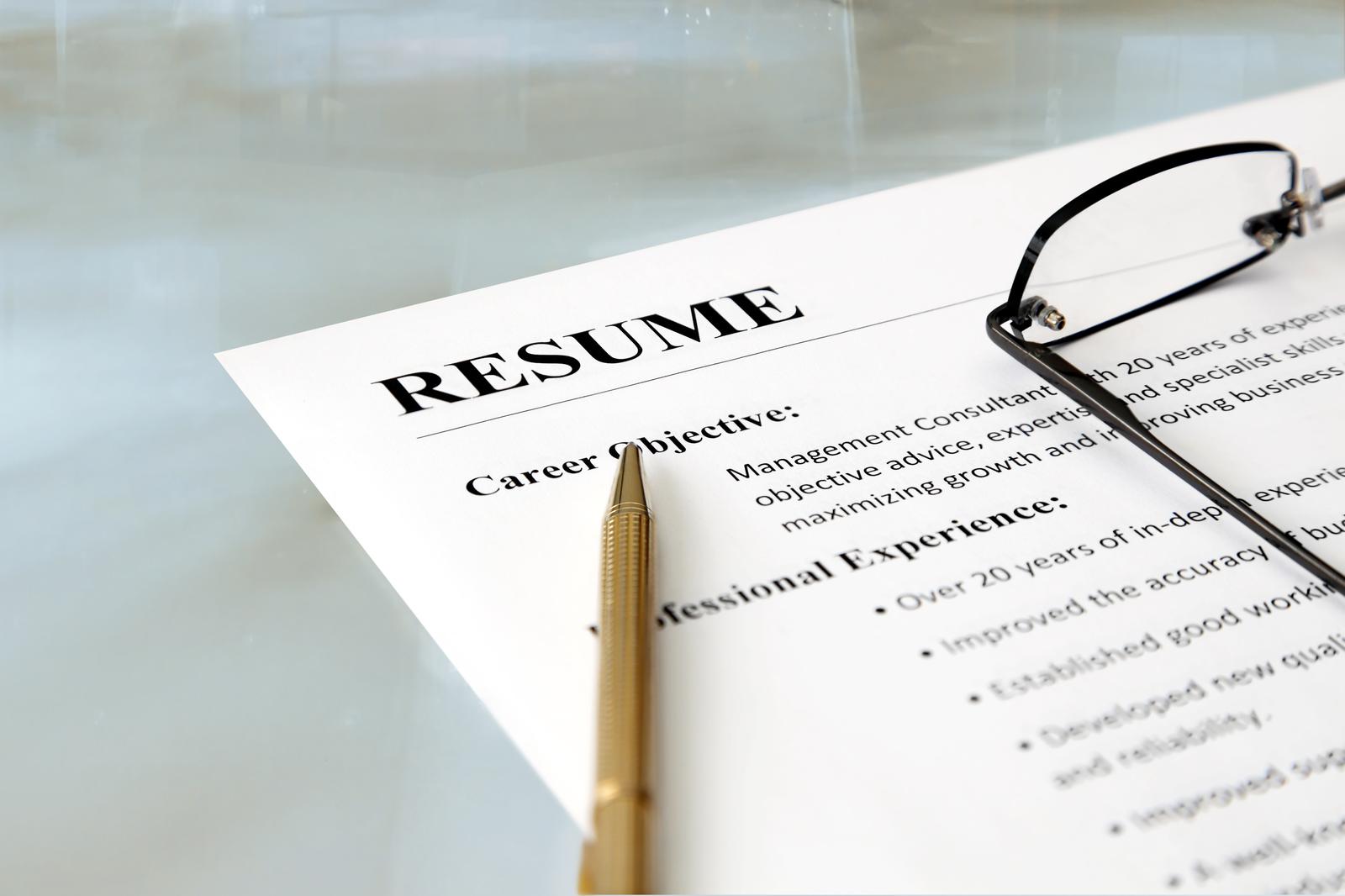
Built for screening software
Clean, ATS-friendly layouts put your headings and dates in a clear order, so software and recruiters find what they need.
A tailored copy for each role
Duplicate your CV in My Library and tune each version to the job ad, while your main CV stays untouched.
How to build a professional CV with our builder
Step 1
Choose a professional design
Share a little about your experience, then choose a design to match your field. Traditional designs read as formal; modern ones feel fresh.
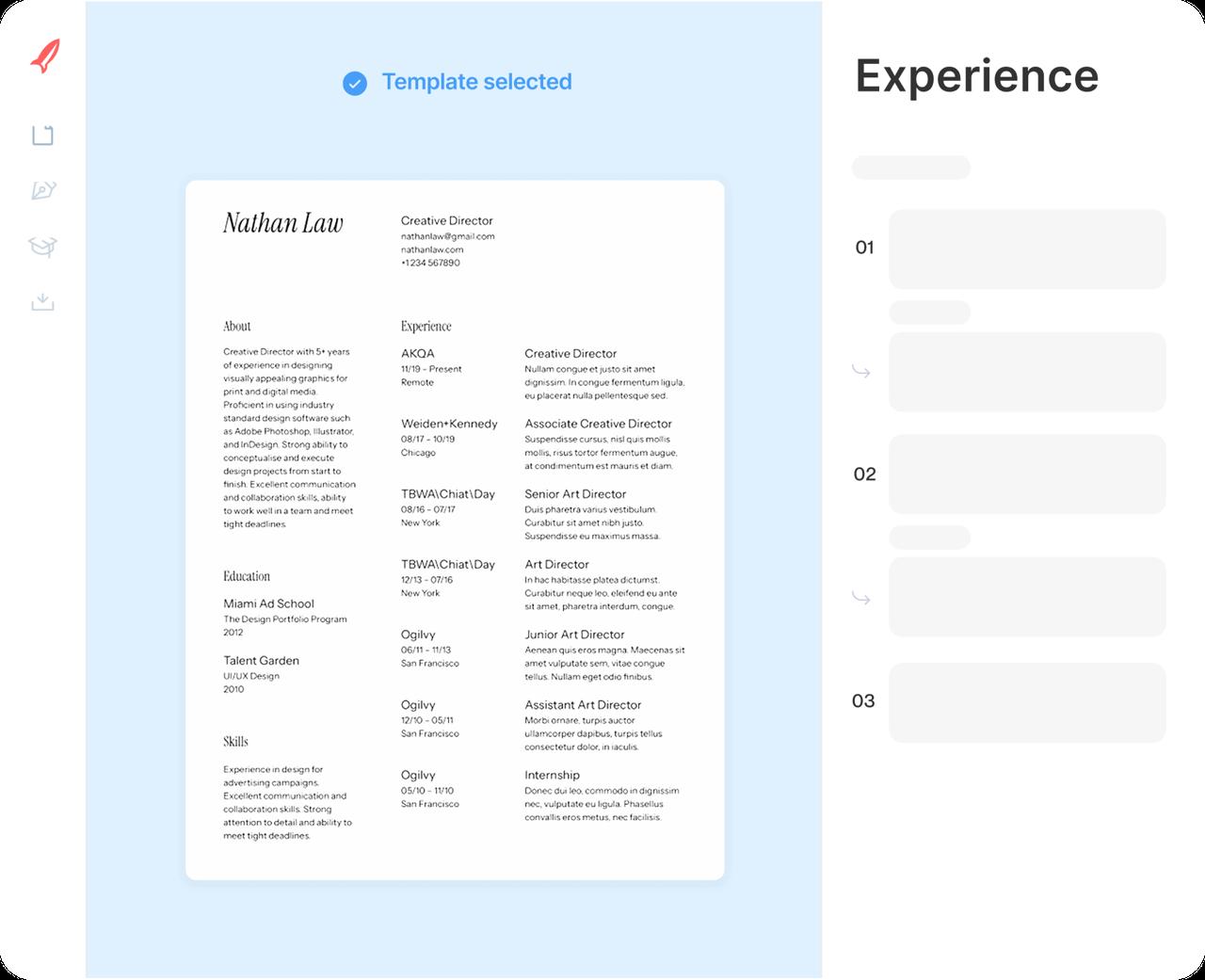
Step 2
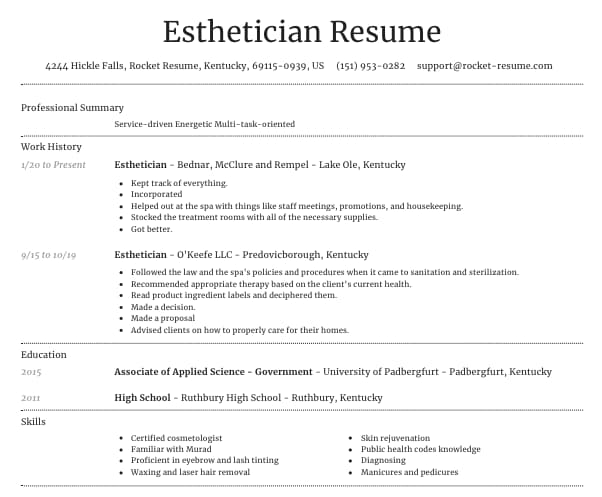
Add your work history
Enter each job, newest first, and choose from suggestions for its title. Rewrite them with your own numbers and names.
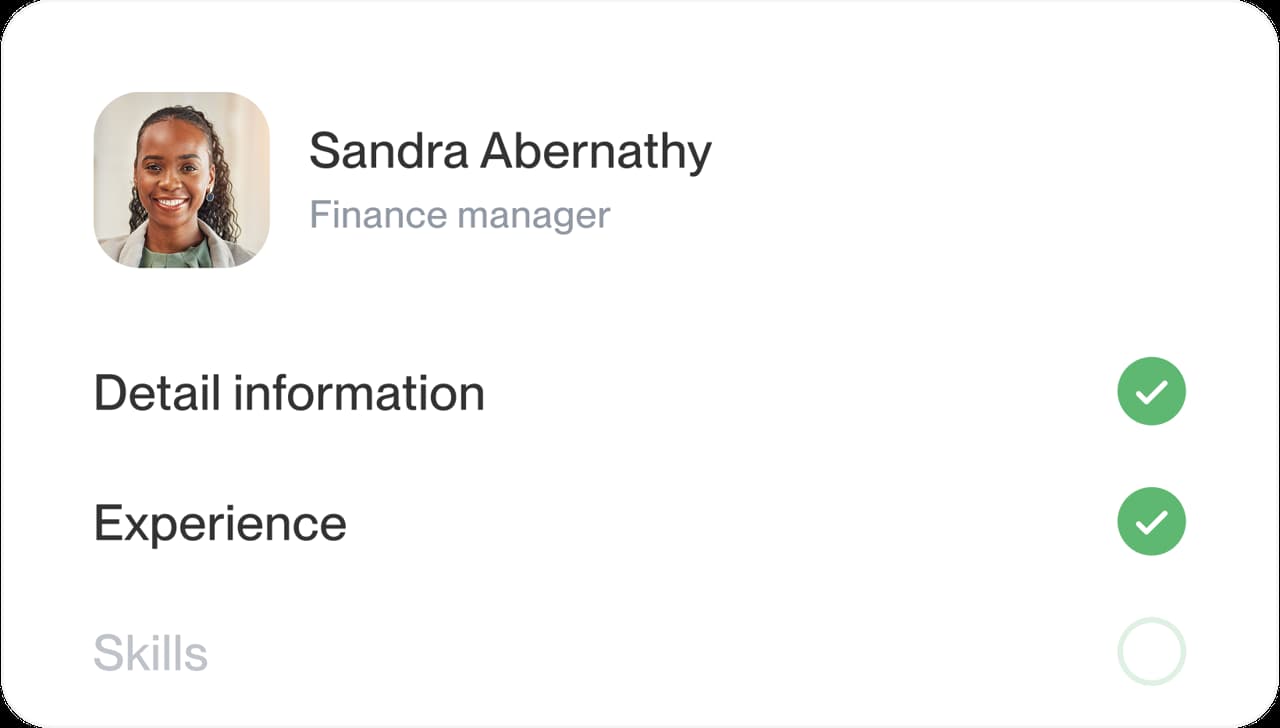
Step 3
Refine the details
Reorder sections so your strongest one leads, check the preview and tighten any line that runs long.

Step 4
Download and apply
Download your CV and send it with confidence. It stays saved in your account for your next application.
Step 1
Choose a professional design
Share a little about your experience, then choose a design to match your field. Traditional designs read as formal; modern ones feel fresh.
Step 3
Refine the details
Reorder sections so your strongest one leads, check the preview and tighten any line that runs long.
Step 2
Add your work history
Enter each job, newest first, and choose from suggestions for its title. Rewrite them with your own numbers and names.
Step 4
Download and apply
Download your CV and send it with confidence. It stays saved in your account for your next application.
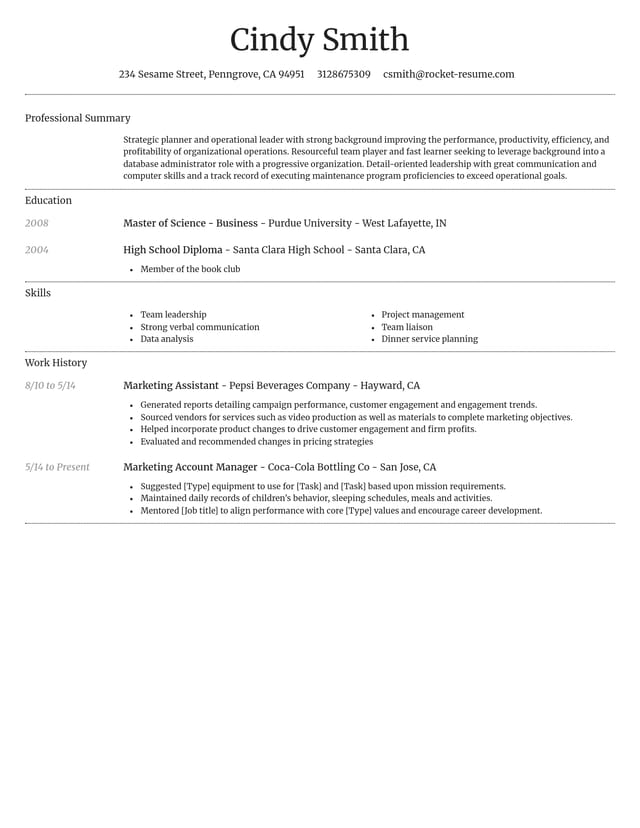
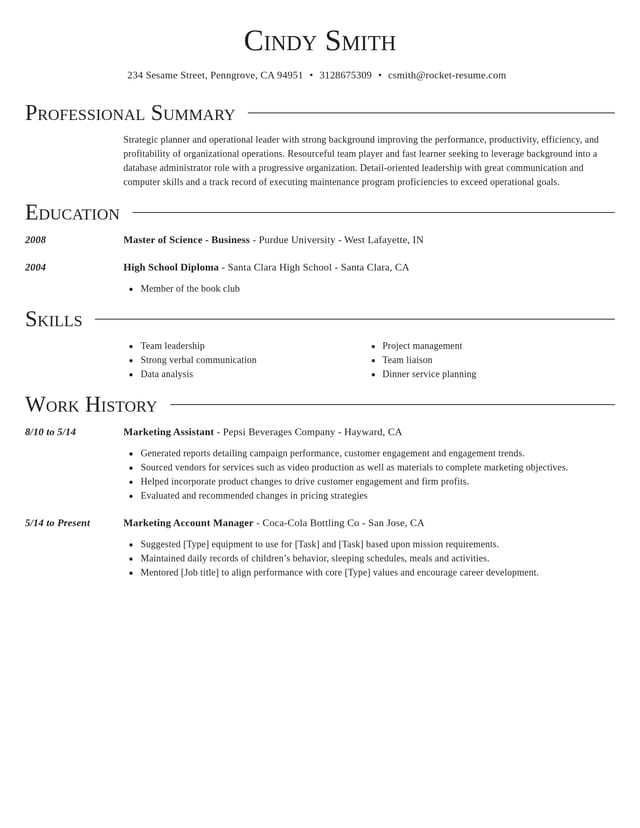
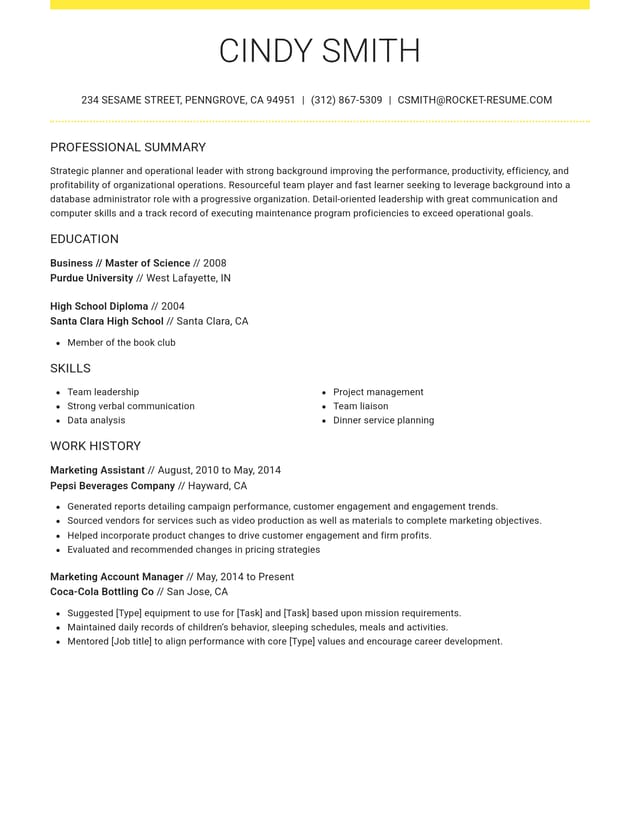
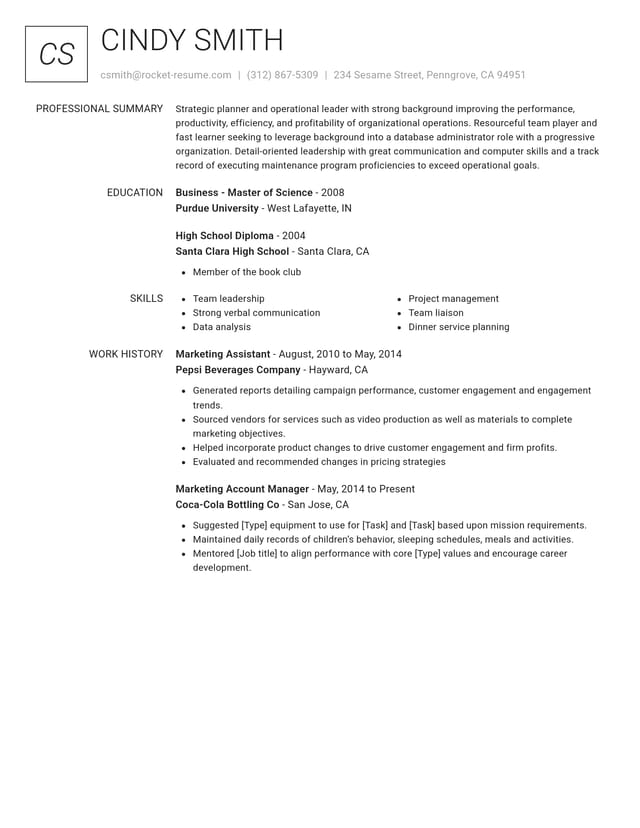
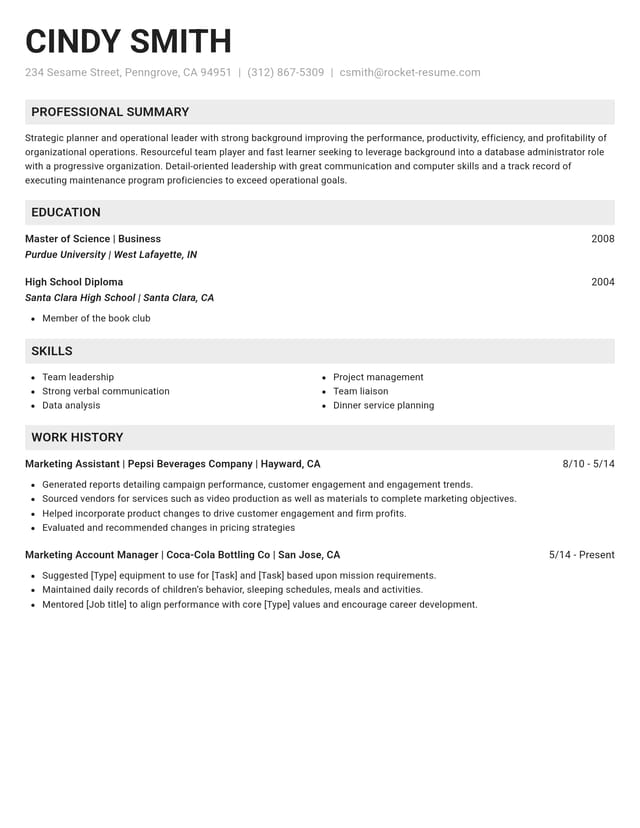
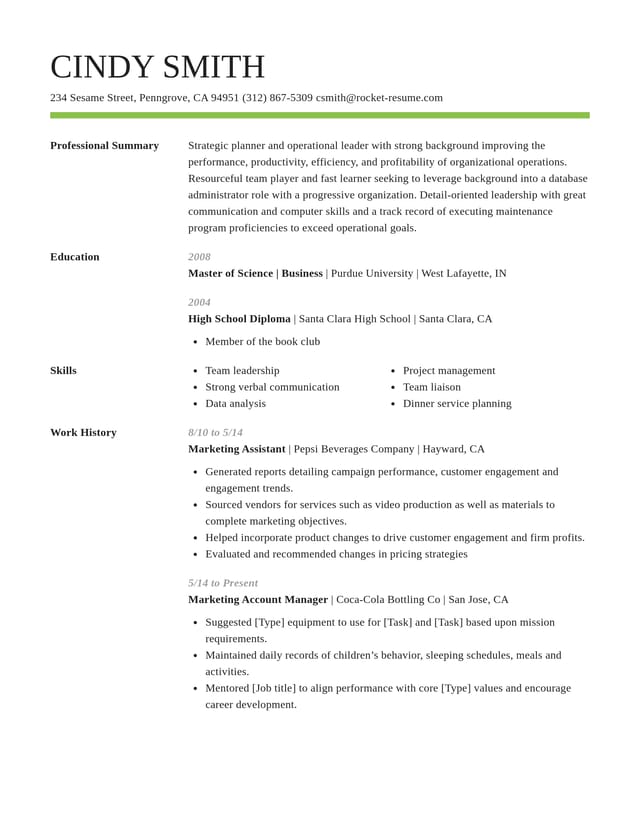
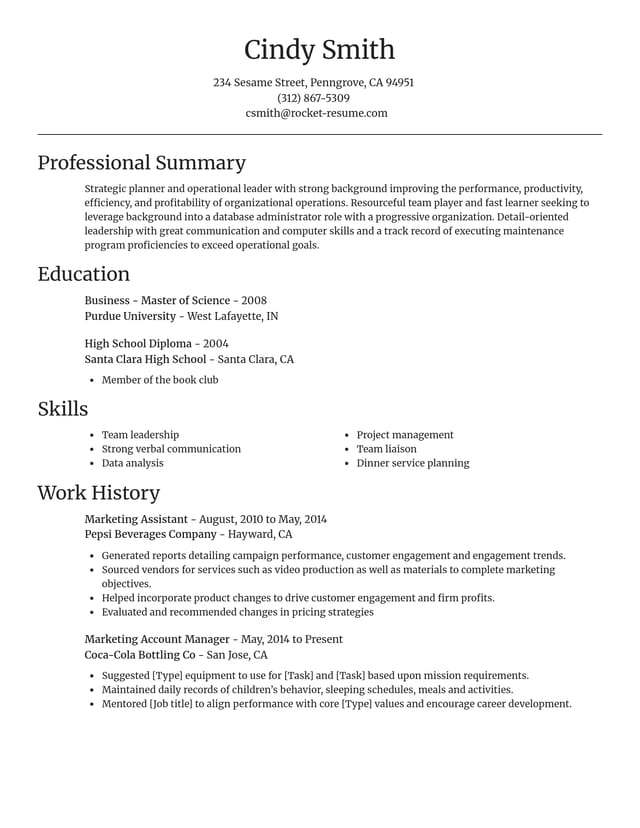
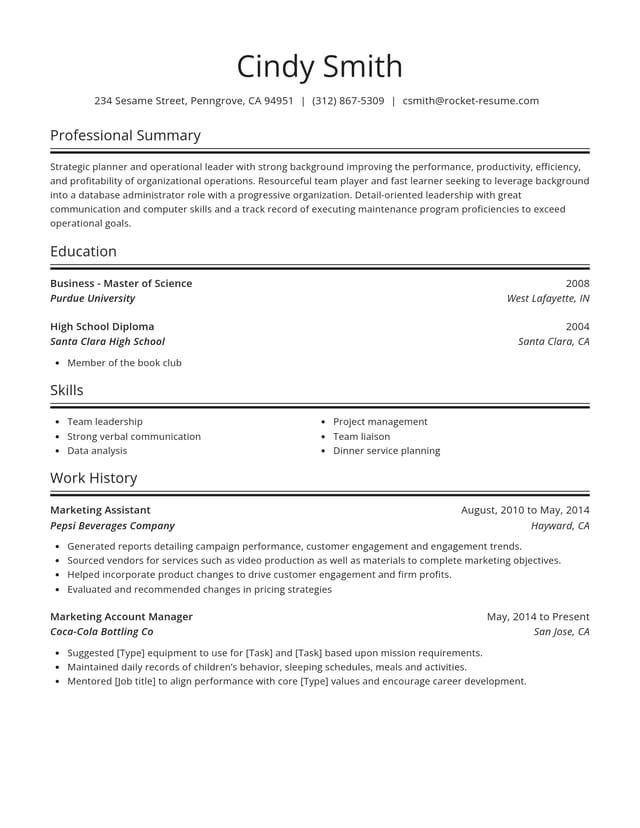
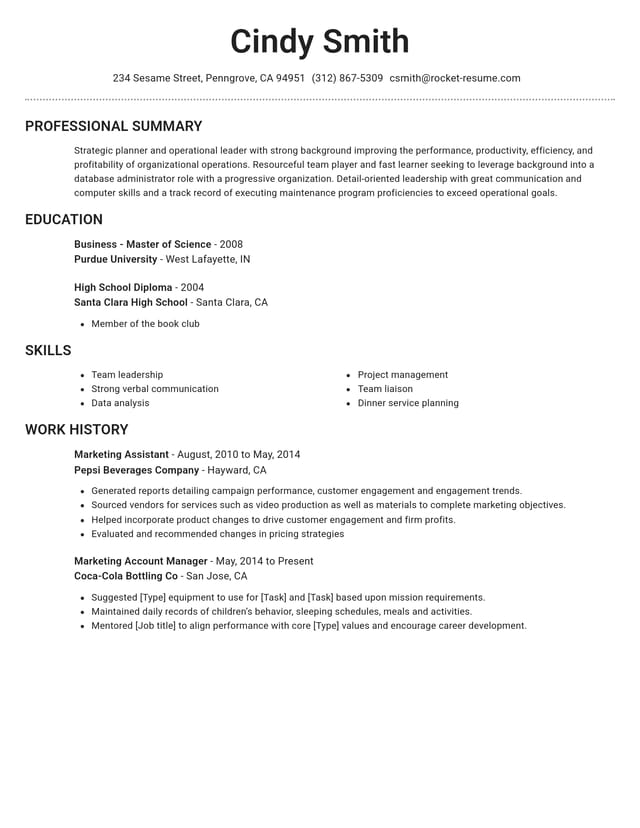
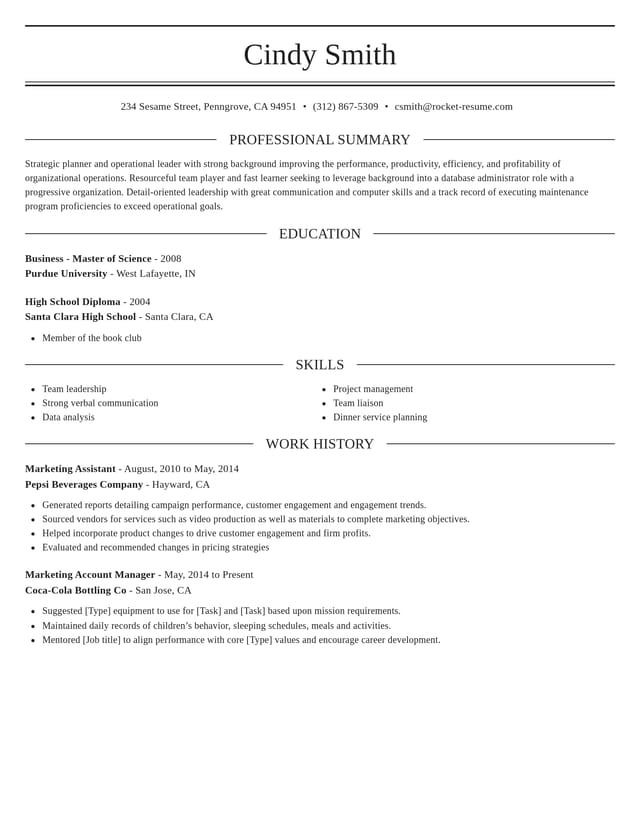
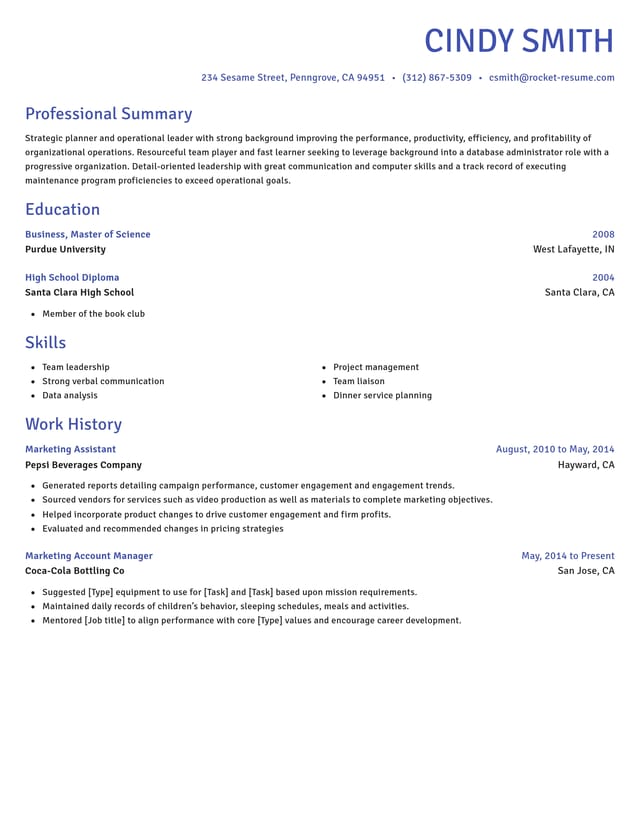
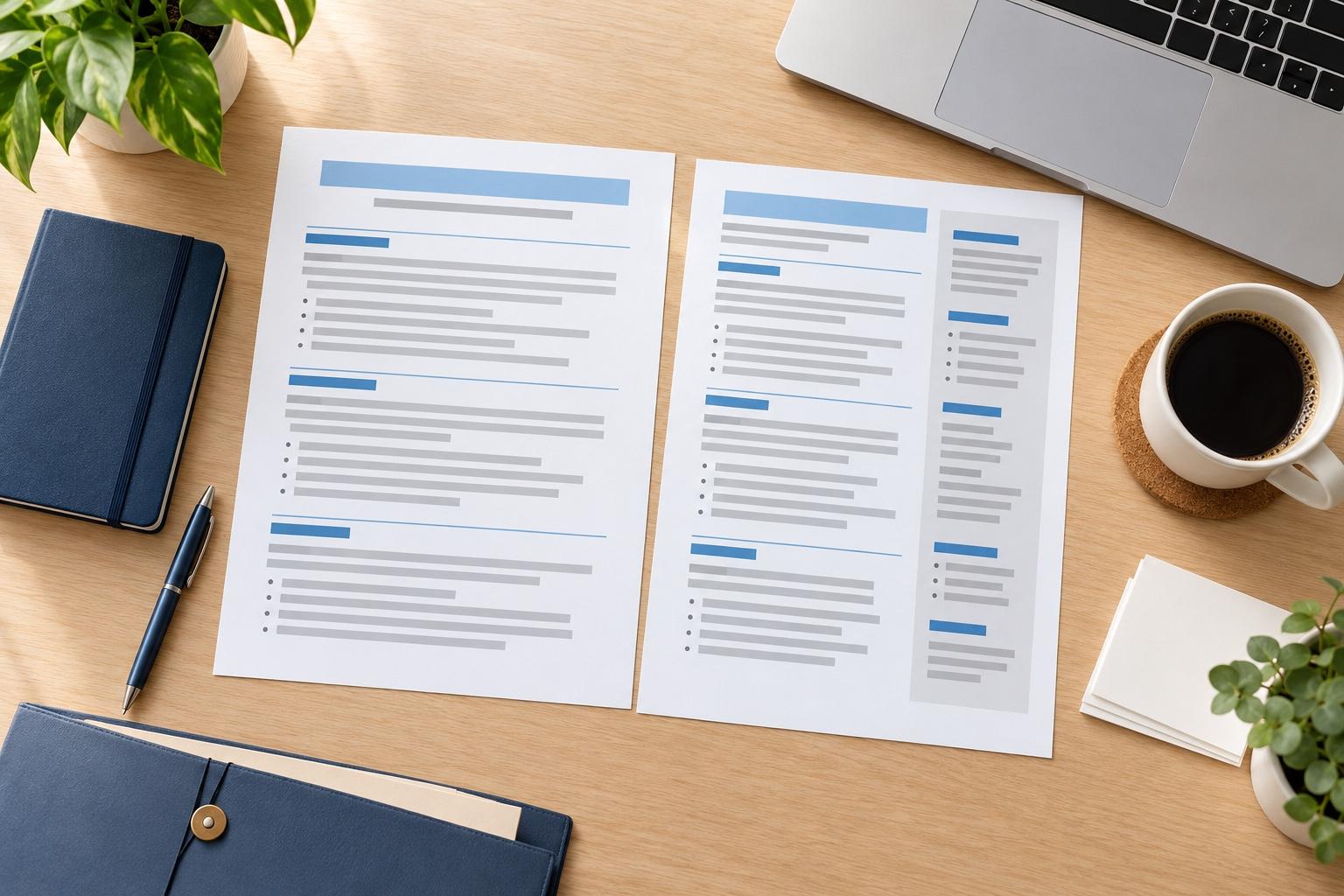
Professional CV designs to choose from


What makes a CV look professional
A CV looks professional when it's easy to scan, consistent from top to bottom and specific about what you achieved. Before anyone reads your CV, they notice how it looks. The design you pick handles the look and consistency; the rest comes down to how you write and what you choose to include.
Which parts does the design handle?
The design handles everything about how your CV looks, so you never set a margin or match a font by hand:
- Fonts and spacing that match in every section
- Headings styled the same way, so each part of your CV is easy to find
- A clean layout with enough white space to breathe
- An ATS-friendly structure that screening software and recruiters can follow
Because those details come with the design, you can compare a formal look with a modern one without reformatting anything. Our CV templates show each style filled in.
How do you make your CV sound professional?
The words are where a CV starts to sound professional. Four habits make the biggest difference:
- Lead with results. "Cut invoice errors by a third" says more than "Responsible for invoices."
- Keep each line to one idea, opening with a strong verb such as led, built or improved.
- Use the job ad's language where it's true for you, so the match is easy to see.
- Keep names, dates and job titles accurate and consistent.
Cut labels such as "results-driven self-starter" unless a line below proves them, because a recruiter believes a result faster than an adjective. Vary your opening verbs too: managed, trained, organized, reduced and launched each say something different.
How do you show results without numbers?
Not every job comes with figures, and that is fine. Describe the scale instead (how many people, how often, how large an area), the change you made (what worked better after you stepped in) or the recognition you earned, such as a promotion, a commendation or being asked to train others.
What order should a professional CV follow?
Reverse-chronological order, newest role first, is what most employers expect. Under your contact details and profile, lead with whichever section proves your fit fastest: recent experience for most people, education for new graduates. Changing careers? A short key skills section above your work history can help, and our CV guide explains when a skills-based CV makes sense.
How much detail should each job get?
Spend most of your space on the roles closest to the one you want, and give older or unrelated jobs a line or two. If your career is long, group early roles under one heading such as "Earlier experience", with a single line for each.
A line earns its place when it proves a skill the ad asks for or a result you'd happily talk through in an interview. Anything else can go, and the CV reads sharper for it.
How do you tailor a professional CV to each job?
Read the job ad and mark the three or four things it asks for most. Move the bullet points that prove those to the top of each job and echo the ad's terms in your profile. Before you start, duplicate your CV in My Library, so every tailored copy leaves your main version as it is.
What's the last check before you send it?
Read your CV aloud, check every date and phone number, and ask someone you trust to look it over. On a polished layout, a small typo stands out more, not less.
Last, compare your draft with two or three CV examples for your field. If they all mention a license, a tool or a kind of result that yours leaves out, add it where it's true for you.
Why polish matters when hiring is crowded
“This service is amazing, a customer for life.”

“We come back to Rocket Resume, it's the best!”

Questions about professional CVs
What is a professional CV?
A professional CV is one an employer can trust at a glance. It has one consistent style, clear headings, no typos and bullet points that show what you achieved, written for the job you want.
Should a professional CV have a personal statement?
Yes, for most job CVs. A few lines under your contact details say what you do, one strength you can prove and the role you want next, so a recruiter knows how to read the rest.
Should I use a CV builder or hire a CV writer?
It depends how much you want to hand off. A writer still needs your dates and results, so you gather them either way.
The builder gives you a professional design and expert suggestions, and you can update your CV whenever you apply. See what to ask a writer first.
Can I edit the suggestions?
Yes. Every suggestion is a starting point: keep the ones that suit you and rewrite them with your own figures and details.

What customers say after building with us
from 4,000+ reviews