Free CV editor with
Build an editable CV from your existing details, then update it as your experience changes. Add a new role, show a promotion or refresh your personal statement for the next application.
- Free to edit and save, as often as you like
- Keep your text when you change design
- Examples to help describe your work
- Edit on your phone or your computer

Danny
Apr 2023
“I'll recommend it to friends and family.”

Dayani F.
Jan 2025
“Everything about this tool is amazing, I love it”

Kelvin P.
Jul 2025
“You guys were amazing, I got a new job.”

John W.
Nov 2022
“You made my resume professional”
from 3,900+ reviews


How to keep your CV current as your career moves on
Start with the details from your existing CV and work through each section in the builder. Once you have saved your CV to your account, you can return to update it. The guide below covers a graduate CV, a new personal statement, a promotion and an overlong draft.
When should a graduate CV start leading with my work?
Lead with work when it gives stronger evidence for the job than your degree does. There is no fixed anniversary for making the change. Review these parts of the CV:
- Give your relevant work experience more space than older course detail.
- Cut your degree entry to the course, university, grade and year. Modules and the dissertation line can go, unless the job draws on that subject directly.
- Rewrite the opening of your personal statement around the job you hold now. "Recent economics graduate seeking an analyst role" becomes "Junior analyst building the monthly sales forecast for a regional retailer".
- Keep a society or committee role if it adds evidence your paid work does not, such as managing a budget or leading a team.
Taken a career break or been made redundant since? The FAQ covers both.
Which parts of my personal statement should change for each vacancy?
Recheck the opening description, the achievement you highlight and the role you are targeting. For a move from retail to warehouse work, stock handling may be more relevant than sales. Keep the facts accurate, and work from your full CV so details tailored for one employer do not carry into the next application. The hiring research offers wider context about recruitment. For the sections of a UK job CV, see how to write a CV.
How do I show a promotion or a new title at the same employer?
Give the new title its own entry, with the same employer and its own month-and-year dates, above the earlier one. Open it with what the promotion added, such as the people you now manage, and your results since, so the step up is what a reader sees first. Trim the earlier entry to its two or three strongest results. Other changes at that employer need more care:
- Acting up or a secondment: give it its own dated entry and keep the word in the title, such as "Acting Team Leader", so a reference check matches your CV.
- A restructure that renamed your job: keep one entry under the new title, with the old one in brackets, such as "Client Success Manager (formerly Account Manager)".
- More responsibility without a new title: keep the title and describe the extra work, such as taking over rota planning. Use your own team size and dates if they help explain it.
Examples for the new role can help you describe the added responsibility. The editing tools cover the rest.
What do I cut when a new job pushes my CV past two pages?
Cut repeated duties and detail that does not help this application. Keep relevant recent achievements, but review them for repetition too. Follow any length limit from the employer. Try these edits:
- List each qualification once. Keep earlier qualifications if the advert asks for them or they add relevant evidence.
- Shorten temporary-role descriptions where duties repeat, but keep employers, role titles and dates clear.
- Trim hobbies to one line, or leave them out unless they prove something the advert wants.
- Delete any bullet that repeats a point made higher up.
Still too long? Bring your personal statement down to three or four lines. For how expected length varies by country, see CV vs resume.
Keep your CV up to date with Rocket Resume
Use the builder to review your contact details, experience, education, skills and profile. Keep examples that fit your work and check how the finished CV reads in your chosen CV design. Work through these checks:
- Choose a design that leaves your recent experience easy to read.
- Add each job's title and dates, then choose from the examples for that role.
- Check your figures against your own records and remove any sample details.
- Save it to your account, then reopen it whenever you have a new job or qualification to add.
Change your CV's design without retyping
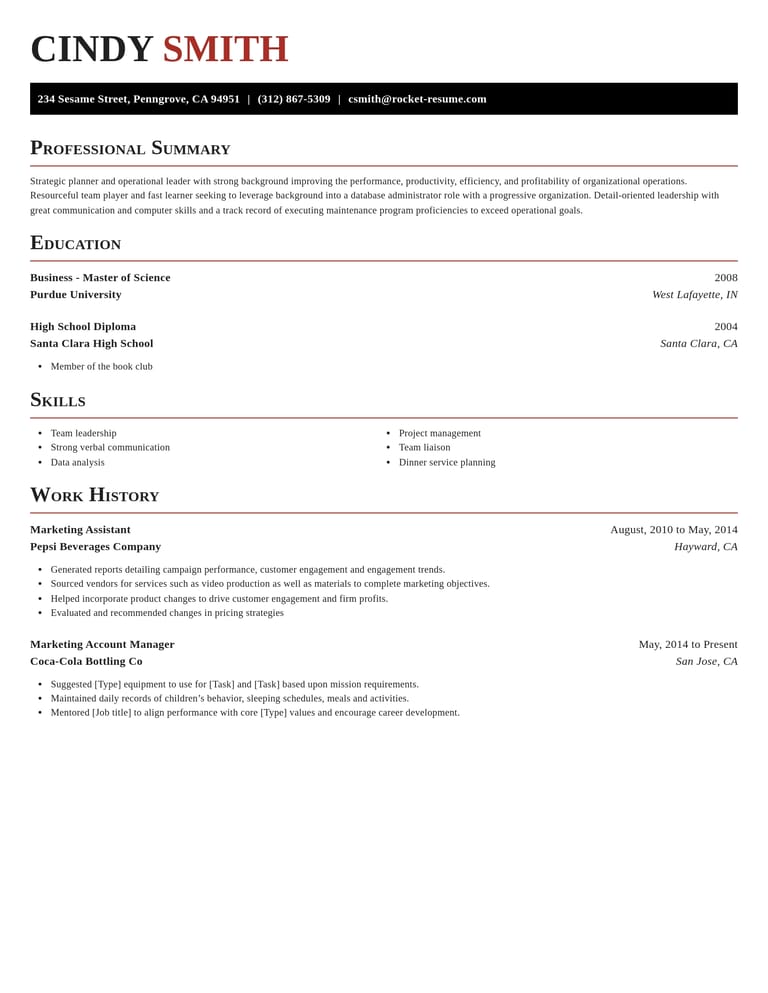
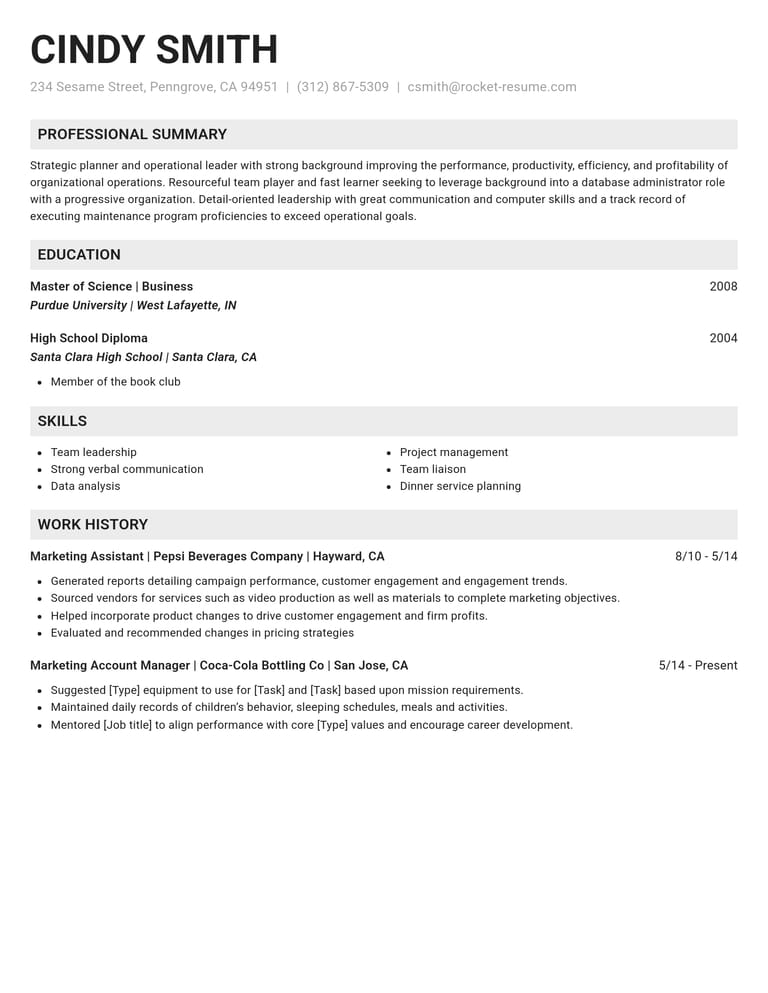
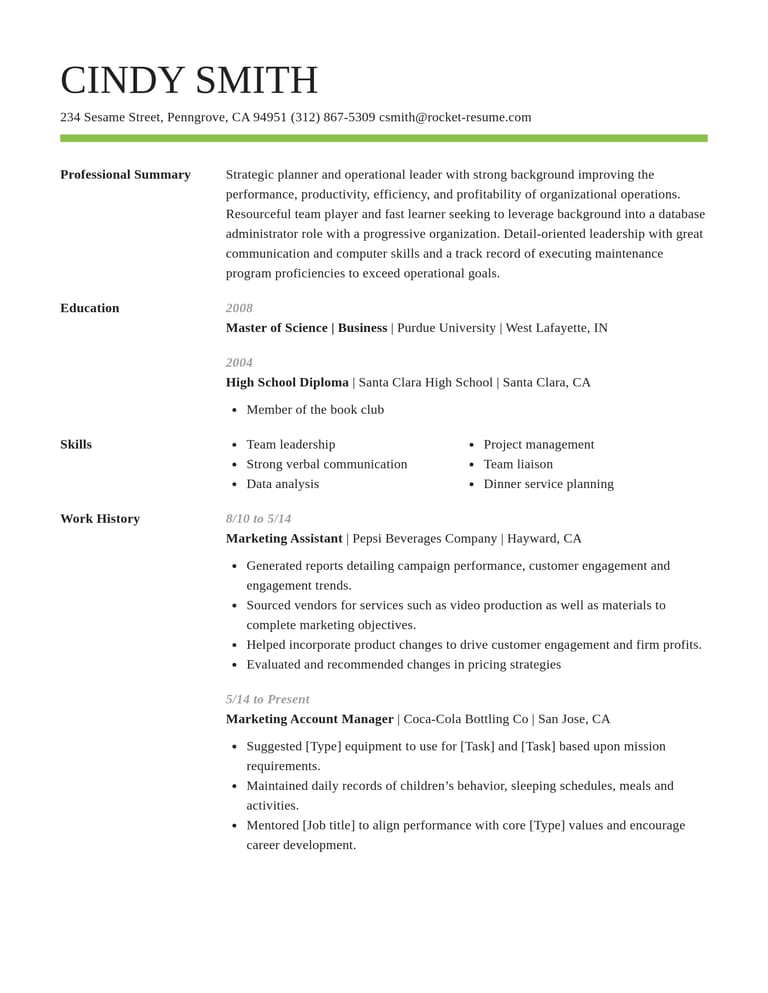
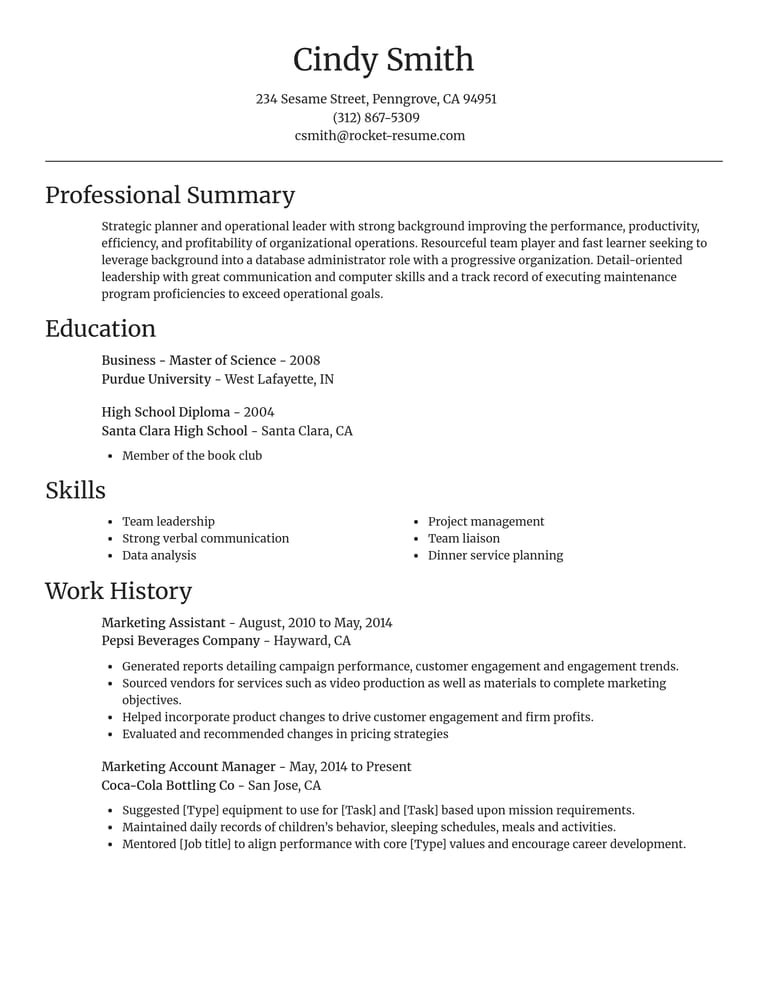
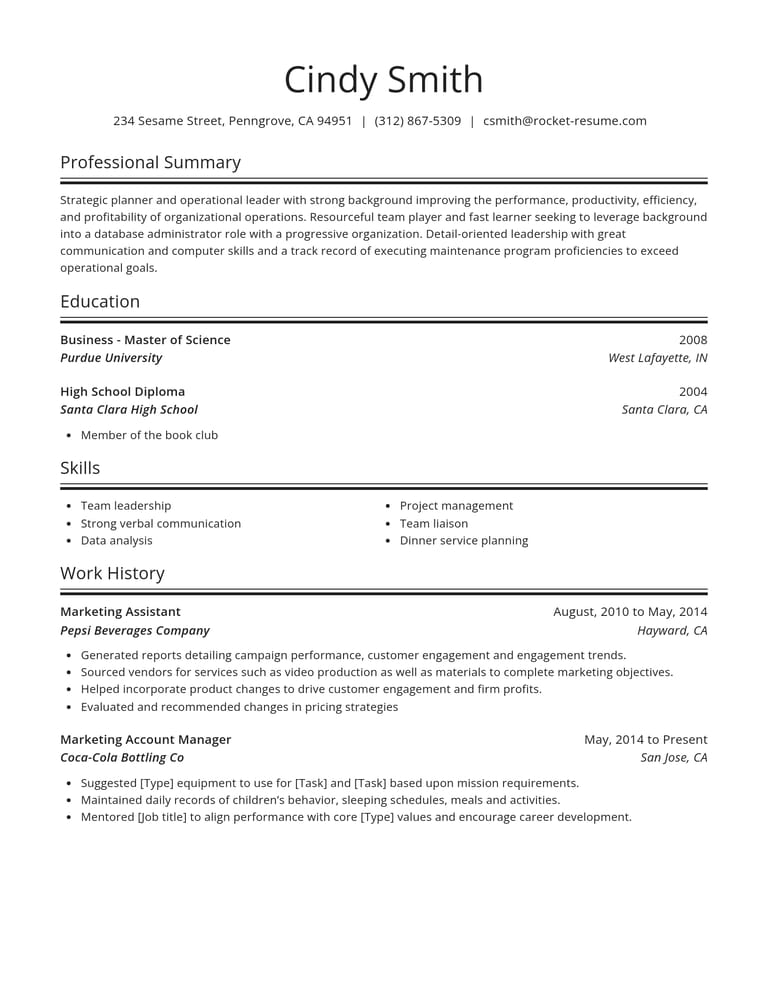
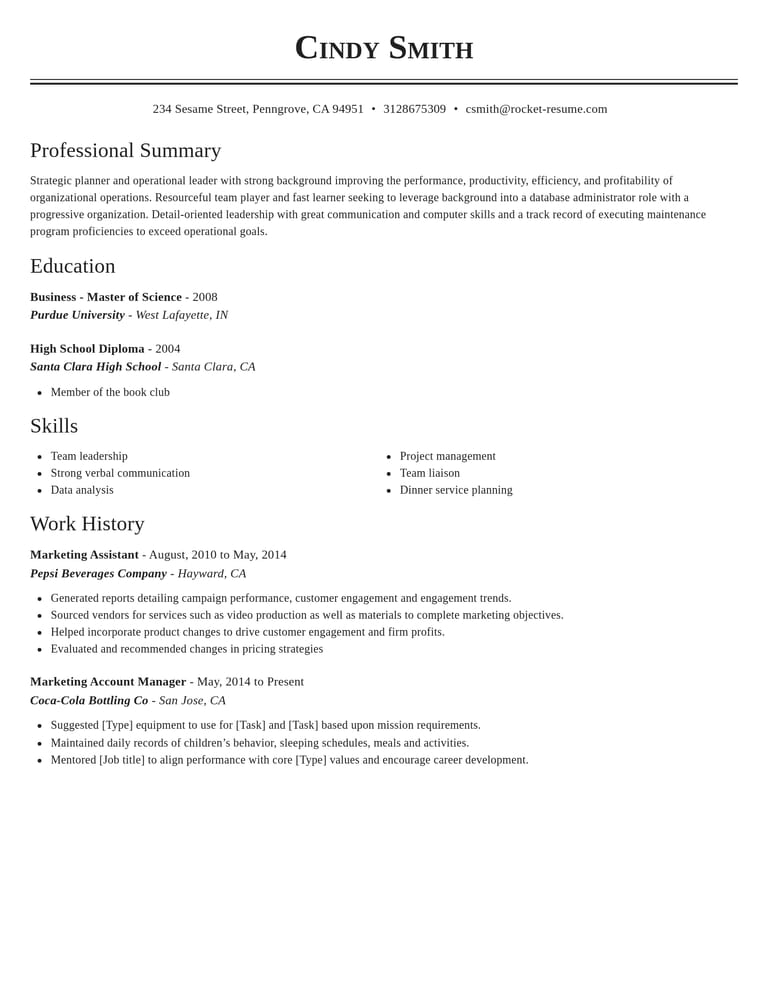
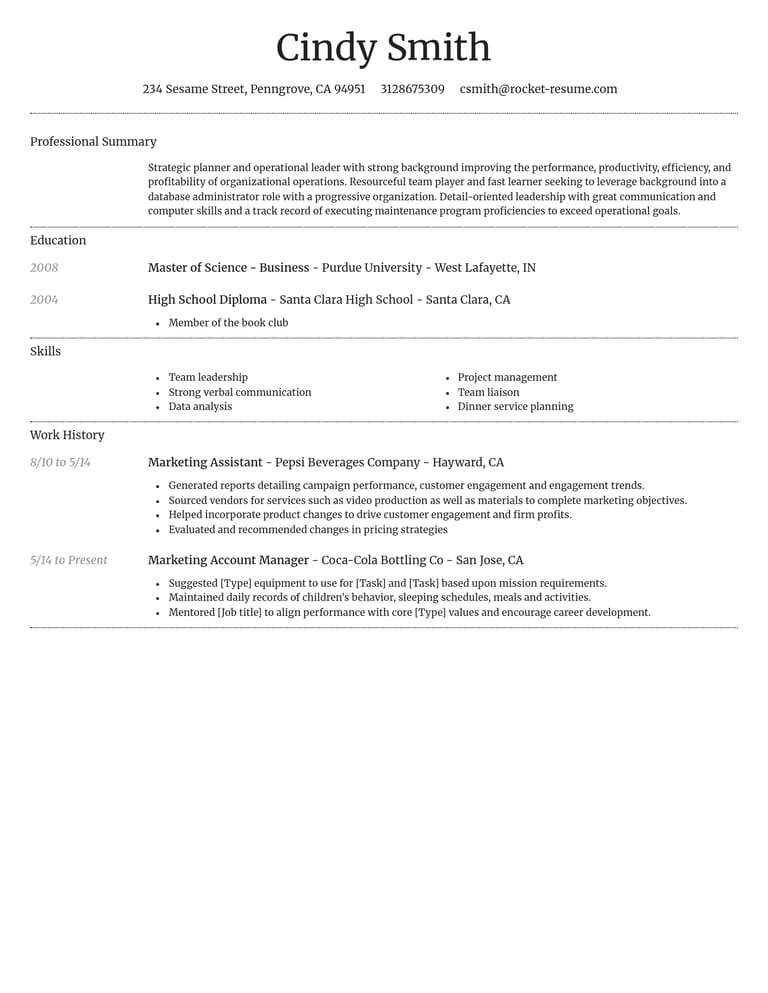
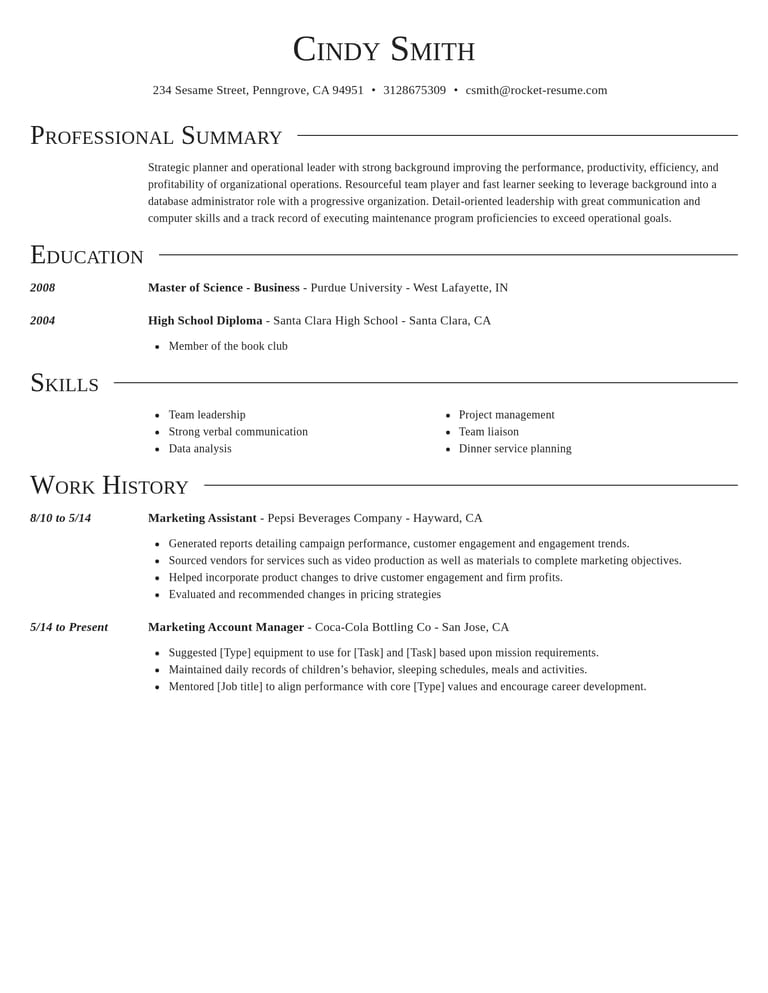
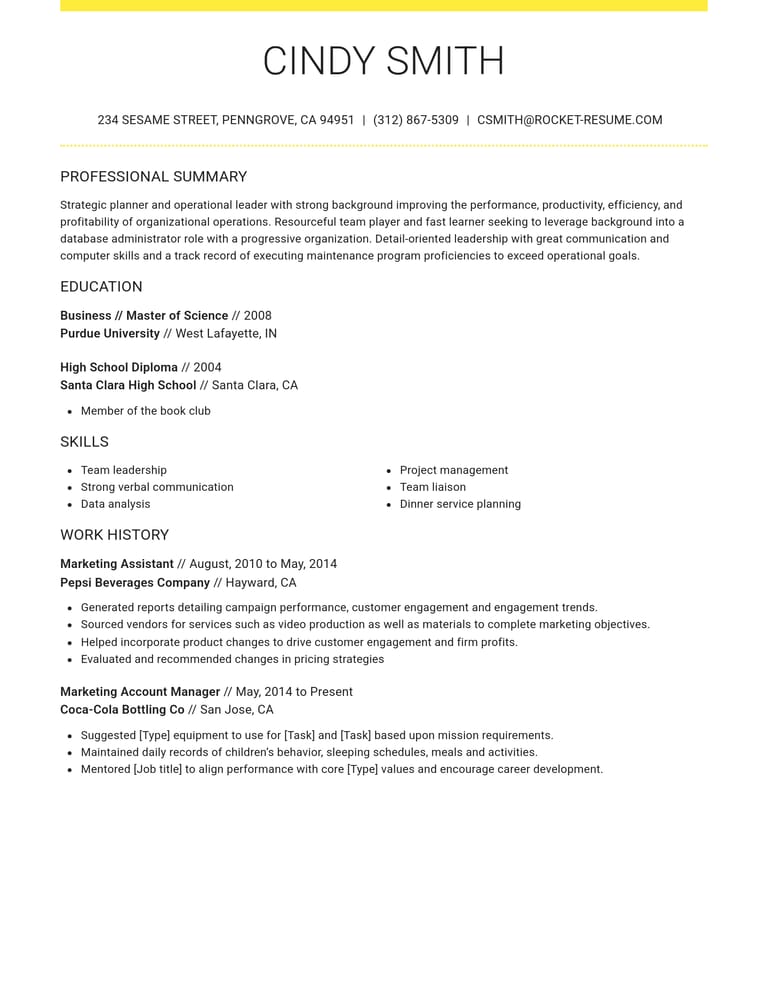
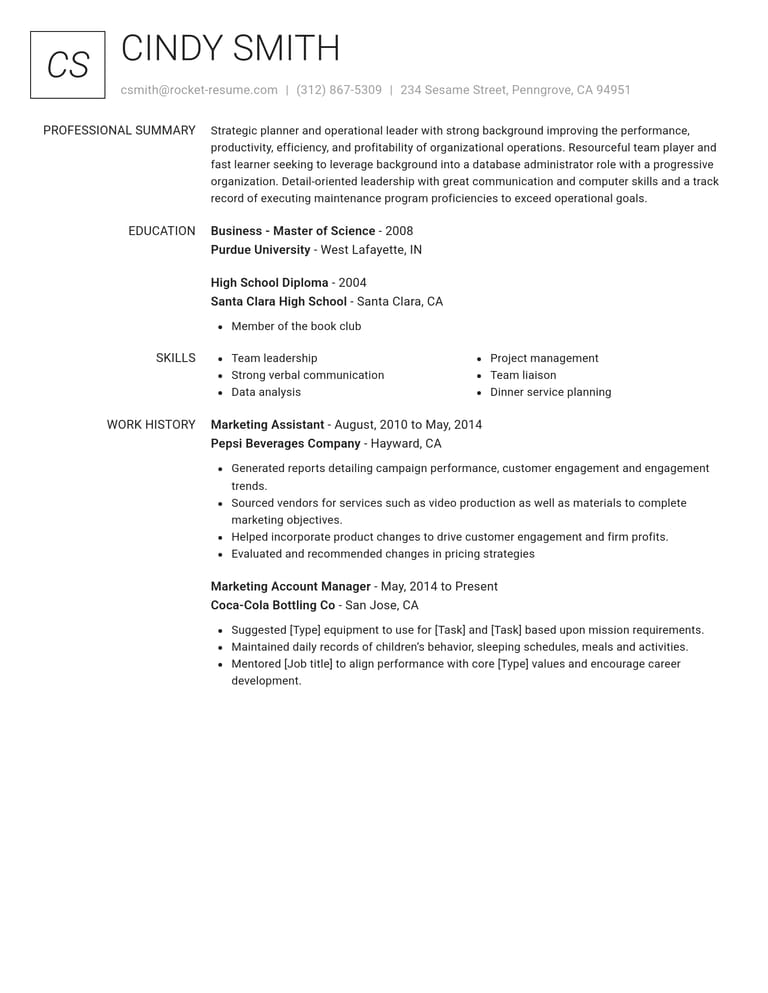
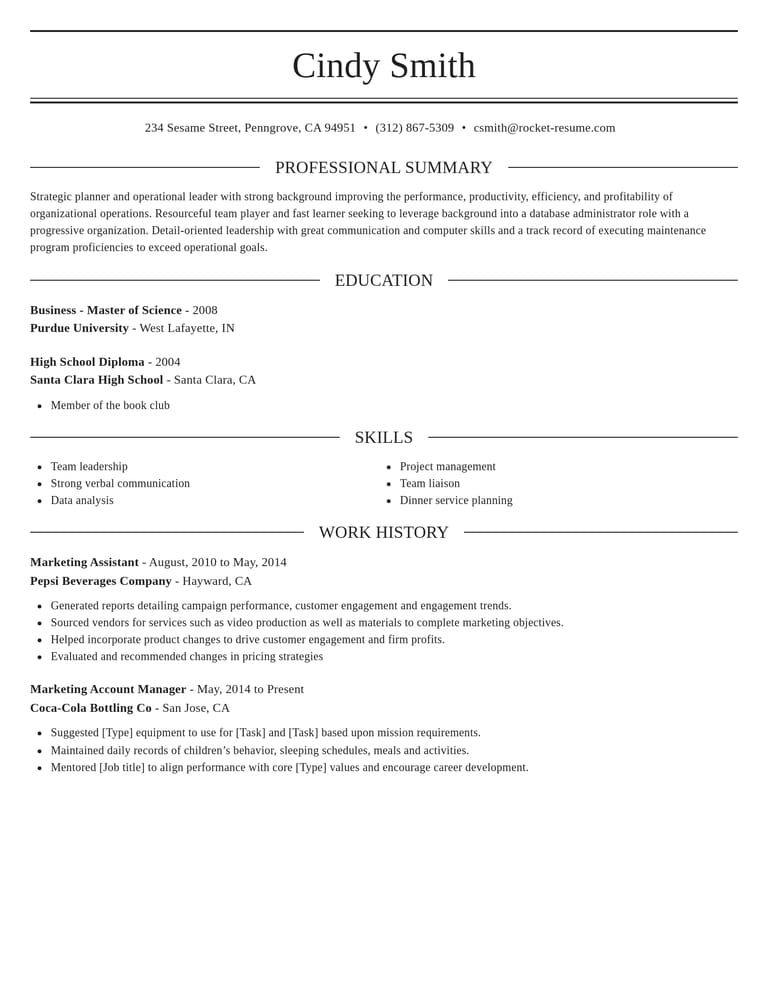
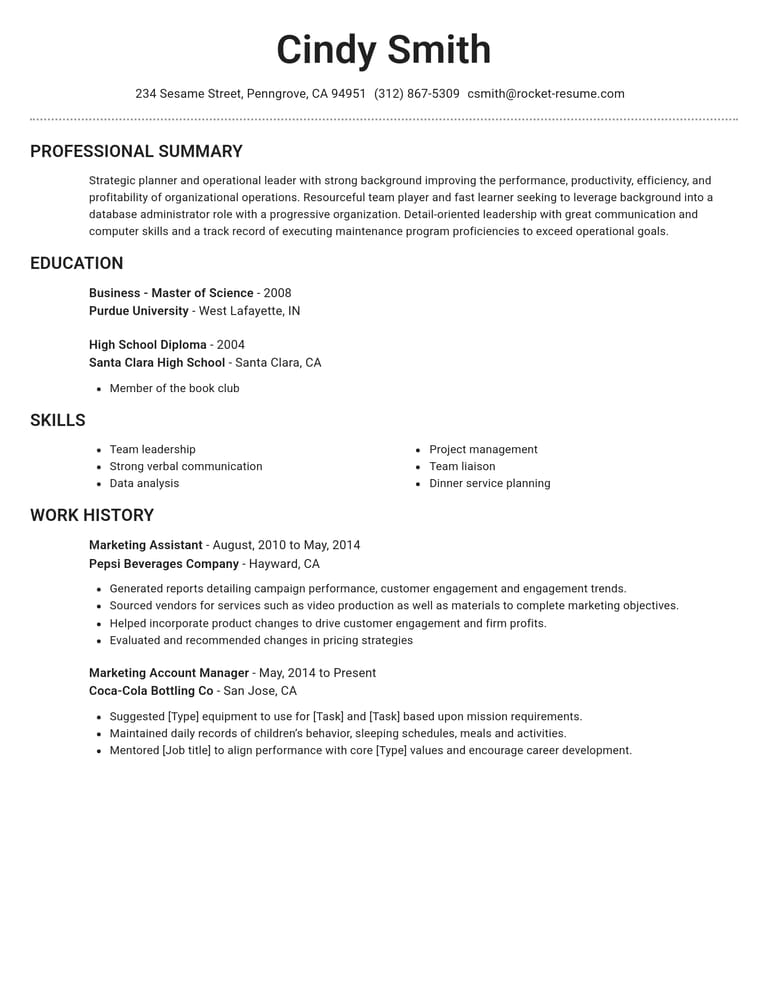
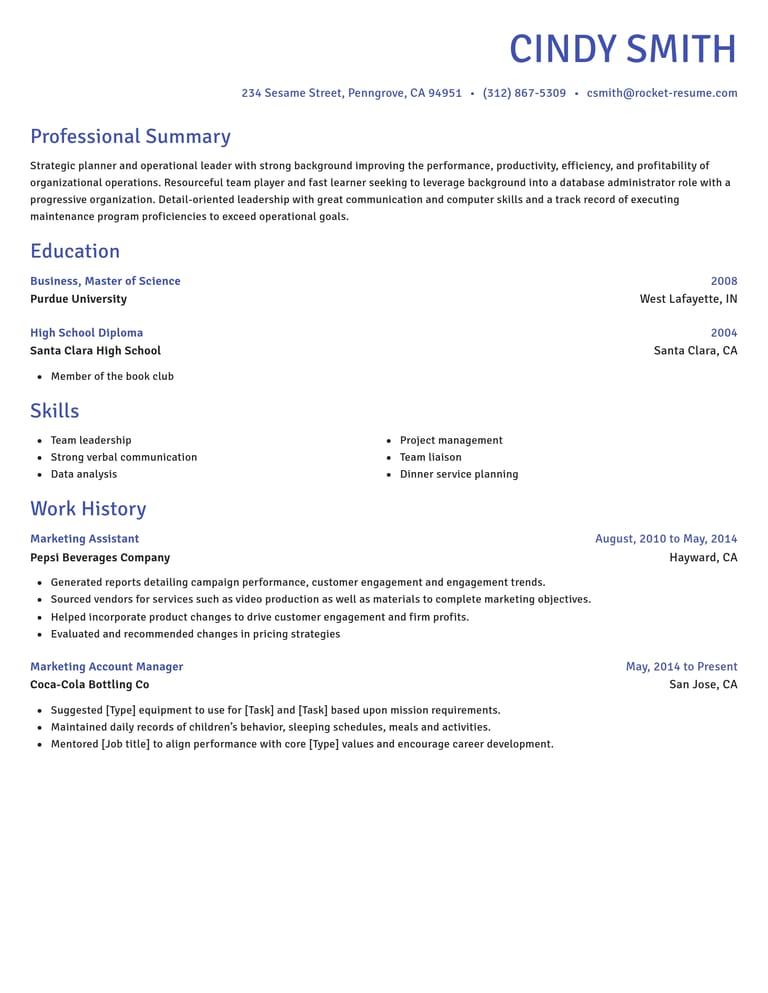
Four edits our free CV editor makes easy

Update an old description
Replace a vague duty with what you handled, who relied on you or what changed. Use examples for the role to help you get started.
Lead with what fits
For a graduate scheme, highlight relevant study. For a technical role, make the tools you have used easy to find.
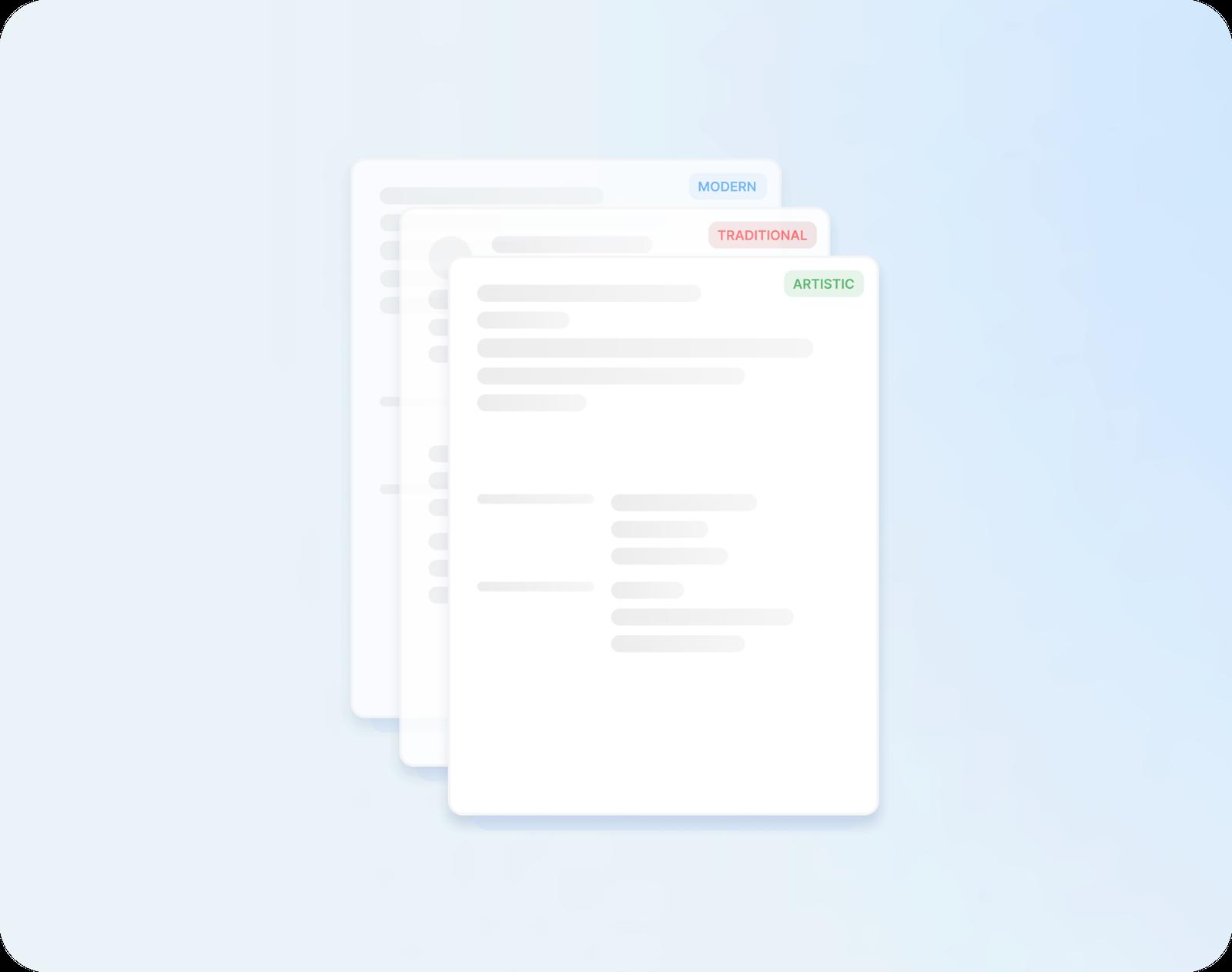
Restyle without retyping
Try another design when your current layout crowds the details. Check that your experience still reads clearly.

Add your new role
Add the title, employer and dates, then describe the responsibilities you have taken on.
What your CV is up against
“Great resume builder, I'll be using it again”

“I needed a resume fast, great and very useful”

Questions about editing and updating a CV
How do I edit a CV I already have?
Use your current CV as a reference while you enter your details. Review each section instead of carrying outdated information across. Save the CV to your account so you can return to it for later updates.
How do I update my CV after redundancy?
Give the job its real end date and leave the reason off, so the space goes on what you achieved there. List any course or temporary work since. If an interviewer asks why you left, one plain sentence will do, such as "My role was cut in a restructure."
Should I mention a career break when I update my CV?
If a career break needs context, use a short dated entry such as “Career break for caring responsibilities”. Include relevant study, volunteering or freelance work from that period if you want to. Keep private details out unless you choose to share them.
Will a new design change how long my CV is?
It can. Your text moves across as you typed it, but designs differ in spacing and in how sections sit on the page, so the same CV can take more or less room. If a new design makes yours longer, try one or two others before cutting bullet points.
How do I add a new qualification to my CV?
Add it with the awarding body and the year you passed, under education or in the optional Certifications section. If an advert asks for that qualification, name it in your personal statement as well, so whoever is shortlisting spots it straight away.
How do I update my CV for a career change?
Keep your jobs, dates and qualifications as they are, and rewrite the personal statement around the field you're moving into. Then lead each role with the tasks that carry across, such as training new starters or managing a budget.
Build your free CV from an industry example
Featured this week





- 12 examples
- 8 examples
- 19 examples
- 21 examples
- 68 examples
- 68 examples






Show all industries (A–Z)Show fewer
- Aerospace & Defense, 8 examples
- Agriculture, 23 examples
- Apparel & Textiles, 13 examples
- Architecture, 15 examples
- Artificial Intelligence, 6 examples
- Arts & Entertainment, 24 examples
- Automotive, 21 examples
- Beauty & Personal Care, 17 examples
- Biotechnology & Life Sciences, 7 examples
- Business Services, 23 examples
- Chemical Engineering, 4 examples
- Childcare, 14 examples
- Construction, 106 examples
- Creative, 15 examples
- Customer Service, 17 examples
- Education, 94 examples
- Energy, 39 examples
- Environmental Science, 5 examples
- Finance, 63 examples
- Food & Beverage, 68 examples
- Government, 48 examples
- Healthcare, 160 examples
- Hospitality, 35 examples
- Human Resources, 18 examples
- Insurance, 10 examples
- Legal, 12 examples
- Logistics, 37 examples
- Manufacturing, 68 examples
- Marketing, 8 examples
- Media, 20 examples
- Military, 24 examples
- Mining & Metals, 9 examples
- Nonprofit, 8 examples
- Pharmaceuticals, 12 examples
- Public Relations, 10 examples
- Real Estate, 7 examples
- Retail, 38 examples
- Robotics, 11 examples
- Sales, 14 examples
- Security Services, 19 examples
- Social Services & Counseling, 21 examples
- Social Work, 14 examples
- Sports & Fitness, 96 examples
- Technology, 67 examples
- Telecommunications, 6 examples
- Tourism & Travel, 9 examples
- Transportation, 38 examples
- Veterinary, 9 examples
Is your role missing here?

Job seekers on writing and editing with Rocket Resume
from 3,900+ reviews