Best CV maker? Look for
The best CV maker for you helps with the writing, not just the layout. See what to check, from suggestions to phone use, and how Rocket Resume handles each one.
- Suggestions matched to your job title
- Switch designs and keep your text
- No app to install on your phone
- Save several versions of your CV

Mitchel D.
Jan 2024
“A fantastic source for resume building.”

Pablo
Jul 2022
“I really appreciate all the great tools”

Tracy A.
Mar 2026
“User-friendly, I would recommend it to others.”

Jason B.
Feb 2025
“A great website, I got a job.”
from 4,000+ reviews



What to check before you choose a CV maker
Run these checks on any CV maker, app or website, before you put time into it.
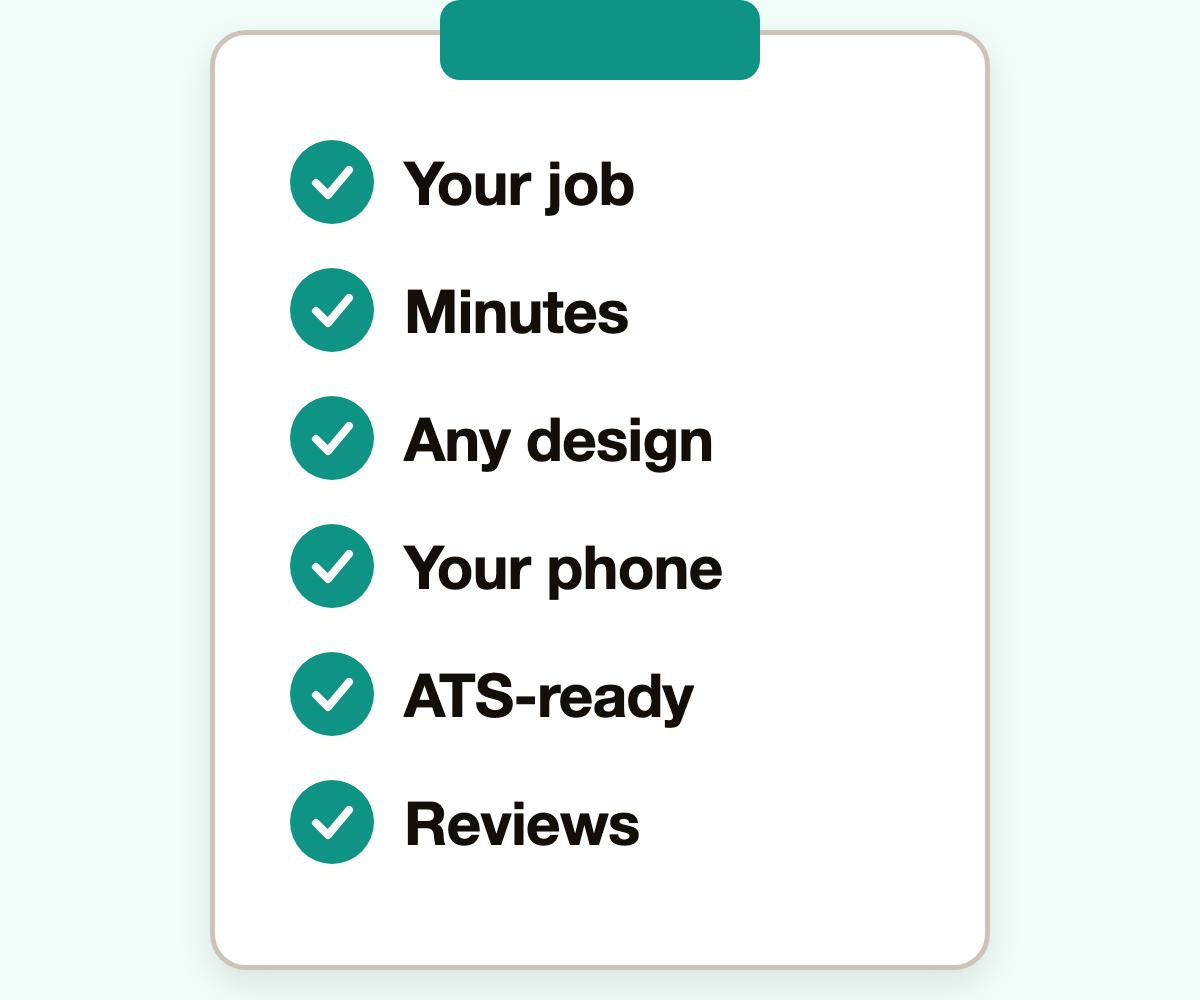
- Suggestions for your exact job
A good CV maker suggests wording for the title you type, not generic filler. Rocket Resume does, and you choose and edit every line.
- A first draft in minutes
Ask how long a first draft takes. Here, with your job dates to hand, a complete CV can take under 10 minutes.
- Room to change your mind
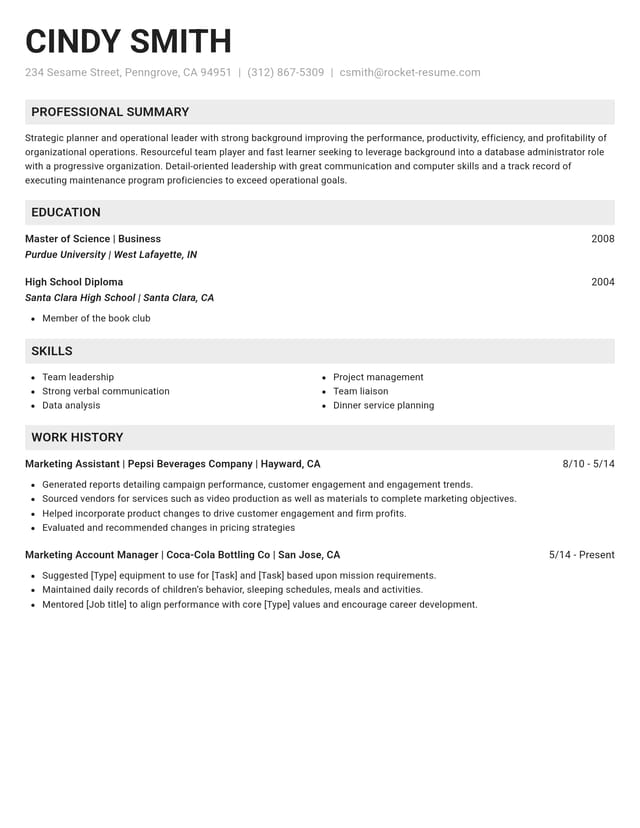
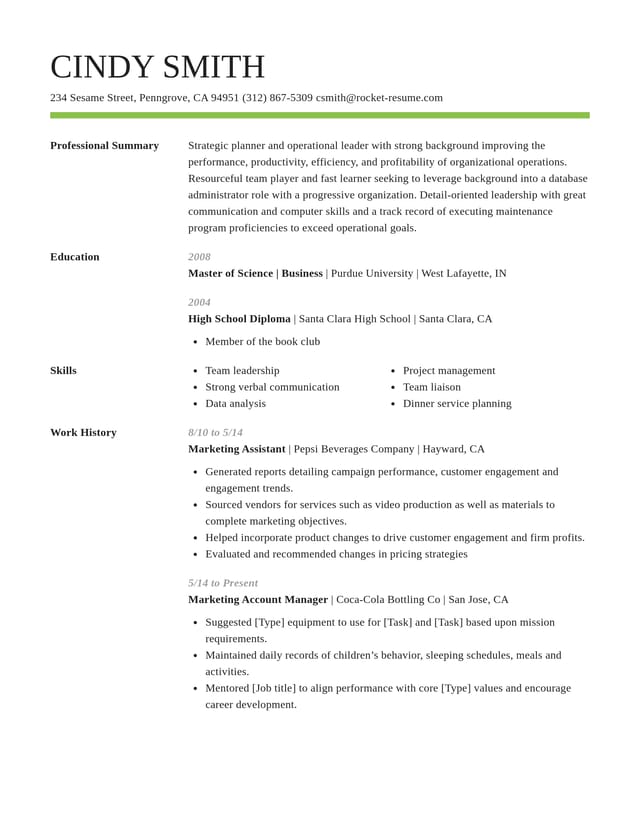
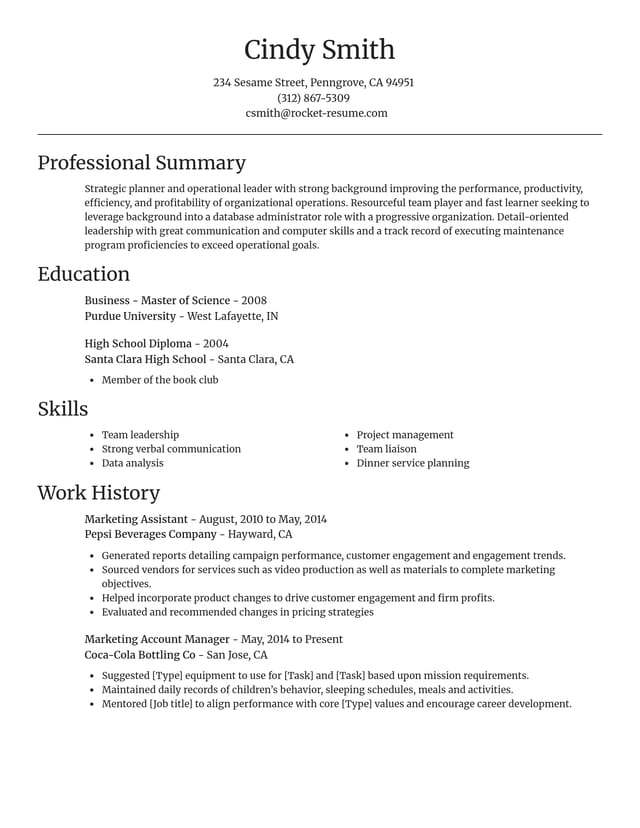
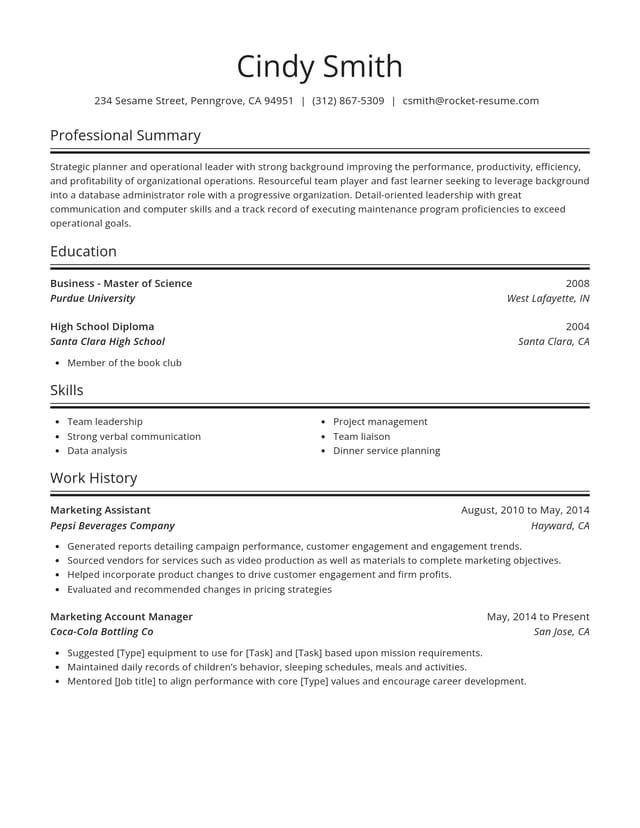
Try one design, then another. Every switch keeps the text you've typed, so you can compare looks with your real details.
- Works on the phone in your hand
Reading this on a phone? You can make your CV on it too: the CV maker opens in your browser, with nothing to install.
- Designs ready for screening software
Look for clean, ATS-friendly designs with clear headings. Every Rocket Resume design is built that way, and you can customize each one.
- Ratings from real users
Check what reviewers say about a CV maker before you start. Rocket Resume's Google rating and real reviews are right here on this page.
Put the checks to the test in four steps
Step 1
Answer a quick question
Tell the CV maker about your experience, then pick any design to start.
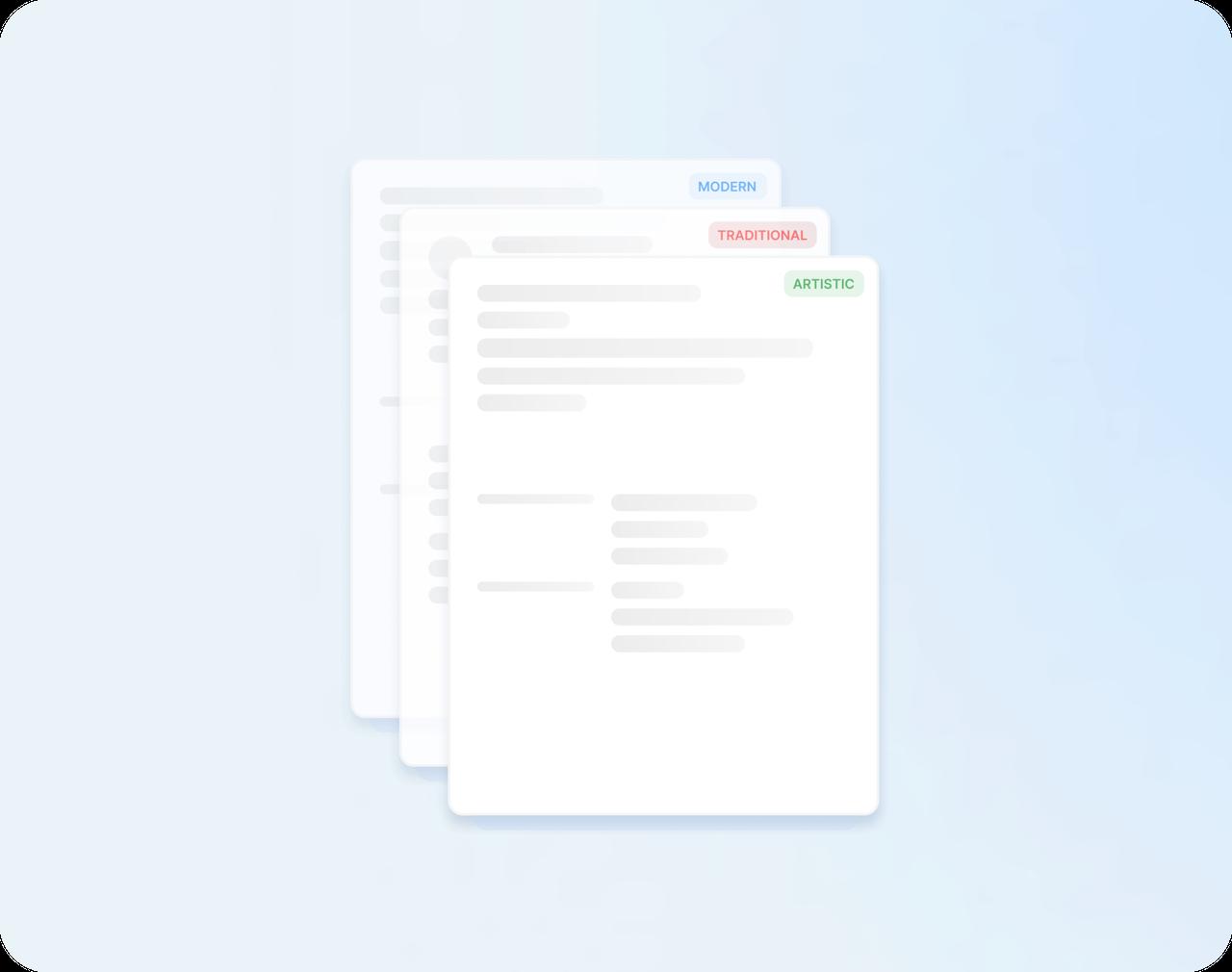
Step 2
Add a job you've held
Type its title and look through the expert suggestions for that role. Keep the ones that fit and reword them.
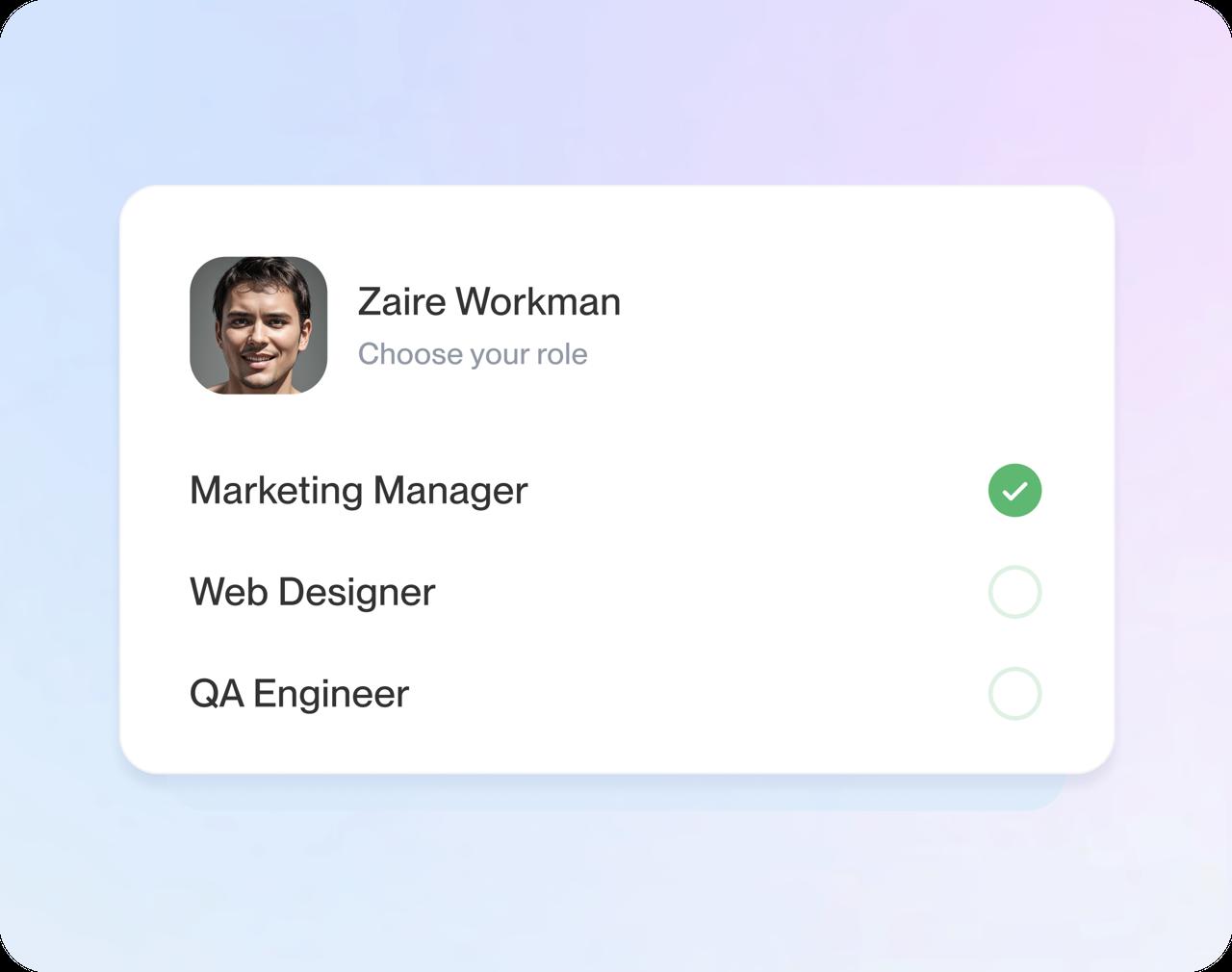
Step 3
Switch the design
Try another design and watch your text move across intact, then reorder sections if you like.
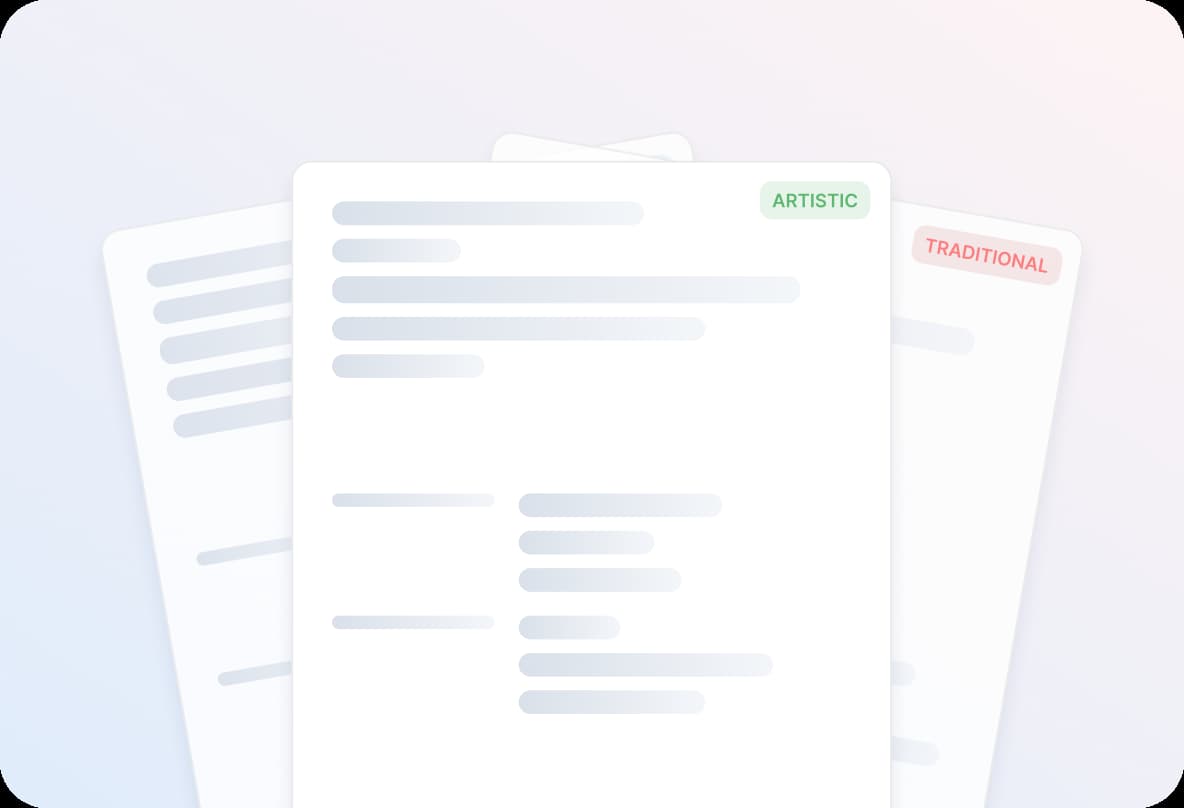
Step 4
Save or download
Save your CV to your account to keep working later, or download it when it's ready to send.

Step 1
Answer a quick question
Tell the CV maker about your experience, then pick any design to start.
Step 3
Switch the design
Try another design and watch your text move across intact, then reorder sections if you like.
Step 2
Add a job you've held
Type its title and look through the expert suggestions for that role. Keep the ones that fit and reword them.
Step 4
Save or download
Save your CV to your account to keep working later, or download it when it's ready to send.
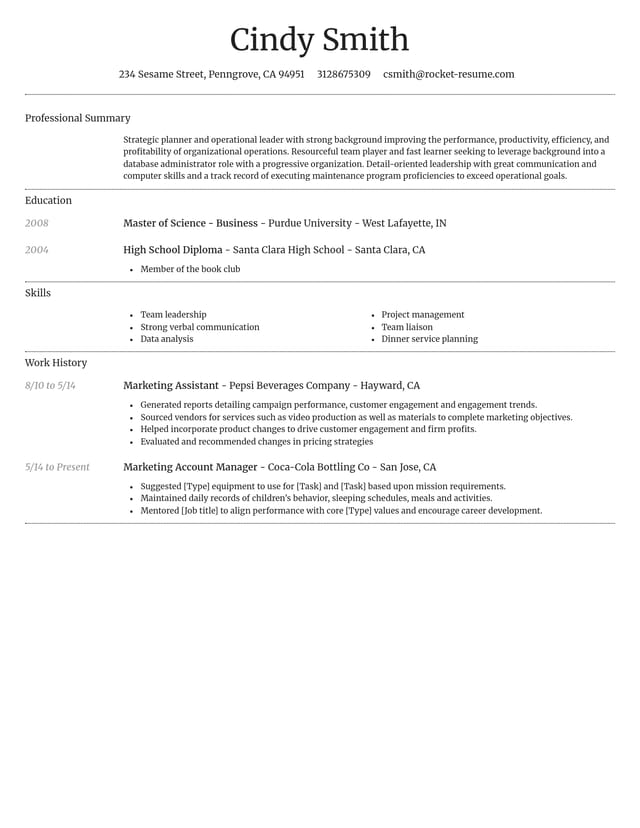
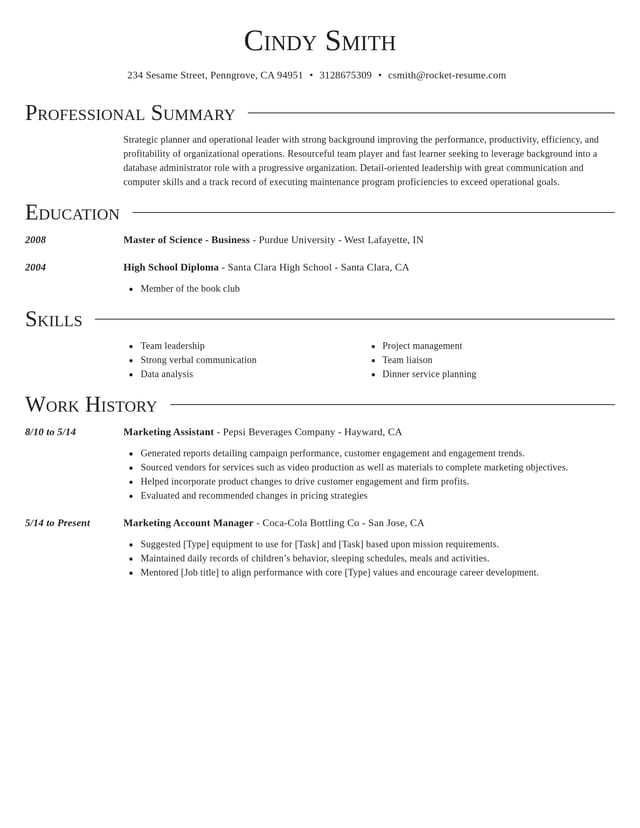
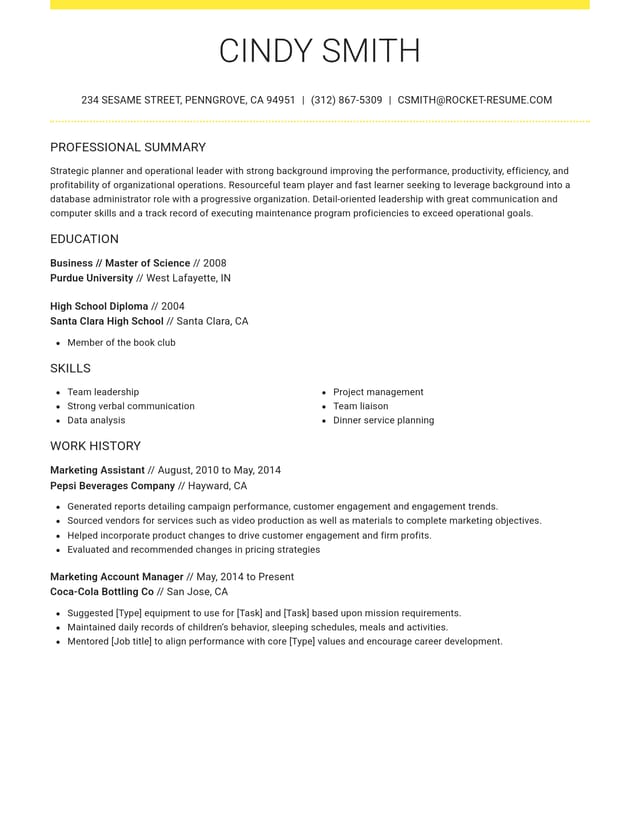
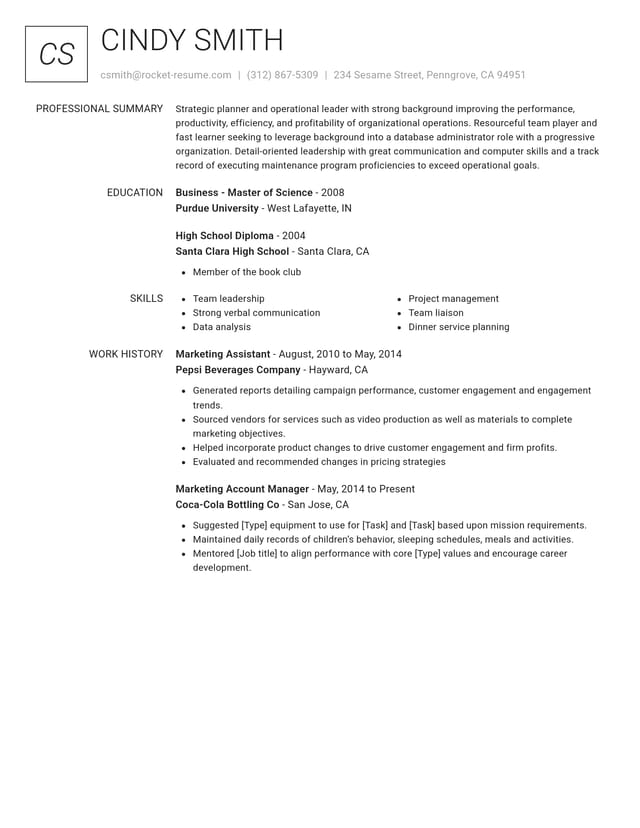
Compare the designs before you choose


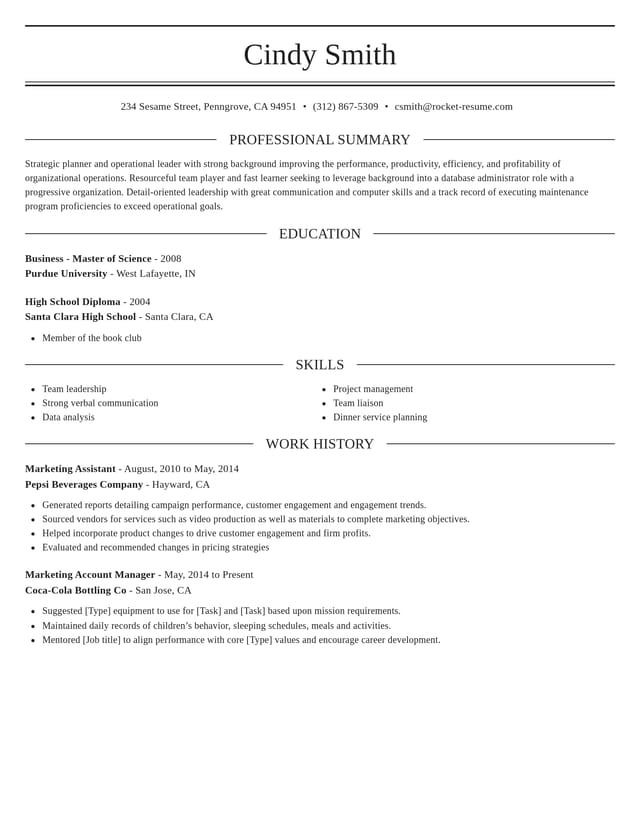
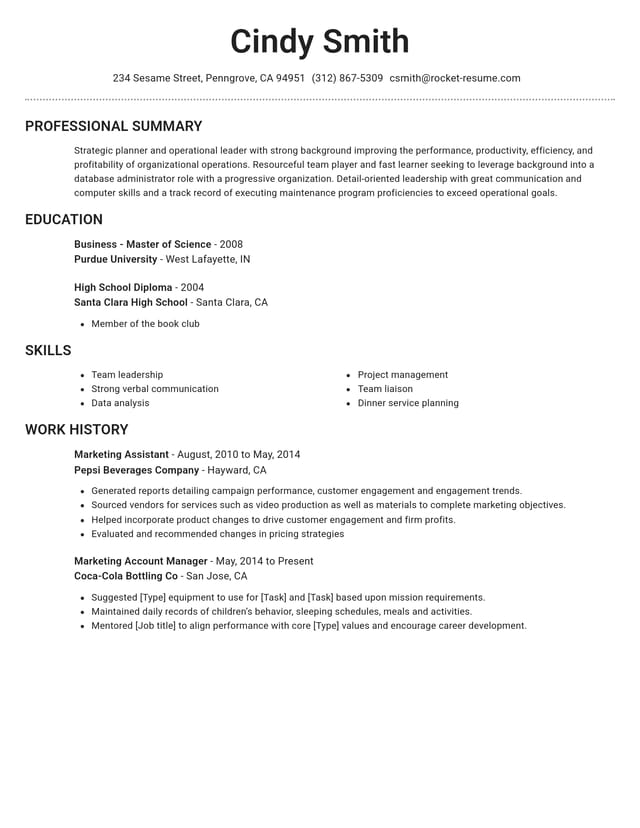
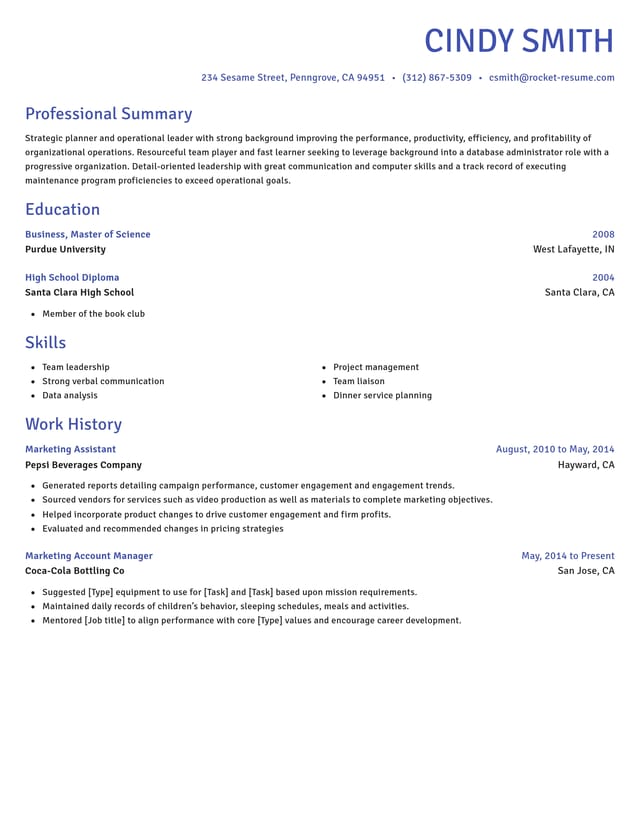
CV maker app or website: which suits my phone?
For most people, a website is the simpler choice on a phone: it opens in your browser, needs nothing installed and keeps your CV in an account you can reach from any device. An app makes more sense if you'll only ever work on one phone. Both can produce a good CV; the difference is what you install, where your CV is kept and how easily you move between devices.
Ask yourself three questions before you choose: will you finish on the same device you start on, will you keep more than one version, and how often will you come back to update it?
What does a CV maker app give me?
An app gives you speed: it sits one tap away and is built for your thumbs.
- An icon on your home screen, so it's quick to reopen
- Screens designed around touch from the start
- In some apps, editing without a signal
The trade-offs are storage space, regular updates and one more sign-in to remember. Some apps also keep your CV on that one phone, which turns a lost or replaced phone into a lost CV.
What does an online CV maker give me?
An online CV maker gives you freedom from any one device:
- Nothing to install: open the link and start
- The same CV on your phone, tablet or computer once it's saved to your account
- The latest version every time you open it, with no updates to run
Rocket Resume works this way. It opens in your phone's browser, so you can start your CV on a lunch break and polish it later on a bigger screen. A website also suits a shared or library computer: sign in, make your change and sign out, with nothing to install on the machine.
Can I open a website like an app?
Yes. Most phone browsers can add any website to your home screen, so it opens with one tap. On an iPhone, open the site in Safari, tap Share, then Add to Home Screen. On Android, open the browser menu and choose Add to Home screen or Install.
What should I check before I install a CV maker app?
Five quick checks tell you whether an app will keep your CV safe and easy to reach:
- Check that it saves your CV to an account you can open on a computer.
- Look at the permissions it asks for. A CV maker has no need for your contacts or location.
- Read the most recent store reviews, not just the star average, to see how the app behaves today.
- Find out what happens to your CV if you delete the app or switch phones.
- See when the app was last updated; one that hasn't changed in a year may fall behind your phone's latest system.
How do I keep my CV private on a phone?
Your CV carries your phone number, email address and work history, so treat it like any personal document. Use a screen lock, sign out when you borrow someone else's phone, and leave ID numbers off your CV unless an employer asks for them.
Which should I choose?
Choose a website if you'll move between devices or keep a version for each kind of job: a CV saved to your account is there on your phone and your laptop alike, and every copy is easy to find, compare and update on a bigger screen. An app is worth it only if one phone is all you'll ever use.
Whichever you pick, judge the CV maker on the checks above: writing help, speed, design choice, phone use and ratings. For what to put in each section, see our CV writing guide, and compare layouts in our CV templates.
Why writing help belongs on your checklist
“This service is amazing, a customer for life.”

“We come back to Rocket Resume, it's the best!”

Questions people ask when choosing a CV maker
Which is the best CV maker app?
For most people, the best CV maker app is a website that saves your CV to an account. That way it's there on your phone and your computer.
Rocket Resume runs in your browser, with nothing to install.
Fill in each step in your phone's browser and save as you go; the same CV is there on a computer for a final check.
Should I use ChatGPT instead of a CV maker?
They do different jobs. ChatGPT drafts text from your prompts, while a CV maker gives you a finished design and suggestions for your job title.
Brainstorm in a chat tool, then polish your CV in the CV maker. Before you keep any AI-written line, check it against your real work.
Why use a CV maker instead of starting from scratch?
A CV maker handles the layout and suggests wording, so you spend your time on content. Starting from scratch means setting every margin, font and heading yourself.
How do I compare CV makers quickly?
Run one quick test. Enter a job you've held, then compare the suggested wording, how easily you can switch designs and how the result looks on your phone. You can run that test here in a few minutes.

What job seekers say about Rocket Resume
from 4,000+ reviews