How to make a resume
Learn how to make a resume that fits the job you want, from reading the posting to choosing a template, and make yours as you read.
- Start from the job posting
- Pick a template that suits your field
- Expert suggestions for the jobs you add
- Make yours in under 10 minutes

How Rocket Resume helps you make a resume
The resume maker handles the formatting and offers examples, so you can spend your time on showing you're a fit.
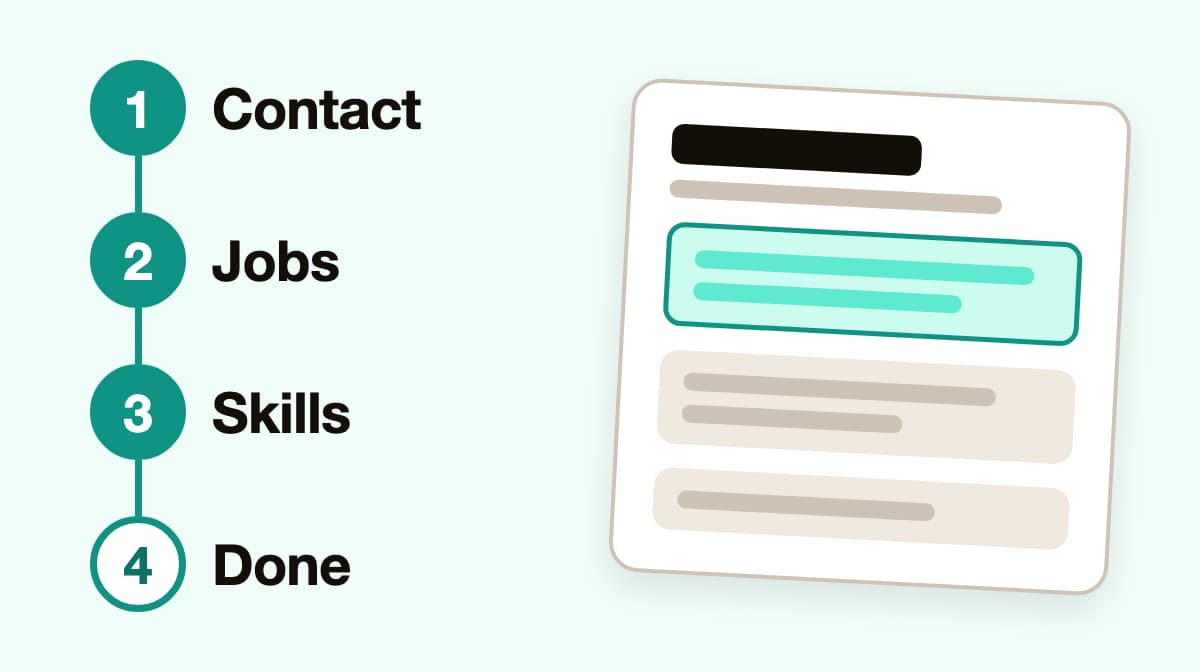
- Guidance at every step
Each part of your resume has its own screen and prompts, so you never wonder what comes next.
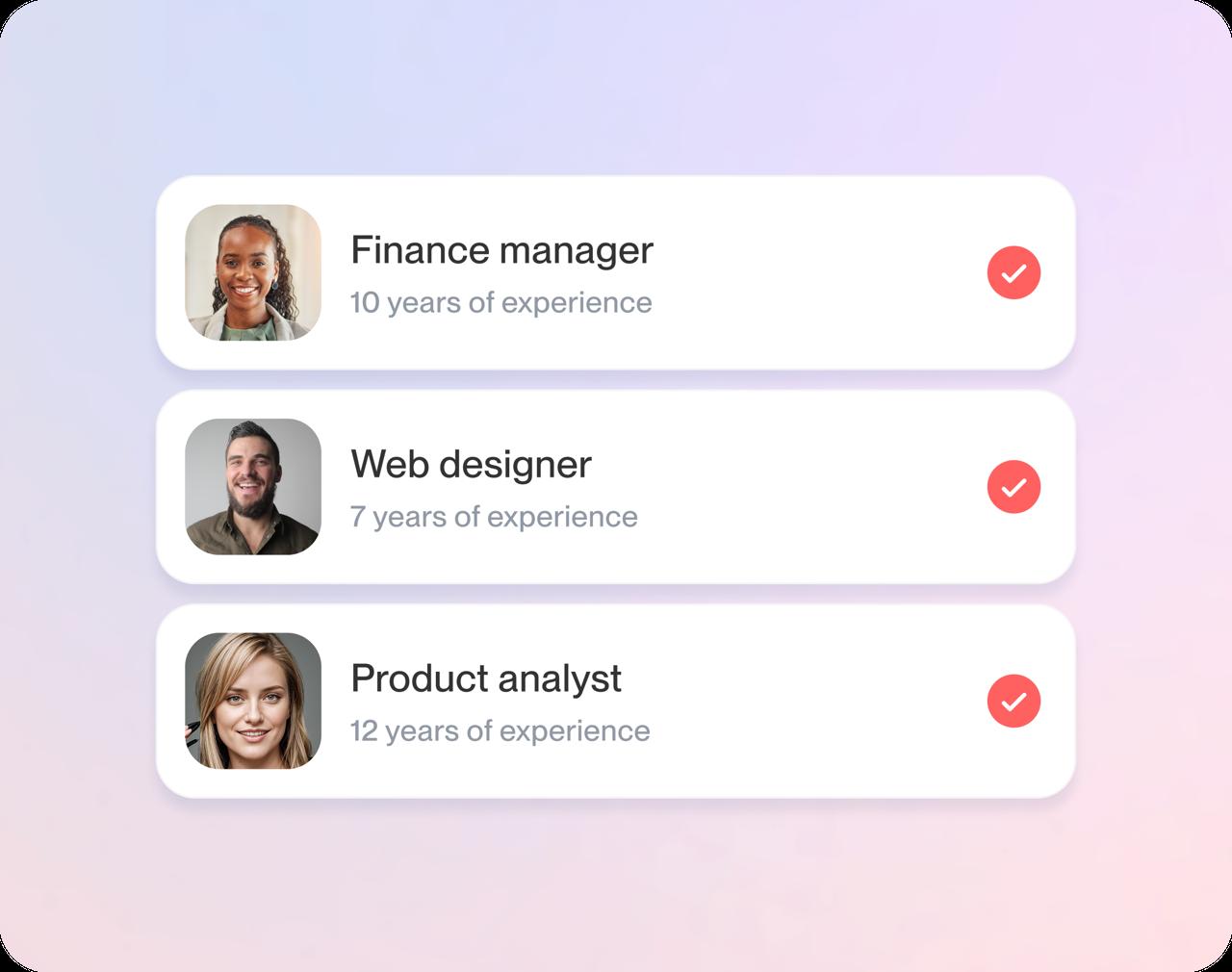
- Expert suggestions you can edit
Start from examples written for your job title instead of a blank page, and reword each one to fit.
- Templates that look the part
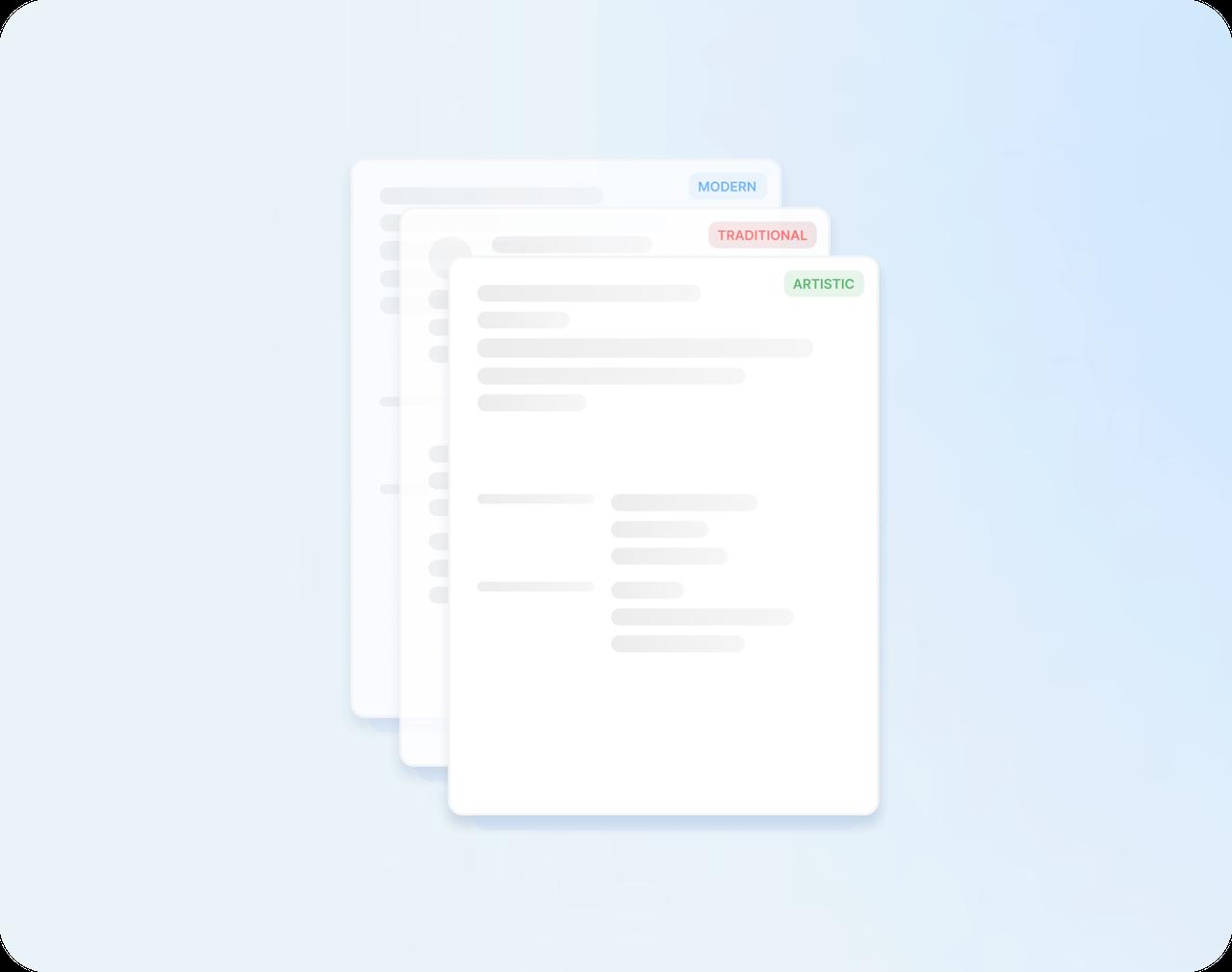
Modern, traditional and creative designs, all ATS-friendly, keep your resume clean while you focus on content.
- Easy to tailor
Duplicate your resume in My Library and fine-tune each copy, so every application gets a version aimed at its job.
How to make a resume in four steps
Step 1
Read the job posting
Note the job title, the skills the posting lists and the duties it repeats. Those three tell you what to put first on your resume.
Step 2
Choose a design for your field
Traditional designs suit conservative employers; modern or creative ones fit fields where style counts.
Step 3
Fill in your experience
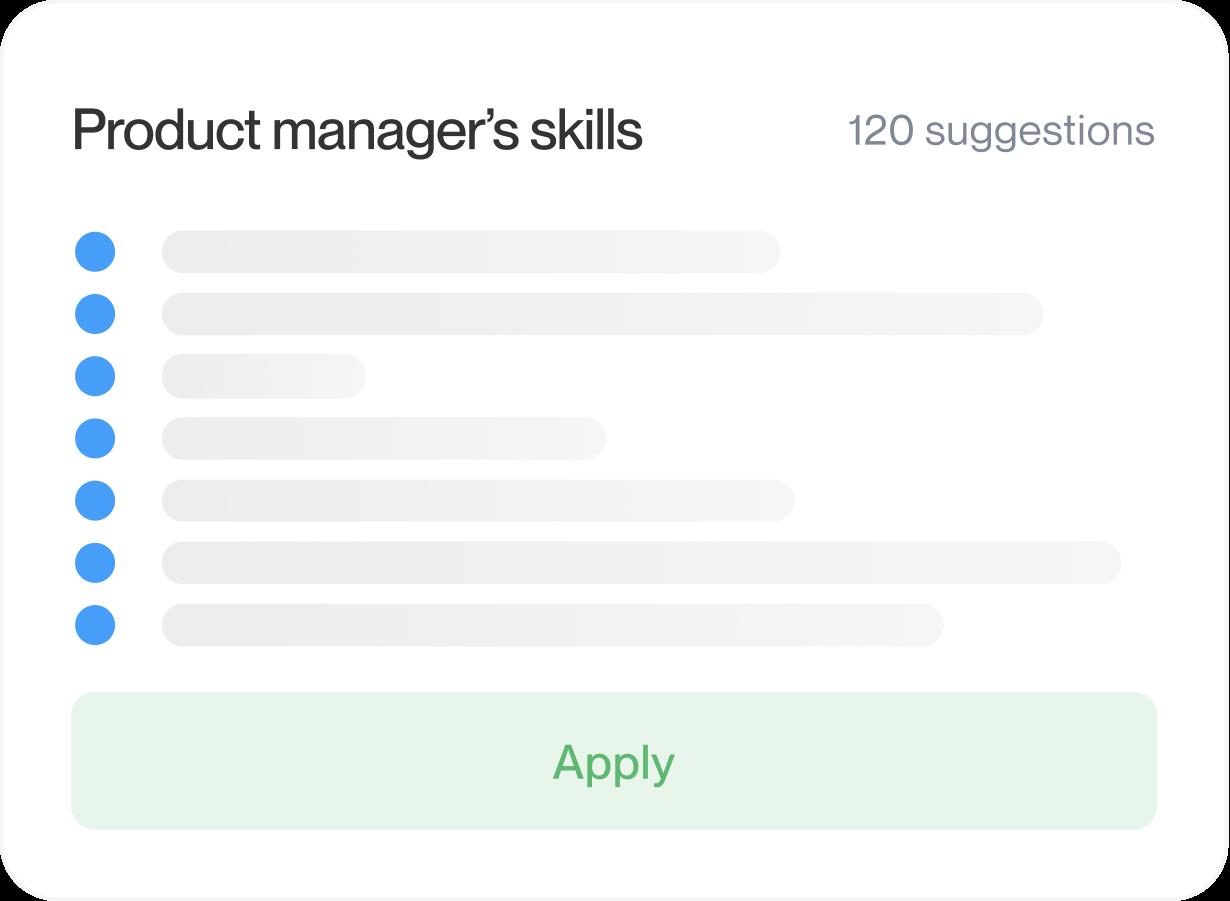
Add your jobs, education and skills, then pick examples for your title and adjust them to echo the posting.
Step 4
Review, then apply
Read every line against the posting, fix dates and spelling, then download your resume and send it.

Step 1
Read the job posting
Note the job title, the skills the posting lists and the duties it repeats. Those three tell you what to put first on your resume.
Step 3
Fill in your experience
Add your jobs, education and skills, then pick examples for your title and adjust them to echo the posting.
Step 2
Choose a design for your field
Traditional designs suit conservative employers; modern or creative ones fit fields where style counts.
Step 4
Review, then apply
Read every line against the posting, fix dates and spelling, then download your resume and send it.
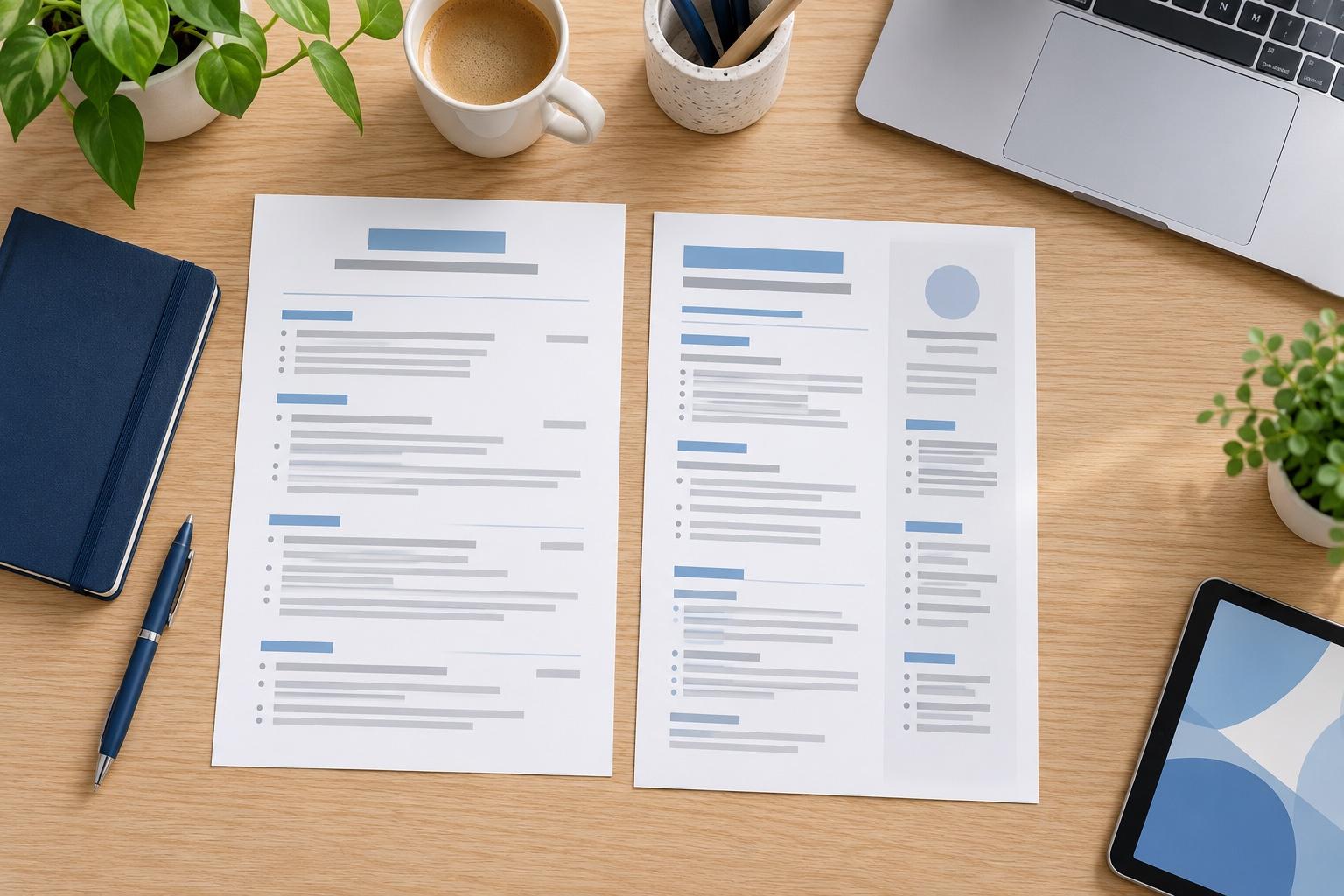
How to write a resume for the job you want
To make a resume for a specific job, start with the posting, not with your history. A posting tells you what the employer wants; your task is to show it, honestly, where they'll look first. Work through these steps with the posting open beside you.
What should I pull from the job posting?
Three things, each of which shapes a different part of your resume:
- The job title, word for word, so you can echo it in your summary when it matches your experience
- The skills and tools it names more than once, since those usually matter most
- The duties at the top of the list, which tend to be the core of the role
Copy them into a short list before you write anything. Most postings repeat their priorities in different words, so anything that shows up twice deserves a line on your resume if you can back it up.
How do I match my experience to the job?
Next to each item, jot down a job, project, class or volunteer role where you did that work. Numbers help here: how many customers, shifts or projects. Leave out anything you can't match rather than stretching the truth. The items you can match become the points you lead with. If one requirement has no match at all, note it: it may be a skill worth building, or a sign the job is a stretch for now.
What goes first on my resume?
Put the experience that best fits the posting near the top. If your most recent job is unrelated, a strong summary and skills section can carry the fit instead, and our resume format guide shows which layout suits which situation. Within each job, order your bullet points the same way, with the one that best fits the posting at the top.
Should I use the posting's keywords?
Yes, where they're true. Applicant tracking systems and recruiters both scan for the terms in the posting. If it says "customer onboarding" and you did exactly that, use those words rather than your own shorthand. Keep it natural, though: a line stuffed with keywords reads badly to the person who decides.
What if I don't meet every requirement?
Apply anyway when you match most of the core duties. Lead with the requirements you do meet, show where you picked up similar skills quickly, and leave out anything you would struggle to talk about in an interview. For a first resume, our guide to making a resume with no experience shows what to use in place of a work history.
How do I use one resume for several jobs?
Make one complete resume first, then save a copy for every type of role you're targeting and adjust the summary, the skills and the order of your bullet points. With Rocket Resume you can duplicate a resume in My Library, so every copy starts from your best version.
Which template should I choose?
Choose the design once you know what goes first. A traditional layout suits conservative employers and a modern one suits most other roles, but clear headings and plenty of white space matter more than the style. You can browse resume templates by style before you start.
Check before you send
Give your finished resume three last checks before you apply:
- Read the posting one more time, then your resume, and confirm each key requirement shows up.
- Make sure your job titles and dates are accurate.
- Save a copy so the next application is faster to tailor.
For tips on each section, from contact details to your summary, turn to how to write a resume.
How to make a resume: common questions
How do I make a resume step by step?
Read the job posting first and note the skills and duties it repeats, then choose a template that suits your field. Fill in your jobs, education and skills, using suggestions for your job title, and check every entry against the posting before you download your resume.
What should I look for in a job posting before I make my resume?
A job posting tells you three things to use: the exact job title, the skills and tools it names more than once, and the duties at the top of the list. Anything that appears twice deserves a place on your resume if you can back it up.
What if I don't meet every requirement in the job posting?
Apply anyway when you match most of the core duties. Lead your resume with the requirements you do meet, and leave out anything you couldn't talk about in an interview.
What should I check before I send my resume?
Read the posting once more, then your resume, and make sure each key requirement shows up. Check that every job title, date and name is correct, and save a copy so your next application is quicker to tailor.
How do I make a resume for my first job?
Treat school, volunteering, clubs and informal work as your experience, and describe each like a job. Tell the resume maker you have no experience yet when it asks; our high school resume templates page has designs that suit a first resume.
What sections does a resume need?
Contact details at the top, a short summary, then work history, education and skills. What to put on a resume explains when to add more.

Customers on how their resumes turned out
from 3,900+ reviews