Resume maker: Make your resume
Use our resume maker to choose a design, add expert suggestions for each job you list and watch your resume come together on a phone or computer.
- Polished designs, ready for your details
- Suggested wording for each job you add
- Works in your phone's web browser
- Ready in under 10 minutes

Ed A.
Aug 2022
“Very helpful for making a resume and applying for jobs”

James S.
Aug 2026
“This service was perfect for my needs.”

Nicole C.
Feb 2026
“I loved the templates.”

Sheila J.
Apr 2026
“This app is perfect, it helped me get my job”
from 4,000+ reviews



A resume maker that does you justice
Your experience deserves better than a blank page. Here's how the resume maker helps you show it.
- Expert wording to start from
Choose your job title and browse lines written for that kind of work. Then change the numbers and tools to match what you did.
- A design that does the formatting
Fonts, margins and spacing stay neat as you add lines, so your resume looks polished without any fiddling.
- Your strongest work up front
Reorder sections so your most relevant experience sits where a recruiter looks first.
- Examples for jobs like yours
Look through resume examples for your job when you want wording ideas or a sense of what to include.
How the resume maker works, step by step
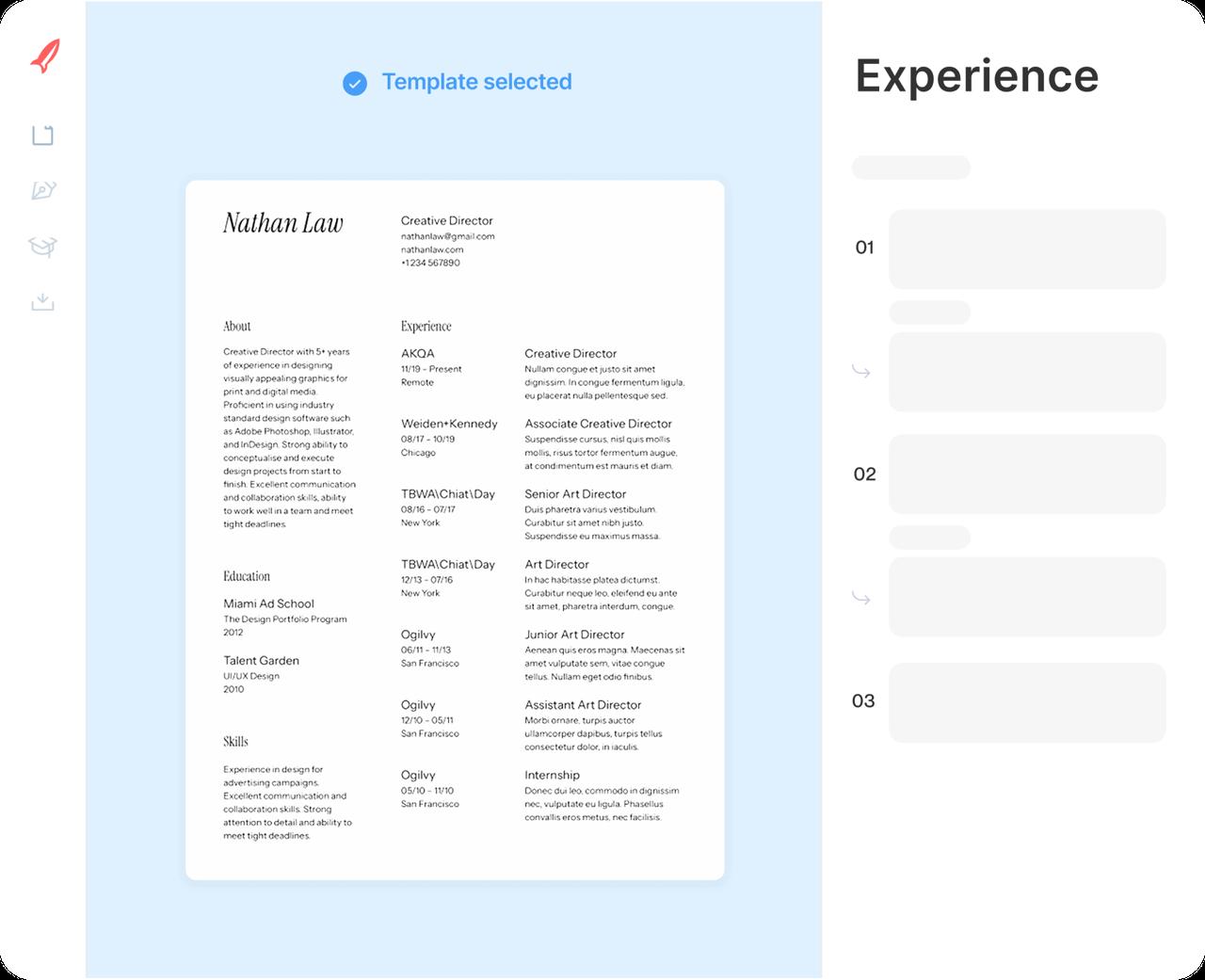
Step 1
Say where you're starting
Tell the resume maker how much experience you have, from none to many years, then pick a design.
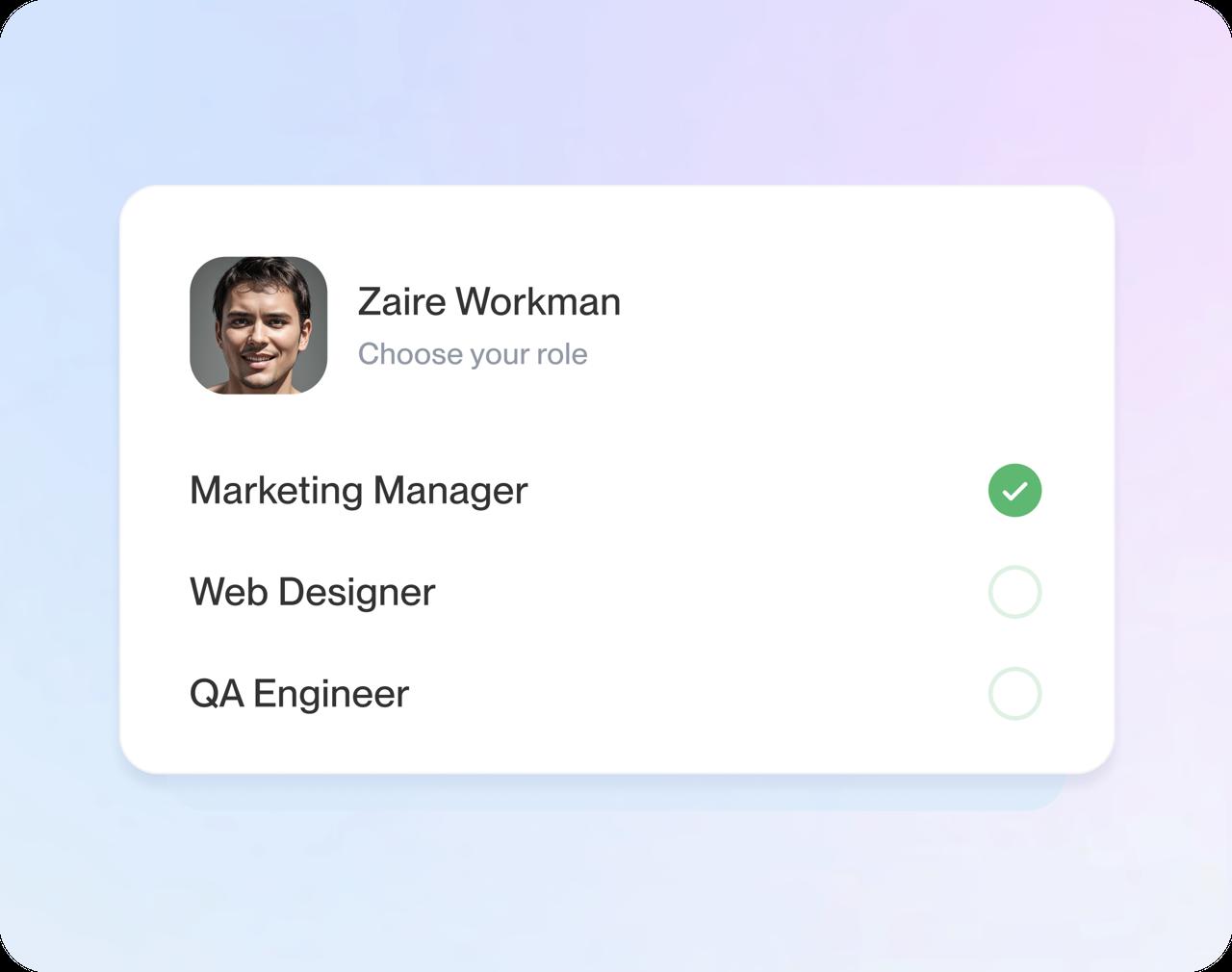
Step 2
Add each job
Pick your job title from the list, add the employer and dates, then choose suggested lines and edit them.
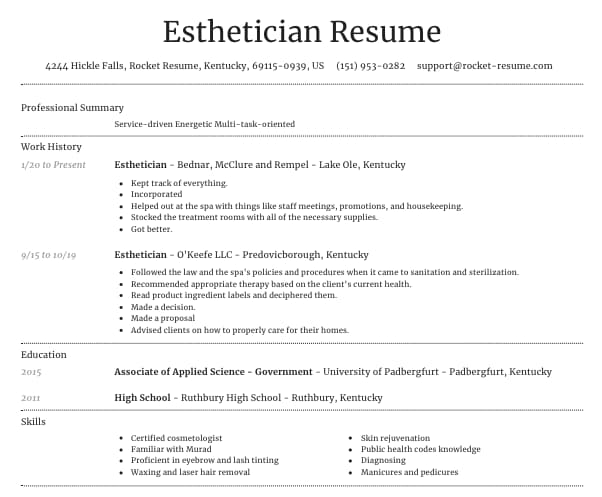
Step 3
Fill in the rest
Round out your education, skills and a short summary, using the suggestions for your job title as a starting point.
Step 4
Read it through, then download
Go over the full page, try another design if you want, and download your resume when it's ready to send.

Step 1
Say where you're starting
Tell the resume maker how much experience you have, from none to many years, then pick a design.
Step 3
Fill in the rest
Round out your education, skills and a short summary, using the suggestions for your job title as a starting point.
Step 2
Add each job
Pick your job title from the list, add the employer and dates, then choose suggested lines and edit them.
Step 4
Read it through, then download
Go over the full page, try another design if you want, and download your resume when it's ready to send.
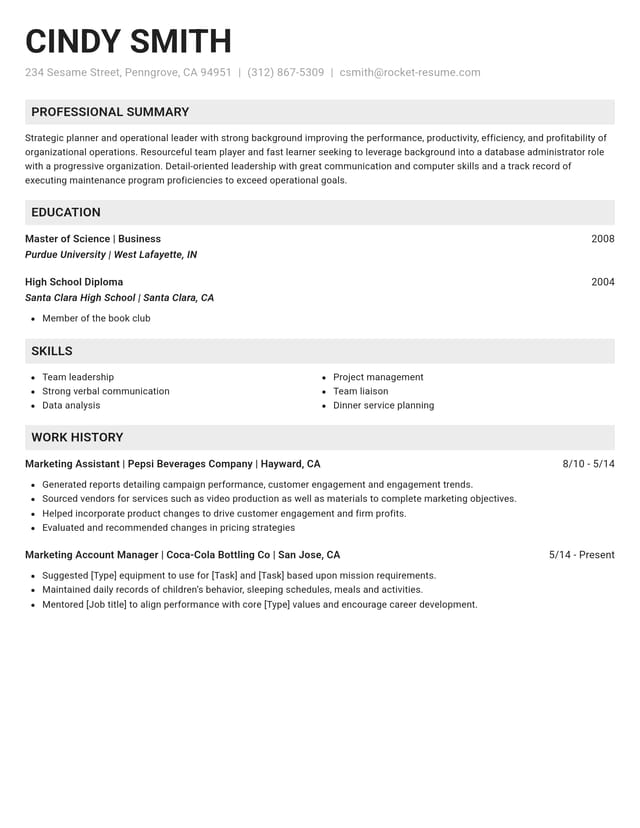
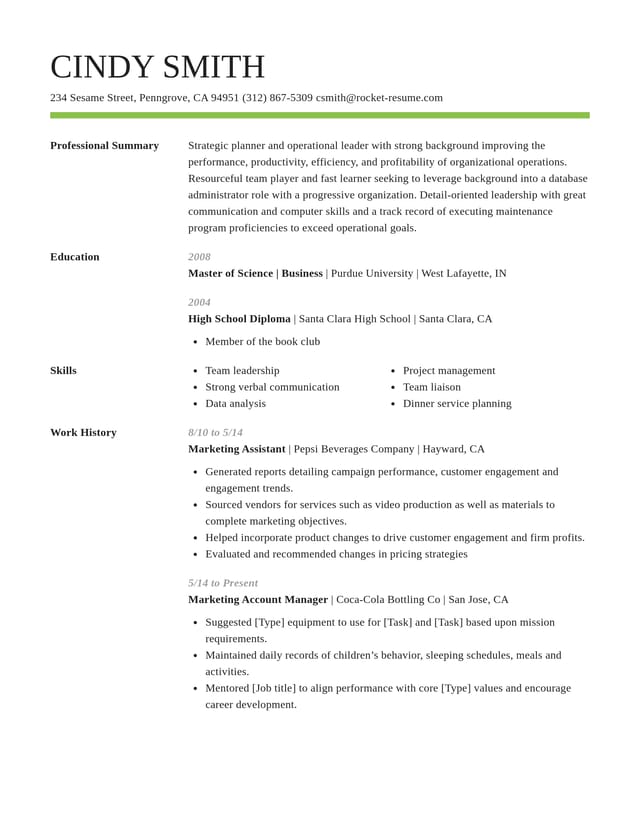
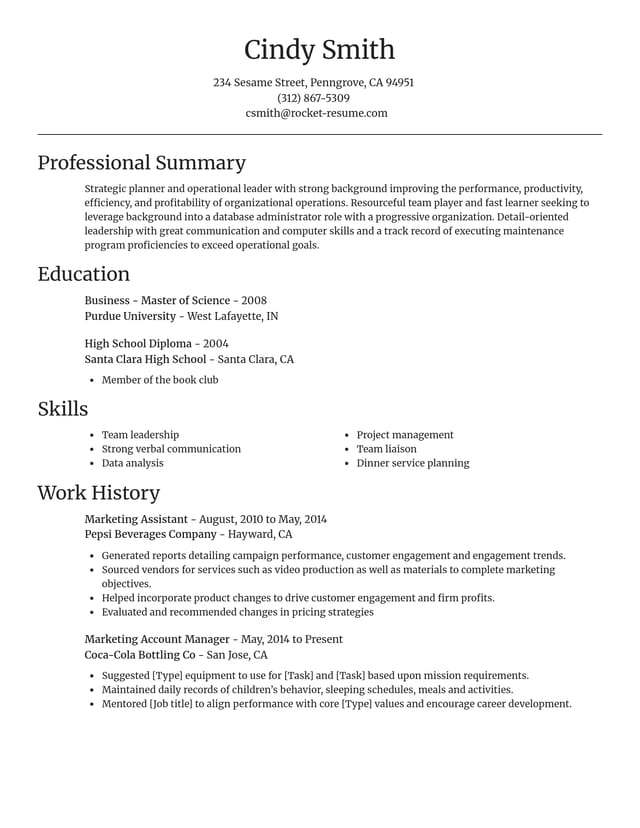
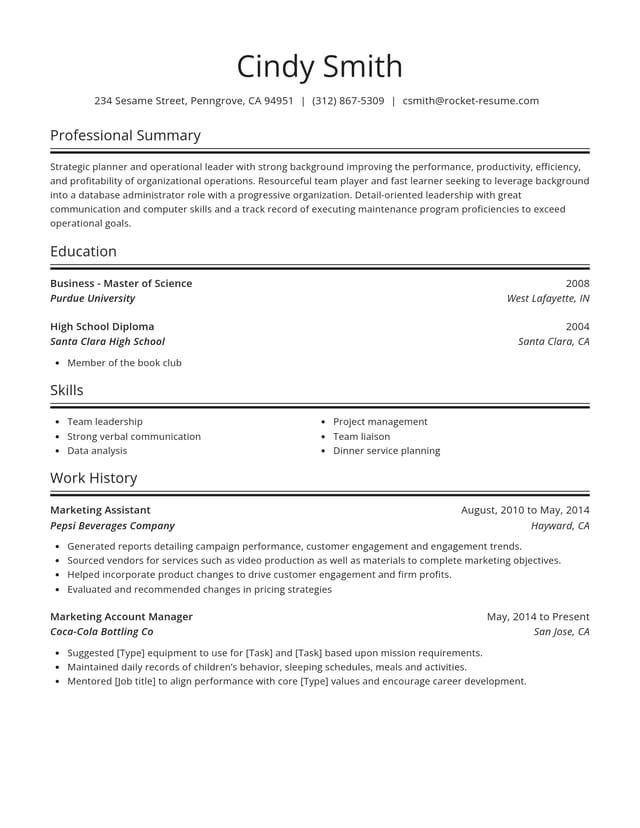
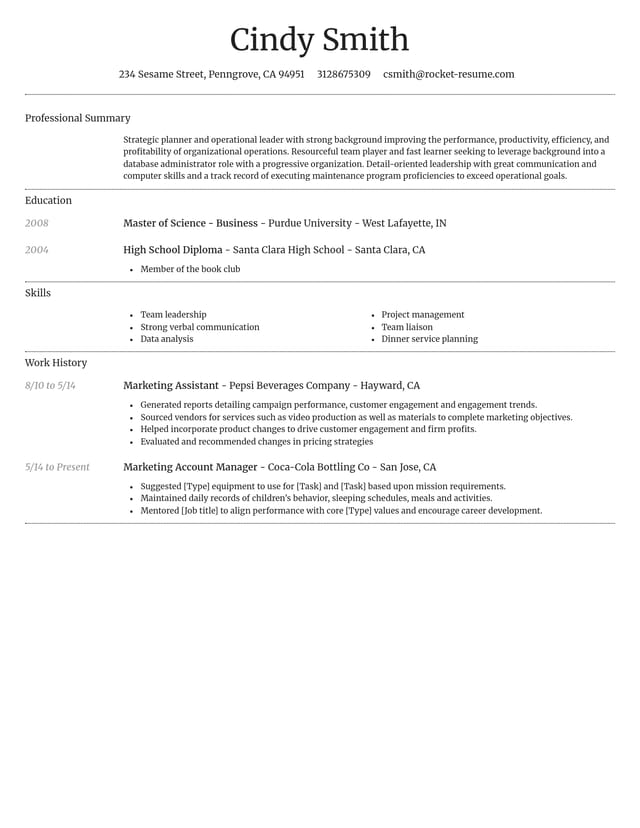
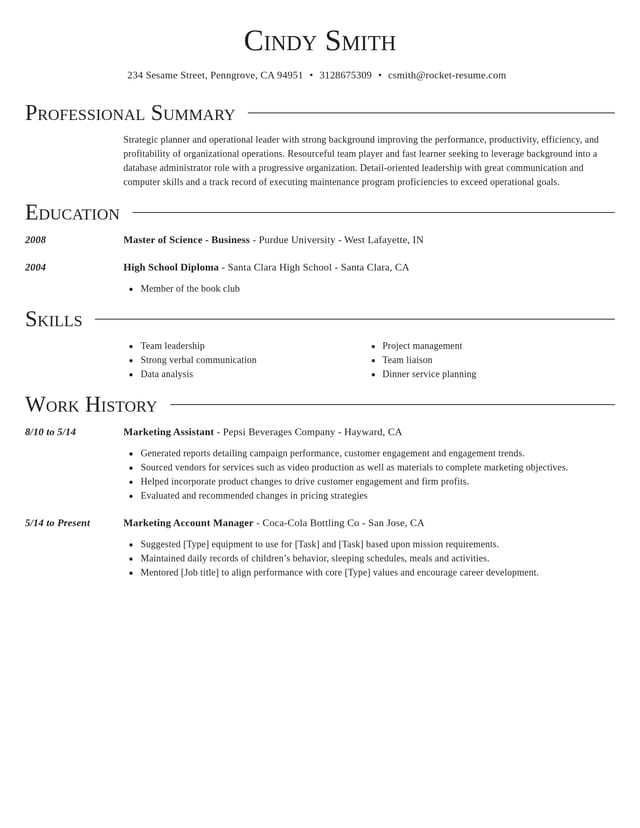
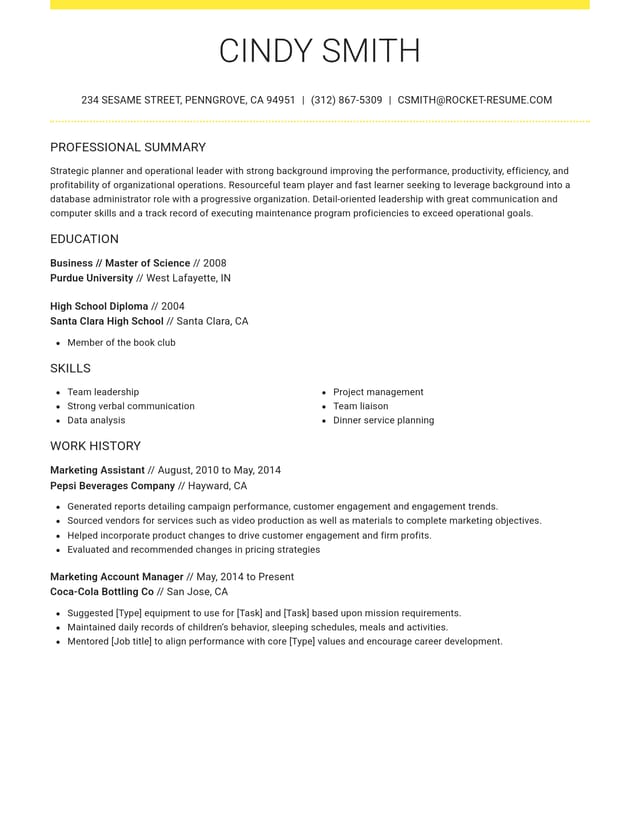
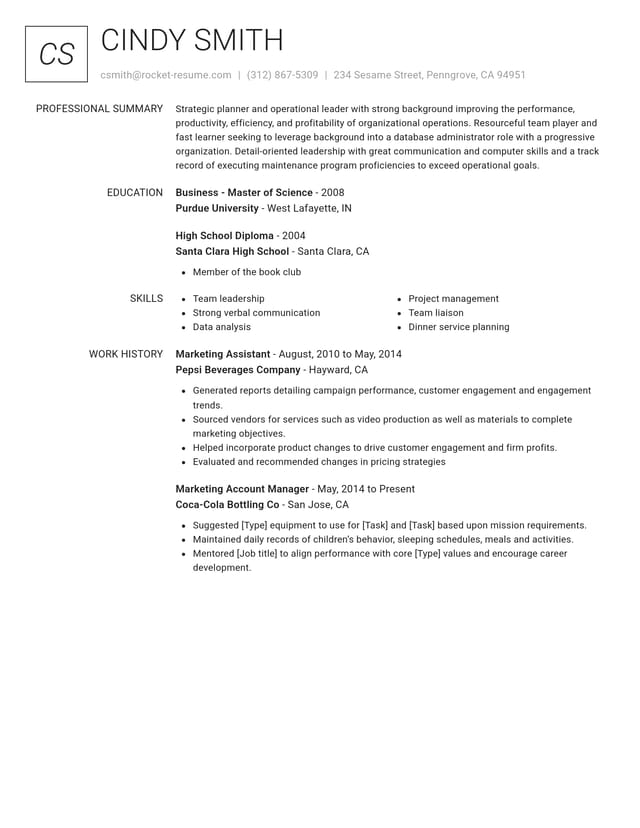
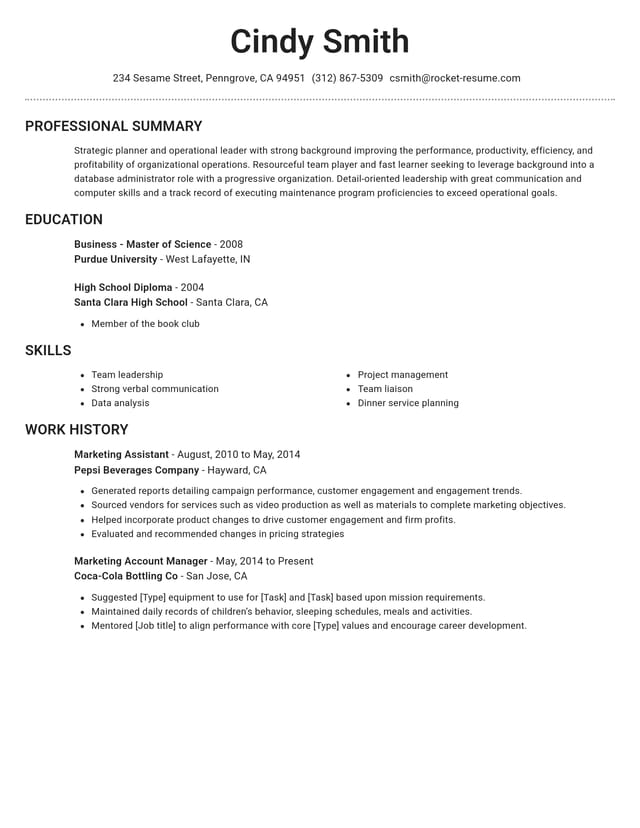
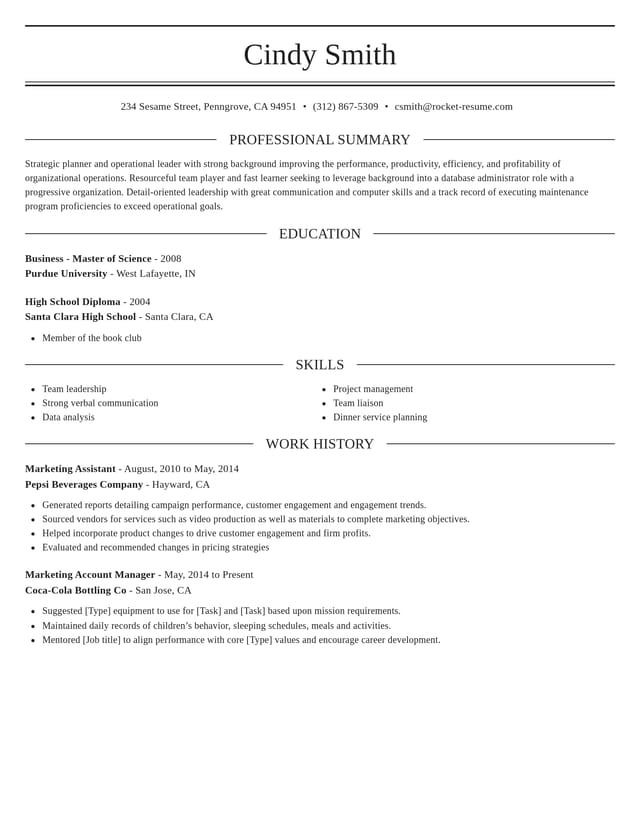
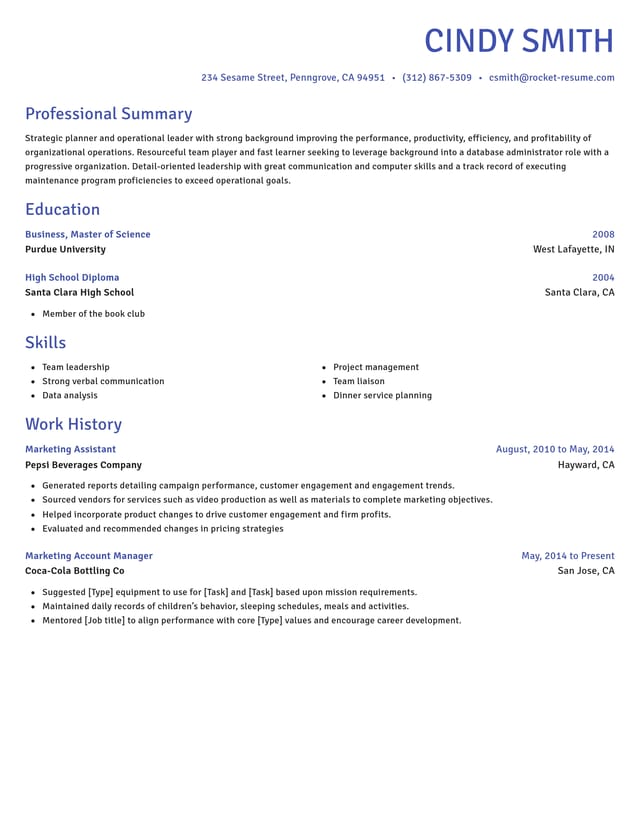
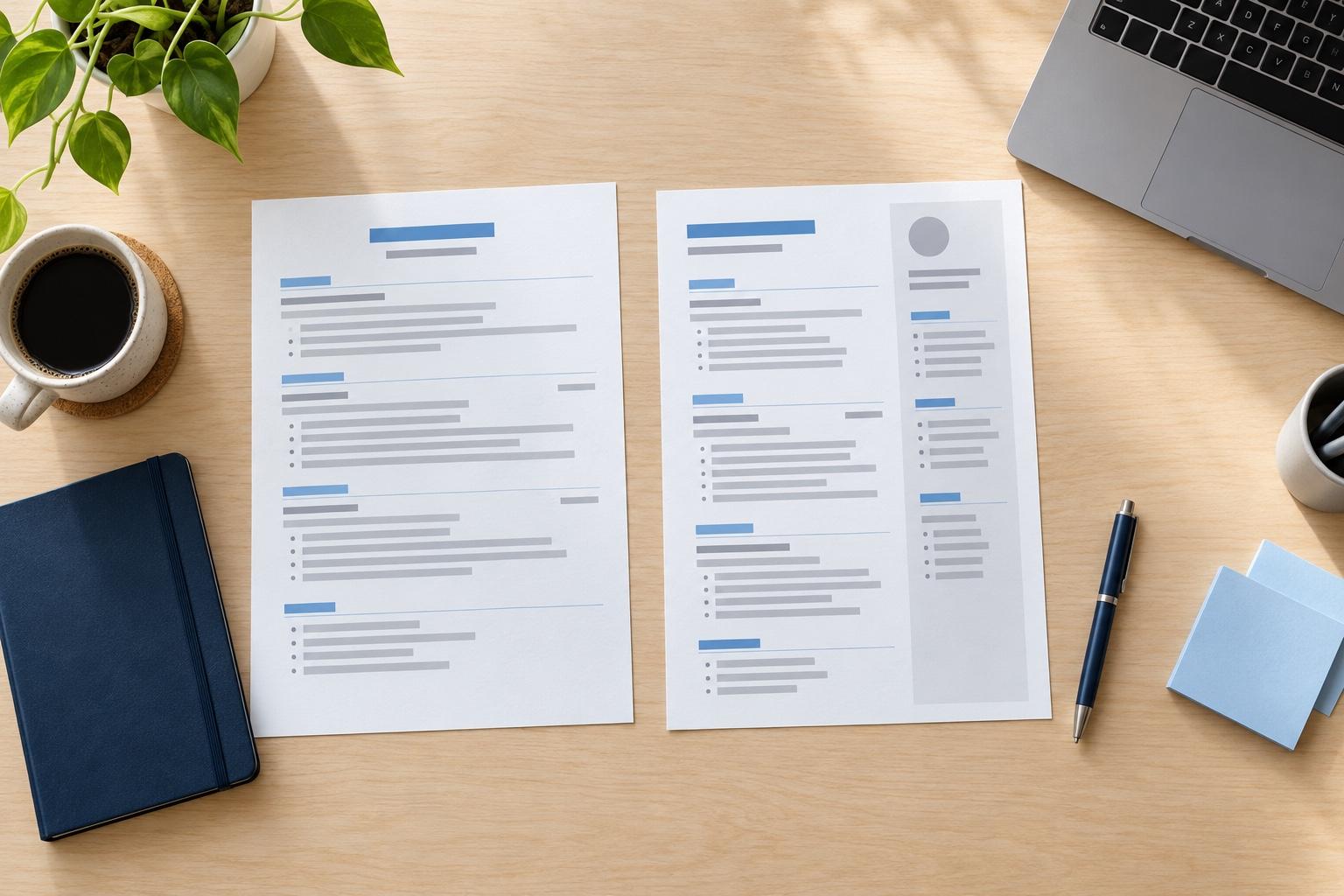
Find a design that suits you


How to make a resume on your phone
Yes, you can make a complete resume on your phone. The resume maker runs in your phone's web browser, so you open it like any website and work through the same steps as on a computer. Plenty of people make theirs in short bursts between other things, and a few habits make that easier.
What to gather before you start
A few minutes of gathering saves the most time on a small screen. Have these to hand:
- Put your job titles, employers and start and end dates in a note, so you can copy them in.
- Keep your school, program and graduation year handy.
- Check that your email address sounds professional and that you answer the phone number you'll list.
- Have a sentence or two in mind about the job you want next.
Which sections should you fill in first?
Start with your work history, because it takes the longest and the suggestions help most there. Contact details, education and skills are quick to add once that part is done, and the summary is easiest to write last, when you can see what the rest of your resume says.
How to type less on a small screen
Suggested lines save the most typing. Pick your job title, add the lines that describe your work, then edit the details instead of writing every word from scratch. When a suggestion almost fits, change a word or two rather than starting over. Short lines read better on any screen, so aim for one idea per line, starting with a strong action verb.
Your phone's voice typing can help with longer fields such as your summary. Dictate a rough version, then tidy the punctuation and cut any filler words before you move on.
How to pick up where you left off
Save as you go, and your resume is waiting in your account on your phone or a computer whenever you return. That makes it easy to start on the bus and finish the details at a desk. Get into the habit of saving before you close the browser tab. If you're applying for different kinds of jobs, make a duplicate in My Library before you tailor it, so the original stays intact.
Which design reads well on any screen?
A clean template with clear headings and generous spacing. It will look sharp on a recruiter's monitor and stay easy for you to check on your own phone. Save the bolder designs for design, marketing and other fields where the look of the page counts.
Should you finish on a phone or a computer?
Either works, so use whichever you have when you have the time. A phone is handy for getting the facts down in spare moments, while a bigger screen makes the final read-through easier because the whole page fits at once.
How to check your resume before you send it
Before you download, open the preview and read every line. On a narrow screen it's easy to miss a wrong date or a doubled word, so zoom in on your contact details and job dates.
If you can, read it once more on a bigger screen, or ask a friend to look it over and tell you what stands out first. A second reader catches the mistakes you have read past.
Where to get more help with the words
For the wording of each part, see how to write a resume. For layout questions such as length and spacing, the resume format guide has answers. And when a line won't come, look at how other people in your job describe the same work, then put it in your own words.
What you're up against when you apply
“Great resume service.”

“My resume is now a hot topic!”

Common resume maker questions
How long does it take to make a resume?
Under 10 minutes, if you have your work history and dates at hand. Tailoring it to a specific posting takes a little longer, and it's time well spent.
Which resume maker is best?
Look for one that helps with your wording, not only the design. Check that it suggests lines for your job, lets you switch designs without retyping and works on your phone. Rocket Resume's resume maker does all three, so try it with your most recent job.
Is there a resume maker app?
You can skip the app store: the resume maker opens in any phone browser, so there's nothing to install. Save as you go, and your resume opens on a computer later if you'd rather finish there.
Will my resume look professional?
Yes. The design takes care of the look, keeping fonts, margins and spacing consistent in a clean layout. Keep each line specific and proofread the preview, and it will read as well as it looks.
Does the resume maker suggest what to write?
Yes. Once you add a job title, the resume maker shows suggested lines for that kind of work. Use the ones that describe what you really did and change the details to fit.
Are resume makers and resume builders different?
They're two names for the same kind of tool. You enter your details, and it arranges them into a finished resume. On Rocket Resume, the resume maker and the resume builder are the same tool.

Make your resume, one screen at a time
Choose your experience level and a design, and the resume maker takes you from there.
Making a resume here, in customers' words
from 4,000+ reviews