Check every resume section for
Start with the section that needs the most work. Replace vague experience claims with tasks you can explain, check education names and dates, and keep skills relevant to the job. If a summary repeats the work history without adding focus, shorten it or leave it out.
- Guided steps for each heading
- Edit suggestions to match your work
- See your sections in a template
- Build on a phone or computer

Danny
Apr 2023
“I'll recommend it to friends and family.”

Dayani F.
Jan 2025
“Everything about this tool is amazing, I love it”

Kelvin P.
Jul 2025
“You guys were amazing, I got a new job.”

John W.
Nov 2022
“You made my resume professional”
from 3,900+ reviews
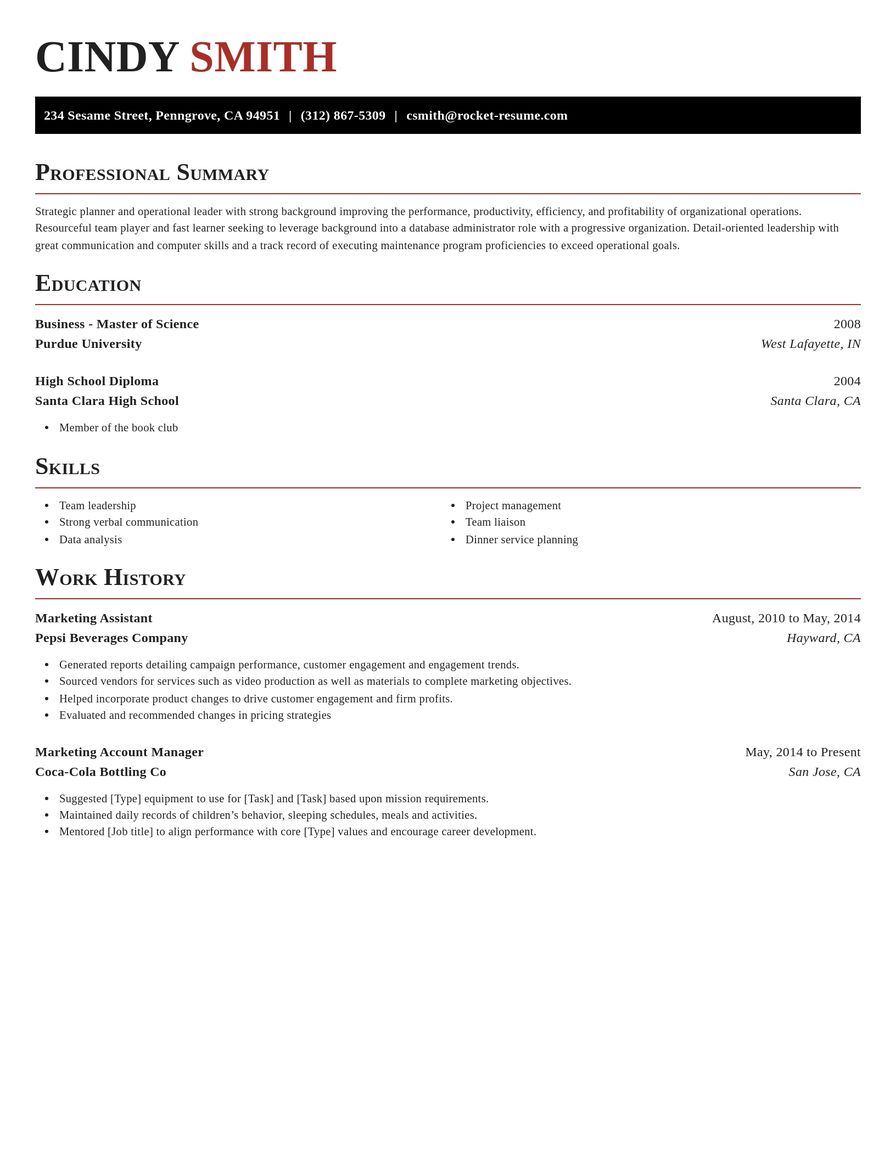
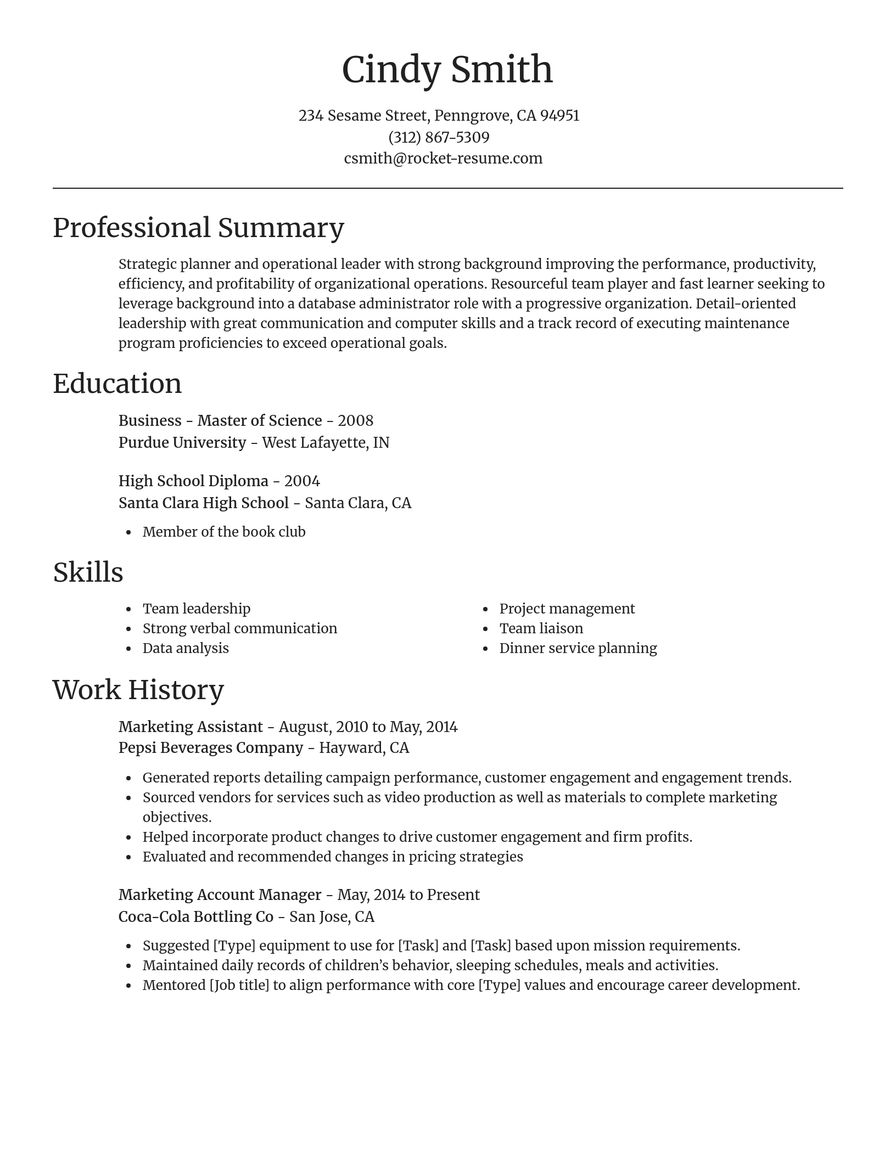
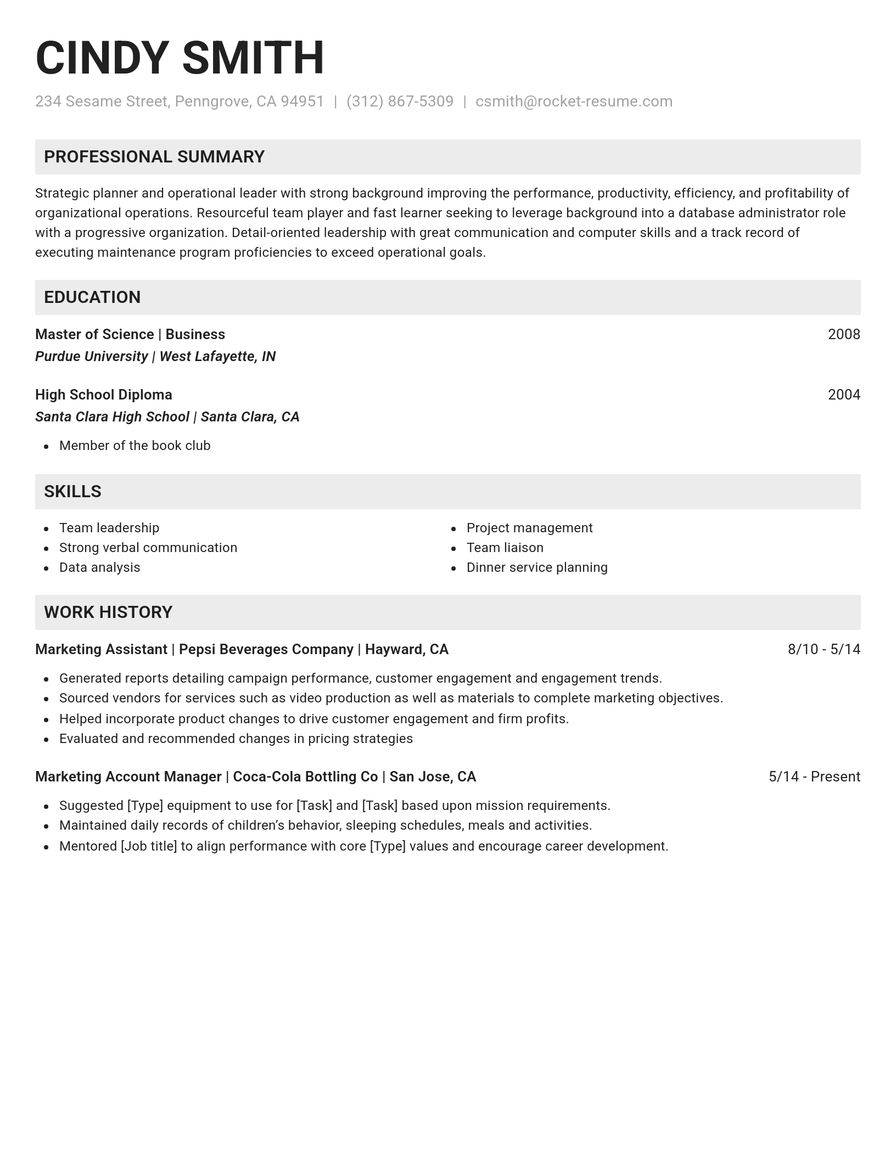
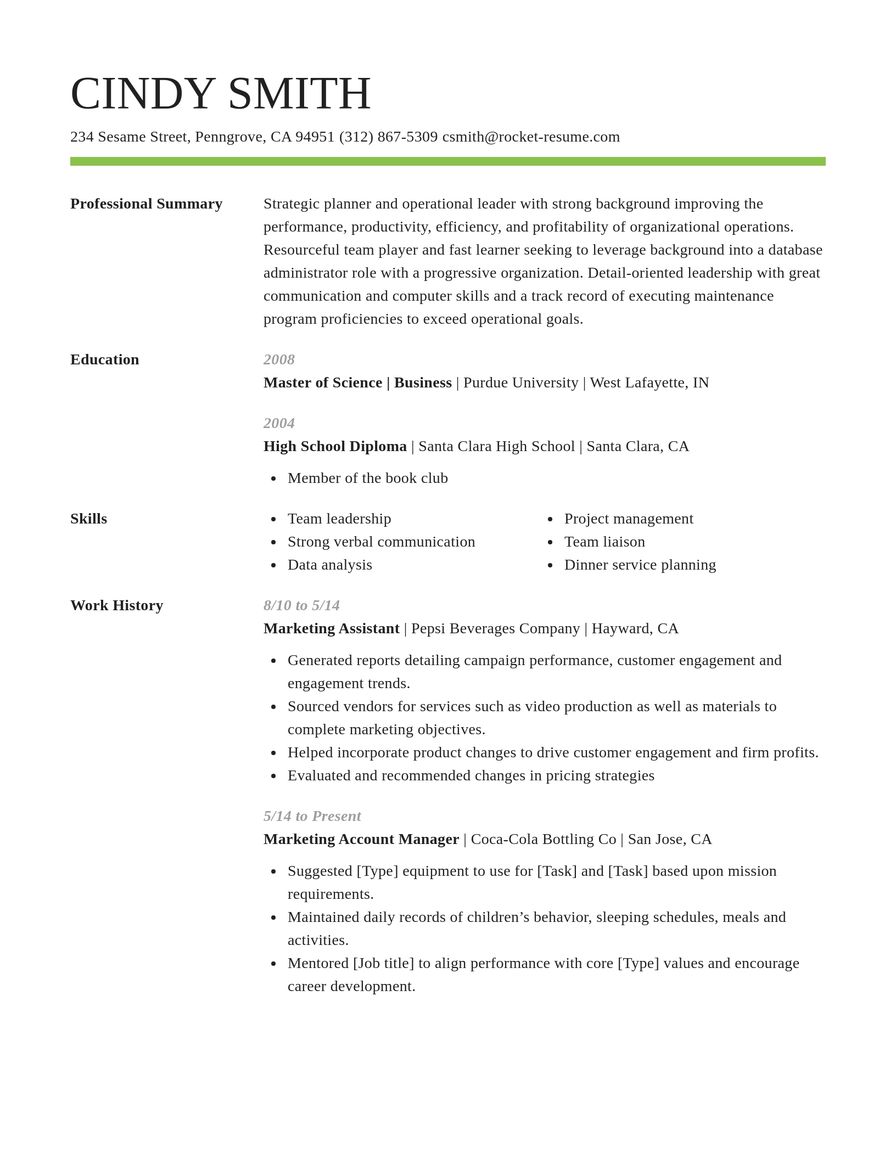
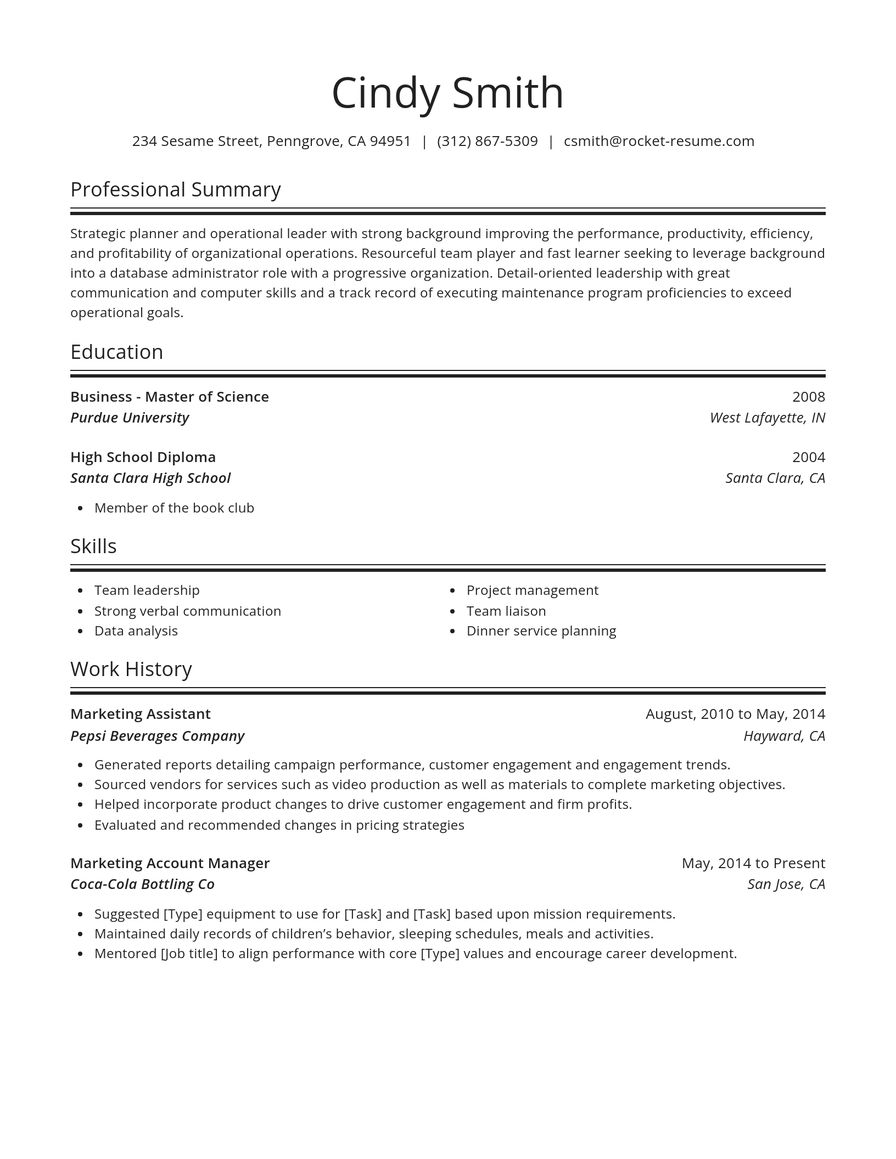
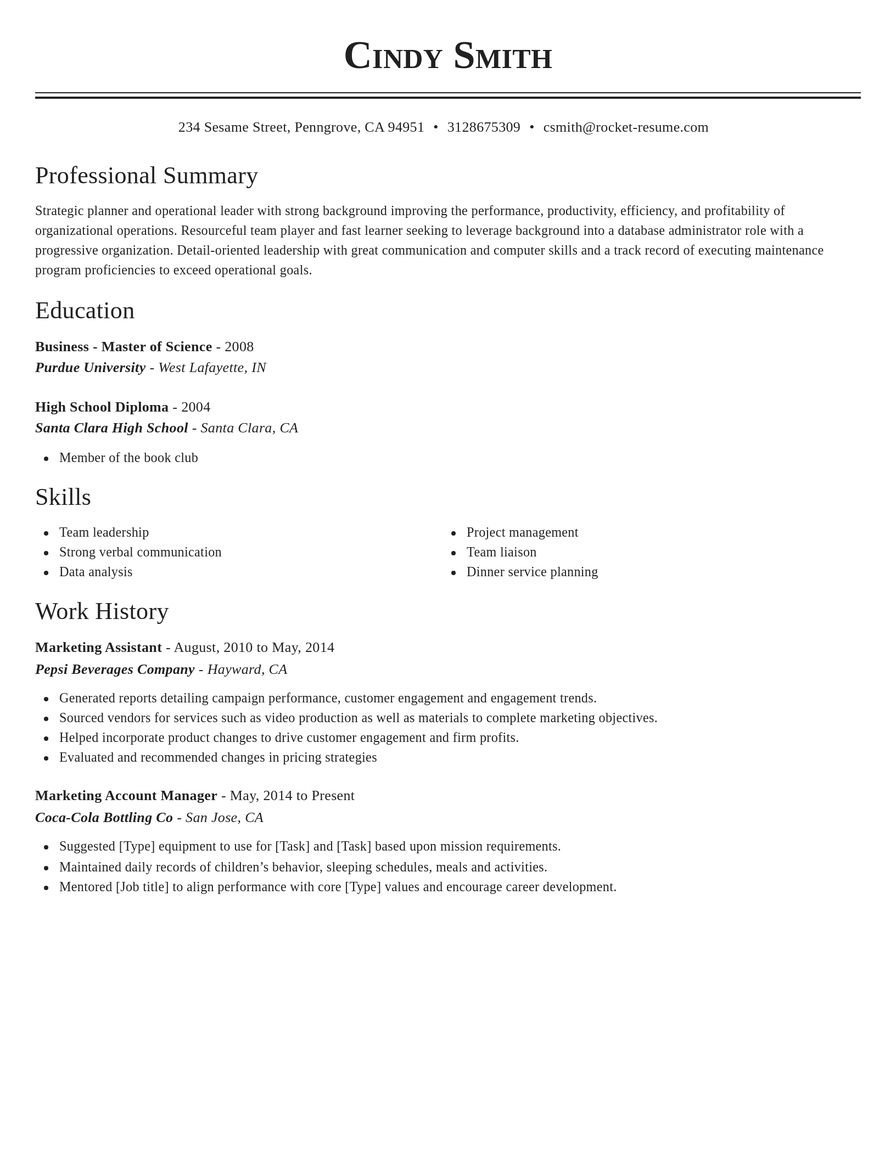
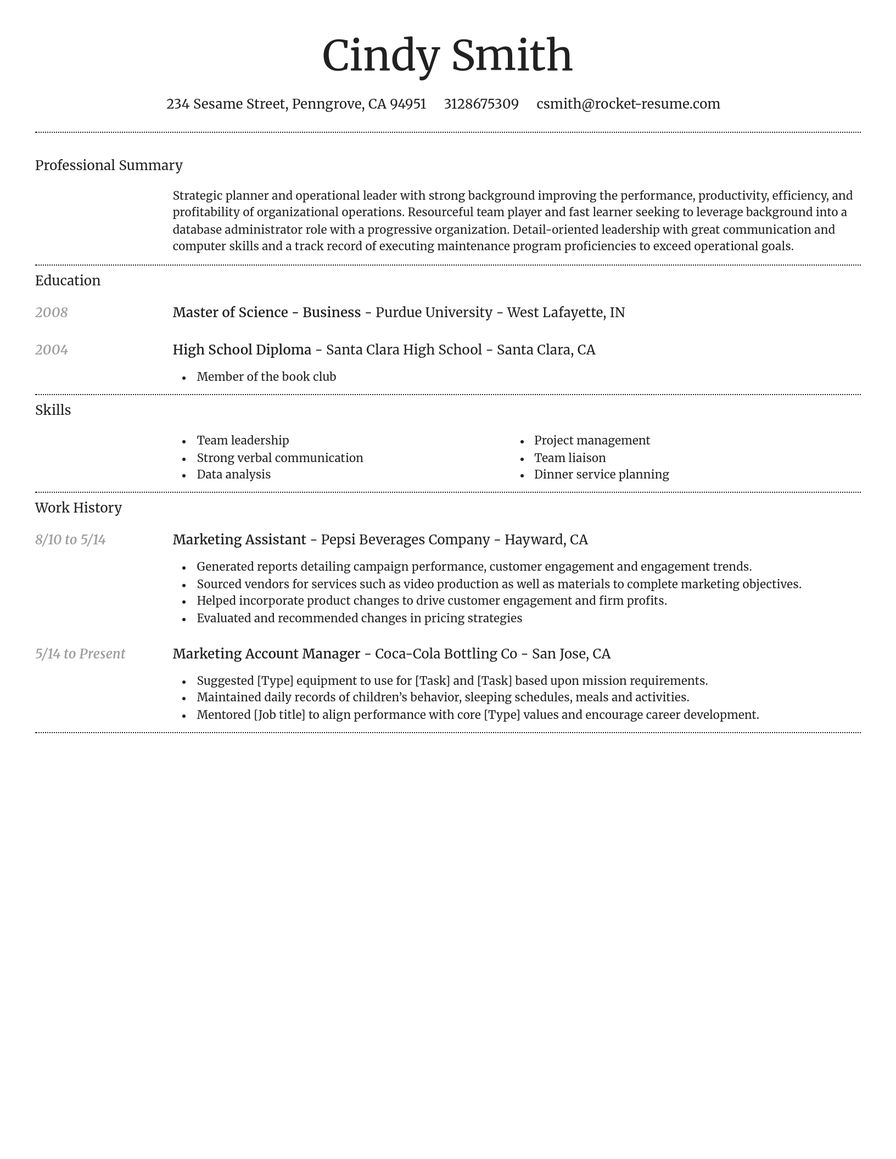
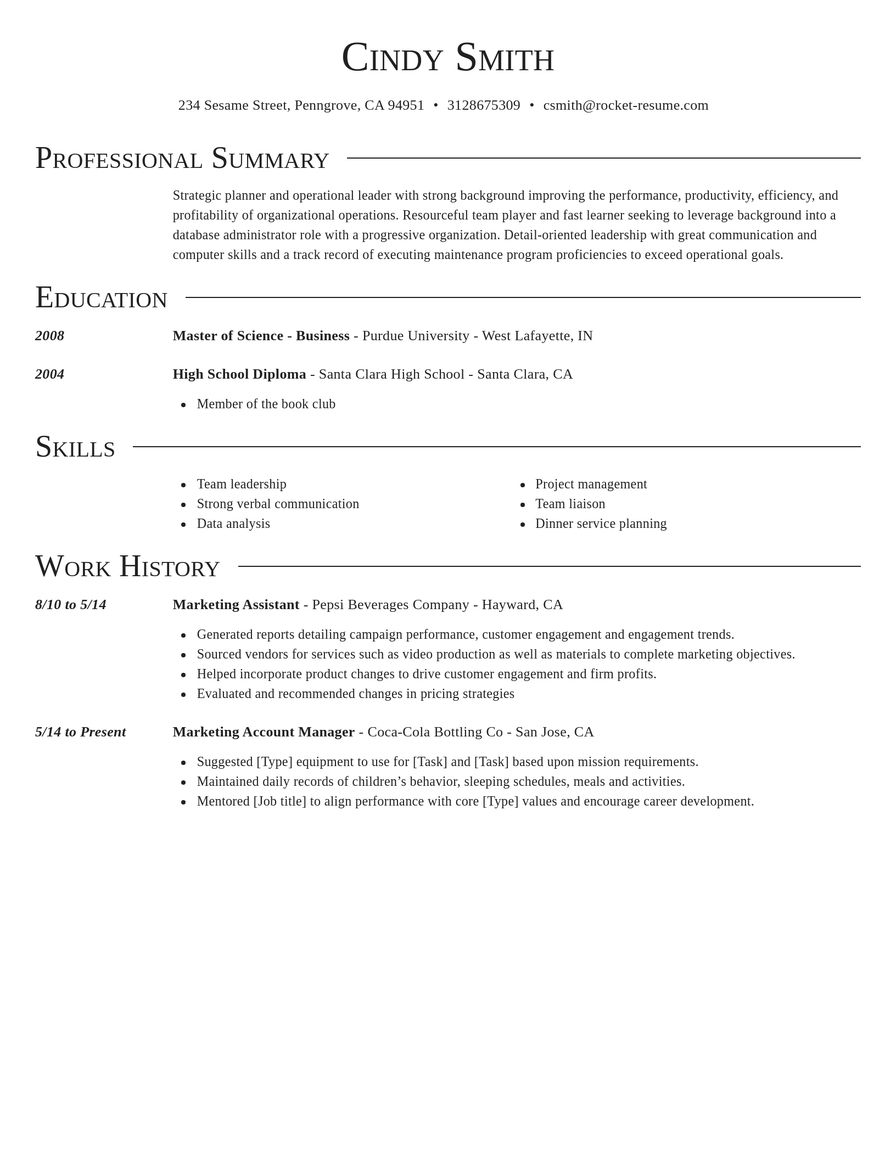
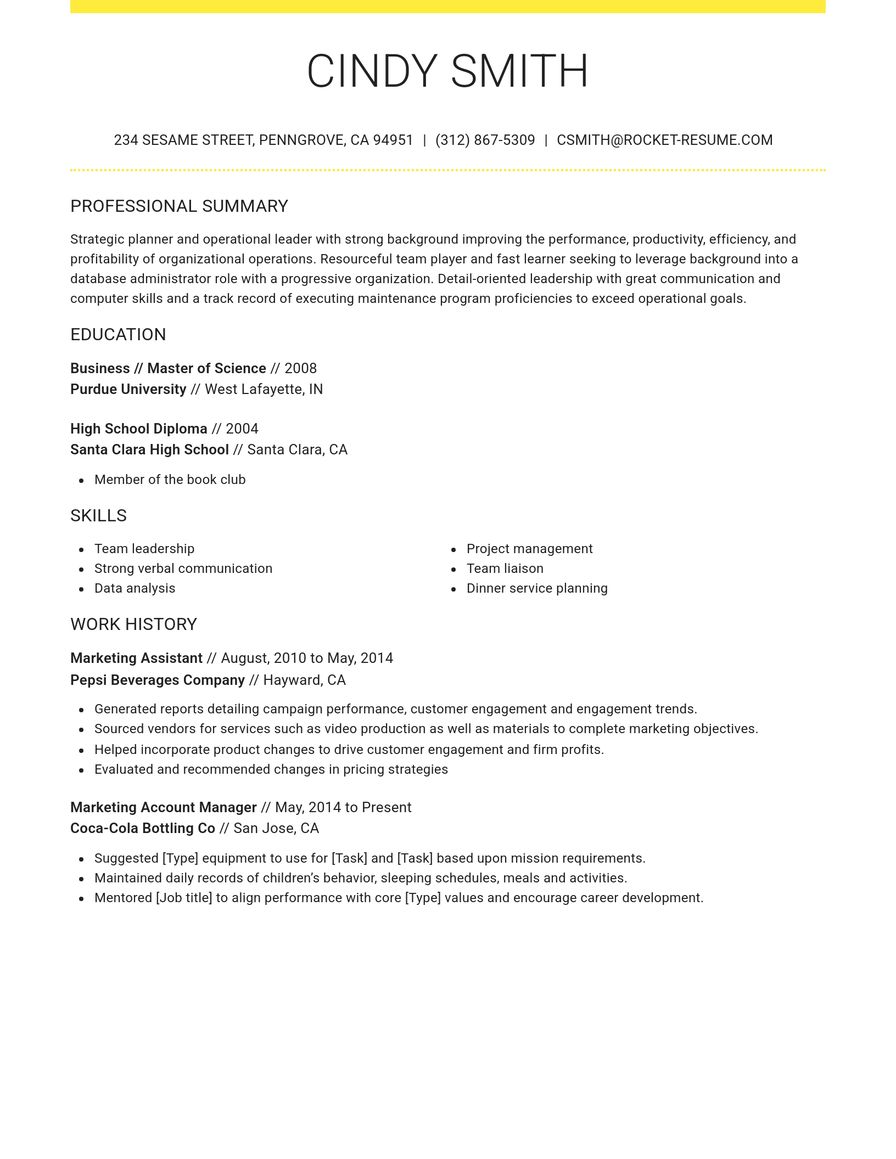
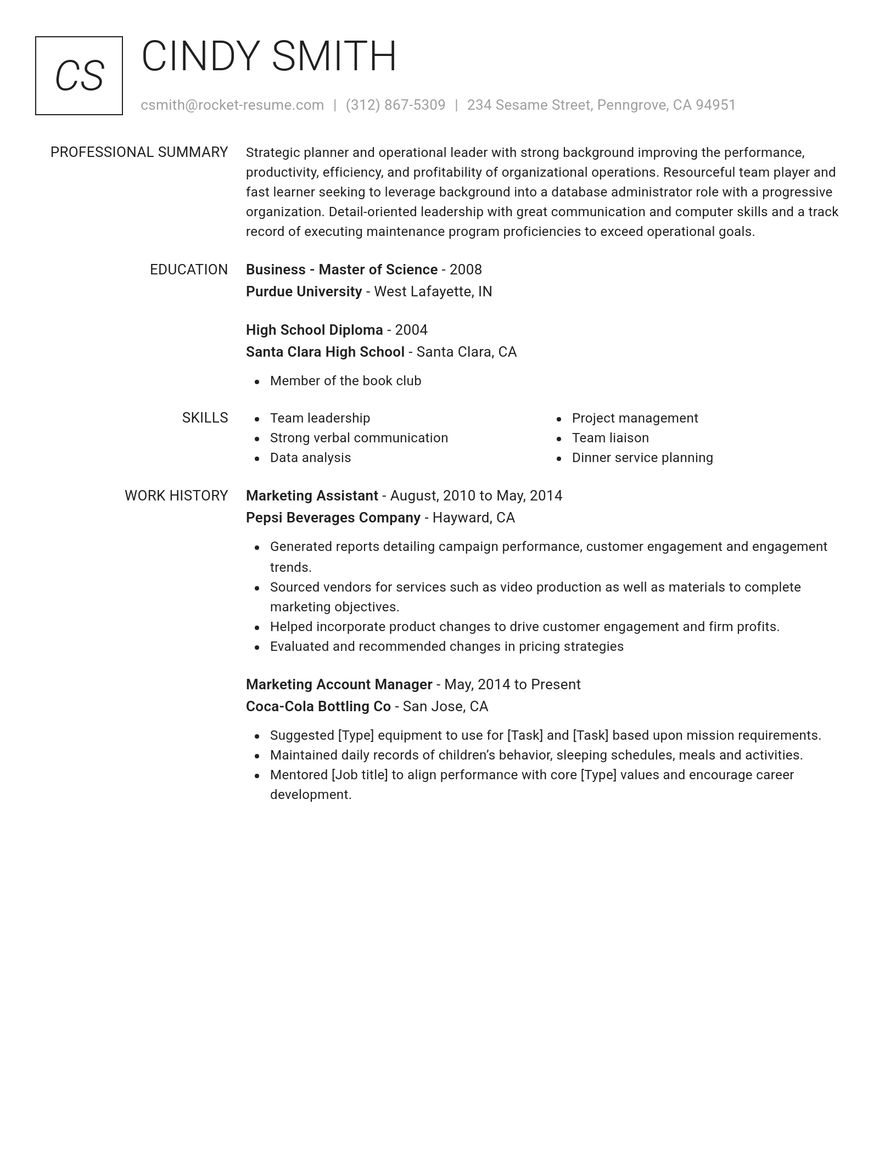
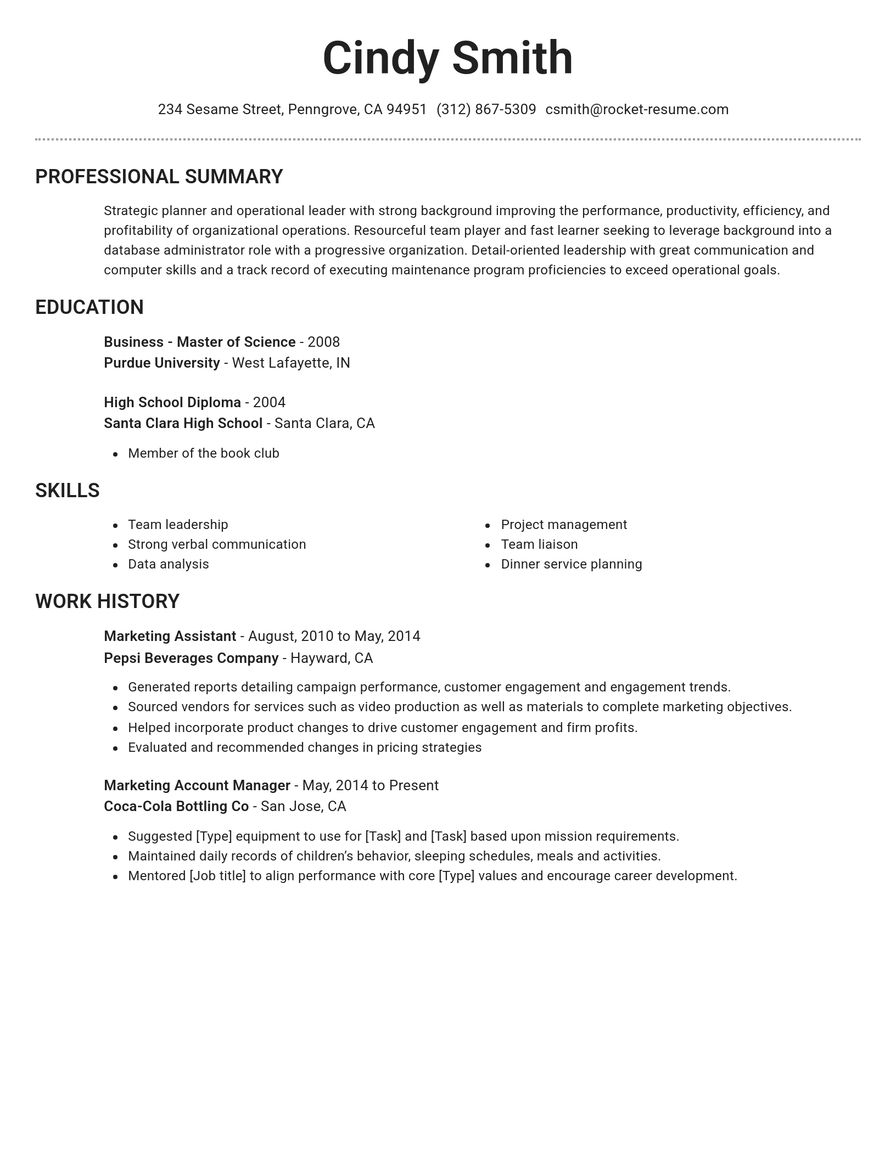
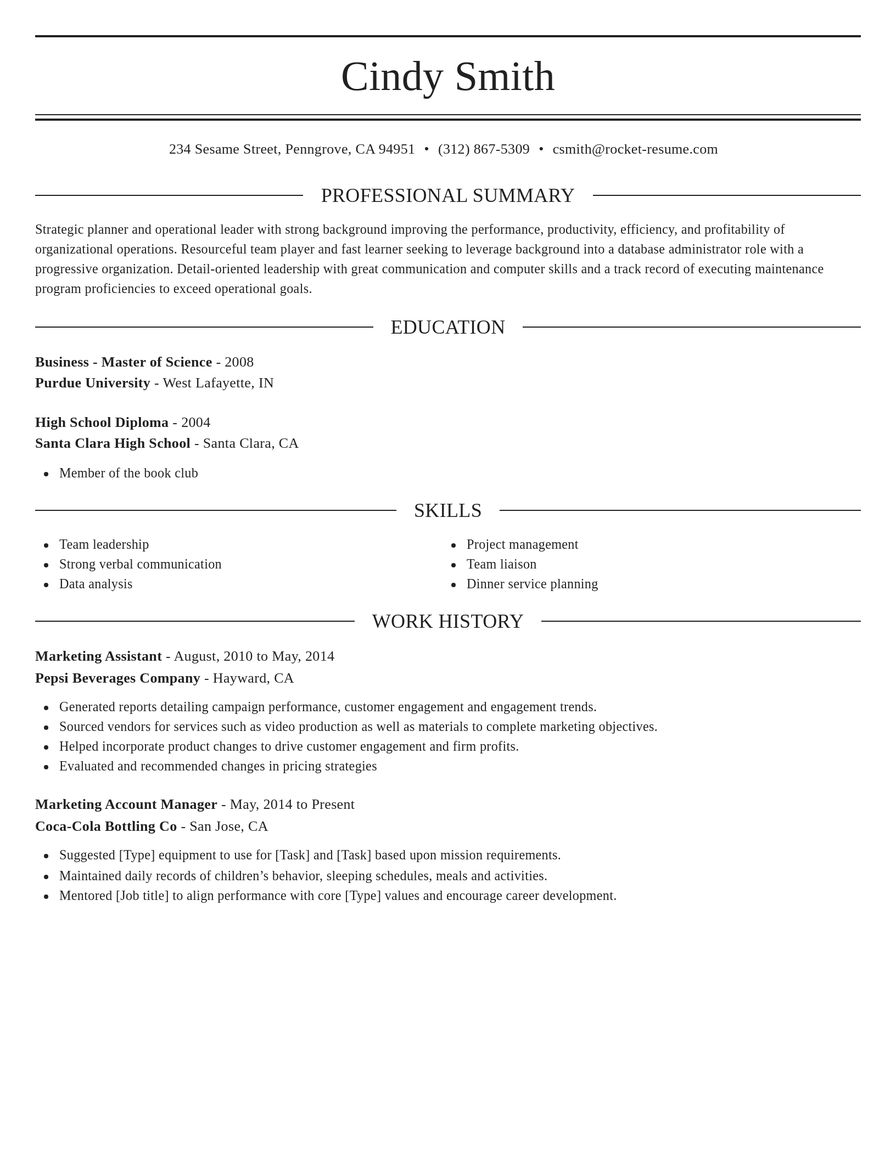
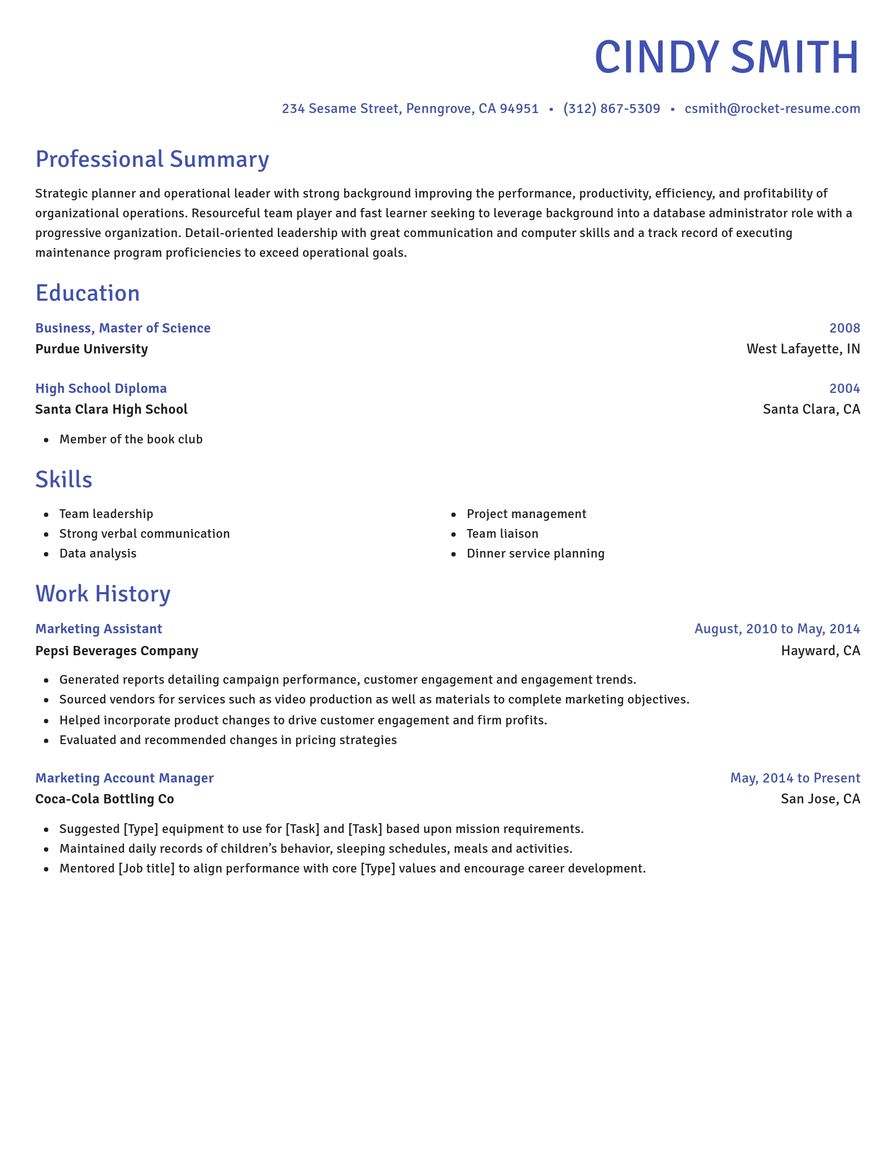
Check the longest section first
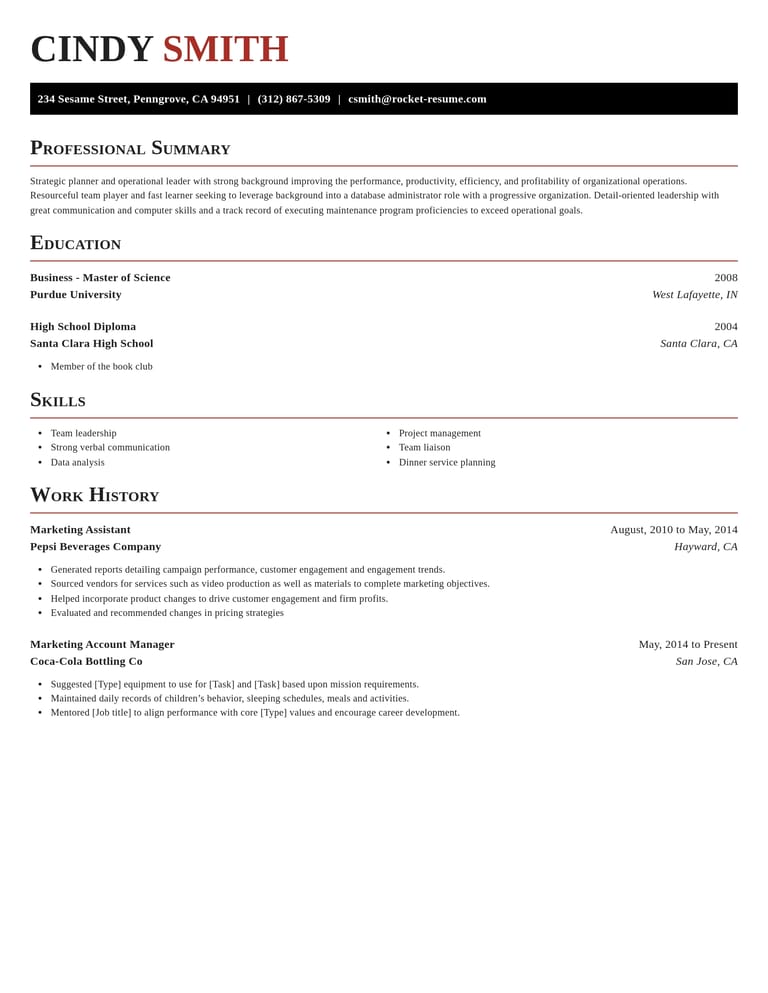
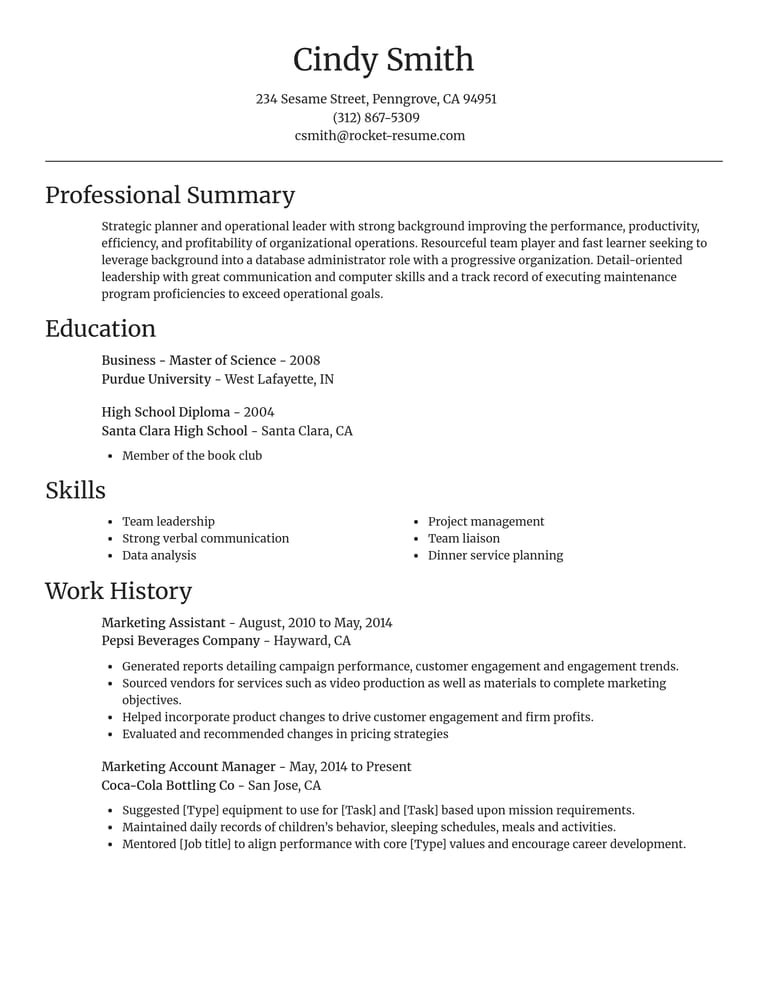
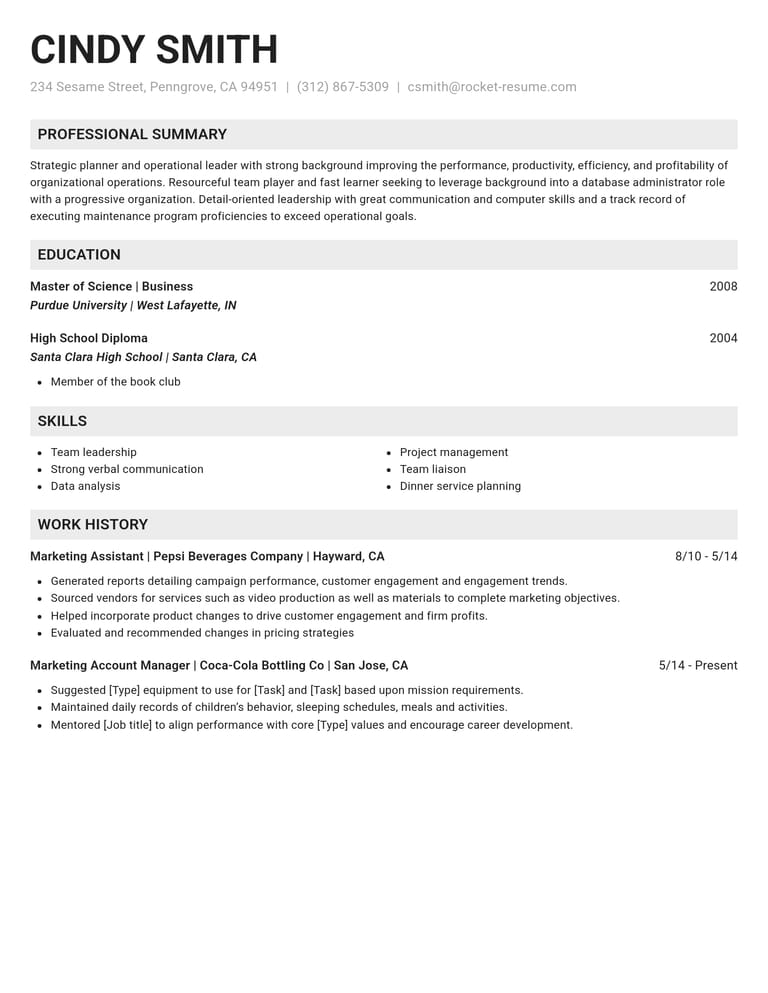
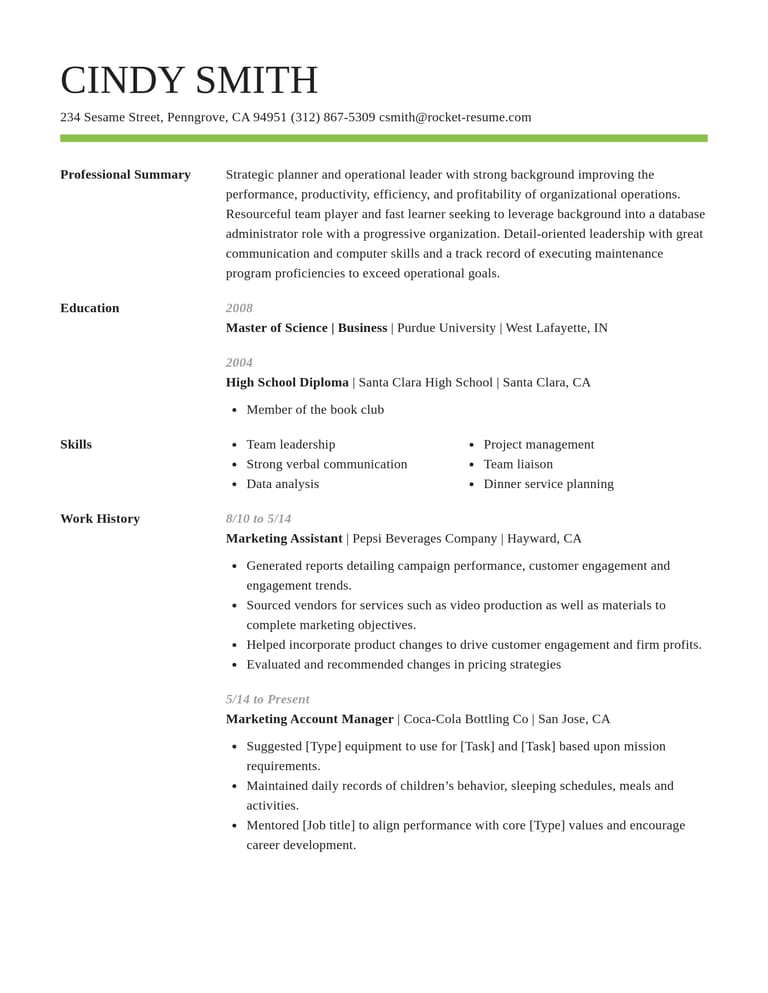
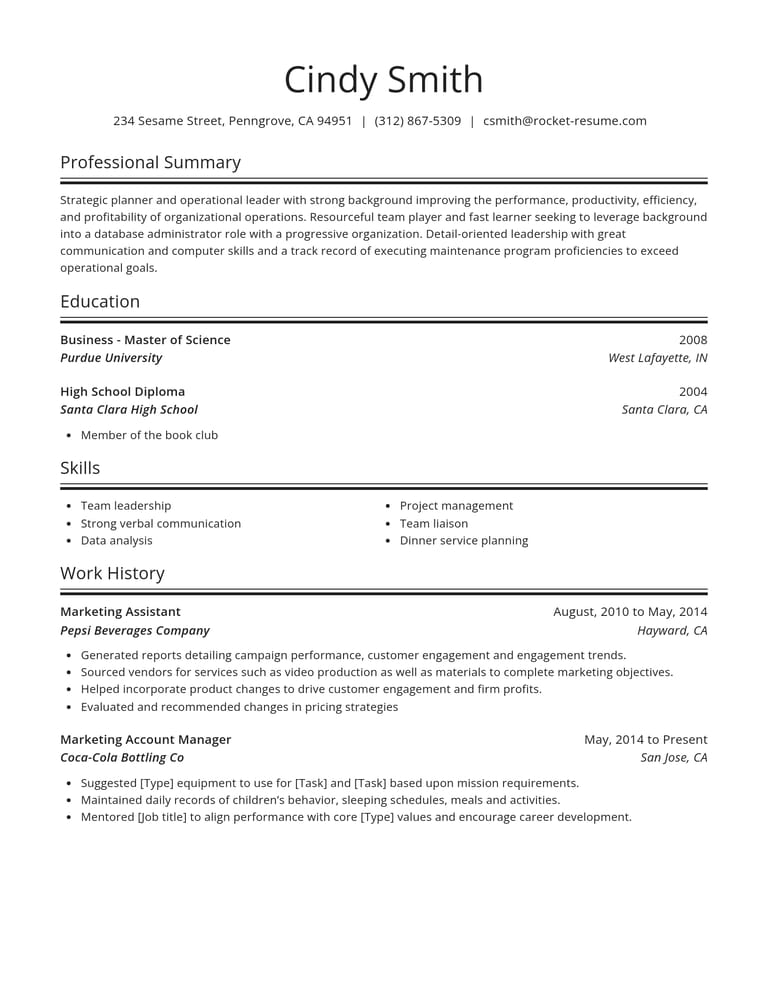
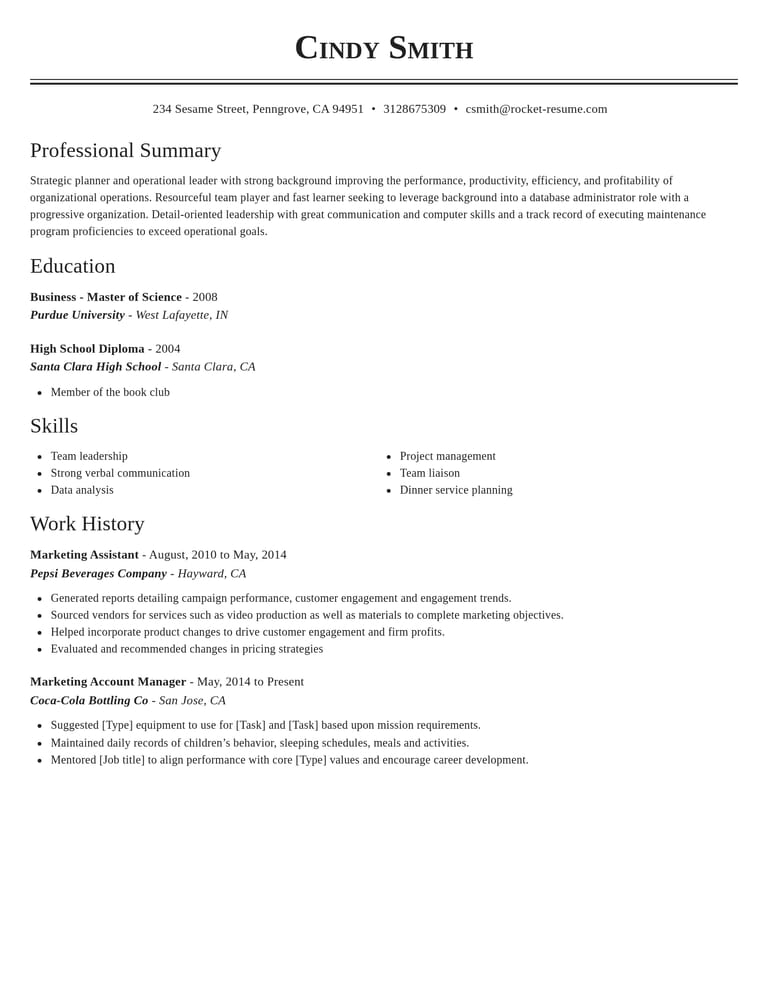
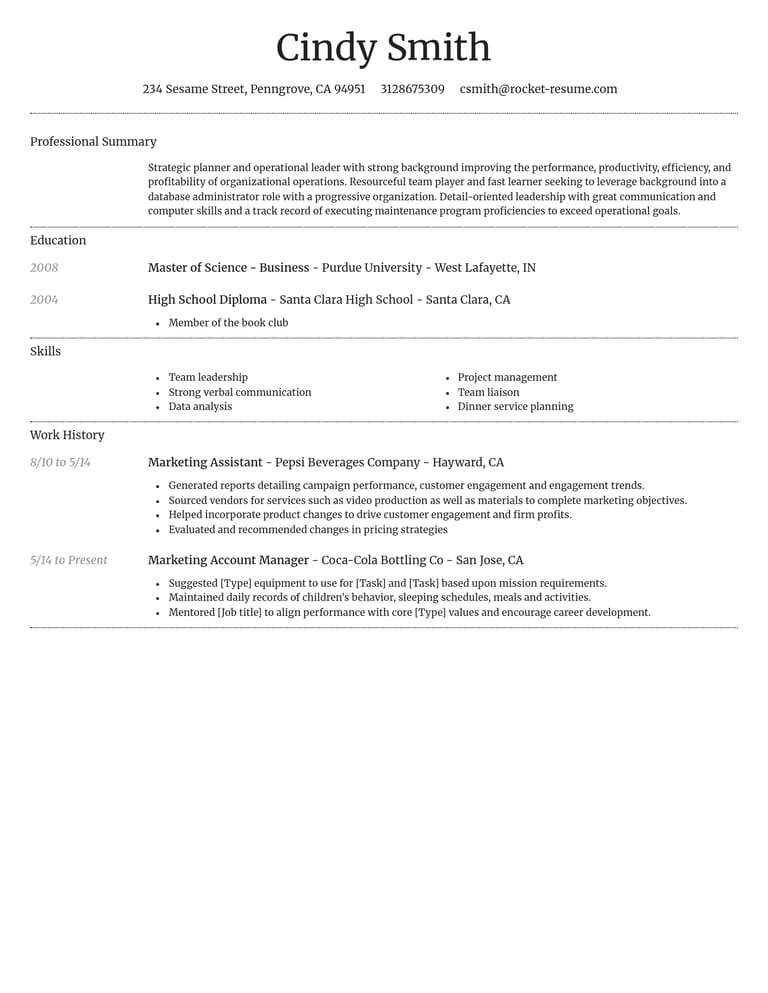
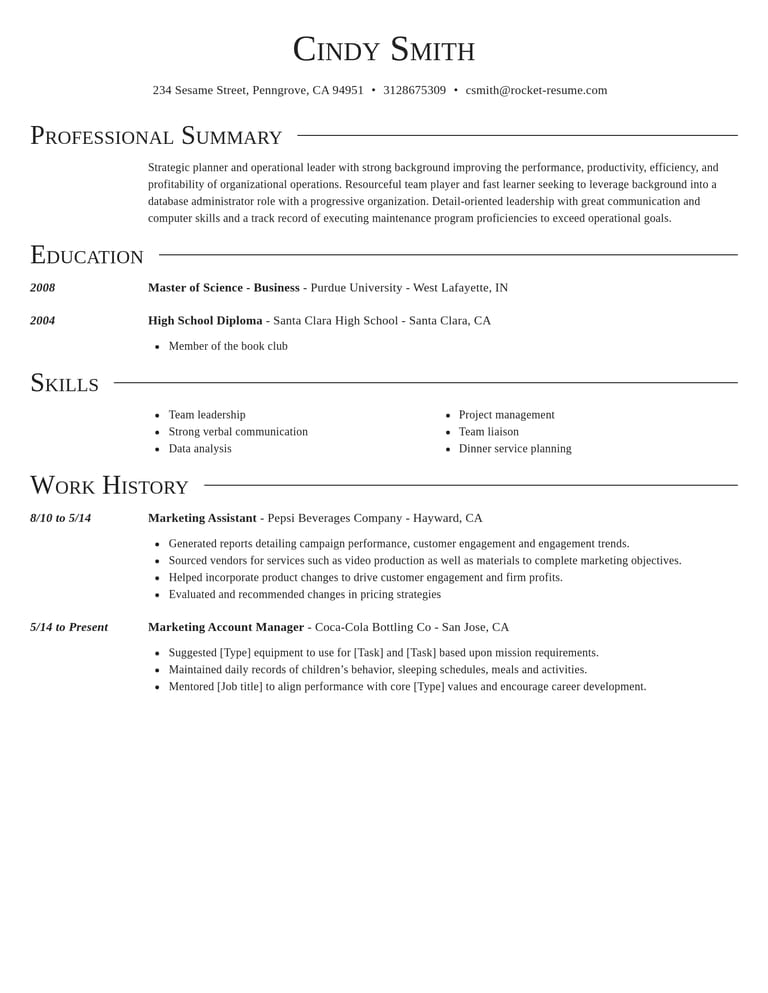
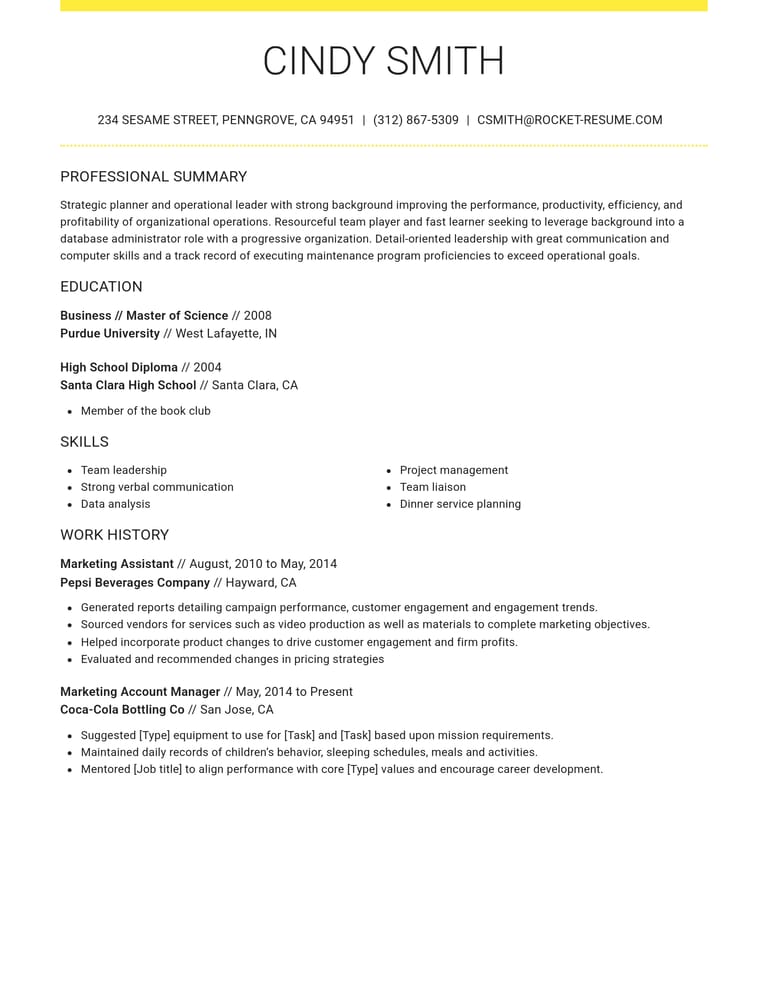
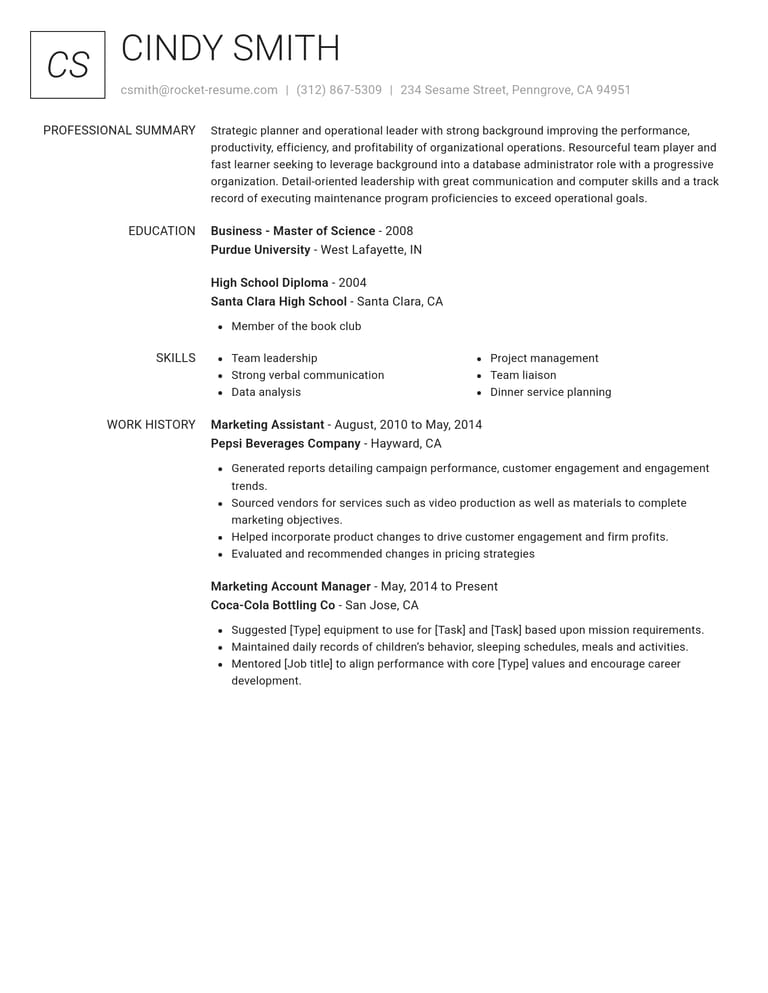
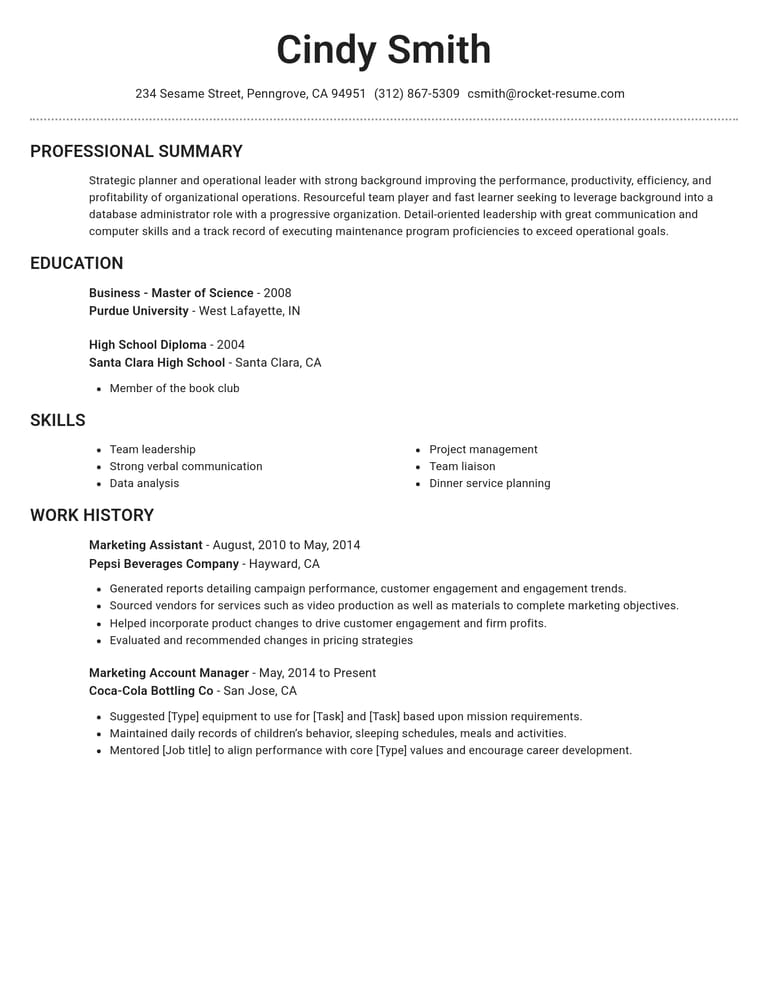
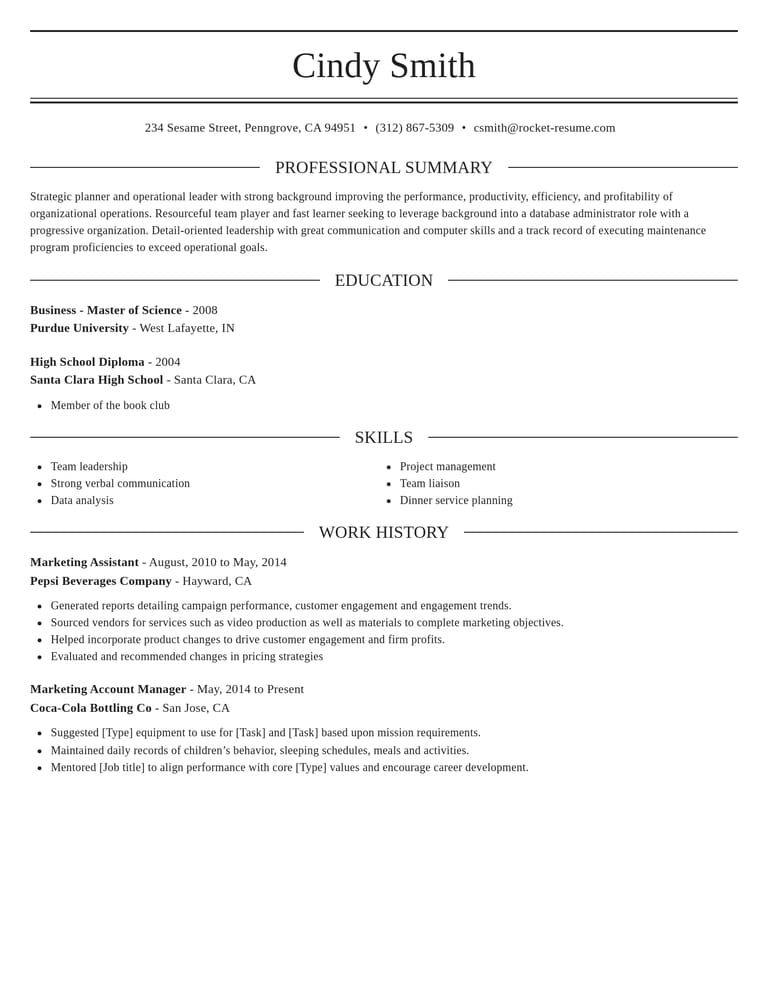
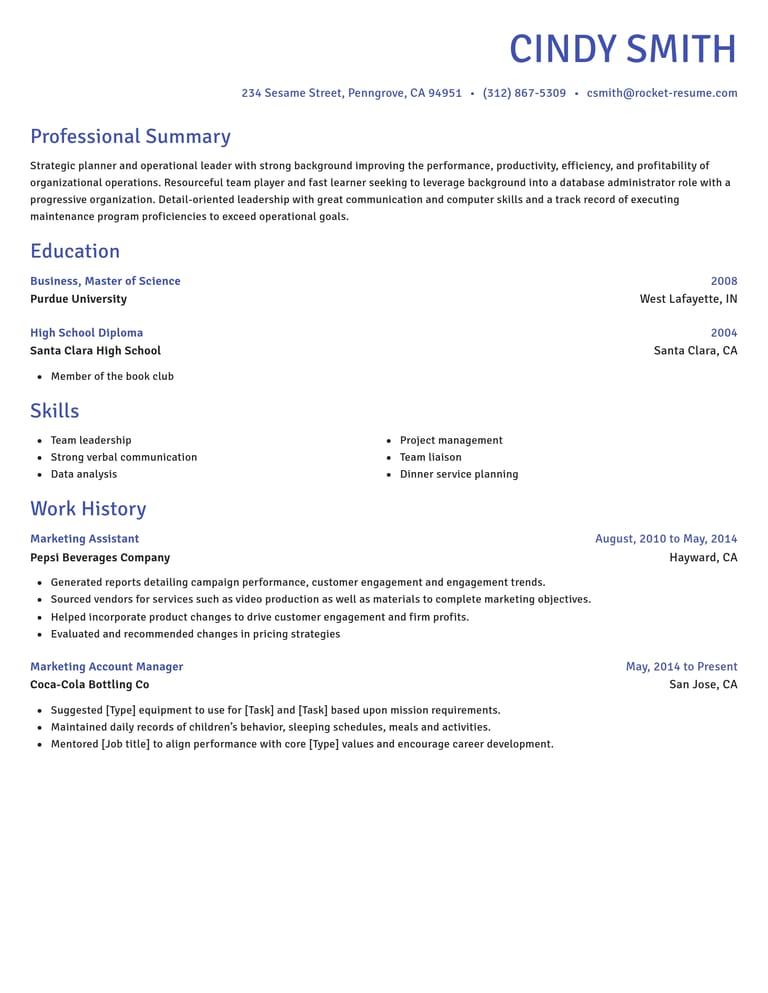
What every resume template gives you
Choose the layout here, then fill it in with guided sections and suggestions for your job.
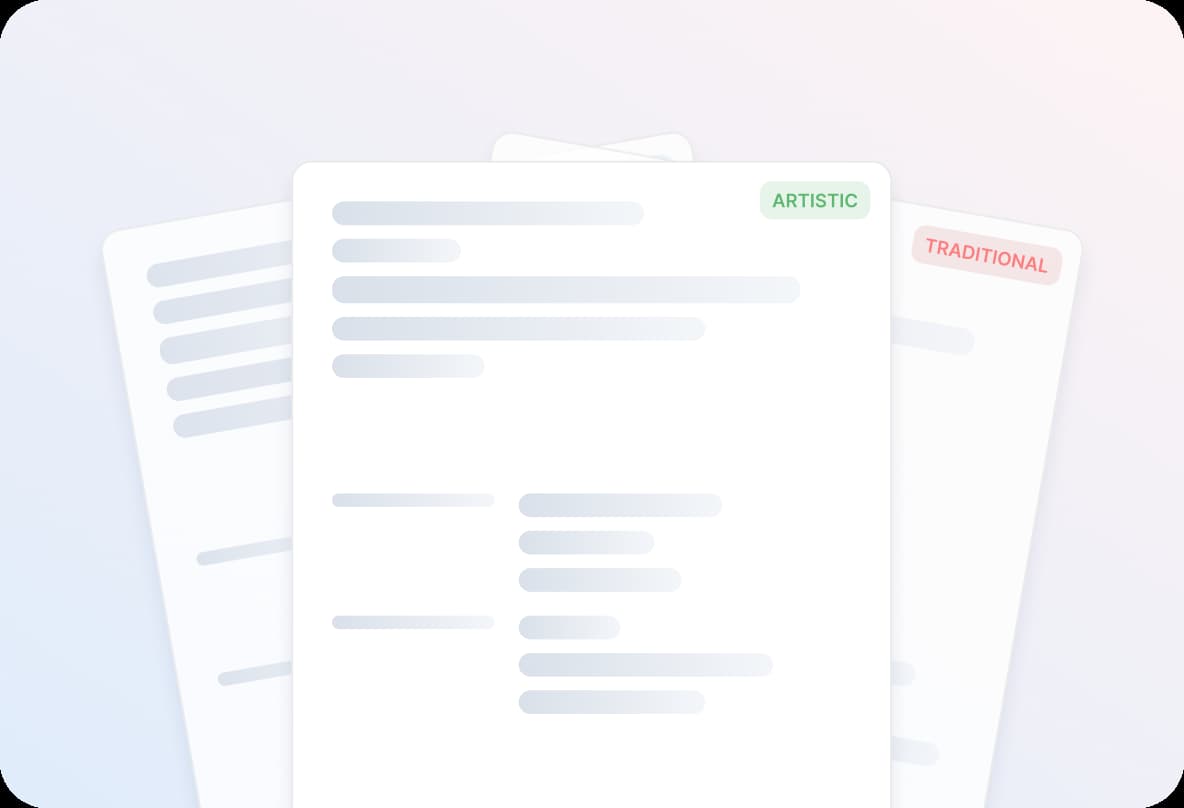
- Modern, traditional or creative
Compare modern, traditional and creative styles. Look at the space for job details as well as the overall design.
- Clean layouts recruiters can scan
Check that job titles, dates and section headings are easy to find. A simple layout keeps attention on your experience.
- Examples written for your job
Add your job title to see relevant suggestions. Choose one that fits your experience, then supply the details that make it yours.
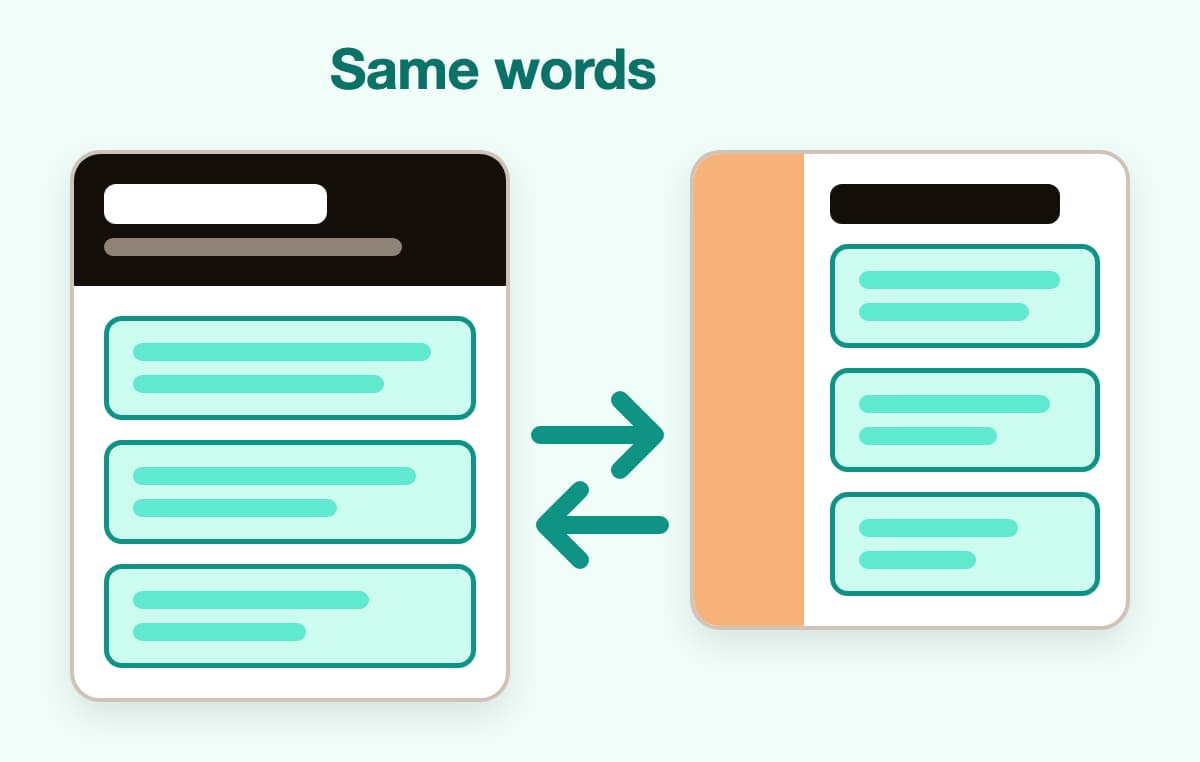
- Switch designs, keep your words
Try a second template at any point. Your text moves across with it, so comparing two looks takes no retyping.
- Arrange it your way
Reorder sections so the reader meets your best material first, such as skills when changing careers or schooling on a first resume.
- Preview, save, come back
The preview updates as you type. Save to your account, then return another day to finish or fine-tune it.
How your template becomes a finished resume
Step 1
Choose a starting design
Choose a template from the gallery, or start with a quick background question and pick a design after.
Step 2
Fill in your details
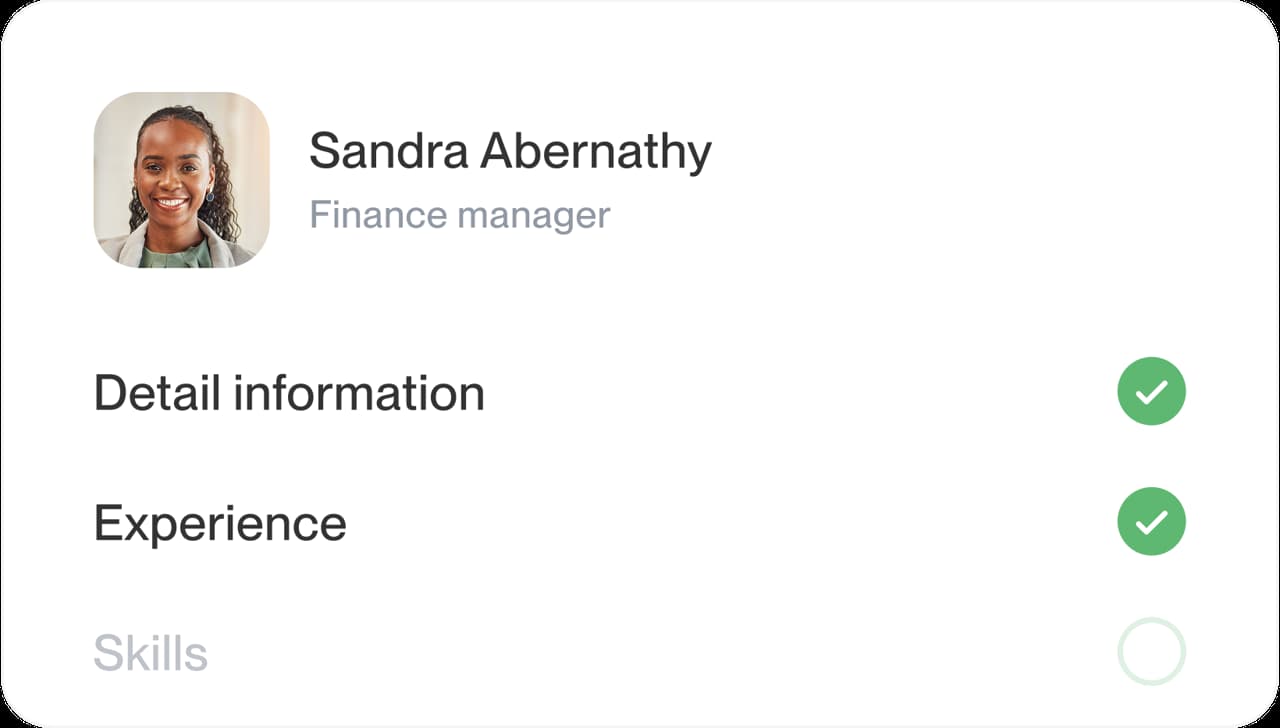
Add your jobs, education and skills. Use relevant examples to get started, then describe your own responsibilities.
Step 3
Check the fit
Read your longest job entry in the preview. Compare another design if dates wrap awkwardly or the page feels crowded.

Step 4
Send it out
Check contact details, dates and page breaks. When the layout and content are ready, download your resume.

Step 1
Choose a starting design
Choose a template from the gallery, or start with a quick background question and pick a design after.
Step 3
Check the fit
Read your longest job entry in the preview. Compare another design if dates wrap awkwardly or the page feels crowded.
Step 2
Fill in your details
Add your jobs, education and skills. Use relevant examples to get started, then describe your own responsibilities.
Step 4
Send it out
Check contact details, dates and page breaks. When the layout and content are ready, download your resume.
How to choose a resume template
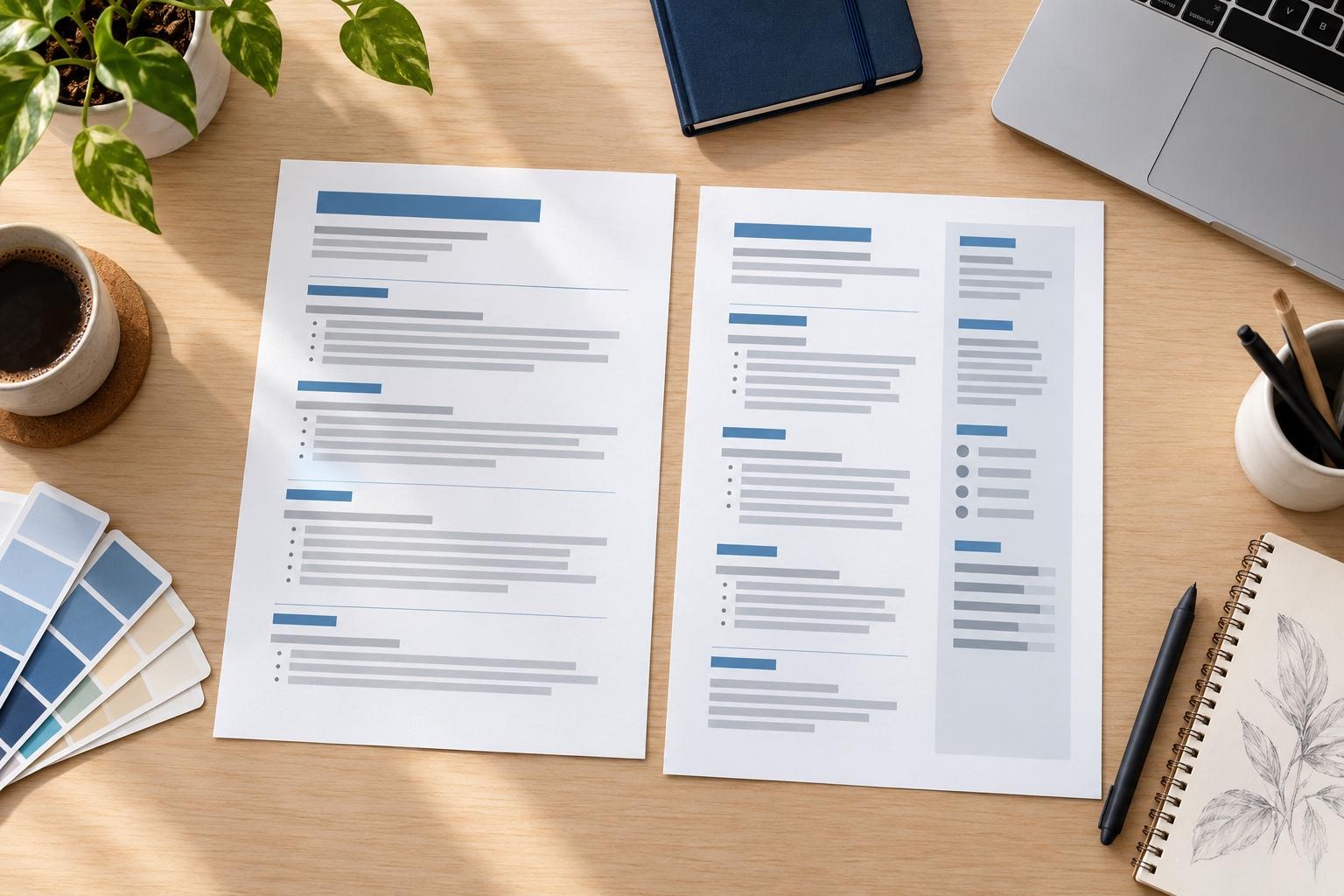
Test a template with the details most likely to stretch it: your full name, your longest job title and a recent role with several bullet points. Then compare a second design. The better fit is the one that keeps those details readable.
What should I look for in each style?
Use the style filters to narrow the gallery, then check what the design does with your actual content.
- Traditional: look for clear section breaks and a consistent way to show job titles, employers and dates.
- Modern: check that accent colors and dividers help you find sections without distracting from the text.
- Creative: make sure the extra visual detail leaves enough room for responsibilities, projects and relevant skills.
- For any style: check that important licenses, tools or qualifications are easy to locate, especially when the posting asks for them.
Follow any layout instructions in the application. When the employer gives none, choose the design that presents your relevant experience most clearly.
What makes a resume template look professional?
Consistency, more than decoration. Before you commit to a professional resume template, check four things in the preview:
- Headings clearly larger than the body text, in no more than two typefaces.
- Job titles, employers and dates lined up the same way in every entry.
- Enough white space between sections that the page never looks crammed.
- Color used sparingly, on headings or a thin rule, never behind long blocks of text.
Which template works for a first resume or a long career?
For a first resume, look for room to explain education, projects or volunteering. The high school resume templates page helps you choose what to include. With a longer career, give relevant roles more space and shorten less relevant entries before trying a denser design.
For a career change, make the connection clear in your summary and skills section. Keep employer names and dates easy to follow, even when your most relevant experience came from a different field.
Do I need a template made for my job?
You usually don't need a design named after your occupation. What matters is whether it has space for the evidence the job needs. For example, the nurse resume example can help you think about clinical experience and credentials; choose your own details and a layout that keeps them easy to find.
How do I test a template with my real details?
A preview filled with sample details can't show how your own name, job titles and experience will fit. Try this comparison before choosing:
- Choose a design with enough room for your relevant experience.
- Enter your full contact details, longest job title and a recent job entry.
- Switch to a second design and compare the two in the preview.
- Choose the clearer layout, checking where dates and longer descriptions wrap.
Then review the content itself. The guide to writing each resume section helps you decide what belongs in the summary, work history and supporting sections.
Why the design and the words both matter
“Great resume builder, I'll be using it again”

“I needed a resume fast, great and very useful”

Resume template questions
What is the best template for a resume?
Choose the design that stays clear with your details in it. Compare two layouts using a recent job entry, then check dates, headings and longer descriptions.
Software engineer resume example
Should I use a resume template?
A template can save you from setting up headings, spacing and alignment yourself. Try it with your own content to see whether the layout gives your experience enough room.
Are these resume templates ATS-friendly?
Start with the single-column designs on our ATS page and check their reading order. Familiar headings and readable text make a useful starting point; no template guarantees how every hiring system will handle a resume.
Can I customize a resume template?
Yes. Edit your content, arrange your sections and compare designs in the preview. Switching templates keeps the text you've already entered.
How do I fit my resume on one page?
Remove repeated points and details that don't help with the target job. Shorten less relevant roles before squeezing the layout. Use the space your relevant experience needs, and follow any employer length limit.
See how resumes in your industry look
Take a look at this week’s mix





- 19 examples
- 63 examples
- 15 examples
- 37 examples
- 21 examples
- 17 examples






Show all industries (A–Z)Show fewer
- Aerospace & Defense, 8 examples
- Agriculture, 23 examples
- Apparel & Textiles, 13 examples
- Architecture, 15 examples
- Artificial Intelligence, 6 examples
- Arts & Entertainment, 24 examples
- Automotive, 21 examples
- Beauty & Personal Care, 17 examples
- Biotechnology & Life Sciences, 7 examples
- Business Services, 23 examples
- Chemical Engineering, 4 examples
- Childcare, 14 examples
- Construction, 106 examples
- Creative, 15 examples
- Customer Service, 17 examples
- Education, 94 examples
- Energy, 39 examples
- Environmental Science, 5 examples
- Finance, 63 examples
- Food & Beverage, 68 examples
- Government, 48 examples
- Healthcare, 160 examples
- Hospitality, 35 examples
- Human Resources, 18 examples
- Insurance, 10 examples
- Legal, 12 examples
- Logistics, 37 examples
- Manufacturing, 68 examples
- Marketing, 8 examples
- Media, 20 examples
- Military, 24 examples
- Mining & Metals, 9 examples
- Nonprofit, 8 examples
- Pharmaceuticals, 12 examples
- Public Relations, 10 examples
- Real Estate, 7 examples
- Retail, 38 examples
- Robotics, 11 examples
- Sales, 14 examples
- Security Services, 19 examples
- Social Services & Counseling, 21 examples
- Social Work, 14 examples
- Sports & Fitness, 96 examples
- Technology, 67 examples
- Telecommunications, 6 examples
- Tourism & Travel, 9 examples
- Transportation, 38 examples
- Veterinary, 9 examples
Rocket Resume reviews from people who made their resumes here
from 3,900+ reviews