Build resume content free with
Use free examples to help decide what to include in your resume. Start with a role or project that fits the opening, add what you personally did and preview the entry before moving to another section.
- Free examples for your job title
- Preview your resume as you build
- Edit skills to match your experience
- Build free on a phone or computer

Karicia M.
Sep 2022
“It helped me build a well-written resume”

Alexis S.
Aug 2023
“Appreciate the opportunity to fix my resume professionally”

Christopher
Mar 2026
“My resume is now a hot topic!”

Anthony B.
Aug 2025
“Amazing site, I'd use this site again.”
from 3,900+ reviews
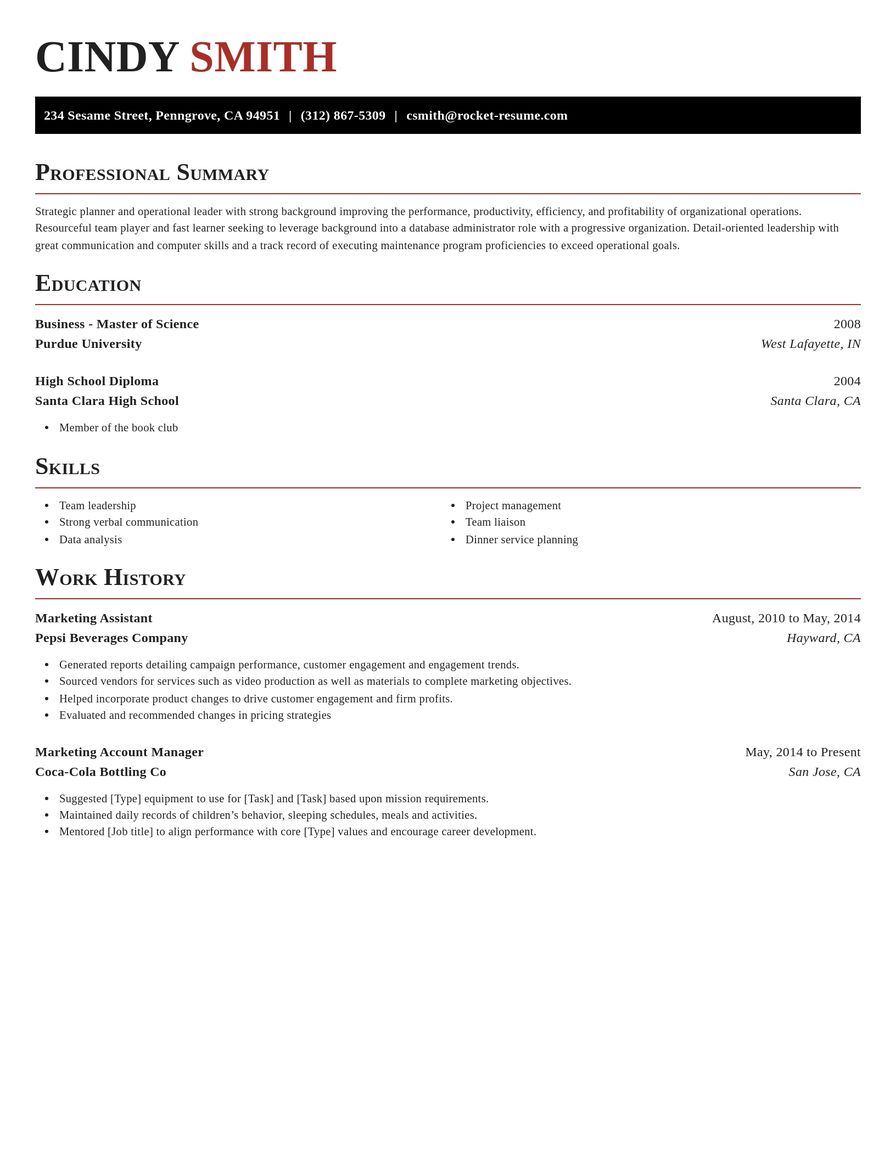
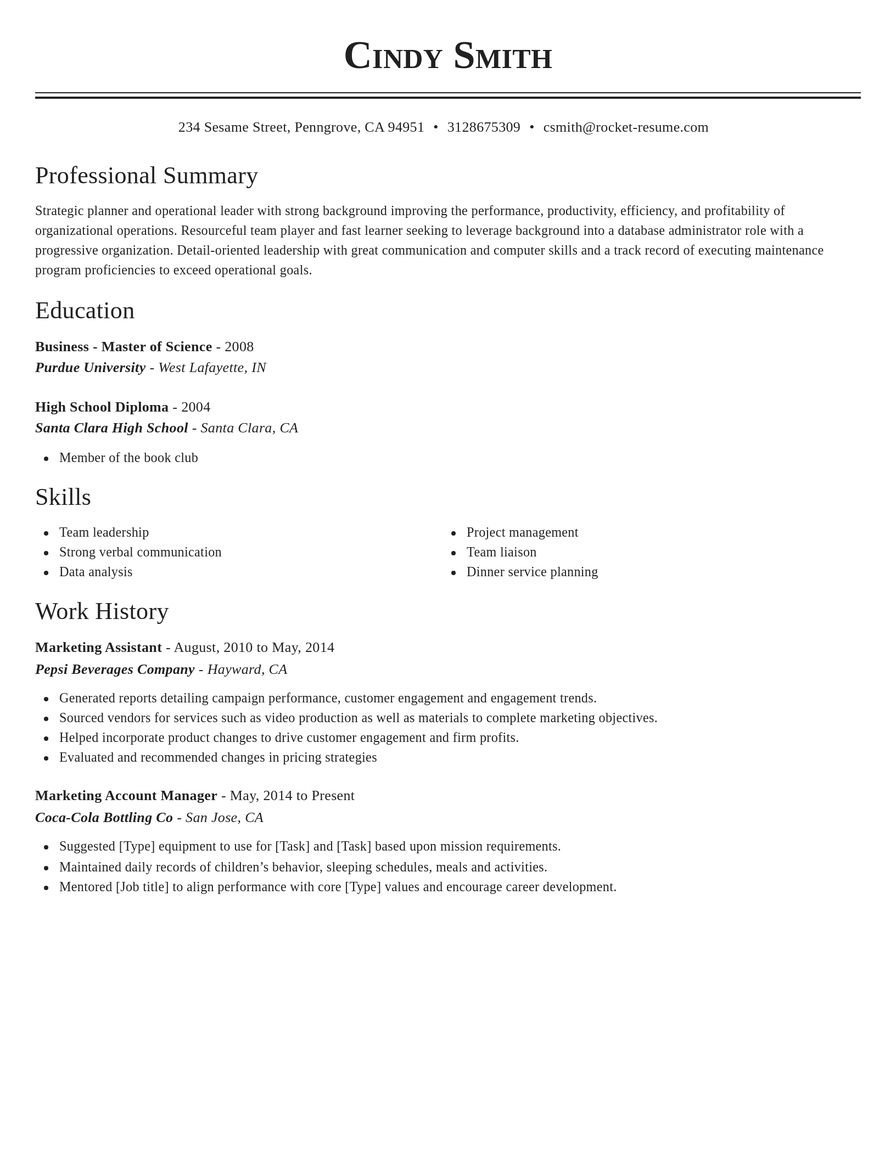
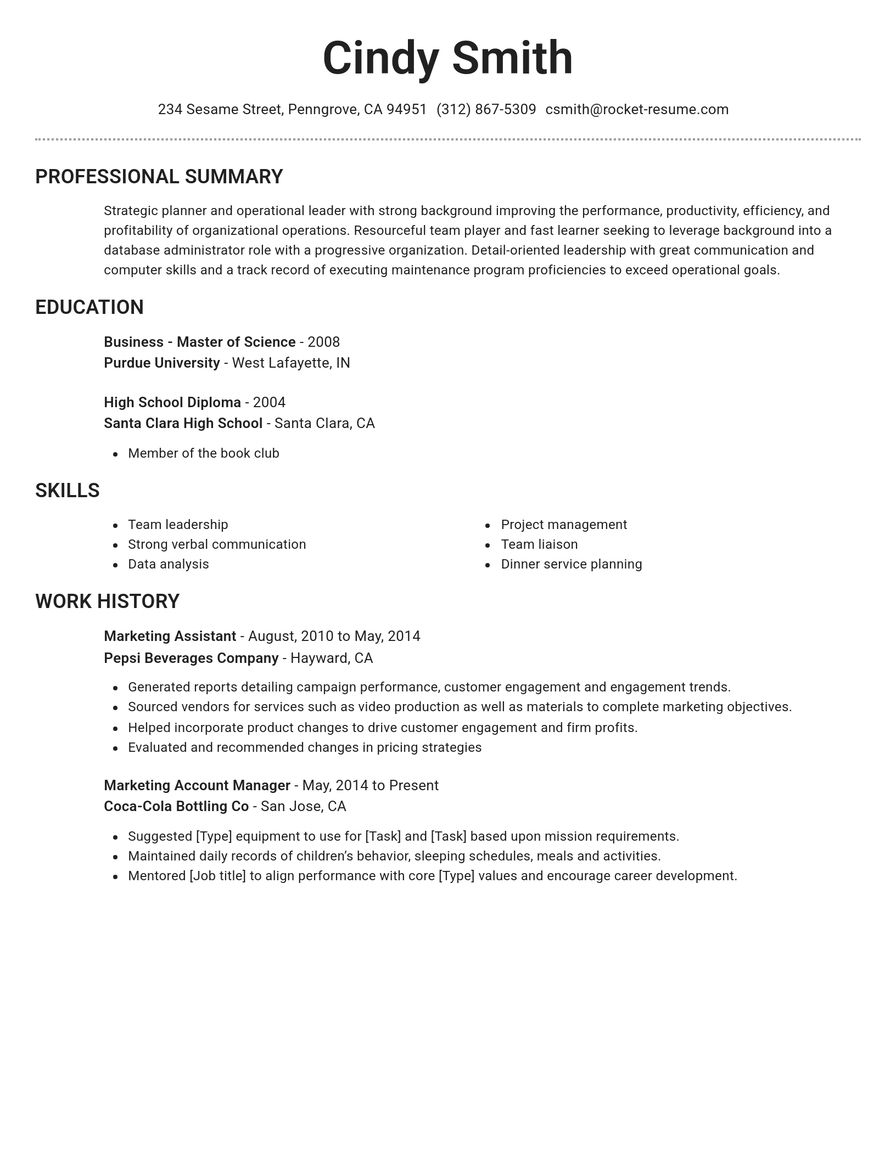
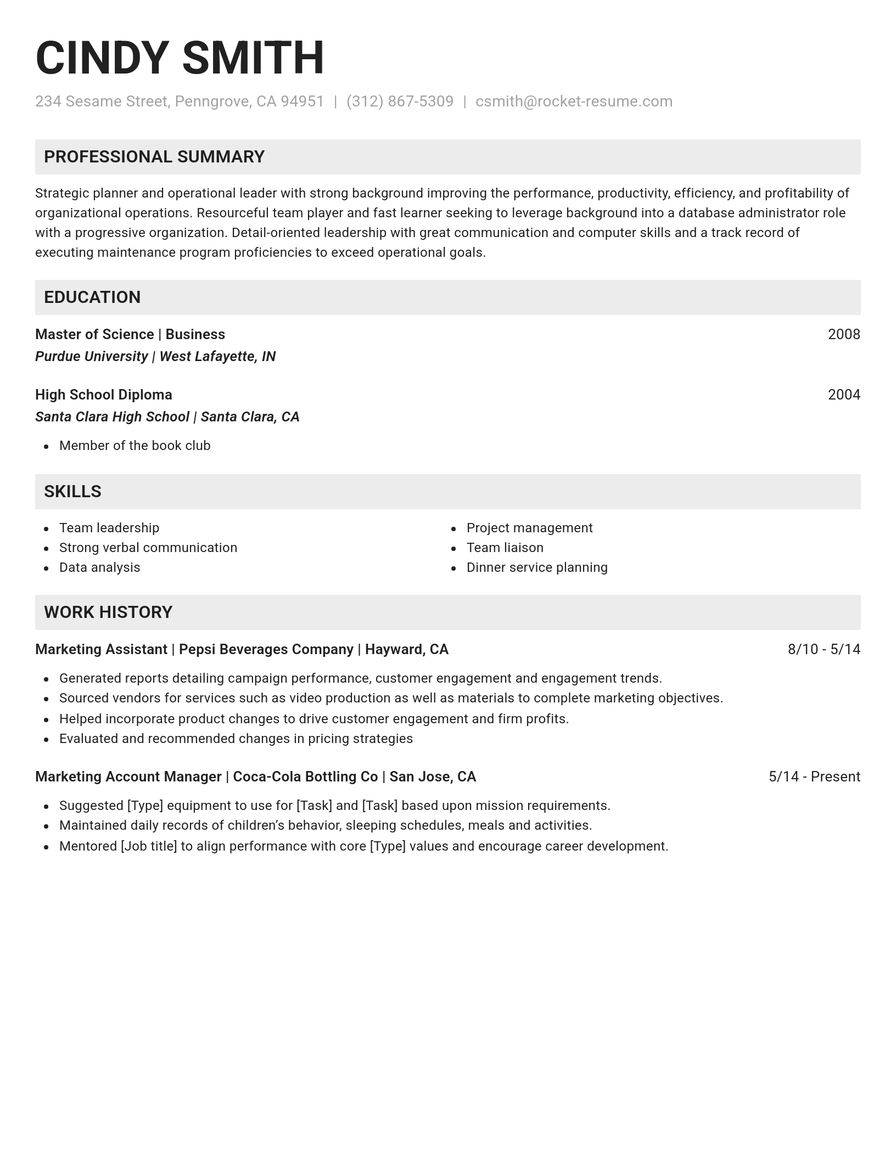
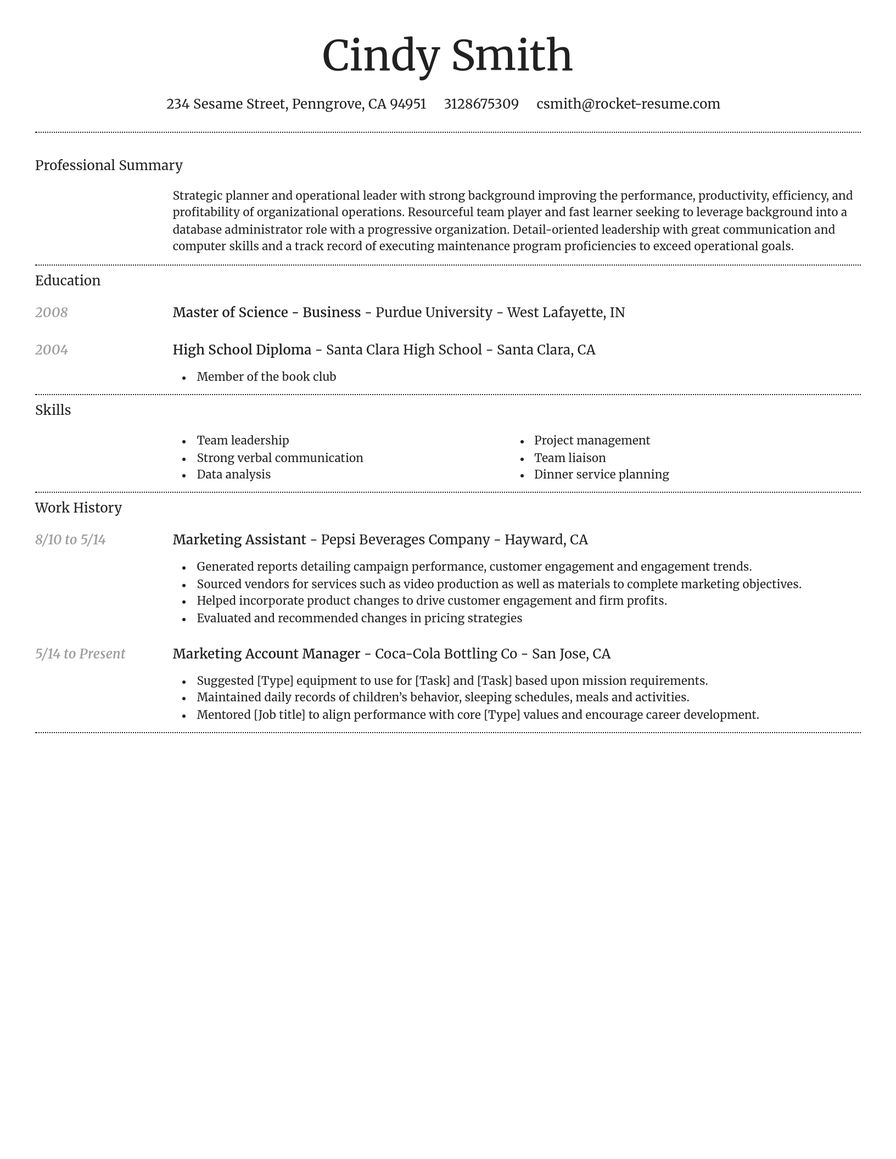
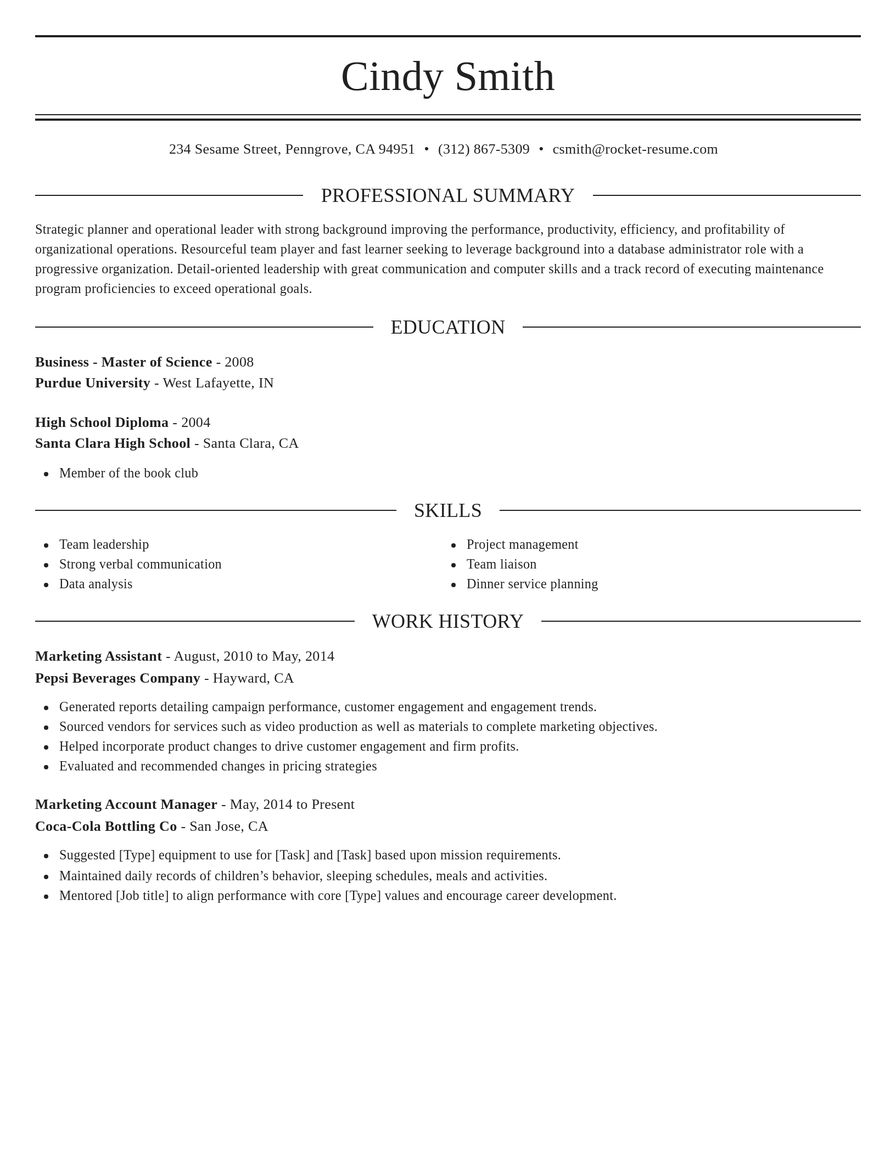
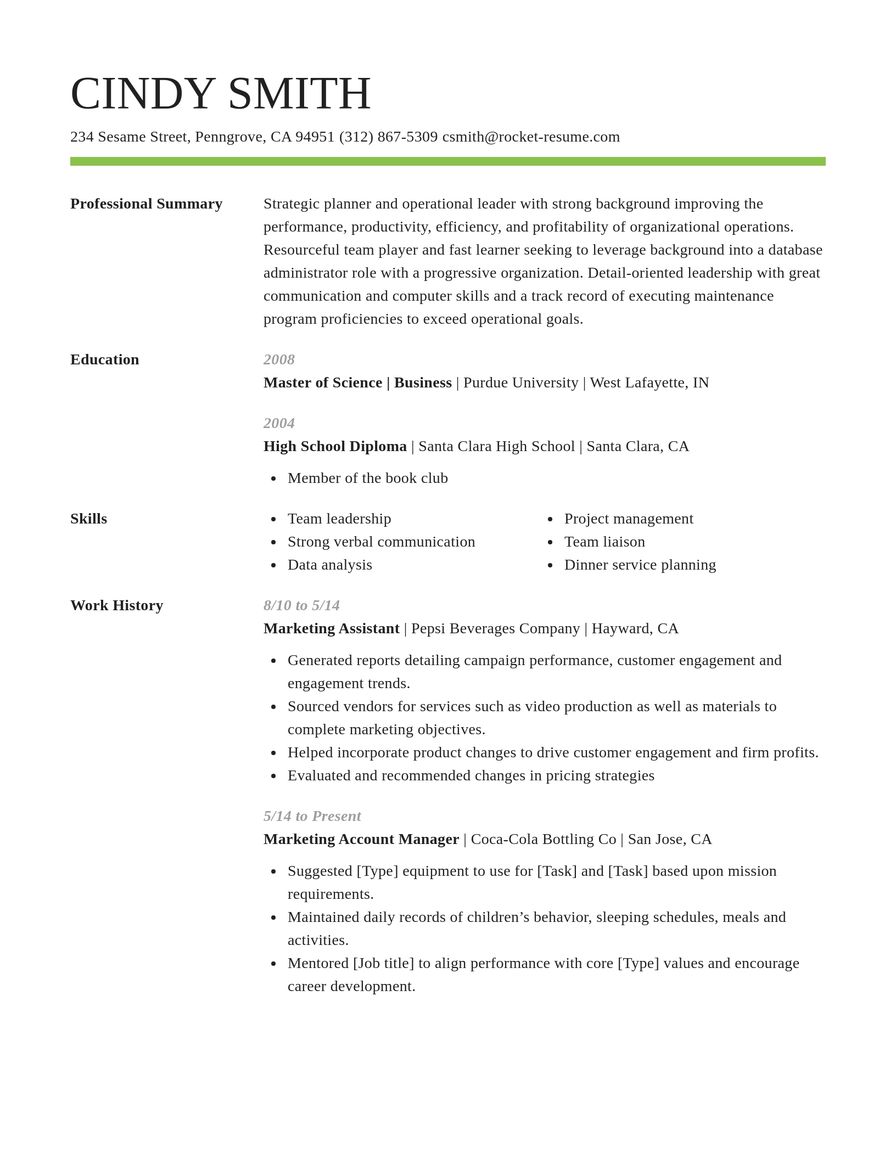
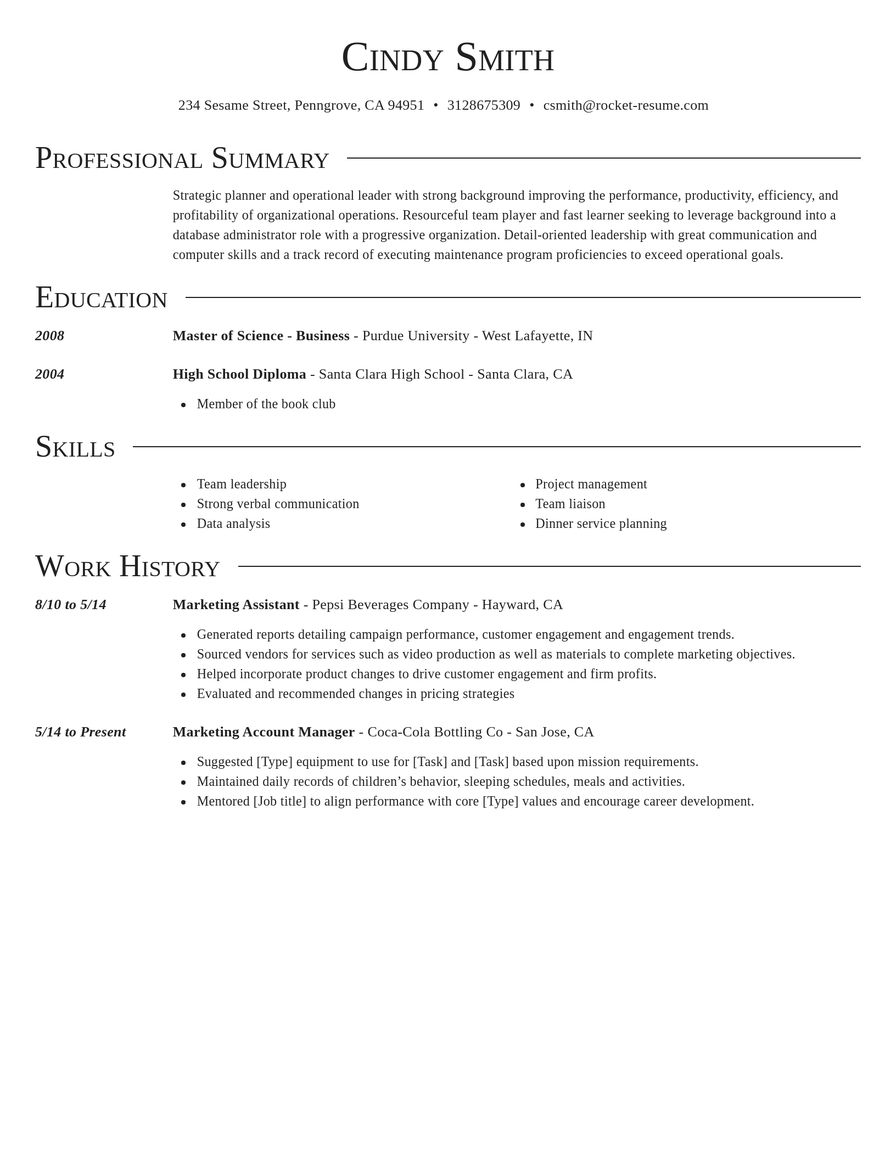
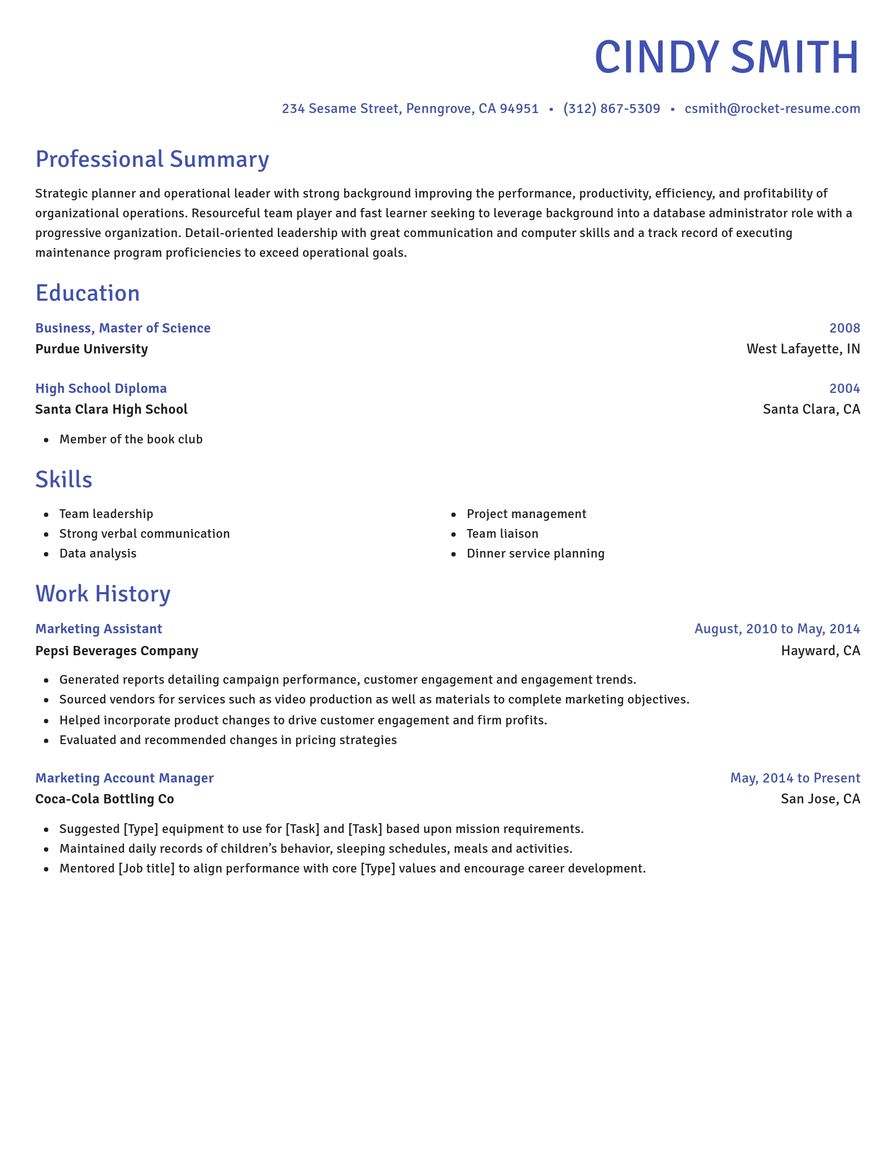
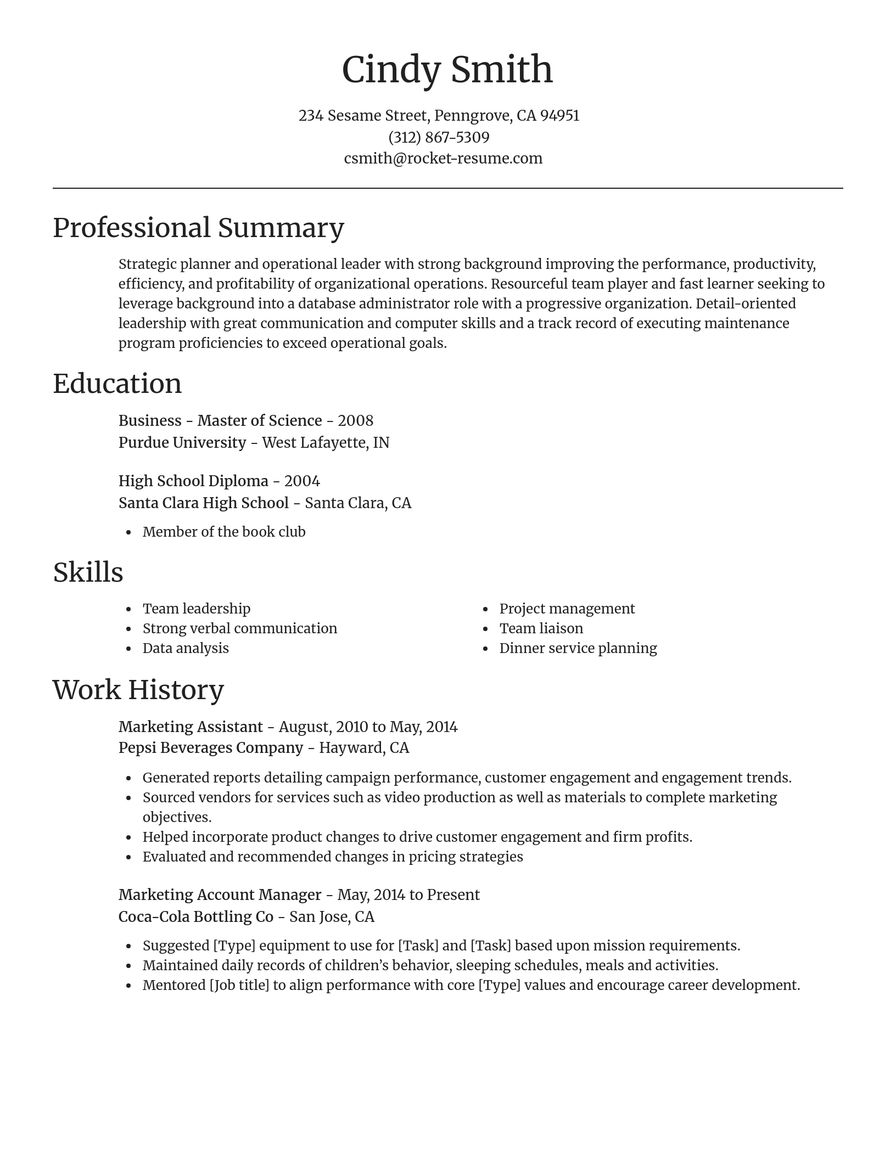
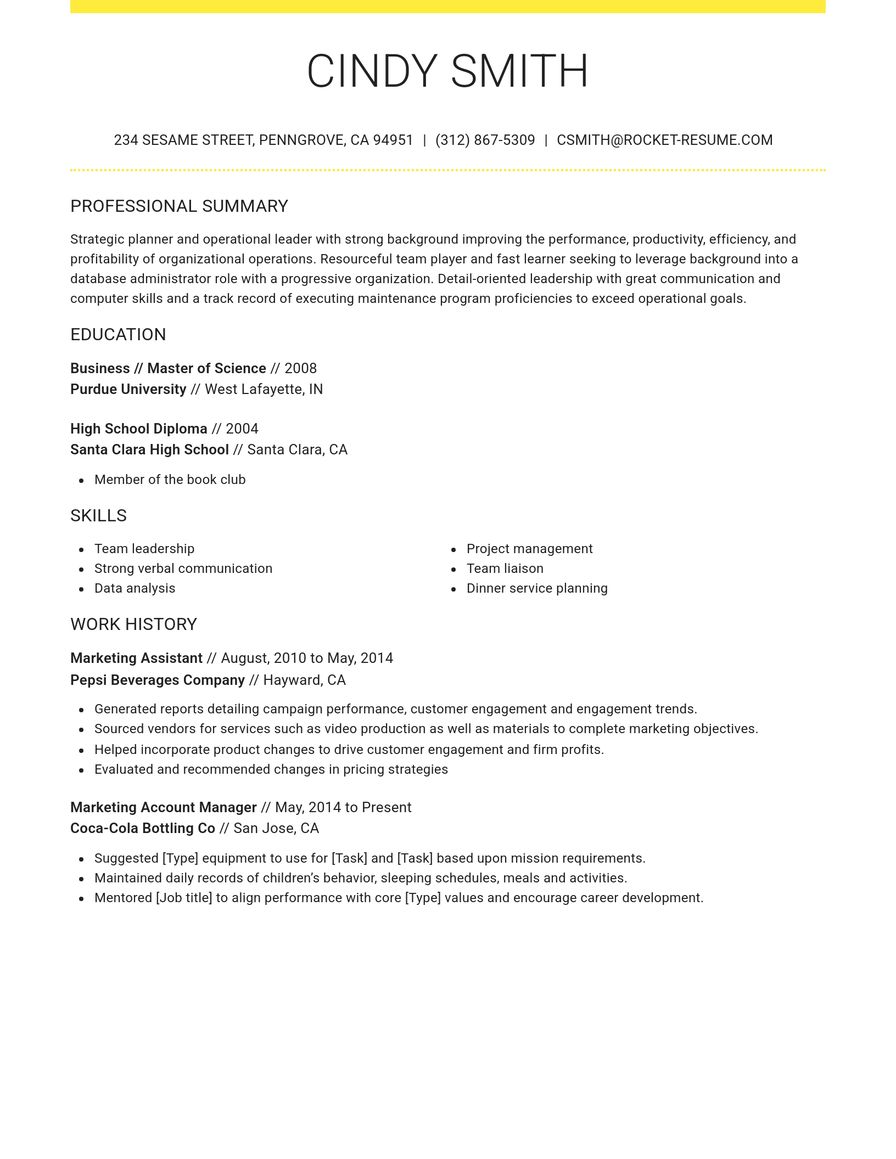
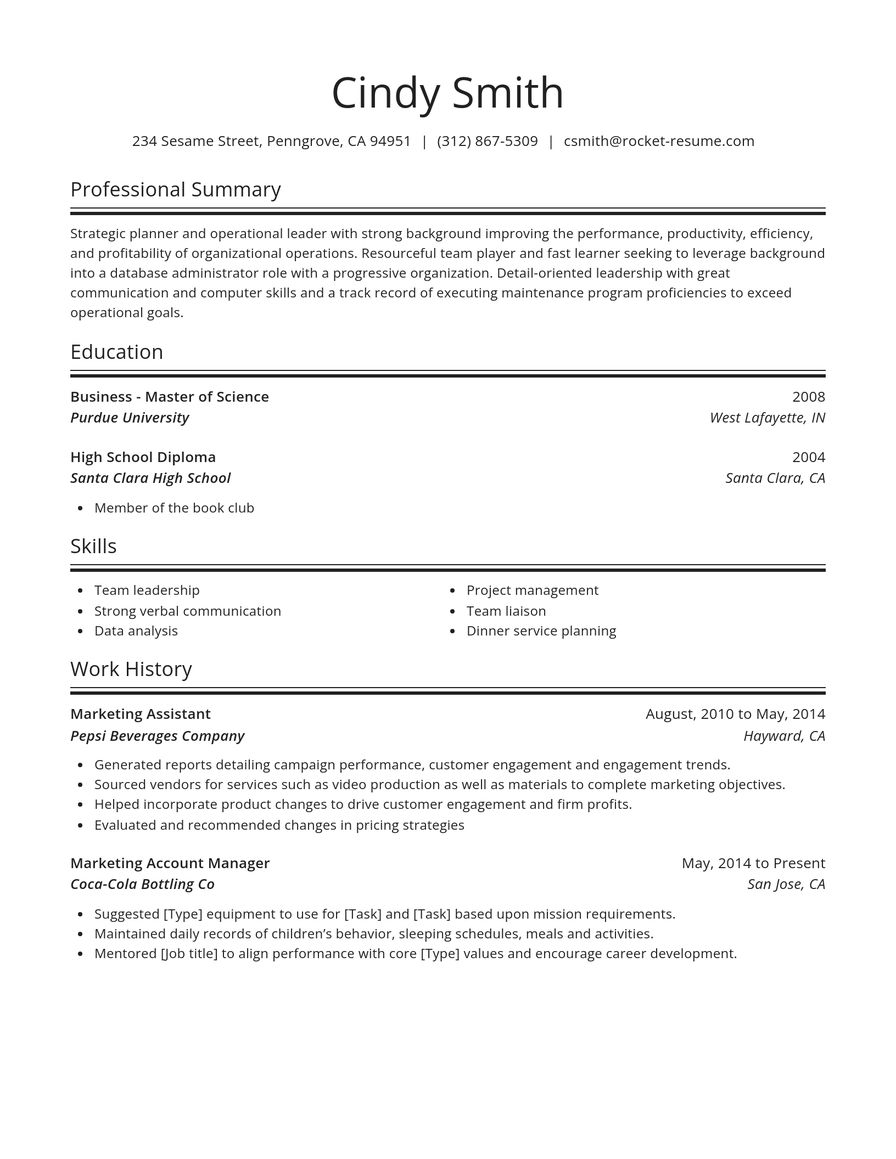
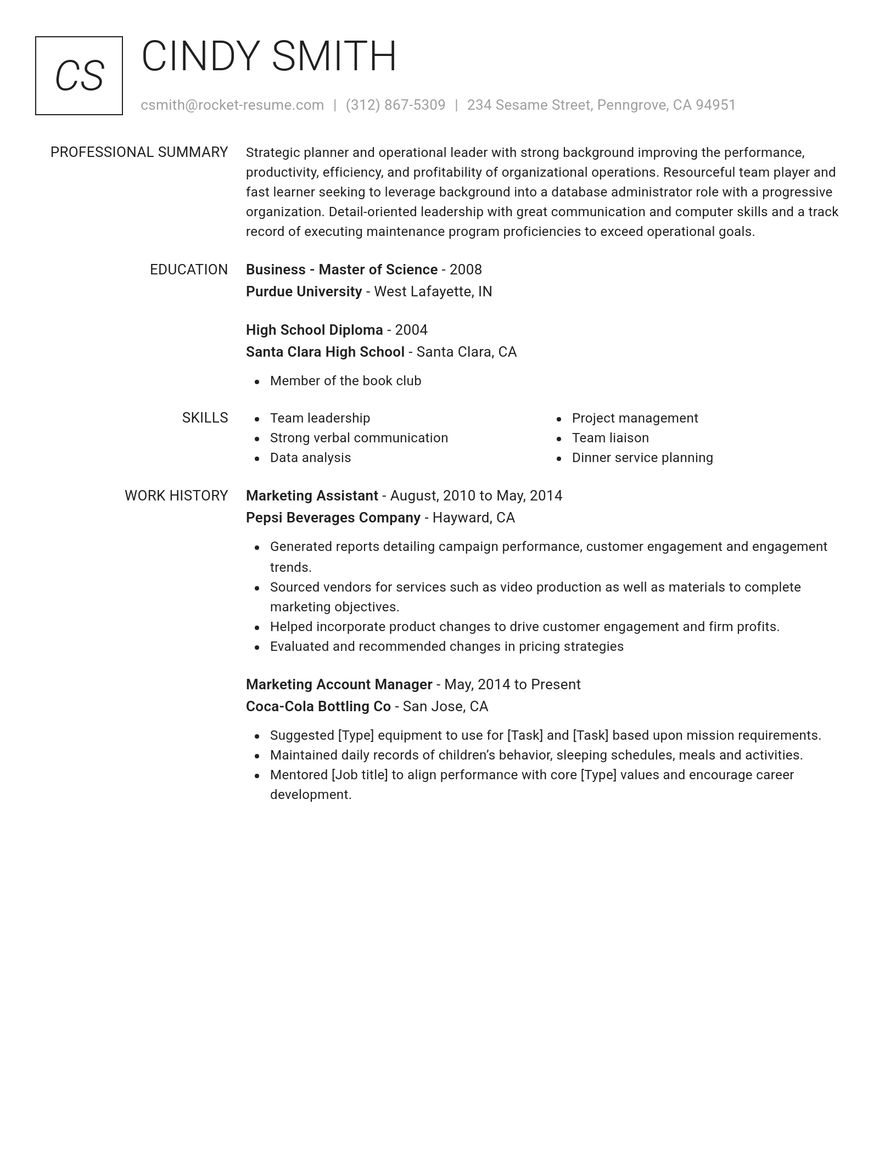
Every resume template here is free
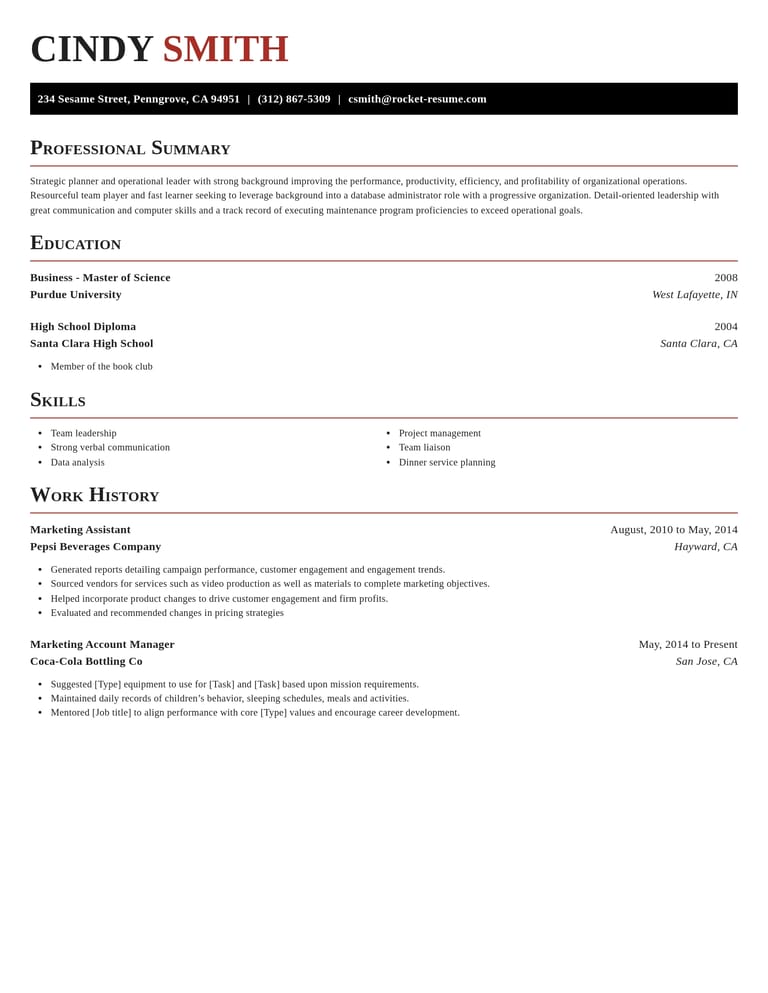
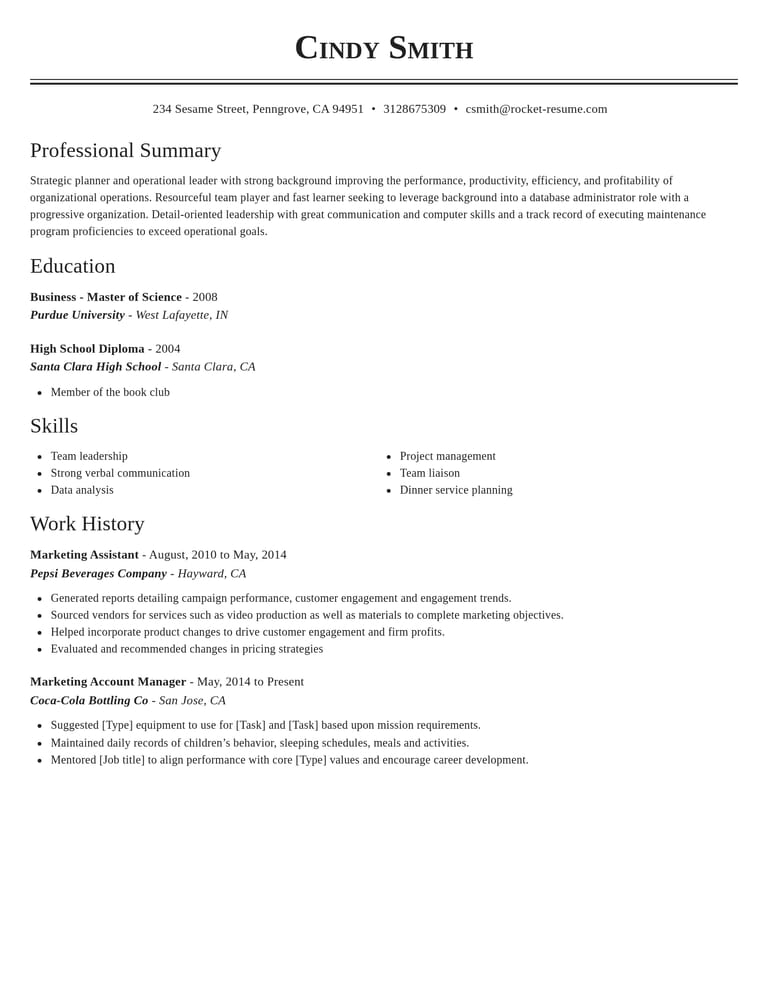
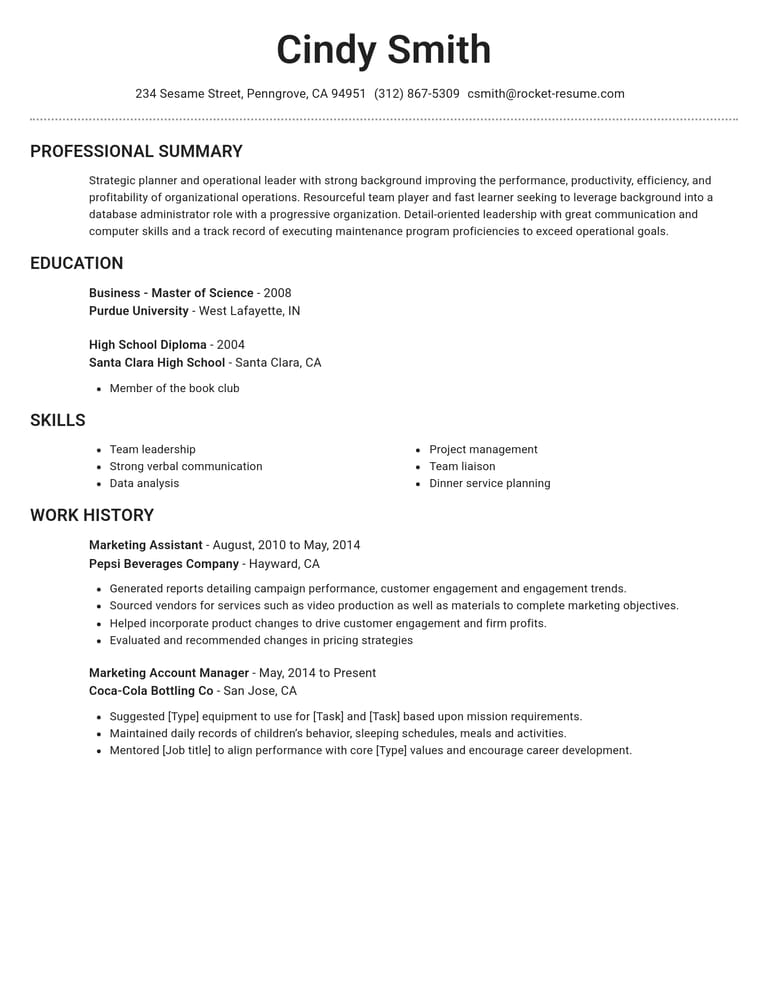
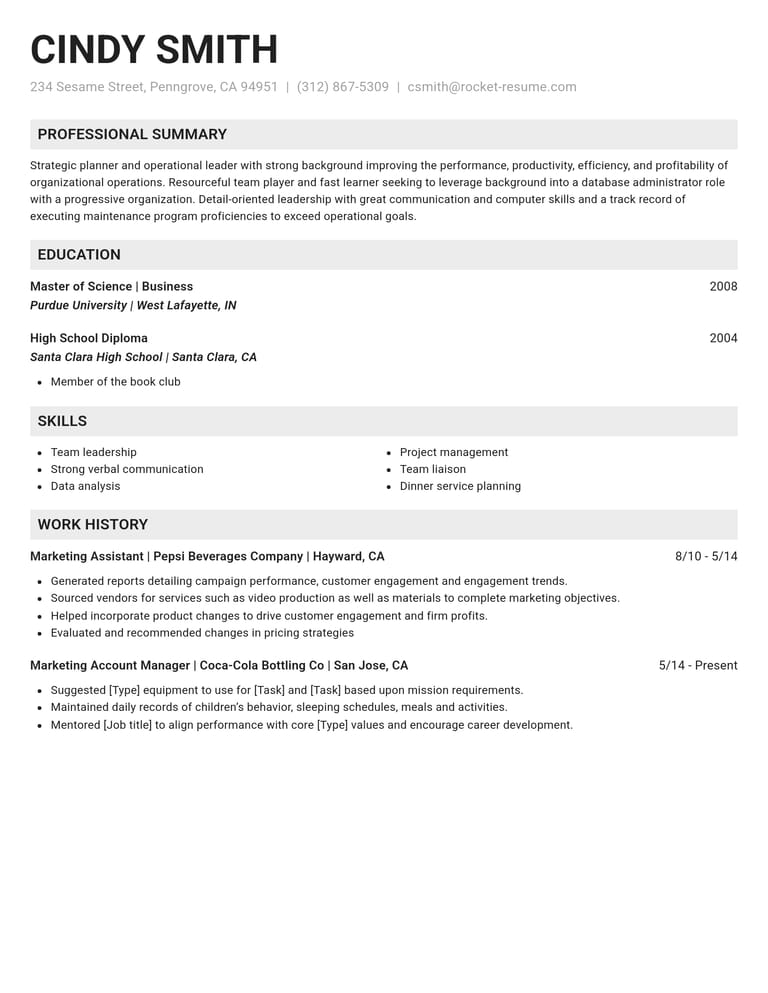
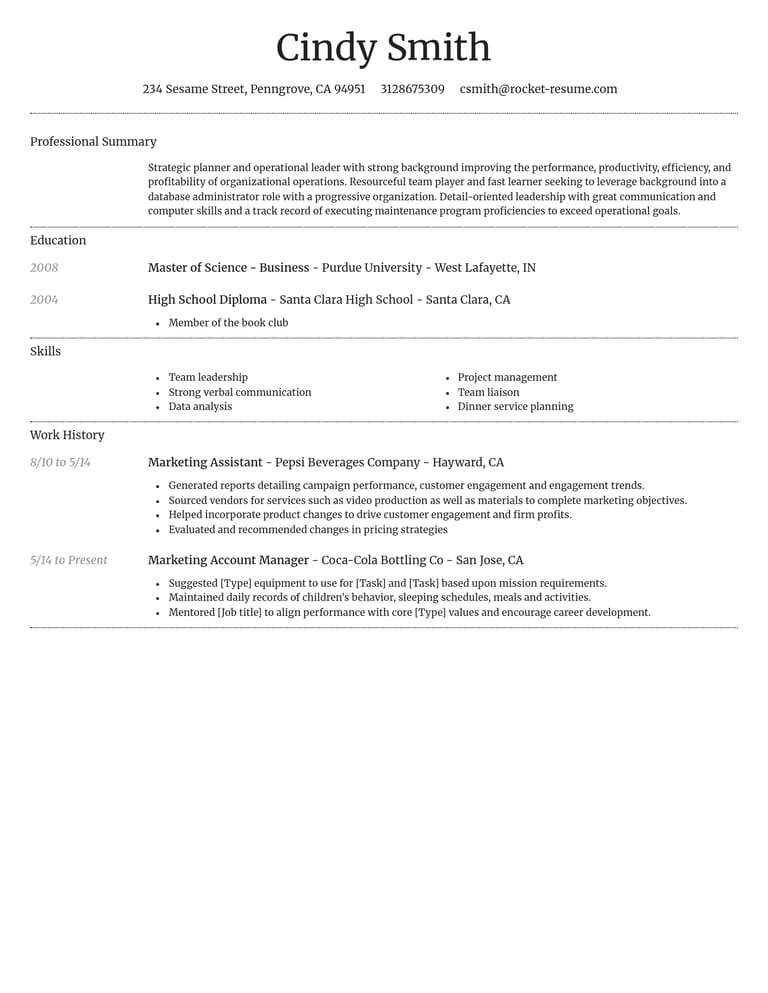
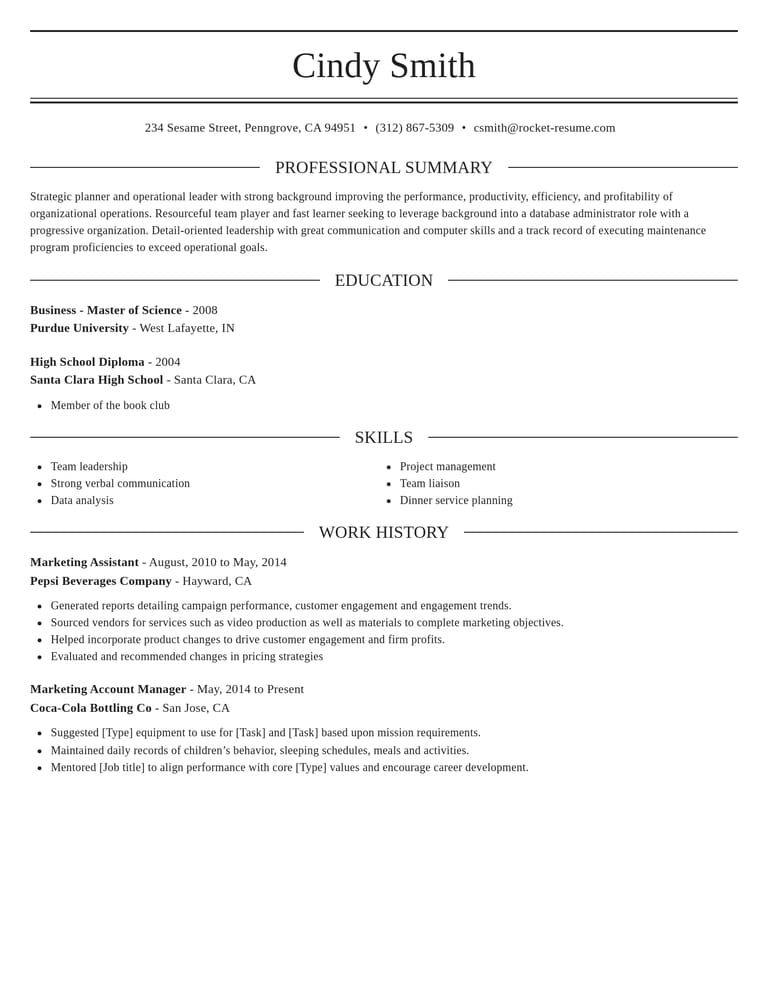
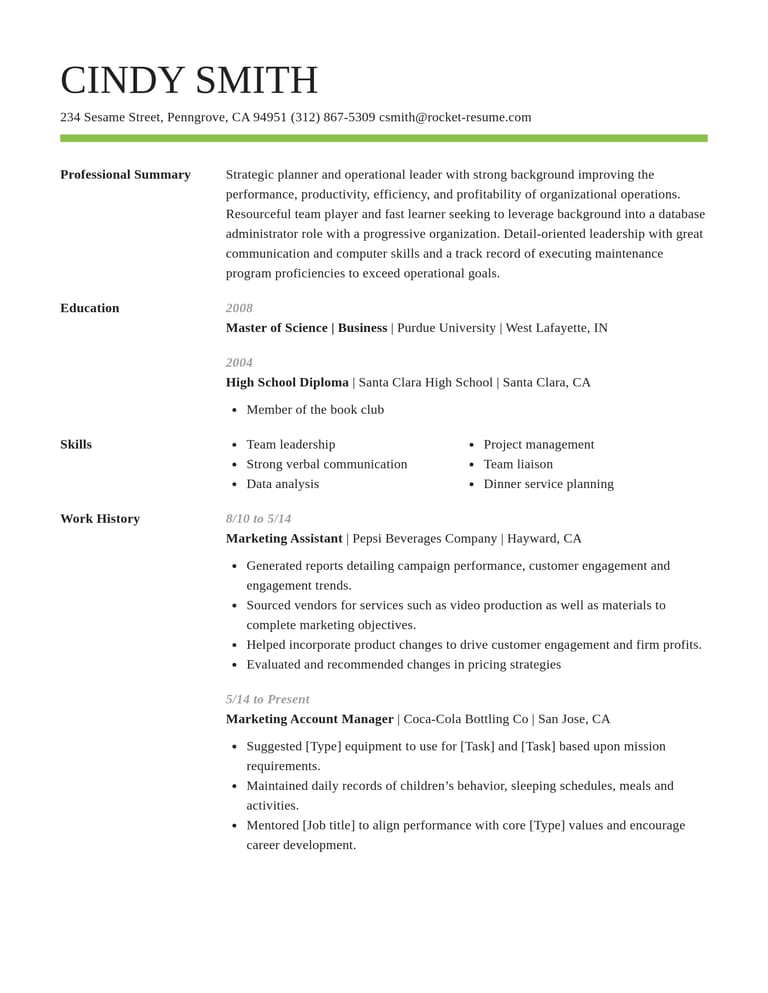
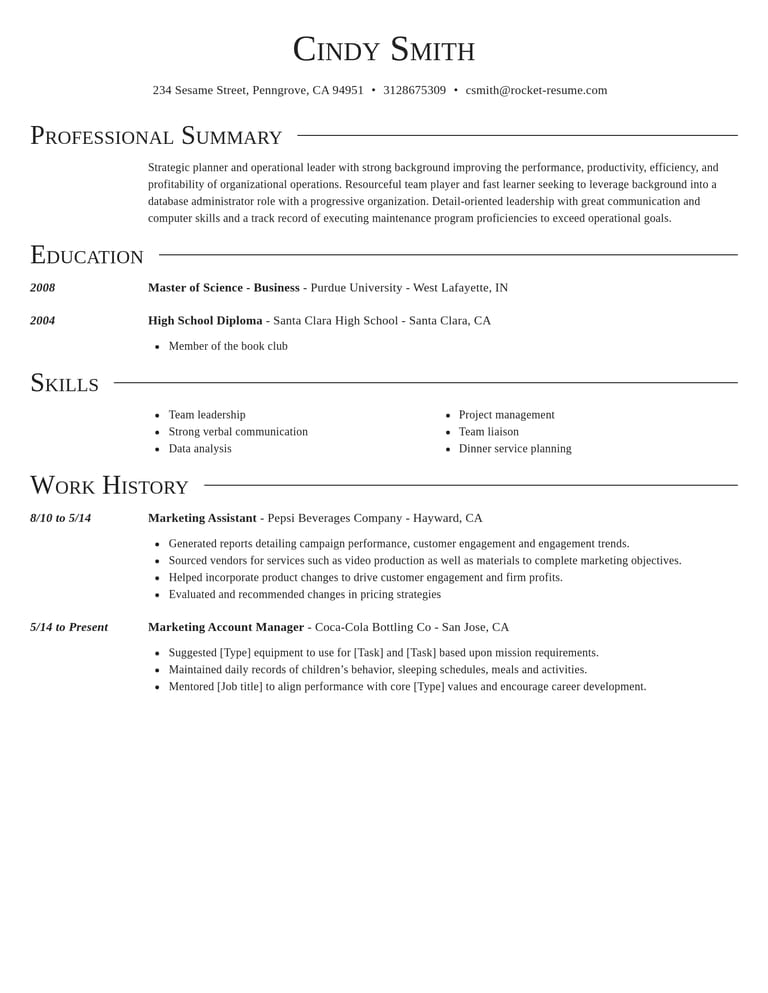
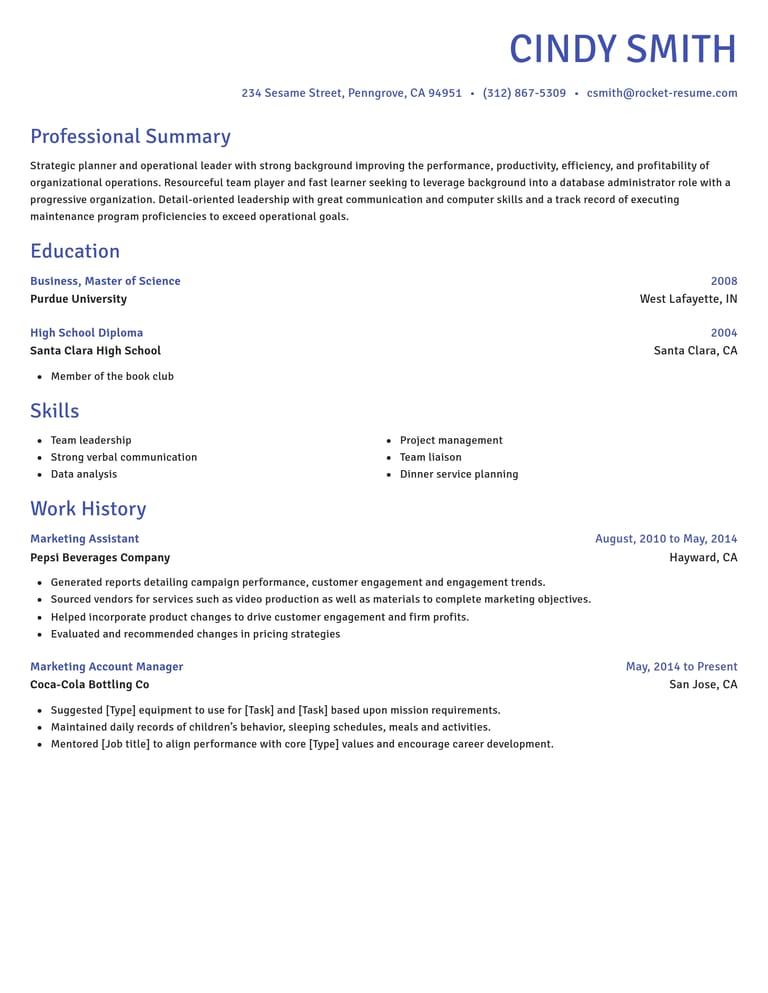
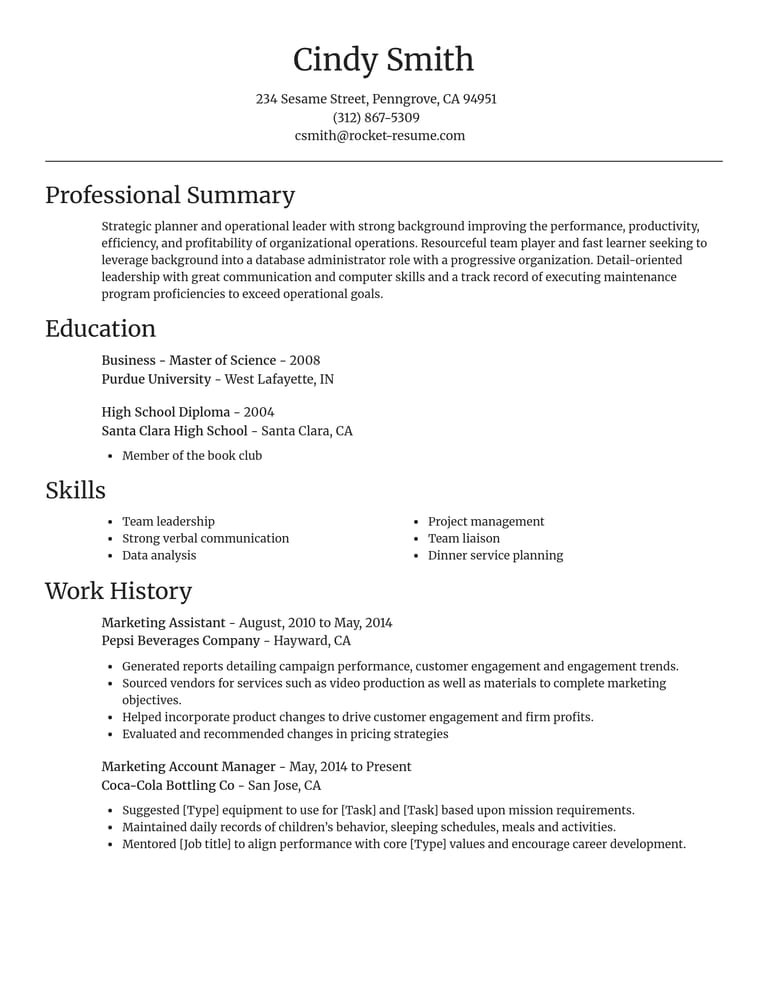
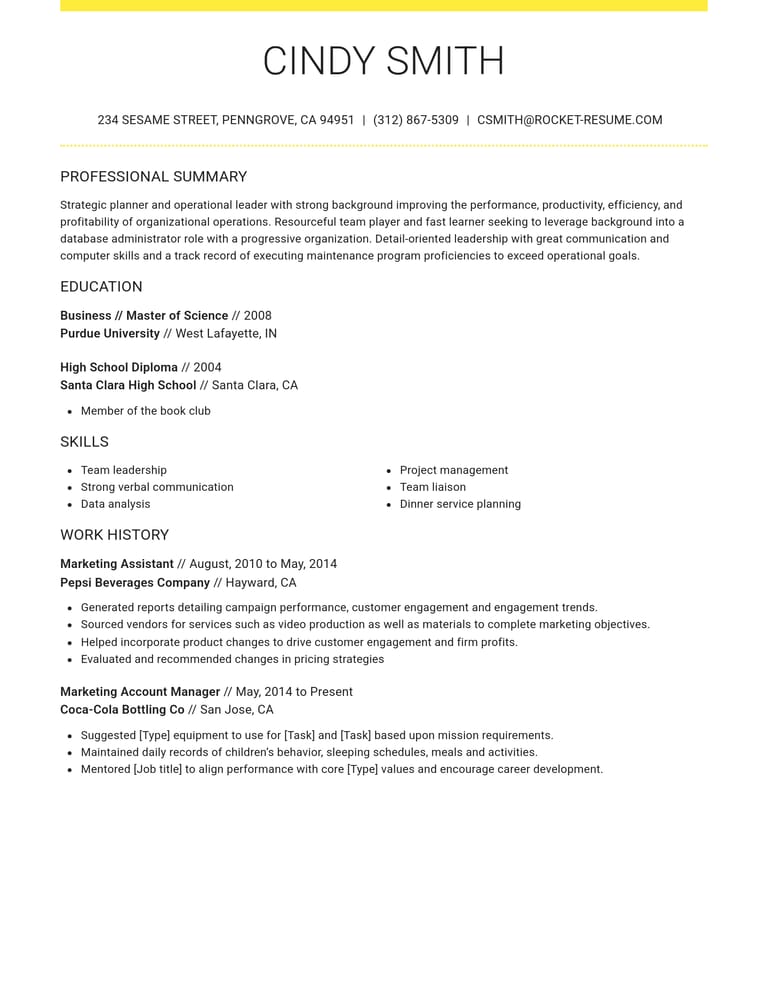
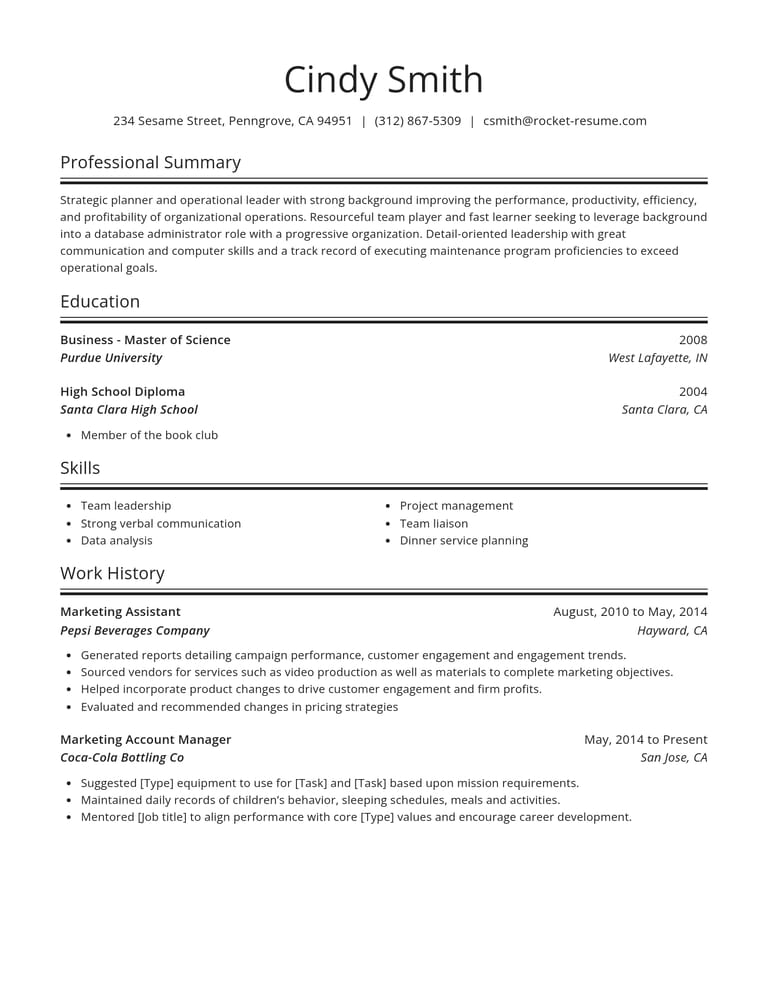
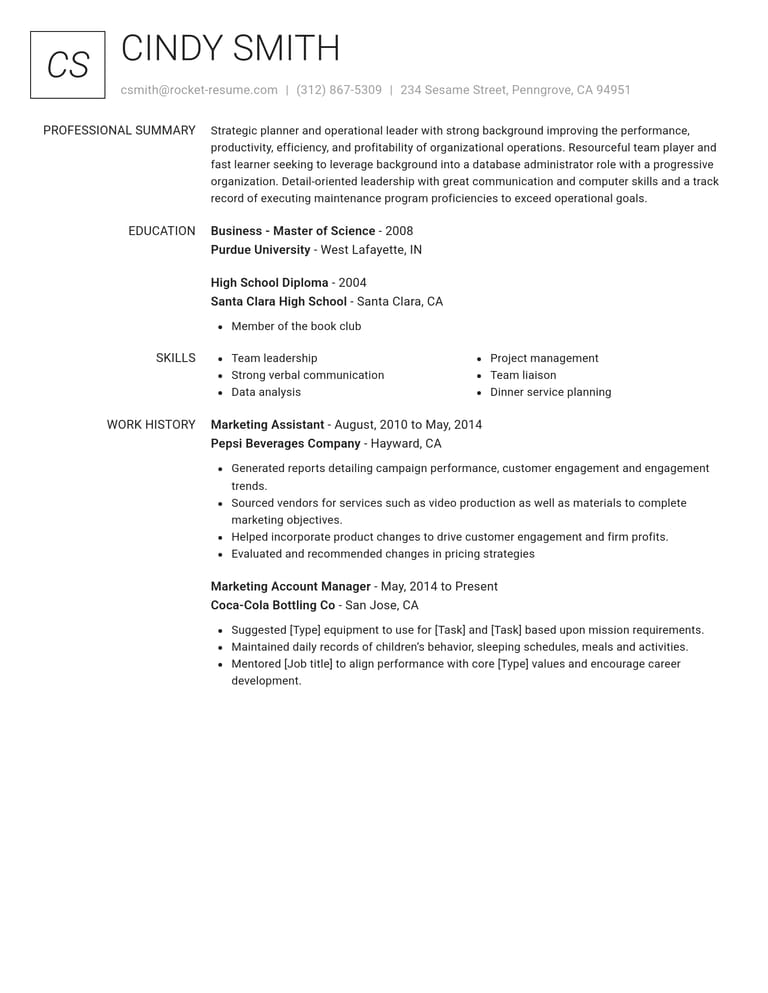
What you get free with every template
Writing, editing and saving your resume are free. Here's what comes with every design.
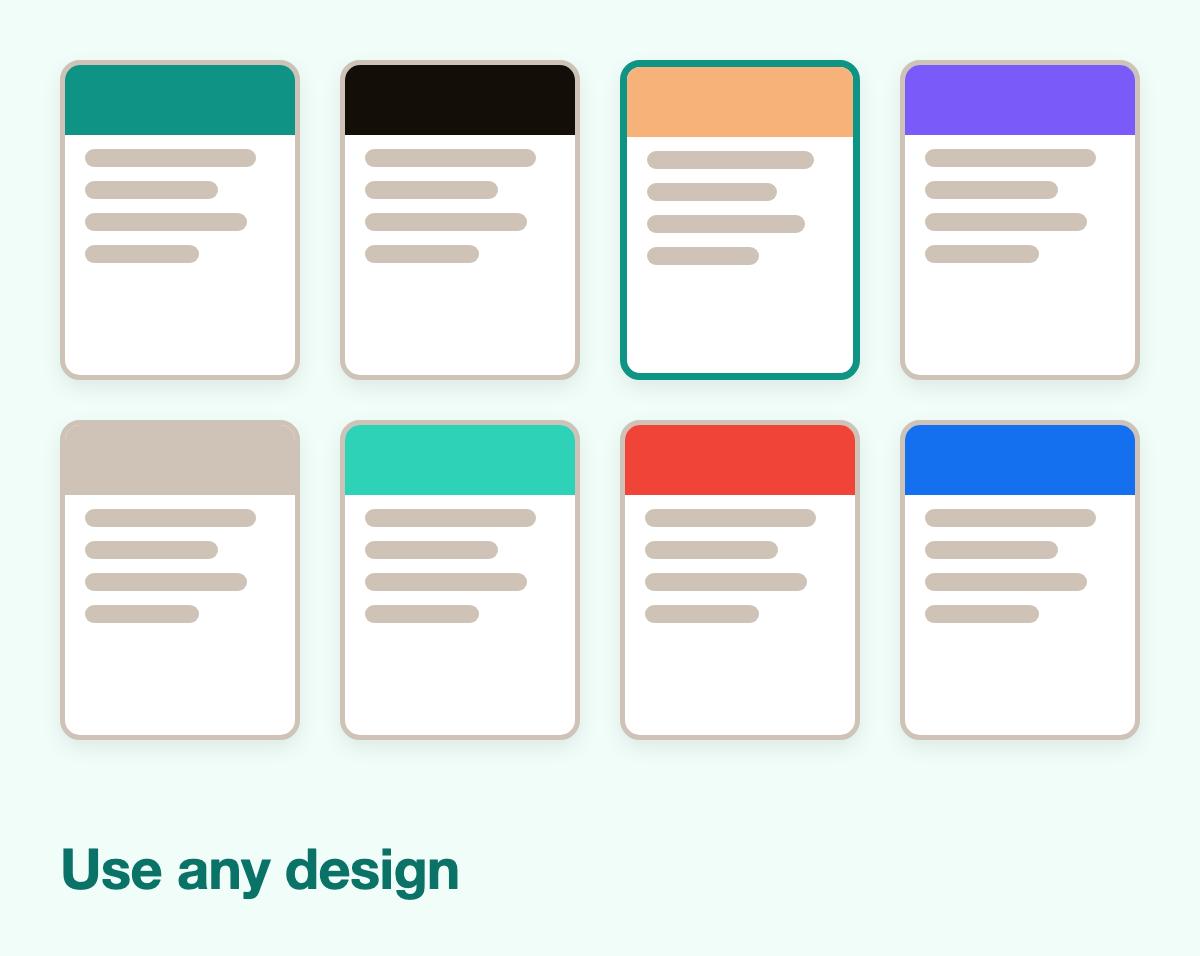
- Every template, free to use
Use any design you like. Fill in a template, try another and switch back, all free.
- Examples for the job you do
Type your job title to get examples for that work, then reword the ones you keep. The suggestions are free as well.
- Watch it come together, then save
The preview fills in line by line while you work. Store it in your account and return to finish it later.
- Help with every section
Work through contact details, jobs, skills and education one section at a time.
Fill in a free template in four steps
Step 1
Open a free template
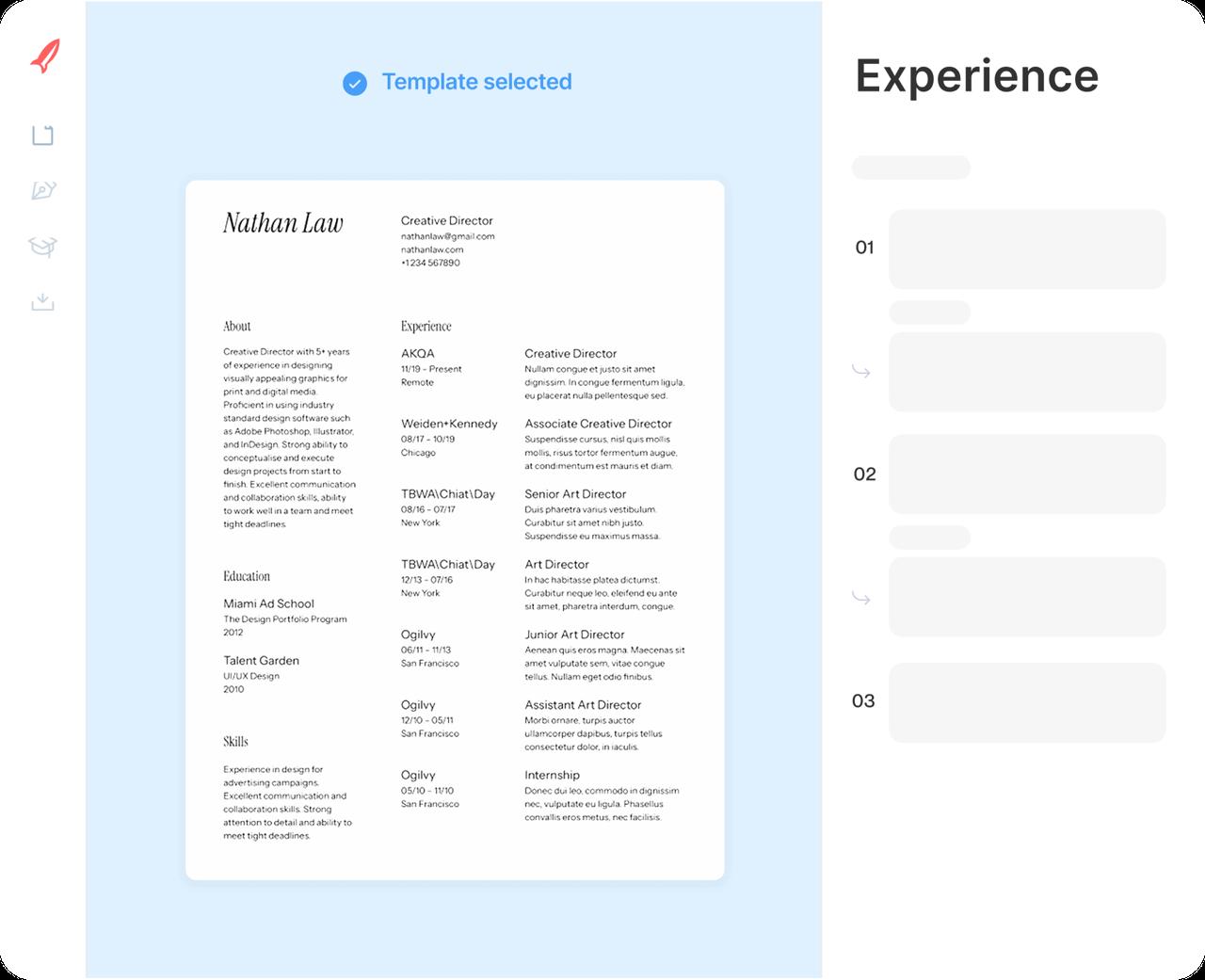
Pick any design from the gallery. You can switch later and keep everything you've written.
Step 2
Type in your history
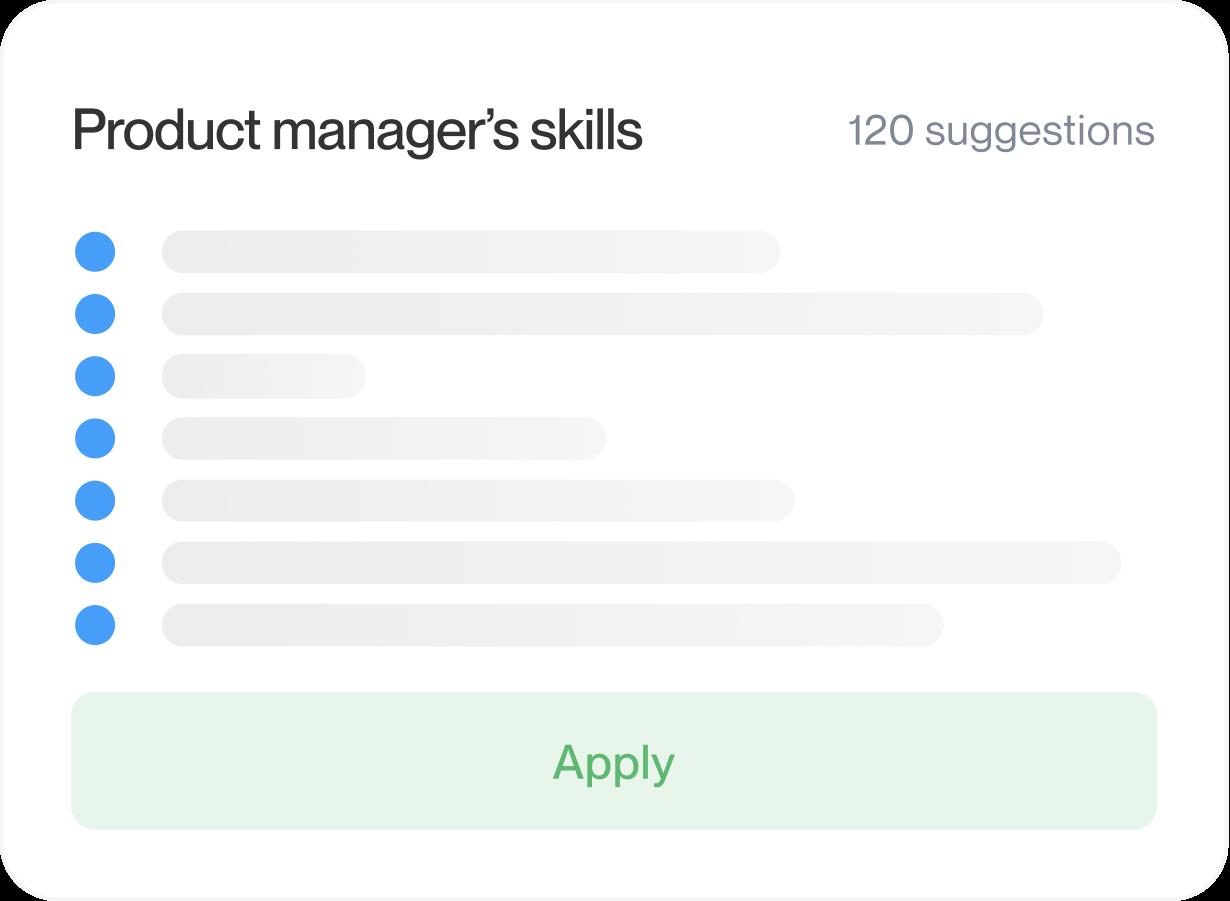
Enter your jobs, schooling and skills, and drop in examples for your role wherever they fit.
Step 3
Make it yours
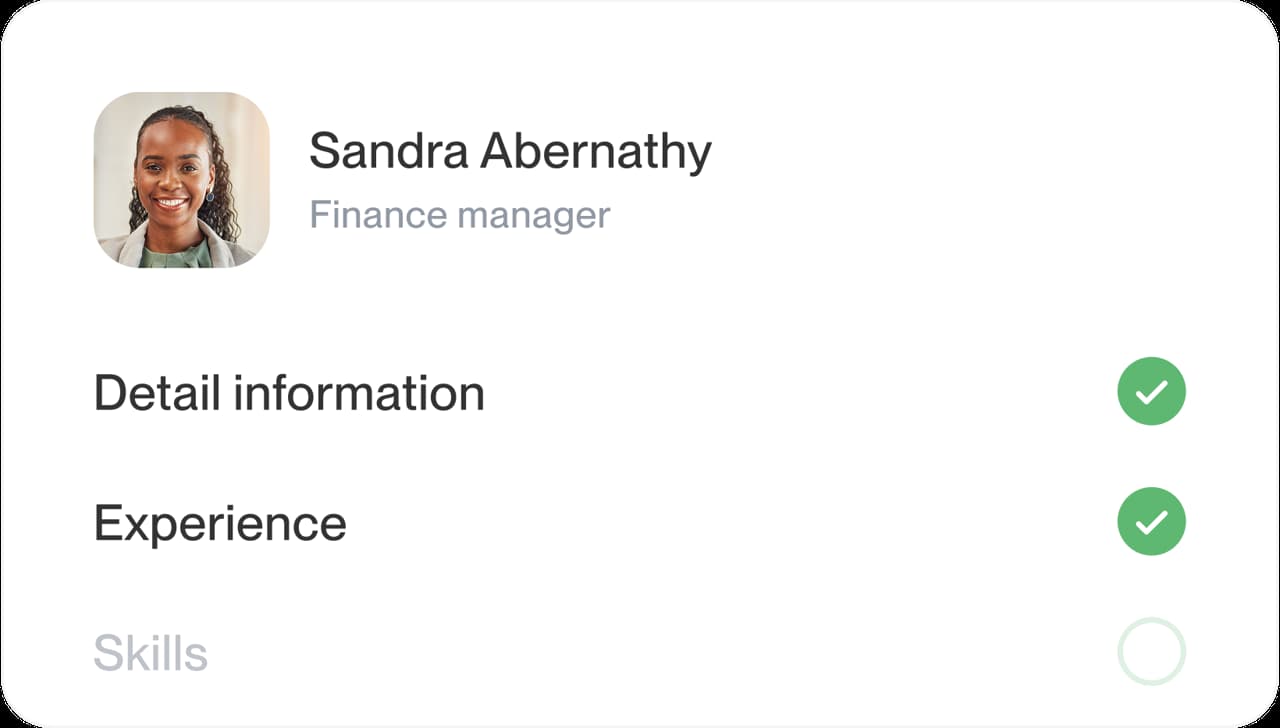
Reword the suggestions, move your strongest section to the top and check the preview as you go.
Step 4
Download and send
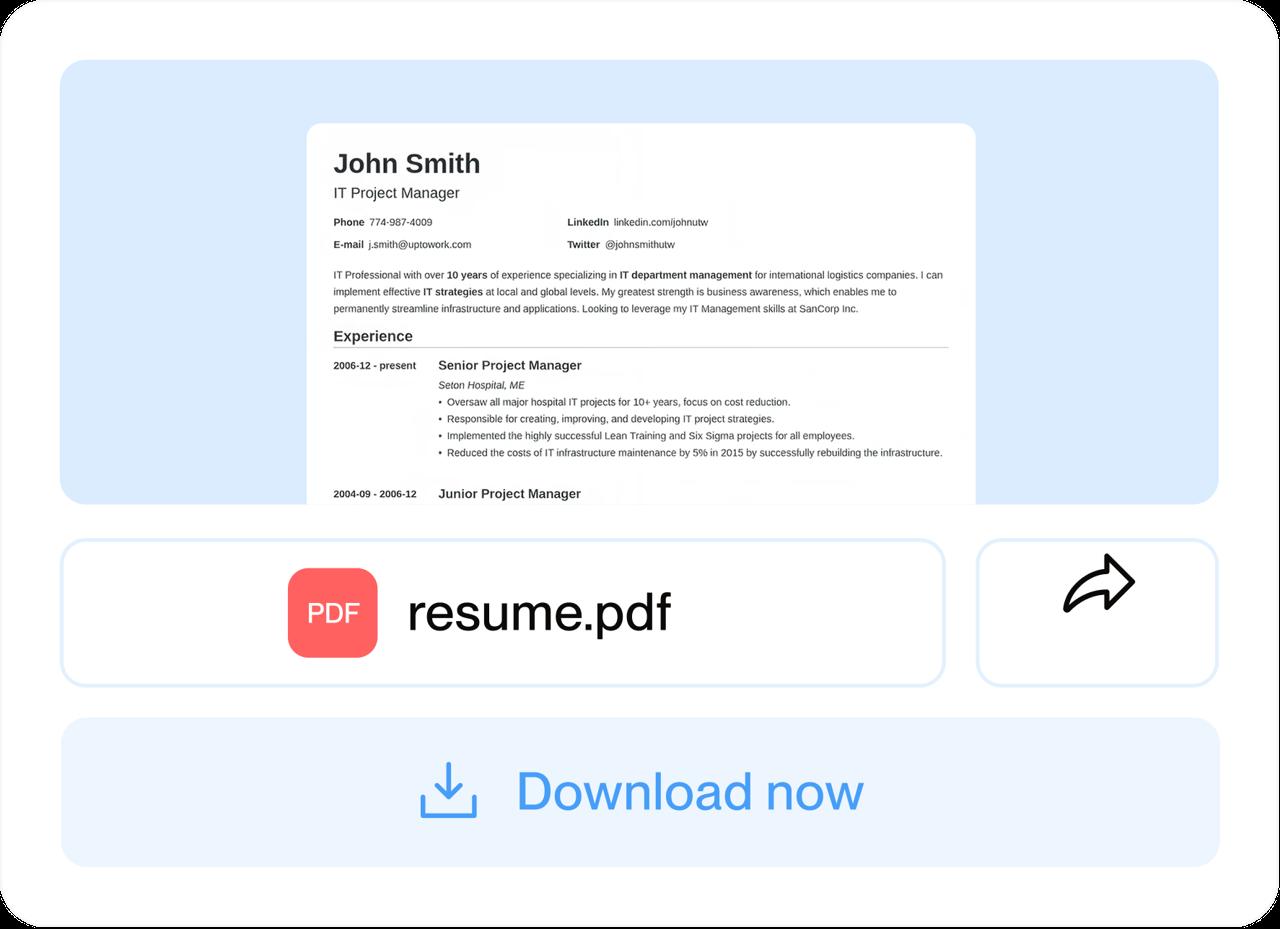
When the preview reads right, download your resume and send your application.
Step 1
Open a free template
Pick any design from the gallery. You can switch later and keep everything you've written.
Step 3
Make it yours
Reword the suggestions, move your strongest section to the top and check the preview as you go.
Step 2
Type in your history
Enter your jobs, schooling and skills, and drop in examples for your role wherever they fit.
Step 4
Download and send
When the preview reads right, download your resume and send your application.
Free resume templates: blank or fill-in?
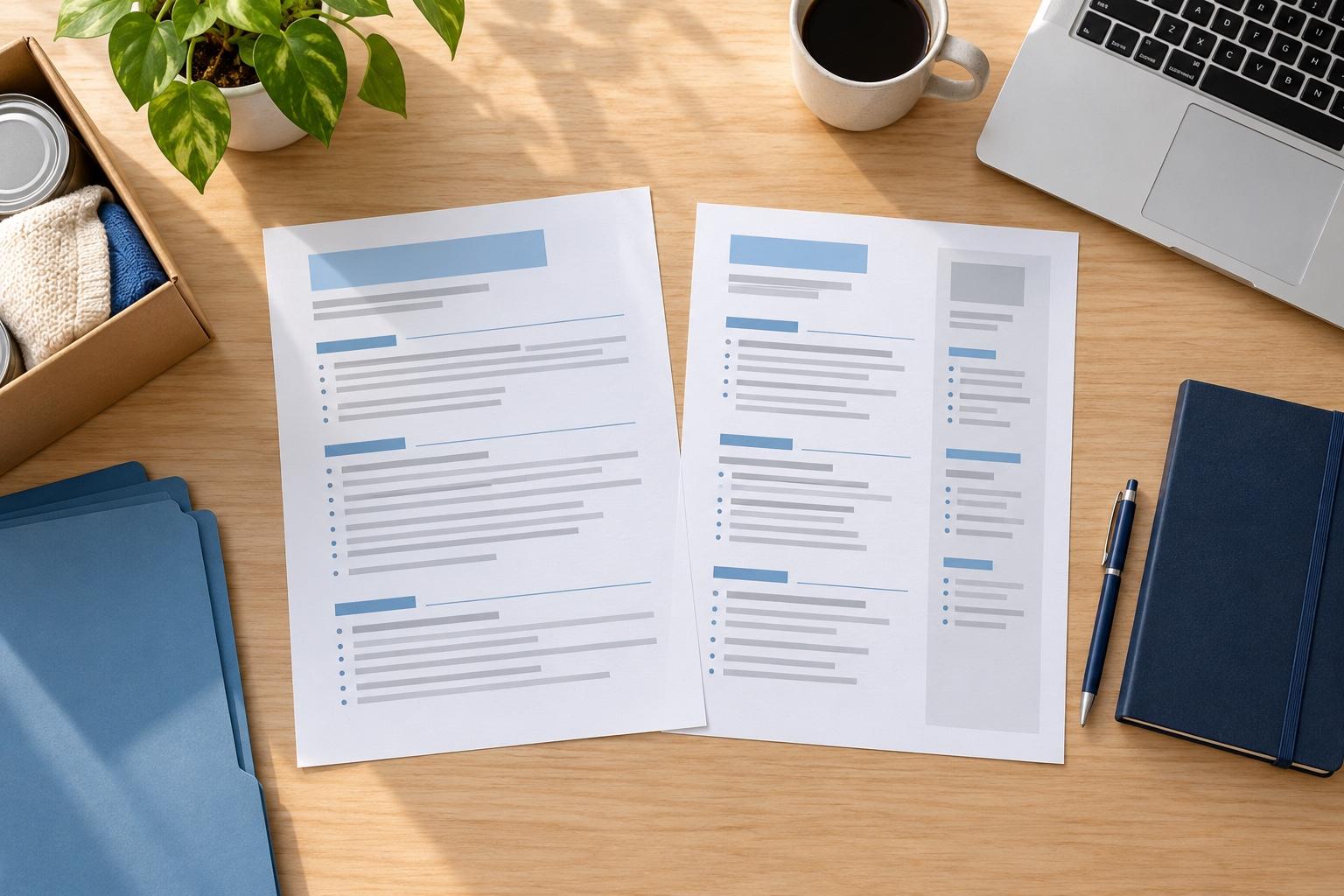
Some free templates give you a blank layout to edit directly. Others guide you through fields for each section. Rocket Resume uses the fill-in approach: you enter your details and check the result in the preview.
Which kind of free resume template should I use?
Choose a blank layout if you want to arrange the content yourself. Choose a fill-in template if guided sections and examples would help you get started. Either way, check the result after adding your own experience; a sample cannot show how your longest section will fit.
What should I check in a blank template?
Check how easily you can replace sample content, add a job and adjust section lengths. After editing, look for leftover placeholders, awkward breaks and headings separated from their text. A blank layout can work well if you are comfortable checking those details yourself.
What can I change while I fill it in?
You can build the content first and keep adjusting the design as you go:
- Use the preview to check how each section fits as you add your details.
- You get suggestions too: enter your job title, pick the ones that fit and adjust them until they're true to you.
- You can change your mind. Switch to another design and everything you typed comes along.
- Review the skills and experience against each job posting, then update the details that matter for that application.
What sections should a free resume template have?
Include contact details, relevant experience, skills and education. Add a summary if it explains your fit, and include certifications, volunteering or languages when they matter for the role. Use familiar headings such as Work History so people can find the information they need. Clear headings also help screening software identify your sections.
How do I make a free template look like my own?
Put your strongest relevant material where it is easy to find. Education or projects may deserve more attention for a first job; a career change may call for relevant experience from an older role. Edit each suggestion to describe work you actually did, adding a number when it helps explain the scope or result, such as orders filled per shift or customers served per day.
Finally, try another design with the same details. Compare how each one handles your longest section and choose the easier page to read.
What's a quick way to decide?
Give it a short test run and let the preview make the call:
- Write down the job you're applying for and two results you're proud of.
- Pick a template on this page and type in your name, your most recent job and your schooling.
- Check that your job titles, dates and section headings are easy to find in the preview.
- Carry on section by section, and put your two results in as bullets near the top.
Whichever route you take, what you say matters most. Our guide on what to put on a resume walks through every section, and the free resume examples show finished examples for jobs like yours.
What hiring research can tell you
“My resume came out clean and professional.”

“It pretty much does everything for you.”

Free resume template questions, answered
Are all these resume templates free to use?
Yes. Every template on this page is free to fill in, preview and save to your account, and you can switch to another design at any point without retyping.
How do I fill in a free resume template?
Choose a template, then enter your details in the builder. Check the preview as you add each section and edit the examples to match your experience.
Which free template suits my field?
Start with the employer’s application instructions, then choose a layout with clear headings and room for your relevant experience. A style label is a browsing aid, not a rule about which jobs you can apply for.
Is there a free resume template for students or a first resume?
Yes. Choose a layout with room for education, projects and activities. Add relevant part-time work or volunteering, and find more first-resume guidance in our high school resume templates.
Free resume examples for your industry
This week’s industry picks





- 9 examples
- 10 examples
- 23 examples
- 48 examples
- 68 examples
- 24 examples






Show all industries (A–Z)Show fewer
- Aerospace & Defense, 8 examples
- Agriculture, 23 examples
- Apparel & Textiles, 13 examples
- Architecture, 15 examples
- Artificial Intelligence, 6 examples
- Arts & Entertainment, 24 examples
- Automotive, 21 examples
- Beauty & Personal Care, 17 examples
- Biotechnology & Life Sciences, 7 examples
- Business Services, 23 examples
- Chemical Engineering, 4 examples
- Childcare, 14 examples
- Construction, 106 examples
- Creative, 15 examples
- Customer Service, 17 examples
- Education, 94 examples
- Energy, 39 examples
- Environmental Science, 5 examples
- Finance, 63 examples
- Food & Beverage, 68 examples
- Government, 48 examples
- Healthcare, 160 examples
- Hospitality, 35 examples
- Human Resources, 18 examples
- Insurance, 10 examples
- Legal, 12 examples
- Logistics, 37 examples
- Manufacturing, 68 examples
- Marketing, 8 examples
- Media, 20 examples
- Military, 24 examples
- Mining & Metals, 9 examples
- Nonprofit, 8 examples
- Pharmaceuticals, 12 examples
- Public Relations, 10 examples
- Real Estate, 7 examples
- Retail, 38 examples
- Robotics, 11 examples
- Sales, 14 examples
- Security Services, 19 examples
- Social Services & Counseling, 21 examples
- Social Work, 14 examples
- Sports & Fitness, 96 examples
- Technology, 67 examples
- Telecommunications, 6 examples
- Tourism & Travel, 9 examples
- Transportation, 38 examples
- Veterinary, 9 examples
Looking for a different role?

Reviews from people who filled in our templates
from 3,900+ reviews