Build a great CV with
Build a CV that connects your experience to the job. Start with examples, add evidence from your own work and keep the layout easy to read.
- Examples you adapt with your own results
- Templates with clear headings
- Put your strongest evidence in focus
- A saved master CV to tailor for each advert

Danny
Apr 2023
“I'll recommend it to friends and family.”

Dayani F.
Jan 2025
“Everything about this tool is amazing, I love it”

Kelvin P.
Jul 2025
“You guys were amazing, I got a new job.”

John W.
Nov 2022
“You made my resume professional”
from 3,900+ reviews

What employers want from a great CV
A useful CV makes your fit for the role easy to assess. Aim your personal statement at the vacancy, show what you did and back up the skills you name. The examples below show how to make those connections.
How do employers shortlist CVs?
Start with the advert and any person specification. These describe the experience and qualifications the employer wants to assess. Match each requirement you meet to a concrete example. Follow the requested application format: some employers assess a form and supporting statement rather than a CV.
How do I aim my personal statement at the role?
In a short paragraph, name your field, your relevant experience and a strength you can demonstrate. If you are moving into a new role, make that transition clear without claiming you already hold the title. These fictional examples show the difference:
- Generic: "Motivated professional looking for a challenging role where I can use my skills."
- Targeted example: "Contact centre team leader applying for a service manager role. Introduced a call-routing change that reduced repeat transfers between teams."
The second tells a shortlister what you do, what you want and what you've delivered before they get to your jobs. Rewrite it for each application. For everything below the statement, how to write a CV has more detail.
What counts as evidence on a CV?
Evidence helps the reader understand your contribution. It might be a result, the scope of your work, recognition or a standard you maintained. Use figures when you can verify them; a clear description is useful too. These fictional examples use placeholders for details only you can supply:
- A result: "Introduced weekly stock counts, reducing write-offs by [verified amount] over [period]."
- Scope: "Managed the rota for [number] care staff across day and night shifts."
- Recognition: "Promoted to supervisor after [period] and selected to train new starters."
- A standard: "Helped the team meet [named standard] in [audit or review]."
In our builder, the jobs you add come with suggestions to start from, and your own results turn them into evidence. If you're stuck, the STAR method in our FAQ shapes any experience into a bullet point like these. To vary how each one opens, browse our strong action verbs.
How do I choose and order my key skills?
List relevant skills you can support with experience. Use the employer's terminology where it accurately describes your work. "Sage 50 payroll" is more informative than "IT skills". Keep the skills list short and show evidence in your work history too. The hiring research covers screening in particular hiring settings. For section placement and headings, see our skills FAQs.
What belongs on the first page of my CV?
Put your contact details and strongest relevant evidence where they are easy to find. That might be your latest job, relevant qualifications or a short skills section. Give older or less relevant material less space. Use consistent headings and spacing; each of our CV designs sets the headings and spacing for you.
Turn your evidence into a great CV with Rocket Resume
Use the builder's examples as a starting point, then add the experience that supports your application. A template supplies the layout; you supply the facts. Read reviews from job seekers who've tried it, then start:
- Tell the builder your experience level and choose a design to begin with.
- Add your latest role first and work backwards, choosing the suggestions that reflect your actual work.
- Edit the examples you keep and add results you can explain in an interview.
- Check it over, then download it for your next application.
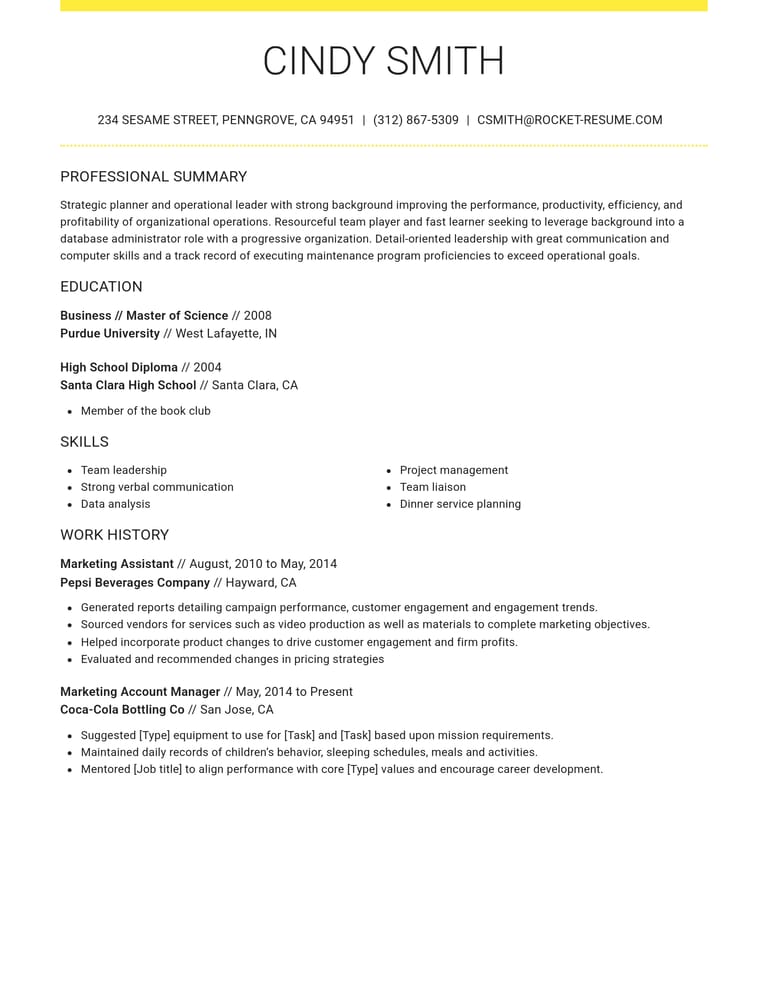
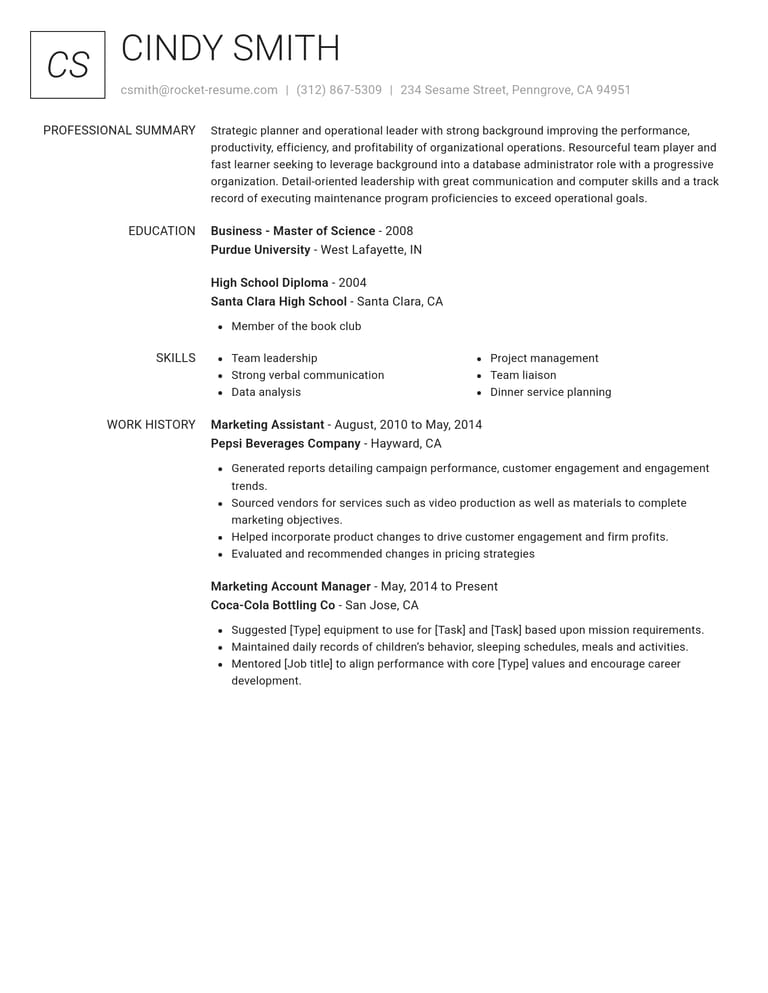
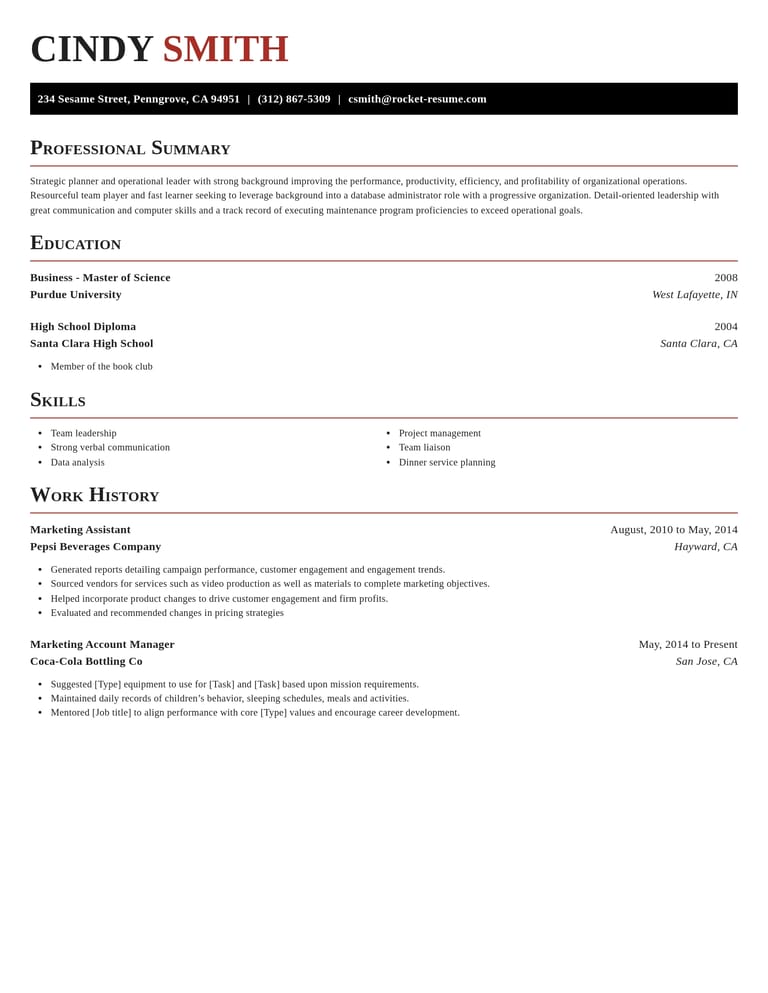
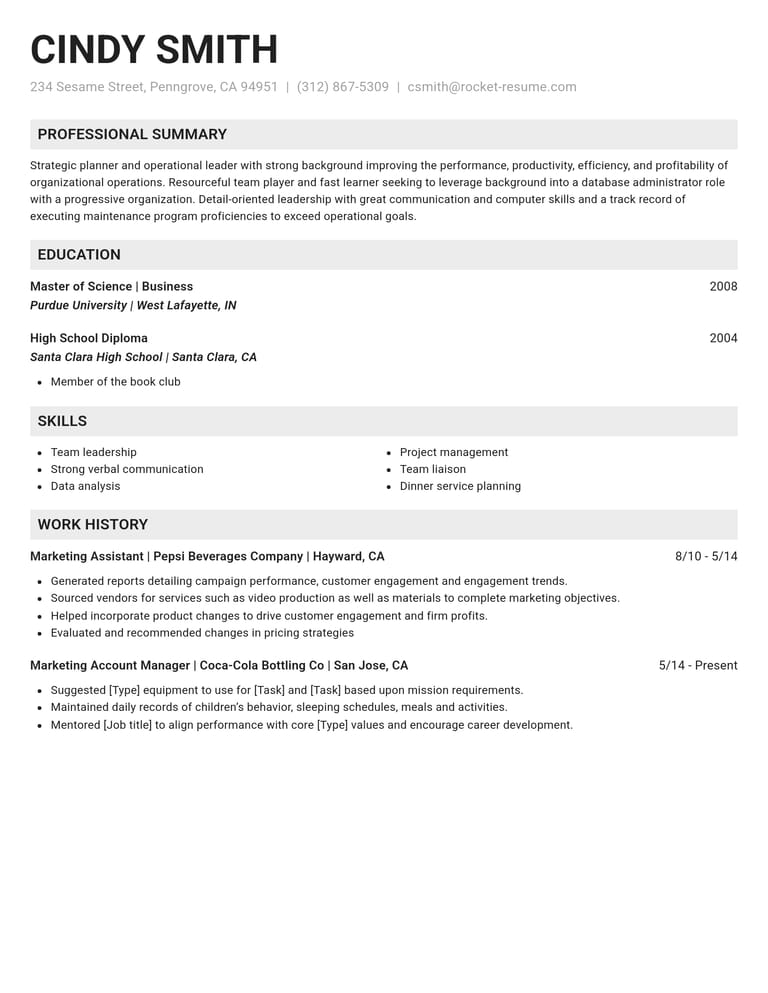
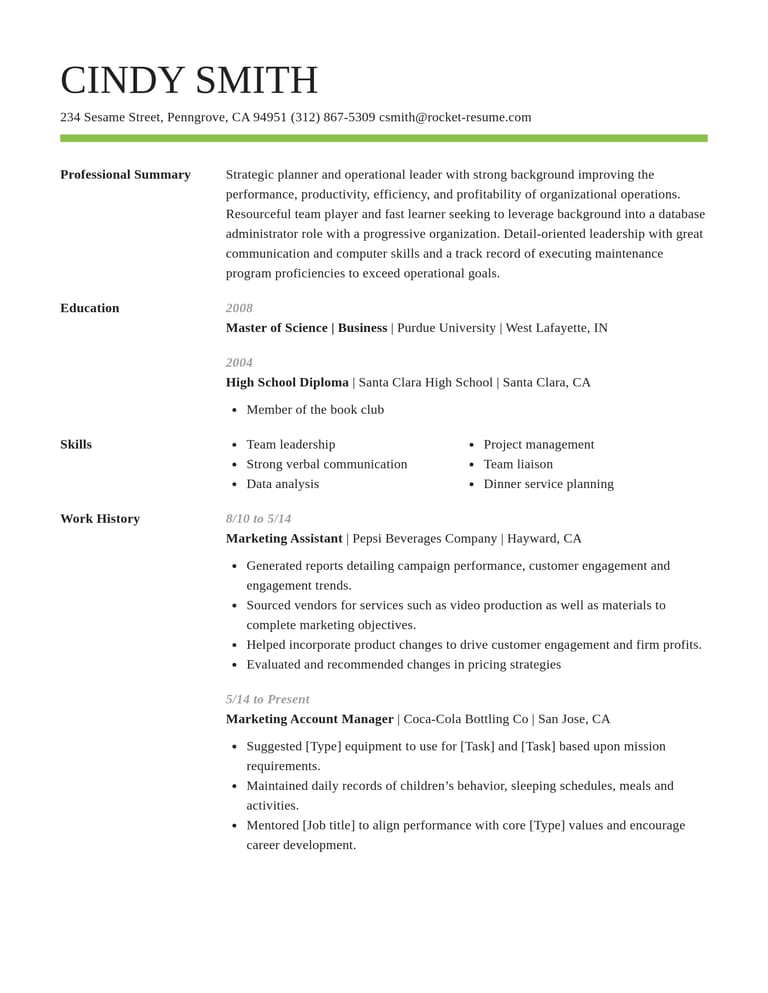
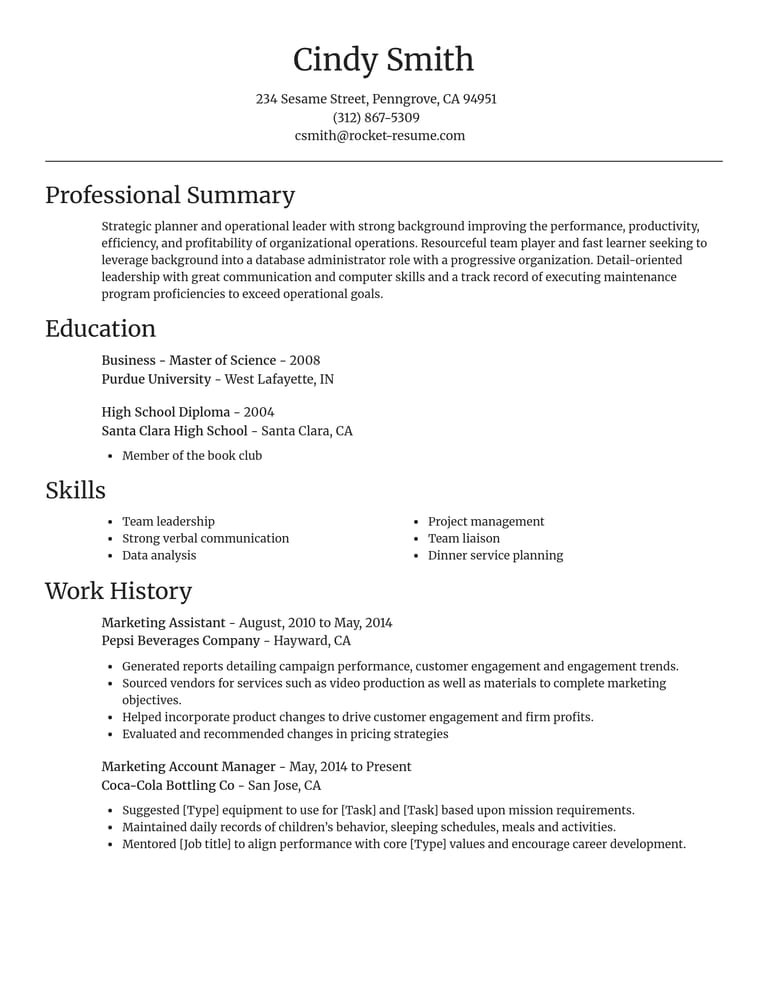
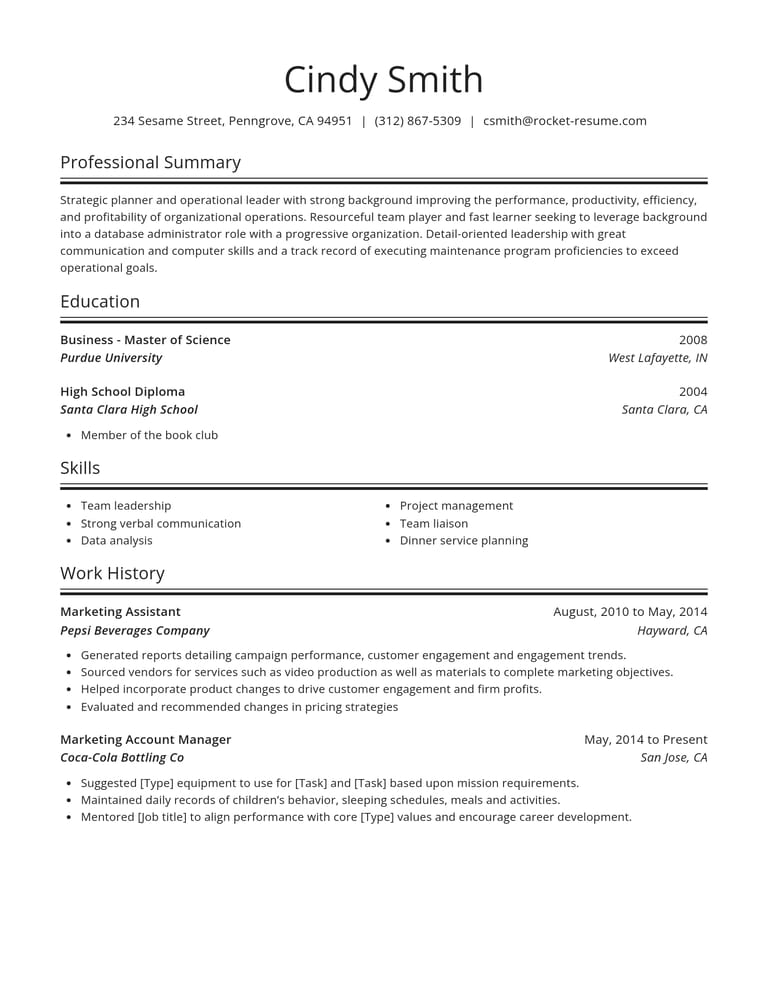
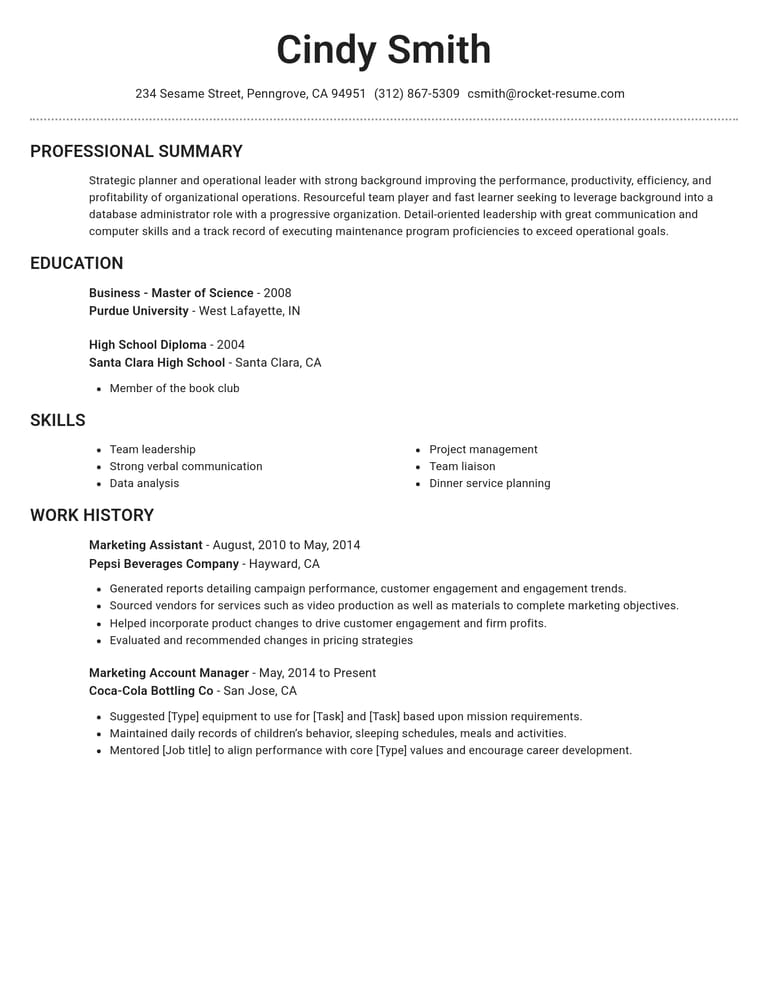
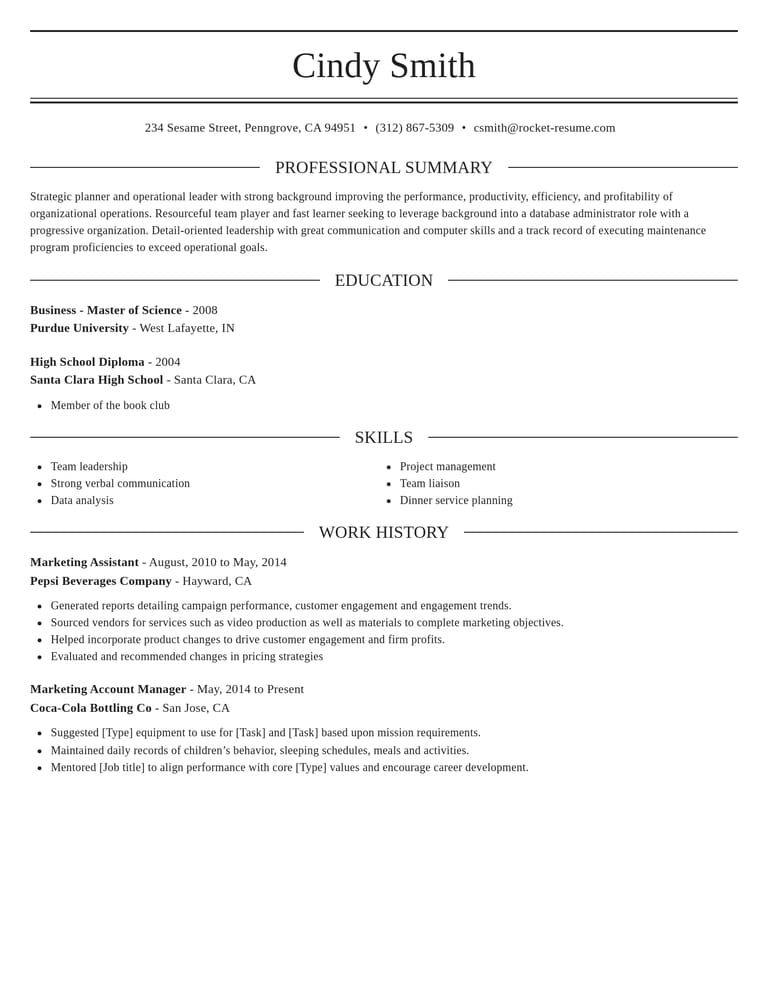
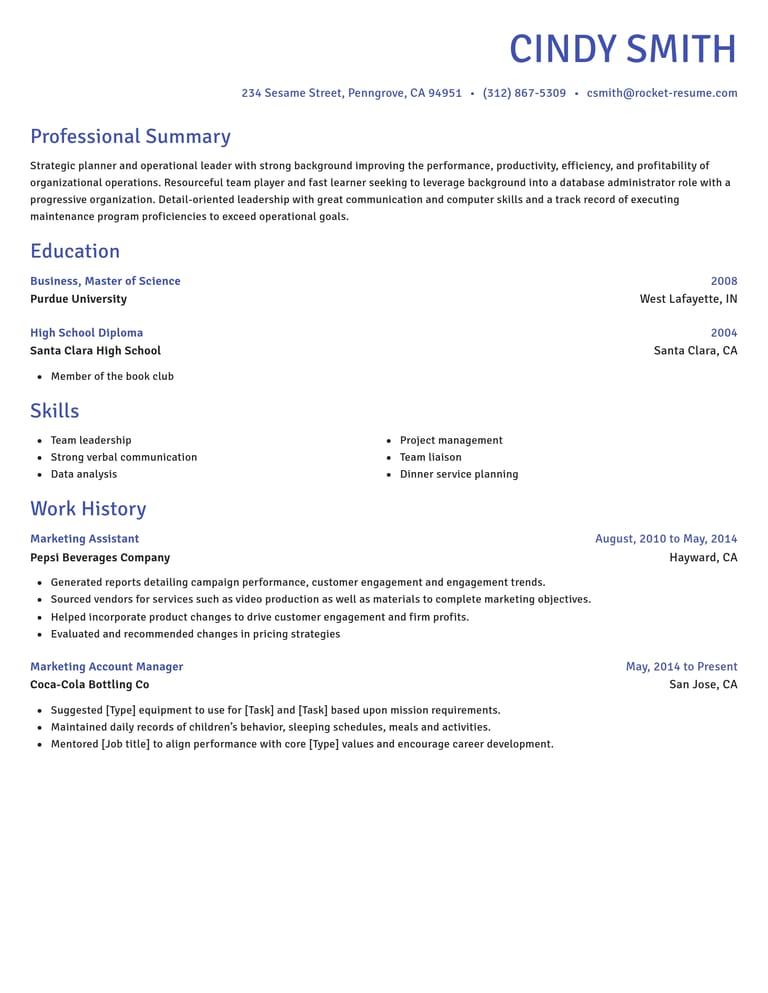
Pick a CV design that's quick to scan
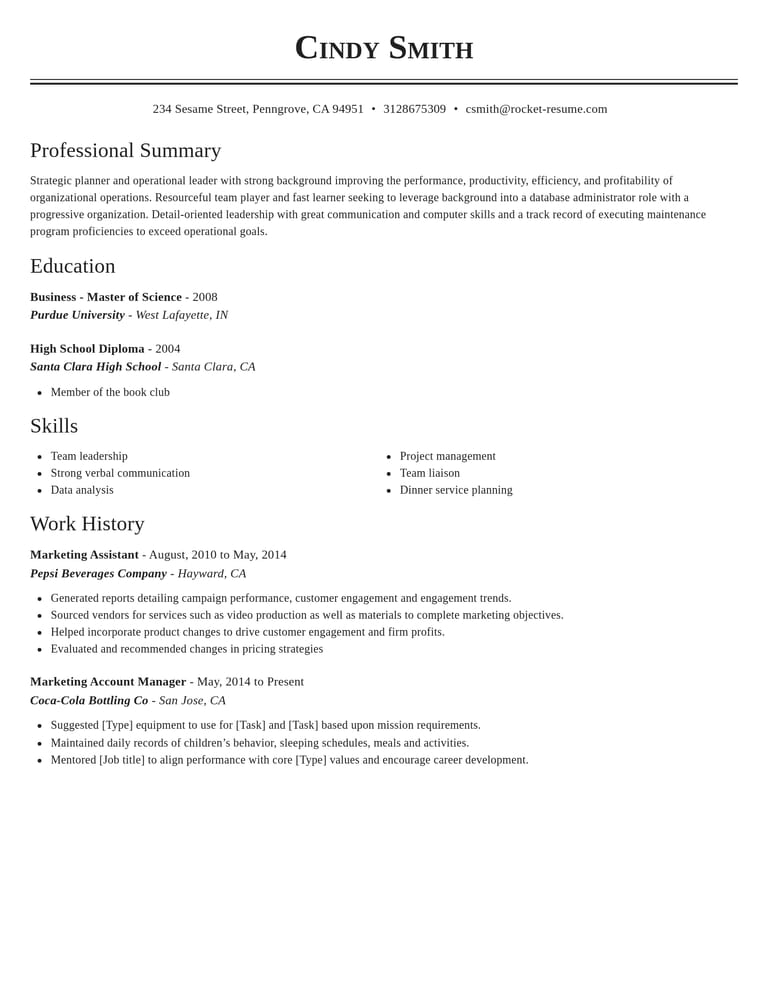
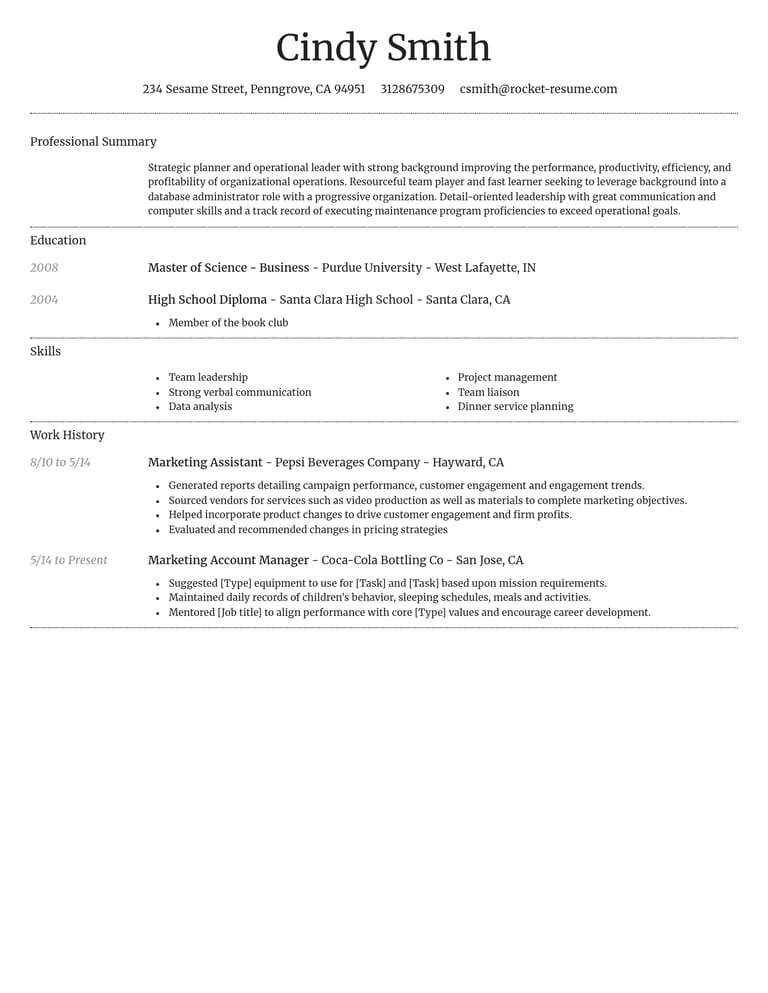
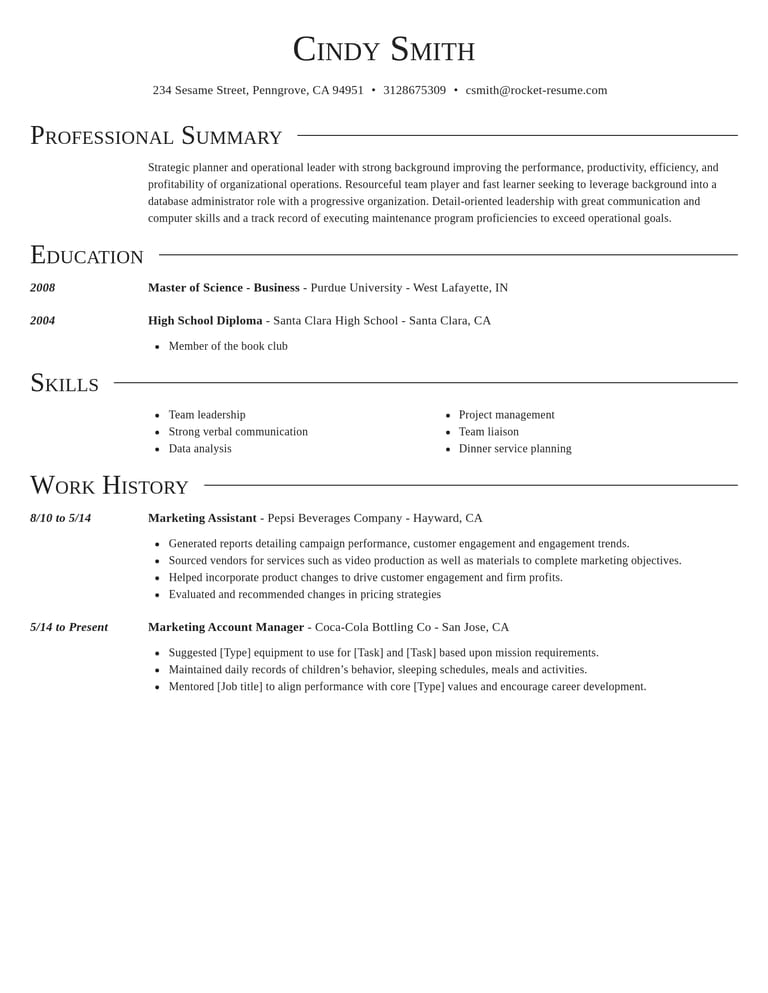
Build a CV around your evidence

Examples to start from for each role
Look for examples for a role you have held. Keep the relevant ones and support them with facts from your own work.
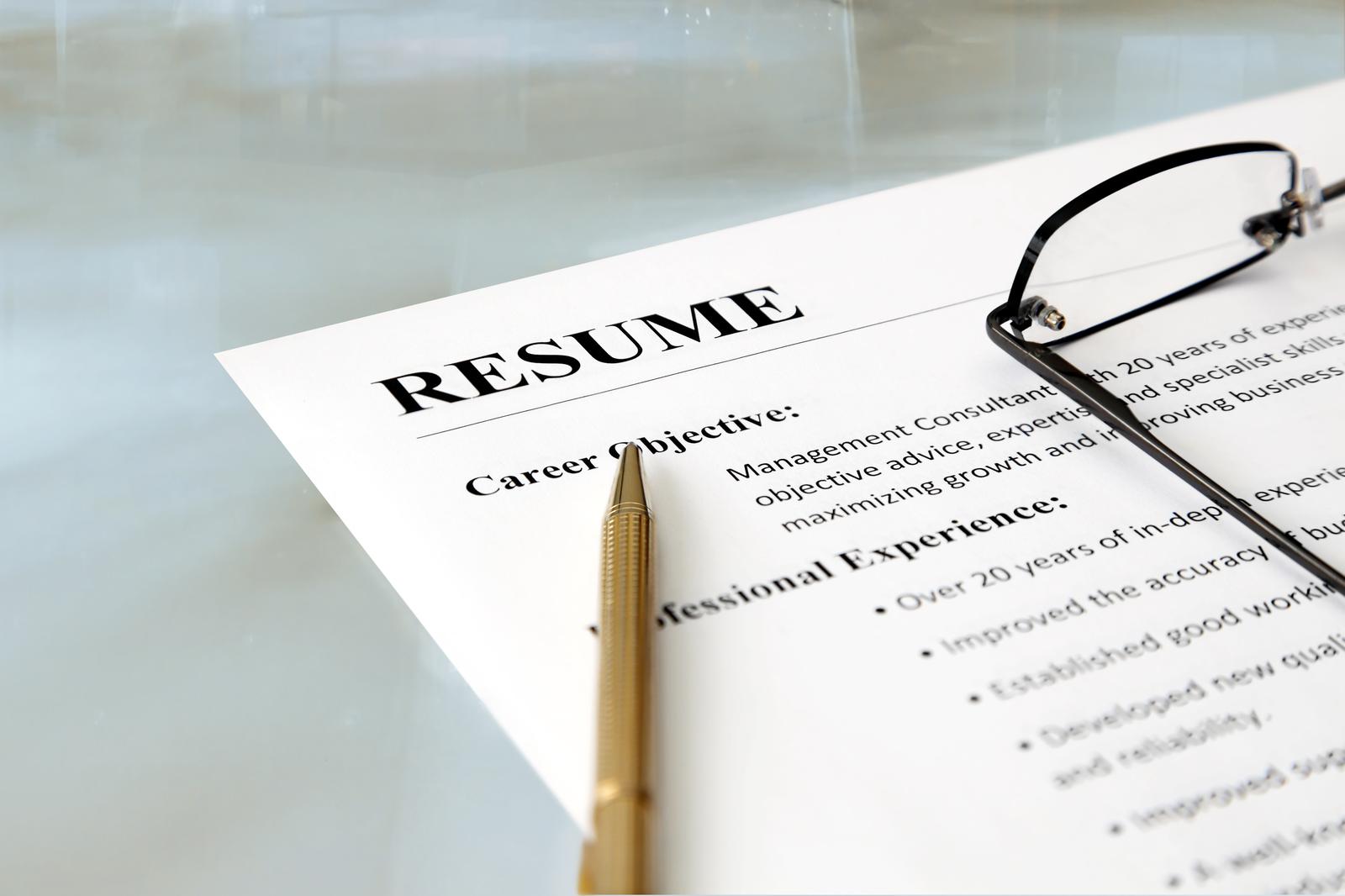
Make the match easy to find
Lead each job description with the experience that best supports your application.
Designs that read cleanly
Choose a layout that makes your dates, job titles and skills easy to find. Read the finished CV once for content and once for layout.
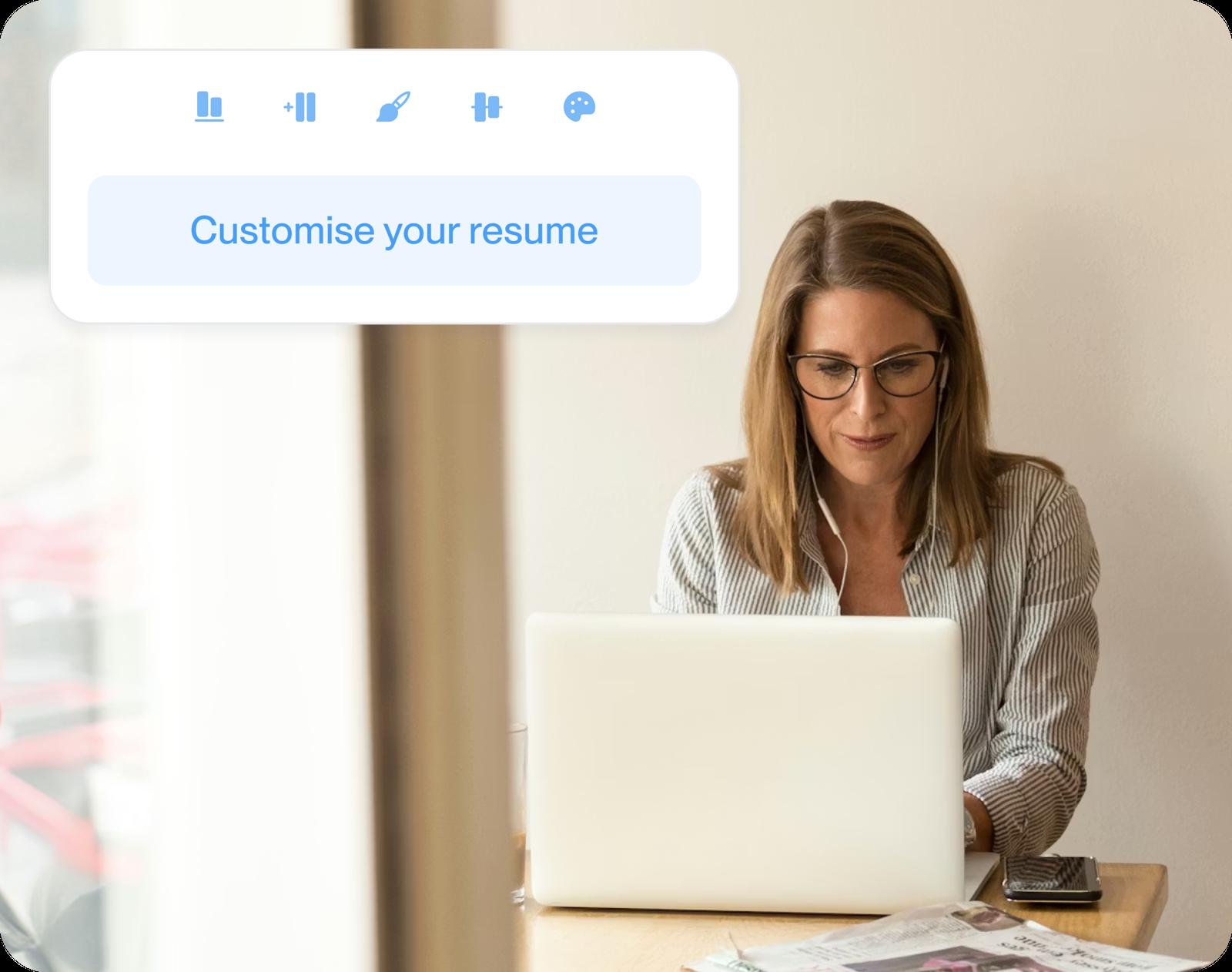
One master, many tailored CVs
Keep your CV as a master in My Library, then duplicate it per advert and fit each copy's statement and key skills to the role.
What hiring research can tell you
“Great resume builder, I'll be using it again”

“I needed a resume fast, great and very useful”

What job seekers ask about great CVs
What makes a CV great?
It proves you match the job before a shortlister has read far. A great CV opens with a personal statement written for the role, supports its claims with results, uses the advert's own words for skills and keeps a tidy layout.
What is a person specification?
A person specification lists the qualifications, skills and experience an employer wants. Use it to check which requirements you meet and where your application gives evidence. Follow the employer's instructions about forms and supporting information.
Why isn't my CV getting shortlisted?
There may be several reasons, and the CV alone cannot explain a rejection. To check yours, ask someone to compare it with the advert and find evidence for the essential criteria. Strengthen any unclear match without adding experience you do not have.
How long should a great CV be?
One or two pages is a useful starting point for many UK job applications. Follow any stated limit, and give the most relevant experience the space it needs. Academic CVs may be longer.
Should a CV personal statement be written in the first person?
It can be, as long as you stay consistent. Many UK CVs drop "I" and open with a job title, which keeps the lines short; others use full first-person sentences. Avoid writing about yourself by name, which reads as if someone else wrote it.
What is the STAR method on a CV?
STAR stands for situation, task, action and result. Use it to work out what happened, then write a concise bullet point focused on your contribution. A fictional example: "Rebuilt the booking process so the team could confirm appointments before each clinic."
Will a CV builder make my CV look like everyone else's?
Not if you edit what it suggests. Treat the examples as a head start, change them to match how you'd describe your work and add figures from your own jobs. The look is your choice too, from traditional to creative.
Pick your industry, then build your CV
Industries in the weekly focus




- 24 examples
- 68 examples
- 106 examples
- 14 examples
- 15 examples
- 15 examples






Show all industries (A–Z)Show fewer
- Aerospace & Defense, 8 examples
- Agriculture, 23 examples
- Apparel & Textiles, 13 examples
- Architecture, 15 examples
- Artificial Intelligence, 6 examples
- Arts & Entertainment, 24 examples
- Automotive, 21 examples
- Beauty & Personal Care, 17 examples
- Biotechnology & Life Sciences, 7 examples
- Business Services, 23 examples
- Chemical Engineering, 4 examples
- Childcare, 14 examples
- Construction, 106 examples
- Creative, 15 examples
- Customer Service, 17 examples
- Education, 94 examples
- Energy, 39 examples
- Environmental Science, 5 examples
- Finance, 63 examples
- Food & Beverage, 68 examples
- Government, 48 examples
- Healthcare, 160 examples
- Hospitality, 35 examples
- Human Resources, 18 examples
- Insurance, 10 examples
- Legal, 12 examples
- Logistics, 37 examples
- Manufacturing, 68 examples
- Marketing, 8 examples
- Media, 20 examples
- Military, 24 examples
- Mining & Metals, 9 examples
- Nonprofit, 8 examples
- Pharmaceuticals, 12 examples
- Public Relations, 10 examples
- Real Estate, 7 examples
- Retail, 38 examples
- Robotics, 11 examples
- Sales, 14 examples
- Security Services, 19 examples
- Social Services & Counseling, 21 examples
- Social Work, 14 examples
- Sports & Fitness, 96 examples
- Technology, 67 examples
- Telecommunications, 6 examples
- Tourism & Travel, 9 examples
- Transportation, 38 examples
- Veterinary, 9 examples
Don’t see your job?

Builder reviews, in job seekers' words
from 3,900+ reviews