Revise your resume for
Open your saved draft and identify the entry most relevant to the application. Clarify the responsibility or add a current skill, using a job suggestion if it helps. Preview the change and check names and dates before sending.
- Jump straight to the section you need
- Job suggestions for focused edits
- Template changes keep your text
- Saved as you go, ready next time

Danny
Apr 2023
“I'll recommend it to friends and family.”

Dayani F.
Jan 2025
“Everything about this tool is amazing, I love it”

Kelvin P.
Jul 2025
“You guys were amazing, I got a new job.”

John W.
Nov 2022
“You made my resume professional”
from 3,900+ reviews



Short on time? Fix the parts that matter for this job
Start with the experience the job asks for. Explain the task clearly, add a result you can support and read the edited entry in context. Keep useful responsibilities rather than replacing them just to show a number.
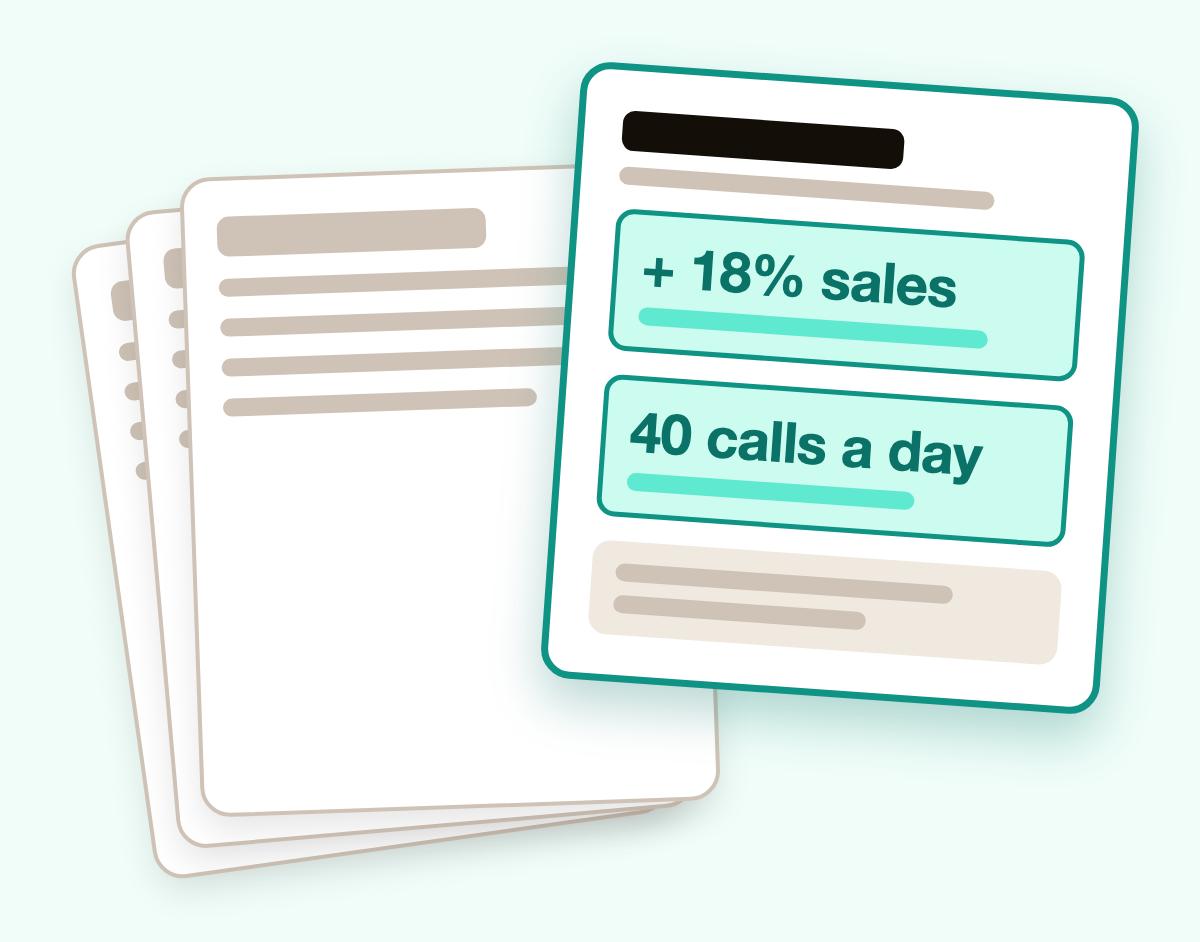
- Stand out in a crowded pile
Start with the work the job posting asks for. Describe a task you handled, then add the tool, scale or result that makes it specific.
- Built for screeners and people
Use familiar headings and make employers, job titles and dates easy to find. Check the finished layout before you send it.
- Examples that fit your job
Type your job title, choose a suggestion that fits your work, then add your own details.
- Proof, not just duties
If you wrote “handled customer calls,” add the kinds of questions you resolved. Include a number only when you can support it.
Build a resume in four steps
Step 1
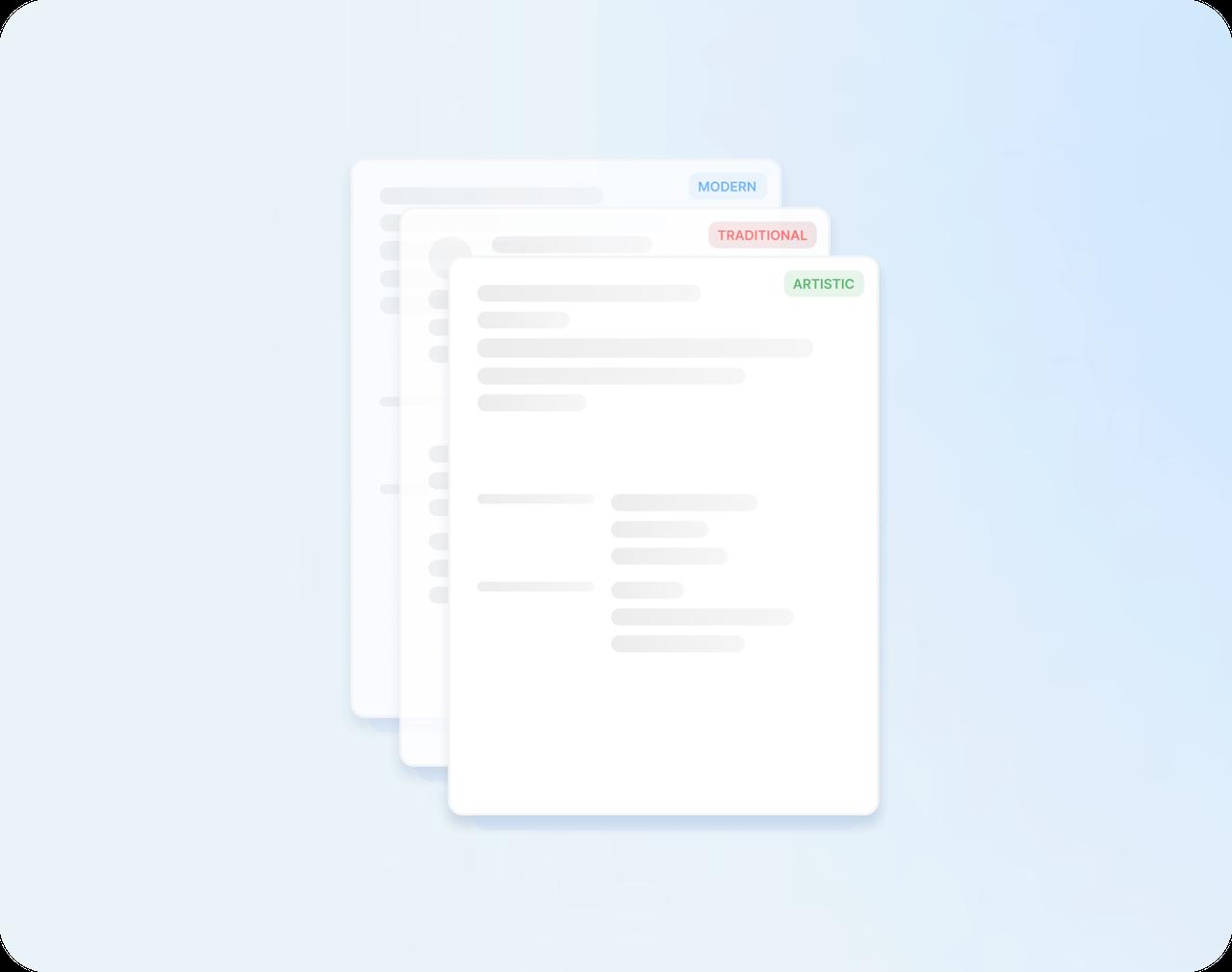
Start with a template
Say how much work experience you have, then choose a modern, traditional or creative design.
Step 2
Fill in your history
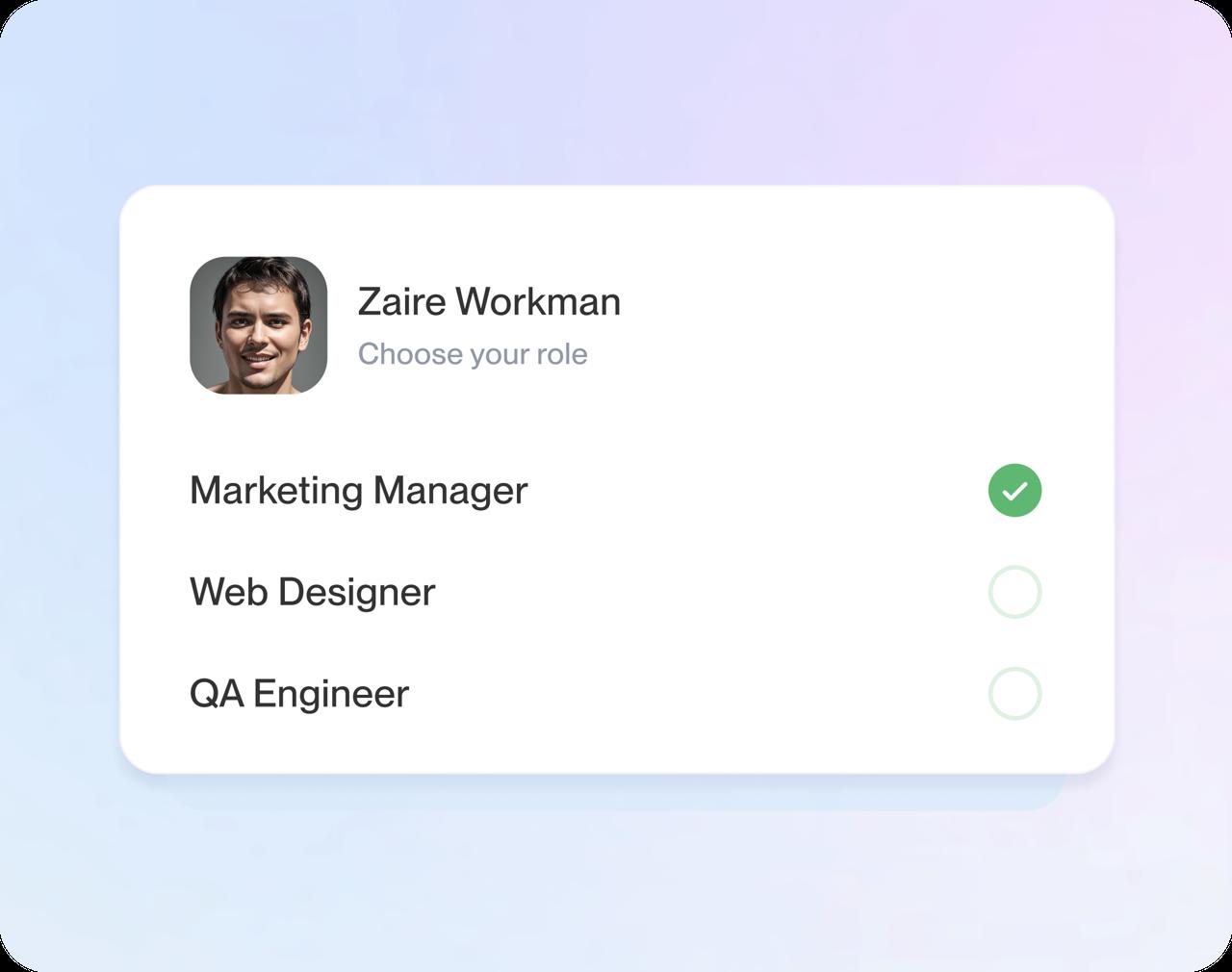
Enter your jobs, schools and skills, one screen at a time. Type a job title to see suggestions you can edit.
Step 3
Check each suggestion against your work
Choose suggestions that describe work you actually did. Add your own details, remove anything that doesn't fit and put your most relevant experience first.
Step 4
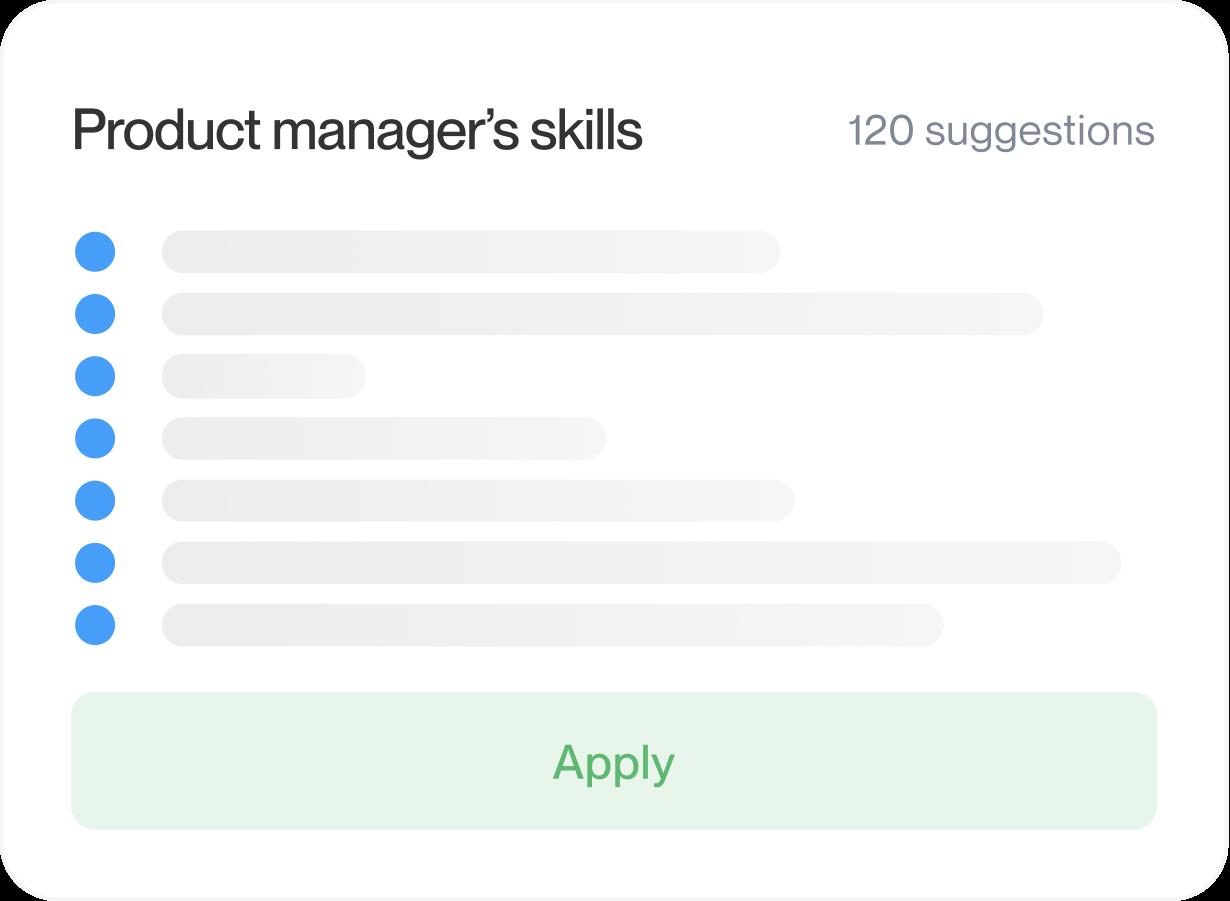
Check it, then download
Look over the whole page, switch templates if you like, then download your resume and start applying.

Step 1
Start with a template
Say how much work experience you have, then choose a modern, traditional or creative design.
Step 3
Check each suggestion against your work
Choose suggestions that describe work you actually did. Add your own details, remove anything that doesn't fit and put your most relevant experience first.
Step 2
Fill in your history
Enter your jobs, schools and skills, one screen at a time. Type a job title to see suggestions you can edit.
Step 4
Check it, then download
Look over the whole page, switch templates if you like, then download your resume and start applying.
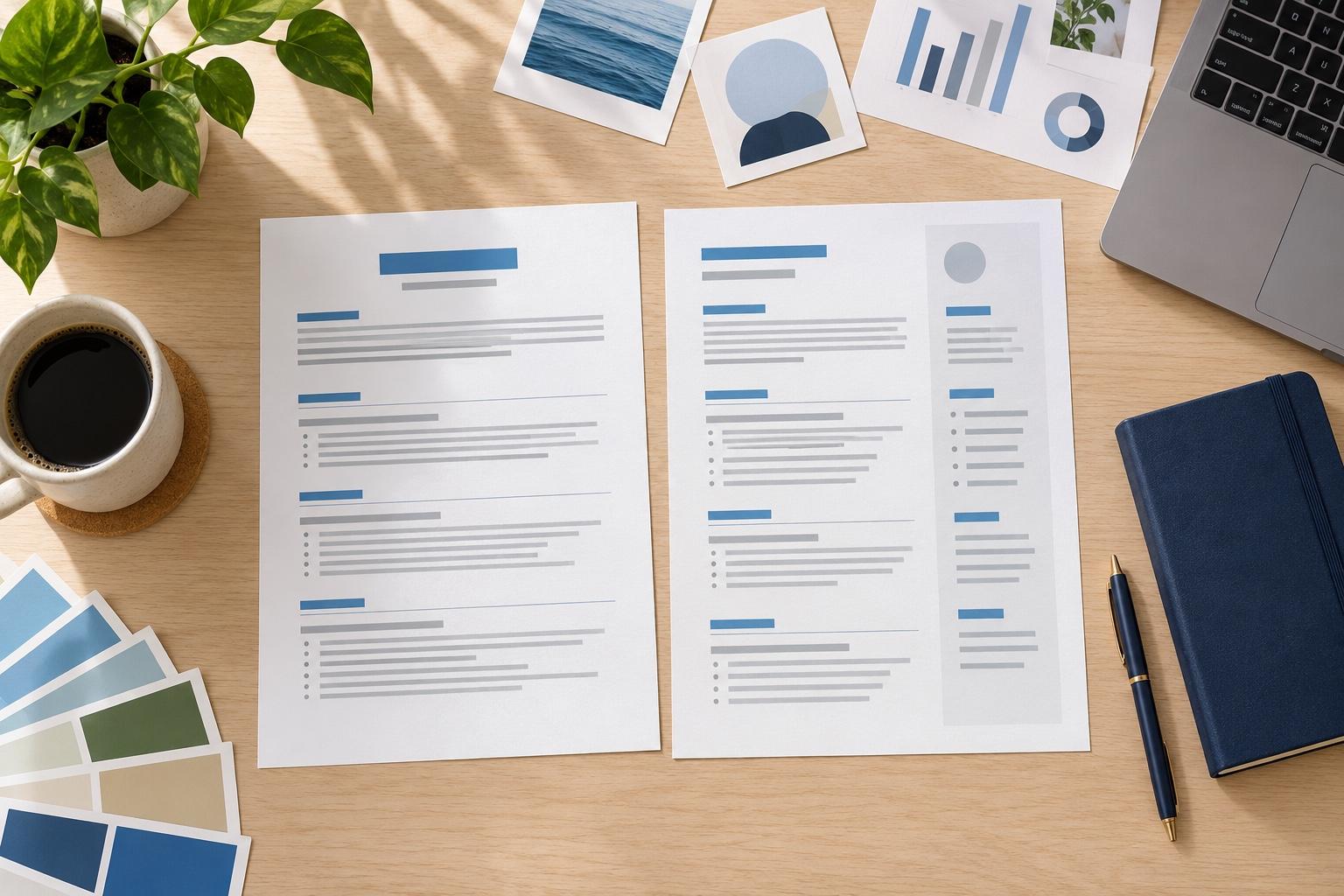
Start with a template that fits your field
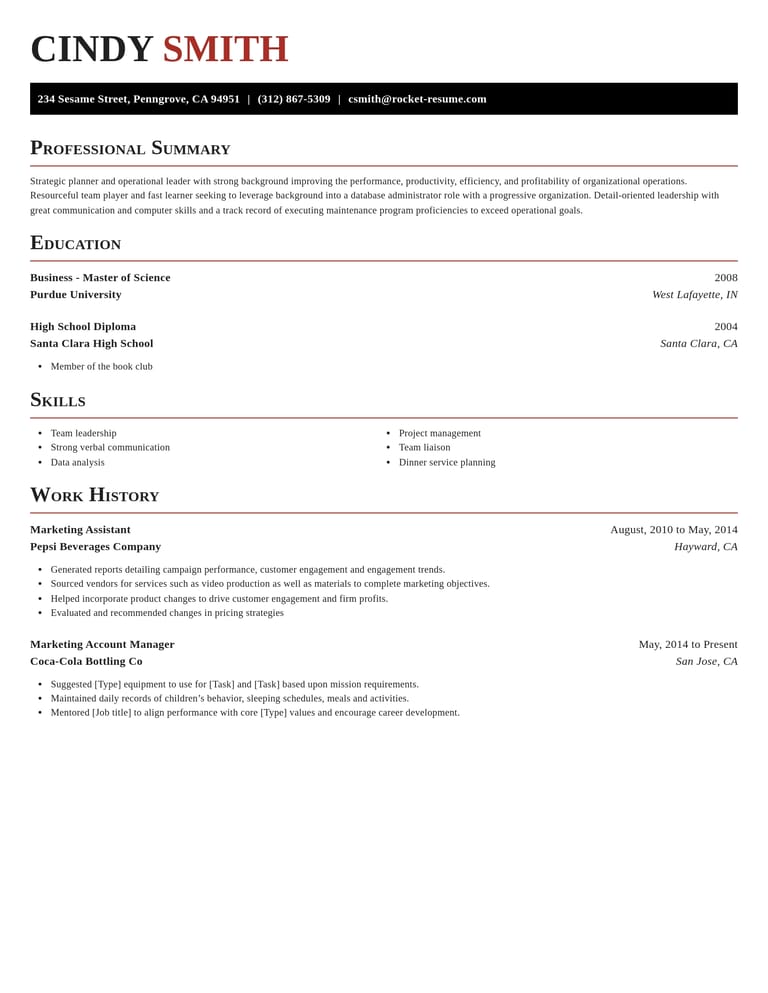
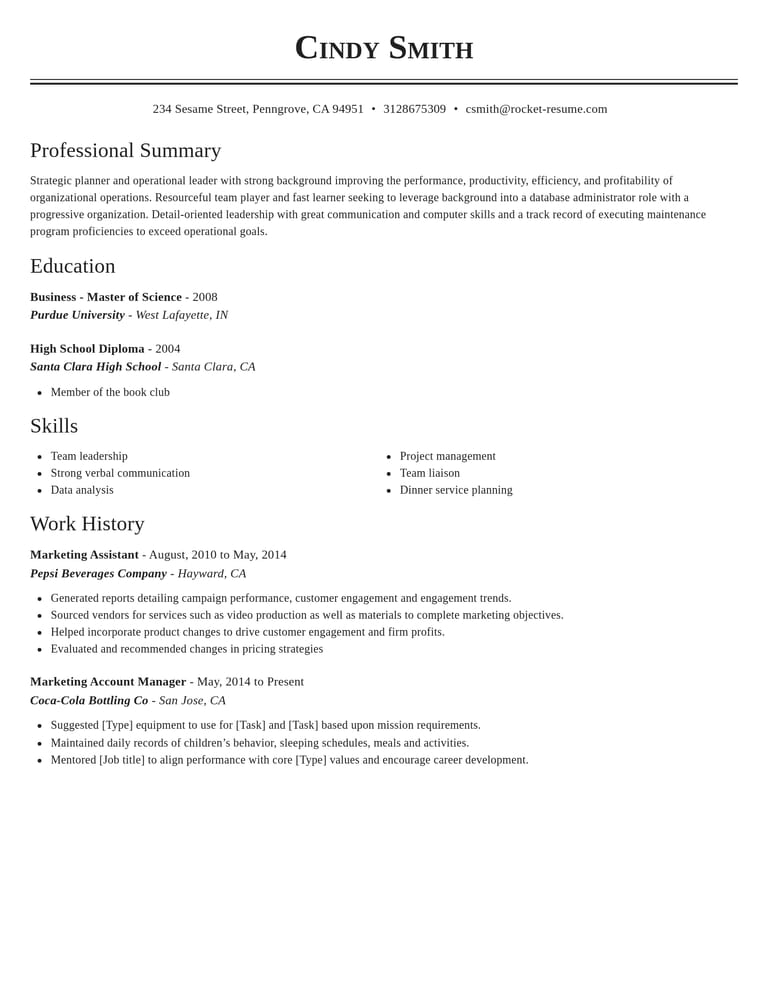
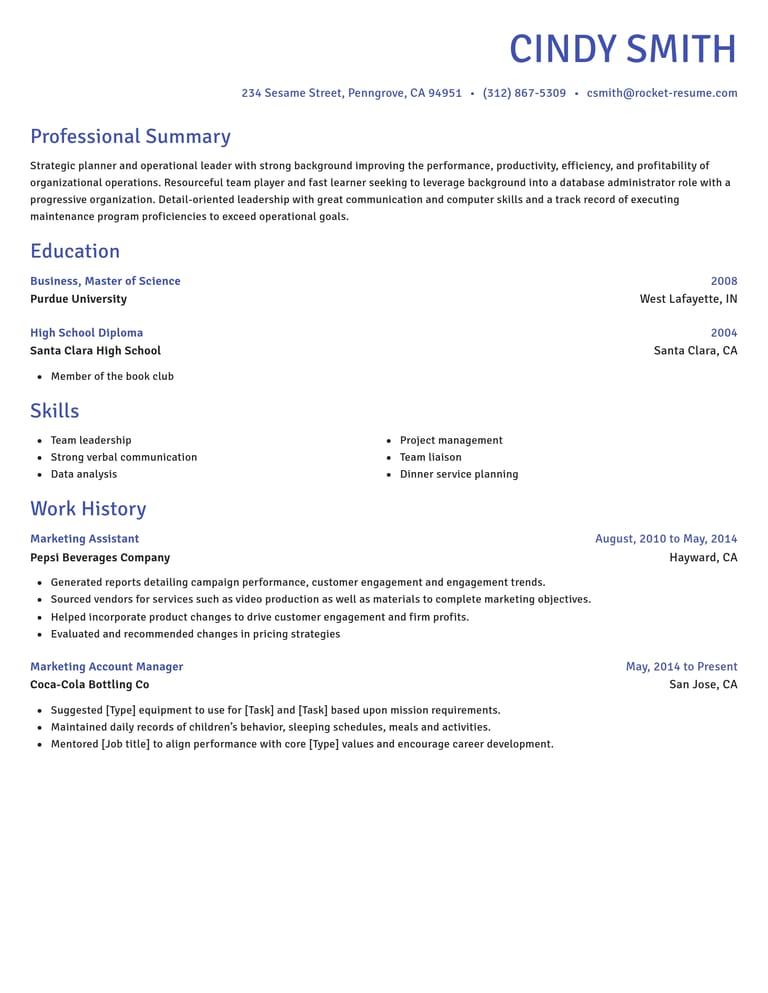
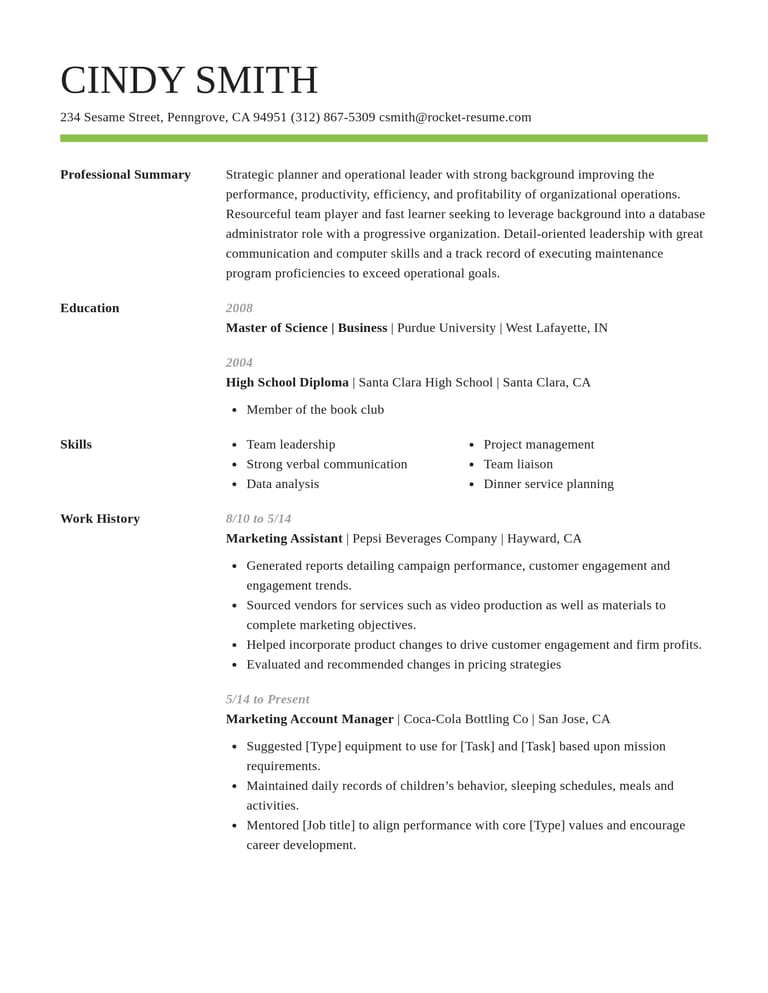
How to choose a resume builder
Try Rocket Resume with one real job from your work history. Use these six checks to see whether the writing help, layout and editing flow suit you before filling in the rest.
1. Writing help you can edit
Enter a job title and read the suggestions before adding one. Does it describe a task you handled? Could you explain it in an interview? Keep it only when the answer to both is yes.
Replace general descriptions with your own tools, responsibilities and results. The strong action verbs guide can help you choose an opening verb that matches what you did.
2. Templates you can switch without retyping
Put the same job entry into two designs and compare them. Check whether the dates, headings and longest bullet point still read clearly. You can switch templates while keeping the text you've entered.
Choose for your content first: a long work history needs room for relevant jobs, while a first resume may give more space to education or projects. Keep the layout easy to scan in either case.
3. A layout screening software can read
Check that the layout keeps names, dates and section headings in a clear reading order. The resume format guide explains the choices. For an online application, start with a straightforward design and follow the employer's instructions.
Keep important details in text, rather than replacing them with icons. Clear headings and consistent spacing help you check the page as well as read it.
4. A copy for each job you apply to
Save your resume, then use My Library to duplicate it for another application. In the copy, move the most relevant experience into focus and adjust your summary to the posting. Keep track of which version you sent.
5. Room to work on a phone
On a phone, try entering one job and opening the preview. Rocket Resume runs in a web browser, so you can work on your resume without installing an app. Sign in to return to a saved resume on another device.
Zoom in on dates, contact details and the ends of longer bullet points. If something wraps awkwardly, shorten the text or compare another template before continuing.
6. Examples from your line of work
Open the resume examples for a role like yours. Notice which responsibilities need explaining and which tools are named. Use that as a prompt to recall your own work, rather than copying someone else's experience.
How long should building a resume take?
Have your employer names, job titles and dates ready before you start. Build a first draft, then leave time to check the details and tailor it to the posting. How long that takes depends on how much you need to write or update.
How do I know a builder is right for me?
Add one job, edit a suggestion and check the preview. If you can explain your work clearly and find the controls you need, continue with your next role. Use the other checks above before you finish.
What research says about applying for jobs
“Great resume builder, I'll be using it again”

“I needed a resume fast, great and very useful”

Resume builder questions
What is a resume builder?
A resume builder turns the details you enter into a formatted resume. Rocket Resume guides you through the sections, offers suggestions for your job title and shows your work in the template you choose.
Does the resume builder write my resume for me?
You provide the experience and choose what to include. The builder offers suggestions for your job title; edit the ones that fit so they describe your work accurately.
Can I change my template after I start?
Yes. Your text stays in place when you switch designs. Check the preview afterward, because a different layout can change where text wraps.
Is there a resume builder app?
Use Rocket Resume in your phone's browser. You can add details there and return to your saved resume on a computer.
How is a resume builder different from a resume template?
A template sets the page's layout, fonts and spacing. A builder helps you fill in its sections. You can browse our resume templates before choosing a design.
Is it worth using a resume builder?
It can help if formatting or getting started is slowing you down. Try adding one job and editing a suggestion; that gives you a better test than a blank template.
Build from an example in your field
Featured this week





- 9 examples
- 9 examples
- 160 examples
- 8 examples
- 106 examples
- 19 examples






Show all industries (A–Z)Show fewer
- Aerospace & Defense, 8 examples
- Agriculture, 23 examples
- Apparel & Textiles, 13 examples
- Architecture, 15 examples
- Artificial Intelligence, 6 examples
- Arts & Entertainment, 24 examples
- Automotive, 21 examples
- Beauty & Personal Care, 17 examples
- Biotechnology & Life Sciences, 7 examples
- Business Services, 23 examples
- Chemical Engineering, 4 examples
- Childcare, 14 examples
- Construction, 106 examples
- Creative, 15 examples
- Customer Service, 17 examples
- Education, 94 examples
- Energy, 39 examples
- Environmental Science, 5 examples
- Finance, 63 examples
- Food & Beverage, 68 examples
- Government, 48 examples
- Healthcare, 160 examples
- Hospitality, 35 examples
- Human Resources, 18 examples
- Insurance, 10 examples
- Legal, 12 examples
- Logistics, 37 examples
- Manufacturing, 68 examples
- Marketing, 8 examples
- Media, 20 examples
- Military, 24 examples
- Mining & Metals, 9 examples
- Nonprofit, 8 examples
- Pharmaceuticals, 12 examples
- Public Relations, 10 examples
- Real Estate, 7 examples
- Retail, 38 examples
- Robotics, 11 examples
- Sales, 14 examples
- Security Services, 19 examples
- Social Services & Counseling, 21 examples
- Social Work, 14 examples
- Sports & Fitness, 96 examples
- Technology, 67 examples
- Telecommunications, 6 examples
- Tourism & Travel, 9 examples
- Transportation, 38 examples
- Veterinary, 9 examples
Reviews of the resume builder
from 3,900+ reviews