CV templates to fill and
Choose a CV template and add your experience with guided help. Review the whole page for spacing and missing details, then read the content for accuracy before you send it.
- Template headings and spacing
- Tips as you fill each part
- Live preview as you type
- Change templates and keep your text

Danny
Apr 2023
“I'll recommend it to friends and family.”

Dayani F.
Jan 2025
“Everything about this tool is amazing, I love it”

Kelvin P.
Jul 2025
“You guys were amazing, I got a new job.”

John W.
Nov 2022
“You made my resume professional”
from 3,900+ reviews
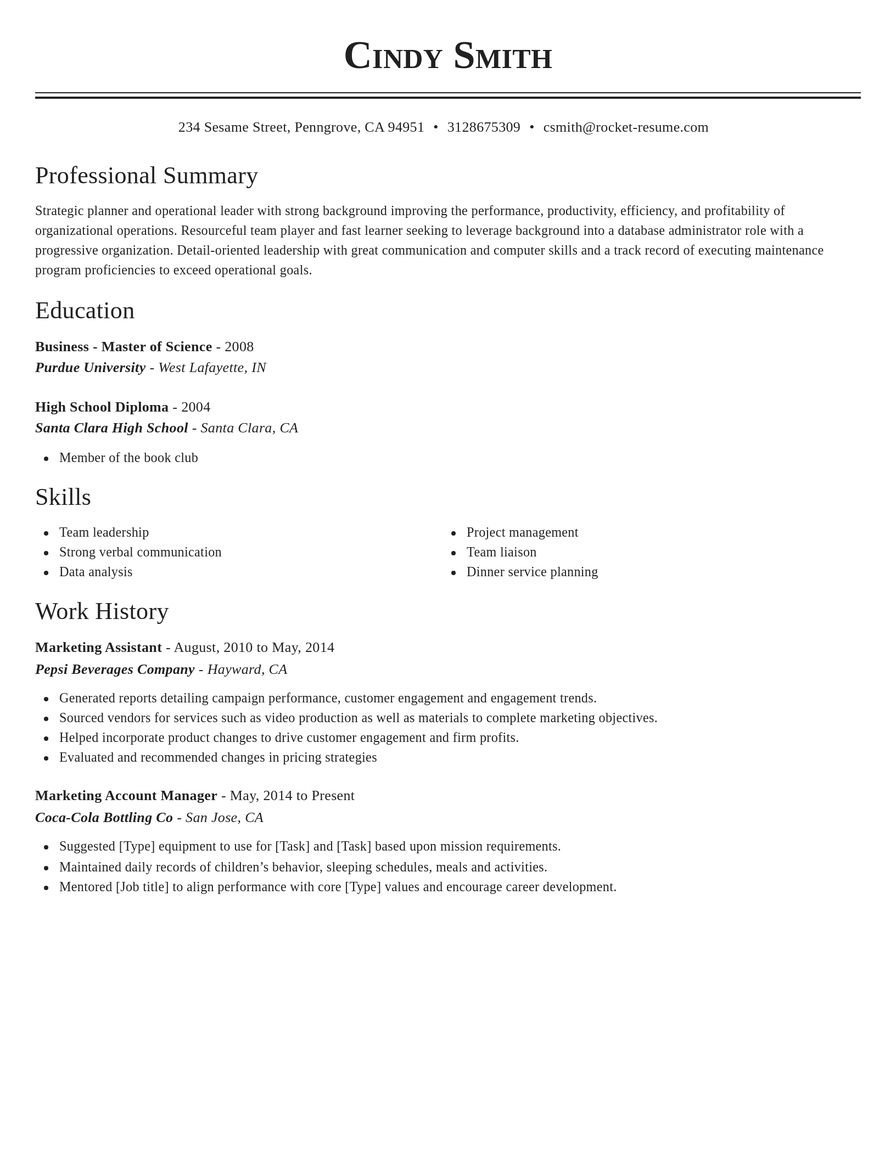
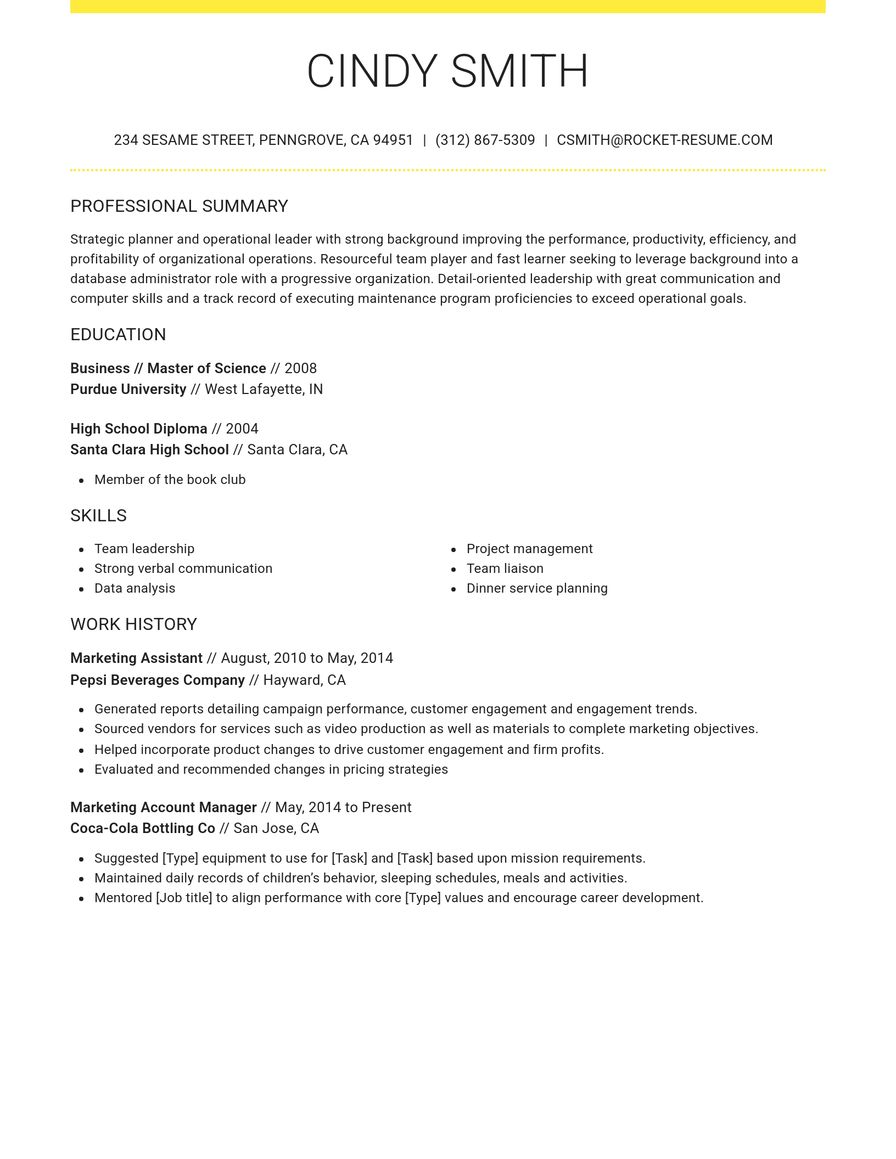
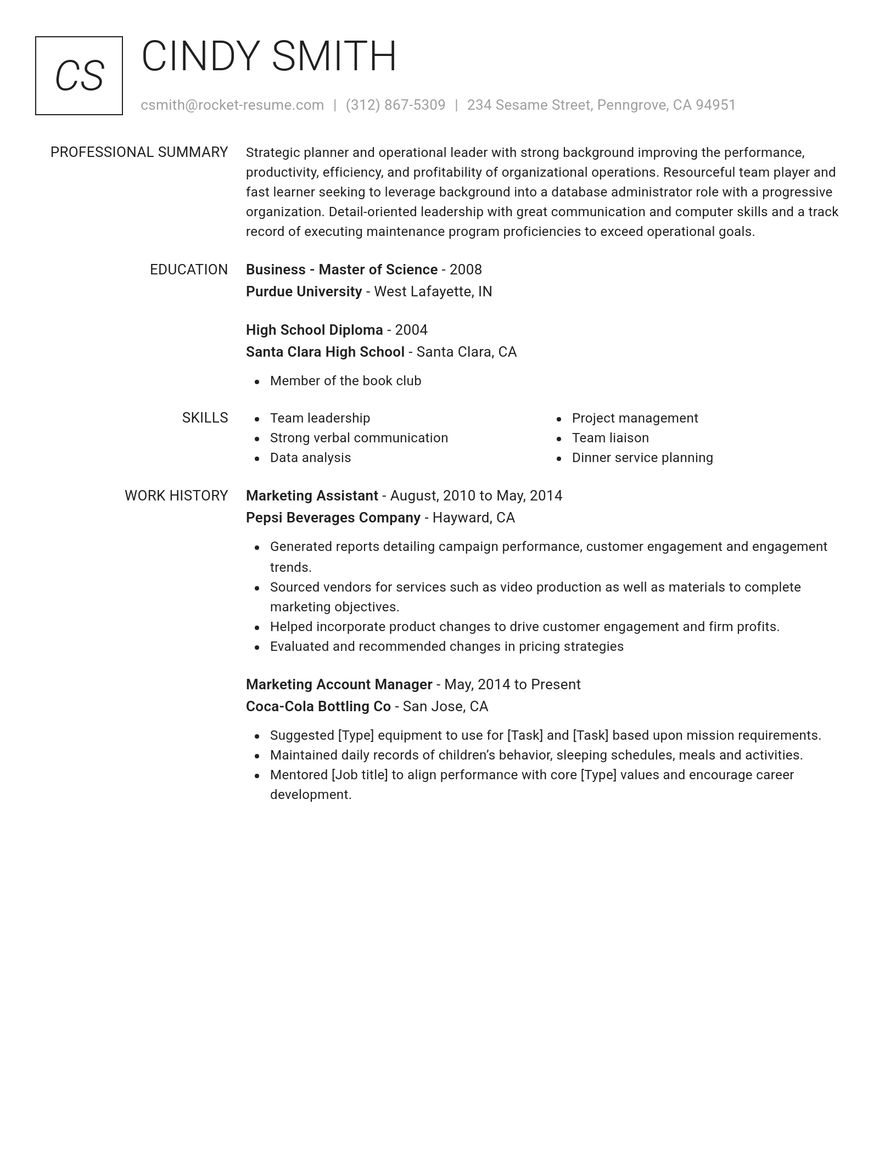
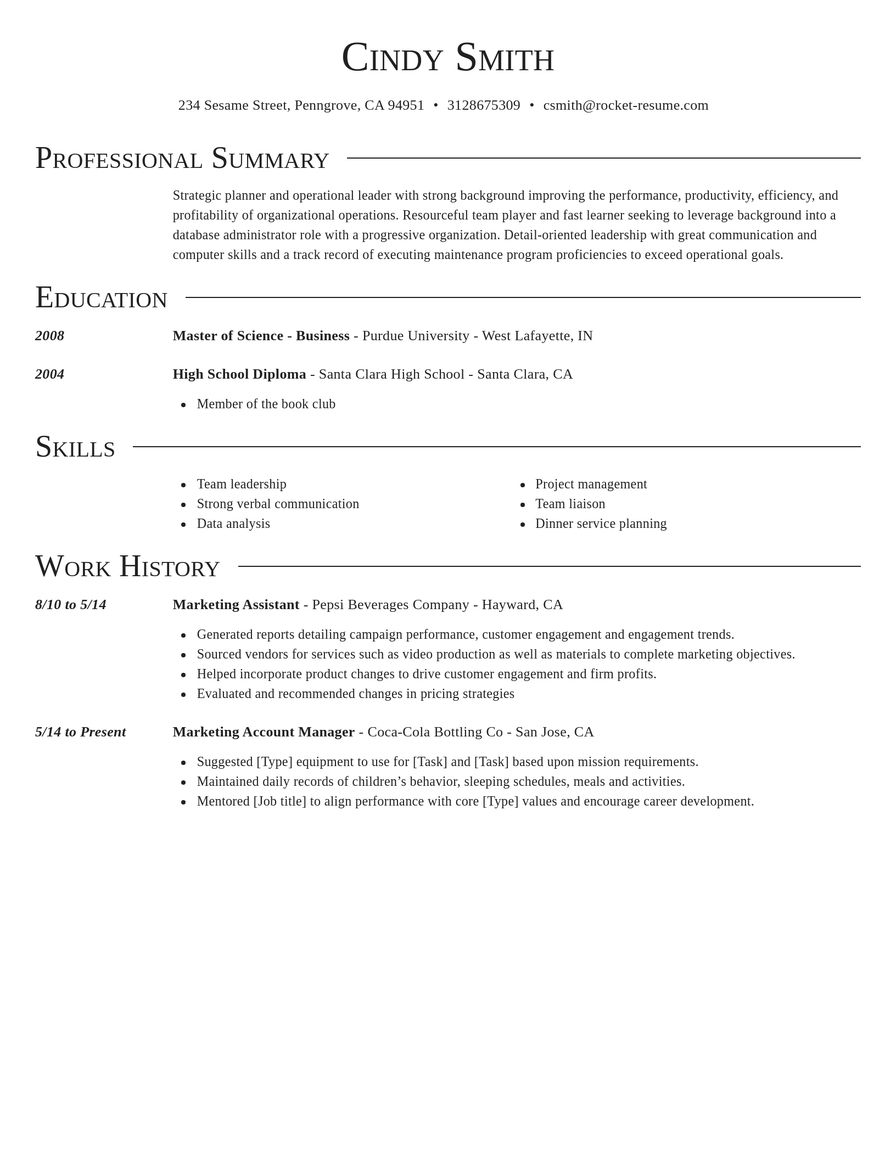
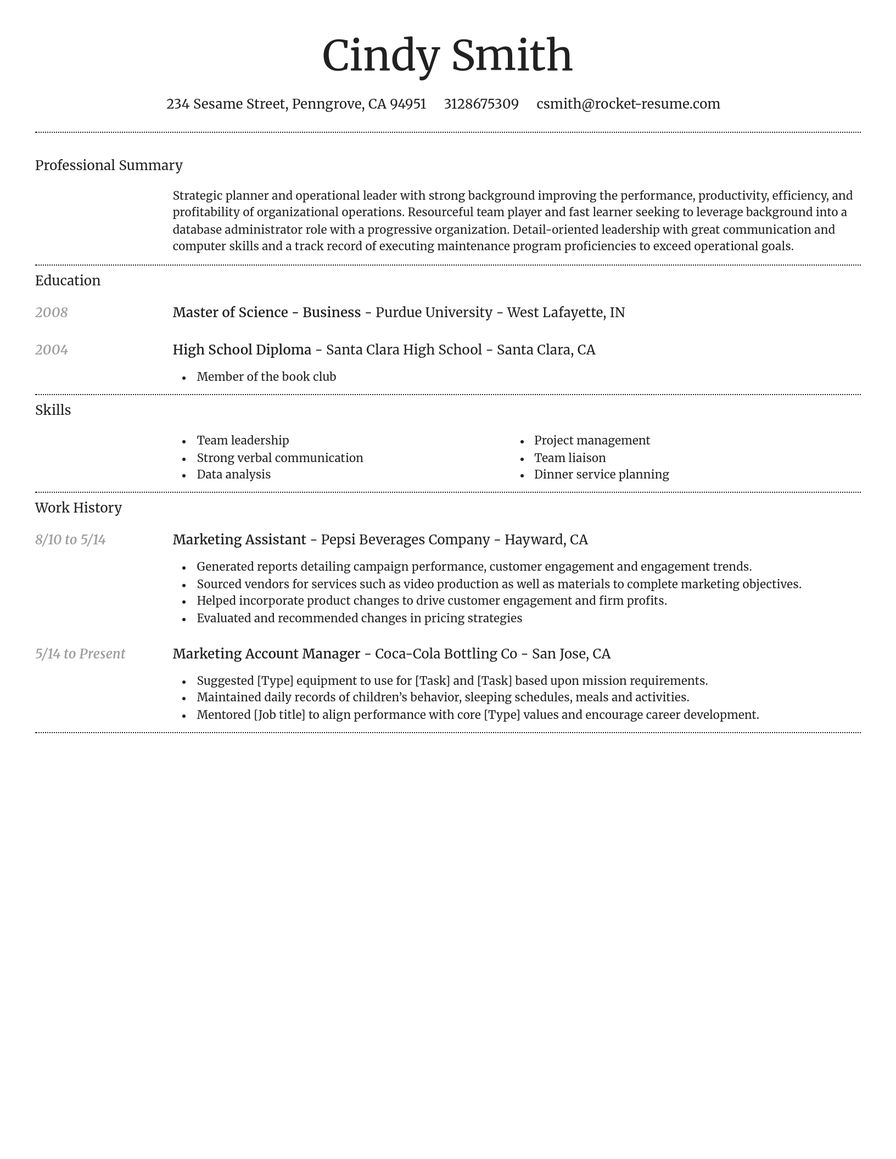
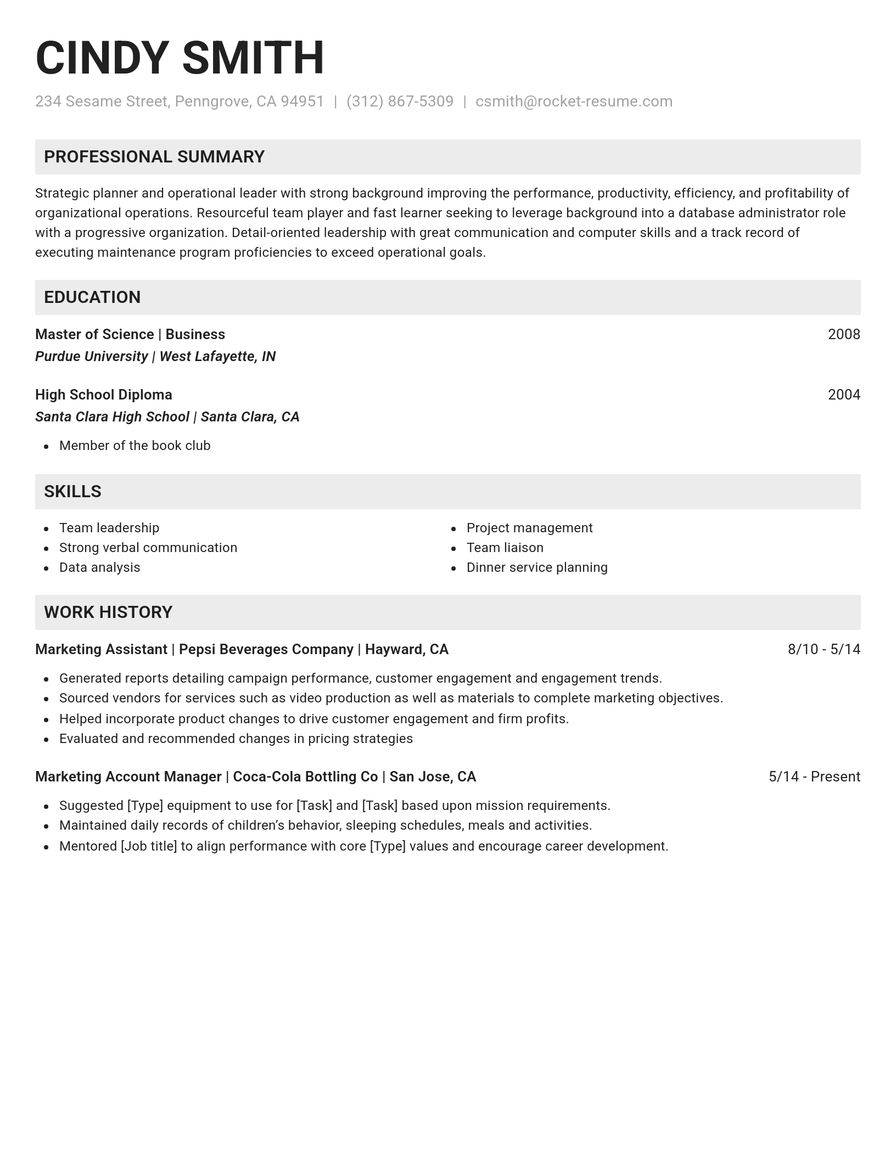
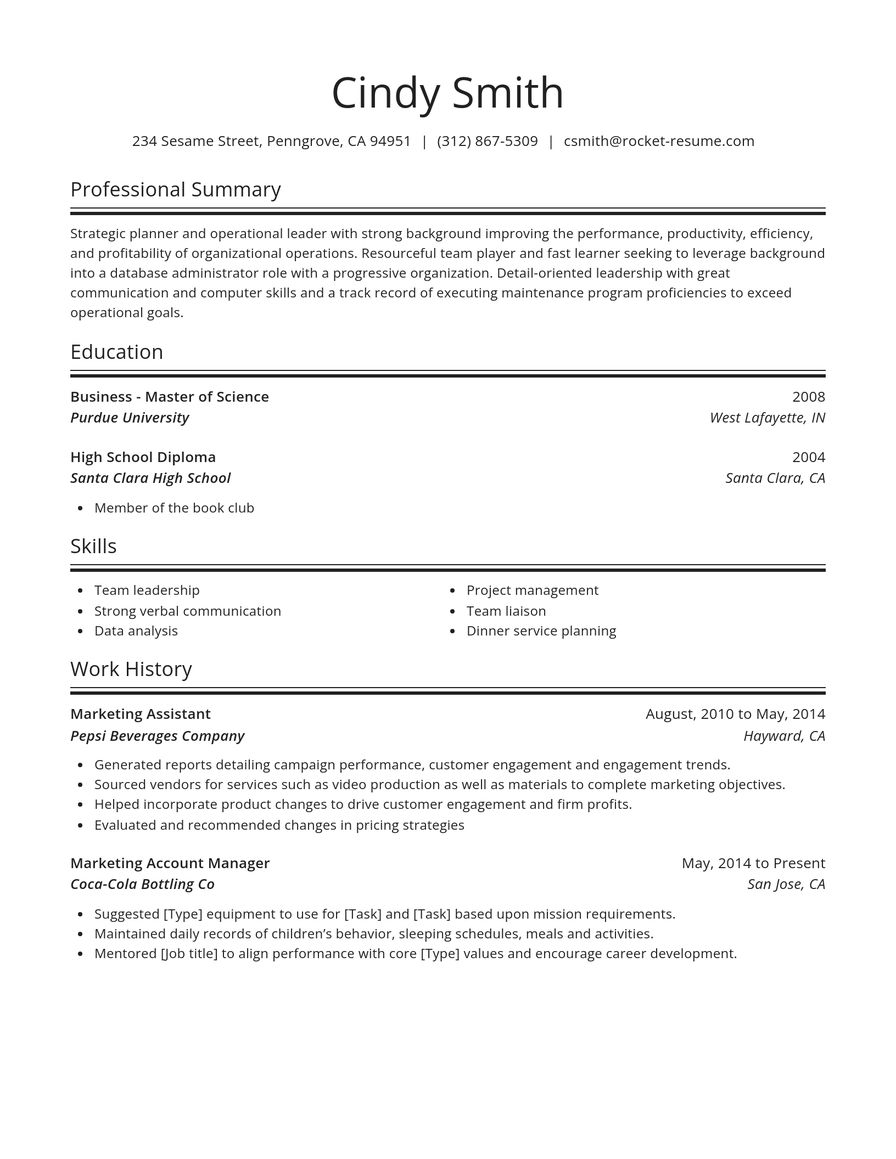
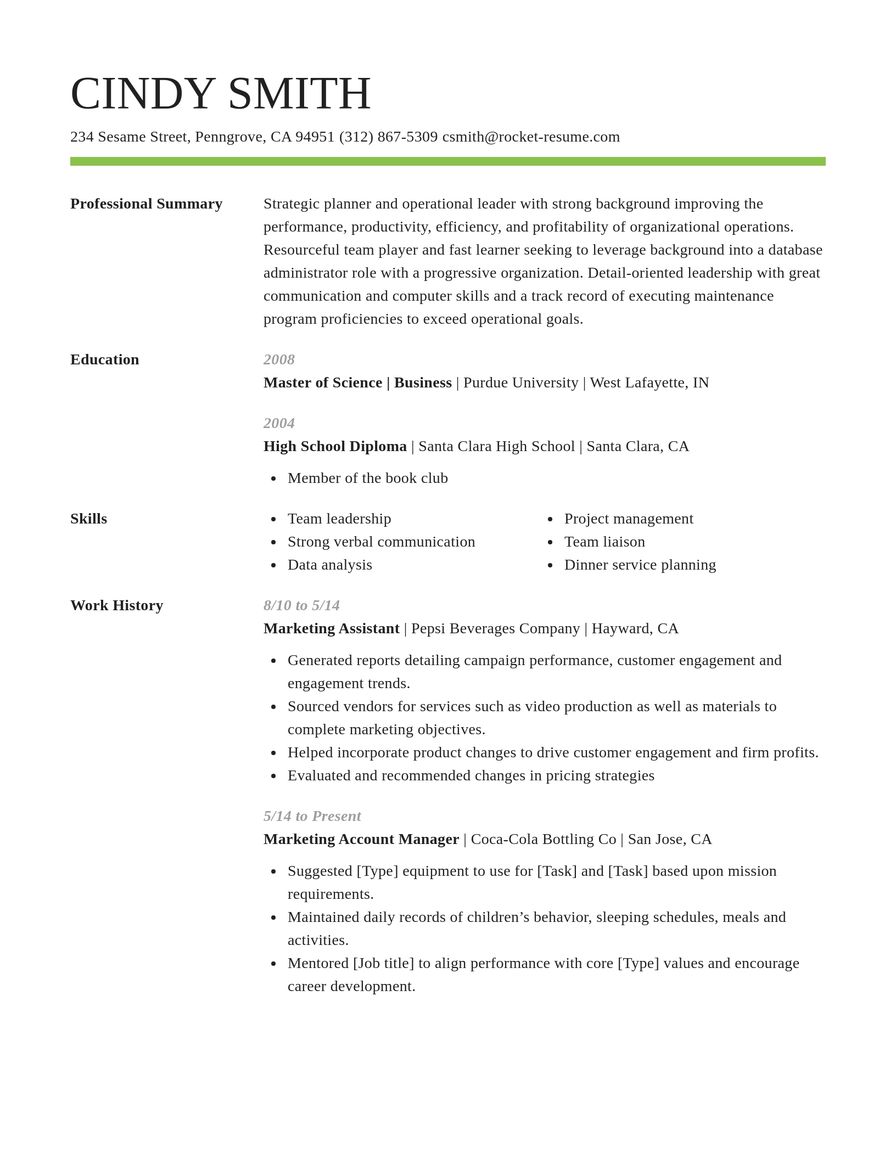
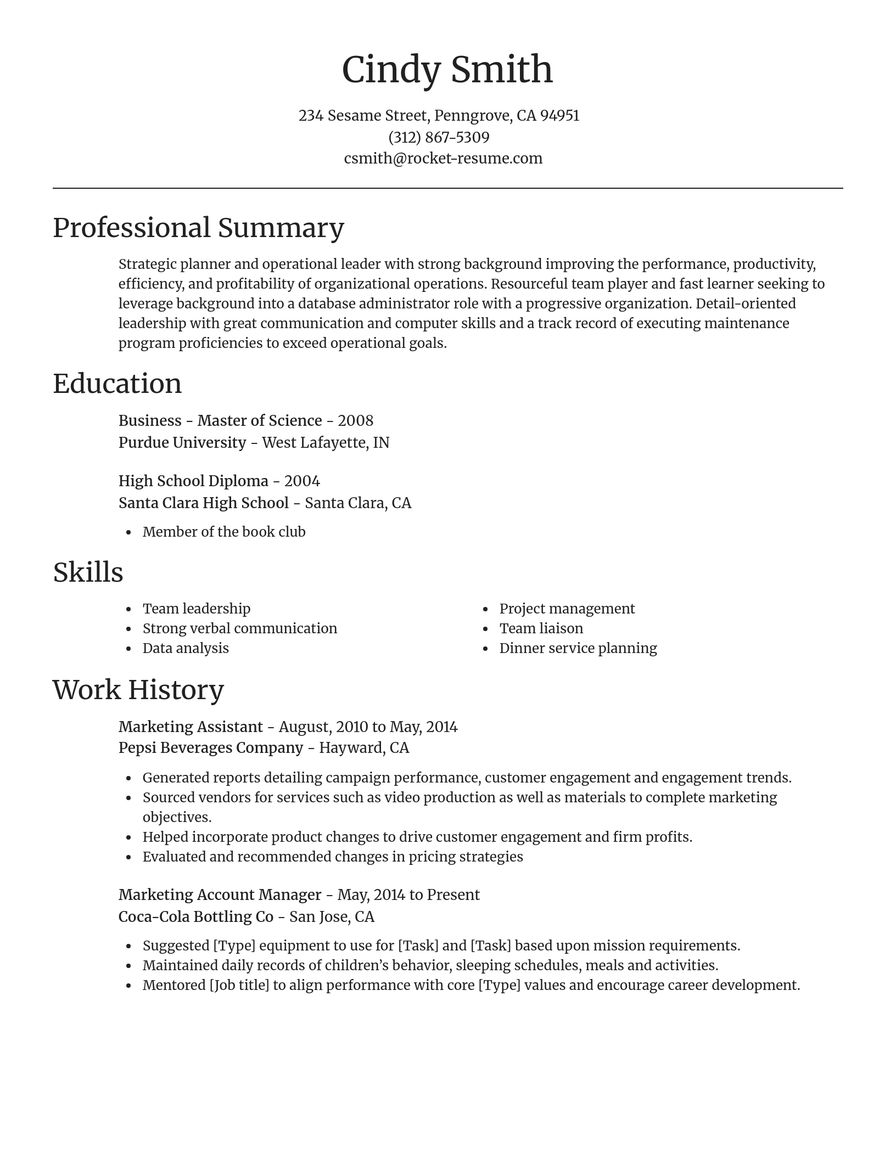
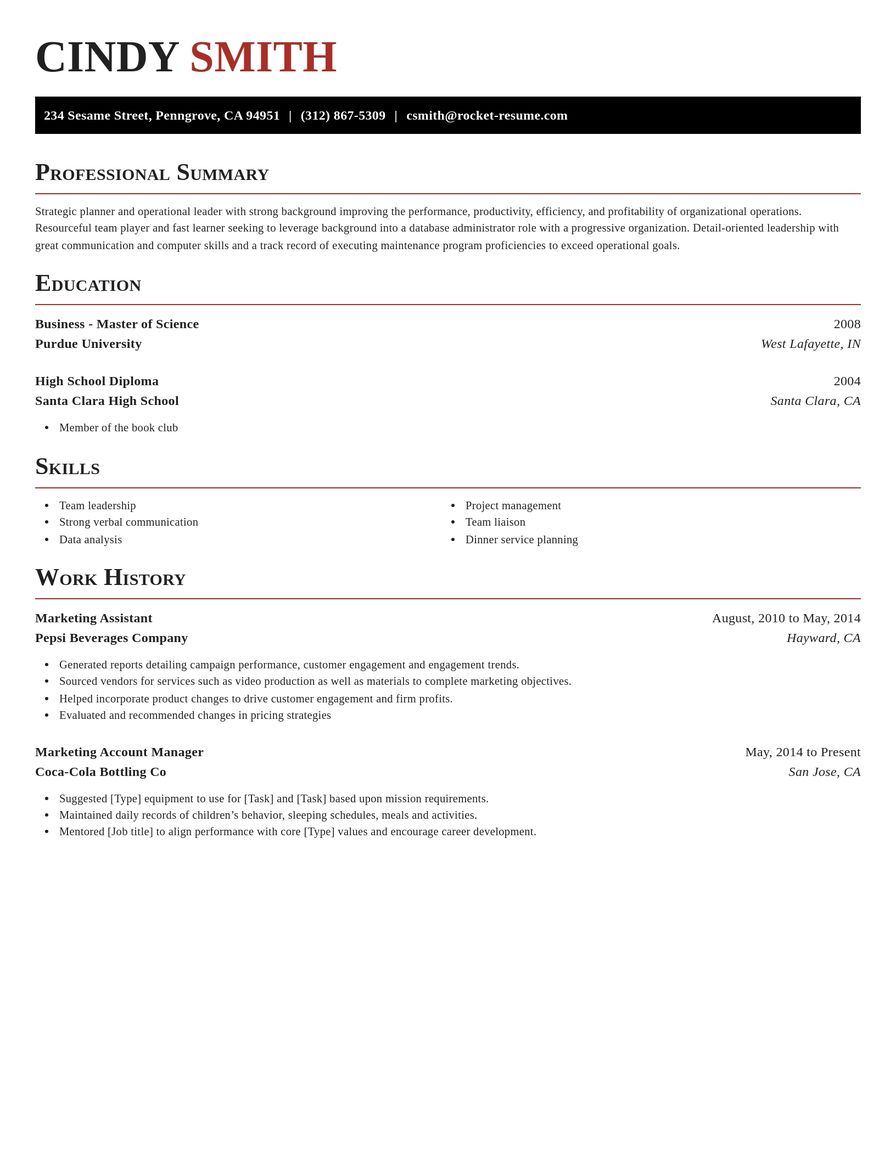
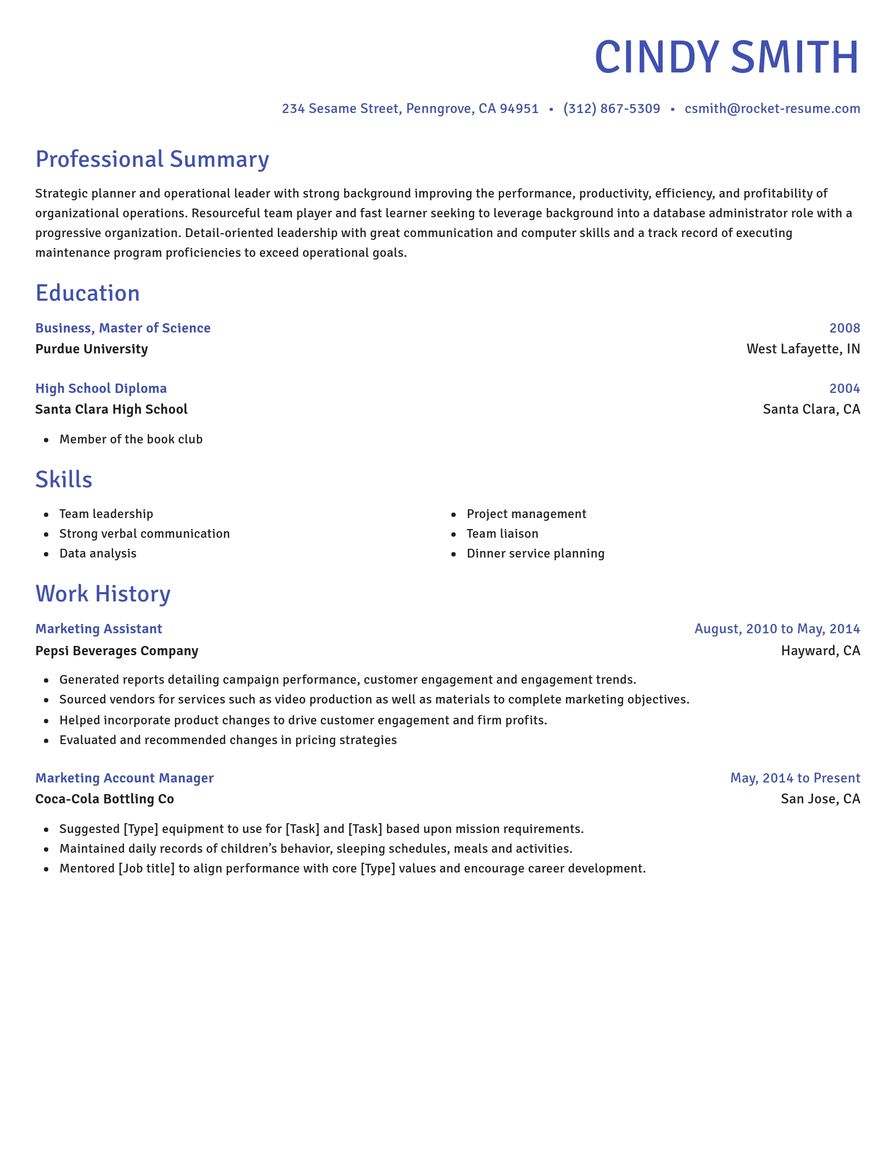
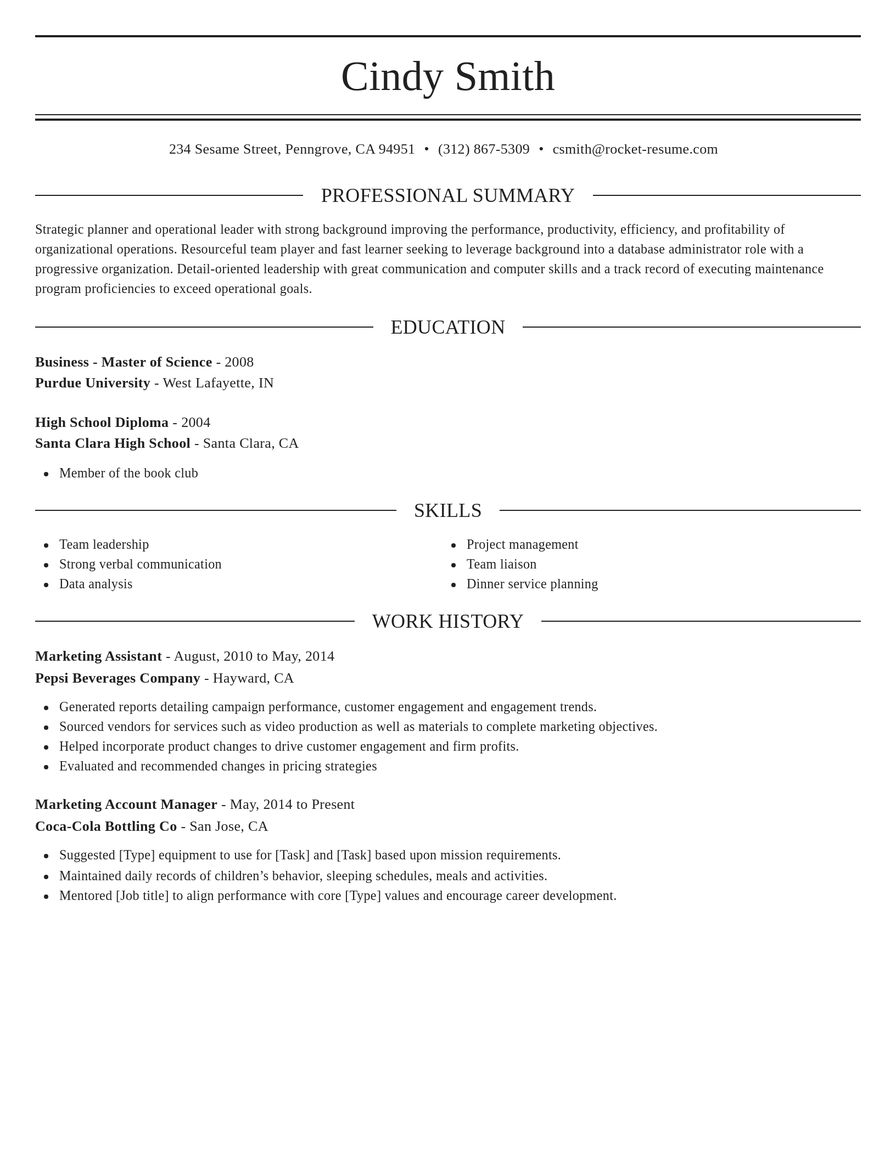
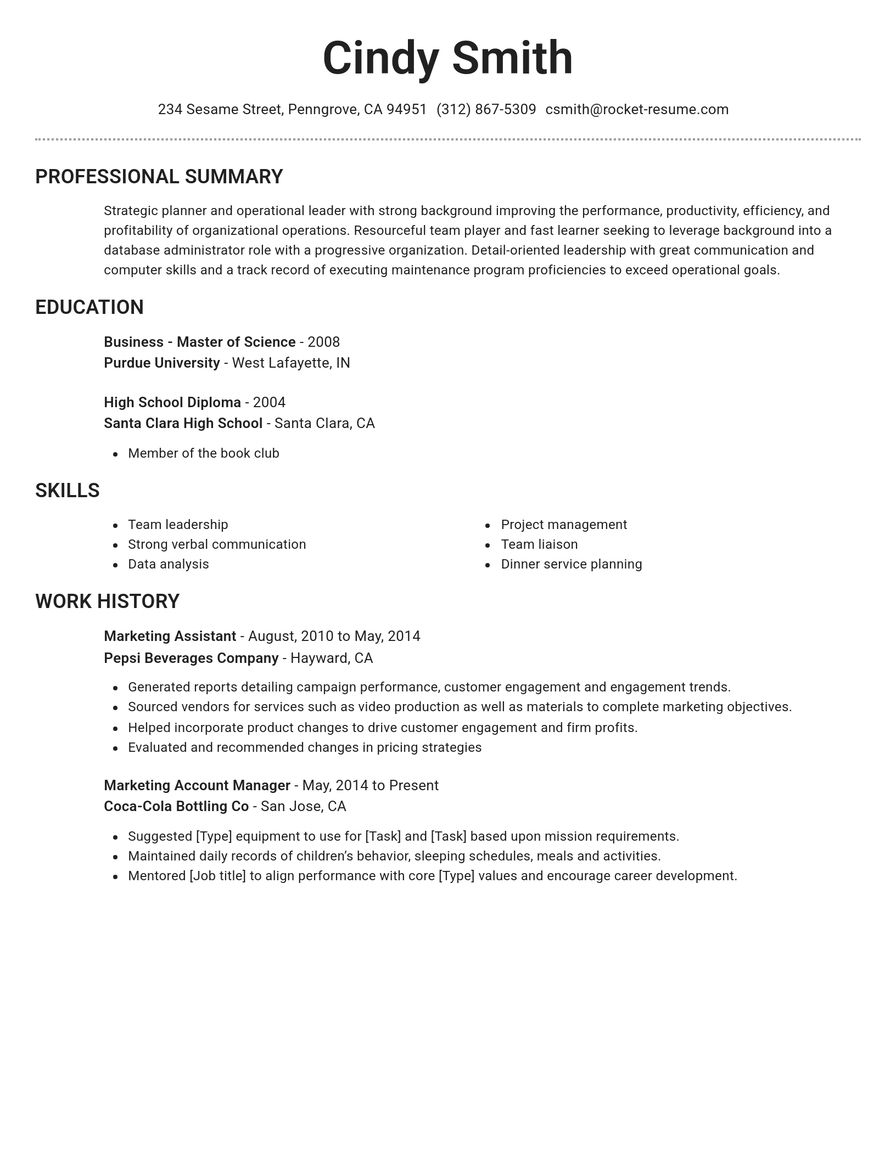
See fonts and spacing on a full page
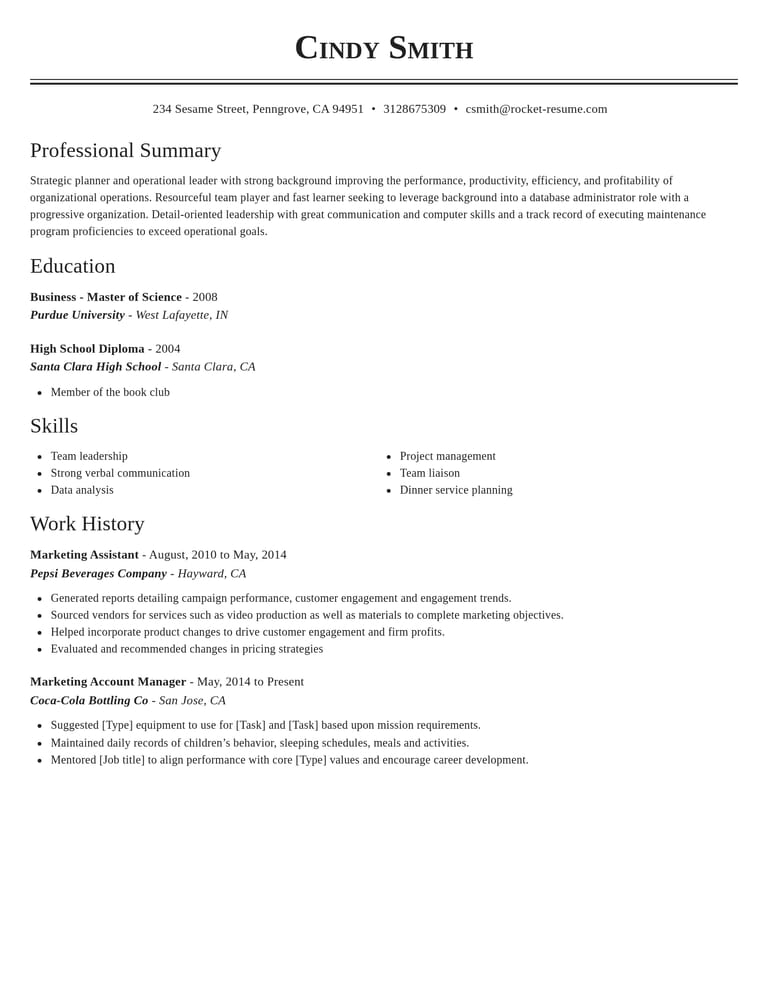
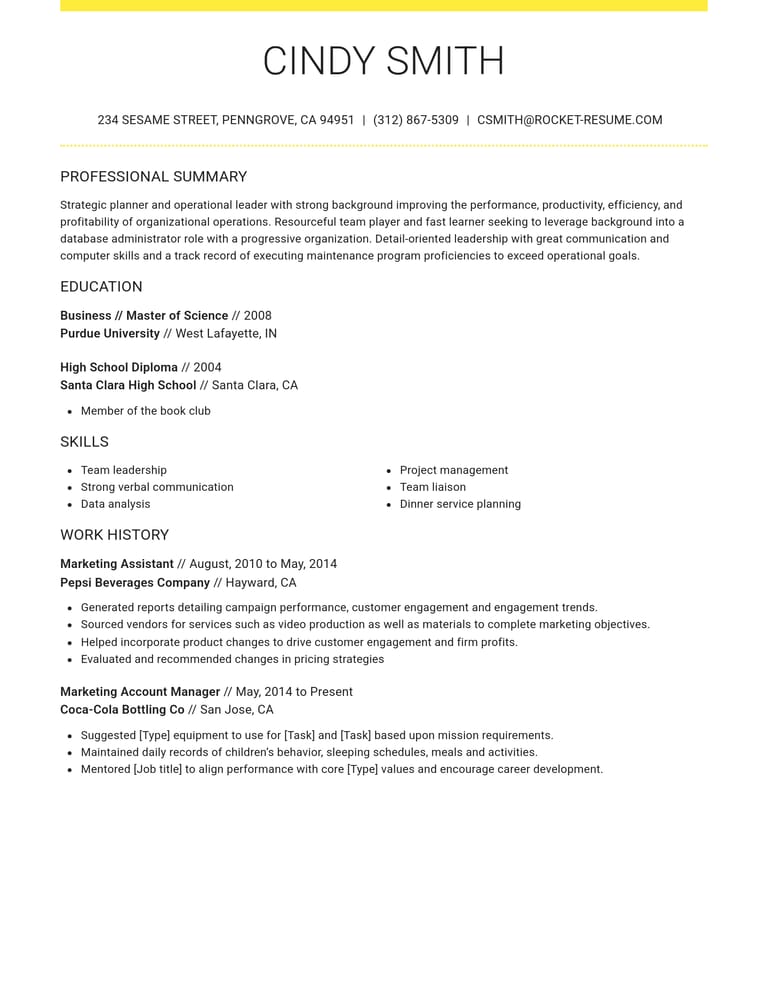
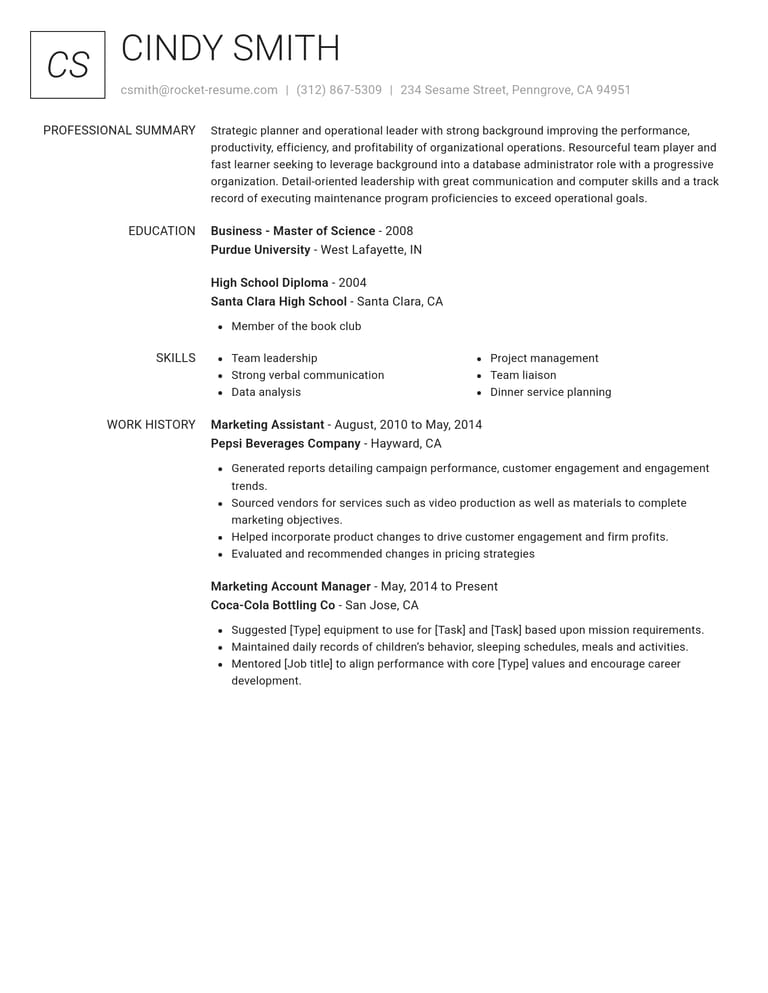
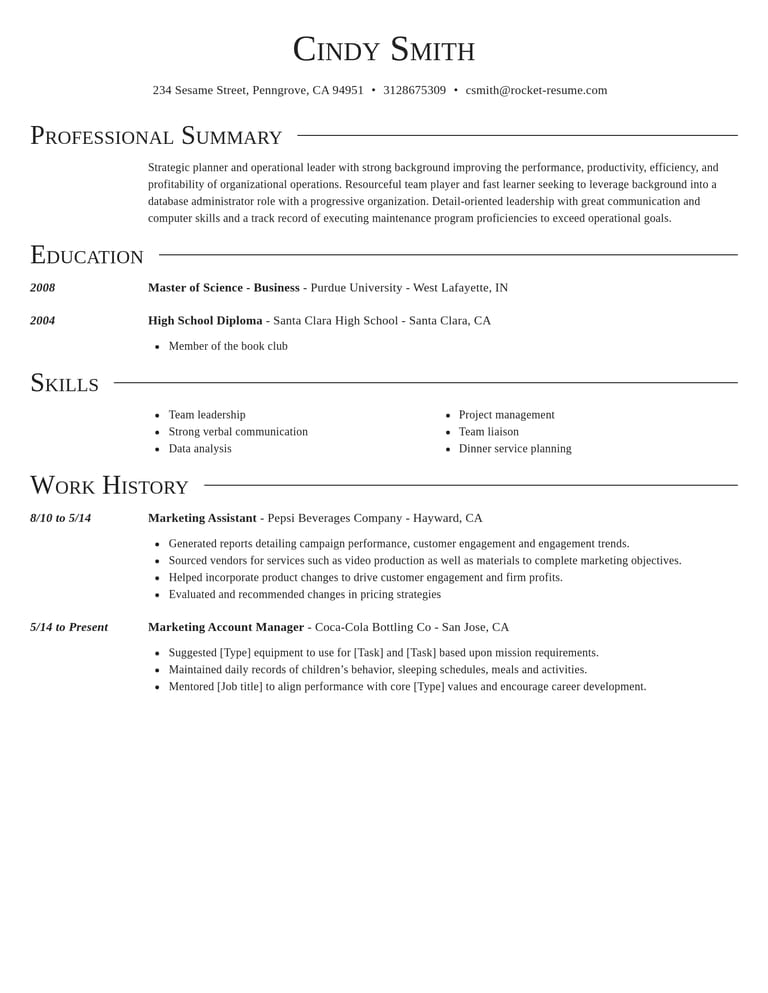
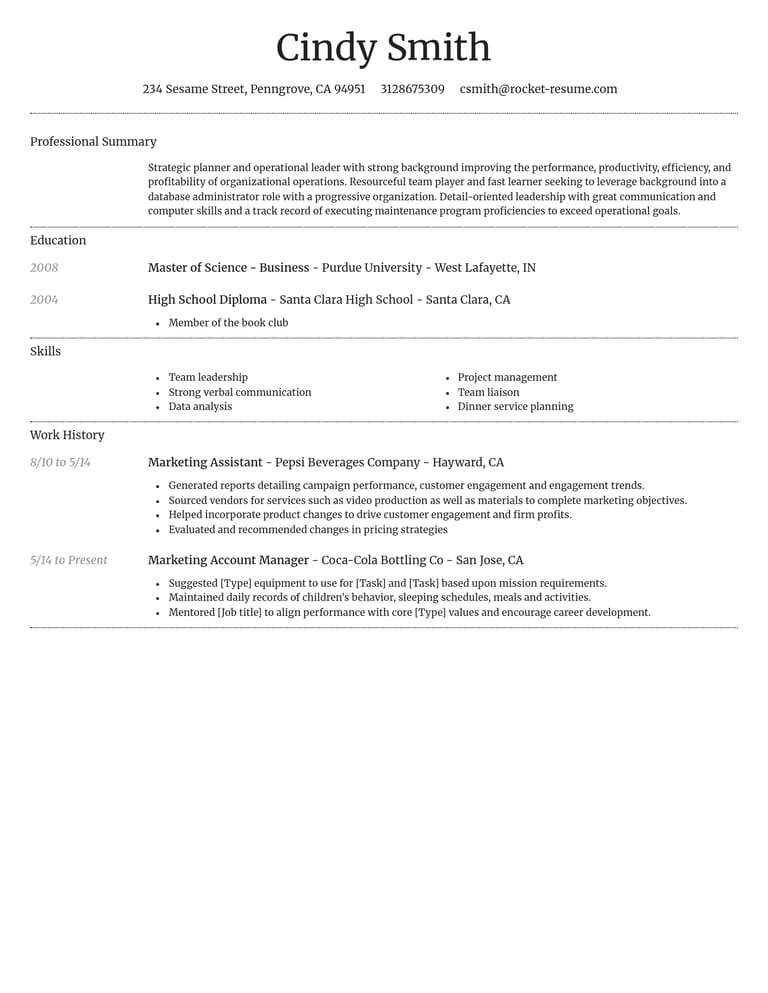
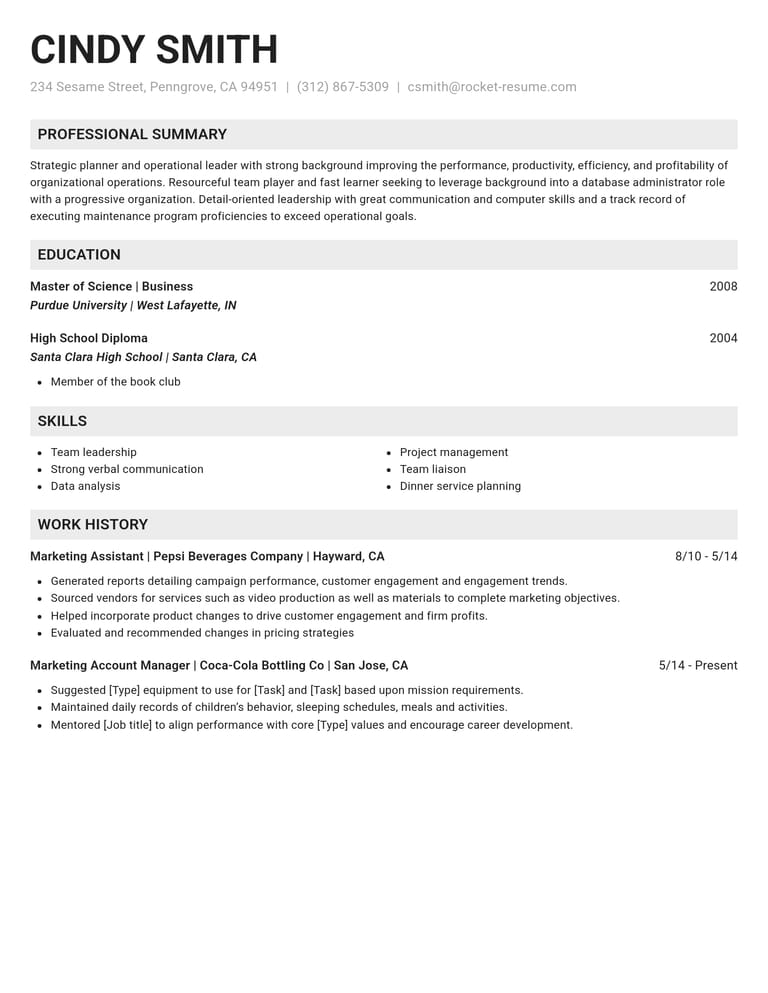
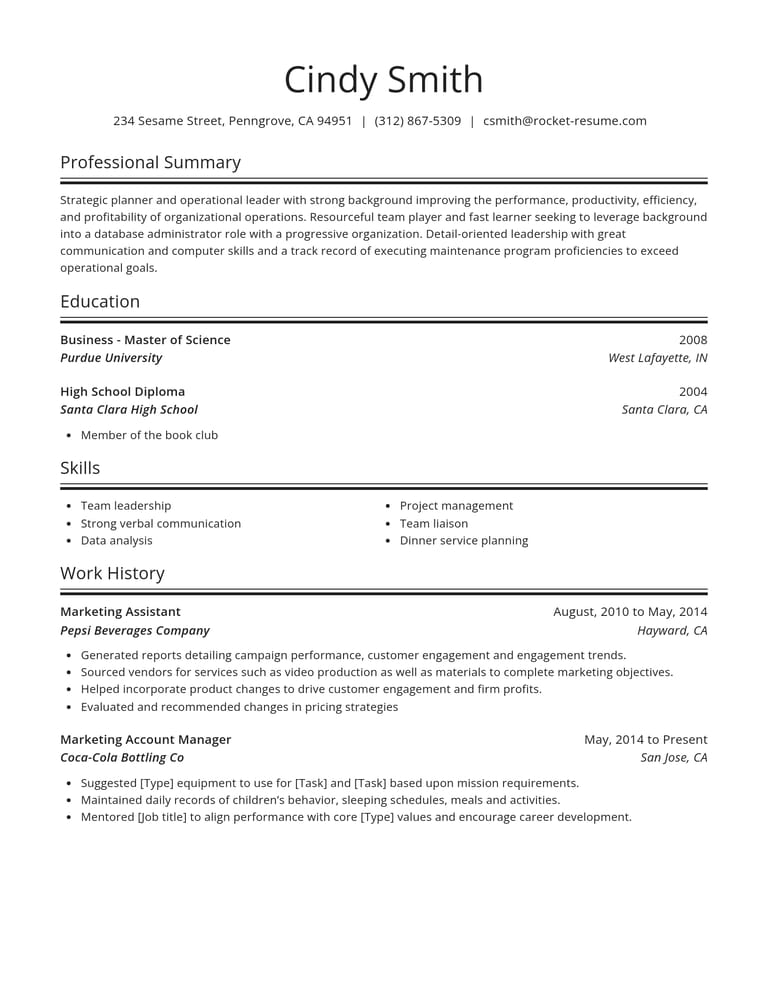
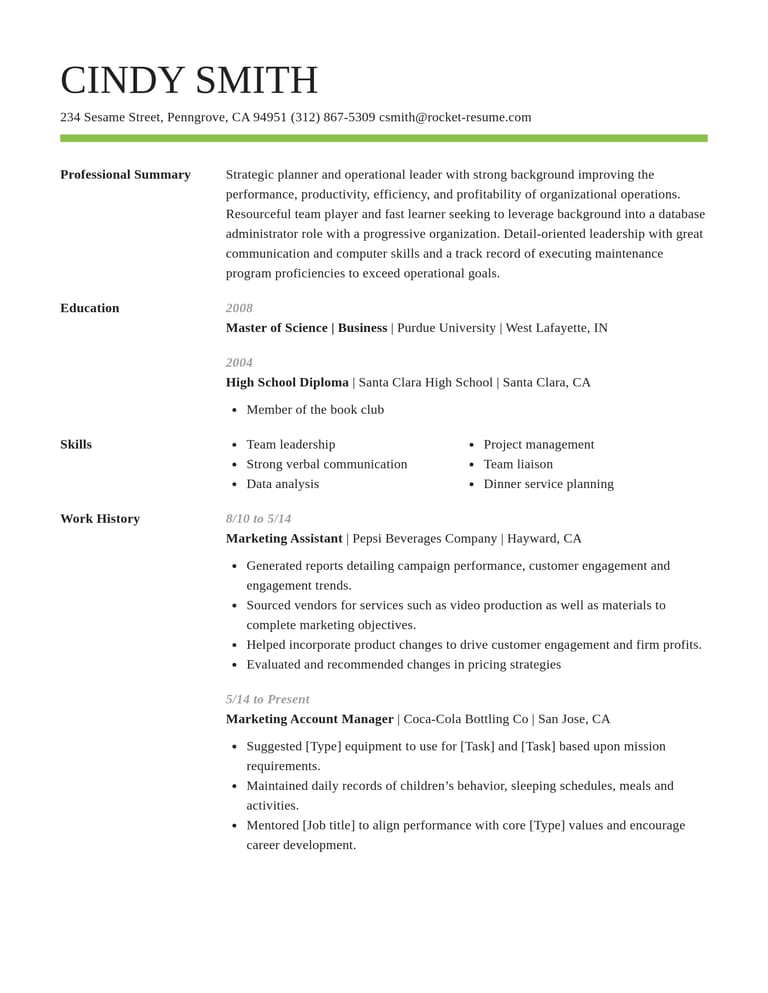
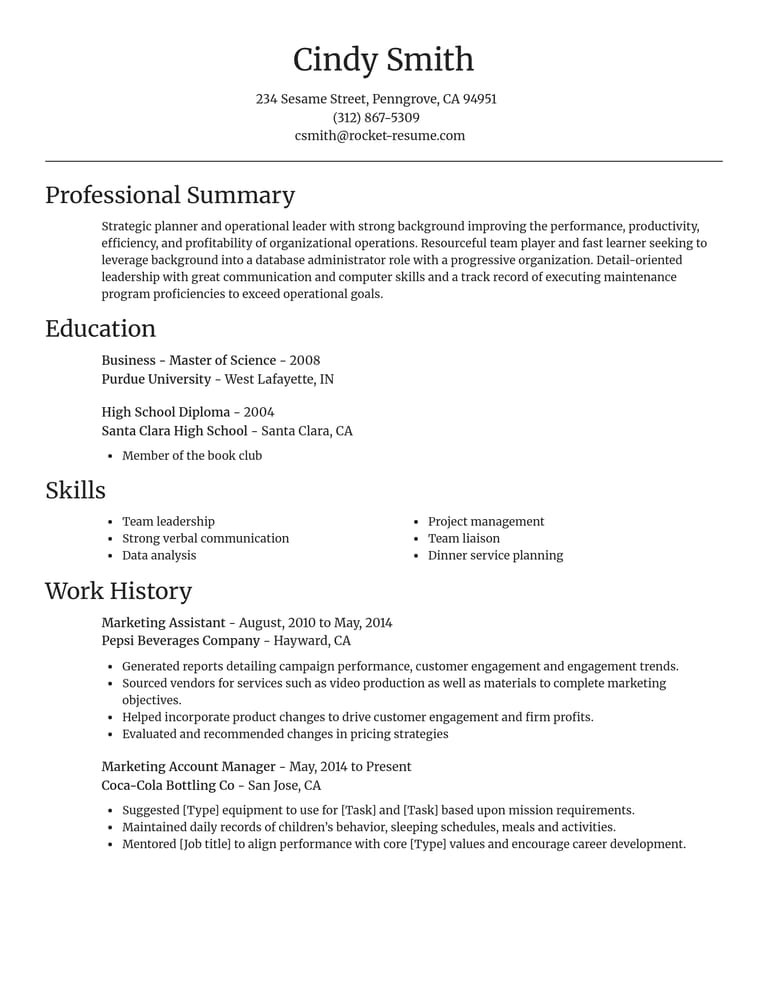
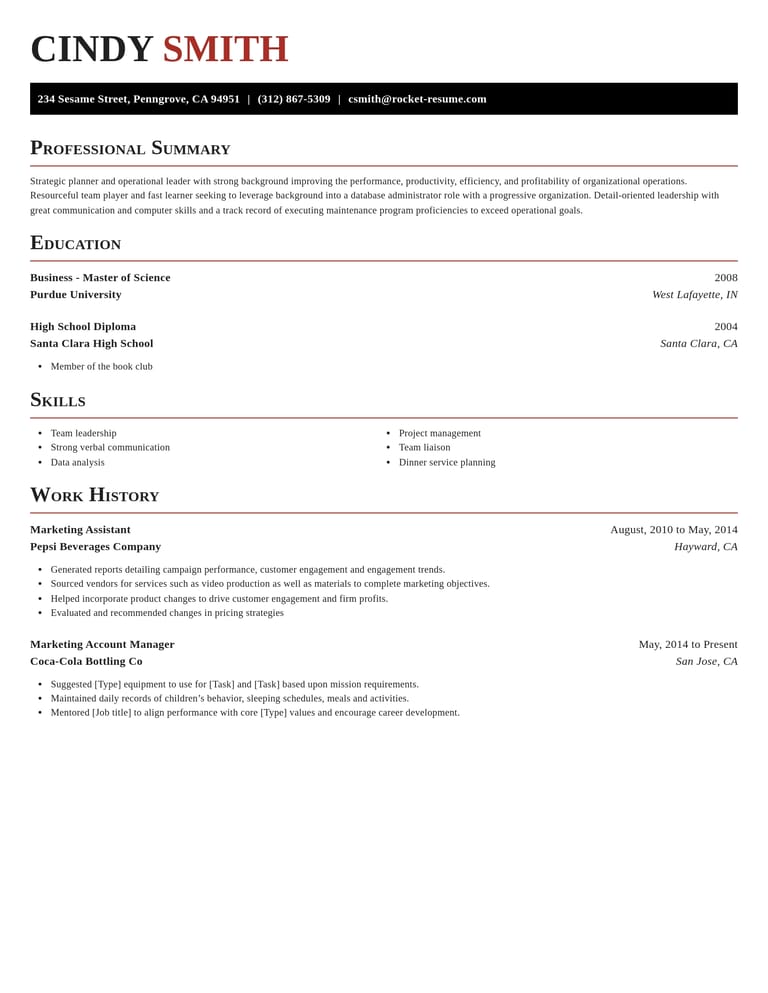
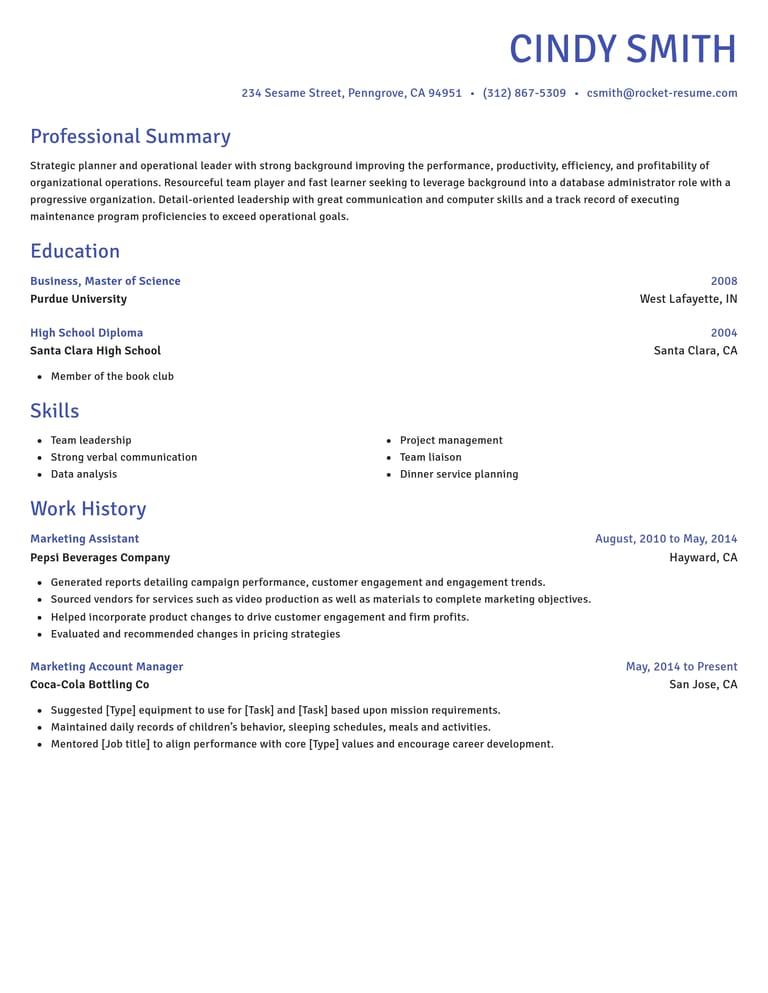
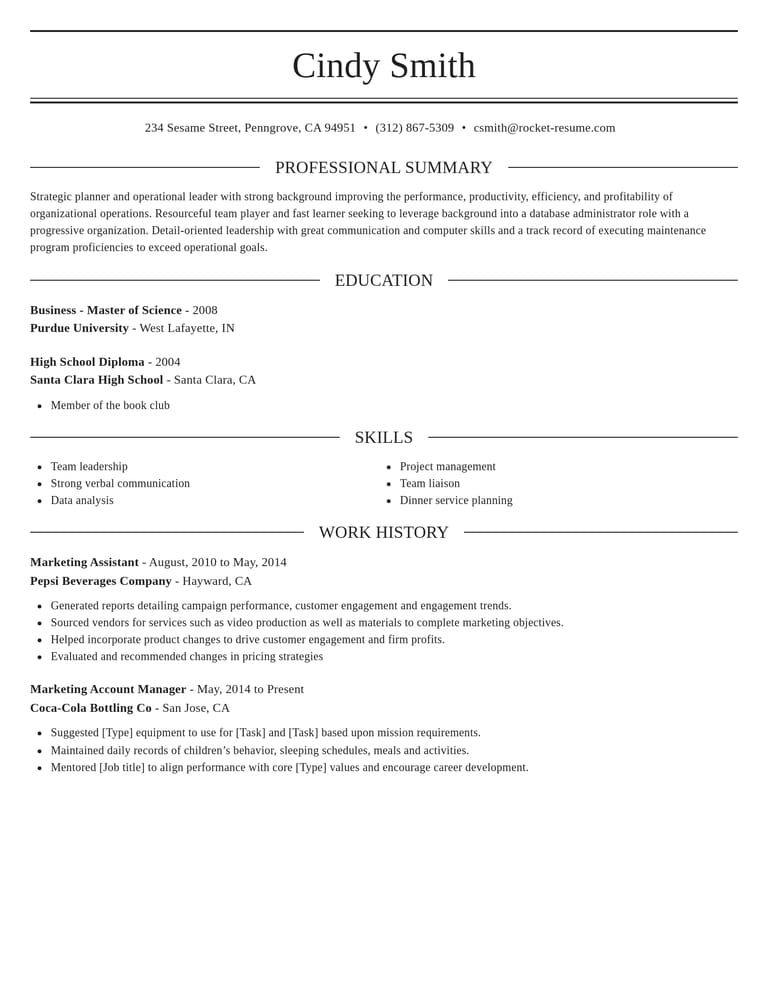
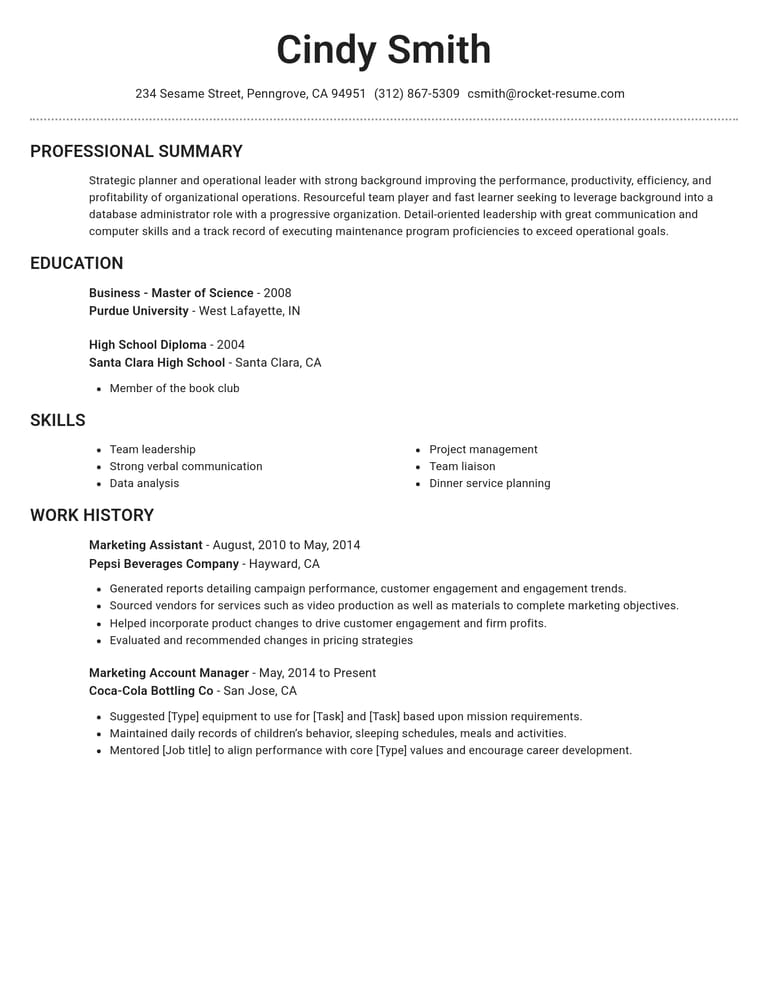
More than a blank CV layout

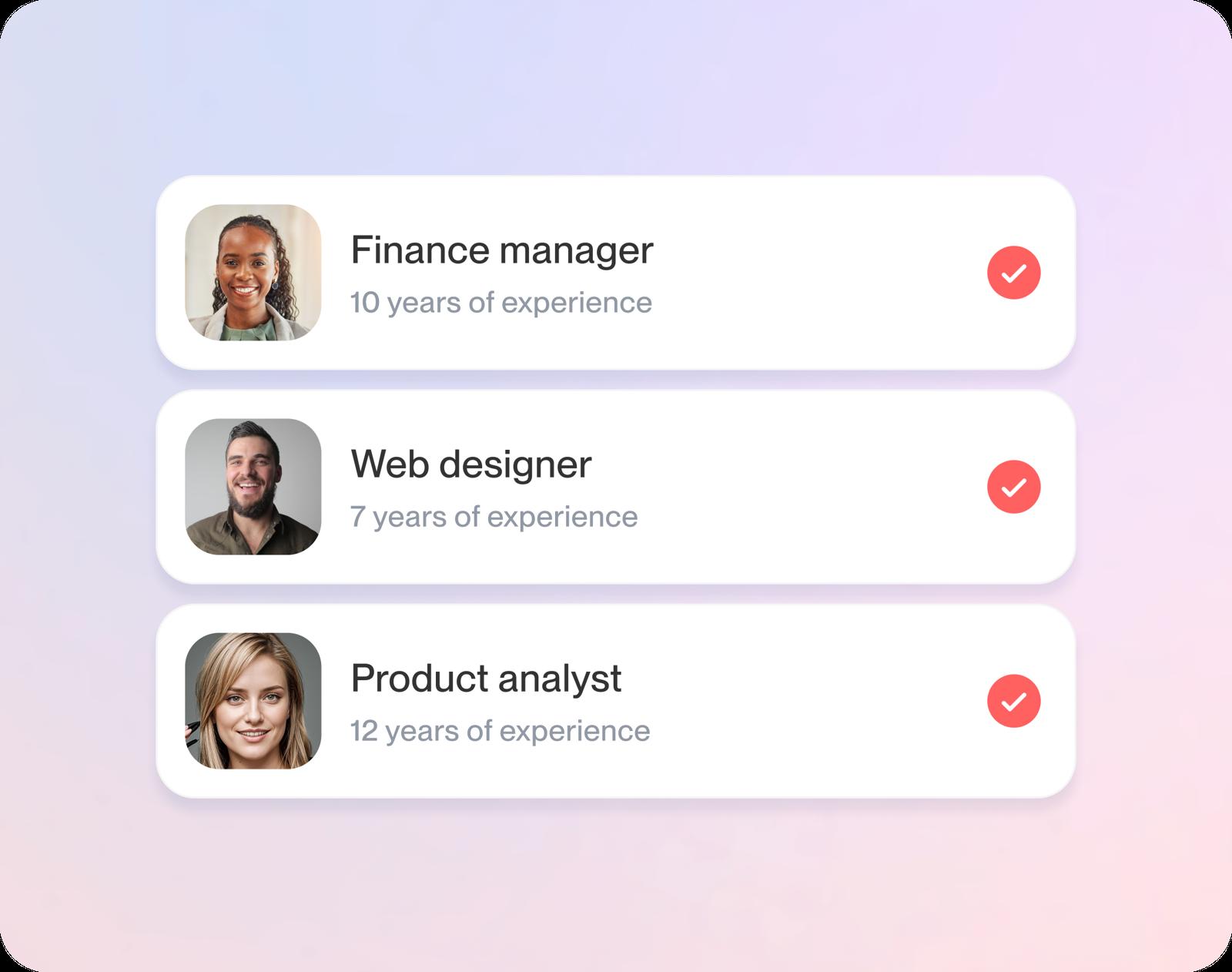
Suggestions written for your role
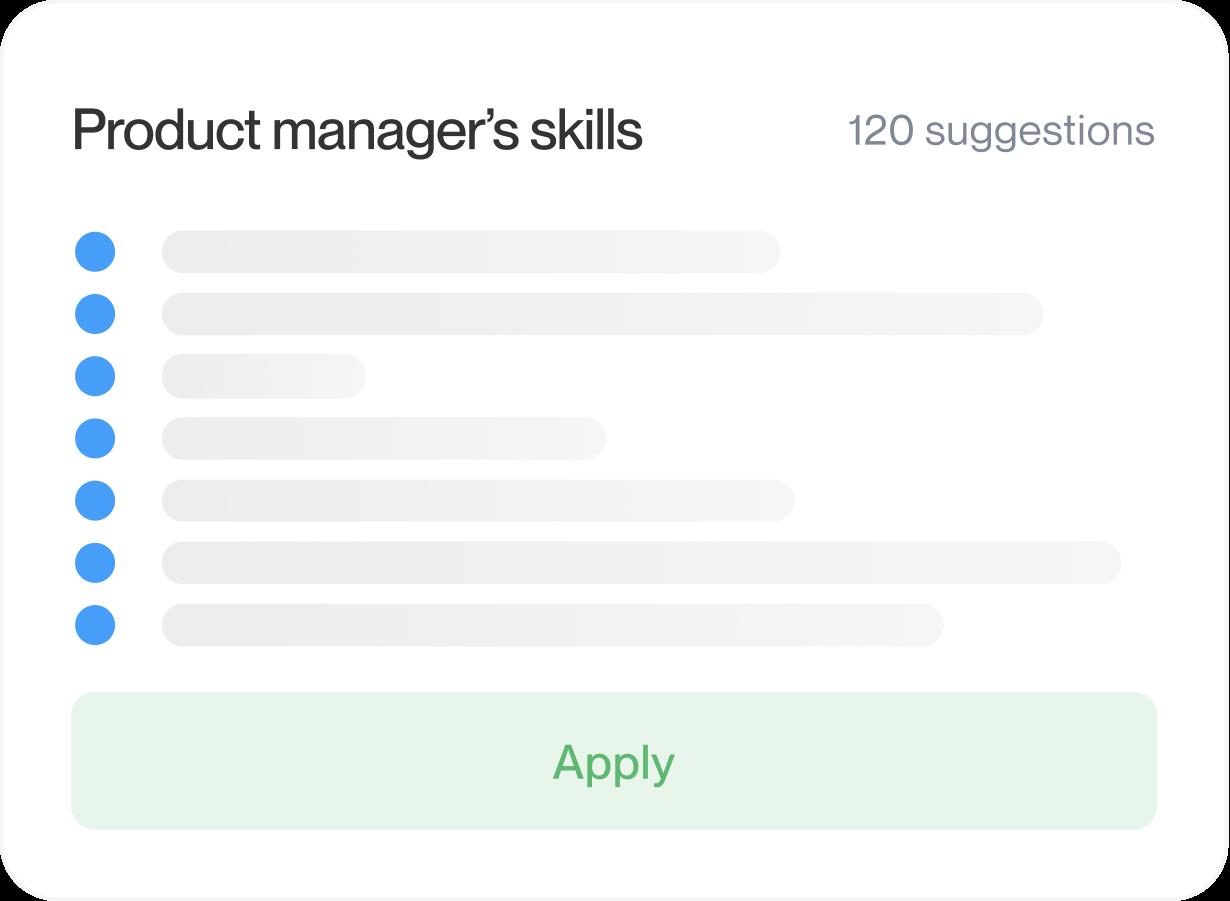
Enter your job title to see suggestions for the role. Use the ones that fit and add the details that make your experience specific.
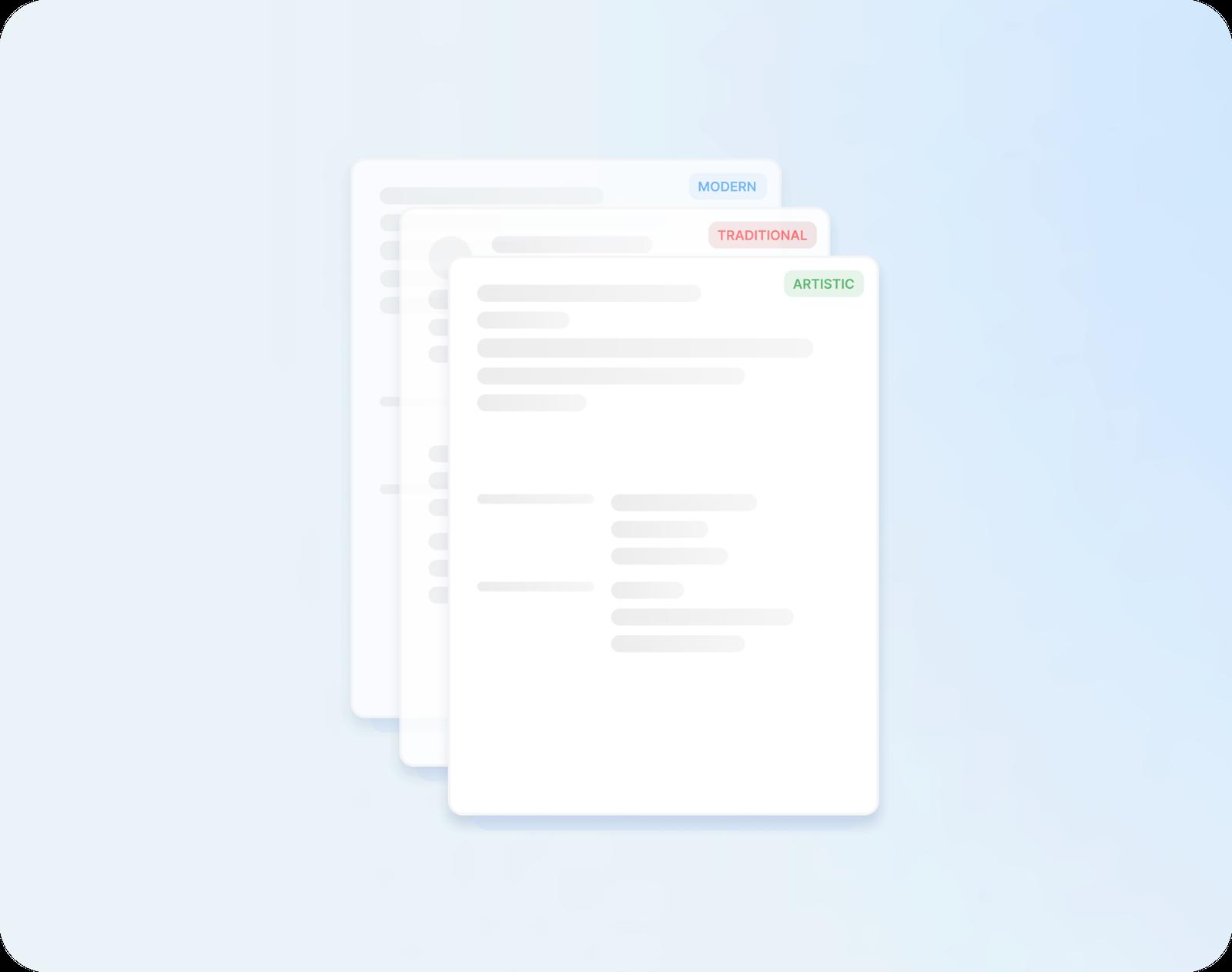
Easy to edit as you go
Change a line, move a section up or try another design. Your words stay put, and the preview shows each change straight away.
Keep the important details in view
Look for a clear place for job titles, dates and qualifications. Check the layout with your own details before you settle on it.
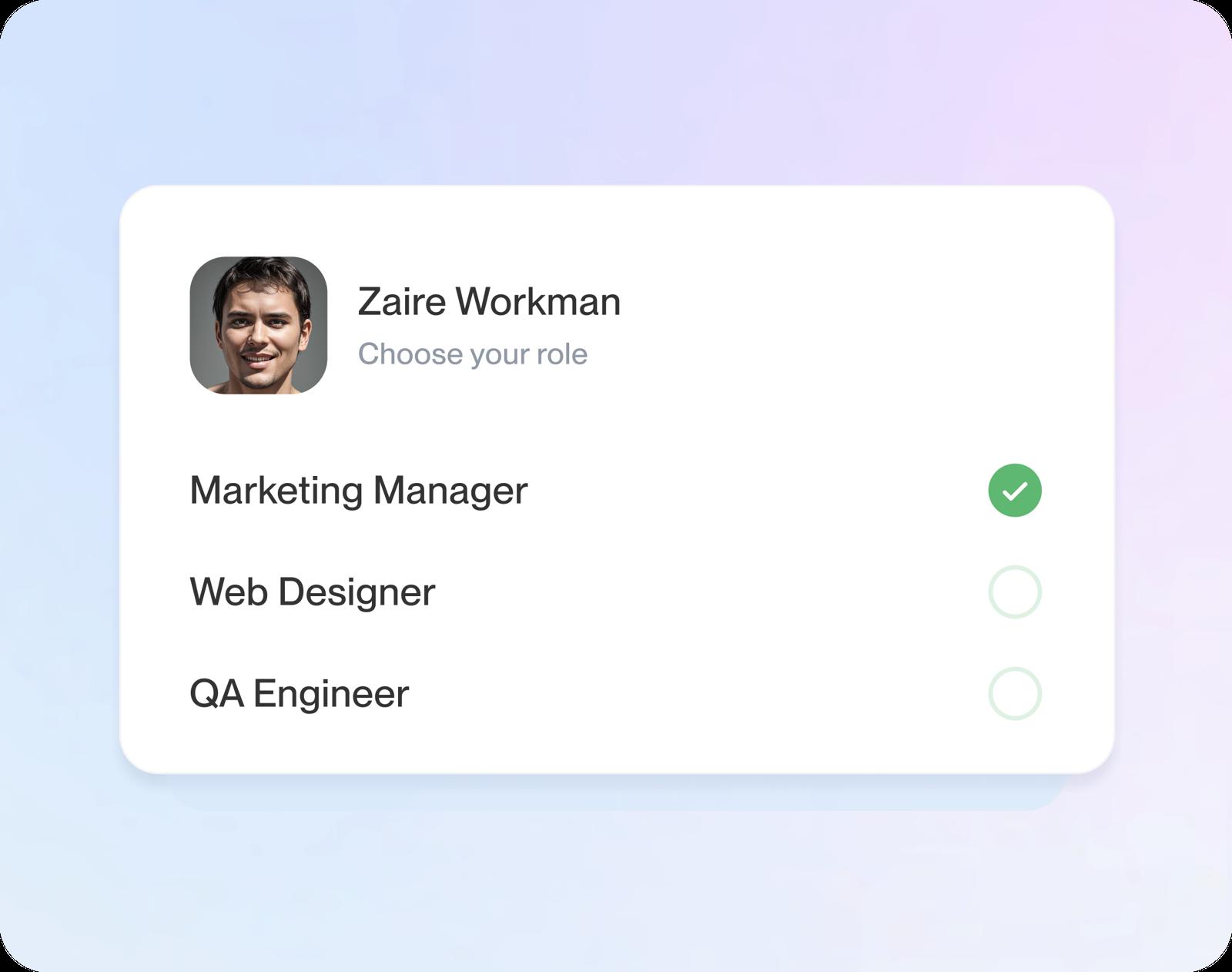
Fill in one section at a time
The builder guides you through your work history, education and skills so you can focus on one section at a time.
What happens after you pick a design
Step 1
Pick your design
Choose a design with room for your experience. If you’ve already selected a template above, continue with that choice.
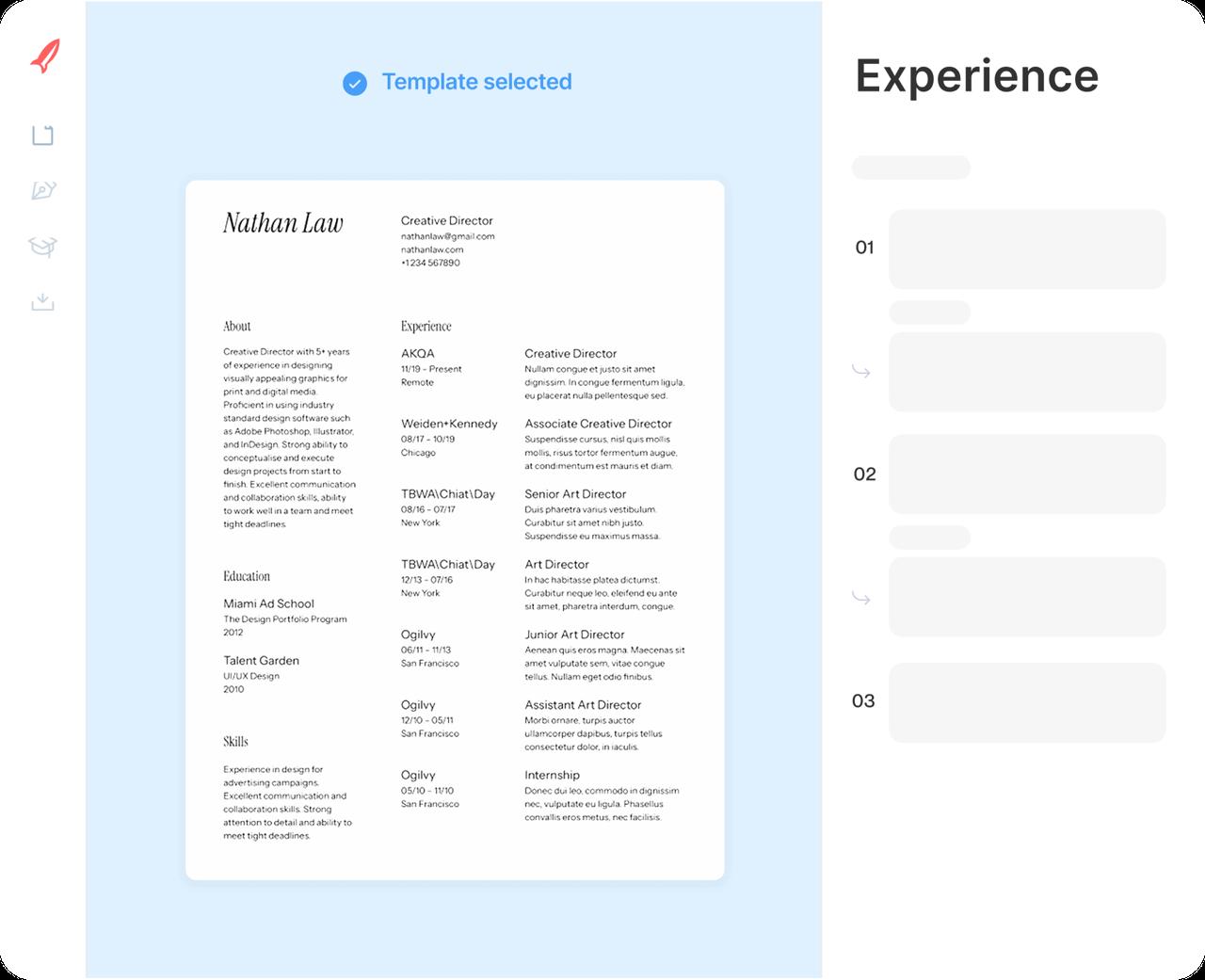
Step 2
Add your work history
Enter each job, newest first. Examples for each title appear as you go: keep the useful ones and make them your own.
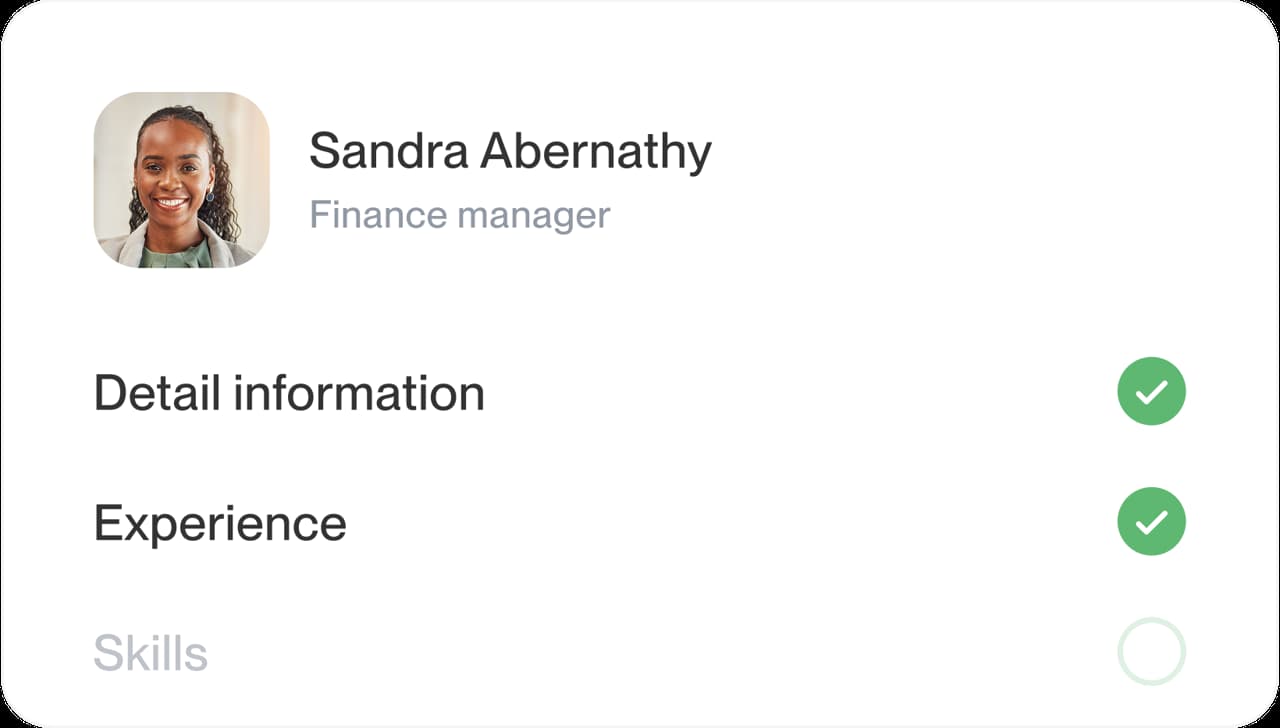
Step 3
Finish the other sections
Add education and skills, then a short profile. It's easier to sum yourself up once your jobs are on the page.
Step 4
Review and download
Read the preview, put your sections in the order that suits you, then download your finished CV.

Step 1
Pick your design
Choose a design with room for your experience. If you’ve already selected a template above, continue with that choice.
Step 3
Finish the other sections
Add education and skills, then a short profile. It's easier to sum yourself up once your jobs are on the page.
Step 2
Add your work history
Enter each job, newest first. Examples for each title appear as you go: keep the useful ones and make them your own.
Step 4
Review and download
Read the preview, put your sections in the order that suits you, then download your finished CV.

Judge a CV template with the whole page filled
A CV template can look balanced with sample content and uneven with your own. Judge the finished page as a whole, because the relationship between sections matters as much as the appearance of any single entry.
Notice where the page feels heavy
Look at the preview without reading every sentence and identify the densest area. A long profile above several short entries can make the introduction dominate the record even when the experience contains the useful evidence.
Check whether that weight reflects the purpose of the application. For a research CV, relevant academic material may reasonably occupy substantial space, while a long general introduction may contribute little.
Compare similar entries for visual rhythm
Read across a series of roles or qualifications and notice how comparable information appears. Titles, institutions, and dates should be easy to distinguish even when some names are much longer than others.
Do not force every description to the same length. A substantial research appointment and a brief assisting role need different amounts of explanation, but the page should still make their boundaries understandable.
Inspect the space between sections
Section breaks help the reader recognize a change of subject. Too little separation can make education run into experience, while an oversized empty area can make related information feel disconnected.
Treat these observations as reasons to compare designs or revise unnecessary text. Do not add filler simply to occupy an area that appears less full than the rest of the page.
Read the beginning and ending together
The final section should feel like part of the same document as the opening. Check that its headings and details remain readable rather than becoming an afterthought beneath a heavily developed work history.
A short closing skills section may be appropriate when it adds specific capabilities. It does not need expansion merely to balance a longer education section, provided the overall page remains clear.
Separate a content problem from a design problem
If a section feels crowded, inspect the writing before changing the template. Repeated explanations and overly detailed routine tasks can create density that a new design will only rearrange.
When the material is necessary, compare another style with the same words. Rocket Resume preserves your text when you change designs, allowing you to judge whether a different presentation serves the content more clearly.
Review after the last substantive edit
A final paragraph can change the balance of a page you already inspected. Use the live preview after completing the wording, and check the entire sequence rather than only the section you just edited.
For an academic or medical application, include the requested material even when it requires a longer record. A finished look comes from coherent presentation of the necessary content, not from forcing every CV into the same silhouette.
Research behind clear CV writing
“Great resume builder, I'll be using it again”

“I needed a resume fast, great and very useful”

CV templates: what people ask
Why does a template look different after I fill it in?
Your names, qualifications, and descriptions have different lengths from the sample material. Those differences affect density and the balance between sections. Judge the design after adding meaningful content, and distinguish necessary detail from repetition before deciding whether a different template would present the record more clearly.
Should every CV section occupy a similar amount of space?
No. Give each section the space its relevant content requires. A substantial research record may need much more room than a compact skills section. Look for clear boundaries and readable relationships between sections instead of adding filler or cutting useful evidence to make their lengths match.
When should I compare another template rather than trim text?
Compare another design when the content is necessary but the presentation makes it difficult to follow. First remove repetition and unrelated explanation. If the remaining detail still feels cramped or disconnected, use the same words in another style and assess the readability of the whole page.
See CV examples from your industry
Industries in the weekly focus





- 11 examples
- 17 examples
- 38 examples
- 9 examples
- 14 examples
- 23 examples






Show all industries (A–Z)Show fewer
- Aerospace & Defense, 8 examples
- Agriculture, 23 examples
- Apparel & Textiles, 13 examples
- Architecture, 15 examples
- Artificial Intelligence, 6 examples
- Arts & Entertainment, 24 examples
- Automotive, 21 examples
- Beauty & Personal Care, 17 examples
- Biotechnology & Life Sciences, 7 examples
- Business Services, 23 examples
- Chemical Engineering, 4 examples
- Childcare, 14 examples
- Construction, 106 examples
- Creative, 15 examples
- Customer Service, 17 examples
- Education, 94 examples
- Energy, 39 examples
- Environmental Science, 5 examples
- Finance, 63 examples
- Food & Beverage, 68 examples
- Government, 48 examples
- Healthcare, 160 examples
- Hospitality, 35 examples
- Human Resources, 18 examples
- Insurance, 10 examples
- Legal, 12 examples
- Logistics, 37 examples
- Manufacturing, 68 examples
- Marketing, 8 examples
- Media, 20 examples
- Military, 24 examples
- Mining & Metals, 9 examples
- Nonprofit, 8 examples
- Pharmaceuticals, 12 examples
- Public Relations, 10 examples
- Real Estate, 7 examples
- Retail, 38 examples
- Robotics, 11 examples
- Sales, 14 examples
- Security Services, 19 examples
- Social Services & Counseling, 21 examples
- Social Work, 14 examples
- Sports & Fitness, 96 examples
- Technology, 67 examples
- Telecommunications, 6 examples
- Tourism & Travel, 9 examples
- Transportation, 38 examples
- Veterinary, 9 examples
Don’t see your job?

Hear from customers before you pick
from 3,900+ reviews