Create a CV you can
Want a complete, well-ordered CV? Create it section by section, see what each part needs and check how it looks in the live preview before you finish.
- Every section covered, one at a time
- Suggestions to help explain your work
- A live preview before you finish
- Save your progress and return anytime

Danny
Apr 2023
“I'll recommend it to friends and family.”

Sameer T.
Aug 2022
“I would definitely tell others about it”

Anamaria P.
Jul 2026
“Very happy with the service, it helped a lot.”

Aaliyah
Apr 2026
“I was able to land an interview!”
from 3,900+ reviews



Get the details right on your CV

Show what you did
Describe the work behind your job title. Include what you handled, who you helped and any results you can support.
Make your experience easy to follow
Keep job titles, employers and dates clear. Use familiar section headings so a reader can find your experience and qualifications.

Suggestions for you
Enter a job you’ve held to see suggestions for that role. Keep the ones that fit your experience and edit them to match your work.

Match each CV to the job
Save your CV to your account, then duplicate it in My Library for another application. Adjust the copy to give the most relevant experience more space.
How to build a CV with the CV builder
Step 1
Pick a design to start
Start with a quick question about your background, then choose a professional design. A later design change keeps all your text.
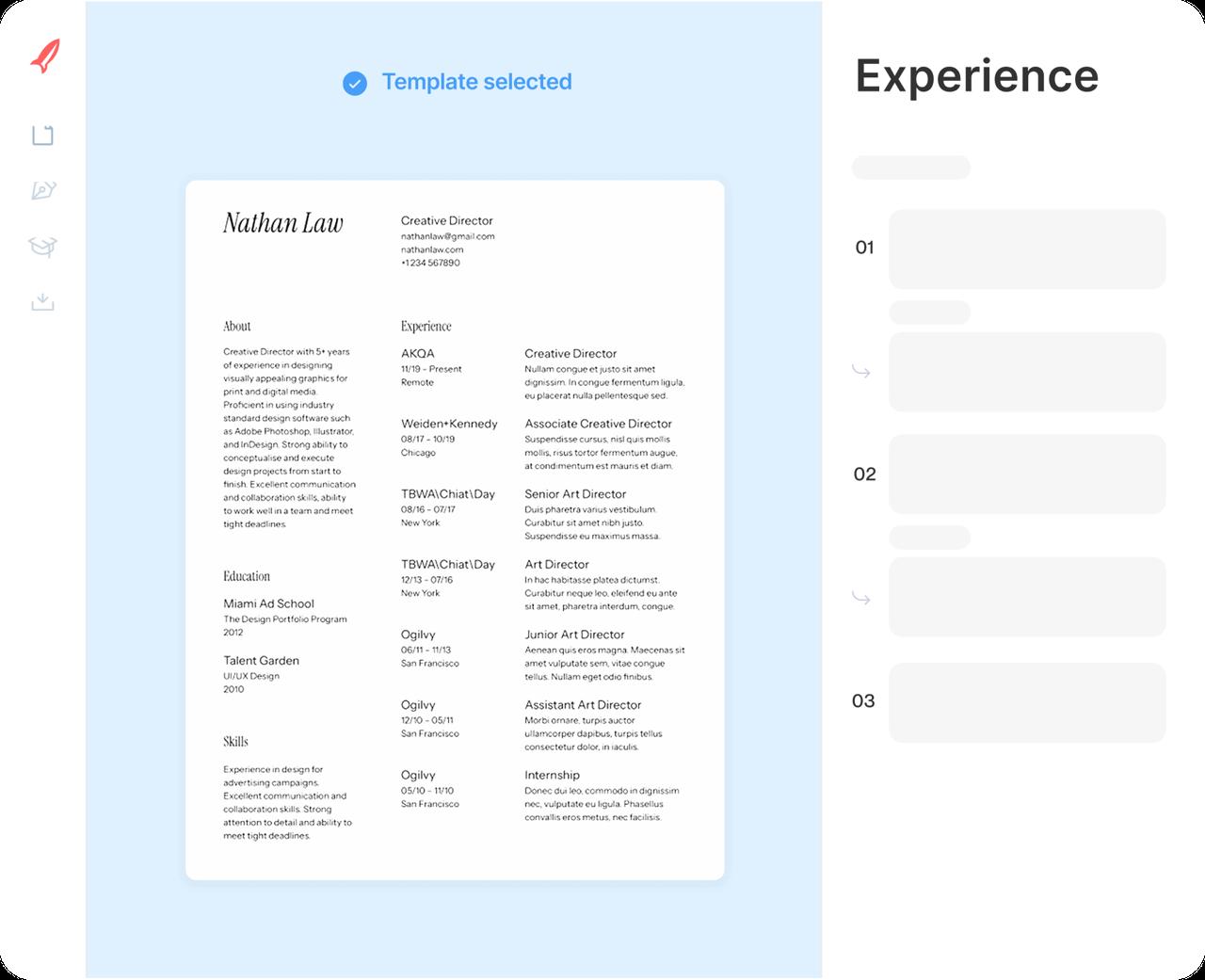
Step 2
Add your jobs and schooling
Enter each job, newest first, then your education. Each job title you type brings up examples; pick the ones that match your work.
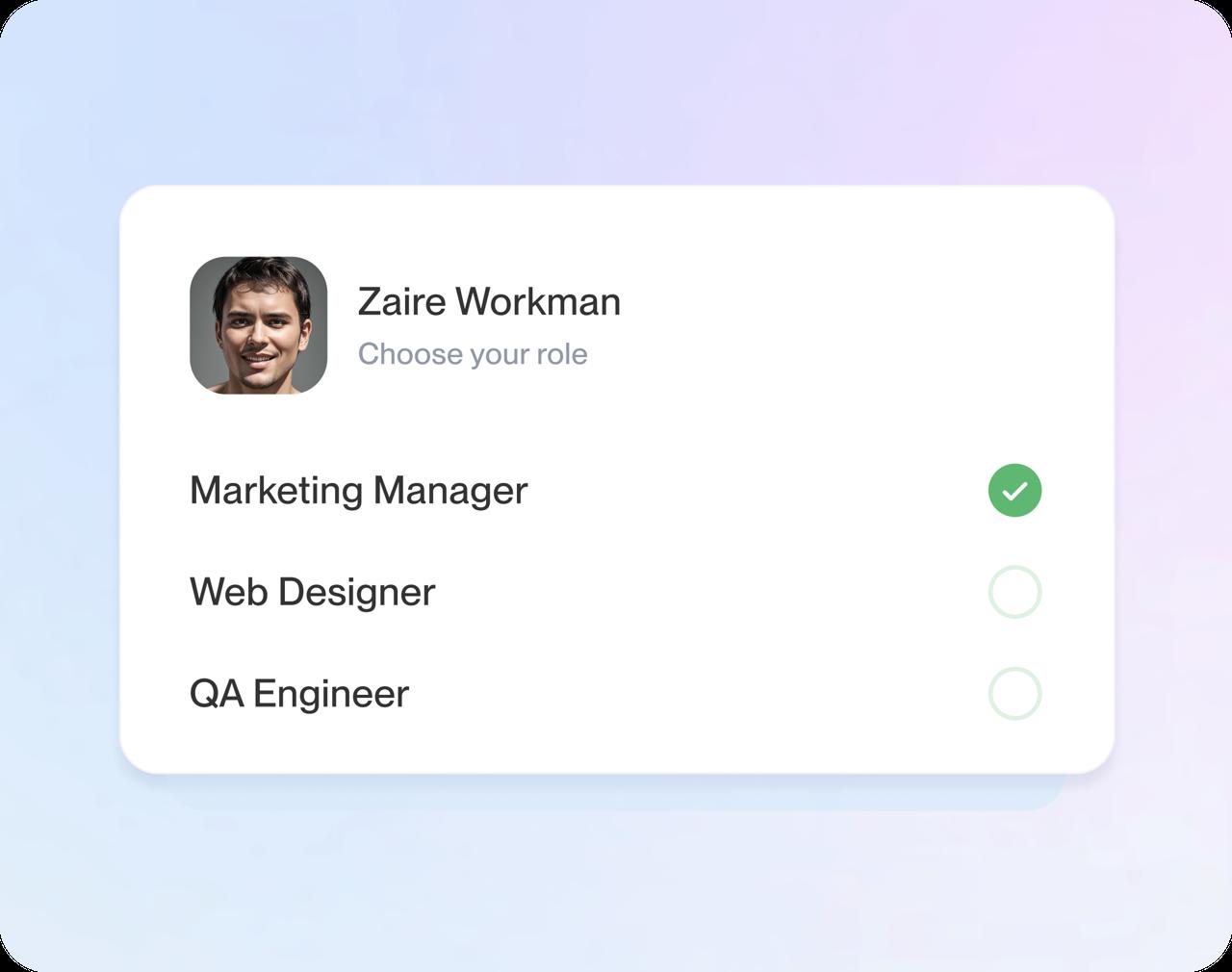
Step 3
Polish it as you go
Reword the examples until they sound like you, lead with your strongest section and check the preview as your CV takes shape.

Step 4
Download your CV
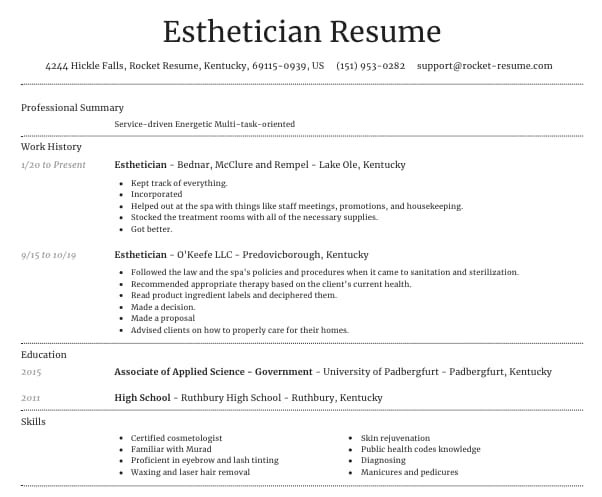
Read it once more for dates and spelling, then download the finished CV.
Step 1
Pick a design to start
Start with a quick question about your background, then choose a professional design. A later design change keeps all your text.
Step 3
Polish it as you go
Reword the examples until they sound like you, lead with your strongest section and check the preview as your CV takes shape.
Step 2
Add your jobs and schooling
Enter each job, newest first, then your education. Each job title you type brings up examples; pick the ones that match your work.
Step 4
Download your CV
Read it once more for dates and spelling, then download the finished CV.
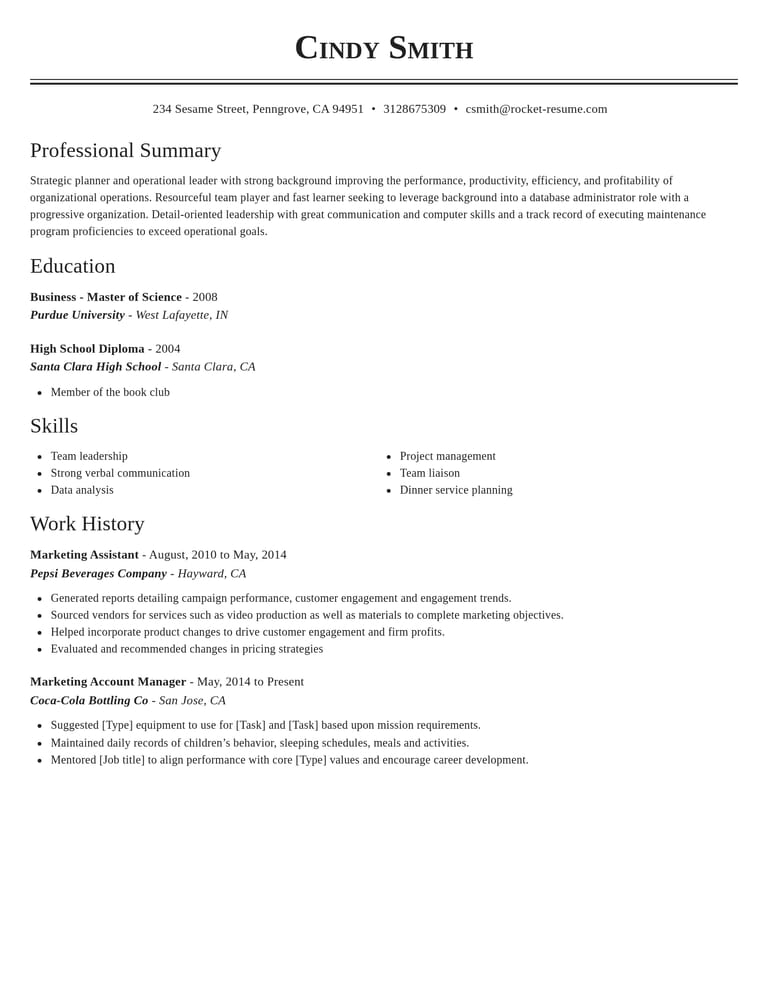
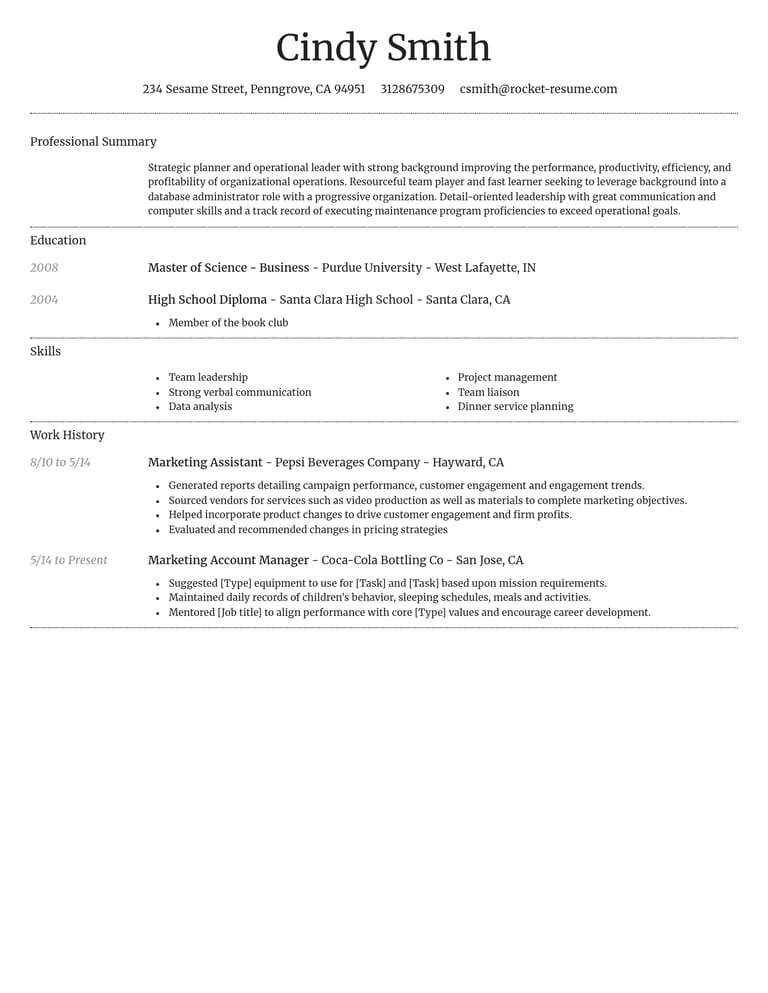
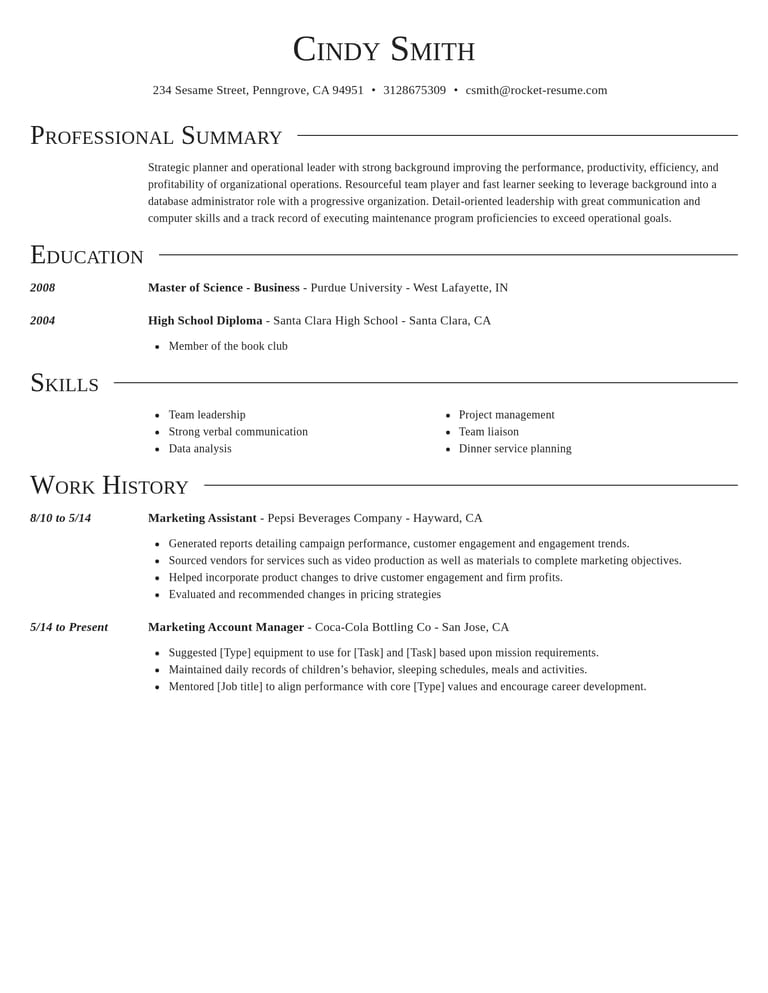
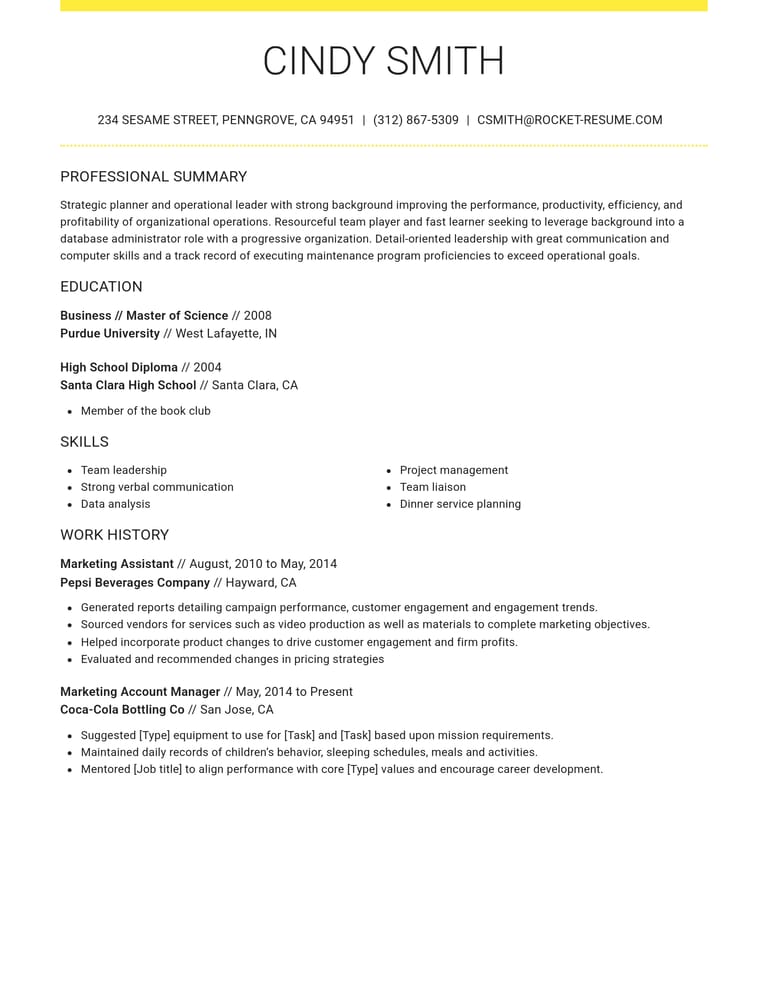
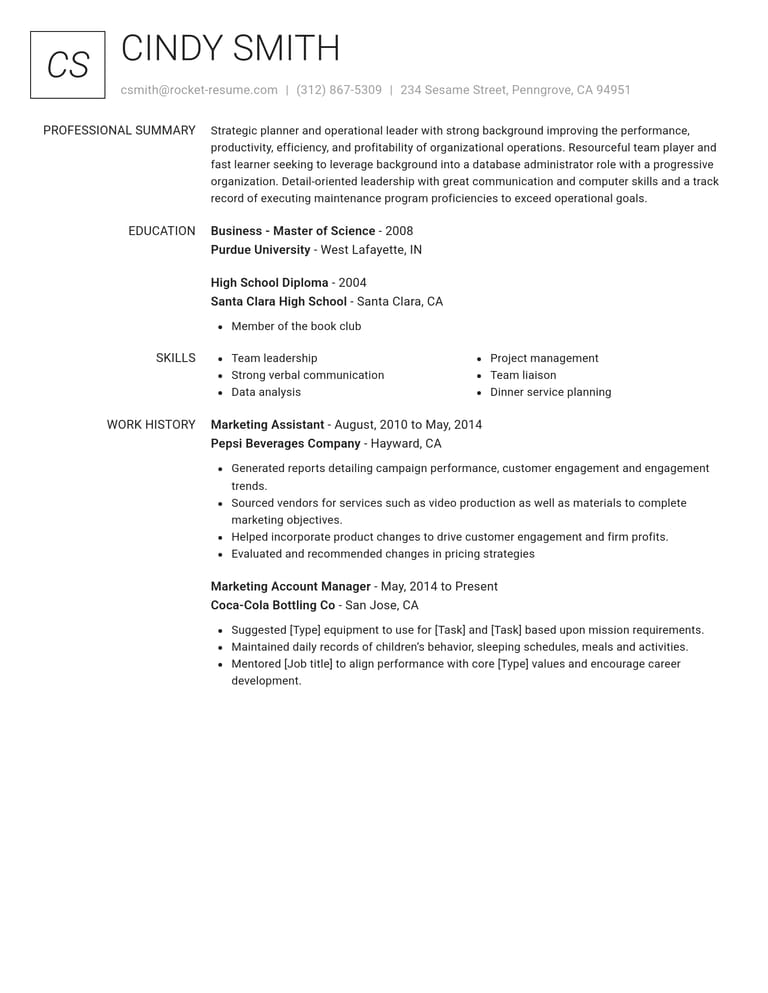
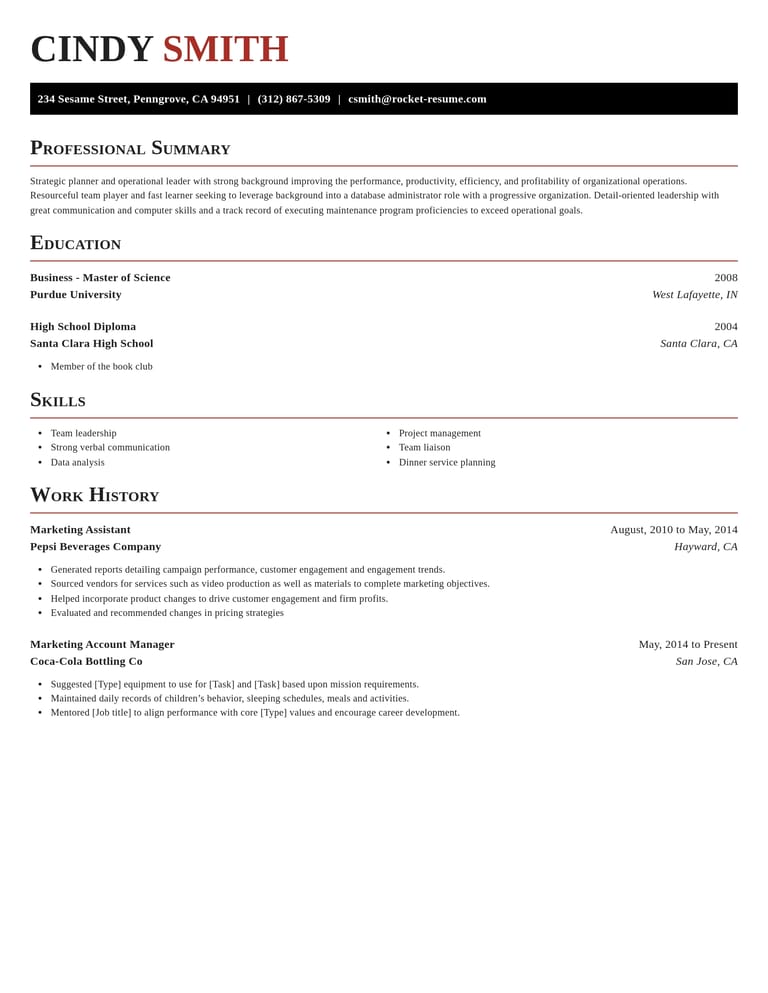
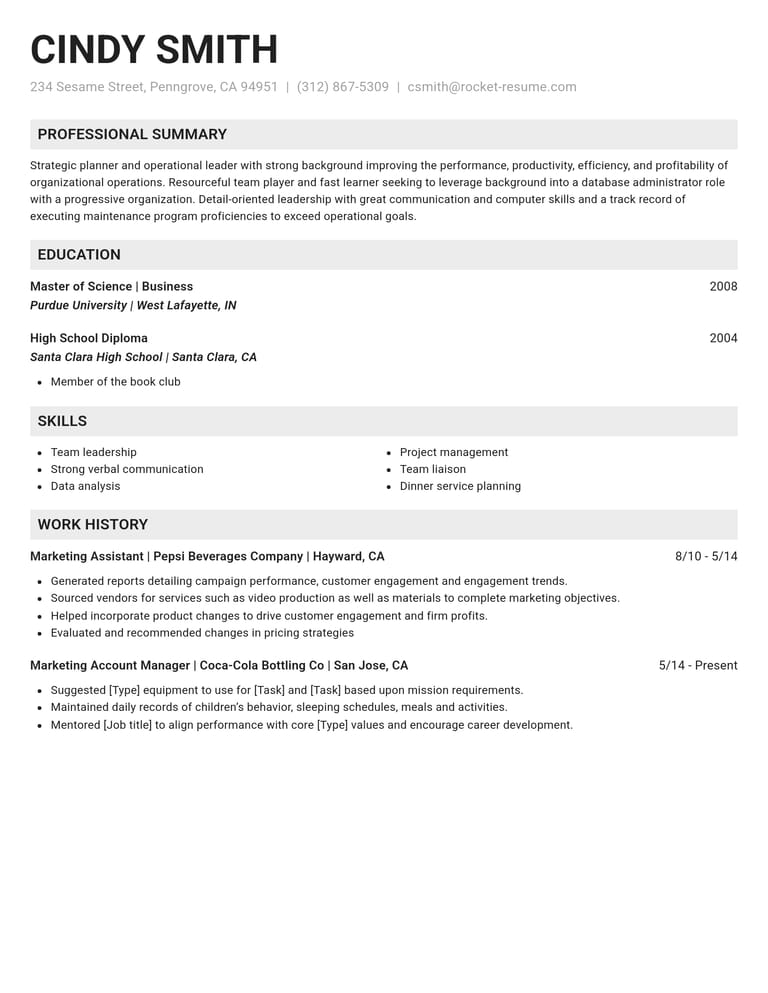
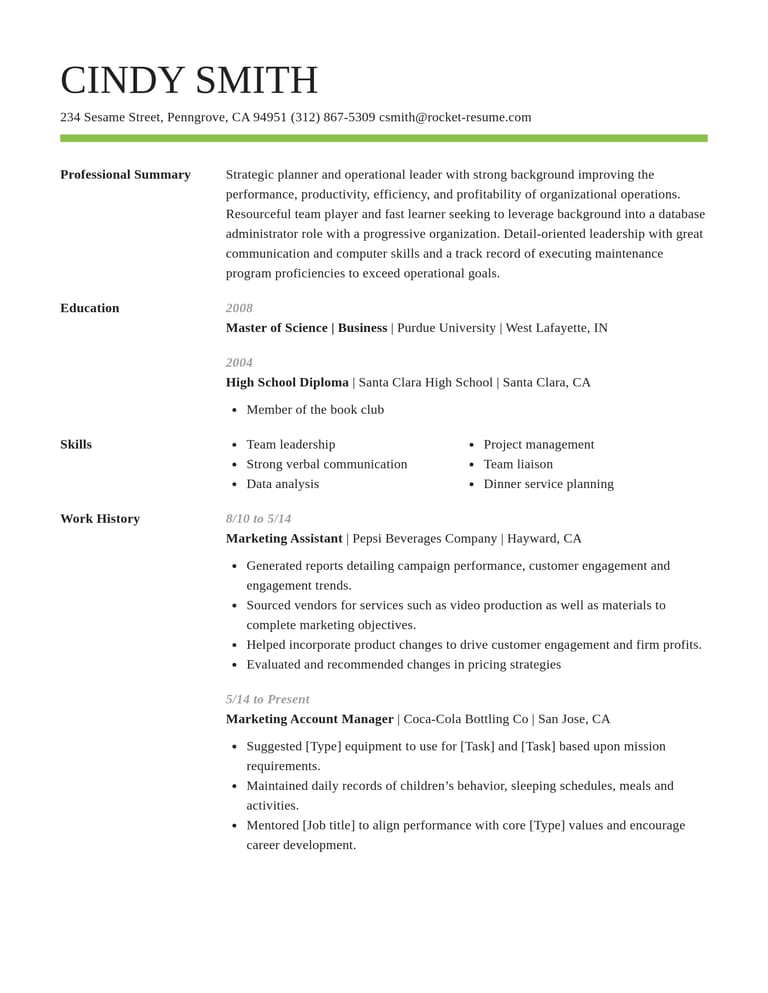
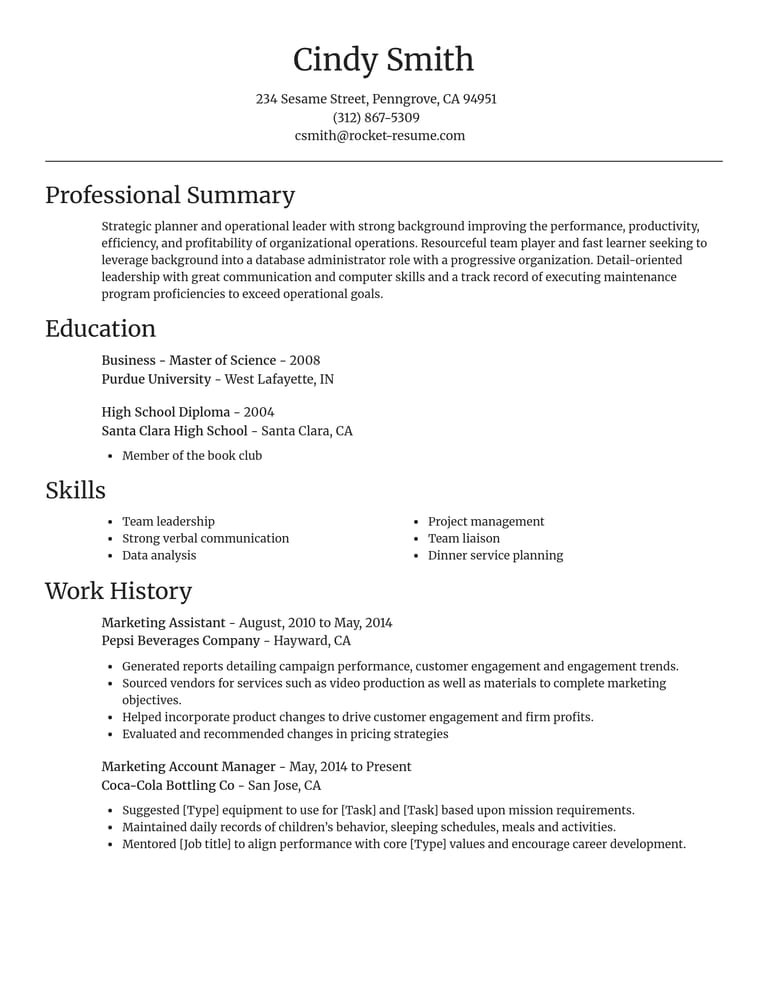
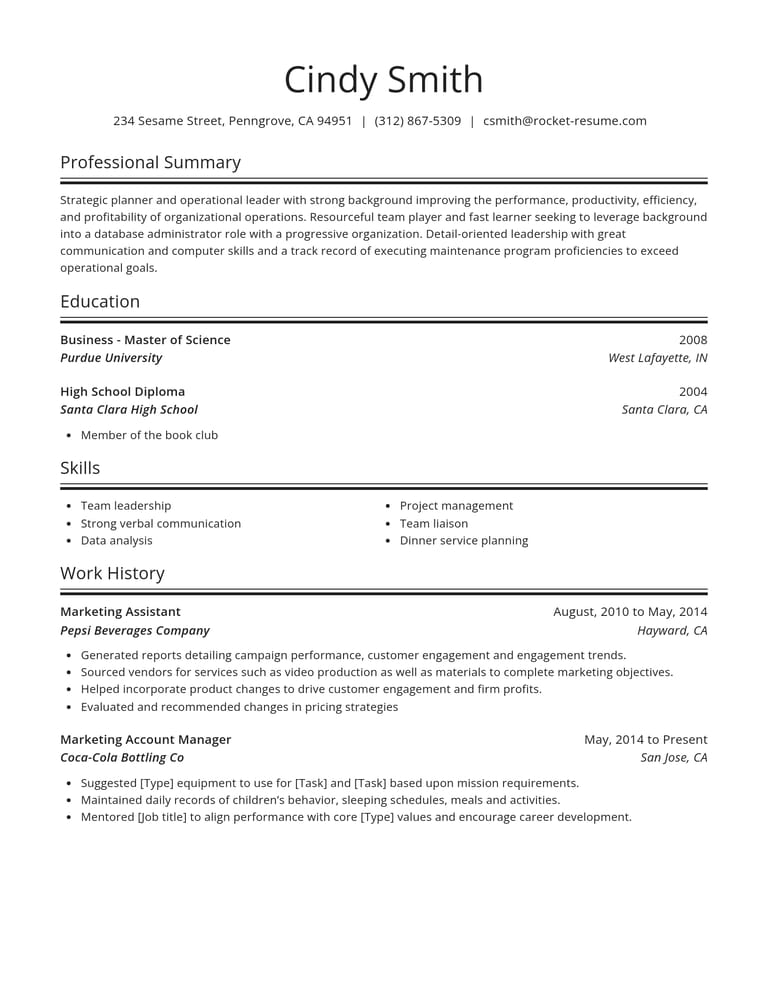
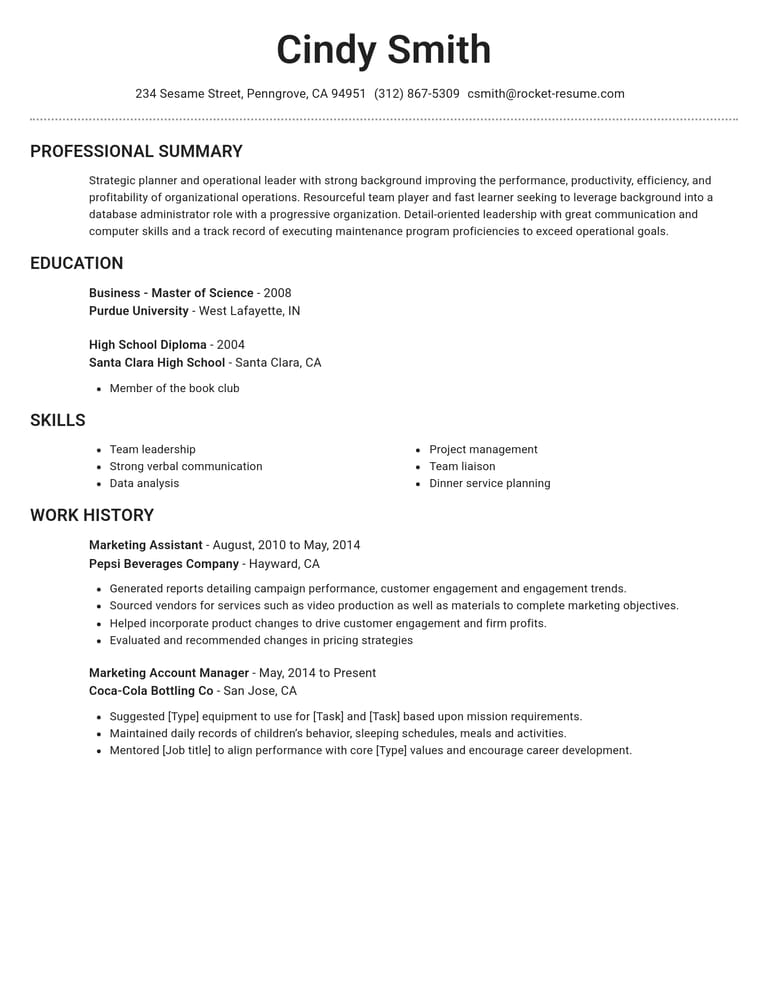
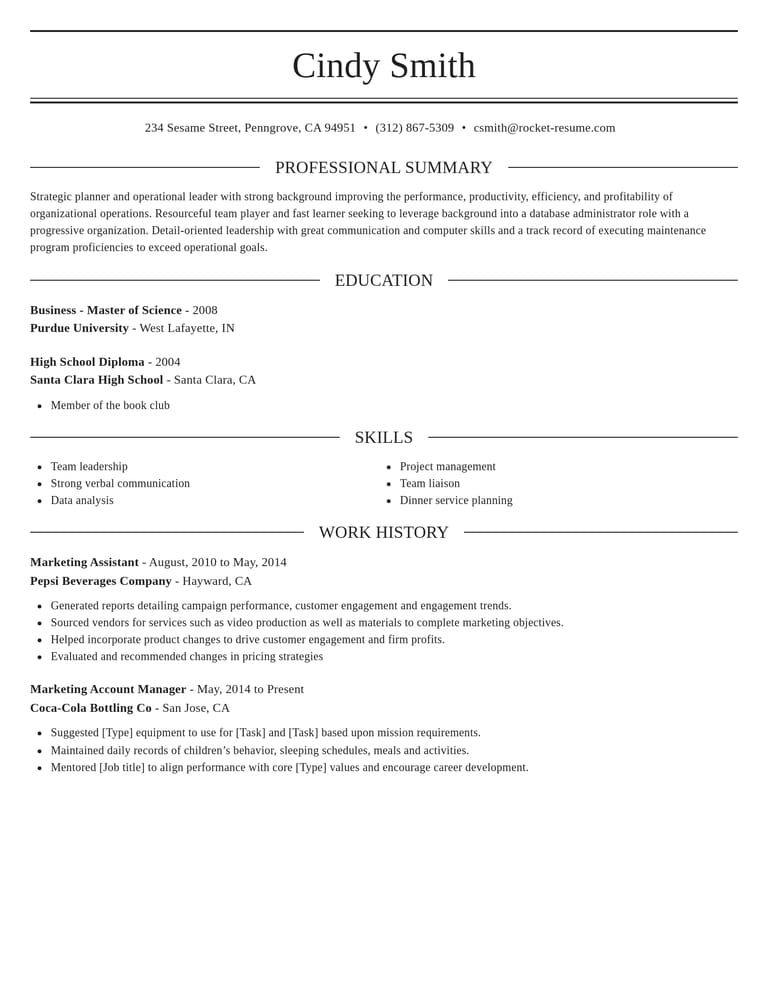
Pick a CV design that suits your field
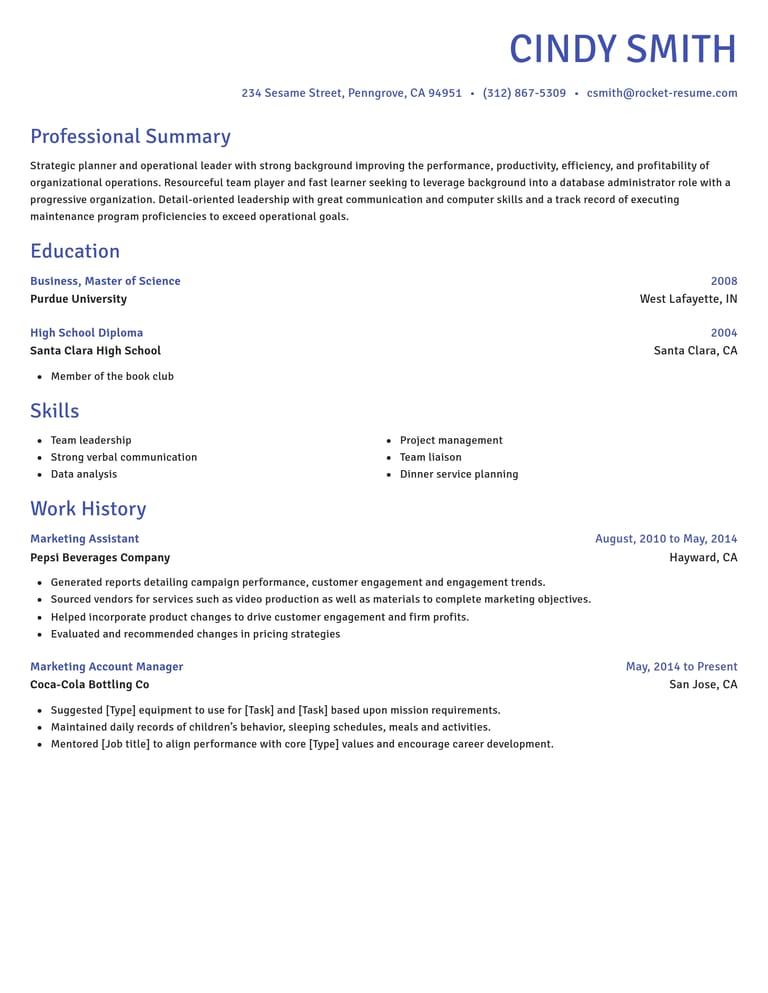

Check that the CV covers what the application needs
A complete CV contains the information the application needs, with enough context to understand it. Completeness does not mean filling every possible category or making each section equally long.
Define completeness from the request
Read the instructions and identify the categories you must address. Academic or medical applications may ask for specific records beyond the core contact, experience, education, skills, and summary sections.
Keep a separate checklist of those requirements while you work. A general template cannot establish compliance by itself, so check whether the planned structure can present every requested category clearly.
Look for entries missing their context
Read each experience as if you knew nothing about it. Confirm that the role, setting, period, and contribution are understandable without relying on a nearby entry to supply missing information.
A project name alone may not explain whether the work was part of employment, study, or volunteering. Add that context when it affects how the experience should be understood.
Connect claims across sections
Compare the summary and skills with the evidence in the history and education. A capability mentioned near the beginning should have a clear basis in work or study you can explain.
For a fictional research support applicant, a claim about data collection should connect to an actual project or responsibility. If the connection is absent, clarify the relevant experience or reconsider the claim.
Review transitions in the record
Check whether a move between roles or educational stages creates confusion. A short explanation may help when two entries overlap or when an in-progress qualification appears beside completed credentials.
Do not fill a period with invented activity to make the chronology look continuous. Completeness means an understandable, accurate account of the requested record, not a claim that every month involved the same kind of work.
Distinguish absence from omission
You may have no publications, formal leadership roles, or additional certifications. That does not mean the CV needs fabricated material or an empty section copied from someone else's record.
When an application explicitly requests a category you cannot supply, follow its instructions for responding. Otherwise, keep attention on the relevant experience you do have instead of adding decorative headings with nothing to explain.
Review the order after filling the gaps
Rocket Resume lets you change section order and inspect the preview while editing. After adding missing context, read the opening of each section to check that the sequence remains logical.
Finish by comparing the whole document with your separate requirements checklist. Verify that each necessary item is present, each statement has a basis, and no unfinished note remains in the text.
Save the reviewed draft and keep any unresolved factual question outside the CV. Return to that specific question when you have the information, rather than treating a full-looking page as evidence that the record is ready.
Research on hiring and CV writing
“If I need one in the future, I'll use it again.”

“It's great, I have a job now”

CV builder questions, answered
Does a complete CV need every possible section?
No. Include the categories required by the application and the relevant evidence you actually have. An unused publications or awards heading does not improve completeness. A complete record is defined by the request and your real background, rather than by matching every section in another person's CV.
How can I find missing context in an entry?
Read the entry as though you have never heard of the experience. Check whether the role, organization or setting, dates, and contribution are clear. A project title may need a brief explanation of whether it was academic, professional, or voluntary work before the responsibility makes sense.
What if a skill appears only in the summary?
Check whether the claim has a real basis in your experience or education. If it does, add the relevant context where it belongs or make the wording more precise. If you cannot explain the basis, remove the claim instead of leaving the introduction disconnected from the record below it.
Pick your industry, then build your CV
This week’s industry picks




- 68 examples
- 35 examples
- 23 examples
- 9 examples
- 7 examples
- 48 examples






Show all industries (A–Z)Show fewer
- Aerospace & Defense, 8 examples
- Agriculture, 23 examples
- Apparel & Textiles, 13 examples
- Architecture, 15 examples
- Artificial Intelligence, 6 examples
- Arts & Entertainment, 24 examples
- Automotive, 21 examples
- Beauty & Personal Care, 17 examples
- Biotechnology & Life Sciences, 7 examples
- Business Services, 23 examples
- Chemical Engineering, 4 examples
- Childcare, 14 examples
- Construction, 106 examples
- Creative, 15 examples
- Customer Service, 17 examples
- Education, 94 examples
- Energy, 39 examples
- Environmental Science, 5 examples
- Finance, 63 examples
- Food & Beverage, 68 examples
- Government, 48 examples
- Healthcare, 160 examples
- Hospitality, 35 examples
- Human Resources, 18 examples
- Insurance, 10 examples
- Legal, 12 examples
- Logistics, 37 examples
- Manufacturing, 68 examples
- Marketing, 8 examples
- Media, 20 examples
- Military, 24 examples
- Mining & Metals, 9 examples
- Nonprofit, 8 examples
- Pharmaceuticals, 12 examples
- Public Relations, 10 examples
- Real Estate, 7 examples
- Retail, 38 examples
- Robotics, 11 examples
- Sales, 14 examples
- Security Services, 19 examples
- Social Services & Counseling, 21 examples
- Social Work, 14 examples
- Sports & Fitness, 96 examples
- Technology, 67 examples
- Telecommunications, 6 examples
- Tourism & Travel, 9 examples
- Transportation, 38 examples
- Veterinary, 9 examples
Is your role missing here?

What job seekers say about the CV builder
from 3,900+ reviews