Write your CV free with
Use free examples for your role to start a CV statement, then replace the tasks and details with your own. Preview how it reads in a template and save your draft to continue another day.
- Free examples for your job
- Edit in any free template
- Free live preview
- Save free and come back

Danny
Apr 2023
“I'll recommend it to friends and family.”

Dayani F.
Jan 2025
“Everything about this tool is amazing, I love it”

Kelvin P.
Jul 2025
“You guys were amazing, I got a new job.”

John W.
Nov 2022
“You made my resume professional”
from 3,900+ reviews
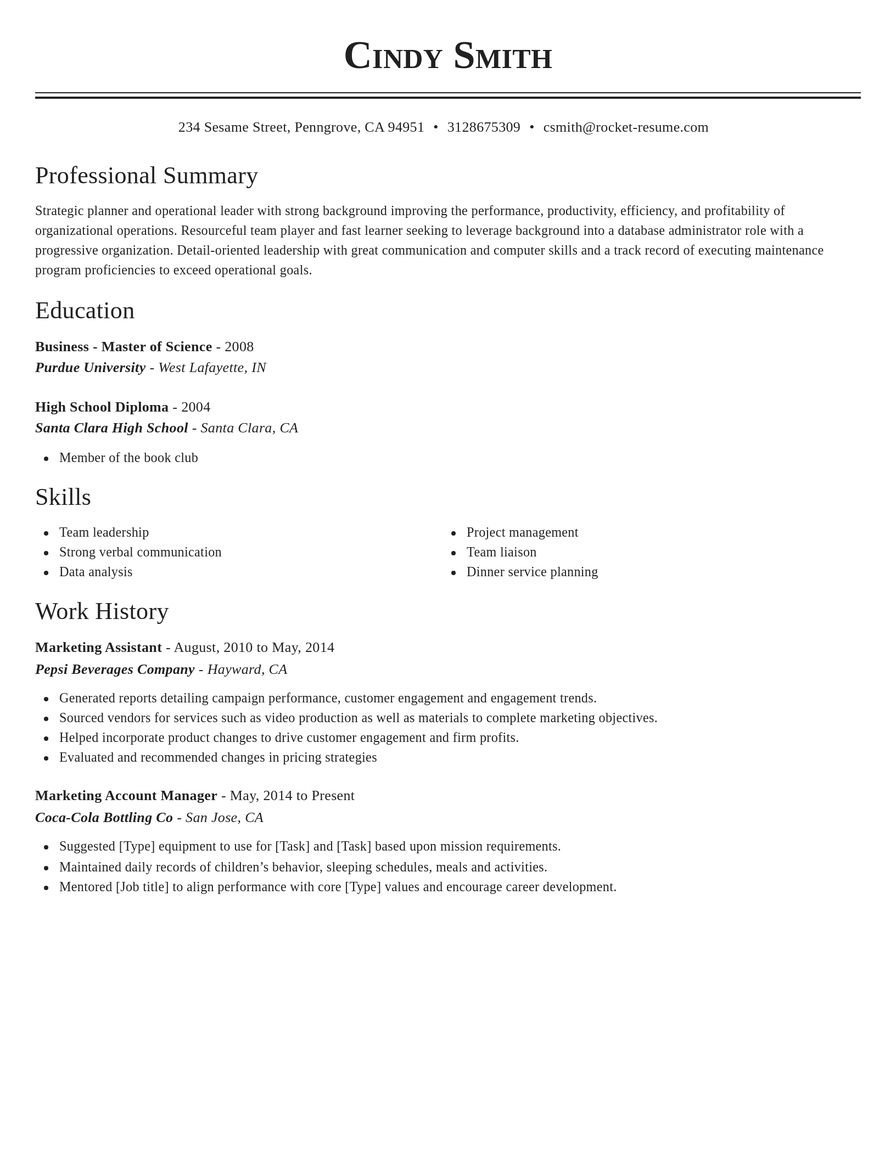
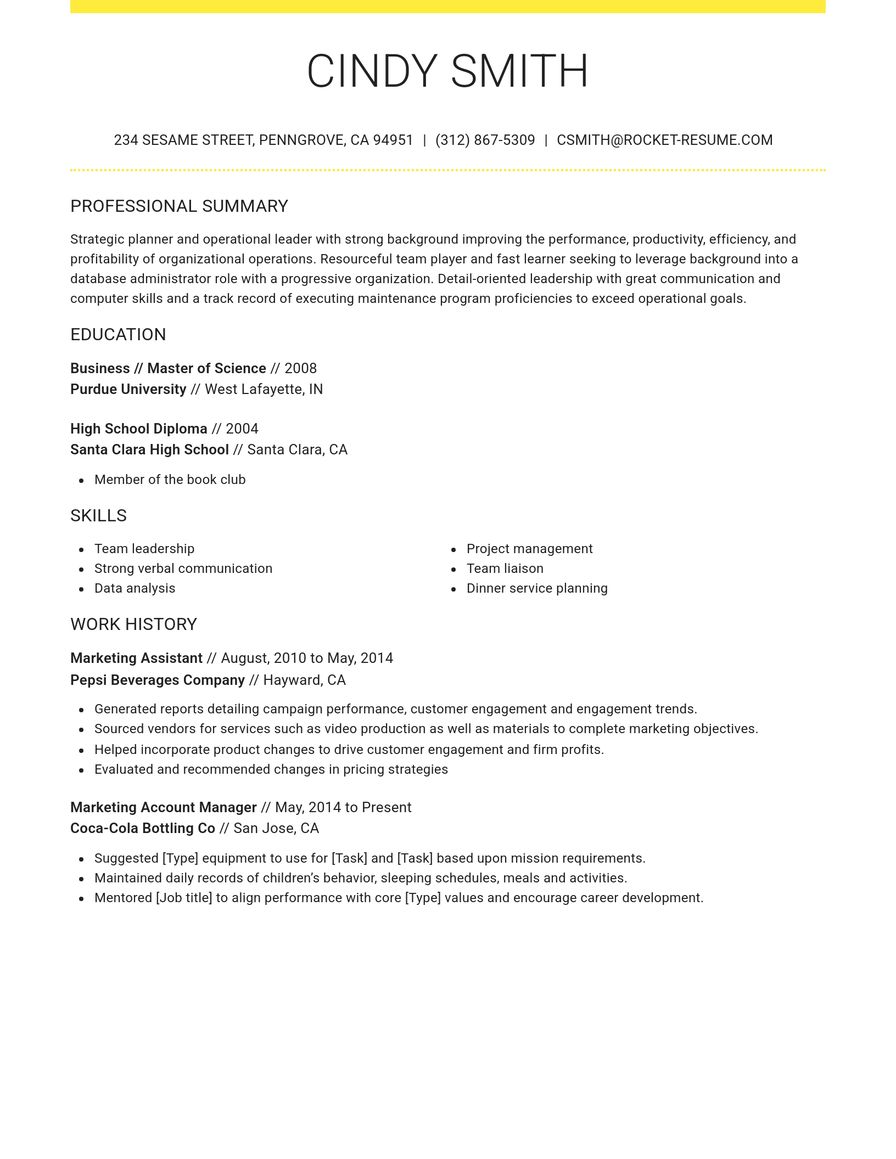
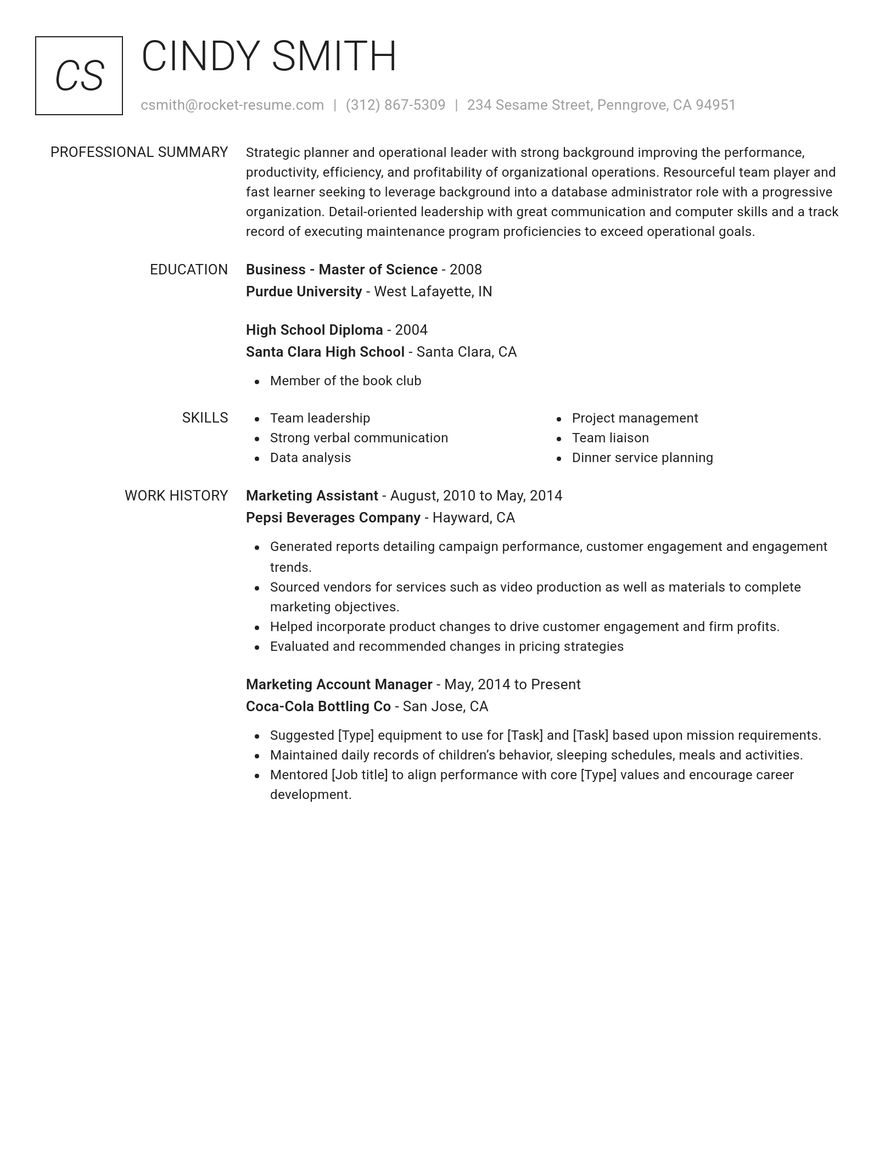
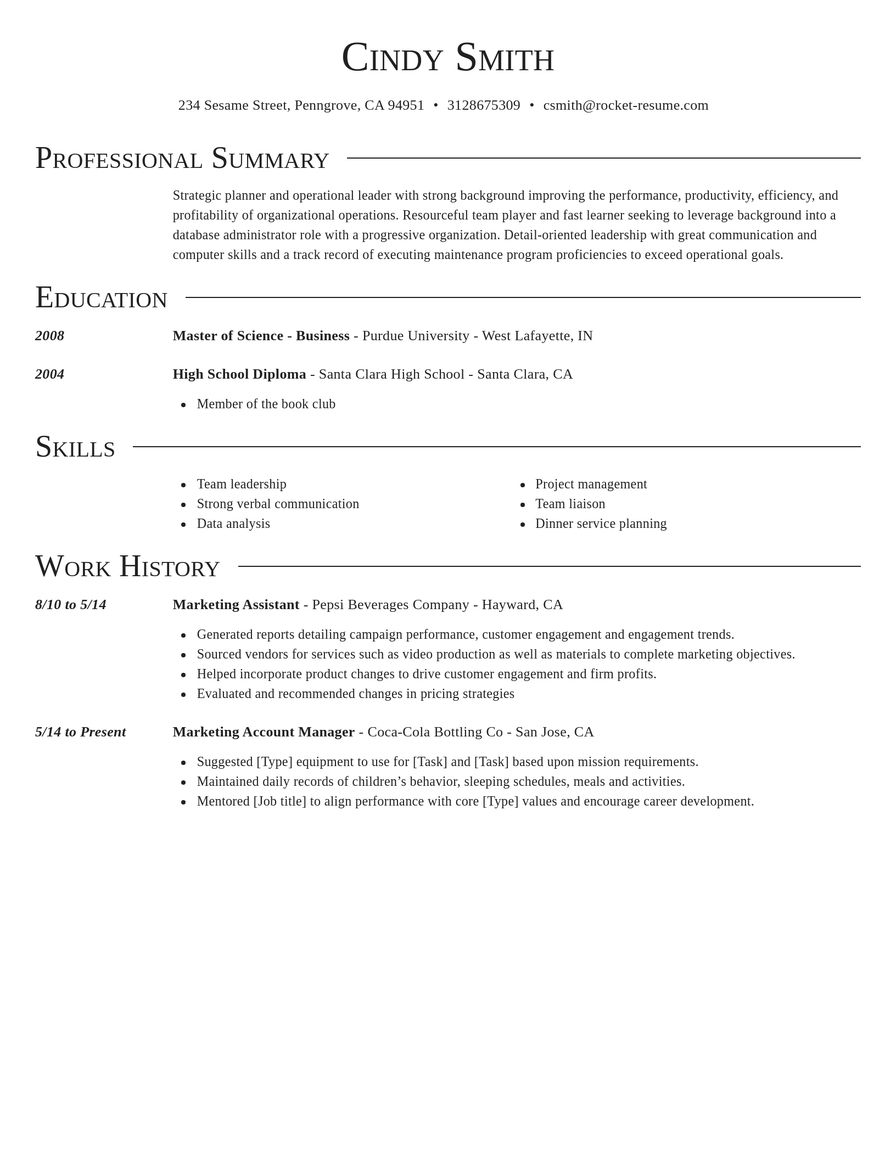
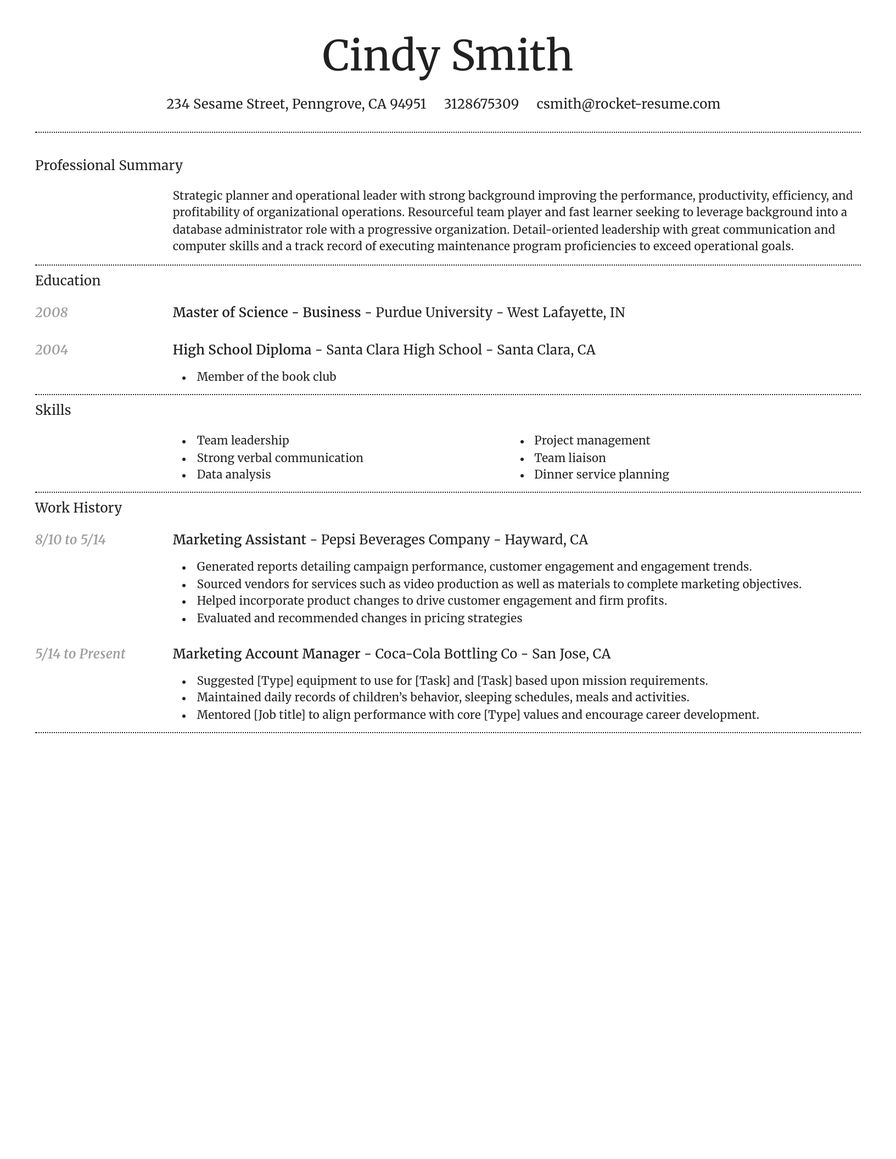
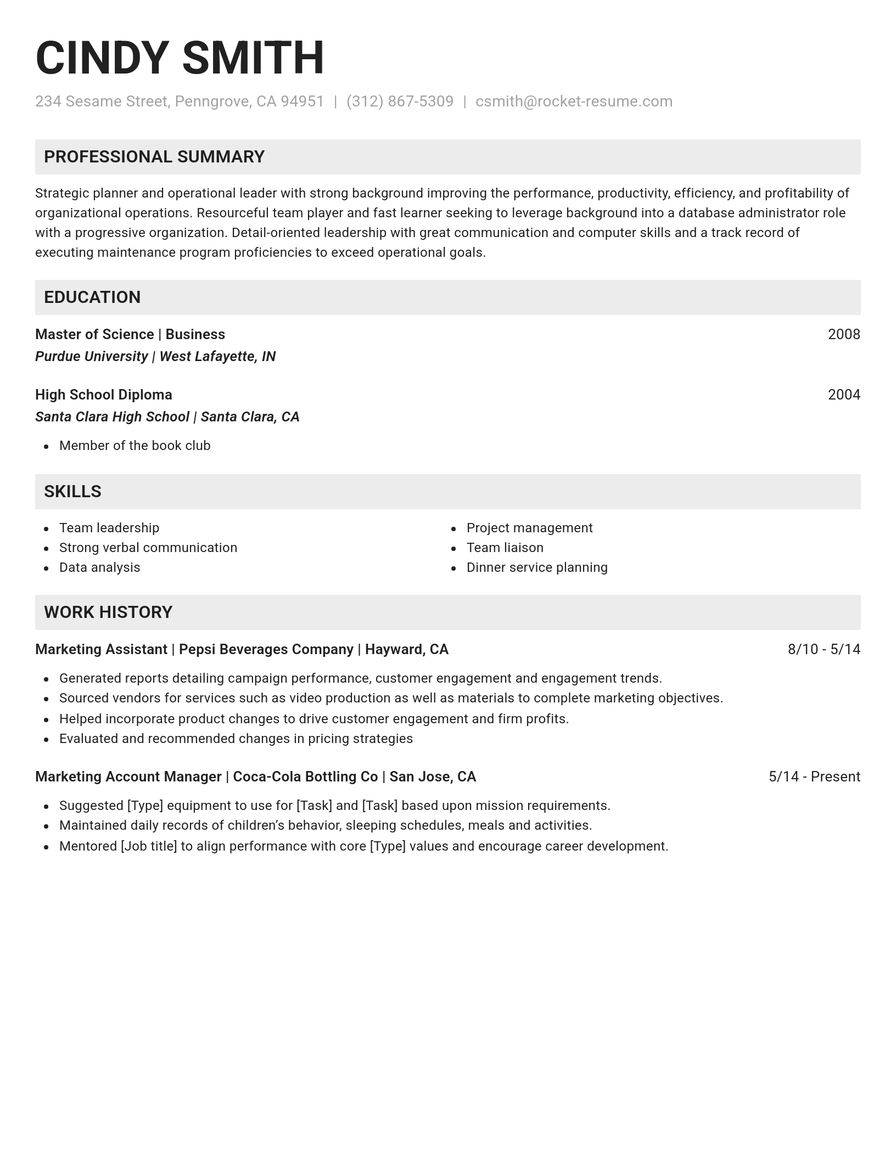
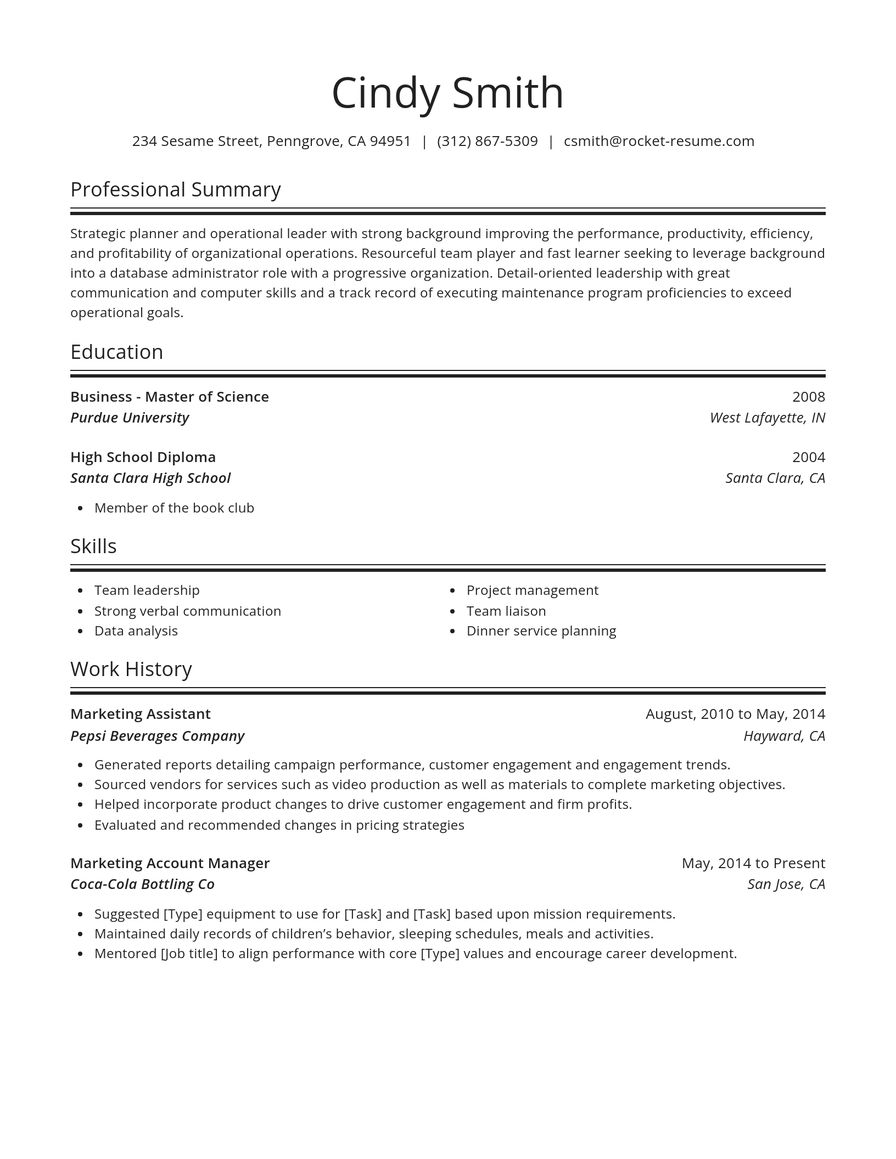
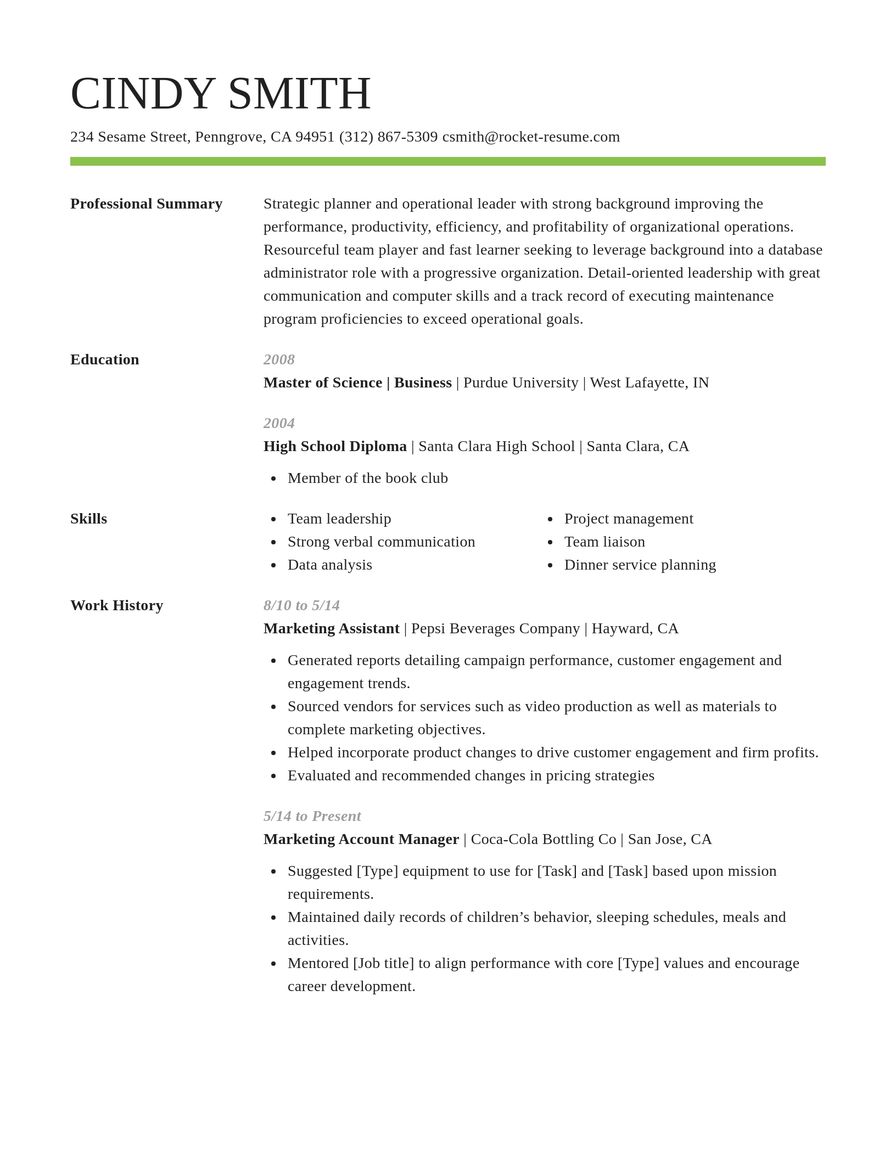
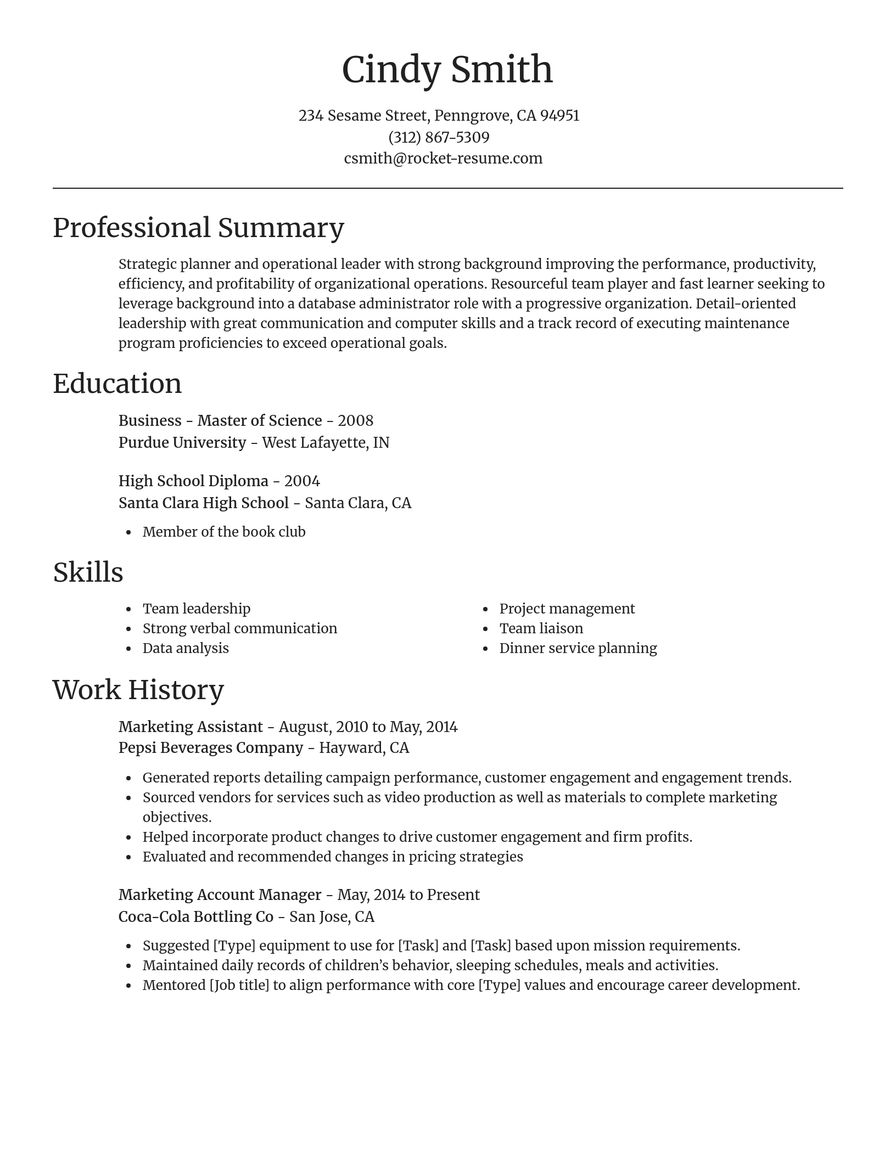
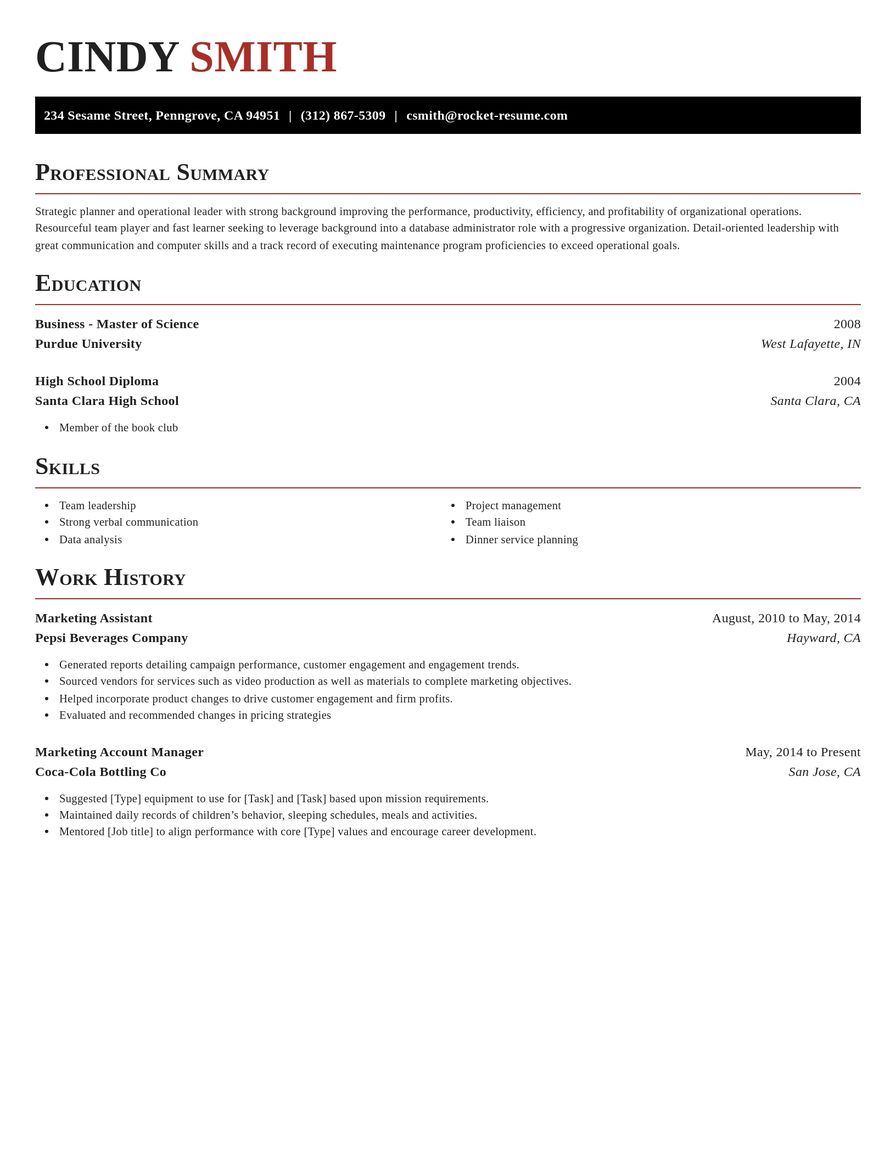
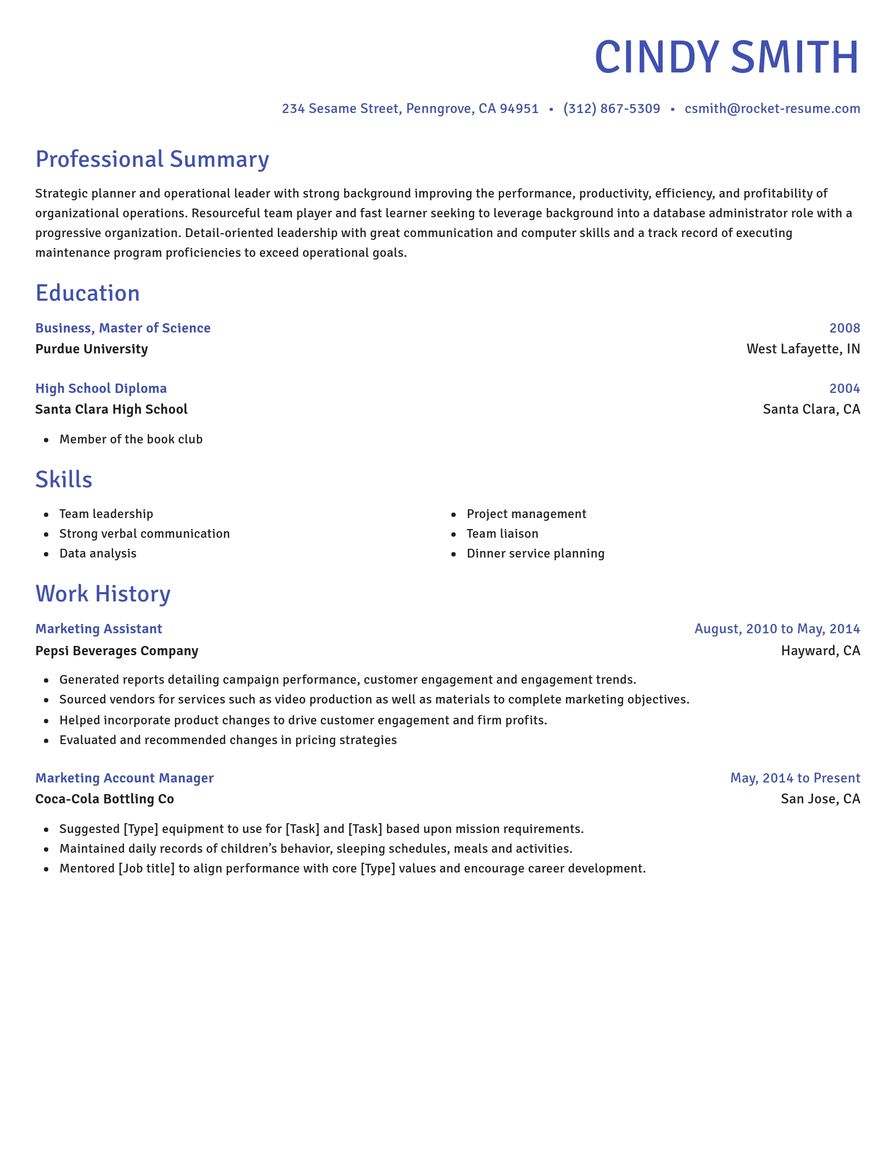
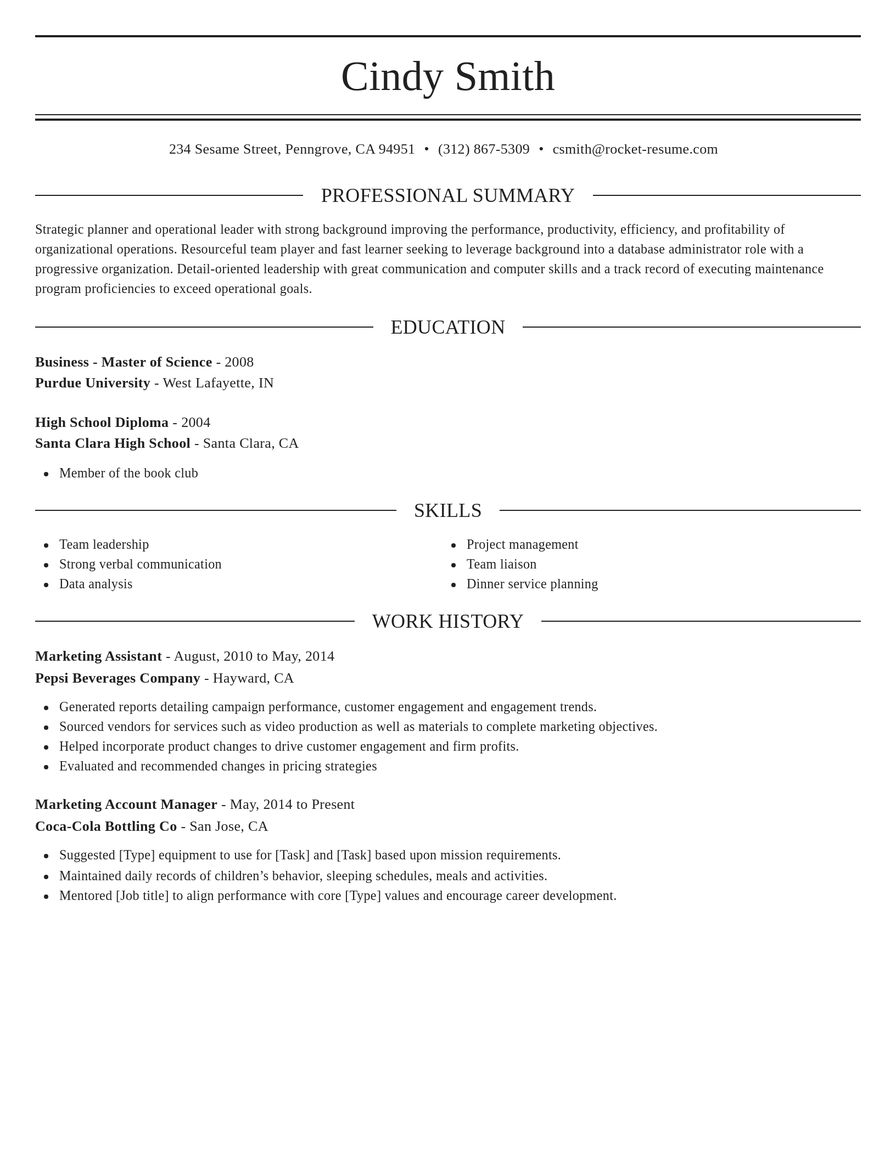
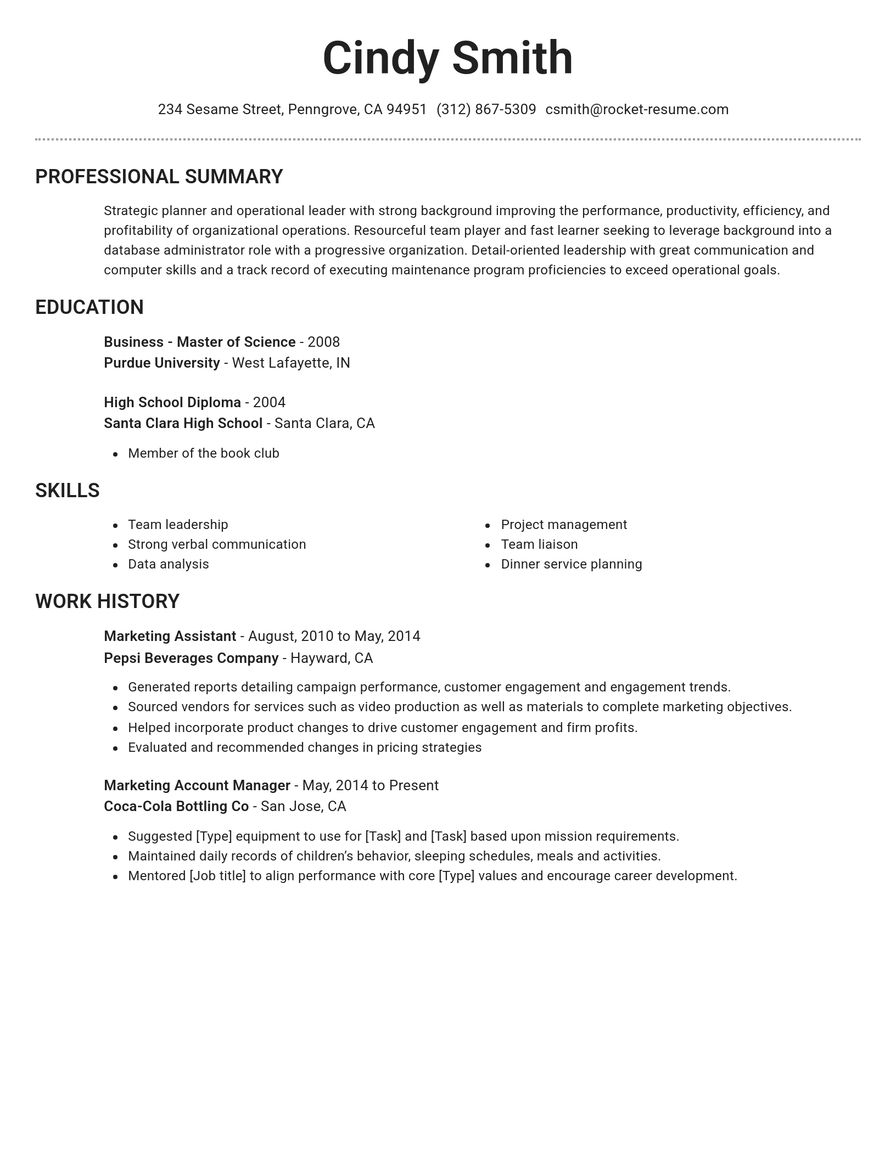
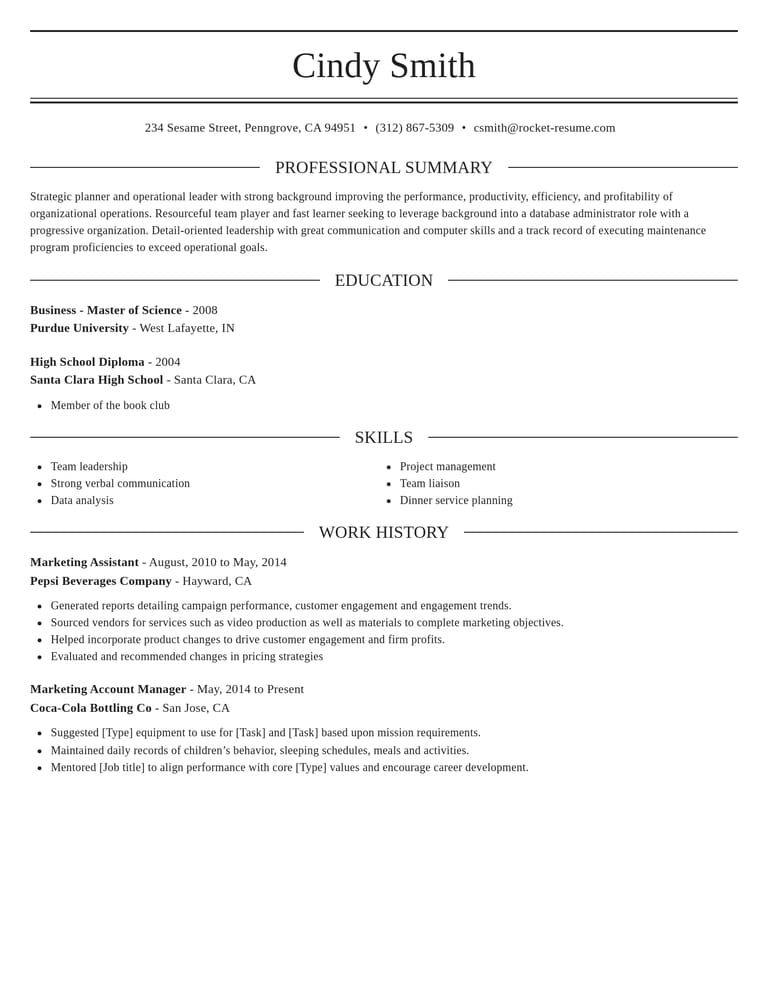
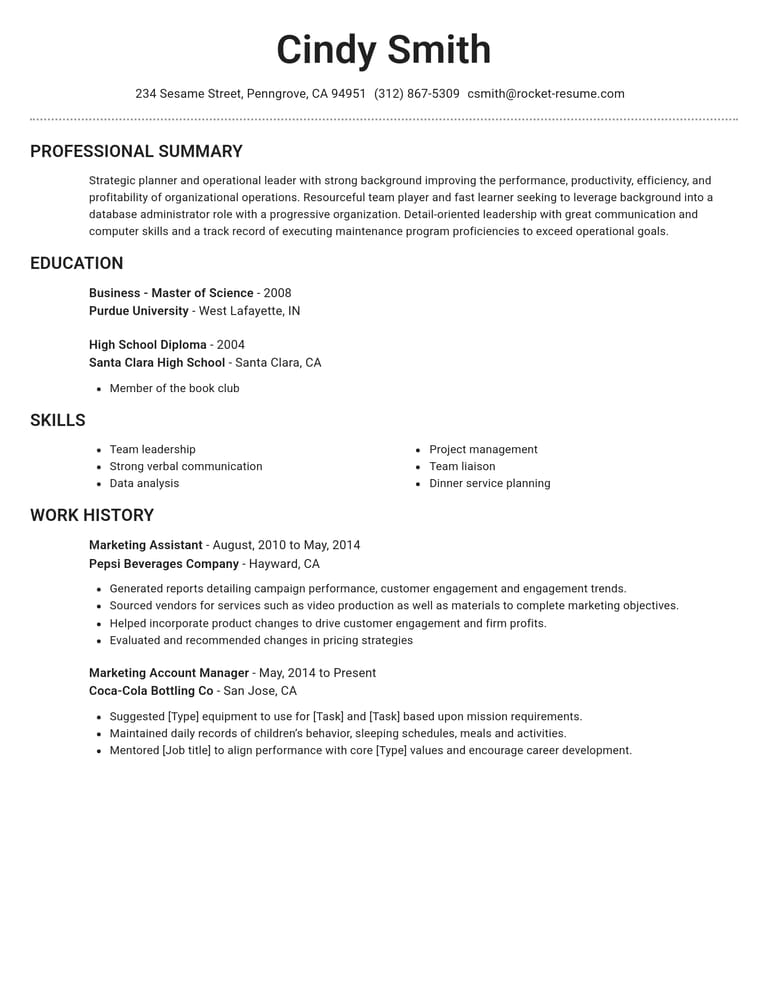
Pick a free CV template to write in
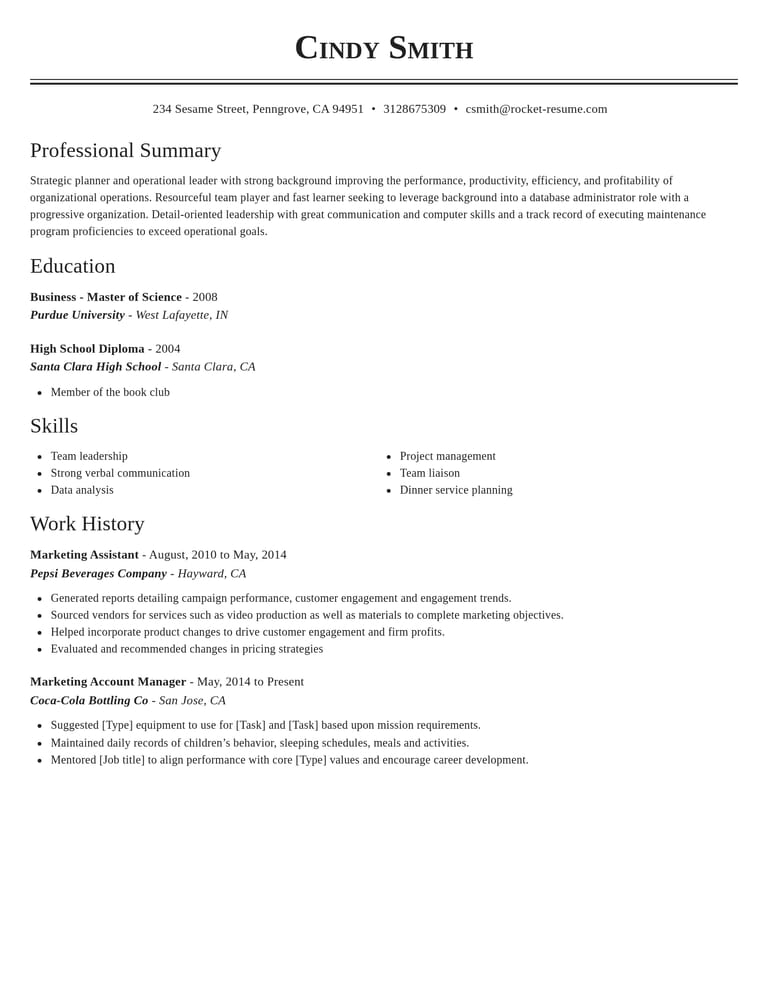
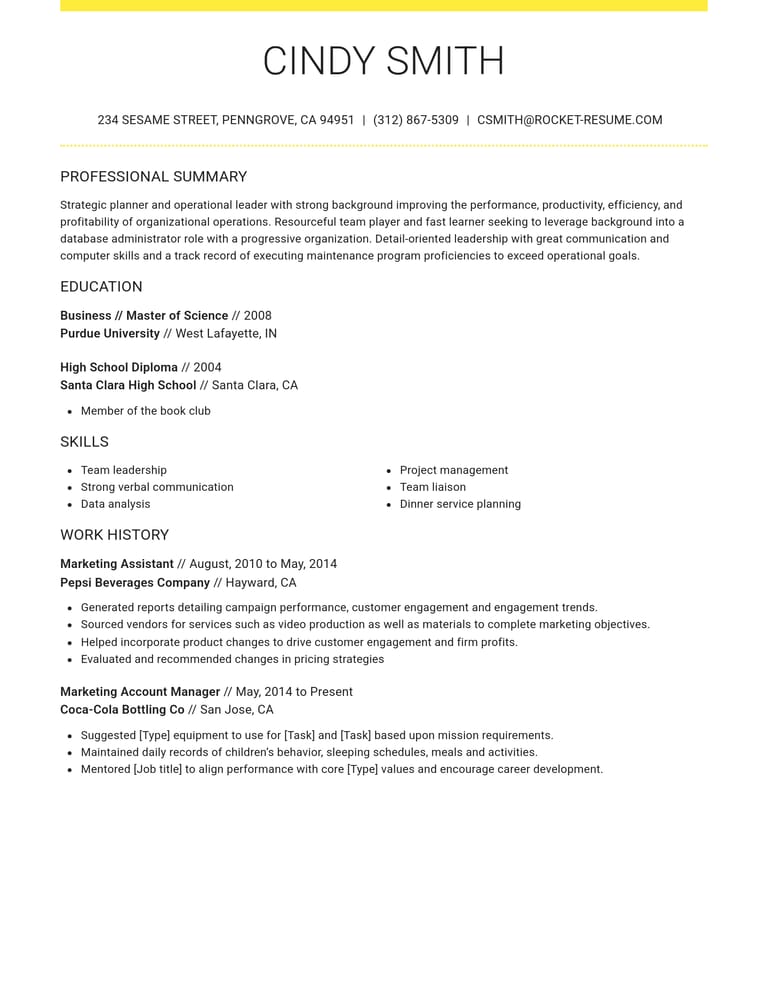
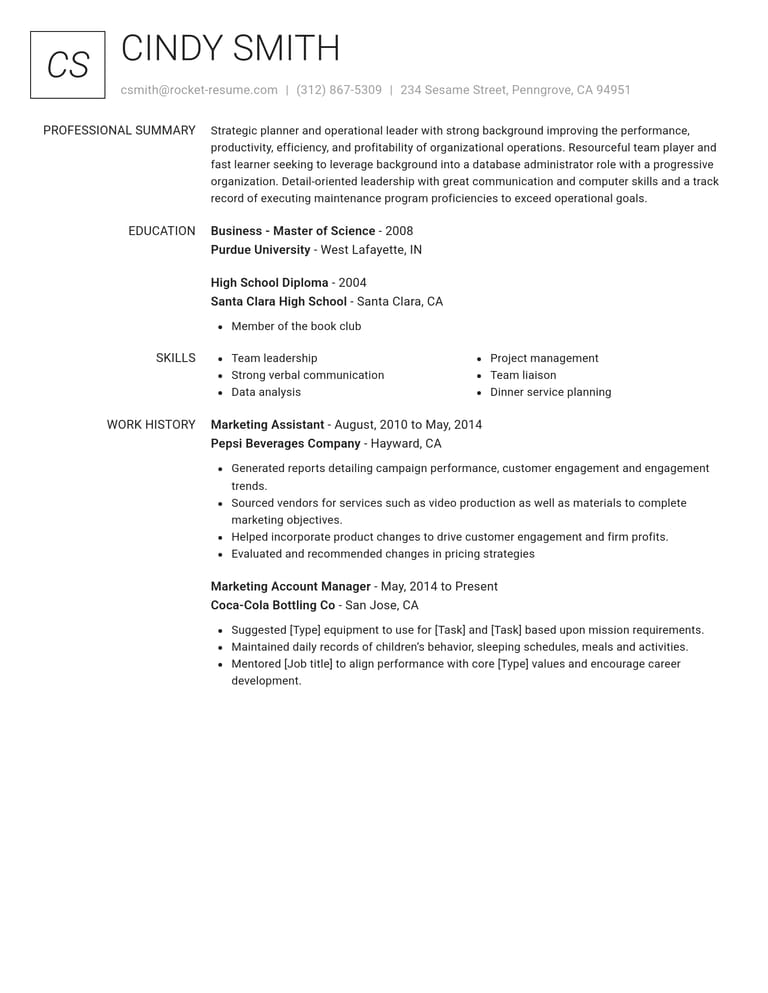
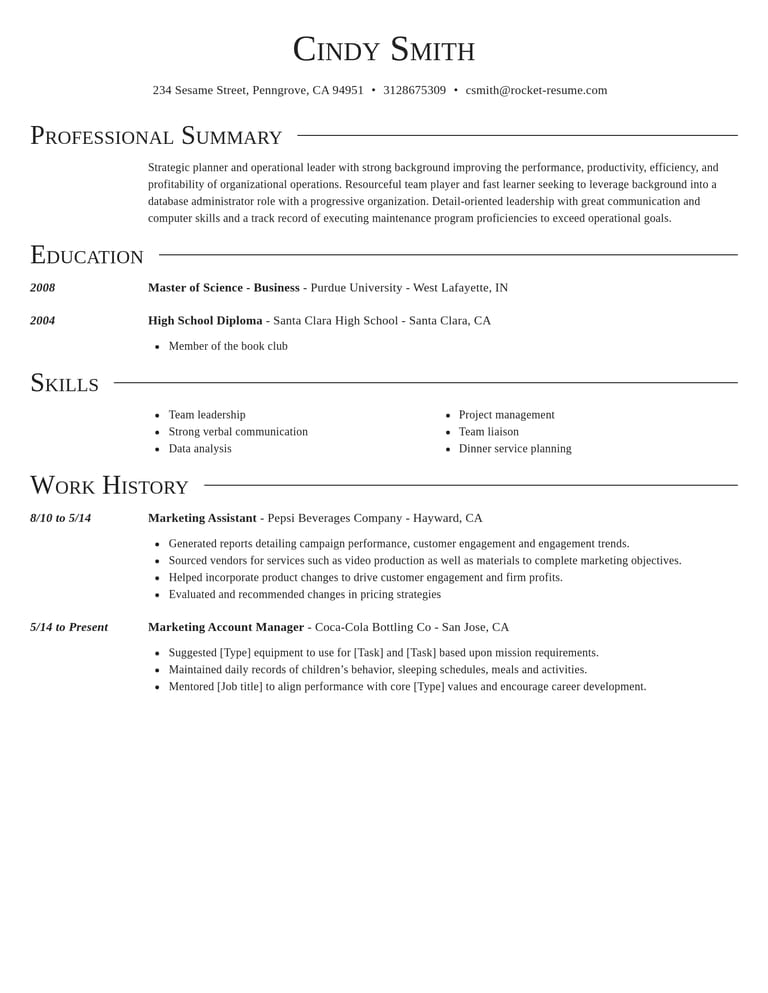
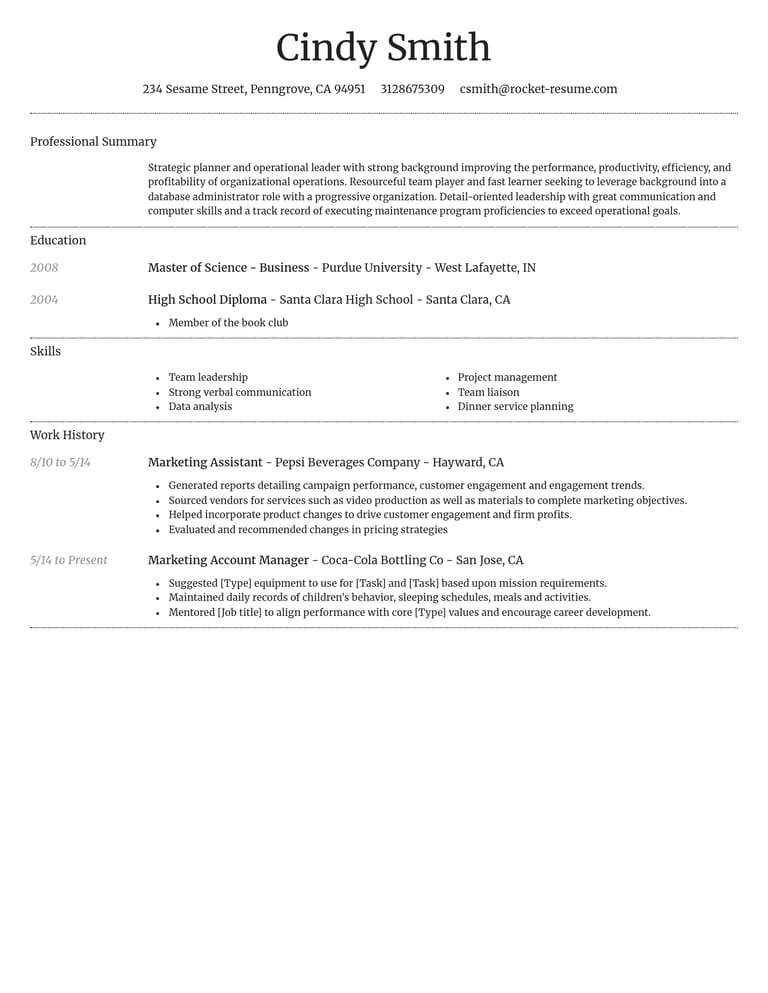
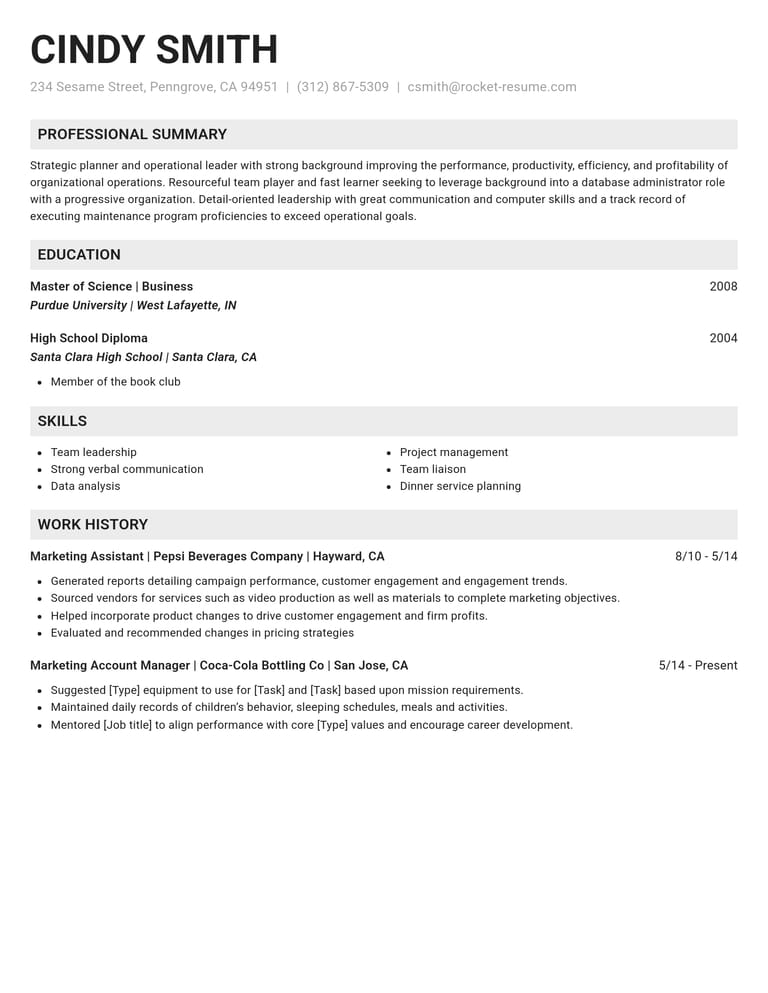
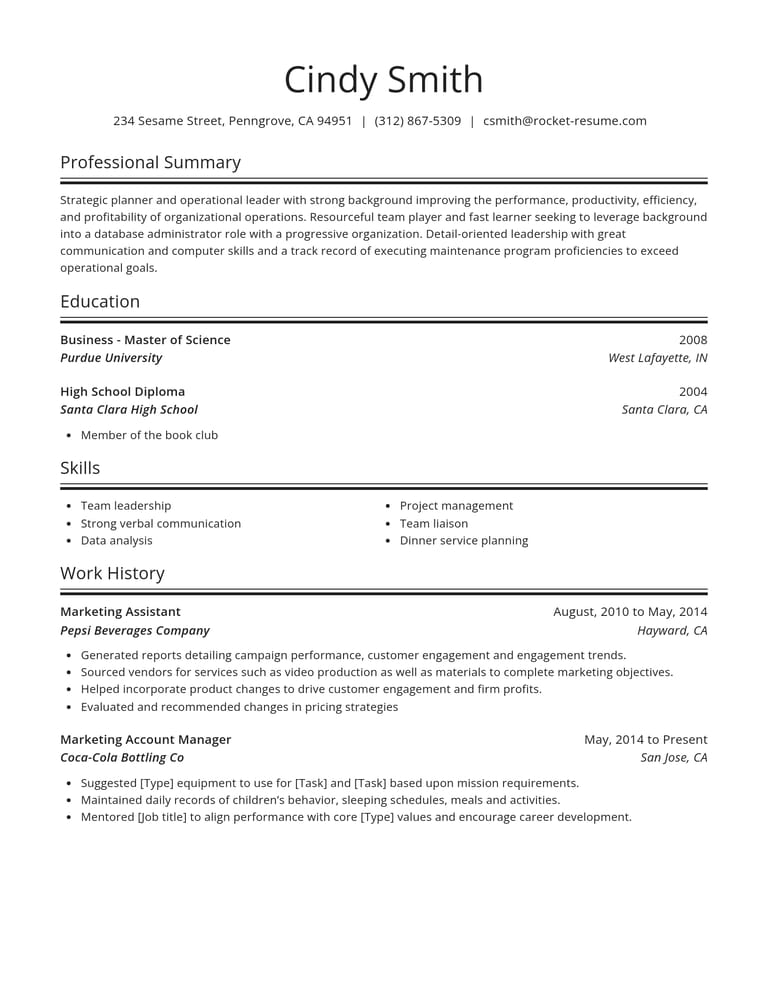
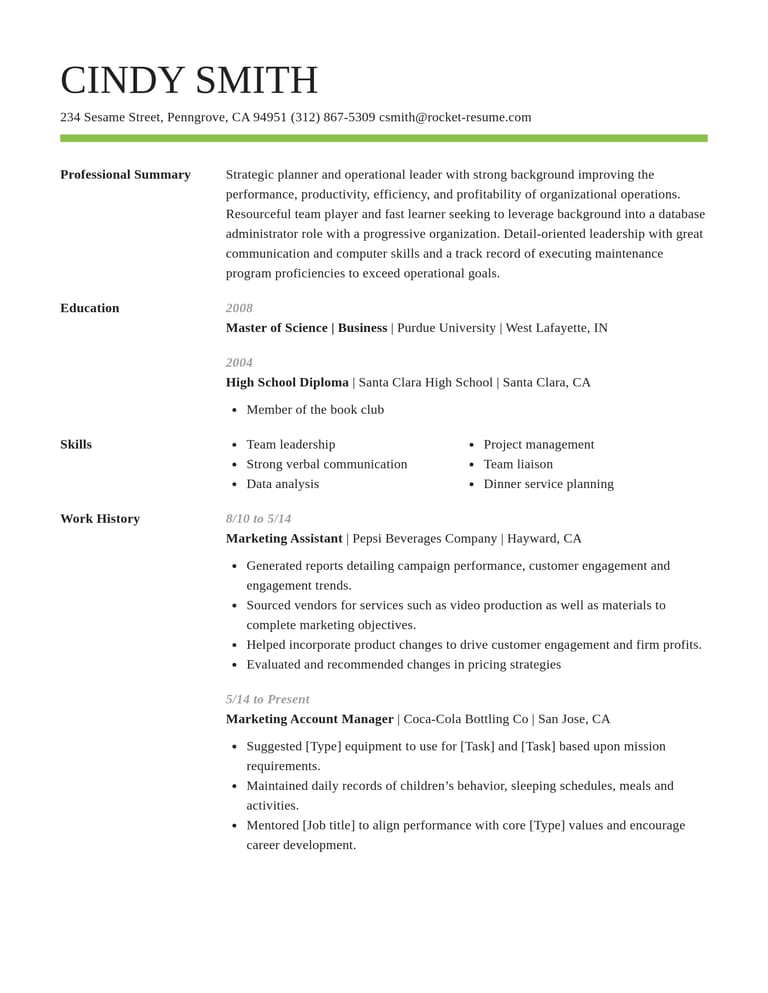
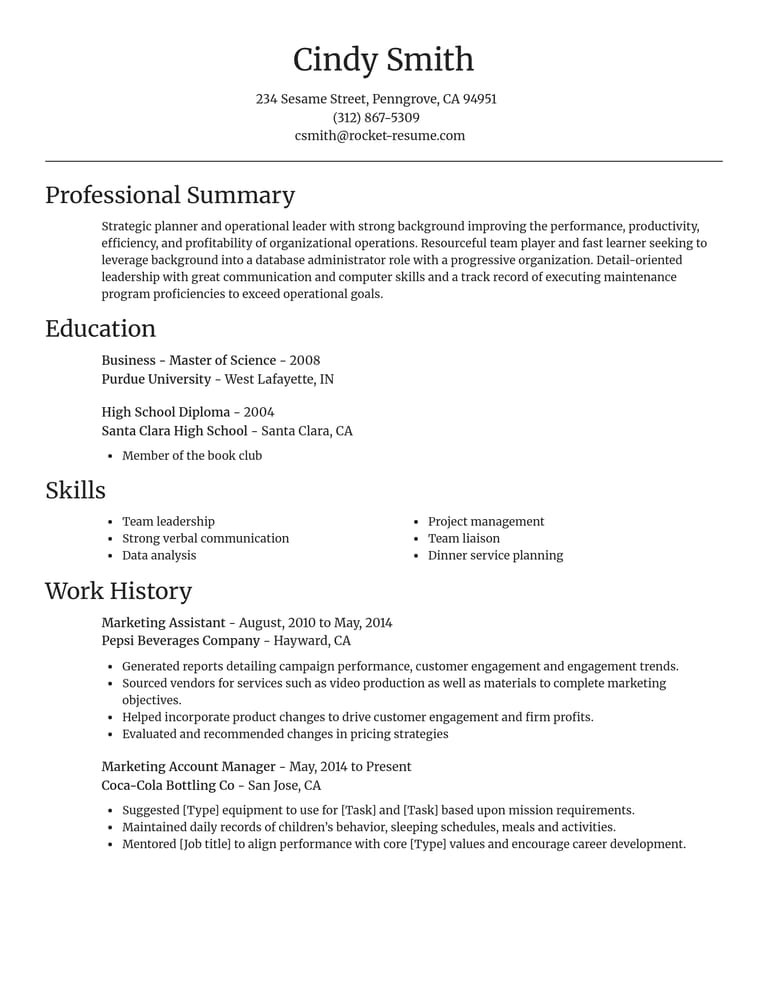
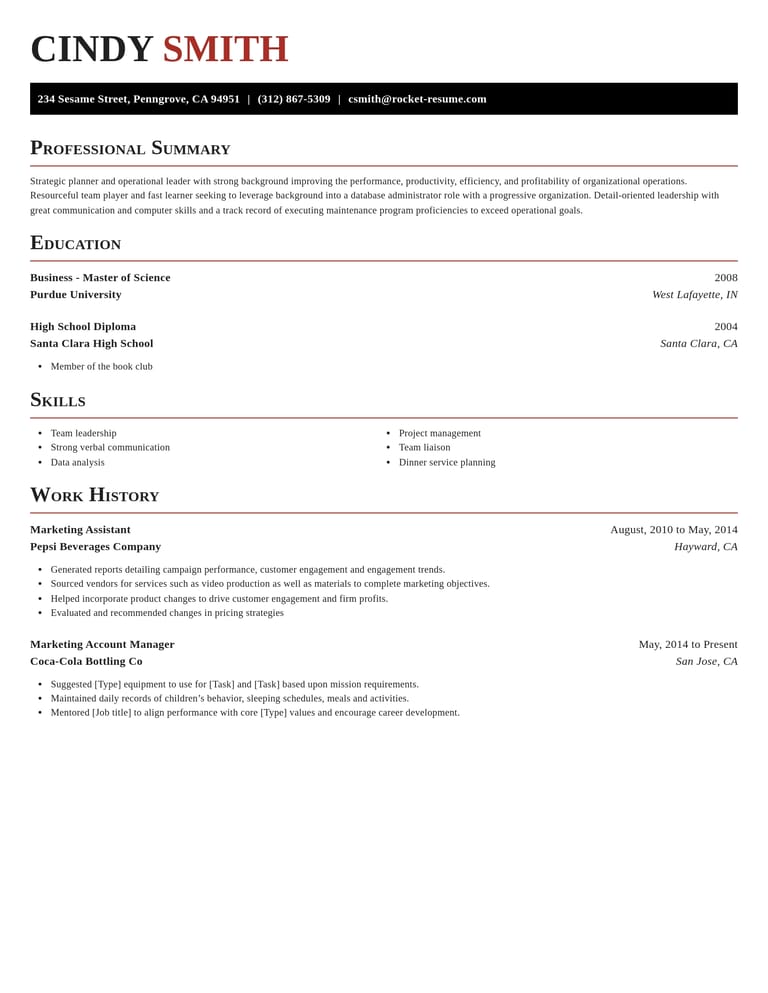
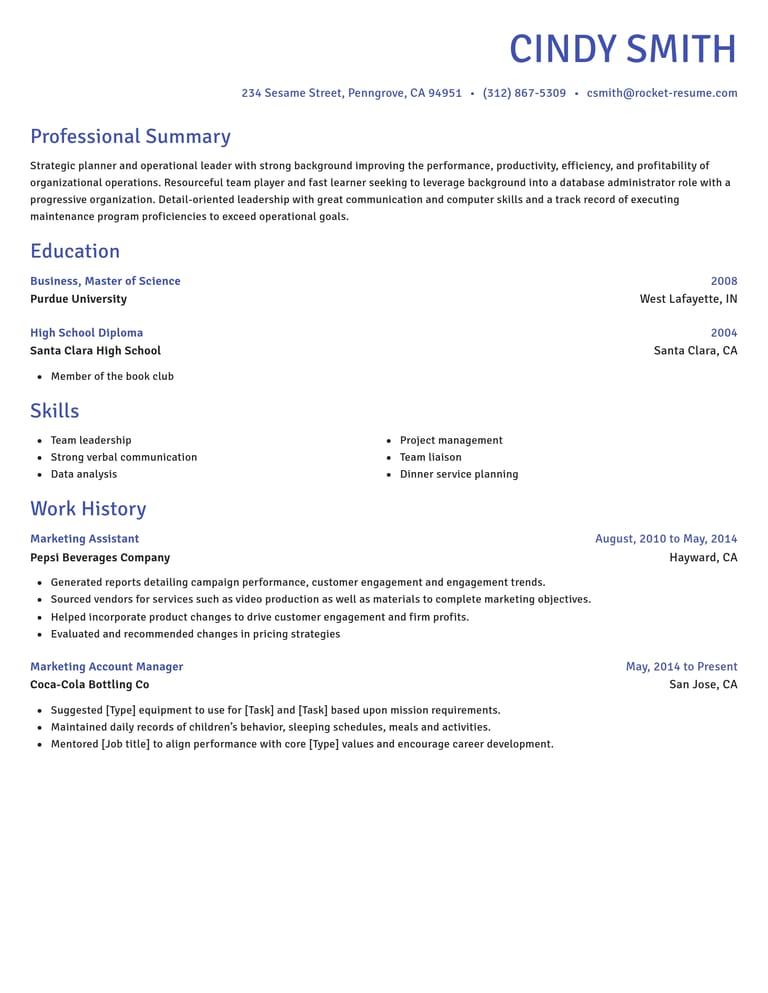
Free tools in every CV template
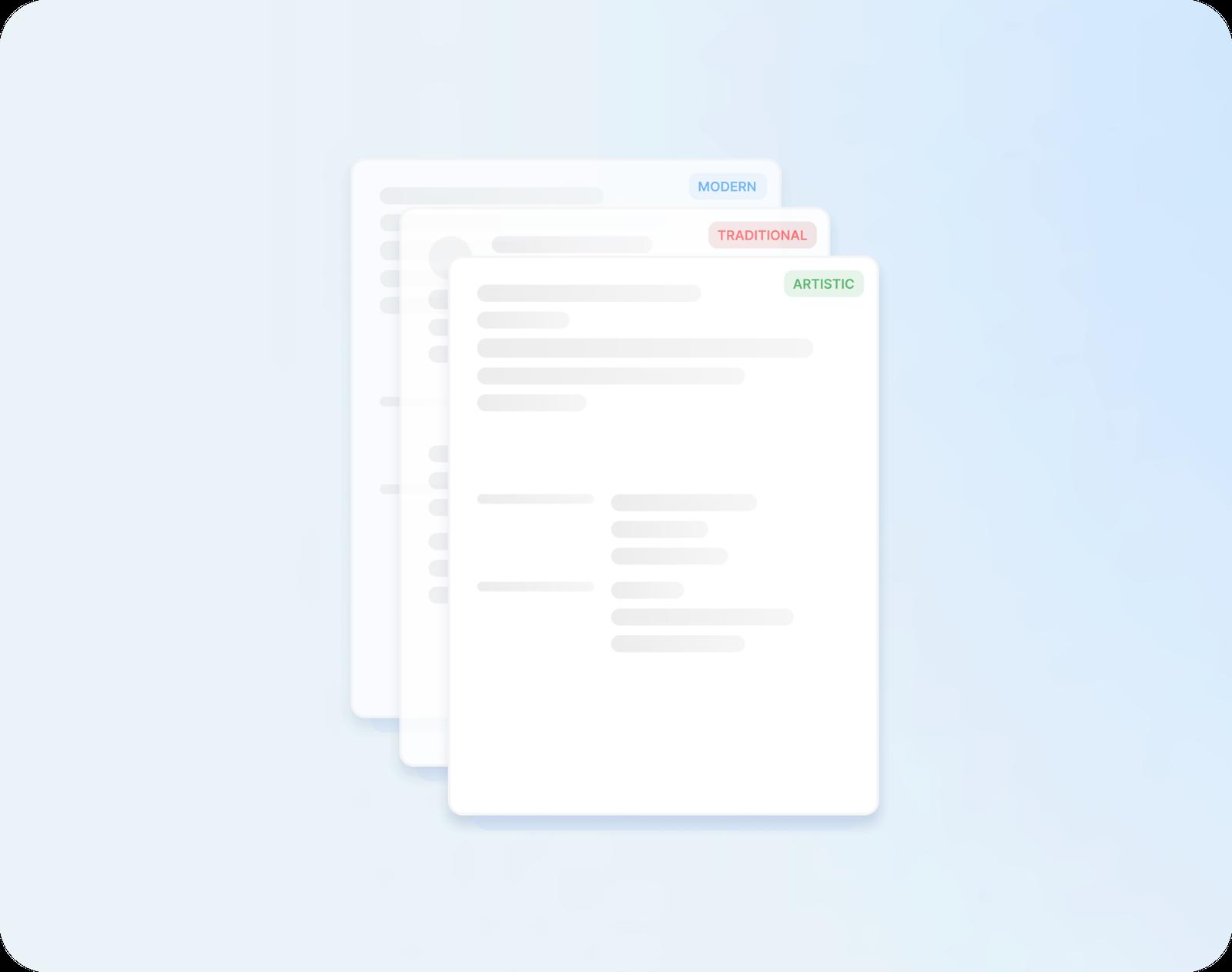
Every design open to you
Pick any design and start typing. Change to another whenever you like, and your details move across with you.

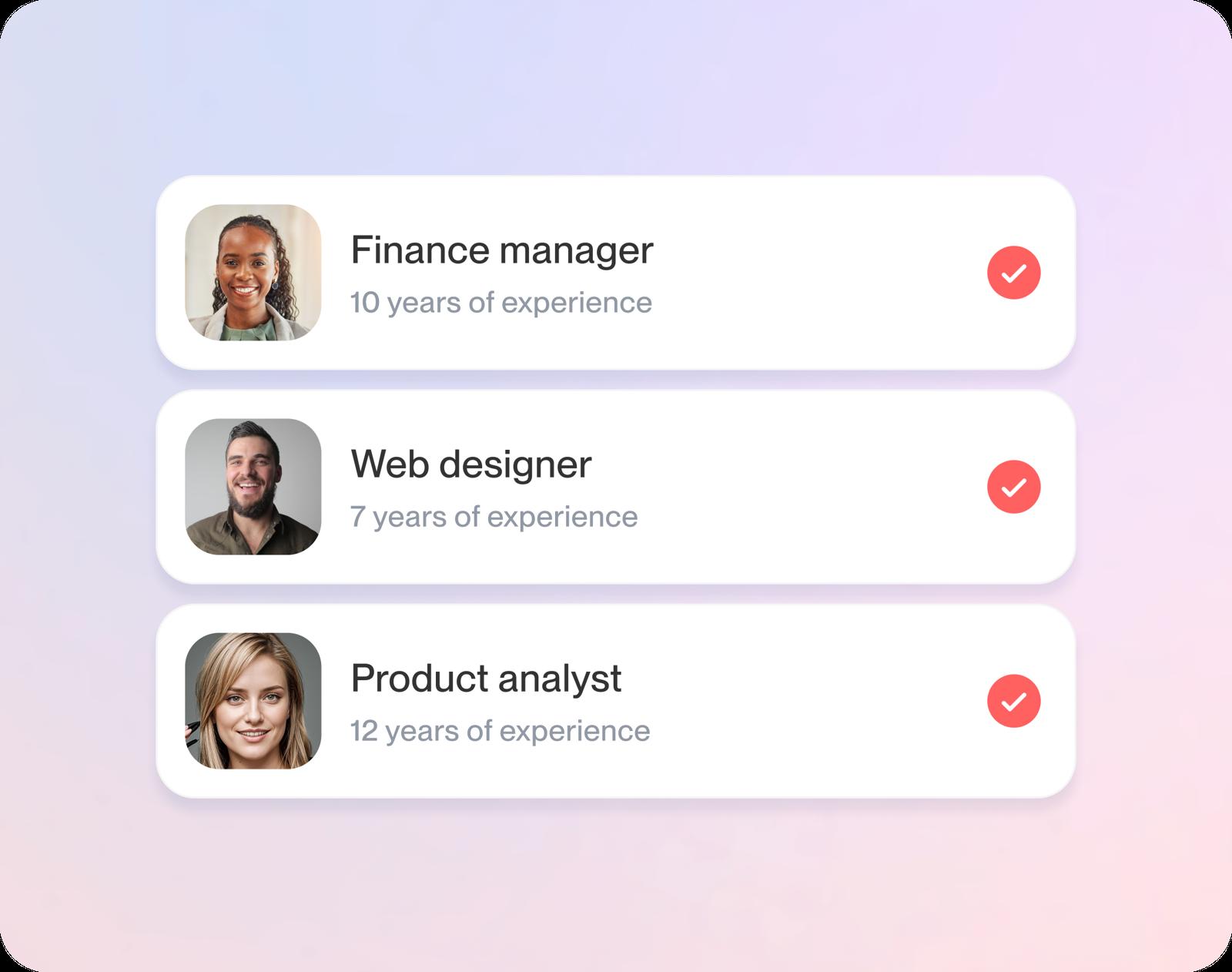
Ready-made examples to start from
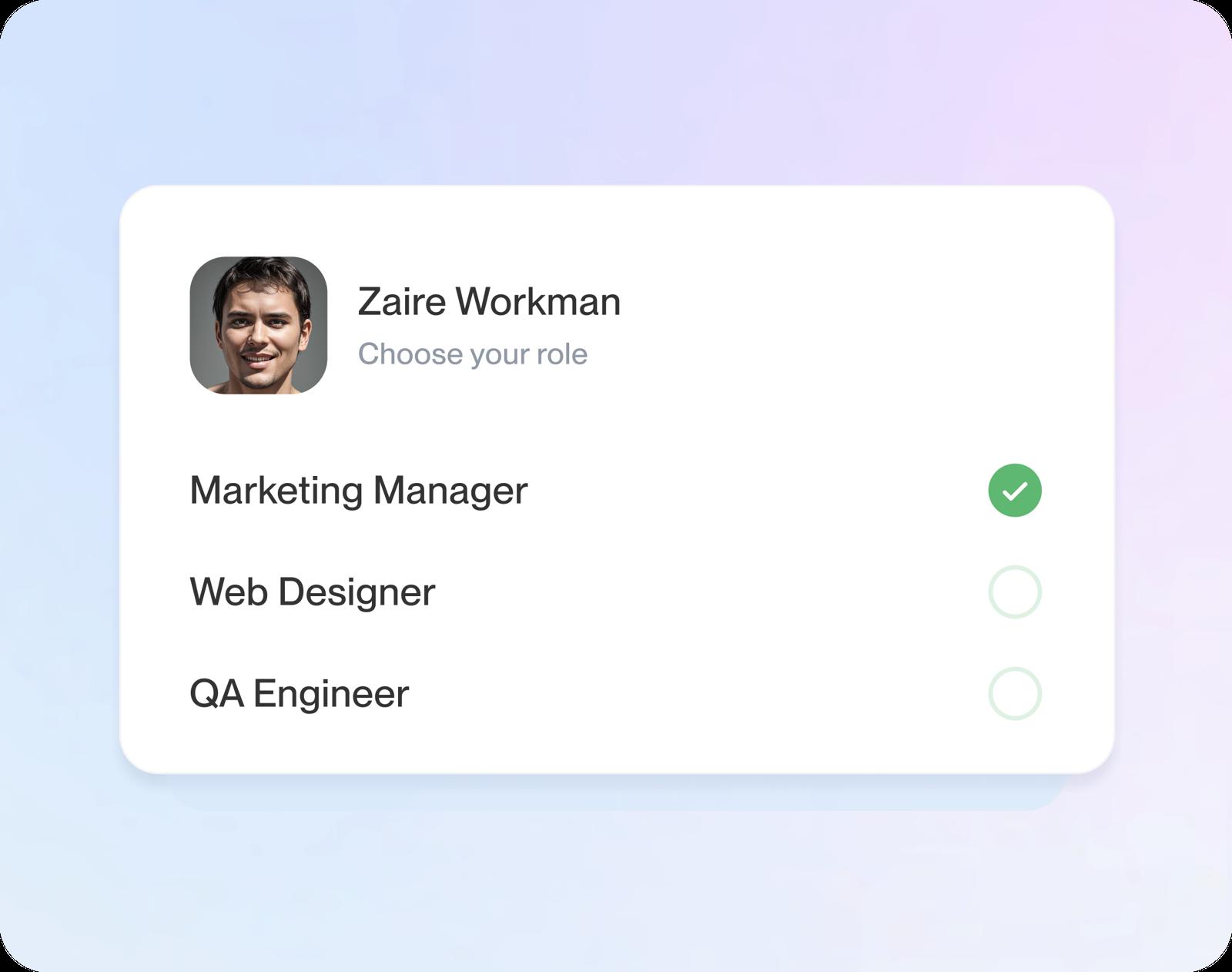
Use examples for your job as a starting point. Keep what is true for you and leave out anything that does not fit.
A live preview
Watch your CV take shape as you type, so you can see how each section looks before you move on.
Saved to your account
Save your CV free and return to it later, whether you have one change to make or a whole section to finish.
From free template to finished CV
Step 1
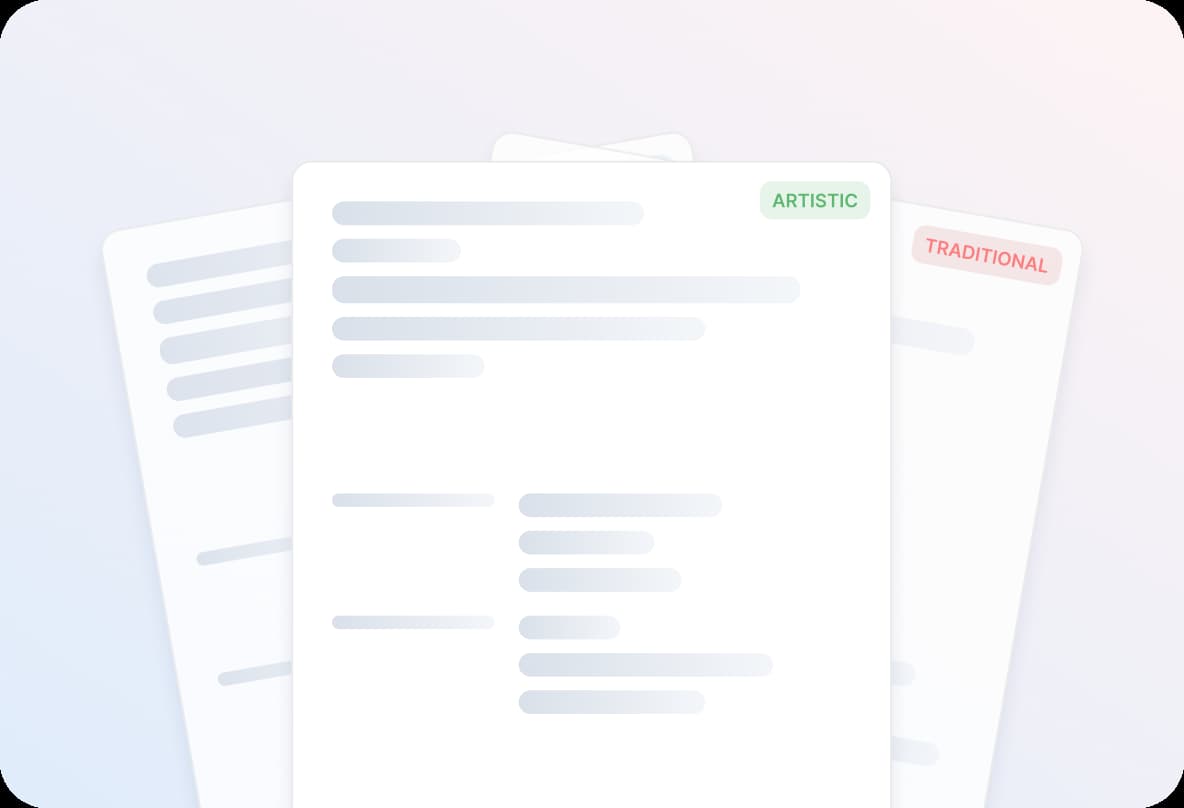
Choose a template
Pick a design with clear headings and room for your experience. Each template is free to fill in.
Step 2
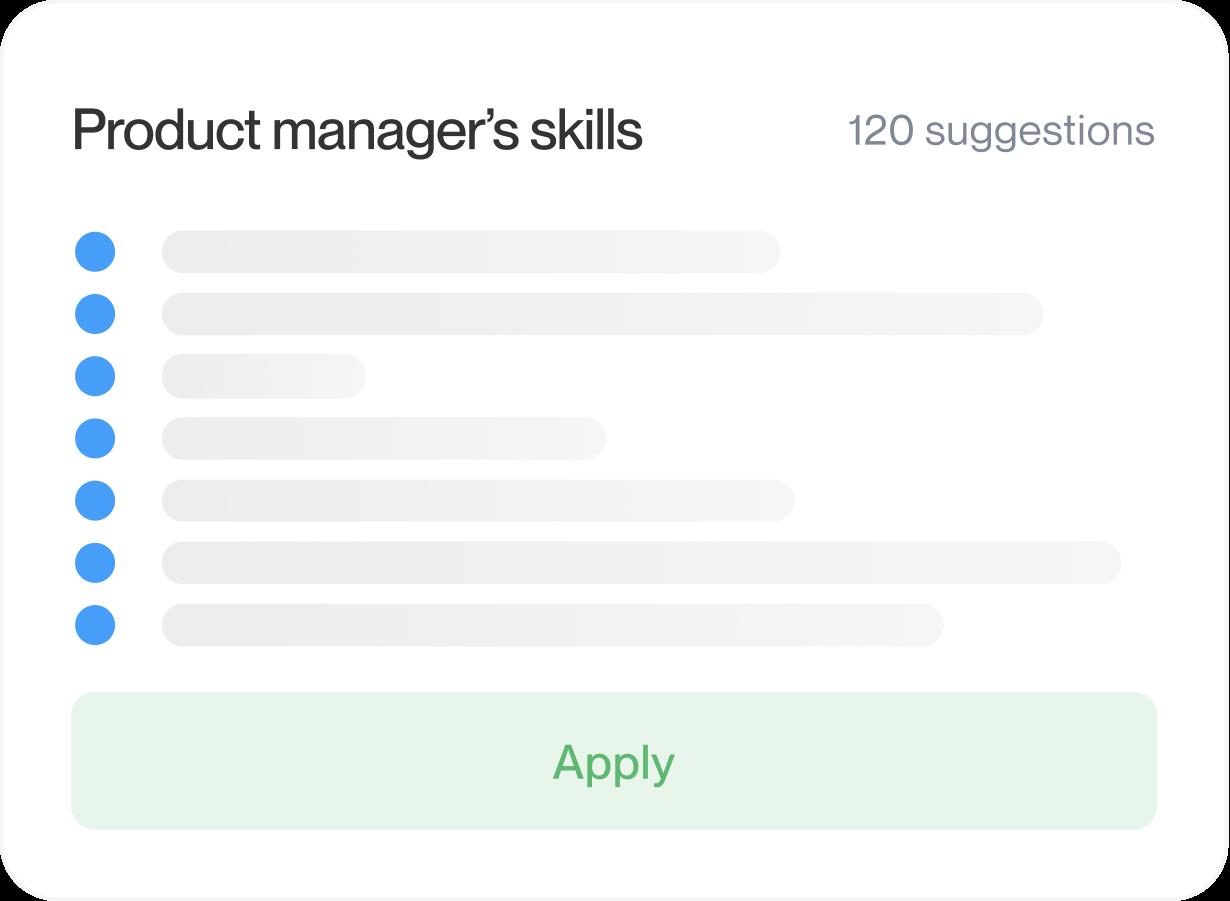
Fill in each section
Add your contact details, jobs, education and skills. Adapt examples to describe your own work.
Step 3
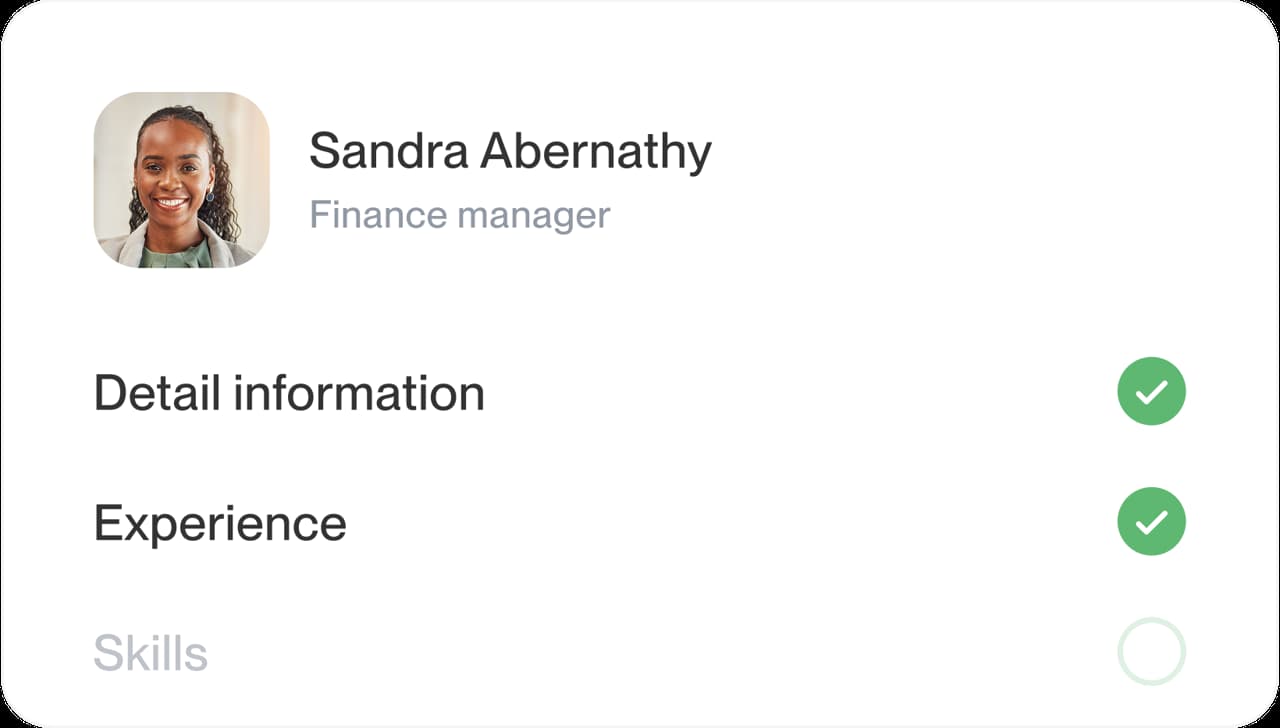
Save as you go
Keep your CV in your account free, then come back to change it whenever you need to.
Step 4
Download when ready
Give the preview a final check, then download your finished CV.

Step 1
Choose a template
Pick a design with clear headings and room for your experience. Each template is free to fill in.
Step 3
Save as you go
Keep your CV in your account free, then come back to change it whenever you need to.
Step 2
Fill in each section
Add your contact details, jobs, education and skills. Adapt examples to describe your own work.
Step 4
Download when ready
Give the preview a final check, then download your finished CV.

How to fill in a CV template
Start with your contact details and job history, then add education and skills. Write your profile last. Check the layout again with your own text in place: long job titles and detailed experience can change which design fits.
Start with the facts
Fill in your name, phone number, email address and town or city first. Then list each job you want to include with its title, employer and dates, newest first. Facts first means you never stall on an empty profile box, and seeing your dates in a row shows any gap you’ll want to explain.
How to handle a gap in your dates
If a break needs context, add a short, accurate note with dates. Keep personal details to what you are comfortable sharing. Do not invent work to fill a gap.
Replace sample details with your own experience
Template previews and sample CVs show examples written for an invented person. Don’t copy them. Write something you actually did, and say what changed because of it.
- Sample: “Responsible for stock control.”
- Illustrative rewrite: “Organised the weekly stock count across both stores.” Use this only if it matches your work; add a result only if you can support it.
Use the builder’s suggestions as a starting point, then add the tools, responsibilities and results from your own work.
How many bullet points to put under each job
Give the most relevant jobs enough space to show what you did. Shorten less relevant entries and remove repeated duties. Our guide on how many bullet points to give each job compares two ways to split them.
Add education, skills and certificates
List qualifications with the most recent first. Give each certificate or license its full name, and add when you earned it; if you’re still studying, give the date you expect to finish. Choose skills the posting names and your work history backs up; a skill that no line on the page supports reads as padding.
Write your profile last
Two or three lines are enough: who you are, what you’re good at and the kind of job you want. It’s far easier once the rest of the page is done, because you can lift your strongest result straight into it.
What if the template’s section order doesn’t suit me?
Choose a layout that gives your strongest evidence enough space. A recent graduate may want education near the top; an experienced applicant may need more room for work history.
Can I change the template after filling it in?
Yes. Switch to another design at any point and everything you’ve typed moves across, so you can fill one in now and compare looks later. Try your finished CV in two or three designs; one usually suits your details better than the rest.
Make it fit each job
Before each application, reread the job ad and move the matching skills and results higher. A template gives you a starting layout while you edit the content. Save one version per kind of job you apply for, and the next application begins with most of the work done.
Check it before you send it
Read it through once in the preview and once aloud, looking for these four things:
- No sample or placeholder text left anywhere
- Dates in the same format all the way down
- Spelling that suits the country you’re applying in
- Your strongest section close to the top
Want tips for your field? Browse CV examples for your job, or read our full guide to writing a CV.
Why the words matter as much as the design
“Great resume builder, I'll be using it again”

“I needed a resume fast, great and very useful”

Filling in a free CV template: answers
Should I delete the sample text in a CV template?
Yes, every word of it. Examples describe an invented person, so replace each one with something you really did, and check that no placeholder is left before you send your CV.
Can I fill in a CV template for a career change?
Yes. Move your skills section above work history, open with a profile that names the role you want, and describe past work in the words the new field uses, where that is true.
How do I write a CV with a free template?
Pick a design, add your contact details and jobs, then write each line about your own results. Write your profile last. The guide above walks through each section.
How do I make a template feel like my own CV?
Use your own job titles, experience and results. Choose a layout that fits that content, then check that no sample details remain.
Can I use these templates for jobs abroad?
Check the employer’s instructions and the conventions in the country where you are applying. A job CV and an academic CV can need different content, so do not assume the same template suits both.
Pair a template with an example from your field
Featured this week





- 17 examples
- 67 examples
- 21 examples
- 20 examples
- 106 examples
- 10 examples






Show all industries (A–Z)Show fewer
- Aerospace & Defense, 8 examples
- Agriculture, 23 examples
- Apparel & Textiles, 13 examples
- Architecture, 15 examples
- Artificial Intelligence, 6 examples
- Arts & Entertainment, 24 examples
- Automotive, 21 examples
- Beauty & Personal Care, 17 examples
- Biotechnology & Life Sciences, 7 examples
- Business Services, 23 examples
- Chemical Engineering, 4 examples
- Childcare, 14 examples
- Construction, 106 examples
- Creative, 15 examples
- Customer Service, 17 examples
- Education, 94 examples
- Energy, 39 examples
- Environmental Science, 5 examples
- Finance, 63 examples
- Food & Beverage, 68 examples
- Government, 48 examples
- Healthcare, 160 examples
- Hospitality, 35 examples
- Human Resources, 18 examples
- Insurance, 10 examples
- Legal, 12 examples
- Logistics, 37 examples
- Manufacturing, 68 examples
- Marketing, 8 examples
- Media, 20 examples
- Military, 24 examples
- Mining & Metals, 9 examples
- Nonprofit, 8 examples
- Pharmaceuticals, 12 examples
- Public Relations, 10 examples
- Real Estate, 7 examples
- Retail, 38 examples
- Robotics, 11 examples
- Sales, 14 examples
- Security Services, 19 examples
- Social Services & Counseling, 21 examples
- Social Work, 14 examples
- Sports & Fitness, 96 examples
- Technology, 67 examples
- Telecommunications, 6 examples
- Tourism & Travel, 9 examples
- Transportation, 38 examples
- Veterinary, 9 examples
Looking for a different role?

In our customers' words
from 3,900+ reviews