Make your CV specific with
Use a job suggestion to recall the work behind a broad claim. Add what you handled, the tools you used or the people you helped, then check that the example describes your contribution. Rocket Resume keeps the draft visible as you edit.
- Specific examples for you
- Choose what fits, skip the rest
- Reshape any suggestion your way
- Preview the page as it fills in

Danny
Apr 2023
“I'll recommend it to friends and family.”

Sameer T.
Aug 2022
“I would definitely tell others about it”

Anamaria P.
Jul 2026
“Very happy with the service, it helped a lot.”

Aaliyah
Apr 2026
“I was able to land an interview!”
from 3,900+ reviews



Specific examples in place of vague claims

Show what you did
Describe the work behind your job title. Include what you handled, who you helped and any results you can support.
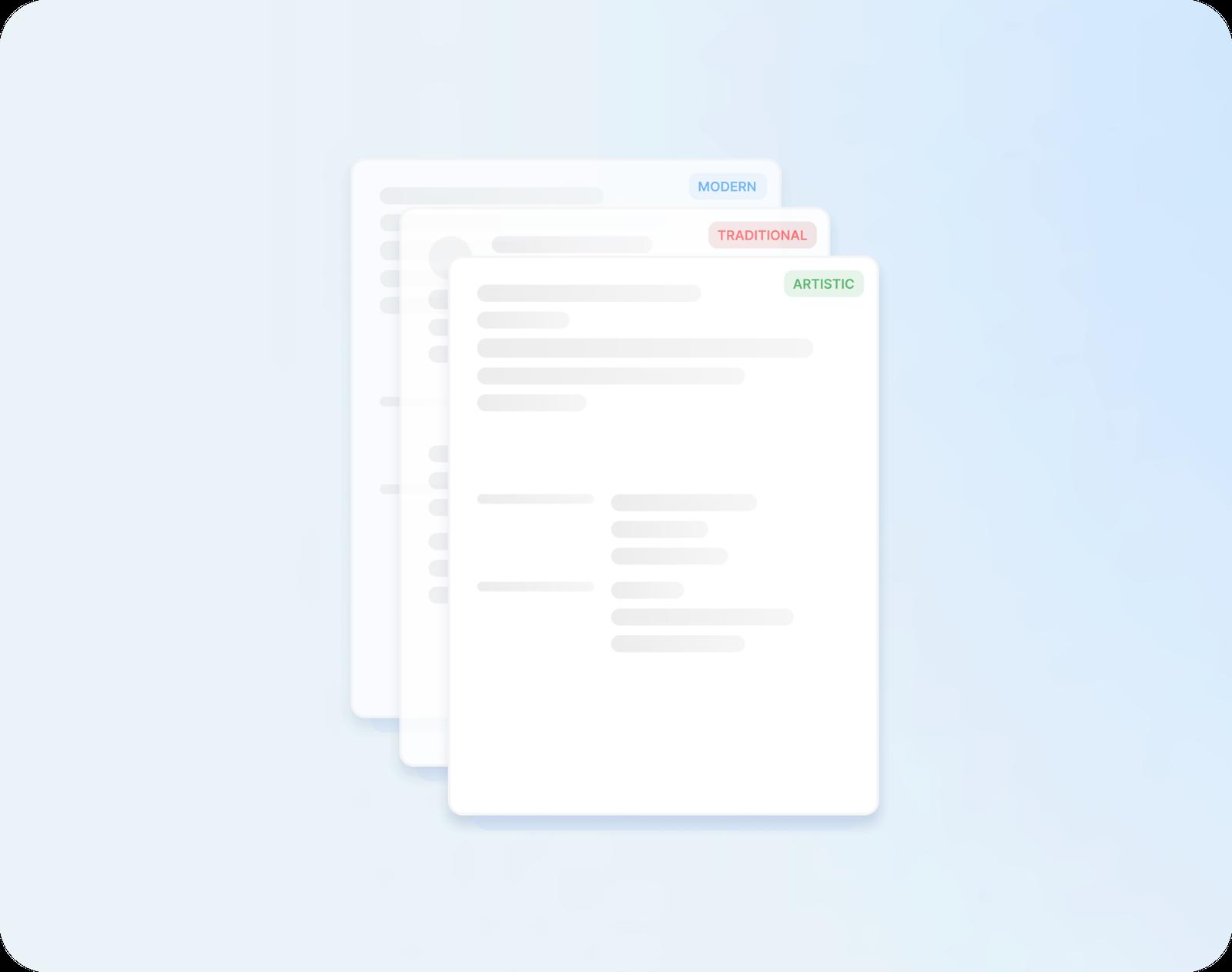
Make your experience easy to follow
Keep job titles, employers and dates clear. Use familiar section headings so a reader can find your experience and qualifications.

Suggestions for you
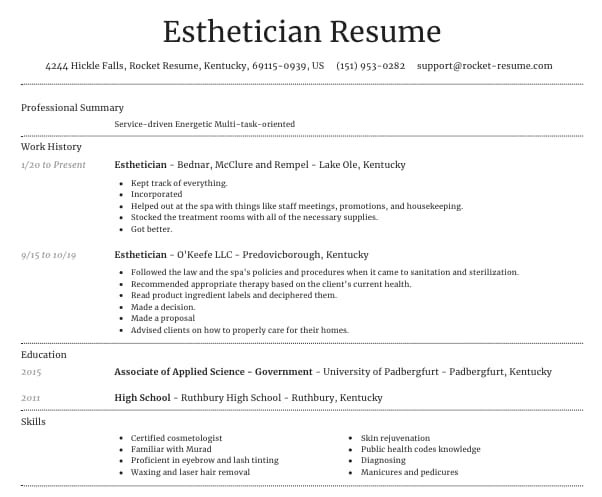
Enter a job you’ve held to see suggestions for that role. Keep the ones that fit your experience and edit them to match your work.

Match each CV to the job
Save your CV to your account, then duplicate it in My Library for another application. Adjust the copy to give the most relevant experience more space.
How to build a CV with the CV builder
Step 1
Pick a design to start
Start with a quick question about your background, then choose a professional design. A later design change keeps all your text.
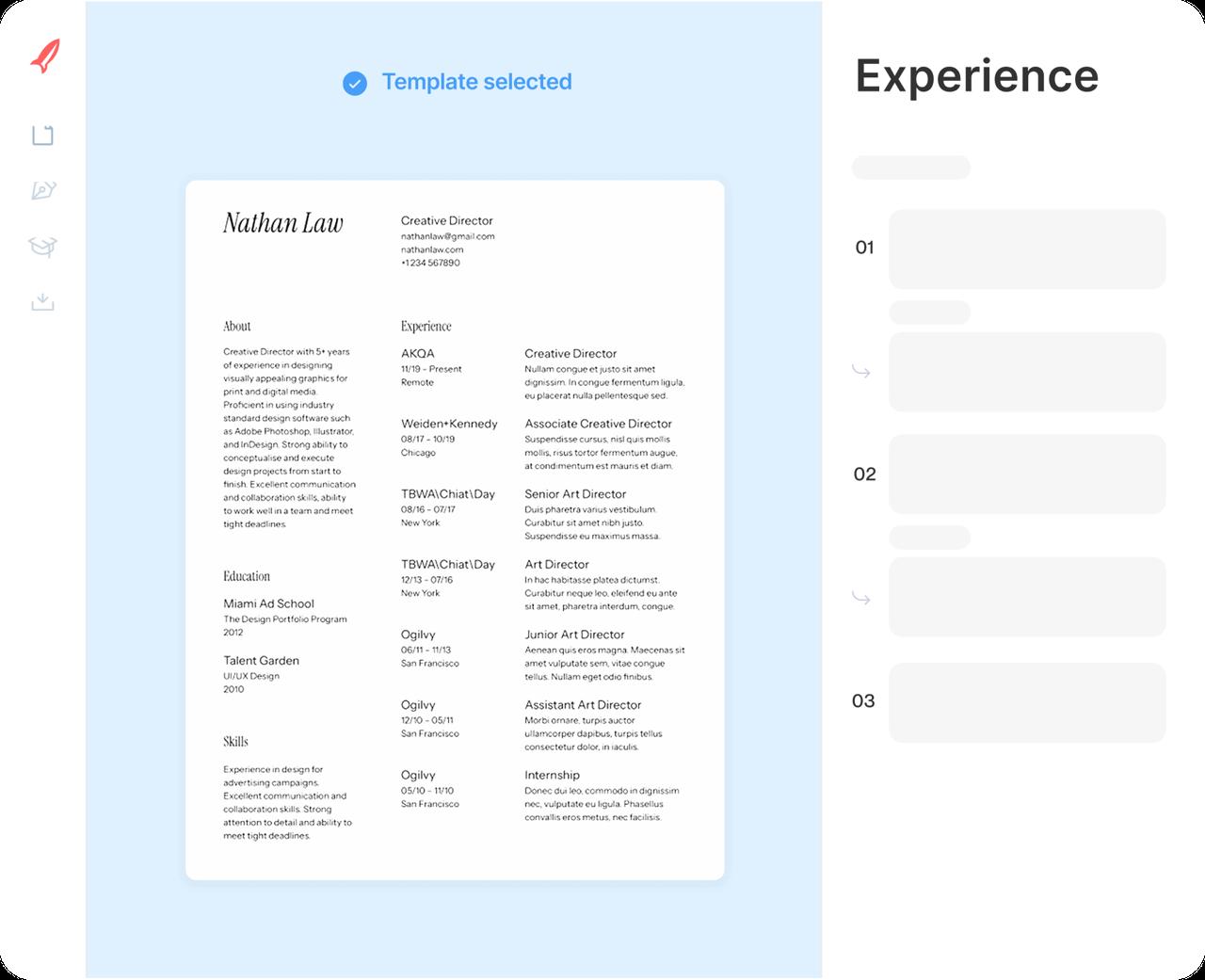
Step 2
Add your jobs and schooling
Enter each job, newest first, then your education. Each job title you type brings up examples; pick the ones that match your work.
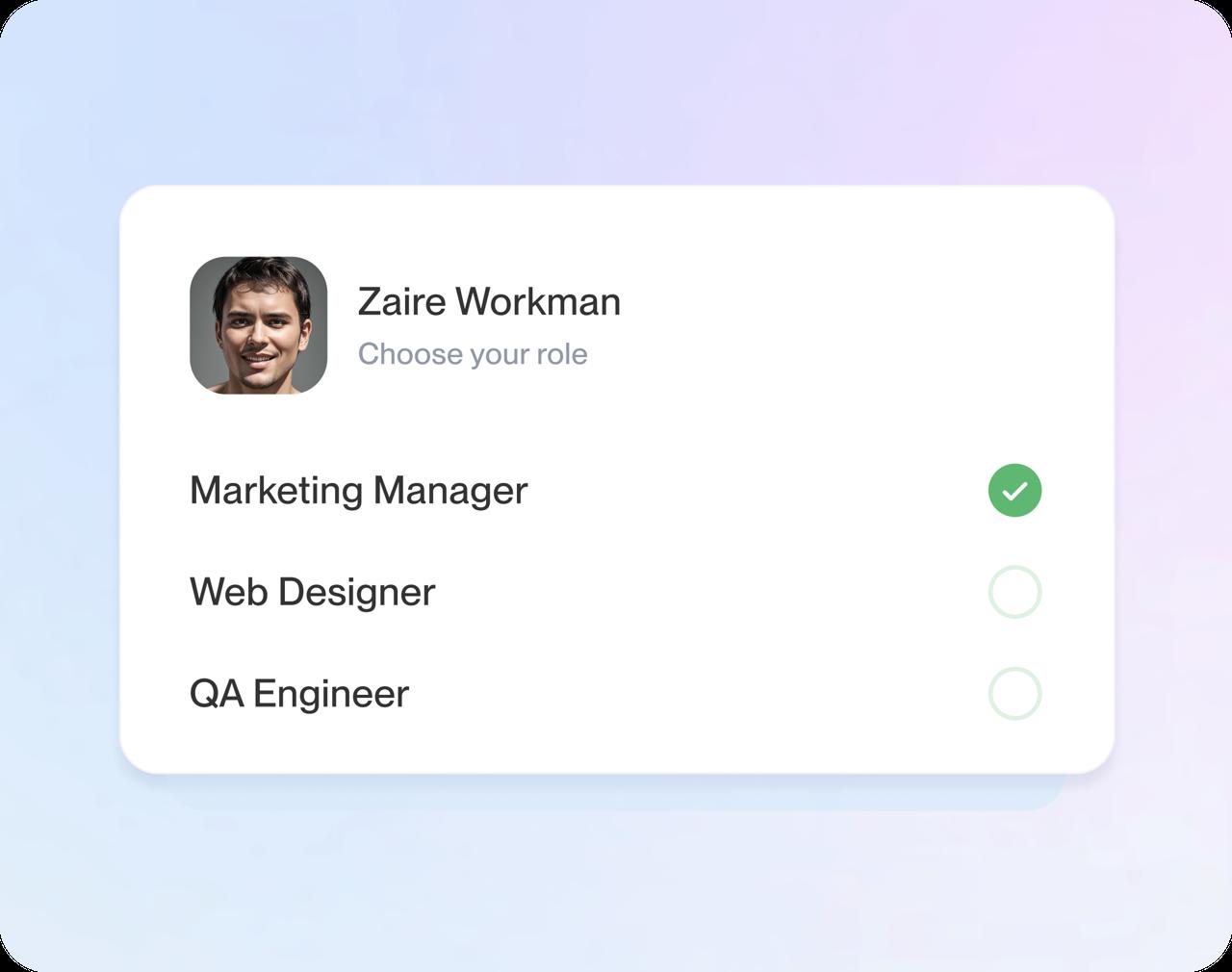
Step 3
Polish it as you go
Reword the examples until they sound like you, lead with your strongest section and check the preview as your CV takes shape.

Step 4
Download your CV
Read it once more for dates and spelling, then download the finished CV.
Step 1
Pick a design to start
Start with a quick question about your background, then choose a professional design. A later design change keeps all your text.
Step 3
Polish it as you go
Reword the examples until they sound like you, lead with your strongest section and check the preview as your CV takes shape.
Step 2
Add your jobs and schooling
Enter each job, newest first, then your education. Each job title you type brings up examples; pick the ones that match your work.
Step 4
Download your CV
Read it once more for dates and spelling, then download the finished CV.
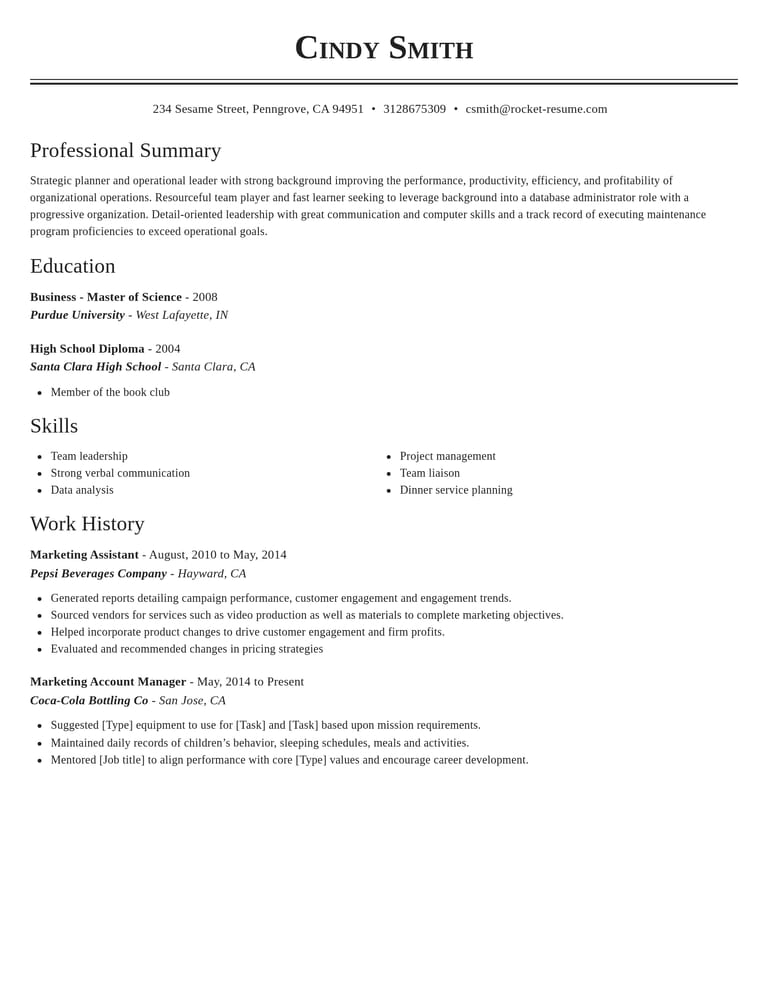
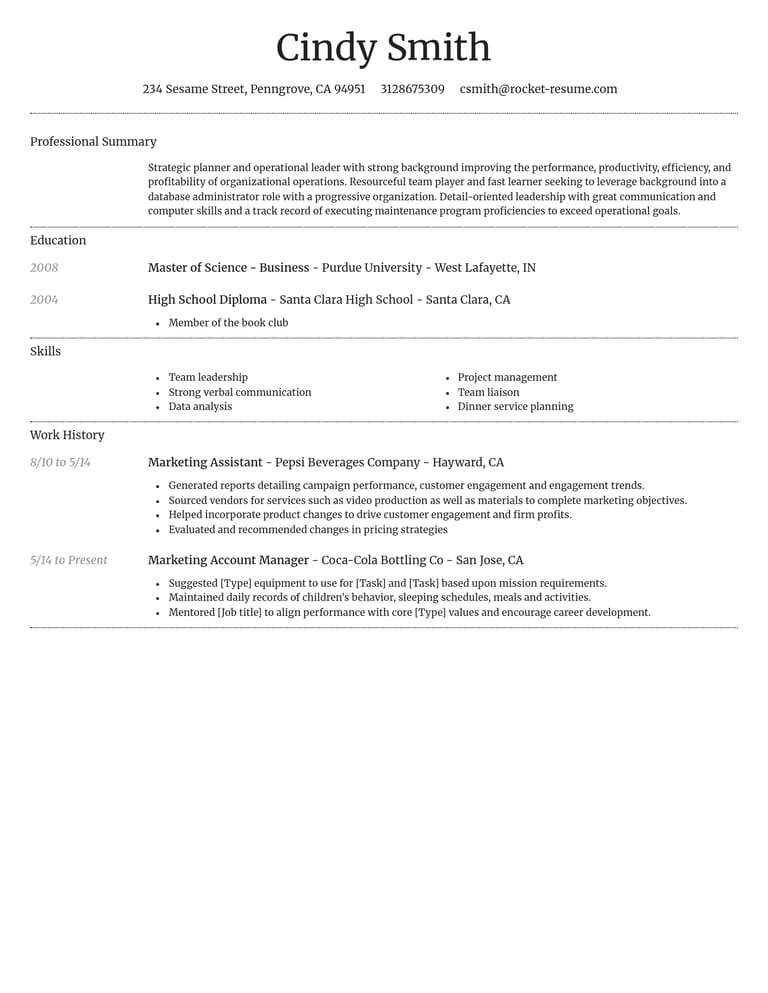
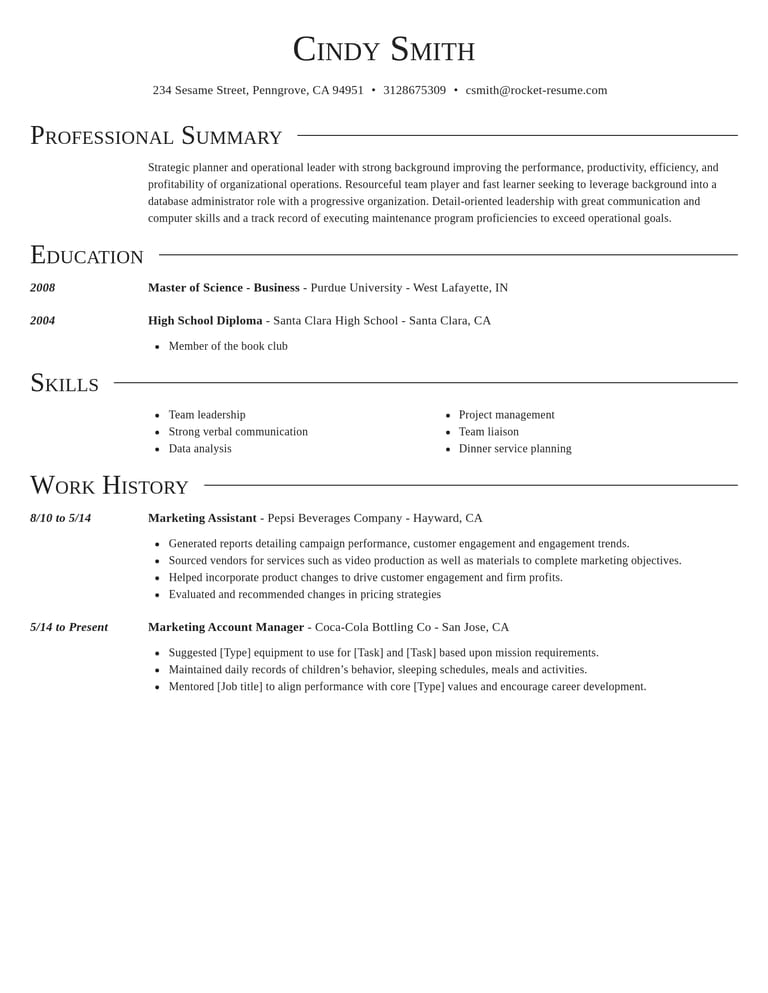
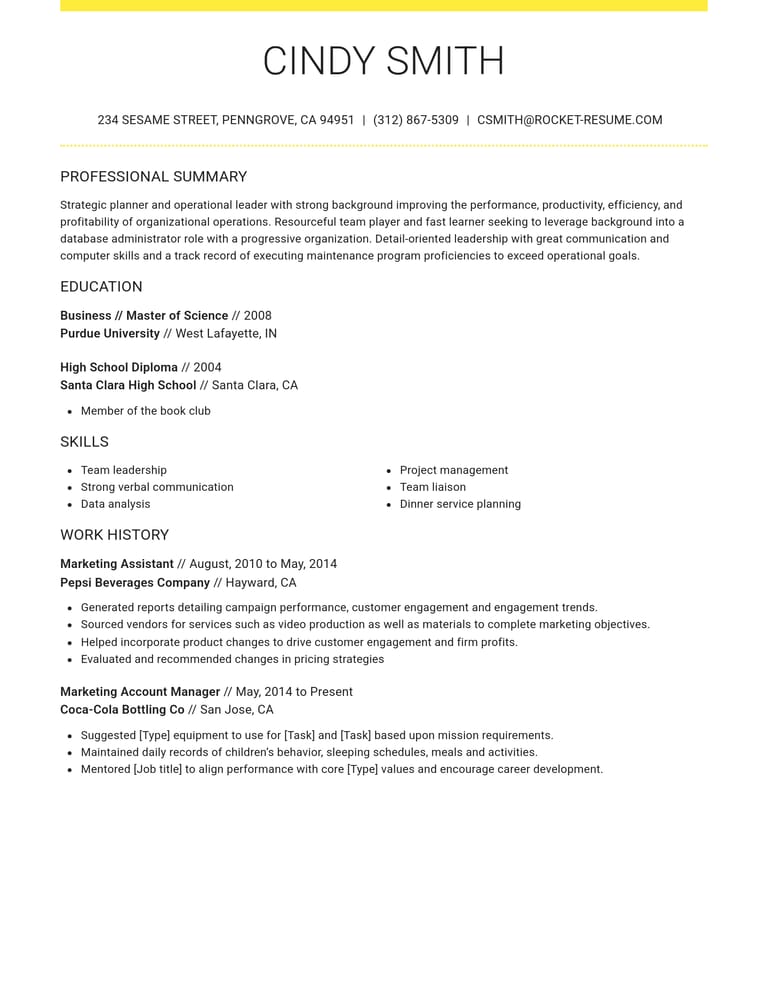
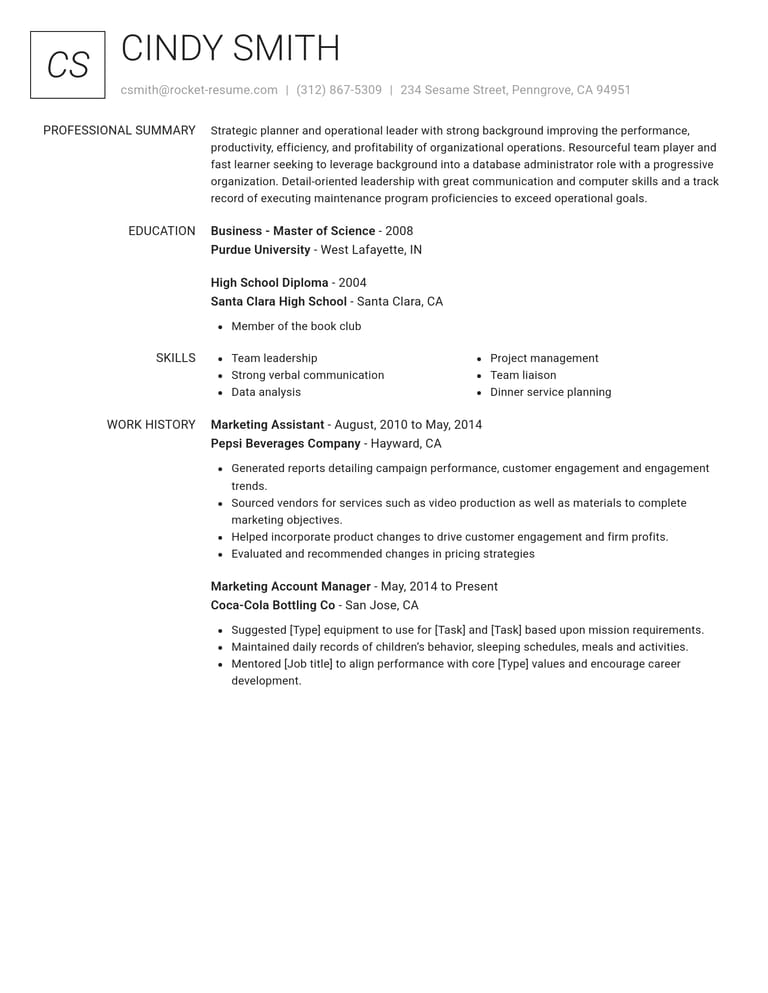
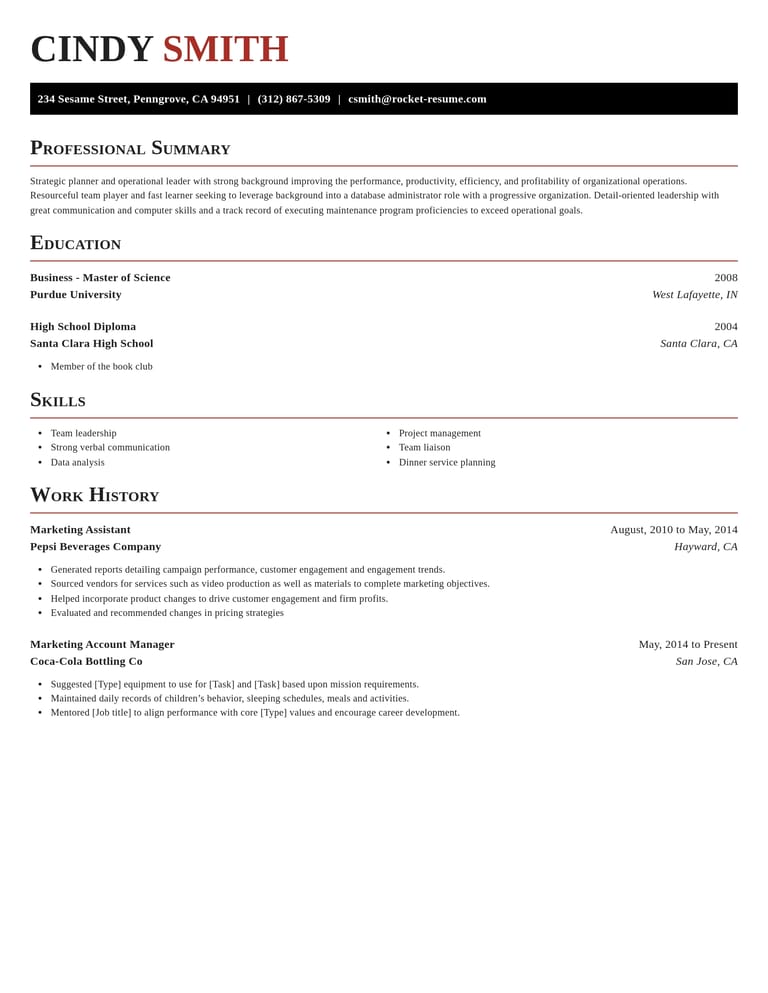
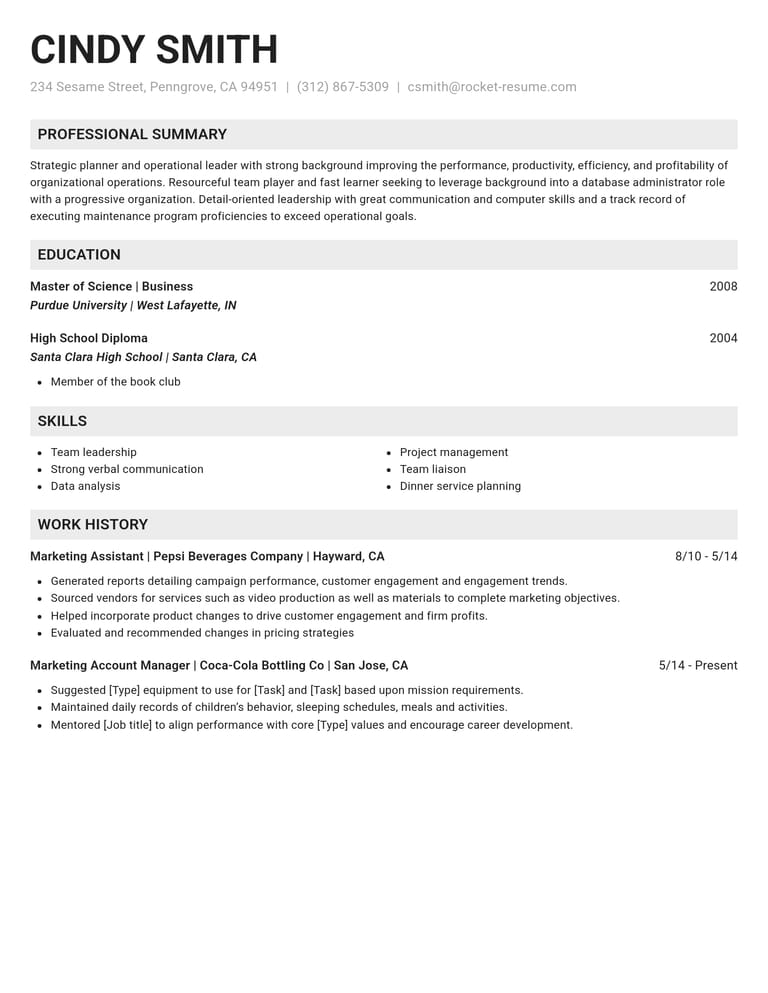
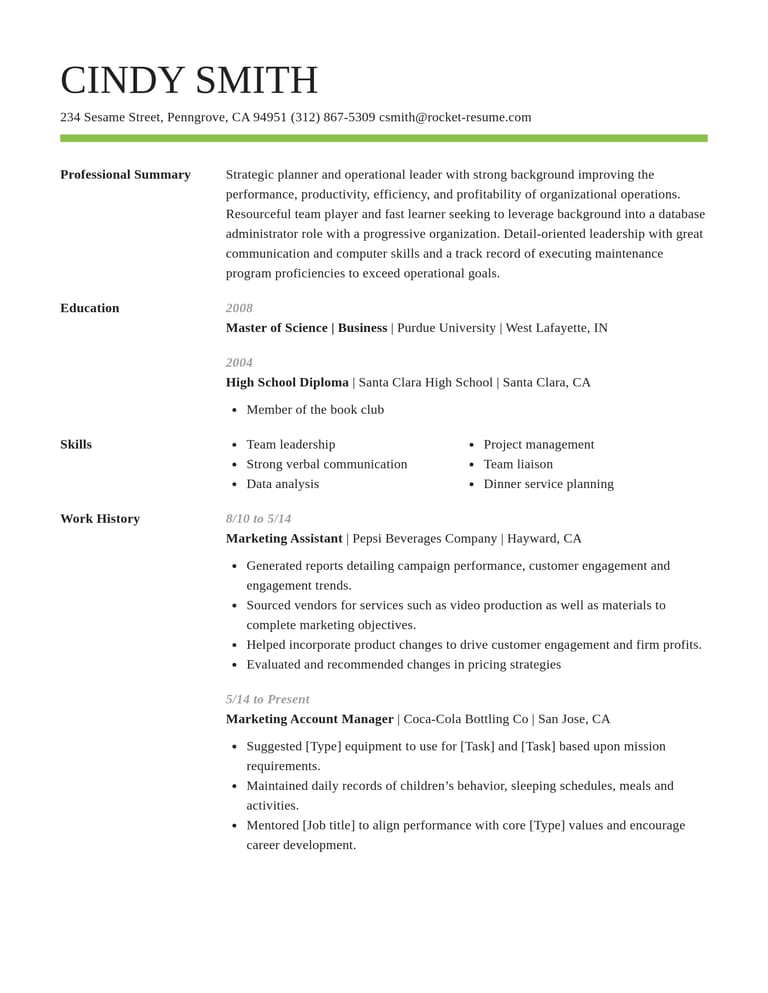
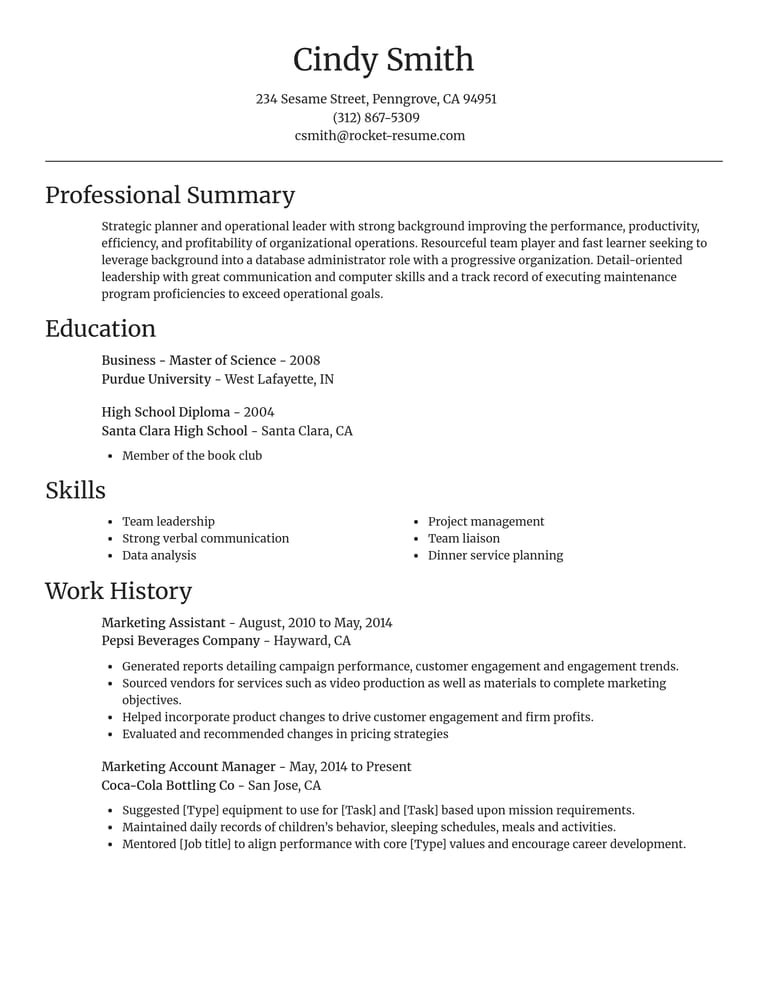
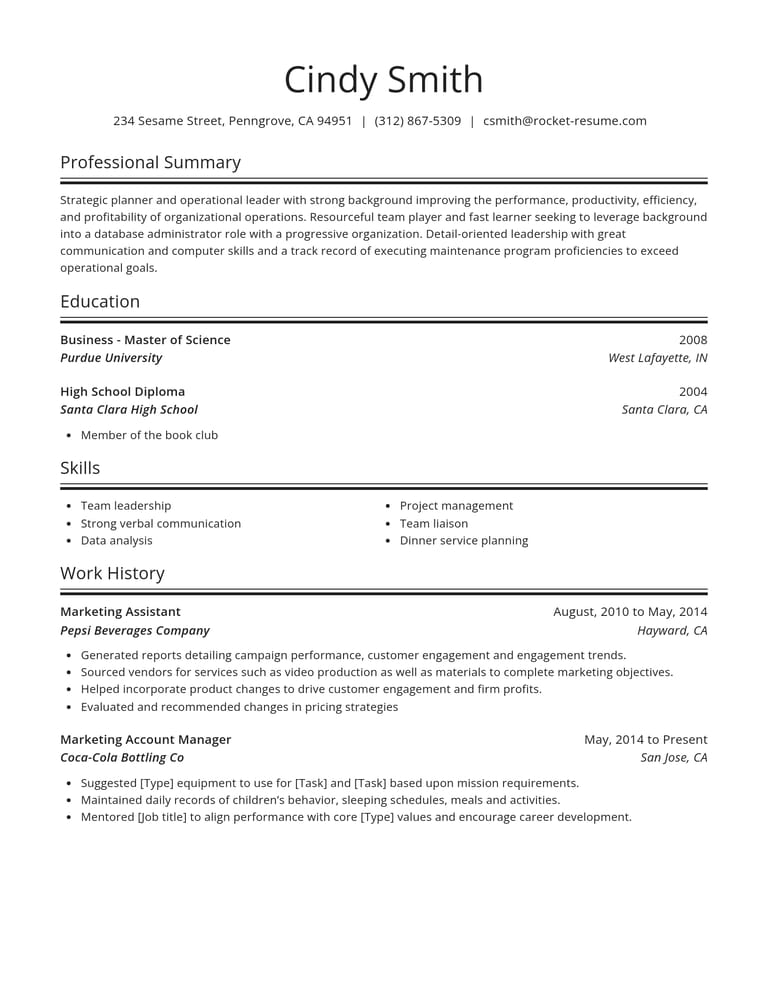
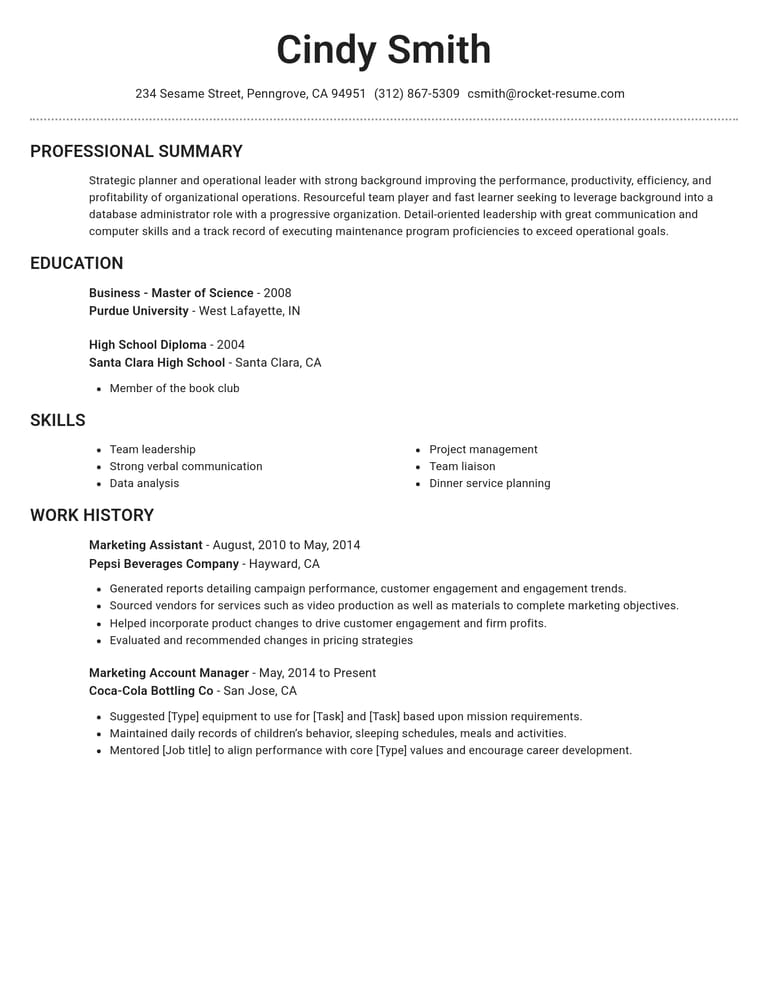
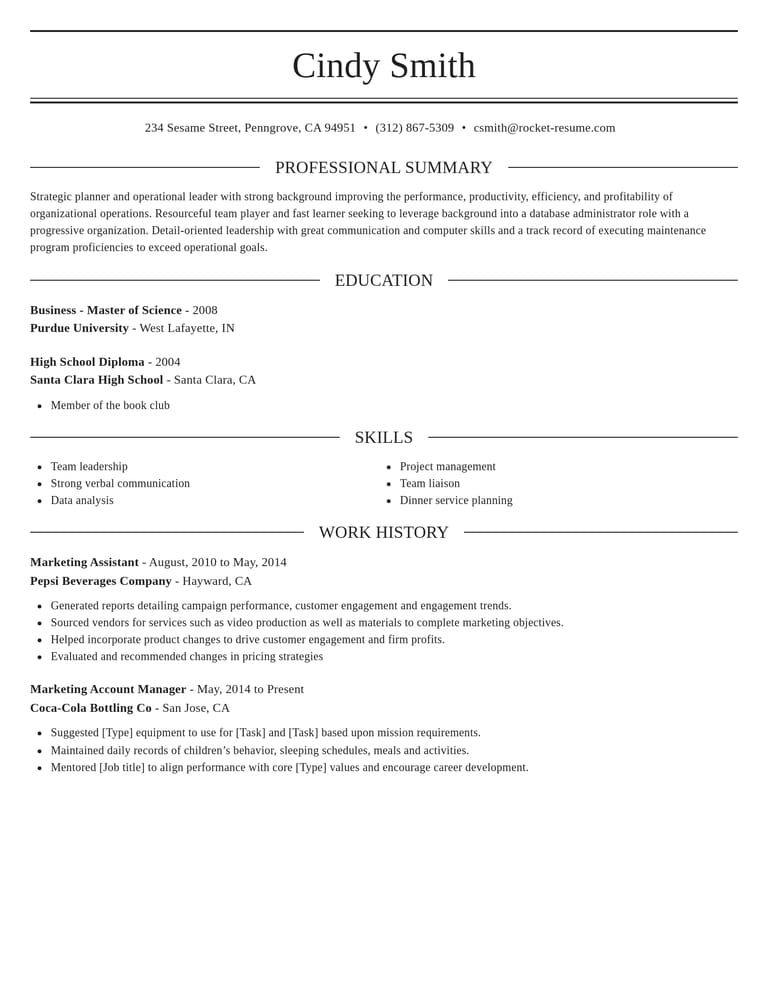
Pick a CV design that suits your field
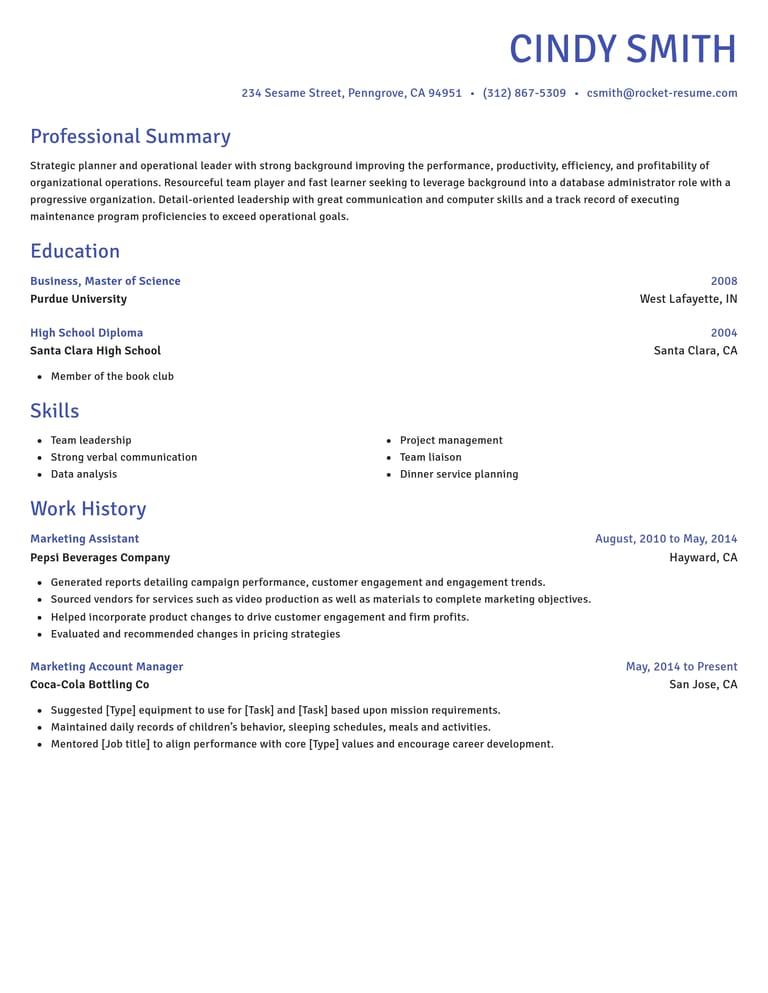

Make a CV specific through the details you choose
A role-specific CV explains why particular parts of your experience matter. That connection comes from selecting useful evidence and naming it clearly, rather than repeating the opportunity's description throughout the page.
Translate the opening into practical work
Read the responsibilities and ask what someone would actually do during a normal day. A request for coordination might involve arranging meetings, tracking project information, or organizing a recurring process.
Identify the version of that work the opportunity describes. This gives you a more useful focus than a broad adjective that could apply to almost any role.
Replace a general claim with a specific event
Choose a vague statement in your draft and recall the experience behind it. Instead of simply claiming to be organized, describe a process you maintained and the material it involved.
A fictional research administrator might explain keeping a schedule of participant appointments and confirming changes with the study team. That detail gives the reader something concrete to understand without making a larger claim about the whole program.
Name the relevant method or tool
If a method matters to the opportunity and you have used it, place it beside the work it supported. Context helps distinguish practical use from an isolated name in a long skills section.
Keep your level of experience clear. Completing a guided classroom exercise, using a method regularly, and teaching others to use it are different claims that should not collapse into the same description.
Make transferable experience understandable
For a change of field, explain the connection without renaming your former job. Coordinating volunteers may be relevant to scheduling work, but it does not become clinical coordination merely because that is the next role you want.
Use the summary to state the connection briefly, then let the experience entry establish the facts. Required credentials remain separate from transferable skills, even when both support the application.
Remove detail that dilutes the focus
A CV can become less specific when every task receives equal attention. Keep necessary chronology, but give more explanation to the work that answers the application's actual responsibilities.
For academic or medical requests, retain any required categories even if they do not fit a short employment narrative. Specificity means serving the request accurately, not stripping away information that the application explicitly asks you to provide.
Check the fit without the posting beside you
Rocket Resume's job-title suggestions can help you begin a description, and you can edit or skip them. Treat your own evidence as the limit on what the finished wording may claim.
Read the CV by itself and identify the work it appears to prepare you for. If that message is unclear, improve the concrete details before adding another general claim about suitability.
Research on hiring and CV writing
“If I need one in the future, I'll use it again.”

“It's great, I have a job now”

CV builder questions, answered
How can I make a CV specific without repeating the posting?
Describe genuine work that connects to the responsibilities in the opening. Use precise task names, settings, and methods where they are accurate. The connection should be understandable from your evidence, rather than depend on reproducing the posting's phrases or adding skills you have not actually used.
Can I change an old title to match the role I want?
Keep the actual title of the position you held. You can clarify unfamiliar responsibilities in the description and explain transferable experience in the summary. Renaming a past position to match a target role can misrepresent the record, even when some of the daily tasks are similar.
What makes a skill too vague for my CV?
A skill is vague when the reader cannot tell what you mean or where you used it. Broad claims about organization or problem solving need context. Identify a relevant task or method, then show the experience behind it rather than relying on a general label to carry the claim.
Pick your industry, then build your CV
This week’s industry picks





- 23 examples
- 19 examples
- 17 examples
- 37 examples
- 35 examples
- 15 examples






Show all industries (A–Z)Show fewer
- Aerospace & Defense, 8 examples
- Agriculture, 23 examples
- Apparel & Textiles, 13 examples
- Architecture, 15 examples
- Artificial Intelligence, 6 examples
- Arts & Entertainment, 24 examples
- Automotive, 21 examples
- Beauty & Personal Care, 17 examples
- Biotechnology & Life Sciences, 7 examples
- Business Services, 23 examples
- Chemical Engineering, 4 examples
- Childcare, 14 examples
- Construction, 106 examples
- Creative, 15 examples
- Customer Service, 17 examples
- Education, 94 examples
- Energy, 39 examples
- Environmental Science, 5 examples
- Finance, 63 examples
- Food & Beverage, 68 examples
- Government, 48 examples
- Healthcare, 160 examples
- Hospitality, 35 examples
- Human Resources, 18 examples
- Insurance, 10 examples
- Legal, 12 examples
- Logistics, 37 examples
- Manufacturing, 68 examples
- Marketing, 8 examples
- Media, 20 examples
- Military, 24 examples
- Mining & Metals, 9 examples
- Nonprofit, 8 examples
- Pharmaceuticals, 12 examples
- Public Relations, 10 examples
- Real Estate, 7 examples
- Retail, 38 examples
- Robotics, 11 examples
- Sales, 14 examples
- Security Services, 19 examples
- Social Services & Counseling, 21 examples
- Social Work, 14 examples
- Sports & Fitness, 96 examples
- Technology, 67 examples
- Telecommunications, 6 examples
- Tourism & Travel, 9 examples
- Transportation, 38 examples
- Veterinary, 9 examples
Is your role missing here?

What job seekers say about the CV builder
from 3,900+ reviews