Organize your CV with
Separate your qualifications, work history and skills so an employer can find the evidence they need. In each work entry, explain the responsibility you held and what you contributed. Use a template to organize the details, then review the full page.
- Choose from three template styles
- Suggestions for your work experience
- Guidance through each section
- Edit the details in your draft

Danny
Apr 2023
“I'll recommend it to friends and family.”

Sameer T.
Aug 2022
“I would definitely tell others about it”

Anamaria P.
Jul 2026
“Very happy with the service, it helped a lot.”

Aaliyah
Apr 2026
“I was able to land an interview!”
from 3,900+ reviews
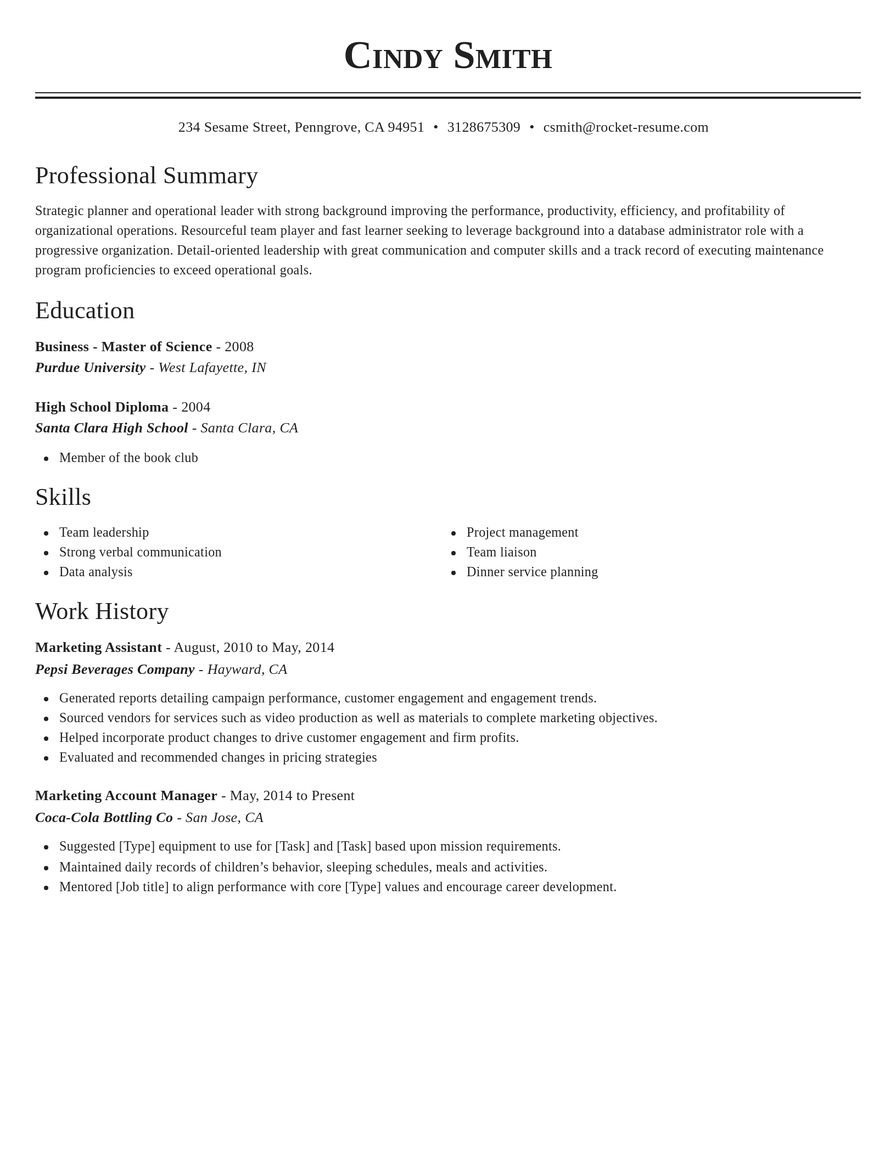
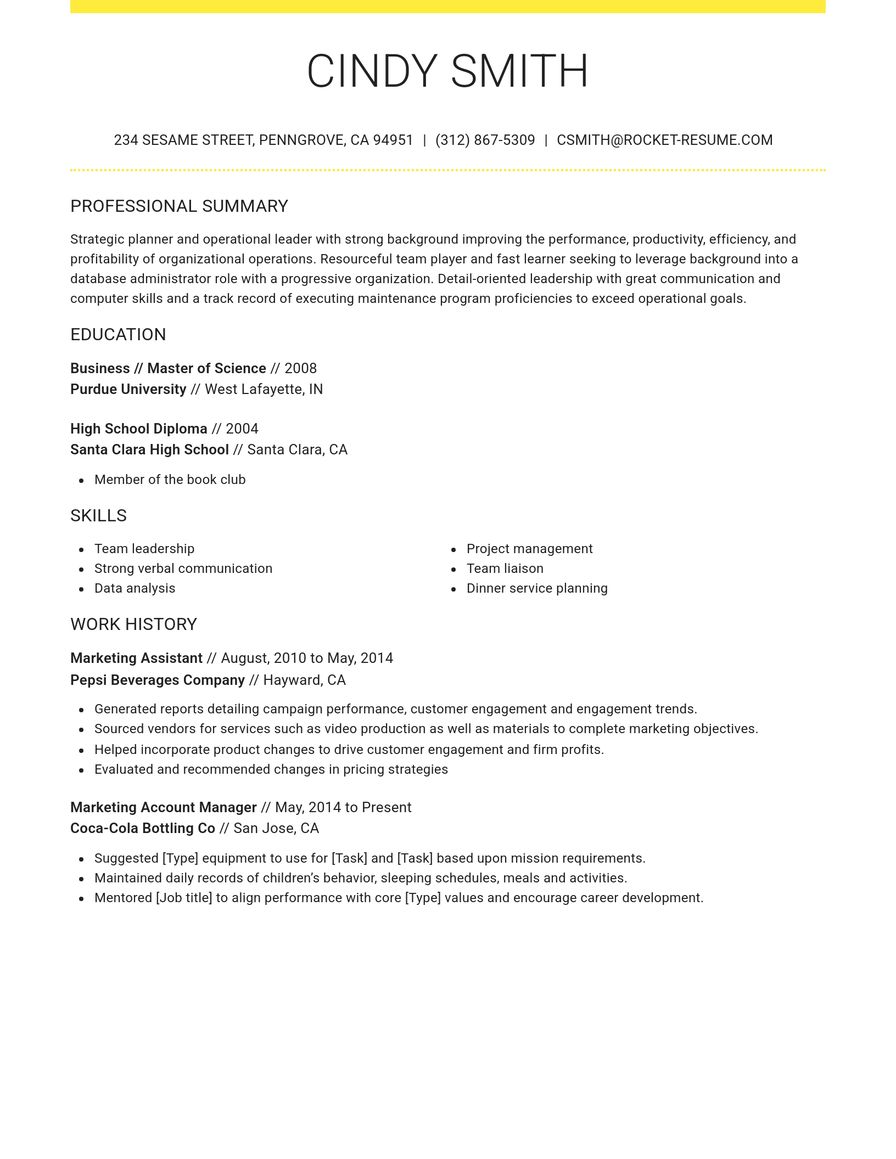
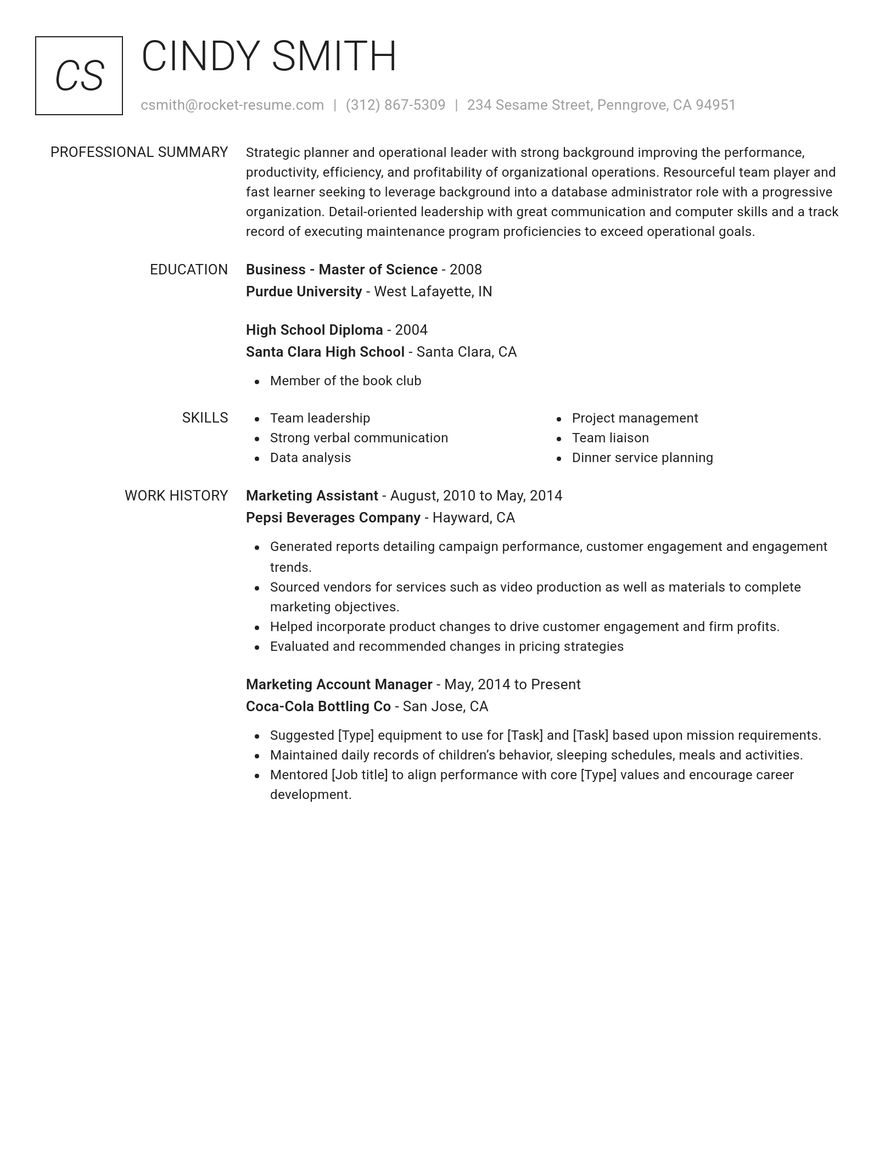
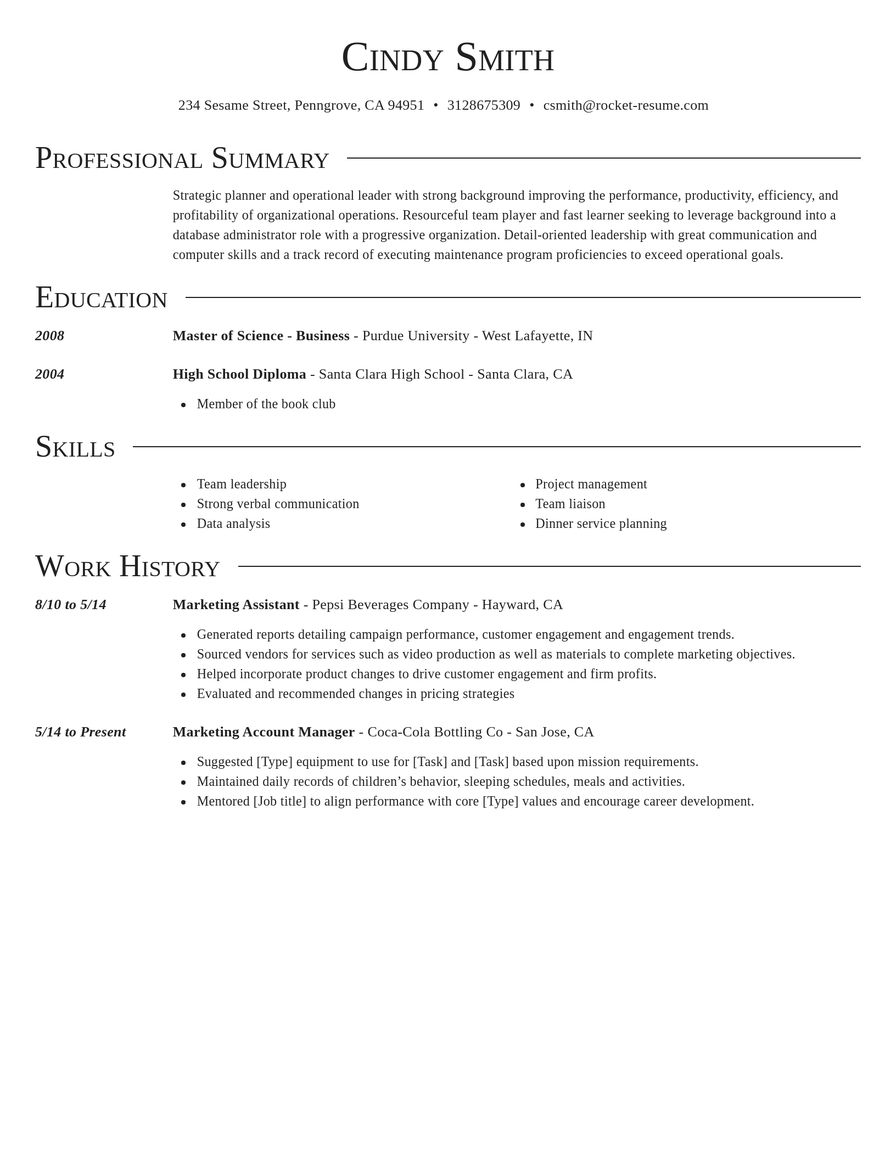
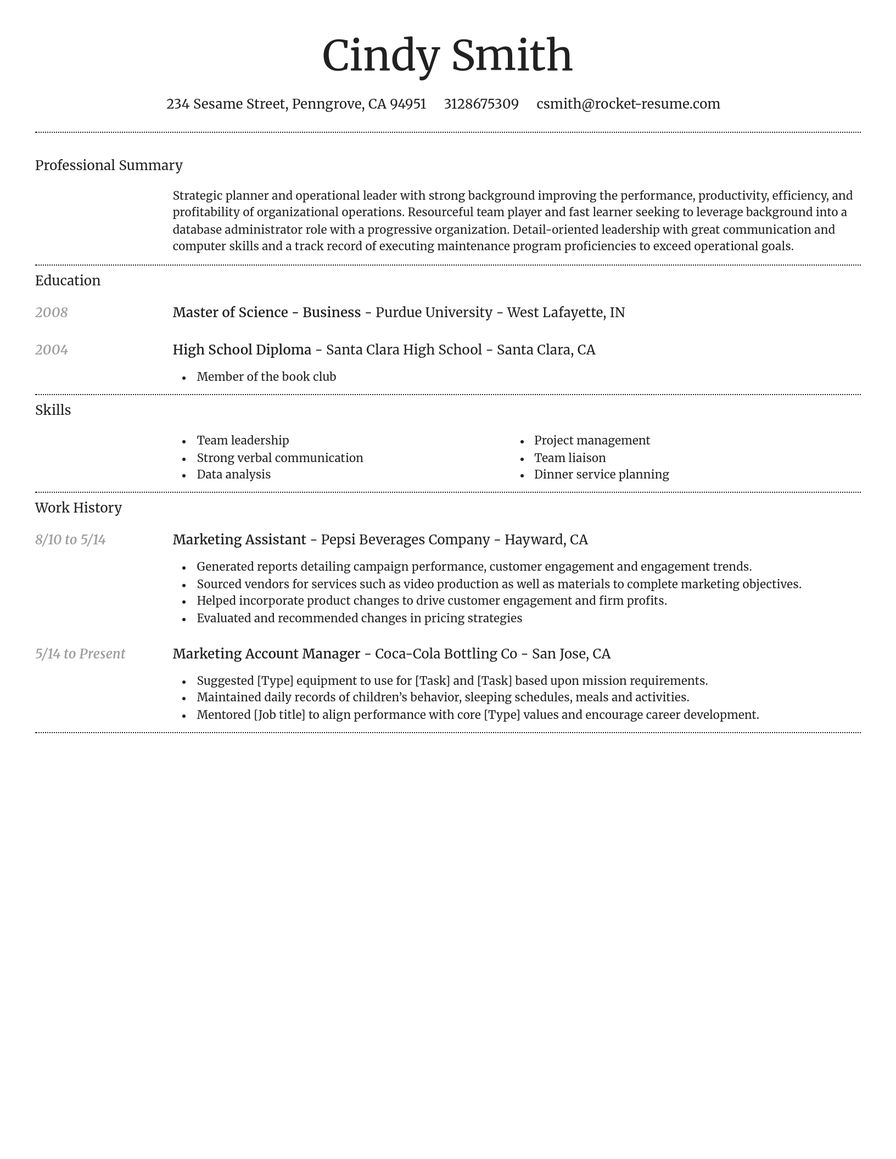
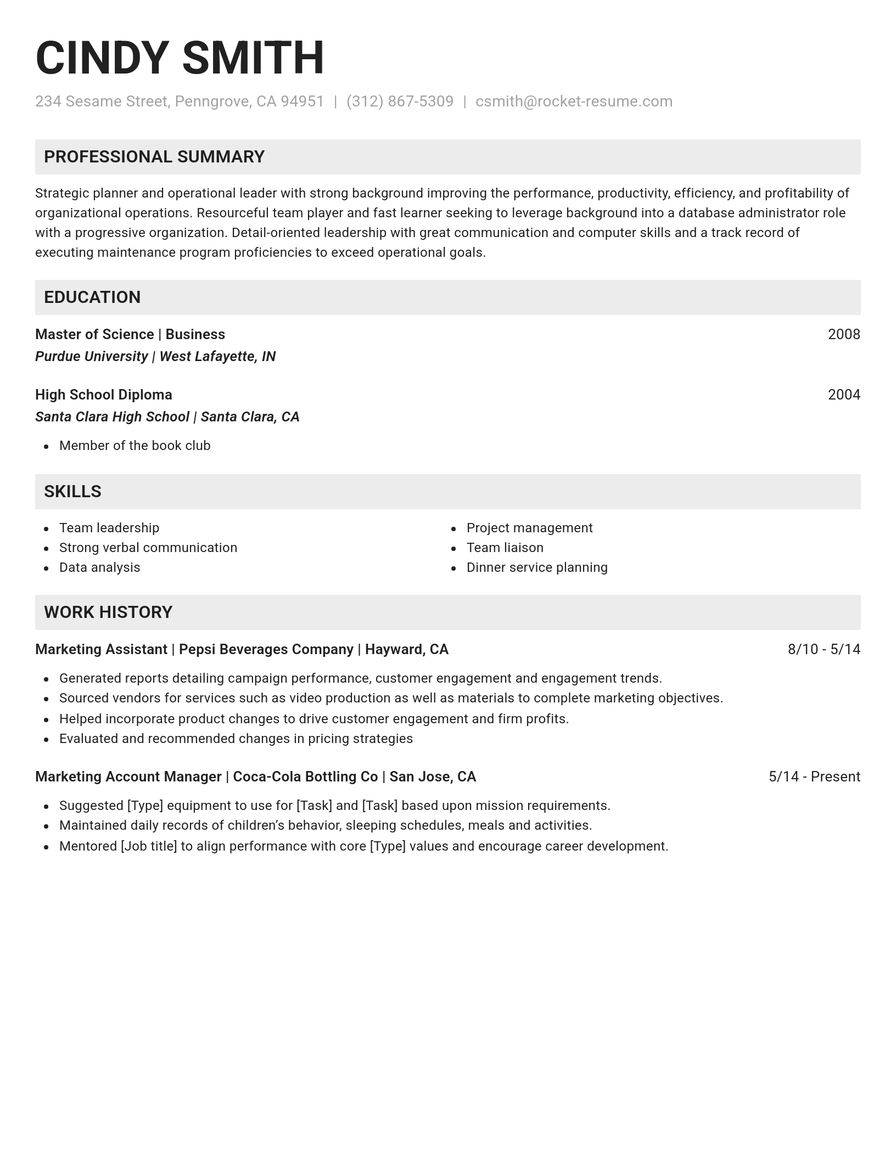
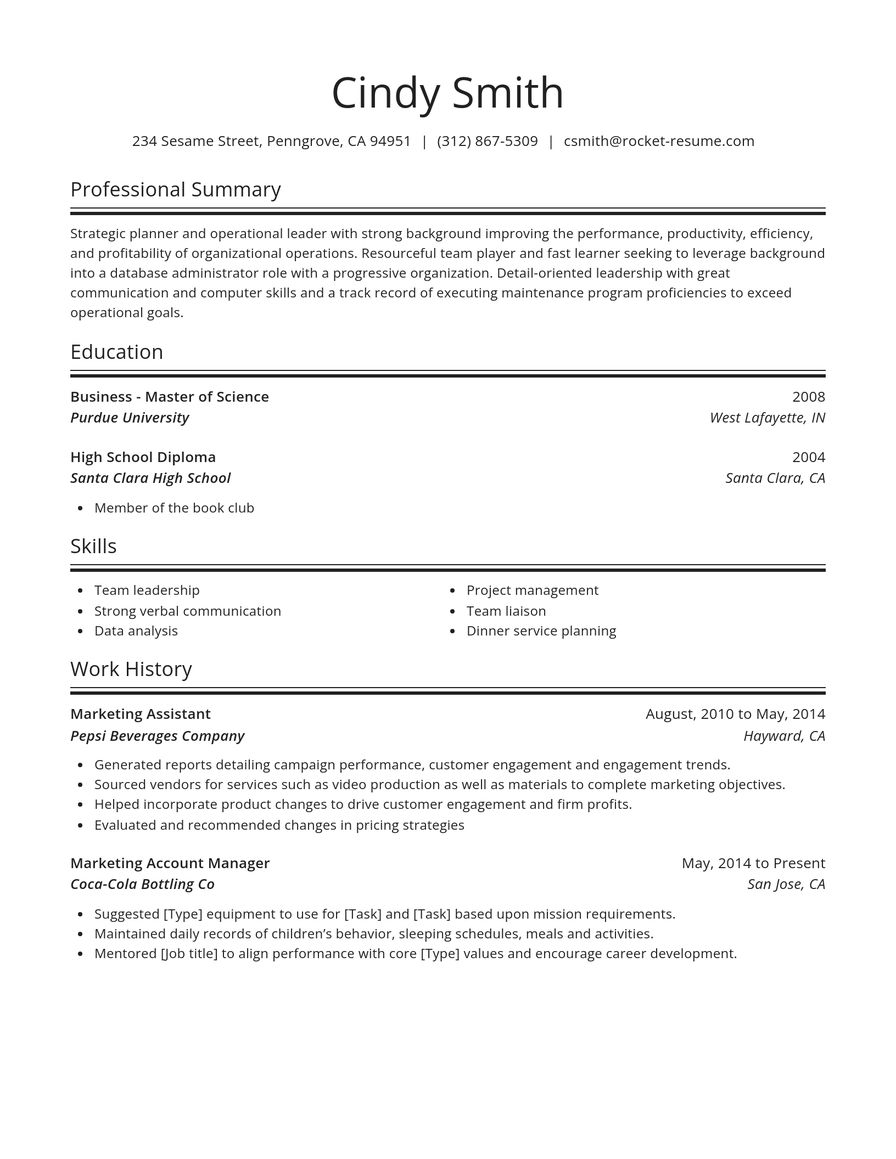
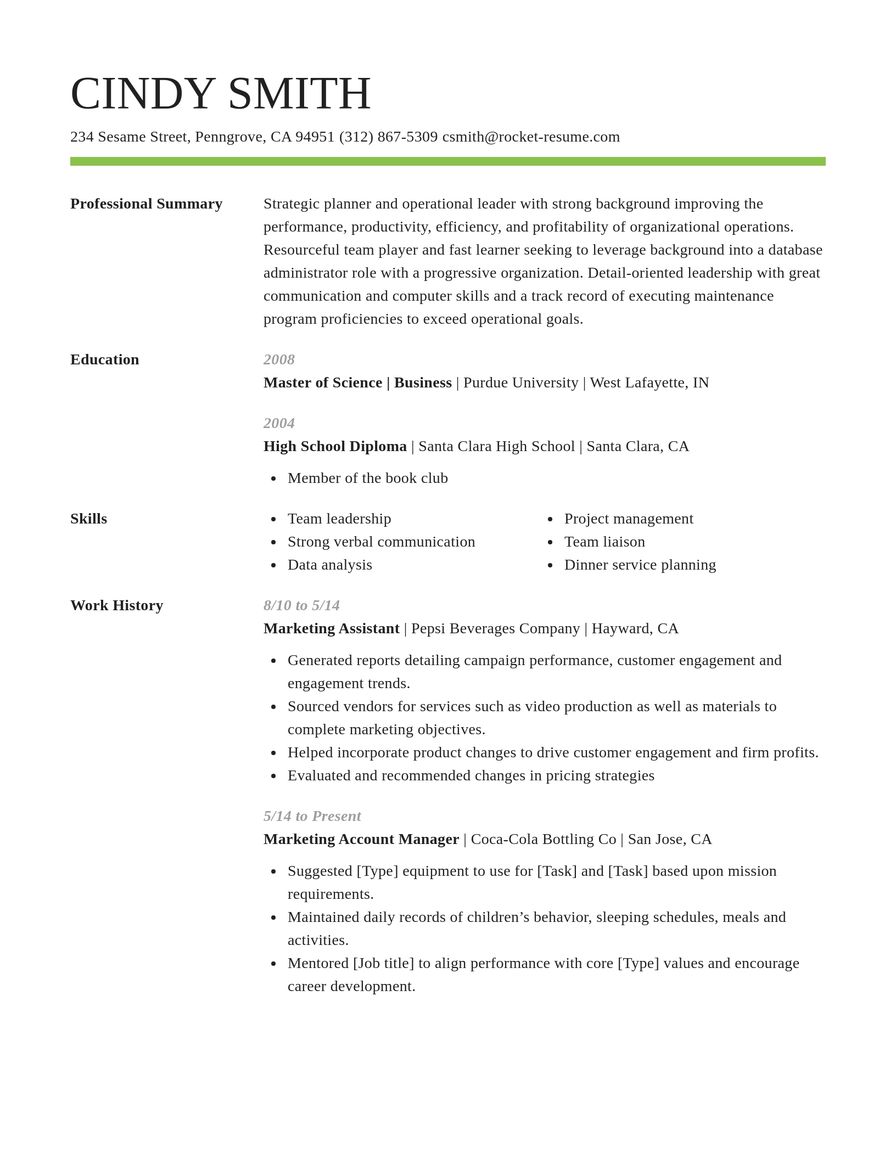
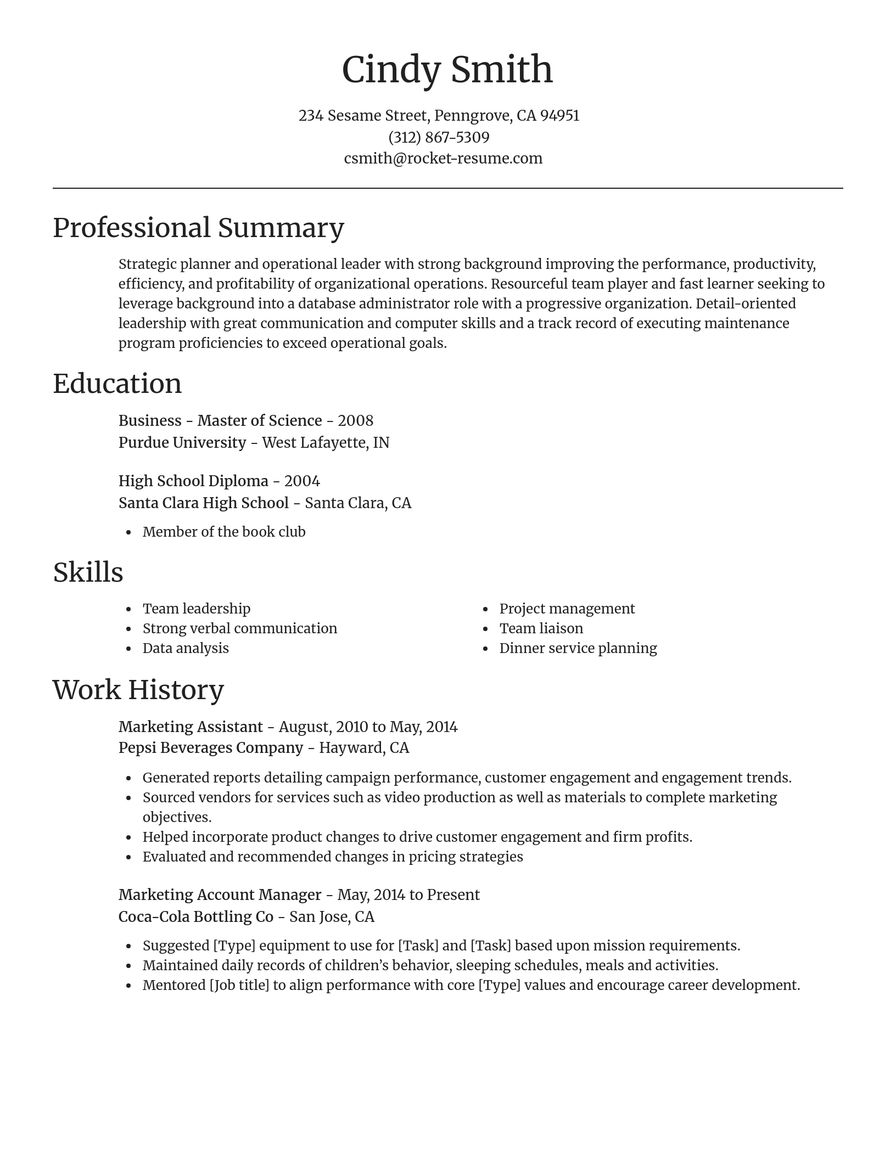
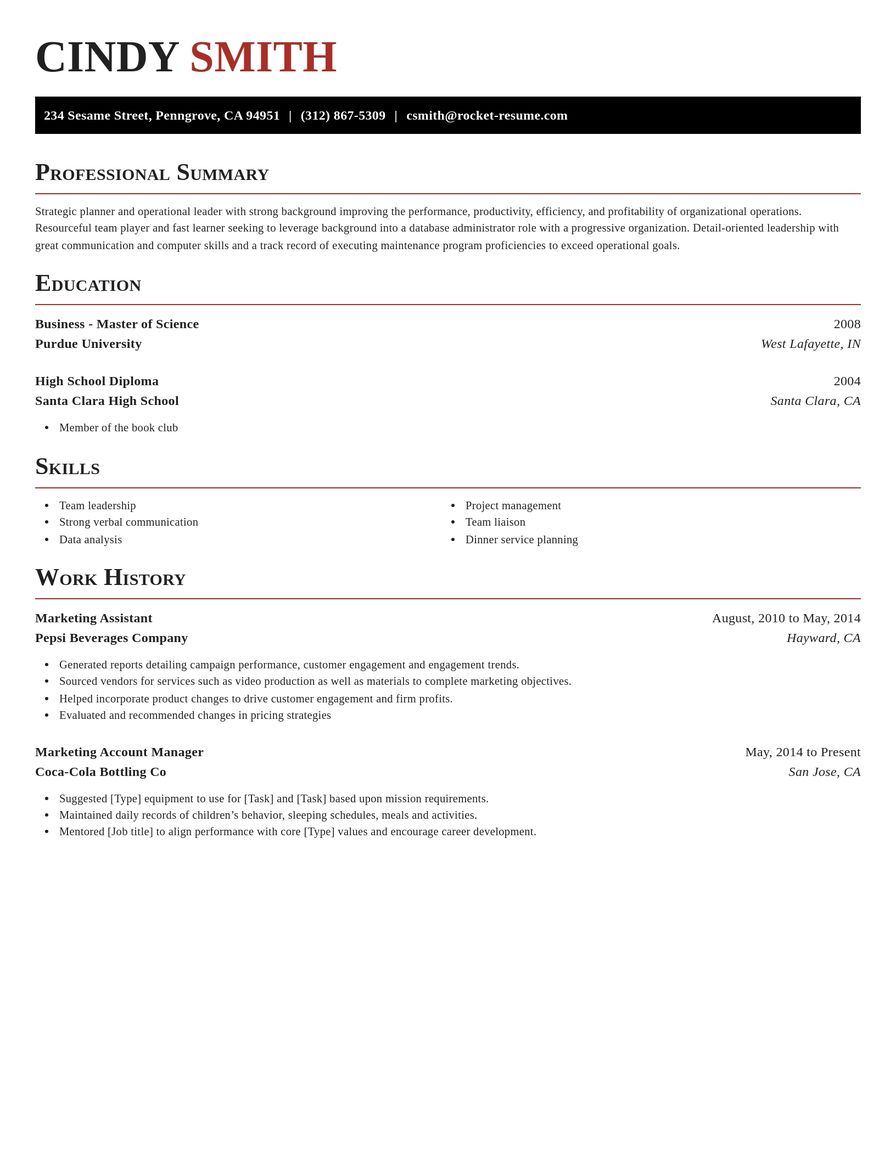
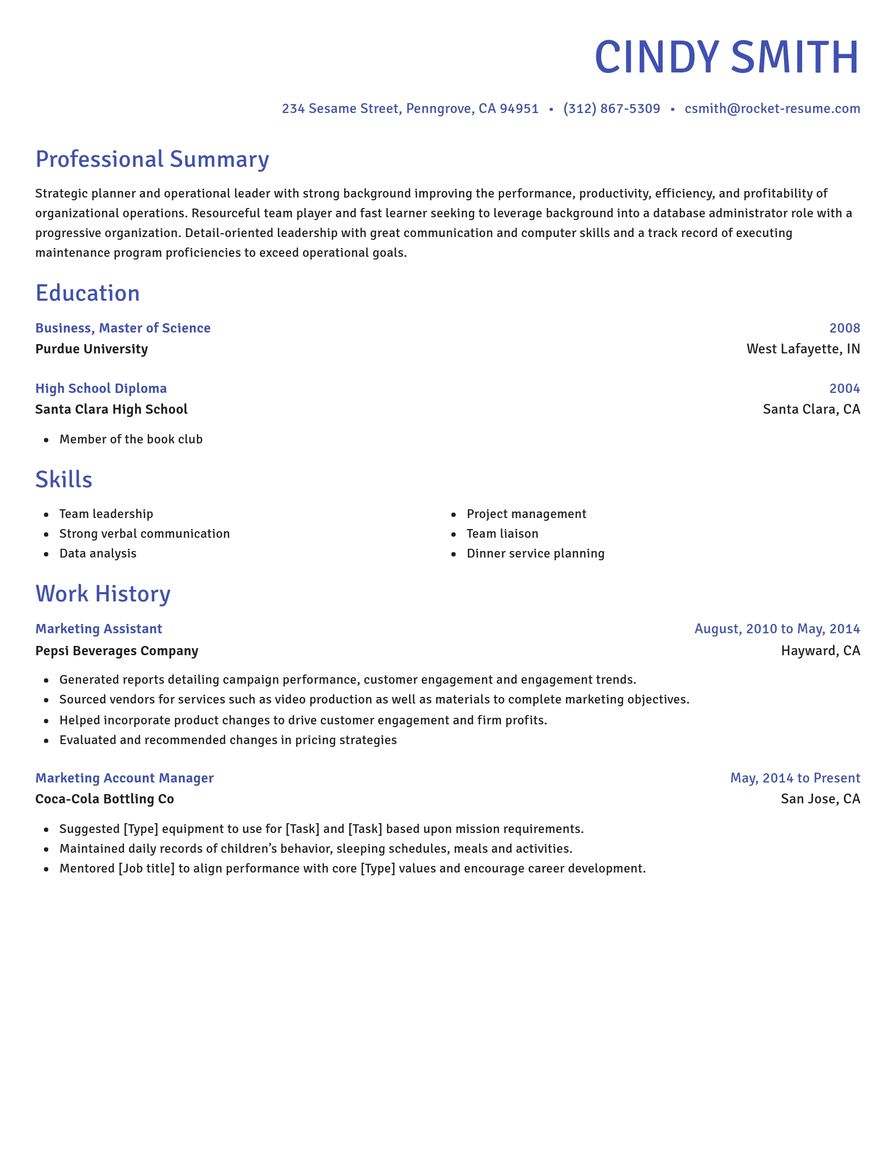
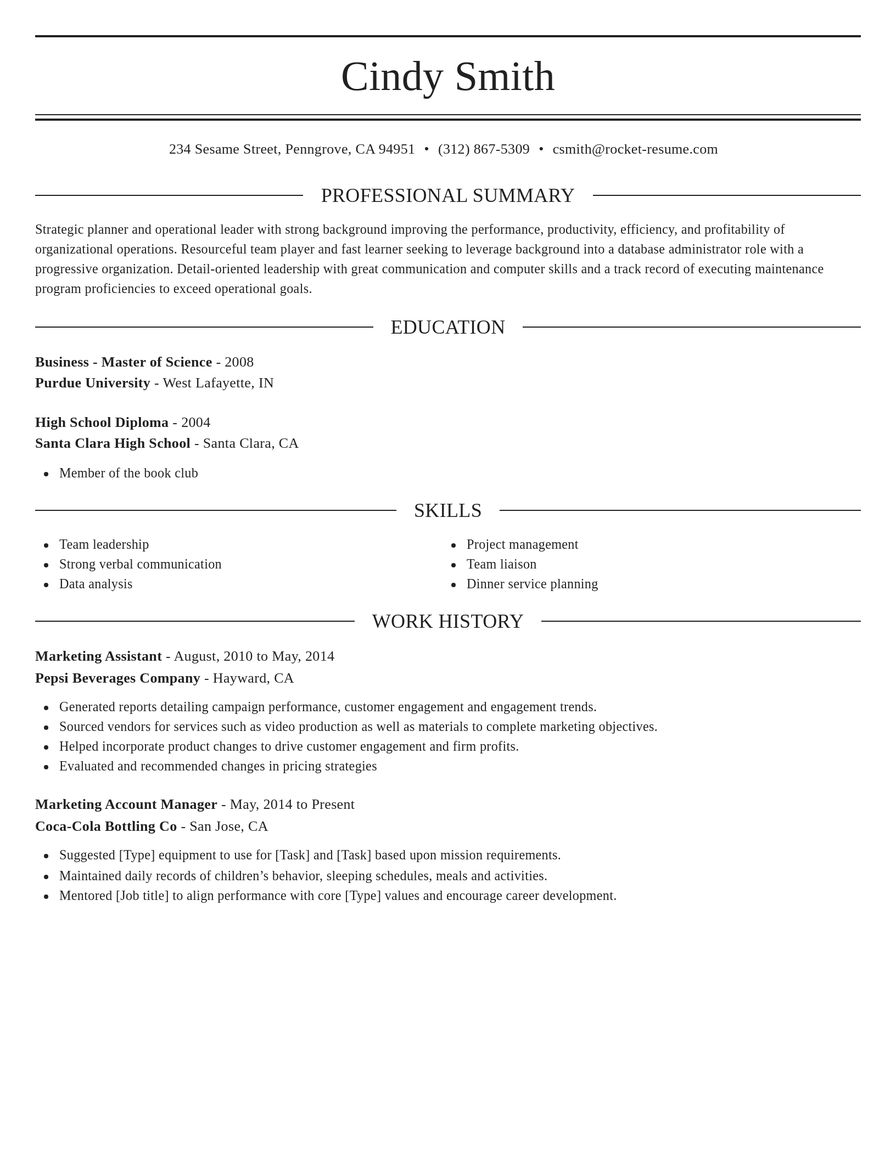
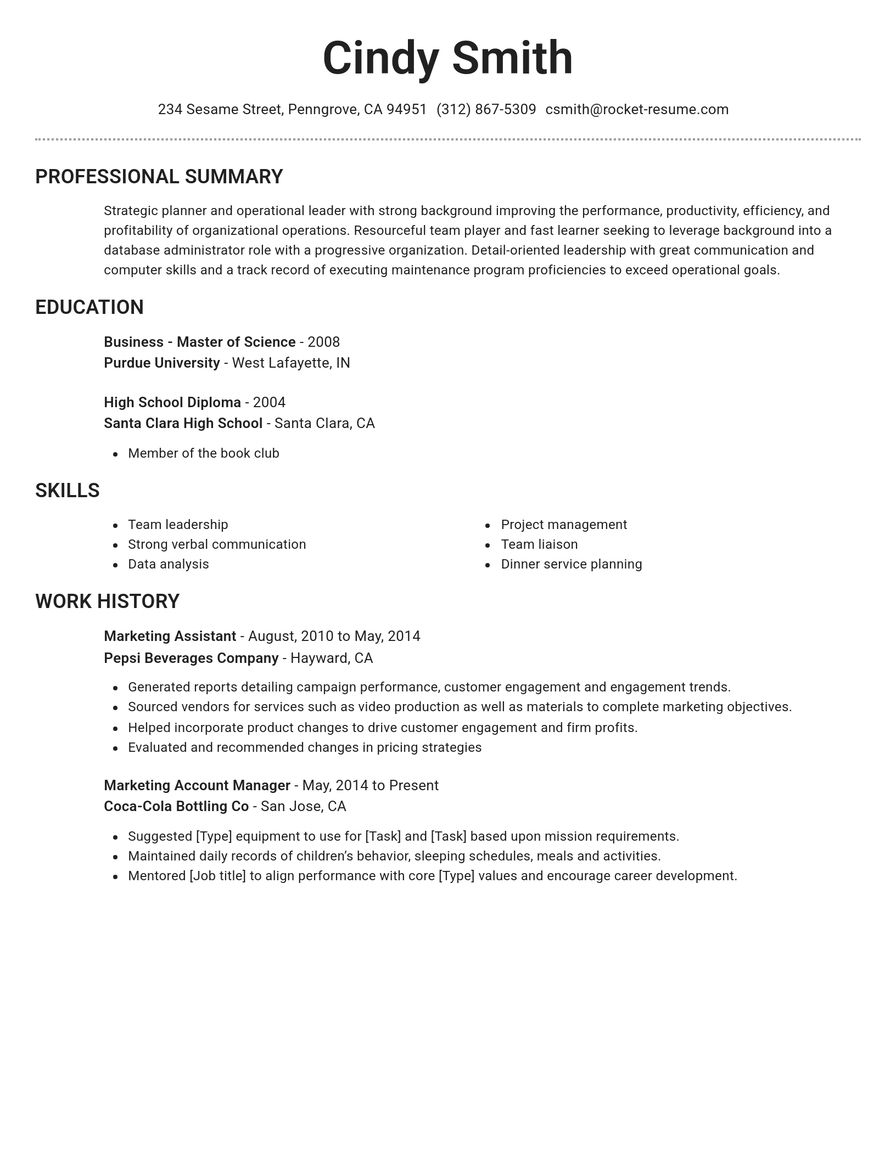
Find the right space for your background
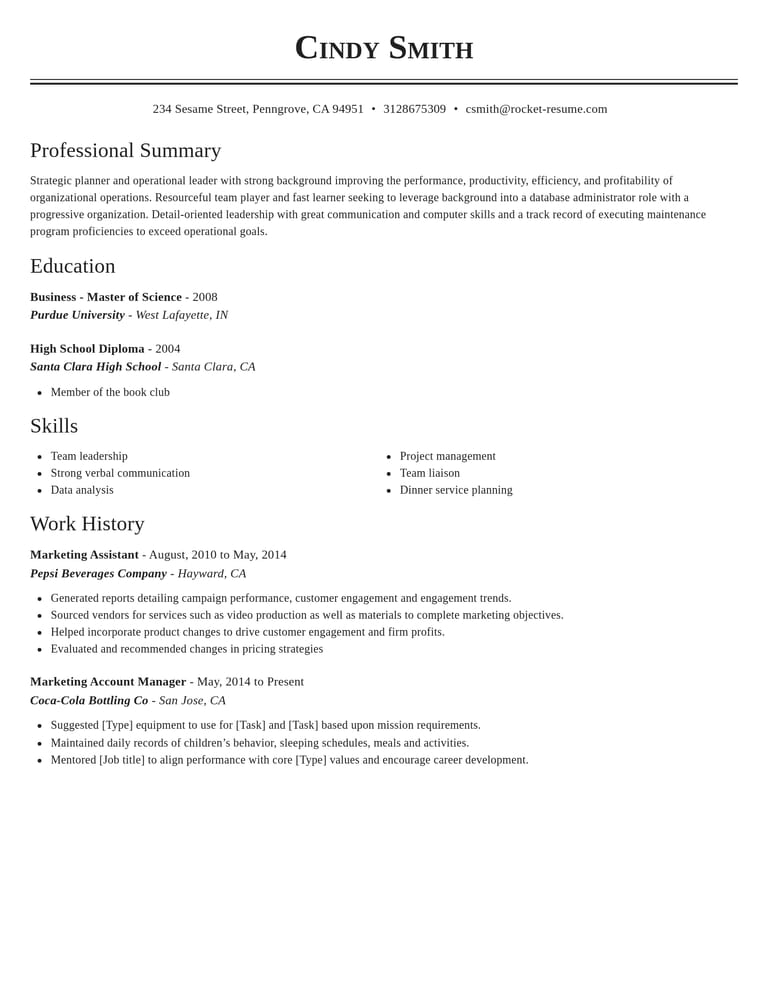
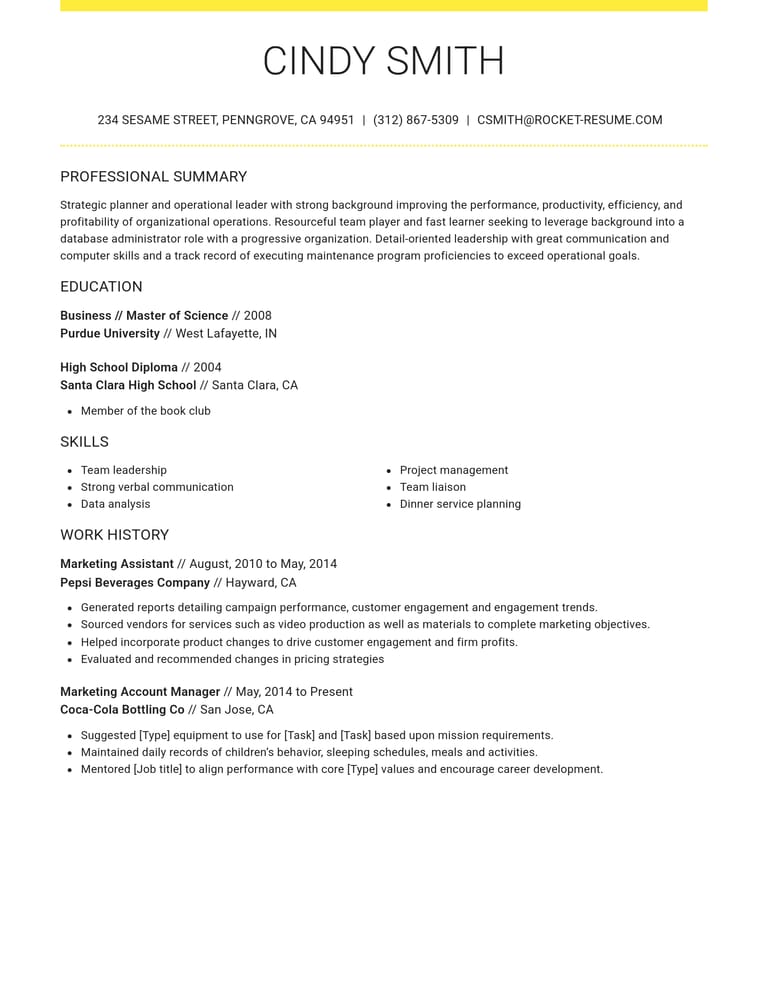
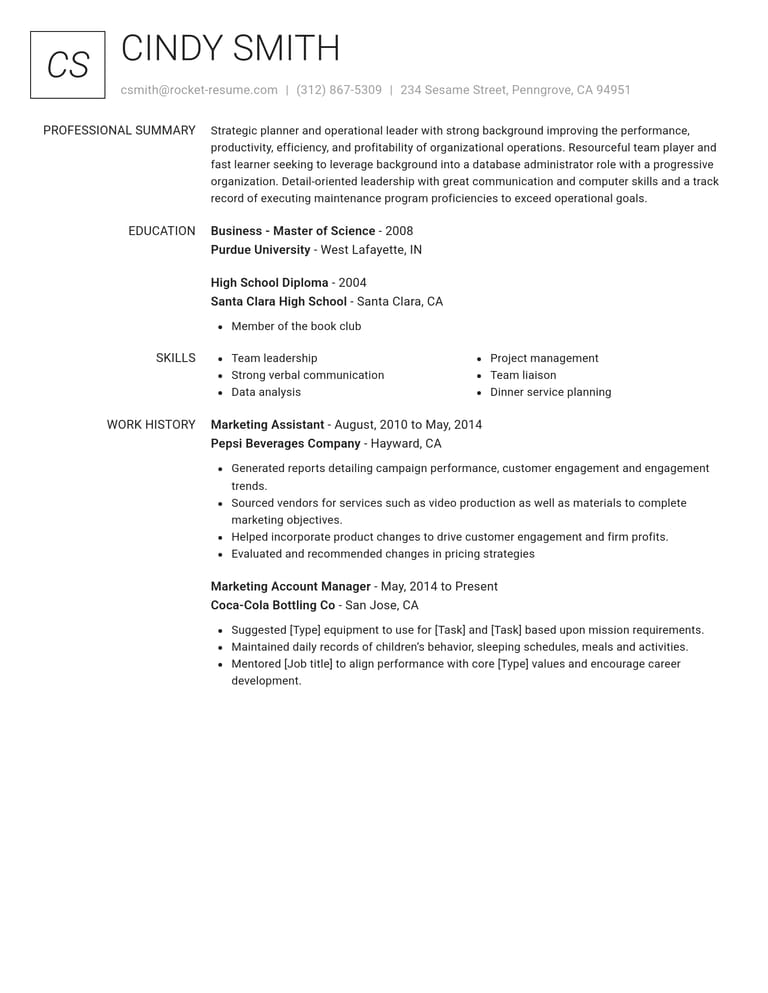
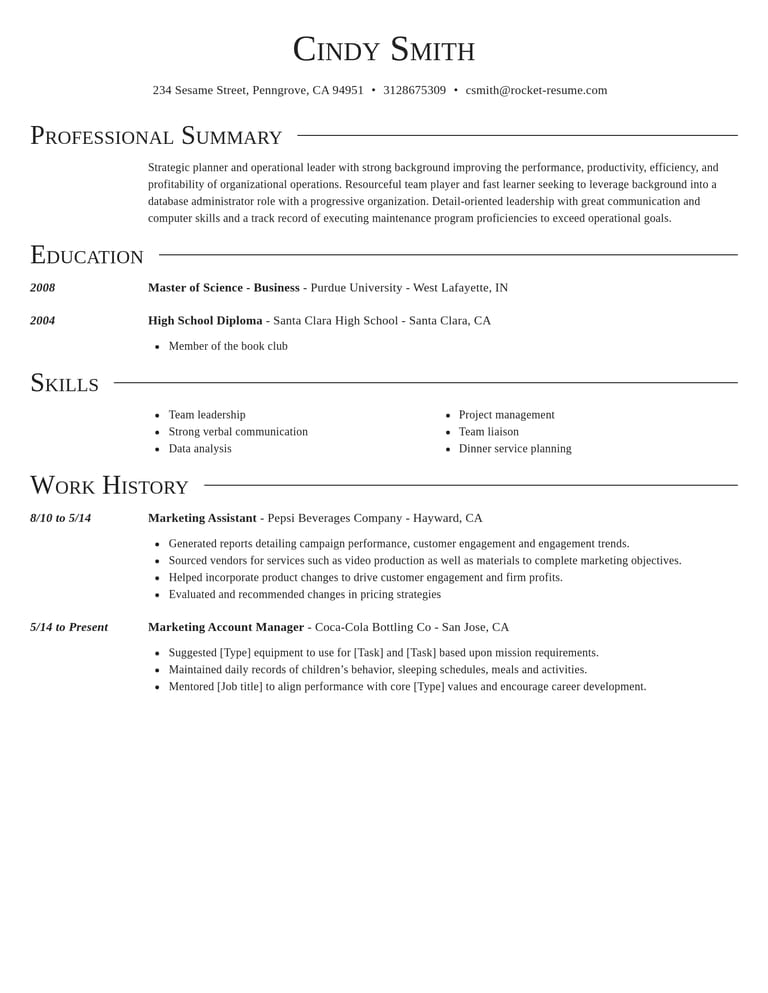
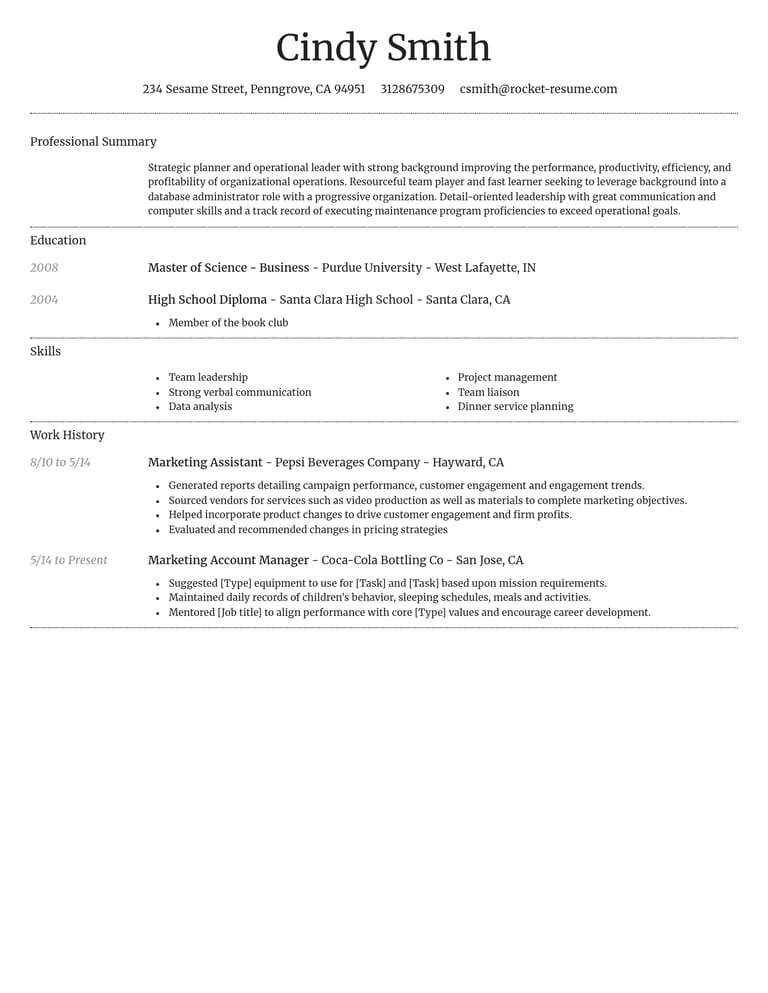
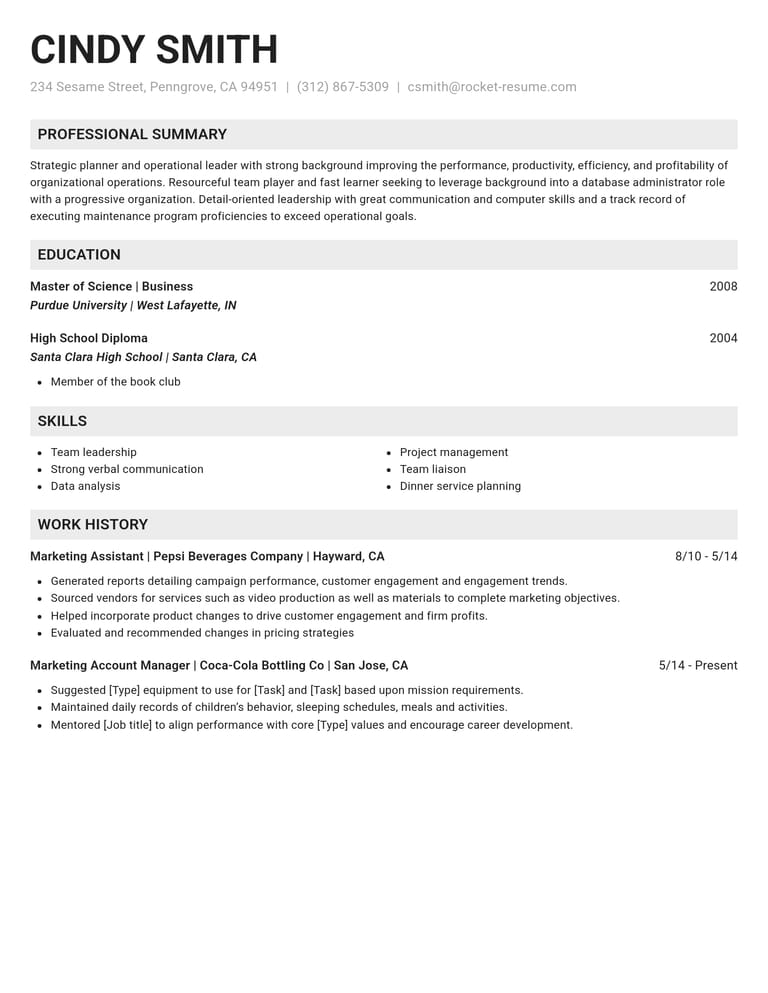
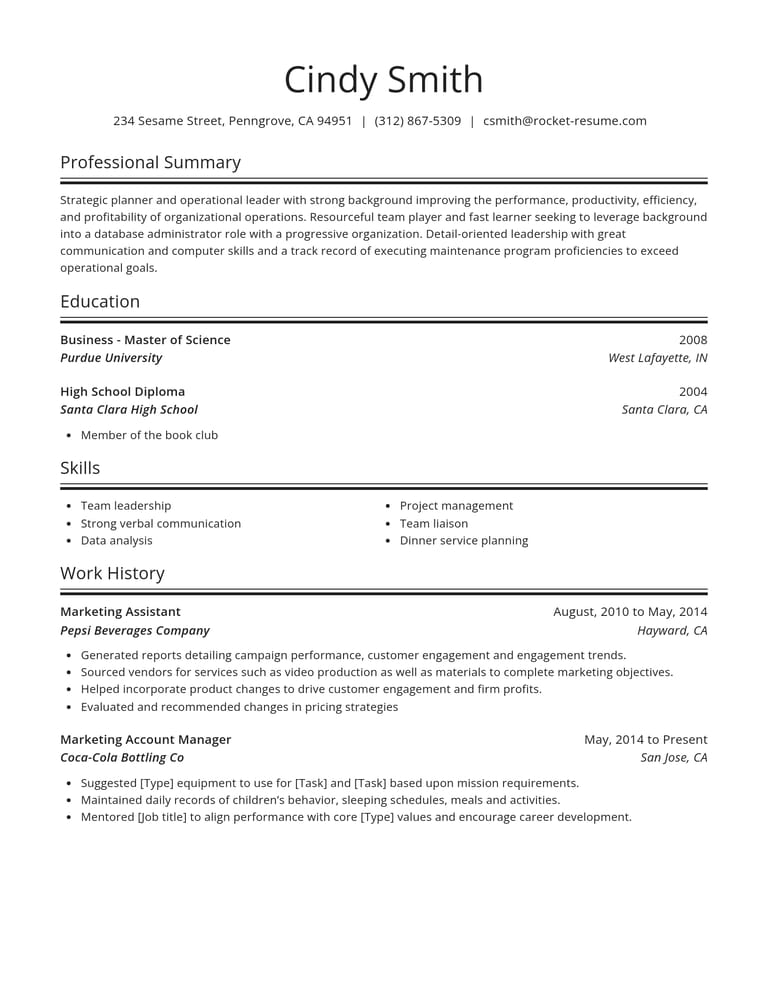
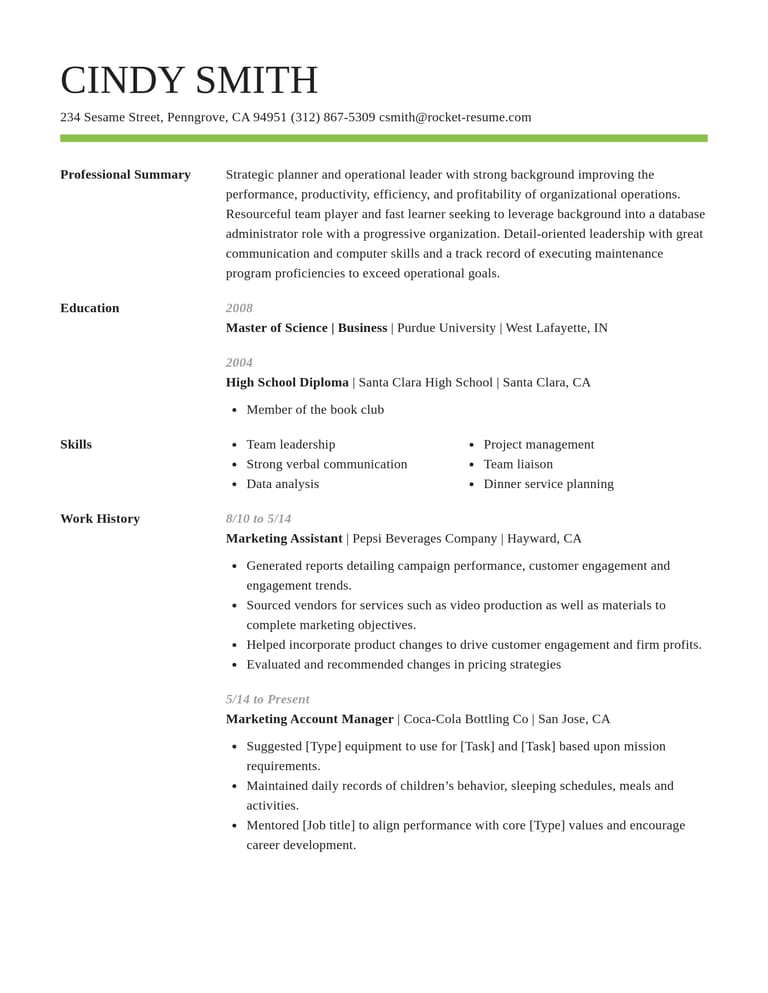
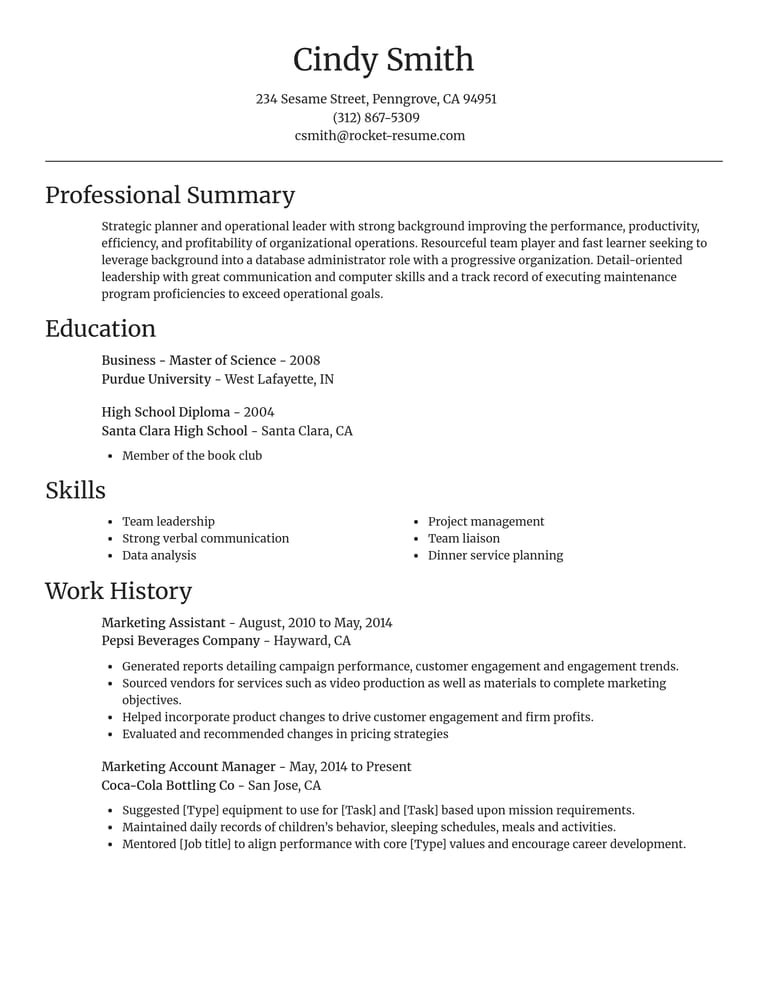
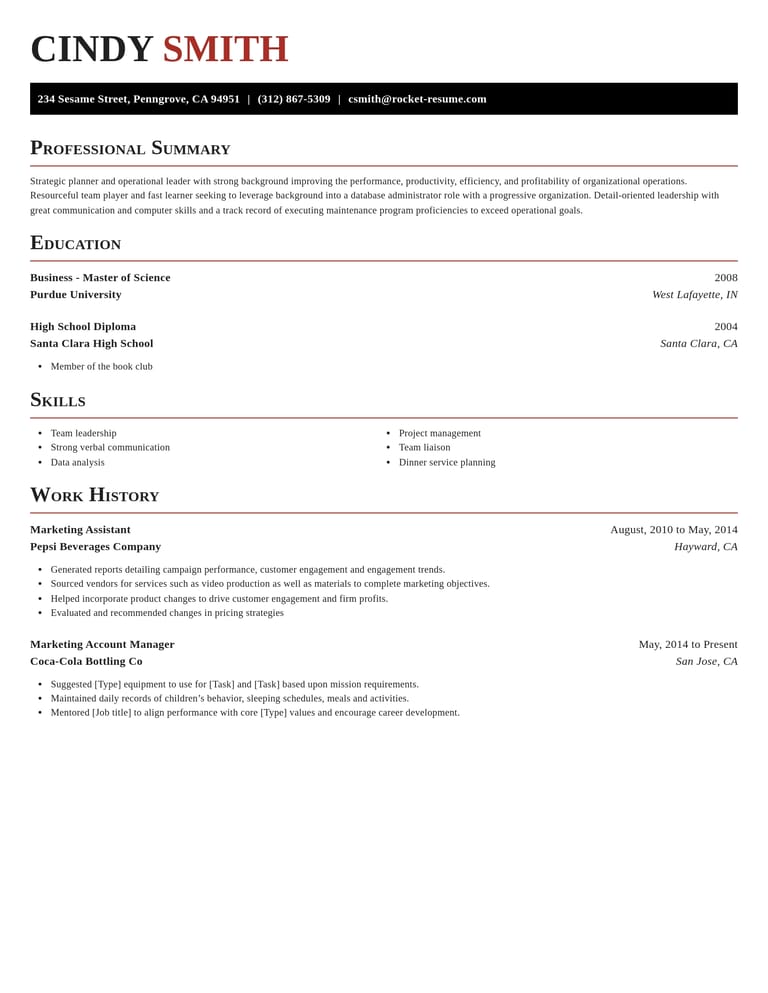
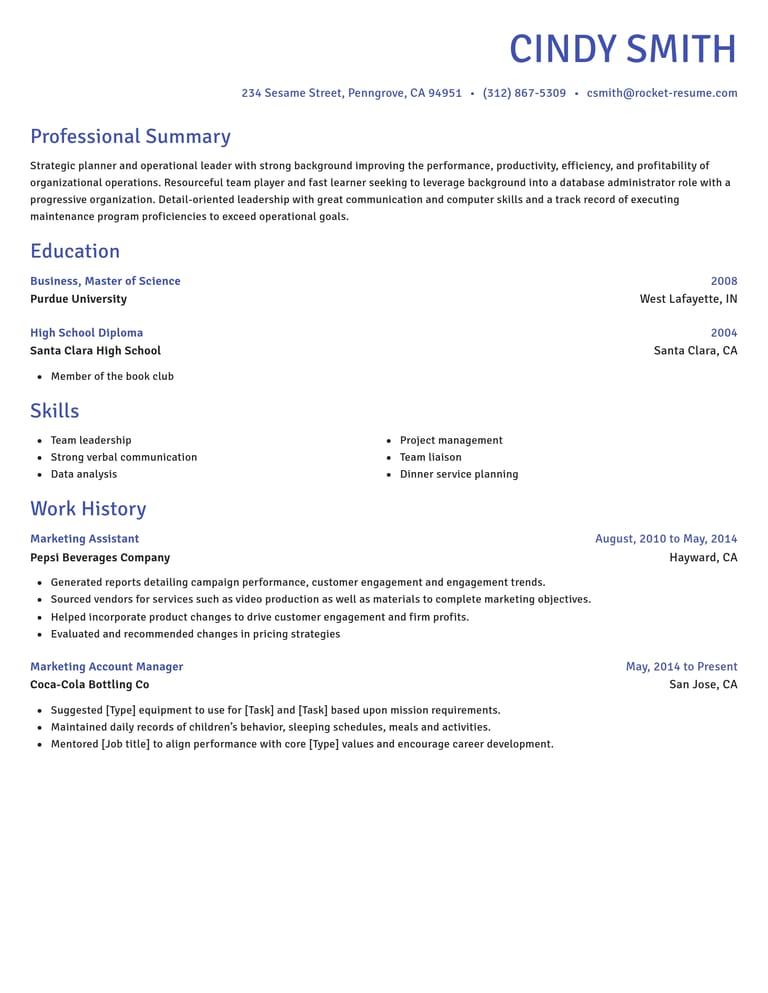
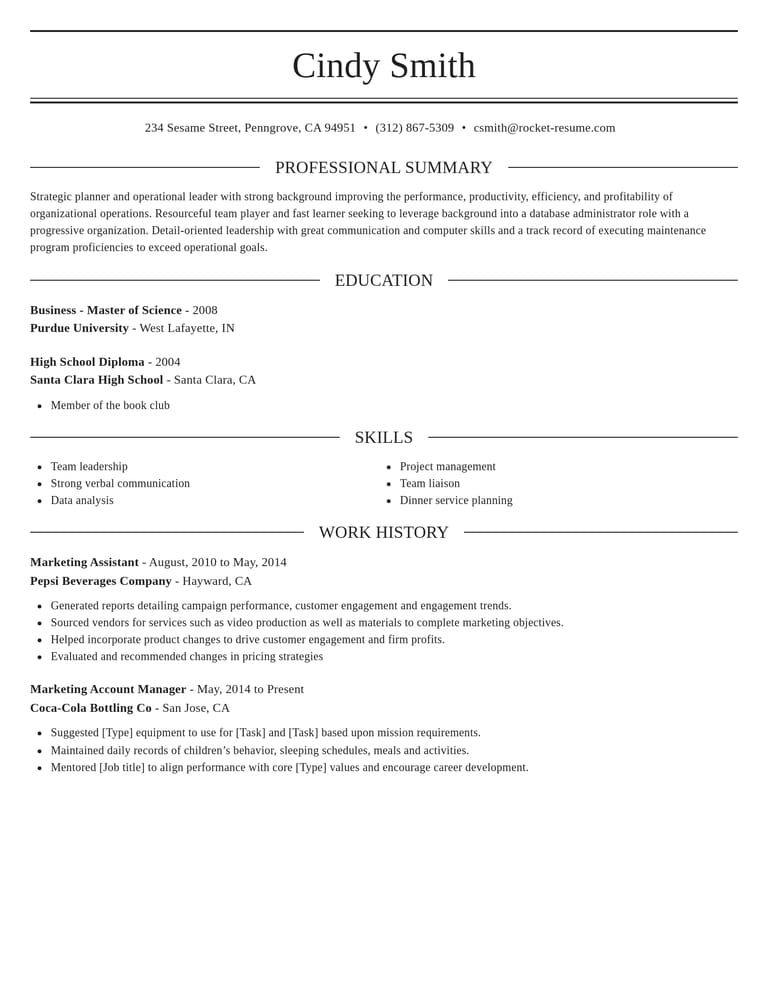
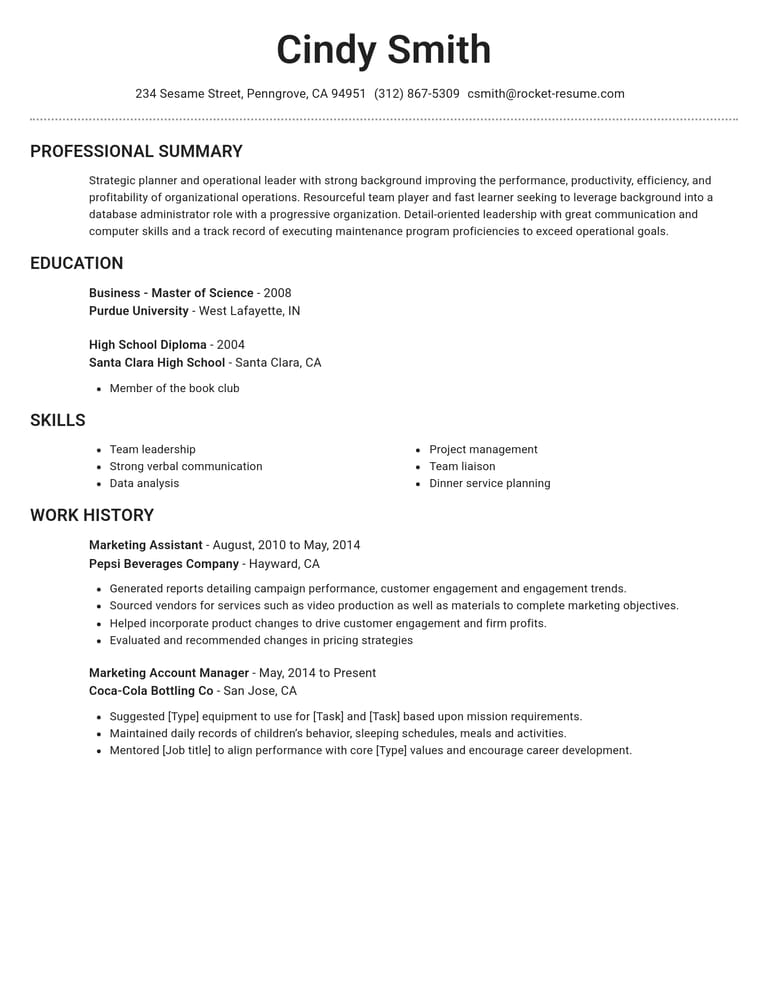
More than a blank CV layout

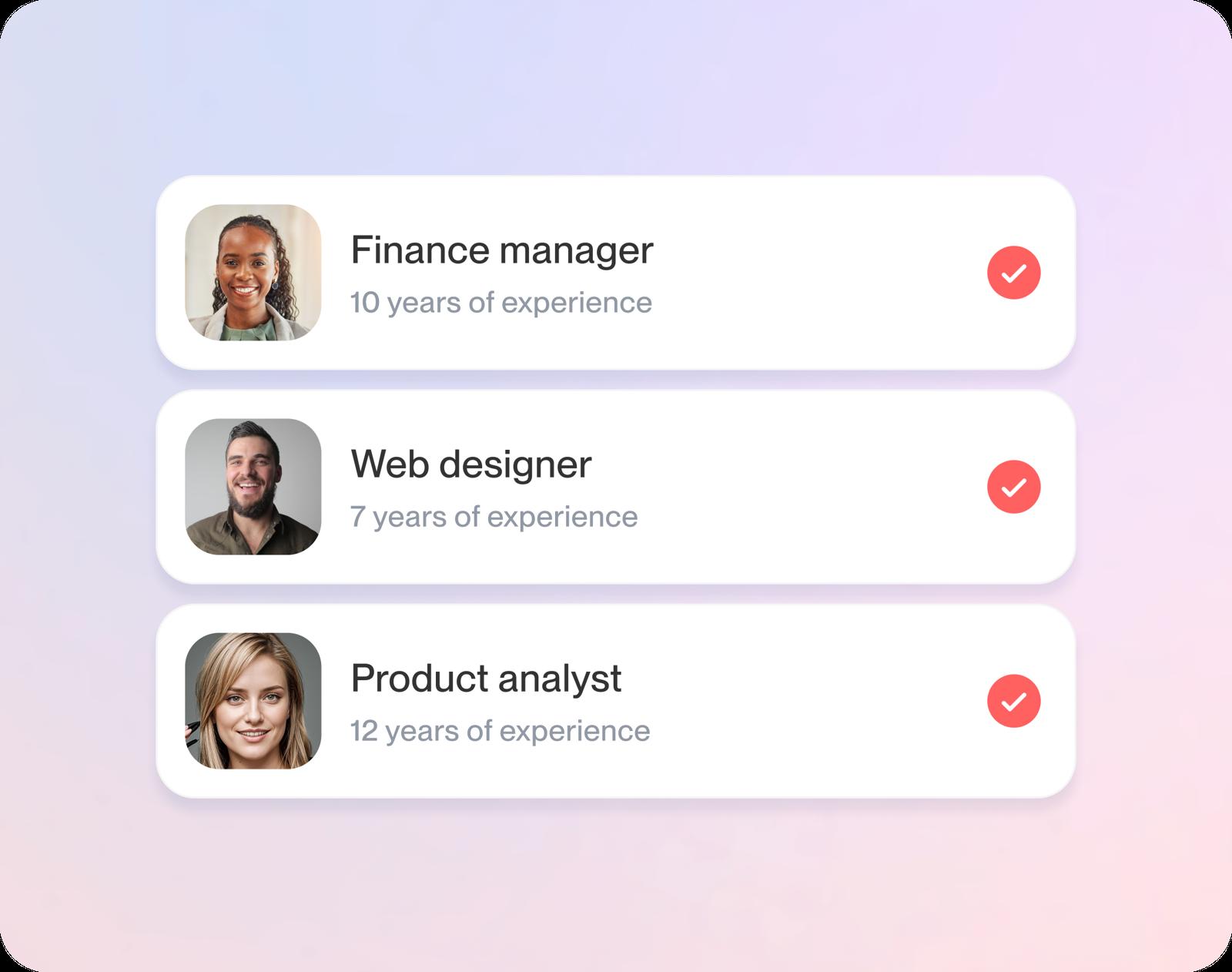
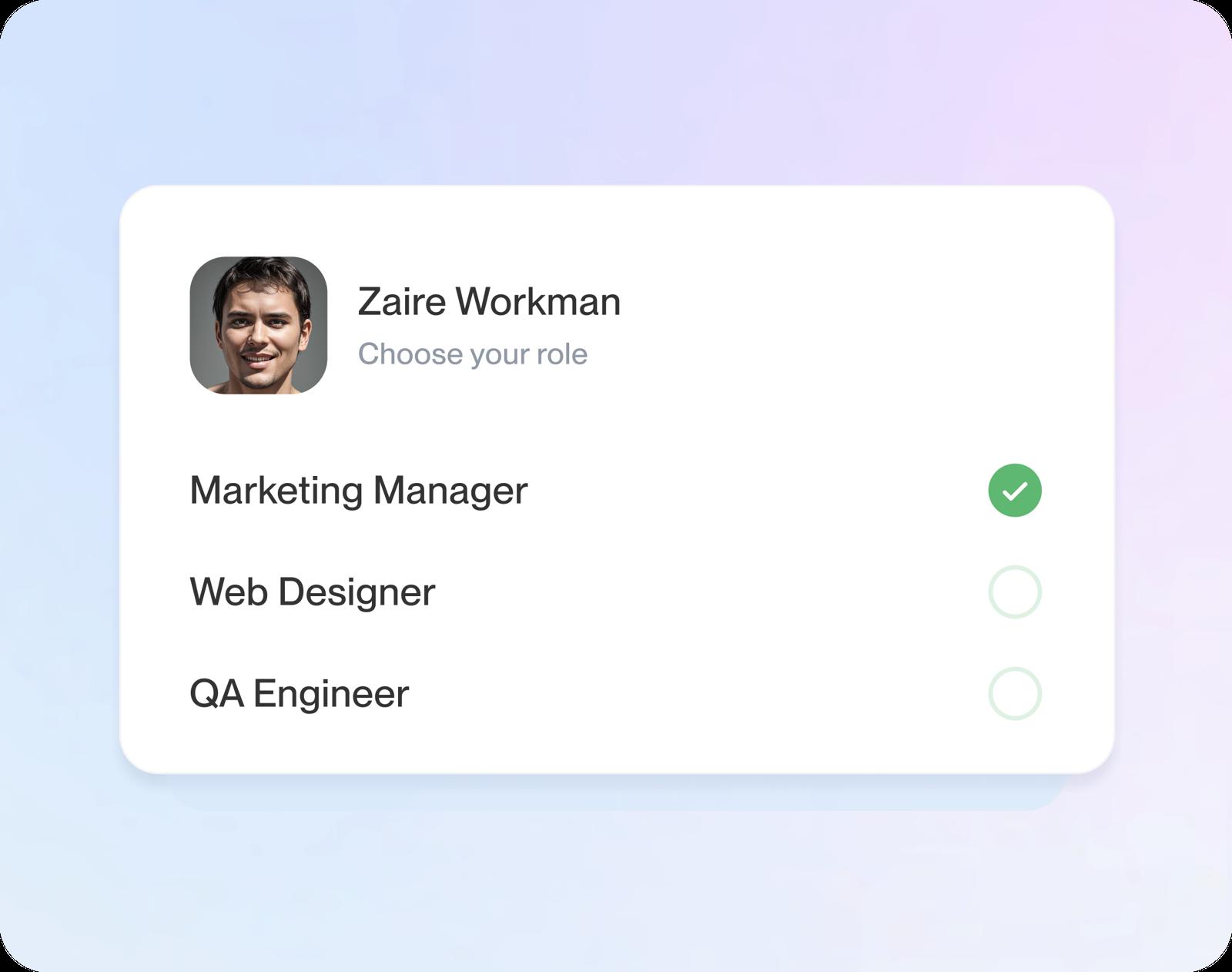
Suggestions written for your role
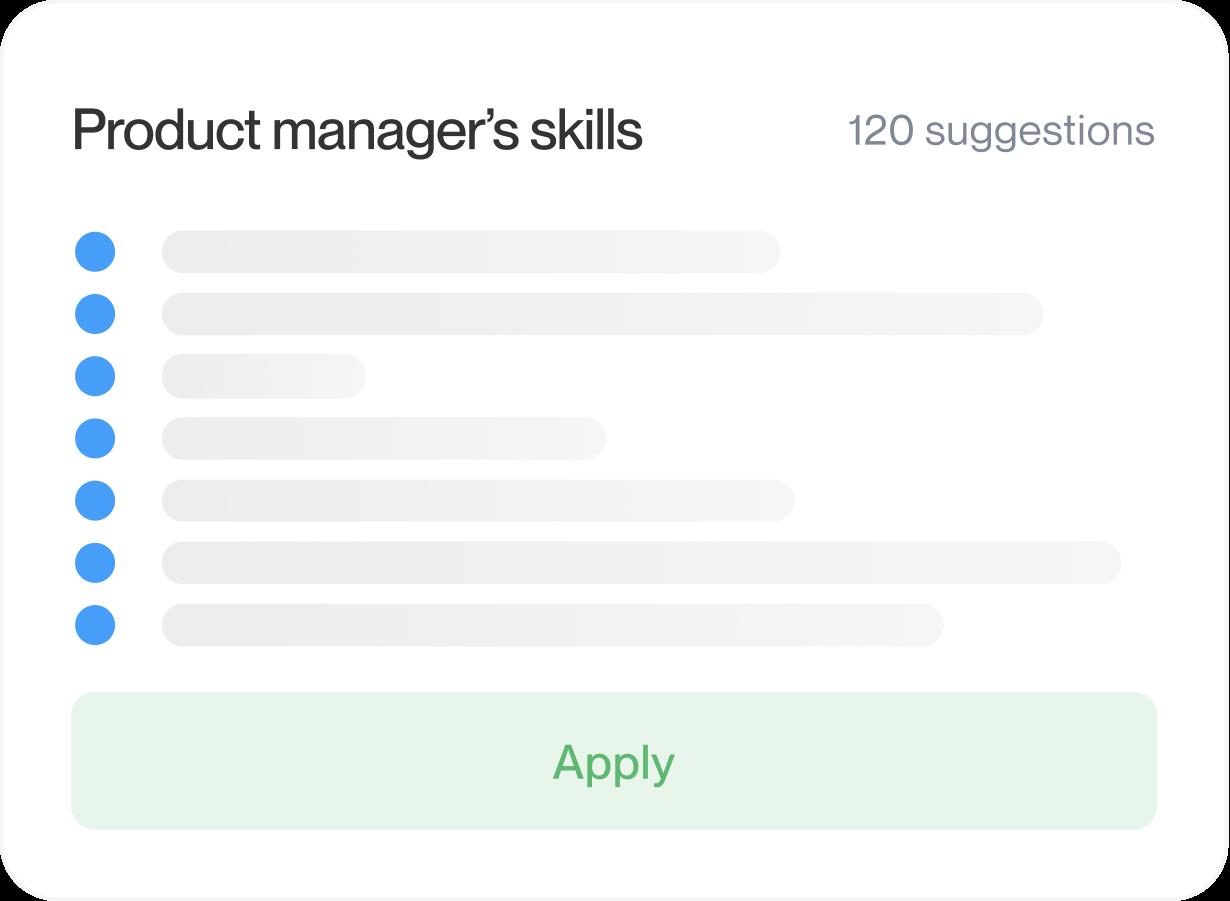
Enter your job title to see suggestions for the role. Use the ones that fit and add the details that make your experience specific.
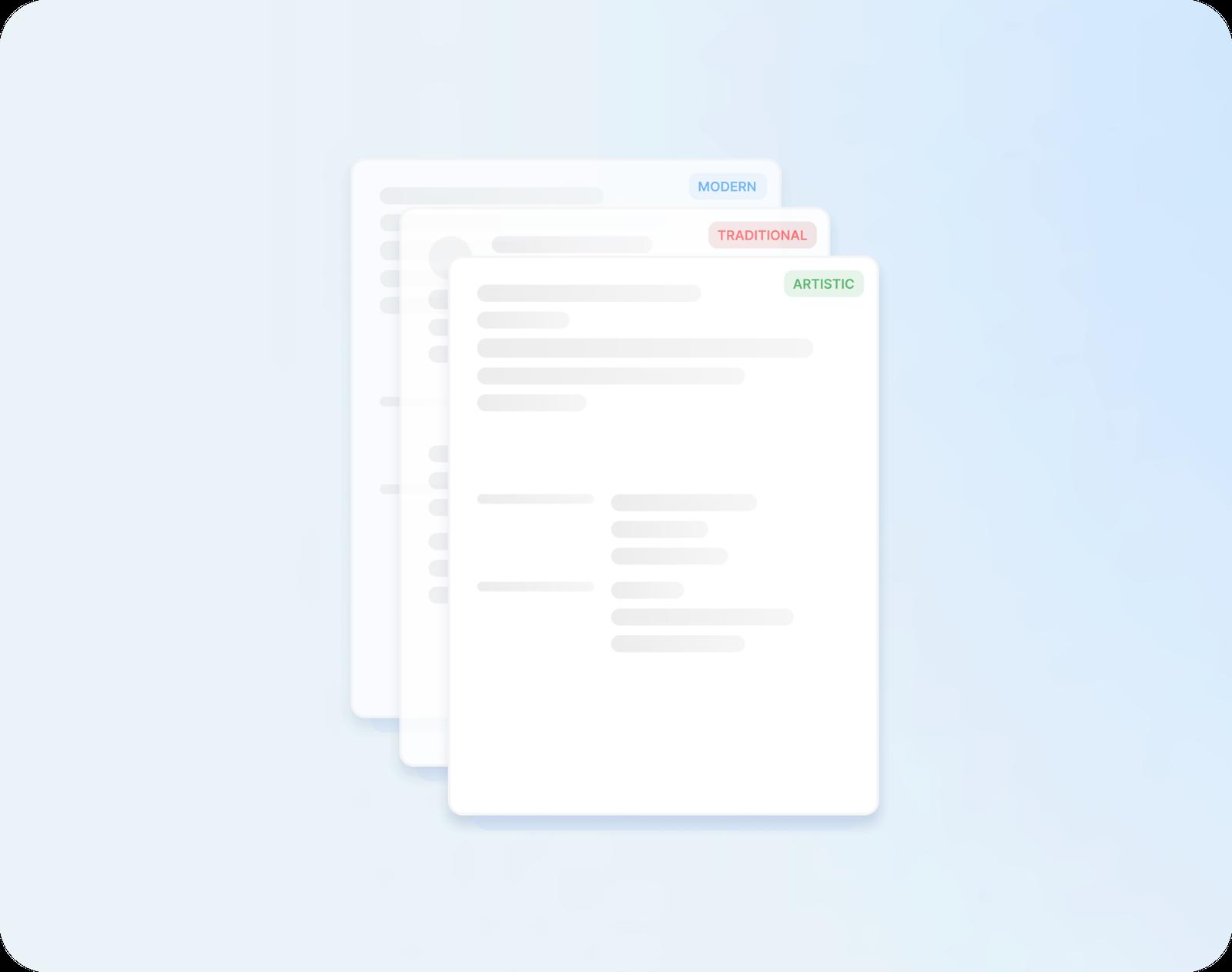
Easy to edit as you go
Change a line, move a section up or try another design. Your words stay put, and the preview shows each change straight away.
Keep the important details in view
Look for a clear place for job titles, dates and qualifications. Check the layout with your own details before you settle on it.
Fill in one section at a time
The builder guides you through your work history, education and skills so you can focus on one section at a time.
What happens after you pick a design
Step 1
Pick your design
Choose a design with room for your experience. If you’ve already selected a template above, continue with that choice.
Step 2
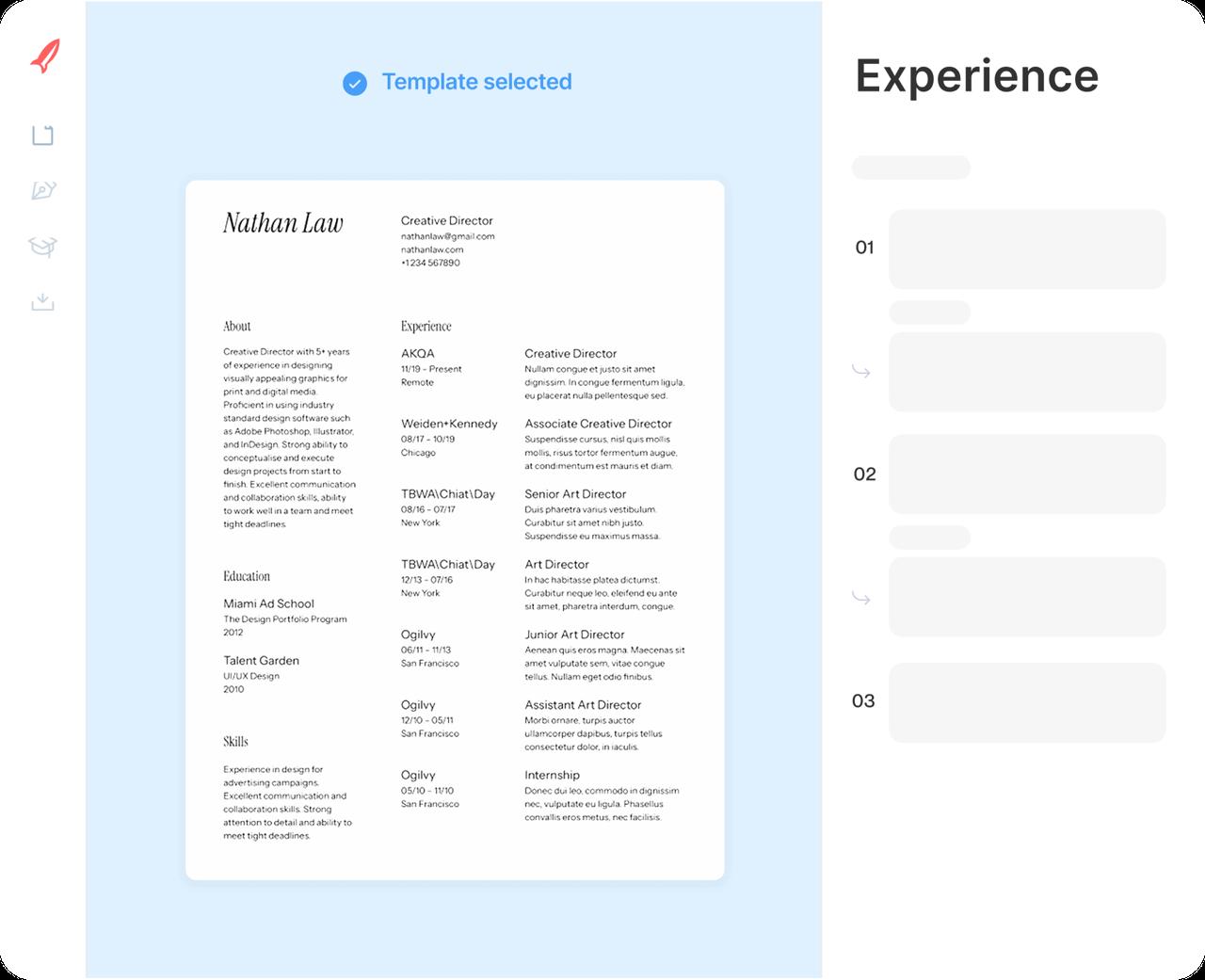
Add your work history
Enter each job, newest first. Examples for each title appear as you go: keep the useful ones and make them your own.
Step 3
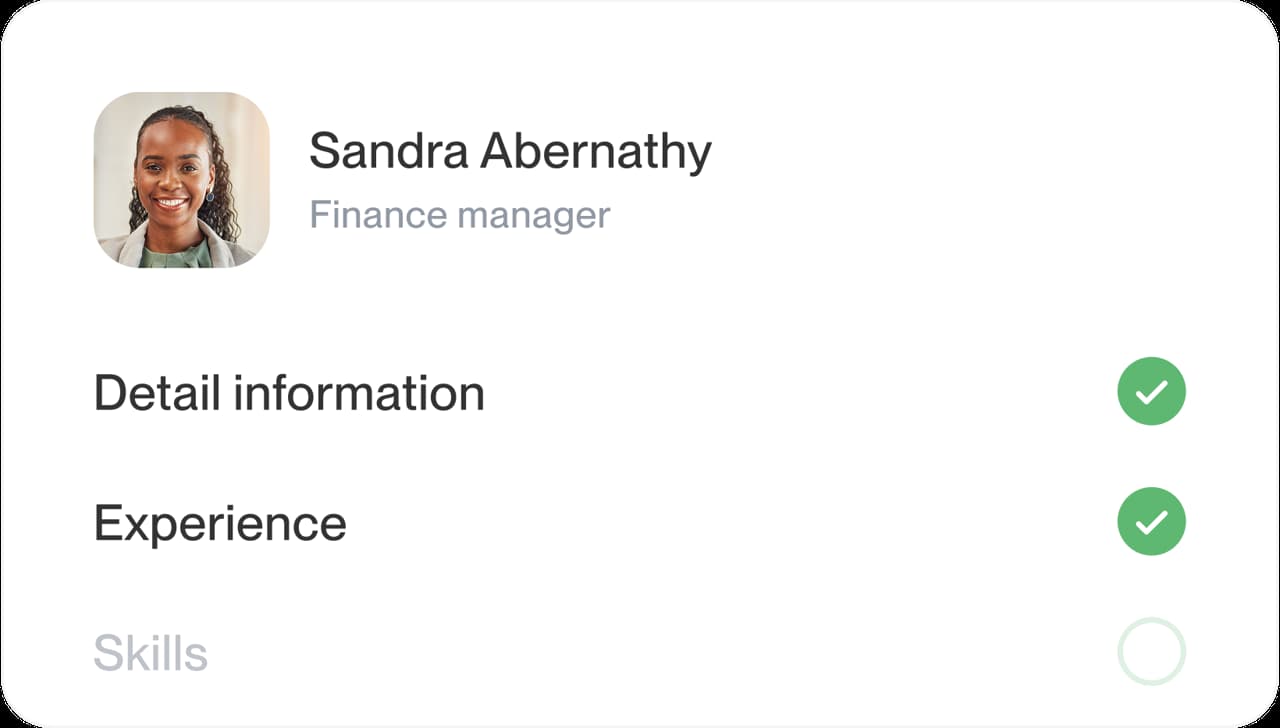
Finish the other sections
Add education and skills, then a short profile. It's easier to sum yourself up once your jobs are on the page.
Step 4
Review and download
Read the preview, put your sections in the order that suits you, then download your finished CV.

Step 1
Pick your design
Choose a design with room for your experience. If you’ve already selected a template above, continue with that choice.
Step 3
Finish the other sections
Add education and skills, then a short profile. It's easier to sum yourself up once your jobs are on the page.
Step 2
Add your work history
Enter each job, newest first. Examples for each title appear as you go: keep the useful ones and make them your own.
Step 4
Review and download
Read the preview, put your sections in the order that suits you, then download your finished CV.

Give every CV section a clear purpose
CV sections work together when each answers a different question. Decide what information belongs in each part before writing, so the document does not become several versions of the same introduction.
Contact details identify the person behind the record
Use this area for your name and accurate ways to reach you. Keep professional background elsewhere, rather than stretching the contact area into an opening biography.
Check whether the application requests any specific identifying information. Include what is relevant to the instructions without filling this section with personal details that have no role in the application.
A profile explains the thread
The profile, or summary, connects your experience to the purpose of the CV. It can be useful when a short explanation helps the reader understand a transition, specialty, or particular combination of work.
It is optional when it adds nothing beyond the headings below. Avoid using it to repeat a full employment entry or to introduce abilities that the rest of the CV never supports.
Work history places responsibilities in context
This section connects what you did with the organization, role, and period in which you did it. Keep each position distinct, especially when a promotion changed your responsibilities within the same organization.
For a research coordinator, organizing participant appointments and maintaining study records belong with the role that involved them. The work history provides context that a standalone claim of organizational ability cannot supply.
Education records preparation accurately
Education establishes your studies and qualifications. State the credential and institution clearly, and distinguish completed study from a program you are still pursuing.
Relevant coursework can support a developing record, but it should not obscure the qualification itself. A course in a technique is different from extensive professional use of that technique, so keep the wording precise.
Skills summarize usable capabilities
A skills section gives a compact view of relevant tools, methods, or languages. Let it name capabilities while the experience sections explain where you used them.
This division avoids repetition without leaving claims unsupported. If a skill has no connection to work, study, or another activity you can describe, reconsider whether it belongs.
Optional sections need their own evidence
Publications, presentations, certifications, and teaching may deserve separate treatment when the application calls for them. Include the categories that represent actual work or credentials, especially for academic and medical CVs.
Do not add an empty category just because another CV contains it. Check specialized requirements before choosing a general template, and avoid assuming every requested category is supported by a particular layout.
Order the parts around the application
Place the section that establishes your preparation early, unless instructions specify a sequence. Rocket Resume supports changing section order, which lets you review the relationship between education, work, and skills.
Finally, read each section for a distinct contribution. If two parts tell the same story in nearly identical detail, shorten one so the other can do its job.
Research behind clear CV writing
“If I need one in the future, I'll use it again.”

“It's great, I have a job now”

CV templates: what people ask
Does every CV need a profile section?
No. A profile is useful when it explains a relevant specialty or connection that would otherwise take effort to understand. If it only repeats your title and education, you may not need it. Use the space for specific information rather than a general statement about wanting an opportunity.
Where should certifications fit among my CV sections?
Keep certifications clearly identified and relevant to the application. Depending on the requested structure, they may belong near education or in a distinct category. State their actual names and current status. Do not merge a short training course with a professional credential in a way that implies equivalence.
Should publications be mixed into work history?
For an academic application that requests publications, preserve that category as instructed. Work history can explain your research responsibilities, while a publication record identifies the resulting work. Keeping those purposes separate avoids burying bibliographic information inside employment descriptions or repeating the same explanation in several places.
See CV examples from your industry
Industries in the weekly focus





- 96 examples
- 21 examples
- 14 examples
- 38 examples
- 10 examples
- 23 examples






Show all industries (A–Z)Show fewer
- Aerospace & Defense, 8 examples
- Agriculture, 23 examples
- Apparel & Textiles, 13 examples
- Architecture, 15 examples
- Artificial Intelligence, 6 examples
- Arts & Entertainment, 24 examples
- Automotive, 21 examples
- Beauty & Personal Care, 17 examples
- Biotechnology & Life Sciences, 7 examples
- Business Services, 23 examples
- Chemical Engineering, 4 examples
- Childcare, 14 examples
- Construction, 106 examples
- Creative, 15 examples
- Customer Service, 17 examples
- Education, 94 examples
- Energy, 39 examples
- Environmental Science, 5 examples
- Finance, 63 examples
- Food & Beverage, 68 examples
- Government, 48 examples
- Healthcare, 160 examples
- Hospitality, 35 examples
- Human Resources, 18 examples
- Insurance, 10 examples
- Legal, 12 examples
- Logistics, 37 examples
- Manufacturing, 68 examples
- Marketing, 8 examples
- Media, 20 examples
- Military, 24 examples
- Mining & Metals, 9 examples
- Nonprofit, 8 examples
- Pharmaceuticals, 12 examples
- Public Relations, 10 examples
- Real Estate, 7 examples
- Retail, 38 examples
- Robotics, 11 examples
- Sales, 14 examples
- Security Services, 19 examples
- Social Services & Counseling, 21 examples
- Social Work, 14 examples
- Sports & Fitness, 96 examples
- Technology, 67 examples
- Telecommunications, 6 examples
- Tourism & Travel, 9 examples
- Transportation, 38 examples
- Veterinary, 9 examples
Don’t see your job?

Hear from customers before you pick
from 3,900+ reviews