Make your CV explain
Make a CV that's clear from the first section to the last. Pick a professional template, add examples for your job title and edit until you like every part.
- Pick a template, then fill it in
- Examples for your job and industry
- Edit until each section reads well
- Build on your phone or computer

Danny
Apr 2023
“I'll recommend it to friends and family.”

Dayani F.
Jan 2025
“Everything about this tool is amazing, I love it”

Kelvin P.
Jul 2025
“You guys were amazing, I got a new job.”

John W.
Nov 2022
“You made my resume professional”
from 3,900+ reviews



Help for a good CV
Show what you did
Describe the work behind your job title. Include what you handled, who you helped and any results you can support.
Make your experience easy to follow
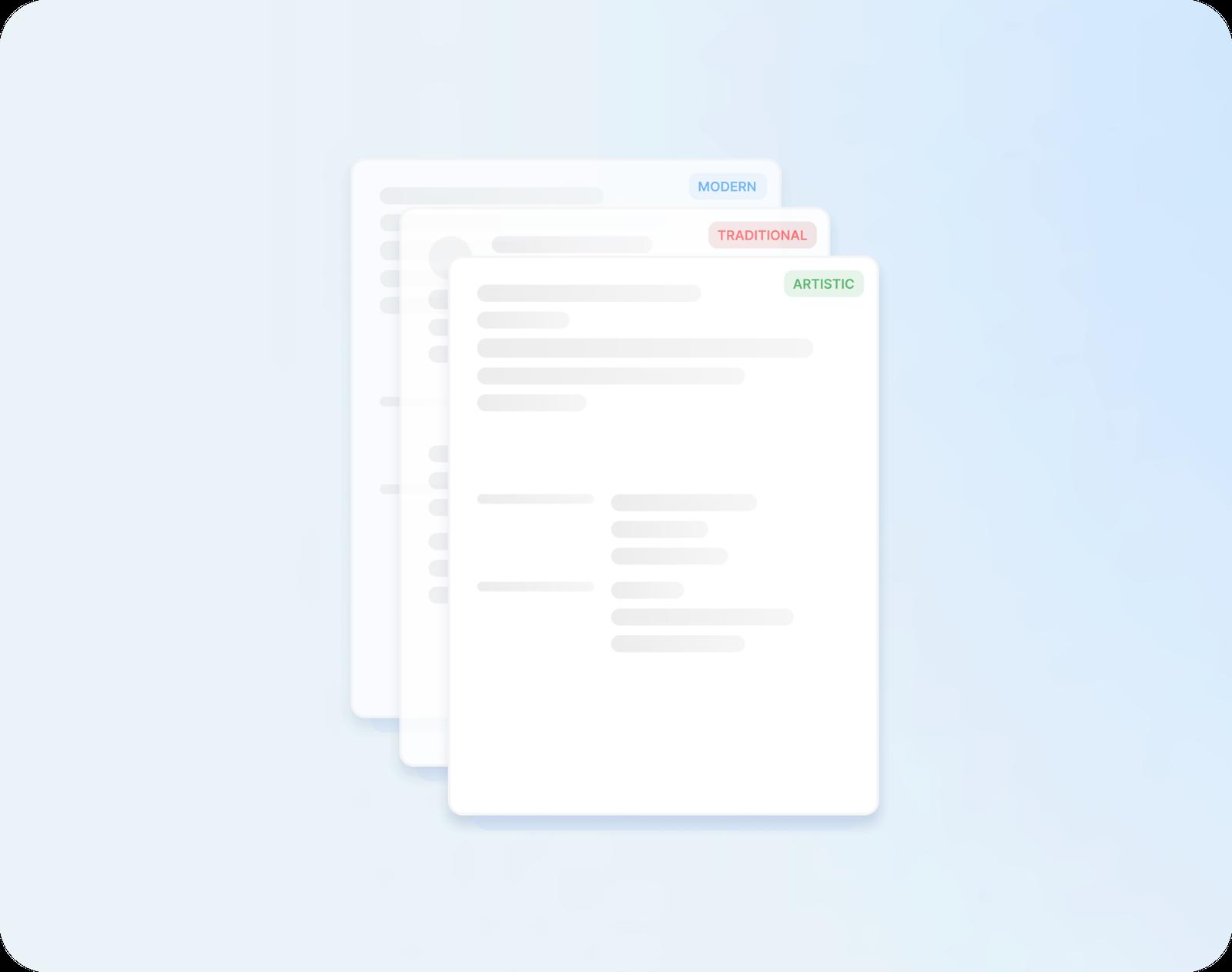
Keep job titles, employers and dates clear. Use familiar section headings so a reader can find your experience and qualifications.

Suggestions for you
Enter a job you’ve held to see suggestions for that role. Keep the ones that fit your experience and edit them to match your work.
Match each CV to the job
Save your CV to your account, then duplicate it in My Library for another application. Adjust the copy to give the most relevant experience more space.
How to build a CV with the CV builder
Step 1
Pick a design to start
Start with a quick question about your background, then choose a professional design. A later design change keeps all your text.
Step 2
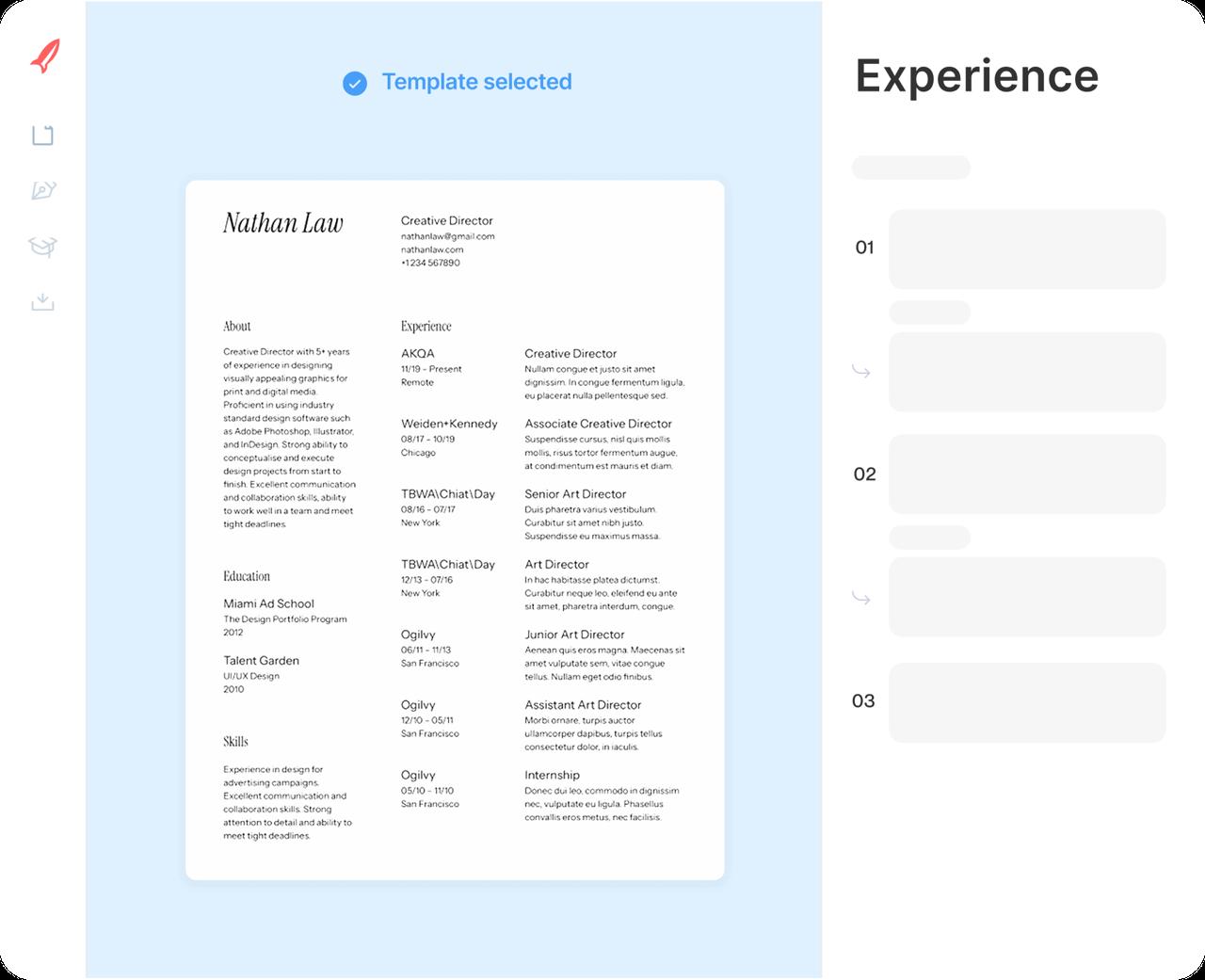
Add your jobs and schooling
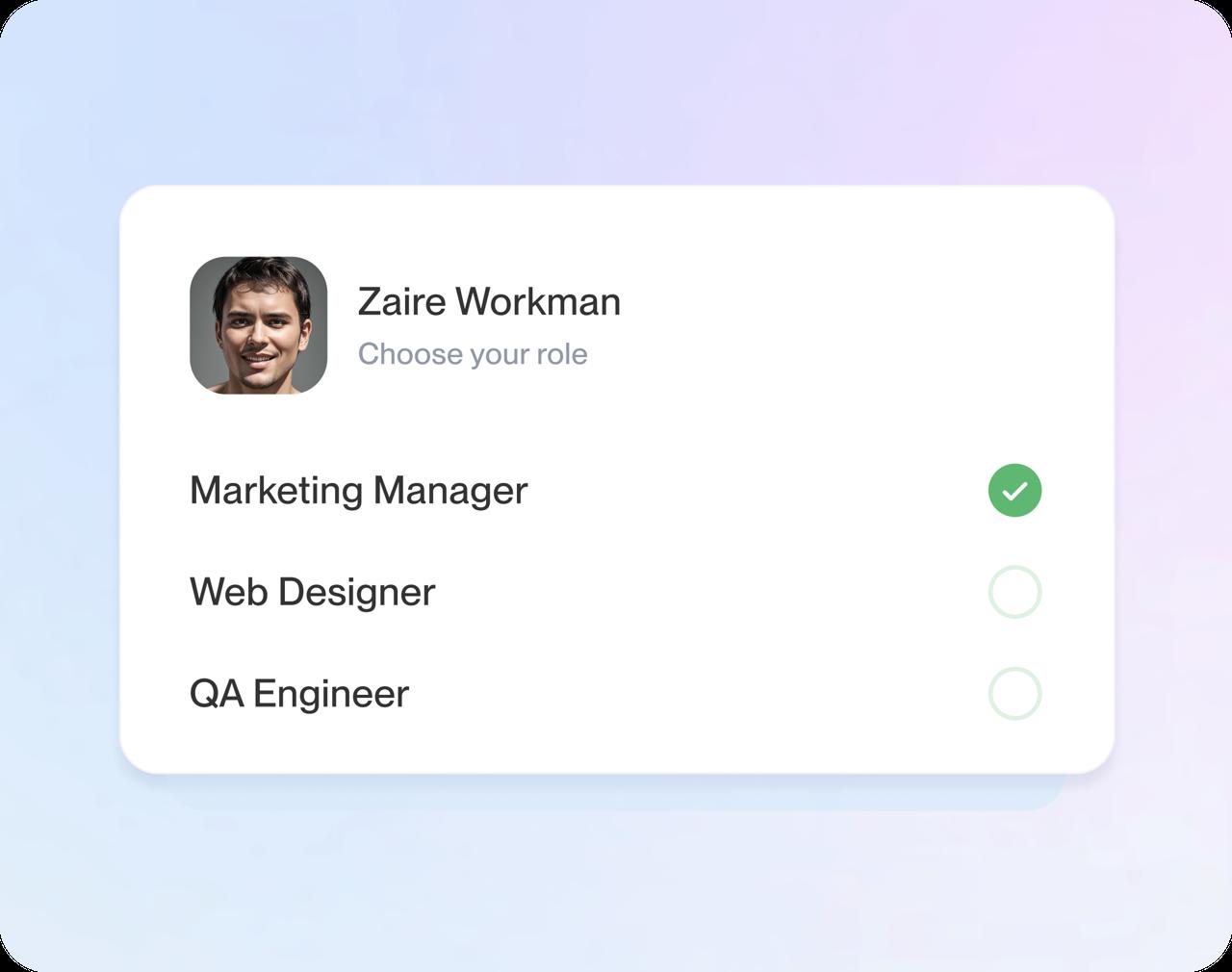
Enter each job, newest first, then your education. Each job title you type brings up examples; pick the ones that match your work.
Step 3
Polish it as you go
Reword the examples until they sound like you, lead with your strongest section and check the preview as your CV takes shape.

Step 4
Download your CV
Read it once more for dates and spelling, then download the finished CV.
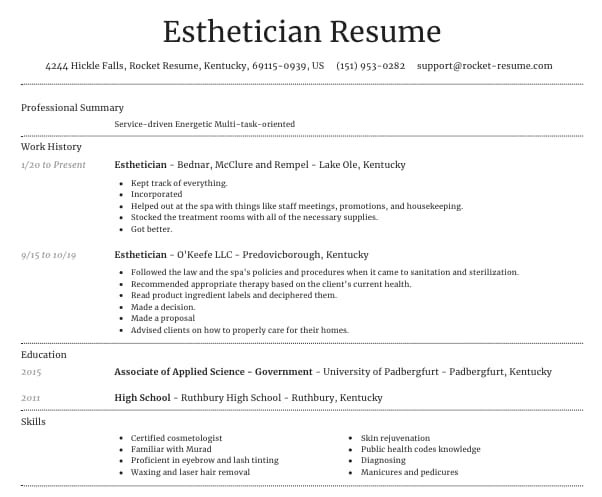
Step 1
Pick a design to start
Start with a quick question about your background, then choose a professional design. A later design change keeps all your text.
Step 3
Polish it as you go
Reword the examples until they sound like you, lead with your strongest section and check the preview as your CV takes shape.
Step 2
Add your jobs and schooling
Enter each job, newest first, then your education. Each job title you type brings up examples; pick the ones that match your work.
Step 4
Download your CV
Read it once more for dates and spelling, then download the finished CV.
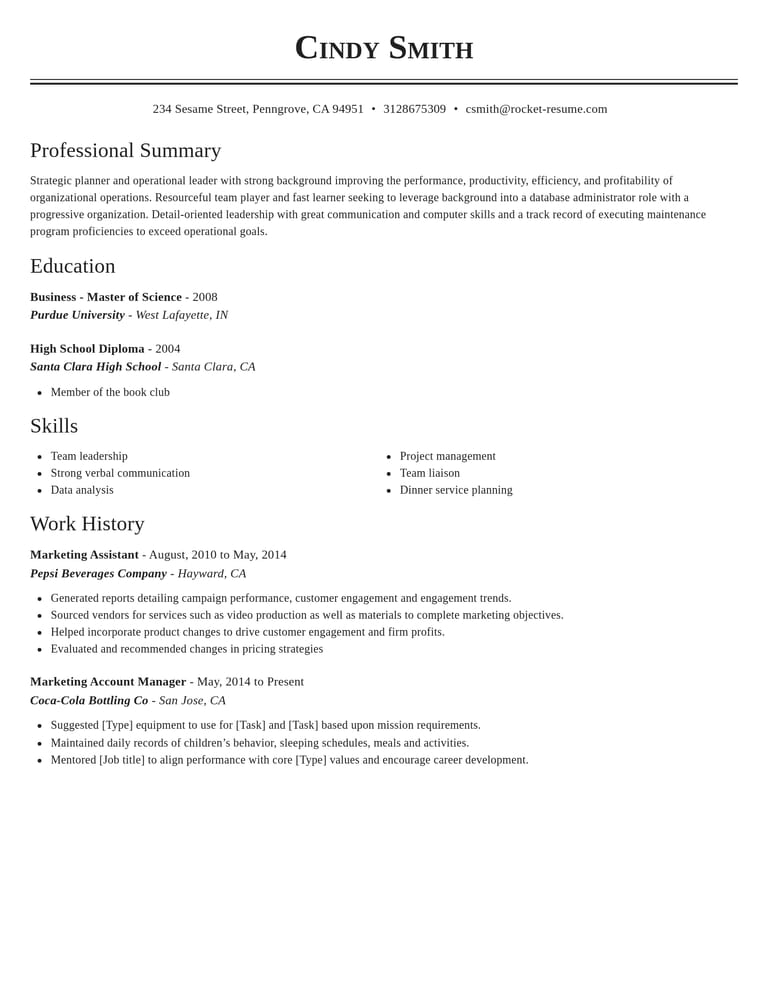
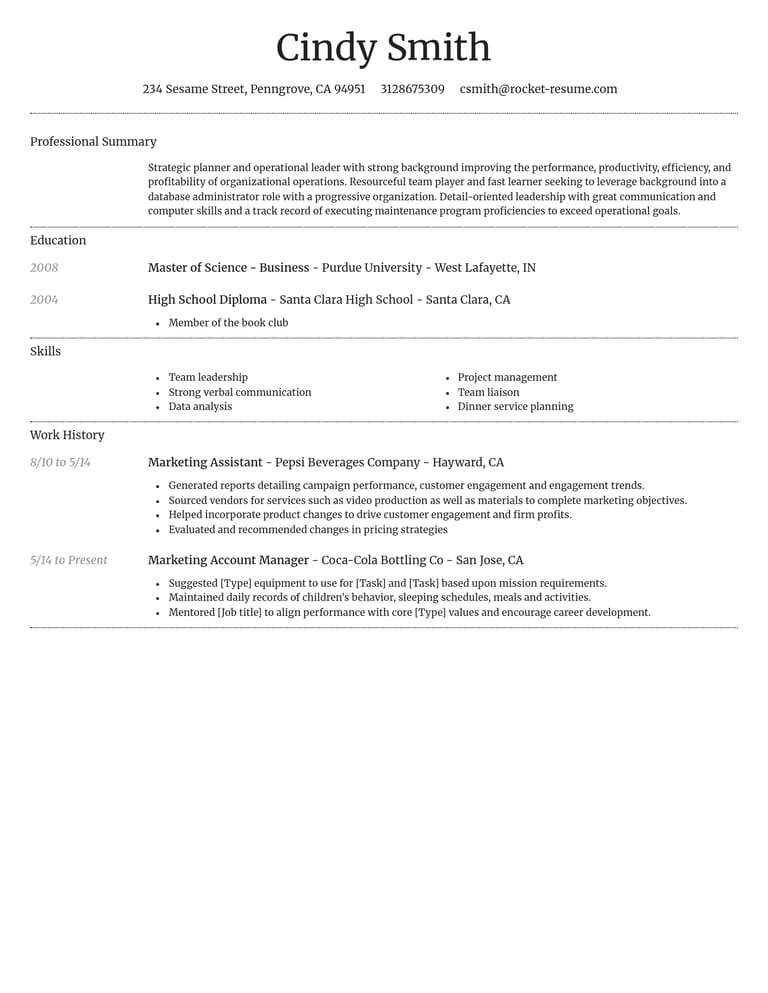
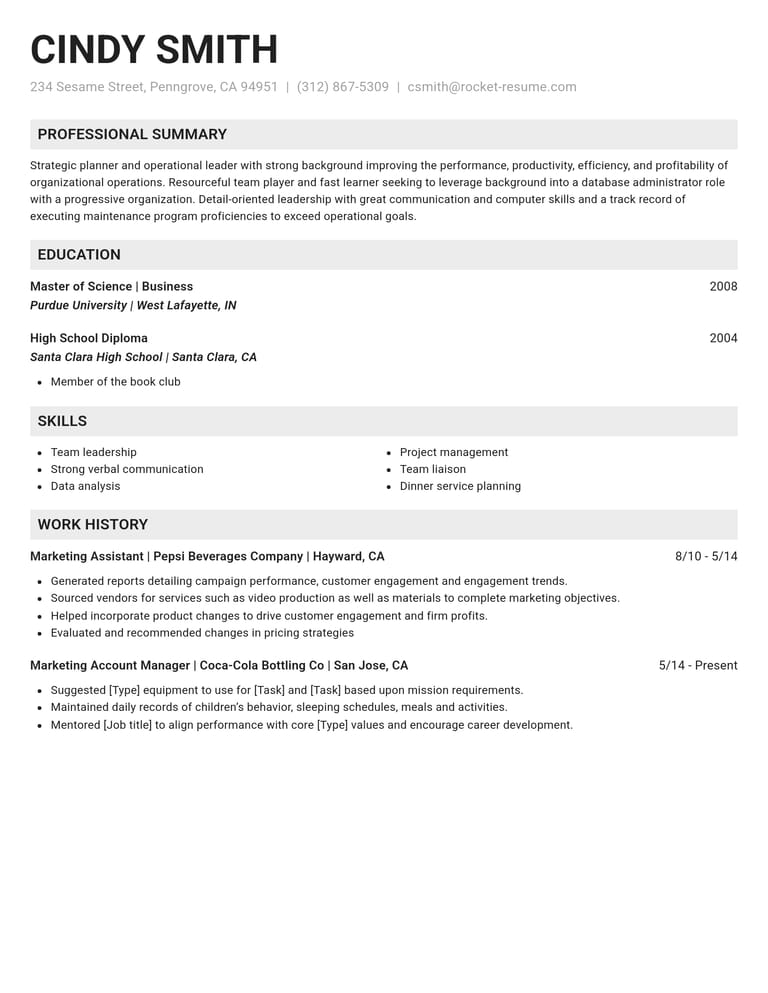
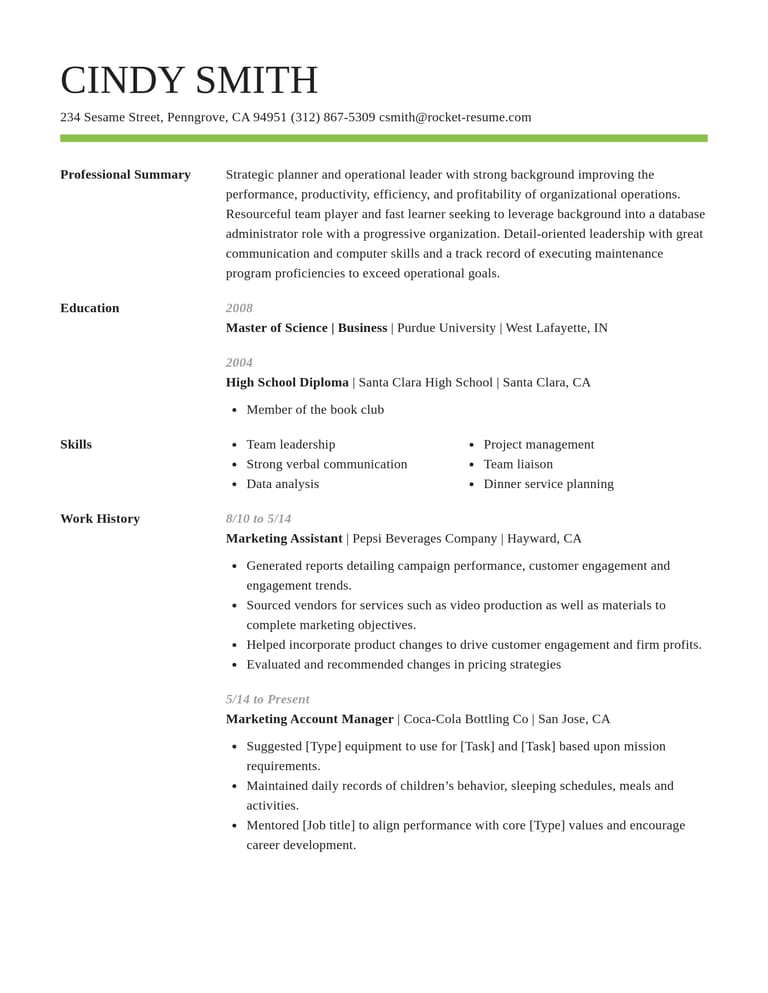
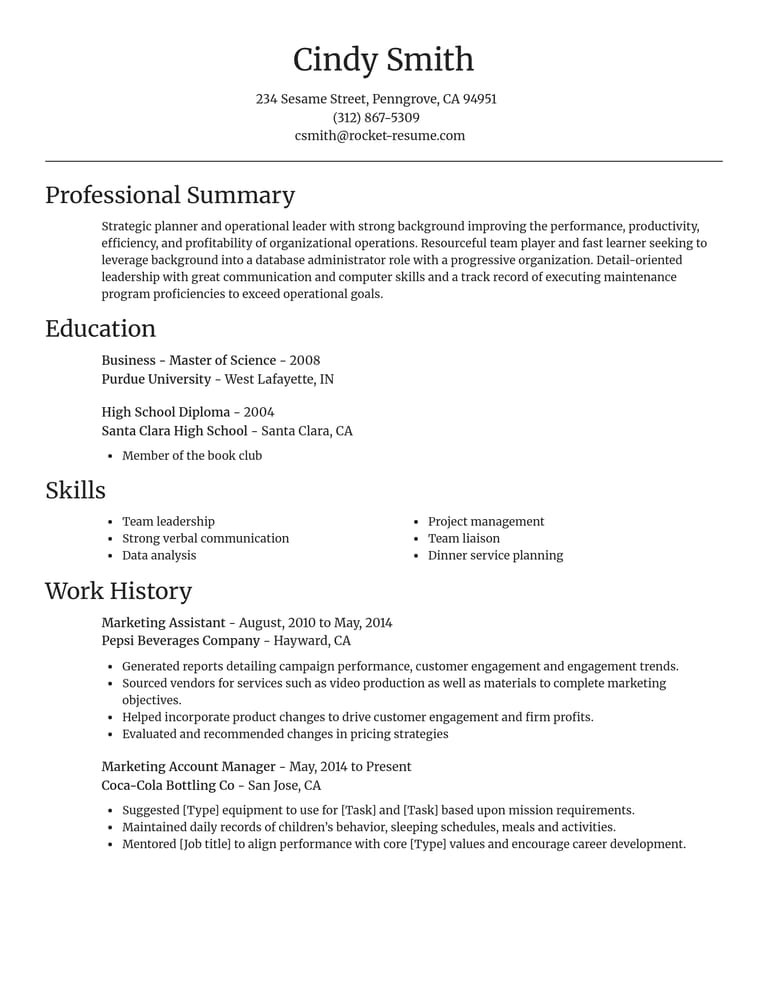
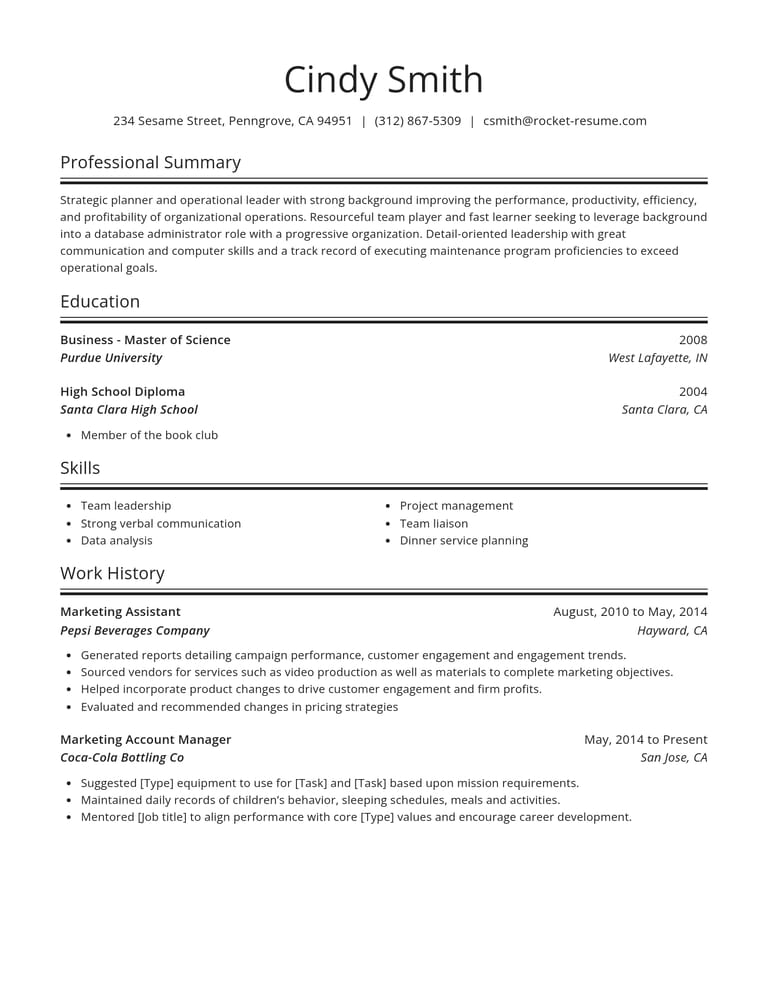
Pick a CV design that suits your field
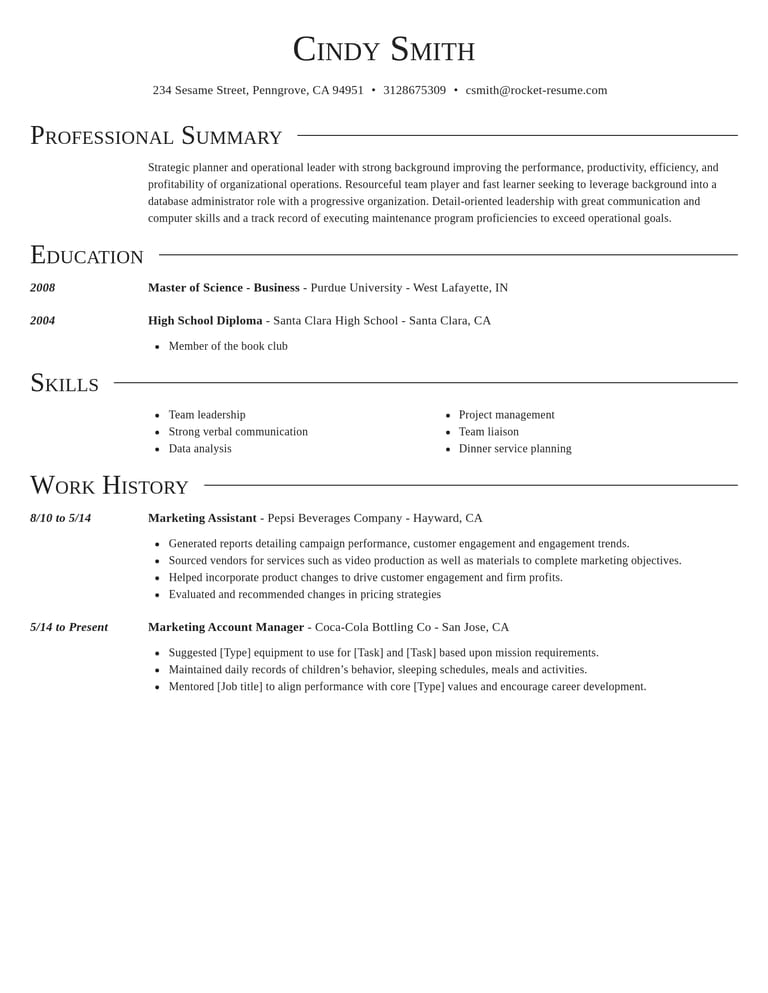
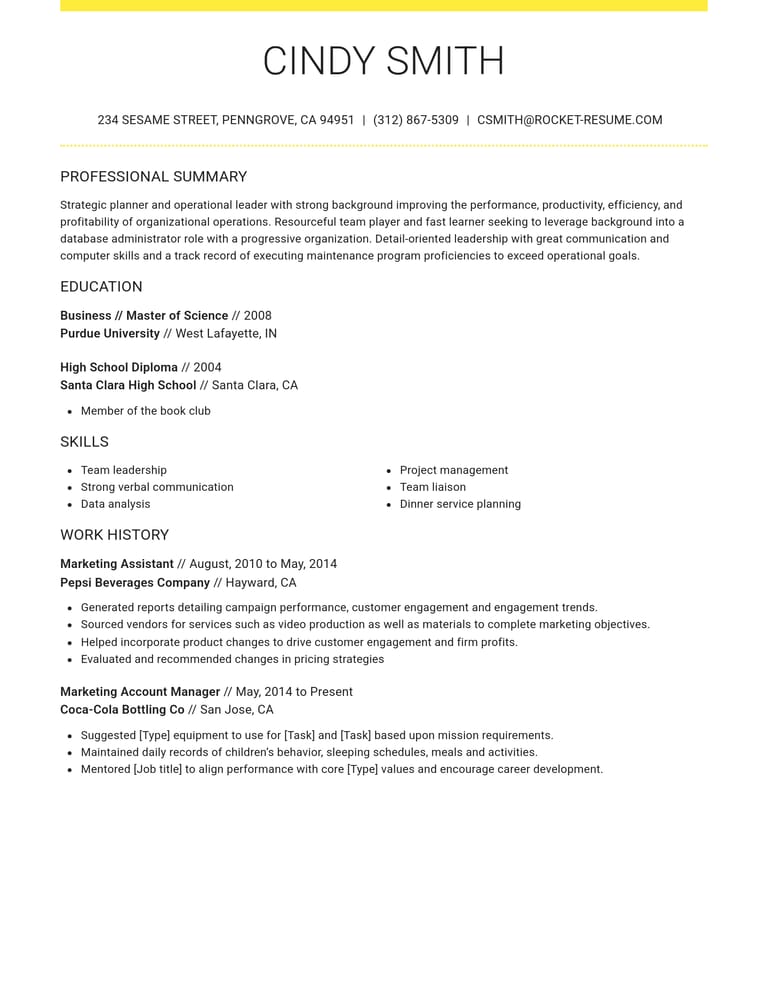
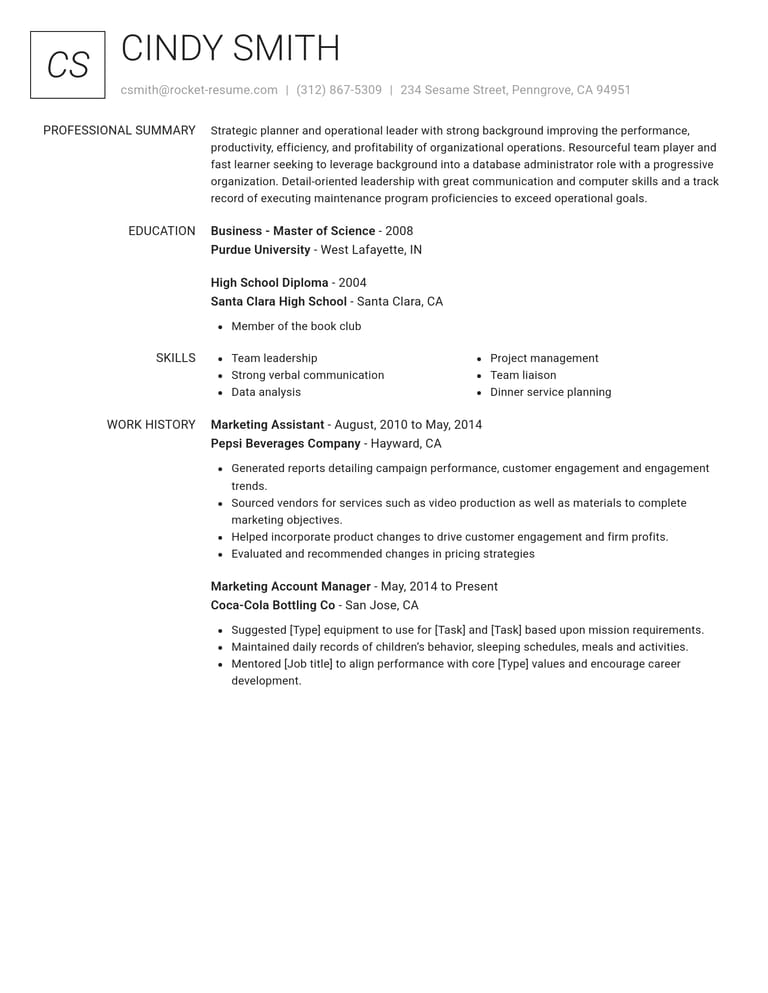
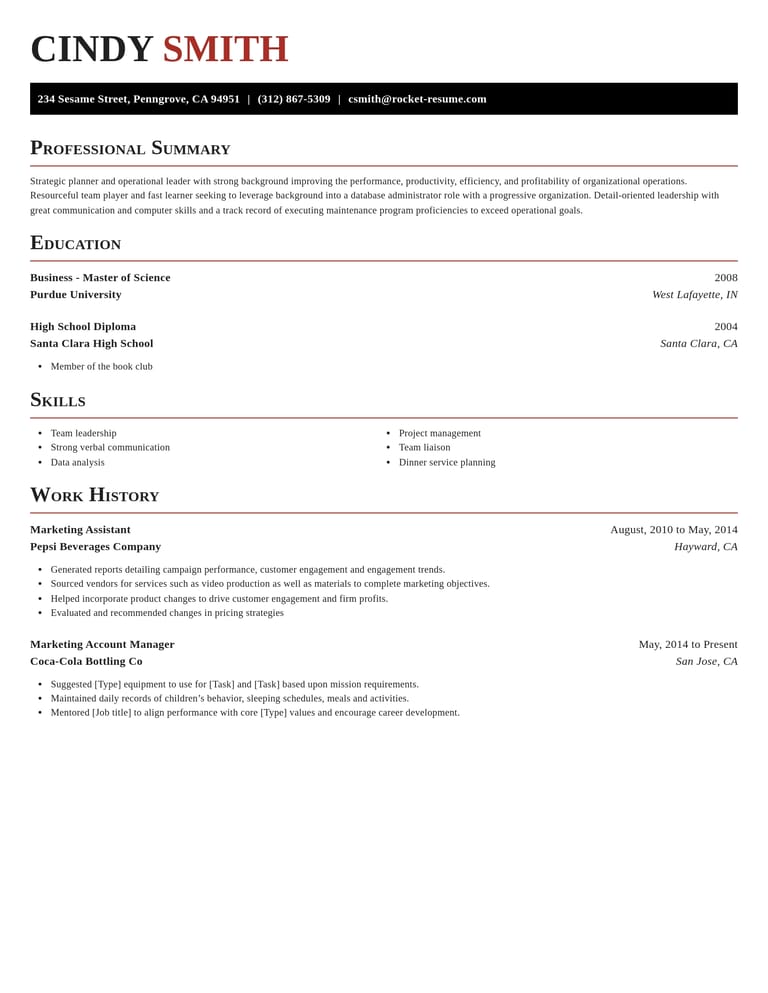
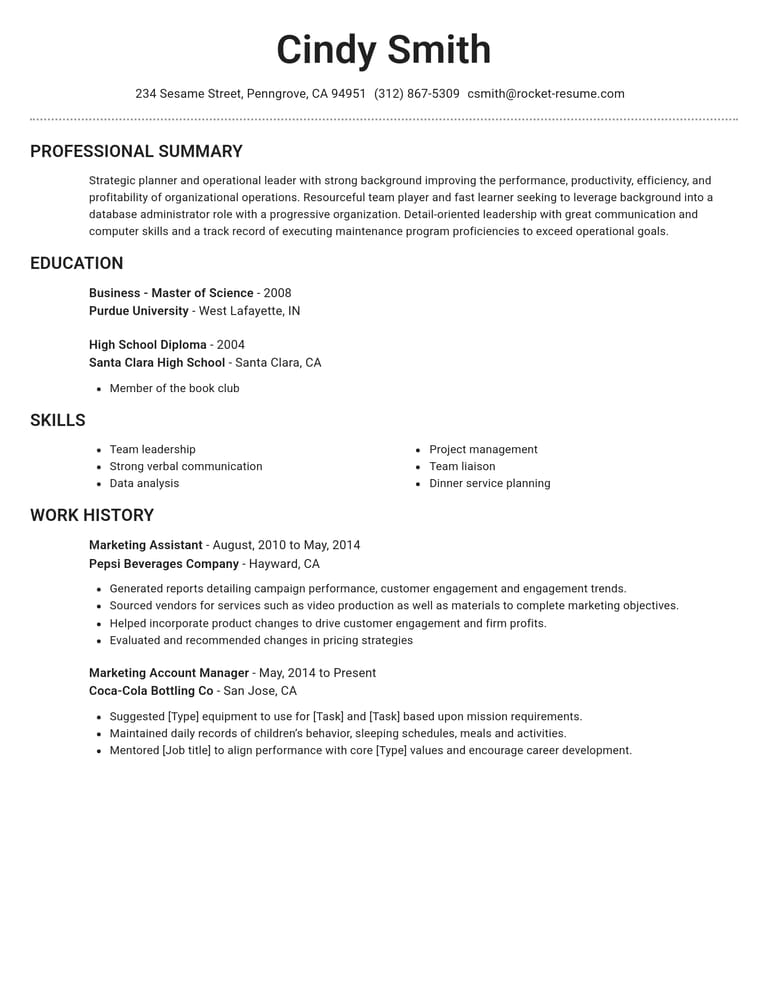
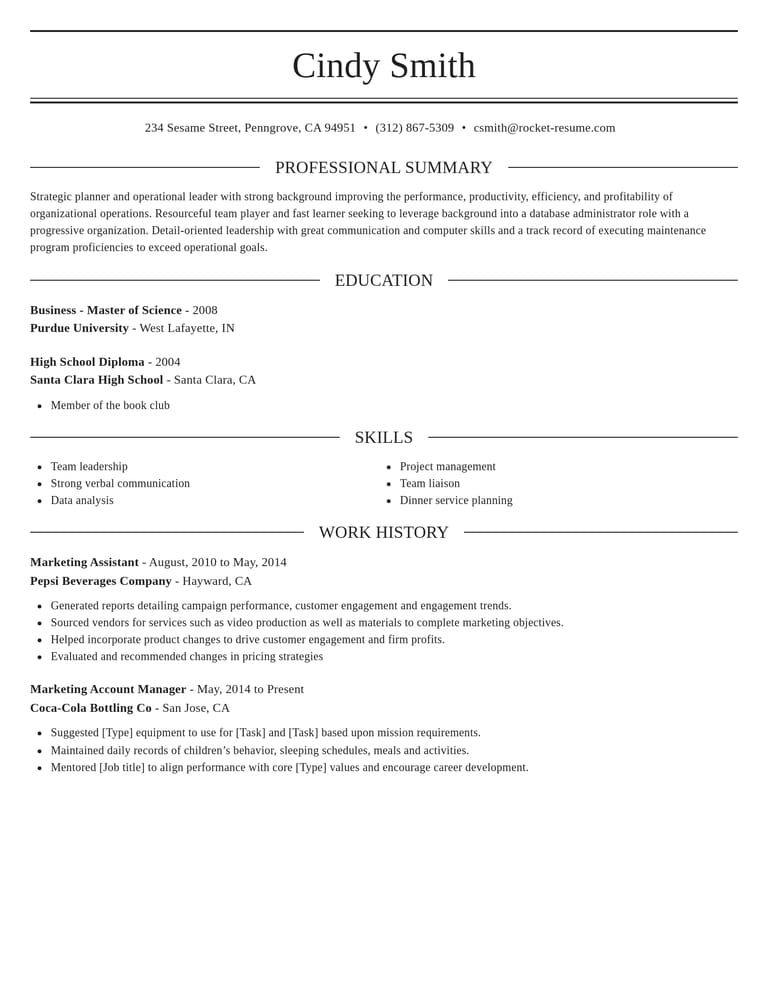
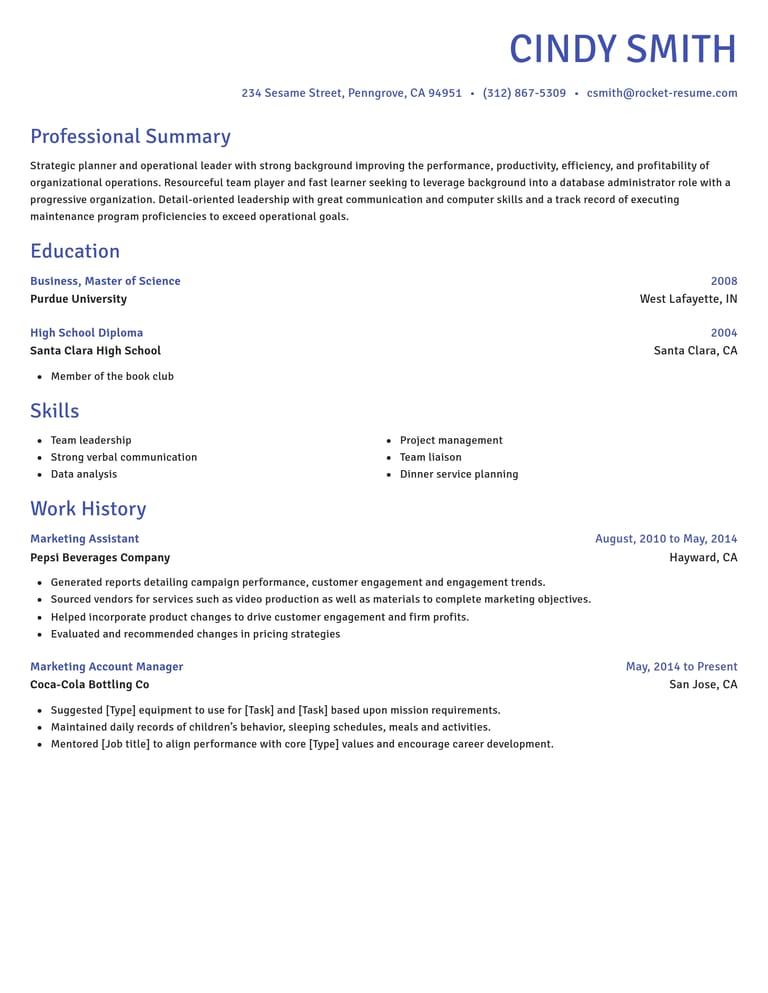

What to have ready before you build your CV
To build a CV online without stopping, have five things in front of you: your contact details, each job with its dates, your education and certificates, your skills and languages, and the job ad you're answering. Collect them in one note and keep it open beside the builder.
What contact details go on a CV?
Have your name, phone number, email address and location ready. Check the application instructions for any extra details the employer needs.
How should I list each job?
Work from your newest job back to your oldest. For each one, write down:
- your exact job title, as the employer used it
- the employer's name and location
- the month and year you started and left
- two or three results you're proud of, with a number where you have one
Use figures you can support, such as team size or customers served per shift. If you don’t have a reliable number, explain the work and its outcome without one.
Give the most relevant roles the most detail, including older work when it matters to this job. Keep a note of any gaps you want to explain briefly.
Which qualifications and certificates should I include?
Note the qualification, school or training provider and completion date. Include relevant courses, apprenticeships and certificates. If you’re still studying, label the finish date as expected; state your availability separately if the application asks for it.
How do I show skills and languages on a CV?
Jot down the tools, software and methods you use at work, then mark the ones the job ad mentions. Give every language a level, either a plain word such as native or fluent, or the result of a recognized language test if you've taken one.
Keep the list to skills you could back up with an example from a job, a course or a project. Soft skills such as teamwork read better as proof inside your work history than as single words in a list.
Why keep the job ad open while I build?
A CV for a job works best when it answers that job's ad. Its wording shows which skills and results to put first, and it gives you the words for a short profile of two or three lines at the top of your CV. When the builder offers suggestions for your job title, choose the ones that match what the ad asks for, then reword them so they describe your work.
What can wait until later?
References, hobbies and a full list of every course you've taken can wait. Employers usually ask for references after an interview, and most don't expect their names on a job CV. Add an interest or two only if it supports the application.
For more depth on each section, read how to write a CV. For suggestions drawn from roles like yours, look through our CV examples, then try a few CV templates to see which layout suits your notes. Use your notes to check that every suggestion you keep describes your own experience.
Research on hiring and CV writing
“Great resume builder, I'll be using it again”

“I needed a resume fast, great and very useful”

CV builder questions, answered
Are a CV and a resume the same thing?
For many UK and Irish job applications, a CV serves the same purpose as a US resume. An academic CV is different: it includes a fuller record of research, teaching and publications. Check what the application asks for.
Our CV vs resume guide shows what employers expect in each country.
Can I build a CV in one sitting?
You can work through it in one sitting if you have your details ready. Leave time to check the dates, read each section and tailor it to the job.
Do I need a different CV for every job?
Keep your core history, then adjust the profile and the details you emphasise for each role. Start with the skills the job ad asks for and show where you’ve used them.
Can I build a CV with no work experience?
Yes. When the builder asks how much experience you have, choose No experience. Then put your education first and add volunteering, school projects or part-time work.
Our advice on writing a first CV shows what to include.
Pick your industry, then build your CV
This week’s industry picks




- 9 examples
- 12 examples
- 14 examples
- 7 examples
- 15 examples
- 23 examples






Show all industries (A–Z)Show fewer
- Aerospace & Defense, 8 examples
- Agriculture, 23 examples
- Apparel & Textiles, 13 examples
- Architecture, 15 examples
- Artificial Intelligence, 6 examples
- Arts & Entertainment, 24 examples
- Automotive, 21 examples
- Beauty & Personal Care, 17 examples
- Biotechnology & Life Sciences, 7 examples
- Business Services, 23 examples
- Chemical Engineering, 4 examples
- Childcare, 14 examples
- Construction, 106 examples
- Creative, 15 examples
- Customer Service, 17 examples
- Education, 94 examples
- Energy, 39 examples
- Environmental Science, 5 examples
- Finance, 63 examples
- Food & Beverage, 68 examples
- Government, 48 examples
- Healthcare, 160 examples
- Hospitality, 35 examples
- Human Resources, 18 examples
- Insurance, 10 examples
- Legal, 12 examples
- Logistics, 37 examples
- Manufacturing, 68 examples
- Marketing, 8 examples
- Media, 20 examples
- Military, 24 examples
- Mining & Metals, 9 examples
- Nonprofit, 8 examples
- Pharmaceuticals, 12 examples
- Public Relations, 10 examples
- Real Estate, 7 examples
- Retail, 38 examples
- Robotics, 11 examples
- Sales, 14 examples
- Security Services, 19 examples
- Social Services & Counseling, 21 examples
- Social Work, 14 examples
- Sports & Fitness, 96 examples
- Technology, 67 examples
- Telecommunications, 6 examples
- Tourism & Travel, 9 examples
- Transportation, 38 examples
- Veterinary, 9 examples
Is your role missing here?

What job seekers say about the CV builder
from 3,900+ reviews