Generate a CV free using
Rocket Resume gives you free suggestions for your job title to pick and edit, so you build your CV yourself without starting from a blank page.
- Free suggestions to start from
- You pick and edit each one
- Any template you like, all free
- A preview of the whole CV

Danny
Apr 2023
“I'll recommend it to friends and family.”

Dayani F.
Jan 2025
“Everything about this tool is amazing, I love it”

Kelvin P.
Jul 2025
“You guys were amazing, I got a new job.”

John W.
Nov 2022
“You made my resume professional”
from 3,900+ reviews



Free examples, templates, preview and saving

Strong examples, suggested for you
Use the suggestions for your job title as a starting point. Keep the ones that fit, then add details from your own work.
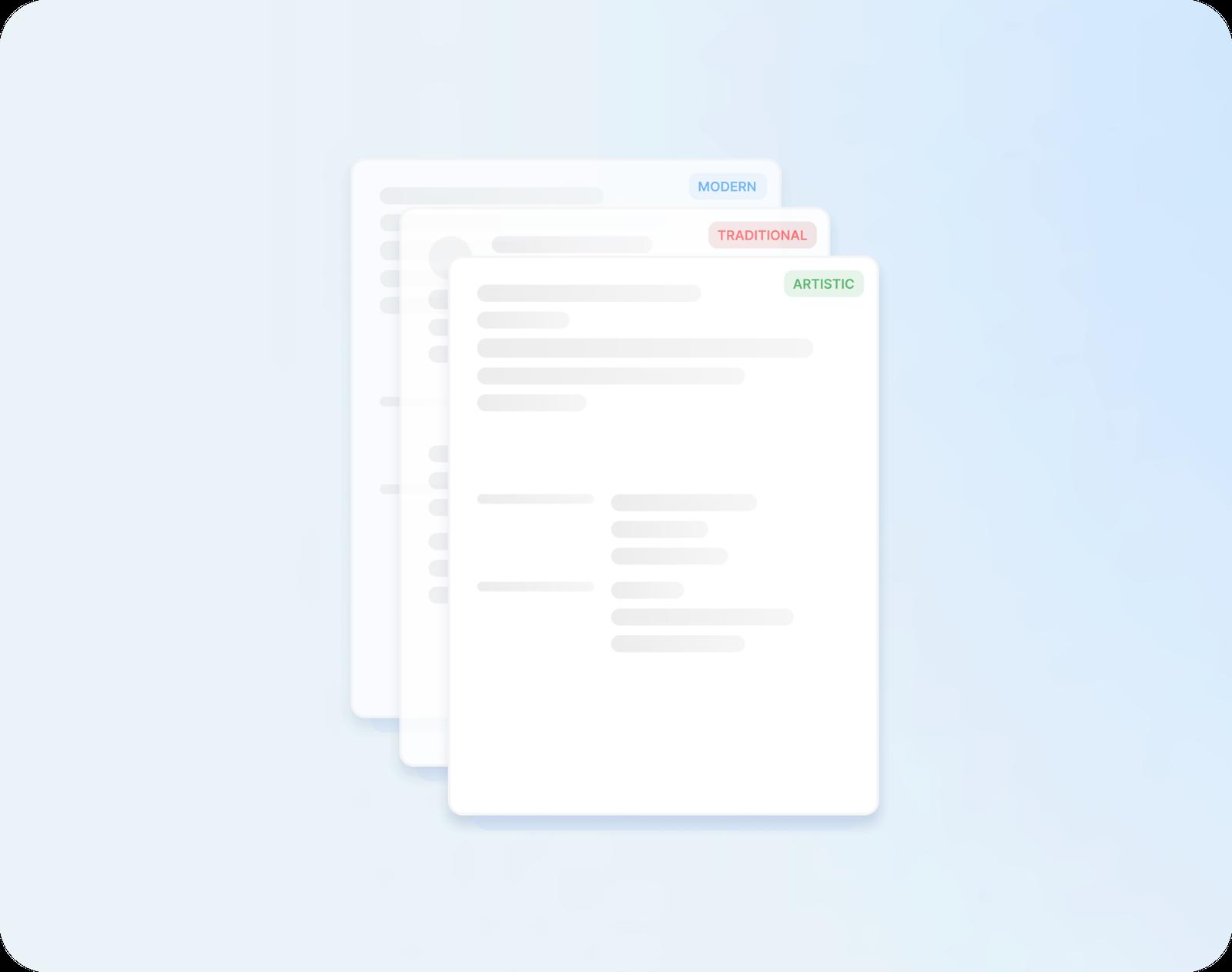
Every design, ready to fill in
Modern, traditional or creative: try any design, then switch later and your words carry over to the new layout.

A preview whenever you want
Check how your CV looks at any point, so you catch gaps and long lines before an employer does.

Saved for next time
Save your CV to your account and sign in later to tailor it for the next job ad.
Three steps to your finished CV
Step 1
Choose any design
Choose a design to start your CV. You can compare other layouts after adding your details.
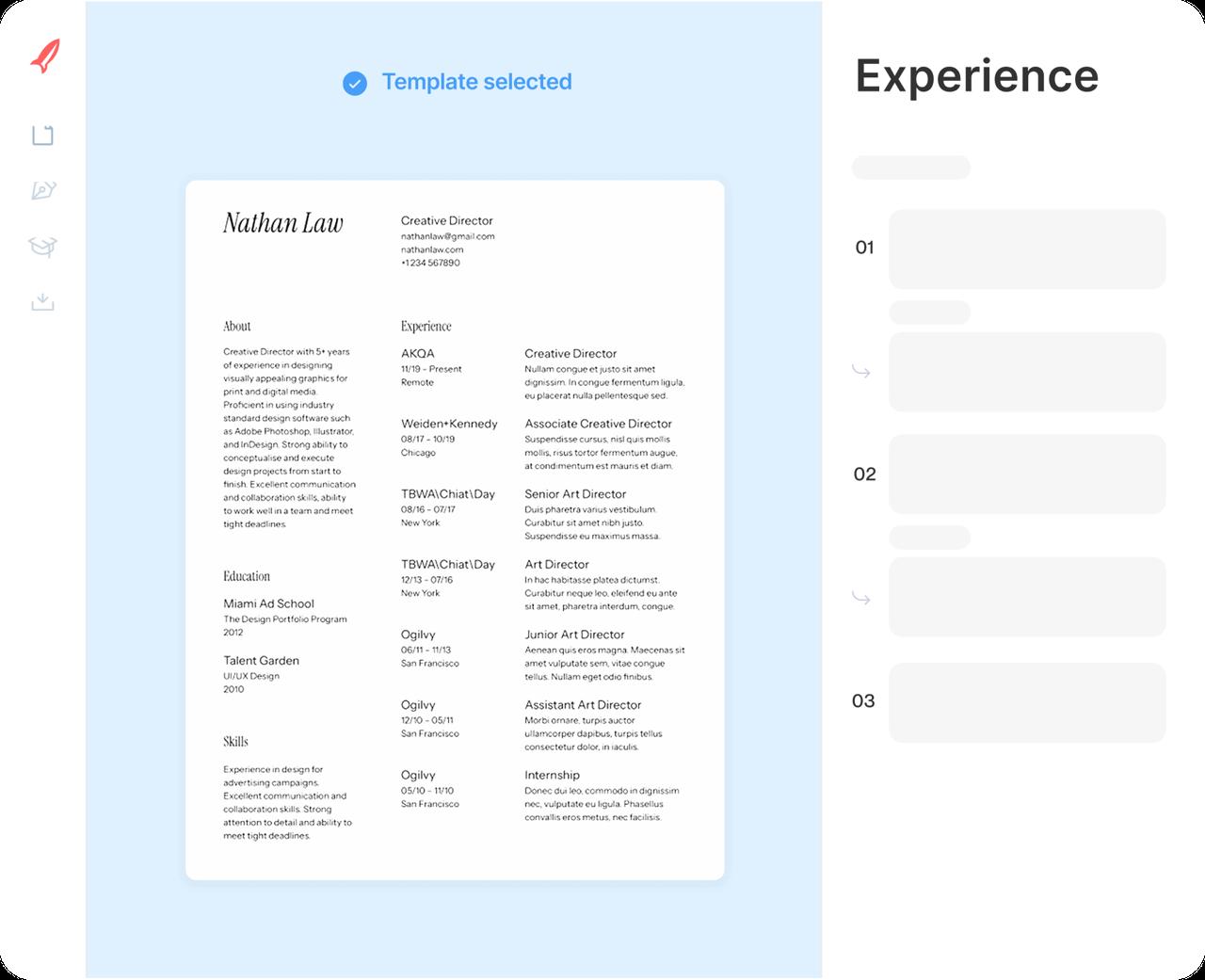
Step 2
Fill in each section
Add your jobs, education and skills. Use examples for your role where they help, and check that each one describes your experience.
Step 3
Download when you're ready
Check dates and spelling one last time, then download your CV for your next application.

Step 1
Choose any design
Choose a design to start your CV. You can compare other layouts after adding your details.
Step 3
Download when you're ready
Check dates and spelling one last time, then download your CV for your next application.
Step 2
Fill in each section
Add your jobs, education and skills. Use examples for your role where they help, and check that each one describes your experience.
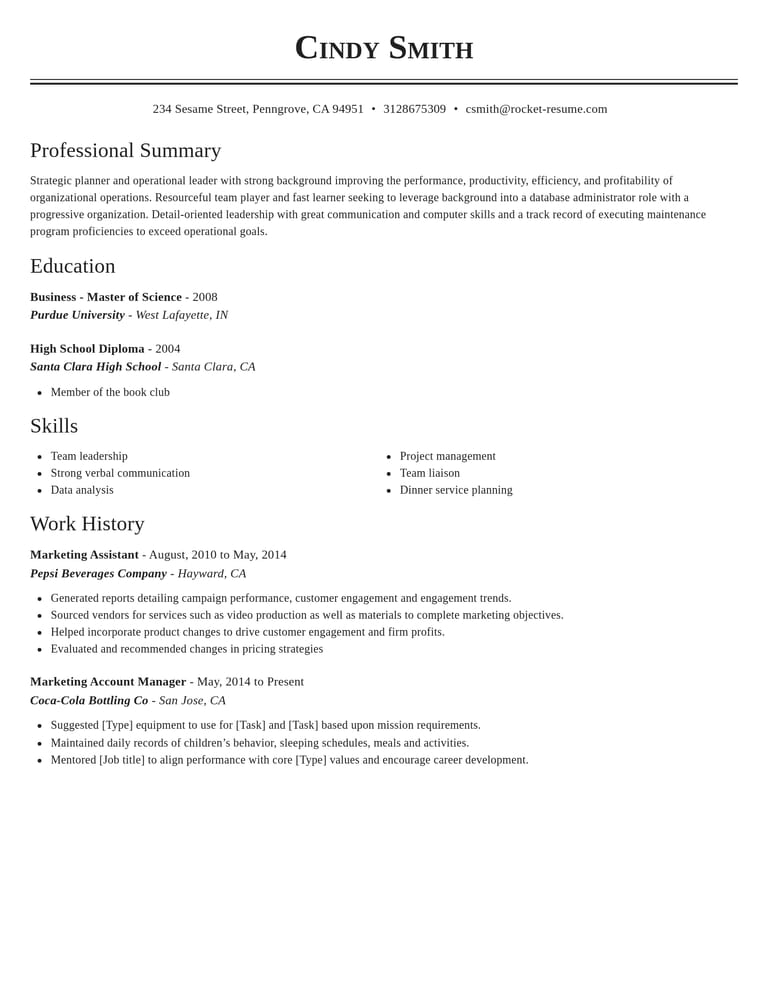
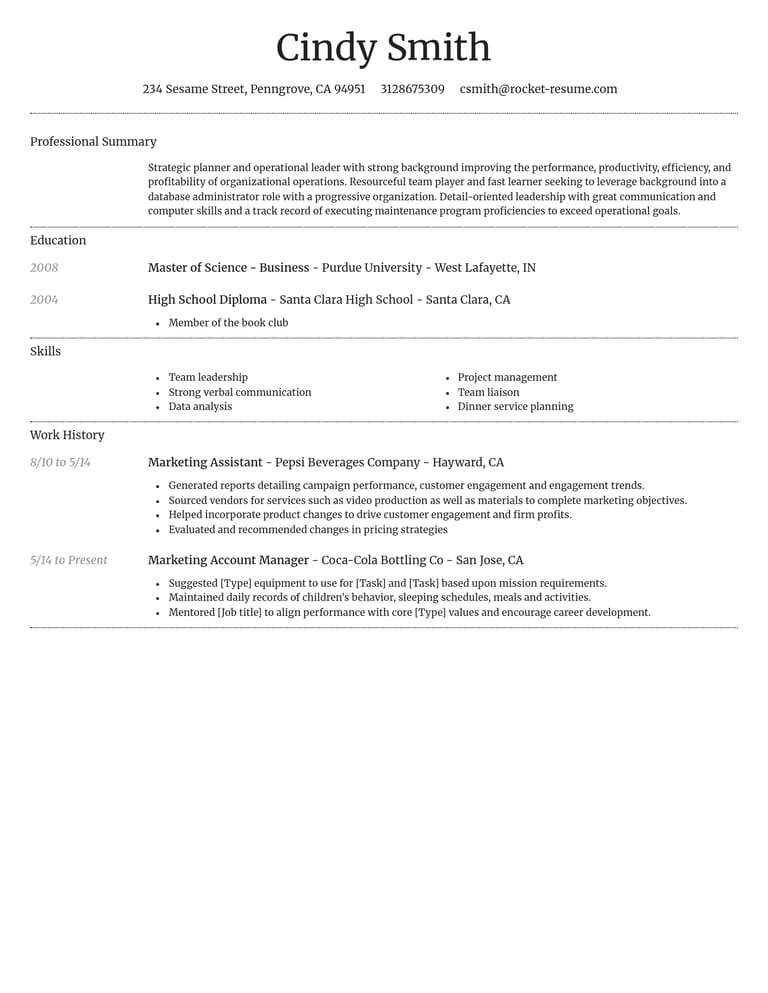
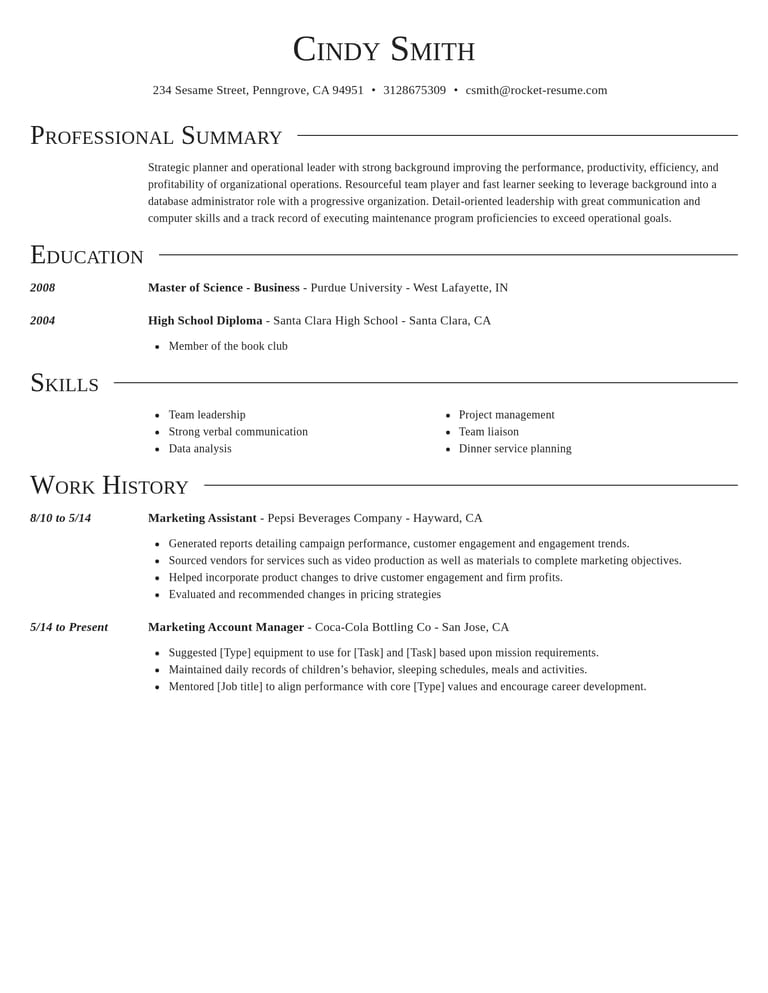
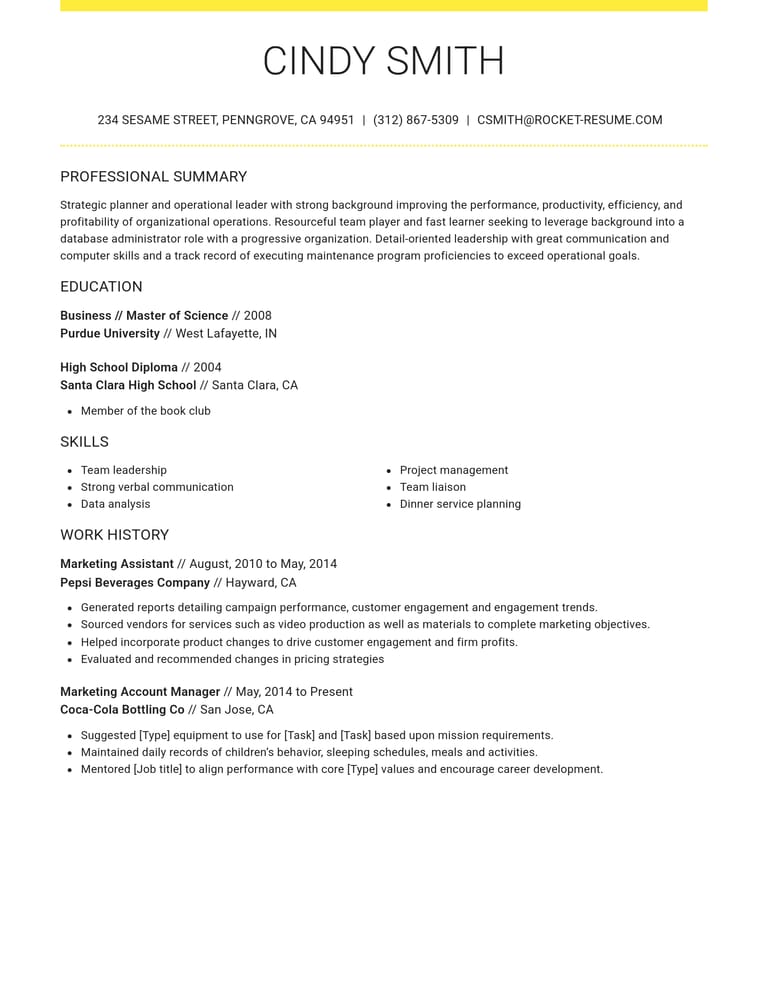
Choose any CV design, free
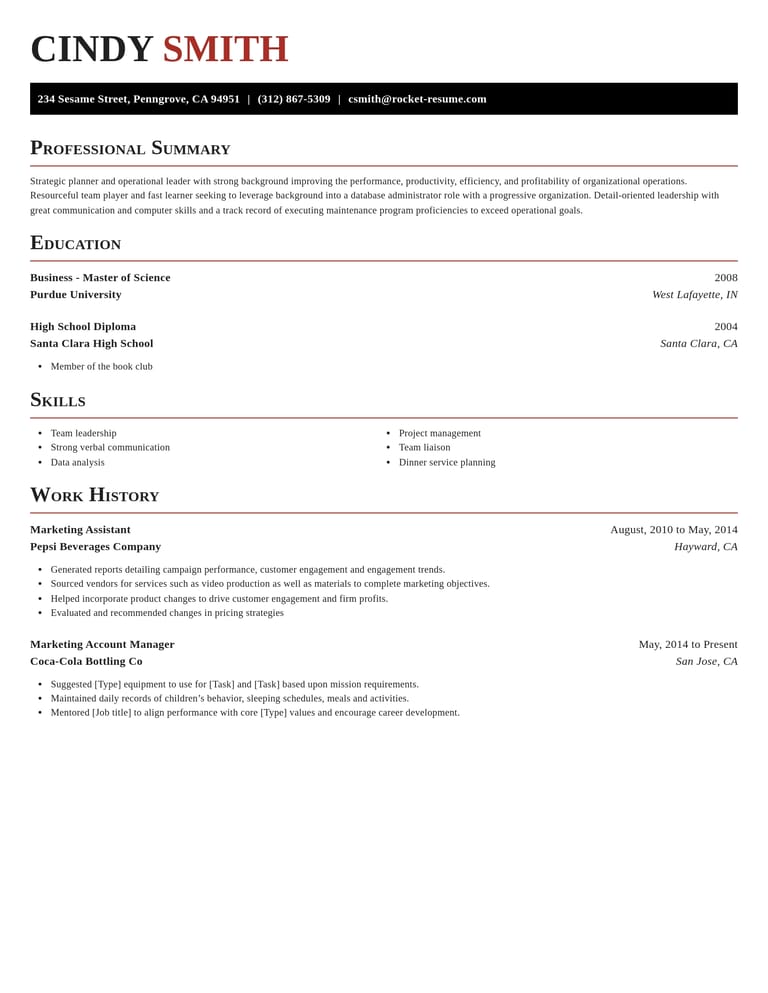
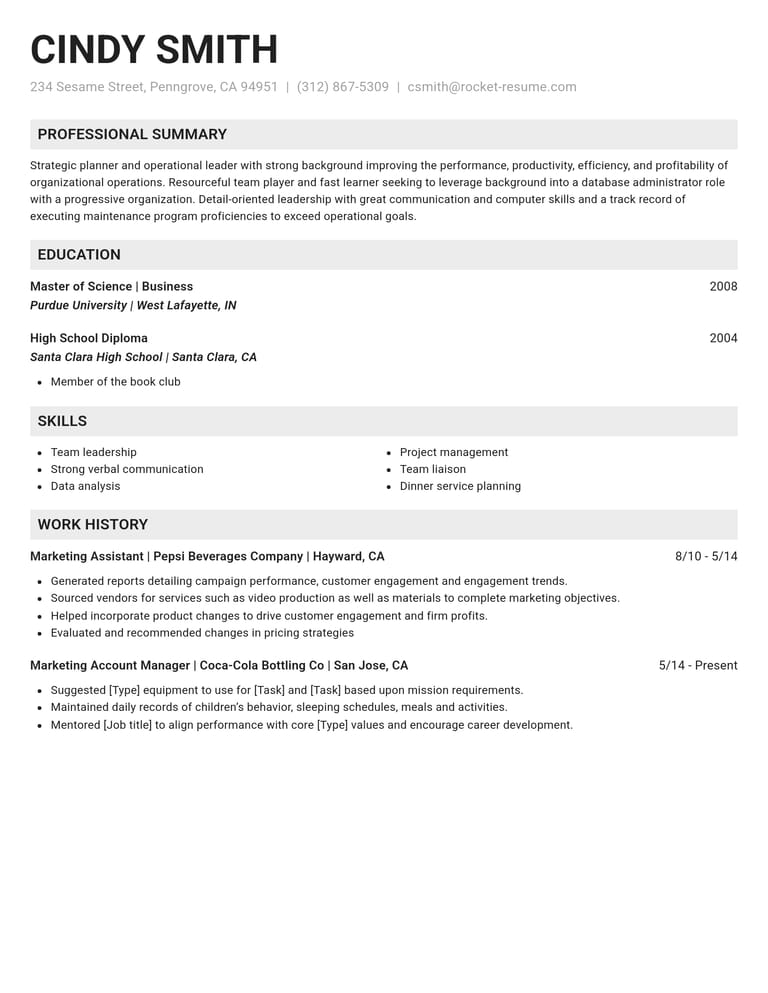
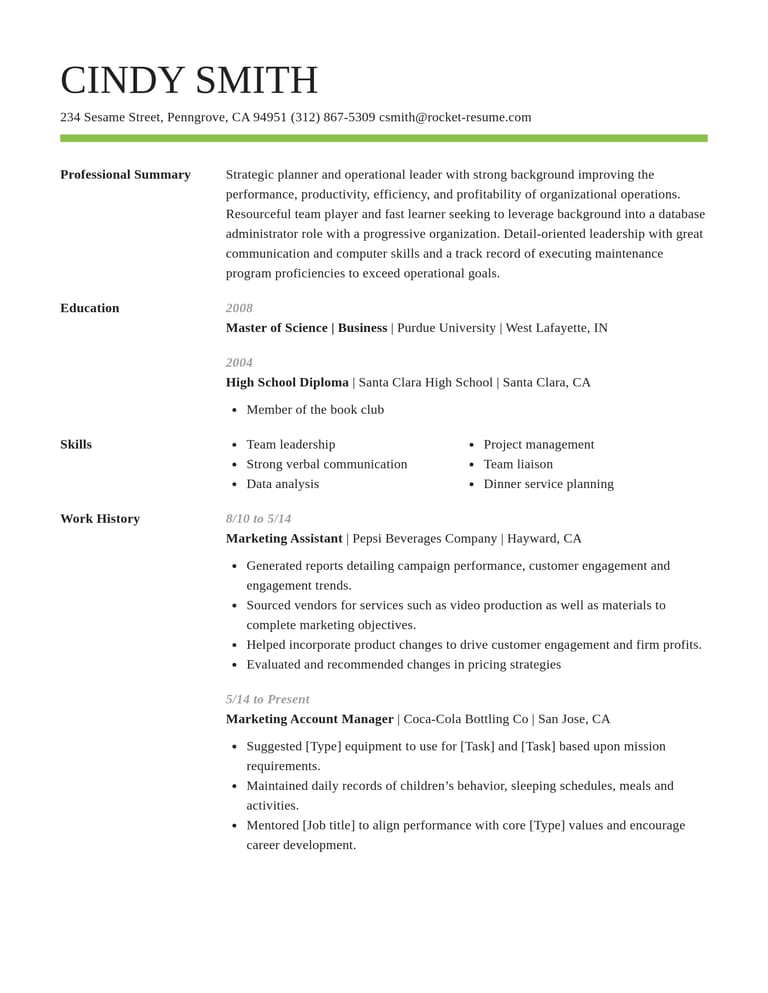
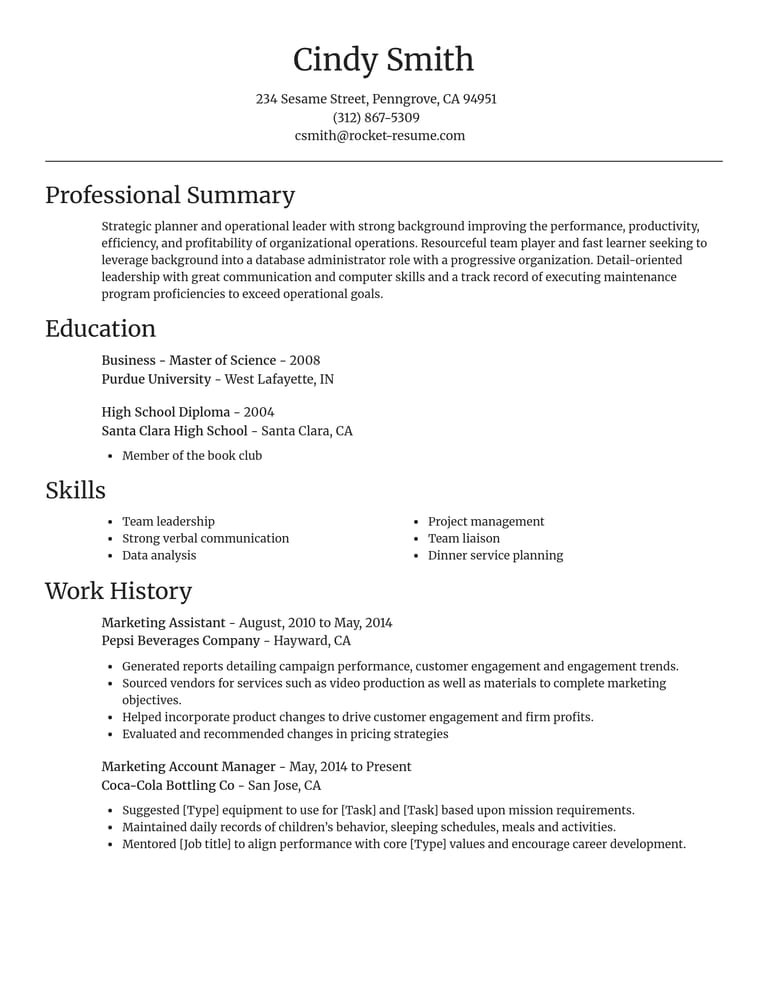
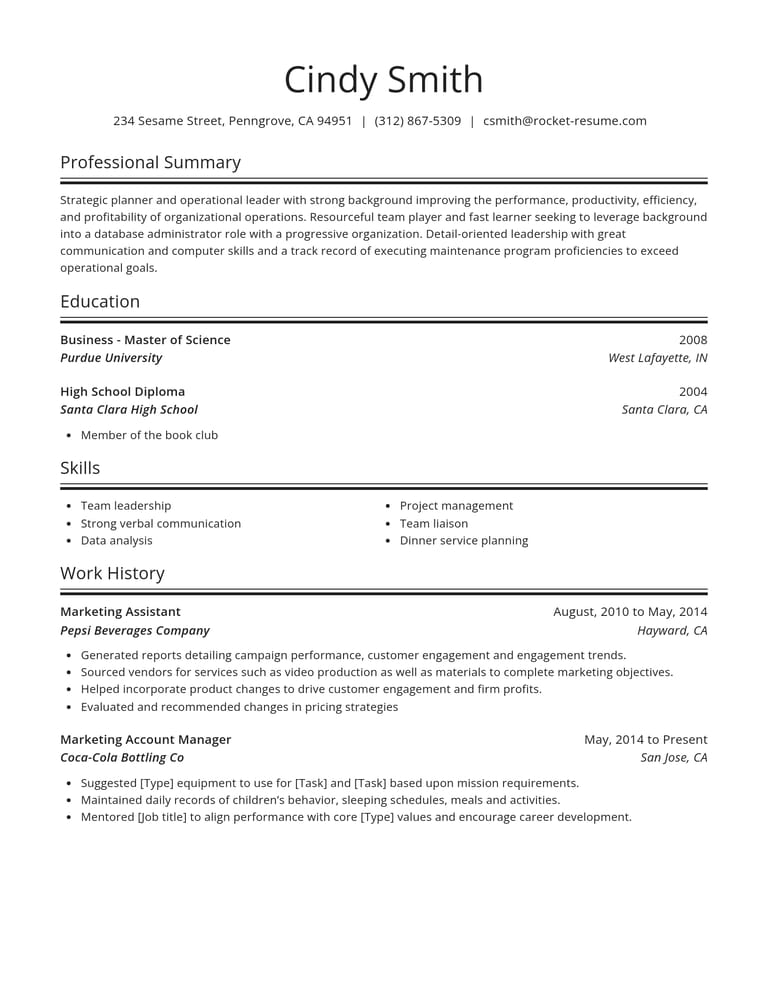
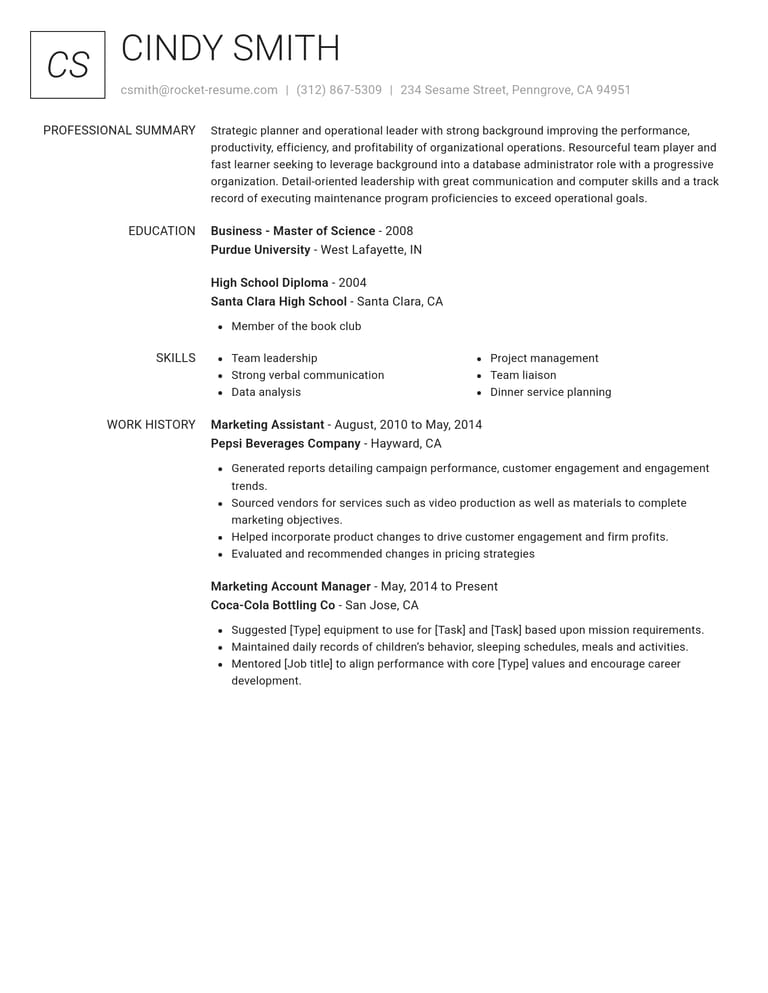
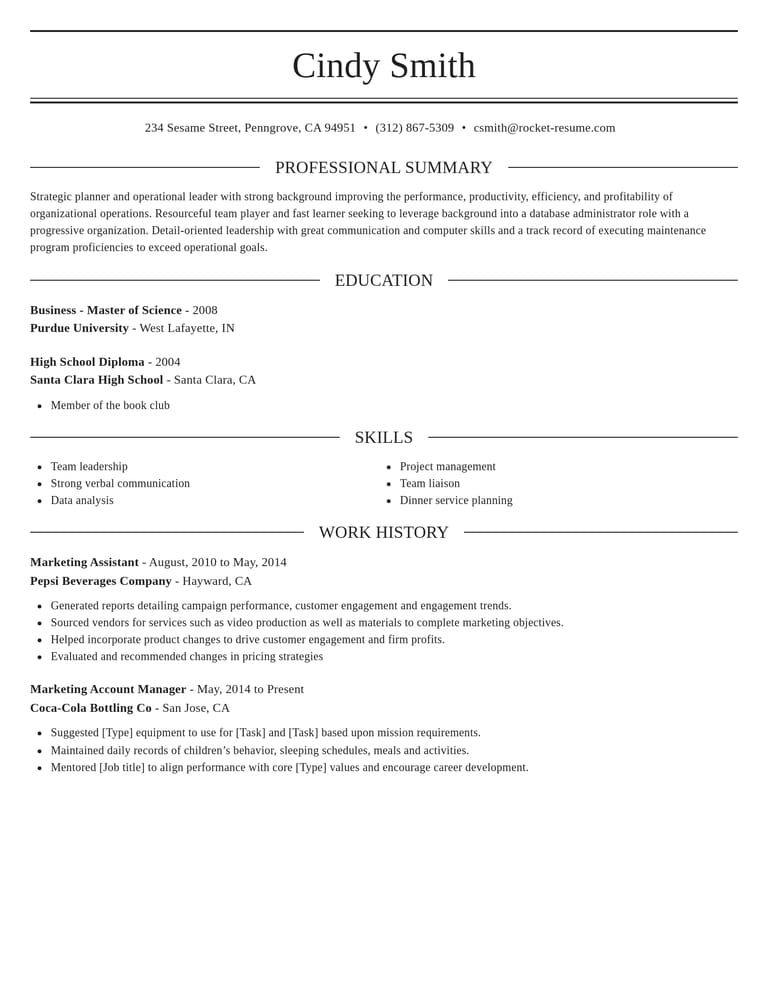
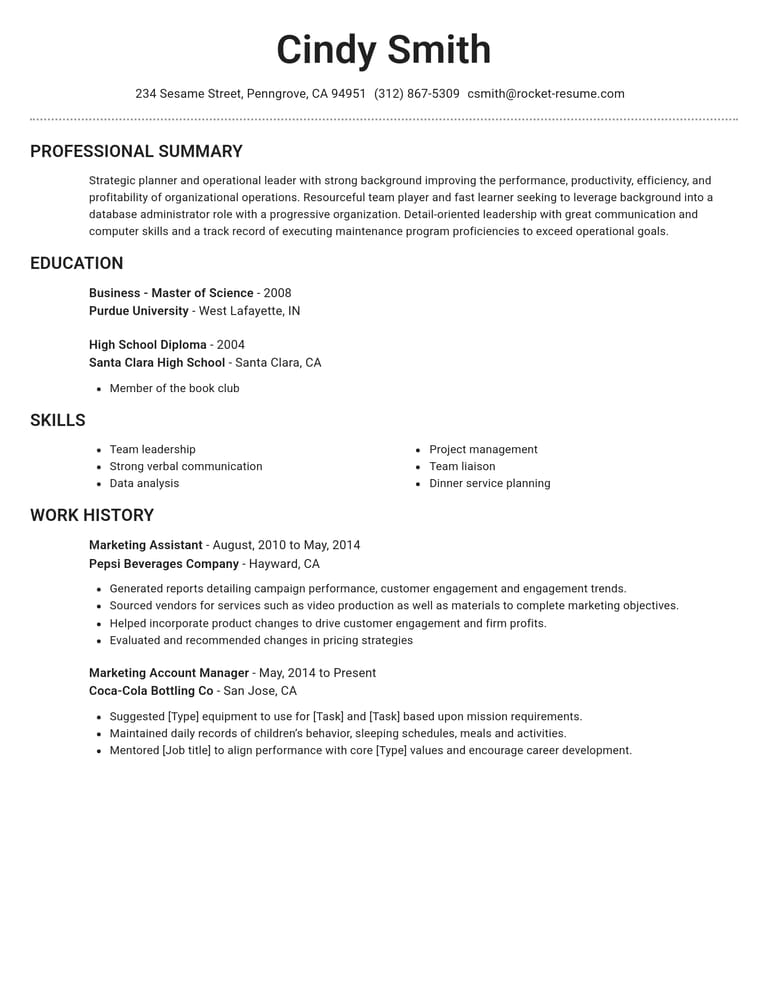
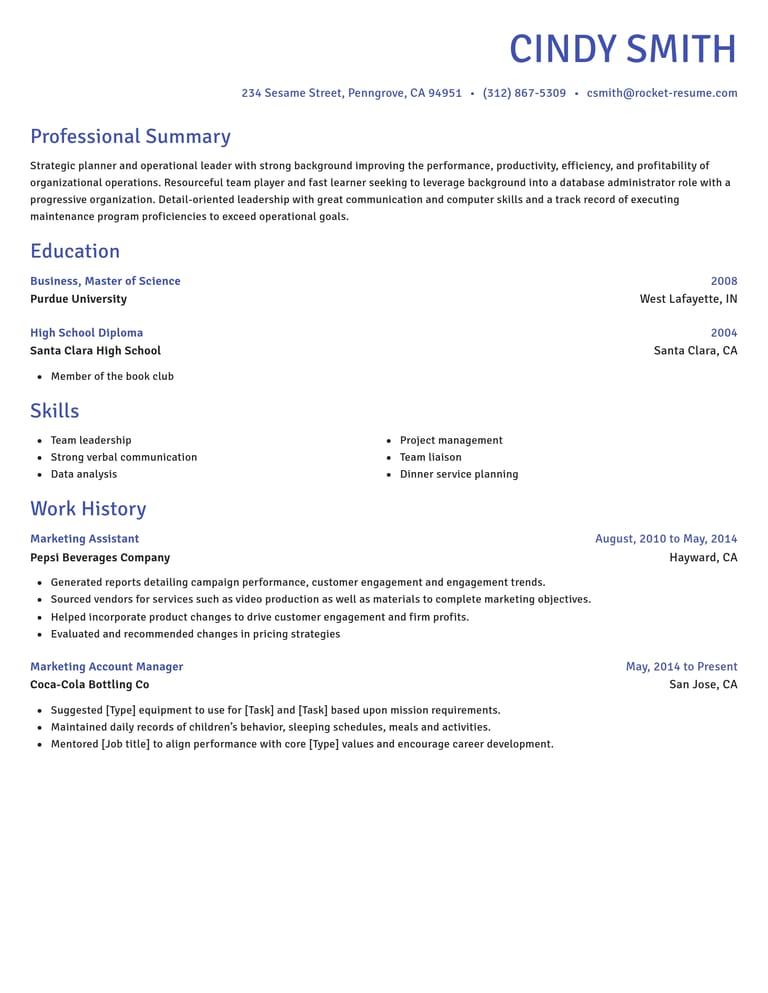

Start CV wording with suggestions you can reshape
Building a CV is free with Rocket Resume. When a blank description feels difficult, a suggestion can give you a starting idea that you choose, edit, or leave behind.
Use a familiar title to begin
Enter a title that corresponds to work you have done. Read the suggestions slowly enough to distinguish a familiar responsibility from a task that simply sounds relevant to the field.
An assistant in a medical office might recognize scheduling work but not clinical duties. Those activities can appear close together in a workplace, yet they do not describe the same responsibility or preparation.
Choose the task before choosing the sentence
Ask whether you performed the central action in a suggestion. If the answer is no, skip it rather than trying to reshape the entire sentence into something unrelated.
If the task fits, consider which parts need adjustment. A useful starting idea may still name the wrong audience, tool, setting, or degree of independence for your particular experience.
Supply the setting only you know
Replace general language with concrete context from your own work. A fictional example could become an account of coordinating follow-up appointments for a rehabilitation clinic, if that accurately describes the person's role.
Do not add patient identities or private case details to make a description specific. Naming the kind of work and the setting can explain the responsibility without exposing information that does not belong on a CV.
Keep responsibility at the right level
Distinguish between assisting, performing, checking, and supervising. These actions imply different roles, and a suggestion should not quietly move you from one level to another.
A student who prepared materials under supervision should retain that context. Someone who independently maintained a scheduling process can say so when it reflects the work, without extending the claim to managing the entire department.
Combine suggestions with your own writing
You do not need to build every description from a suggested sentence. Write directly when you already know how to explain a task, and use suggestions only where they help you get started.
The CV may also need information beyond a job description, especially for an academic or medical application. Follow the requested categories and verify that the chosen structure can present them appropriately.
Read the draft as a connected account
After editing several descriptions, check whether they sound like the same person explaining a coherent record. Remove repeated introductions and make the terminology consistent where it describes the same work.
The live preview changes as you write, so you can see each description in context. Save the draft when you need a pause, then return to check whether every retained suggestion has become a statement you can explain from experience.
Give employers clear examples of your work
“Great resume builder, I'll be using it again”

“I needed a resume fast, great and very useful”

Before you build your free CV
Can I skip suggestions that do not describe my experience?
Yes. Suggestions are optional, and you can write your own description instead. It is better to use a straightforward sentence about a real task than to keep polished wording that changes your responsibility. Choose a suggestion only when its central idea genuinely fits work you have done.
How do I adapt a suggestion about supervising when I only assisted?
Check whether the underlying task still matches your experience. If it does, describe the assistance you actually provided and retain any relevant supervision context. If the suggestion mainly concerns authority you did not have, skip it and write a direct account of your own contribution instead.
Do I need to use several suggestions for every role?
No fixed number is necessary. Include enough information to explain the responsibilities relevant to the application, without repeating the same task in different language. A focused entry may need only a short description, while a complex role can require more context to represent the work accurately.
Build your free CV from an industry example
This week’s industry picks





- 5 examples
- 68 examples
- 94 examples
- 7 examples
- 160 examples
- 20 examples






Show all industries (A–Z)Show fewer
- Aerospace & Defense, 8 examples
- Agriculture, 23 examples
- Apparel & Textiles, 13 examples
- Architecture, 15 examples
- Artificial Intelligence, 6 examples
- Arts & Entertainment, 24 examples
- Automotive, 21 examples
- Beauty & Personal Care, 17 examples
- Biotechnology & Life Sciences, 7 examples
- Business Services, 23 examples
- Chemical Engineering, 4 examples
- Childcare, 14 examples
- Construction, 106 examples
- Creative, 15 examples
- Customer Service, 17 examples
- Education, 94 examples
- Energy, 39 examples
- Environmental Science, 5 examples
- Finance, 63 examples
- Food & Beverage, 68 examples
- Government, 48 examples
- Healthcare, 160 examples
- Hospitality, 35 examples
- Human Resources, 18 examples
- Insurance, 10 examples
- Legal, 12 examples
- Logistics, 37 examples
- Manufacturing, 68 examples
- Marketing, 8 examples
- Media, 20 examples
- Military, 24 examples
- Mining & Metals, 9 examples
- Nonprofit, 8 examples
- Pharmaceuticals, 12 examples
- Public Relations, 10 examples
- Real Estate, 7 examples
- Retail, 38 examples
- Robotics, 11 examples
- Sales, 14 examples
- Security Services, 19 examples
- Social Services & Counseling, 21 examples
- Social Work, 14 examples
- Sports & Fitness, 96 examples
- Technology, 67 examples
- Telecommunications, 6 examples
- Tourism & Travel, 9 examples
- Transportation, 38 examples
- Veterinary, 9 examples
Find the job you have in mind

What job seekers say after building their CV
from 3,900+ reviews