CV formats to organize
Choose the experience and qualifications most relevant to the role, then put them into a CV template. Check the section order in the preview so the reader can find the details that matter.
- Standard headings already in place
- Guidance while you fill it in
- Swap formats and keep what you typed
- Filter by modern, traditional or creative
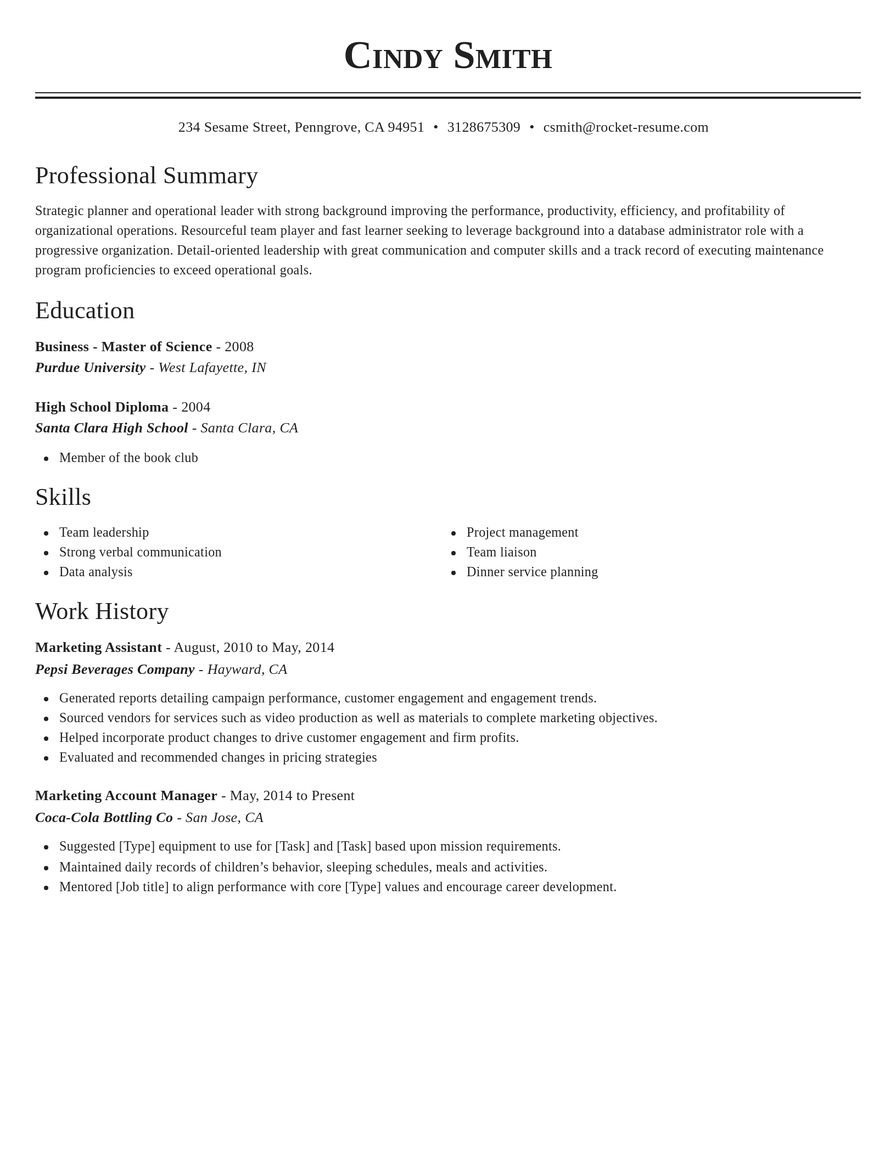
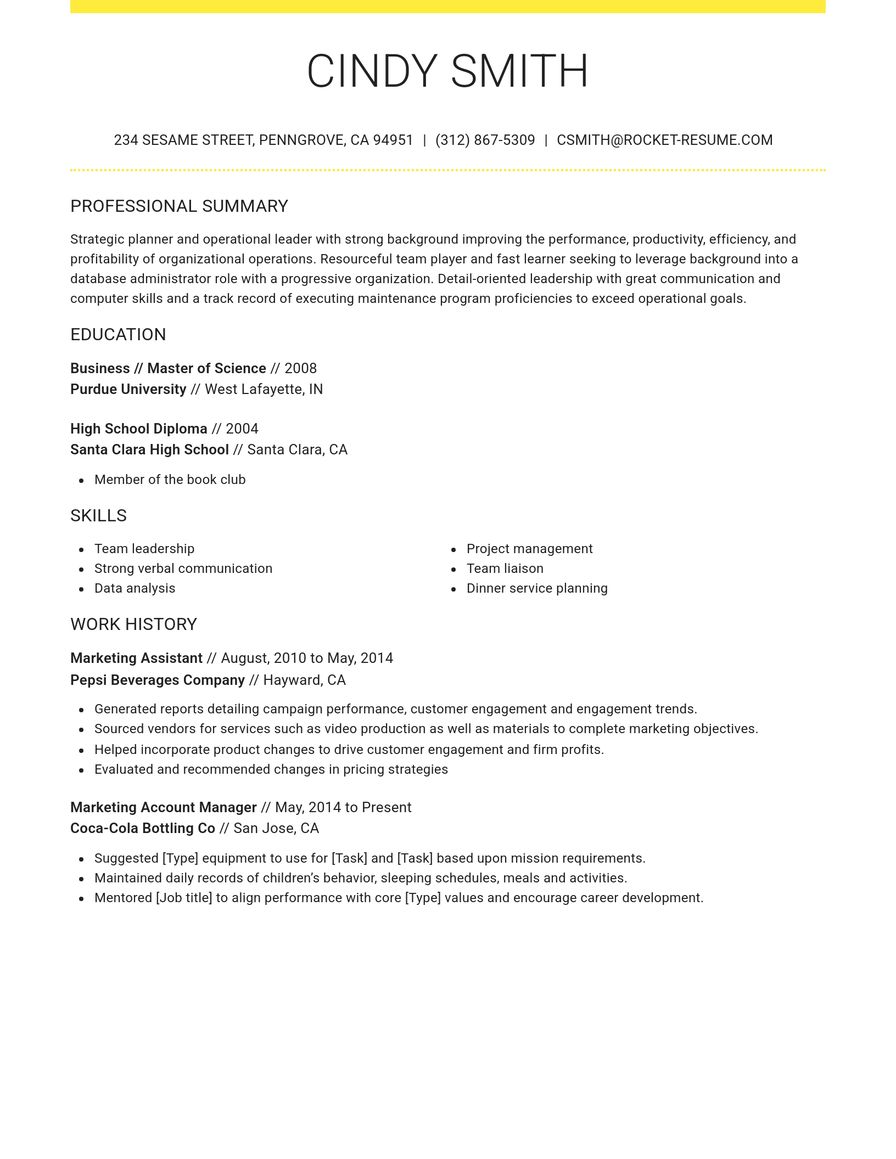
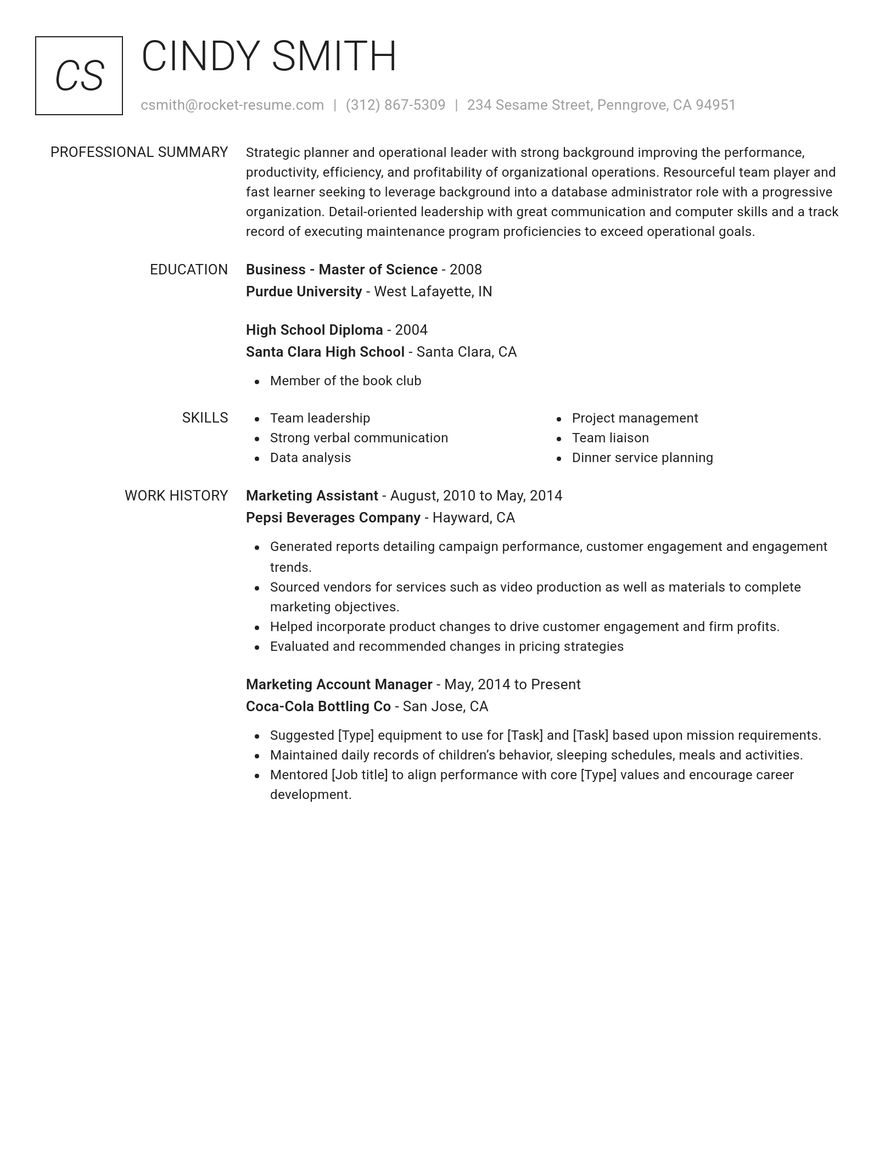
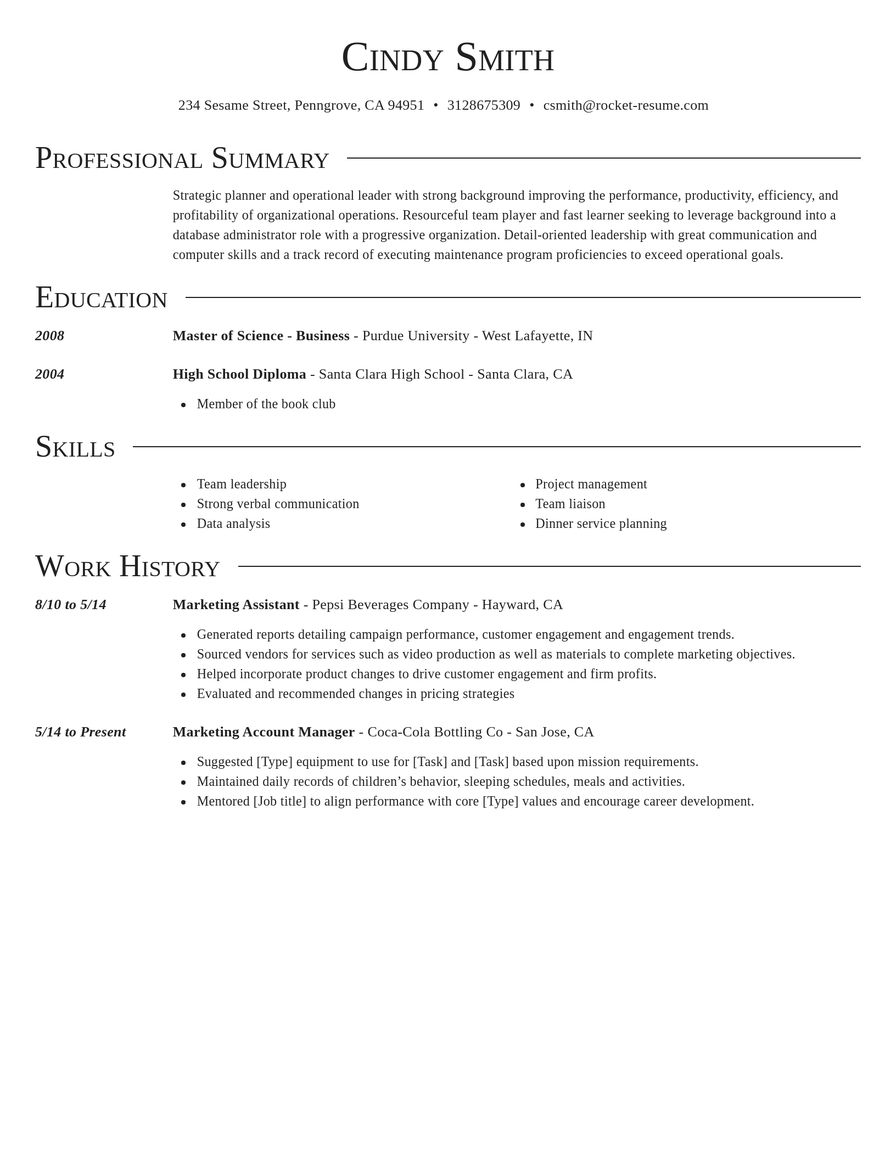
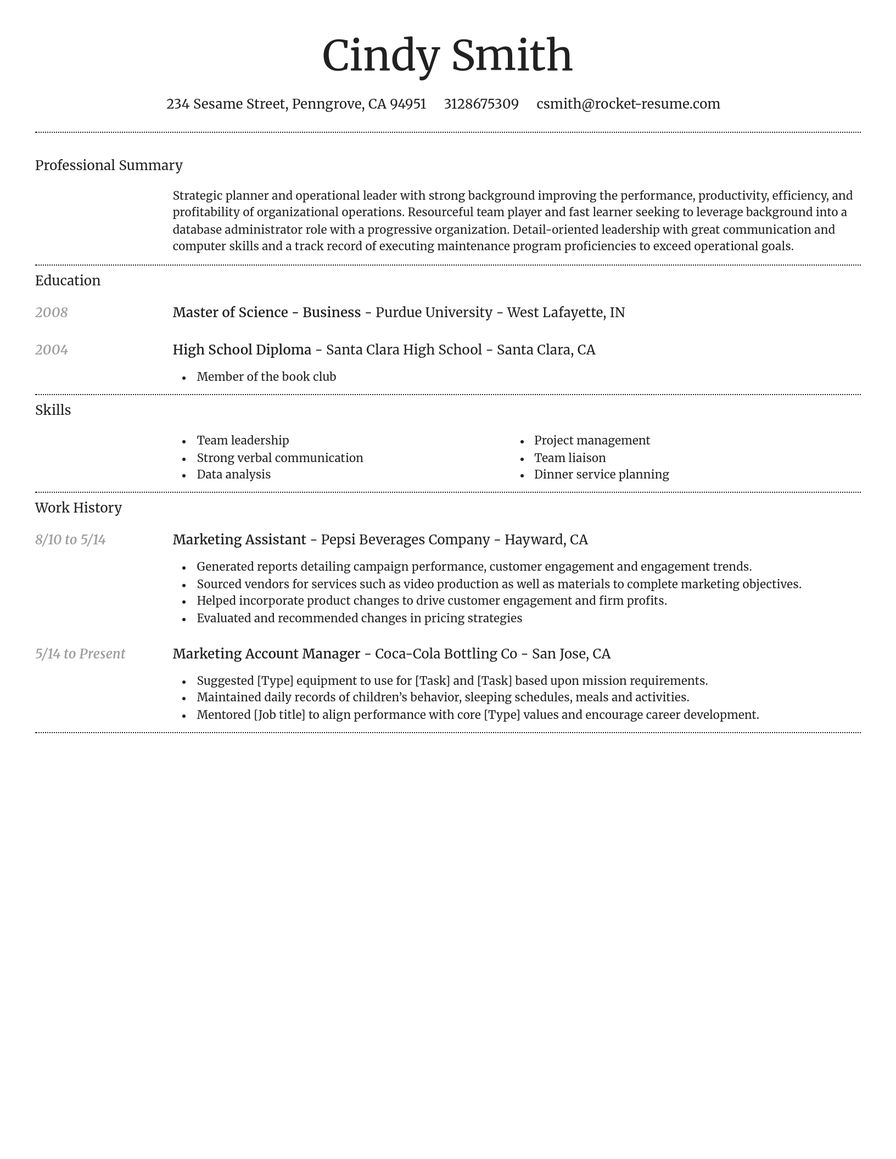
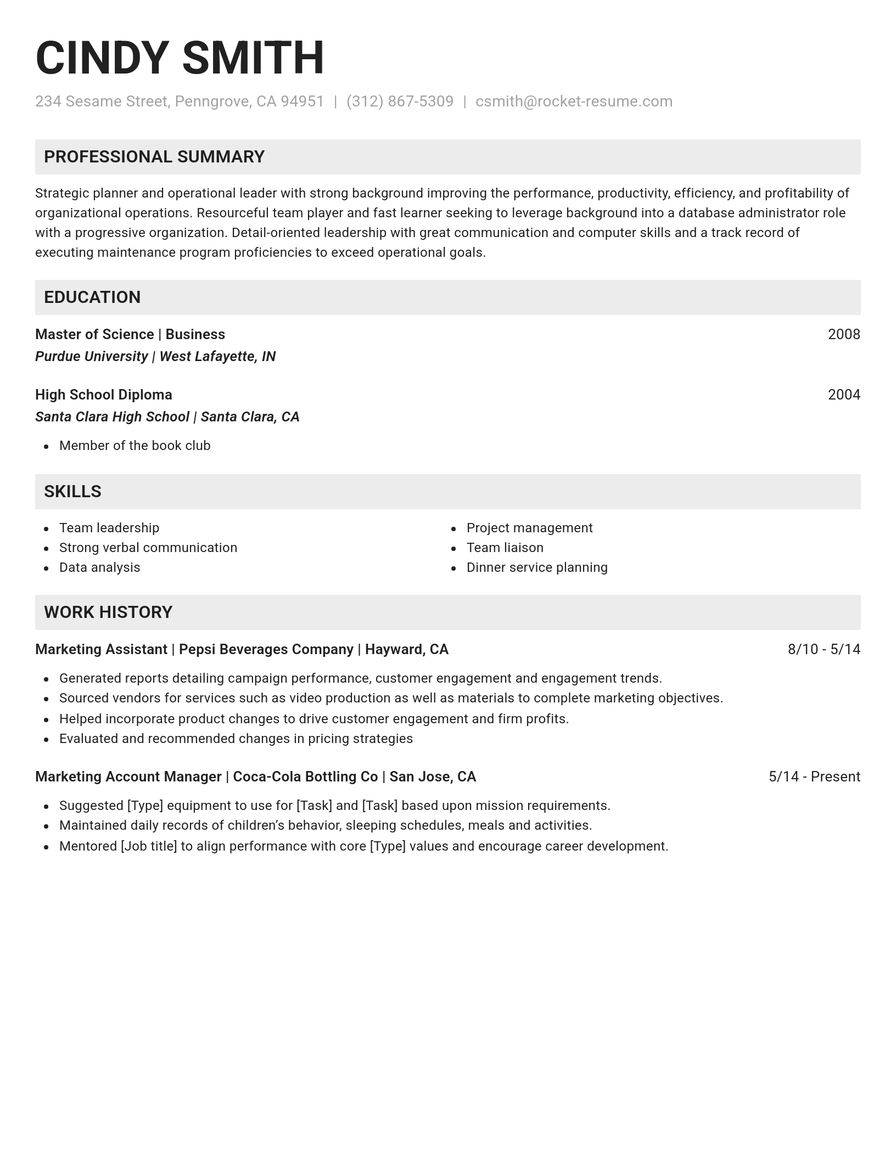
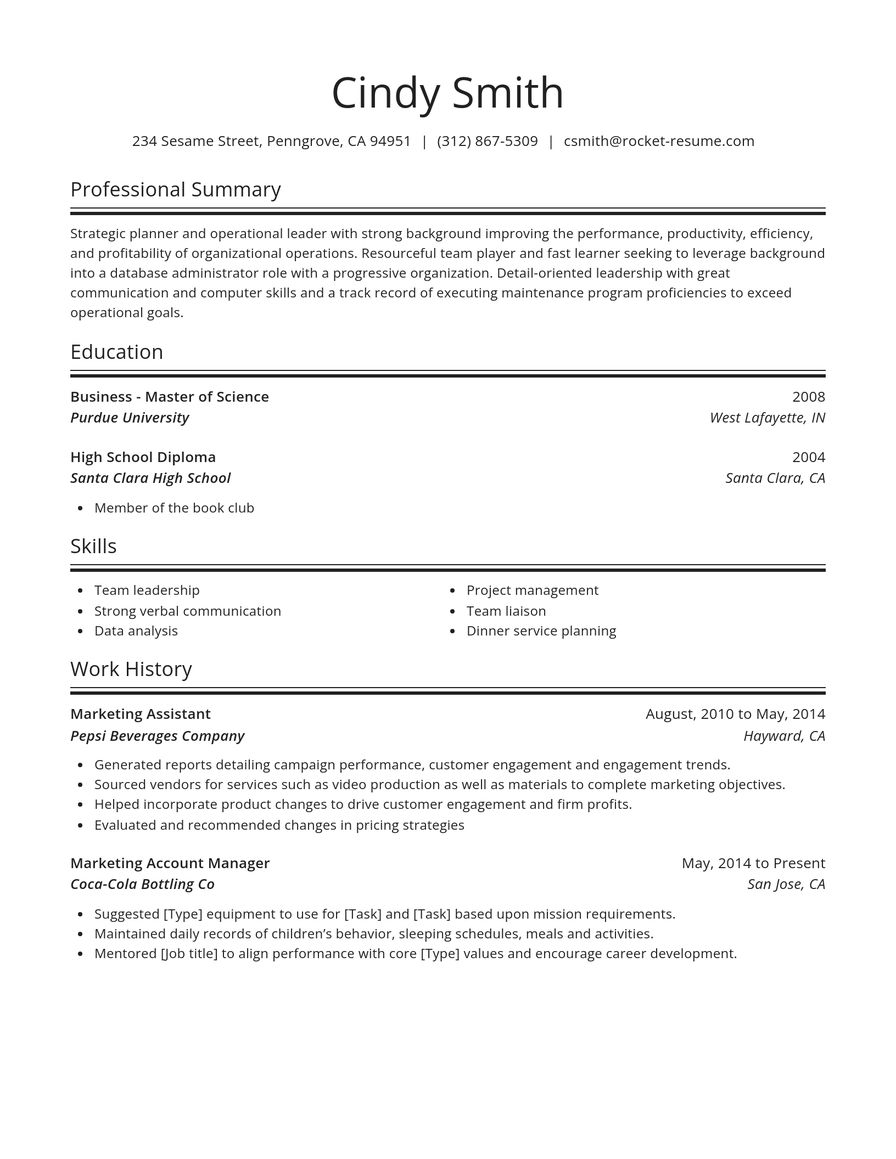
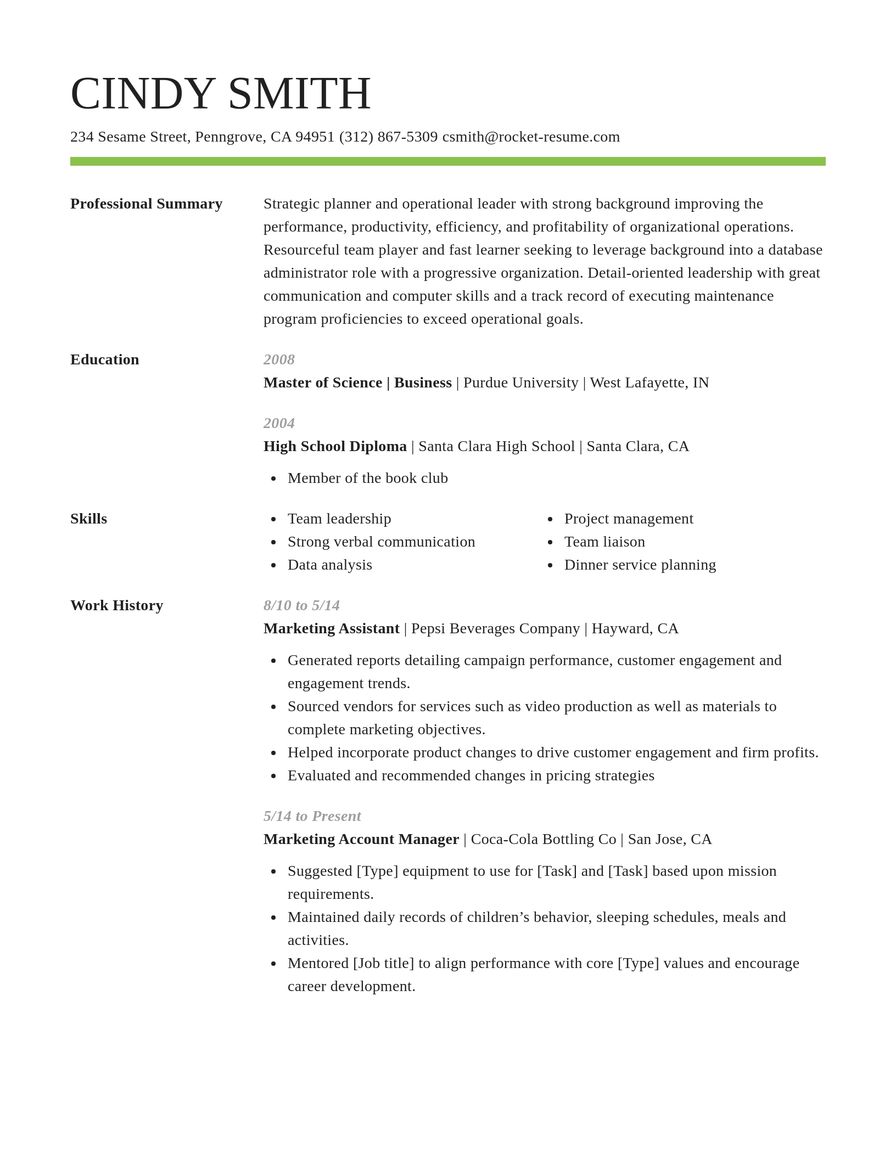
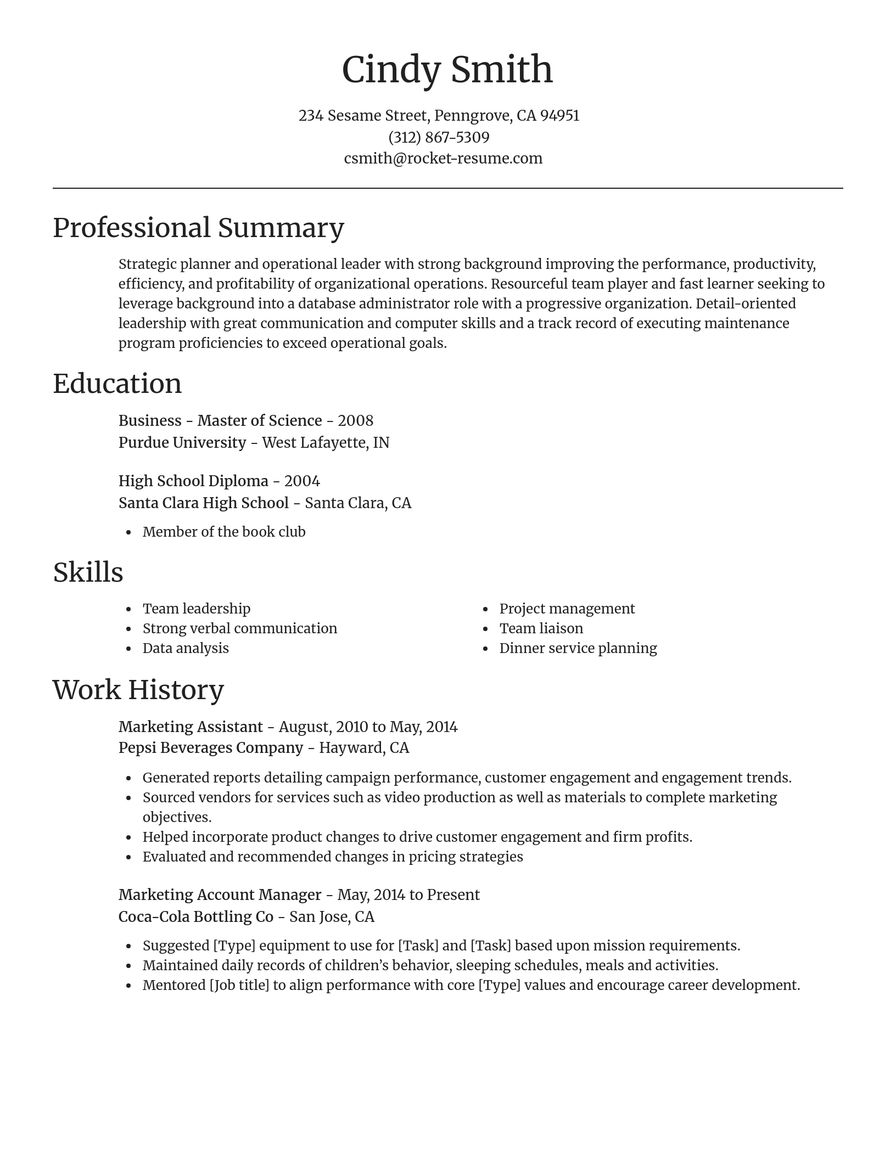
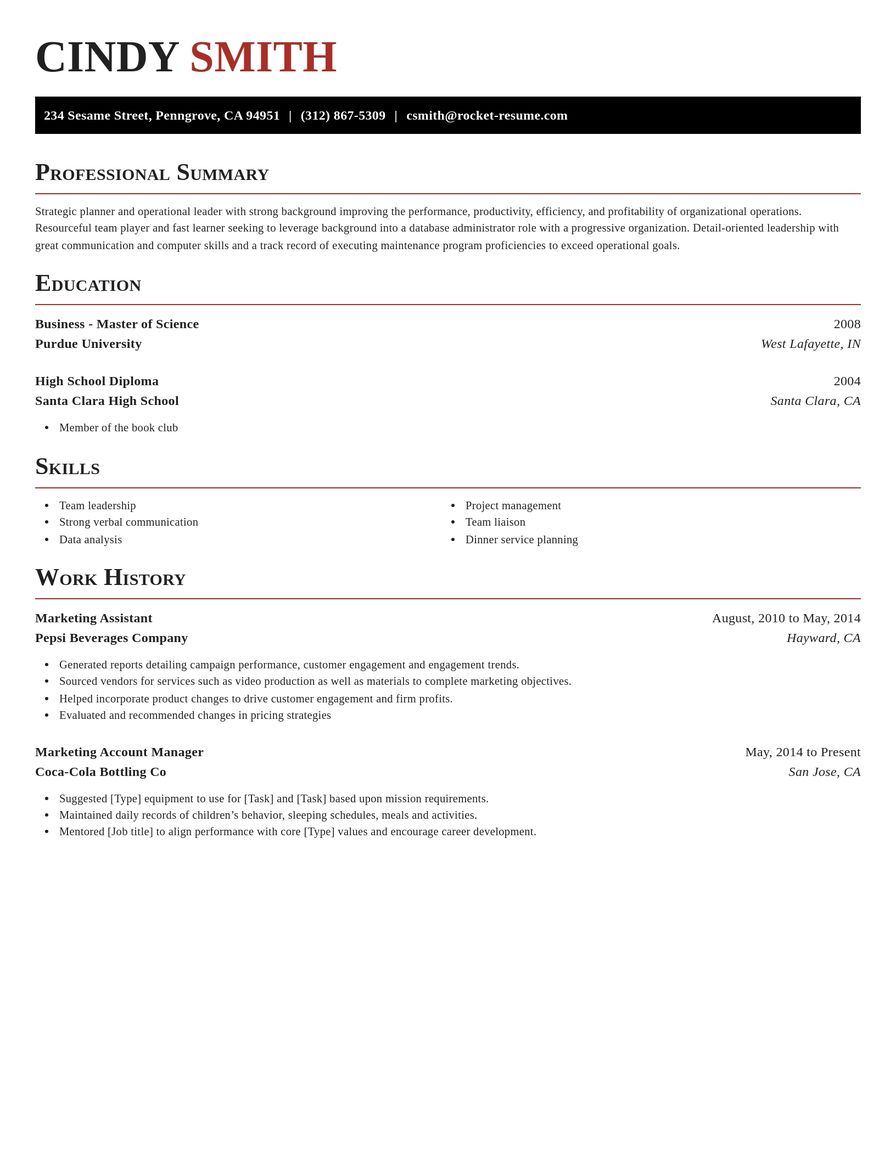
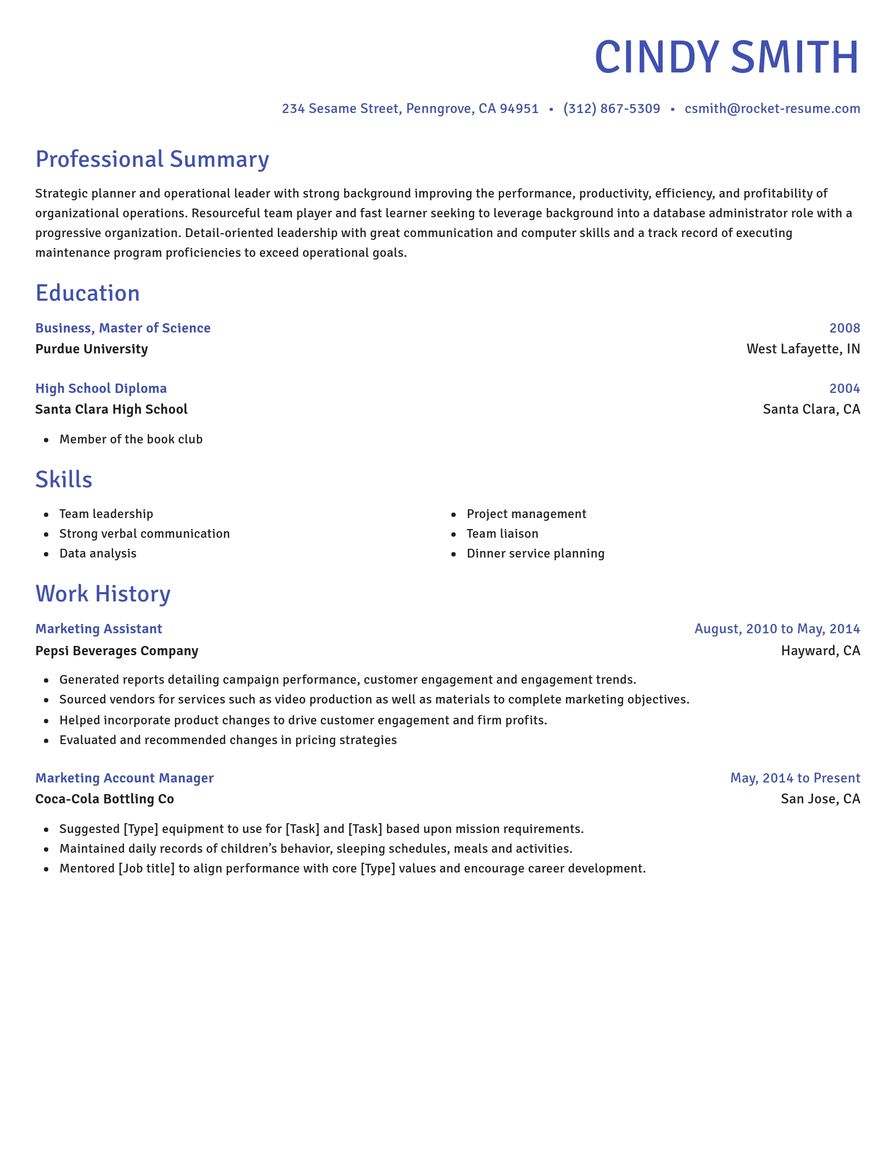
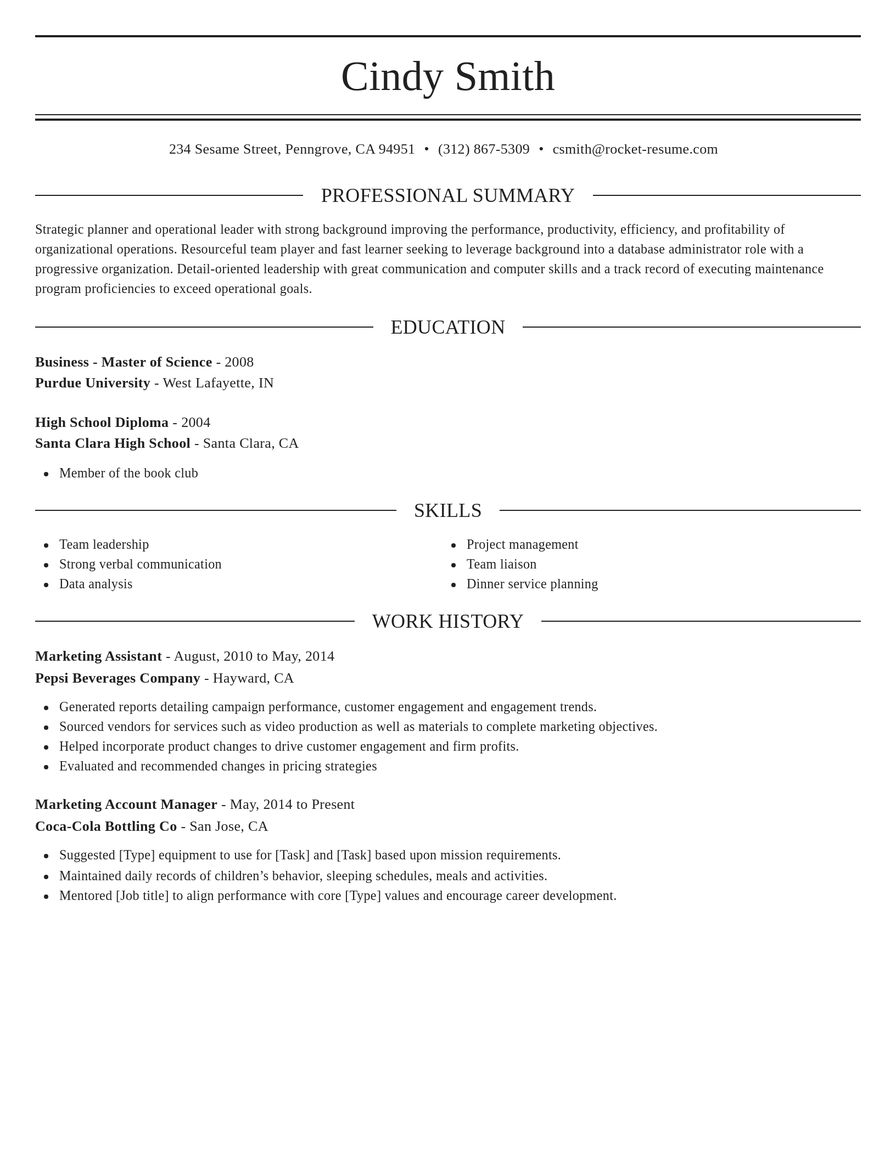
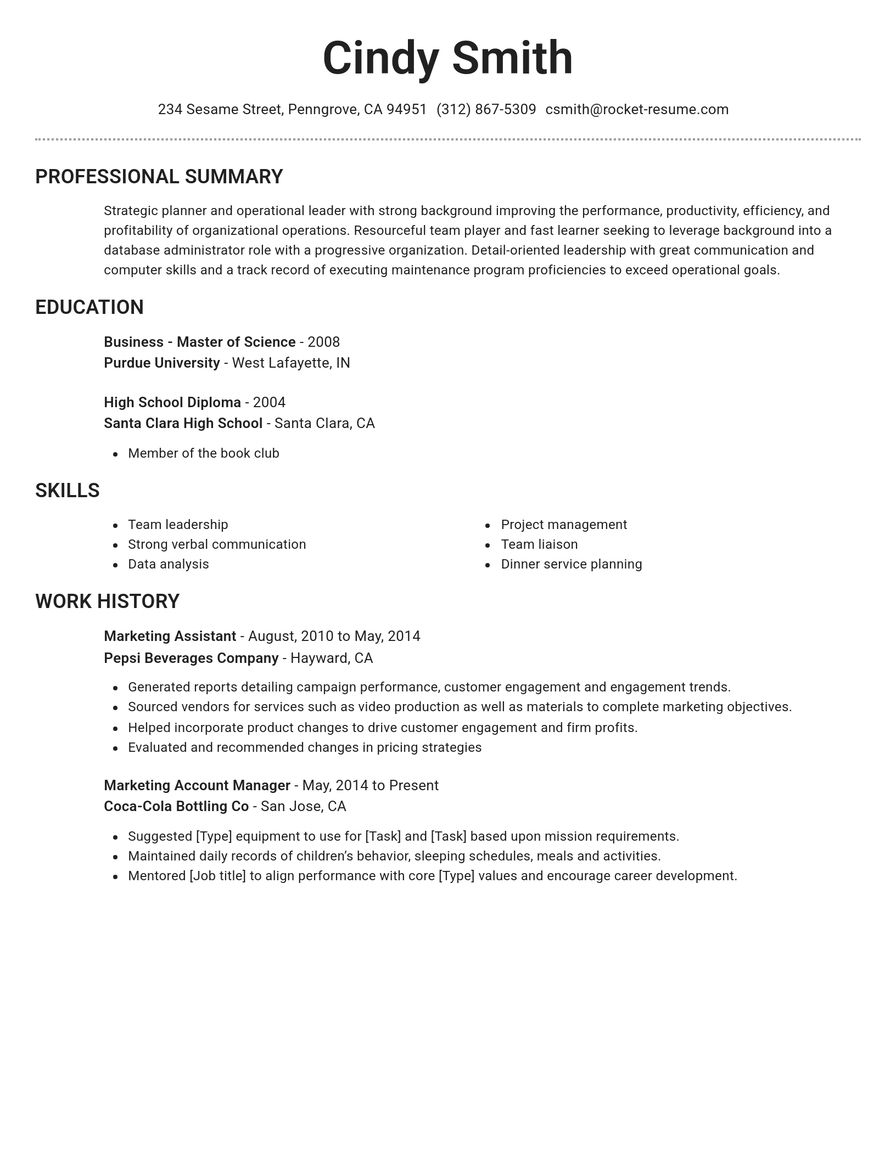
Start from a ready-made CV structure
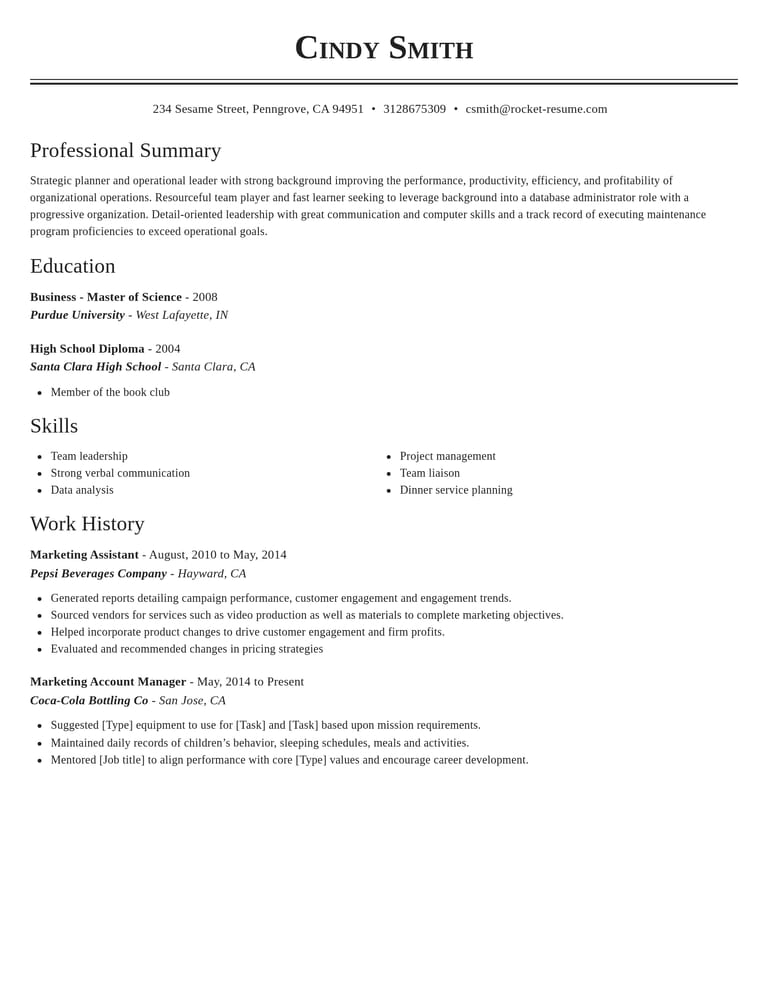
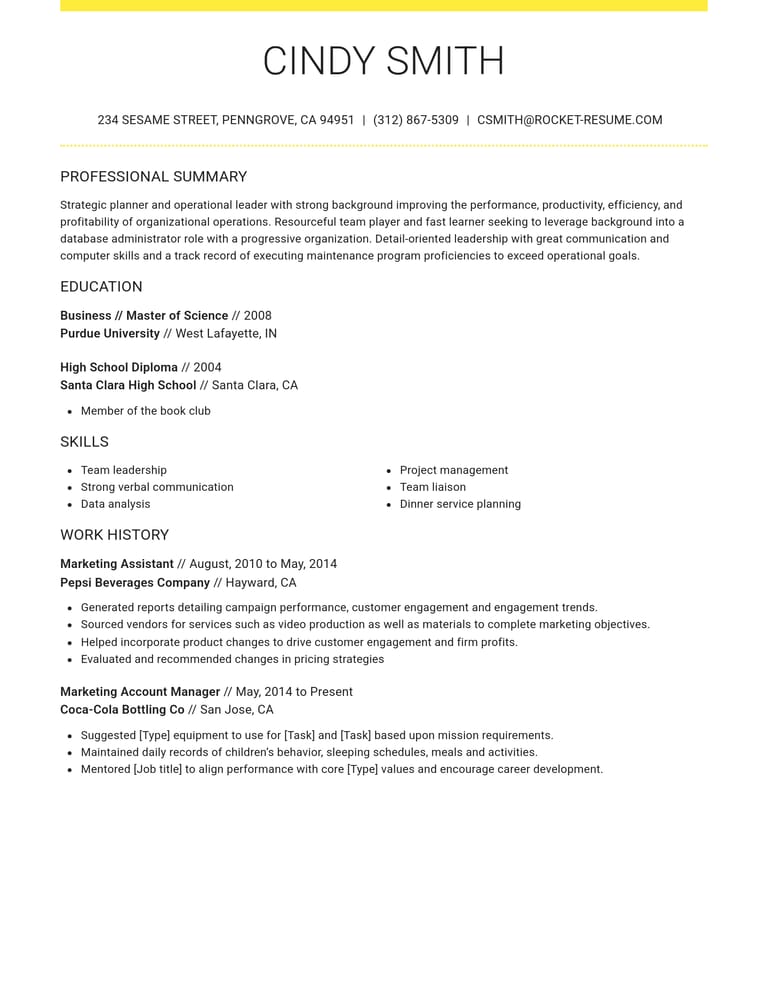
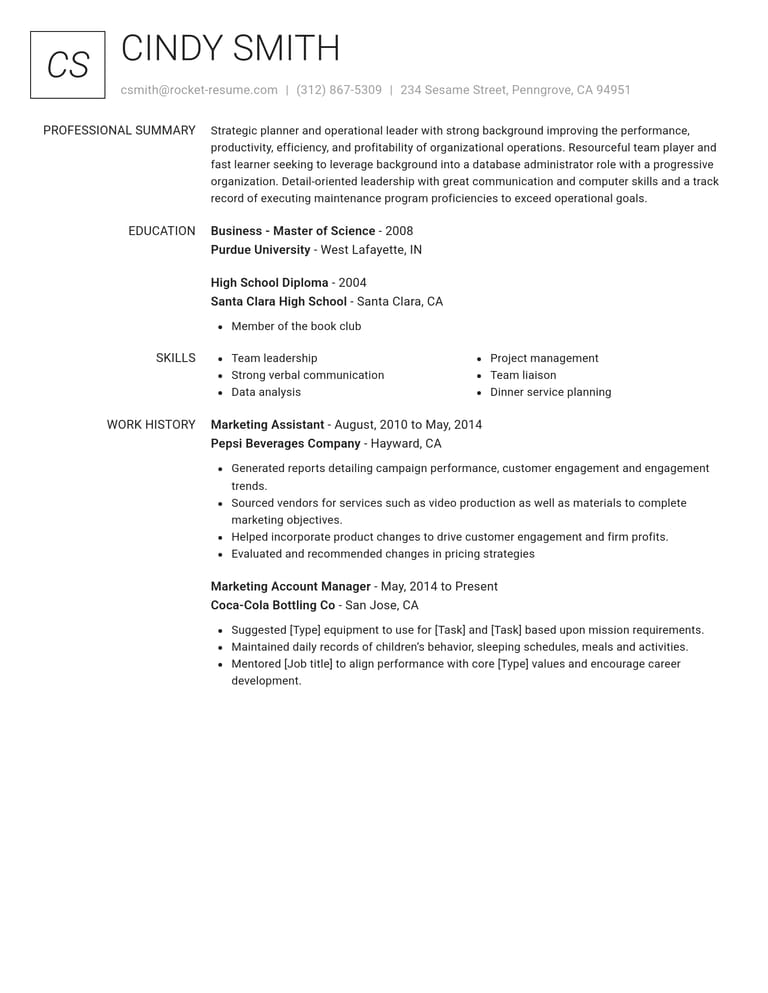
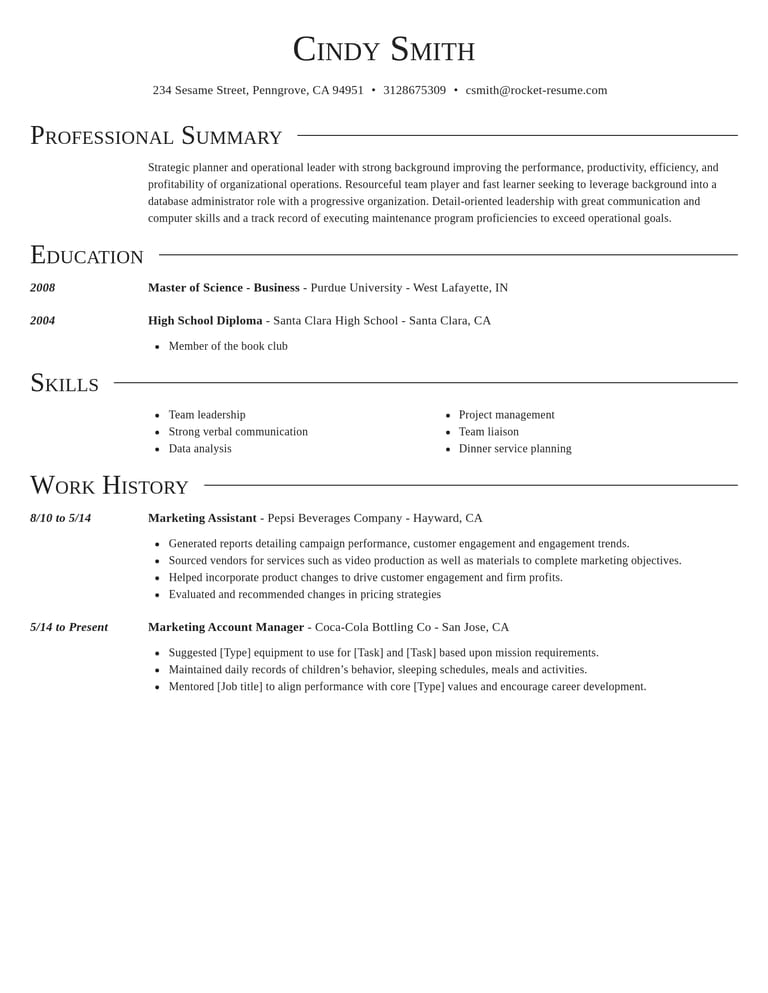
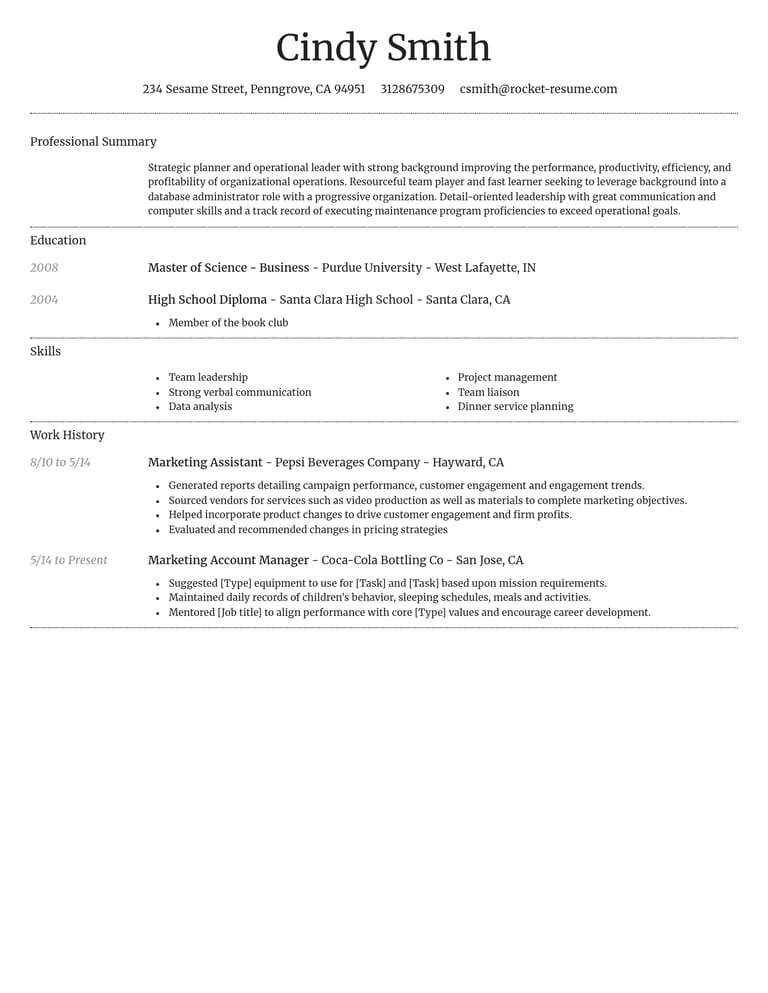
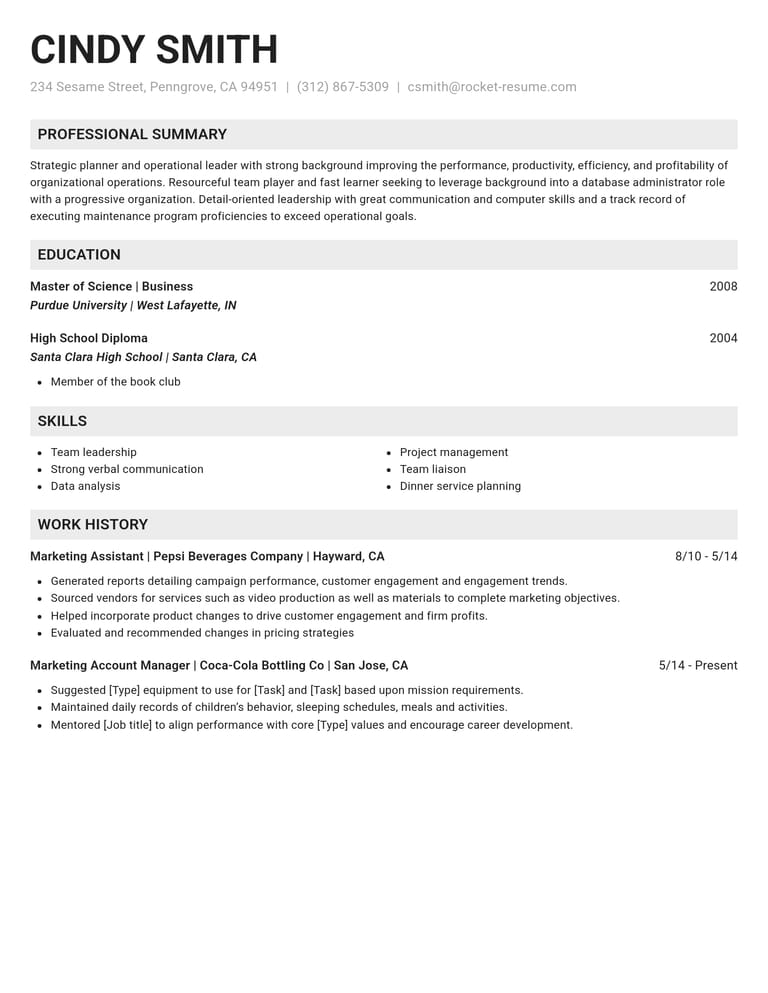
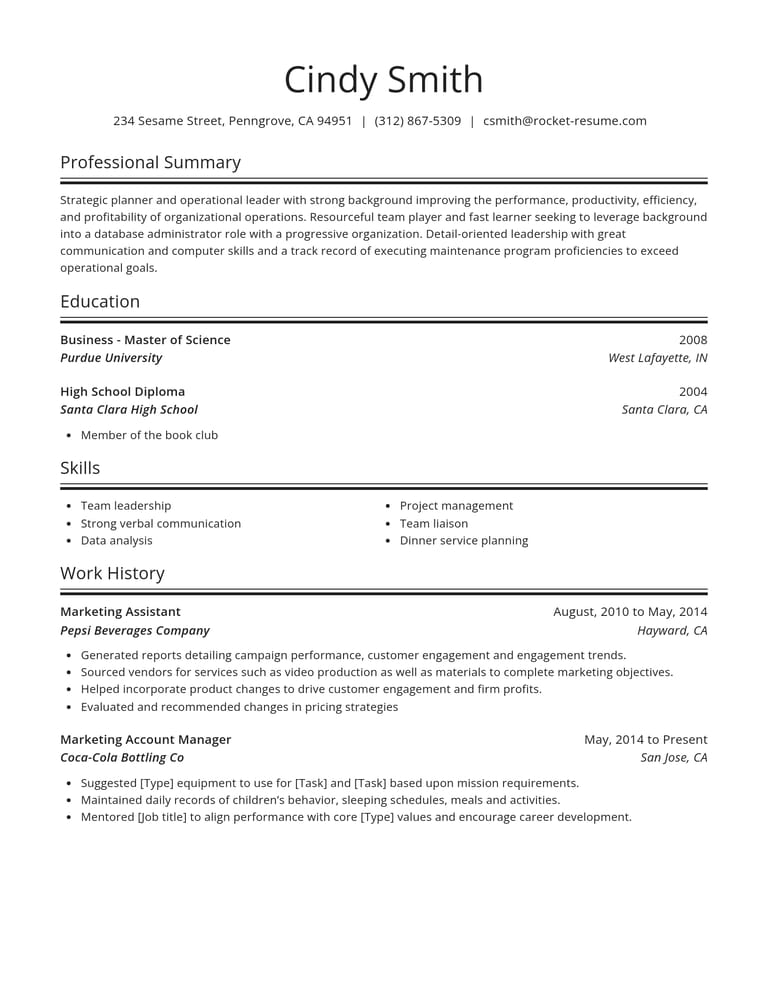
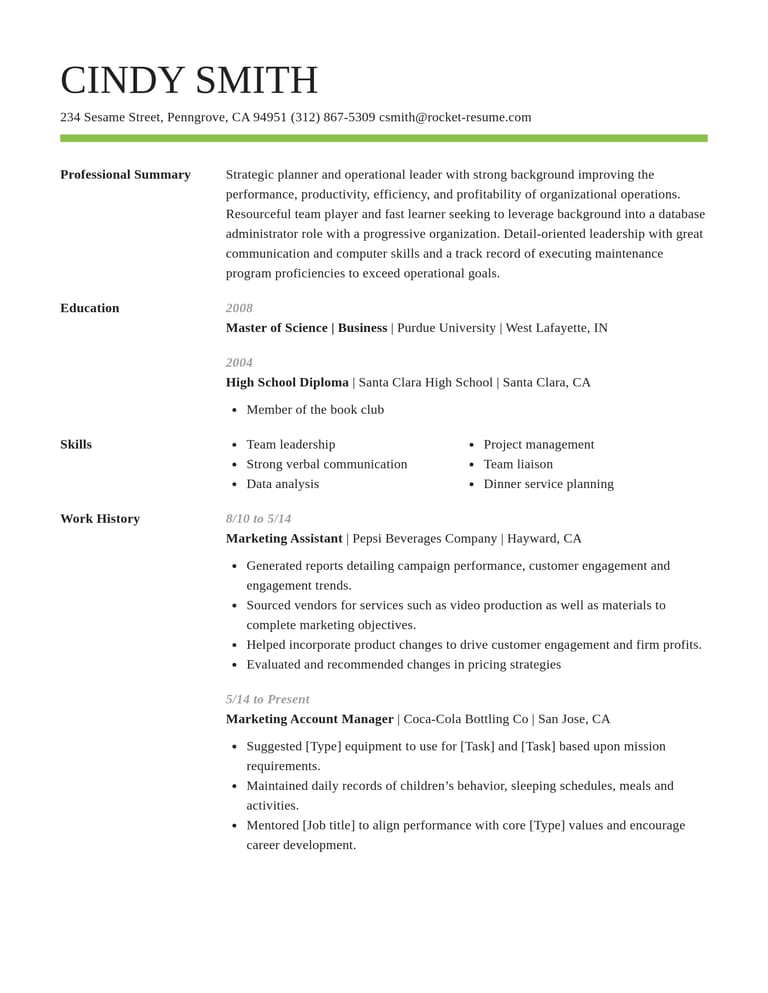
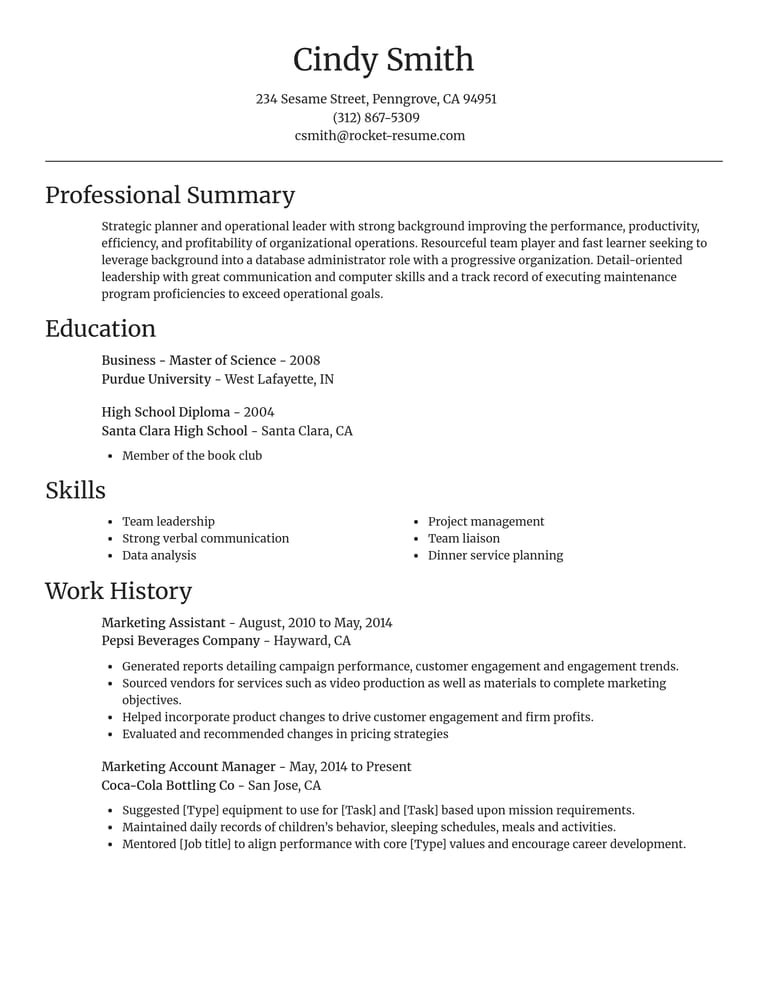
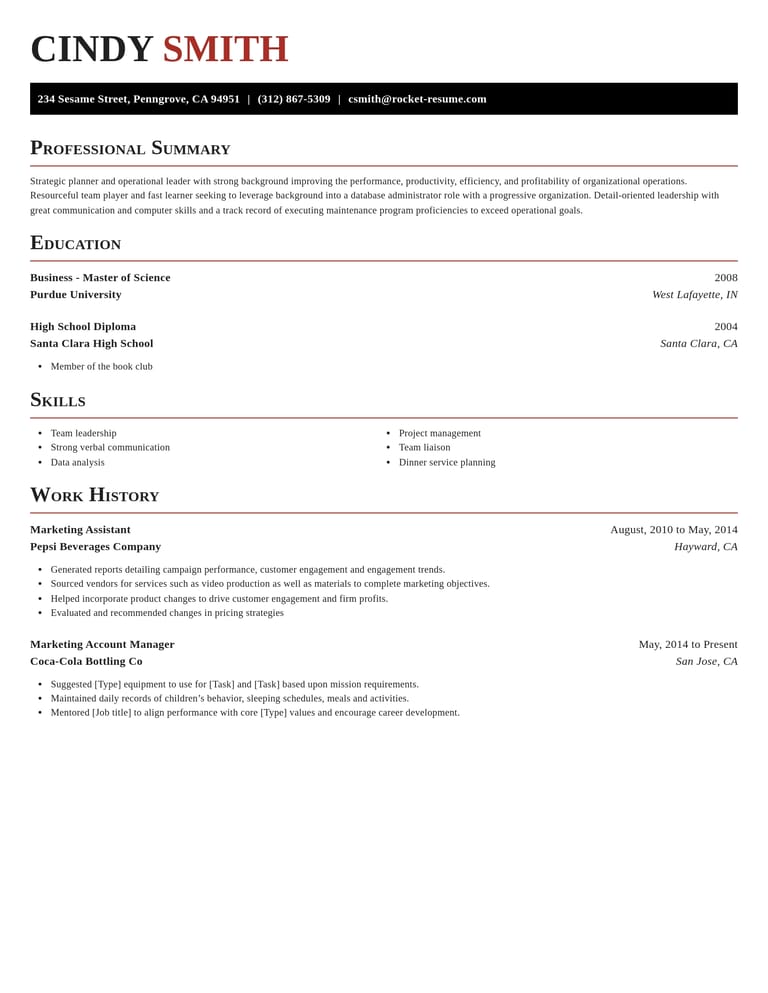
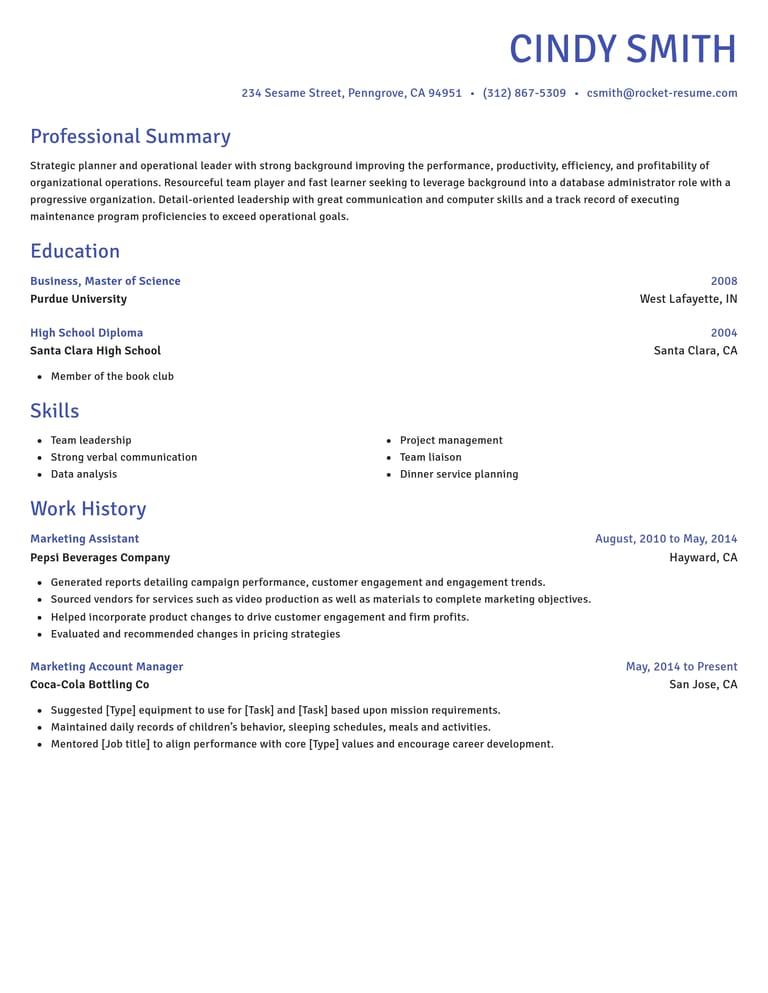
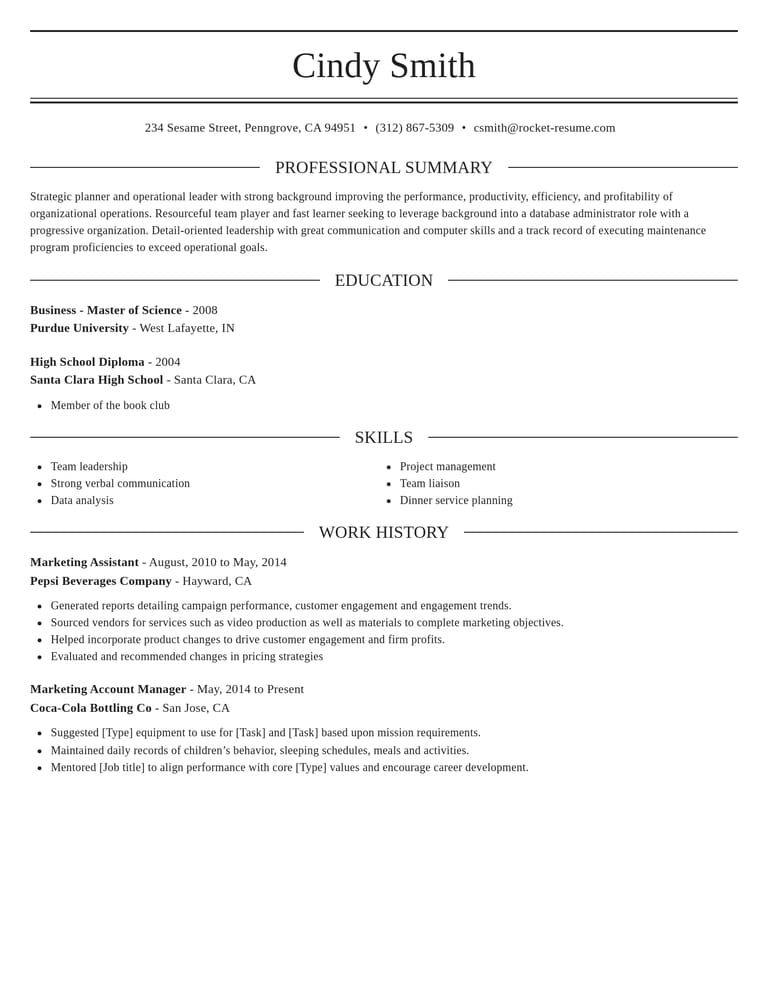
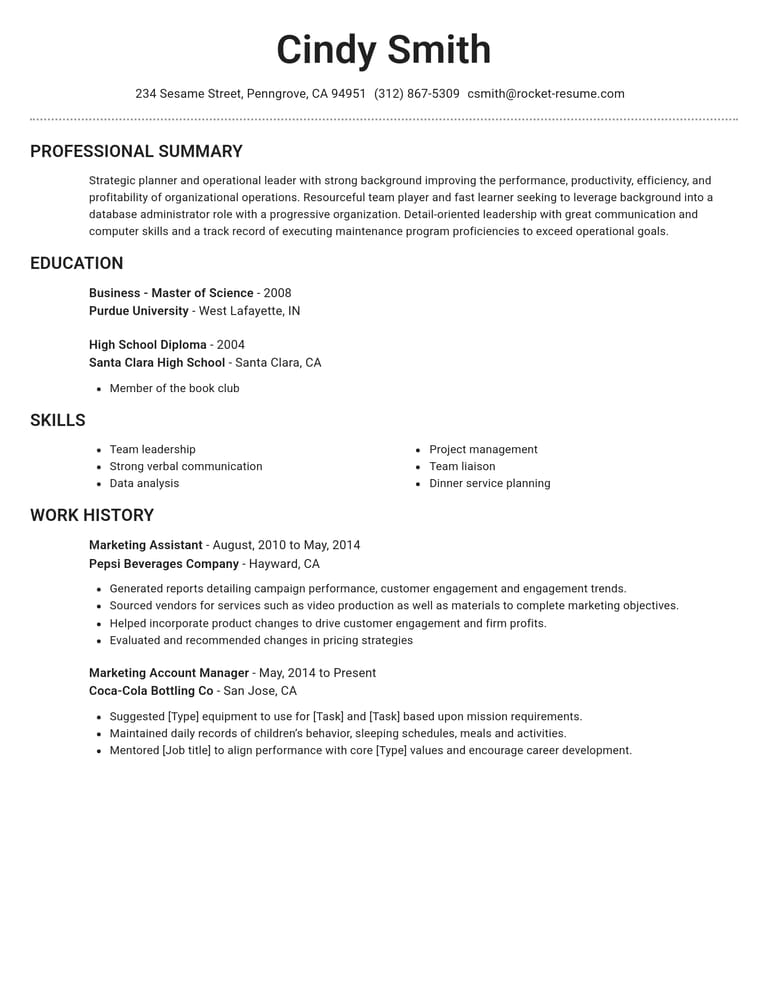
More than a blank CV layout

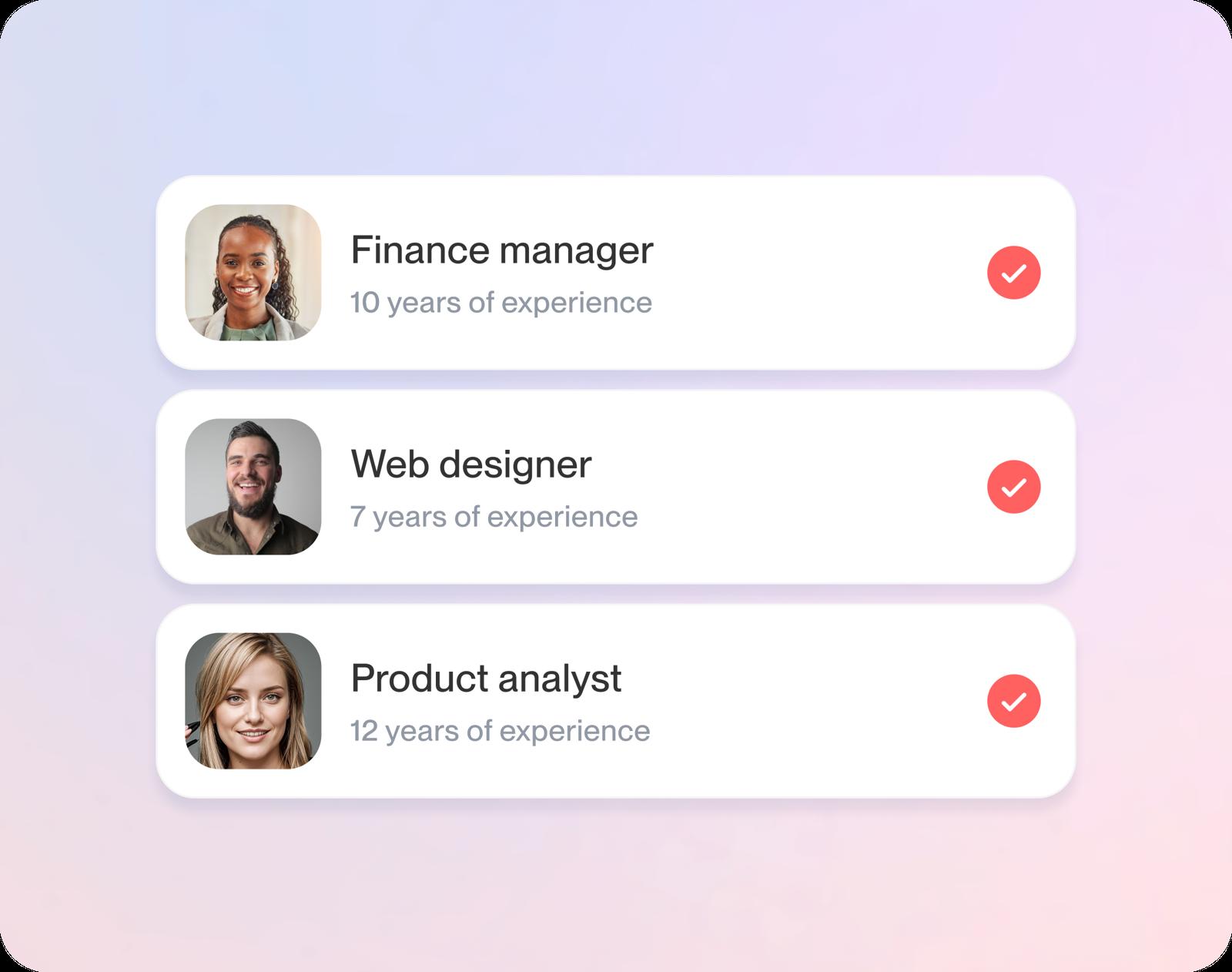
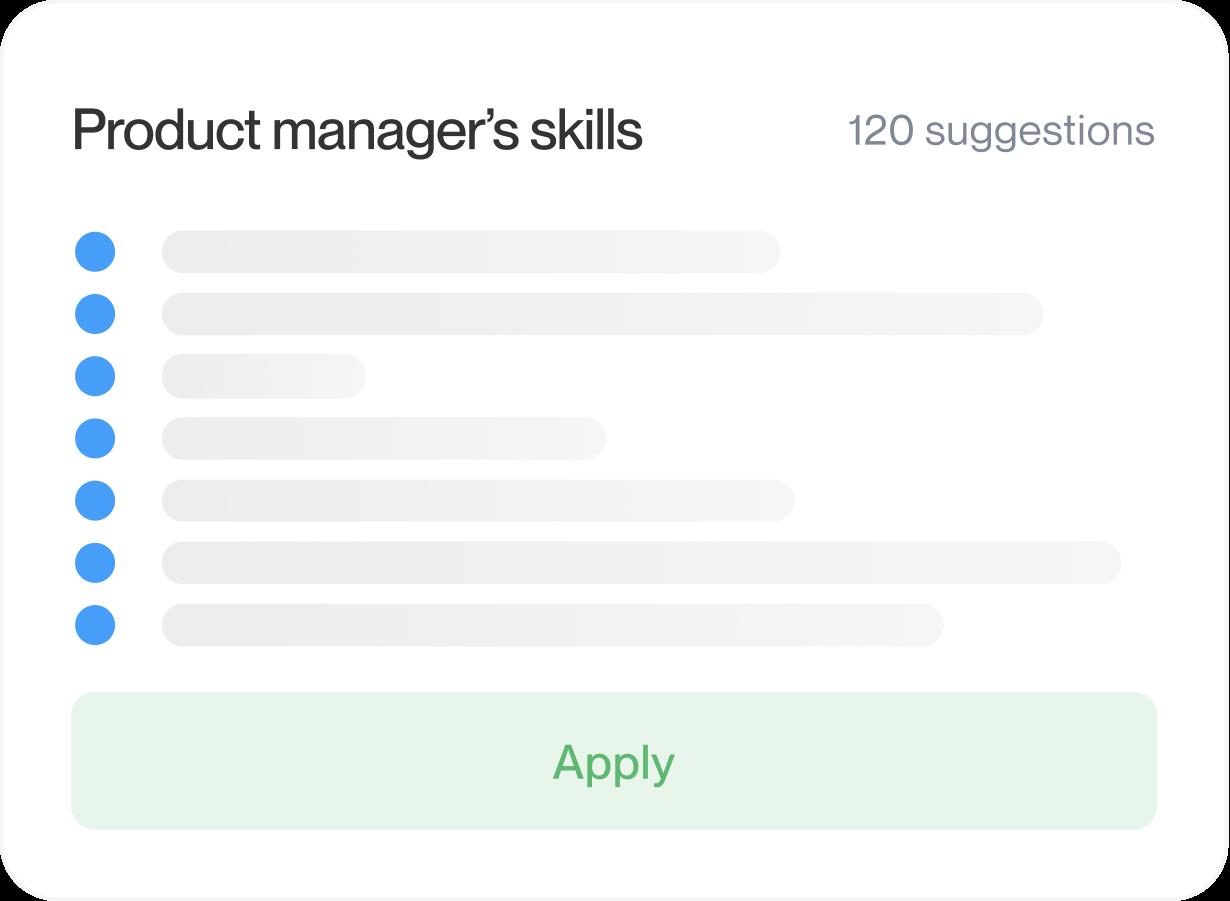
Suggestions written for your role
Enter your job title to see suggestions for the role. Use the ones that fit and add the details that make your experience specific.
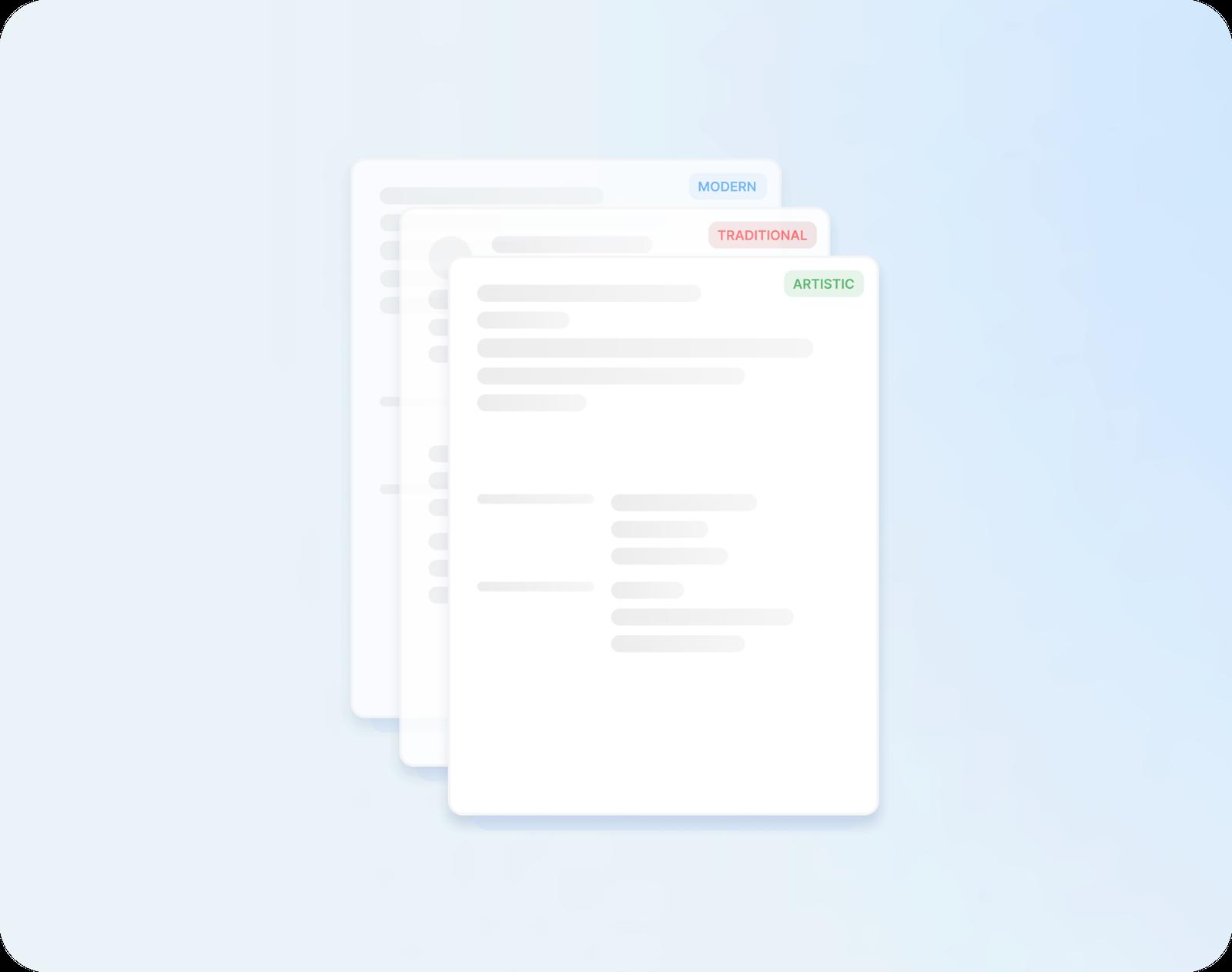
Easy to edit as you go
Change a line, move a section up or try another design. Your words stay put, and the preview shows each change straight away.
Keep the important details in view
Look for a clear place for job titles, dates and qualifications. Check the layout with your own details before you settle on it.
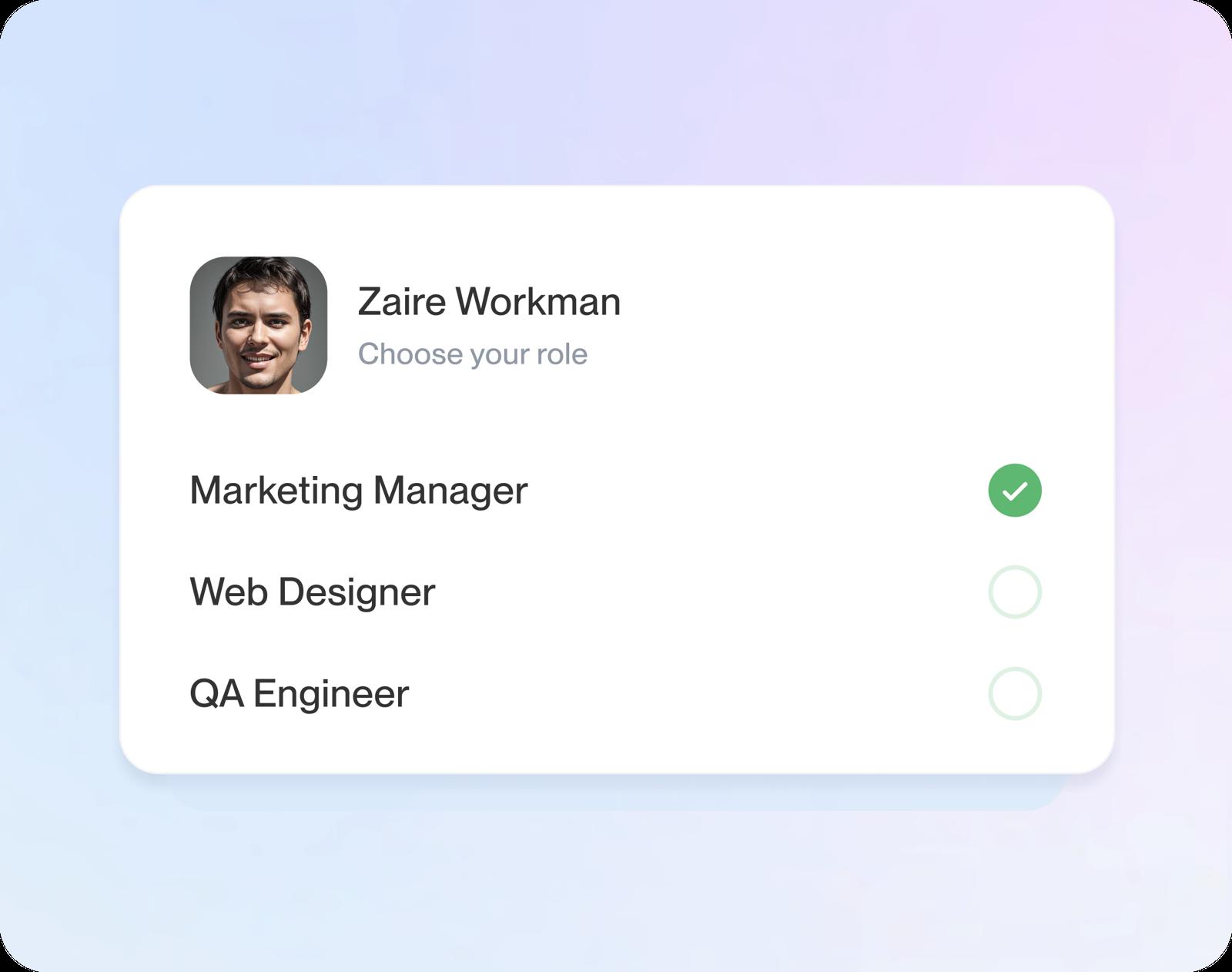
Fill in one section at a time
The builder guides you through your work history, education and skills so you can focus on one section at a time.
What happens after you pick a design
Step 1
Pick your design
Choose a design with room for your experience. If you’ve already selected a template above, continue with that choice.
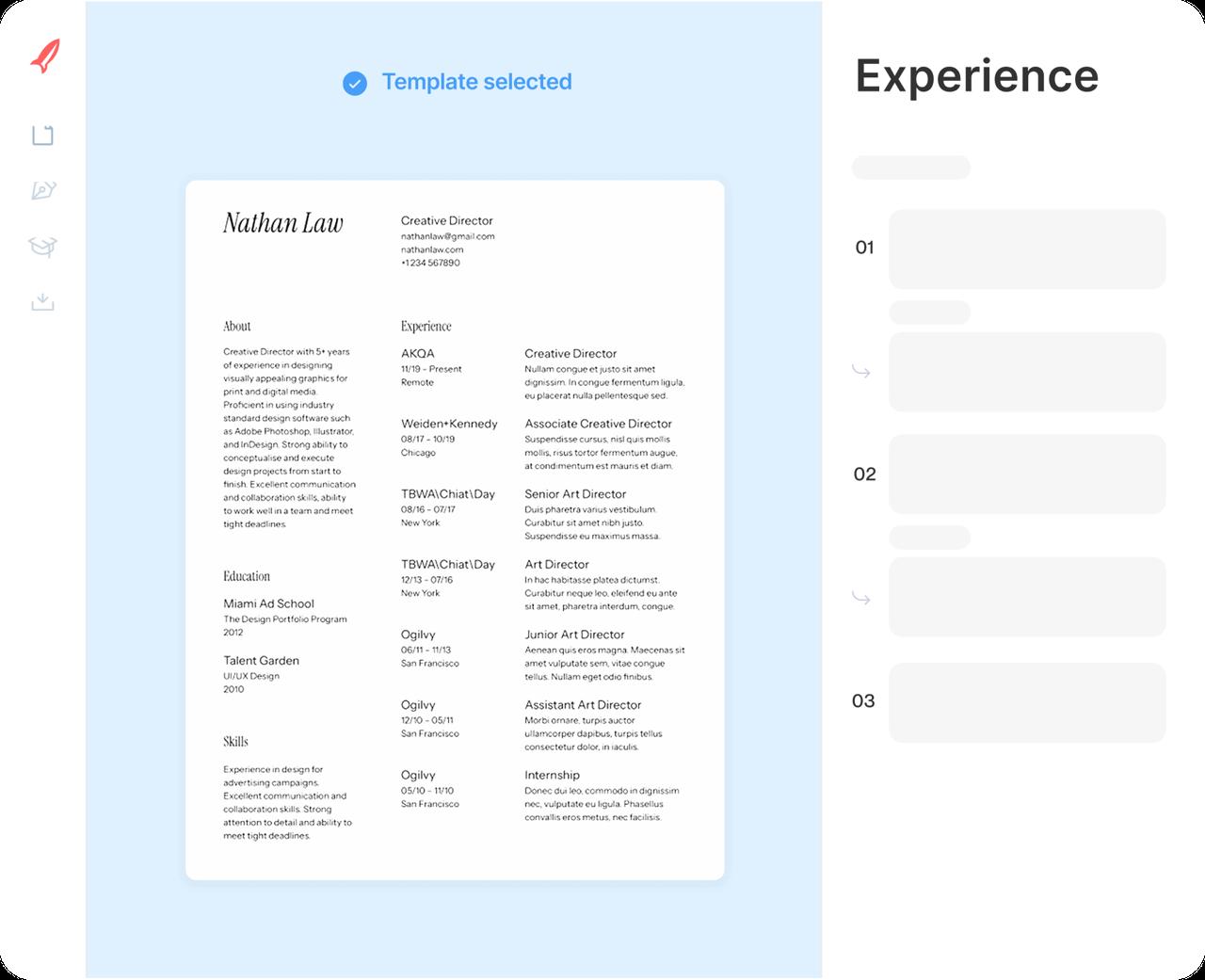
Step 2
Add your work history
Enter each job, newest first. Examples for each title appear as you go: keep the useful ones and make them your own.
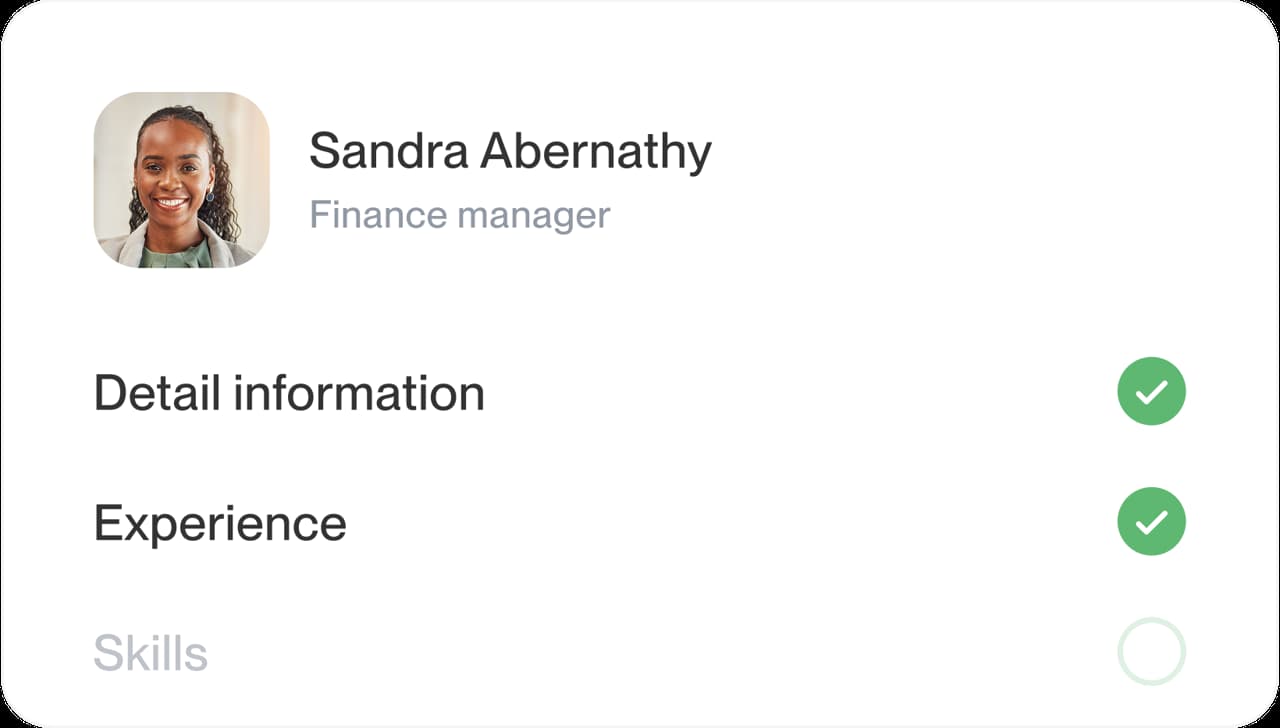
Step 3
Finish the other sections
Add education and skills, then a short profile. It's easier to sum yourself up once your jobs are on the page.
Step 4
Review and download
Read the preview, put your sections in the order that suits you, then download your finished CV.

Step 1
Pick your design
Choose a design with room for your experience. If you’ve already selected a template above, continue with that choice.
Step 3
Finish the other sections
Add education and skills, then a short profile. It's easier to sum yourself up once your jobs are on the page.
Step 2
Add your work history
Enter each job, newest first. Examples for each title appear as you go: keep the useful ones and make them your own.
Step 4
Review and download
Read the preview, put your sections in the order that suits you, then download your finished CV.

Put your CV sections in an order that tells the right story
A CV format is a decision about what the reader encounters first. Start by identifying the experience that explains your application, then arrange the supporting sections around it.
Let recent work establish the sequence
An experience-led structure suits a record of related positions. After contact information and a brief introduction, place work history before education and skills so the sequence of responsibilities stays together.
For an international laboratory job application, this might mean showing recent technician work before an older degree. Within that work history, keep positions in reverse chronological order rather than moving individual jobs around to emphasize a favorite project.
Give education a clear reason to lead
An education-led structure can make sense when current study explains your preparation more directly than employment does. A student applying for a research opportunity might introduce the degree and related coursework before describing a campus service job.
This arrangement changes emphasis without erasing experience. The campus job still belongs if it adds useful evidence, but it does not have to introduce the whole document.
Use skills to connect different kinds of work
A short skills section near the beginning can connect experience across fields. Someone moving from clinical administration into research coordination might highlight scheduling, records management, and participant communication before presenting their work history.
Keep the employment chronology visible below that introduction. A skills-led opening should help explain the record, rather than leave the reader guessing where or when those abilities developed.
Separate required academic material
For an academic or medical CV, the application may specify sections such as research, teaching, publications, or clinical training. Treat that requested order as the starting structure, even if another arrangement looks more familiar.
Do not squeeze distinct academic categories into a single general employment account merely to shorten the page. Before using any template, establish whether the required material can be represented clearly; a general layout is not proof that a specialized requirement has been met.
Test the sequence with section names alone
Read only the headings and ask what story they suggest. Education followed by research suggests a different emphasis from experience followed by skills, even when much of the underlying information is identical.
Rocket Resume lets you change section order in the editor. Use the preview to inspect the transition between sections, then read the first entry under each heading to see whether the sequence still makes sense.
There is no need to use the same structure throughout your career. Reconsider the order when a new qualification, substantial project, or change of field alters the evidence you want to lead with.
CV templates: what people ask
Should my newest degree always come first?
Not necessarily. Put education near the beginning when it explains your preparation for the application more directly than your work does. Keep the newest qualification first within education, but choose the position of the whole section according to its relevance and any instructions you receive.
Can a skills section lead without hiding my job history?
Yes. Use a compact skills introduction to connect related abilities, then retain a clearly dated work history below it. Give the reader enough context to connect each ability with an actual position or project. Avoid replacing the employment record with broad descriptions of capabilities.
What if an application gives a required CV order?
Follow the requested sequence before making personal layout choices. Check each named category against the material you have, especially for academic or medical applications. A preferred design should accommodate those instructions; it should not become a reason to combine, omit, or rename required information.
See CV examples from your industry
Industries in the weekly focus





- 68 examples
- 14 examples
- 48 examples
- 17 examples
- 17 examples
- 39 examples






Show all industries (A–Z)Show fewer
- Aerospace & Defense, 8 examples
- Agriculture, 23 examples
- Apparel & Textiles, 13 examples
- Architecture, 15 examples
- Artificial Intelligence, 6 examples
- Arts & Entertainment, 24 examples
- Automotive, 21 examples
- Beauty & Personal Care, 17 examples
- Biotechnology & Life Sciences, 7 examples
- Business Services, 23 examples
- Chemical Engineering, 4 examples
- Childcare, 14 examples
- Construction, 106 examples
- Creative, 15 examples
- Customer Service, 17 examples
- Education, 94 examples
- Energy, 39 examples
- Environmental Science, 5 examples
- Finance, 63 examples
- Food & Beverage, 68 examples
- Government, 48 examples
- Healthcare, 160 examples
- Hospitality, 35 examples
- Human Resources, 18 examples
- Insurance, 10 examples
- Legal, 12 examples
- Logistics, 37 examples
- Manufacturing, 68 examples
- Marketing, 8 examples
- Media, 20 examples
- Military, 24 examples
- Mining & Metals, 9 examples
- Nonprofit, 8 examples
- Pharmaceuticals, 12 examples
- Public Relations, 10 examples
- Real Estate, 7 examples
- Retail, 38 examples
- Robotics, 11 examples
- Sales, 14 examples
- Security Services, 19 examples
- Social Services & Counseling, 21 examples
- Social Work, 14 examples
- Sports & Fitness, 96 examples
- Technology, 67 examples
- Telecommunications, 6 examples
- Tourism & Travel, 9 examples
- Transportation, 38 examples
- Veterinary, 9 examples
Don’t see your job?

Hear from customers before you pick
from 3,900+ reviews