Before downloading, check your
Build your resume in a template, then take one final look before downloading. Check that employers can reach you, job dates agree and no sample details remain. Read the full preview rather than checking each section in isolation.
- Opens right in your browser
- Save your work and return later
- Guidance for each section
- Live preview of the whole page

Danny
Apr 2023
“I'll recommend it to friends and family.”

Sameer T.
Aug 2022
“I would definitely tell others about it”

Anamaria P.
Jul 2026
“Very happy with the service, it helped a lot.”

Aaliyah
Apr 2026
“I was able to land an interview!”
from 3,900+ reviews
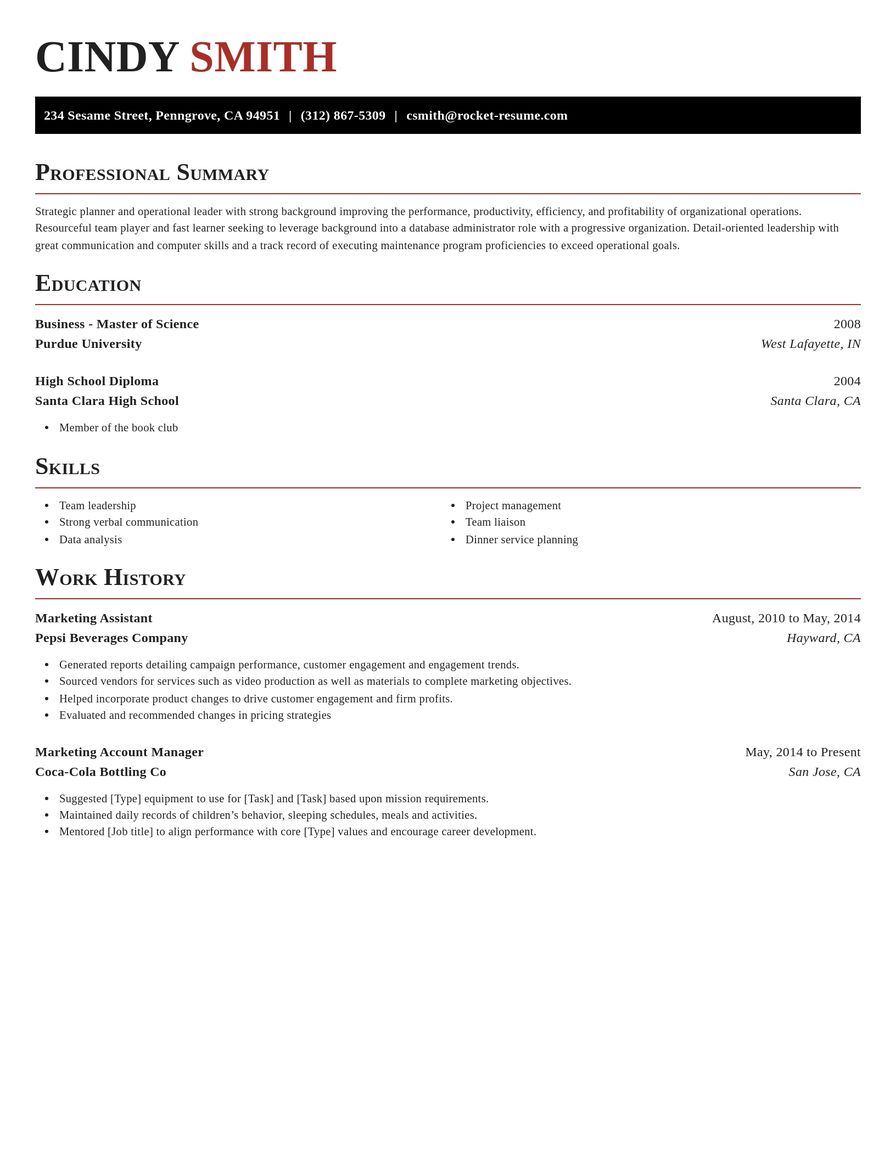
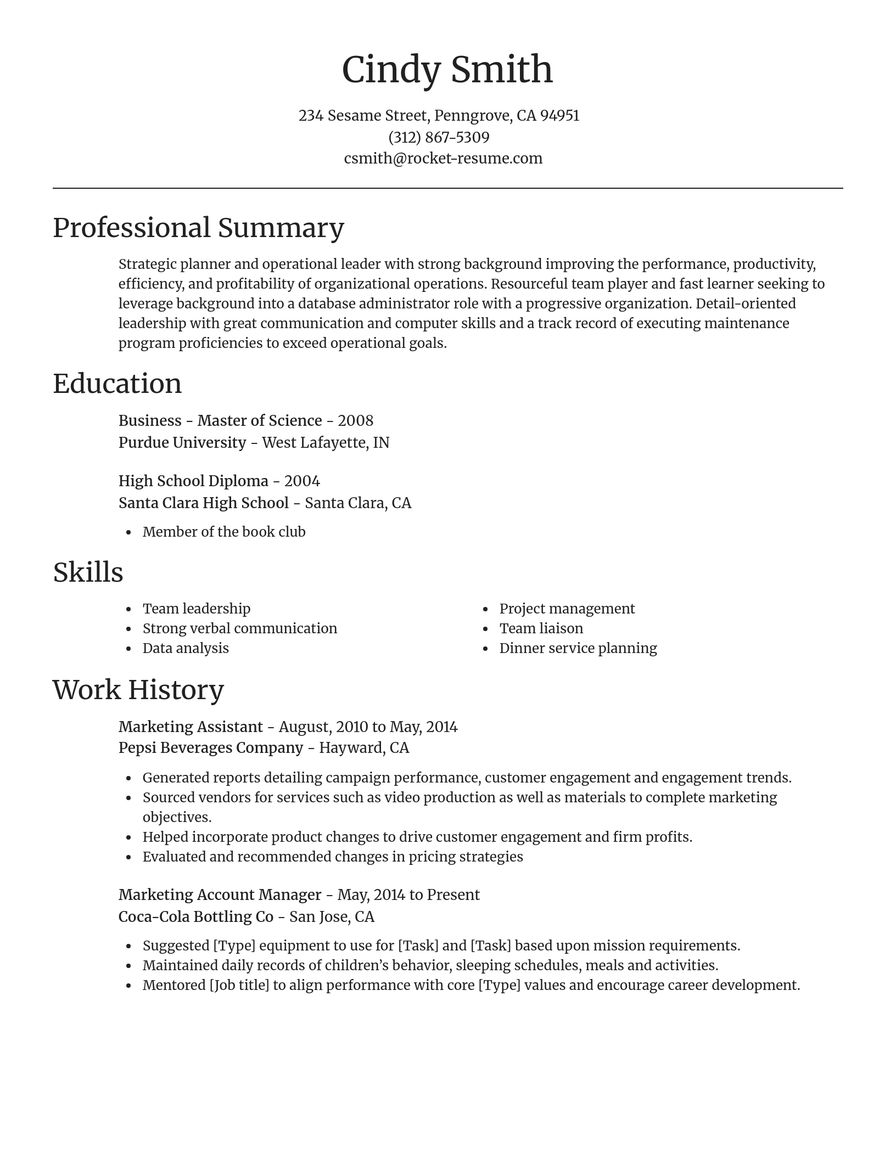
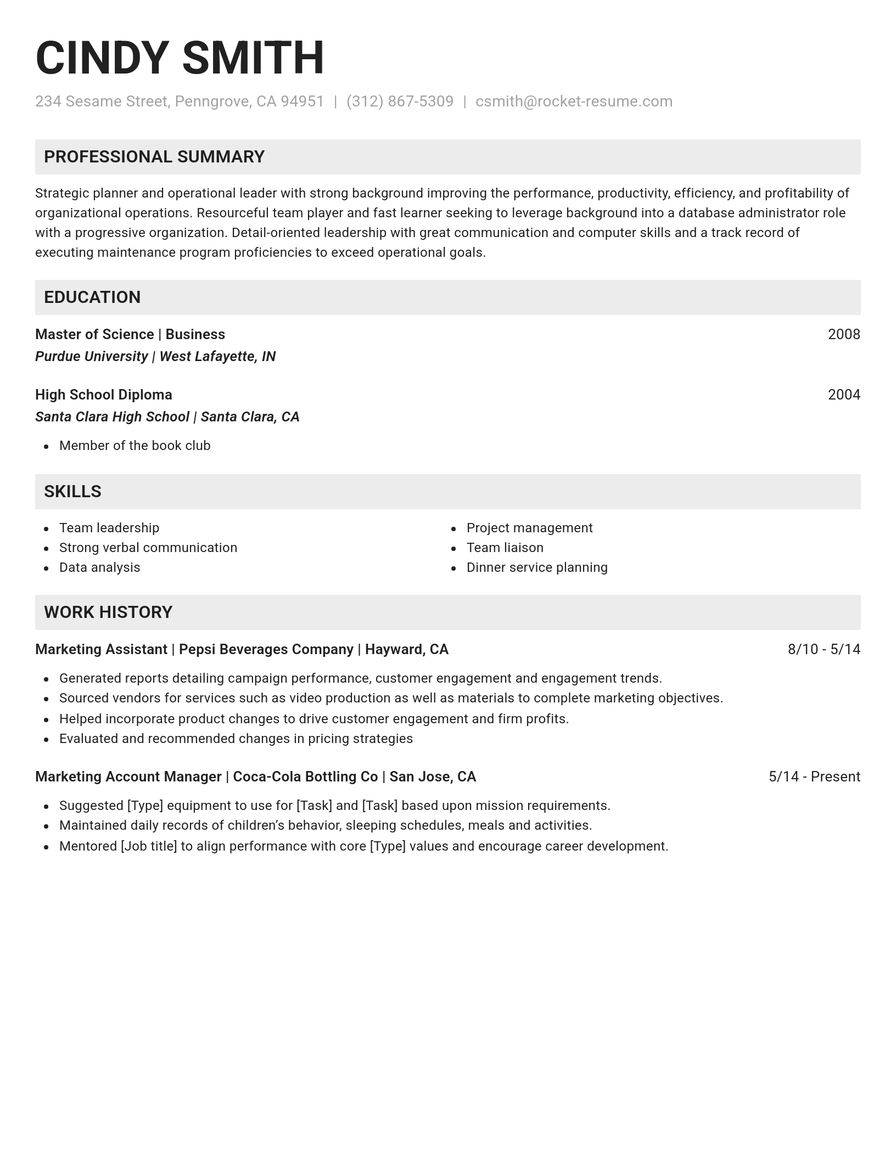
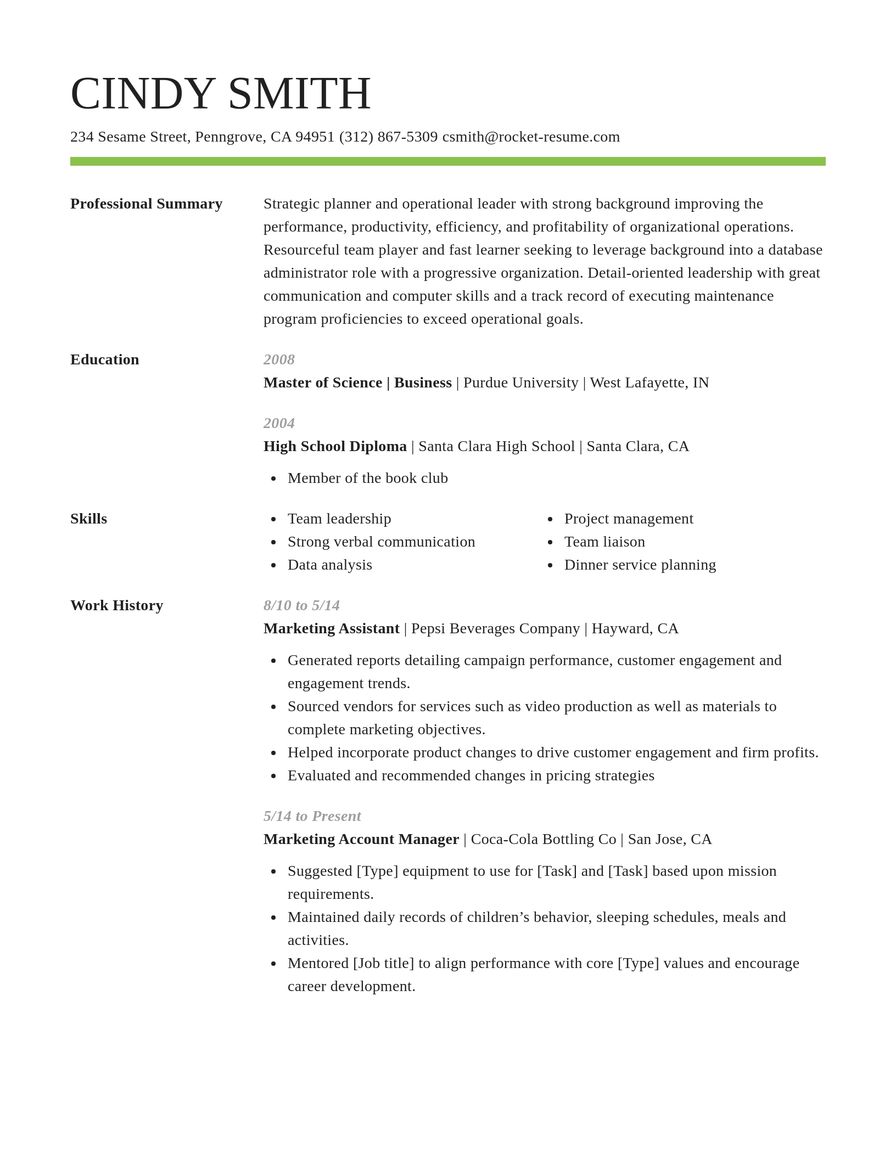
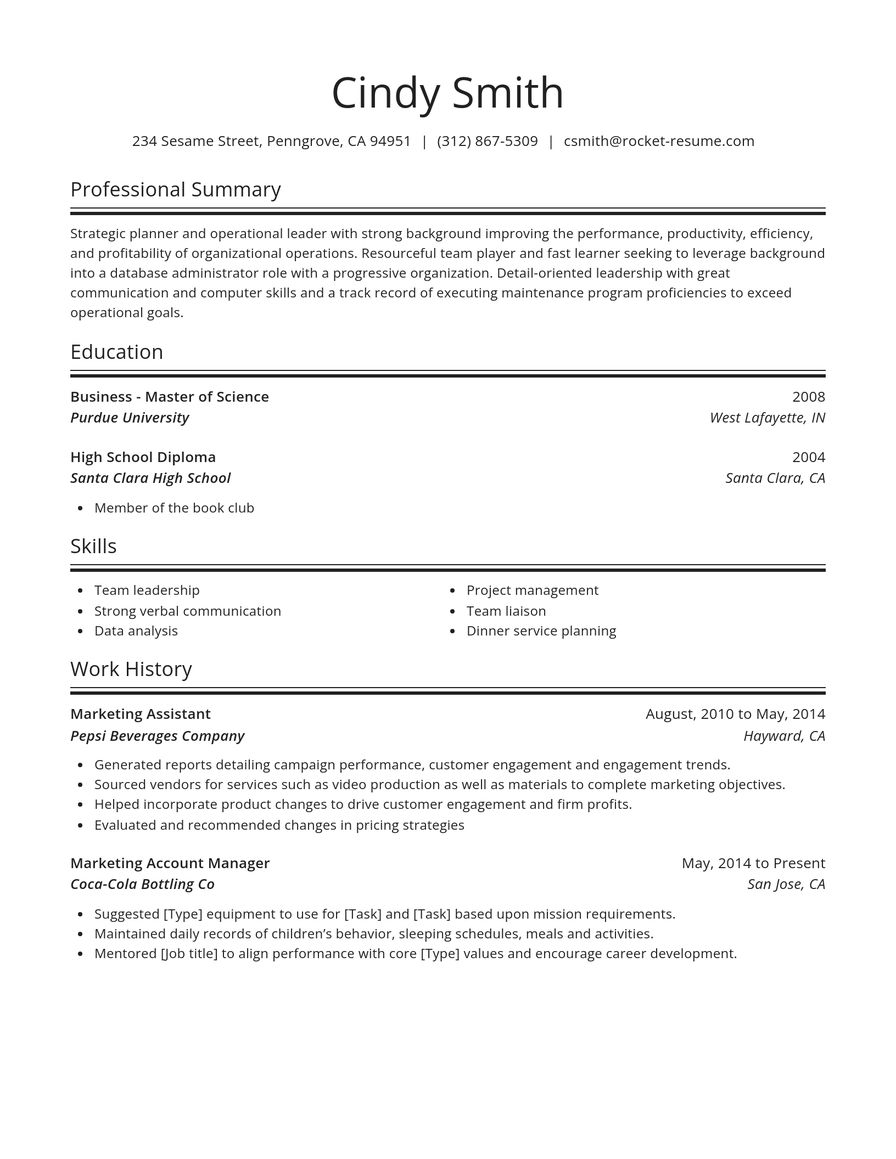
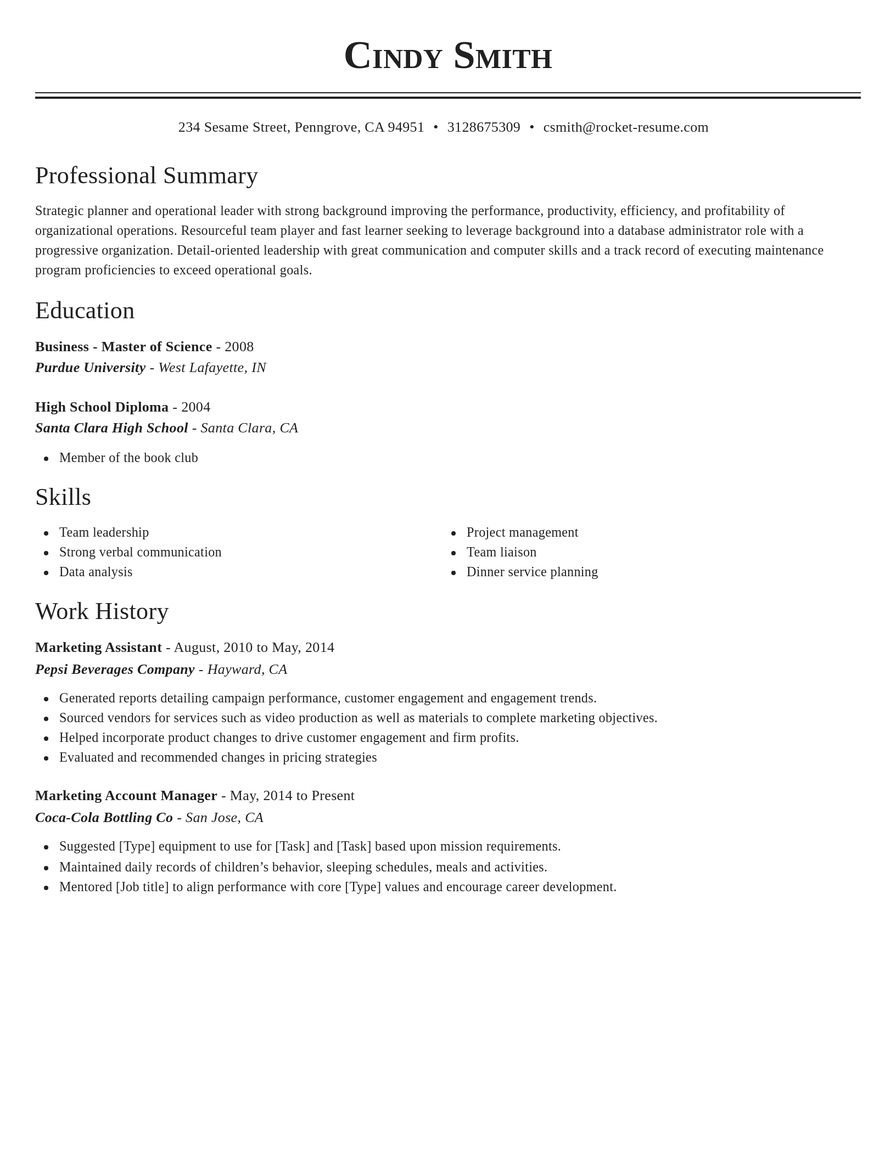
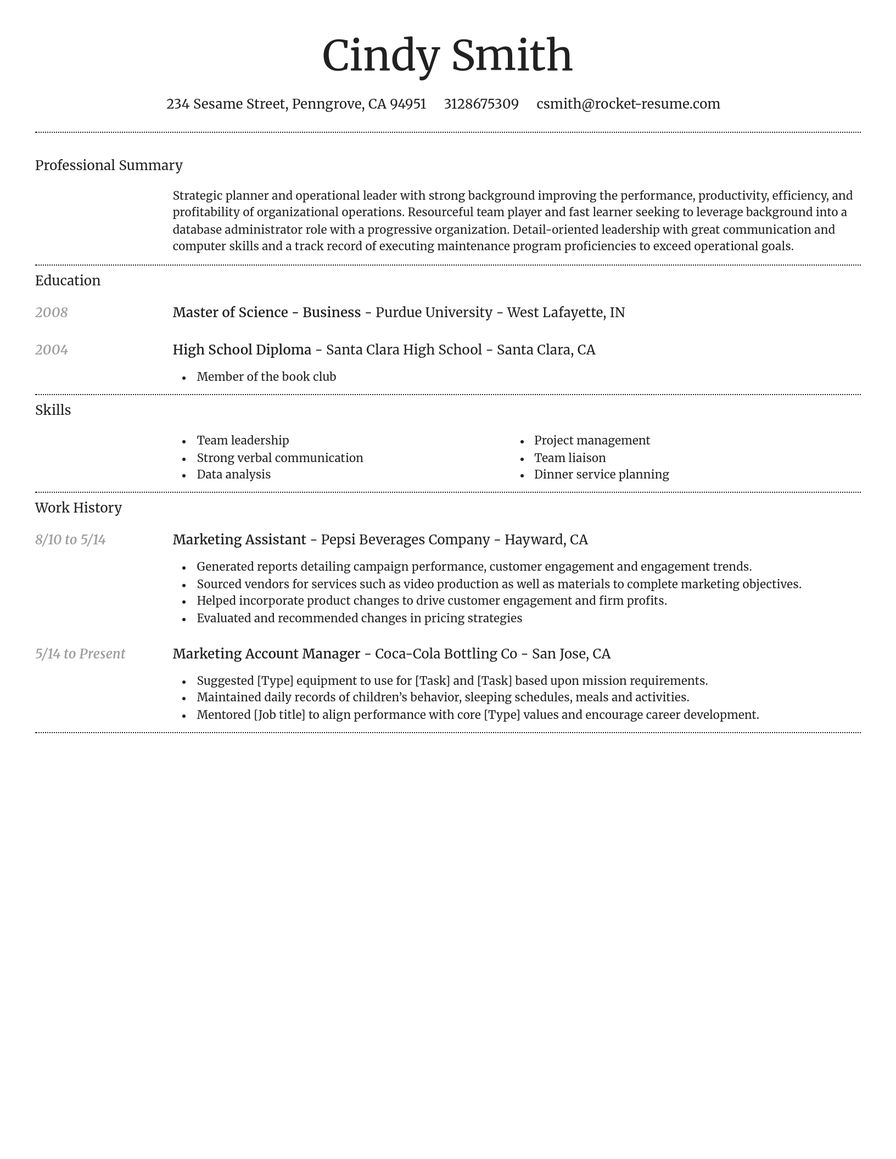
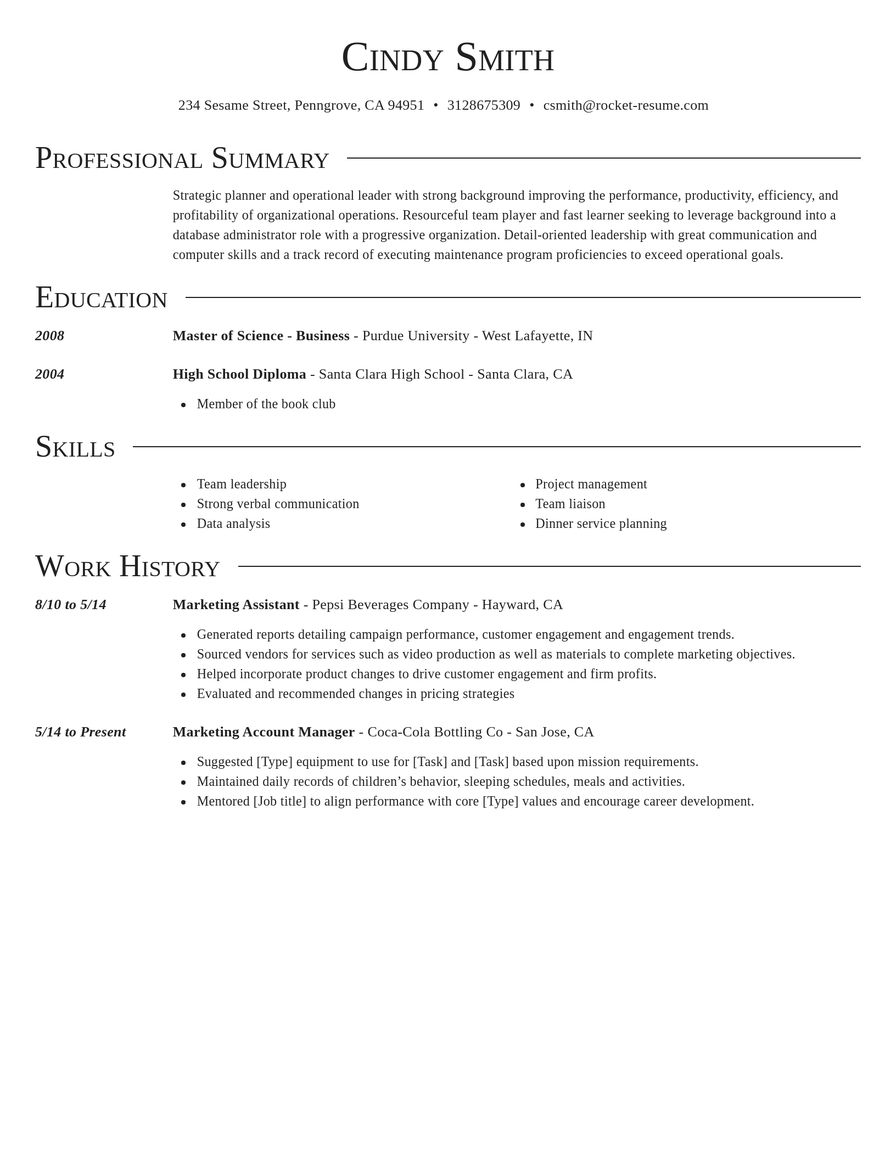
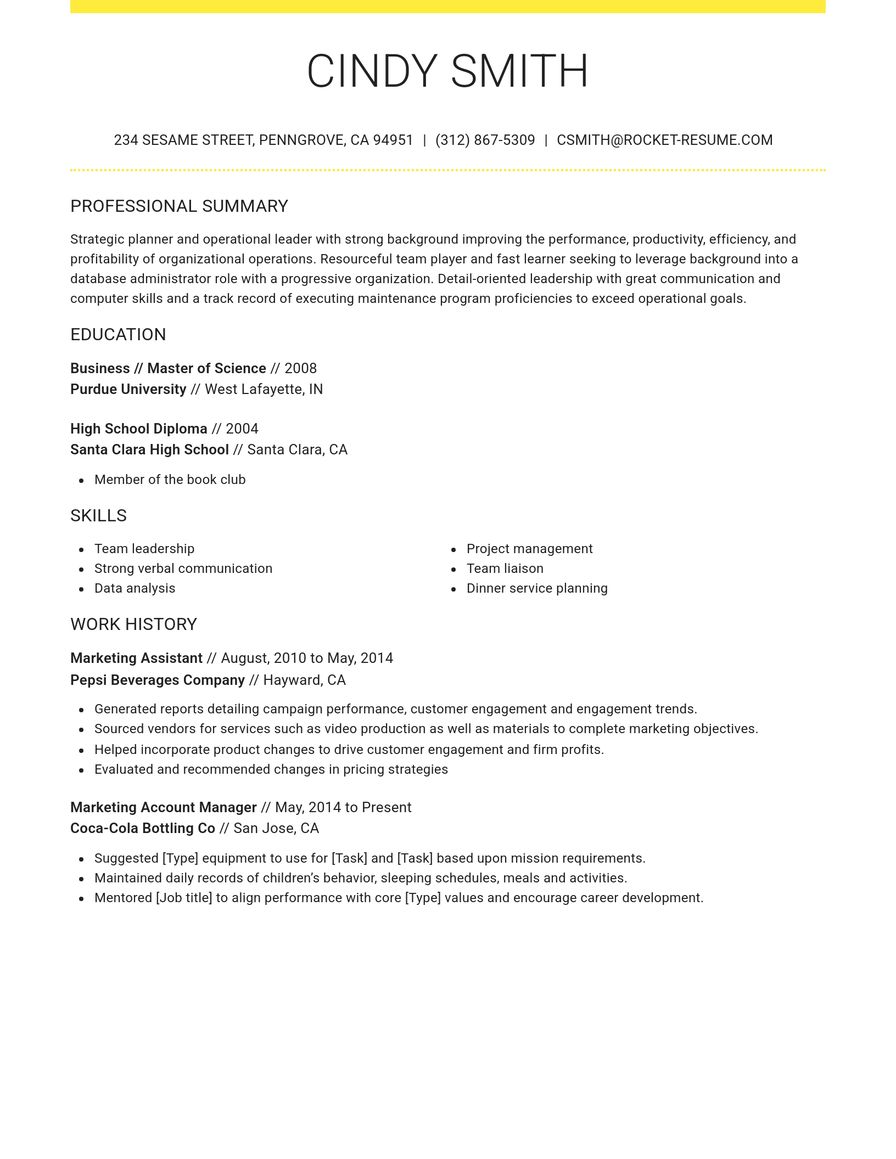
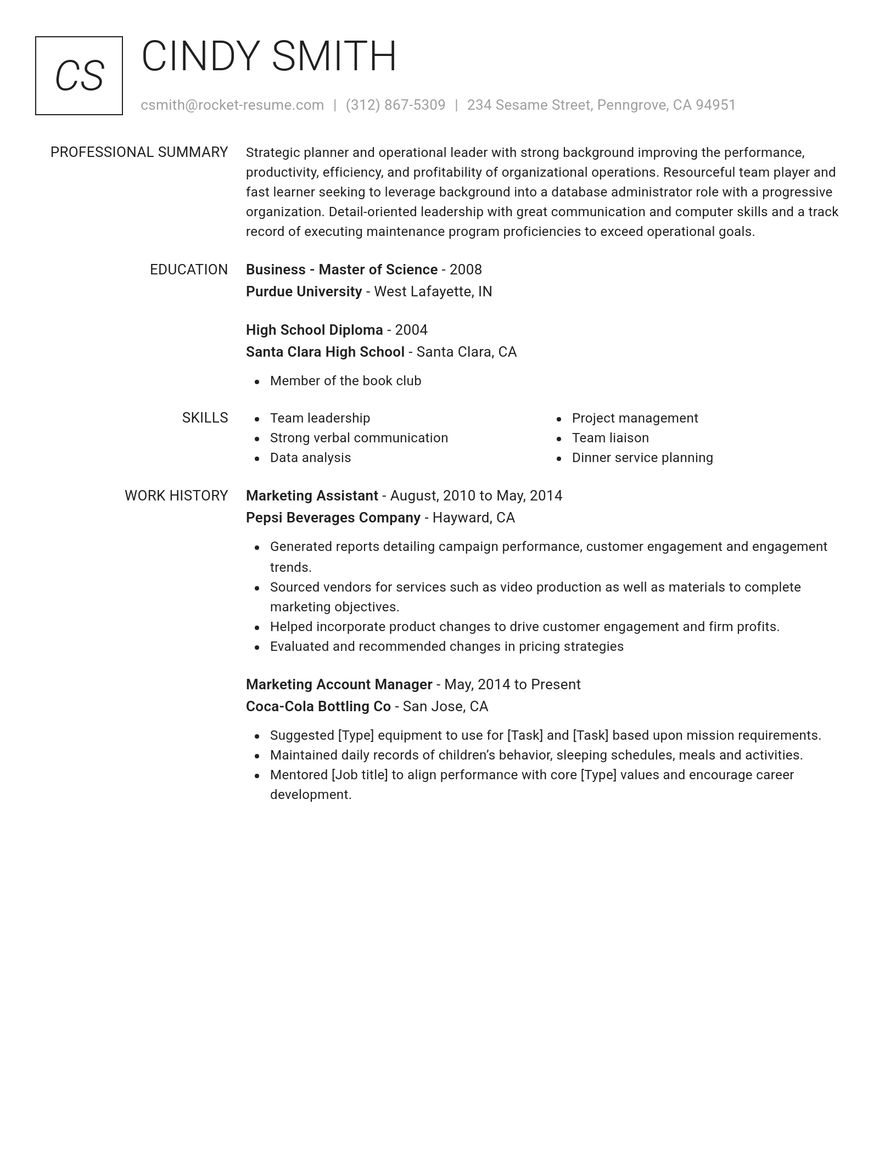
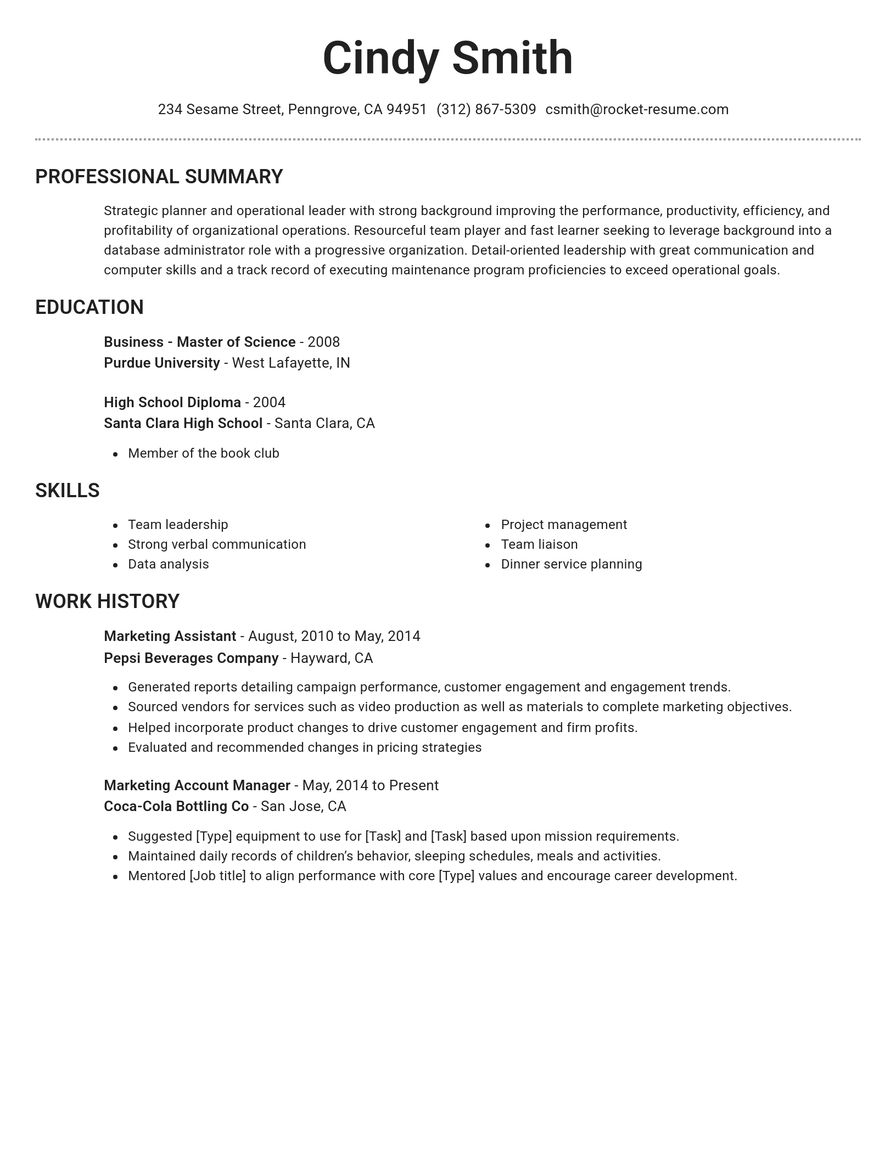
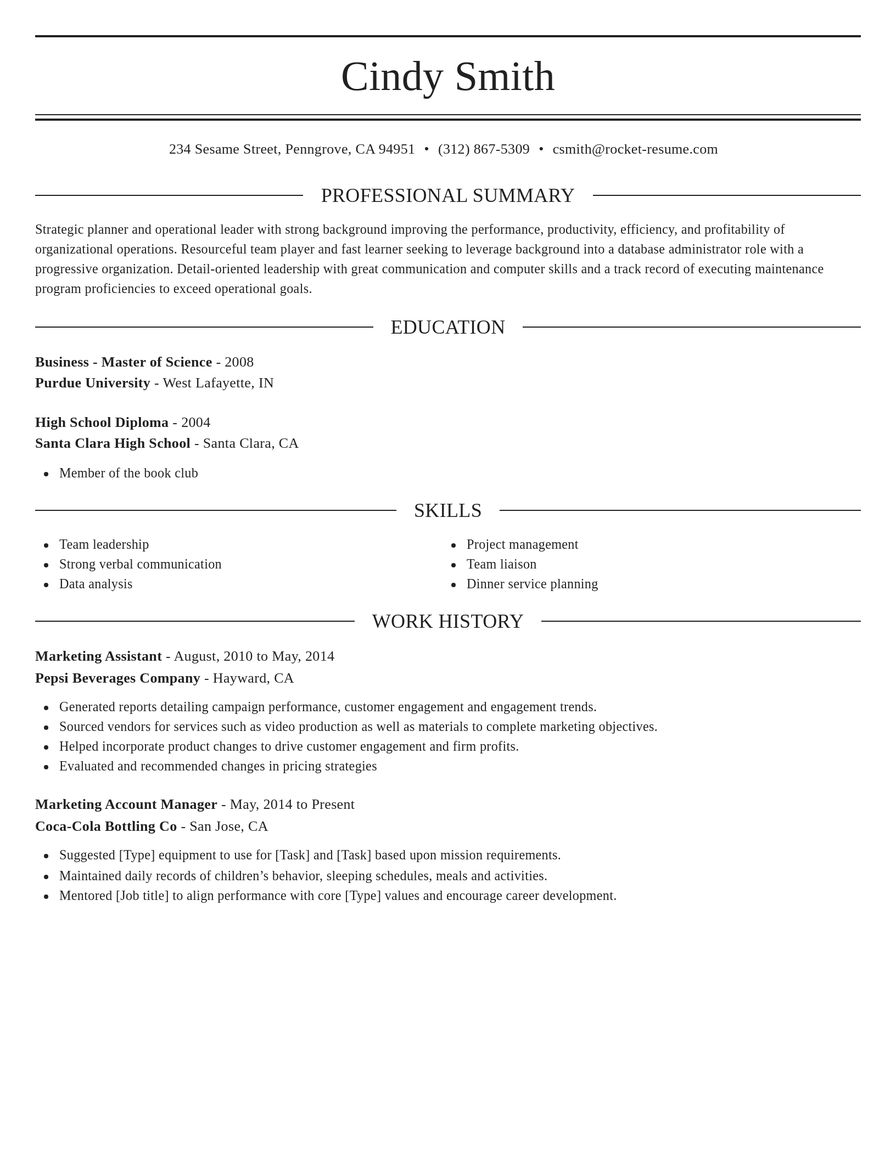
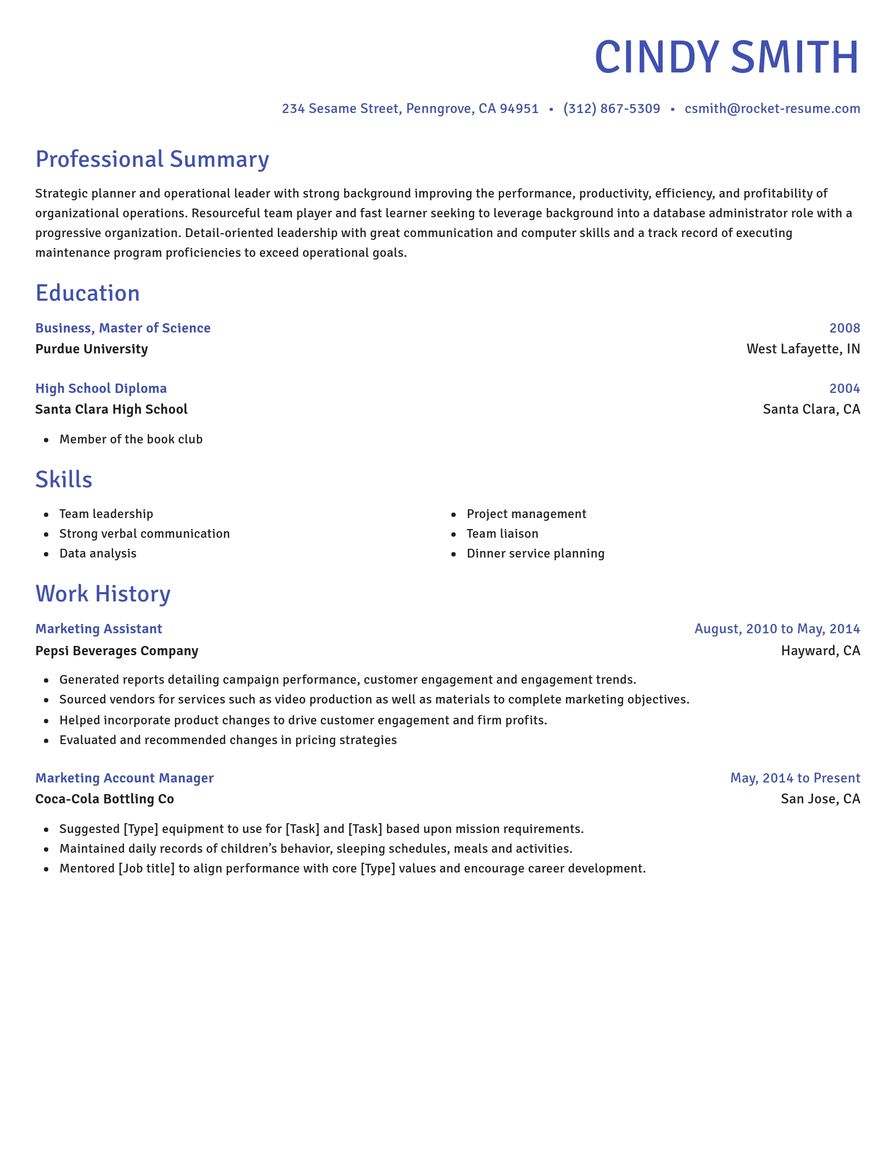
Choose the layout, then make it yours
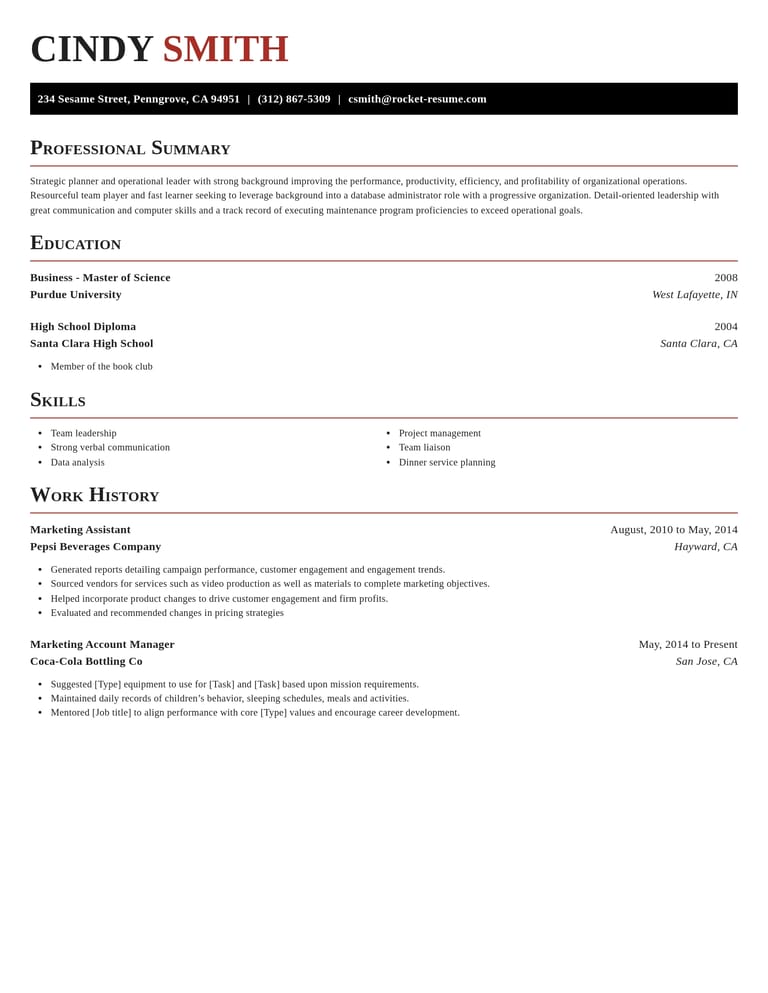
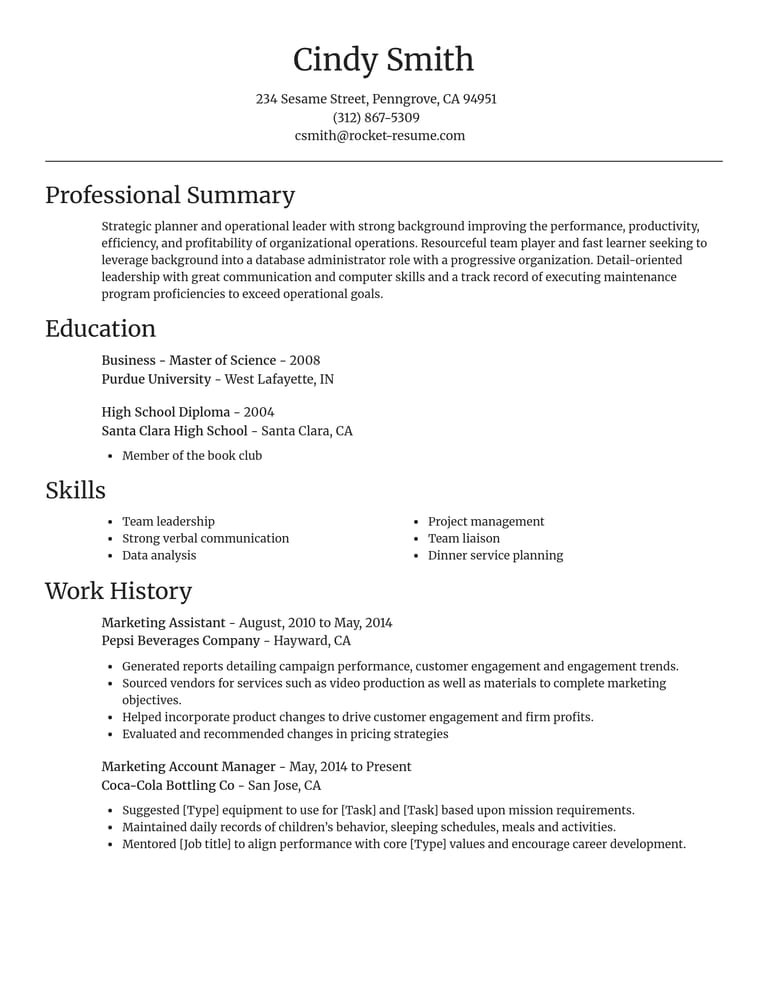
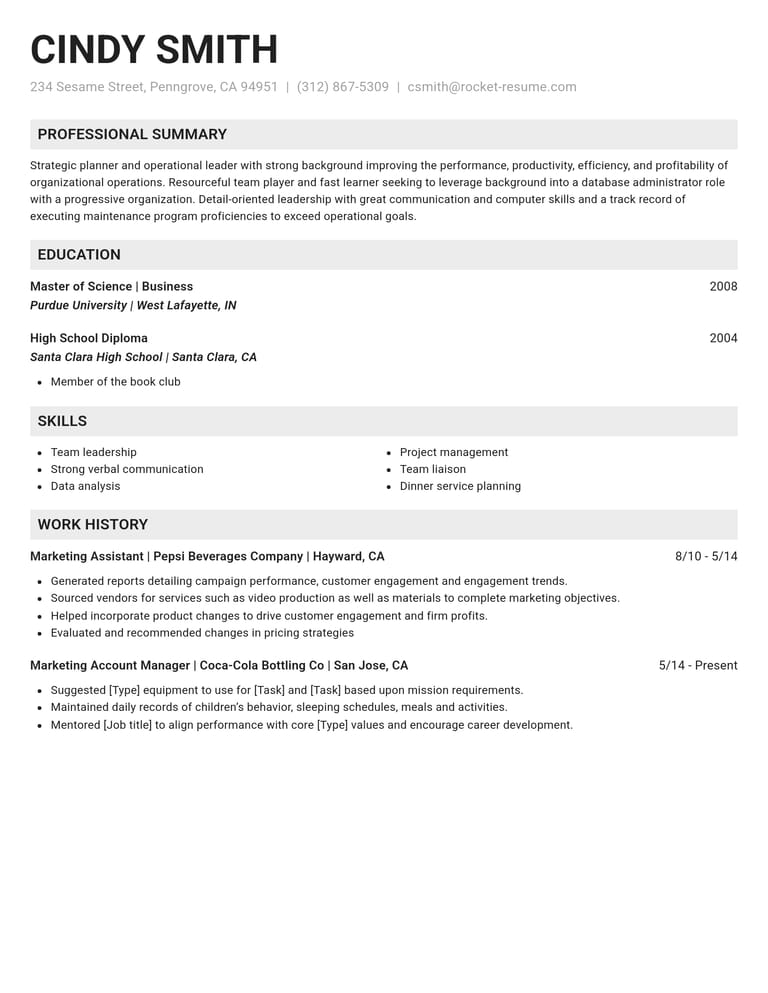
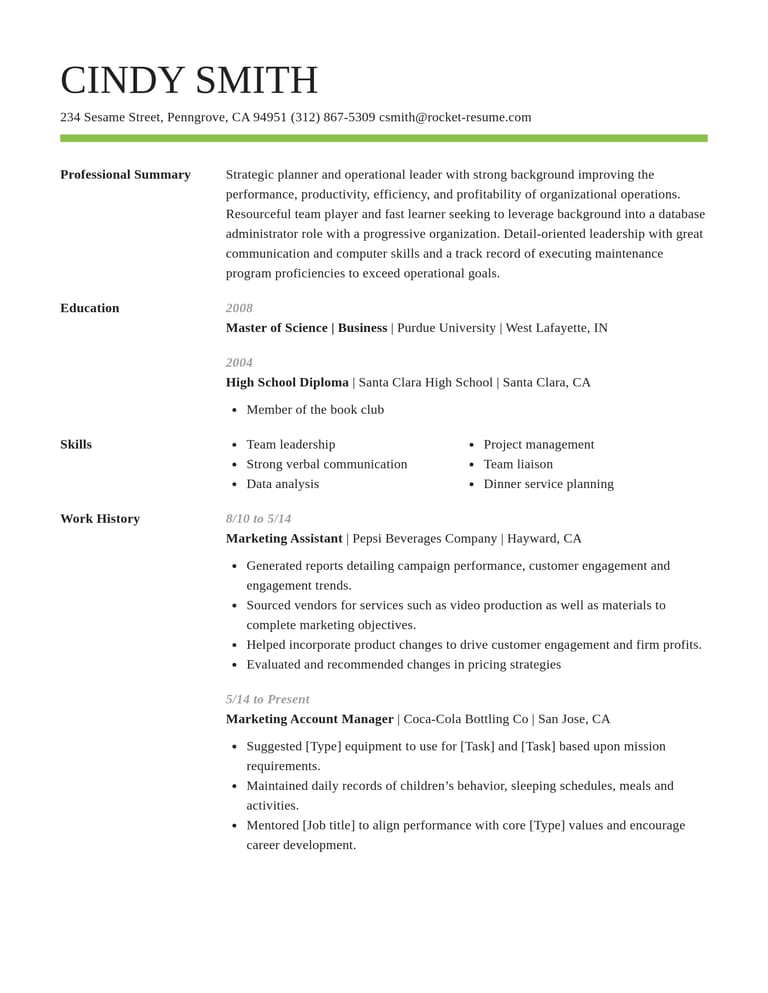
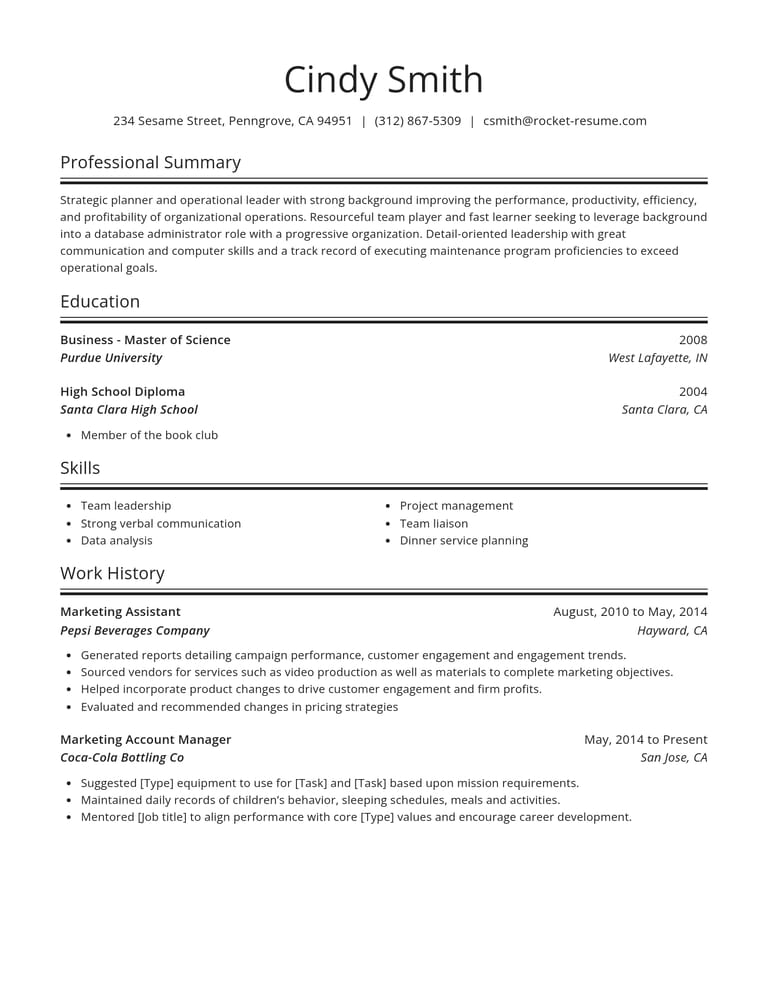
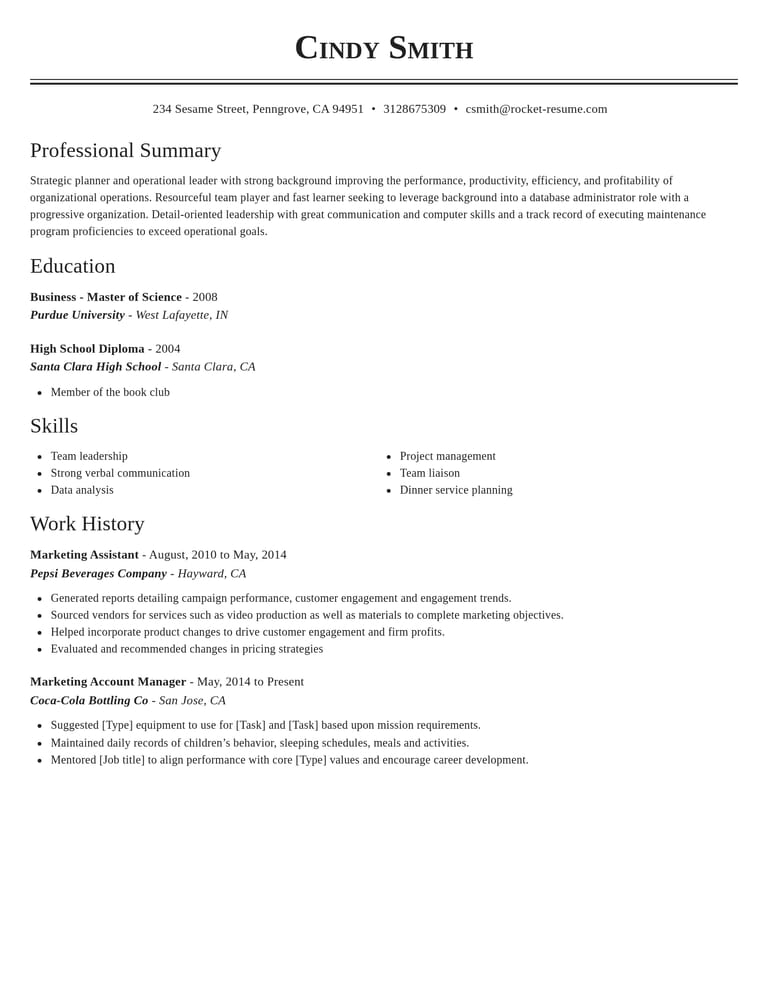
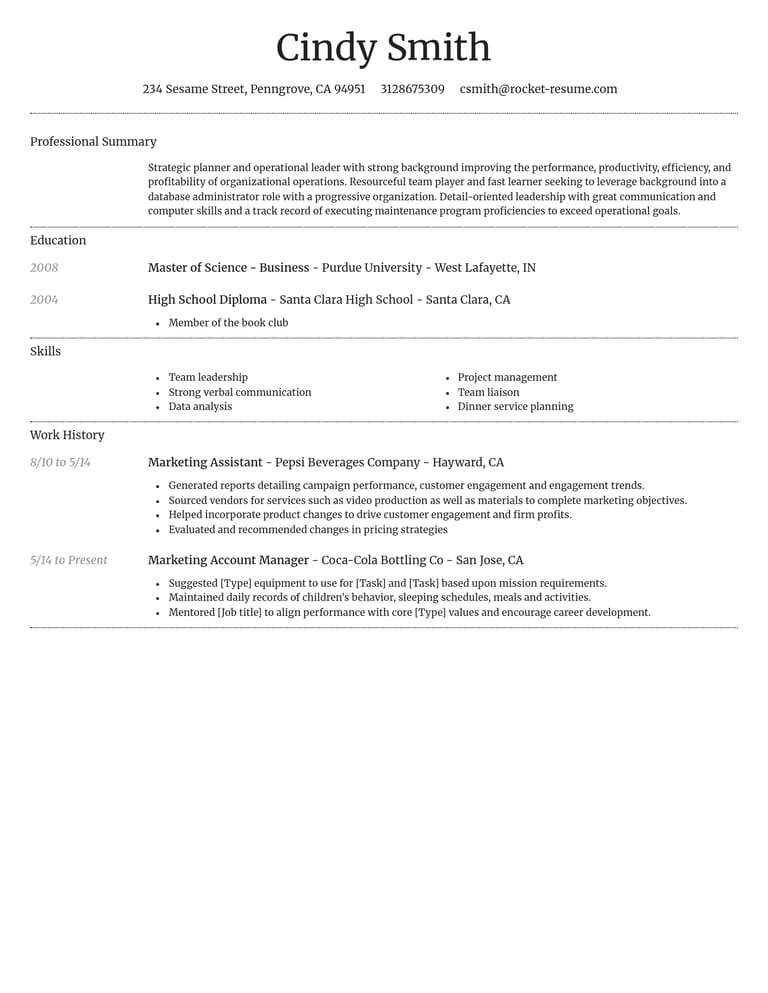
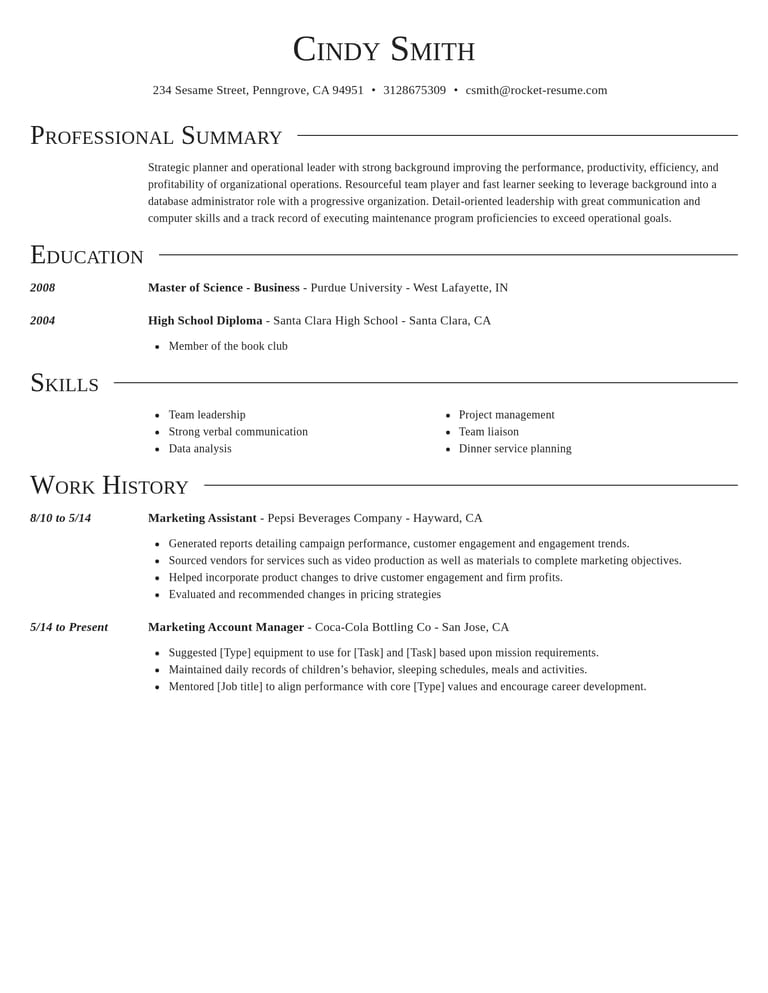
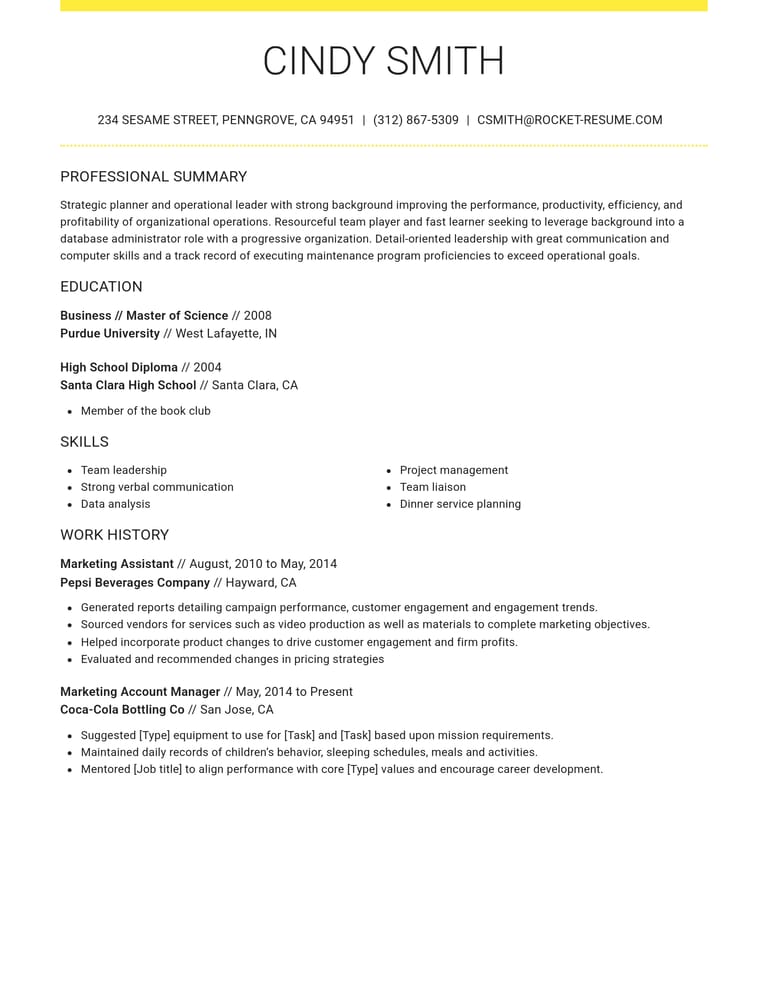
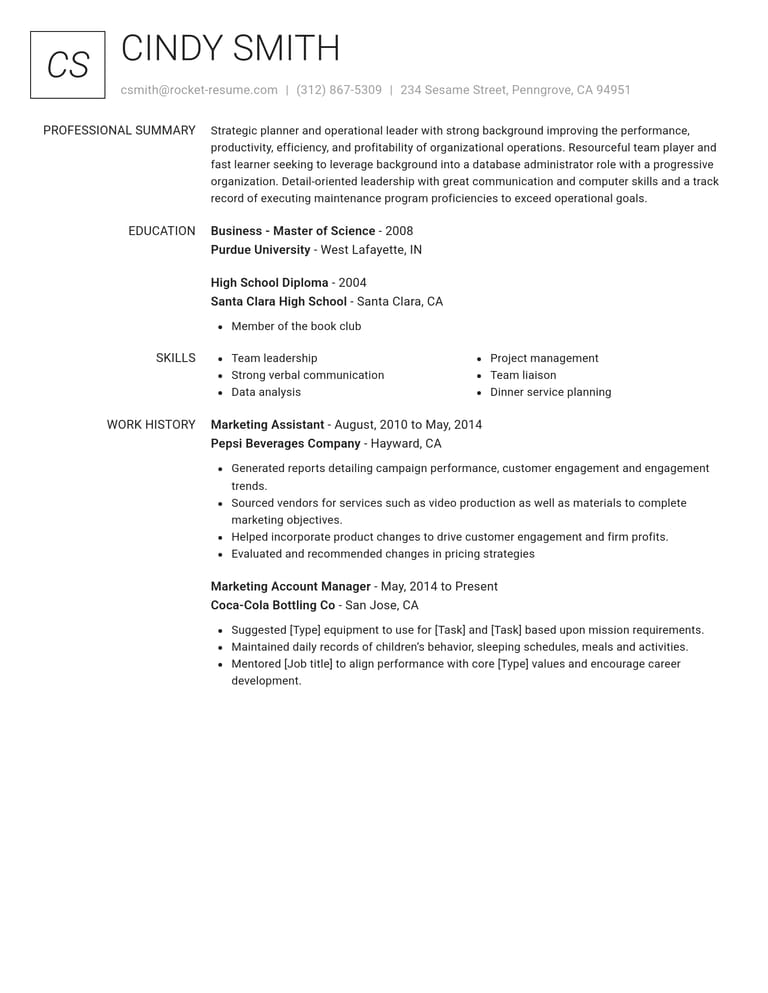
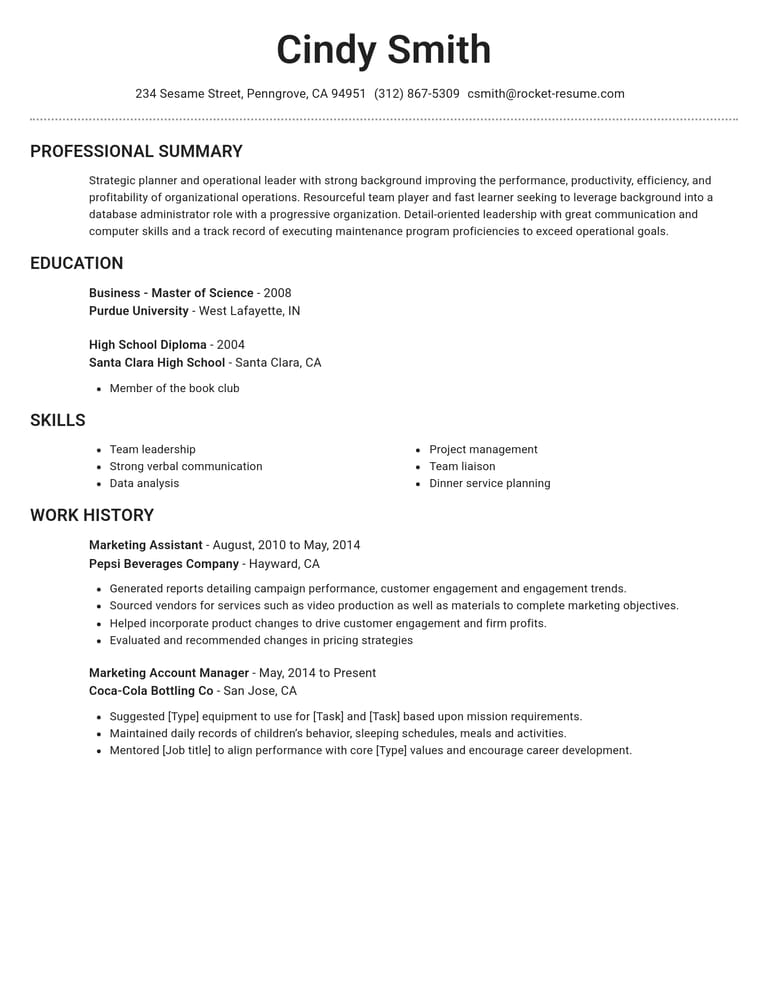
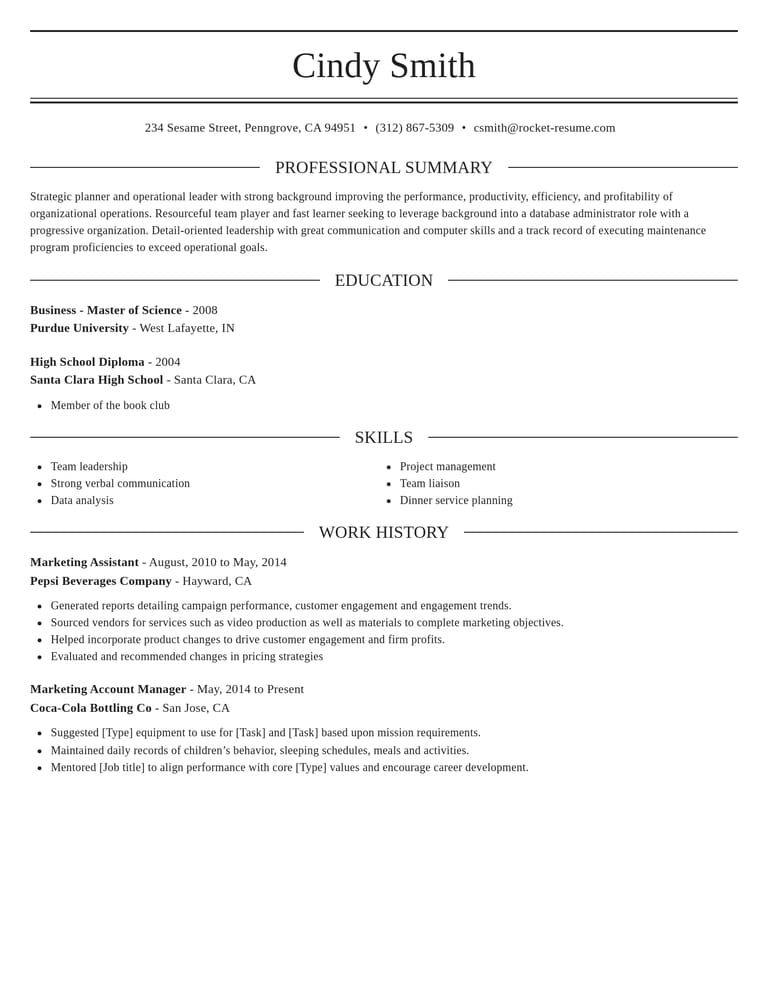
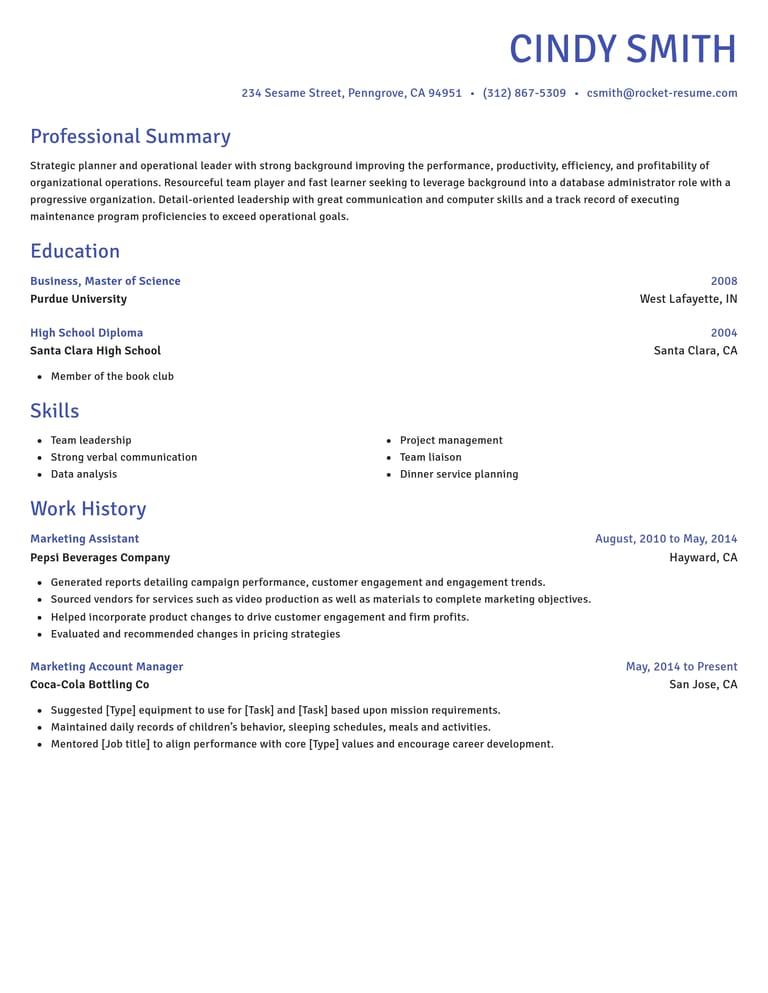
What every resume template gives you
Choose the layout here, then fill it in with guided sections and suggestions for your job.
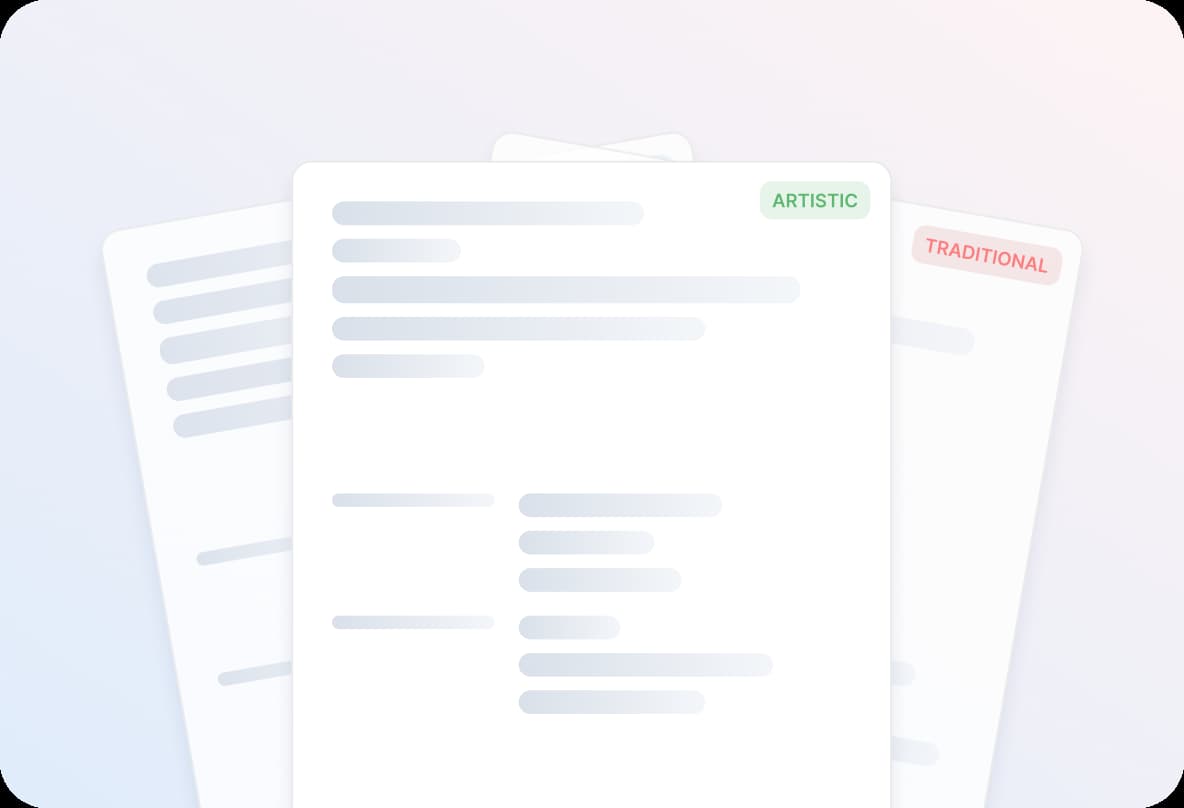
- Modern, traditional or creative
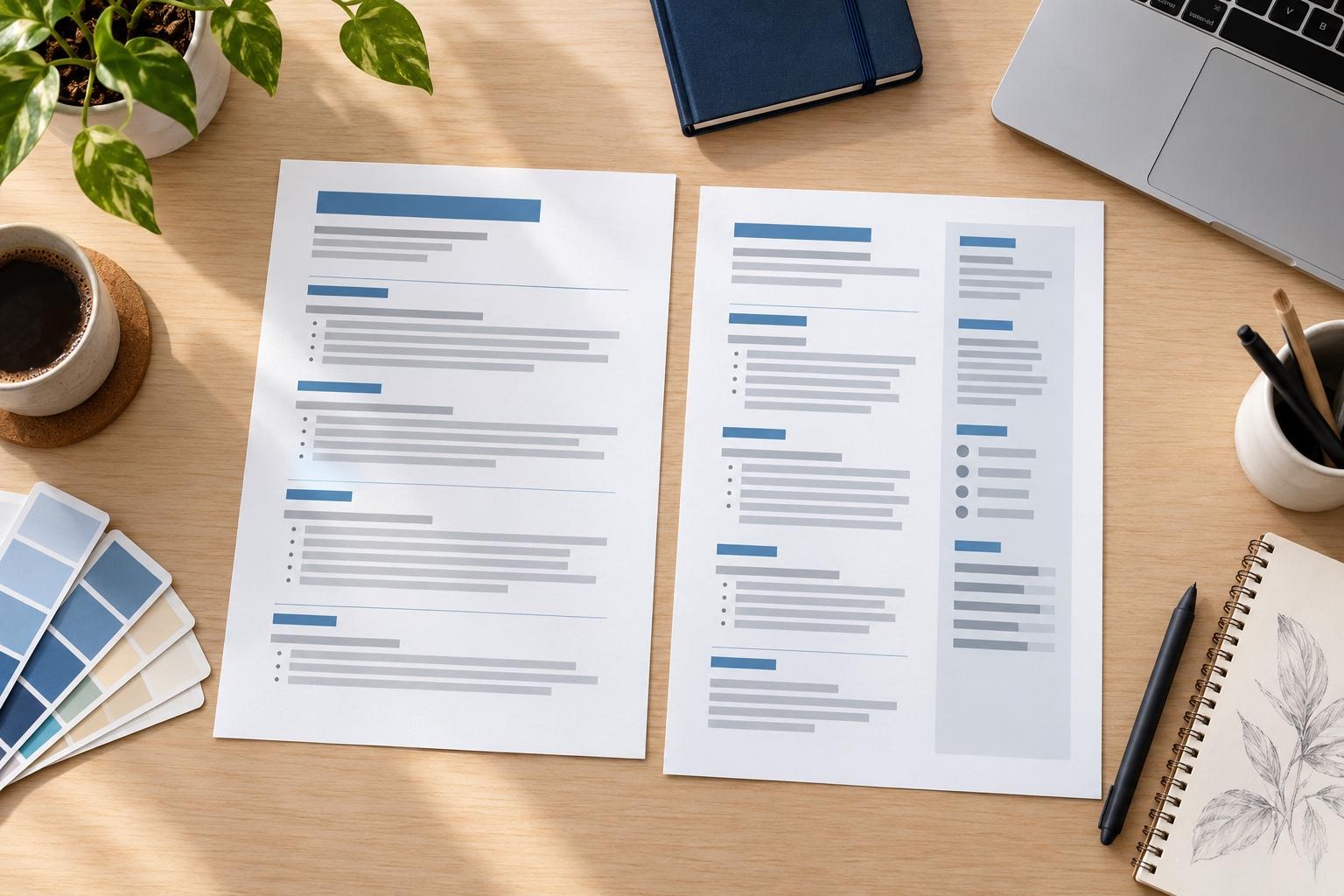
Compare modern, traditional and creative styles. Look at the space for job details as well as the overall design.
- Clean layouts recruiters can scan
Check that job titles, dates and section headings are easy to find. A simple layout keeps attention on your experience.
- Examples written for your job
Add your job title to see relevant suggestions. Choose one that fits your experience, then supply the details that make it yours.
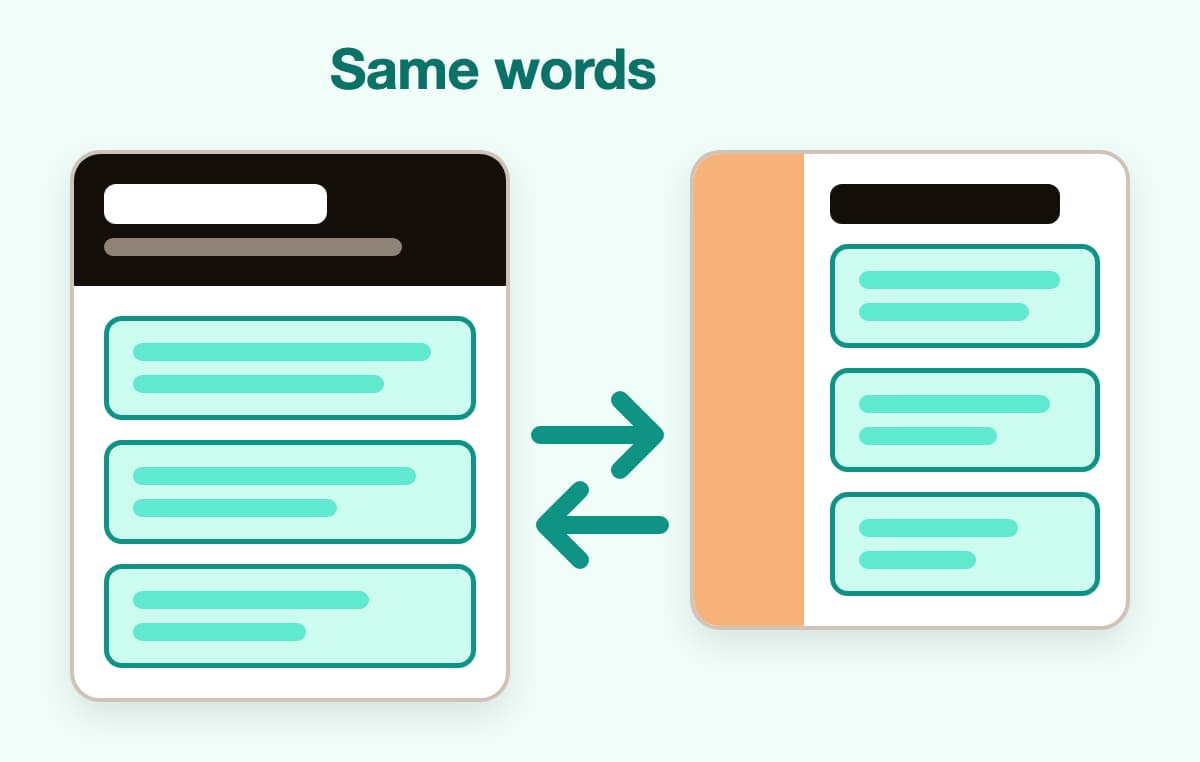
- Switch designs, keep your words
Try a second template at any point. Your text moves across with it, so comparing two looks takes no retyping.
- Arrange it your way
Reorder sections so the reader meets your best material first, such as skills when changing careers or schooling on a first resume.
- Preview, save, come back
The preview updates as you type. Save to your account, then return another day to finish or fine-tune it.
How your template becomes a finished resume
Step 1
Choose a starting design
Choose a template from the gallery, or start with a quick background question and pick a design after.
Step 2
Fill in your details
Add your jobs, education and skills. Use relevant examples to get started, then describe your own responsibilities.
Step 3
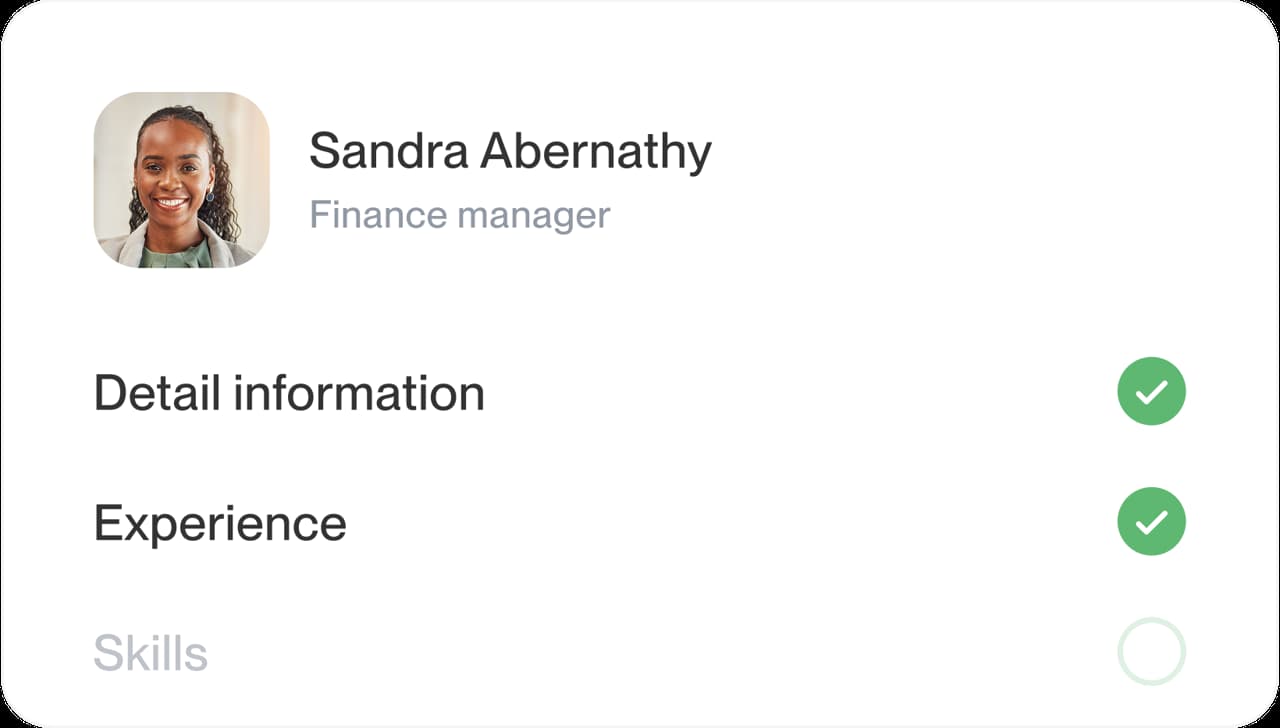
Check the fit
Read your longest job entry in the preview. Compare another design if dates wrap awkwardly or the page feels crowded.
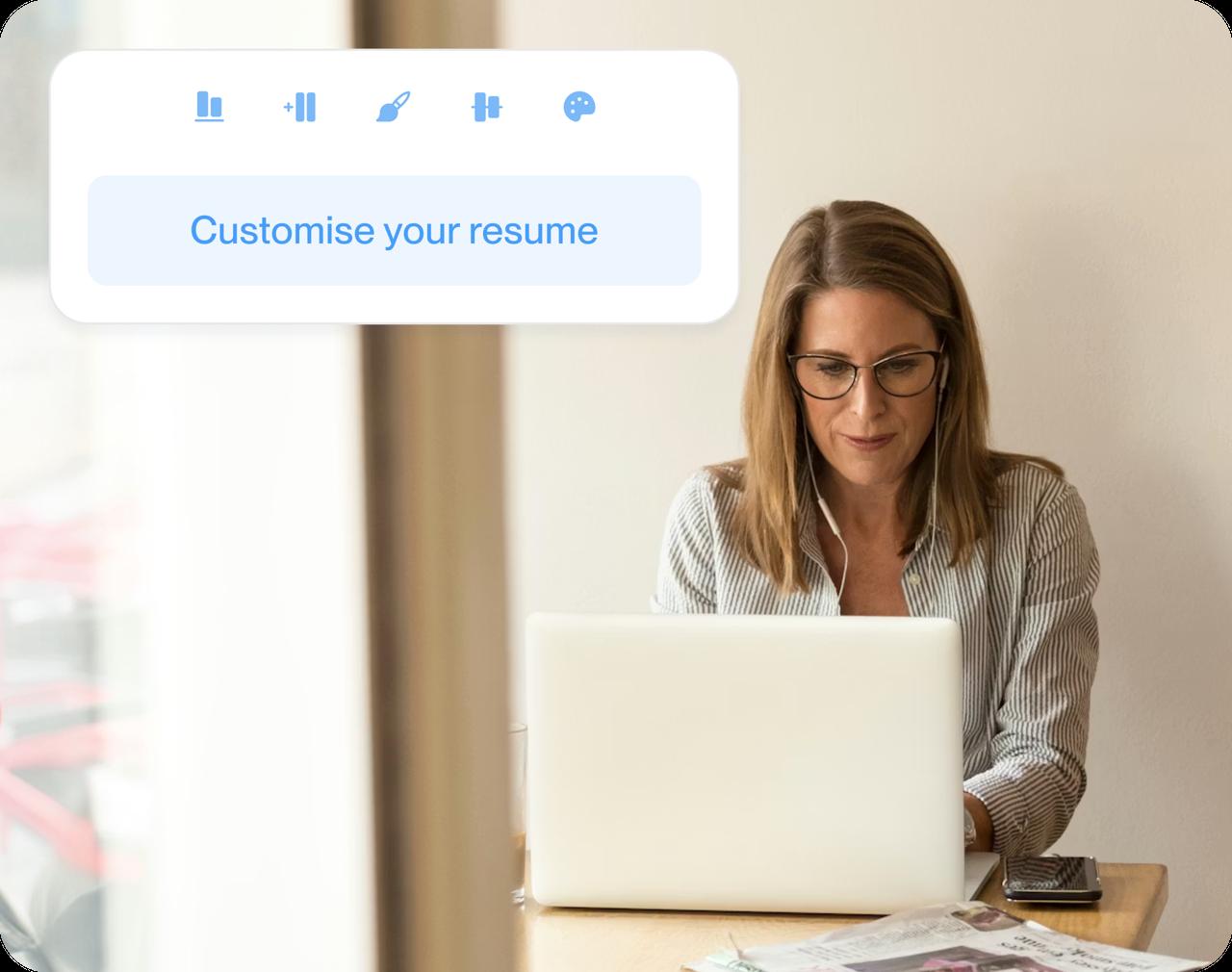
Step 4
Send it out
Check contact details, dates and page breaks. When the layout and content are ready, download your resume.

Step 1
Choose a starting design
Choose a template from the gallery, or start with a quick background question and pick a design after.
Step 3
Check the fit
Read your longest job entry in the preview. Compare another design if dates wrap awkwardly or the page feels crowded.
Step 2
Fill in your details
Add your jobs, education and skills. Use relevant examples to get started, then describe your own responsibilities.
Step 4
Send it out
Check contact details, dates and page breaks. When the layout and content are ready, download your resume.
Finish the resume with a deliberate closing check
Finishing a resume means checking the document that actually exists, not the version you remember writing. Give the completed draft a deliberate closing read, then save your work so you can return when something changes.
Read the contact information character by character
Check the phone number and email address independently of the surrounding text. Familiar details are easy to skim, so slow down enough to notice a missing digit or an old address.
Confirm that the contact information is still appropriate for your current situation. If you used a school email address earlier, verify that it remains accessible rather than assuming an old detail still works.
Follow the dates through the whole history
Read the employment and education dates as a sequence. Check that each beginning and ending belongs to the correct entry and agrees with the records you used to build the resume.
Look closely at roles marked as current. A position that ended recently may still contain present-tense wording or an open-ended date, even if you updated the rest of the entry.
Search for material that never became yours
Read every description for leftover examples, unfinished placeholders, and claims you intended to revise. A sentence can sound polished while still containing a tool or responsibility that belongs to a suggestion rather than your experience.
A fictional event assistant might have retained a description of supervising staff despite only arranging room materials. Correct the responsibility itself instead of treating the sentence as finished because its wording reads smoothly.
Compare the introduction with the completed body
The summary may have been drafted before the experience sections changed. Check that it still reflects the roles and skills the resume actually presents, rather than an earlier plan for the document.
Remove claims that the body no longer supports and resolve conflicting descriptions. If the introduction says you work in one specialty but the entries explain another, make the connection explicit or revise the introduction.
Inspect the full preview after corrections
Rocket Resume's preview updates as you type, so inspect the page again after the final edits. Read the beginning and end of each entry, where a small omission or awkward transition can be easy to miss.
Keep the application instructions beside you for this closing check. Confirm any requested length or content requirements without assuming that a visually tidy resume automatically answers them.
Save with a clear reason to return
Save the work once the review is complete. Keep a separate reminder of any future update, such as a qualification completion or the end of a temporary position, so your next visit has a clear purpose.
When you return later, check the changed information and its neighboring sections. A new date or responsibility can affect the summary as well as one entry, so review the connection before considering the update finished.
Why the design and the words both matter
“If I need one in the future, I'll use it again.”

“It's great, I have a job now”

Resume template questions
What should I check after the resume looks finished?
Check contact details, dates, current-role status, and any text adapted from examples. Then compare the summary with the completed experience sections to catch conflicting claims. A tidy appearance does not confirm accuracy, so give the facts their own read before saving the work as a reviewed draft.
How can I spot example text I forgot to personalize?
Read each description and identify where every detail came from. Look especially at tools, quantities, responsibilities, and locations. If a detail came from a suggestion and you cannot connect it to your experience, remove or correct it, even when the surrounding sentence otherwise describes work you performed.
What should I review when I return to a saved resume?
Start with information that may have changed, including contact details, employment dates, education status, and recent responsibilities. Then inspect the summary and skills for related updates. Save the revised work after reading the affected sections together, rather than assuming a change to one entry completes the whole update.
See how resumes in your industry look
Take a look at this week’s mix




- 14 examples
- 39 examples
- 10 examples
- 17 examples
- 8 examples
- 106 examples






Show all industries (A–Z)Show fewer
- Aerospace & Defense, 8 examples
- Agriculture, 23 examples
- Apparel & Textiles, 13 examples
- Architecture, 15 examples
- Artificial Intelligence, 6 examples
- Arts & Entertainment, 24 examples
- Automotive, 21 examples
- Beauty & Personal Care, 17 examples
- Biotechnology & Life Sciences, 7 examples
- Business Services, 23 examples
- Chemical Engineering, 4 examples
- Childcare, 14 examples
- Construction, 106 examples
- Creative, 15 examples
- Customer Service, 17 examples
- Education, 94 examples
- Energy, 39 examples
- Environmental Science, 5 examples
- Finance, 63 examples
- Food & Beverage, 68 examples
- Government, 48 examples
- Healthcare, 160 examples
- Hospitality, 35 examples
- Human Resources, 18 examples
- Insurance, 10 examples
- Legal, 12 examples
- Logistics, 37 examples
- Manufacturing, 68 examples
- Marketing, 8 examples
- Media, 20 examples
- Military, 24 examples
- Mining & Metals, 9 examples
- Nonprofit, 8 examples
- Pharmaceuticals, 12 examples
- Public Relations, 10 examples
- Real Estate, 7 examples
- Retail, 38 examples
- Robotics, 11 examples
- Sales, 14 examples
- Security Services, 19 examples
- Social Services & Counseling, 21 examples
- Social Work, 14 examples
- Sports & Fitness, 96 examples
- Technology, 67 examples
- Telecommunications, 6 examples
- Tourism & Travel, 9 examples
- Transportation, 38 examples
- Veterinary, 9 examples
Rocket Resume reviews from people who made their resumes here
from 3,900+ reviews