Professional CV templates for
Choose a template that helps an employer find the qualifications and experience relevant to the role. Enter your own details, use suggestions where they help and check the full CV in the preview.
- Templates with headings and spacing
- Modern and traditional styles
- Suggestions to match your field
- Edit anytime and save as you go

Danny
Apr 2023
“I'll recommend it to friends and family.”

Sameer T.
Aug 2022
“I would definitely tell others about it”

Anamaria P.
Jul 2026
“Very happy with the service, it helped a lot.”

Aaliyah
Apr 2026
“I was able to land an interview!”
from 3,900+ reviews
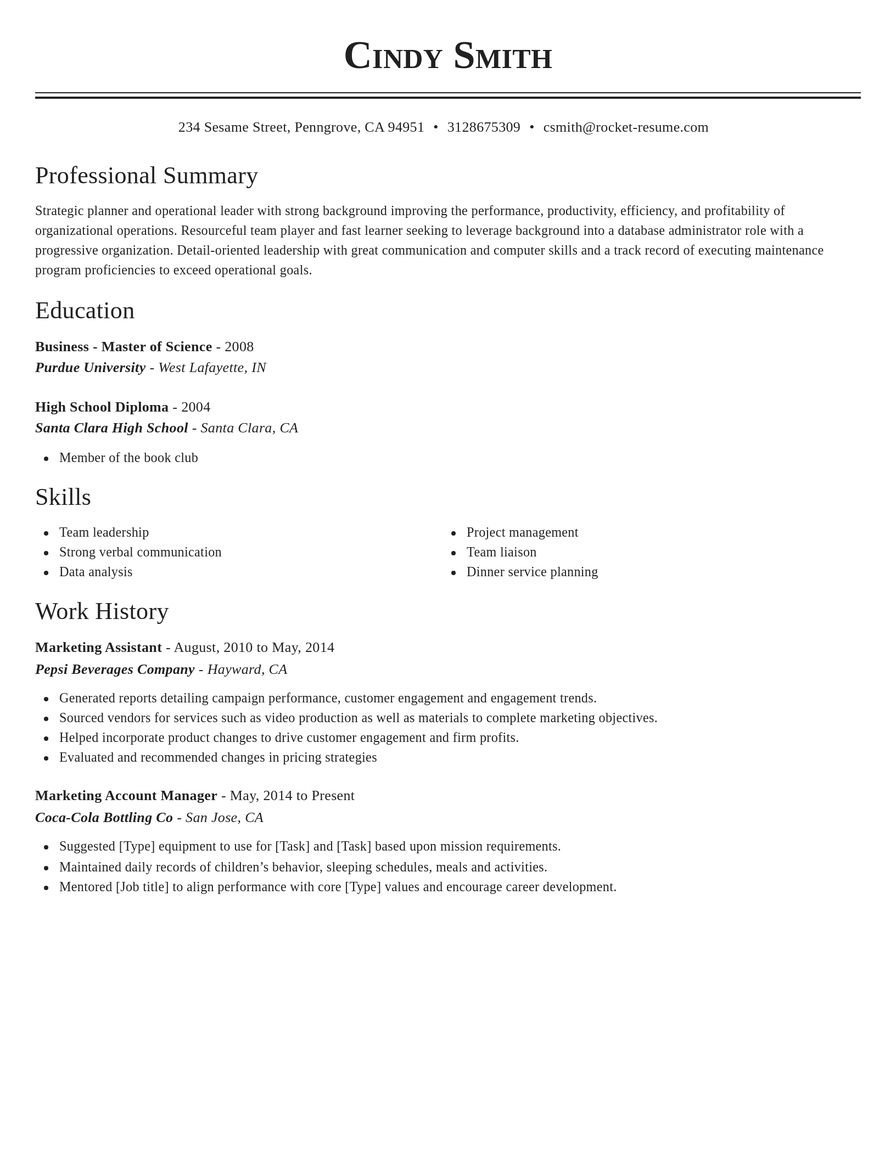
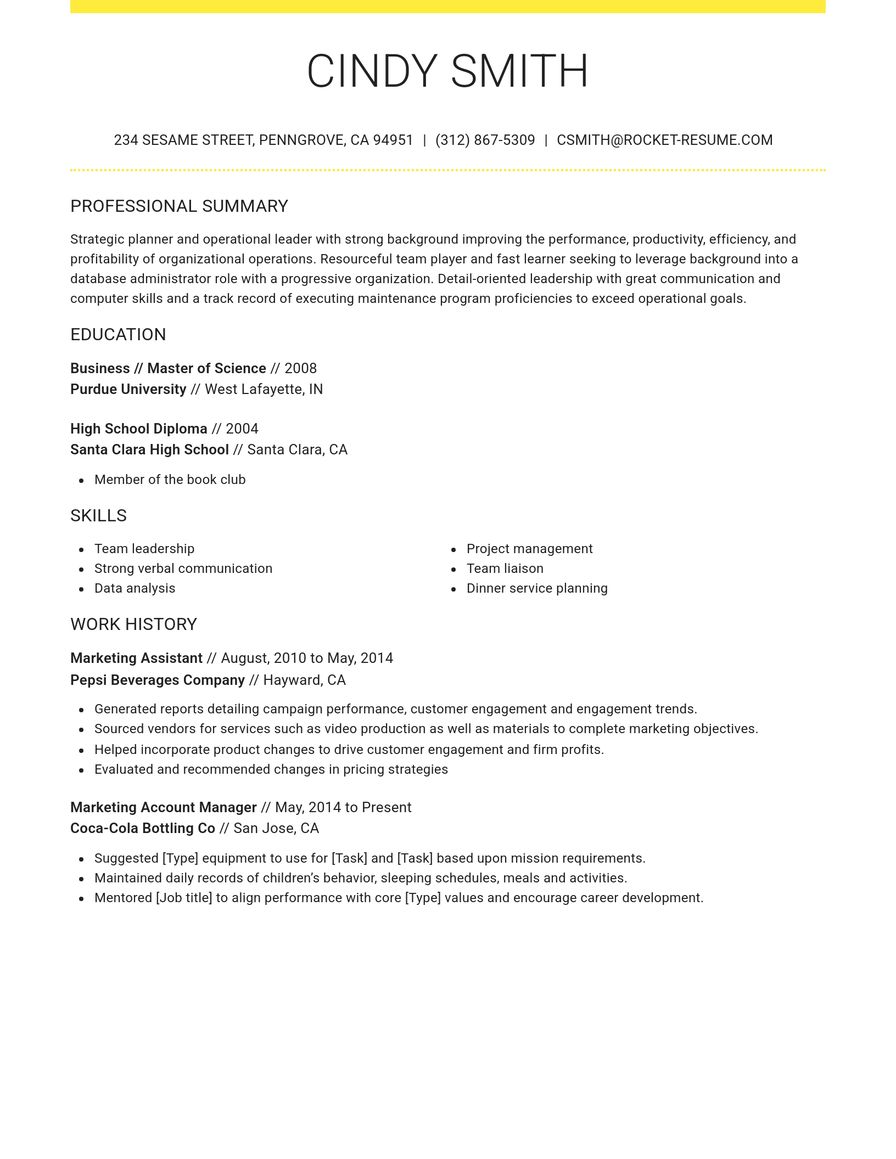
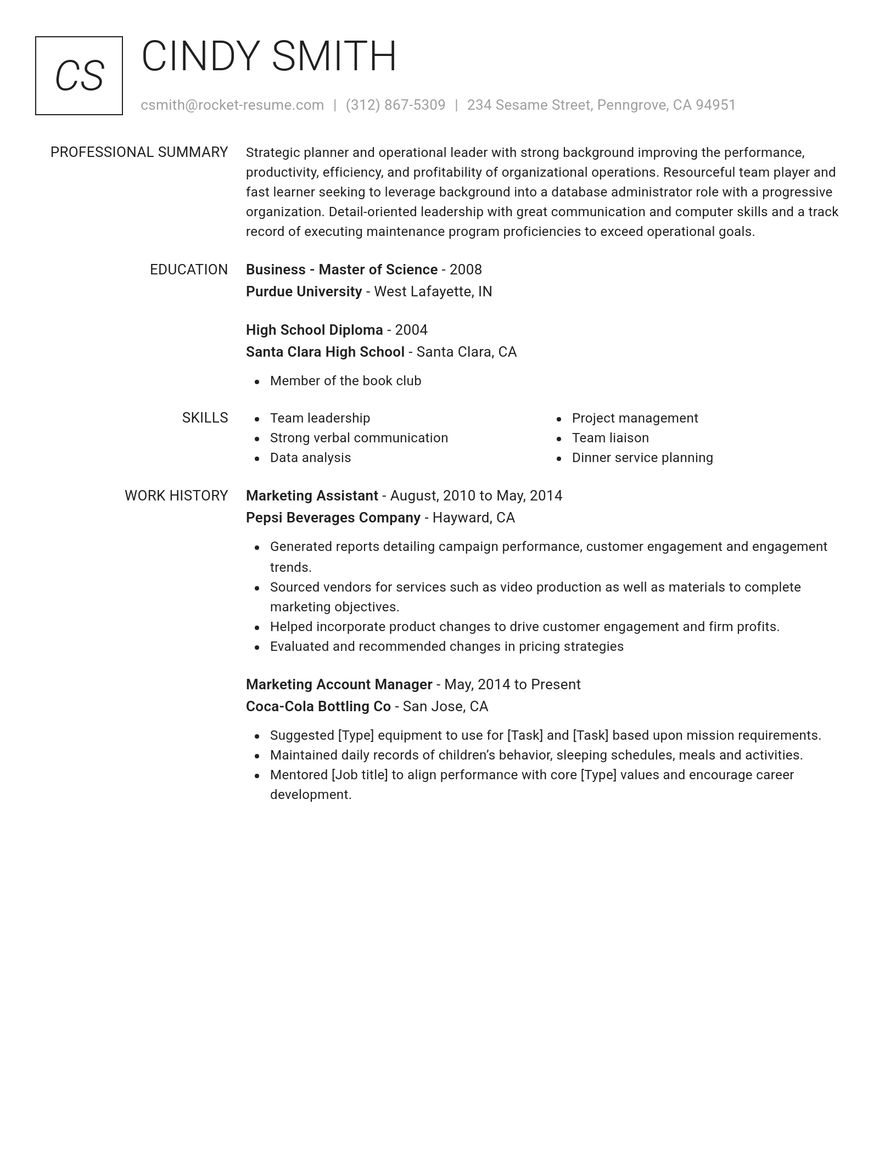
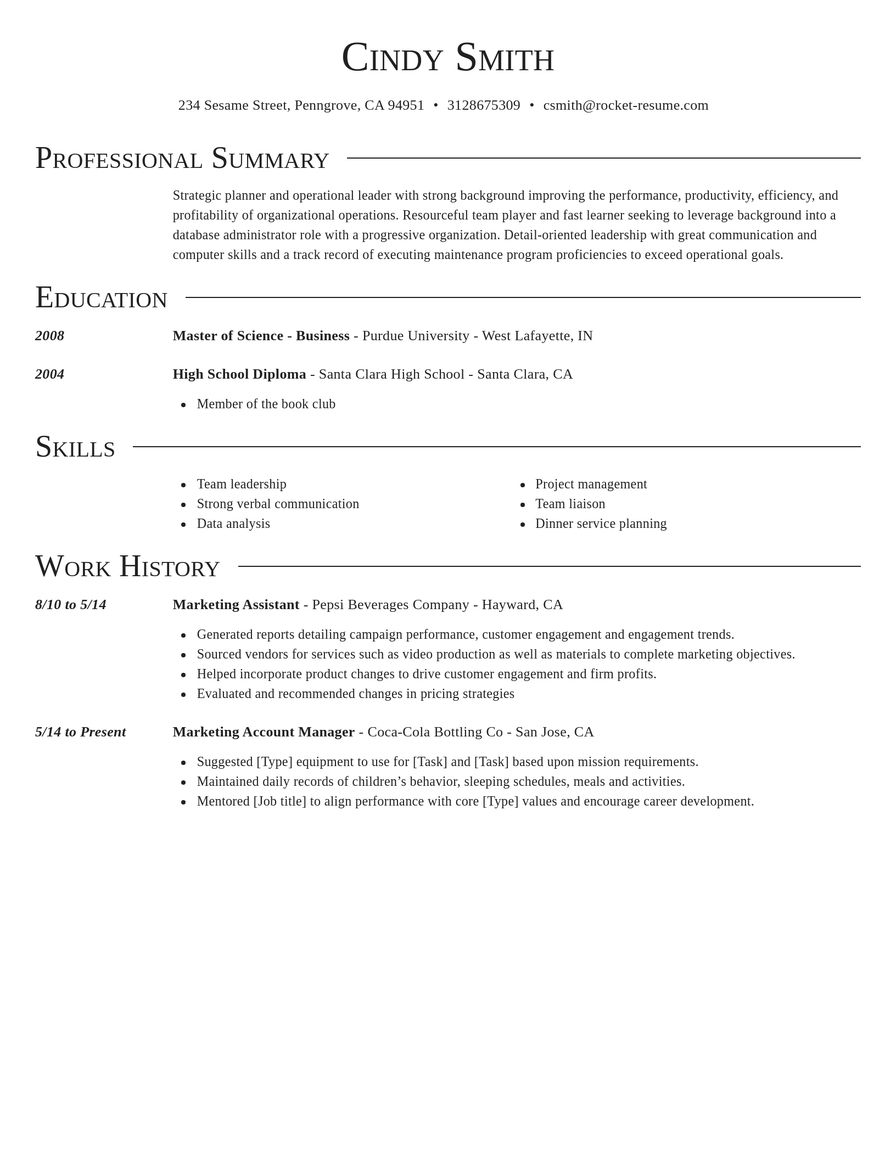
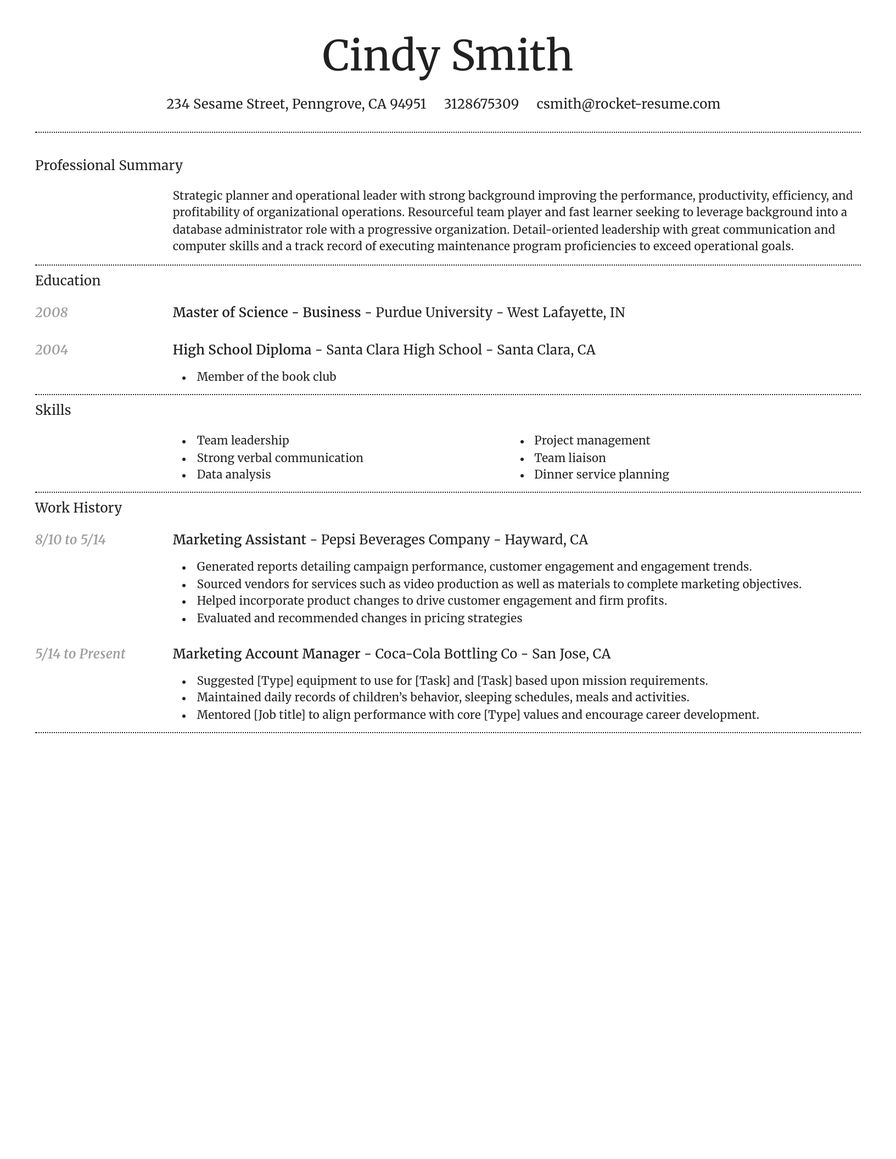
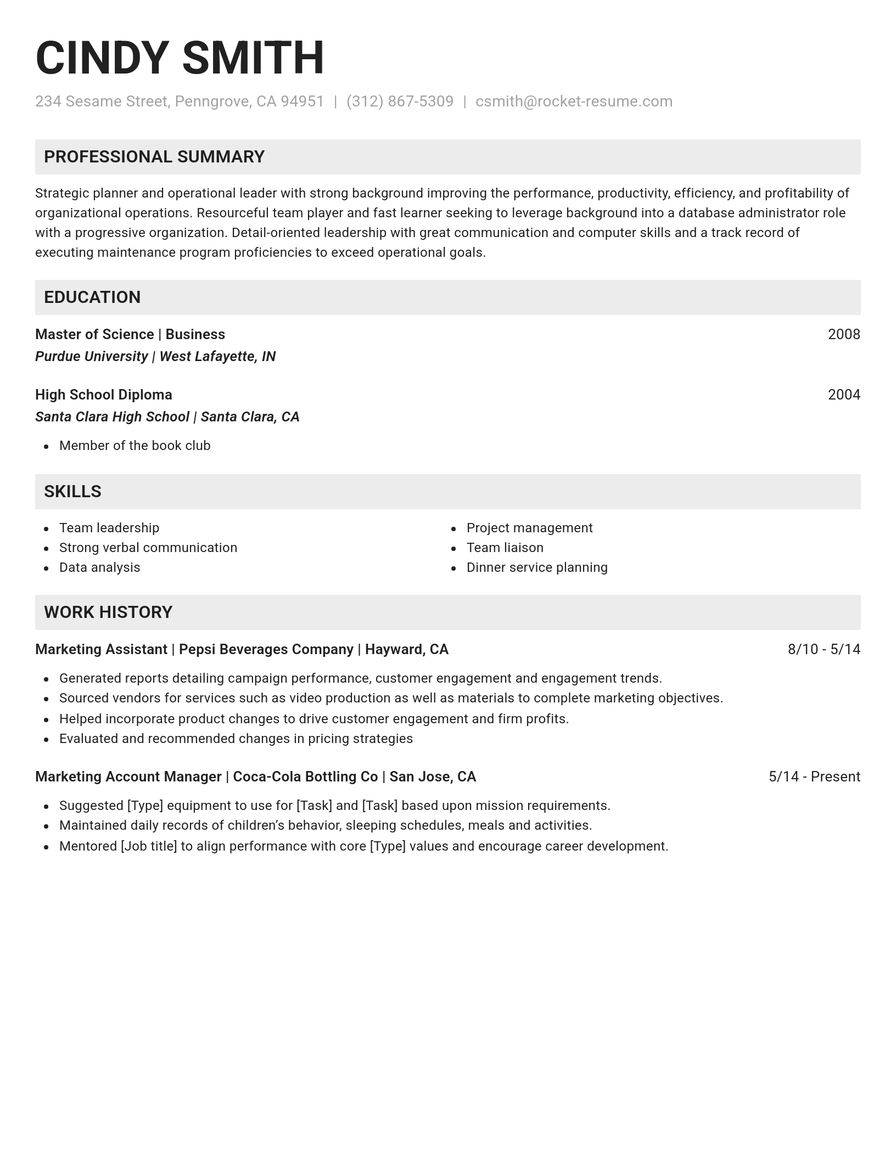
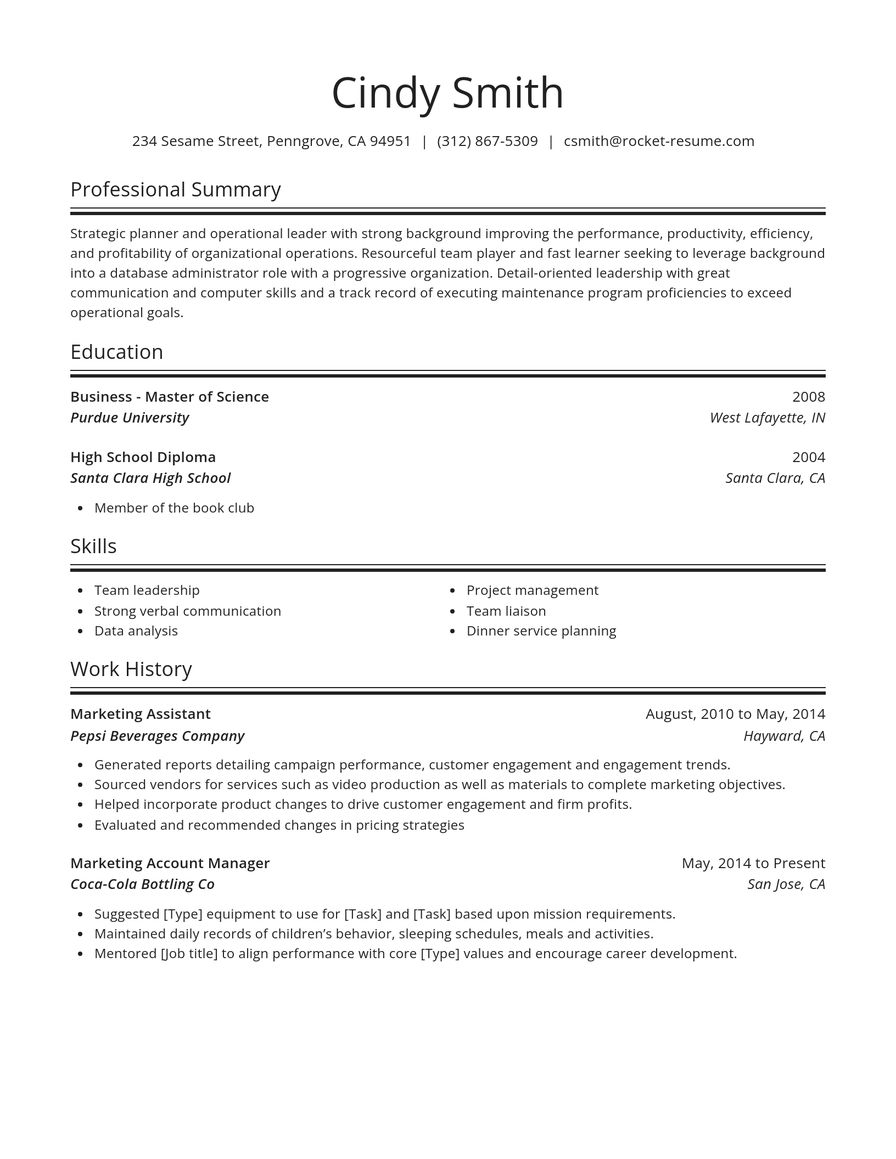
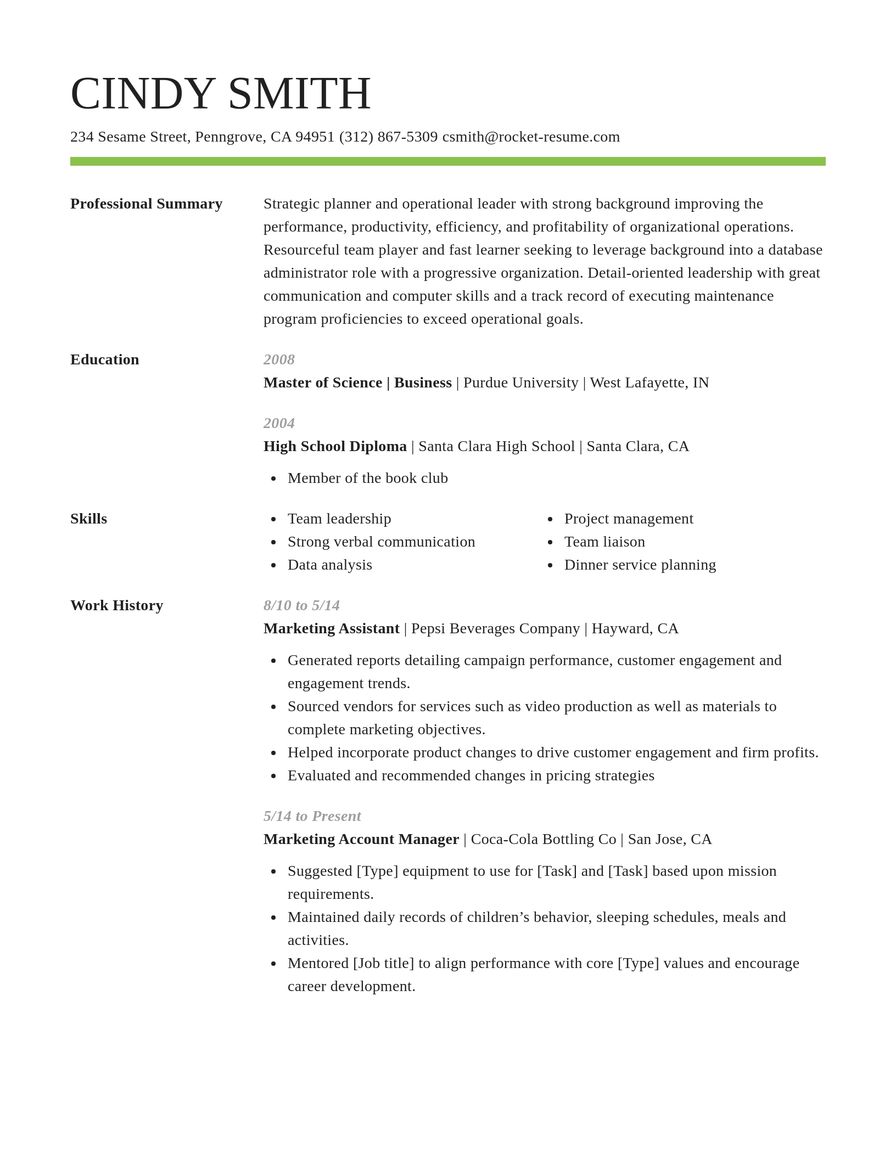
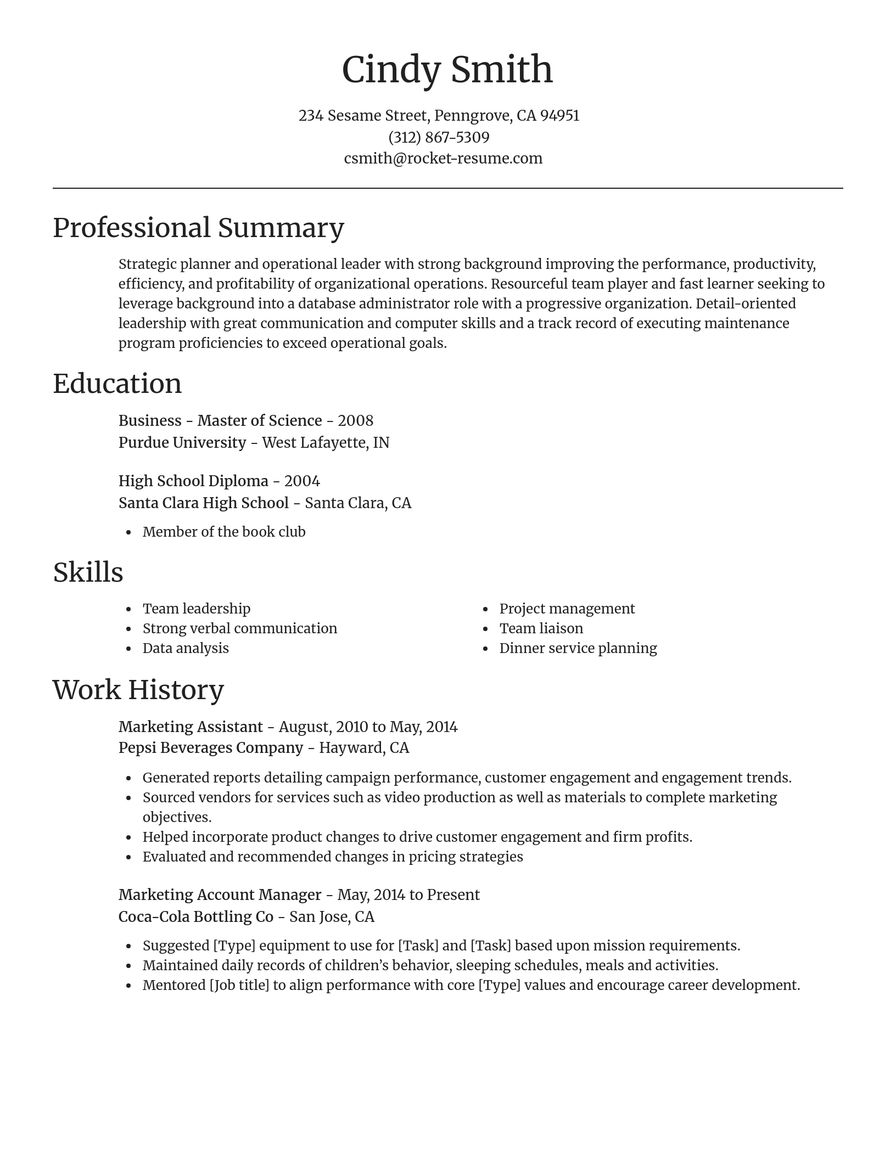
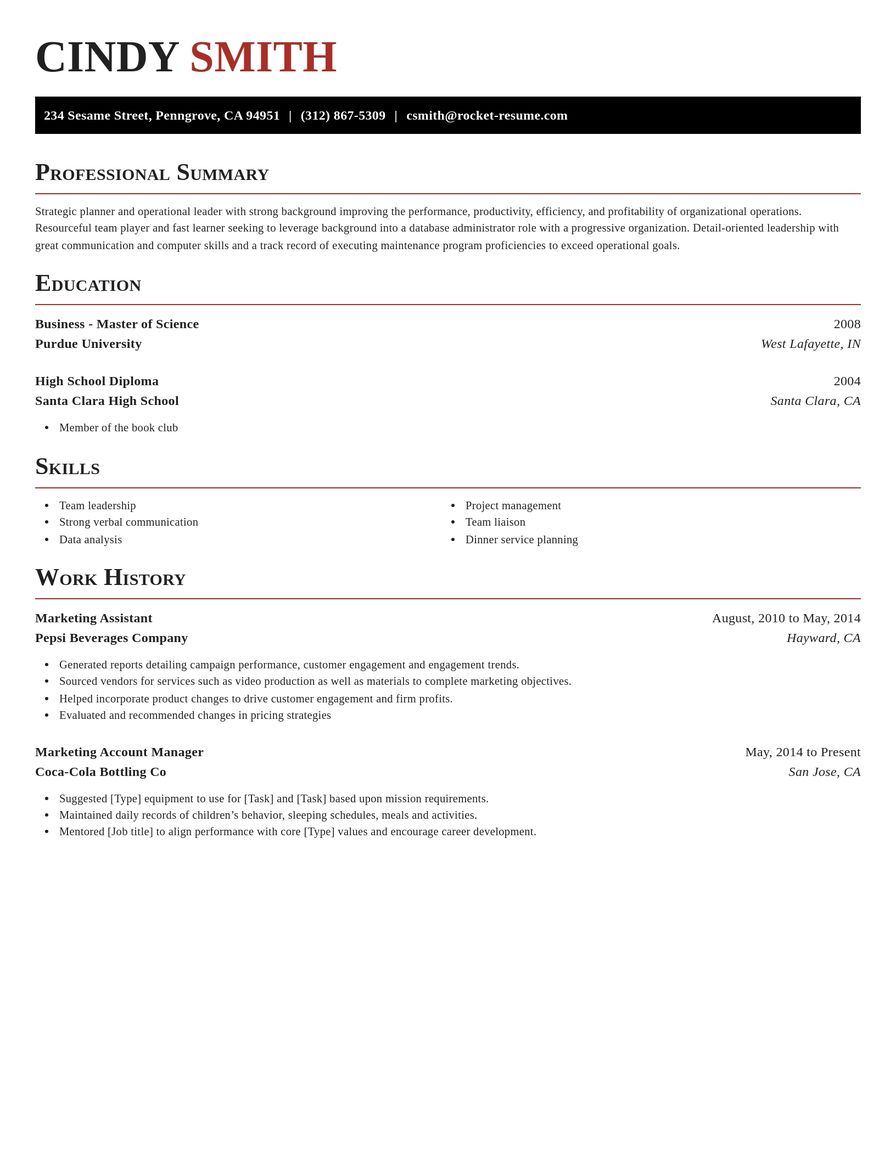
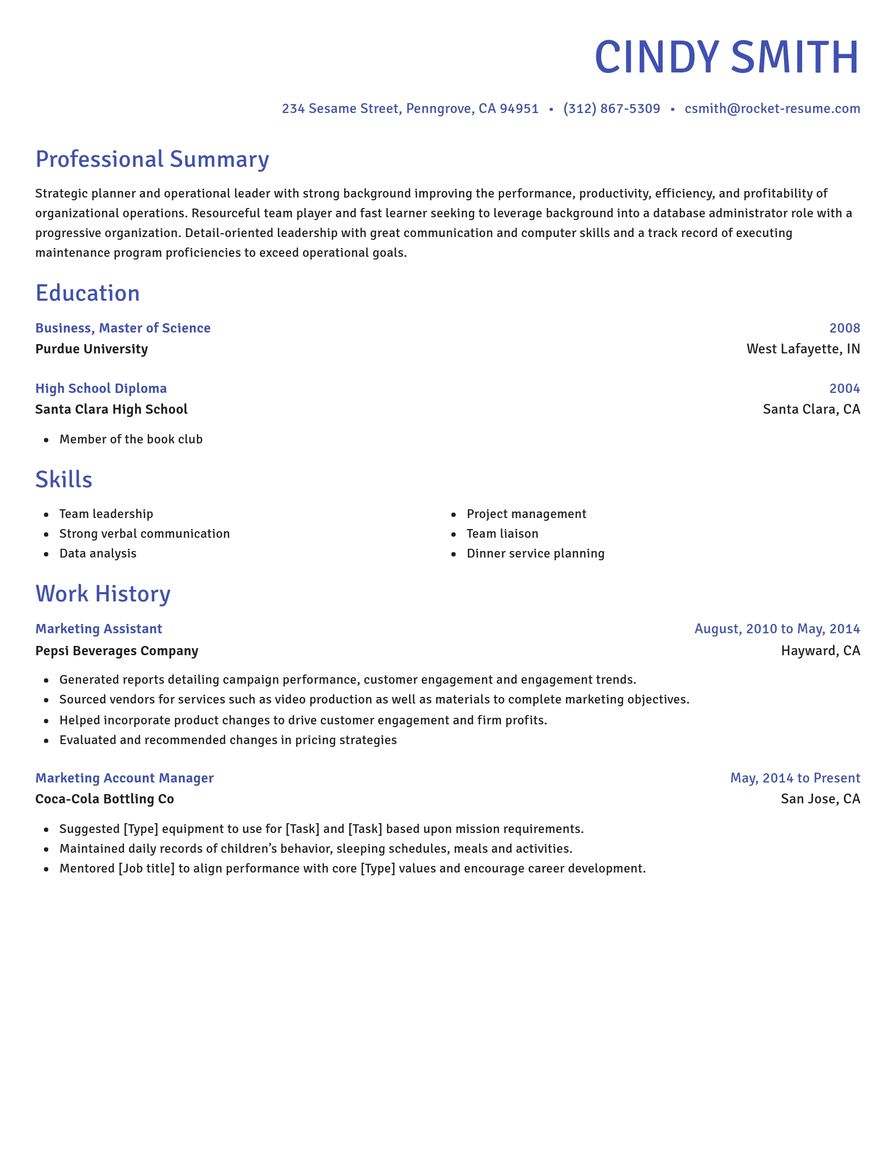
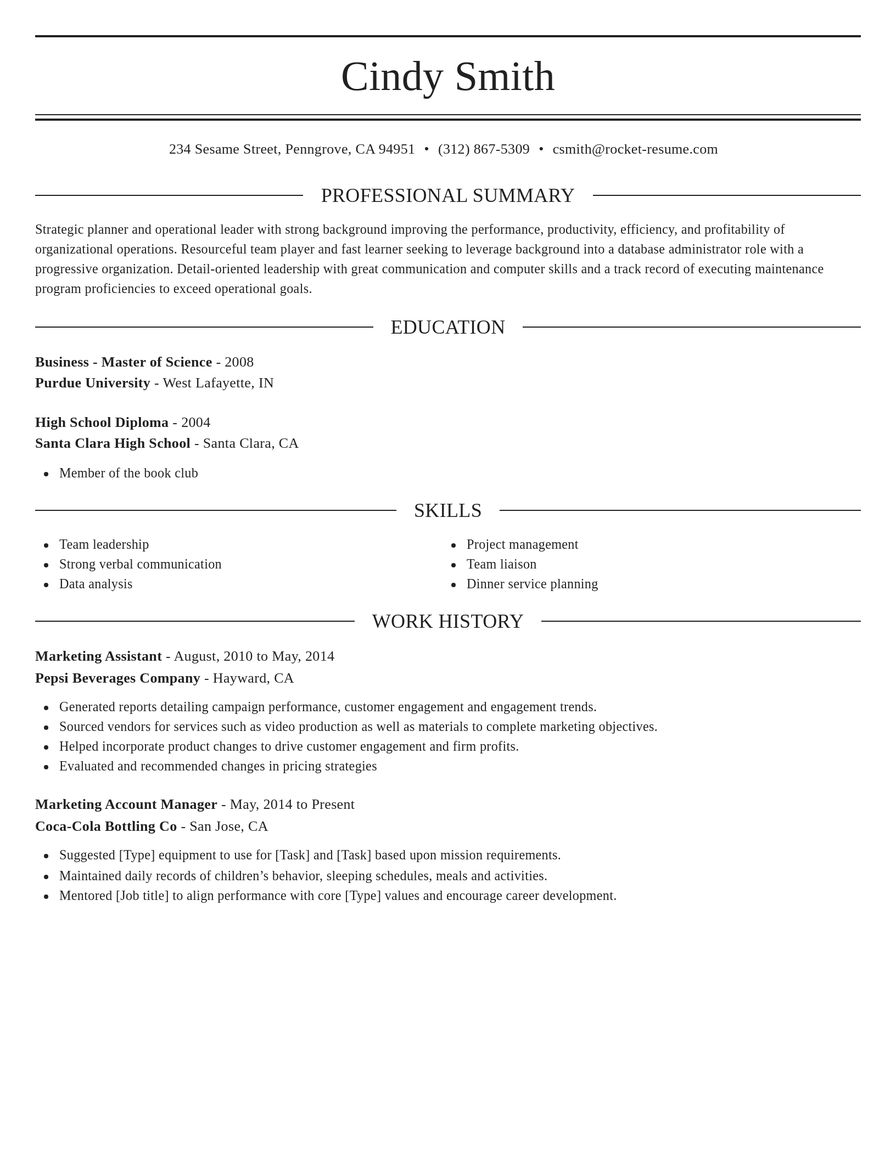
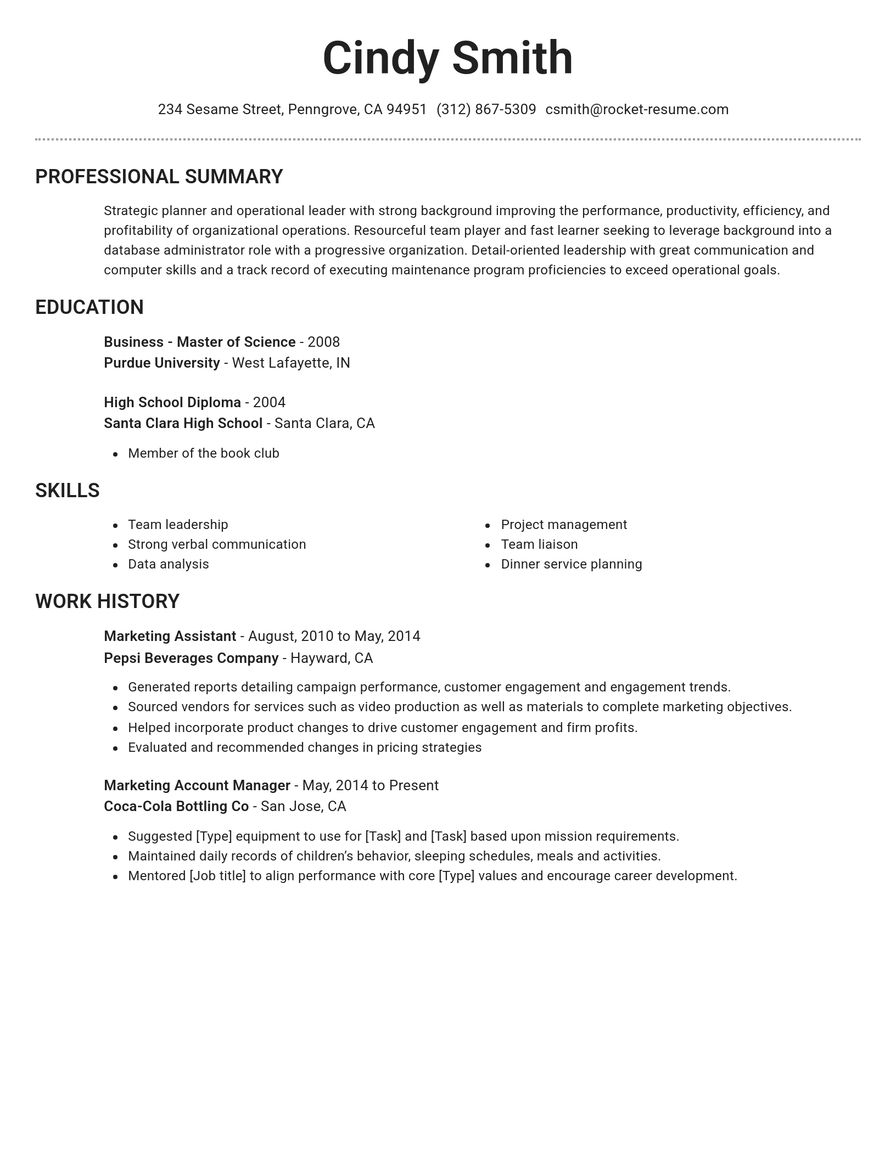
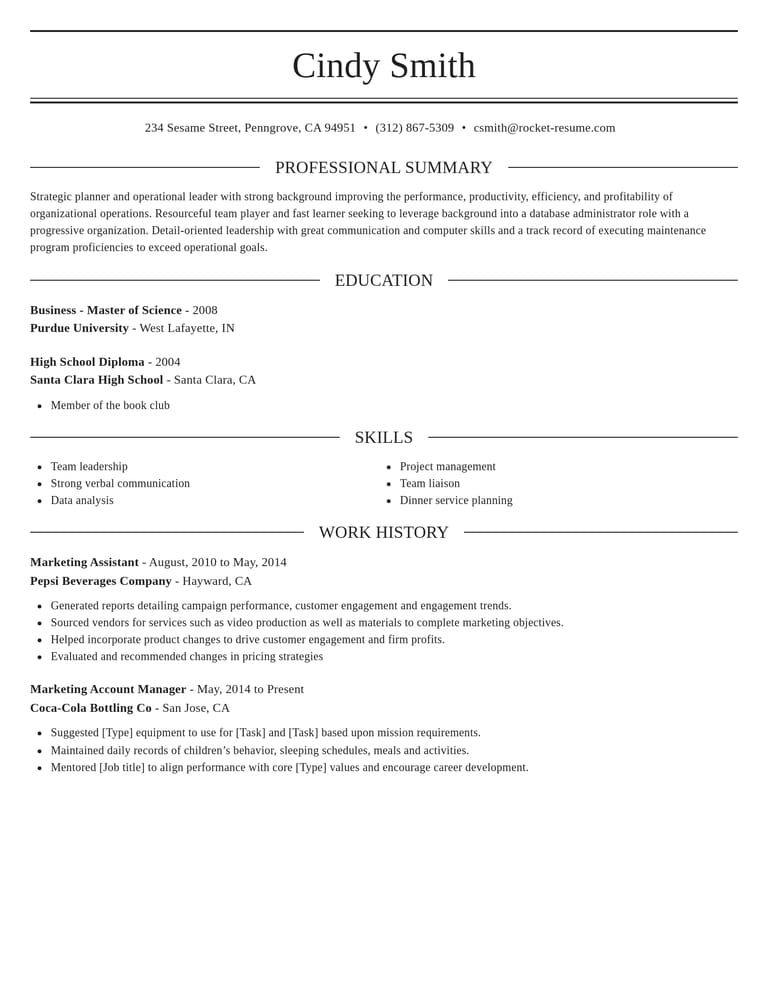
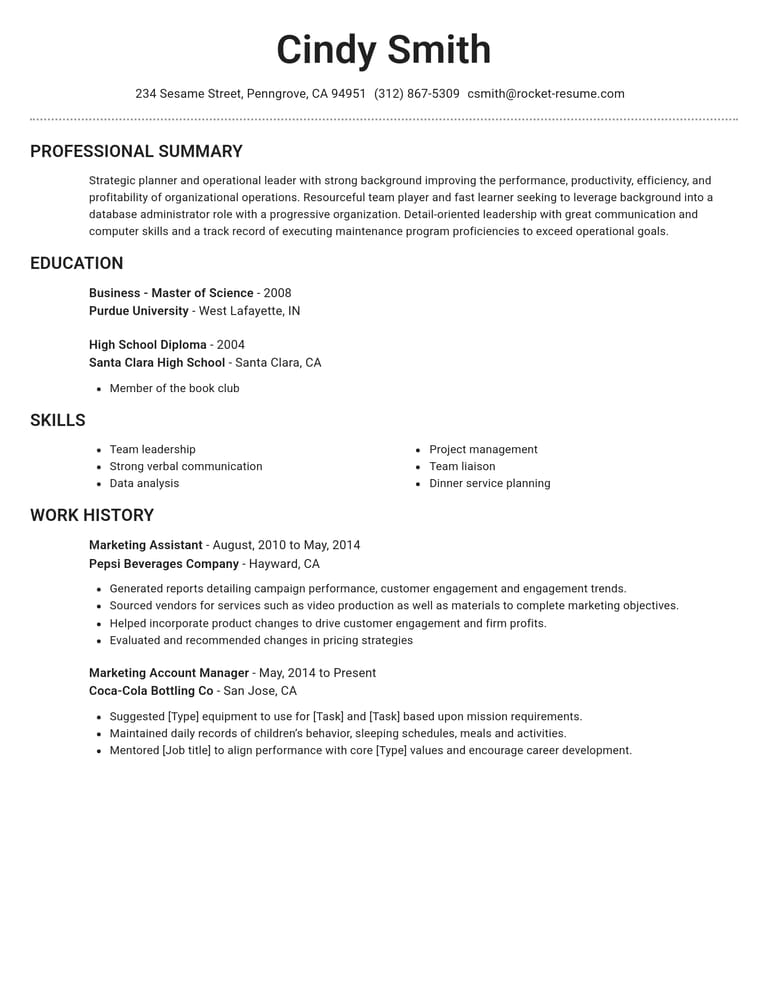
Compare templates with your qualifications
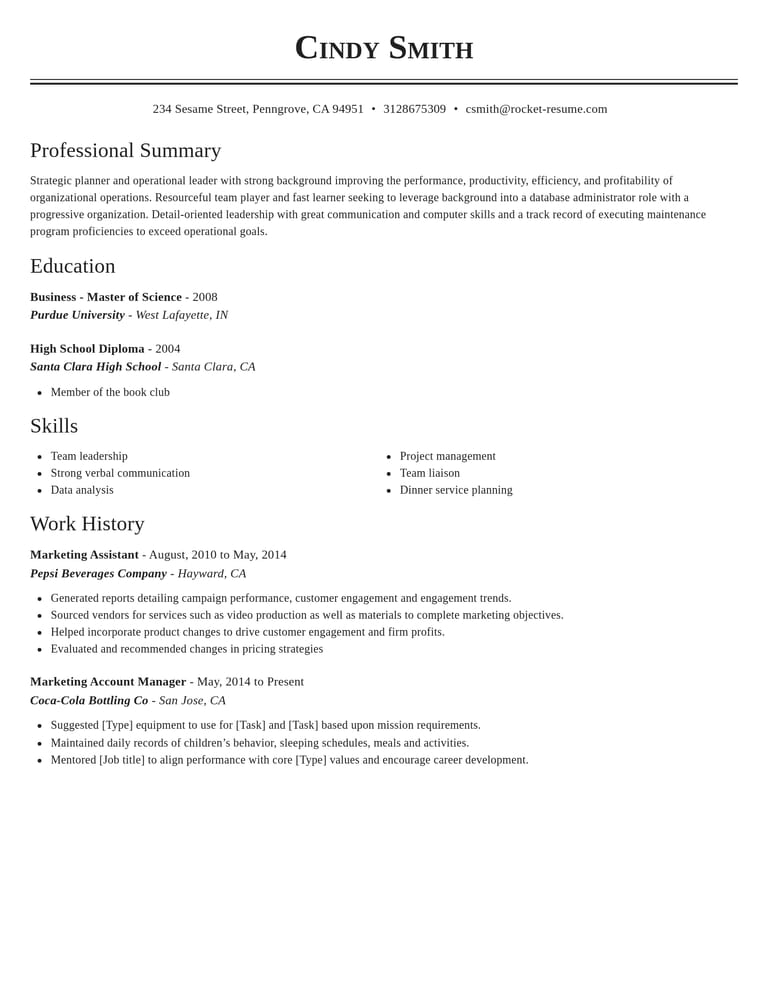
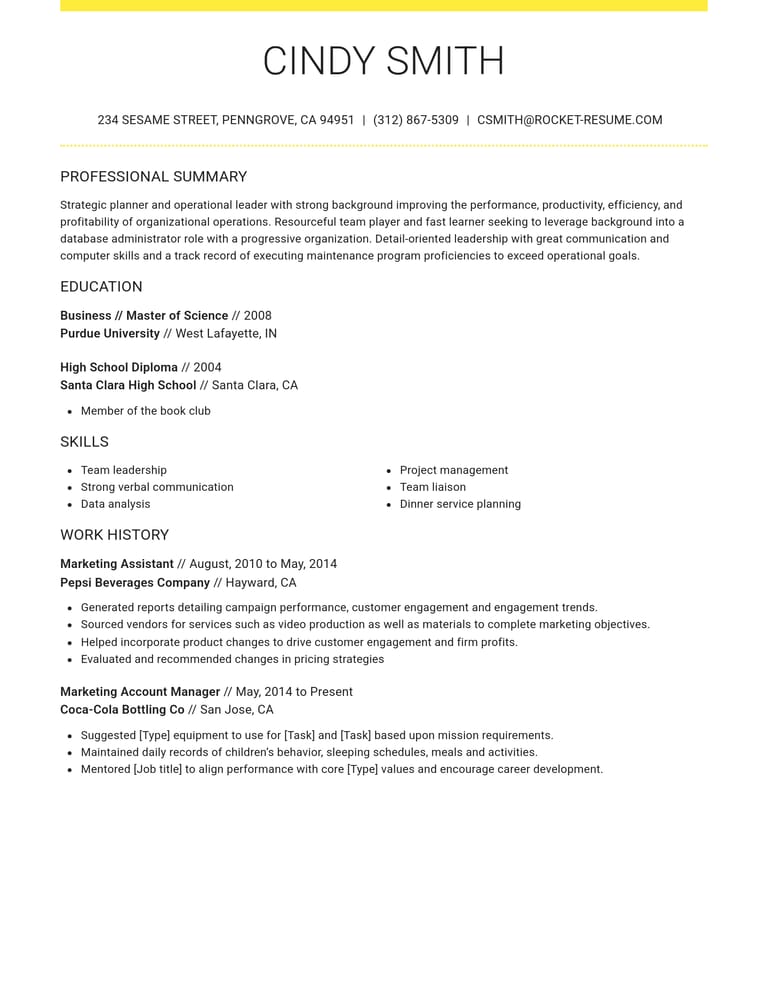
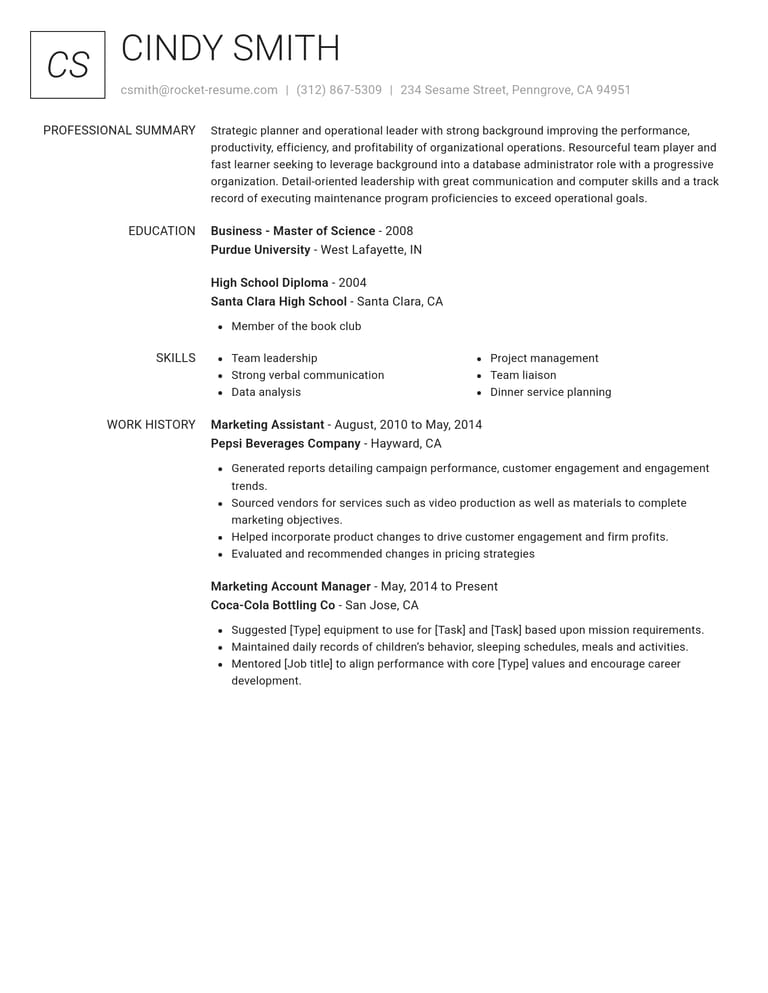
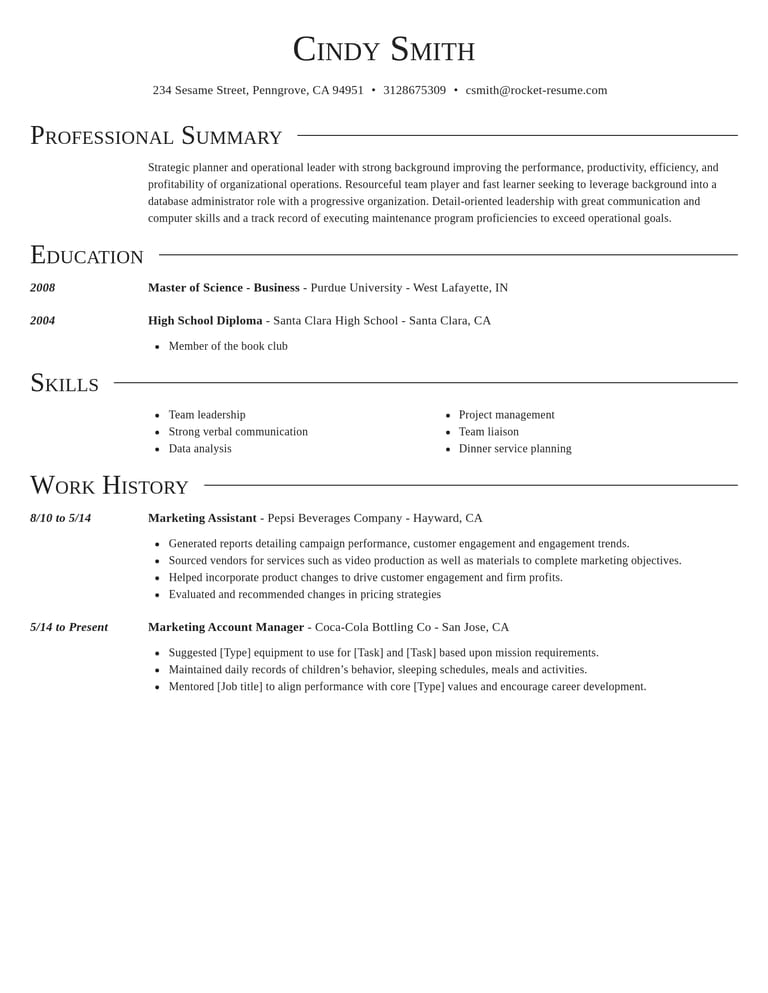
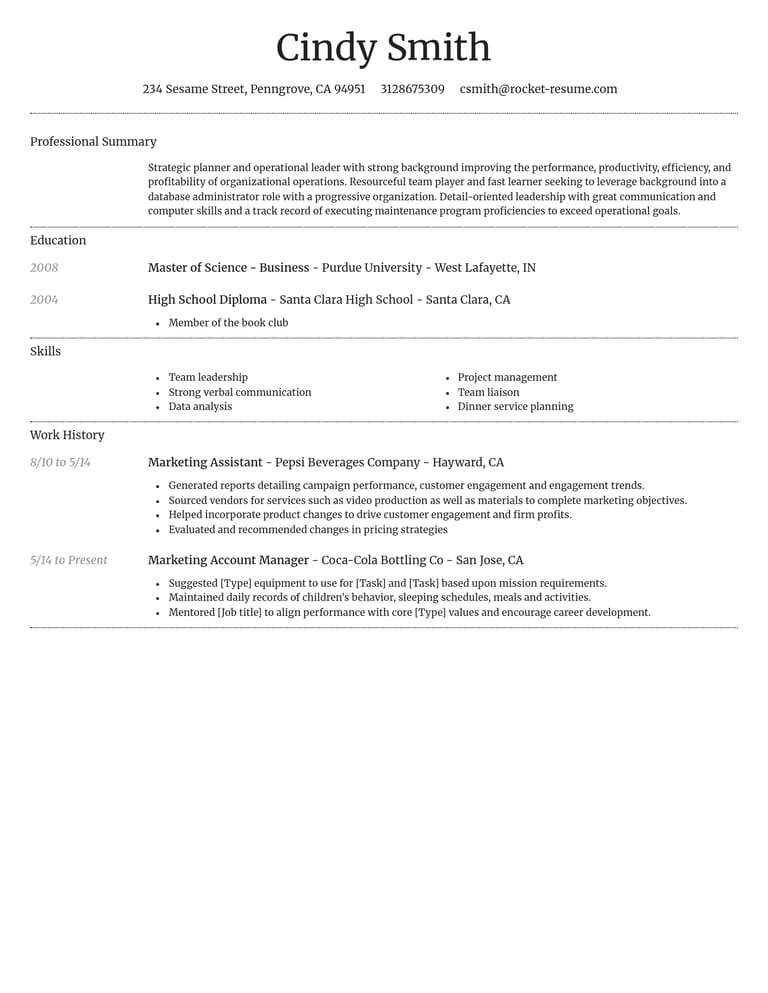
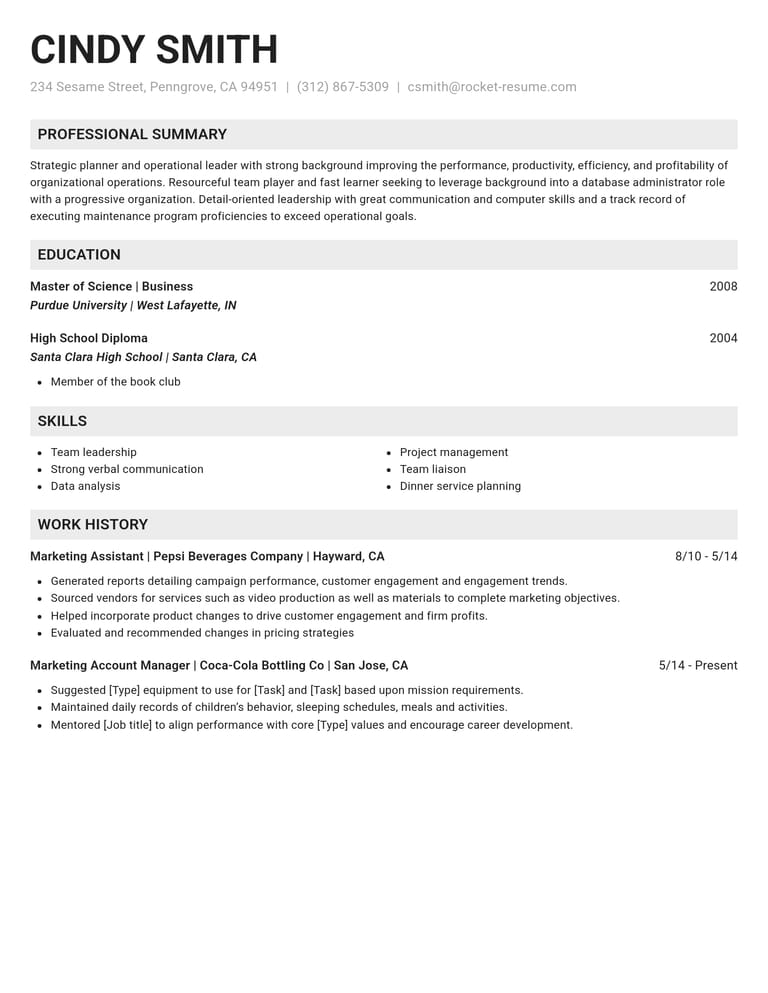
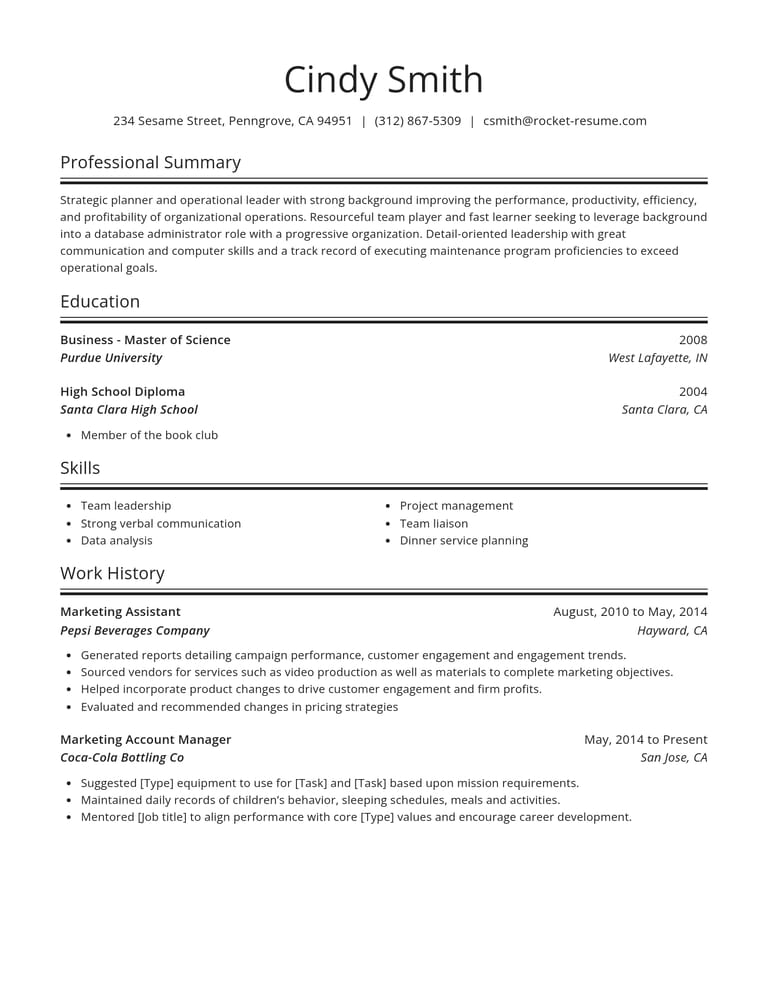
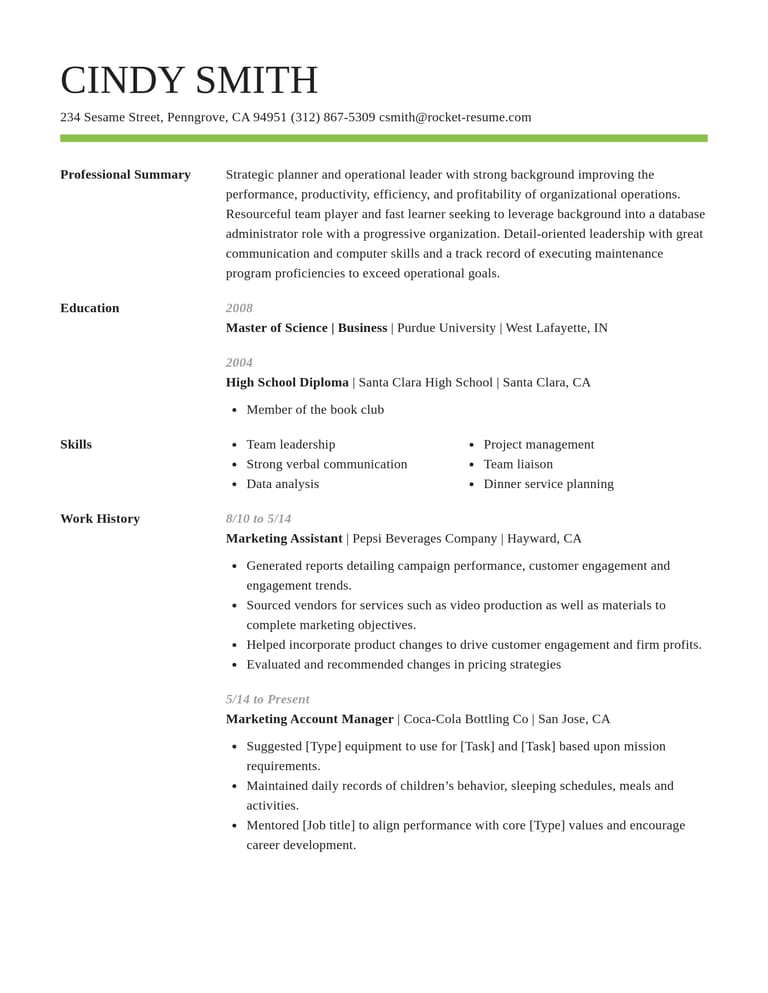
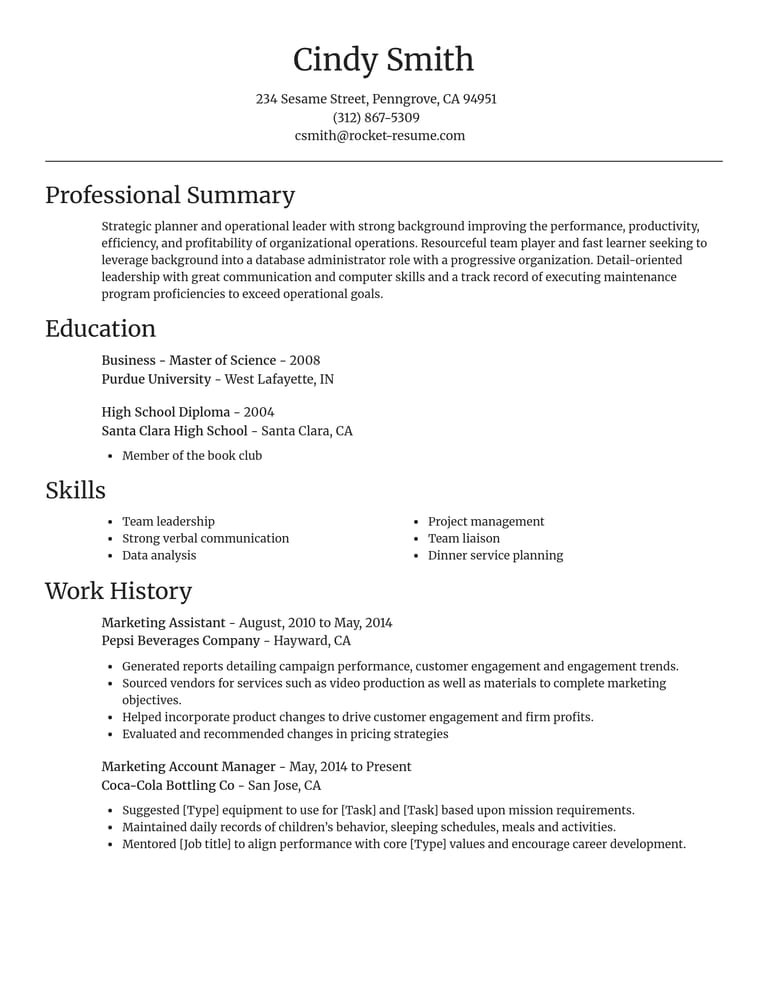
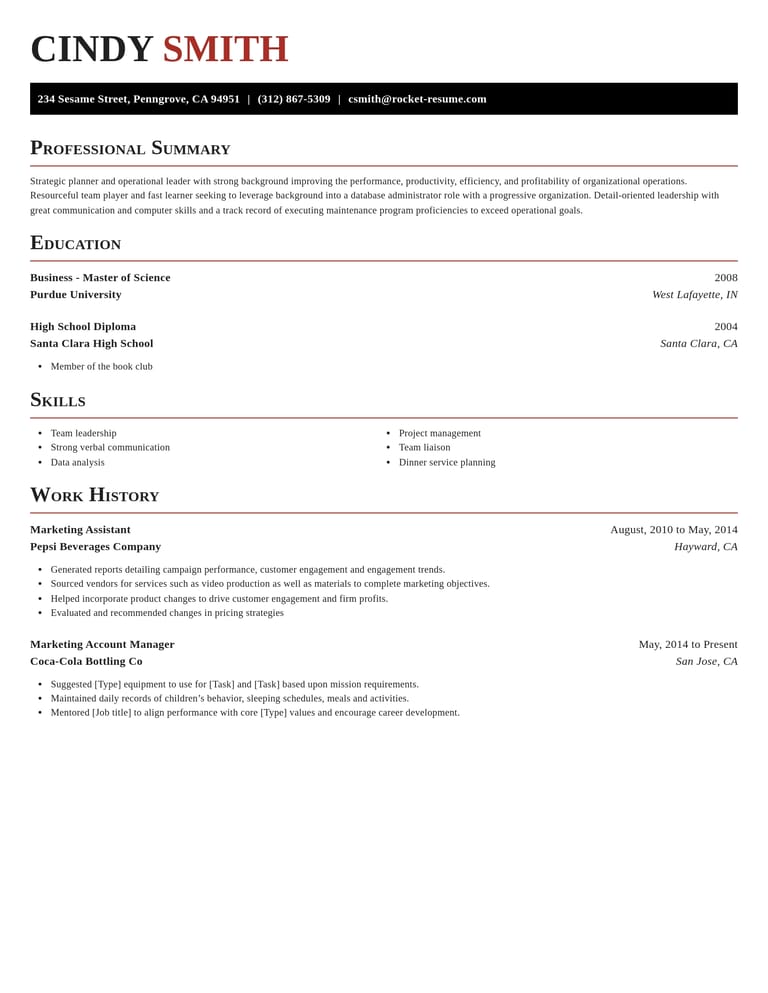
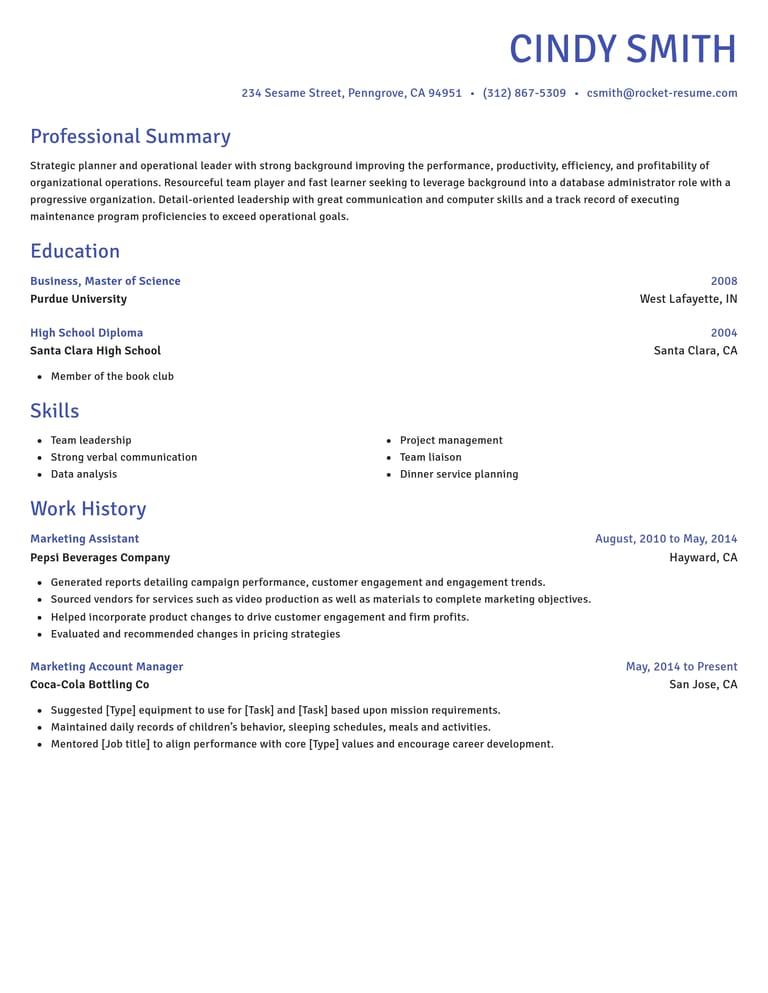
More than a blank CV layout

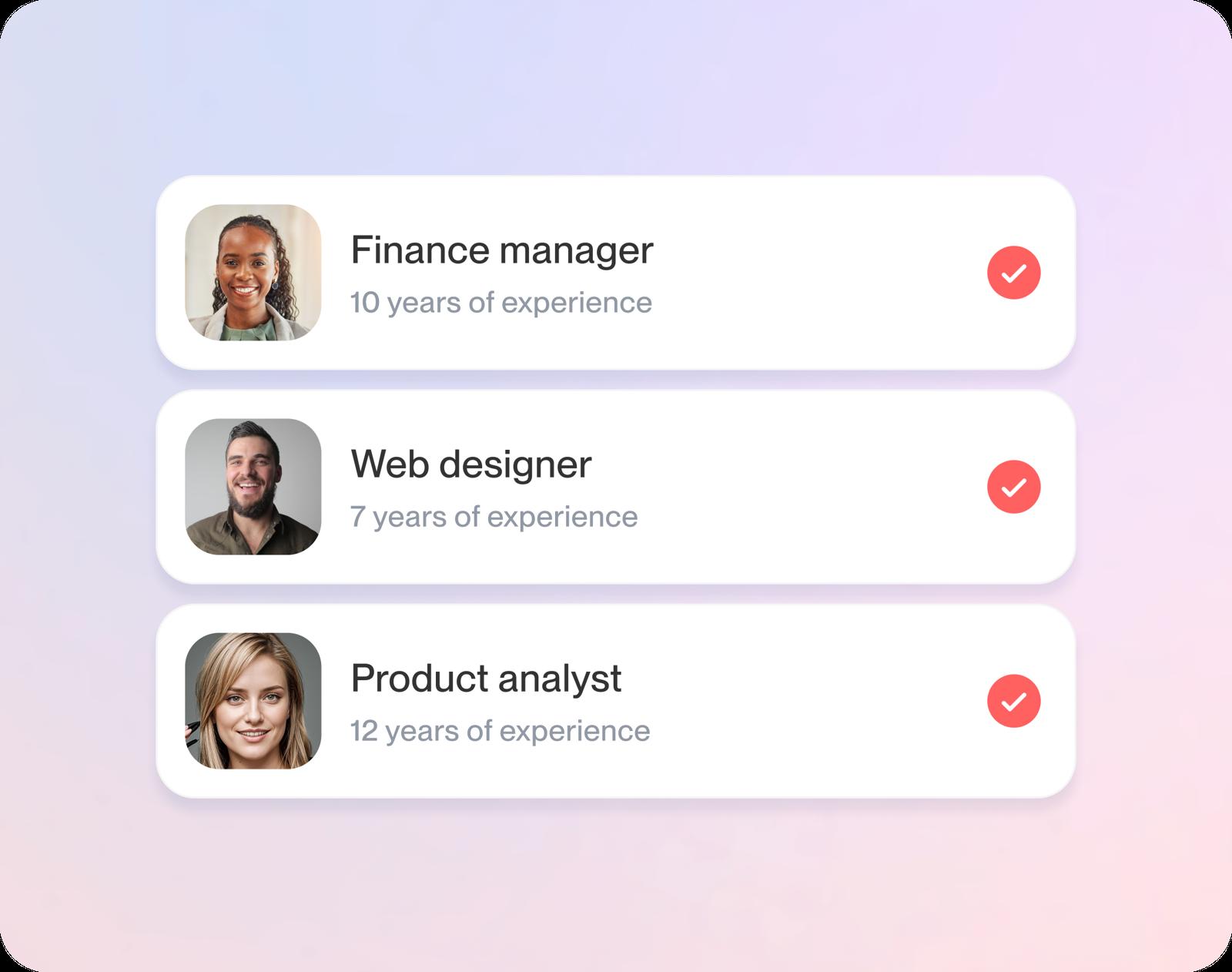
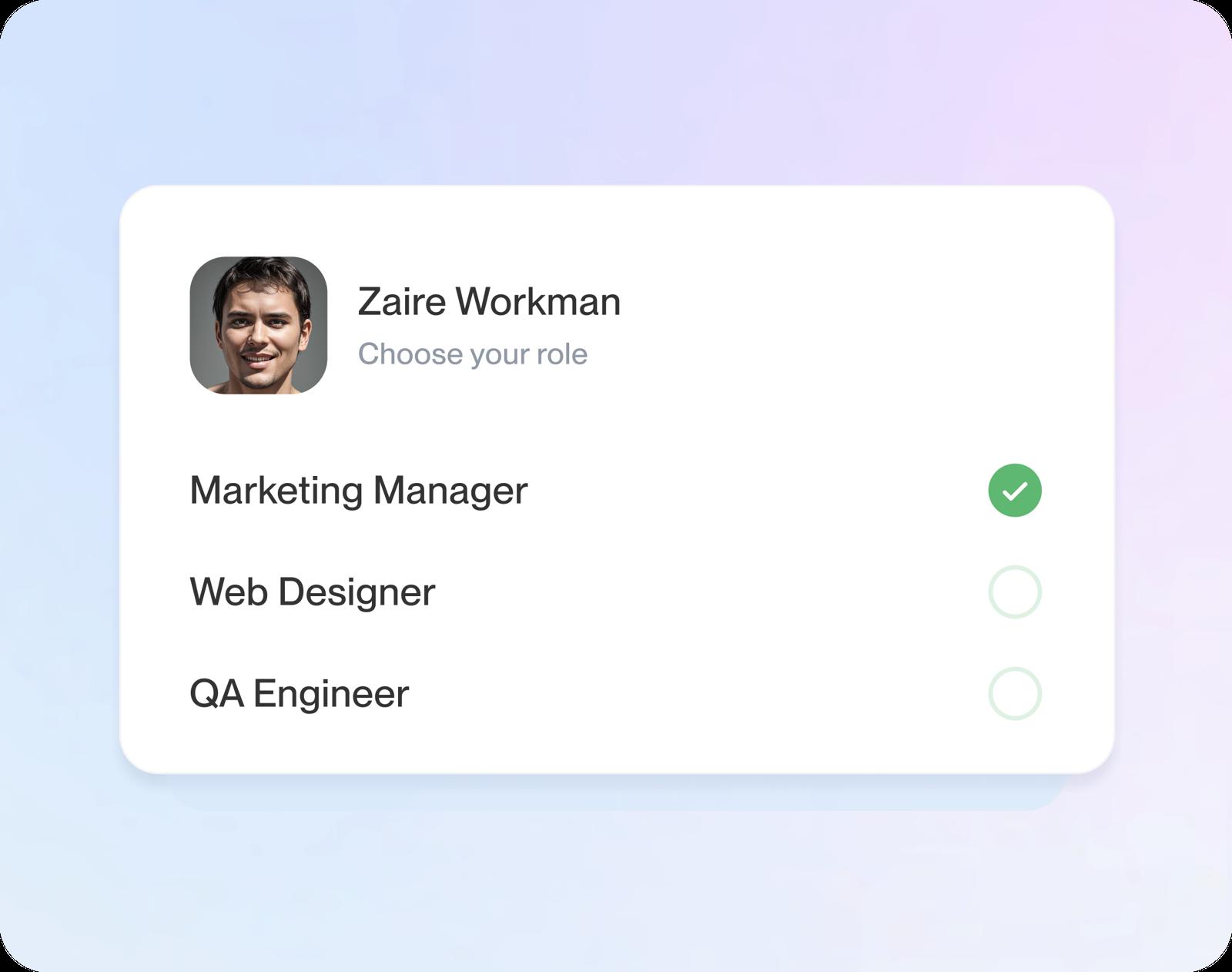
Suggestions written for your role
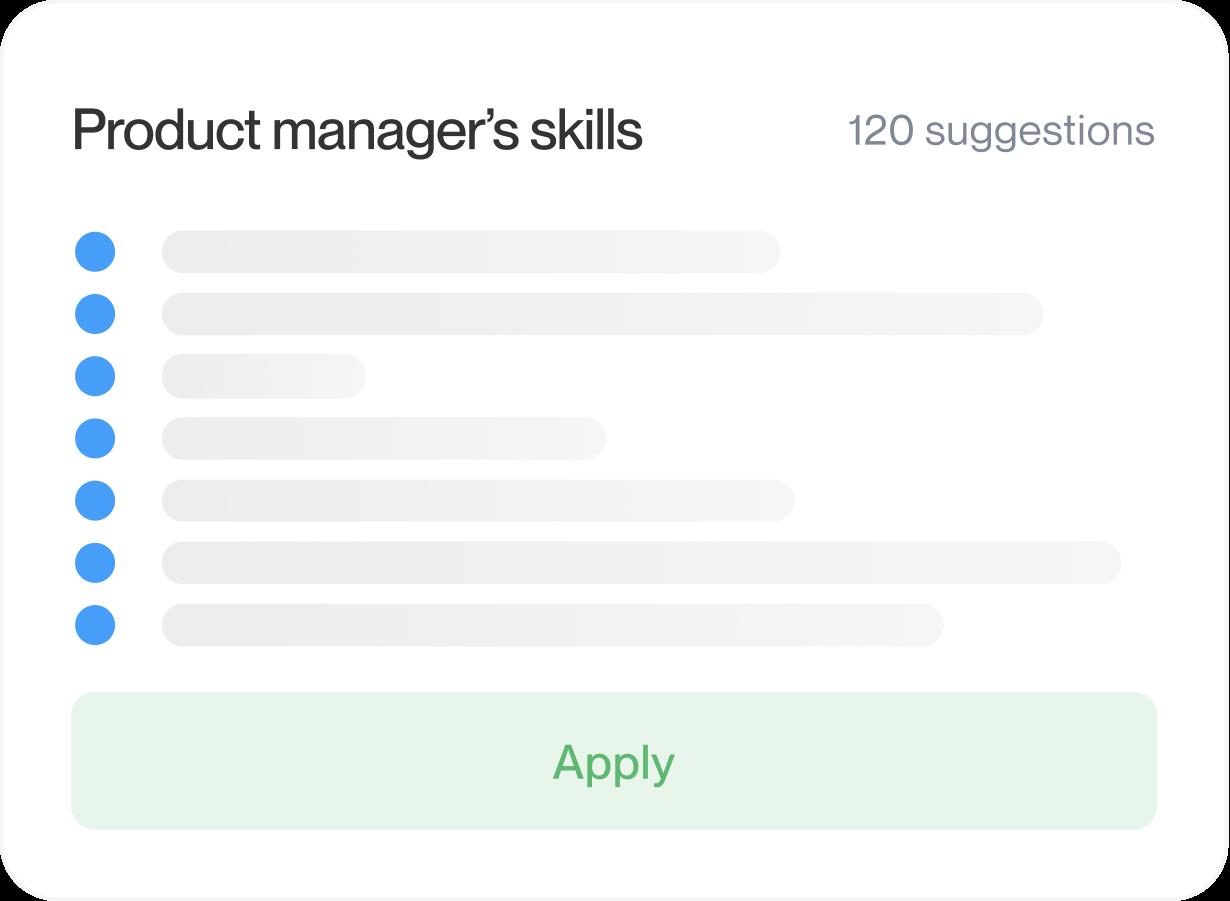
Enter your job title to see suggestions for the role. Use the ones that fit and add the details that make your experience specific.
Easy to edit as you go
Change a line, move a section up or try another design. Your words stay put, and the preview shows each change straight away.
Keep the important details in view
Look for a clear place for job titles, dates and qualifications. Check the layout with your own details before you settle on it.
Fill in one section at a time
The builder guides you through your work history, education and skills so you can focus on one section at a time.
What happens after you pick a design
Step 1
Pick your design
Choose a design with room for your experience. If you’ve already selected a template above, continue with that choice.
Step 2
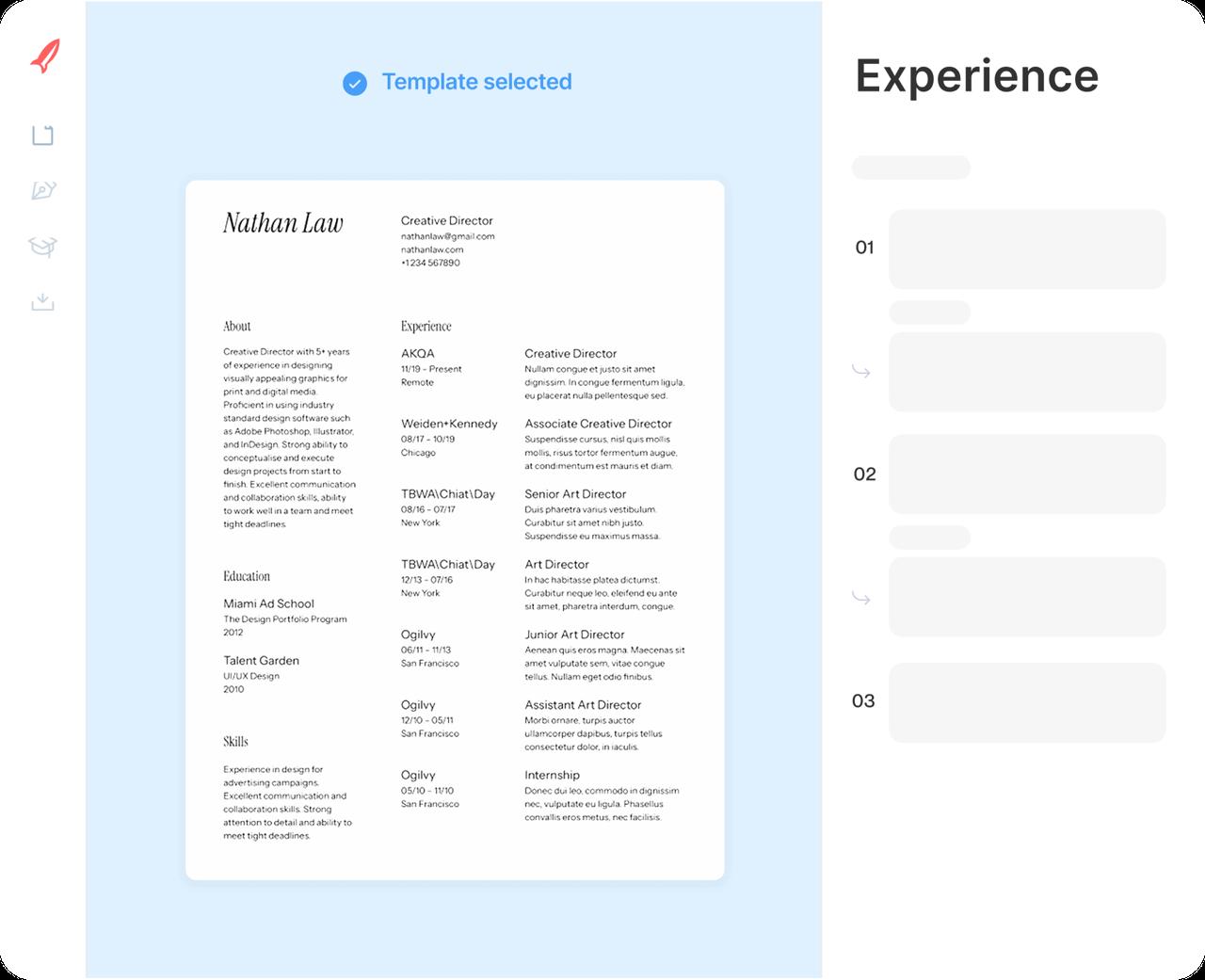
Add your work history
Enter each job, newest first. Examples for each title appear as you go: keep the useful ones and make them your own.
Step 3
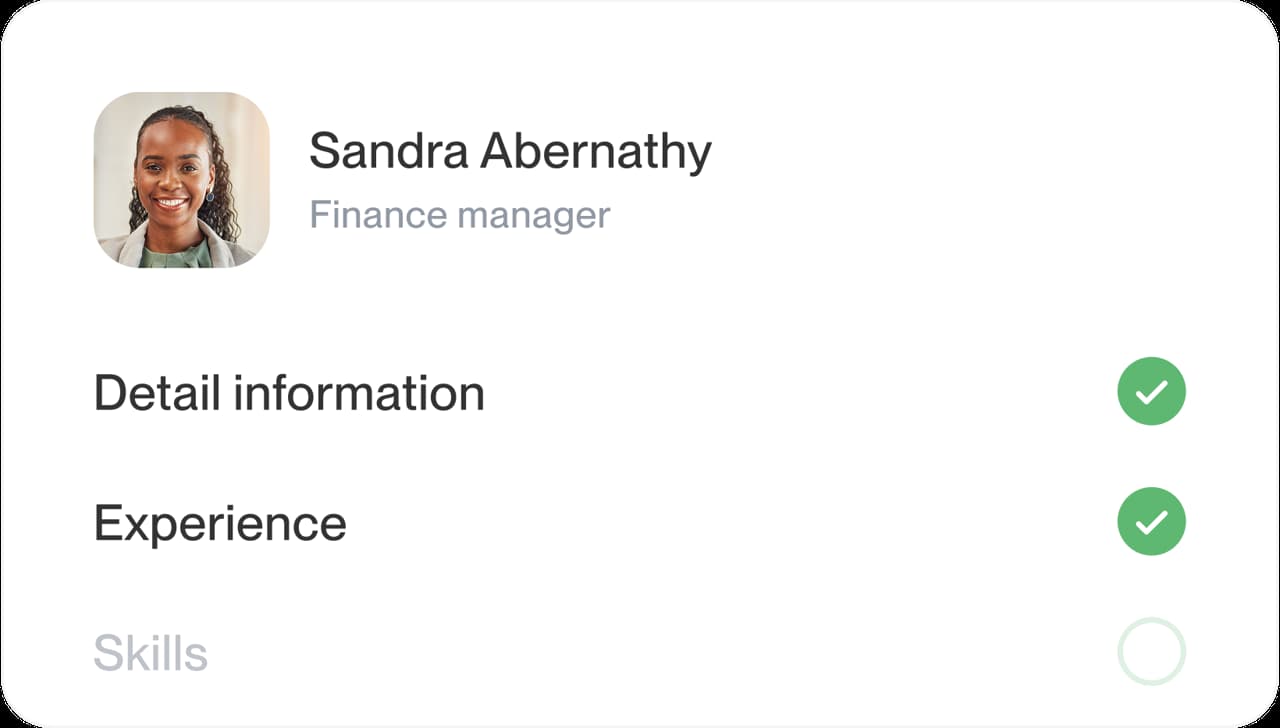
Finish the other sections
Add education and skills, then a short profile. It's easier to sum yourself up once your jobs are on the page.
Step 4
Review and download
Read the preview, put your sections in the order that suits you, then download your finished CV.

Step 1
Pick your design
Choose a design with room for your experience. If you’ve already selected a template above, continue with that choice.
Step 3
Finish the other sections
Add education and skills, then a short profile. It's easier to sum yourself up once your jobs are on the page.
Step 2
Add your work history
Enter each job, newest first. Examples for each title appear as you go: keep the useful ones and make them your own.
Step 4
Review and download
Read the preview, put your sections in the order that suits you, then download your finished CV.

Choose a CV design with a calm, formal tone
A professional CV template should let the substance feel settled and deliberate. Instead of judging an empty design by decoration, consider how it treats the names, qualifications, and responsibilities you need to present.
Decide what formal means for this application
A formal tone can come from a restrained visual hierarchy and straightforward wording. It does not require elaborate titles, ornate headings, or a longer introduction than the experience supports.
For a medical research application, an official credential may need more attention than a decorative accent. For an international administrative role, clearly distinguished organizations and responsibilities may be the more useful test.
Compare the strength of the headings
Look for a clear difference between section headings and the entries beneath them. If every element appears equally prominent, the page can feel busy even when it contains relatively little text.
Imagine looking for education without reading the entire CV. The heading should be easy to locate, while the qualification beneath it should remain readable in its own right.
Give formal names enough breathing room
Professional records sometimes contain lengthy department names or qualifications with several parts. Enter those names accurately before deciding whether the design suits your material, rather than shortening them solely for appearance.
A fictional example might pair a clinical research assistant title with a department of rehabilitation medicine. Check whether the title and department remain visually distinct, so they do not read as one extended credential.
Keep the emphasis consistent across entries
Inspect comparable information in different places. A position title should not seem less important merely because its organization has a longer name than the organization above it.
The same principle applies to dates and education details. Consistent treatment helps the page feel intentional; rewriting an accurate credential to match the length of another entry does not.
Match restrained design with direct language
An understated template cannot resolve inflated wording. Replace ceremonial descriptions of ordinary tasks with an account of what you actually handled, such as maintaining appointment records or preparing study materials.
Keep specialized terminology when it names something precise. Remove it when it only makes a simple responsibility harder to understand, especially if the application includes readers outside your immediate discipline.
Make the final choice with content in place
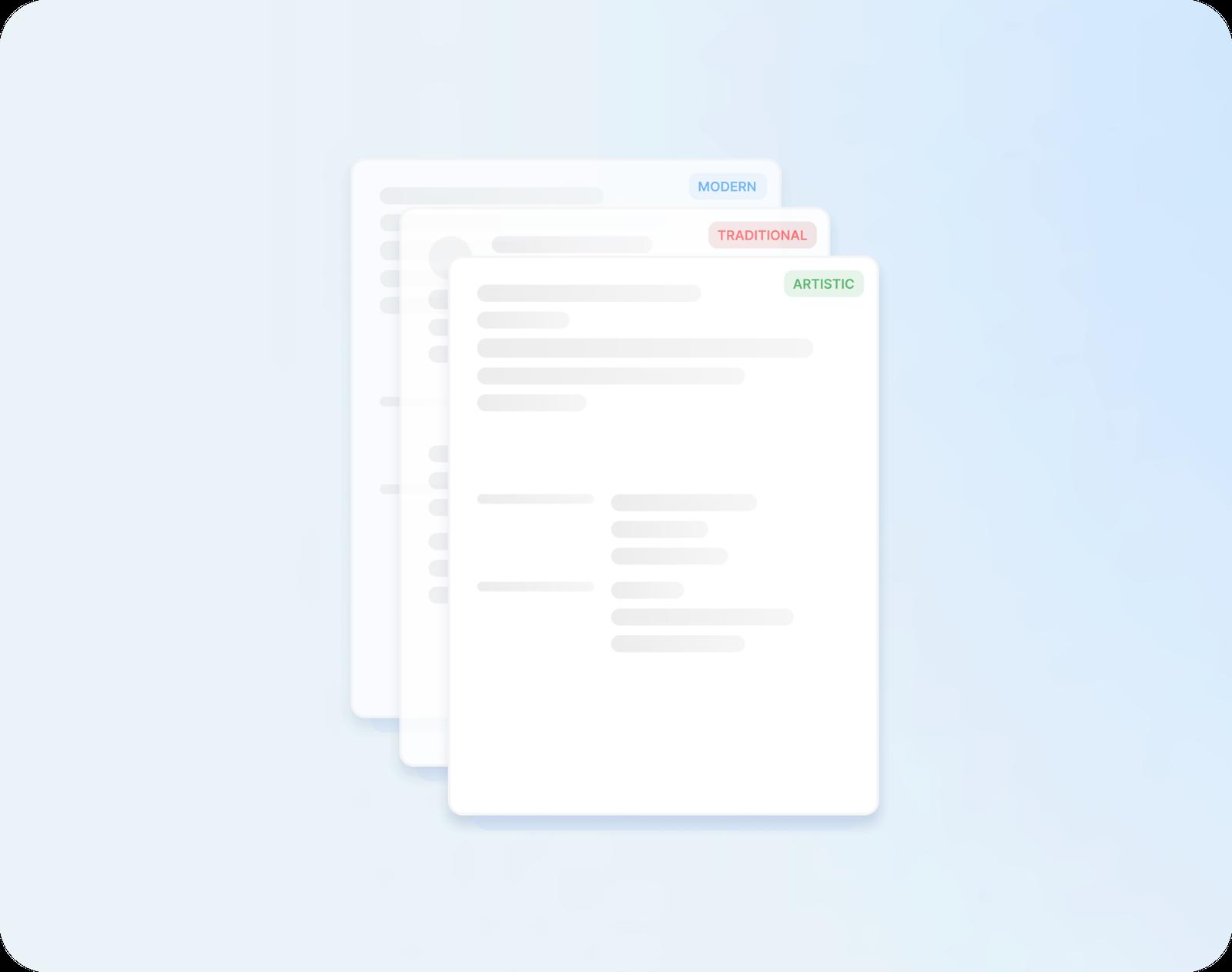
Rocket Resume includes modern, traditional, and creative styles, and changing the design preserves your words. Compare the tone of the page after entering substantive content rather than choosing from appearance alone.
Read the opening section, a dense experience entry, and the closing section together. Choose the treatment that gives them a consistent level of formality, then return your attention to the accuracy and relevance of the CV itself.
Research behind clear CV writing
“If I need one in the future, I'll use it again.”

“It's great, I have a job now”

CV templates: what people ask
Does a professional CV need a traditional design?
A traditional style is one option, but the label alone does not settle the choice. Look at how the design presents credentials, position titles, and section headings. A restrained modern design can also support a formal tone when your actual content remains clear and consistently arranged.
Should I shorten official qualifications to make the template neater?
Keep official qualification names accurate. Use an established abbreviation only when it remains clear in context, and avoid inventing a shorter title for visual convenience. If the full name feels crowded, compare another design or shorten surrounding explanation before changing the credential itself.
How can I tell whether decoration distracts from the CV?
Look away briefly, then return to the preview and try to locate a qualification or recent responsibility. Notice whether decorative elements draw attention away from that information. Judge the design using the details you need to communicate, rather than treating decoration as automatically helpful or unsuitable.
See CV examples from your industry
Industries in the weekly focus





- 23 examples
- 37 examples
- 7 examples
- 106 examples
- 24 examples
- 12 examples






Show all industries (A–Z)Show fewer
- Aerospace & Defense, 8 examples
- Agriculture, 23 examples
- Apparel & Textiles, 13 examples
- Architecture, 15 examples
- Artificial Intelligence, 6 examples
- Arts & Entertainment, 24 examples
- Automotive, 21 examples
- Beauty & Personal Care, 17 examples
- Biotechnology & Life Sciences, 7 examples
- Business Services, 23 examples
- Chemical Engineering, 4 examples
- Childcare, 14 examples
- Construction, 106 examples
- Creative, 15 examples
- Customer Service, 17 examples
- Education, 94 examples
- Energy, 39 examples
- Environmental Science, 5 examples
- Finance, 63 examples
- Food & Beverage, 68 examples
- Government, 48 examples
- Healthcare, 160 examples
- Hospitality, 35 examples
- Human Resources, 18 examples
- Insurance, 10 examples
- Legal, 12 examples
- Logistics, 37 examples
- Manufacturing, 68 examples
- Marketing, 8 examples
- Media, 20 examples
- Military, 24 examples
- Mining & Metals, 9 examples
- Nonprofit, 8 examples
- Pharmaceuticals, 12 examples
- Public Relations, 10 examples
- Real Estate, 7 examples
- Retail, 38 examples
- Robotics, 11 examples
- Sales, 14 examples
- Security Services, 19 examples
- Social Services & Counseling, 21 examples
- Social Work, 14 examples
- Sports & Fitness, 96 examples
- Technology, 67 examples
- Telecommunications, 6 examples
- Tourism & Travel, 9 examples
- Transportation, 38 examples
- Veterinary, 9 examples
Don’t see your job?

Hear from customers before you pick
from 3,900+ reviews