Refine your resume outline for
Start with an outline you can fill honestly, then improve it as you write. Check for missing dates, repeated points and sections that add little to the application. Guided templates give you a structure; your experience determines what earns space.
- Headings in place for you
- Suggestions you can refine
- Preview the full draft
- Come back to keep improving it

Danny
Apr 2023
“I'll recommend it to friends and family.”

Sameer T.
Aug 2022
“I would definitely tell others about it”

Anamaria P.
Jul 2026
“Very happy with the service, it helped a lot.”

Aaliyah
Apr 2026
“I was able to land an interview!”
from 3,900+ reviews
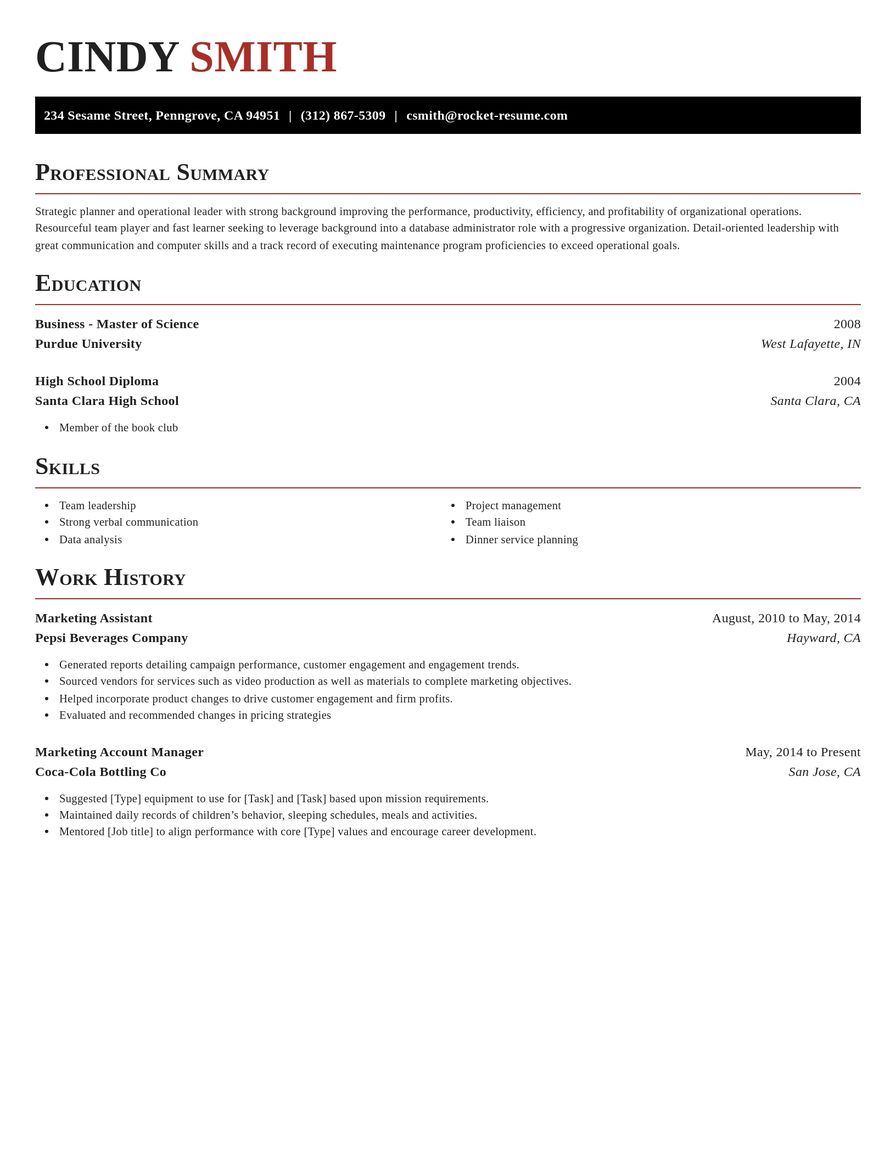
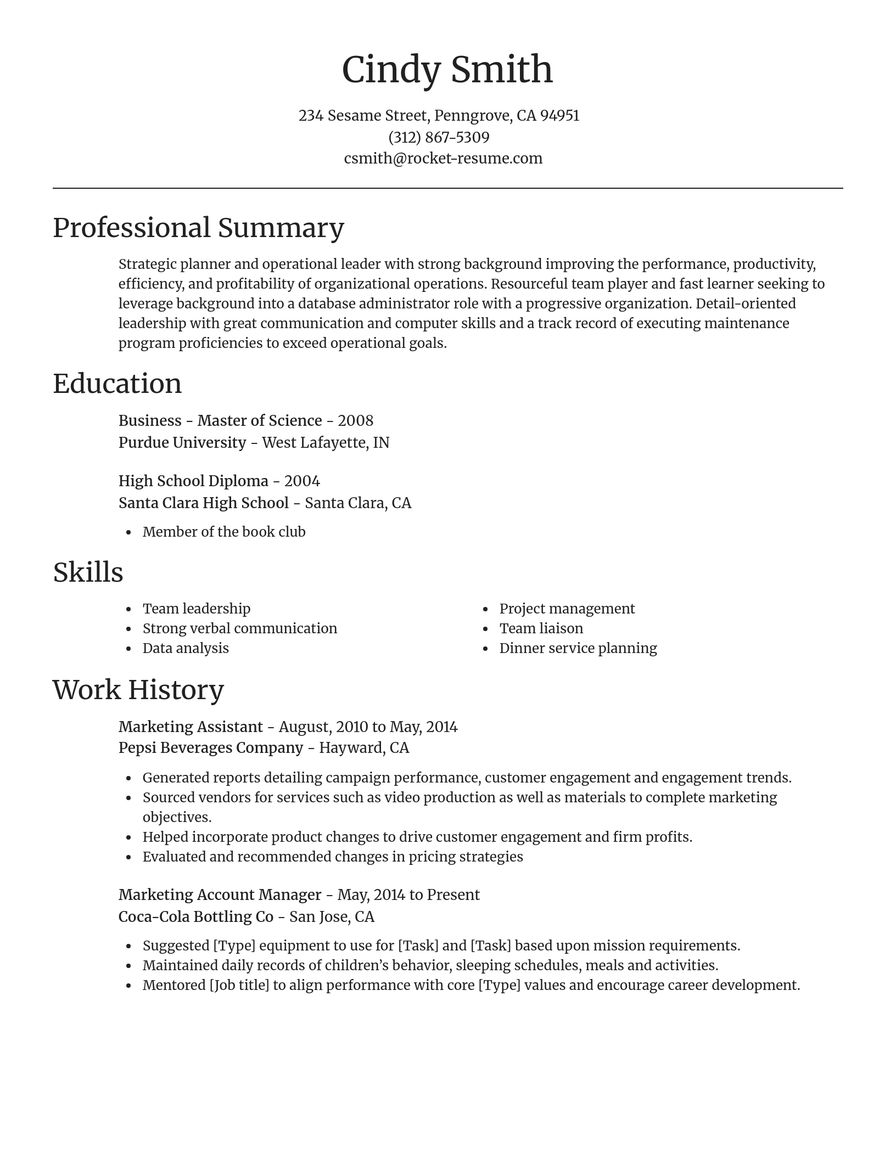
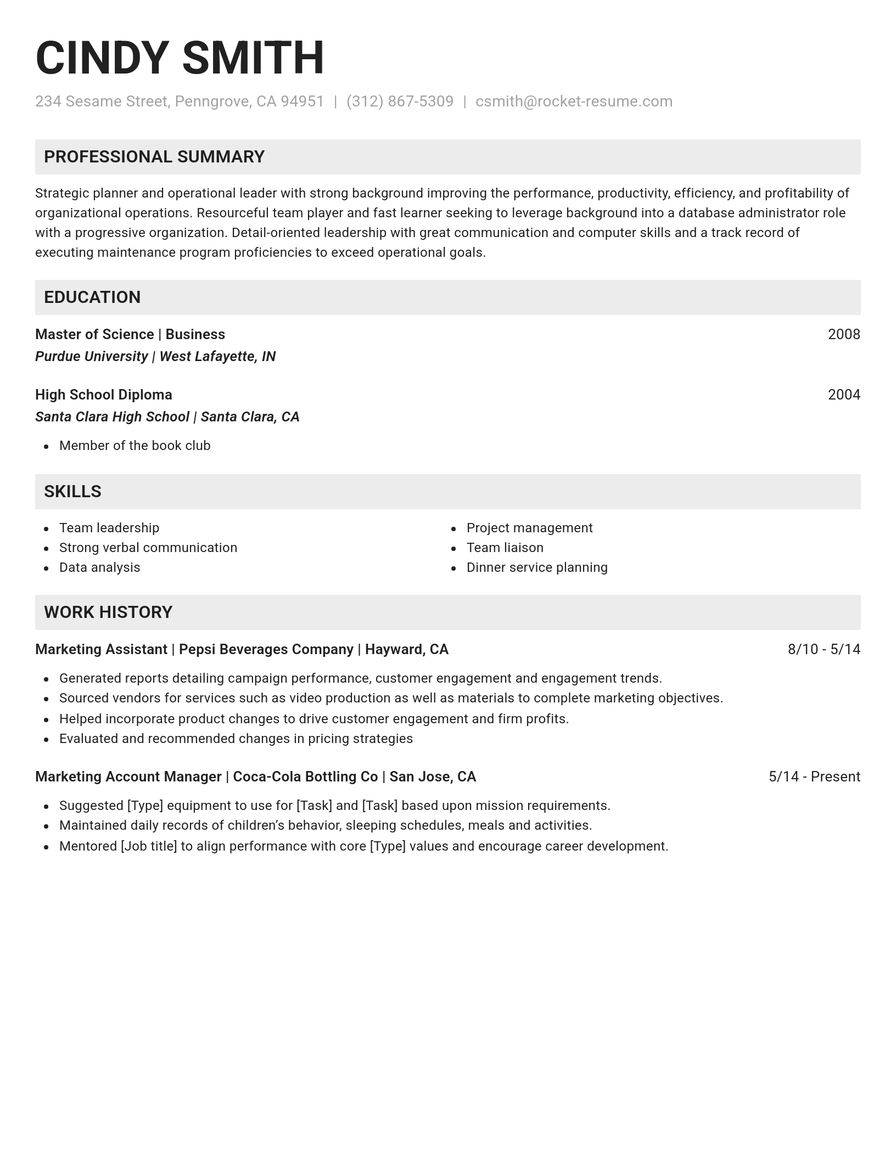
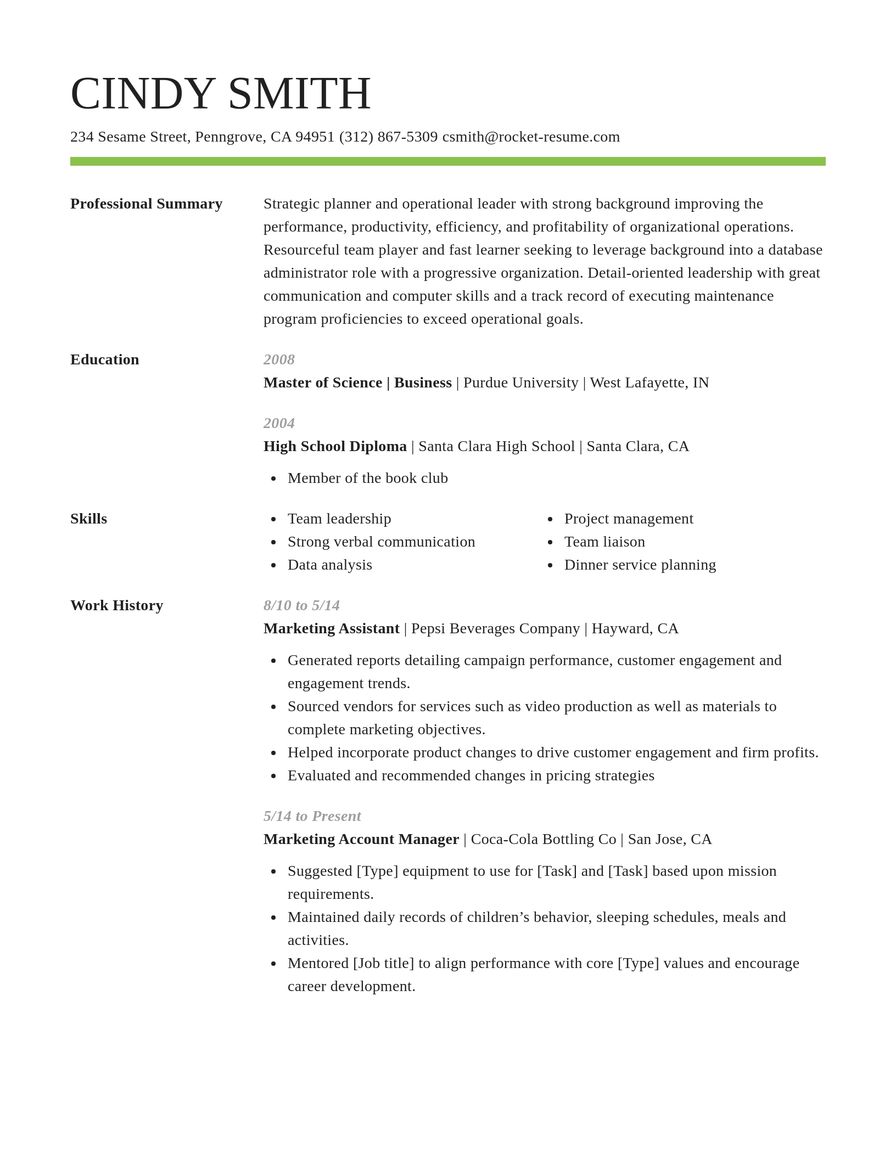
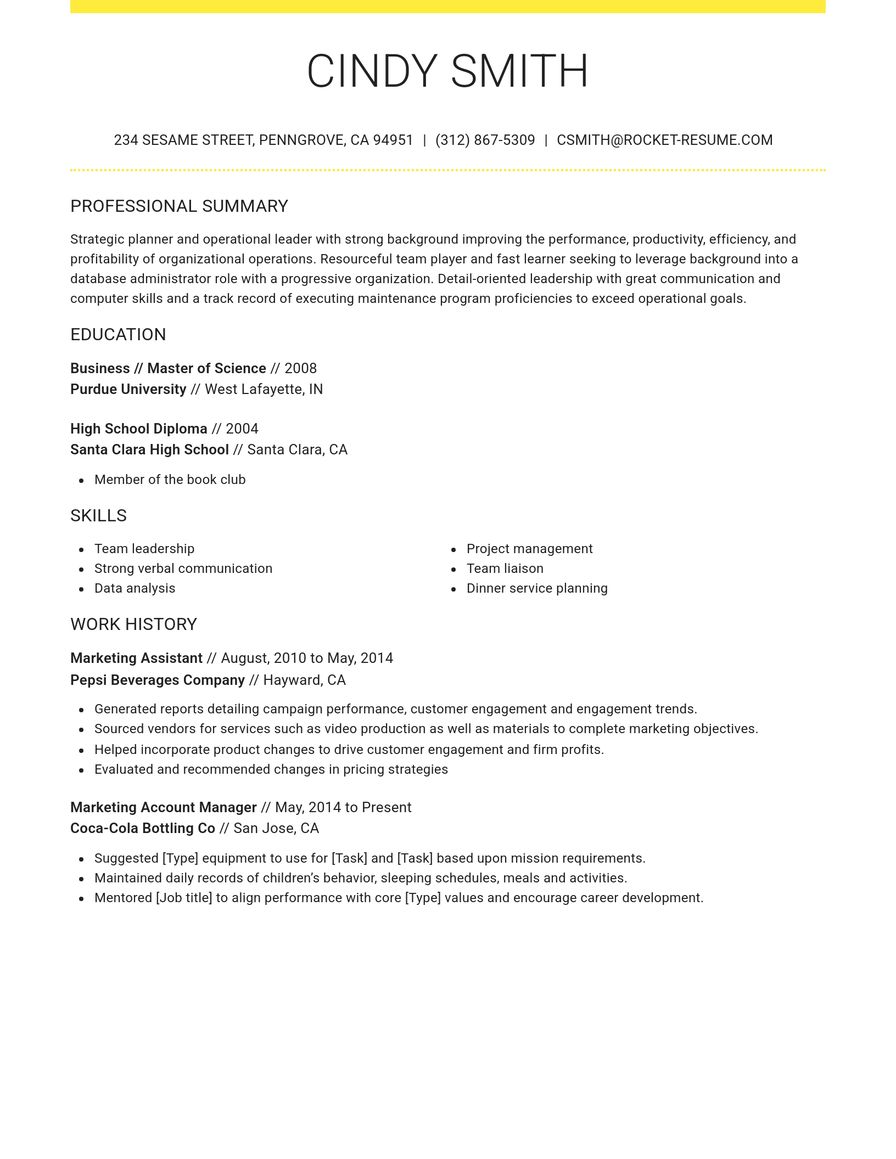
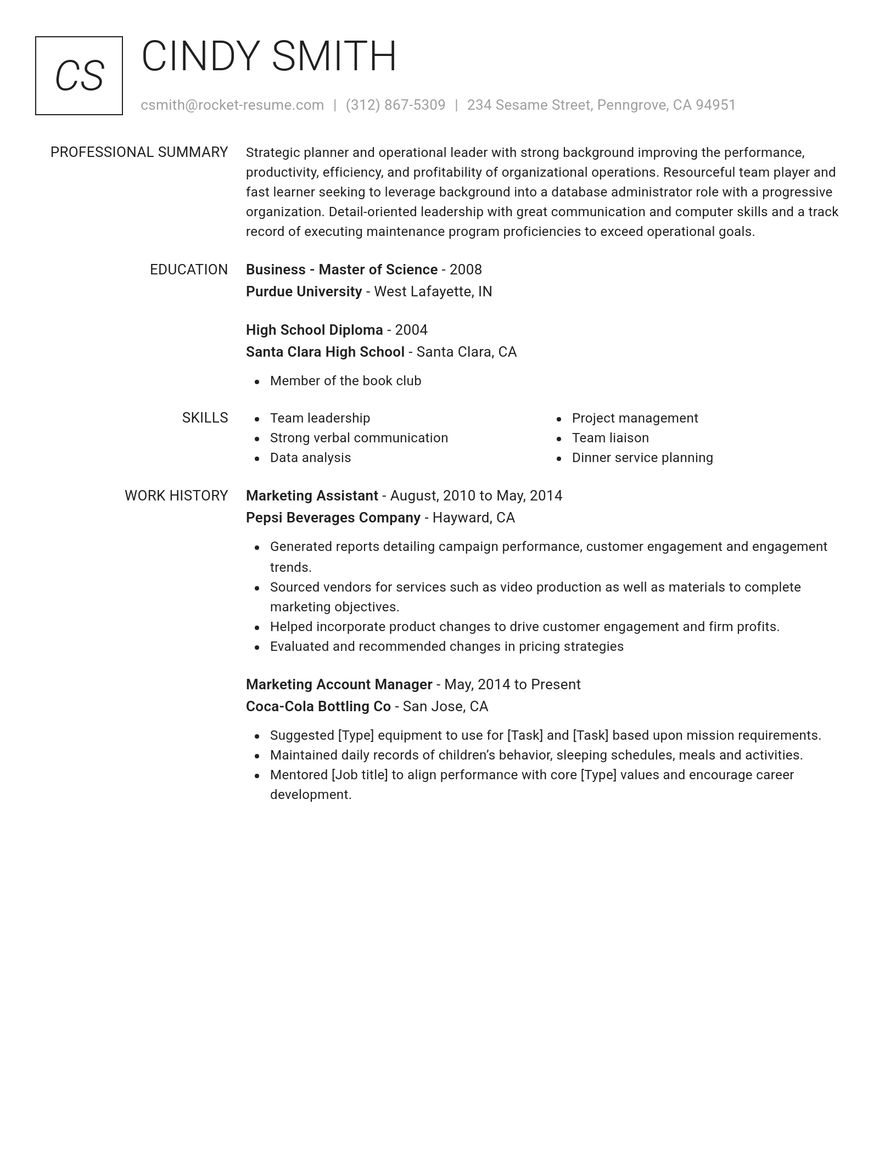
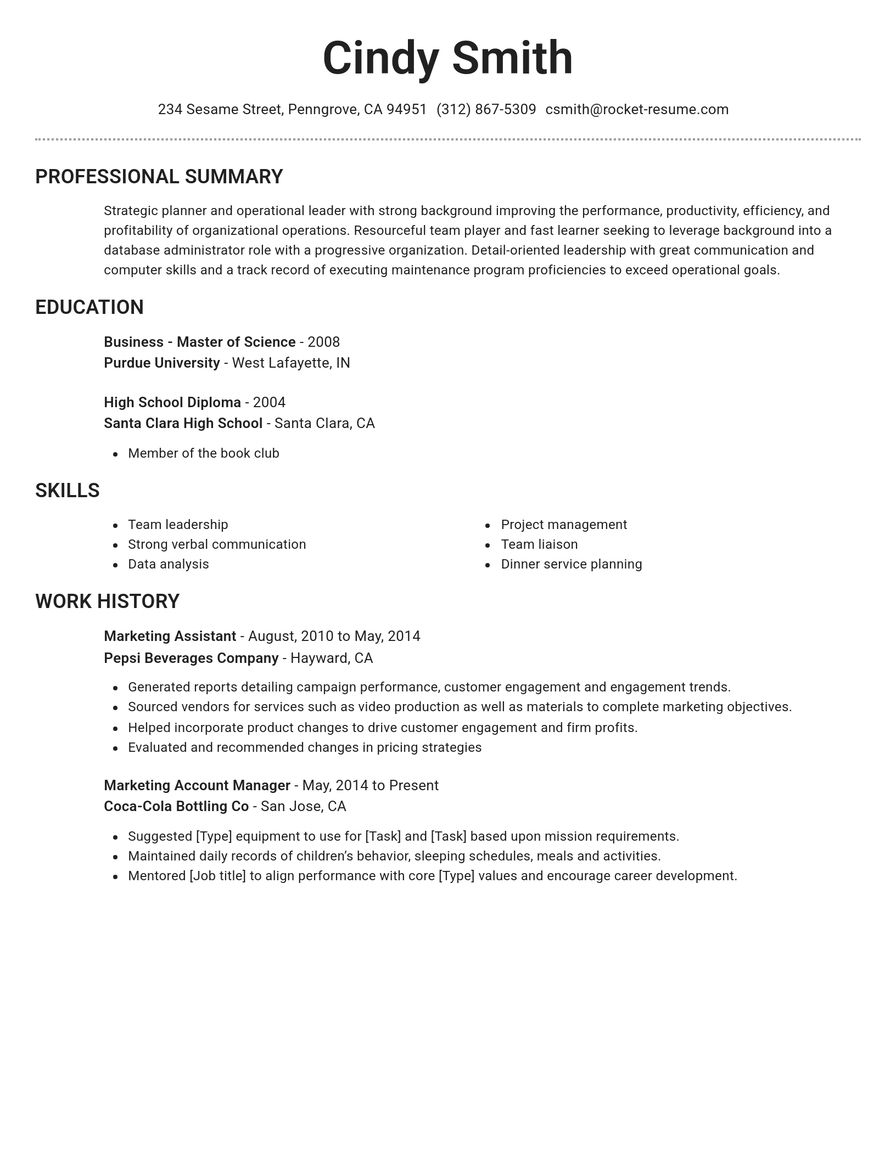
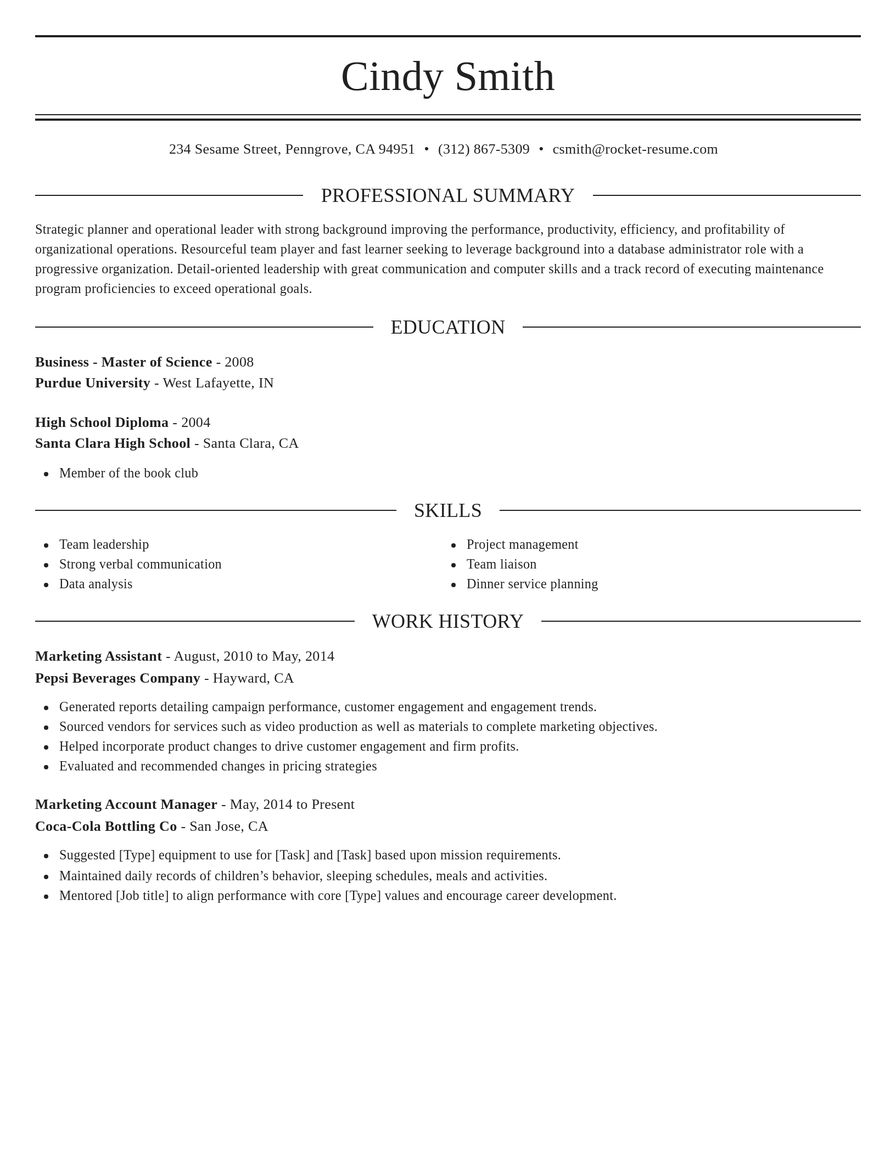
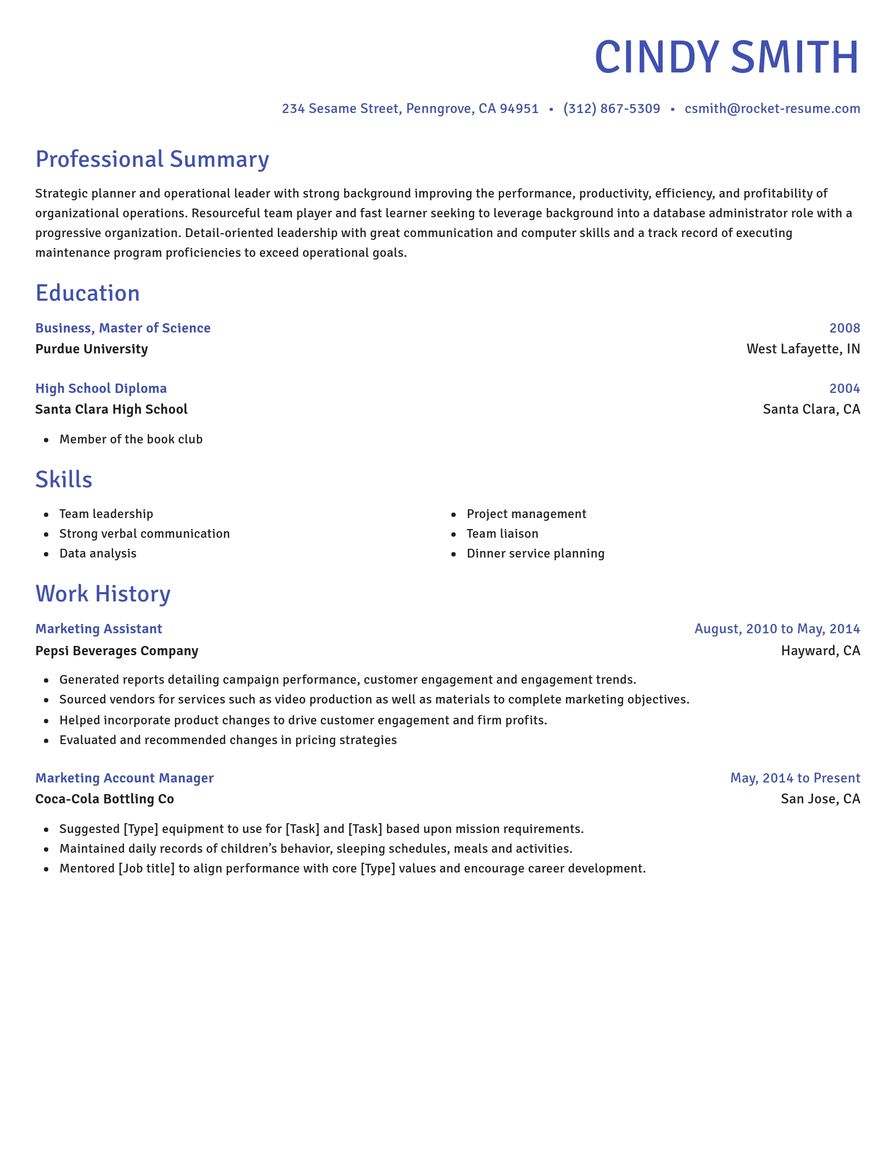
Use the sample as a structure check
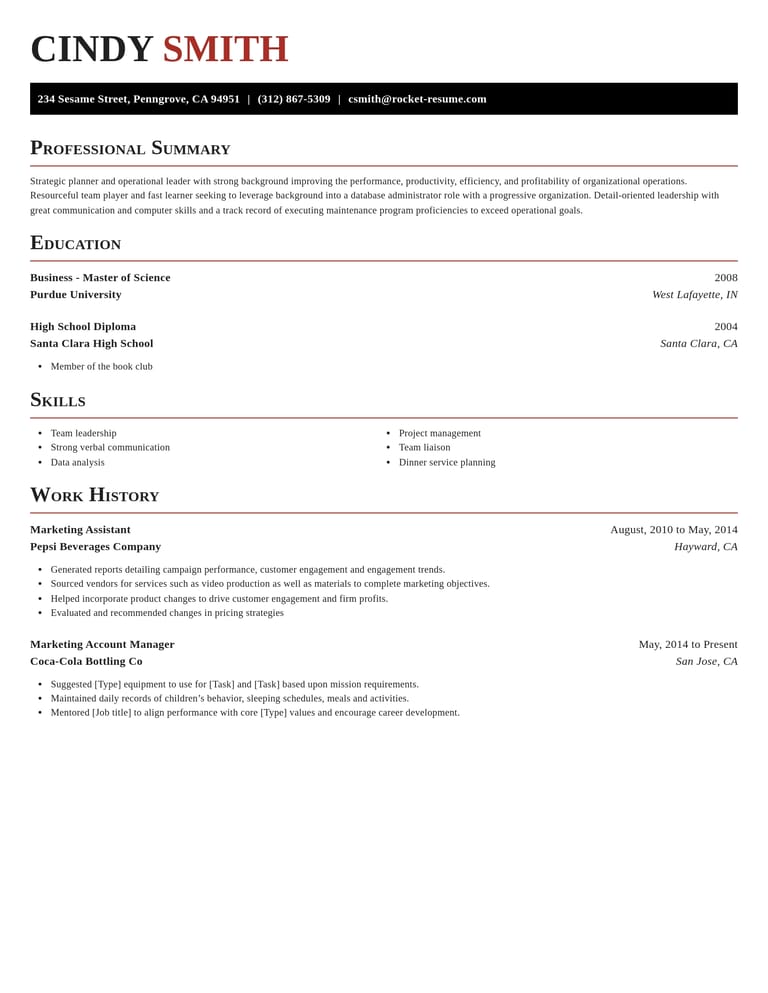
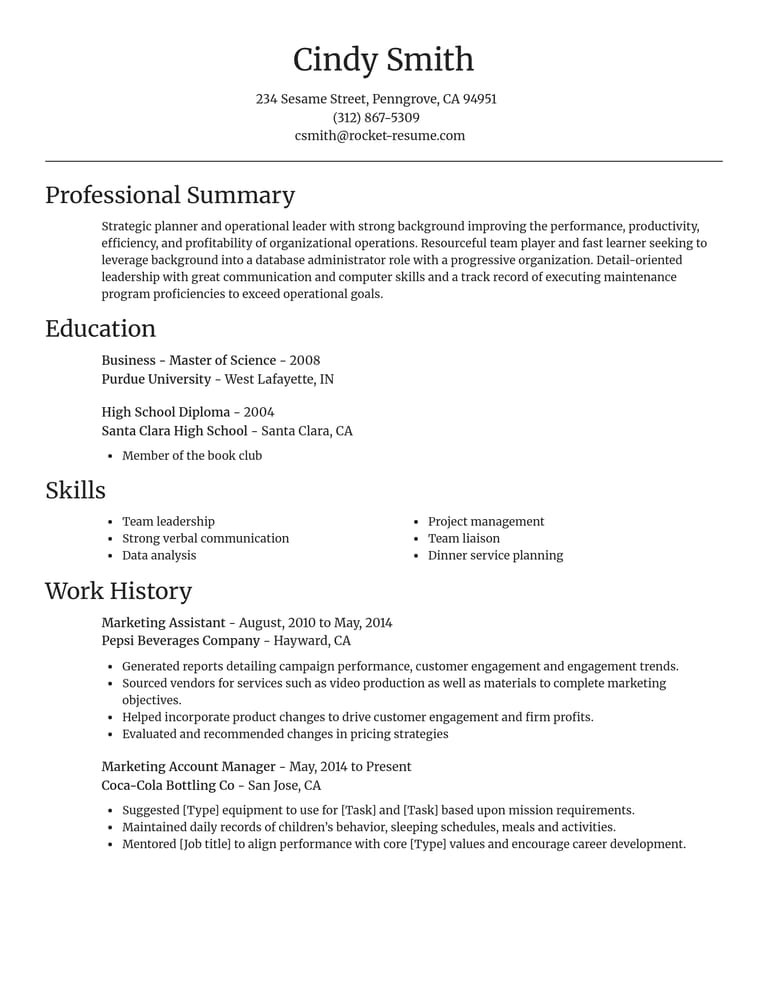
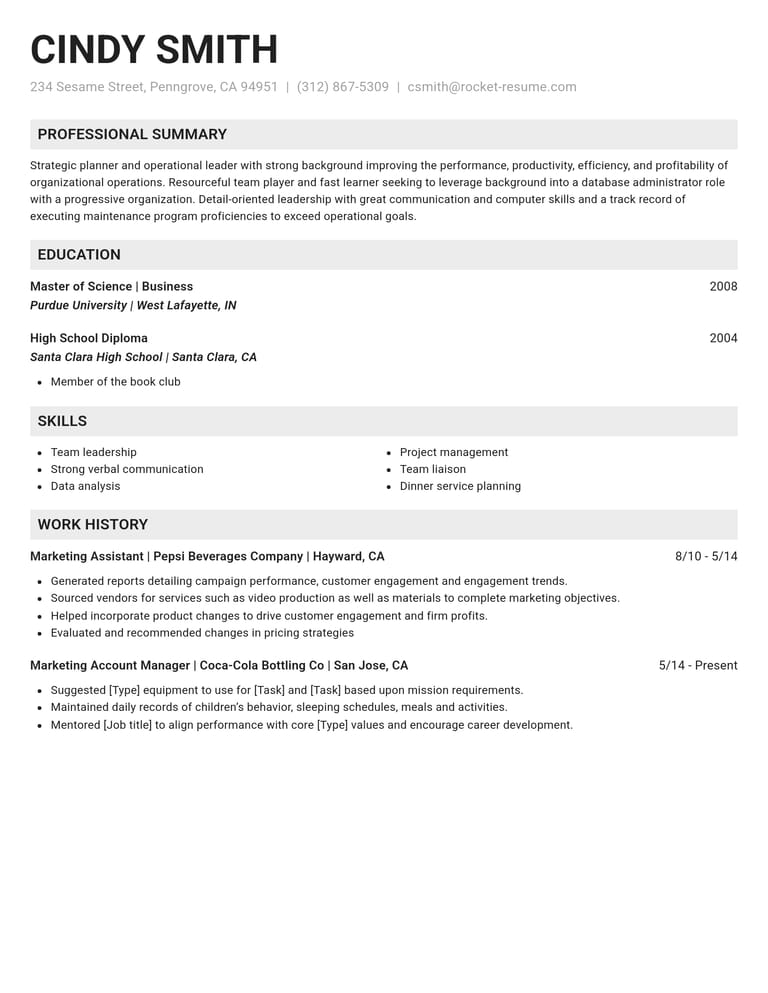
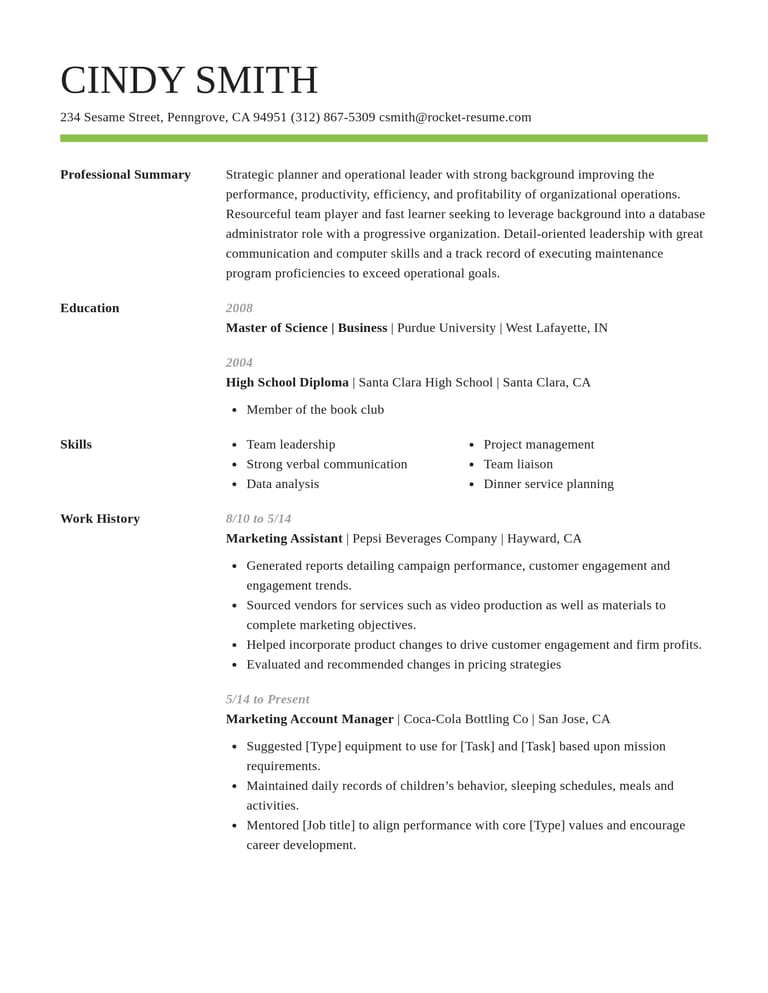
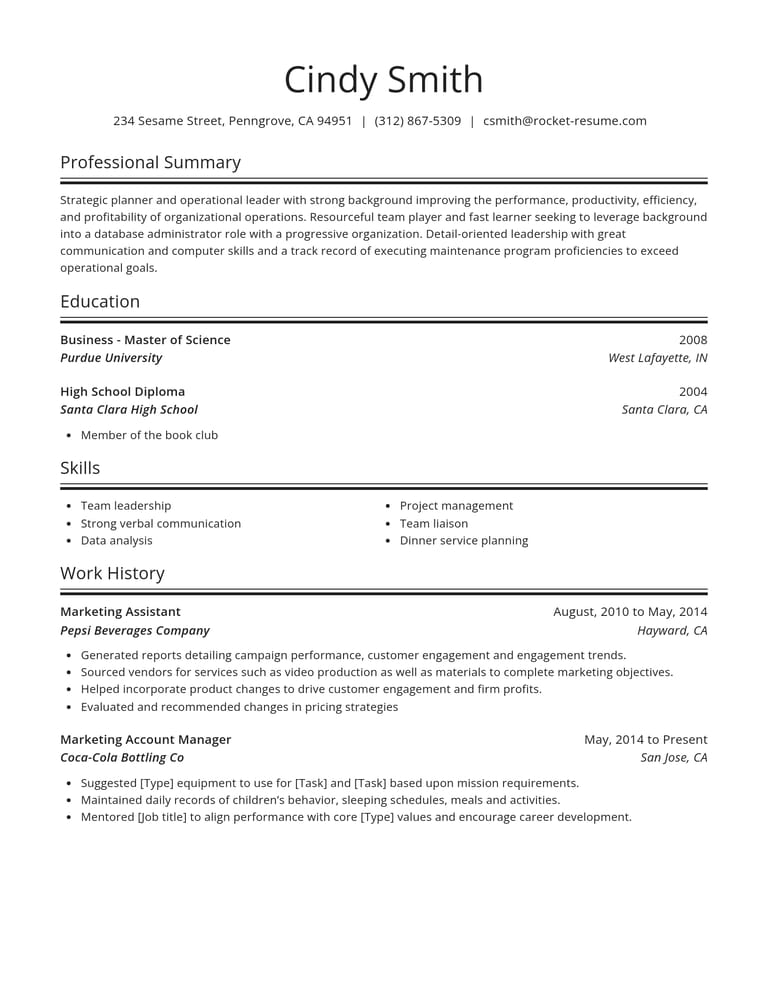
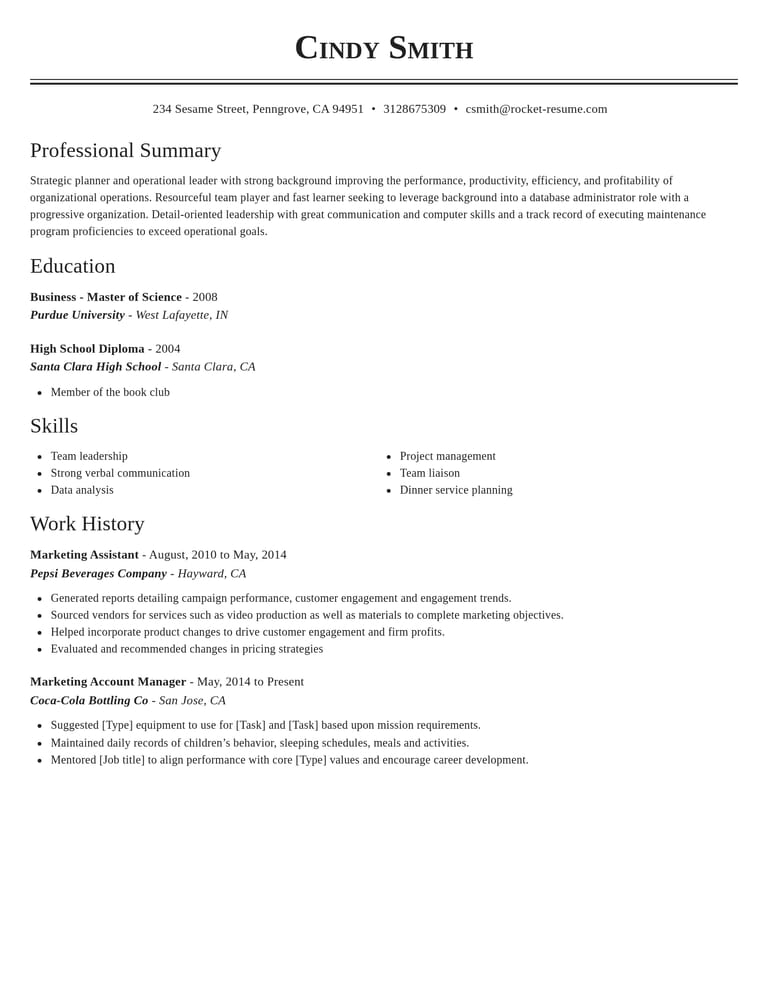
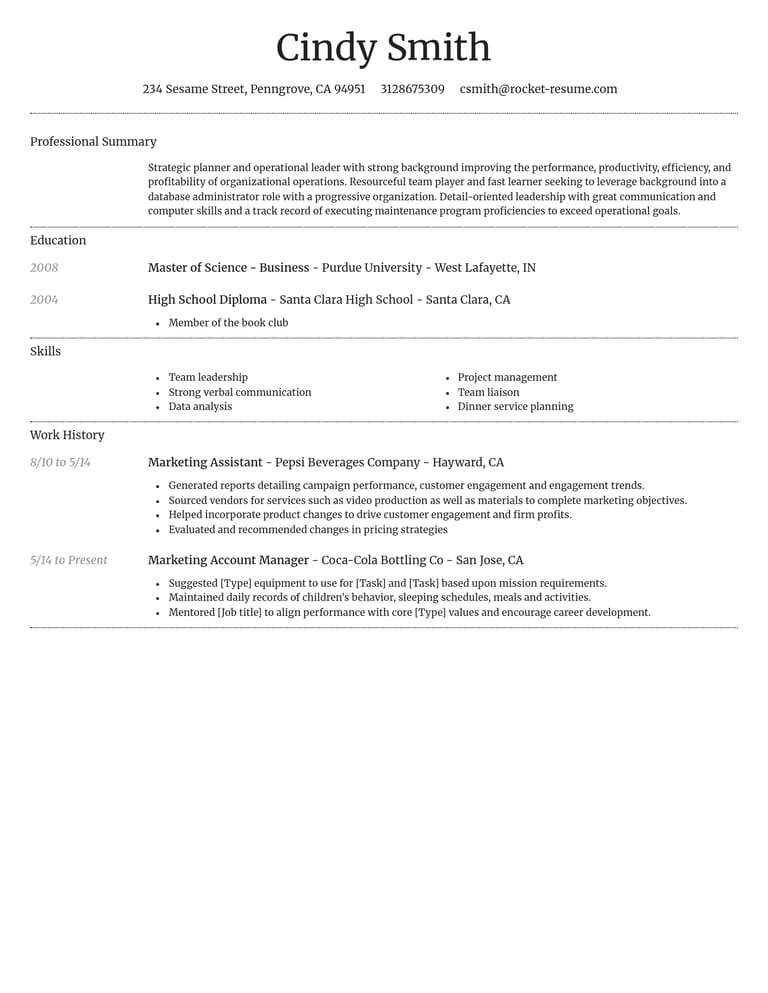
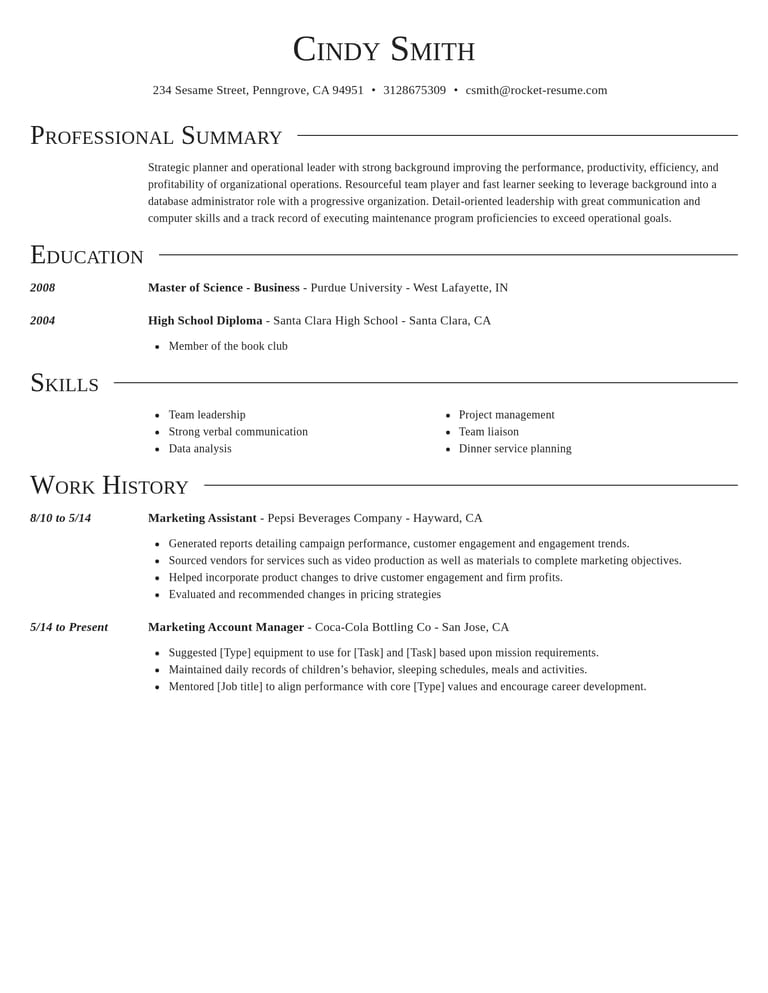
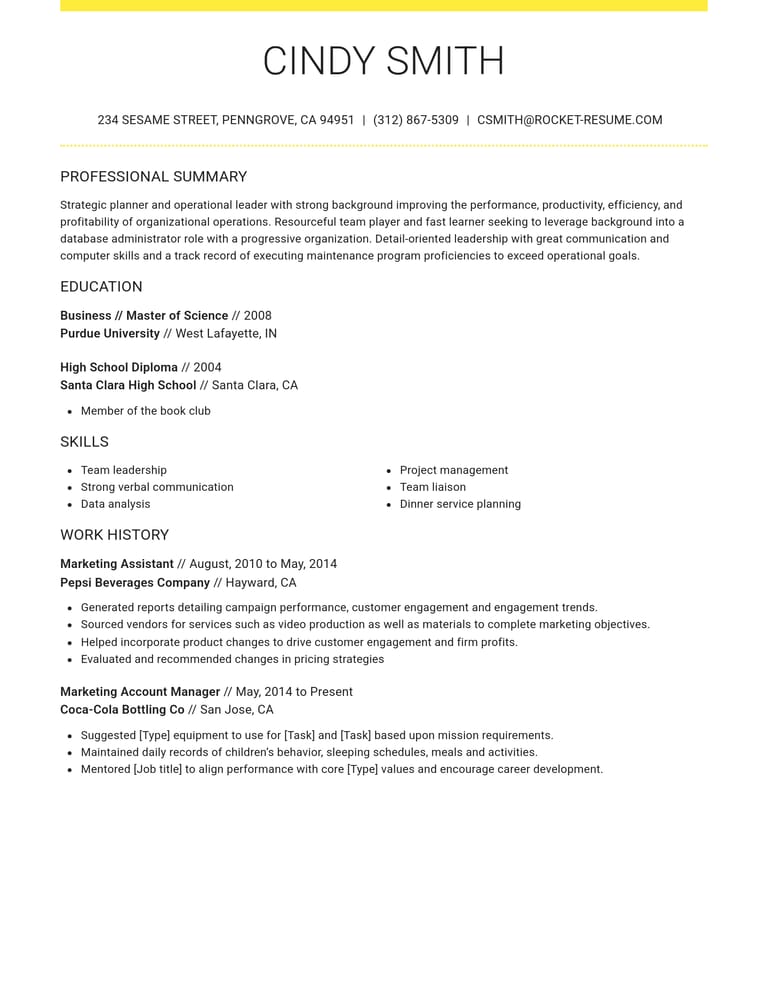
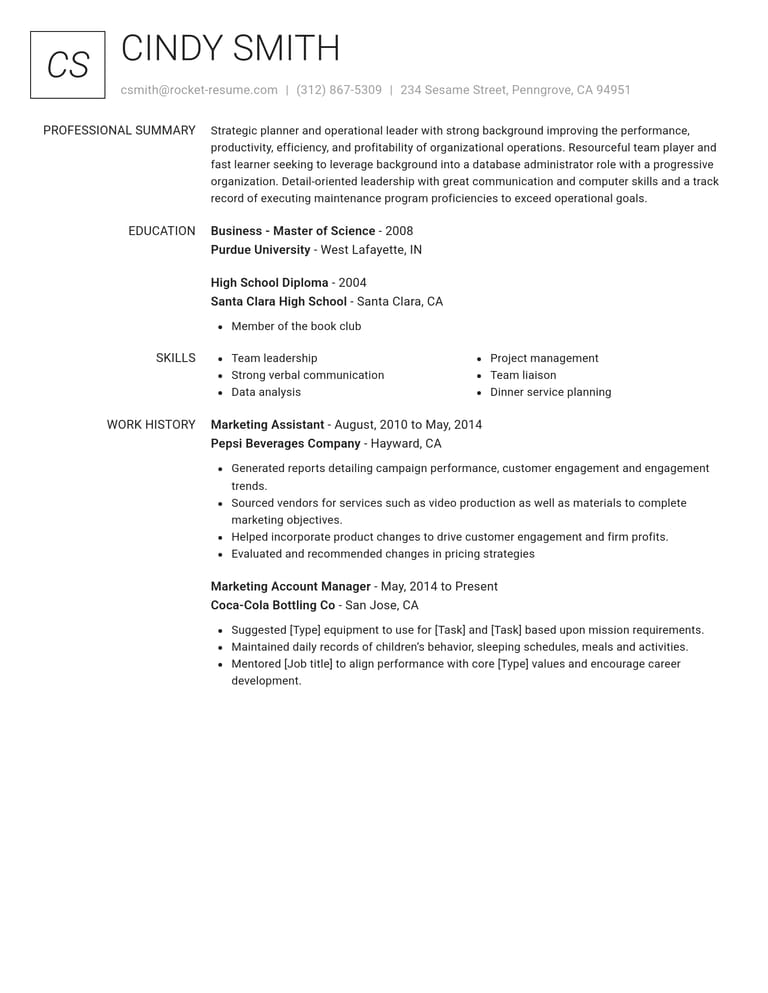
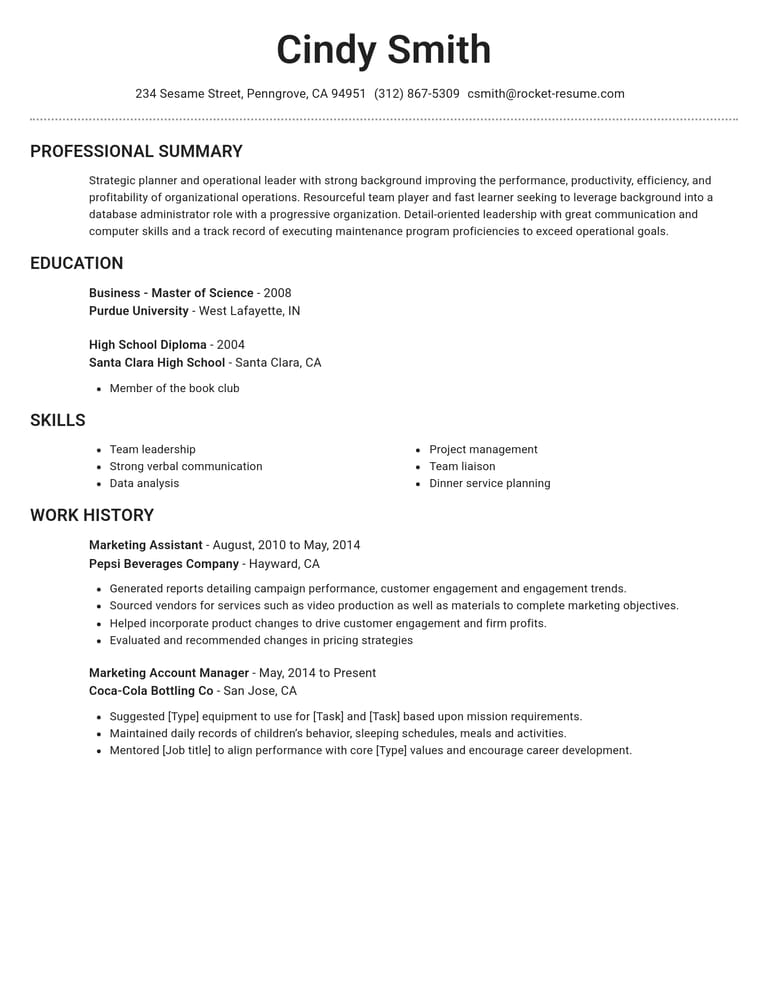
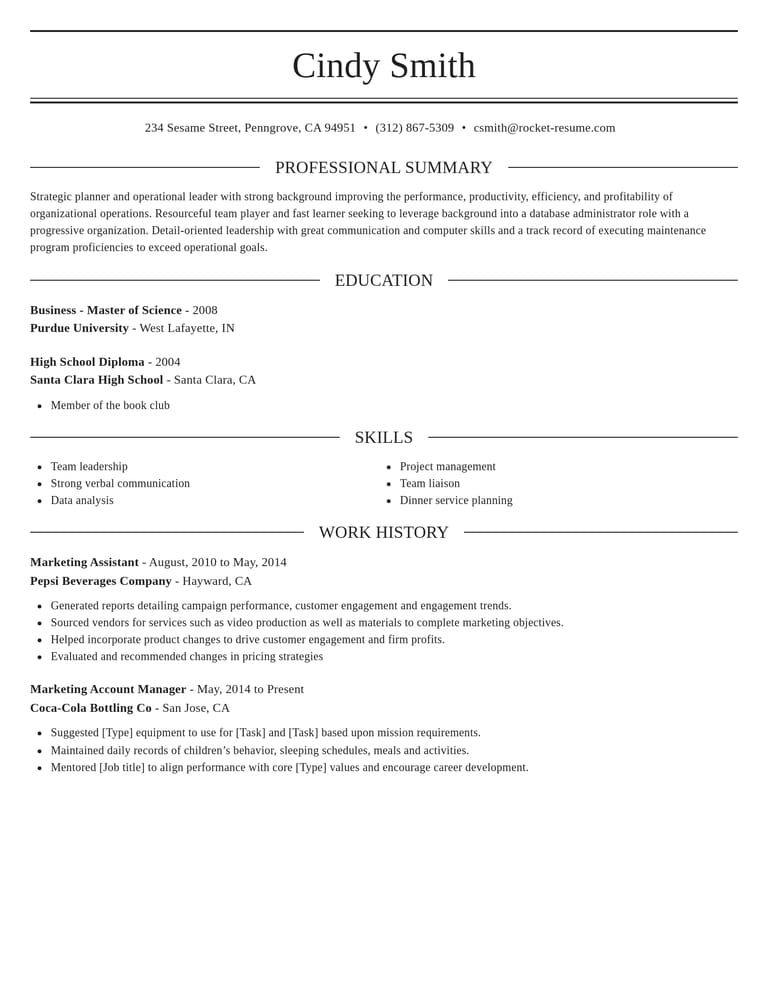
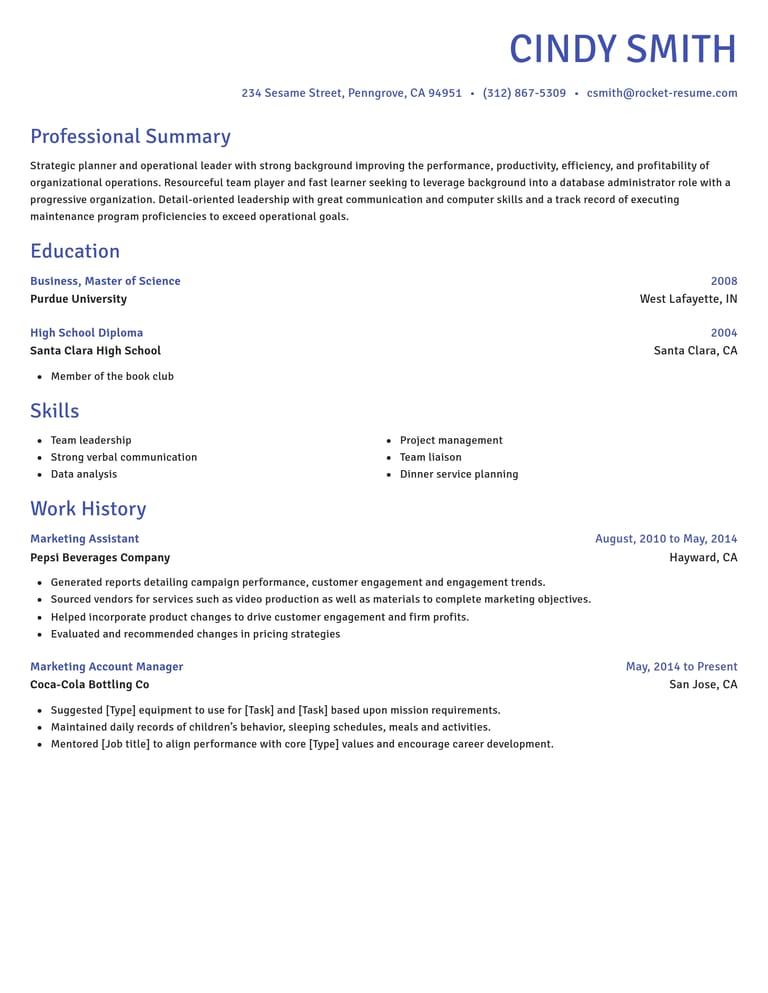
What every resume template gives you
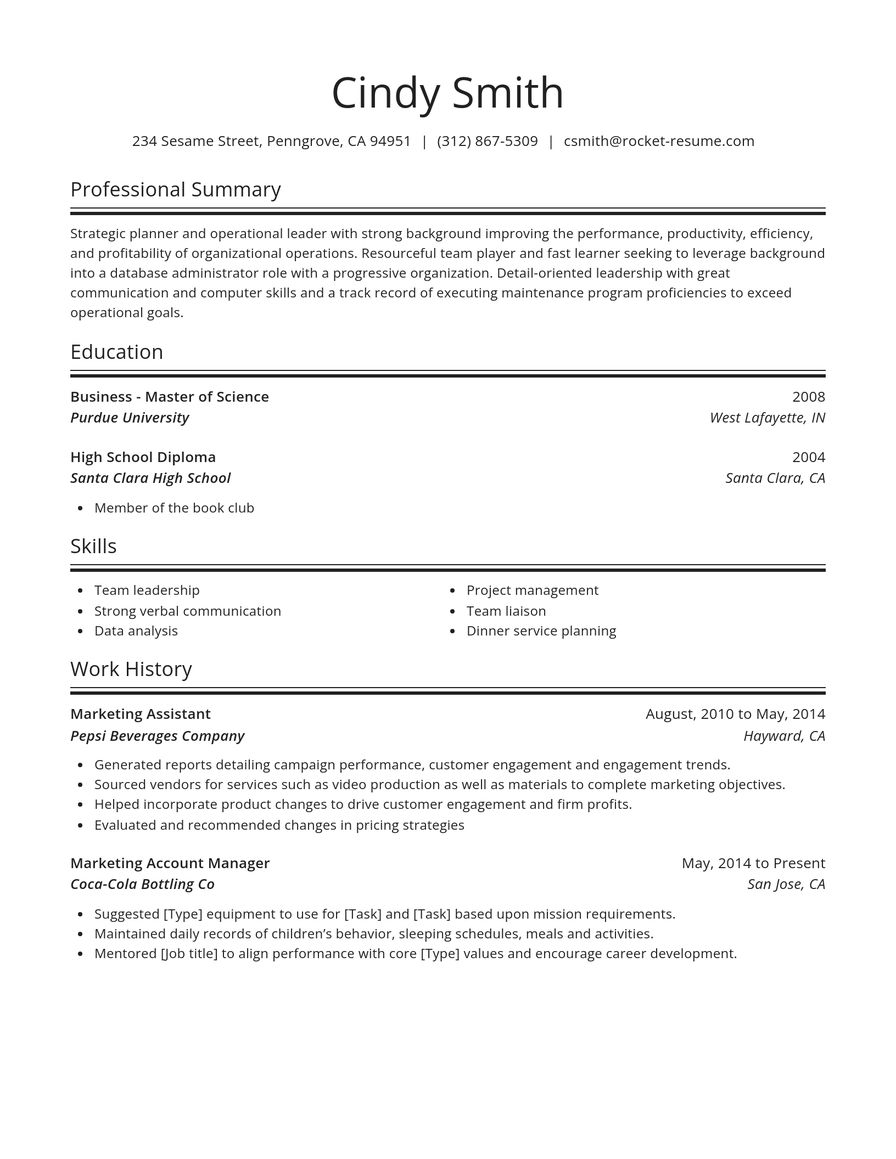
Choose the layout here, then fill it in with guided sections and suggestions for your job.
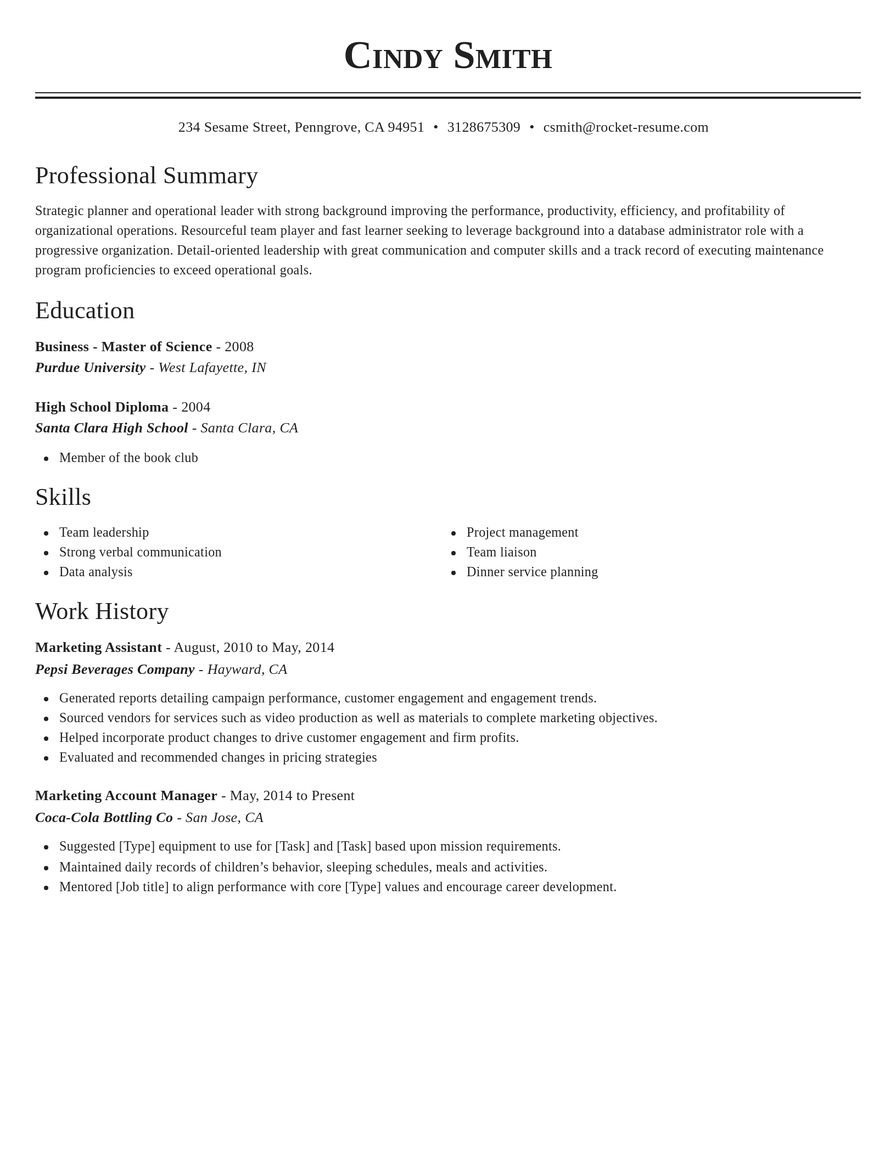
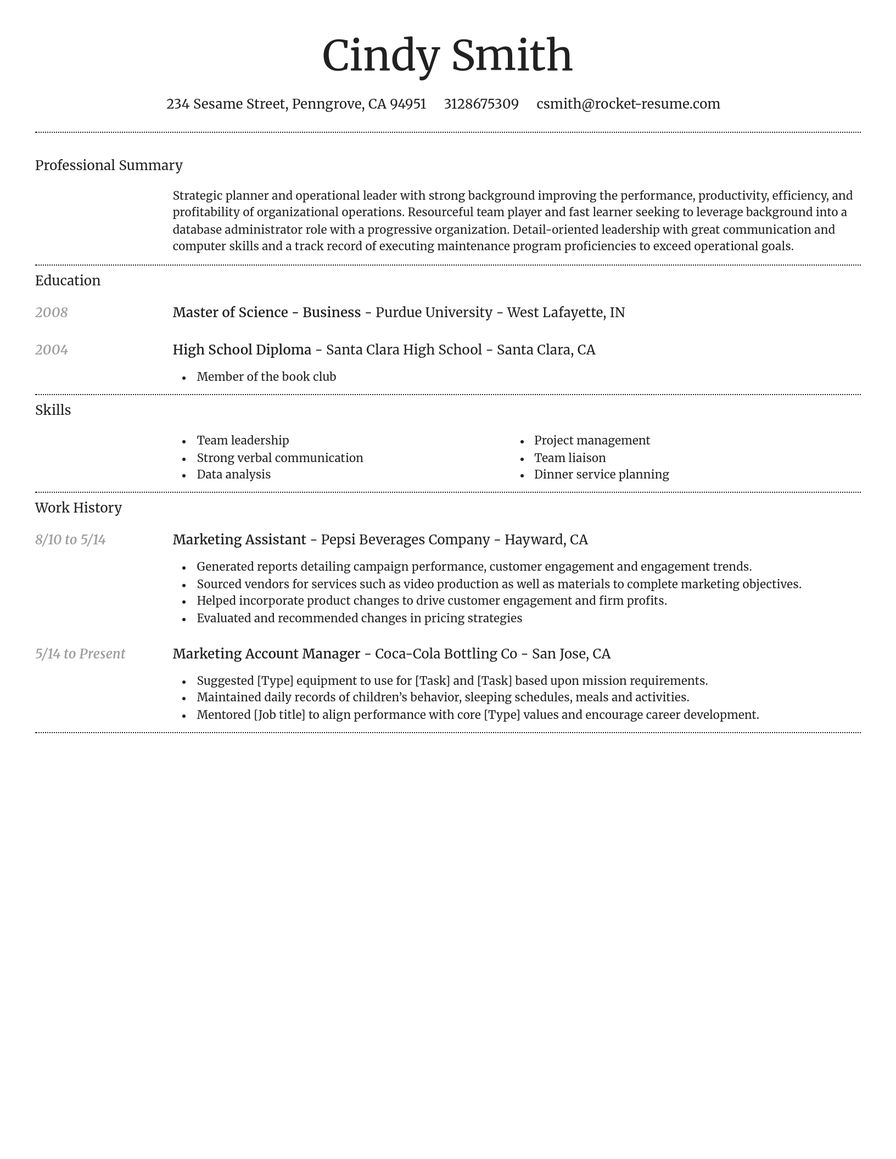
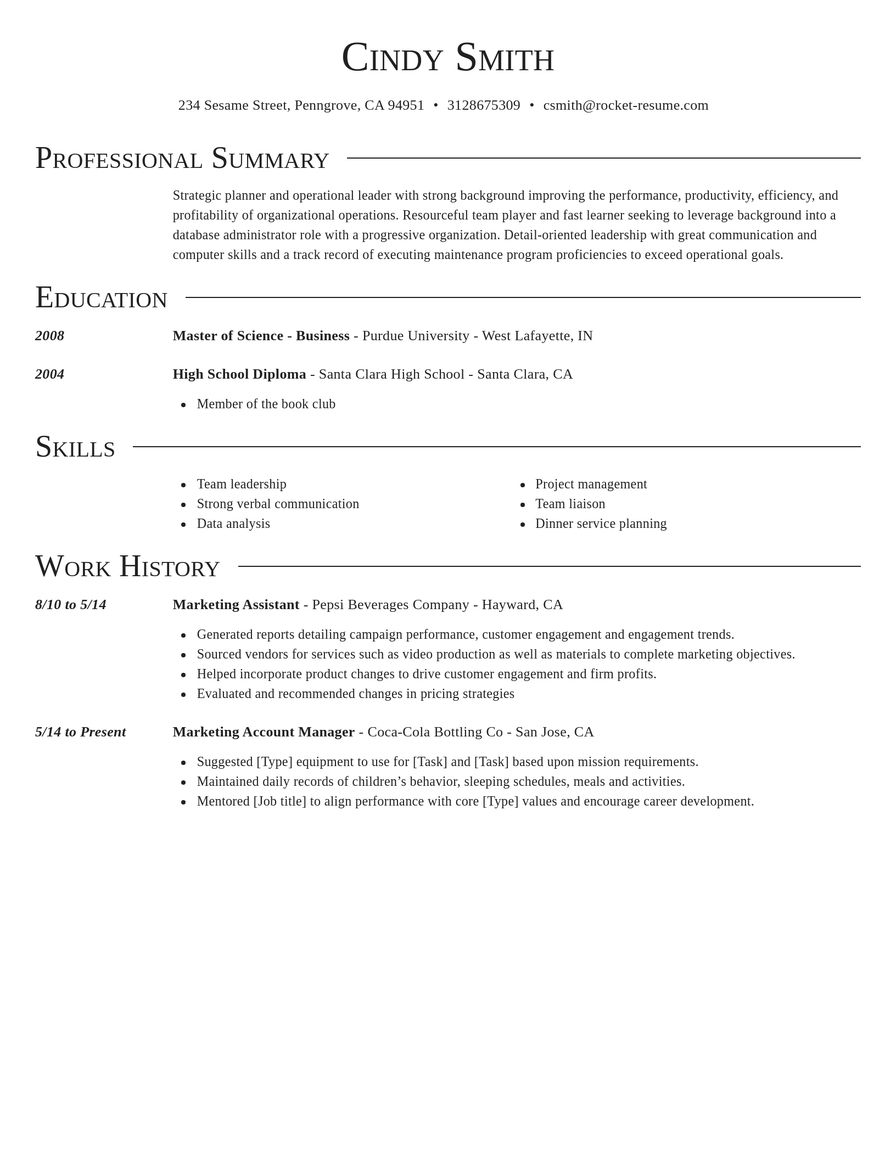
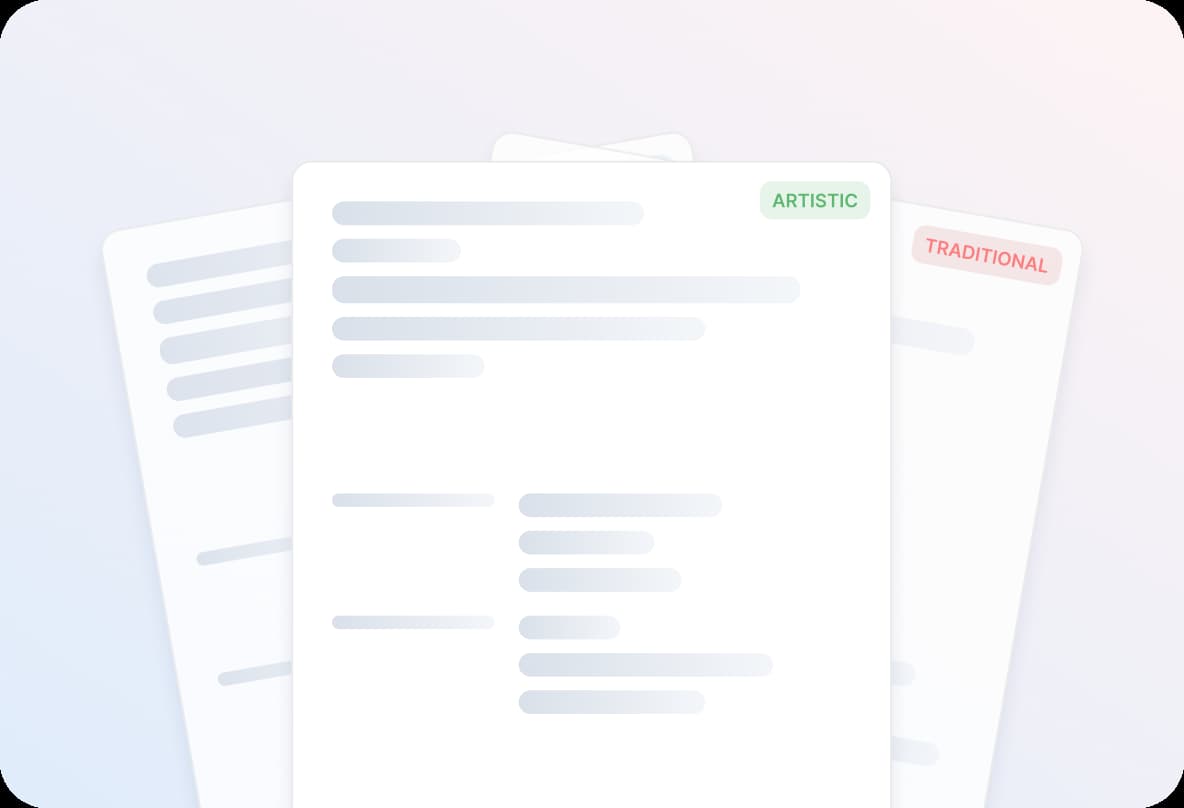
- Modern, traditional or creative
Compare modern, traditional and creative styles. Look at the space for job details as well as the overall design.
- Clean layouts recruiters can scan
Check that job titles, dates and section headings are easy to find. A simple layout keeps attention on your experience.
- Examples written for your job
Add your job title to see relevant suggestions. Choose one that fits your experience, then supply the details that make it yours.
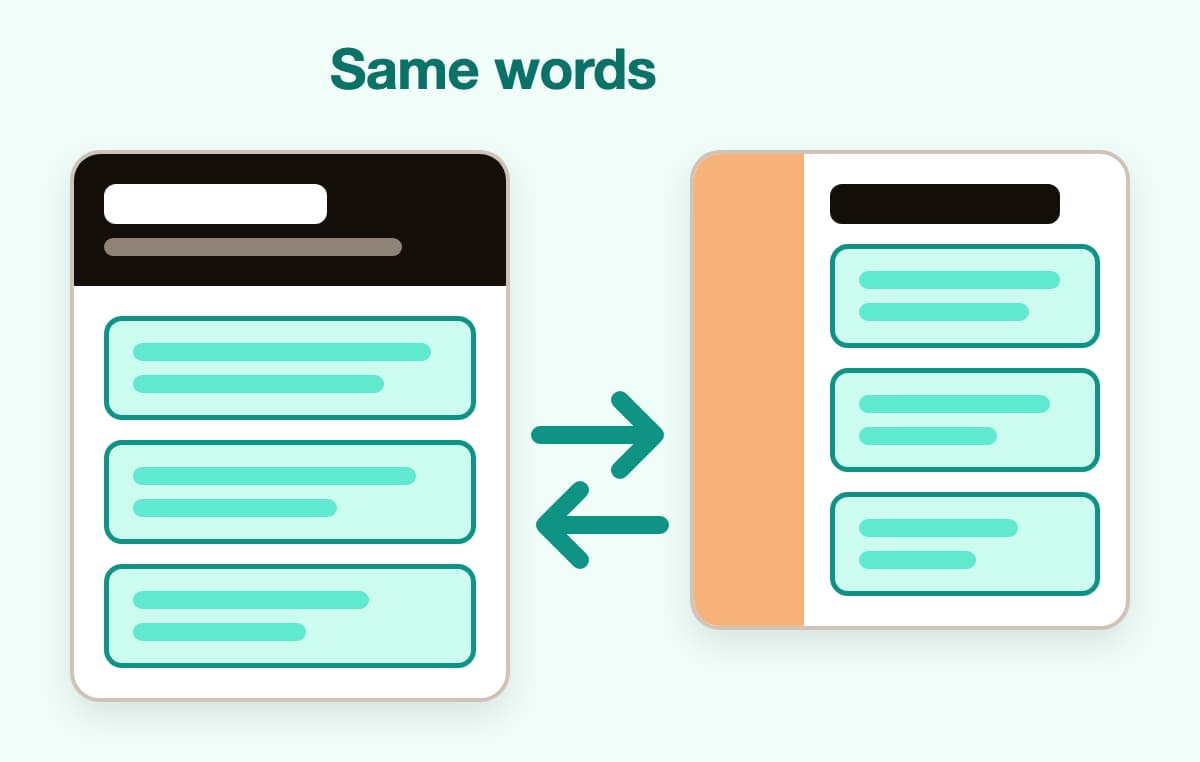
- Switch designs, keep your words
Try a second template at any point. Your text moves across with it, so comparing two looks takes no retyping.
- Arrange it your way
Reorder sections so the reader meets your best material first, such as skills when changing careers or schooling on a first resume.
- Preview, save, come back
The preview updates as you type. Save to your account, then return another day to finish or fine-tune it.
How your template becomes a finished resume
Step 1
Choose a starting design
Choose a template from the gallery, or start with a quick background question and pick a design after.
Step 2
Fill in your details
Add your jobs, education and skills. Use relevant examples to get started, then describe your own responsibilities.
Step 3
Check the fit
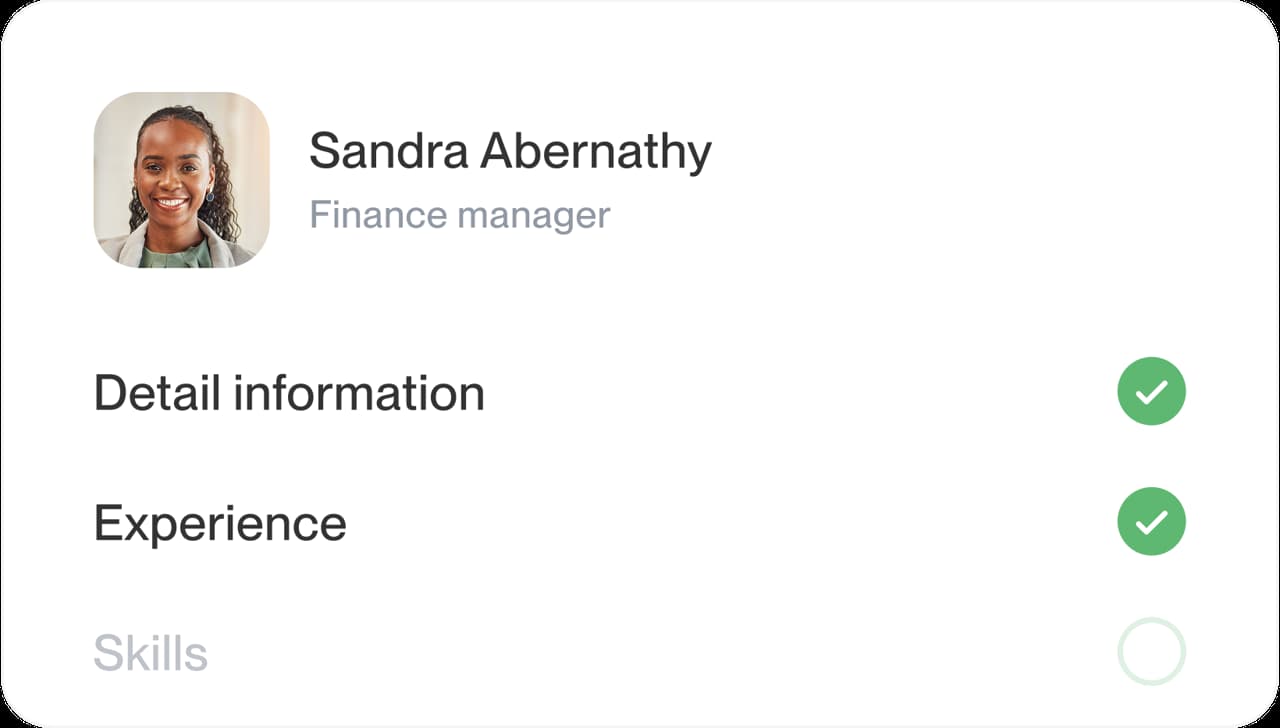
Read your longest job entry in the preview. Compare another design if dates wrap awkwardly or the page feels crowded.

Step 4
Send it out
Check contact details, dates and page breaks. When the layout and content are ready, download your resume.

Step 1
Choose a starting design
Choose a template from the gallery, or start with a quick background question and pick a design after.
Step 3
Check the fit
Read your longest job entry in the preview. Compare another design if dates wrap awkwardly or the page feels crowded.
Step 2
Fill in your details
Add your jobs, education and skills. Use relevant examples to get started, then describe your own responsibilities.
Step 4
Send it out
Check contact details, dates and page breaks. When the layout and content are ready, download your resume.
Sketch the resume before filling it in
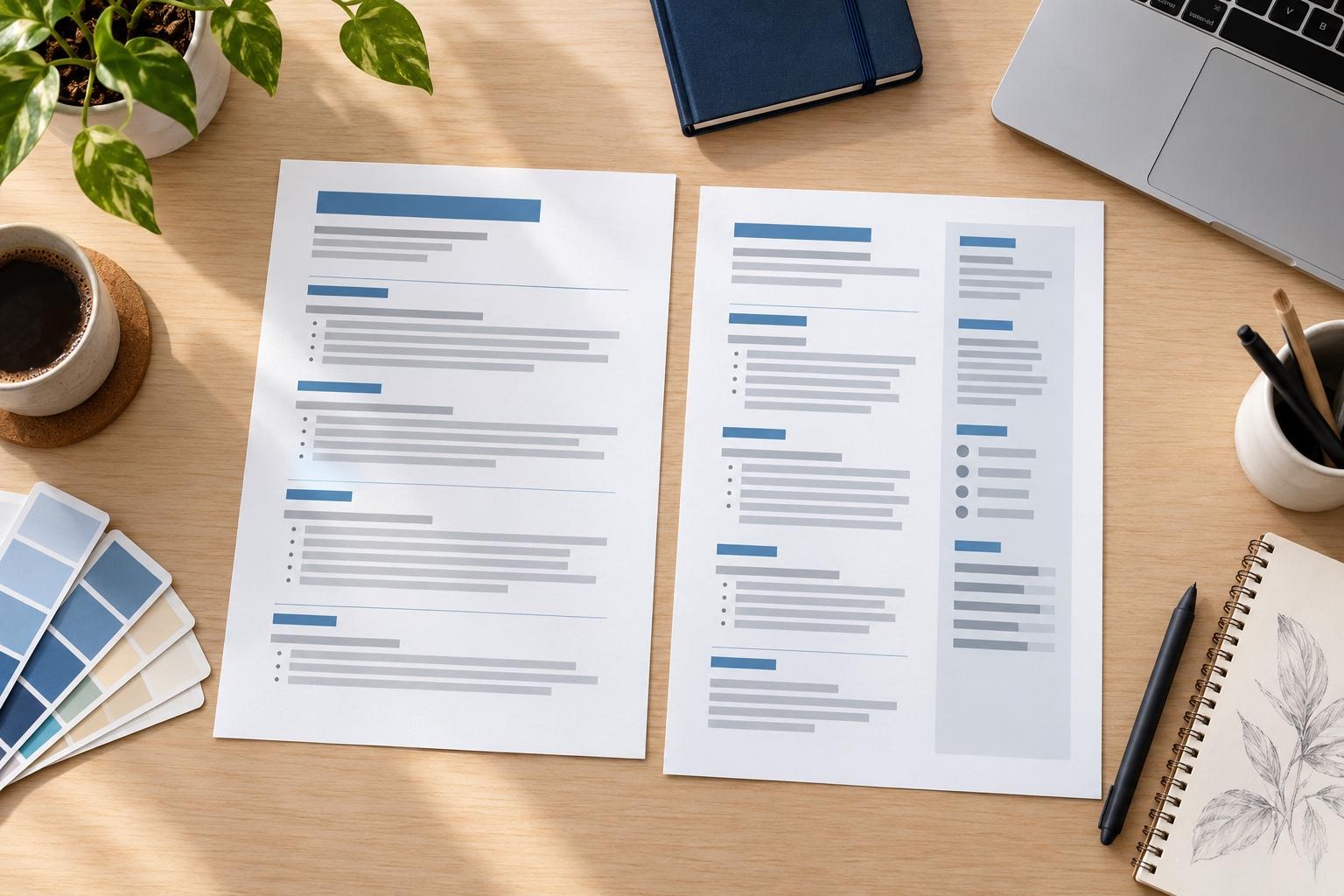
An outline lets you decide what the resume needs before you concentrate on sentences. Think of it as a set of questions to answer, with a place for the facts that support each answer.
Reserve a small opening for identification
Start the outline with contact details. Under that heading in your working notes, record the name, phone number, email address, and location you intend to use.
Keep this part compact so it does not compete with your experience. You are establishing whose resume this is, rather than writing an introduction to your whole career at the top.
Make experience the main working area
Create a heading for experience and sketch a separate entry for each relevant role. Beneath each entry, note the organization, title, dates, and a few responsibilities worth explaining.
At this stage, plain notes are enough. A fictional recreation assistant might write reminders about equipment preparation, activity registration, and room cleanup before turning them into concise descriptions.
Keep education factual from the start
Give education a clear place in the outline, even if the eventual entry will be brief. Include the institution, qualification, and completion status, with extra space only for details relevant to the opening.
If recent study is the strongest evidence you have, plan to put education before experience. The outline should reflect your actual background, rather than require you to fill a long work section you do not need.
Distinguish skills from supporting examples
Use the skills heading for specific abilities you want to name. Keep the evidence of using those abilities under the appropriate job, project, or educational experience.
For instance, an inventory spreadsheet skill can be named briefly, while an experience entry explains what you tracked. This keeps the outline from assigning the same description to two different sections.
Leave the summary until the structure exists
Reserve an optional space for a short summary near the beginning. Write it after the rest of the outline reveals the central connection between your background and the work you want.
You may discover that the summary adds useful context, or that it merely repeats obvious facts. An outline is allowed to lose a heading when that heading has no useful work to do.
Remove categories you cannot support
Do not keep an awards or leadership heading solely because a sample includes one. Include a project or activity when it offers relevant evidence, and describe its setting honestly.
Before drafting, read the outline from beginning to end and identify any repeated material. Rocket Resume provides guided sections for the core information and lets you change their order, so your outline can guide how you assemble the page.
Once every heading has a clear purpose, begin filling in the descriptions. You can refine sentences later without having to invent a structure at the same time.
Why the design and the words both matter
“If I need one in the future, I'll use it again.”

“It's great, I have a job now”

Resume template questions
Can I make an outline before choosing a resume design?
Yes. Start by deciding which information belongs and how the sections relate to each other. A simple set of headings with factual notes is enough. Once you know how much experience and education you need to present, a design is easier to judge against actual content.
What goes beneath each job in my outline?
Note the position title, organization, dates, and responsibilities that matter for the application. Add reminders about tools or projects only when they help explain your work. These notes do not need polished phrasing yet; their purpose is to preserve the facts you will turn into descriptions.
Should I keep a heading that has nothing under it?
Usually you can remove it from the planned resume unless the application specifically requires that category. An empty awards or leadership section does not make the record more complete. Use the outline to identify evidence you actually have, rather than create pressure to invent something for every heading.
See how resumes in your industry look
Take a look at this week’s mix





- 38 examples
- 37 examples
- 23 examples
- 14 examples
- 24 examples
- 67 examples






Show all industries (A–Z)Show fewer
- Aerospace & Defense, 8 examples
- Agriculture, 23 examples
- Apparel & Textiles, 13 examples
- Architecture, 15 examples
- Artificial Intelligence, 6 examples
- Arts & Entertainment, 24 examples
- Automotive, 21 examples
- Beauty & Personal Care, 17 examples
- Biotechnology & Life Sciences, 7 examples
- Business Services, 23 examples
- Chemical Engineering, 4 examples
- Childcare, 14 examples
- Construction, 106 examples
- Creative, 15 examples
- Customer Service, 17 examples
- Education, 94 examples
- Energy, 39 examples
- Environmental Science, 5 examples
- Finance, 63 examples
- Food & Beverage, 68 examples
- Government, 48 examples
- Healthcare, 160 examples
- Hospitality, 35 examples
- Human Resources, 18 examples
- Insurance, 10 examples
- Legal, 12 examples
- Logistics, 37 examples
- Manufacturing, 68 examples
- Marketing, 8 examples
- Media, 20 examples
- Military, 24 examples
- Mining & Metals, 9 examples
- Nonprofit, 8 examples
- Pharmaceuticals, 12 examples
- Public Relations, 10 examples
- Real Estate, 7 examples
- Retail, 38 examples
- Robotics, 11 examples
- Sales, 14 examples
- Security Services, 19 examples
- Social Services & Counseling, 21 examples
- Social Work, 14 examples
- Sports & Fitness, 96 examples
- Technology, 67 examples
- Telecommunications, 6 examples
- Tourism & Travel, 9 examples
- Transportation, 38 examples
- Veterinary, 9 examples
Rocket Resume reviews from people who made their resumes here
from 3,900+ reviews