Write a CV about
For a job application, start by matching your experience to the employer's requirements. Write short descriptions of work you handled, then add qualifications and skills that support your fit. Use job examples as a starting point and check the whole CV in the preview.
- Tips for summary, experience and skills
- Examples for the job you enter
- Edit each description as you go
- Review the whole CV in the preview



Make your experience understandable
Show what you did
Describe the work behind your job title. Include what you handled, who you helped and any results you can support.
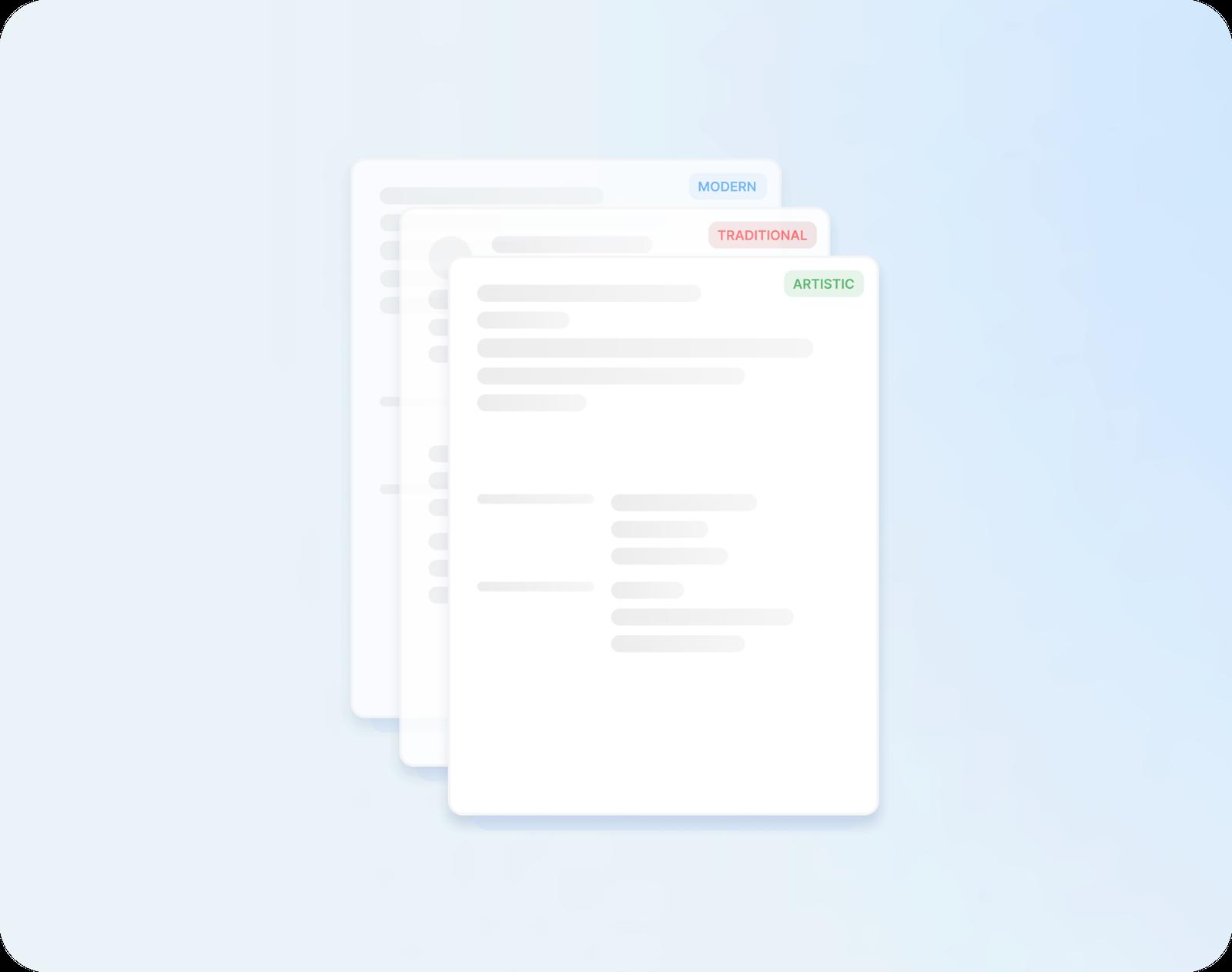
Make your experience easy to follow
Keep job titles, employers and dates clear. Use familiar section headings so a reader can find your experience and qualifications.

Suggestions for you
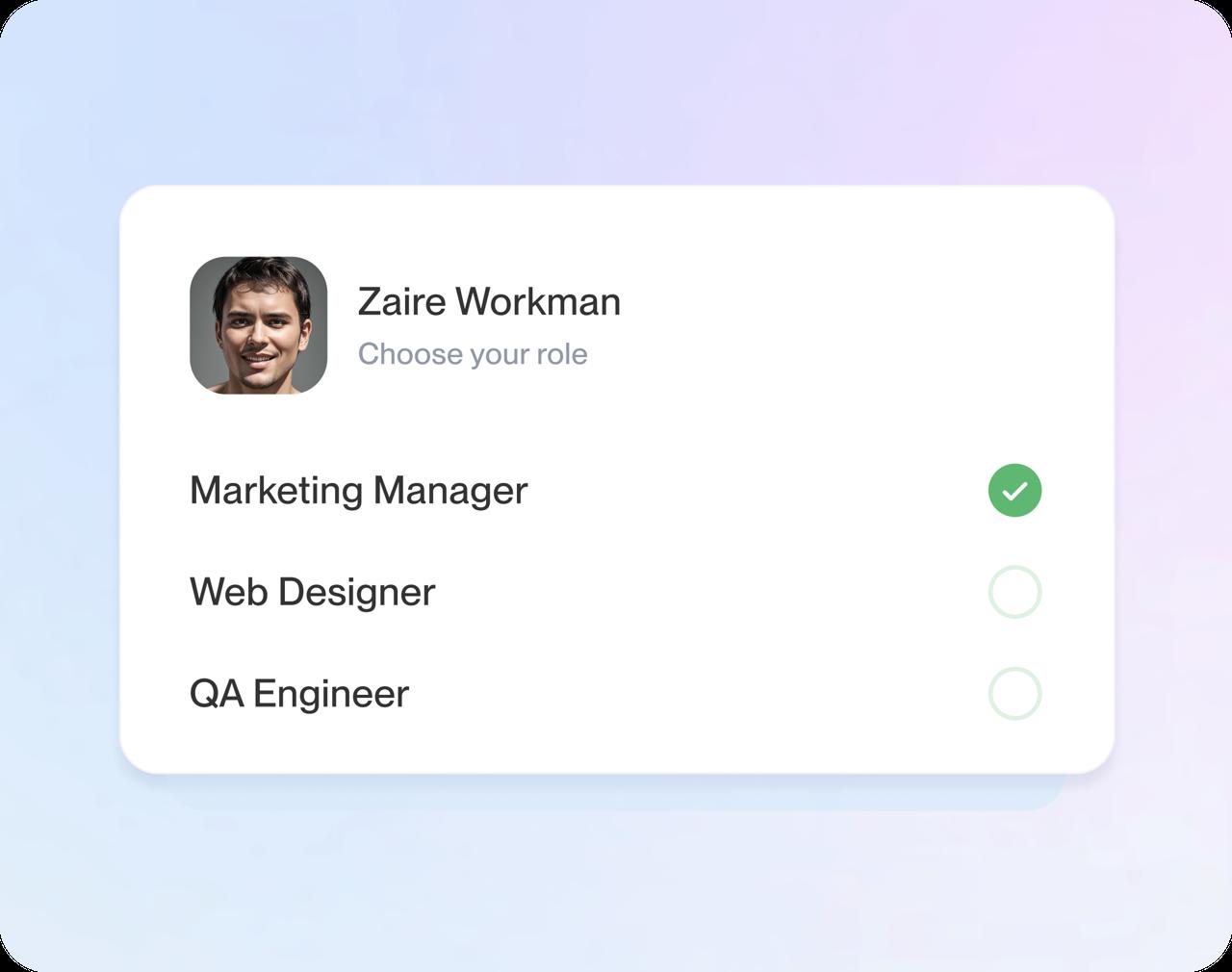
Enter a job you’ve held to see suggestions for that role. Keep the ones that fit your experience and edit them to match your work.

Match each CV to the job
Save your CV to your account, then duplicate it in My Library for another application. Adjust the copy to give the most relevant experience more space.
How to build a CV with the CV builder
Step 1
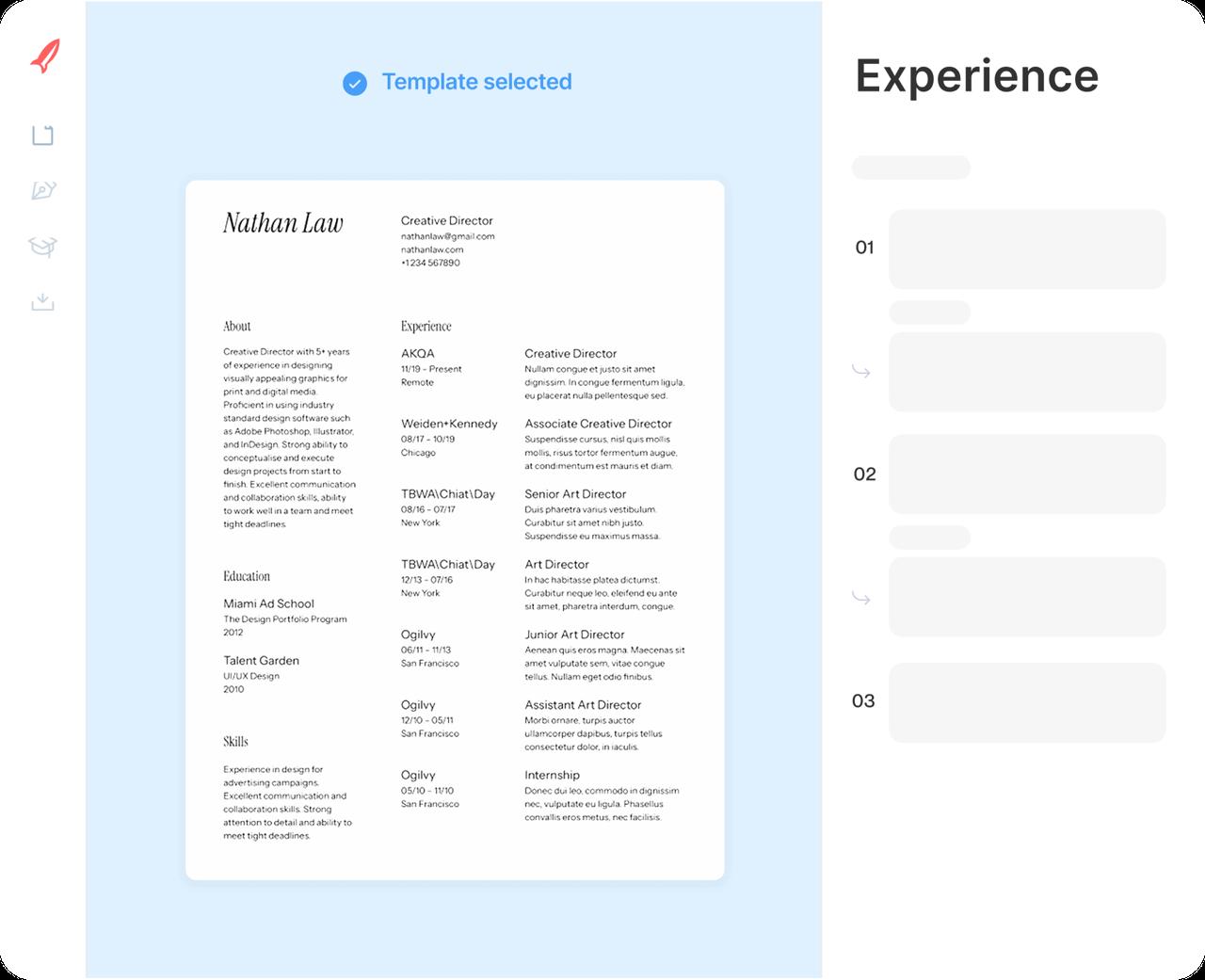
Pick a design to start
Start with a quick question about your background, then choose a professional design. A later design change keeps all your text.
Step 2
Add your jobs and schooling
Enter each job, newest first, then your education. Each job title you type brings up examples; pick the ones that match your work.
Step 3
Polish it as you go
Reword the examples until they sound like you, lead with your strongest section and check the preview as your CV takes shape.

Step 4
Download your CV
Read it once more for dates and spelling, then download the finished CV.
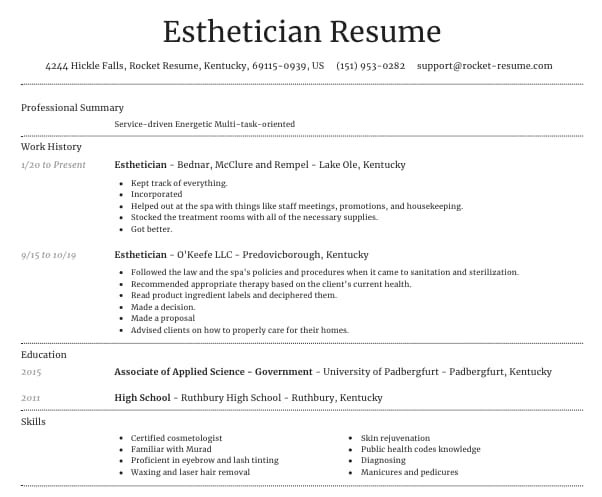
Step 1
Pick a design to start
Start with a quick question about your background, then choose a professional design. A later design change keeps all your text.
Step 3
Polish it as you go
Reword the examples until they sound like you, lead with your strongest section and check the preview as your CV takes shape.
Step 2
Add your jobs and schooling
Enter each job, newest first, then your education. Each job title you type brings up examples; pick the ones that match your work.
Step 4
Download your CV
Read it once more for dates and spelling, then download the finished CV.
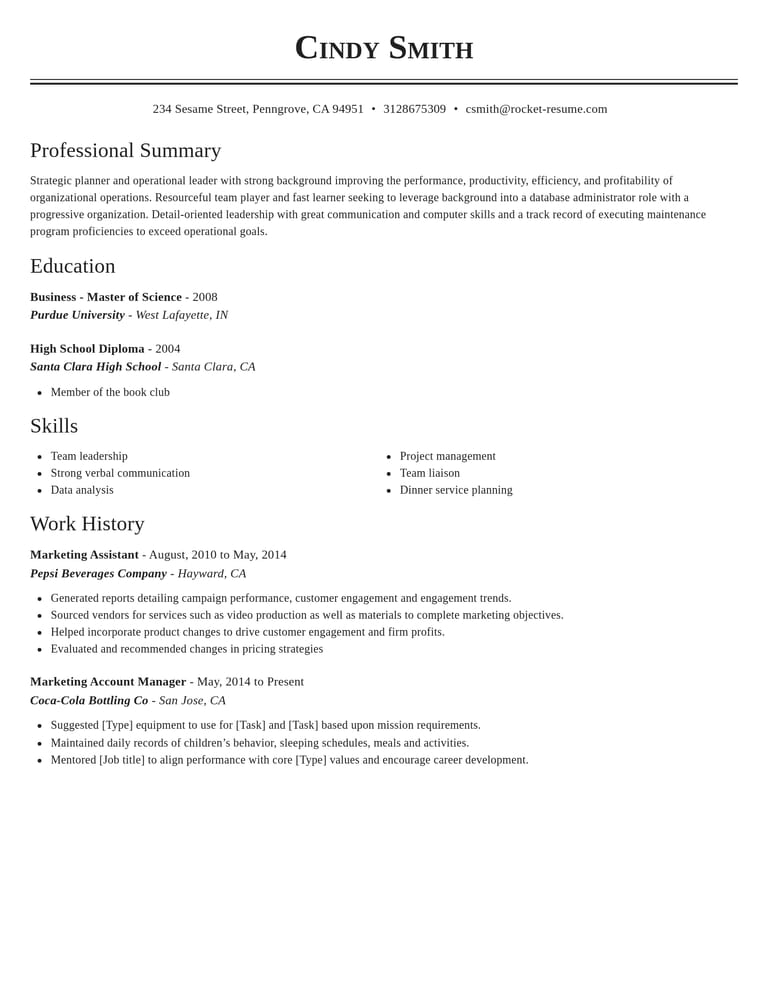
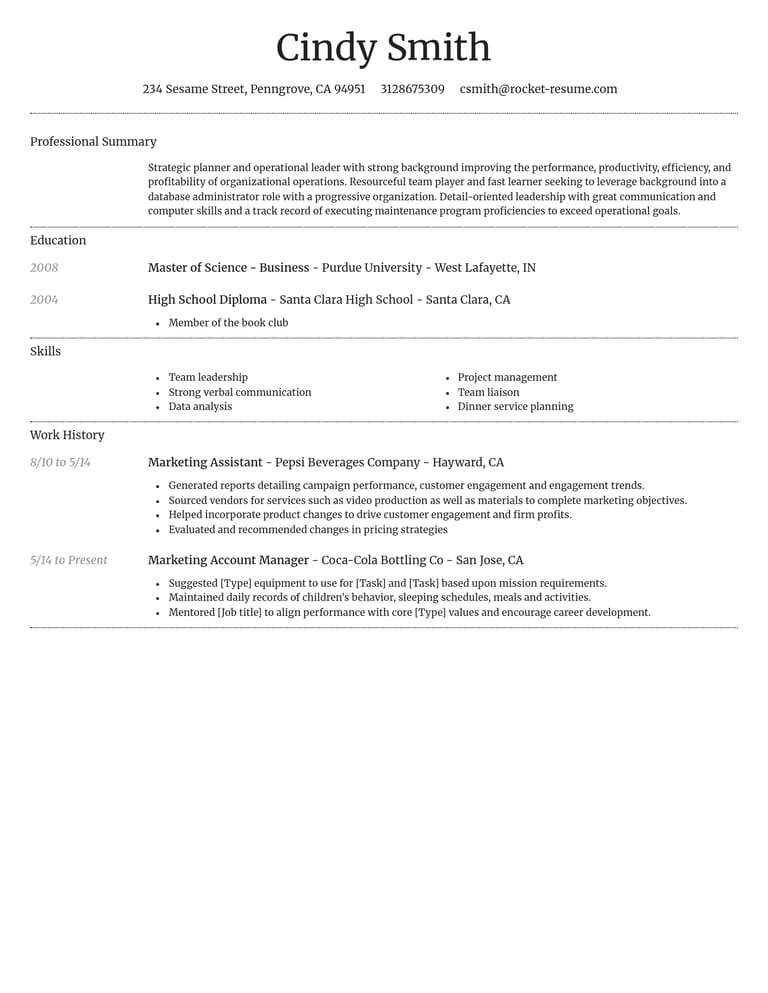
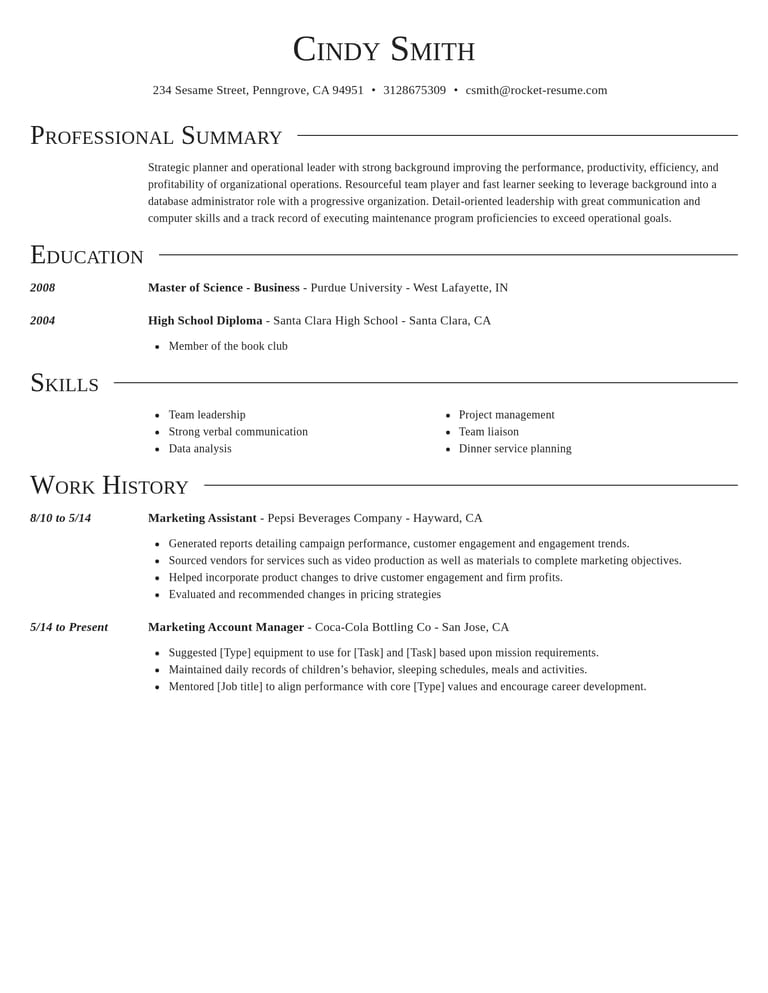
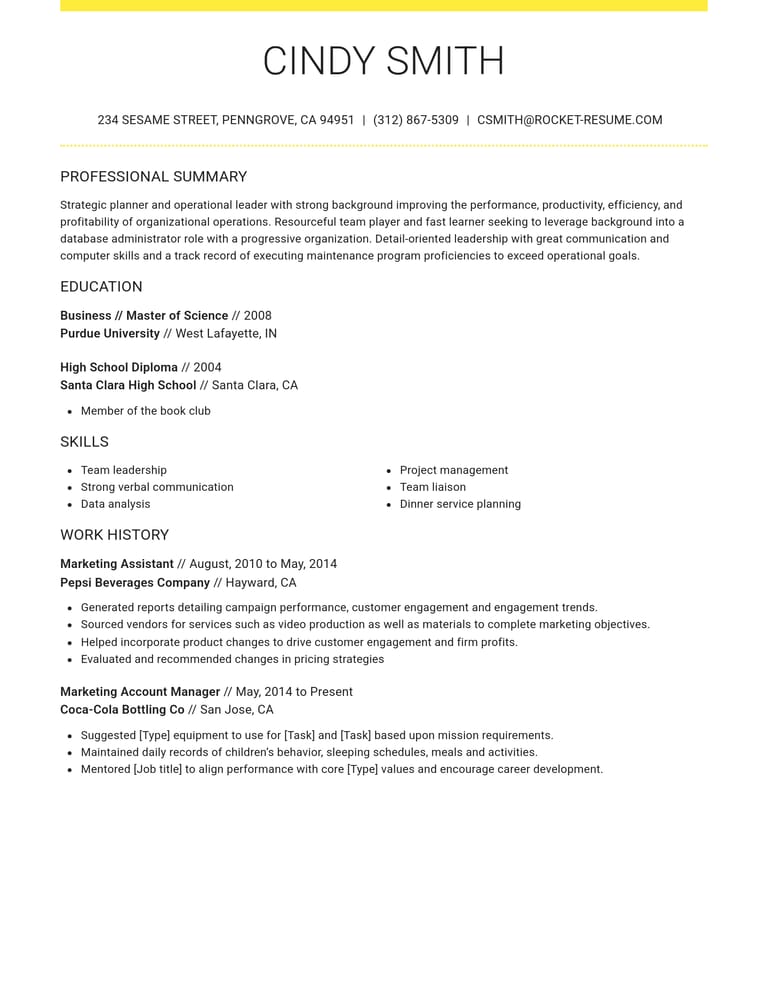
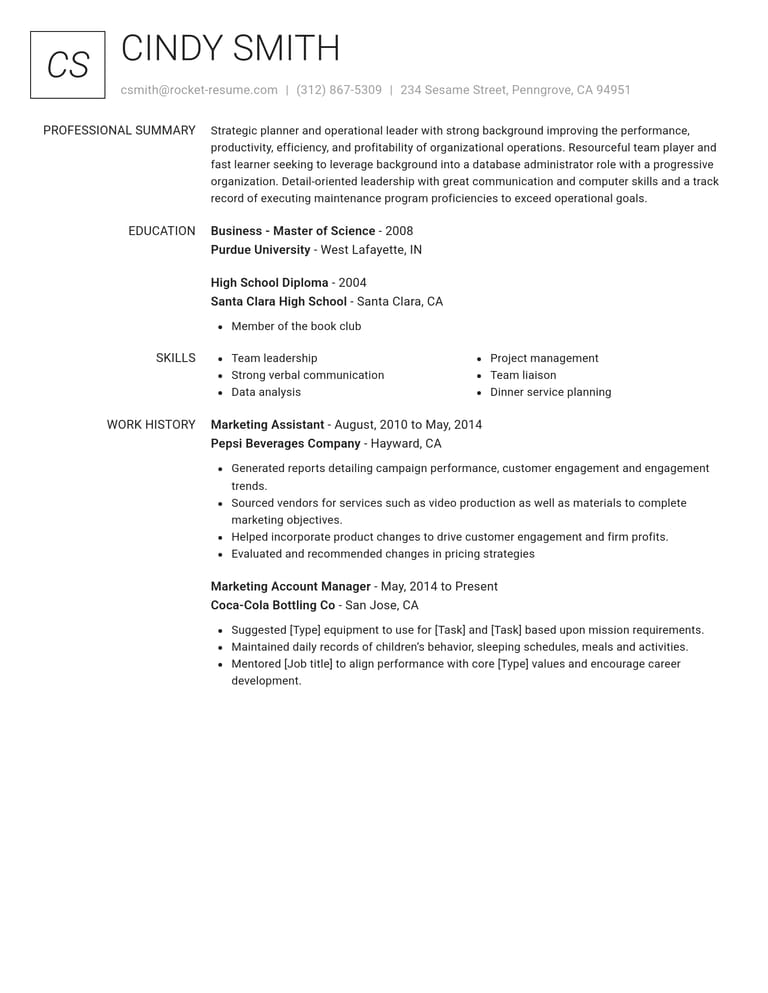
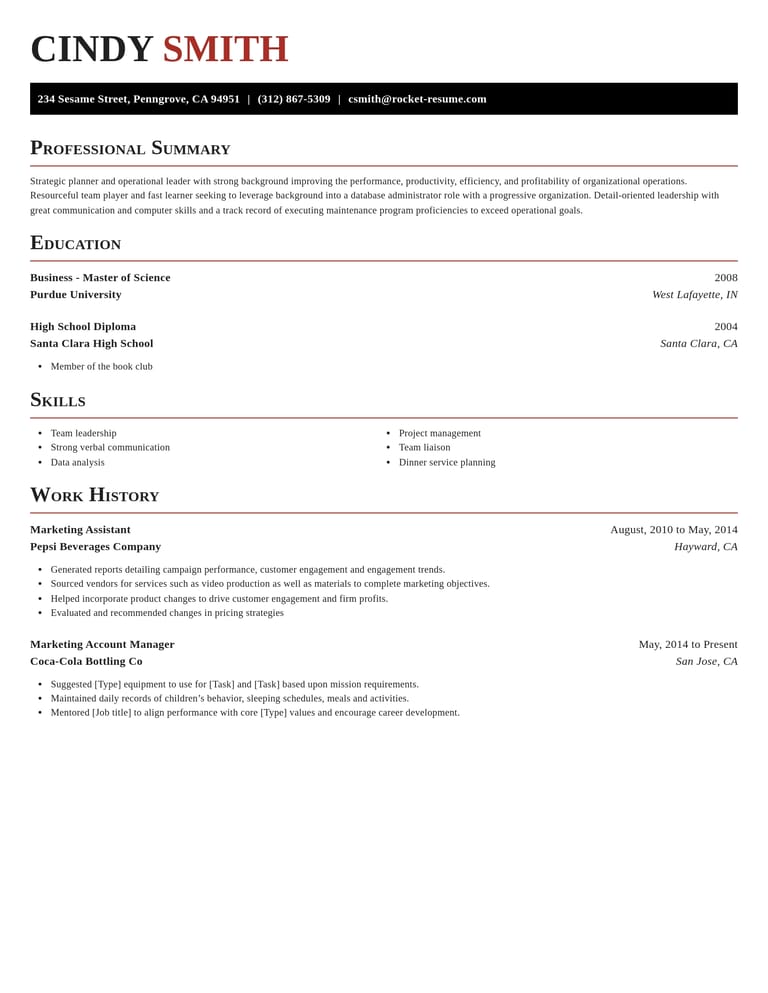
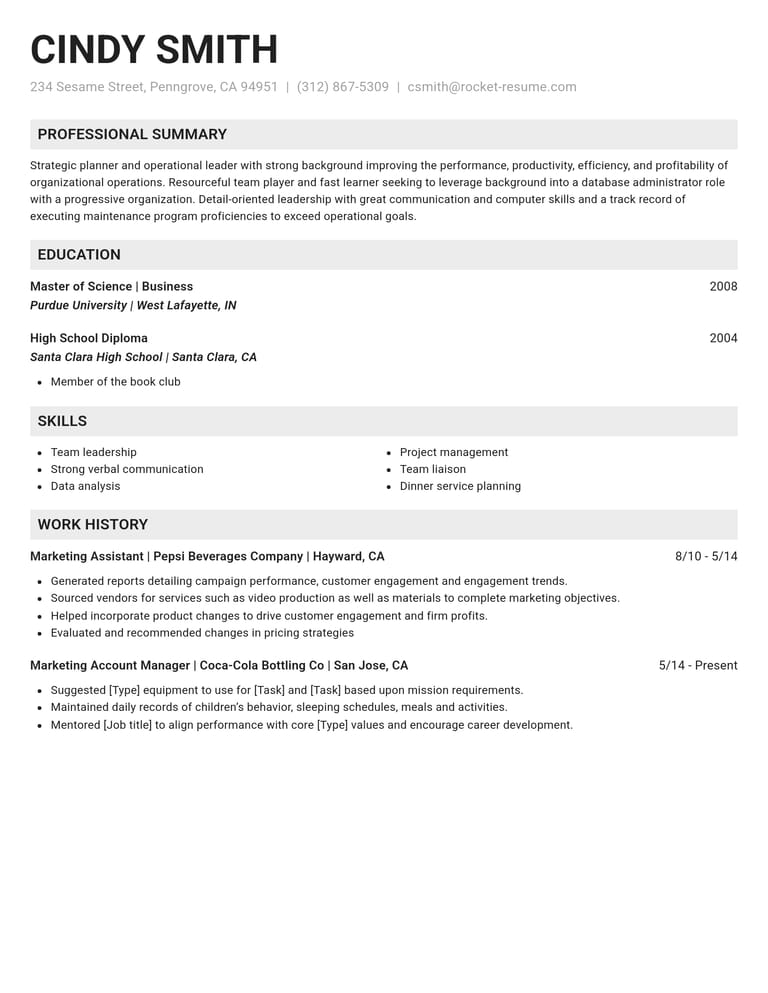
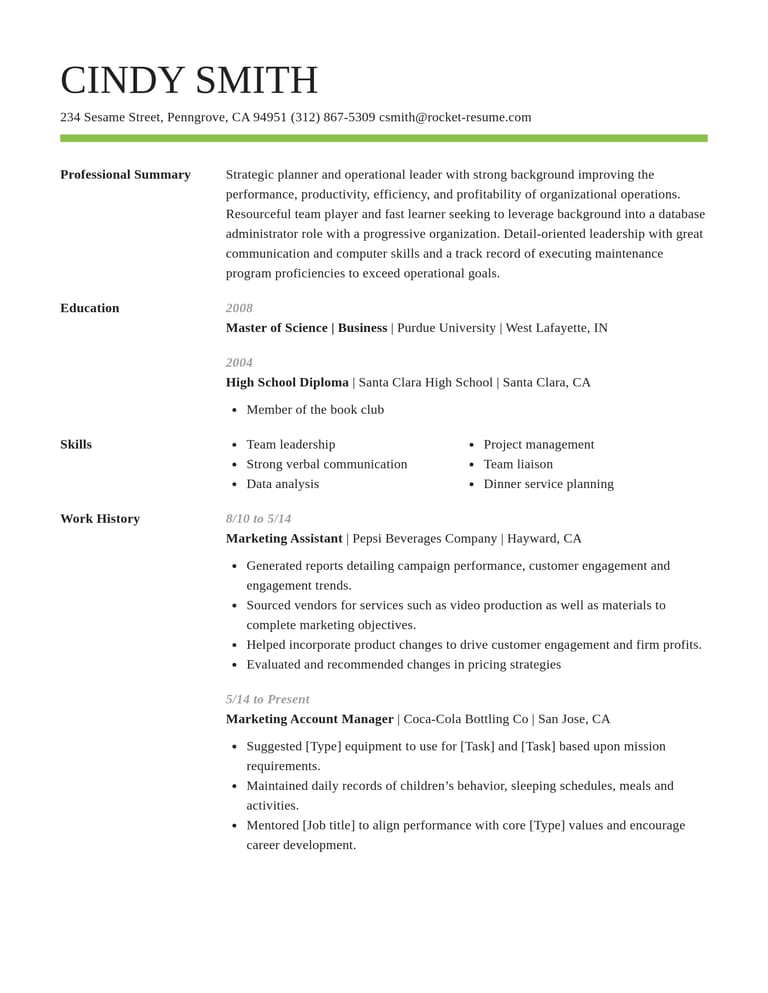
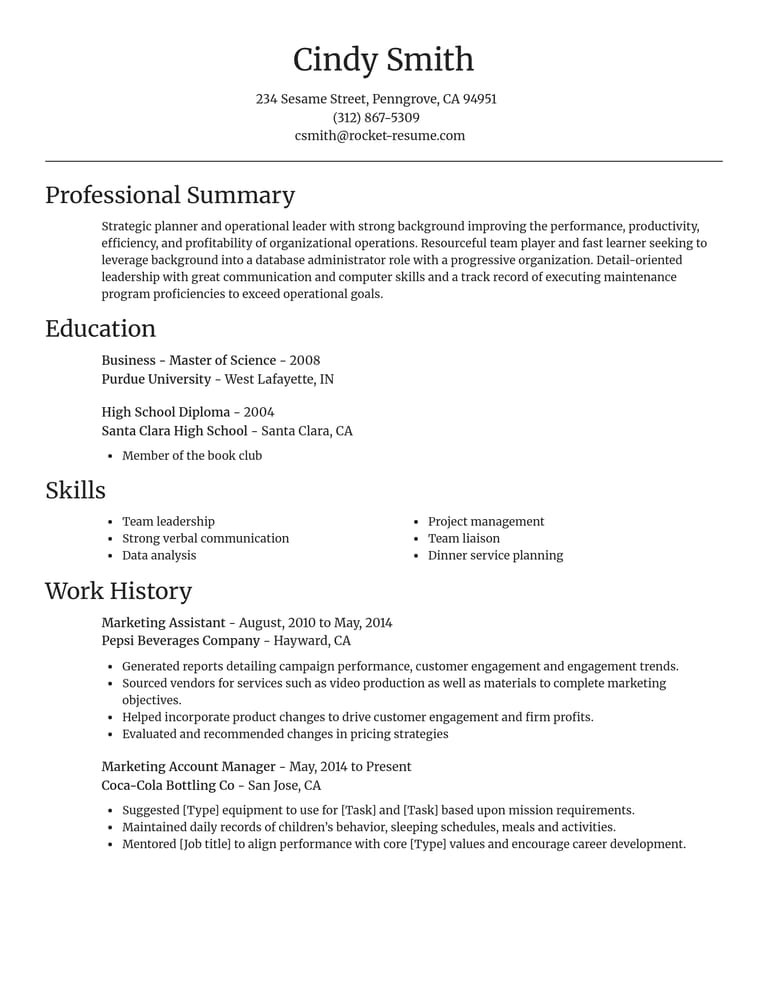
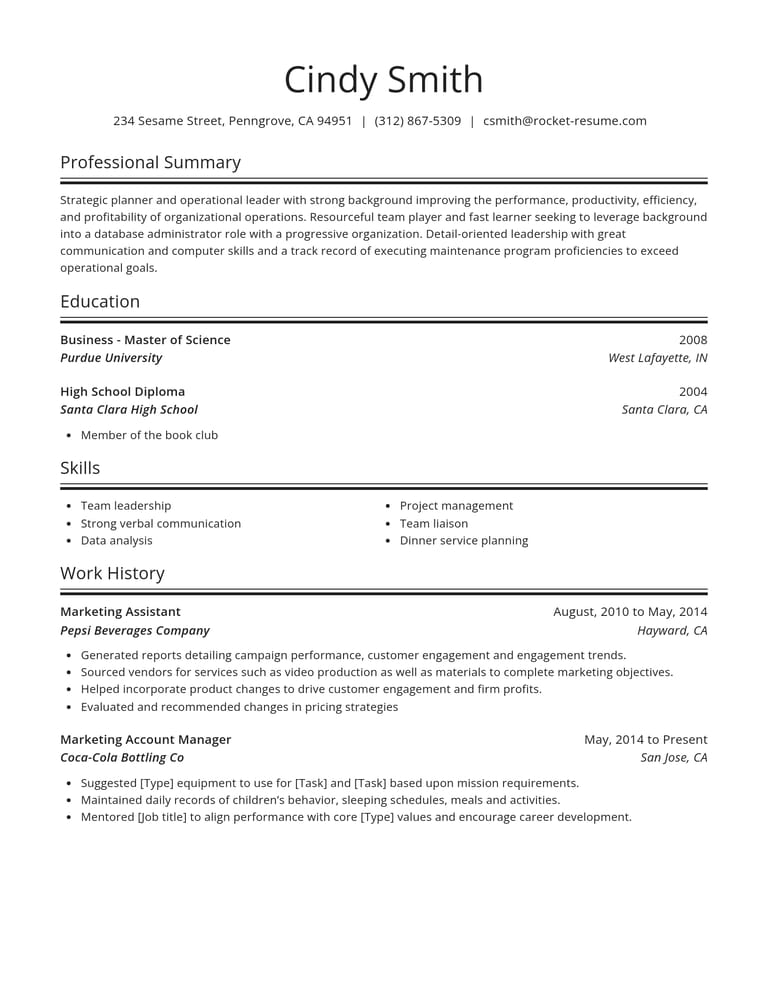
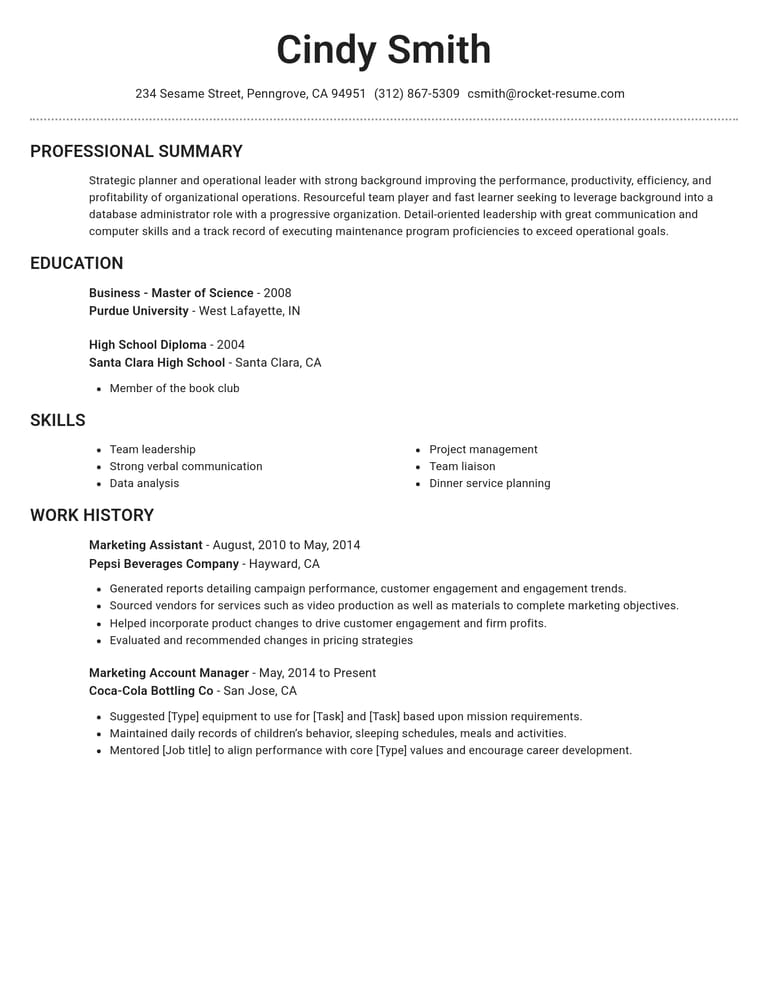
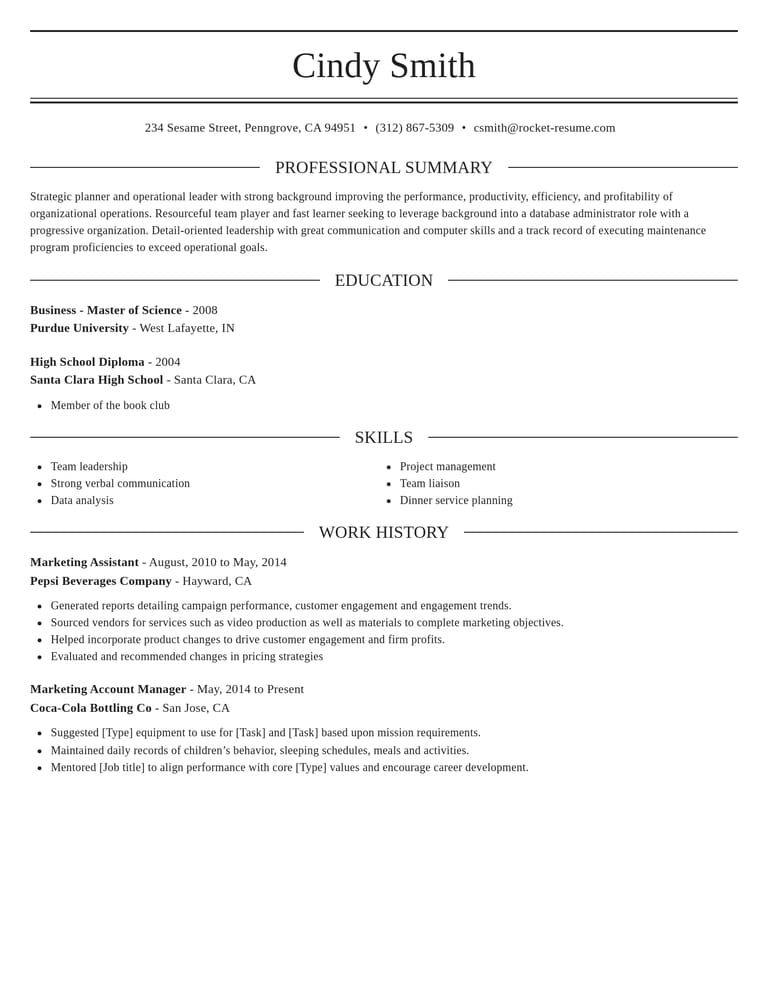
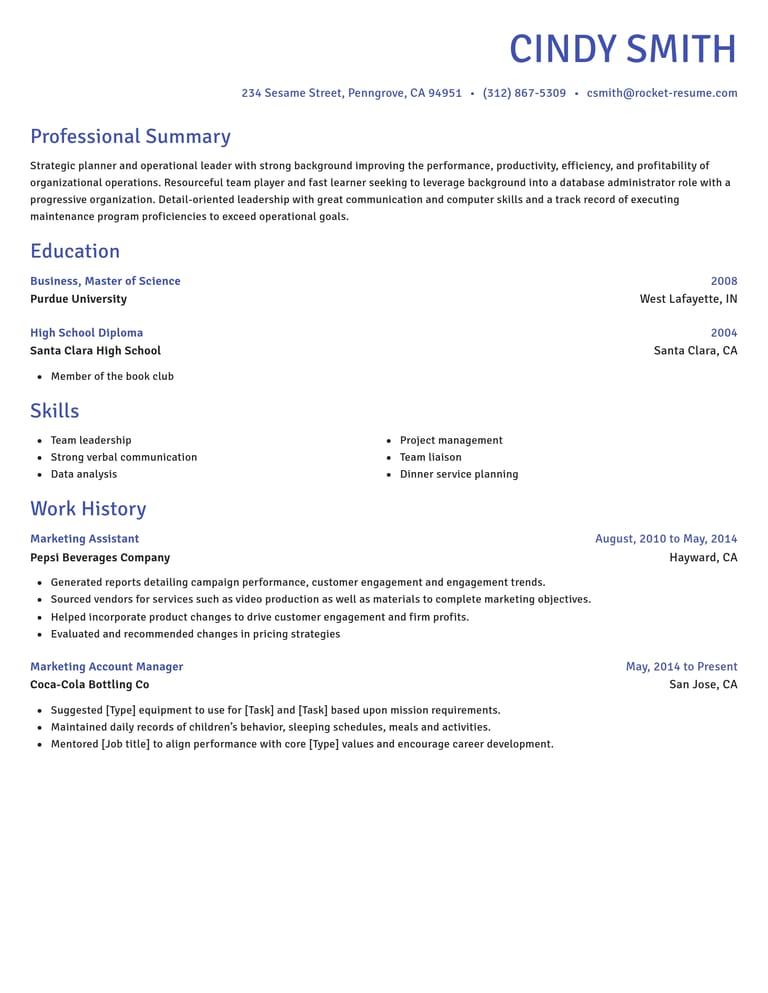
Pick a CV design that suits your field

Write a CV in a sequence that keeps you moving
Learning how to write a CV is easier when the writing order is clear. You can draft the factual middle first, then create an introduction that accurately reflects the record below it.
Establish the purpose before composing
Read the application instructions and identify the kind of record requested. Academic and medical opportunities may call for research, teaching, training, or other named categories; an international job application may specify a different scope.
Write a short note about what the document needs to demonstrate. This gives you a reason to include a detail and helps prevent an early draft from turning into an account of everything you have ever done.
Draft the experience you understand most clearly
Start with one relevant experience and describe the actual work. Identify your contribution, its setting, and the information needed to distinguish it from a general description of the role.
For a fictional laboratory support position, you might explain preparing materials for supervised experiments and maintaining an equipment log. Write what happened before deciding how polished the sentence should sound.
Extend the record with proportionate detail
Add other relevant experiences and keep their relationships clear. A major project may need a fuller explanation than a brief supporting activity, even when both belong on the CV.
Keep team achievements separate from your own contribution. If you cannot establish a result, describe the responsibility rather than supplying a confident outcome that you would later need to qualify.
Write education and skills as factual sections
State qualifications and study status accurately, using the names from your records. Add supporting academic detail only when it helps meet the purpose you identified at the beginning.
Name skills precisely enough to be meaningful. A method or tool paired with a real example of use tells a clearer story than an unqualified claim of broad expertise.
Compose the introduction from existing evidence
Now read the material you have written and identify its central thread. Use that thread to draft a brief summary of the relevant background, without introducing a new claim that appears nowhere else.
For a career transition, explain the connection between past experience and the new work. Keep the distinction between transferable preparation and a required qualification clear.
Revise once for meaning and once for details
First, remove repetition and clarify sentences that leave your contribution uncertain. Then check names, dates, qualification status, and any application-specific requirements independently of style.
Rocket Resume provides guided sections, editable role suggestions, and a preview that updates while you write. Use those aids to support the process while keeping responsibility for the content yourself.
Stop when the requested material is present, the claims are supported, and the wording is understandable. Save your draft so a later review can focus on a real change or unresolved detail.
CV builder questions, answered
Do I have to write the CV introduction first?
No. It can be easier to draft relevant experience and education before writing the introduction. Once those sections exist, you can summarize a real pattern in your background. This reduces the temptation to start with broad claims that the rest of the document does not support.
How much detail should I give a short experience?
Give enough context to explain your contribution and its relevance. A short experience does not need to match the length of a substantial role. Keep the setting and responsibility clear, then stop when additional explanation would repeat information or add little to the purpose of the application.
What should I check before calling the writing finished?
Confirm that the CV covers the requested categories and explains your relevant experience without unsupported claims. Review factual details separately from phrasing, including names, dates, and current study status. Then read the introduction against the body to ensure it accurately summarizes the record you have presented.
Pick your industry, then build your CV
This week’s industry picks





- 15 examples
- 12 examples
- 23 examples
- 160 examples
- 9 examples
- 35 examples






Show all industries (A–Z)Show fewer
- Aerospace & Defense, 8 examples
- Agriculture, 23 examples
- Apparel & Textiles, 13 examples
- Architecture, 15 examples
- Artificial Intelligence, 6 examples
- Arts & Entertainment, 24 examples
- Automotive, 21 examples
- Beauty & Personal Care, 17 examples
- Biotechnology & Life Sciences, 7 examples
- Business Services, 23 examples
- Chemical Engineering, 4 examples
- Childcare, 14 examples
- Construction, 106 examples
- Creative, 15 examples
- Customer Service, 17 examples
- Education, 94 examples
- Energy, 39 examples
- Environmental Science, 5 examples
- Finance, 63 examples
- Food & Beverage, 68 examples
- Government, 48 examples
- Healthcare, 160 examples
- Hospitality, 35 examples
- Human Resources, 18 examples
- Insurance, 10 examples
- Legal, 12 examples
- Logistics, 37 examples
- Manufacturing, 68 examples
- Marketing, 8 examples
- Media, 20 examples
- Military, 24 examples
- Mining & Metals, 9 examples
- Nonprofit, 8 examples
- Pharmaceuticals, 12 examples
- Public Relations, 10 examples
- Real Estate, 7 examples
- Retail, 38 examples
- Robotics, 11 examples
- Sales, 14 examples
- Security Services, 19 examples
- Social Services & Counseling, 21 examples
- Social Work, 14 examples
- Sports & Fitness, 96 examples
- Technology, 67 examples
- Telecommunications, 6 examples
- Tourism & Travel, 9 examples
- Transportation, 38 examples
- Veterinary, 9 examples
Is your role missing here?

What job seekers say about the CV builder
from 3,900+ reviews