Revise your CV copy for
Start with the statements most relevant to the vacancy. Compare them with role examples, update any outdated details and check that each one still describes your own work before moving on.
- Editable examples for your role
- Preview your changes
- Guidance through your CV
- Work on a phone or computer

Danny
Apr 2023
“I'll recommend it to friends and family.”

Sameer T.
Aug 2022
“I would definitely tell others about it”

Anamaria P.
Jul 2026
“Very happy with the service, it helped a lot.”

Aaliyah
Apr 2026
“I was able to land an interview!”
from 3,900+ reviews
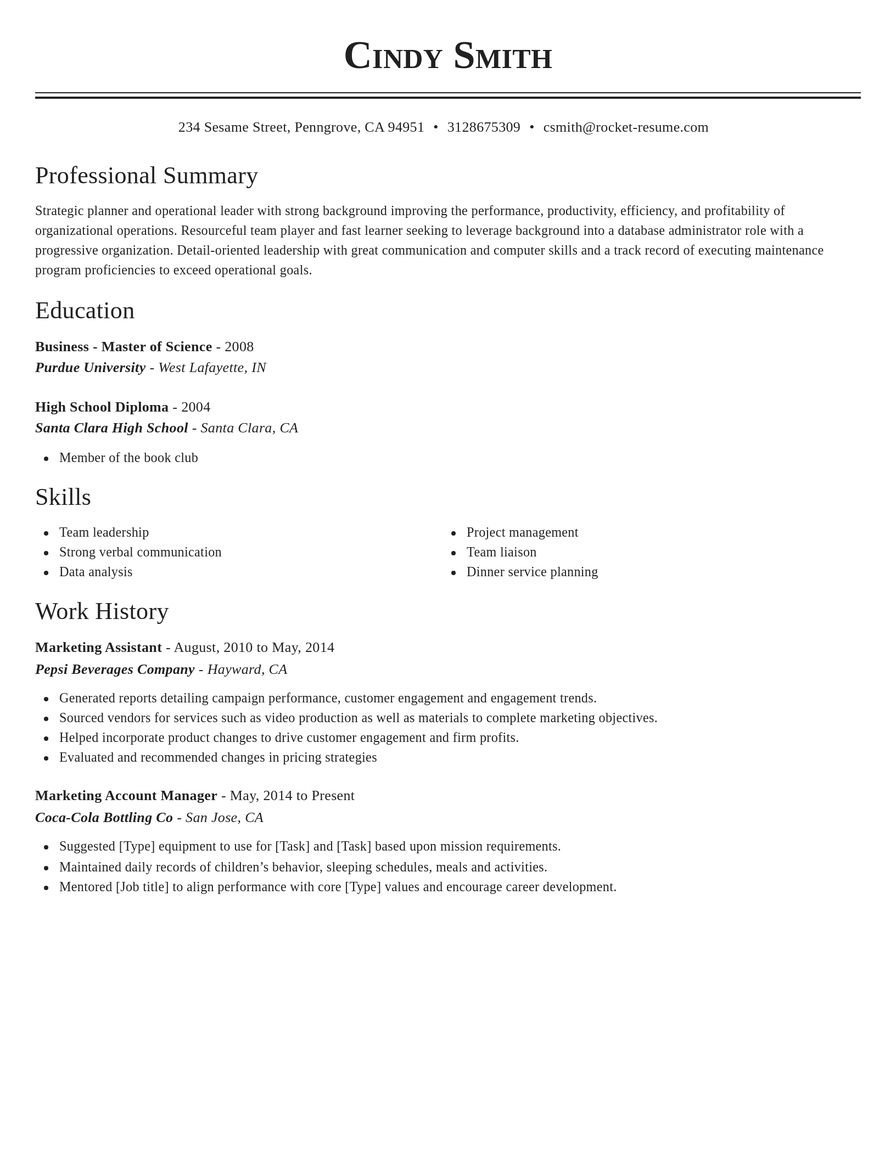
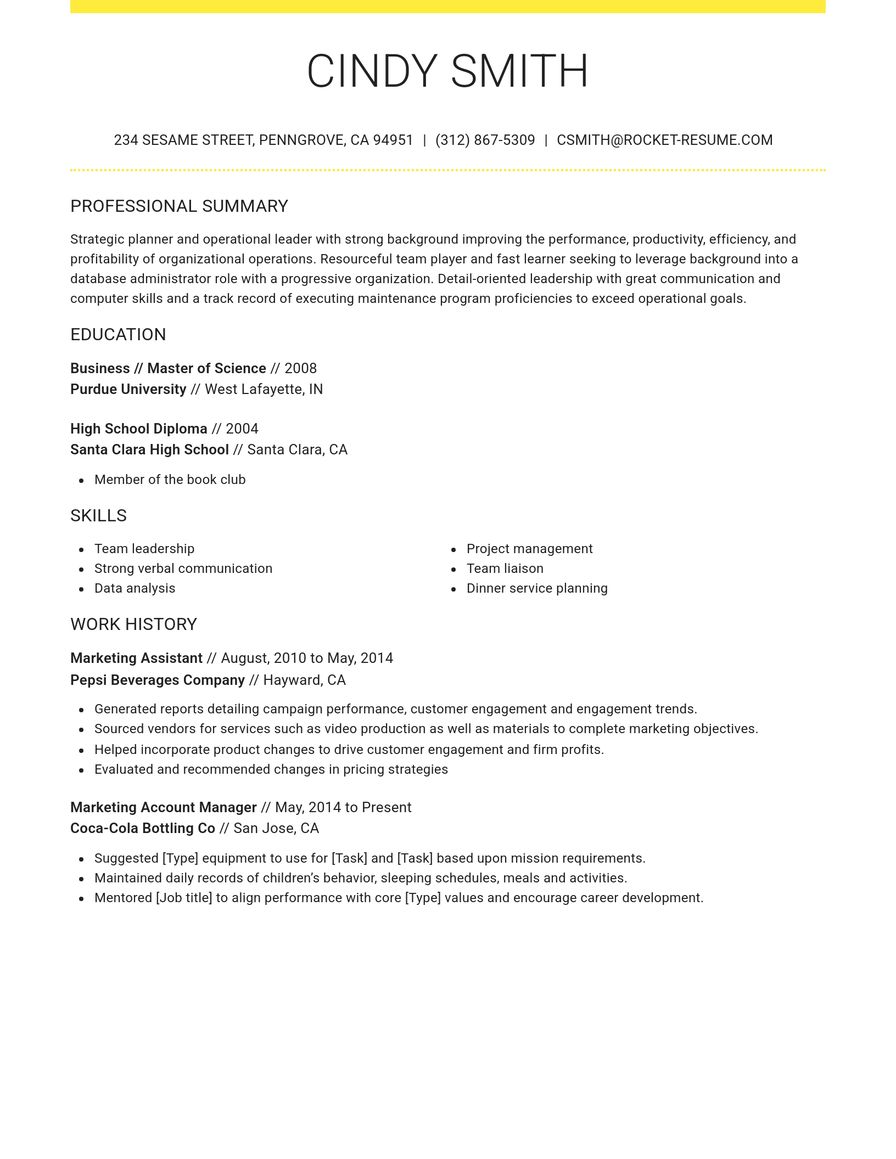
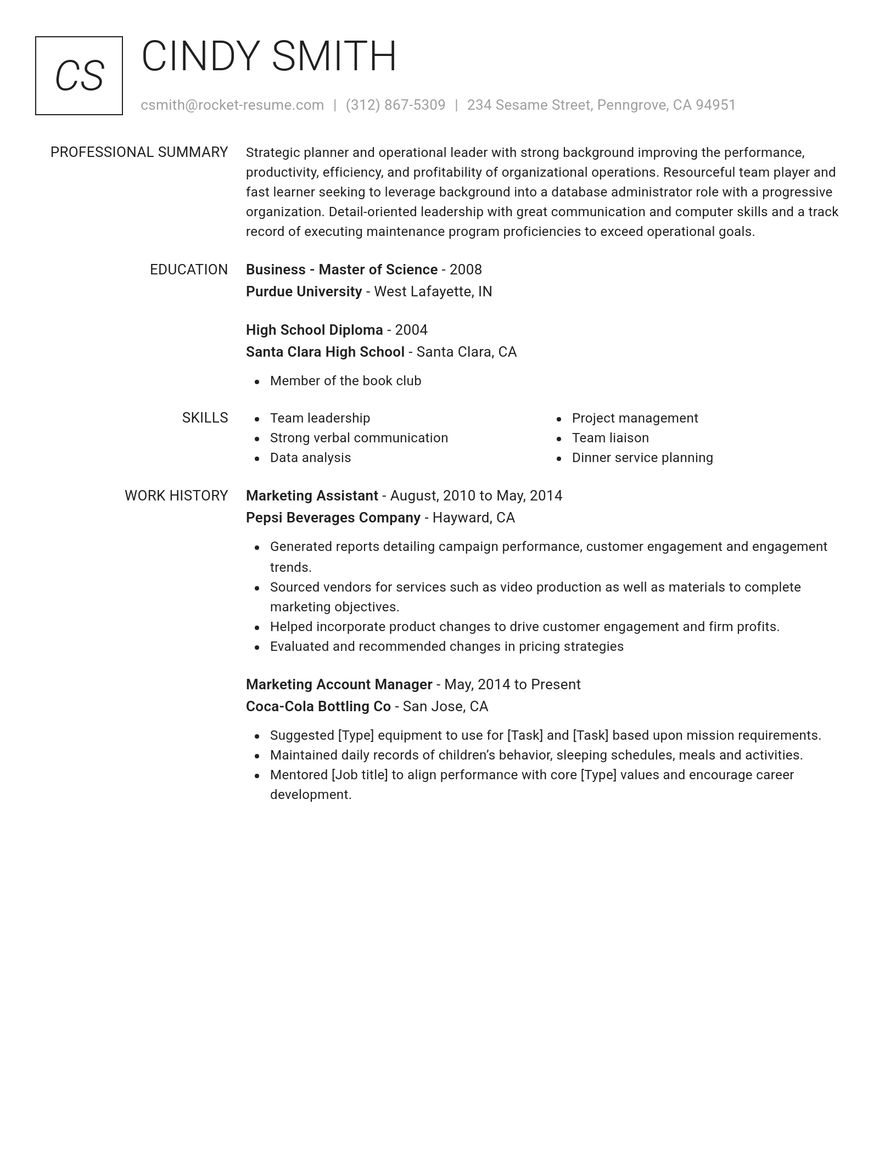
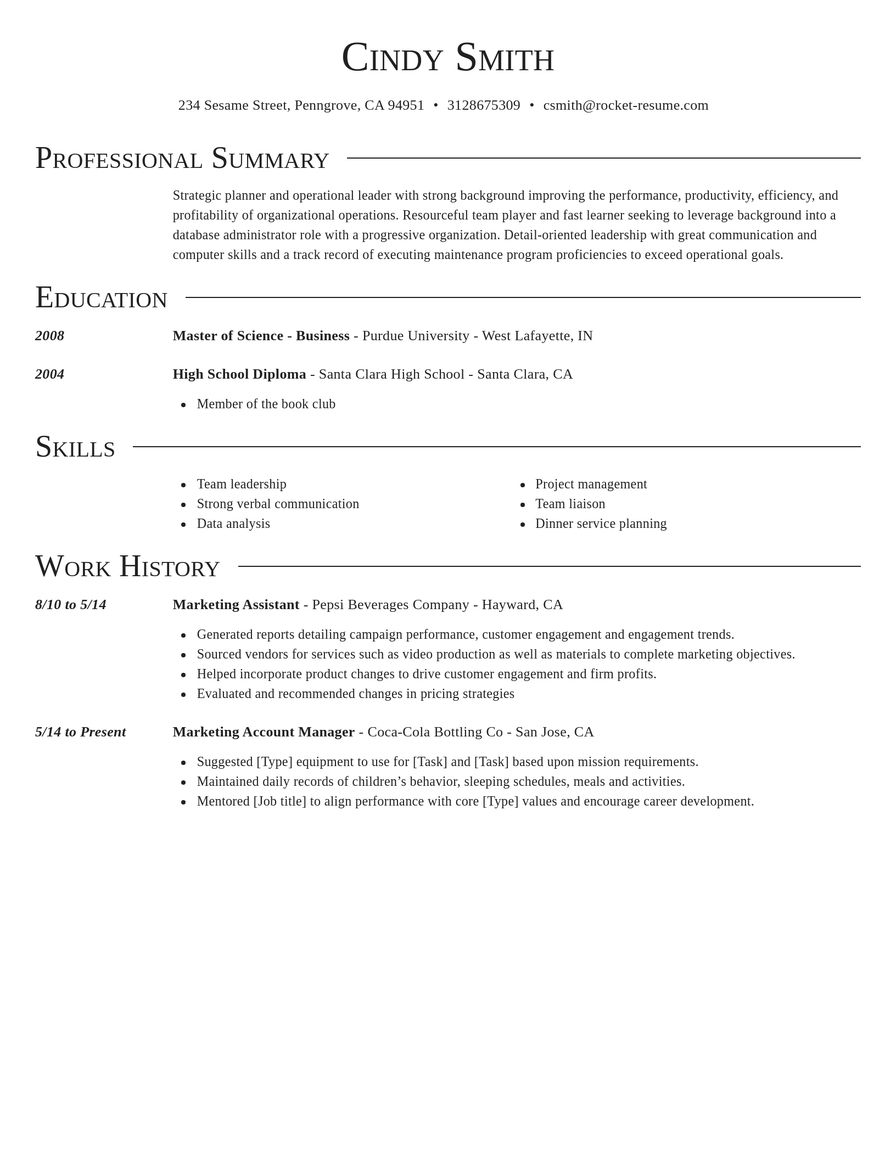
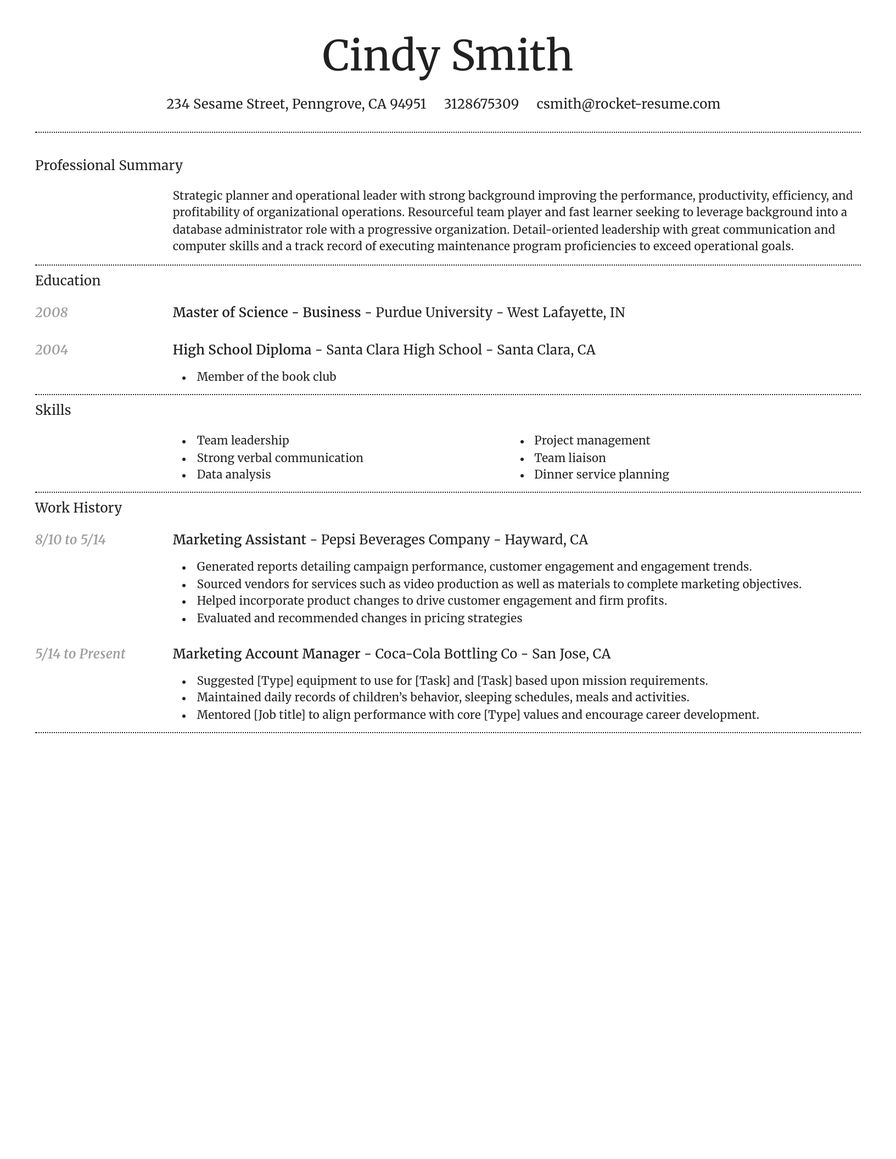
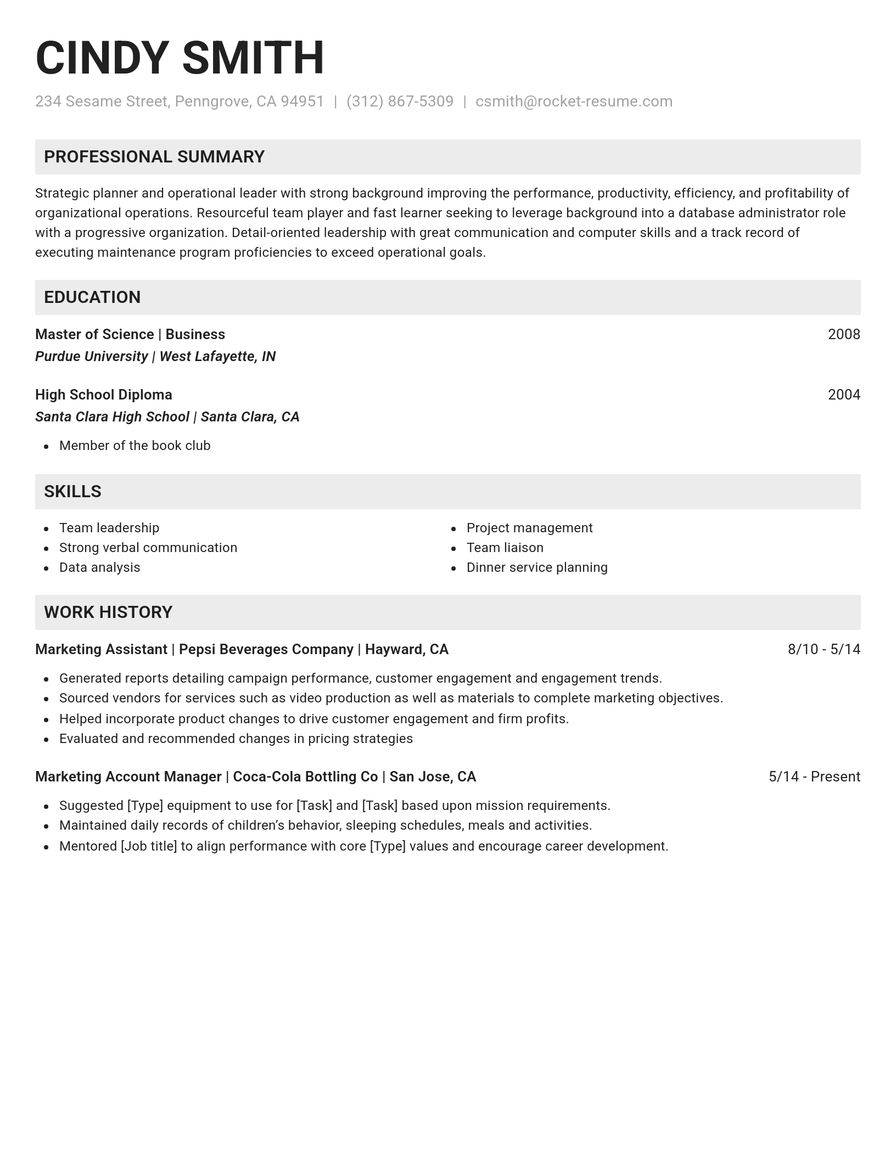
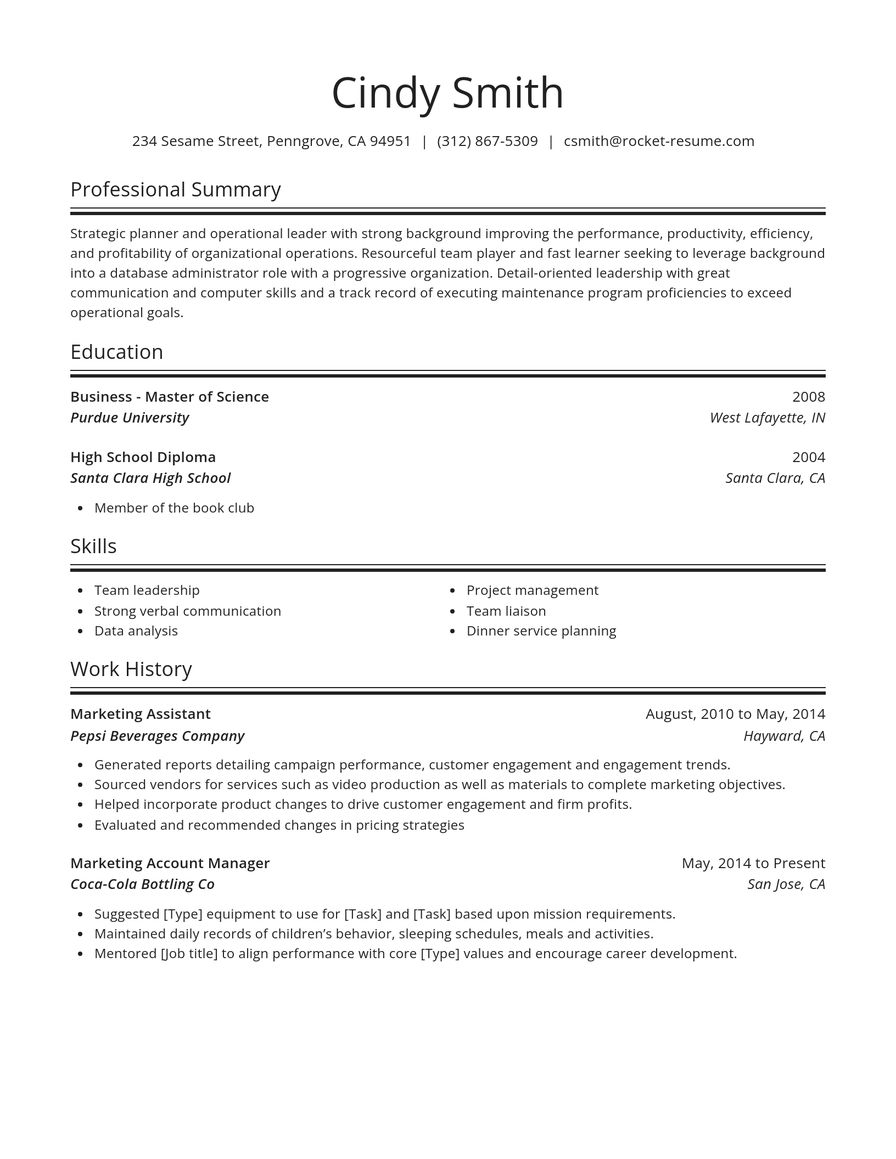
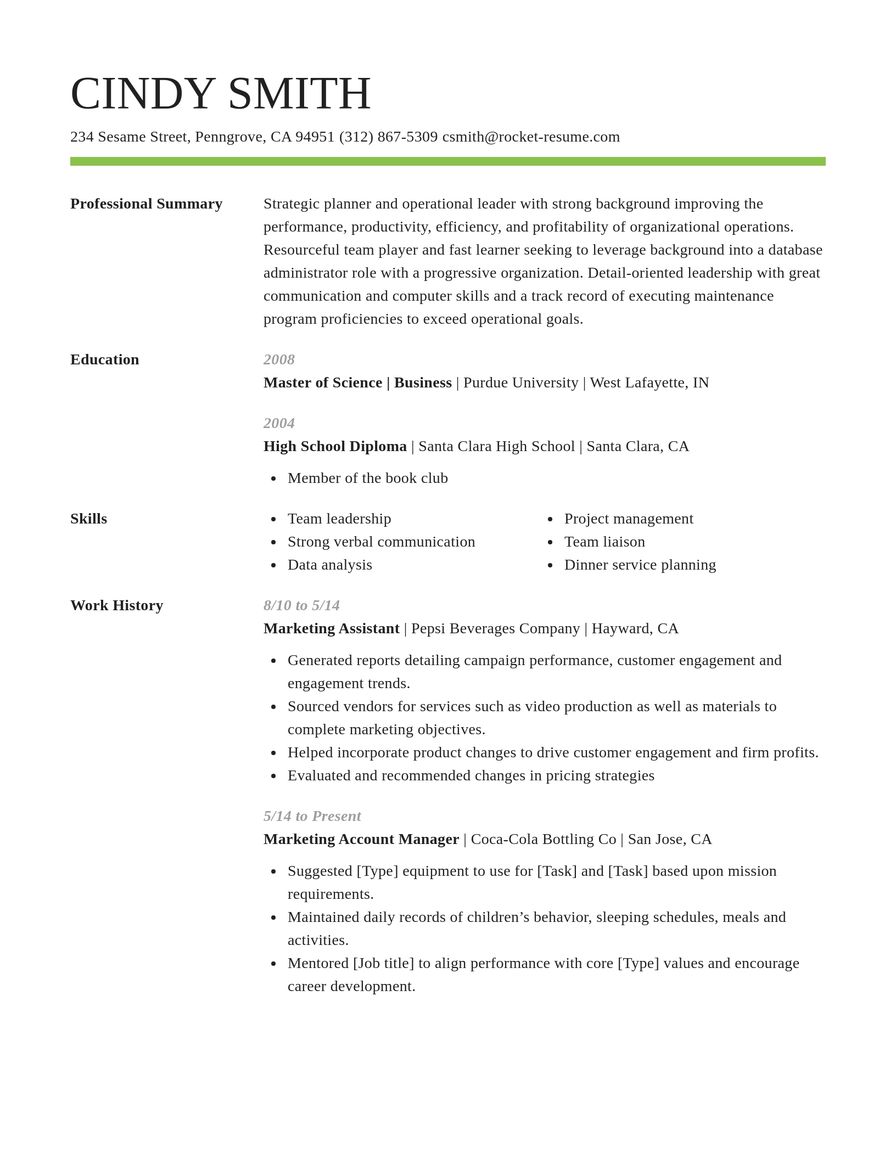
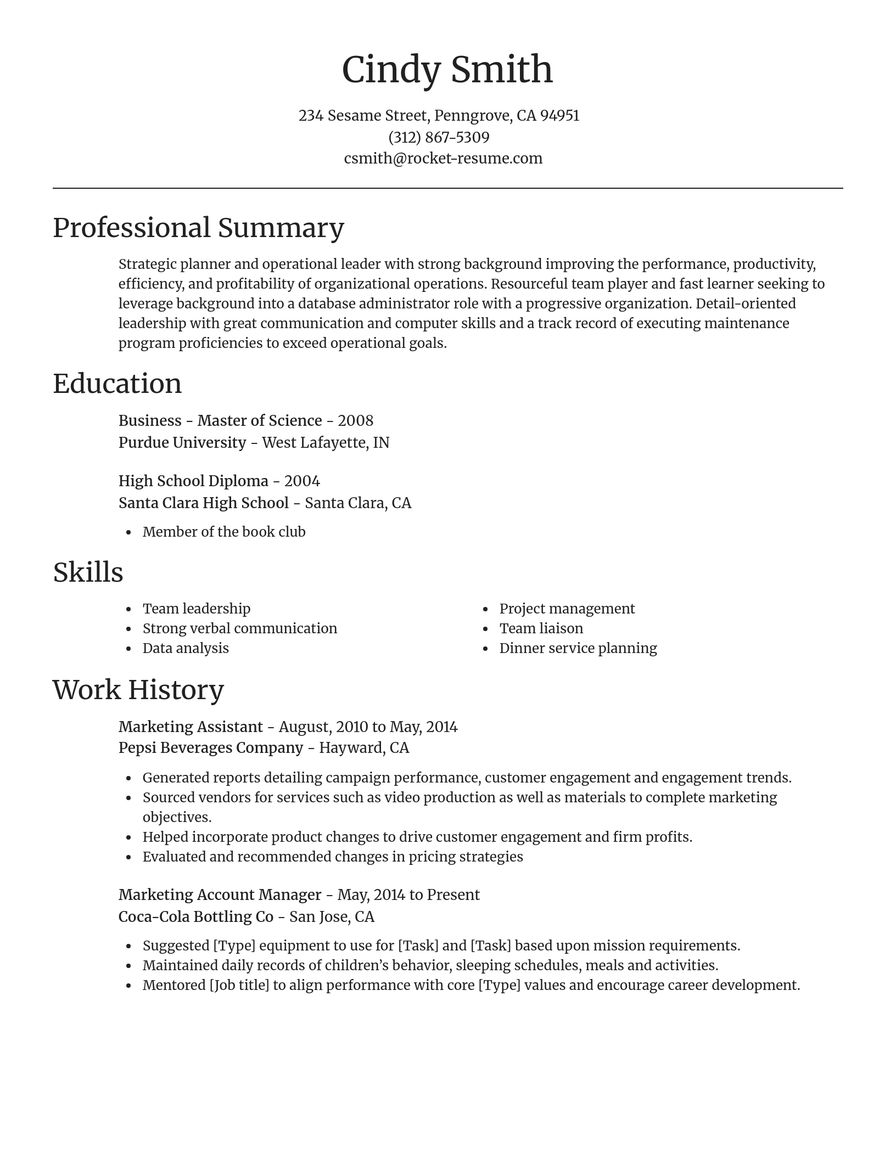
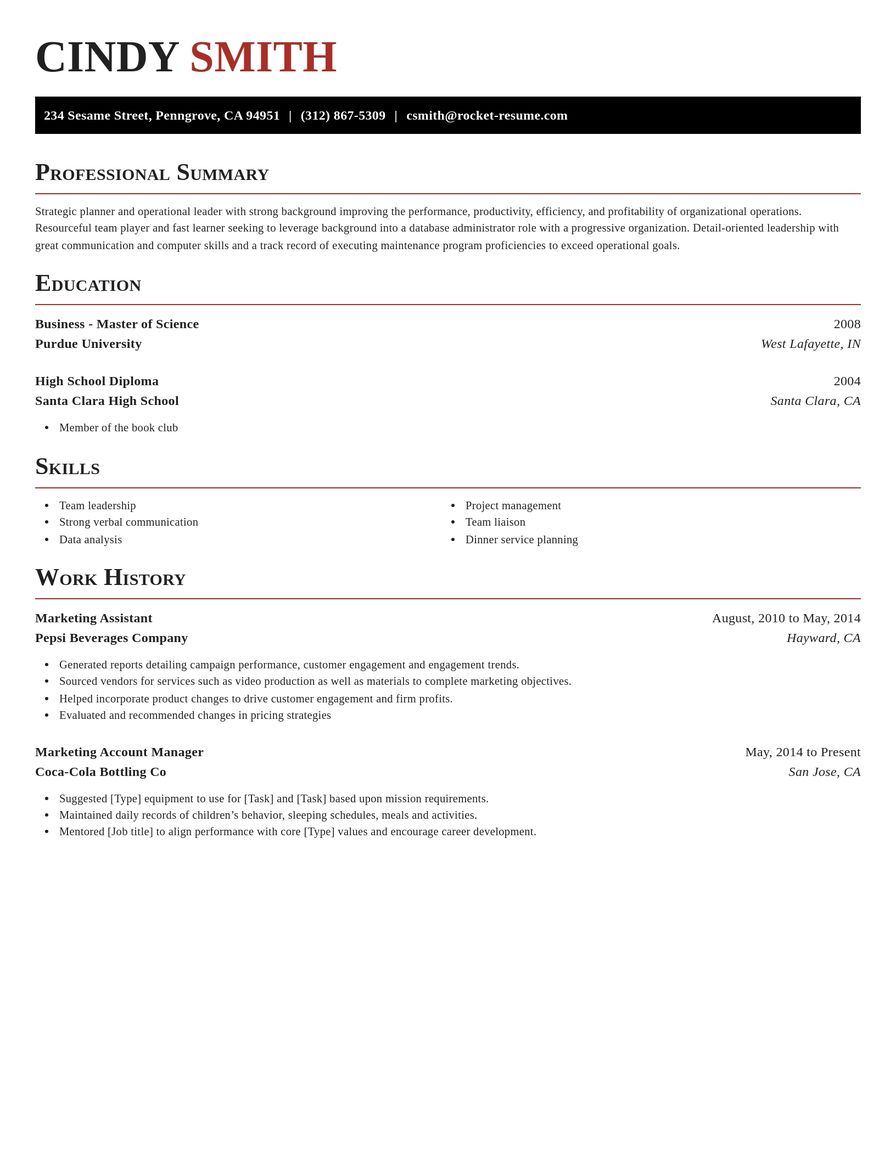
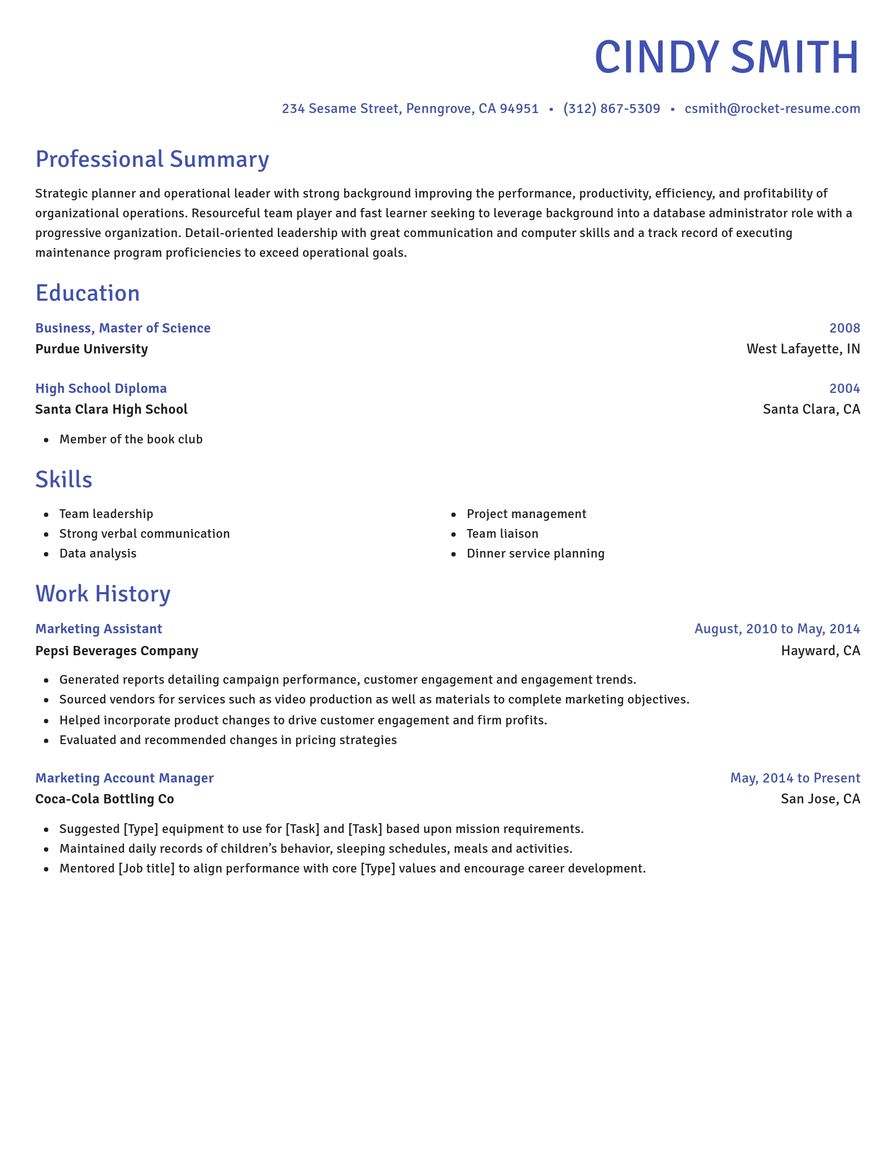
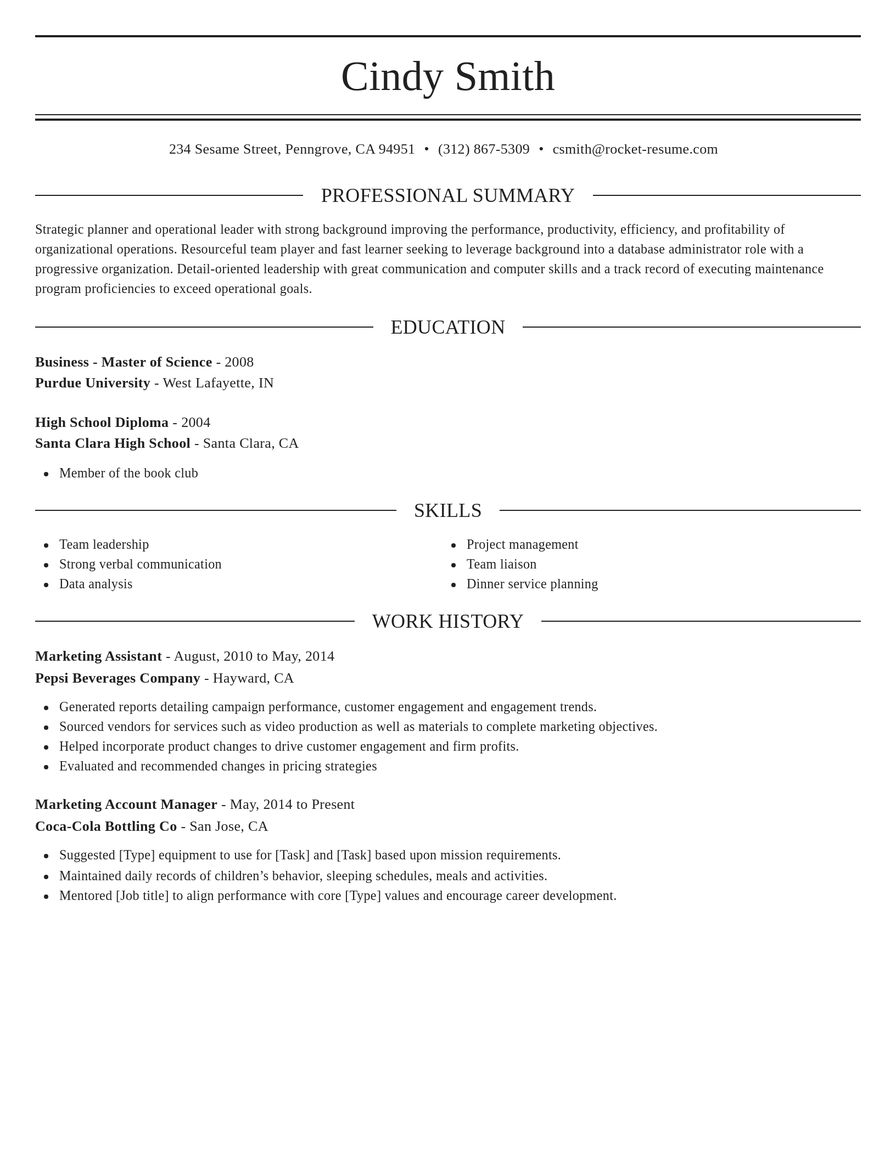
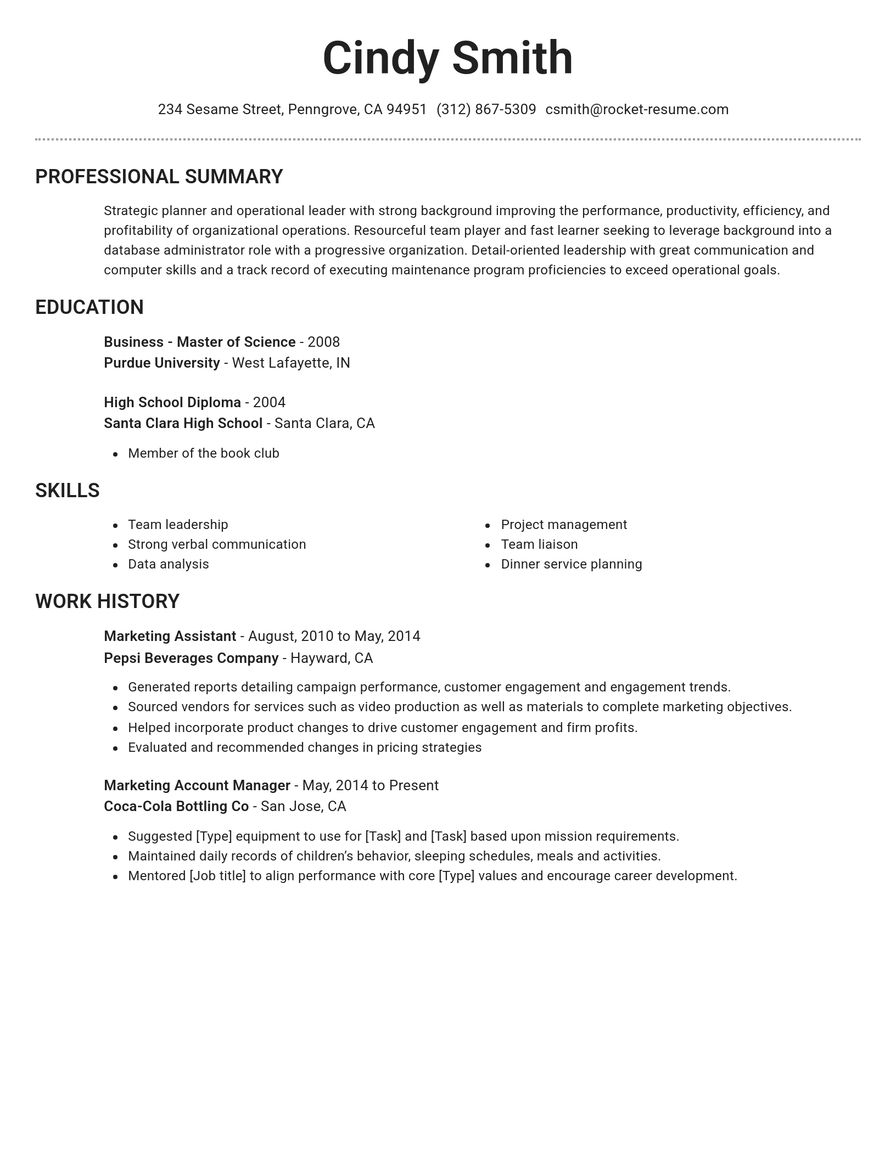
Choose a template fast and start typing
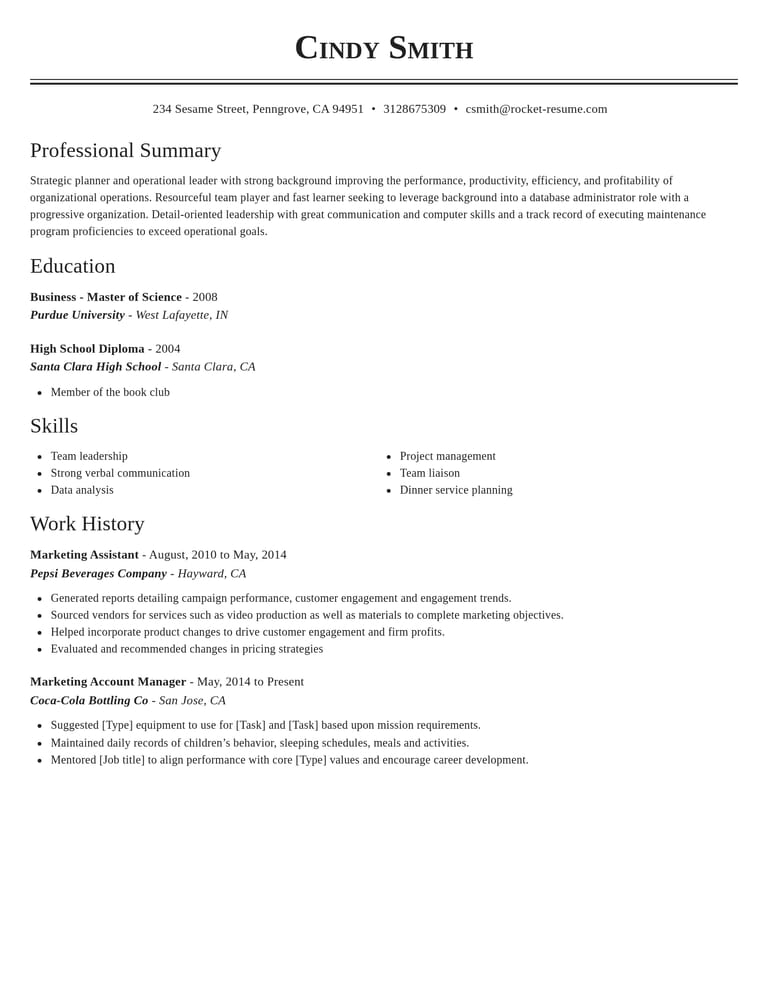
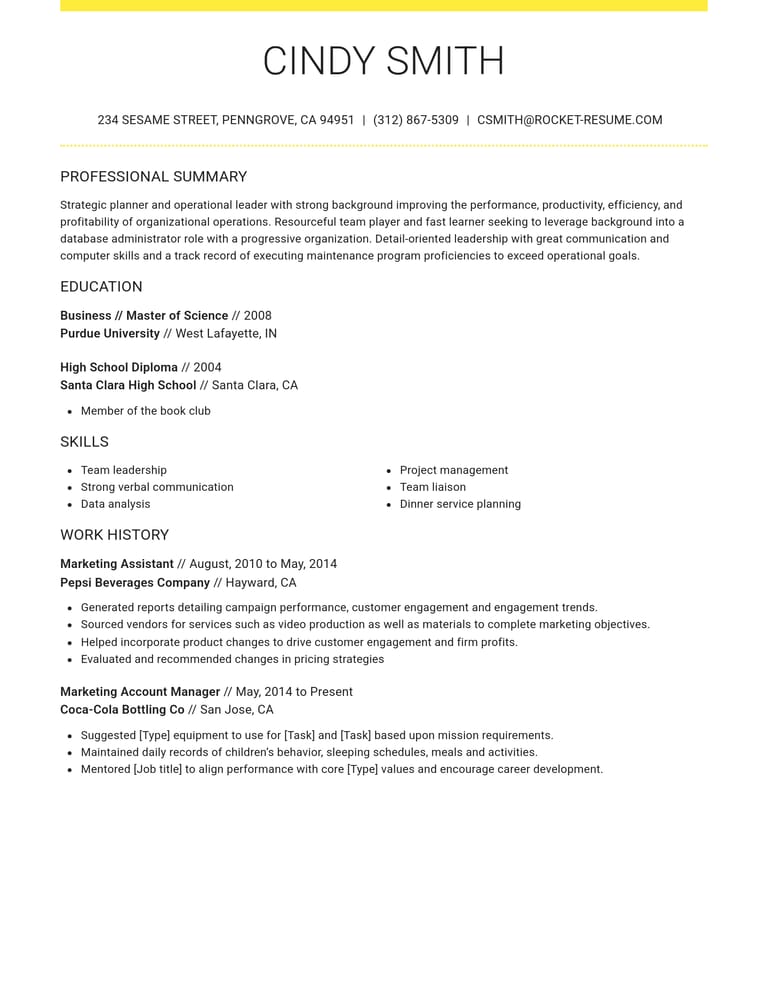
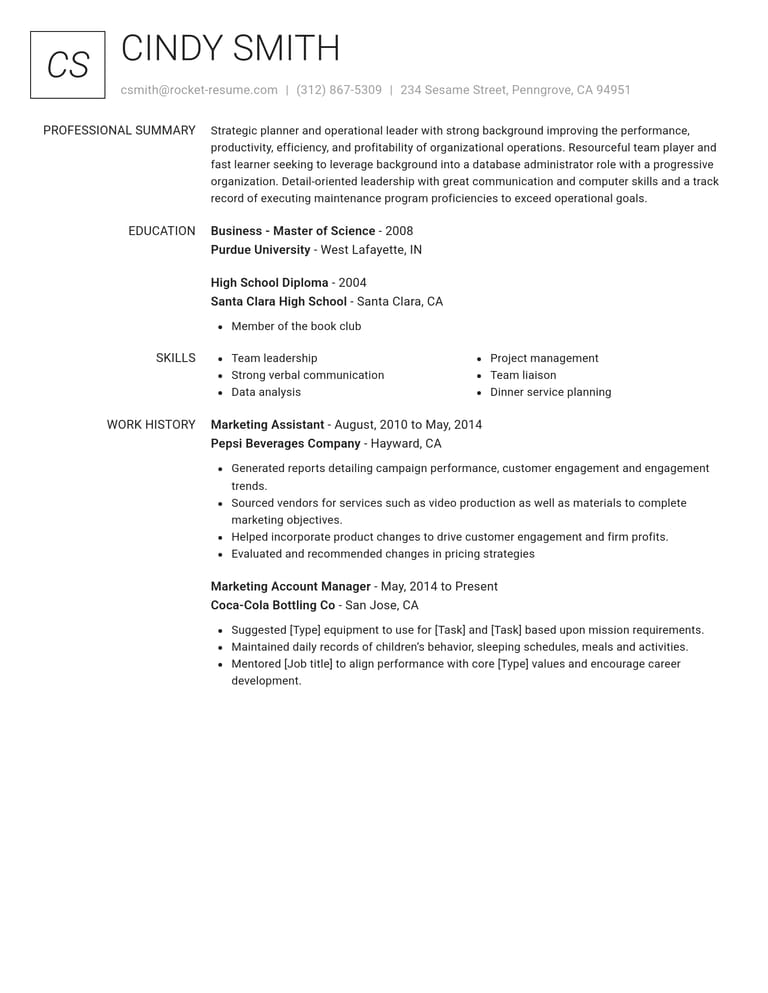
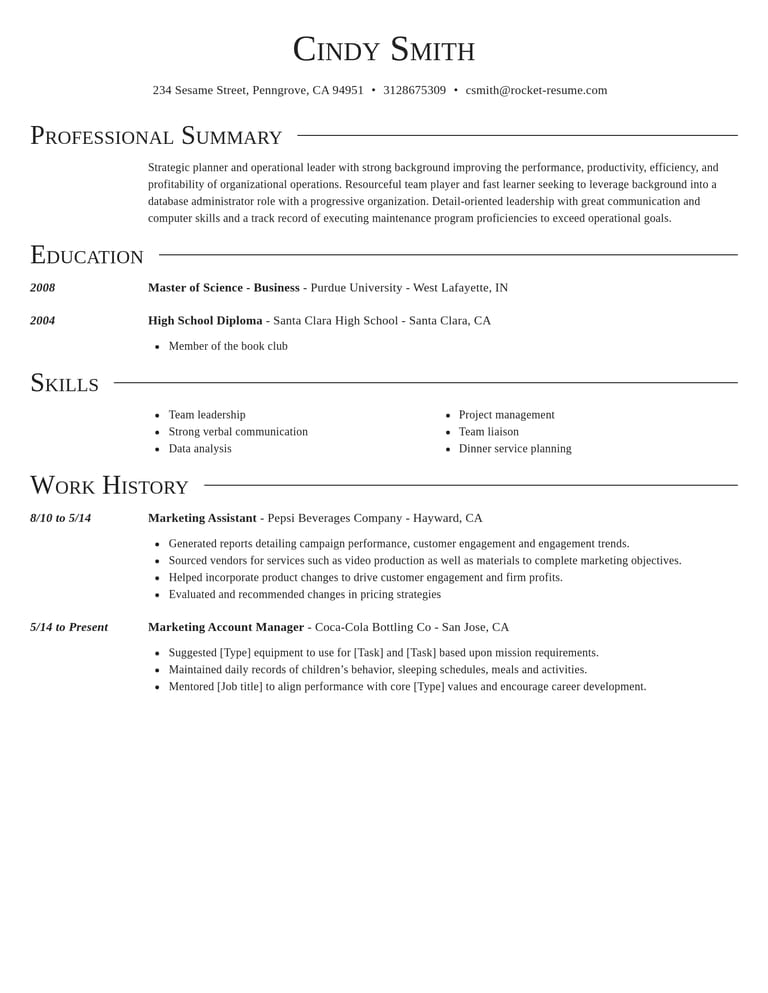
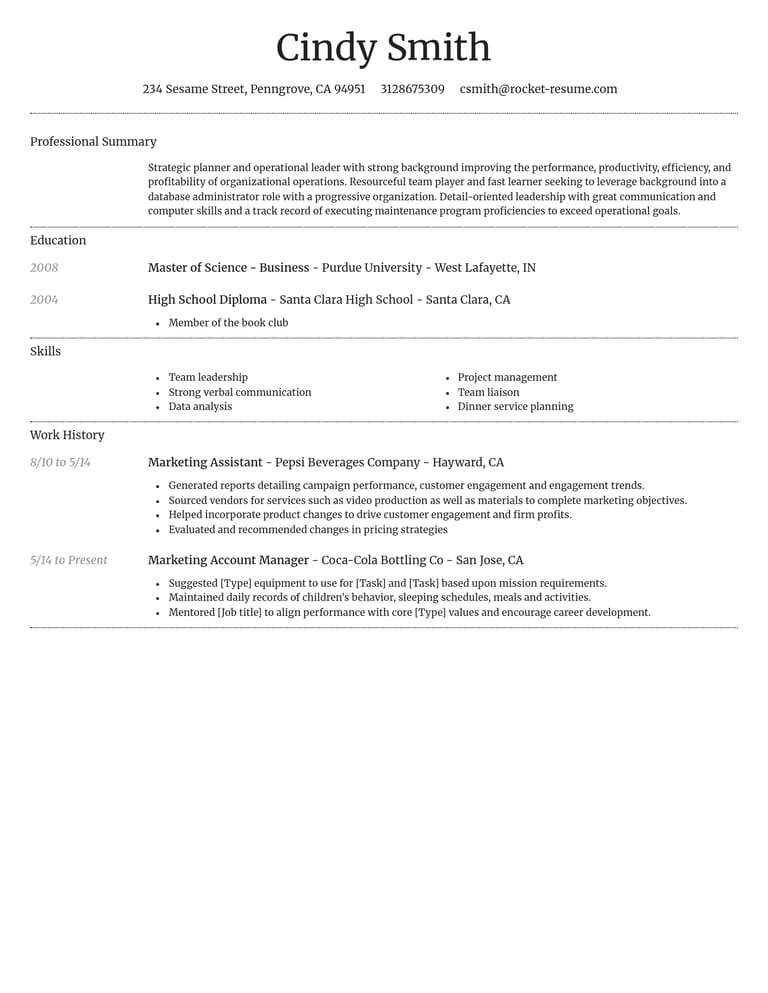
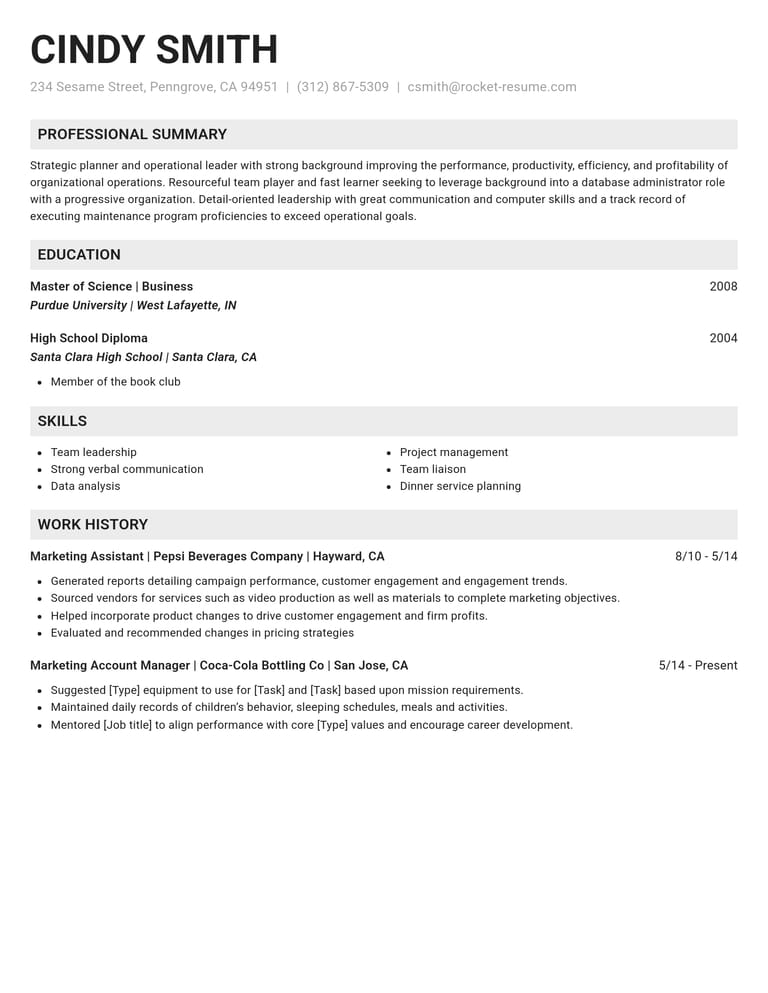
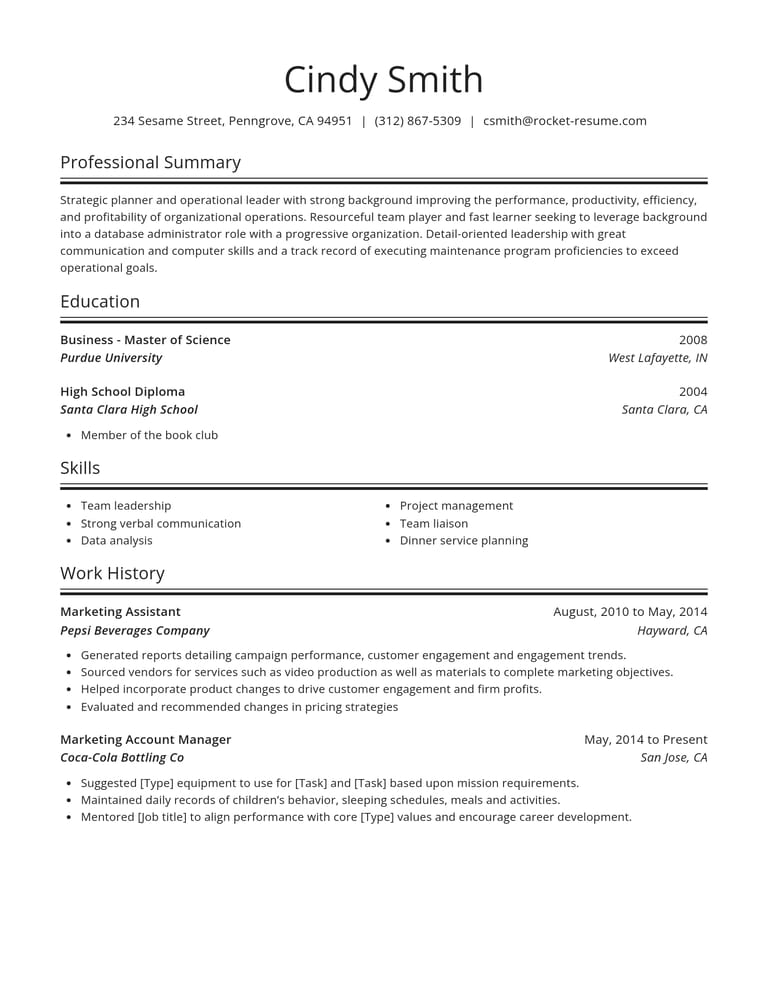
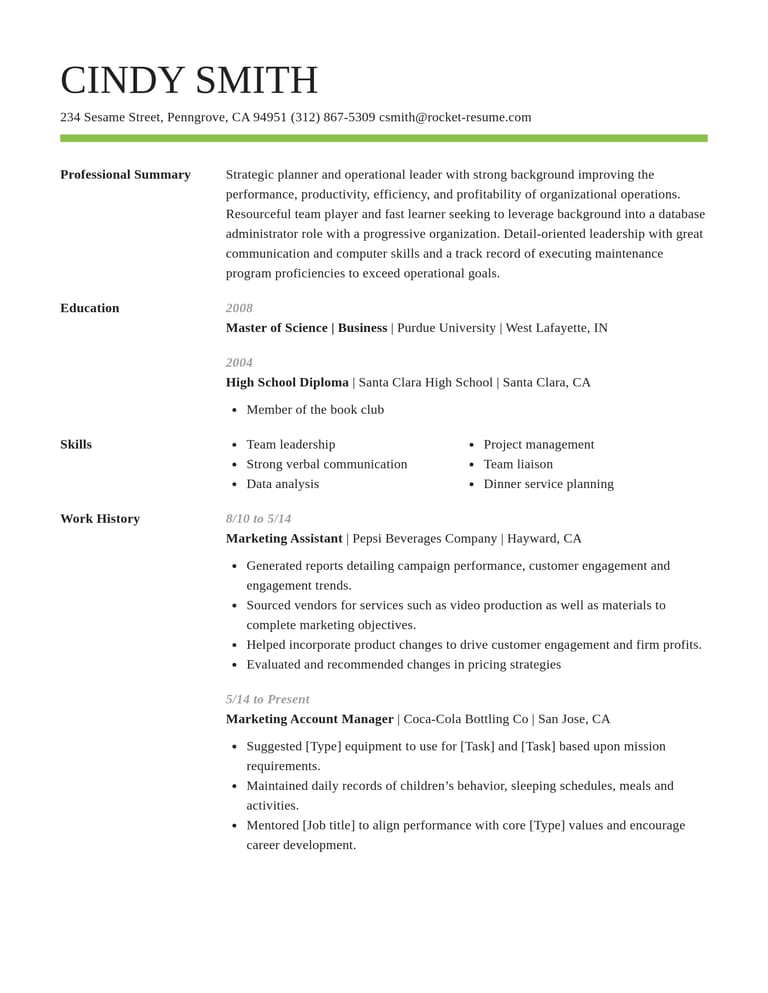
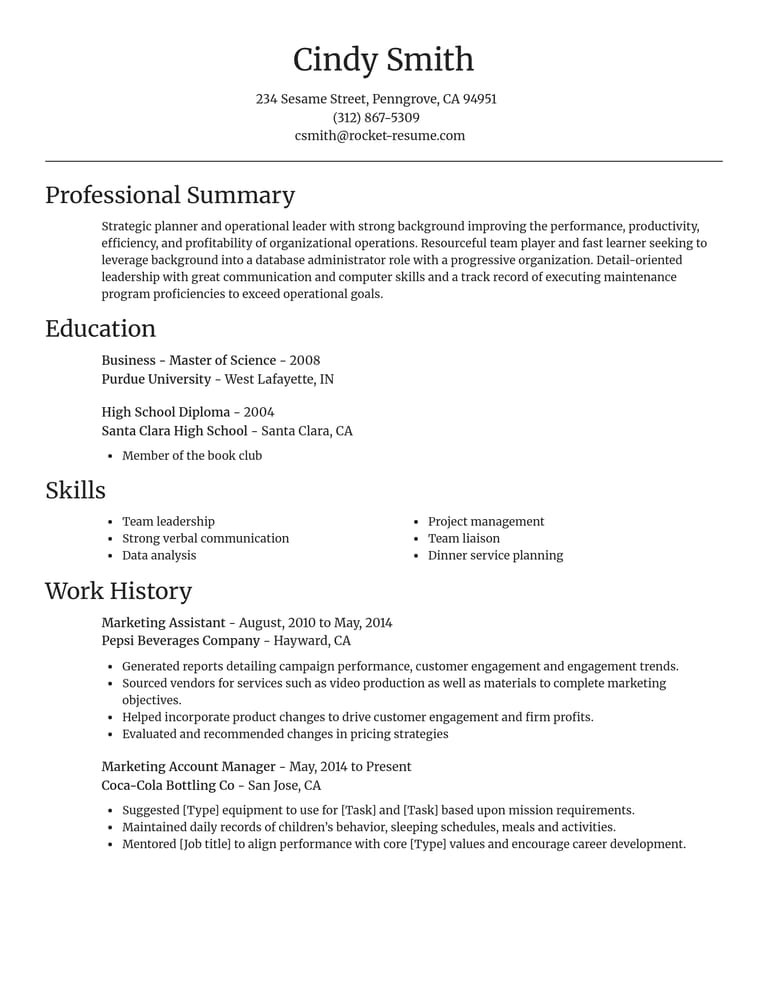
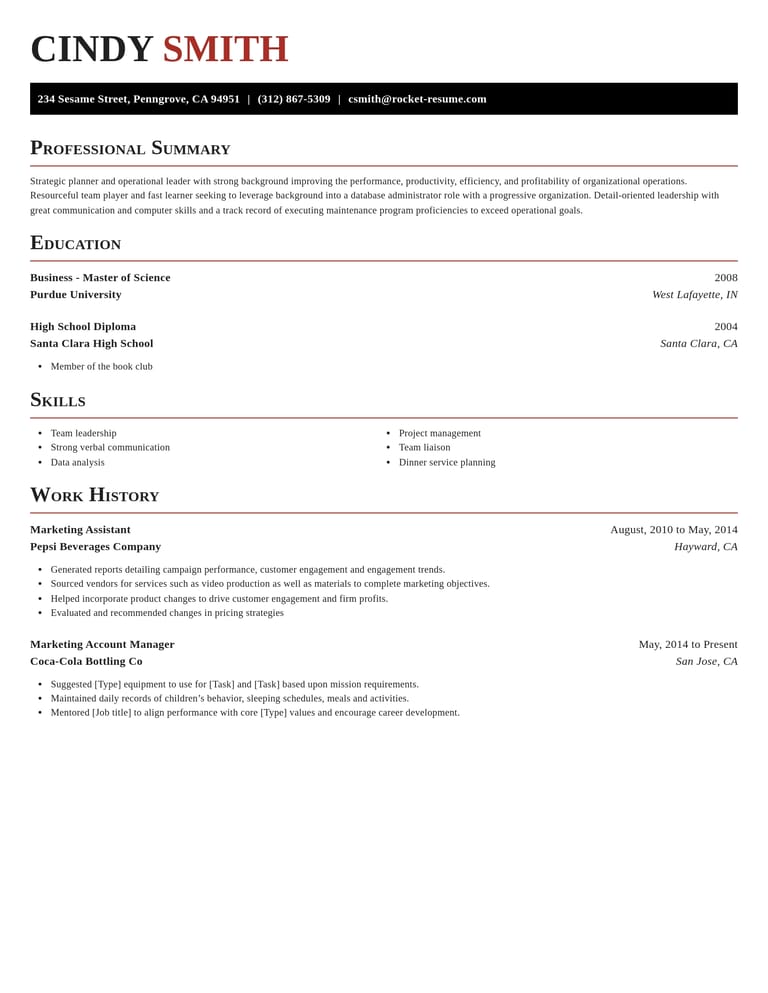
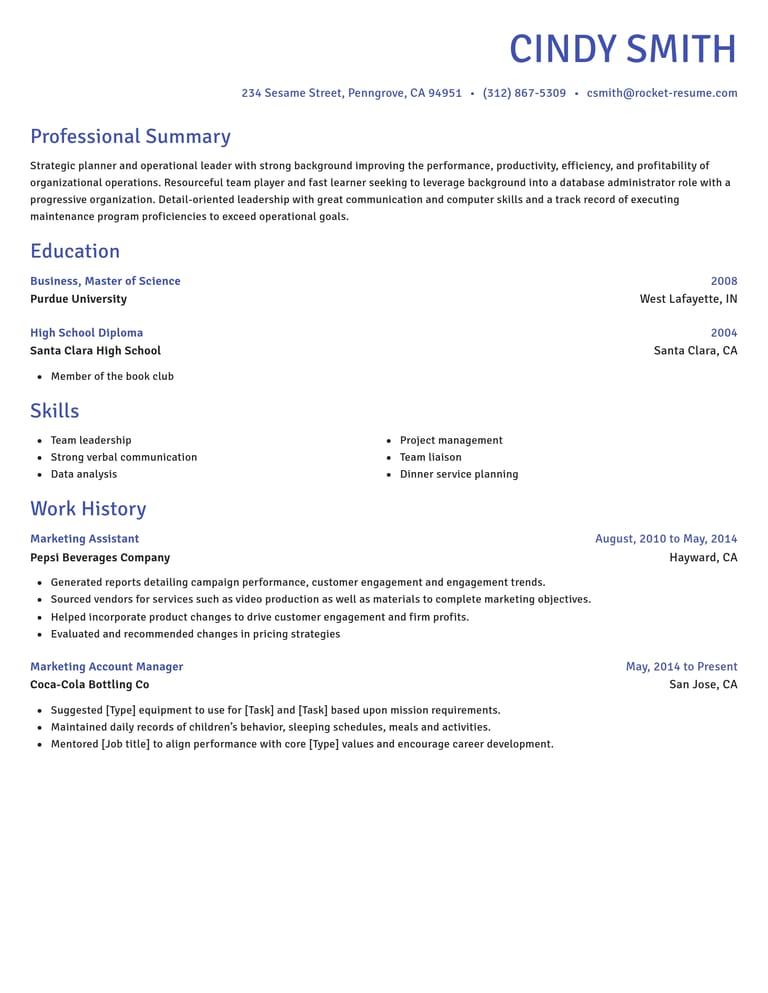
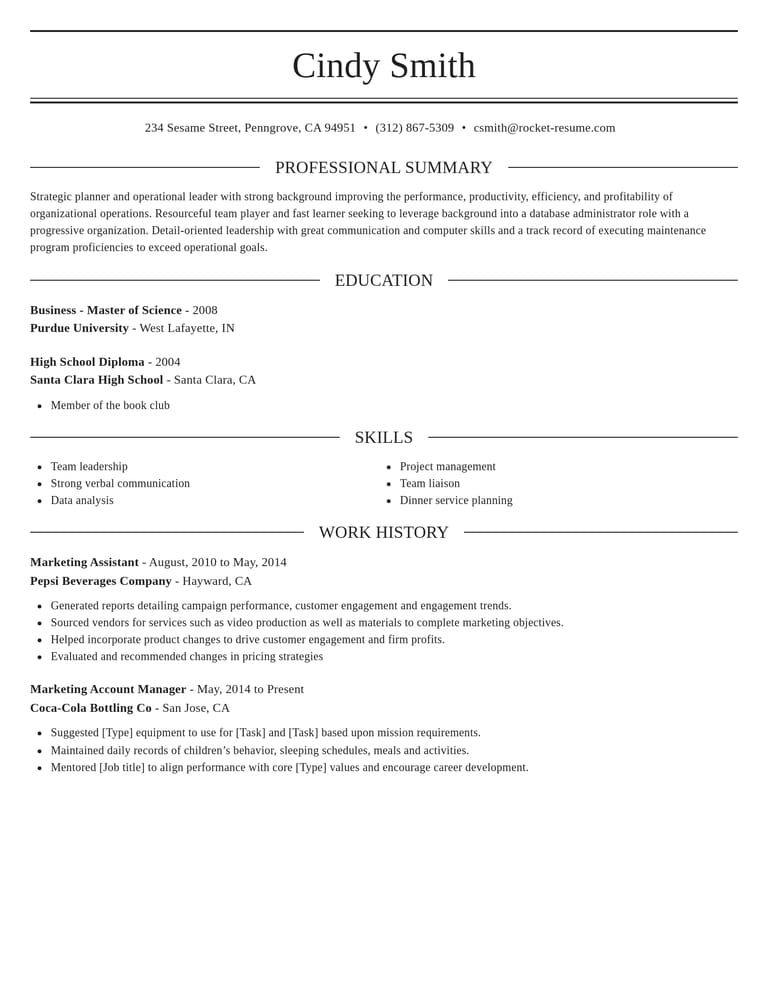
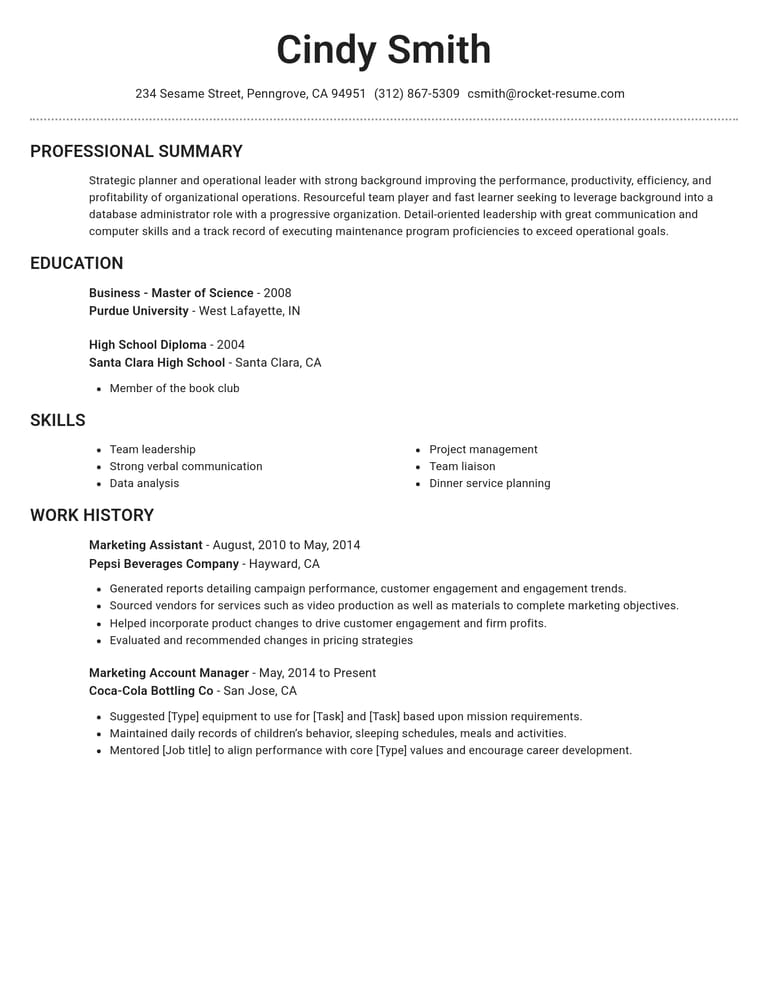
More than a blank CV layout

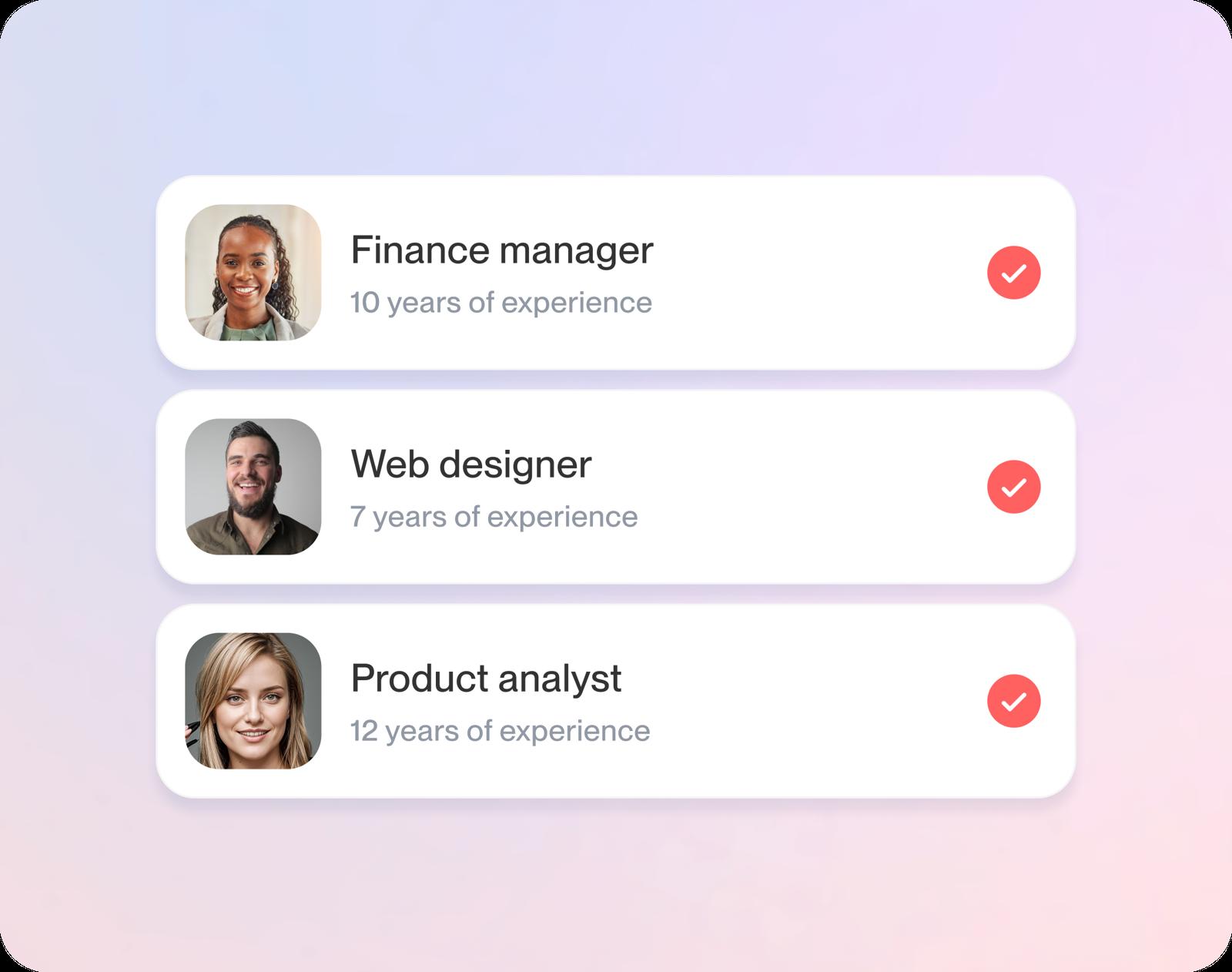
Suggestions written for your role
Enter your job title to see suggestions for the role. Use the ones that fit and add the details that make your experience specific.
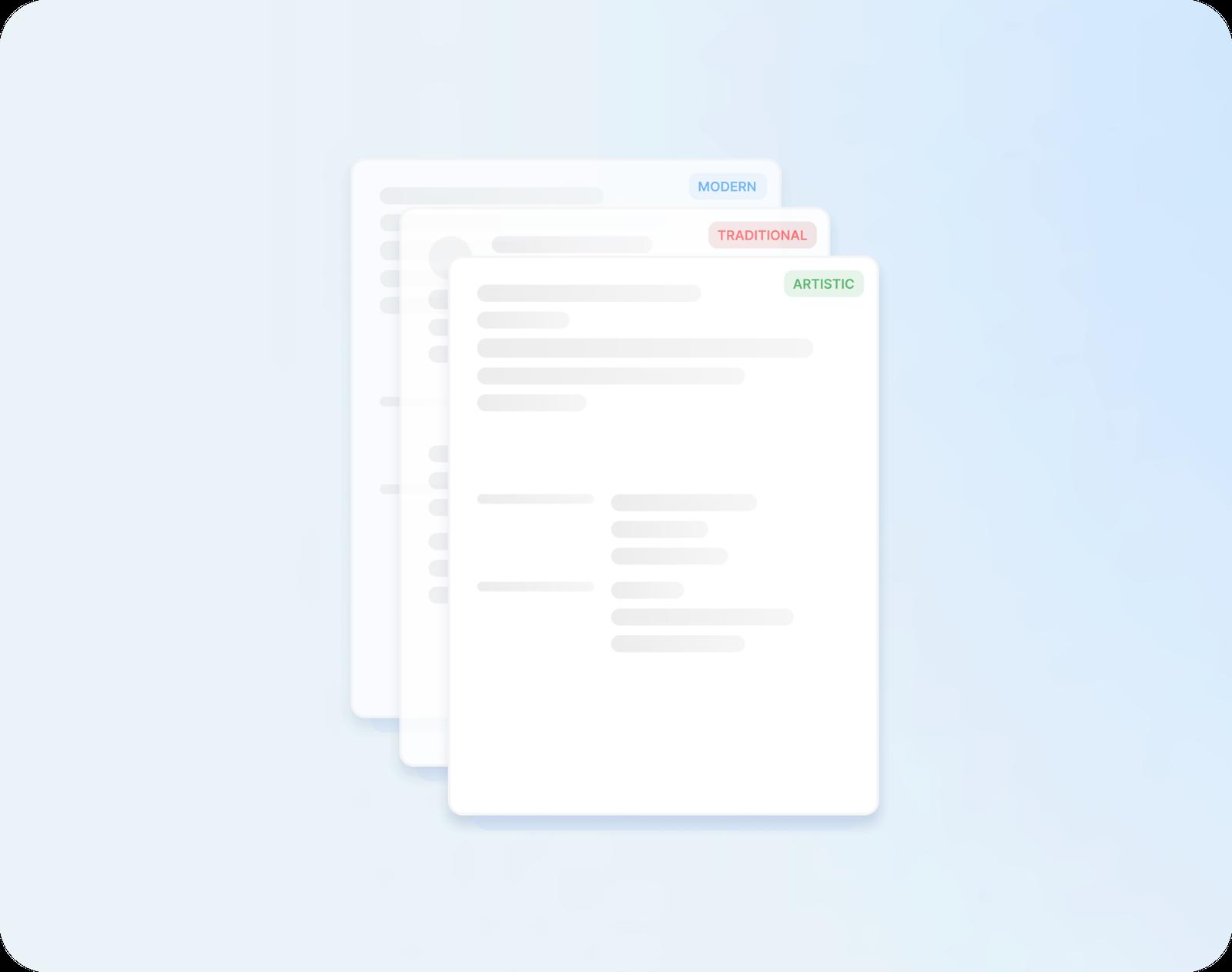
Easy to edit as you go
Change a line, move a section up or try another design. Your words stay put, and the preview shows each change straight away.
Keep the important details in view
Look for a clear place for job titles, dates and qualifications. Check the layout with your own details before you settle on it.
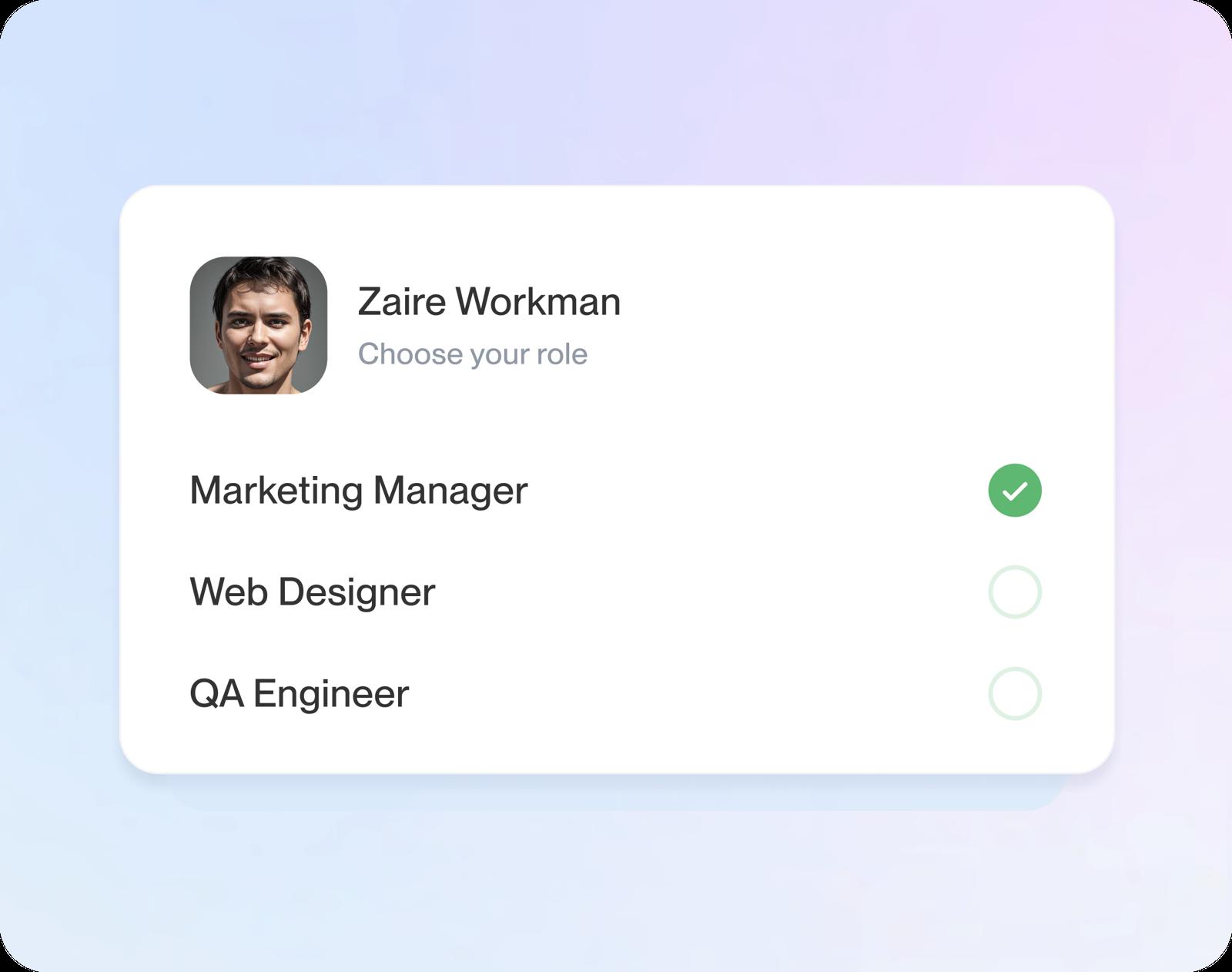
Fill in one section at a time
The builder guides you through your work history, education and skills so you can focus on one section at a time.
What happens after you pick a design
Step 1
Pick your design
Choose a design with room for your experience. If you’ve already selected a template above, continue with that choice.
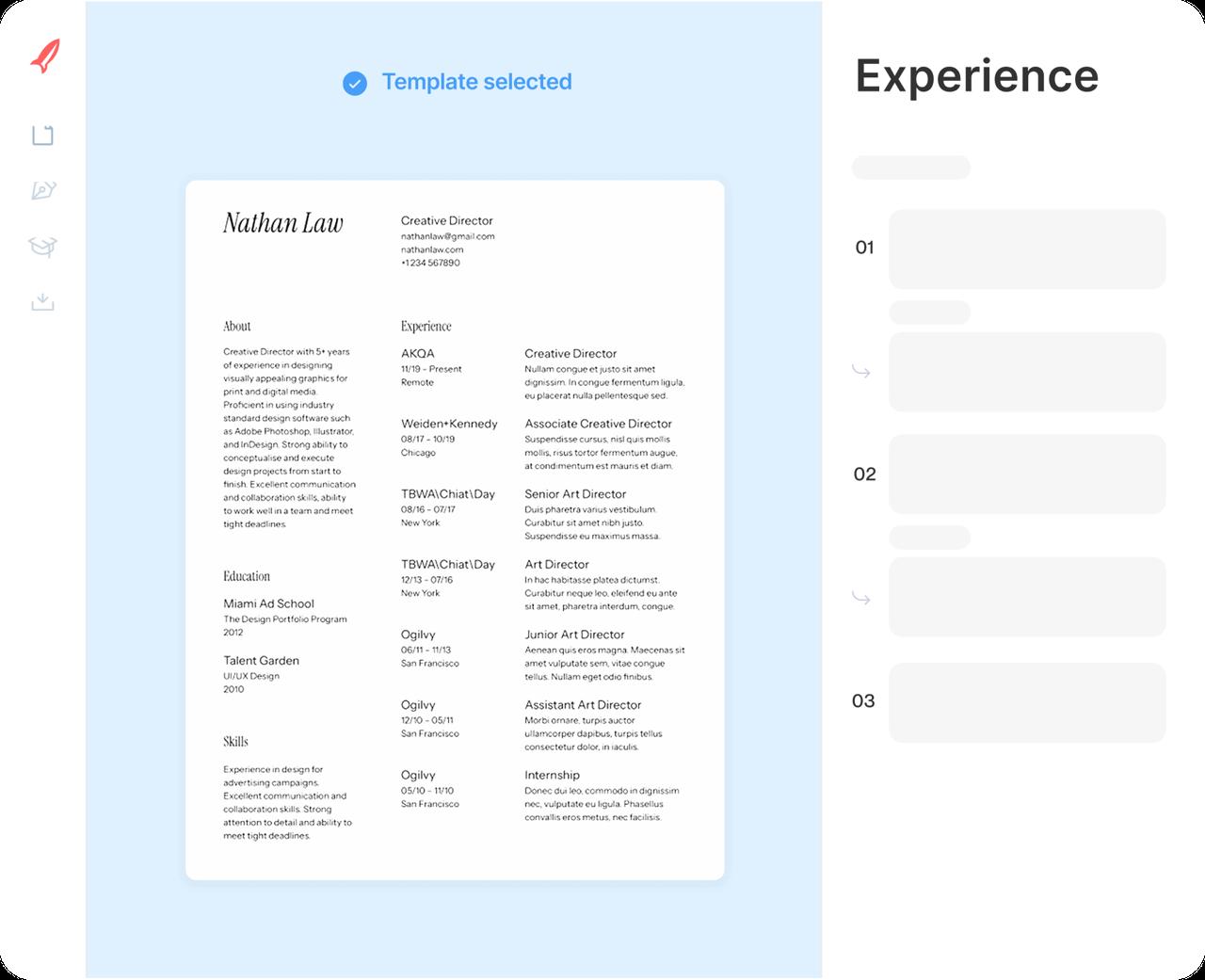
Step 2
Add your work history
Enter each job, newest first. Examples for each title appear as you go: keep the useful ones and make them your own.
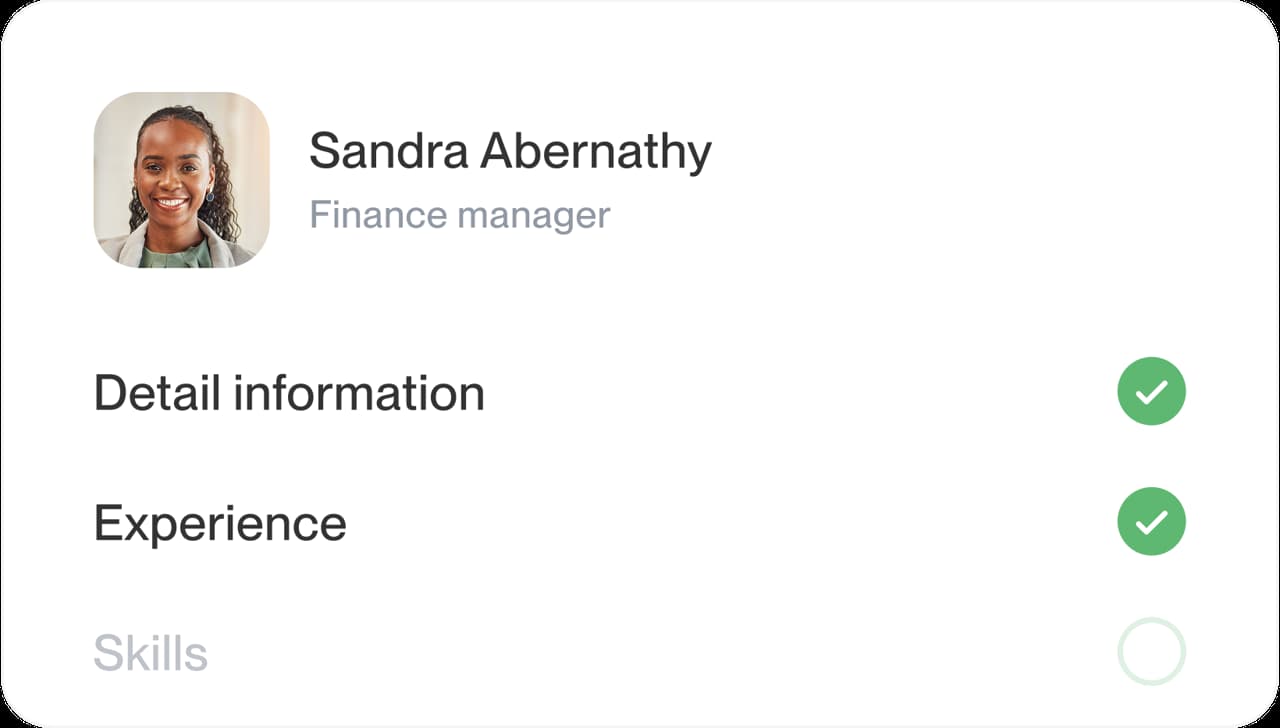
Step 3
Finish the other sections
Add education and skills, then a short profile. It's easier to sum yourself up once your jobs are on the page.
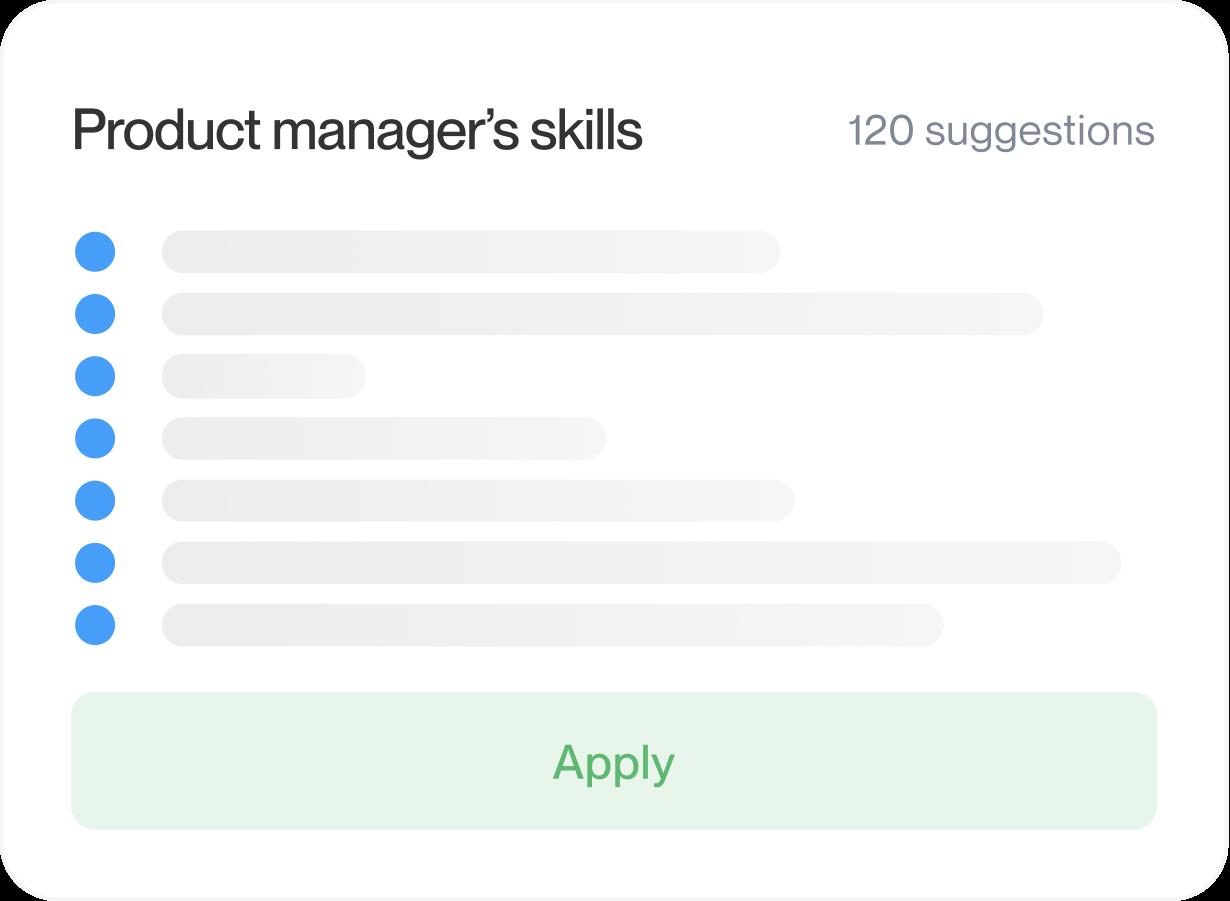
Step 4
Review and download
Read the preview, put your sections in the order that suits you, then download your finished CV.

Step 1
Pick your design
Choose a design with room for your experience. If you’ve already selected a template above, continue with that choice.
Step 3
Finish the other sections
Add education and skills, then a short profile. It's easier to sum yourself up once your jobs are on the page.
Step 2
Add your work history
Enter each job, newest first. Examples for each title appear as you go: keep the useful ones and make them your own.
Step 4
Review and download
Read the preview, put your sections in the order that suits you, then download your finished CV.

Revise CV wording without rewriting every section
A quick CV wording pass works better with a narrow purpose. Choose the descriptions that are vague or repetitive, improve them, and leave accurate material alone when it already communicates clearly.
Find the sentences that delay the point
Look for openings that announce experience without describing it. Phrases about being responsible for a range of duties often postpone the information the sentence actually needs to convey.
Replace the introduction with the action when that makes the meaning clearer. A fictional research office assistant could change a vague account of administrative support into a direct description of arranging study meetings and recording attendance.
Tighten one repeated responsibility
Read related job entries together and notice duties explained in nearly the same way. Repetition may be accurate, but the CV does not need the full explanation every time a familiar task appears.
Give the most relevant instance enough context, then use other entries to show what differed. Perhaps one position involved a different team, a broader scope, or a distinct process that deserves the space instead.
Replace vague nouns with useful context
Terms such as tasks, activities, and matters can hide what you actually handled. Identify the concrete object of the work, such as appointment records, teaching materials, or laboratory supply requests.
Specificity does not always require a number. Naming the material and the action may tell the reader more than an unsupported estimate added just to make the sentence appear substantial.
Protect details that should not change
Treat official titles, qualifications, dates, and names as facts to verify rather than language to embellish. A faster editing pass should not silently change the nature of a role or the status of a credential.
This matters when a suggestion uses stronger language than your original account. Rocket Resume offers role suggestions you can edit, but you decide whether any proposed action accurately represents your responsibility.
Revisit the profile after the descriptions
Once the experience wording is clearer, read the profile for claims that no longer earn their space. Replace broad personal adjectives with a concise description of the background or specialty the CV actually shows.
For an international application, keep the terminology understandable without flattening precise professional language. For an academic or medical CV, retain the distinctions the requested record needs, including supervised work or research status.
Stop when each change has a purpose
Read the revised passages aloud and check that they still sound natural. If an edit merely substitutes a longer expression for a familiar one, return to the clearer phrasing.
Finish by checking neighboring sentences for repeated verbs and abrupt changes in tense. Save the updated work, then leave further changes for a specific reason rather than continuing to polish an already accurate description indefinitely.
Research behind clear CV writing
“If I need one in the future, I'll use it again.”

“It's great, I have a job now”

CV templates: what people ask
Which CV sentences should I revise first when time is limited?
Start with descriptions that hide the task, repeat another entry, or exaggerate your responsibility. These changes can improve meaning directly. Leave accurate names and clear factual entries alone unless a record needs updating, and postpone small stylistic preferences until the substantive wording is settled.
Can I shorten a description without adding a result?
Yes. A concise explanation of a genuine responsibility can stand on its own. Remove unnecessary openings, name the task directly, and keep enough context to show what you handled. Add an outcome only when you know it is accurate and it contributes useful information to the CV.
How do I know when to stop editing the wording?
Stop when the descriptions are accurate, relevant, and easy to understand, and each sentence contributes something distinct. Further changes should solve a specific problem. If you are only alternating between equally clear phrases, save the draft and return later when you have a concrete reason to revise.
See CV examples from your industry
Industries in the weekly focus




- 8 examples
- 14 examples
- 14 examples
- 94 examples
- 17 examples
- 96 examples






Show all industries (A–Z)Show fewer
- Aerospace & Defense, 8 examples
- Agriculture, 23 examples
- Apparel & Textiles, 13 examples
- Architecture, 15 examples
- Artificial Intelligence, 6 examples
- Arts & Entertainment, 24 examples
- Automotive, 21 examples
- Beauty & Personal Care, 17 examples
- Biotechnology & Life Sciences, 7 examples
- Business Services, 23 examples
- Chemical Engineering, 4 examples
- Childcare, 14 examples
- Construction, 106 examples
- Creative, 15 examples
- Customer Service, 17 examples
- Education, 94 examples
- Energy, 39 examples
- Environmental Science, 5 examples
- Finance, 63 examples
- Food & Beverage, 68 examples
- Government, 48 examples
- Healthcare, 160 examples
- Hospitality, 35 examples
- Human Resources, 18 examples
- Insurance, 10 examples
- Legal, 12 examples
- Logistics, 37 examples
- Manufacturing, 68 examples
- Marketing, 8 examples
- Media, 20 examples
- Military, 24 examples
- Mining & Metals, 9 examples
- Nonprofit, 8 examples
- Pharmaceuticals, 12 examples
- Public Relations, 10 examples
- Real Estate, 7 examples
- Retail, 38 examples
- Robotics, 11 examples
- Sales, 14 examples
- Security Services, 19 examples
- Social Services & Counseling, 21 examples
- Social Work, 14 examples
- Sports & Fitness, 96 examples
- Technology, 67 examples
- Telecommunications, 6 examples
- Tourism & Travel, 9 examples
- Transportation, 38 examples
- Veterinary, 9 examples
Don’t see your job?

Hear from customers before you pick
from 3,900+ reviews