Create a CV around
Create a CV around the experience you want an employer to notice. Choose a template, use job suggestions to describe your responsibilities, and check that your strongest details are easy to find in the preview.
- Job suggestions you can adapt
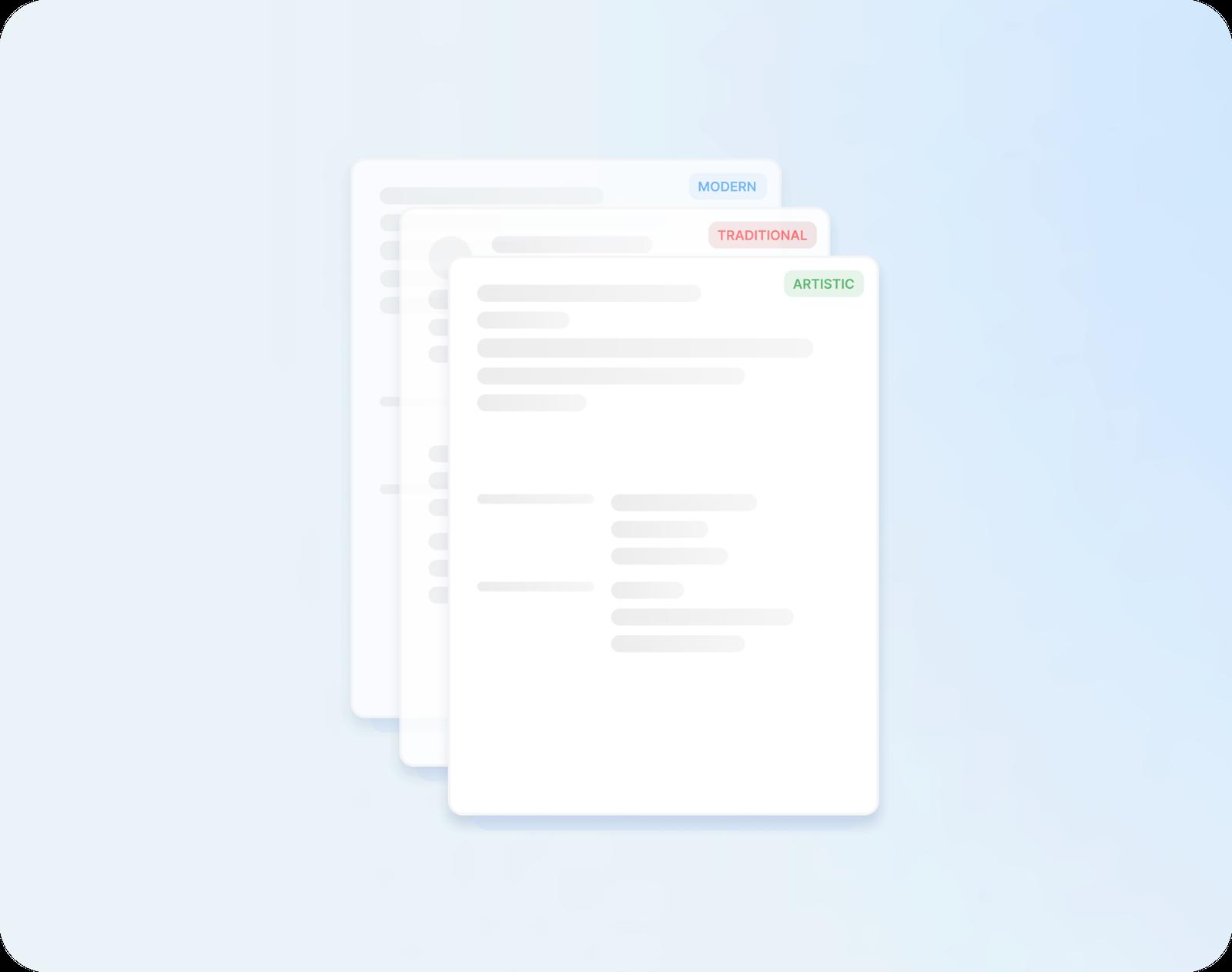
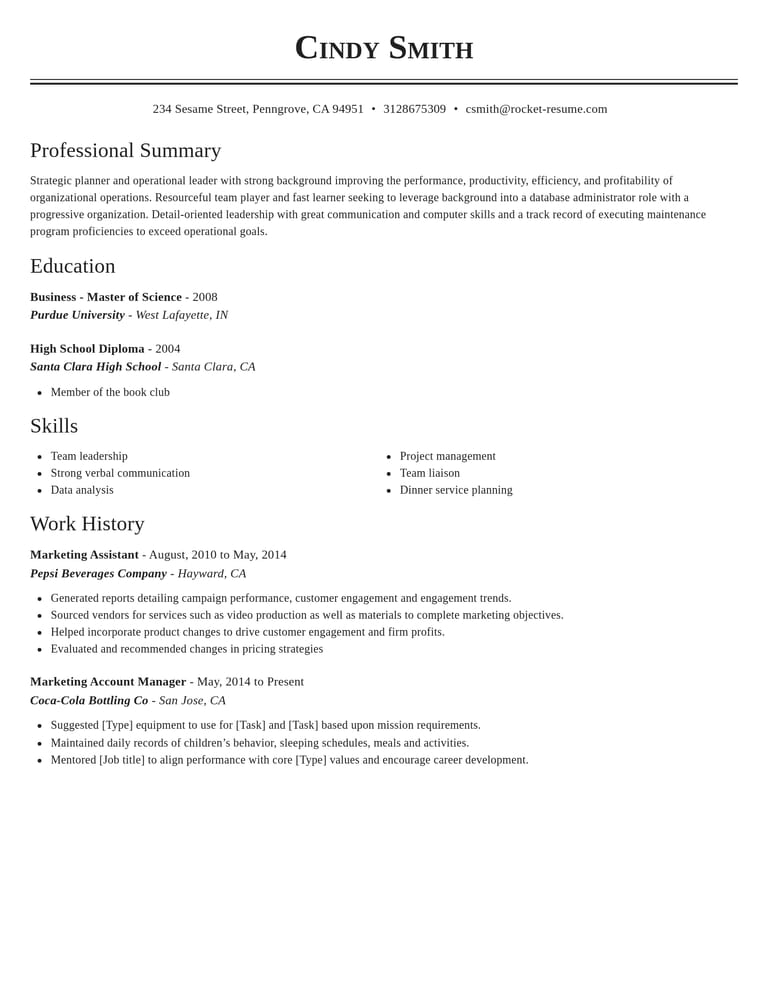
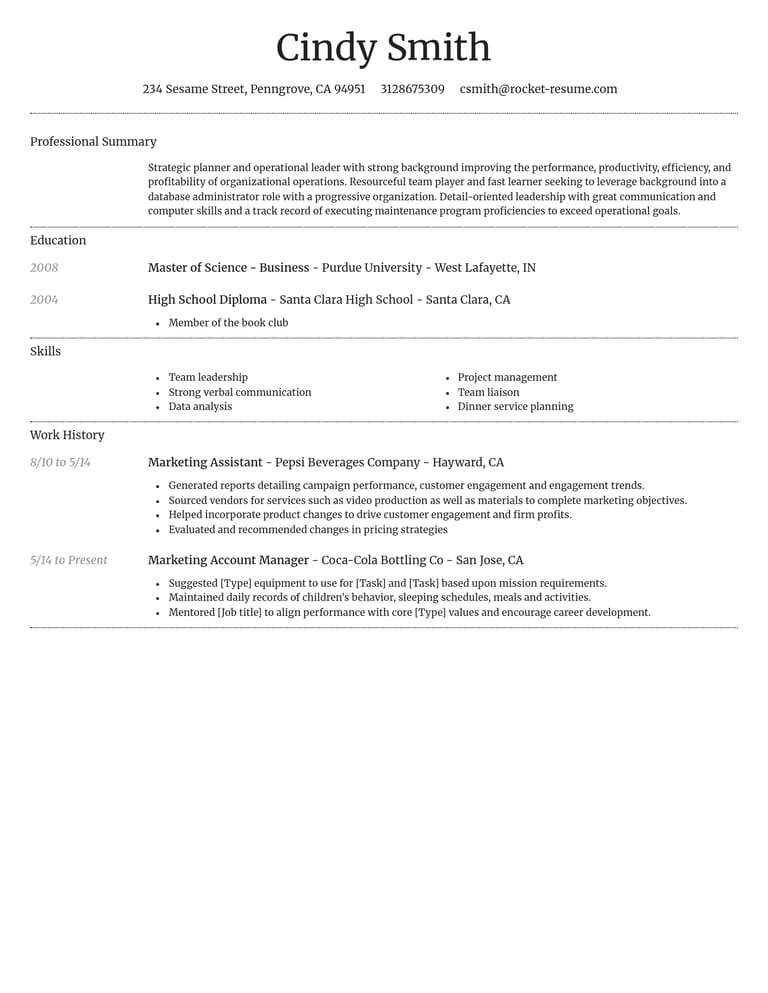
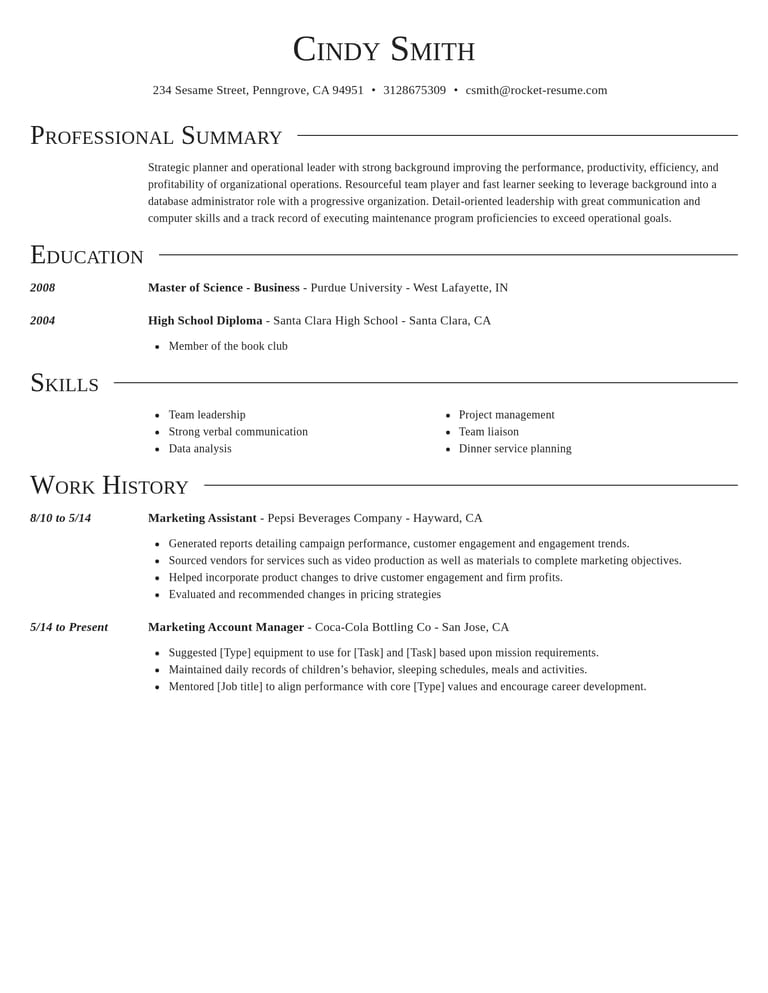
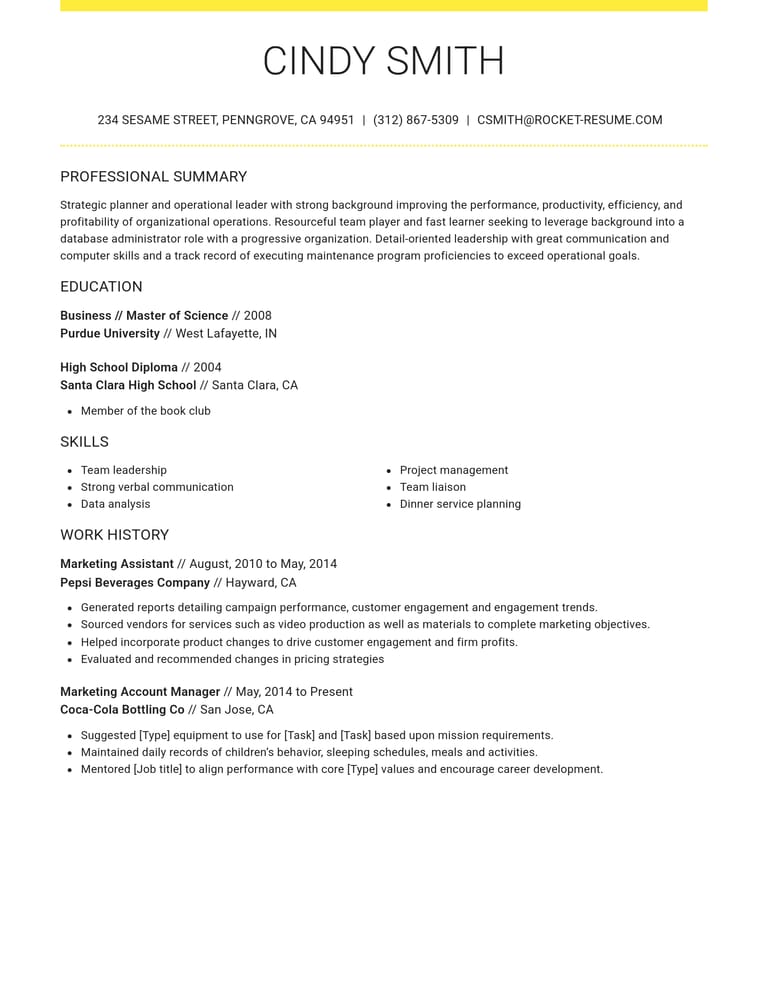
- Three template styles to choose from
- Watch it take shape as you type
- New template, same text

Danny
Apr 2023
“I'll recommend it to friends and family.”

Sameer T.
Aug 2022
“I would definitely tell others about it”

Anamaria P.
Jul 2026
“Very happy with the service, it helped a lot.”

Aaliyah
Apr 2026
“I was able to land an interview!”
from 3,900+ reviews



How the CV creator helps you lead with strong work

Show what you did
Describe the work behind your job title. Include what you handled, who you helped and any results you can support.
Make your experience easy to follow
Keep job titles, employers and dates clear. Use familiar section headings so a reader can find your experience and qualifications.

Suggestions for you
Enter a job you’ve held to see suggestions for that role. Keep the ones that fit your experience and edit them to match your work.

Match each CV to the job
Save your CV to your account, then duplicate it in My Library for another application. Adjust the copy to give the most relevant experience more space.
How to build a CV with the CV builder
Step 1
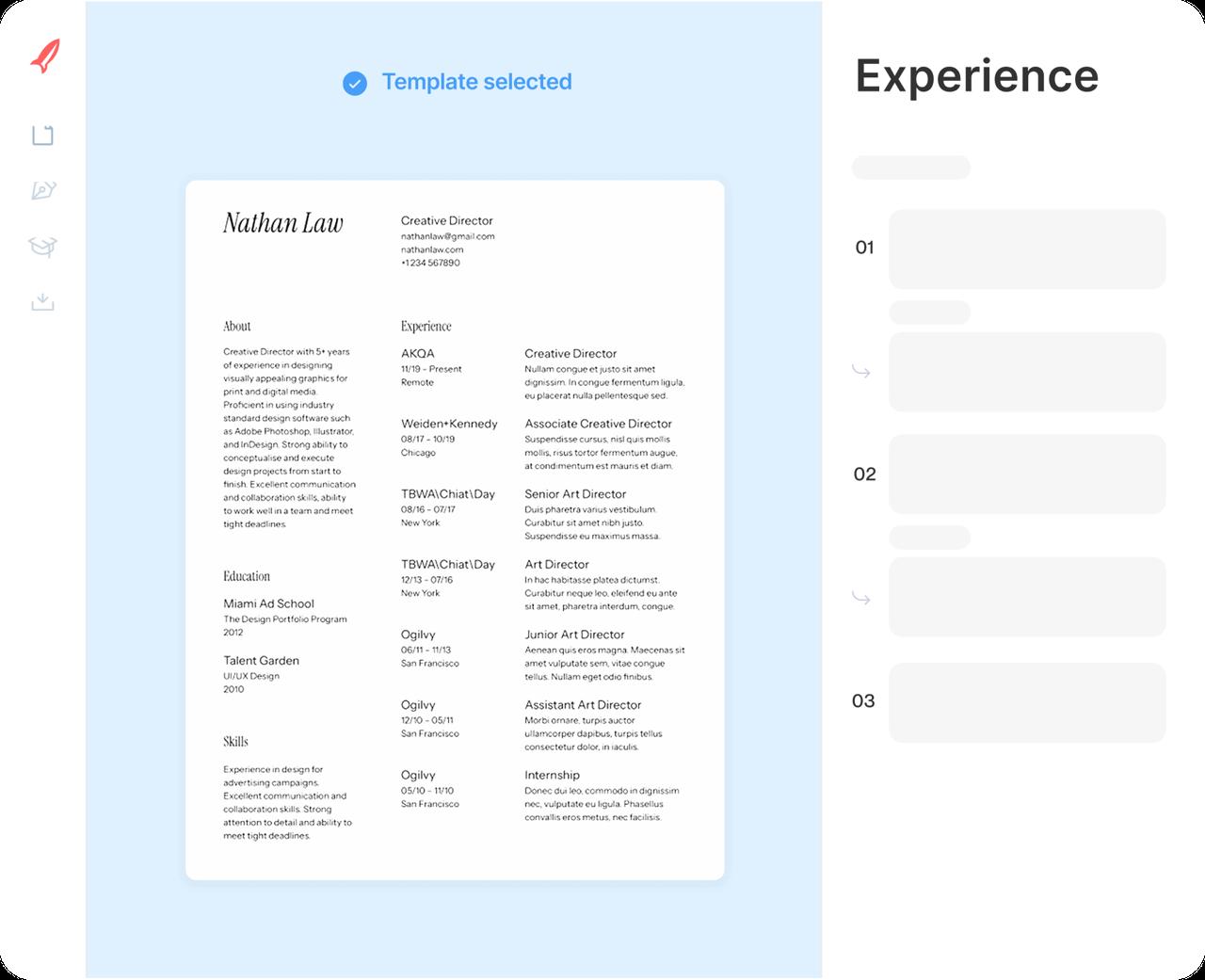
Pick a design to start
Start with a quick question about your background, then choose a professional design. A later design change keeps all your text.
Step 2
Add your jobs and schooling
Enter each job, newest first, then your education. Each job title you type brings up examples; pick the ones that match your work.
Step 3
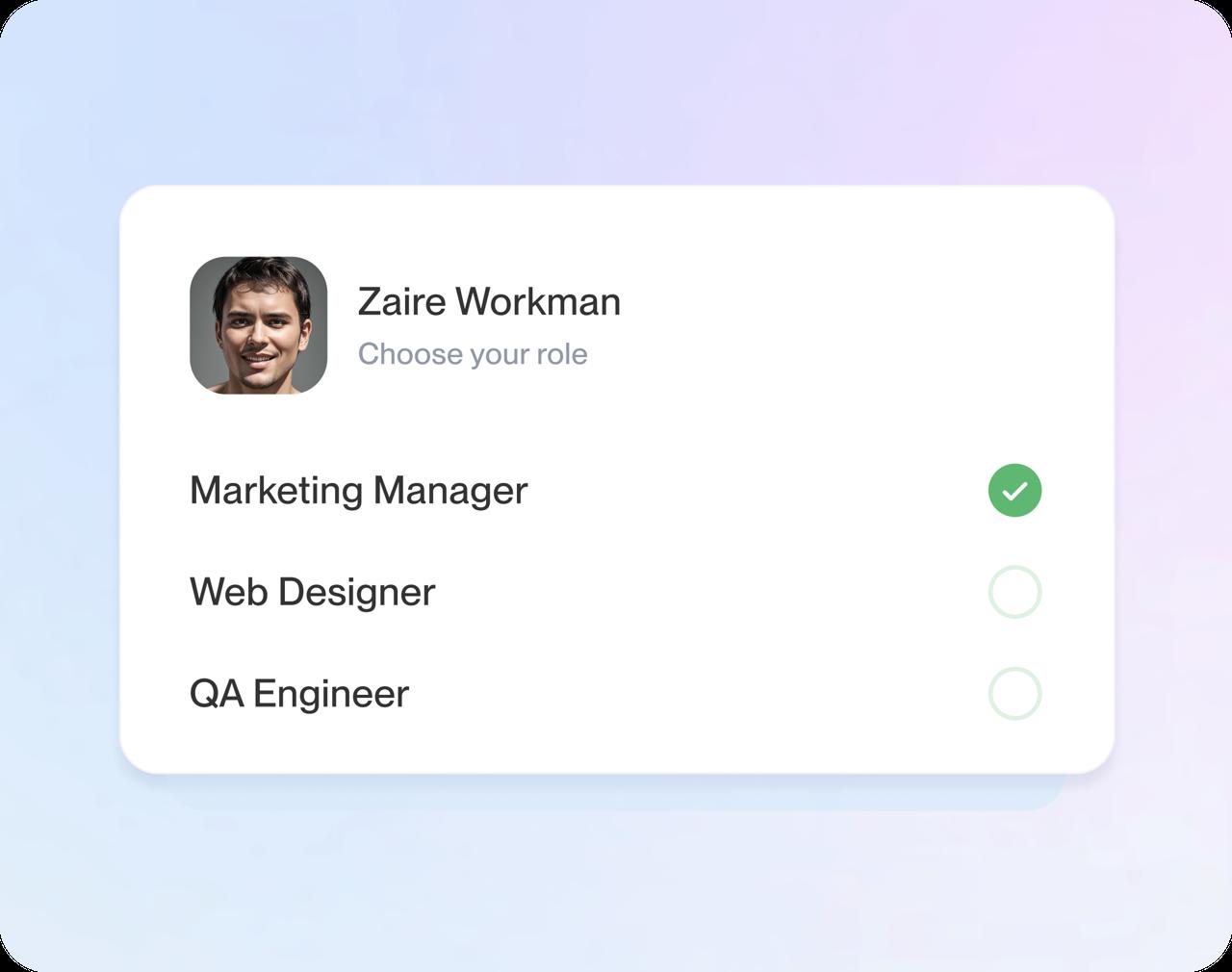
Polish it as you go
Reword the examples until they sound like you, lead with your strongest section and check the preview as your CV takes shape.

Step 4
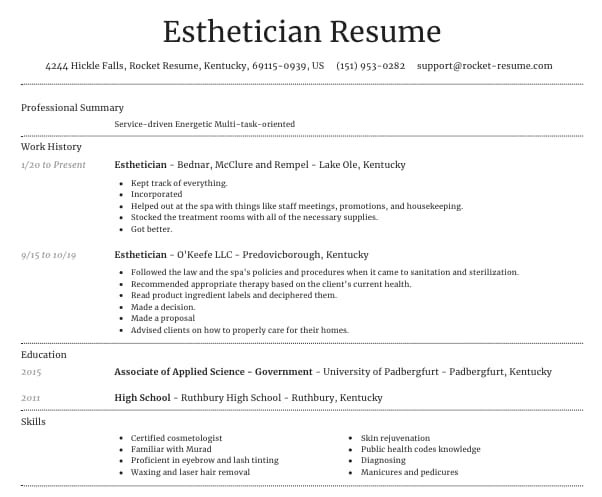
Download your CV
Read it once more for dates and spelling, then download the finished CV.
Step 1
Pick a design to start
Start with a quick question about your background, then choose a professional design. A later design change keeps all your text.
Step 3
Polish it as you go
Reword the examples until they sound like you, lead with your strongest section and check the preview as your CV takes shape.
Step 2
Add your jobs and schooling
Enter each job, newest first, then your education. Each job title you type brings up examples; pick the ones that match your work.
Step 4
Download your CV
Read it once more for dates and spelling, then download the finished CV.
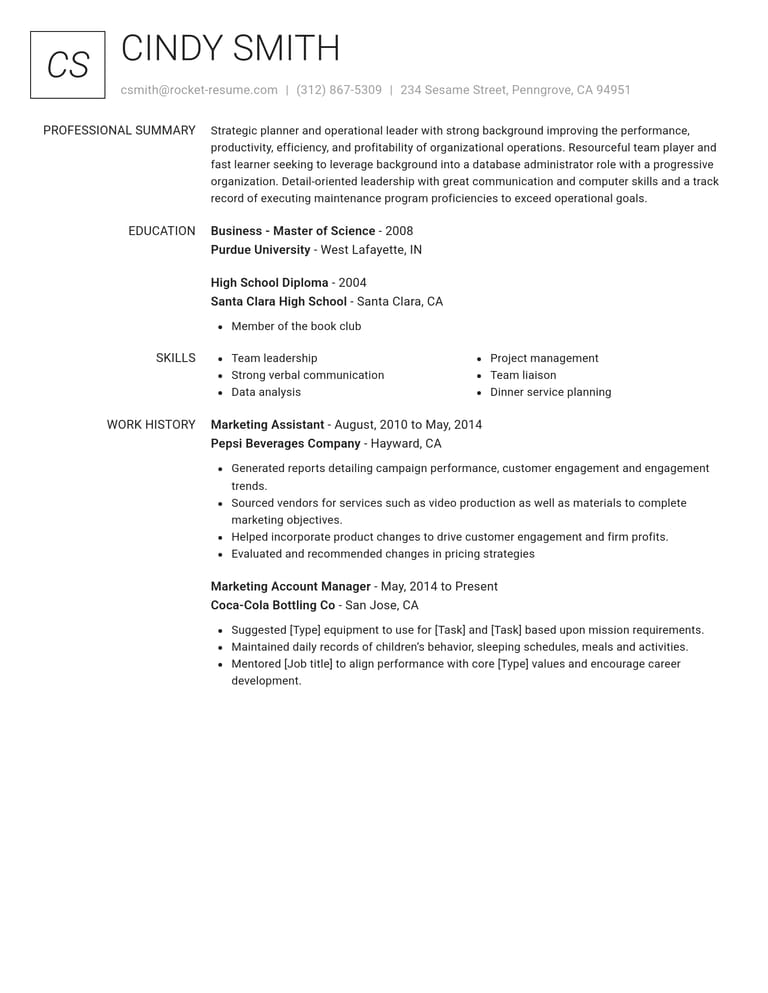
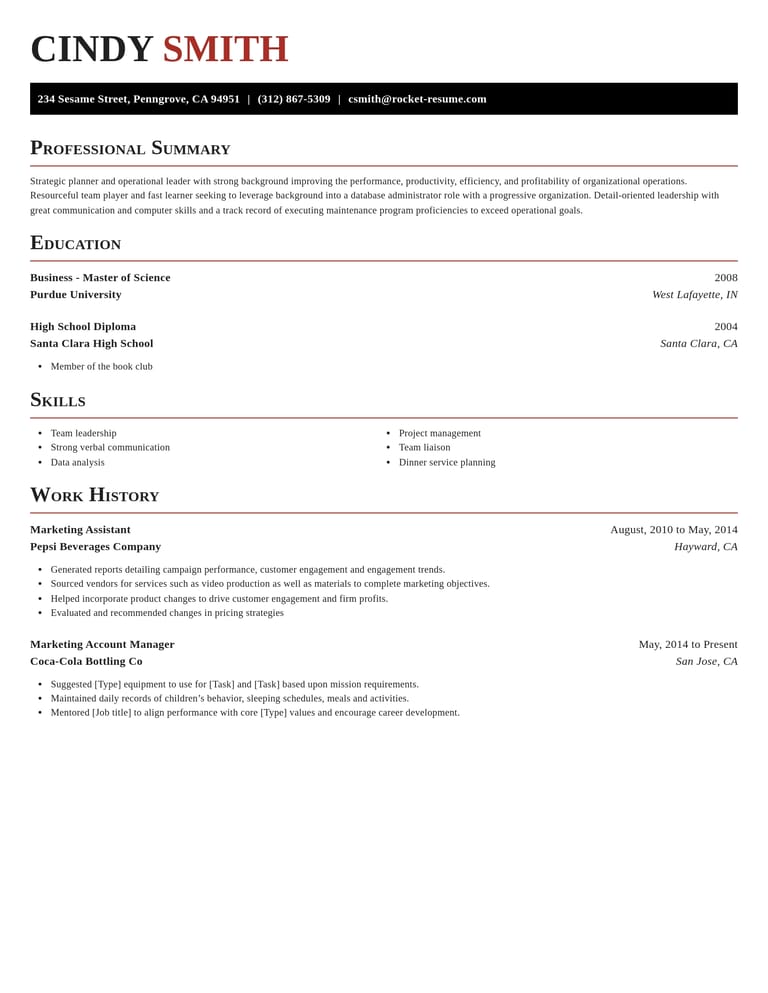
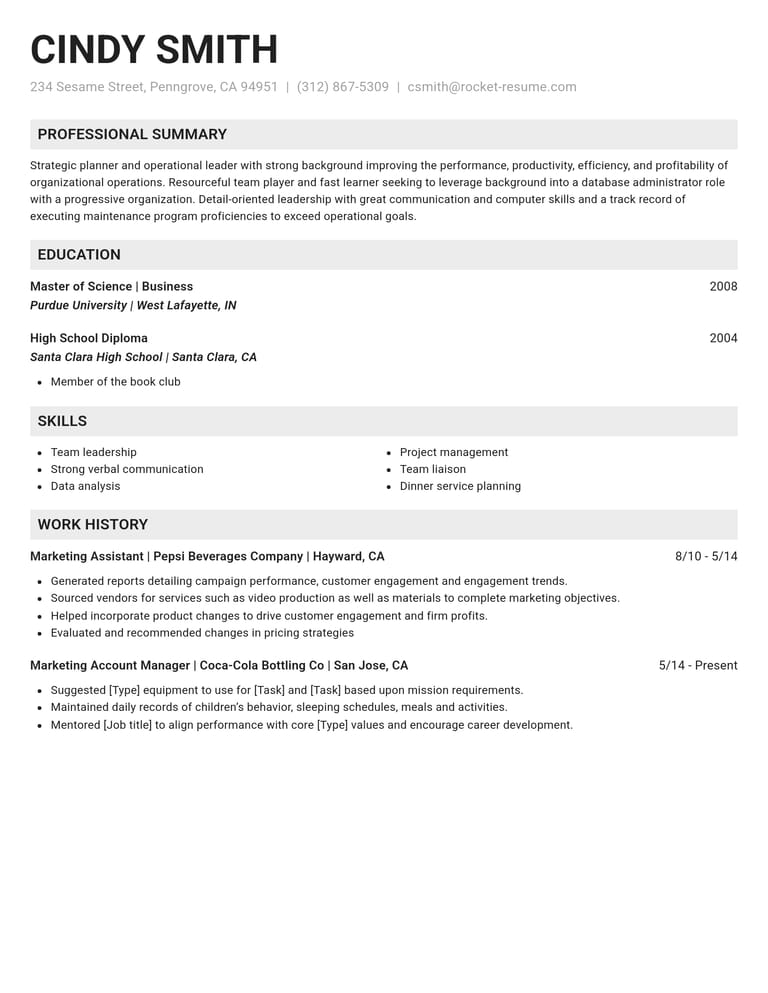
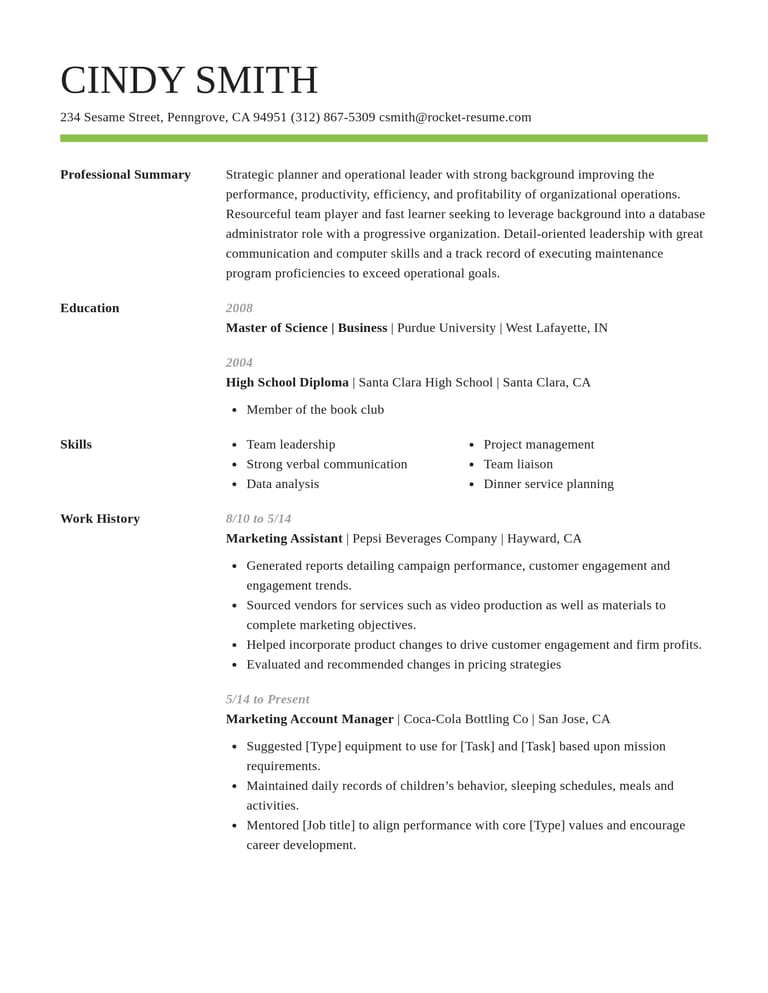
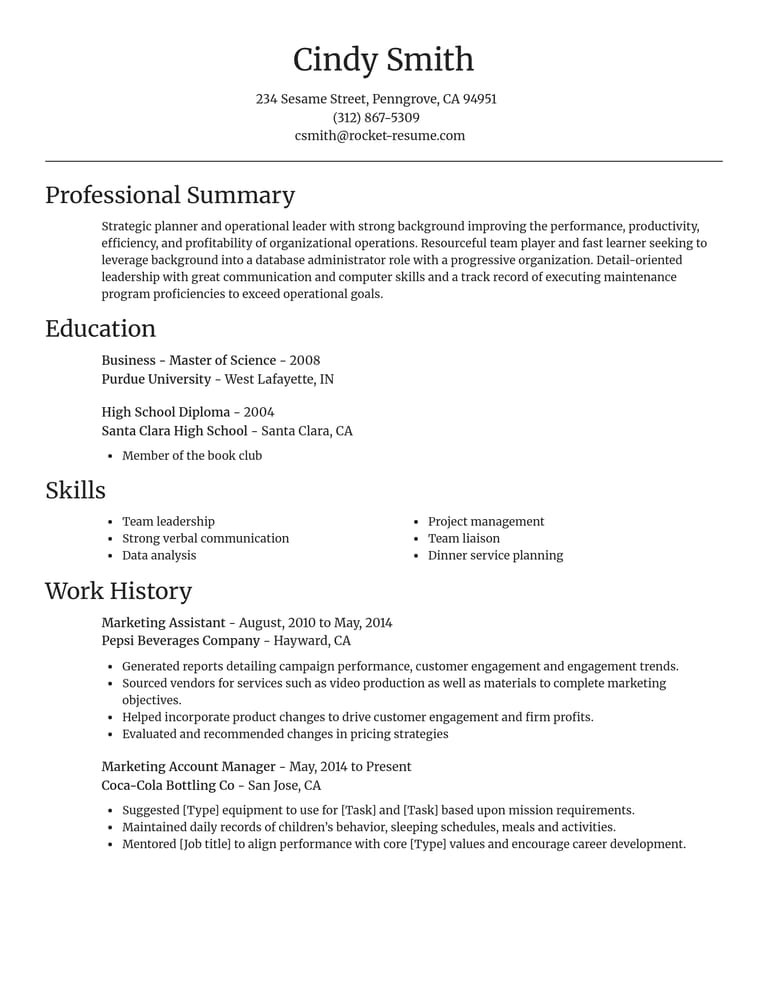
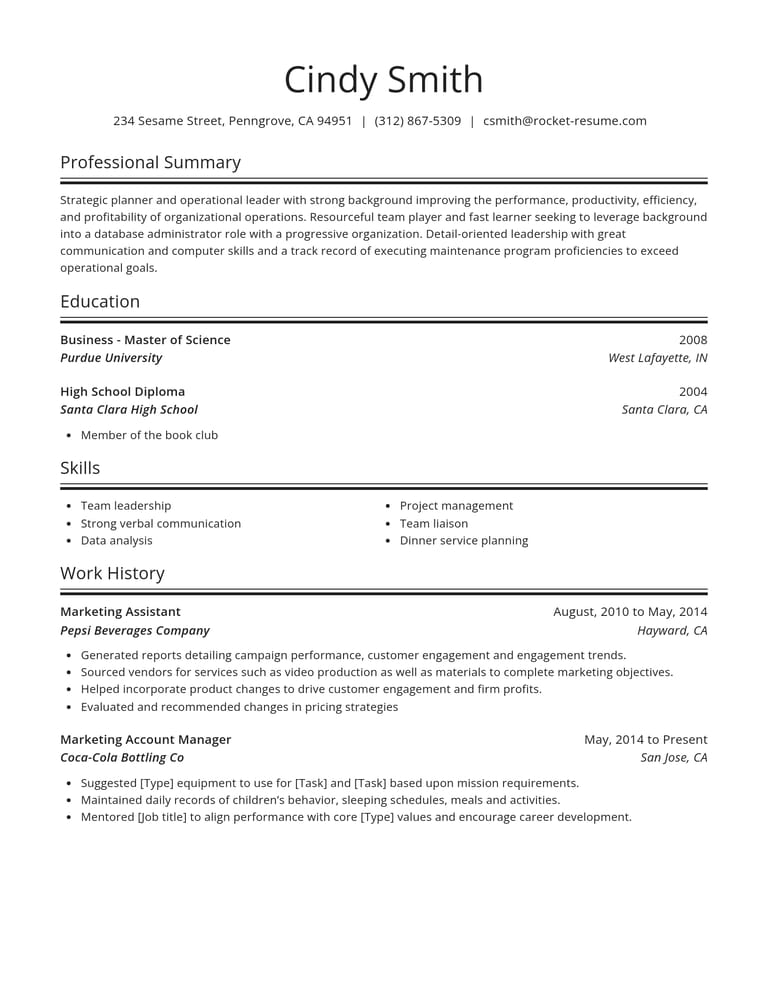
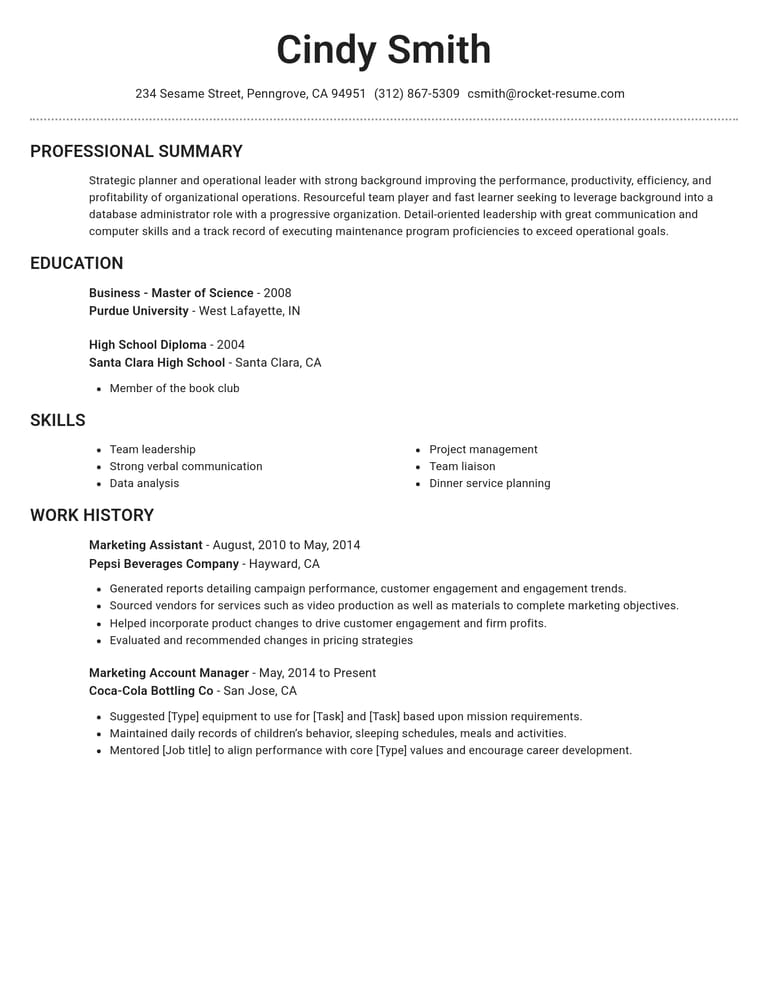
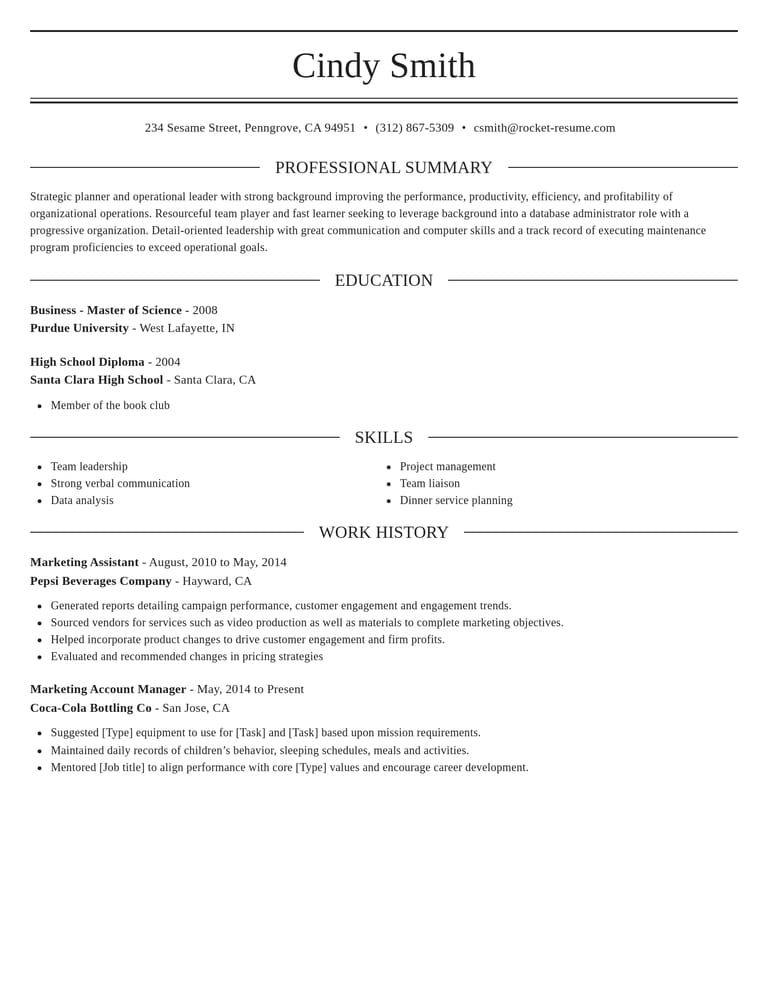
Pick a CV design that suits your field
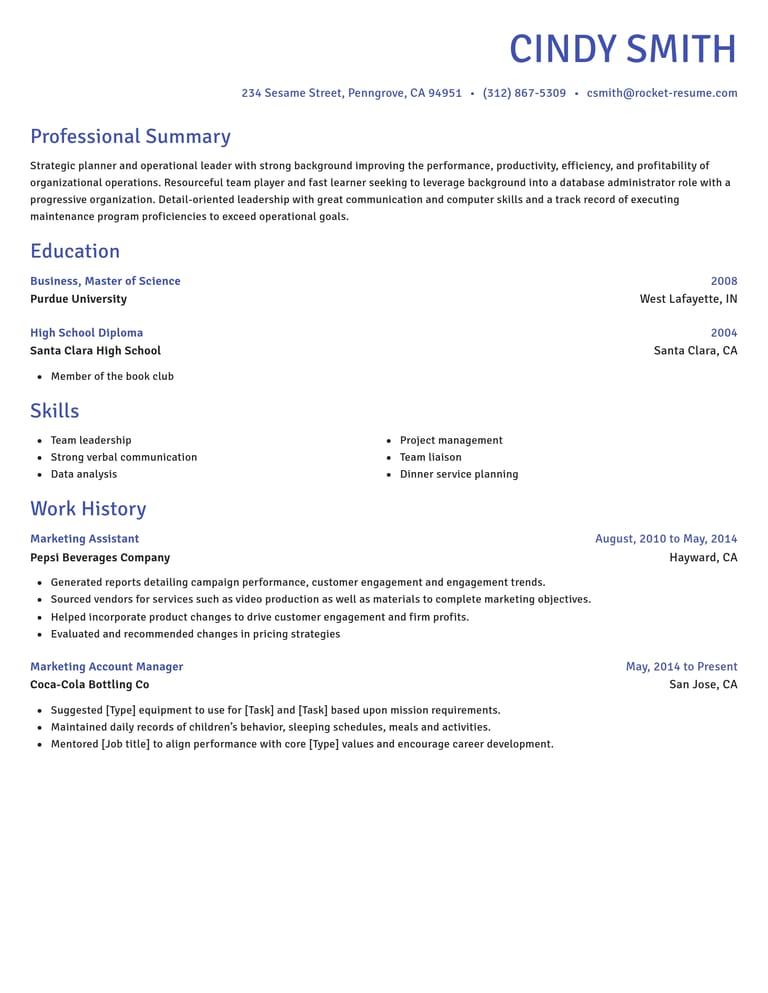

Lead your CV with evidence that deserves attention
Choosing what to lead with is an evidence decision. A CV creator can help you arrange the page, but the starting question is which part of your background most clearly supports this particular application.
Define the central responsibility in the opening
Read the opportunity and identify the work it centers on. An academic support role may emphasize coordinating research activity, while a medical education role may give more attention to teaching preparation.
Choose a concrete responsibility to guide your selection of experience. A broad idea such as being capable is too vague to help you decide between several relevant parts of your record.
Find an example that directly supports it
Look across your history for work that demonstrates the responsibility. Recent experience may be useful, but an older project can also offer direct evidence that a newer, less related role does not.
Suppose a past position involved organizing a series of training sessions. If the new opening concerns educational coordination, that experience may deserve more explanation than a recent task with little connection to the work.
Change prominence without changing chronology
Keep dates and position titles accurate while adjusting how much detail each entry receives. You can draw attention to relevant older experience in the summary without moving a past job into a misleading place in the timeline.
Section order can also affect emphasis. Education may establish preparation for a research application, while work history may do more for an international employment request focused on practical experience.
Explain the contribution behind the result
An outcome alone can leave your role unclear. Describe the part you handled, especially when the work involved a team or when someone else held final responsibility.
For a training project, you might explain that you organized participant materials and coordinated room schedules. That account is more precise than claiming to have directed the entire program when your contribution was narrower.
Reduce competing information
Once you identify the central evidence, shorten details that distract from it. This is not a reason to erase necessary history, but it may be a reason to give an unrelated routine task less space.
Use the same principle in the skills section. Select capabilities that connect with the evidence you present, rather than filling the opening with broad attributes that could describe almost anyone.
Check what the opening actually communicates
Rocket Resume lets you reorder sections and view changes while you write. After arranging the material, read the opening without looking at the posting and identify the main impression it creates.
Then compare that impression with the responsibility you chose at the start. If they differ, revise the emphasis or summary until the CV introduces the relevant experience clearly and leaves the underlying facts intact.
Research on hiring and CV writing
“If I need one in the future, I'll use it again.”

“It's great, I have a job now”

CV builder questions, answered
Can older experience lead the message of my CV?
Yes, when it directly supports the opportunity. You can mention that experience in the summary and give its entry enough explanation while keeping employment dates in a clear sequence. Relevant emphasis does not require presenting an older position as current or hiding the roles that came afterward.
How do I choose between two relevant achievements?
Compare them against the central responsibility of the opening. Prefer the example that shows your own contribution clearly and requires fewer unsupported assumptions to connect it to the work. If both add distinct evidence, include both with proportionate detail rather than treating them as competing claims of general ability.
Pick your industry, then build your CV
This week’s industry picks





- 38 examples
- 12 examples
- 9 examples
- 13 examples
- 11 examples
- 23 examples






Show all industries (A–Z)Show fewer
- Aerospace & Defense, 8 examples
- Agriculture, 23 examples
- Apparel & Textiles, 13 examples
- Architecture, 15 examples
- Artificial Intelligence, 6 examples
- Arts & Entertainment, 24 examples
- Automotive, 21 examples
- Beauty & Personal Care, 17 examples
- Biotechnology & Life Sciences, 7 examples
- Business Services, 23 examples
- Chemical Engineering, 4 examples
- Childcare, 14 examples
- Construction, 106 examples
- Creative, 15 examples
- Customer Service, 17 examples
- Education, 94 examples
- Energy, 39 examples
- Environmental Science, 5 examples
- Finance, 63 examples
- Food & Beverage, 68 examples
- Government, 48 examples
- Healthcare, 160 examples
- Hospitality, 35 examples
- Human Resources, 18 examples
- Insurance, 10 examples
- Legal, 12 examples
- Logistics, 37 examples
- Manufacturing, 68 examples
- Marketing, 8 examples
- Media, 20 examples
- Military, 24 examples
- Mining & Metals, 9 examples
- Nonprofit, 8 examples
- Pharmaceuticals, 12 examples
- Public Relations, 10 examples
- Real Estate, 7 examples
- Retail, 38 examples
- Robotics, 11 examples
- Sales, 14 examples
- Security Services, 19 examples
- Social Services & Counseling, 21 examples
- Social Work, 14 examples
- Sports & Fitness, 96 examples
- Technology, 67 examples
- Telecommunications, 6 examples
- Tourism & Travel, 9 examples
- Transportation, 38 examples
- Veterinary, 9 examples
Is your role missing here?

What job seekers say about the CV builder
from 3,900+ reviews