Create a resume by
Creating a resume doesn't need to be hard. Fill in one section at a time, pick suggestions for your job, and watch the live preview fill in as you go.
- Fill in one part at a time
- Plain guidance for each step
- Suggestions to add and edit
- Watch your resume take shape live

Danny
Apr 2023
“I'll recommend it to friends and family.”

Sameer T.
Aug 2022
“I would definitely tell others about it”

Anamaria P.
Jul 2026
“Very happy with the service, it helped a lot.”

Aaliyah
Apr 2026
“I was able to land an interview!”
from 3,900+ reviews



Easy ways to make your resume stronger
Start with an example for a task you handled. Add enough detail to explain the work, include a result when you have one and check that the entry fits the rest of your resume.
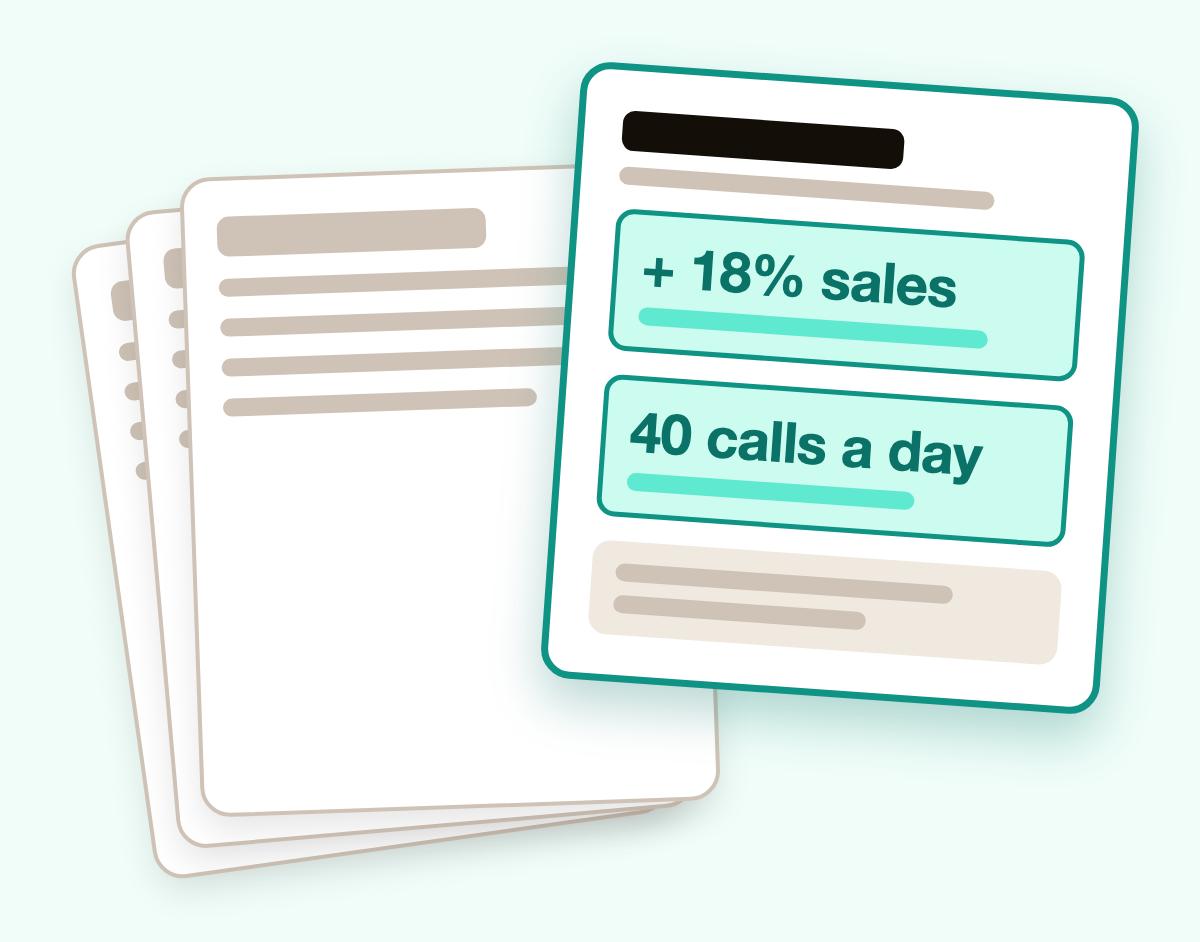
- Stand out in a crowded pile
Start with the work the job posting asks for. Describe a task you handled, then add the tool, scale or result that makes it specific.
- Built for screeners and people
Use familiar headings and make employers, job titles and dates easy to find. Check the finished layout before you send it.
- Examples that fit your job
Type your job title, choose a suggestion that fits your work, then add your own details.
- Proof, not just duties
If you wrote “handled customer calls,” add the kinds of questions you resolved. Include a number only when you can support it.
Build a resume in four steps
Step 1
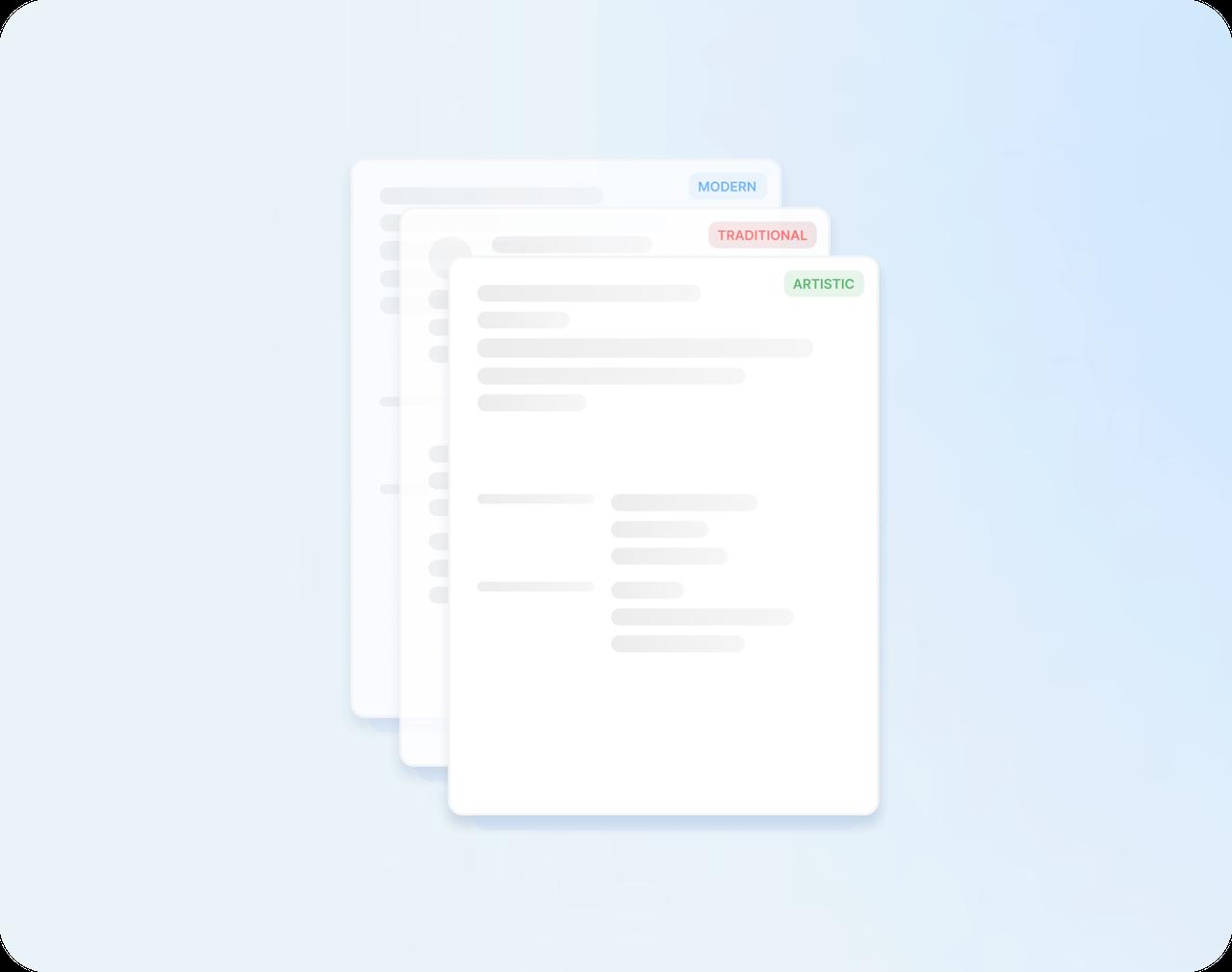
Start with a template
Say how much work experience you have, then choose a modern, traditional or creative design.
Step 2
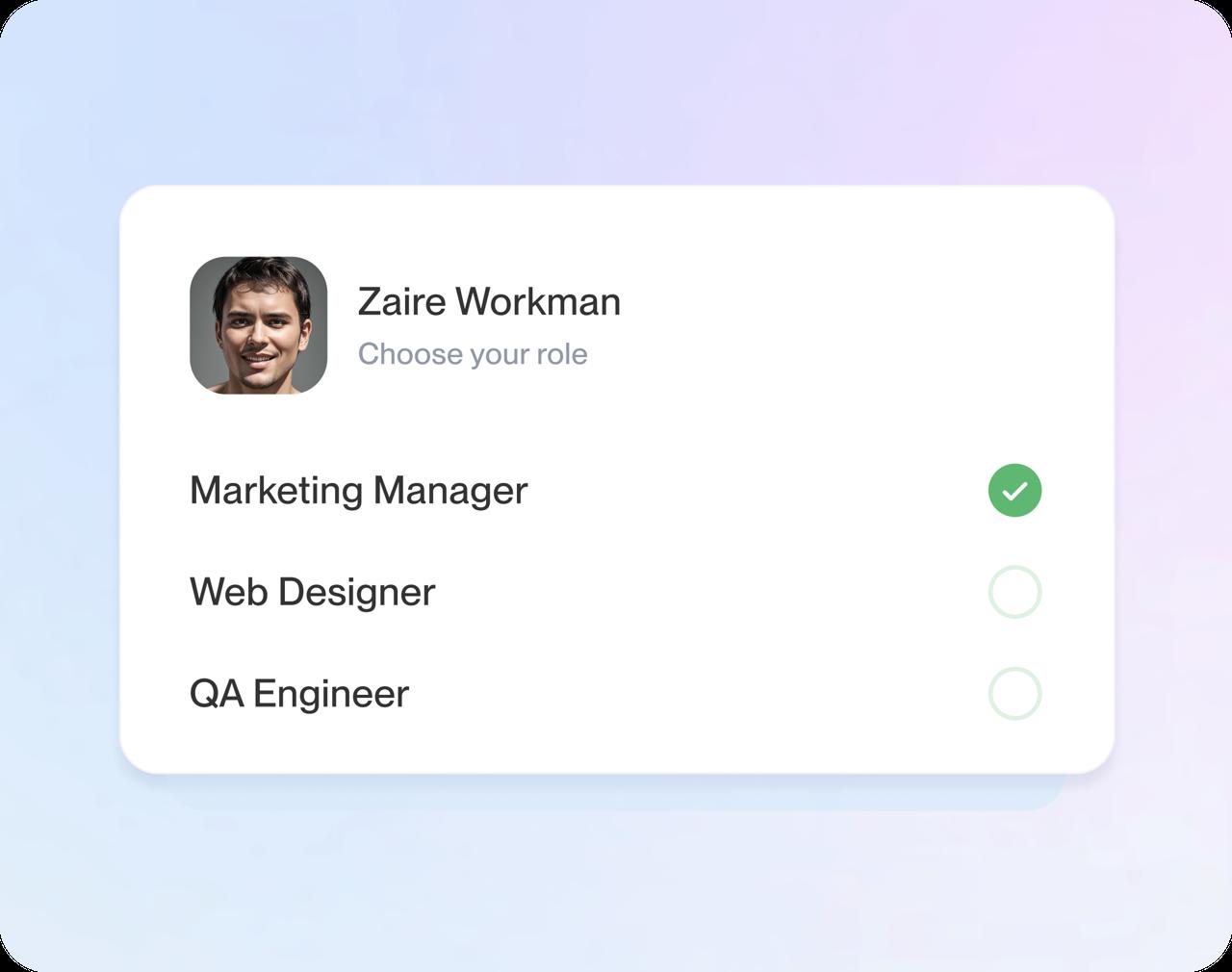
Fill in your history
Enter your jobs, schools and skills, one screen at a time. Type a job title to see suggestions you can edit.
Step 3
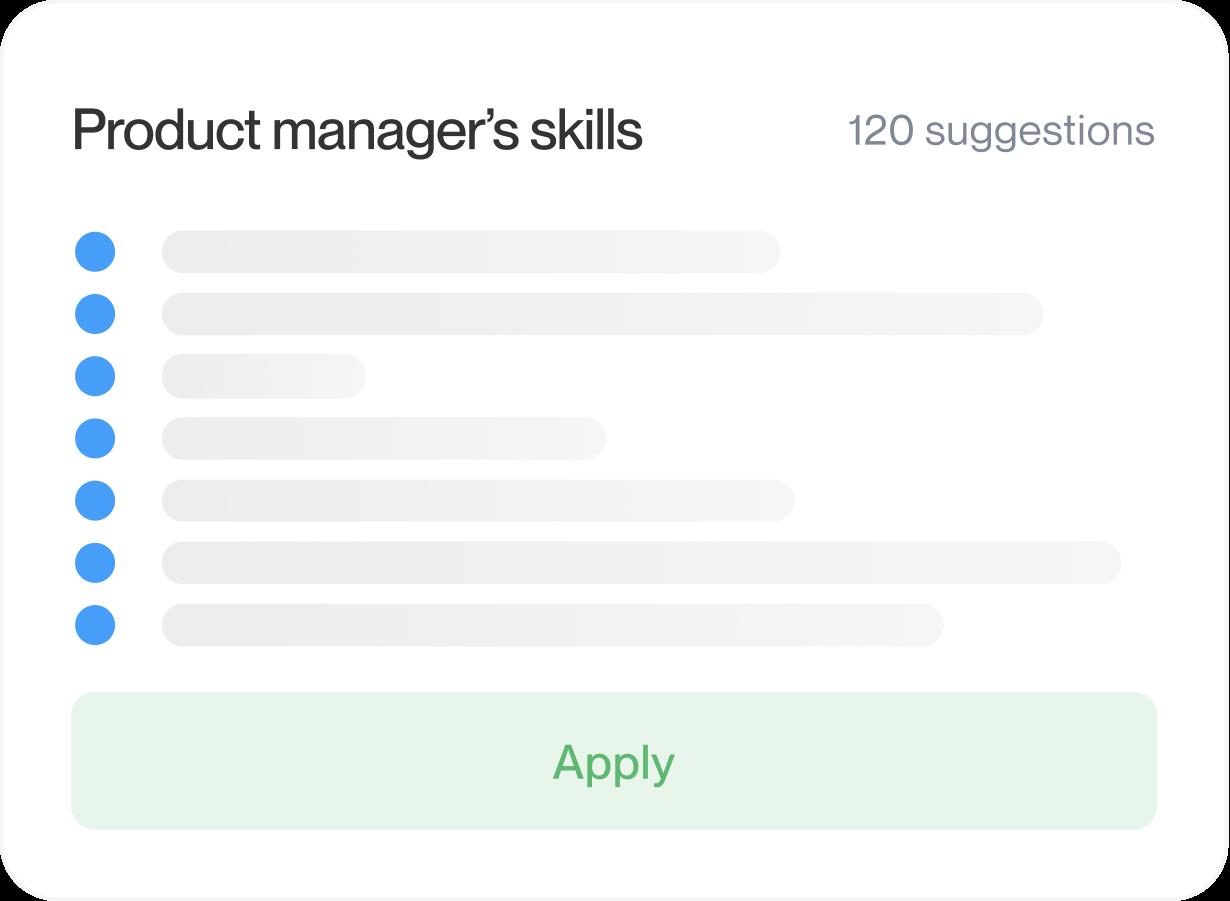
Check each suggestion against your work
Choose suggestions that describe work you actually did. Add your own details, remove anything that doesn't fit and put your most relevant experience first.
Step 4
Check it, then download
Look over the whole page, switch templates if you like, then download your resume and start applying.

Step 1
Start with a template
Say how much work experience you have, then choose a modern, traditional or creative design.
Step 3
Check each suggestion against your work
Choose suggestions that describe work you actually did. Add your own details, remove anything that doesn't fit and put your most relevant experience first.
Step 2
Fill in your history
Enter your jobs, schools and skills, one screen at a time. Type a job title to see suggestions you can edit.
Step 4
Check it, then download
Look over the whole page, switch templates if you like, then download your resume and start applying.
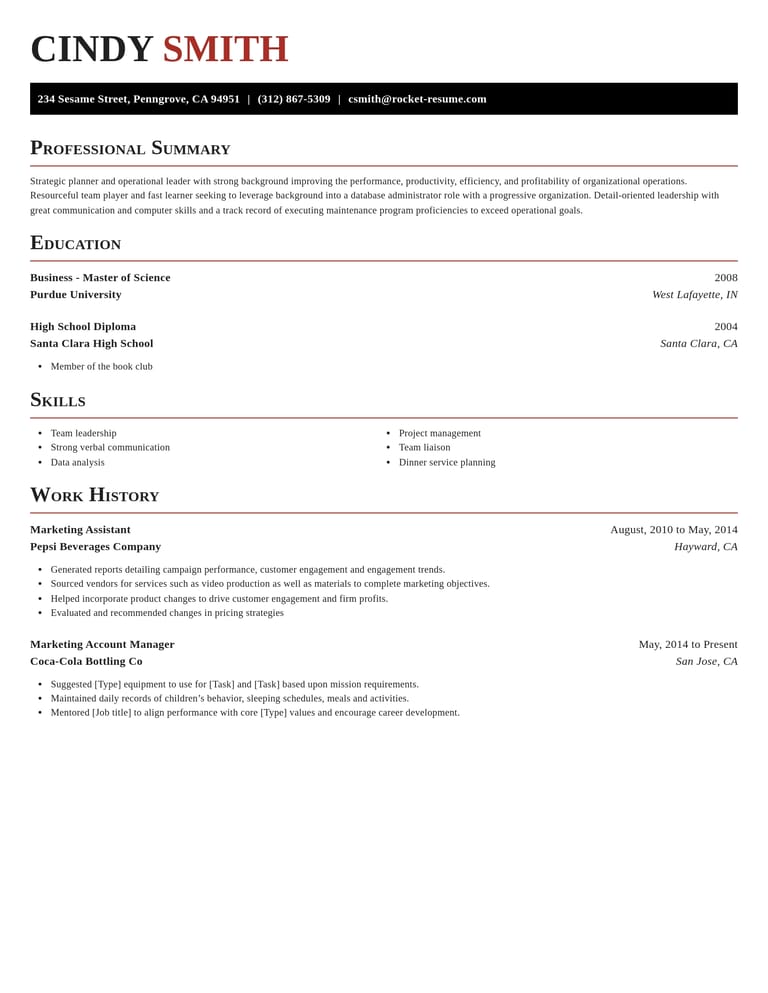
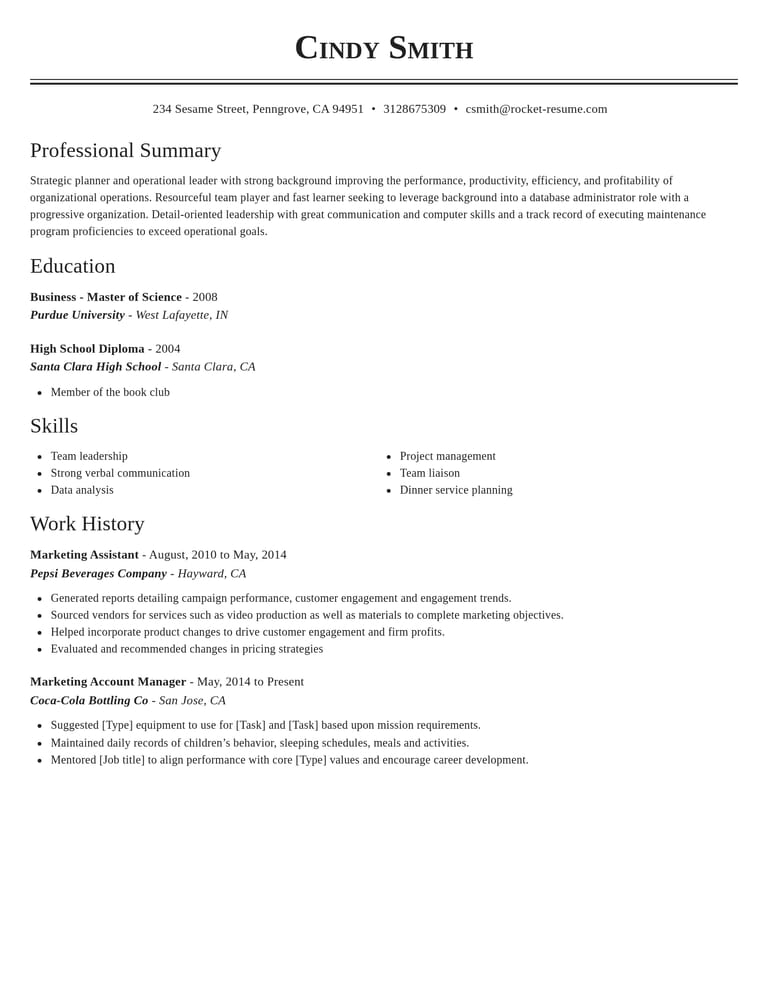
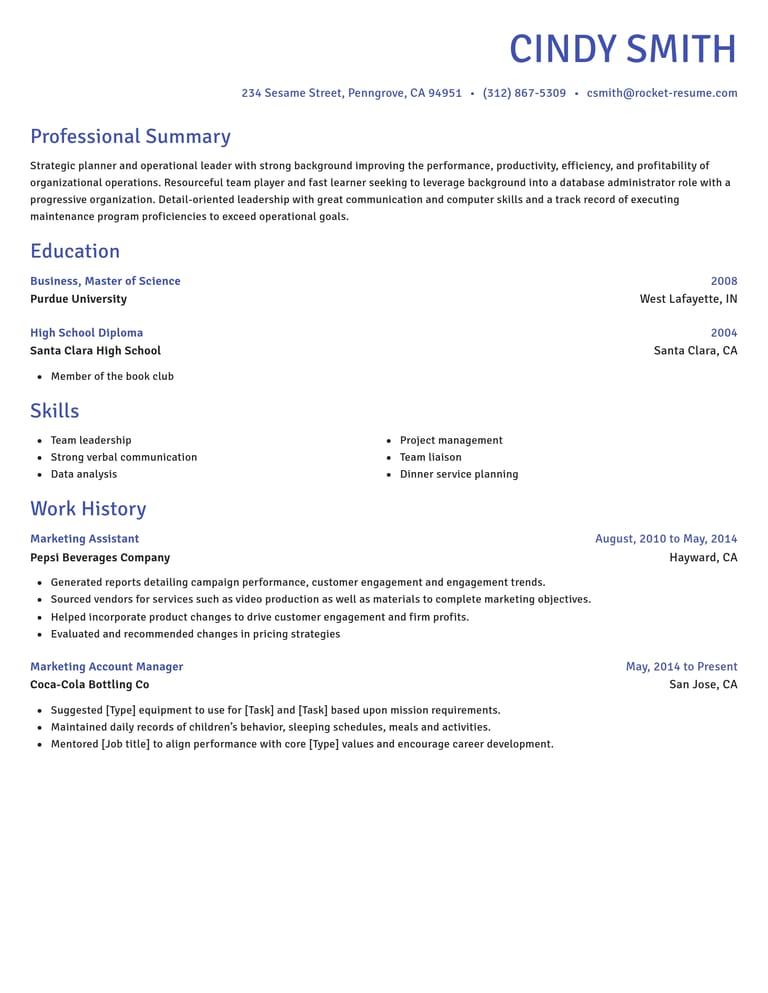
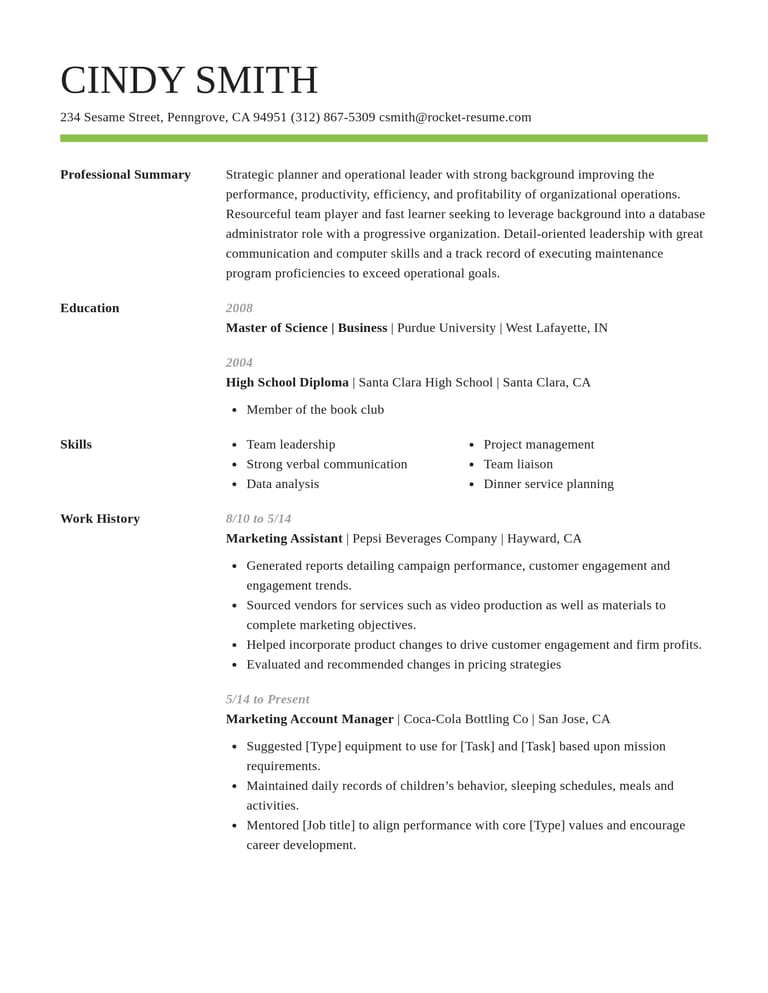
Start with a template that fits your field
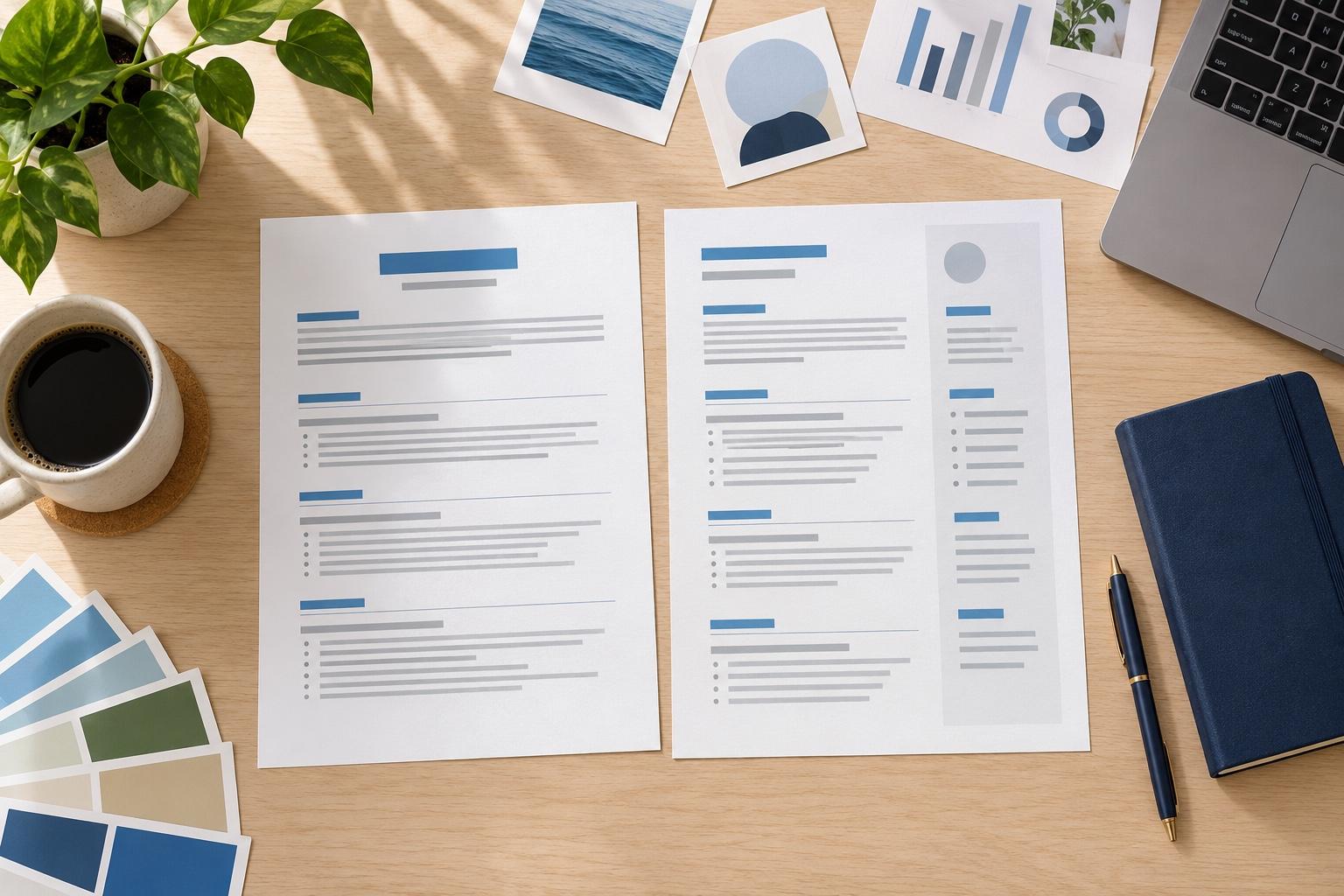
Create a resume one manageable task at a time
Creating a resume can feel less demanding when you stop treating it as one large assignment. Begin with a task you can complete comfortably, then use that small piece to make the next step easier.
Start with information that needs no invention
Enter your name and contact information before trying to explain your whole background. Read those details back and make sure they are current, giving yourself a concrete starting point on the page.
Rocket Resume guides you through contact details, work history, education, skills, and a summary. You can approach each section as a separate question instead of expecting the entire resume to take shape in your head first.
Write a single responsibility
Choose an experience you remember and describe one thing you did. The sentence can be plain and short while you work out which details are useful.
A fictional grocery associate might begin by describing arranging produce displays before opening. That is enough to start; you can later clarify the setting or add another relevant responsibility without rewriting the entire entry.
Use help only where you need it
If you cannot find a starting phrase, enter the job title and read the suggestions. Choose a task you recognize, then edit it until it describes your work accurately.
Skip suggestions that make the job sound unfamiliar or more senior than it was. You are allowed to use your own simple wording, even when the suggested language initially appears more polished.
Give uncertainty a separate place
An unknown date or forgotten qualification name can interrupt your momentum. Keep a separate note of what needs checking and continue with information you can verify, rather than guessing to fill the gap.
Return to the uncertain detail before considering the resume ready. This separates two different tasks: remembering the work and confirming its precise facts.
Leave the broad introduction for later
A summary asks you to explain the whole background in a small space. It is reasonable to wait until the experience and education sections give you something concrete to summarize.
Similarly, an initial template choice does not have to be permanent. You can change the design and keep your text, so selecting a readable starting style is enough to begin.
Stop at a useful resting point
Finish a small unit, such as one role or an education entry, before taking a break. Save your work and leave yourself a short note about the next detail to add.
When you return, read the completed section before starting another. The live preview shows the developing page as you type, helping you see that a resume grows through a series of manageable decisions rather than one difficult leap.
What research says about applying for jobs
“If I need one in the future, I'll use it again.”

“It's great, I have a job now”

Resume builder questions
What is a small enough first task for a resume?
Entering and checking your contact information is a useful beginning. After that, describe one responsibility from a job or activity you remember well. You do not need to finish the summary or choose every detail at once; a complete small piece gives you something concrete to build on.
Can I take a break before the resume is complete?
Yes. Save your work and return when you can continue. It helps to stop after a small unit, such as one experience entry, and keep a separate note of the next task. When you return, reread that entry so you can resume with its context in mind.
What if the summary feels harder than everything else?
Leave it until the experience and education sections are drafted. Read those sections for the main connection to the role, then summarize that connection in straightforward language. A useful introduction comes from the evidence you have written, so it does not need to be the first sentence you create.
Build from an example in your field
Featured this week





- 48 examples
- 6 examples
- 24 examples
- 37 examples
- 24 examples
- 9 examples






Show all industries (A–Z)Show fewer
- Aerospace & Defense, 8 examples
- Agriculture, 23 examples
- Apparel & Textiles, 13 examples
- Architecture, 15 examples
- Artificial Intelligence, 6 examples
- Arts & Entertainment, 24 examples
- Automotive, 21 examples
- Beauty & Personal Care, 17 examples
- Biotechnology & Life Sciences, 7 examples
- Business Services, 23 examples
- Chemical Engineering, 4 examples
- Childcare, 14 examples
- Construction, 106 examples
- Creative, 15 examples
- Customer Service, 17 examples
- Education, 94 examples
- Energy, 39 examples
- Environmental Science, 5 examples
- Finance, 63 examples
- Food & Beverage, 68 examples
- Government, 48 examples
- Healthcare, 160 examples
- Hospitality, 35 examples
- Human Resources, 18 examples
- Insurance, 10 examples
- Legal, 12 examples
- Logistics, 37 examples
- Manufacturing, 68 examples
- Marketing, 8 examples
- Media, 20 examples
- Military, 24 examples
- Mining & Metals, 9 examples
- Nonprofit, 8 examples
- Pharmaceuticals, 12 examples
- Public Relations, 10 examples
- Real Estate, 7 examples
- Retail, 38 examples
- Robotics, 11 examples
- Sales, 14 examples
- Security Services, 19 examples
- Social Services & Counseling, 21 examples
- Social Work, 14 examples
- Sports & Fitness, 96 examples
- Technology, 67 examples
- Telecommunications, 6 examples
- Tourism & Travel, 9 examples
- Transportation, 38 examples
- Veterinary, 9 examples
Reviews of the resume builder
from 3,900+ reviews