School resume templates
Tired of trying to format in Word? We've got you. Change your content or swap templates anytime without reformatting your resume.
- Swap templates without reformatting
- Edit content and the layout keeps up
- ATS-friendly layouts with standard headings
- Writing suggestions for your job title

Ed A.
Aug 2022
“Very helpful for making a resume and applying for jobs”

James S.
Aug 2026
“This service was perfect for my needs.”

Nicole C.
Feb 2026
“I loved the templates.”

Sheila J.
Apr 2026
“This app is perfect, it helped me get my job”
from 4,000+ reviews
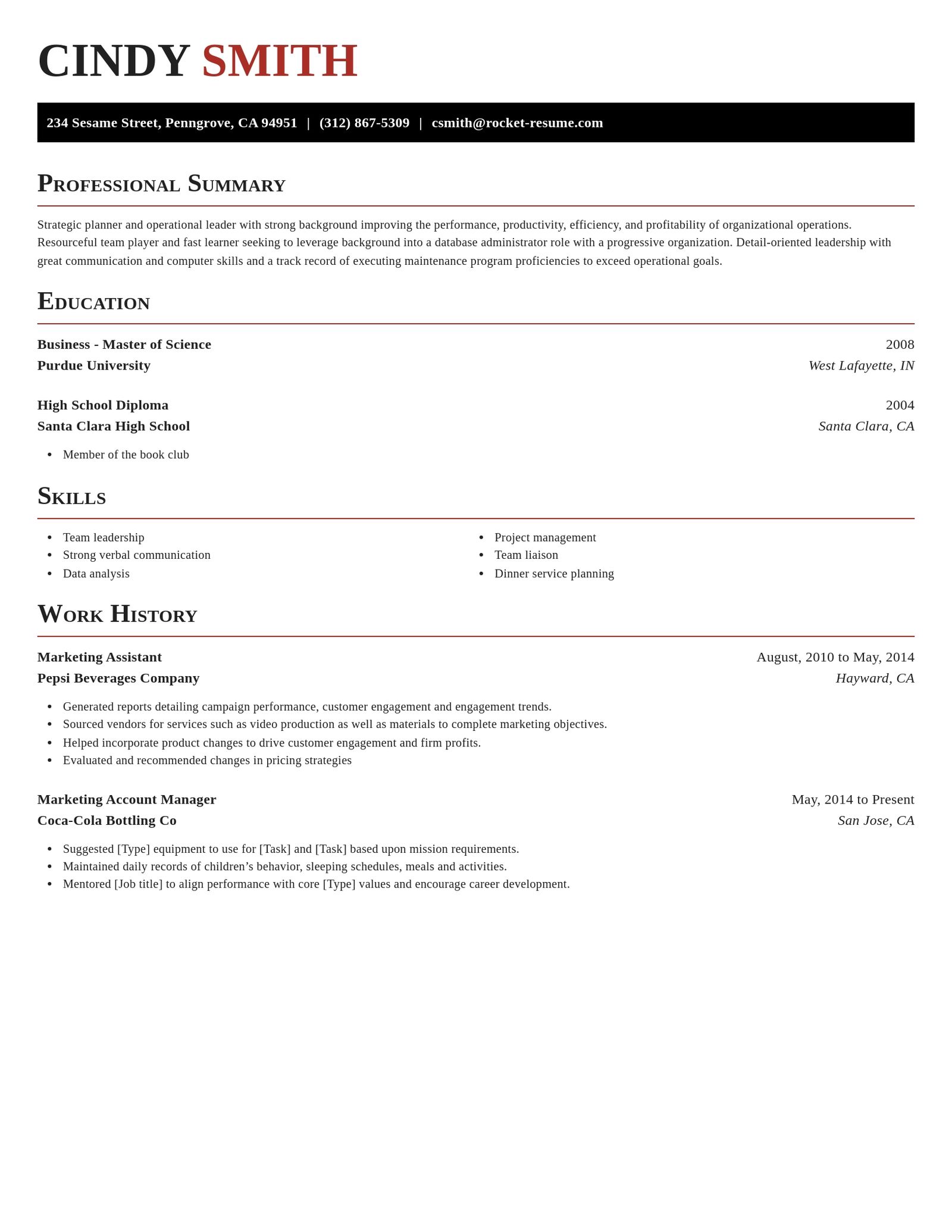
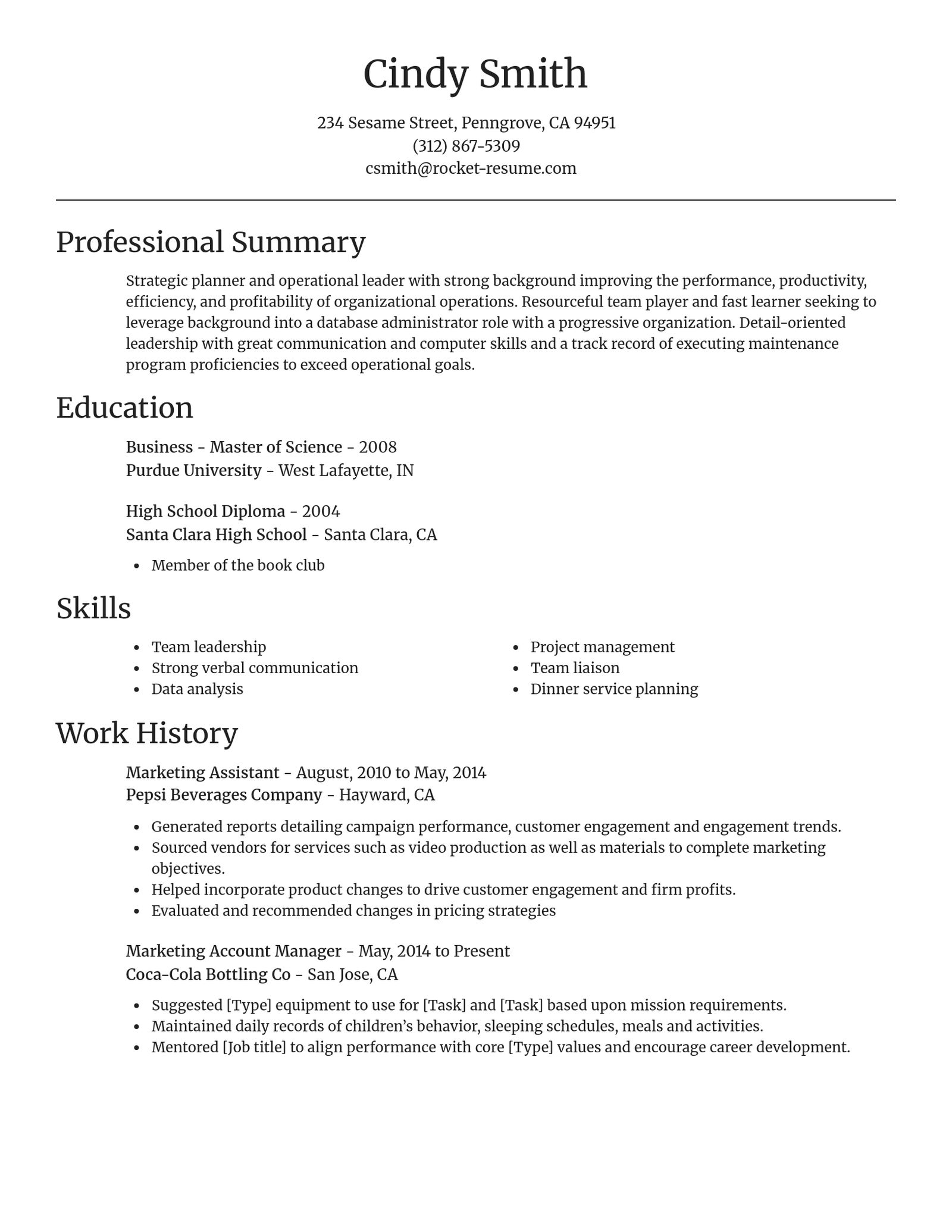
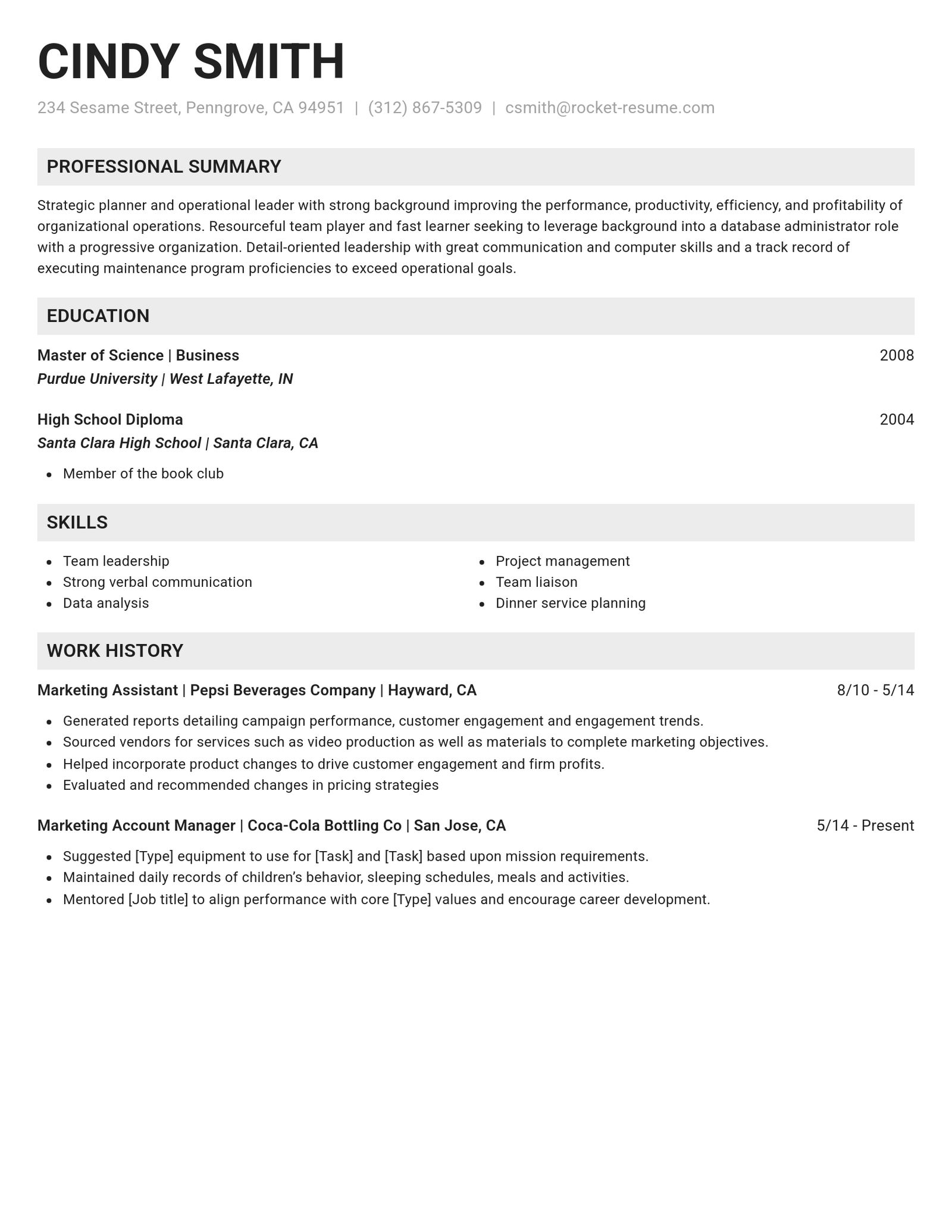
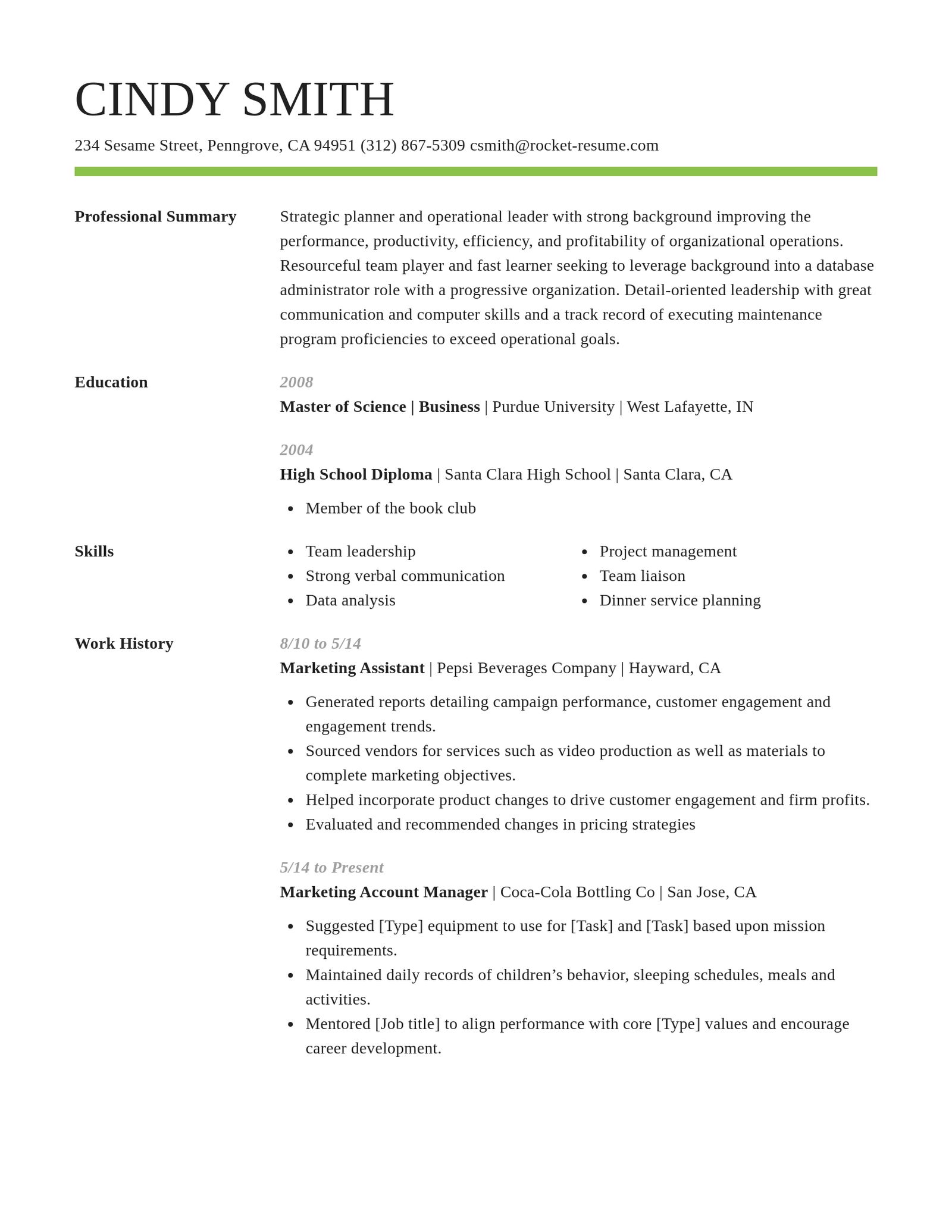
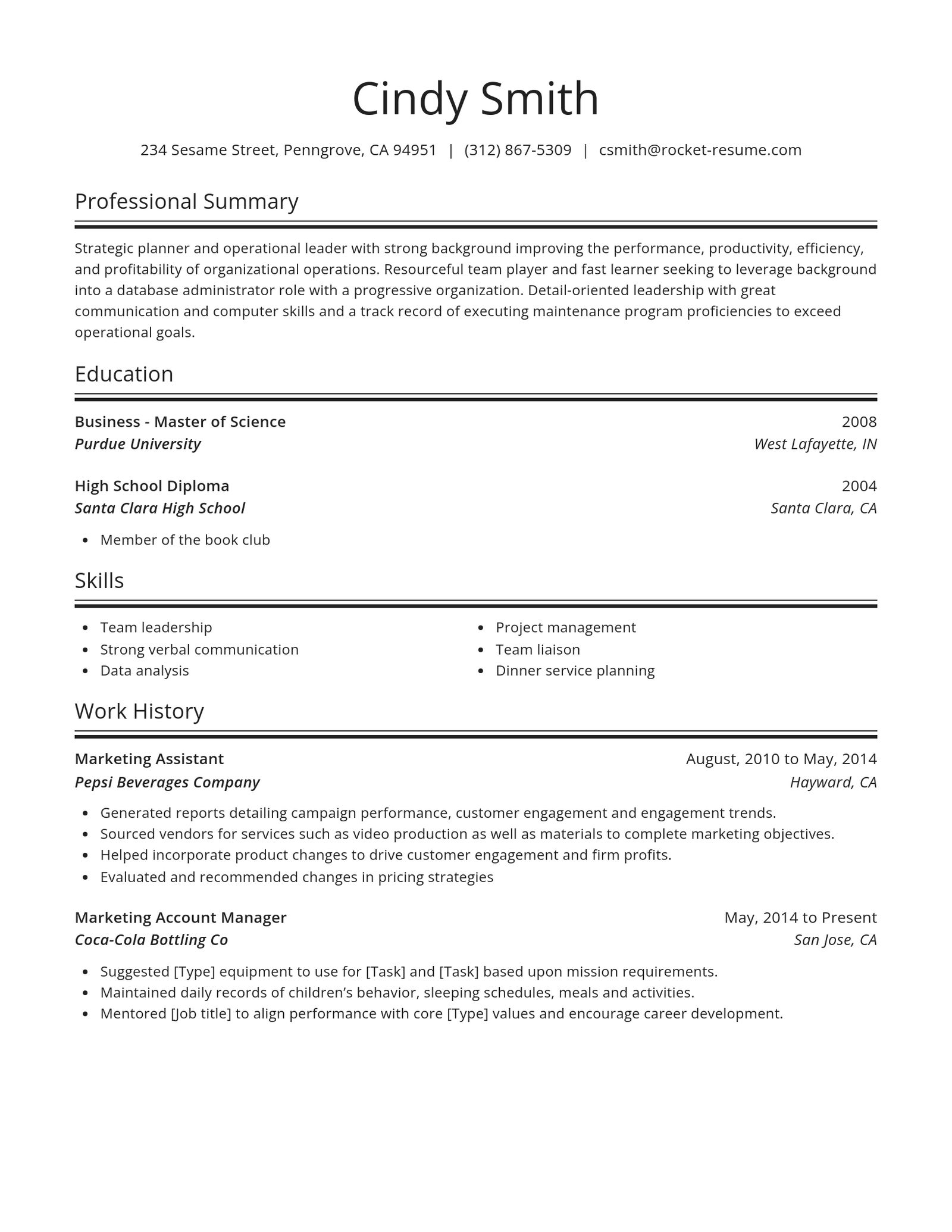
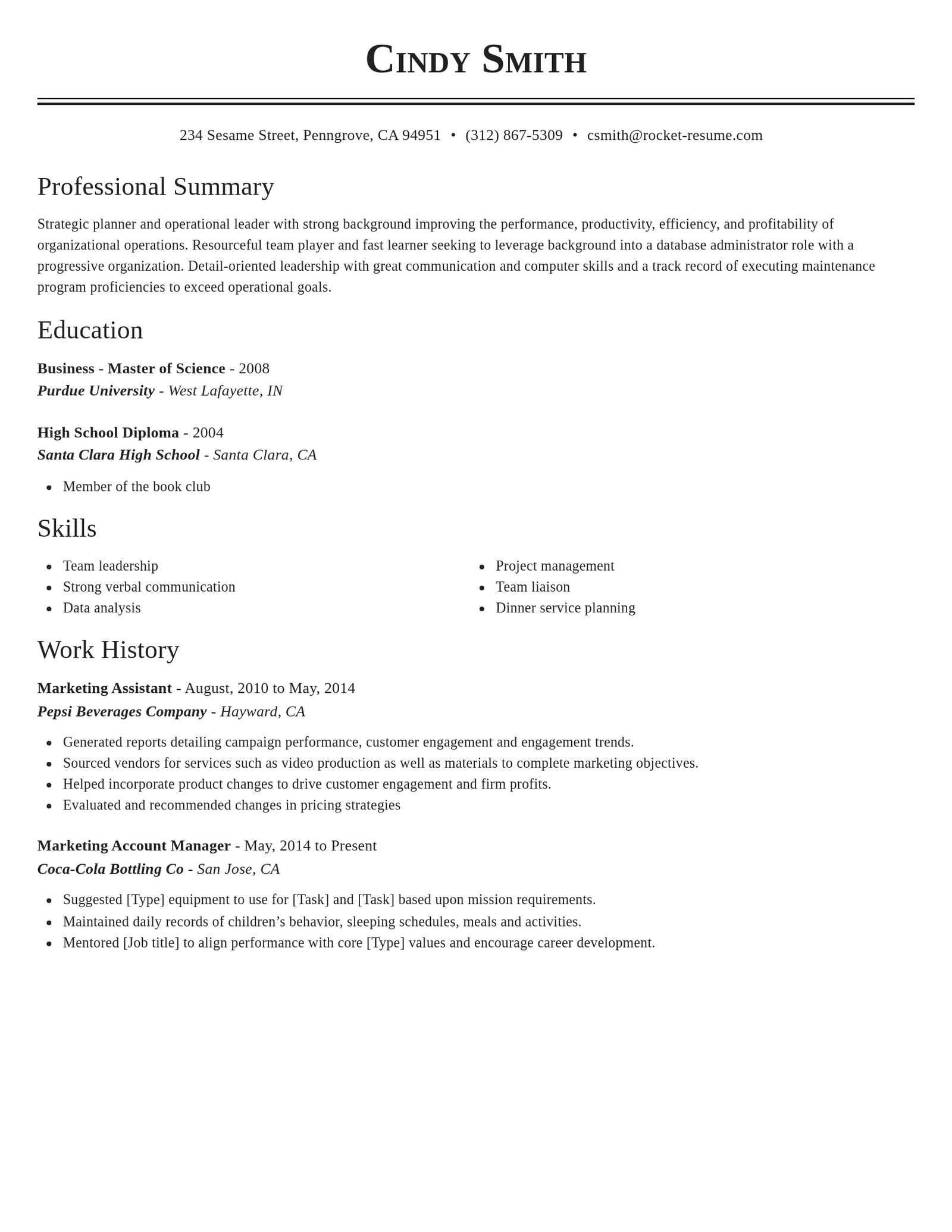
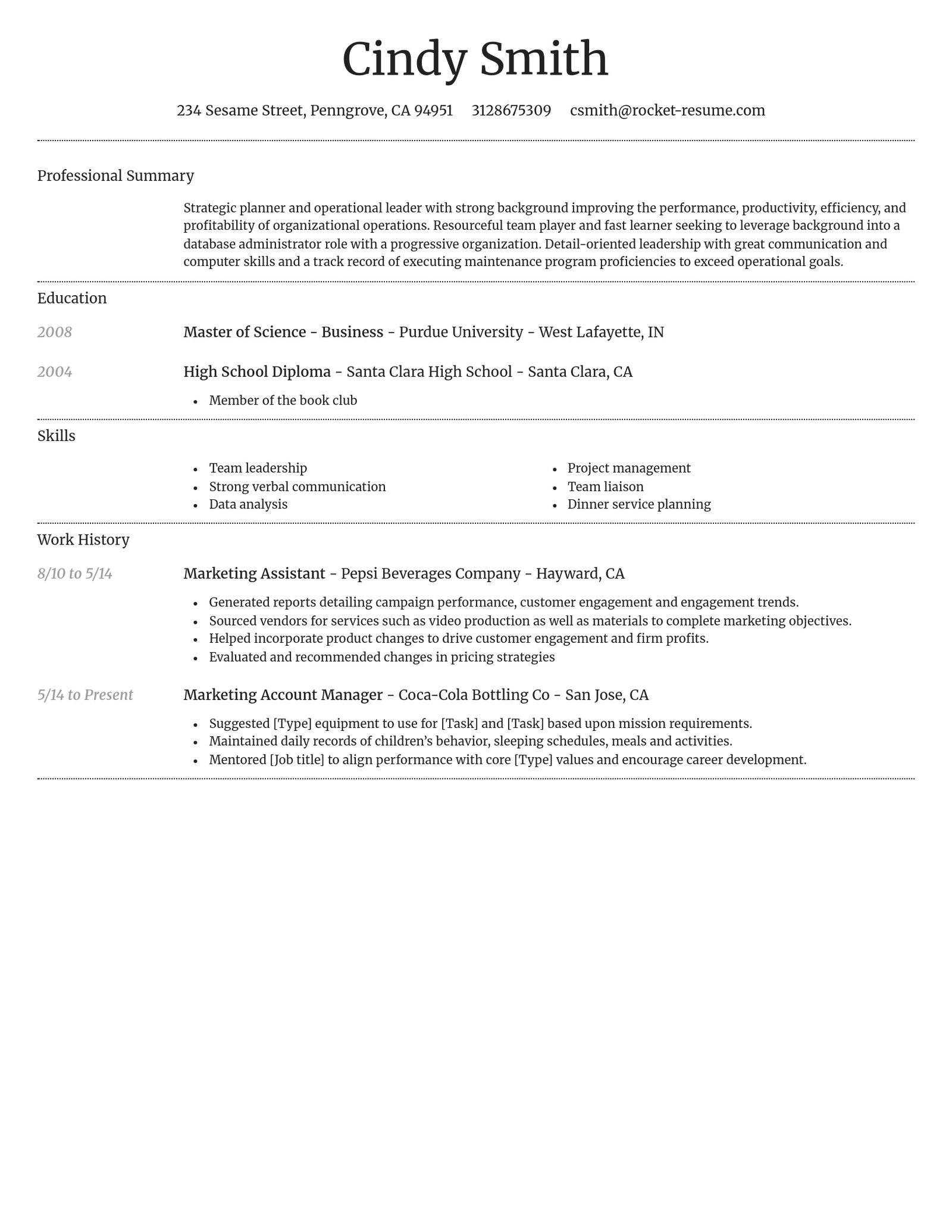
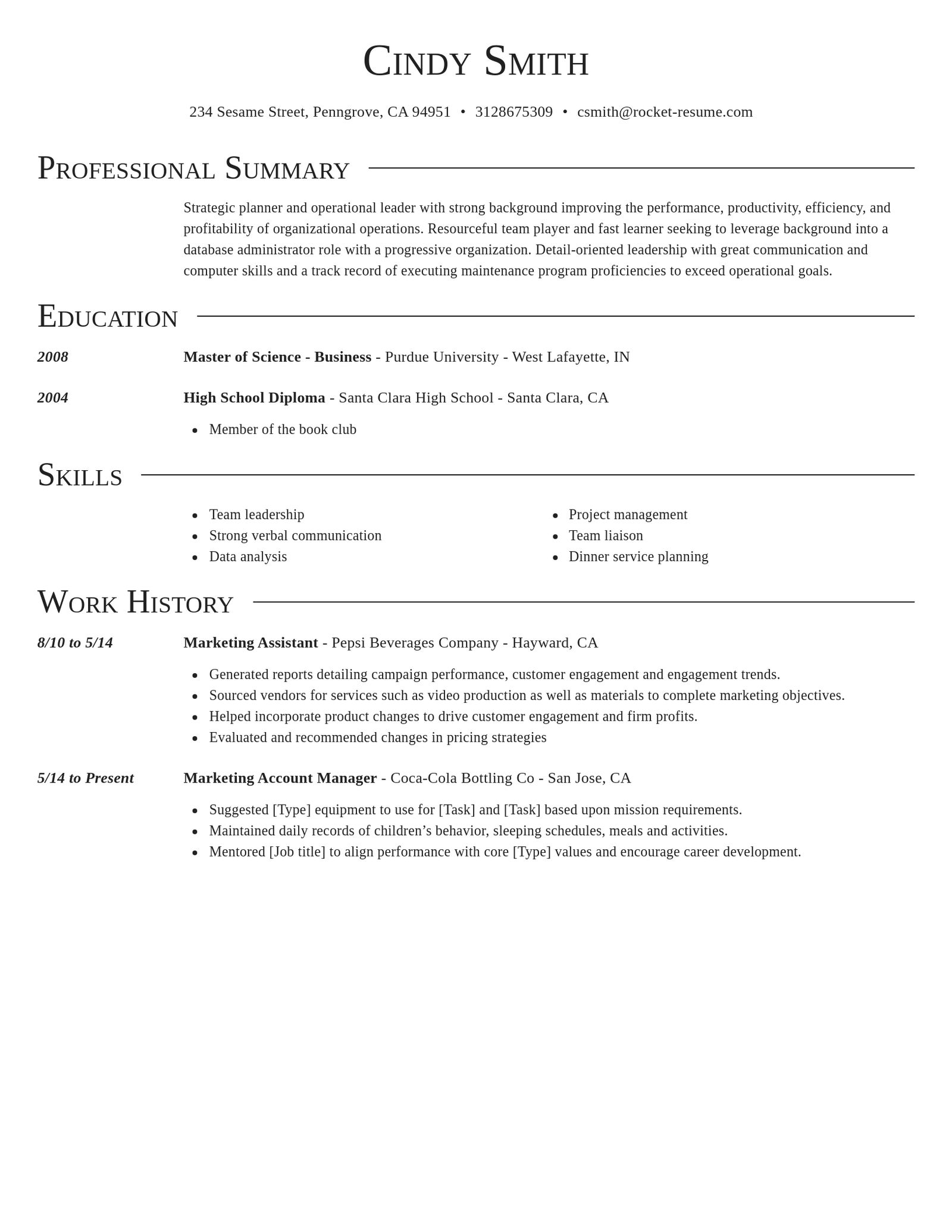
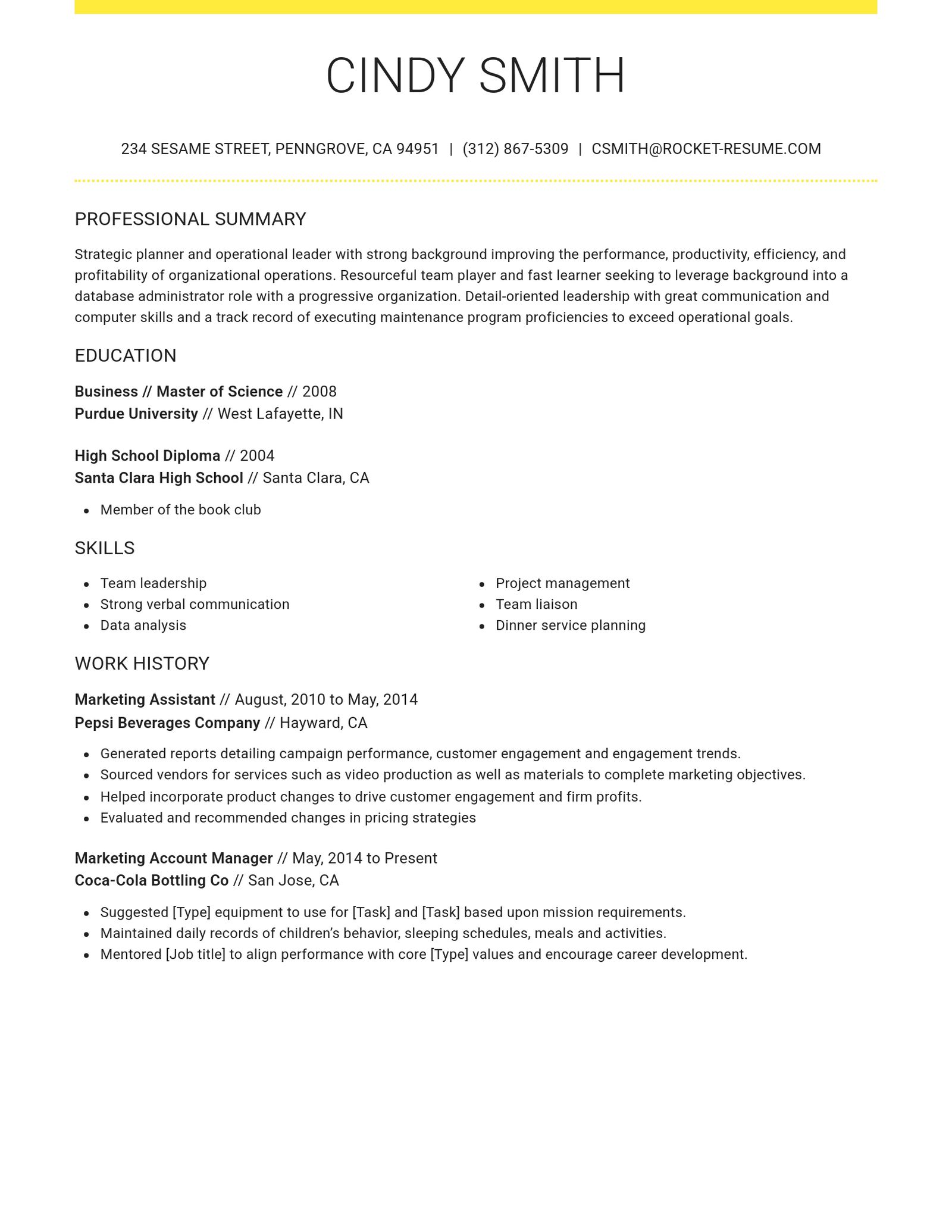
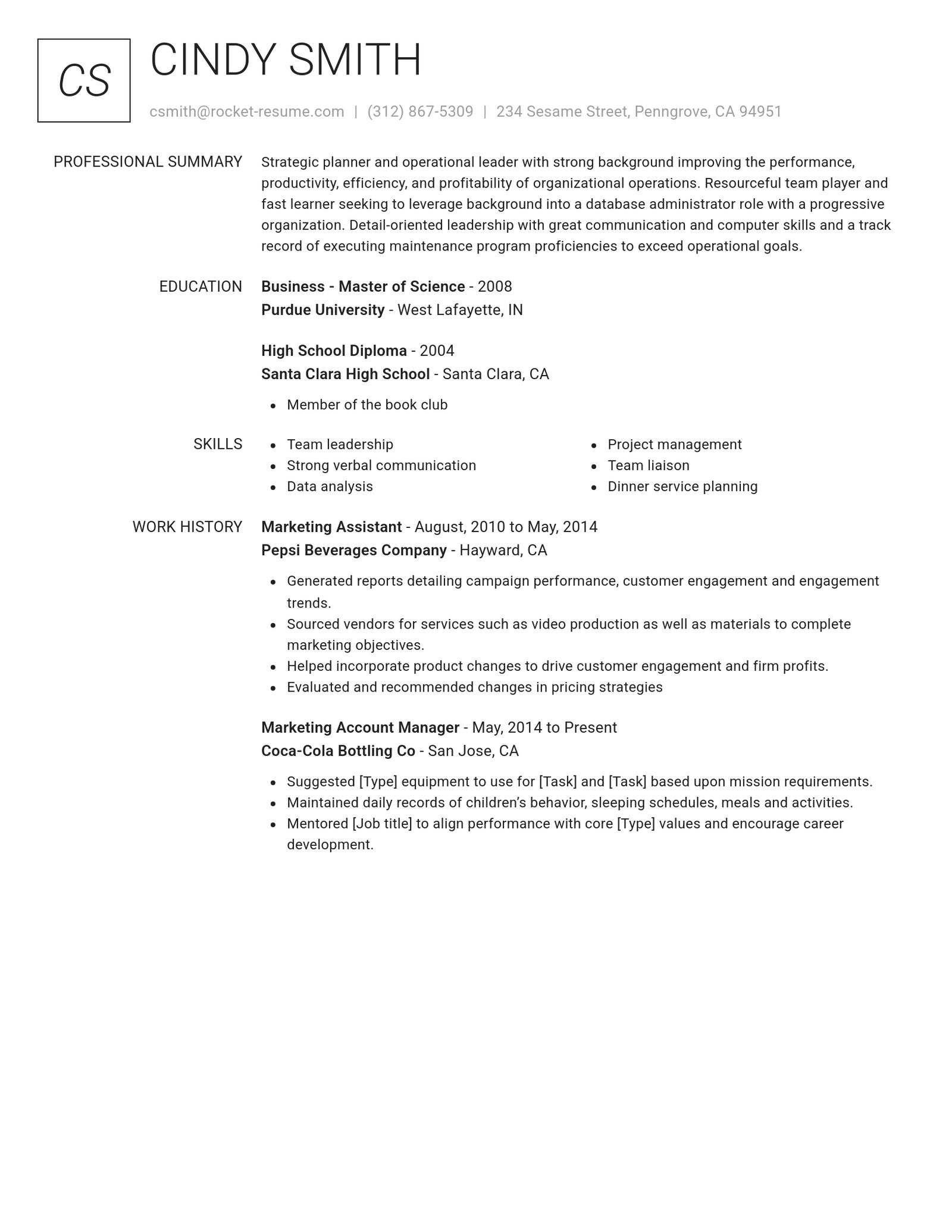
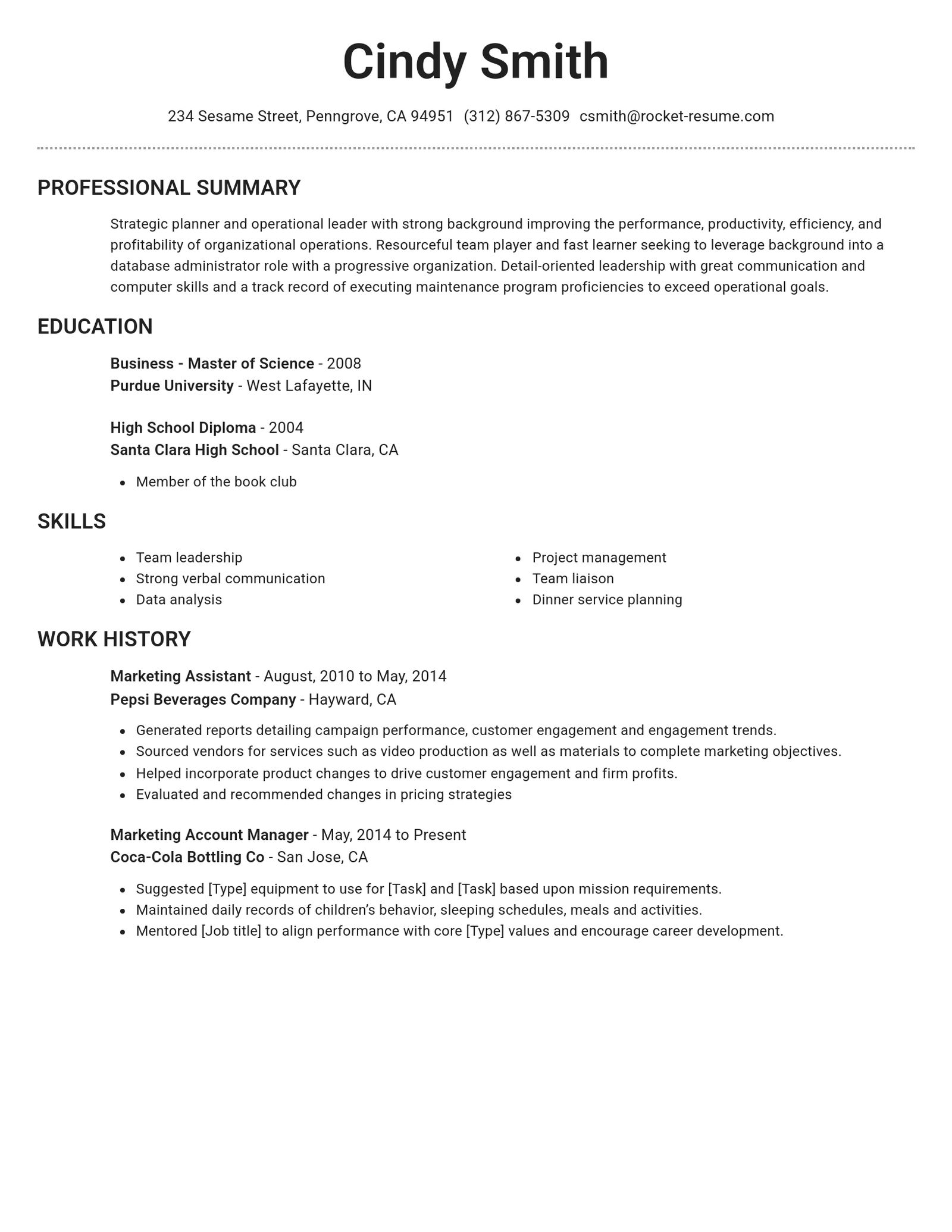
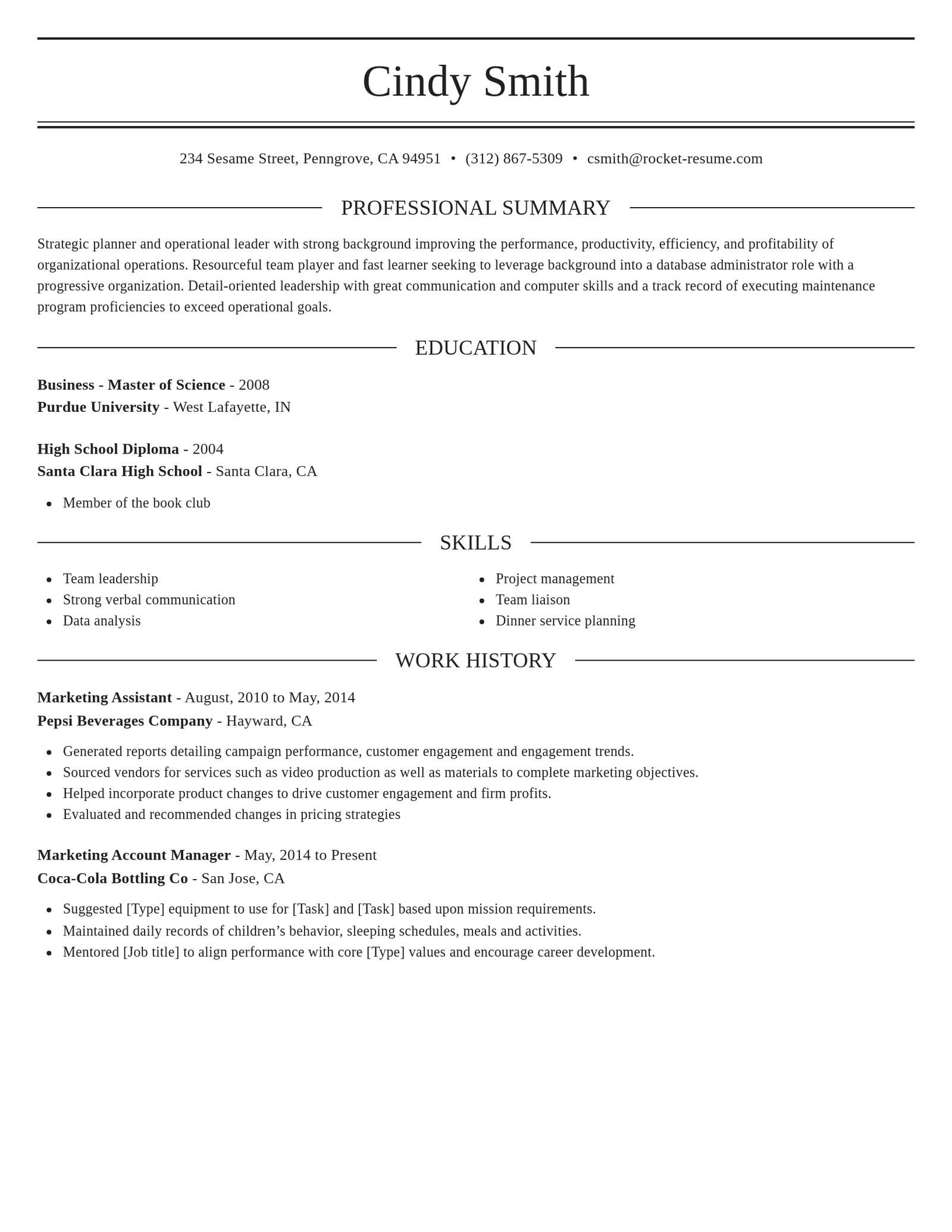
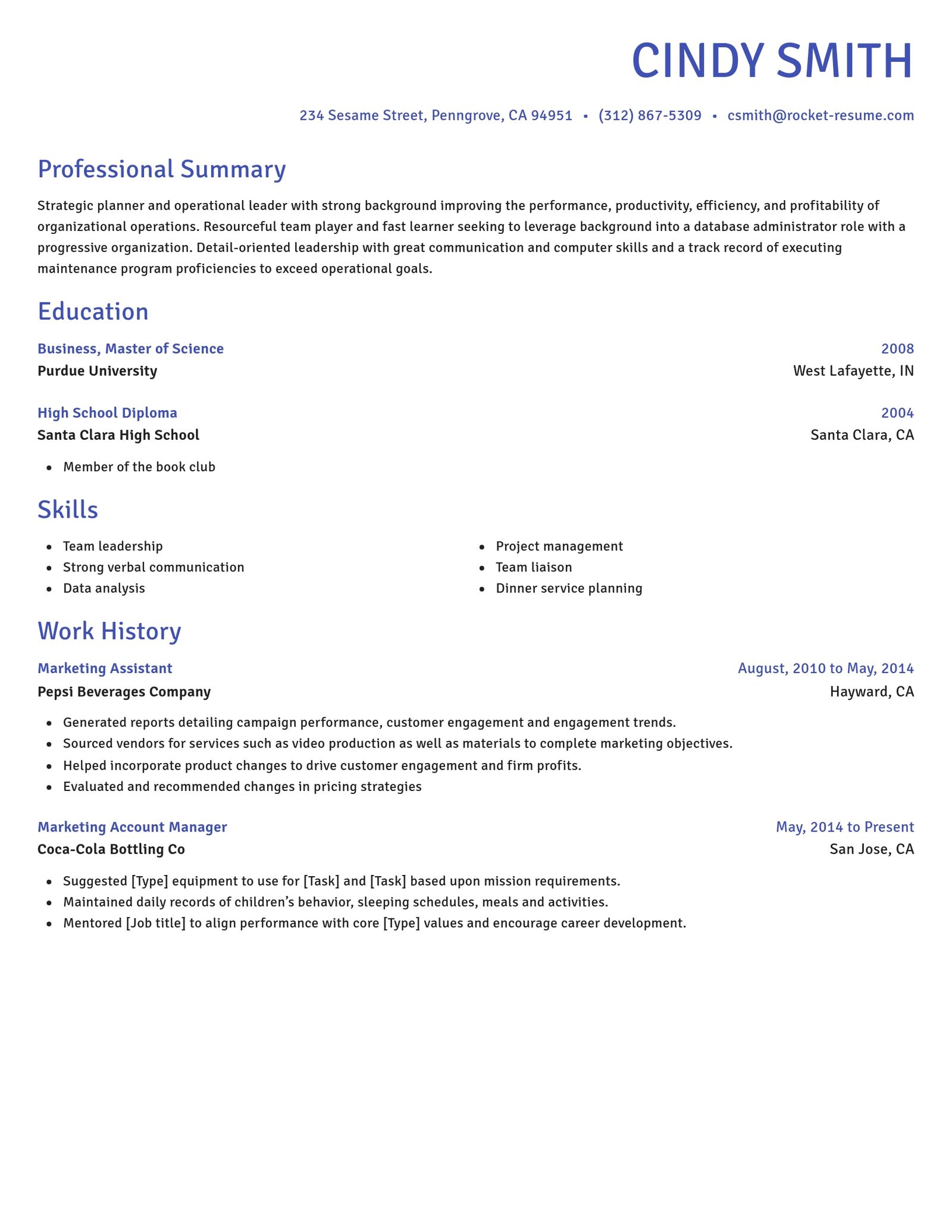
Browse professional resume templates

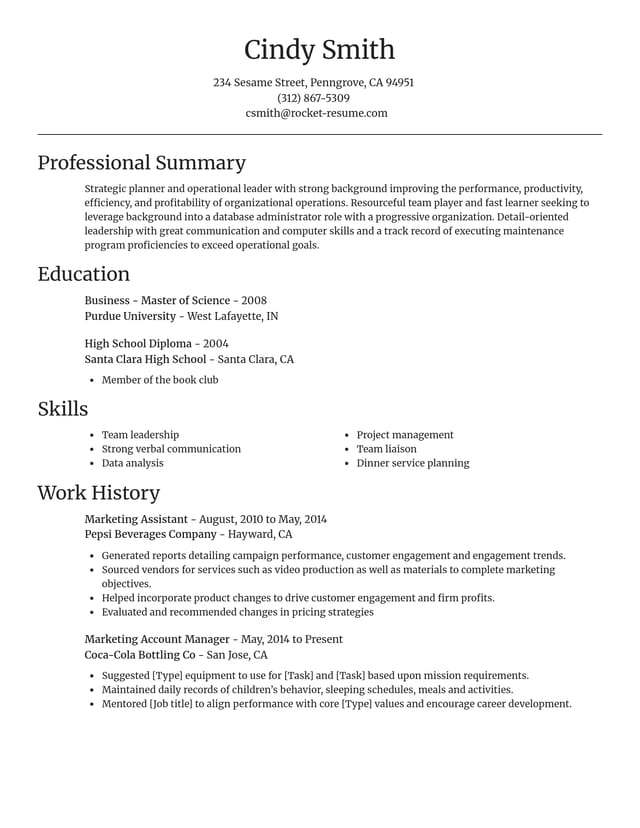
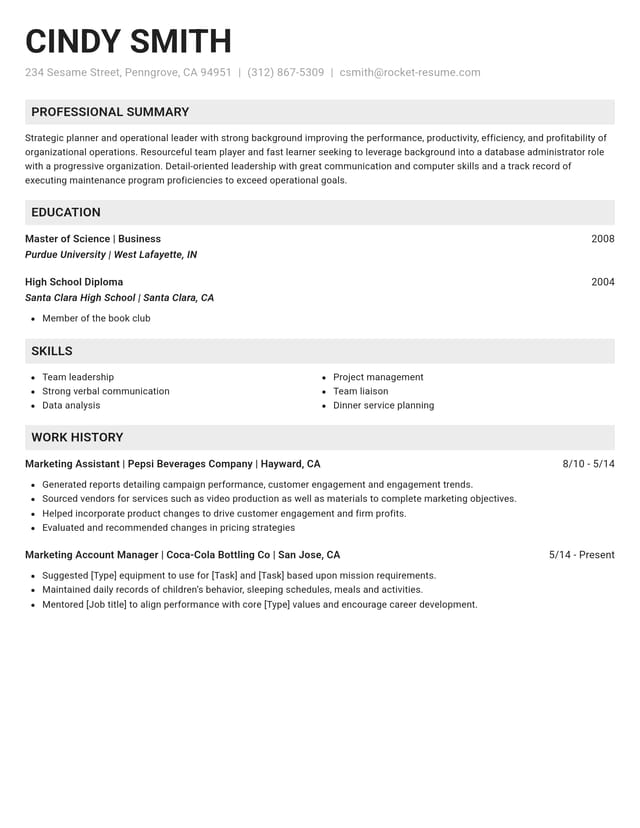
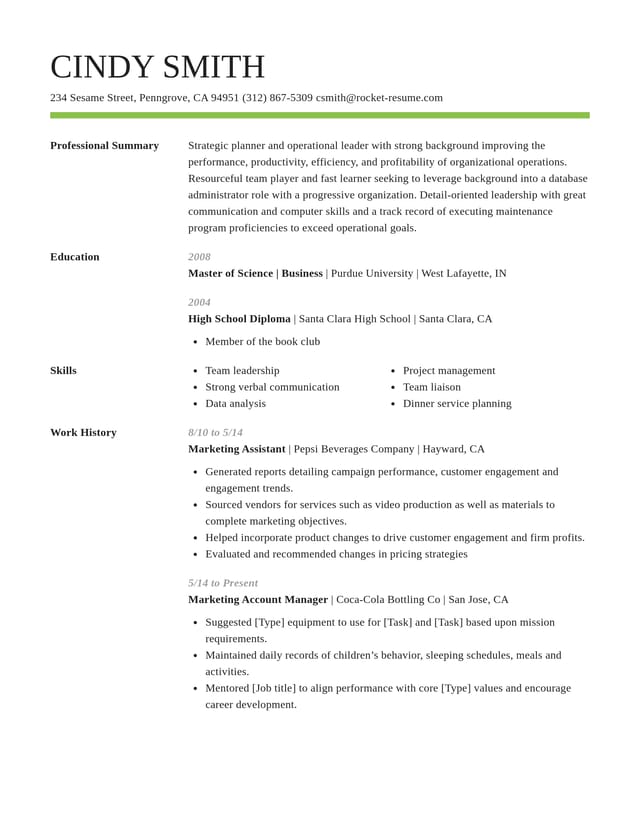
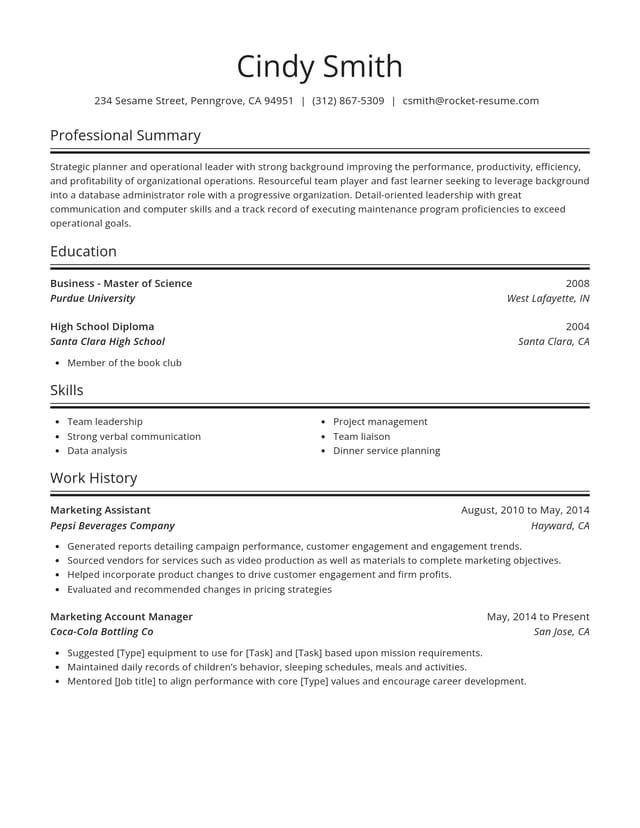

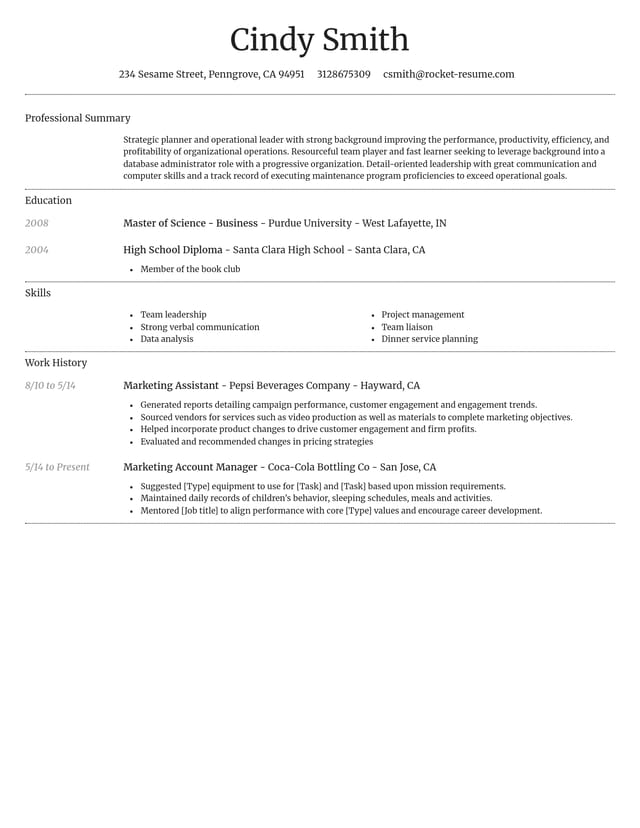
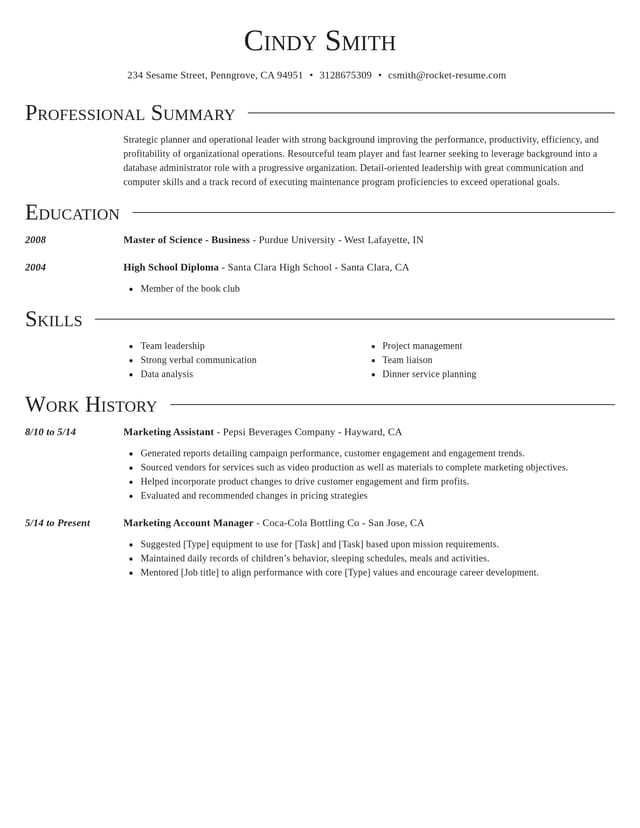
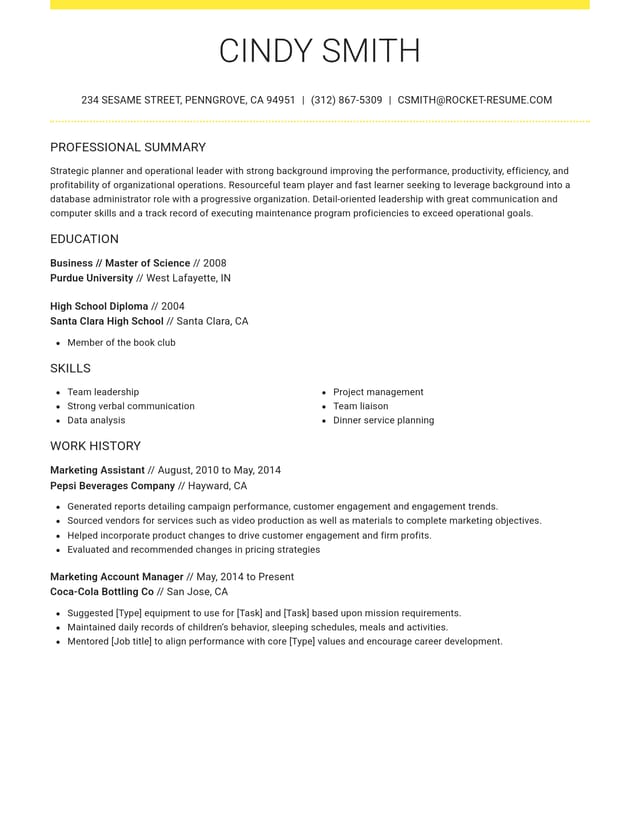
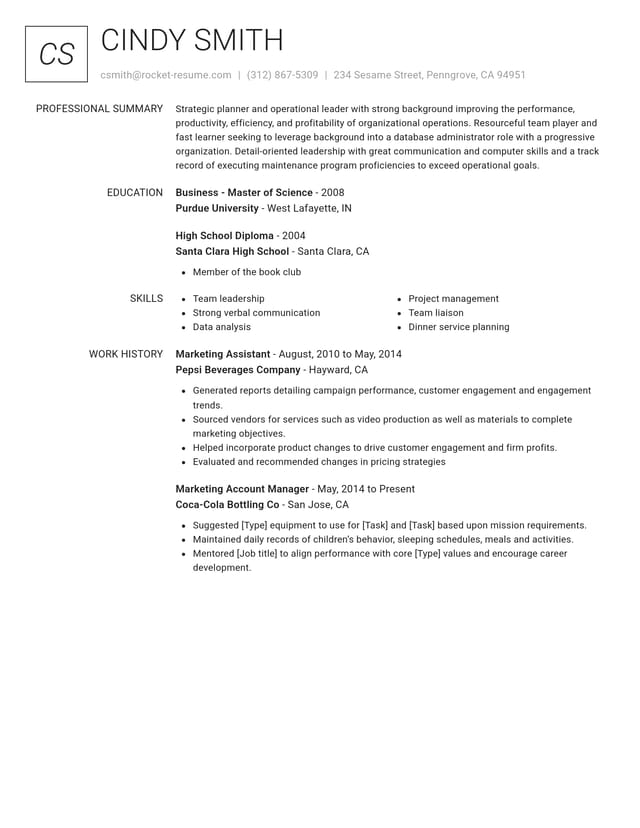
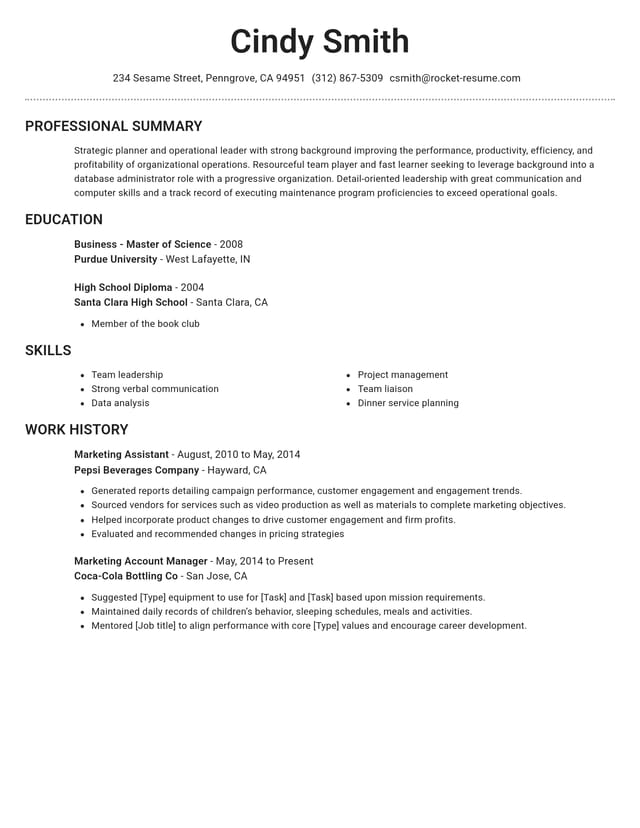
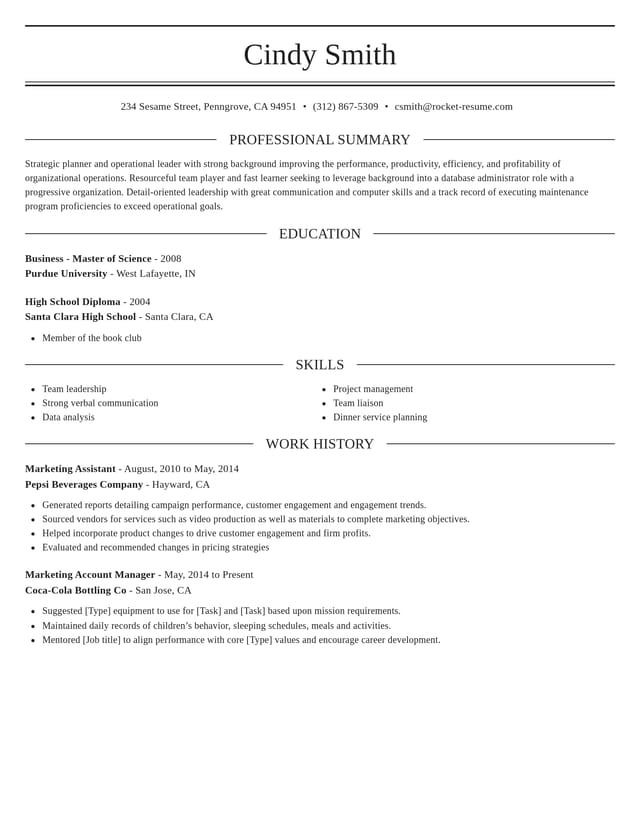
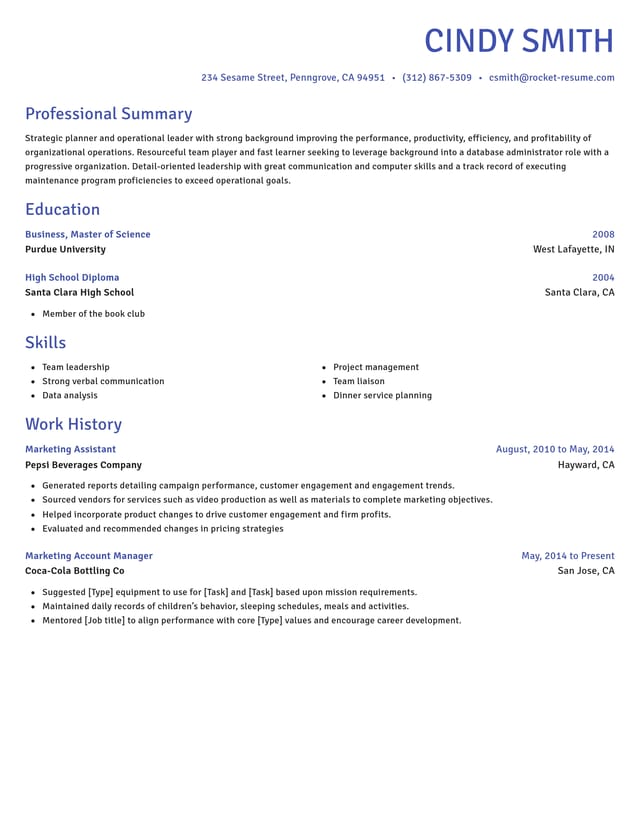
What every resume template gives you
The design is only the start. Each template comes with help that gets your resume written, polished and ready to send.
- Modern, traditional or creative
Each style comes in several polished designs, so you can match the tone of your field without settling for a look you don't like.
- Clean layouts recruiters can scan
All our designs are ATS-friendly. Standard headings help a recruiter find your titles, dates and results fast.
- Lines written for your job
Enter your job title, and lines written for that role appear for you to choose from. Tweak the keepers until they sound like you.
- Switch designs, keep your words
Try a second template at any point. Your text moves across with it, so comparing two looks takes no retyping.
- Arrange it your way
Reorder sections so the reader meets your best material first, such as skills when changing careers or schooling on a first resume.
- Preview, save, come back
The preview updates as you type. Save to your account, then return another day to finish or fine-tune it.
How your template becomes a finished resume
Step 1
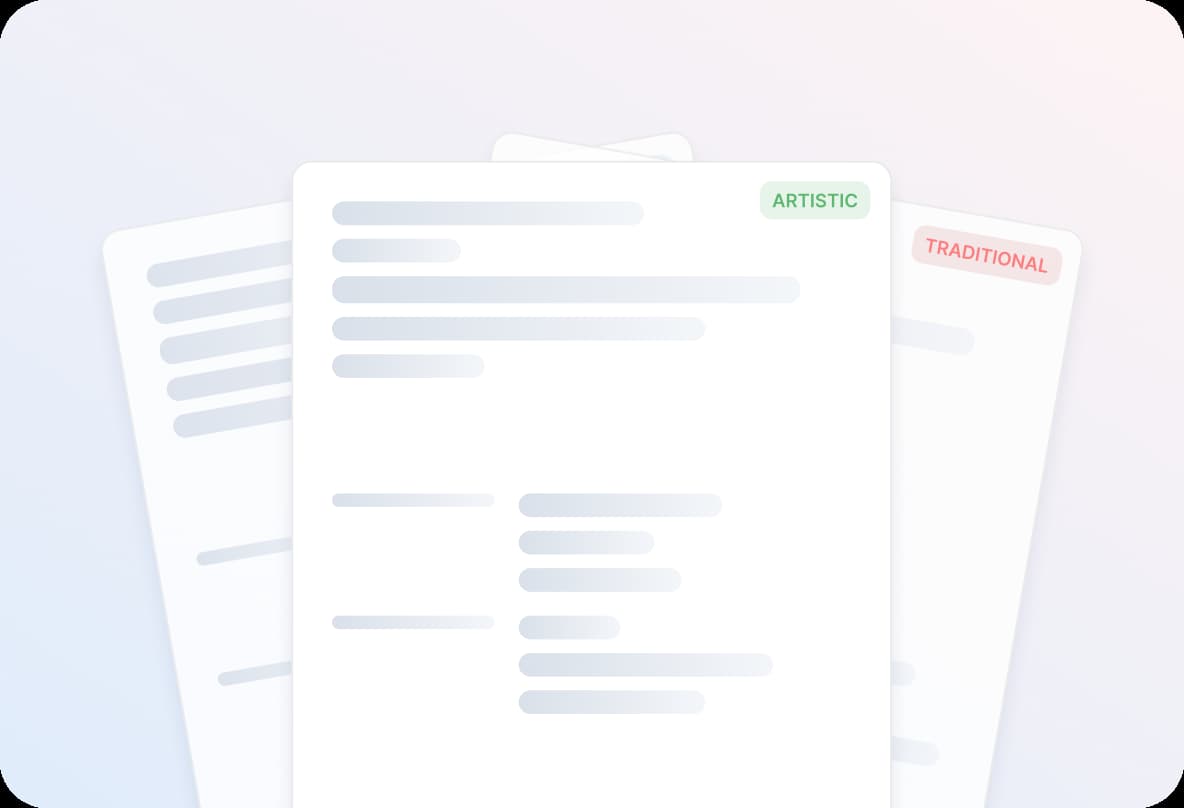
Pick a look for your field
Choose a template from the gallery, or start with a quick background question and pick a design after.
Step 2
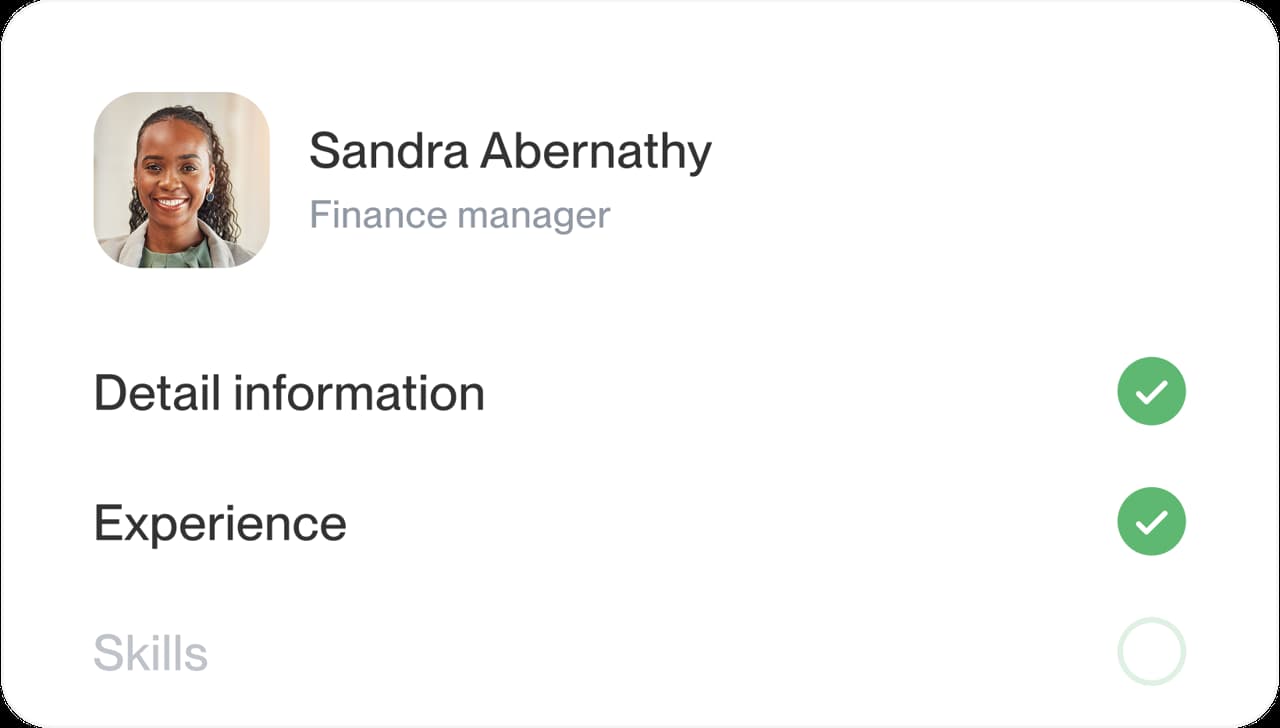
Fill in your details
Enter your work history, schooling and skills. Suggested lines for the role you type give you a strong first draft to reword.
Step 3
Polish and arrange
Turn duties into results, move your strongest section up and test a second design for a fresh look.

Step 4
Send it out
Give the full preview one last look, then hit download and start applying with confidence.

Step 1
Pick a look for your field
Choose a template from the gallery, or start with a quick background question and pick a design after.
Step 3
Polish and arrange
Turn duties into results, move your strongest section up and test a second design for a fresh look.
Step 2
Fill in your details
Enter your work history, schooling and skills. Suggested lines for the role you type give you a strong first draft to reword.
Step 4
Send it out
Give the full preview one last look, then hit download and start applying with confidence.
How to choose a resume template for your field
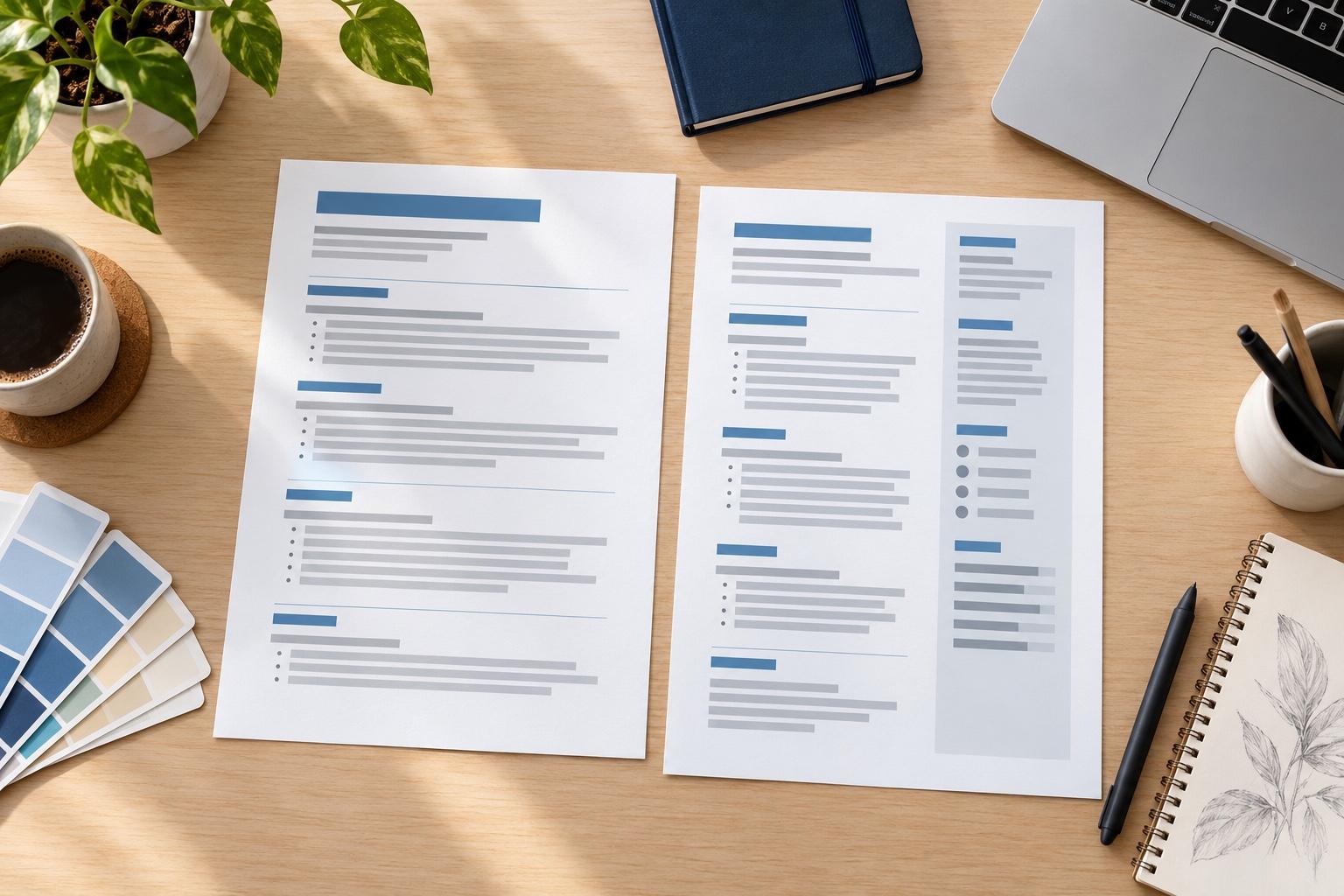
Choose the resume template that lets the people hiring in your field read your experience at a glance. Looks matter only as far as they help a recruiter spot your job titles, employers and results in a quick first scan. So start with your field, then your experience, then try the design with your own details before you settle.
Which resume template style suits your field?
Each style sends a signal before anyone reads a word, so pick the one your target employers already expect.
- Law, finance, government and healthcare administration: a traditional design with black text and thin dividers matches what these employers usually expect.
- Tech, sales and most office roles: a modern design with one accent color looks current without pulling attention from your work.
- Marketing, hospitality and other creative work: a creative design shows some personality, as long as each section is still easy to find.
- Trades, warehouse and retail jobs: a plain design puts licenses, equipment and shift experience front and center.
Not sure which group you're in? Look at the employer's own careers page and job ads. A bank and a design studio present themselves very differently, and your resume can take the same cue.
What makes a resume template look professional?
Consistency, more than decoration. Before you commit to a professional resume template, check four things in the preview:
- Headings clearly larger than the body text, in no more than two typefaces.
- Job titles, employers and dates lined up the same way in every entry.
- Enough white space between sections that the page never looks crammed.
- Color used sparingly, on headings or a thin rule, never behind long blocks of text.
Which template works for a first resume or a long career?
For a first resume, pick a design with generous spacing and clear headings so a short history still feels complete, and move education or skills near the top. Still in school? Our high school resume templates come with a list of what to include. A long career calls for a compact design that fits more roles without crowding, with older jobs trimmed to a line or two.
Changing careers? Any style can work. Move your skills section up so the reader sees what transfers before reaching your job history.
Do you need a template made for your job title?
Any clean template works for any role, so you can skip the hunt for a design built around your job title. What changes from one job to the next is the wording: a teacher and a welder can share a design, and their bullets are what set them apart. Borrow ideas from the lines we suggest for your work, such as those in the nurse resume example, and keep only the ones that are true for you.
How do you test a template with your real details?
Sample text makes every template look tidy, and your details won't be the same length. Judge a design only after your own information is in it:
- Pick the design that looks closest to your field.
- Add your contact details, latest job and education.
- Switch to a second design and compare the two in the preview.
- Keep the one where your strongest result is easiest to spot.
Once the look is settled, the wording does the heavy lifting. Our guide to writing each resume section walks through what to say, from the summary to the last bullet.
Why the design and the words both matter
“Great resume service.”

“My resume is now a hot topic!”

Resume template questions
What is the best template for a resume?
The best resume template is whichever suits your field and lets a recruiter find your results fast. Traditional designs fit formal fields, modern ones most office work, and creative ones marketing or hospitality. Try your own details in two designs and keep the clearer page.
Software engineer resume example
Should I use a resume template?
Yes, for most people. A template sets the spacing, headings and alignment for you, so you can spend your effort on the wording. Choose a design that fits your field and keep the layout clean enough to scan in seconds.
Are these resume templates ATS-friendly?
Yes. Each one follows the usual layout advice for applicant tracking systems: standard headings and typed text instead of images. Our ATS page shows the single-column designs and explains each point.
Which of these templates is the simplest?
Classic and Dignified are two of the plainest, with black text, thin lines and no shaded bands. Start with either for a basic or minimalist look.
Can I customize a resume template?
Yes. Reorder the sections so your strongest material leads, reword each suggested line until it sounds like you, and try other designs at any point. Your wording carries over every time you switch.
How do I fit my resume on one page?
Cut older jobs and any bullet that doesn't back up the job you're applying for, then trim your summary. Whether you need one page at all depends on how much relevant experience you have.
See how resumes in your industry look
Featured this week
 10 examples
Claims Adjuster · Life Insurance Agent · Property and Casualty Insurance Agent



 31 examples
Secretary · Interpreter · Customer Service Support Representative
All 45 industries
- Aerospace & Defense, 8 examples
- Agriculture, 23 examples
- Apparel & Textiles, 13 examples
- Architecture, 15 examples
- Arts & Entertainment, 24 examples
- Automotive, 21 examples
- Beauty & Personal Care, 17 examples
- Biotechnology & Life Sciences, 7 examples
- Business Services, 31 examples
- Chemical Engineering, 4 examples
- Construction, 107 examples
- Creative, 15 examples
- Data Science, 4 examples
- Education, 99 examples
- Energy, 40 examples
- Environmental Science, 5 examples
- Finance, 66 examples
- Food & Beverage, 68 examples
- Government, 48 examples
- Healthcare, 162 examples
- Hospitality, 36 examples
- Human Resources, 18 examples
- Insurance, 10 examples
- Legal, 12 examples
- Logistics, 39 examples
- Manufacturing, 68 examples
- Marketing, 18 examples
- Media, 20 examples
- Military, 24 examples
- Mining & Metals, 9 examples
- Nonprofit, 8 examples
- Pharmaceuticals, 12 examples
- Public Relations, 2 examples
- Real Estate, 7 examples
- Retail, 39 examples
- Robotics, 1 example
- Security Services, 18 examples
- Social Services & Counseling, 21 examples
- Social Work, 22 examples
- Sports & Fitness, 96 examples
- Technology, 66 examples
- Telecommunications, 6 examples
- Tourism & Travel, 8 examples
- Transportation, 38 examples
- Veterinary, 9 examples
Don’t see your role?

Create your resume on a design you like
Pick a template, fill it with lines suggested for your role and check every detail in the preview before you download.
Reviews from customers who made their resumes here
from 4,000+ reviews