A CV layout ready to
Start with a CV template that provides headings and spacing. Add your details through the guided sections, then check how the content fits and adjust your entries where needed.
- Headings and spacing provided
- Guidance through each section
- Suggestions you can edit
- Try another design with your text

Danny
Apr 2023
“I'll recommend it to friends and family.”

Sameer T.
Aug 2022
“I would definitely tell others about it”

Anamaria P.
Jul 2026
“Very happy with the service, it helped a lot.”

Aaliyah
Apr 2026
“I was able to land an interview!”
from 3,900+ reviews
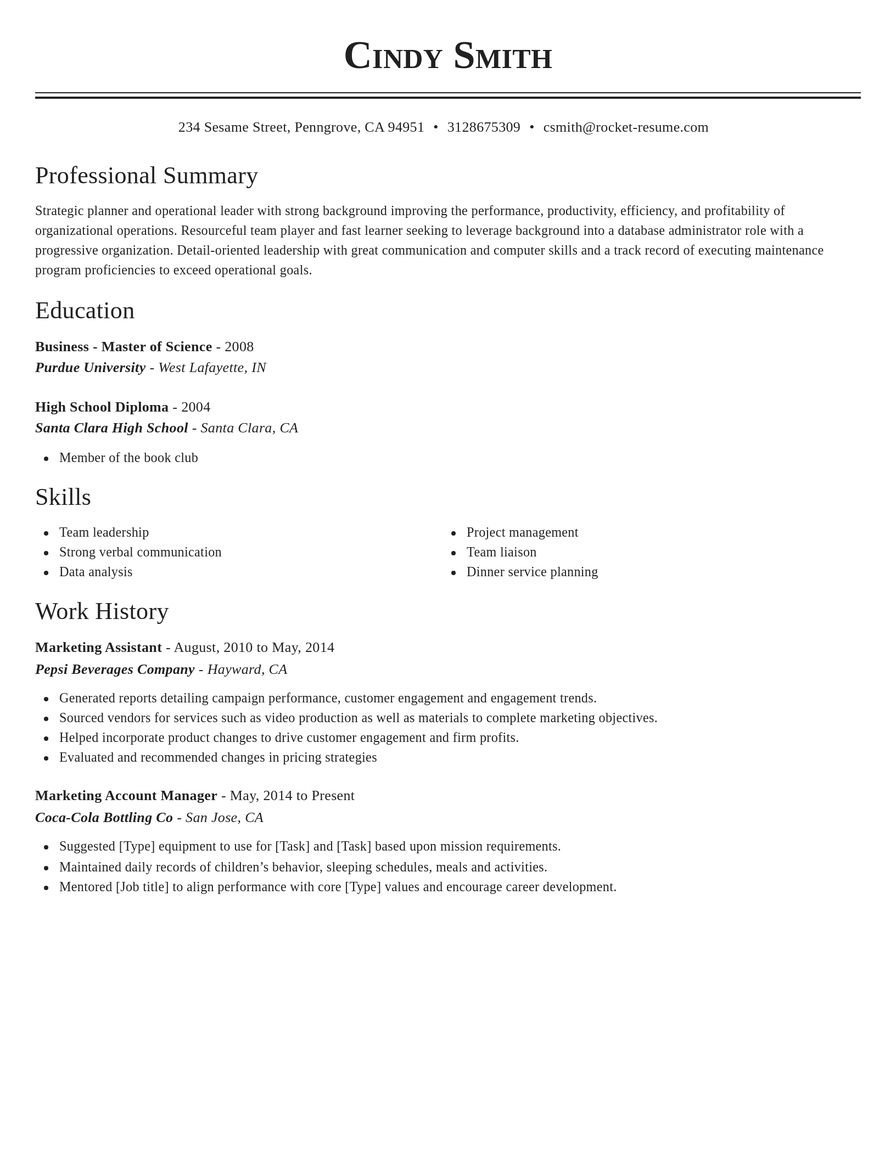
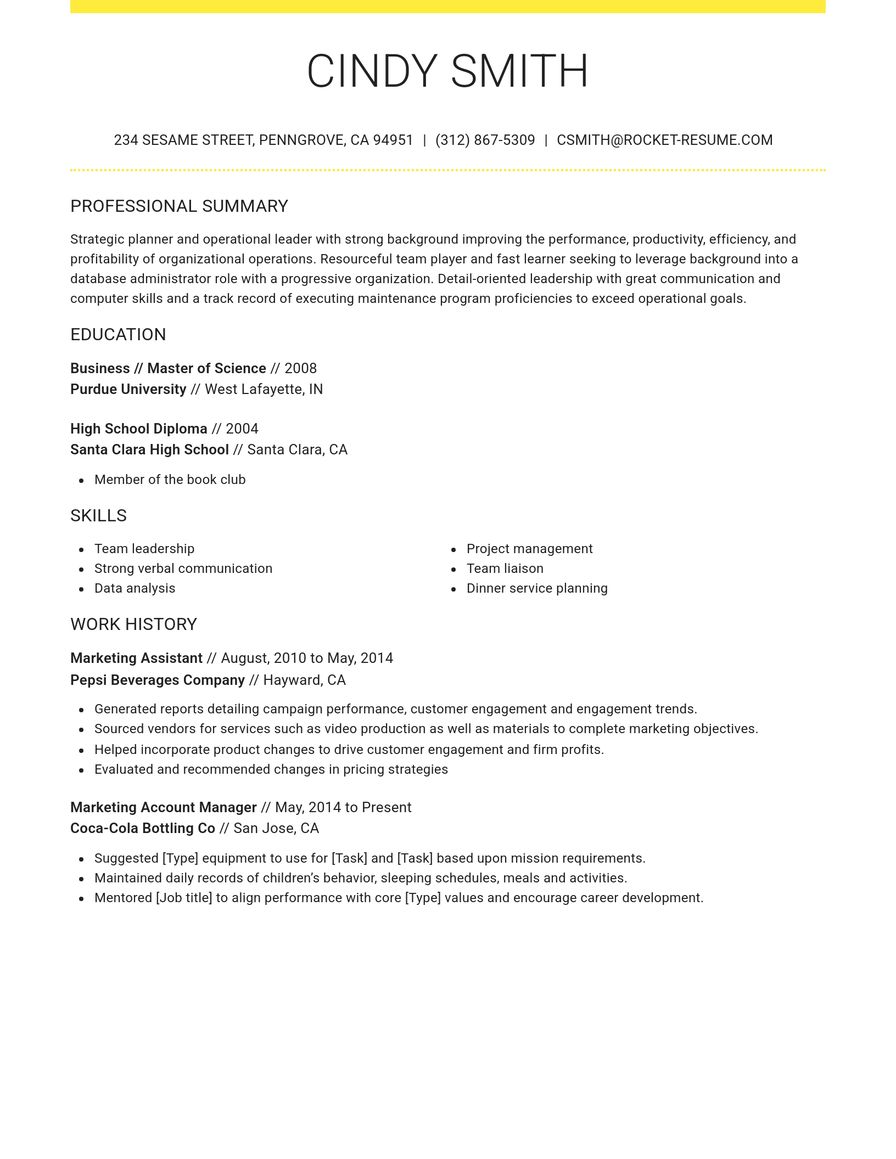
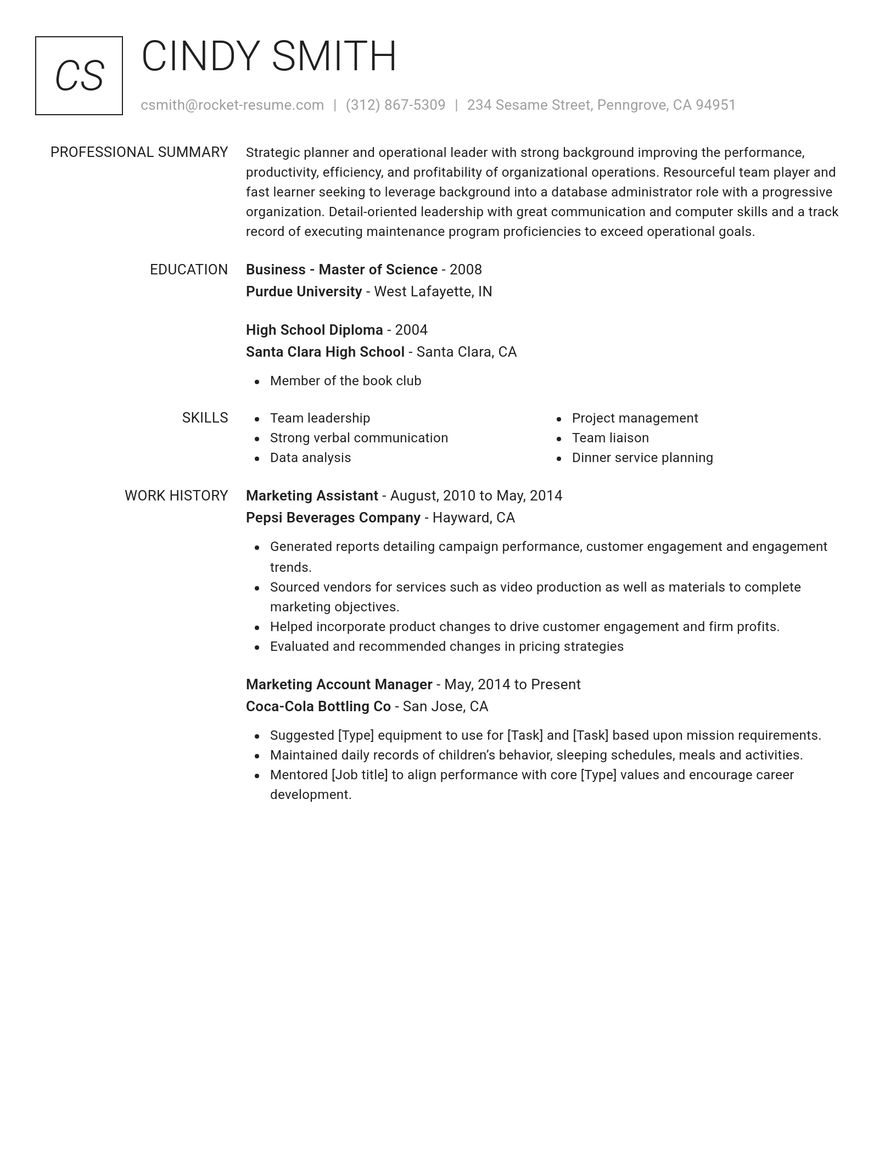
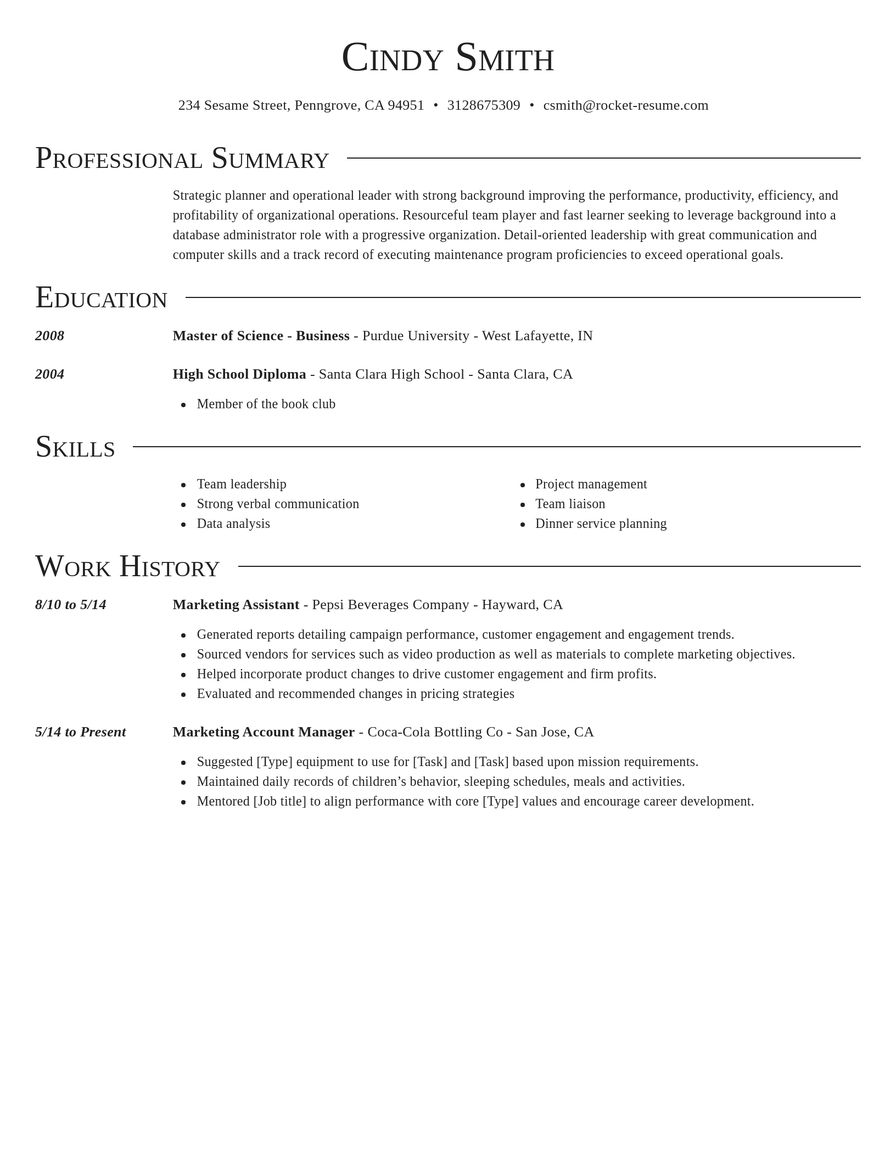
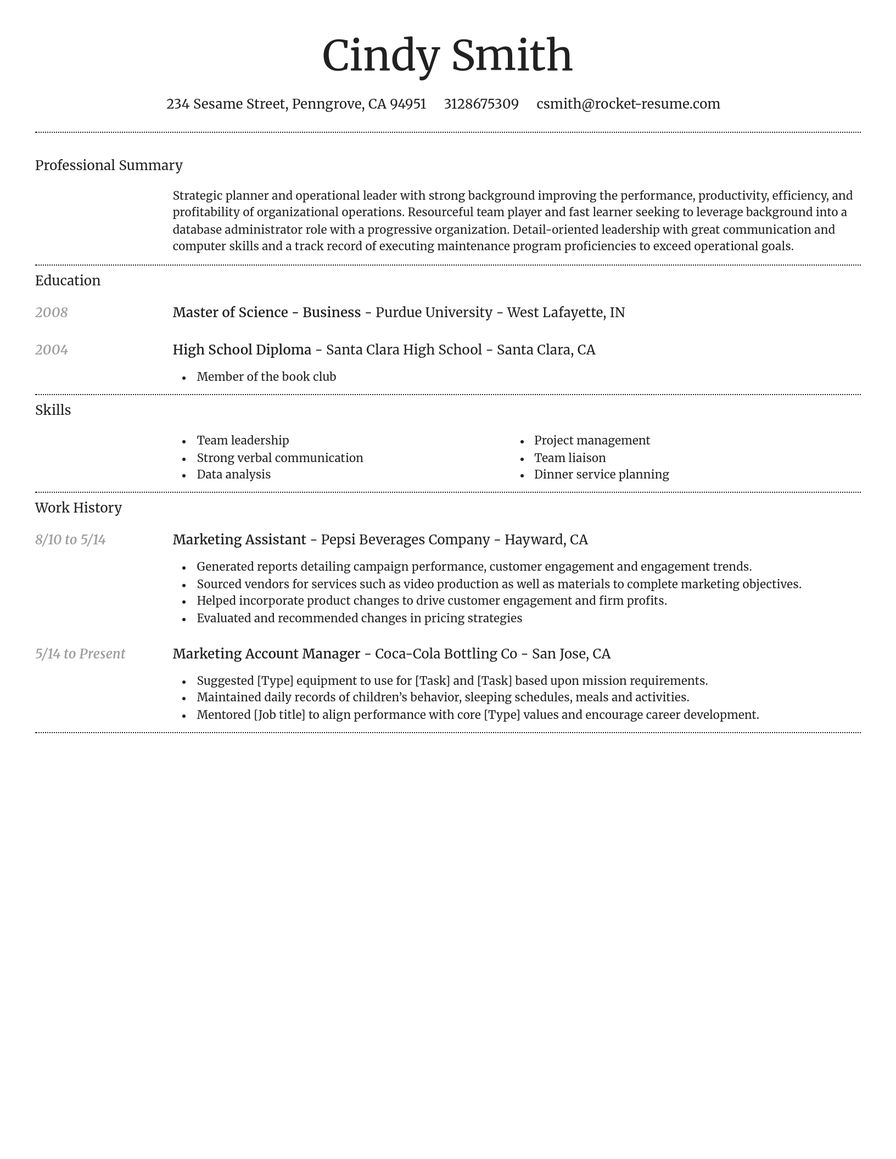
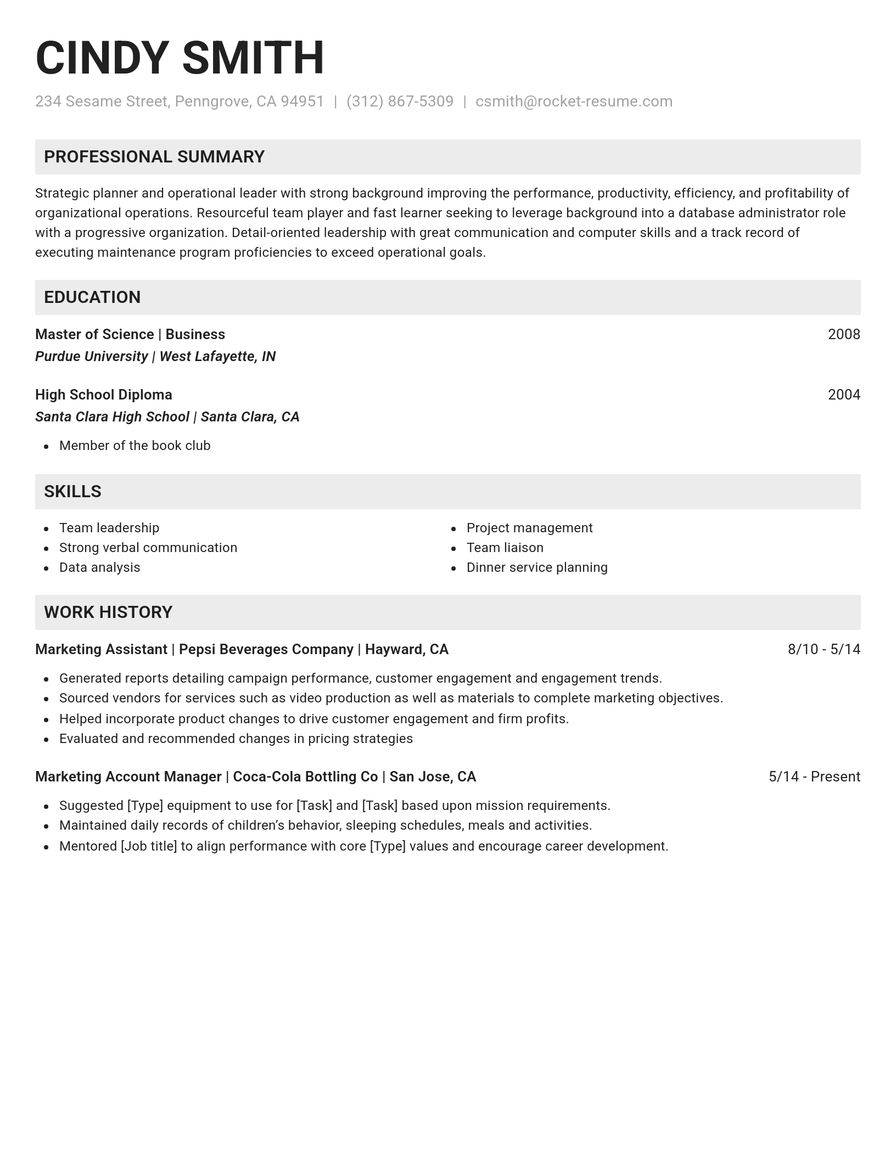
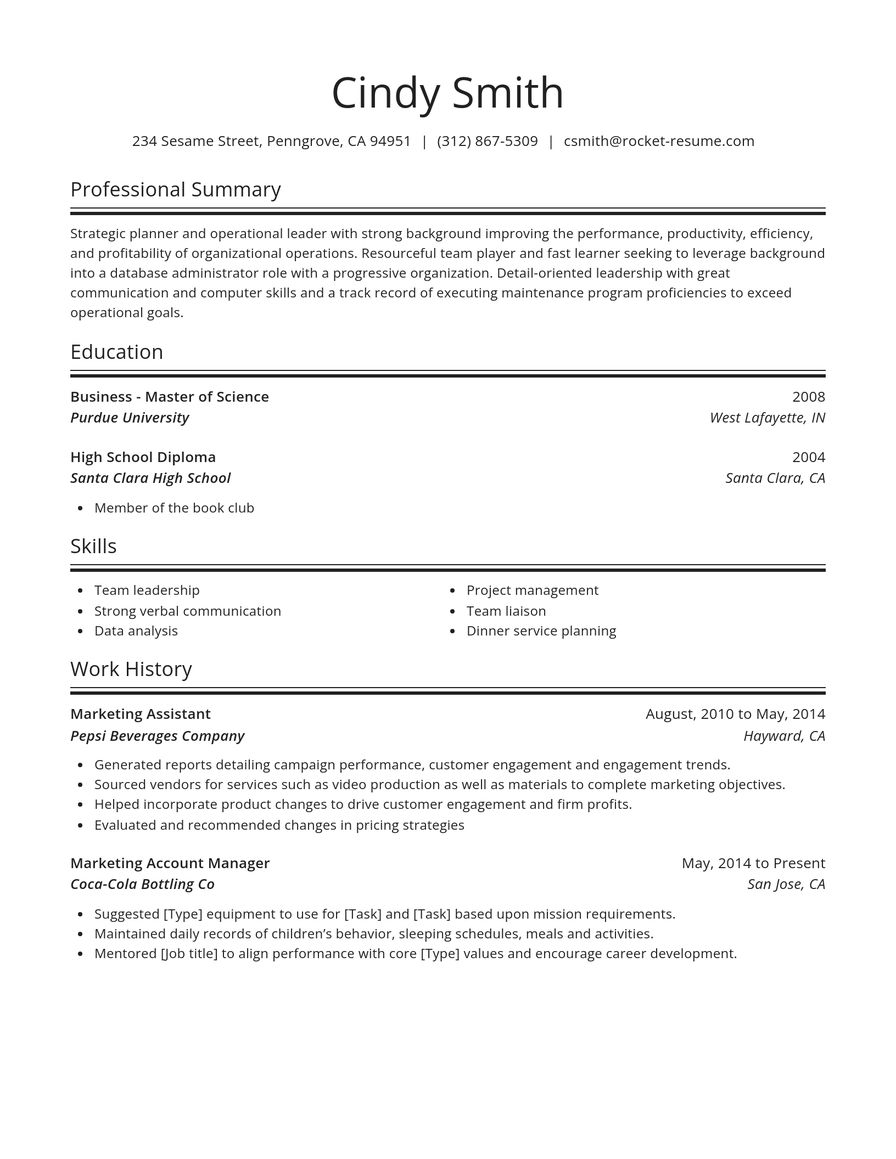
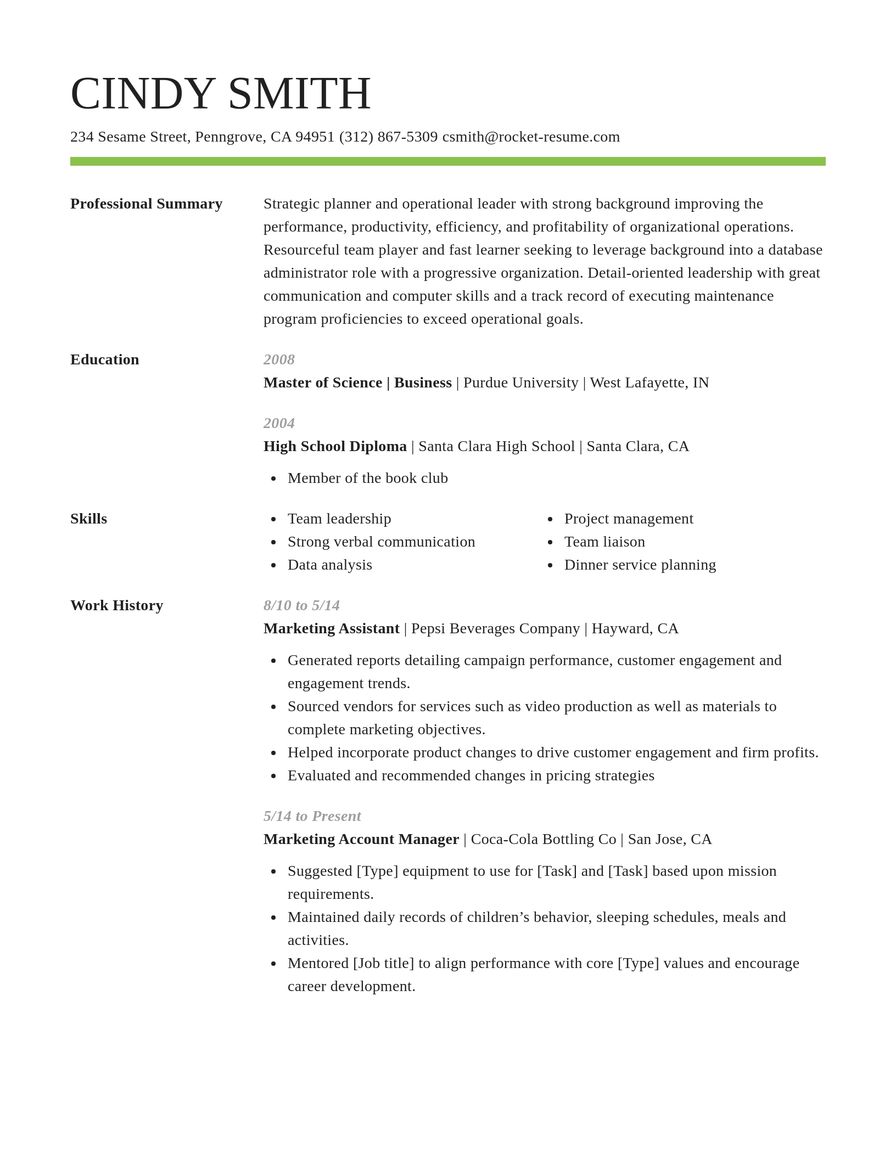
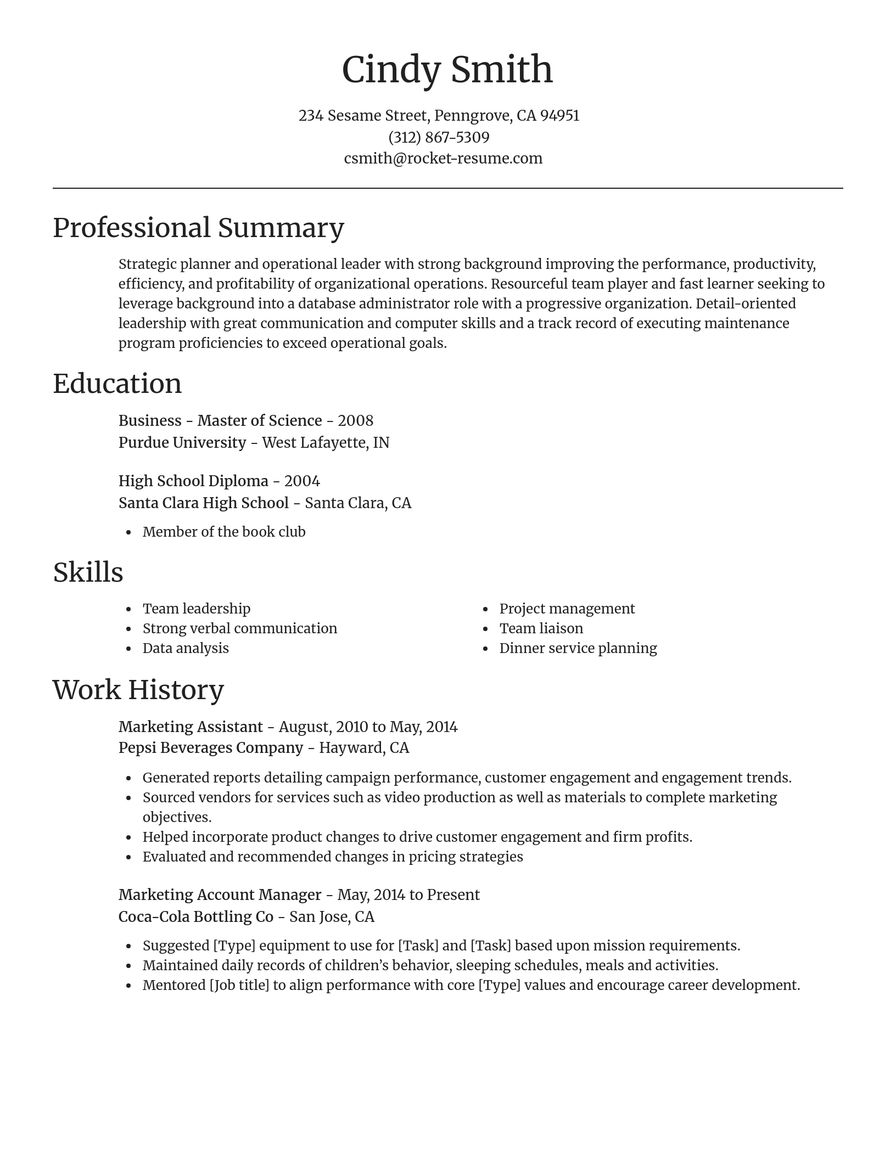
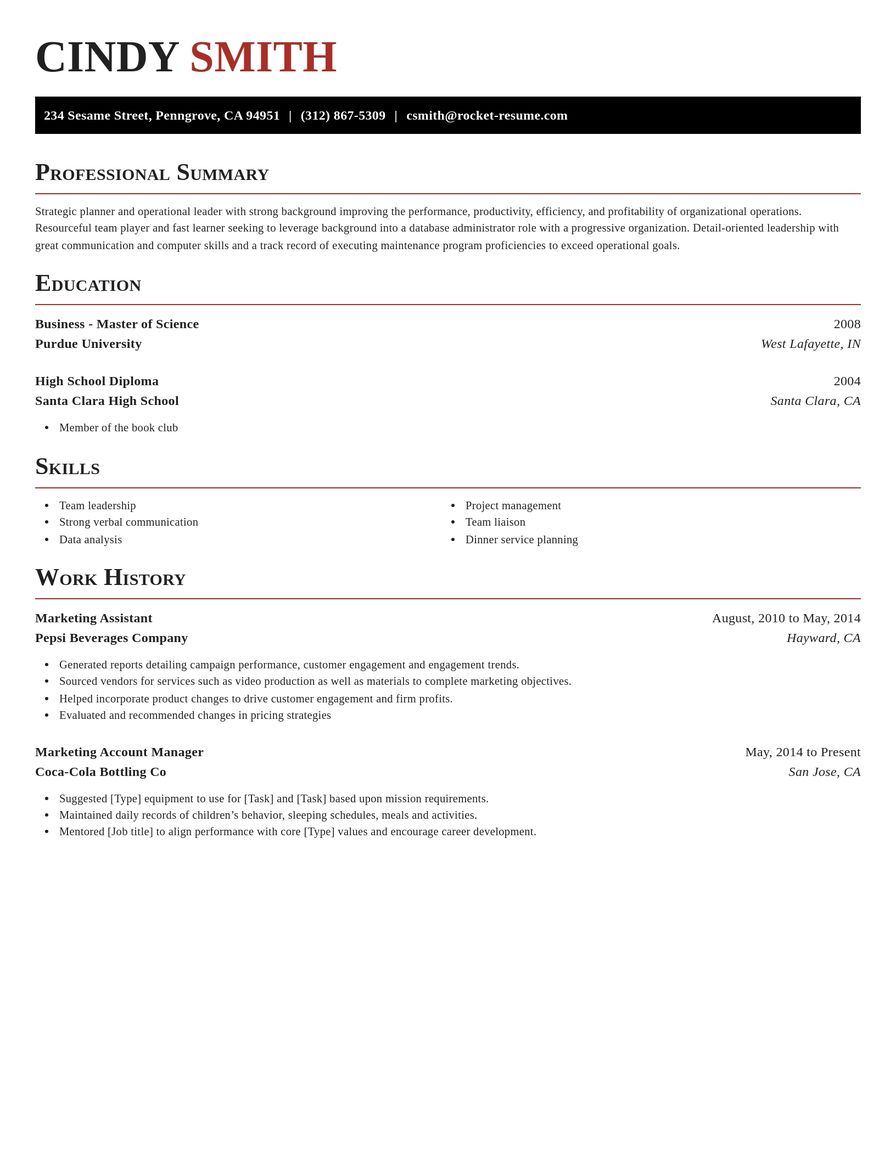
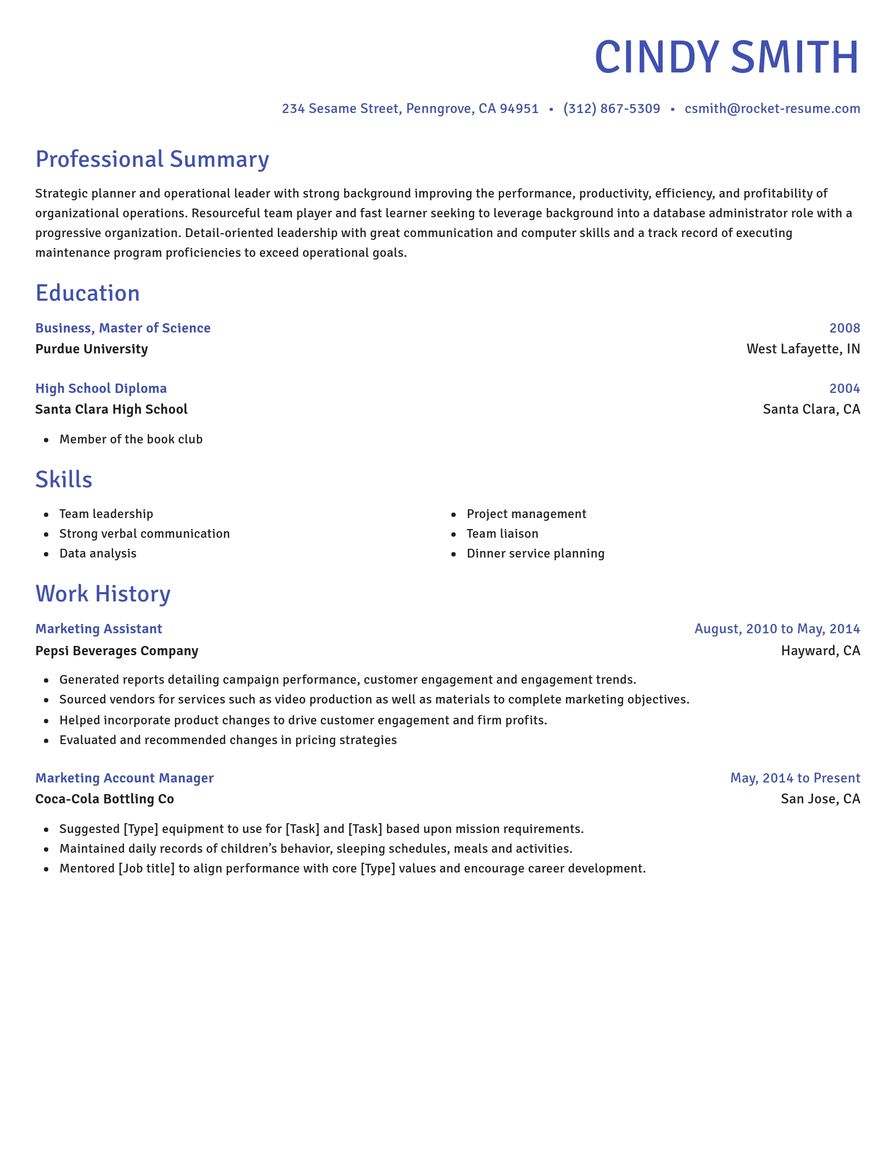
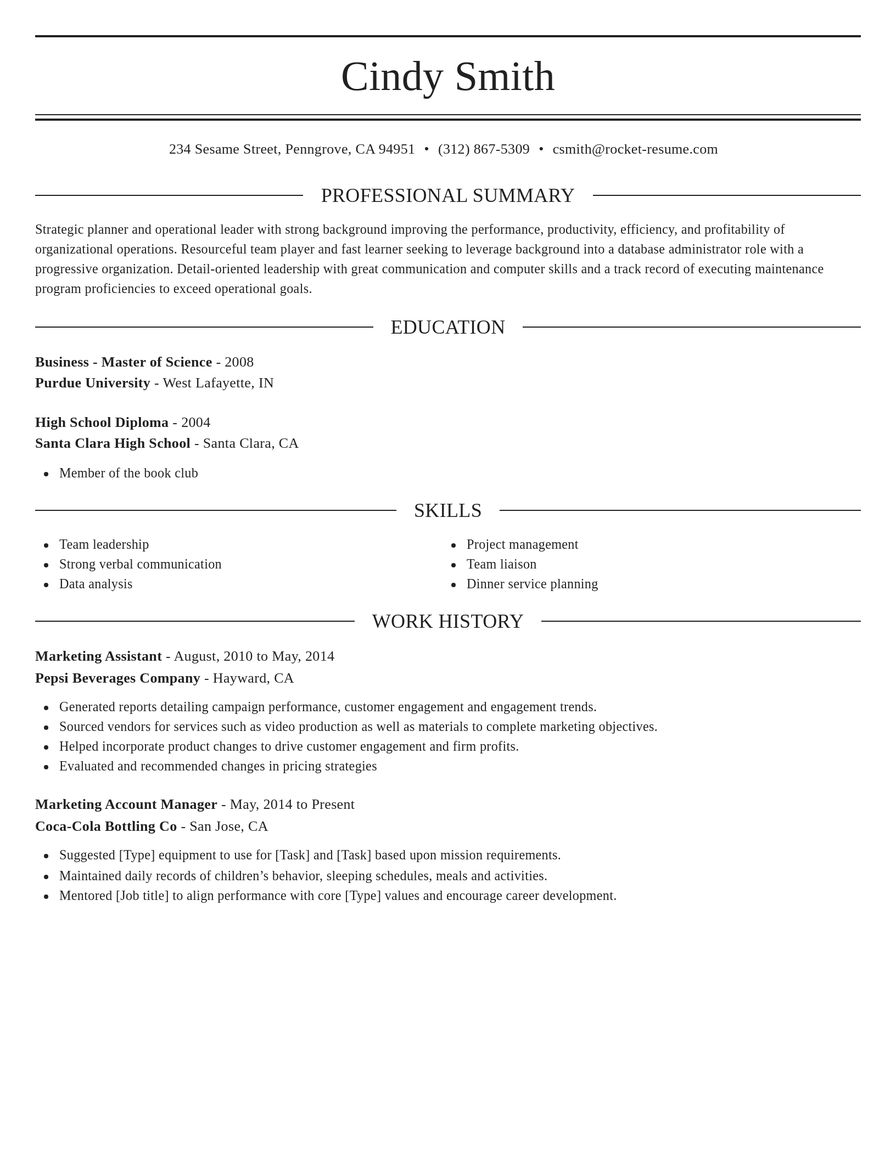
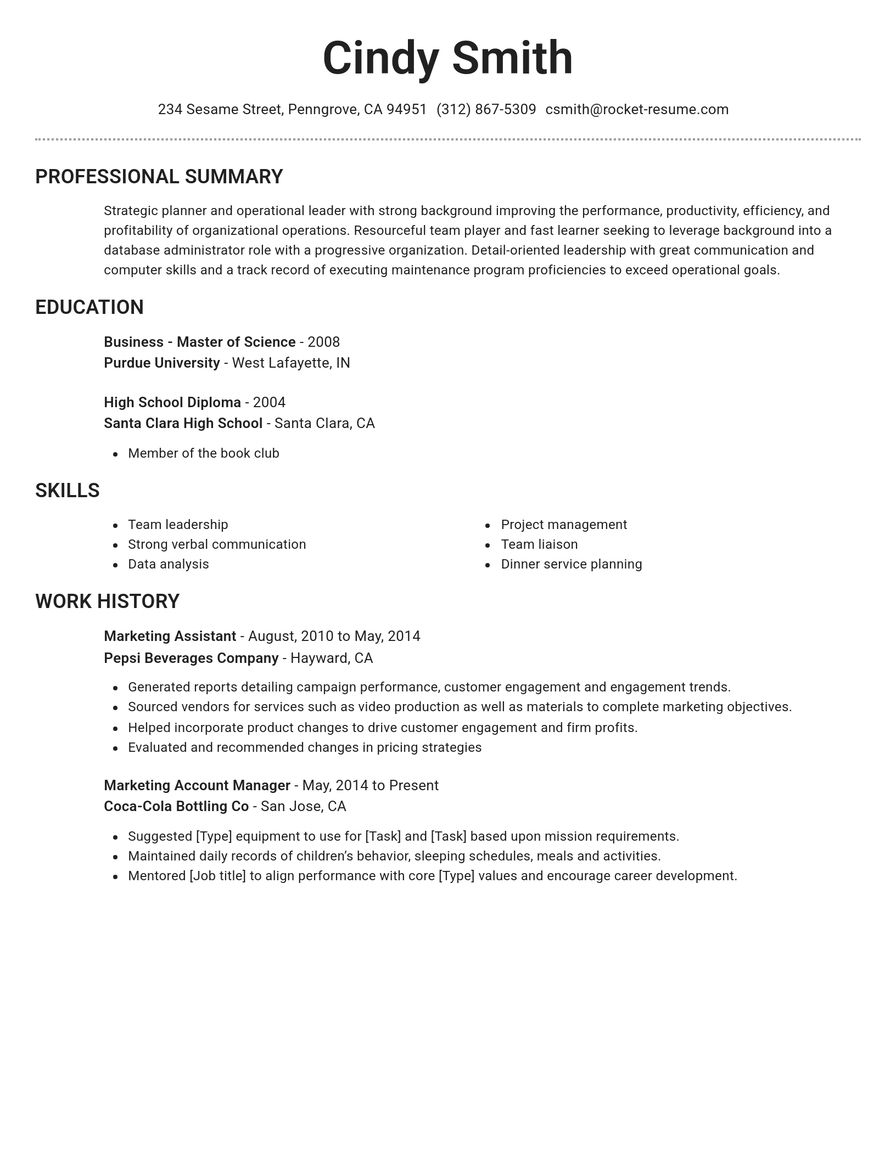
Layouts with the spacing already set
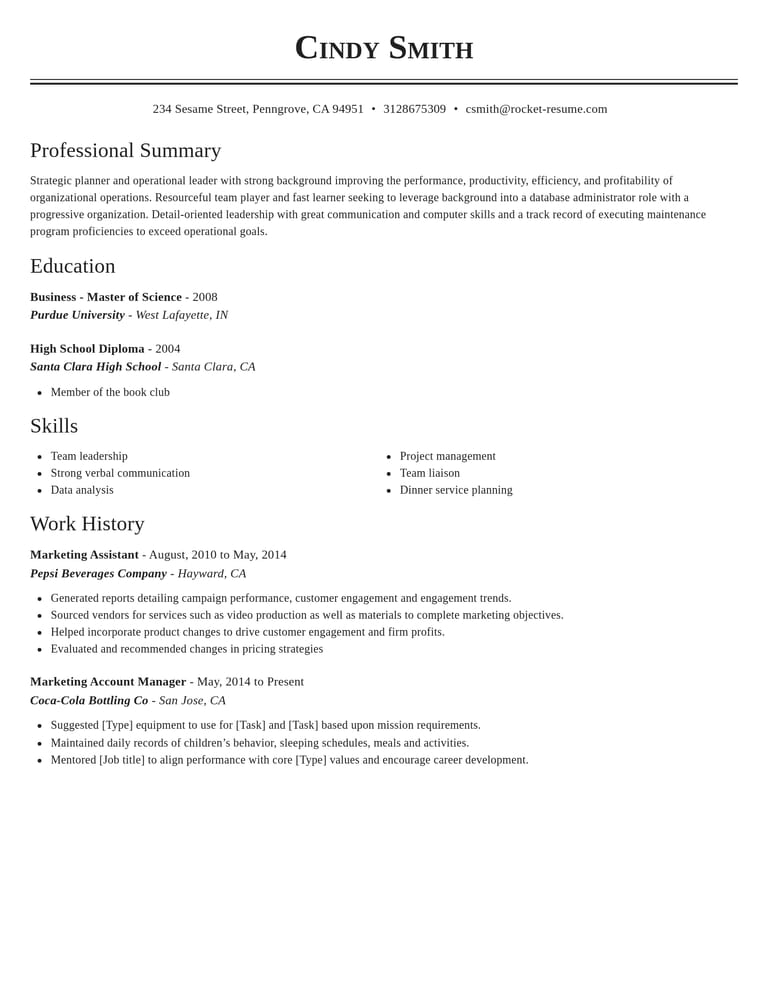
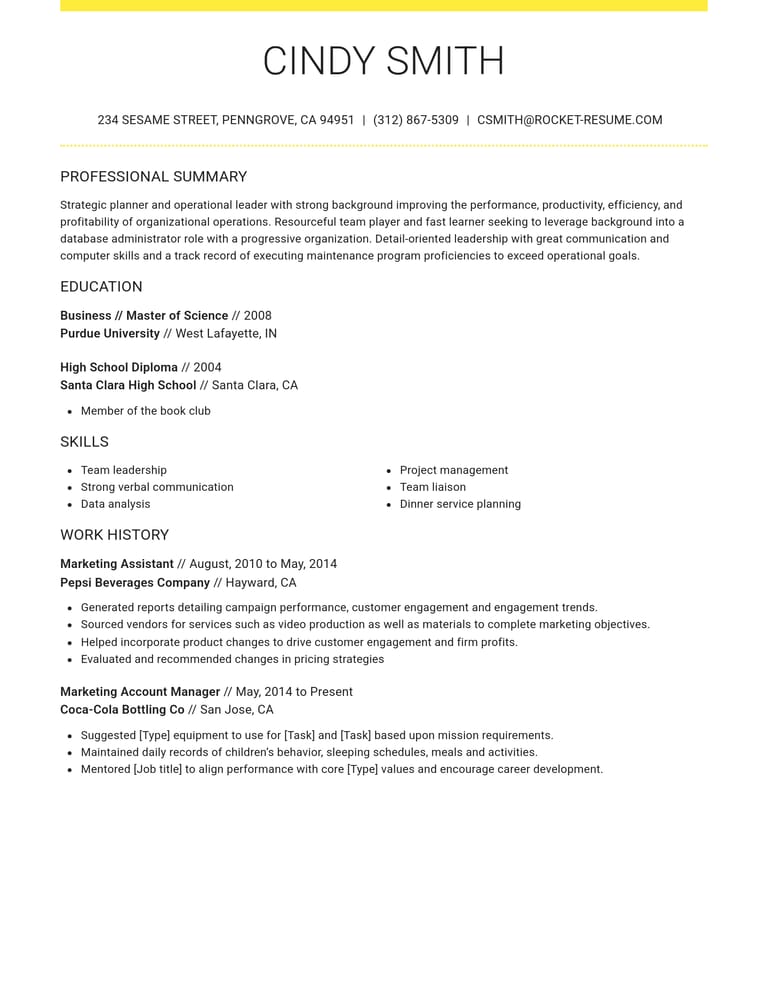
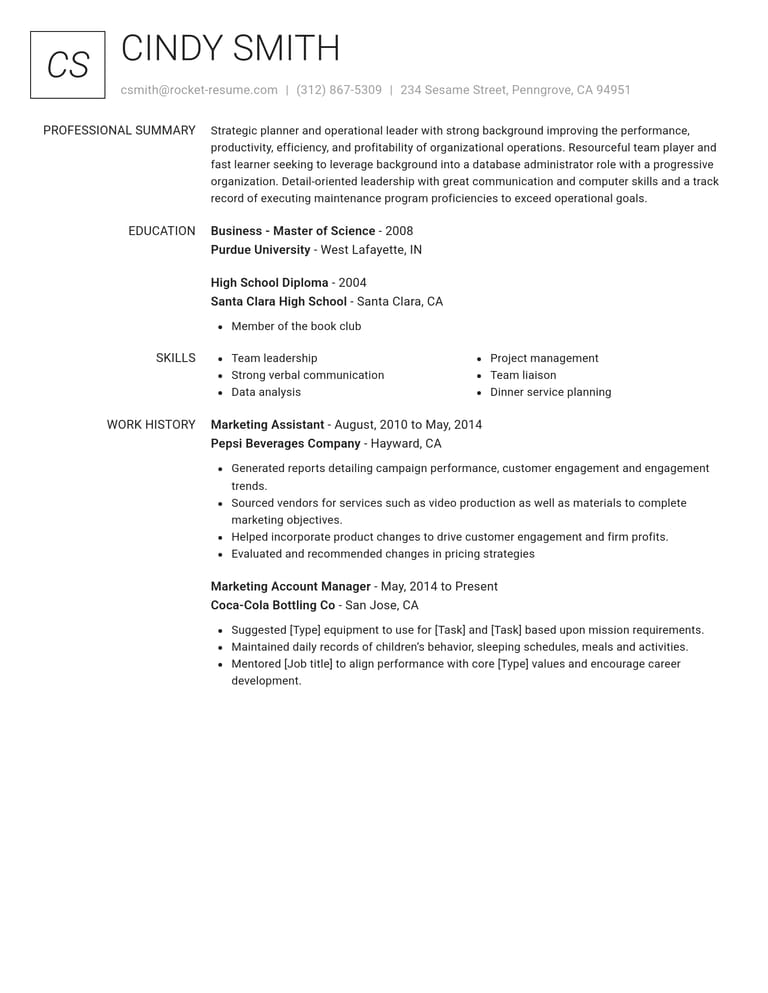
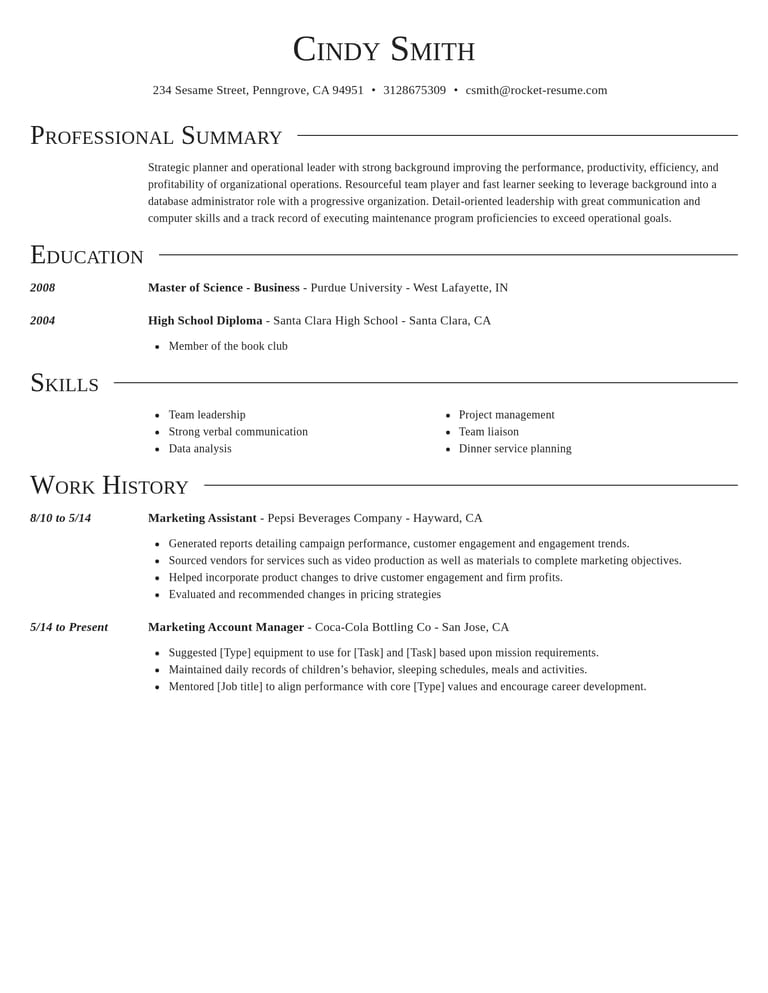
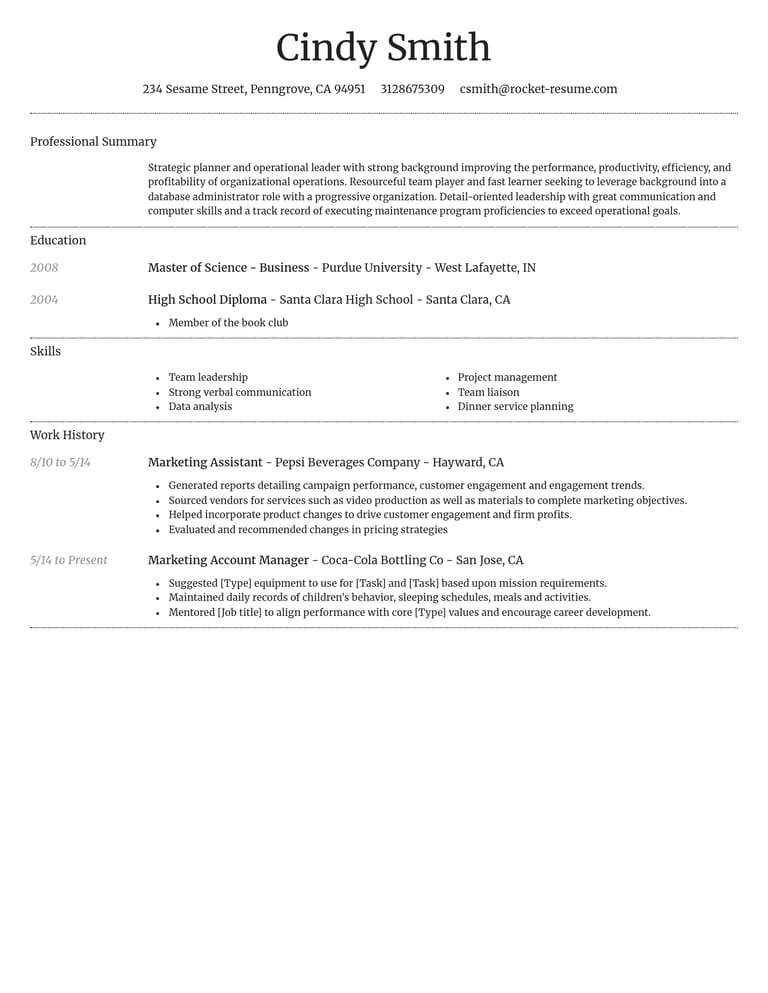
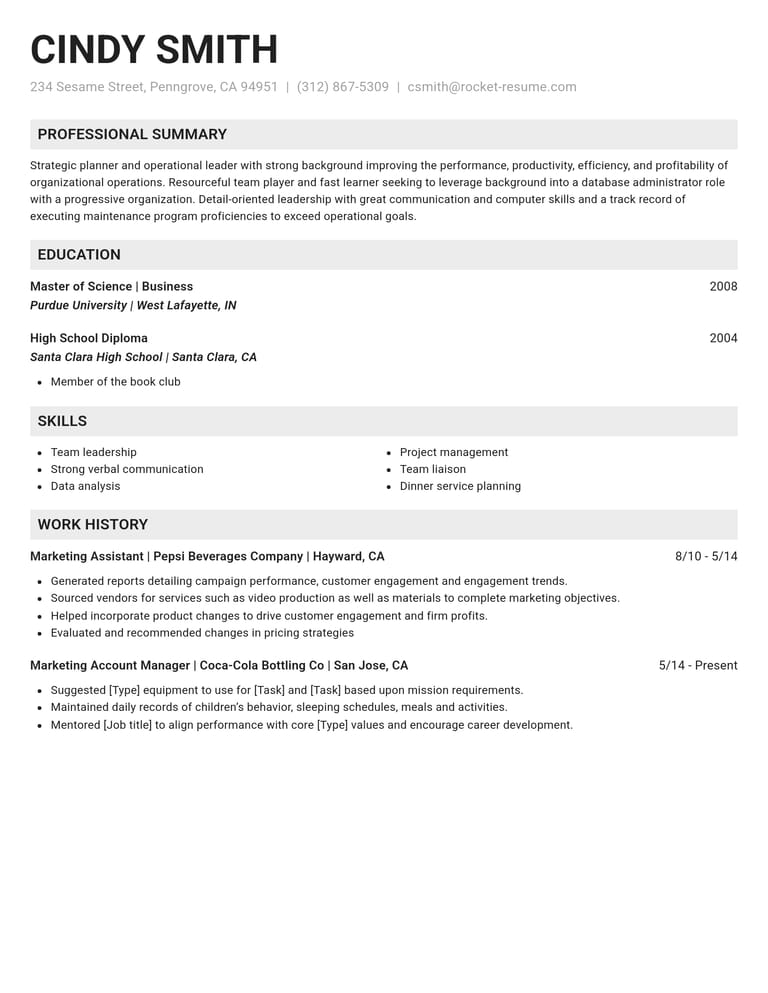
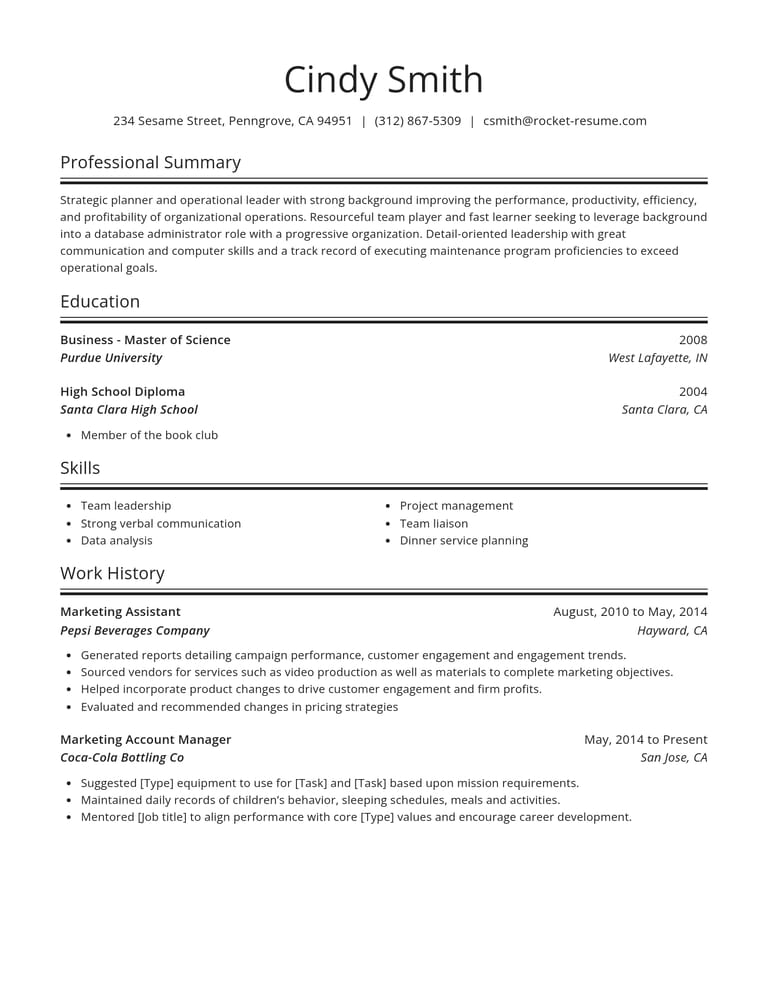
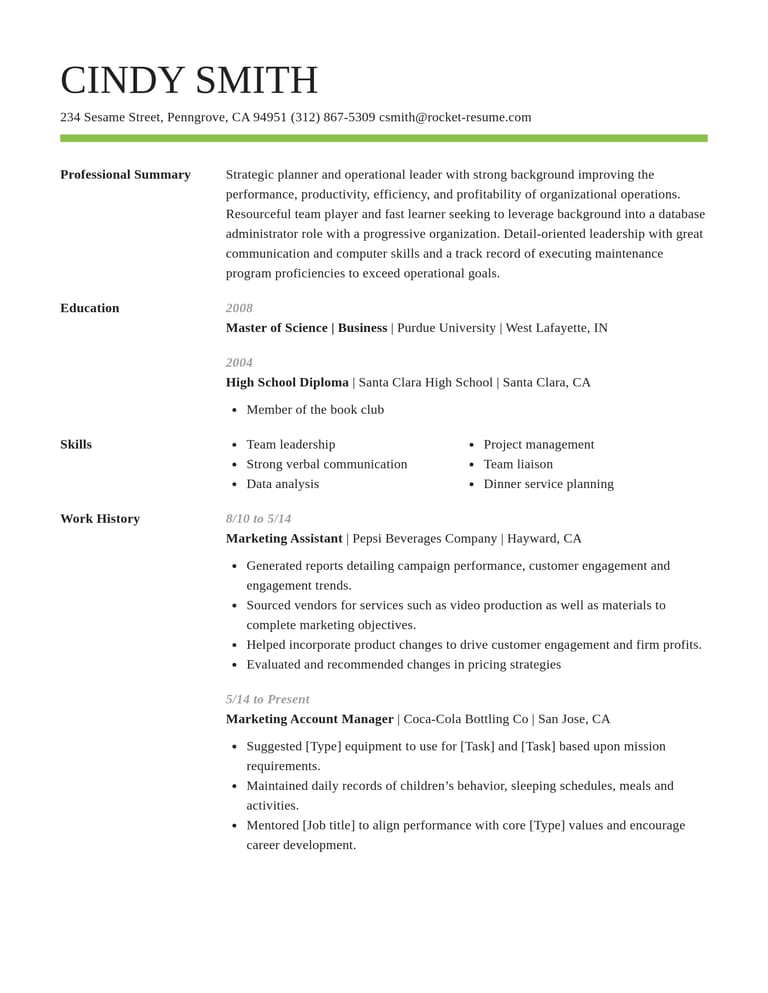
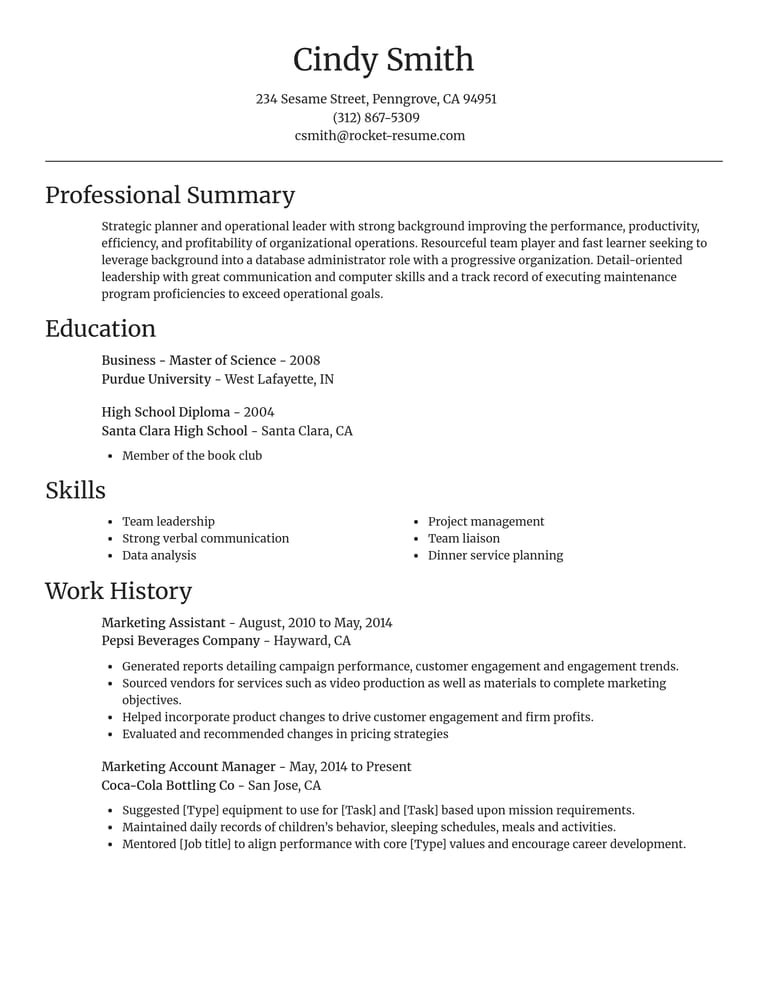
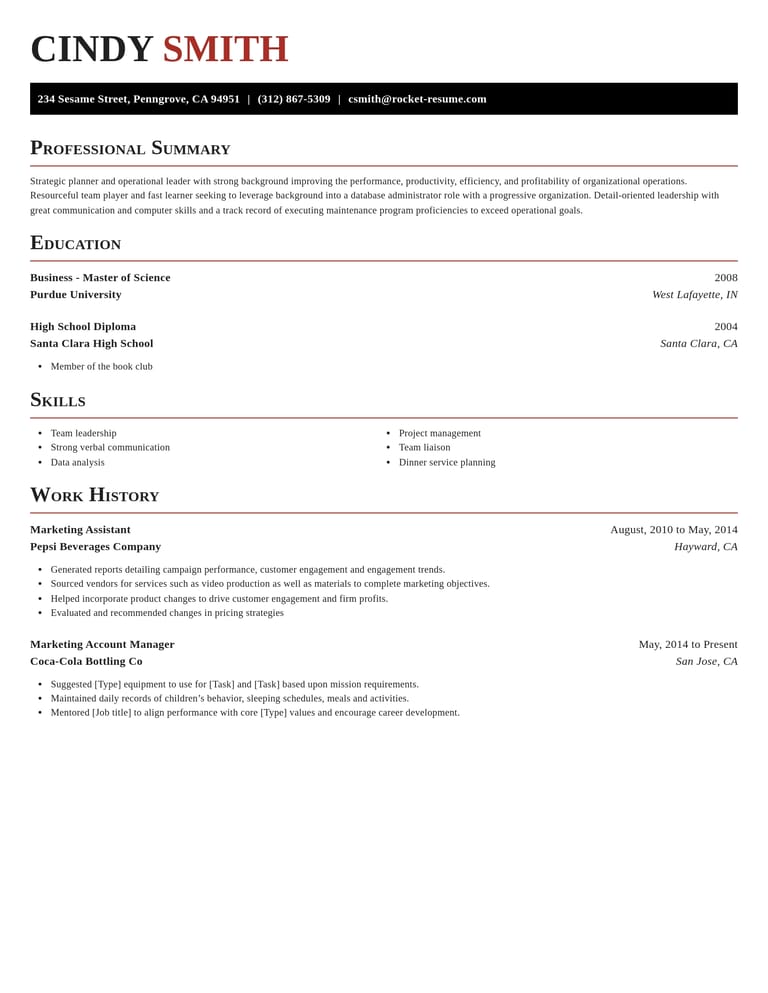
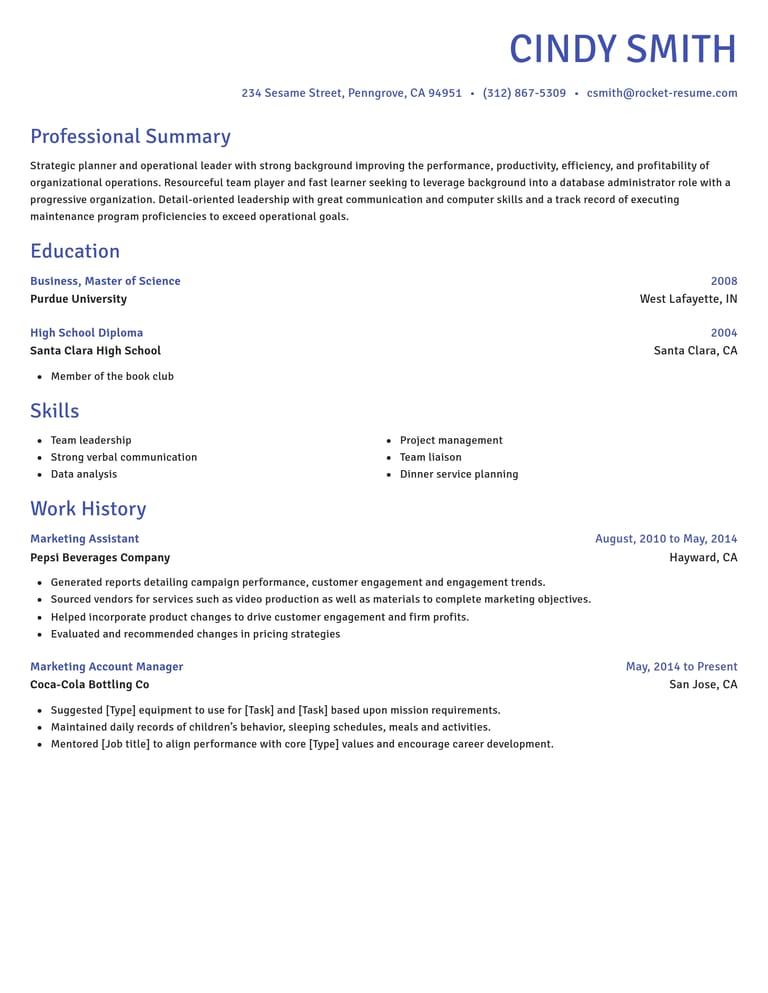
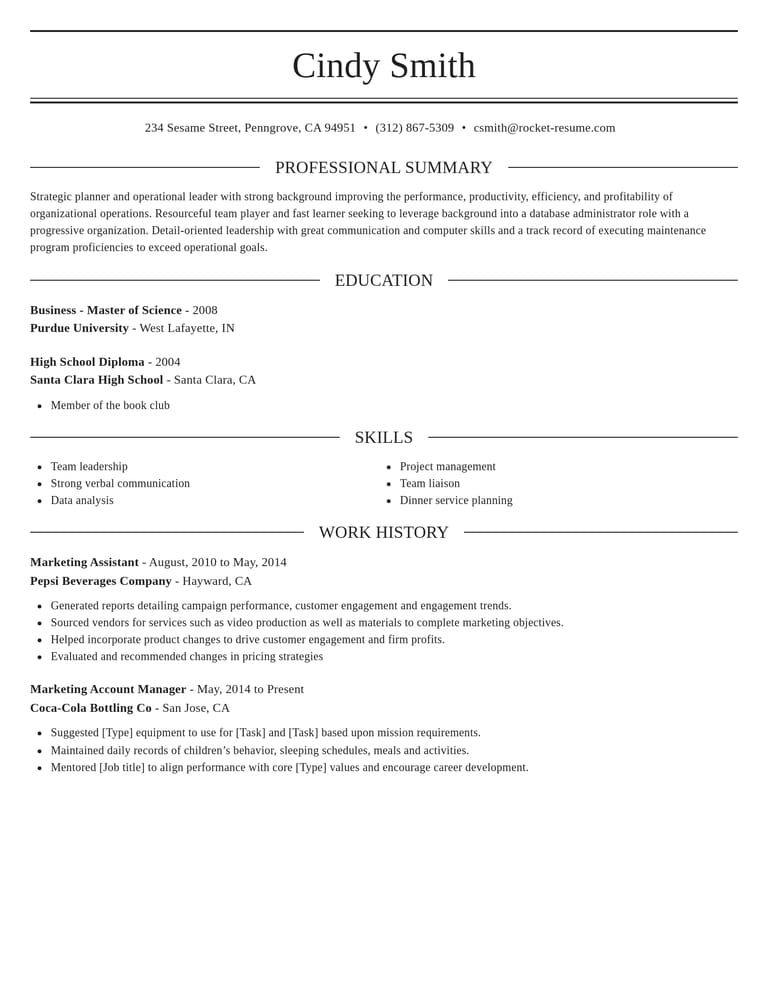
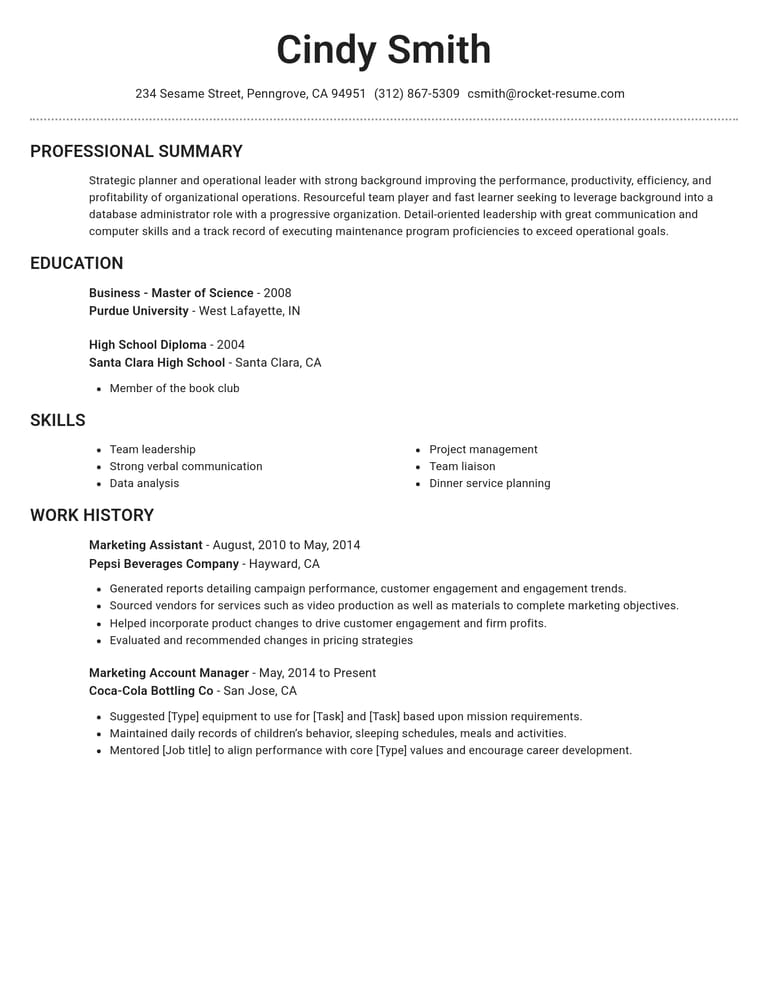
More than a blank CV layout

Suggestions written for your role
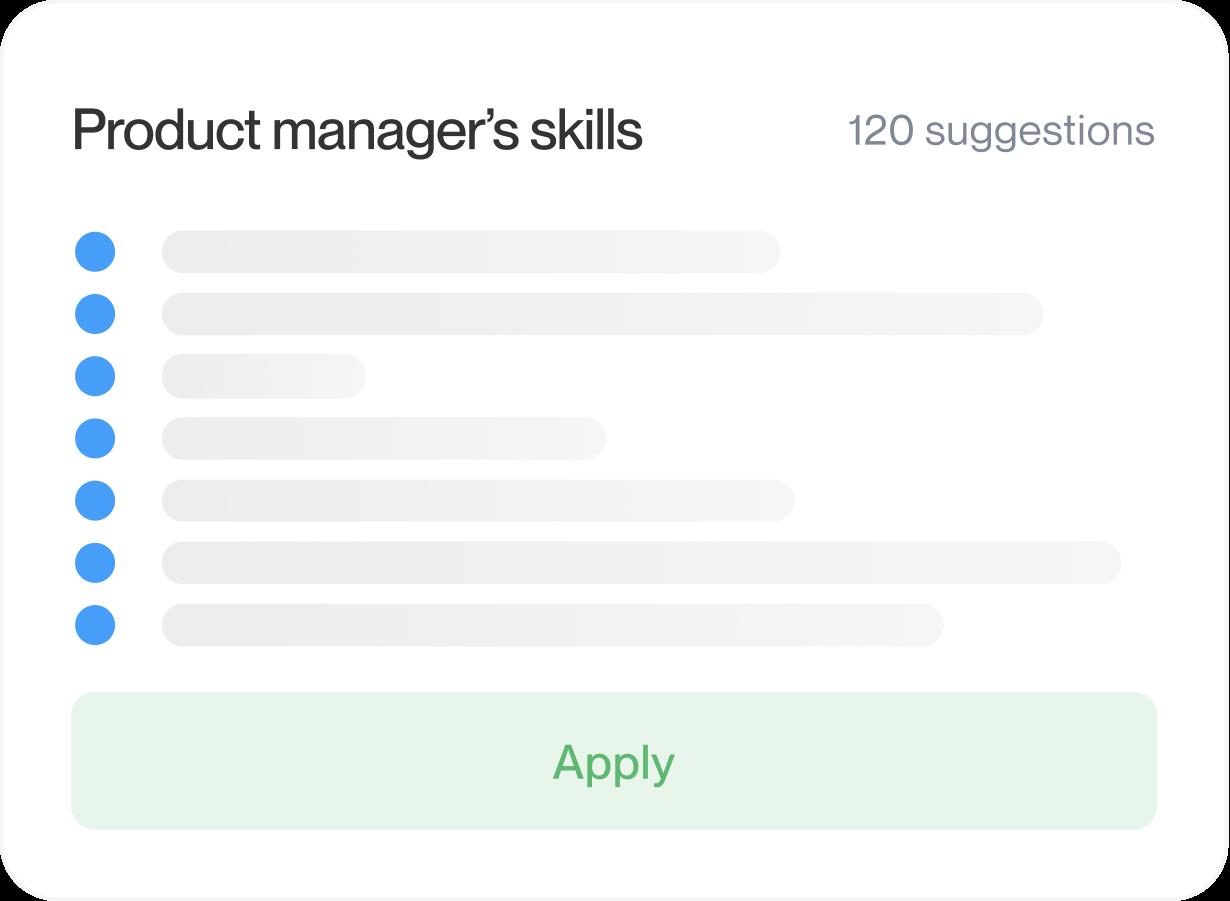
Enter your job title to see suggestions for the role. Use the ones that fit and add the details that make your experience specific.
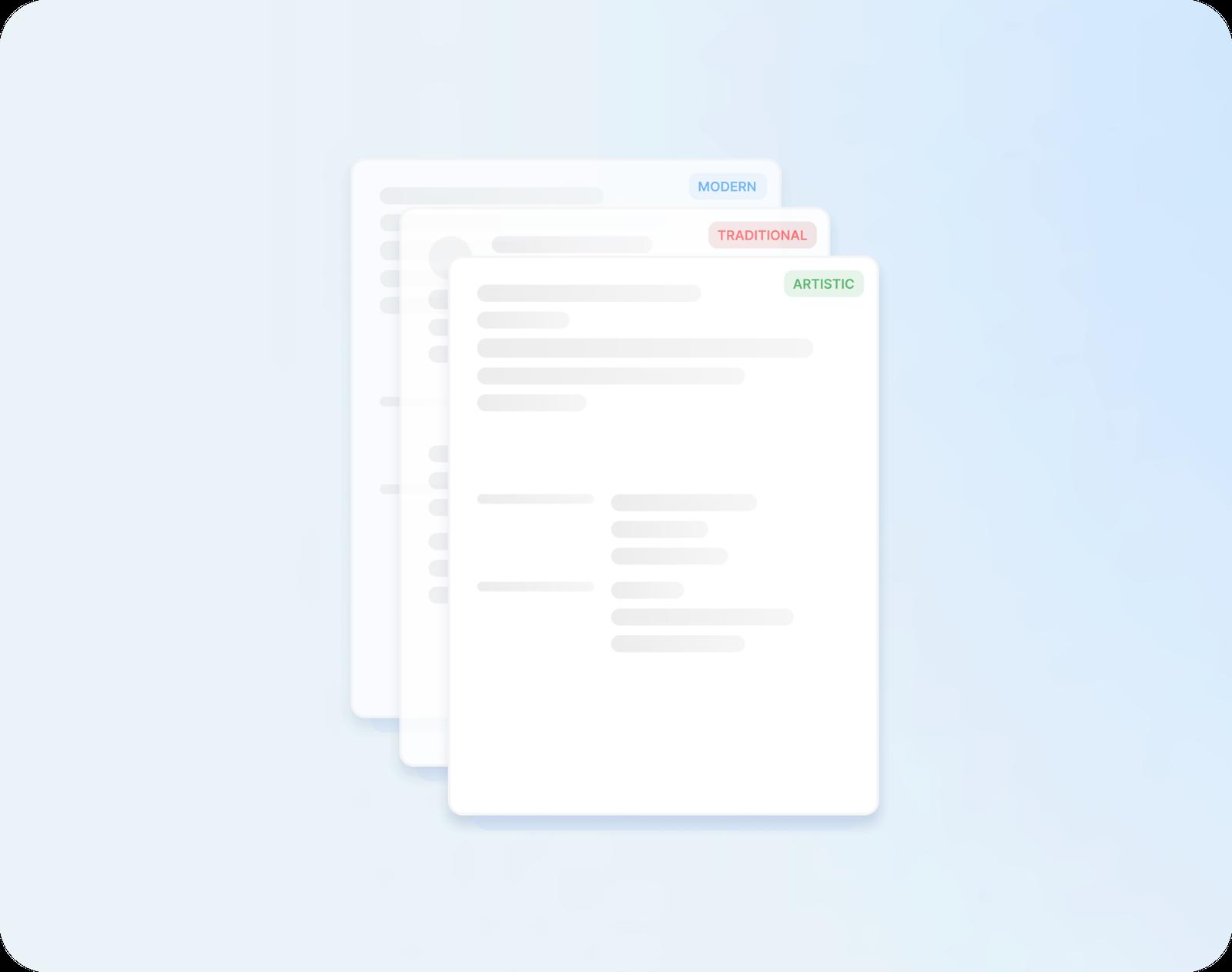
Easy to edit as you go
Change a line, move a section up or try another design. Your words stay put, and the preview shows each change straight away.
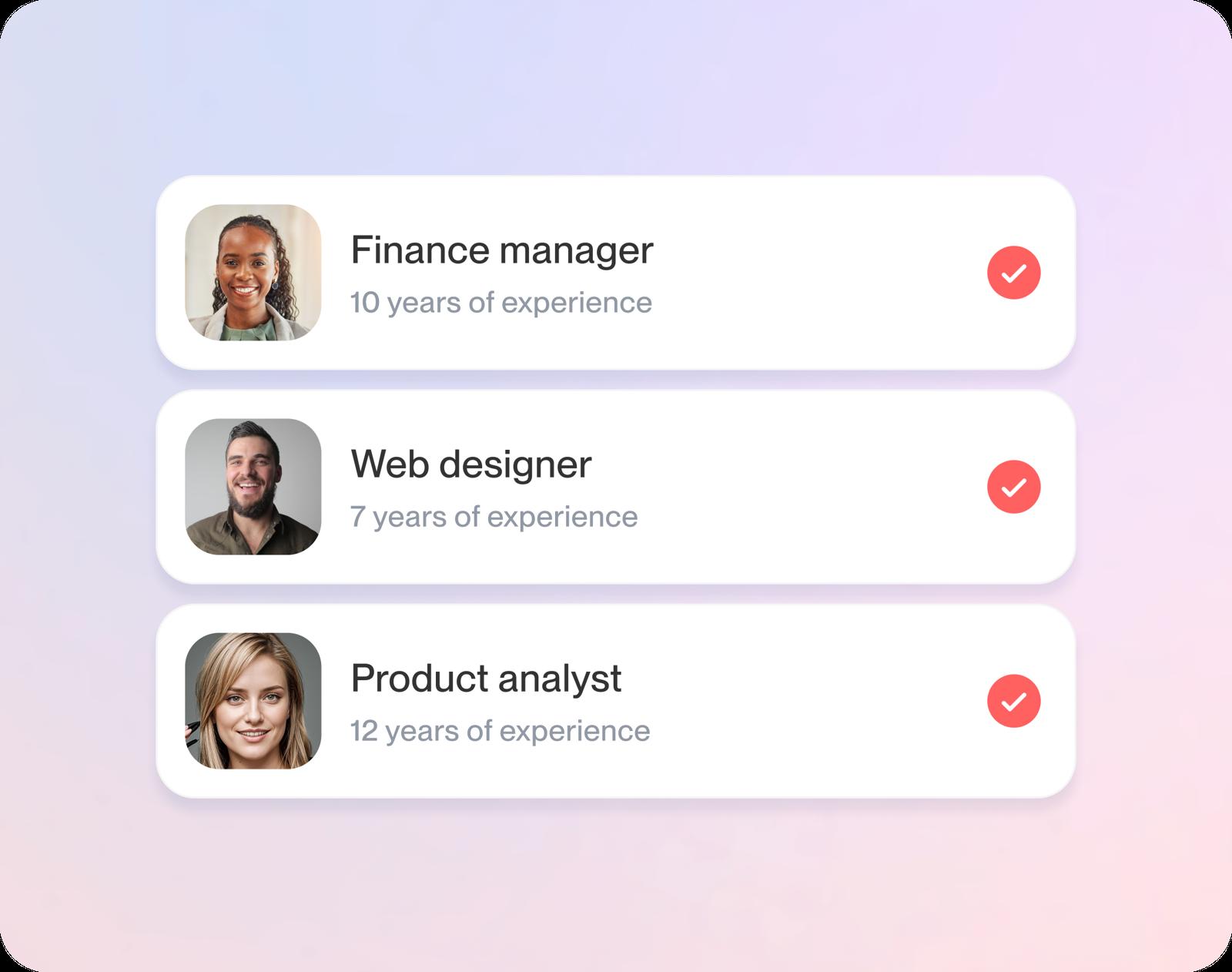
Keep the important details in view
Look for a clear place for job titles, dates and qualifications. Check the layout with your own details before you settle on it.
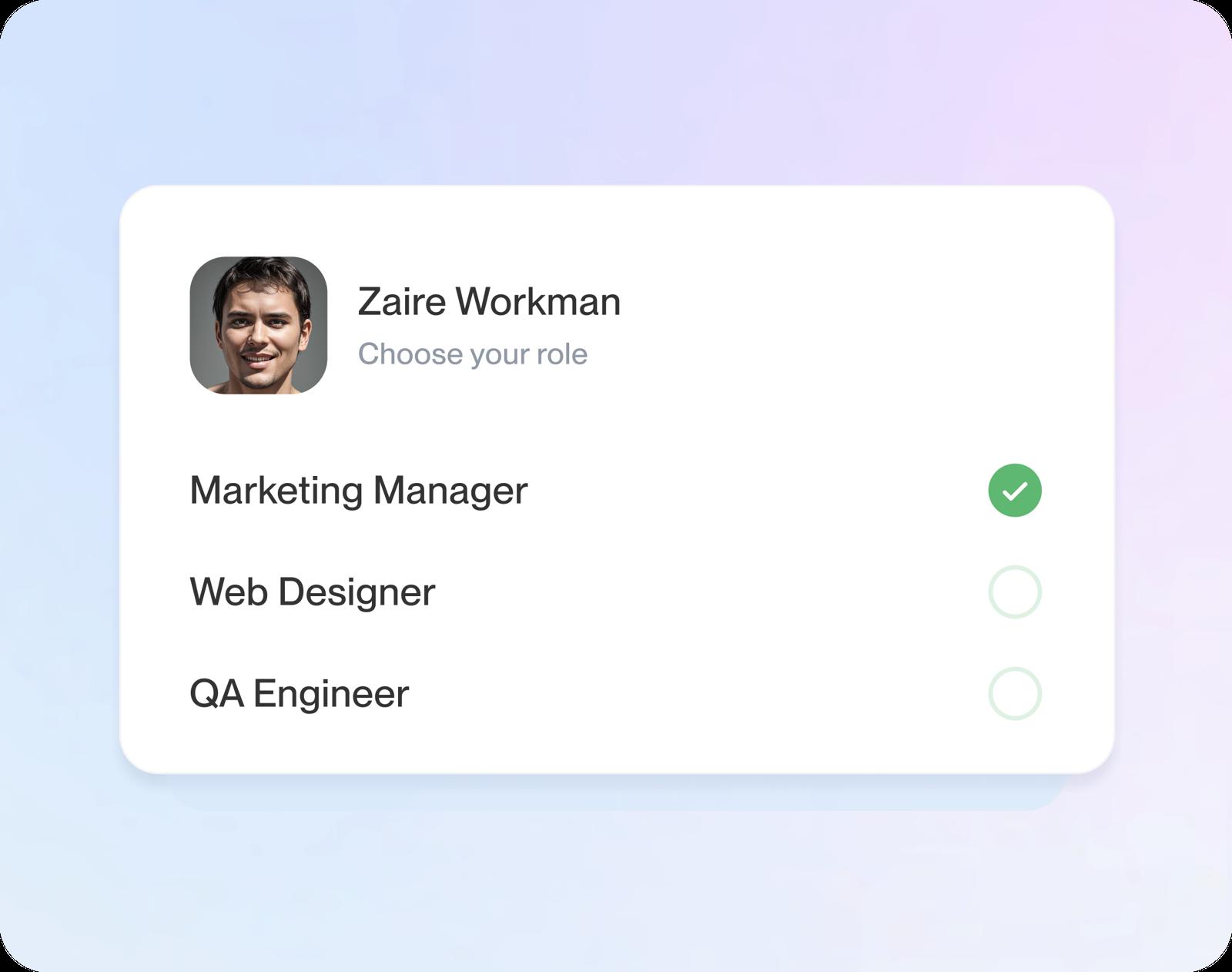
Fill in one section at a time
The builder guides you through your work history, education and skills so you can focus on one section at a time.
What happens after you pick a design
Step 1
Pick your design
Choose a design with room for your experience. If you’ve already selected a template above, continue with that choice.
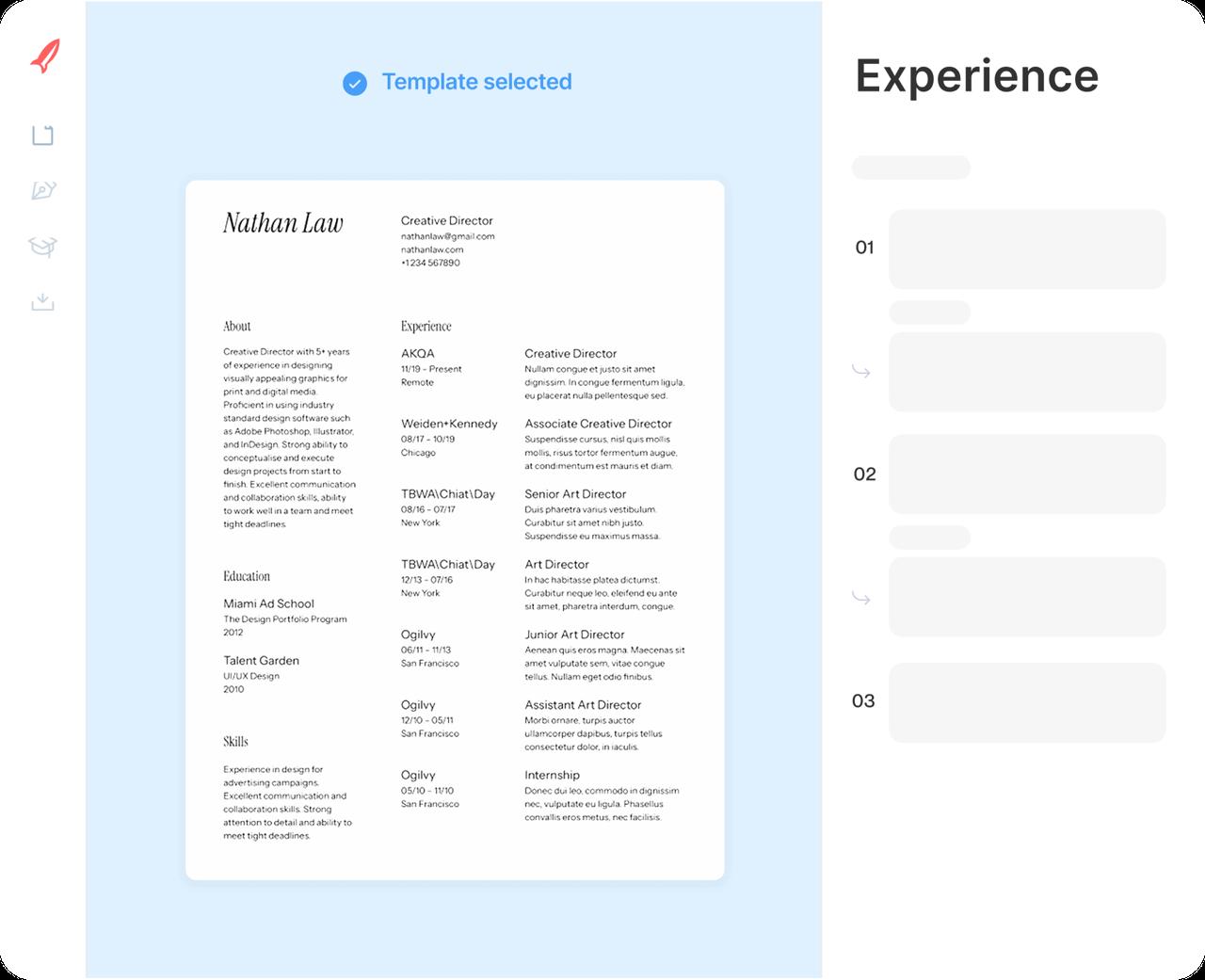
Step 2
Add your work history
Enter each job, newest first. Examples for each title appear as you go: keep the useful ones and make them your own.
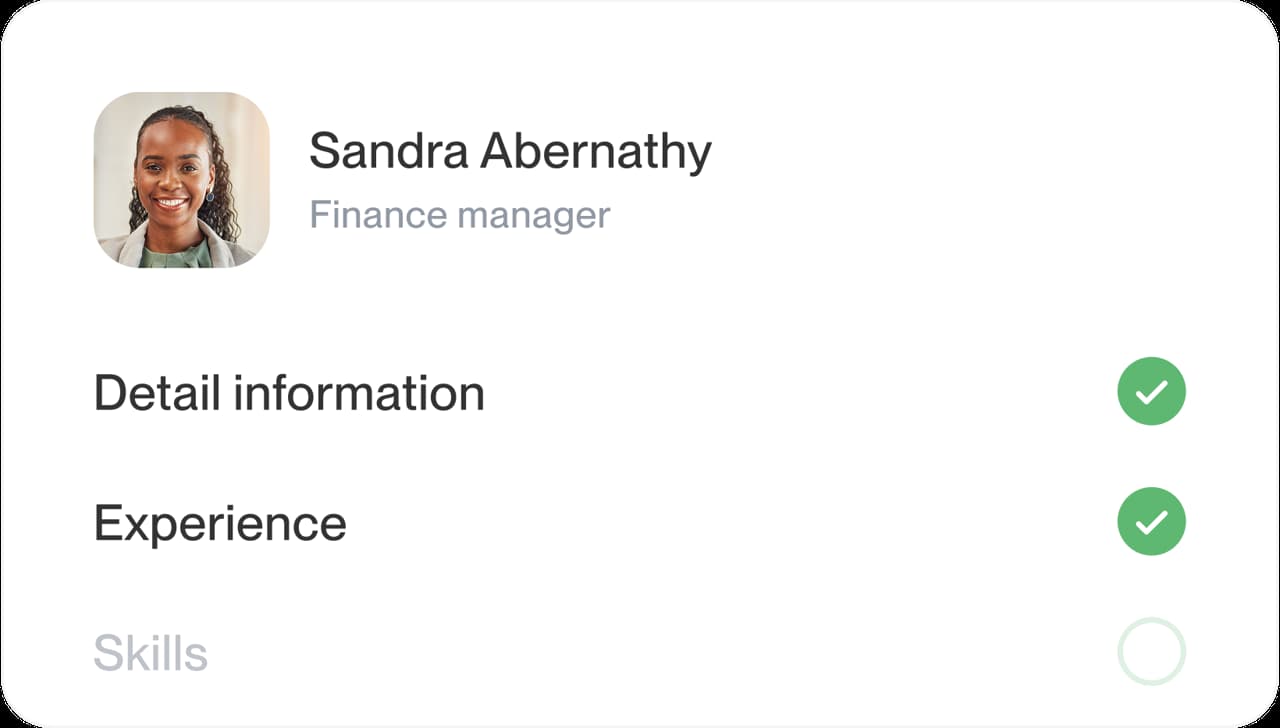
Step 3
Finish the other sections
Add education and skills, then a short profile. It's easier to sum yourself up once your jobs are on the page.
Step 4
Review and download
Read the preview, put your sections in the order that suits you, then download your finished CV.

Step 1
Pick your design
Choose a design with room for your experience. If you’ve already selected a template above, continue with that choice.
Step 3
Finish the other sections
Add education and skills, then a short profile. It's easier to sum yourself up once your jobs are on the page.
Step 2
Add your work history
Enter each job, newest first. Examples for each title appear as you go: keep the useful ones and make them your own.
Step 4
Review and download
Read the preview, put your sections in the order that suits you, then download your finished CV.
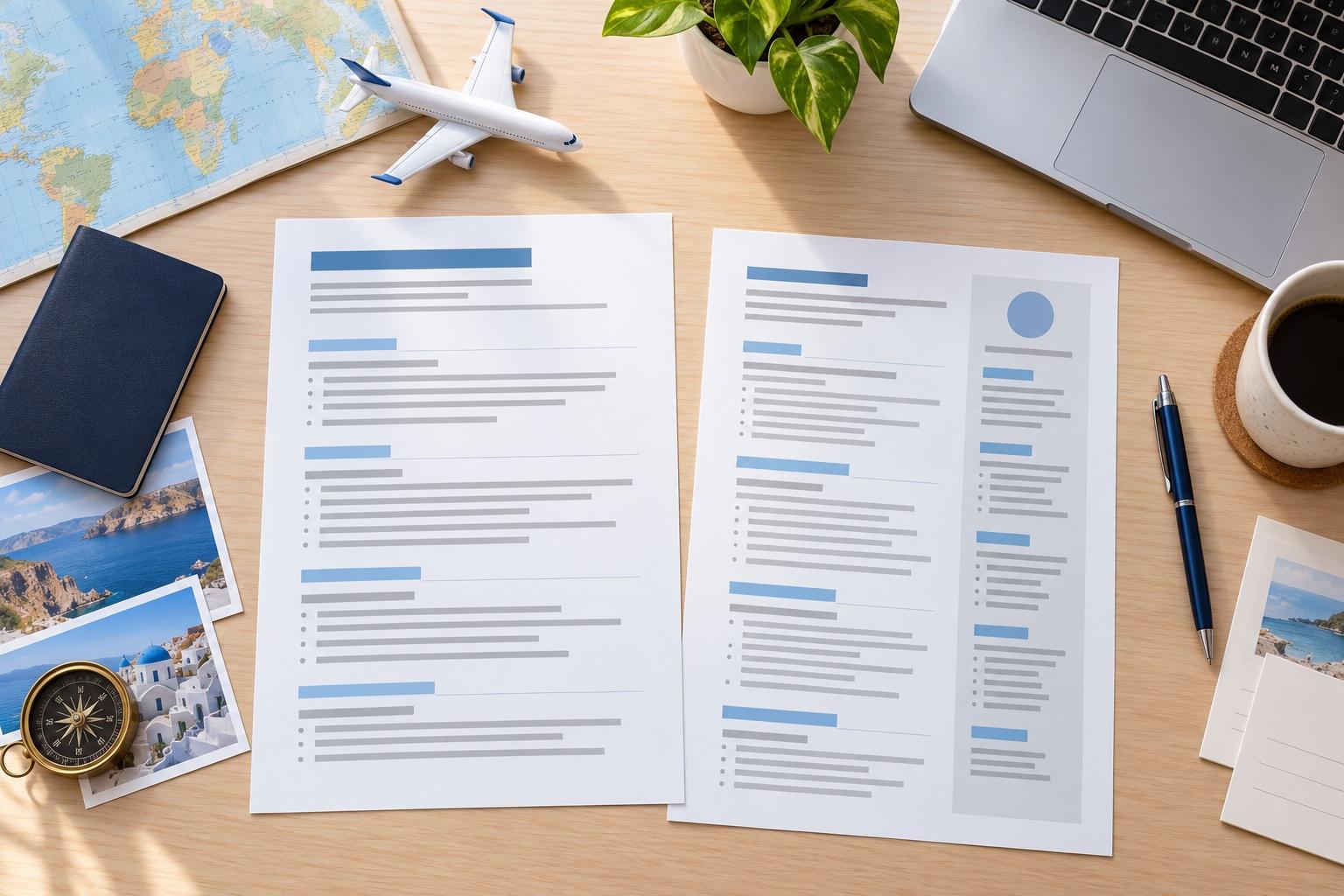
Let a simple CV layout hold the information together
An easy CV layout gives your information a predictable place to go. Choose a straightforward arrangement and let the design hold the page together while you concentrate on explaining your experience.
Use headings as familiar landmarks
Clear section names help you know what belongs where. Work history provides context for responsibilities, education records qualifications, and skills identifies capabilities that connect to the application.
You do not need unusual labels to make these sections feel personal. Your actual experience supplies the distinction, while recognizable headings keep the document easy to navigate during writing and review.
Let spacing separate different kinds of information
A layout should make the boundaries between sections and entries apparent. You should be able to tell where one role ends and another begins without rereading the dates several times.
Look for that clarity in the preview as you enter content. Avoid adding empty text or repeated wording to influence appearance when a different design might present the necessary material more naturally.
Start with a familiar reading order
Use a straightforward sequence for the core information, then adjust it only for a reason. Education can appear earlier when recent study explains the application, while relevant employment can lead when practical experience is the stronger introduction.
Rocket Resume allows changes to section order in the editor. This gives you a way to adjust emphasis without rewriting descriptions that already communicate the facts clearly.
Keep the content manageable within the layout
Write each entry with enough explanation to identify the work and your contribution. A long description may need editing when it repeats familiar duties rather than adding new information.
For a fictional library research assistant, describing the material organized and the process followed may be enough. You do not need a detailed account of every routine step to make the entry useful.
Make one practical fit check
When the core content is present, read from the top through the final section without stopping. Notice whether any heading, date, or qualification becomes difficult to connect with the information around it.
If the sequence is clear and the descriptions remain comfortable to read, the layout is serving its purpose. If a specific area is confusing, revise that passage or compare a different style instead of reopening every design decision.
Keep specialized requirements in view
An academic or medical CV request may require categories or a sequence beyond a simple employment account. Check those instructions before assuming that a familiar arrangement is sufficient for the application.
Use a layout that can represent the necessary record clearly, and avoid treating simplicity as a reason to omit requested material. Rocket Resume lets you change designs without losing your words, so the presentation can follow the content rather than force the content into an unsuitable shape.
Research behind clear CV writing
“If I need one in the future, I'll use it again.”

“It's great, I have a job now”

CV templates: what people ask
Do simple CV headings make the document too generic?
No. Familiar headings explain where information belongs, while the details of your experience make the document specific. Use clear names for work, education, and skills, then focus on accurate descriptions beneath them. Unusual section labels are not necessary to show a distinctive background or relevant contribution.
What is one useful check for an easy CV layout?
Read the preview from beginning to end and see whether each heading, date, and description connects clearly to its entry. Look for places where you must stop to work out what belongs together. Correct those specific problems rather than changing the whole design when the rest already reads comfortably.
Should I shorten required academic material to keep the layout simple?
Do not omit requested information merely to preserve a compact appearance. Follow the application's required categories and detail, then choose a presentation that accommodates them clearly. Simplicity should make the record easier to understand, not reduce it below what an academic or medical application asks you to provide.
See CV examples from your industry
Industries in the weekly focus





- 8 examples
- 11 examples
- 10 examples
- 106 examples
- 37 examples
- 23 examples






Show all industries (A–Z)Show fewer
- Aerospace & Defense, 8 examples
- Agriculture, 23 examples
- Apparel & Textiles, 13 examples
- Architecture, 15 examples
- Artificial Intelligence, 6 examples
- Arts & Entertainment, 24 examples
- Automotive, 21 examples
- Beauty & Personal Care, 17 examples
- Biotechnology & Life Sciences, 7 examples
- Business Services, 23 examples
- Chemical Engineering, 4 examples
- Childcare, 14 examples
- Construction, 106 examples
- Creative, 15 examples
- Customer Service, 17 examples
- Education, 94 examples
- Energy, 39 examples
- Environmental Science, 5 examples
- Finance, 63 examples
- Food & Beverage, 68 examples
- Government, 48 examples
- Healthcare, 160 examples
- Hospitality, 35 examples
- Human Resources, 18 examples
- Insurance, 10 examples
- Legal, 12 examples
- Logistics, 37 examples
- Manufacturing, 68 examples
- Marketing, 8 examples
- Media, 20 examples
- Military, 24 examples
- Mining & Metals, 9 examples
- Nonprofit, 8 examples
- Pharmaceuticals, 12 examples
- Public Relations, 10 examples
- Real Estate, 7 examples
- Retail, 38 examples
- Robotics, 11 examples
- Sales, 14 examples
- Security Services, 19 examples
- Social Services & Counseling, 21 examples
- Social Work, 14 examples
- Sports & Fitness, 96 examples
- Technology, 67 examples
- Telecommunications, 6 examples
- Tourism & Travel, 9 examples
- Transportation, 38 examples
- Veterinary, 9 examples
Don’t see your job?

Hear from customers before you pick
from 3,900+ reviews