Generate a resume draft using
Enter a job title and choose a suggestion for a task you handled. Add your details, review the entry in the preview and move to the next role when it reads accurately. The template takes care of the layout while you build.
- Choose a suggestion and edit it
- No fonts or spacing to set
- Live preview while you build
- Come back anytime to finish

Danny
Apr 2023
“I'll recommend it to friends and family.”

Dayani F.
Jan 2025
“Everything about this tool is amazing, I love it”

Kelvin P.
Jul 2025
“You guys were amazing, I got a new job.”

John W.
Nov 2022
“You made my resume professional”
from 3,900+ reviews


Move from a job title to a usable first draft
A fast resume generator is useful when it helps you keep writing. Your first goal is a draft with the necessary facts in place, followed by a separate read for accuracy and clarity.
Begin with a role you can describe confidently
Choose a job whose daily tasks you remember well. Type that title in Rocket Resume and inspect the suggestions for work you recognize from your own experience.
Select a fitting suggestion and make it true before moving on. If an example combines a task you handled with a responsibility you never had, remove the second part rather than accepting the whole description.
Establish one complete entry
Give the first role its correct title, organization, and dates, then explain a central responsibility. Completing this small unit creates a pattern you can follow for the rest of the work history.
A fictional stockroom assistant might describe sorting incoming supplies by department. The generator cannot supply the person's actual workplace or employment dates; those details must come from the person building the resume.
Finish the coverage before polishing sentences
Add the remaining relevant roles with a clear description of each. Leave elaborate introductions and minor phrasing choices until the document has enough substance to review as a whole.
Do not turn an uncertain memory into a definite fact to maintain momentum. Keep a separate reminder of anything you need to verify, and leave unsupported detail out of the draft until you can establish it.
Complete the supporting sections
Work through contact information, education, and skills using details you already know. An unfinished degree needs an accurate status, and a skill should describe something you can actually do.
Write the summary after these sections contain useful material. A concise account of your background and relevant experience is easier to compose when the evidence is already visible below it.
Keep design decisions small
Choose a style you can read comfortably and continue writing. Rocket Resume allows a design change without losing your words, so the initial choice does not need to settle every visual preference.
Use the live preview to notice missing information as you type. Avoid repeatedly changing styles before you have enough content to judge whether a layout supports the draft.
Reserve a closing pass for the facts
Read the completed draft once for names and dates, then again for descriptions that overstate your role. A quick first draft is still a draft until those checks are done.
Save your work if a detail requires more investigation. You can return later with the missing information, which is more useful than ending the session with a confident but inaccurate account of your experience.
Choose a layout and start writing
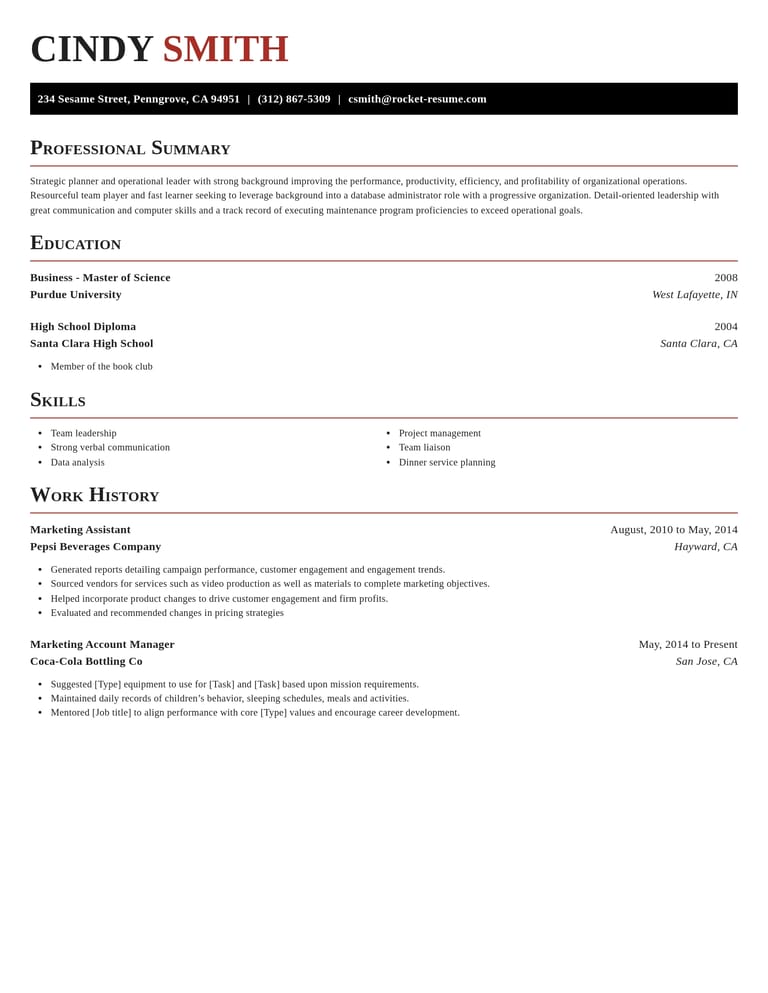
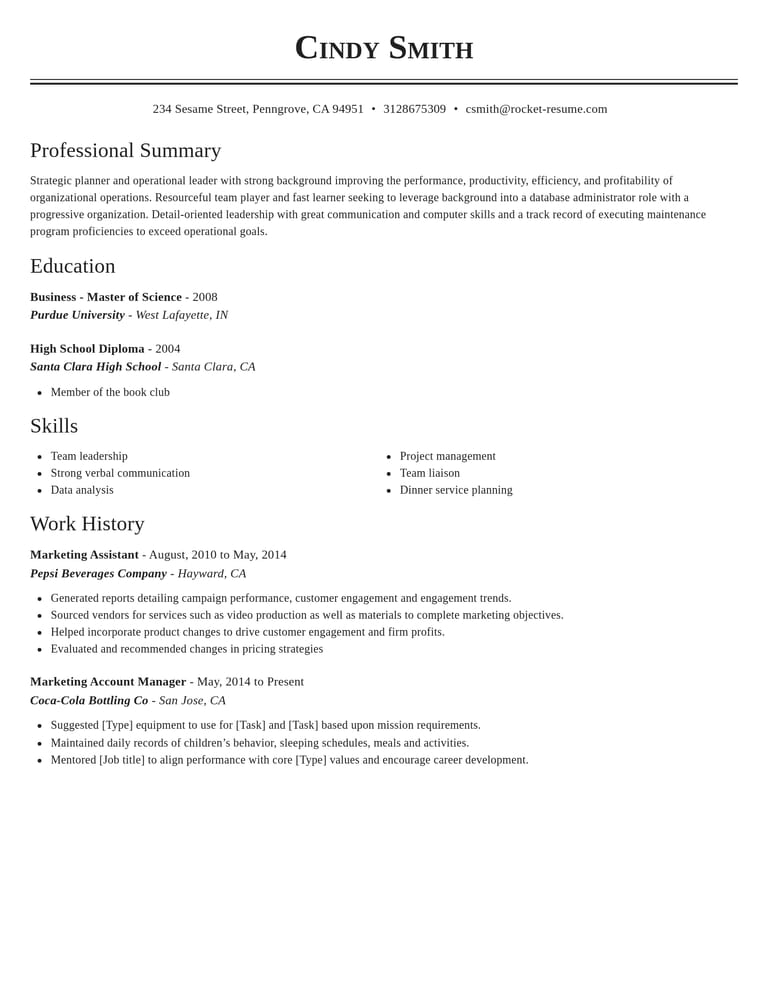
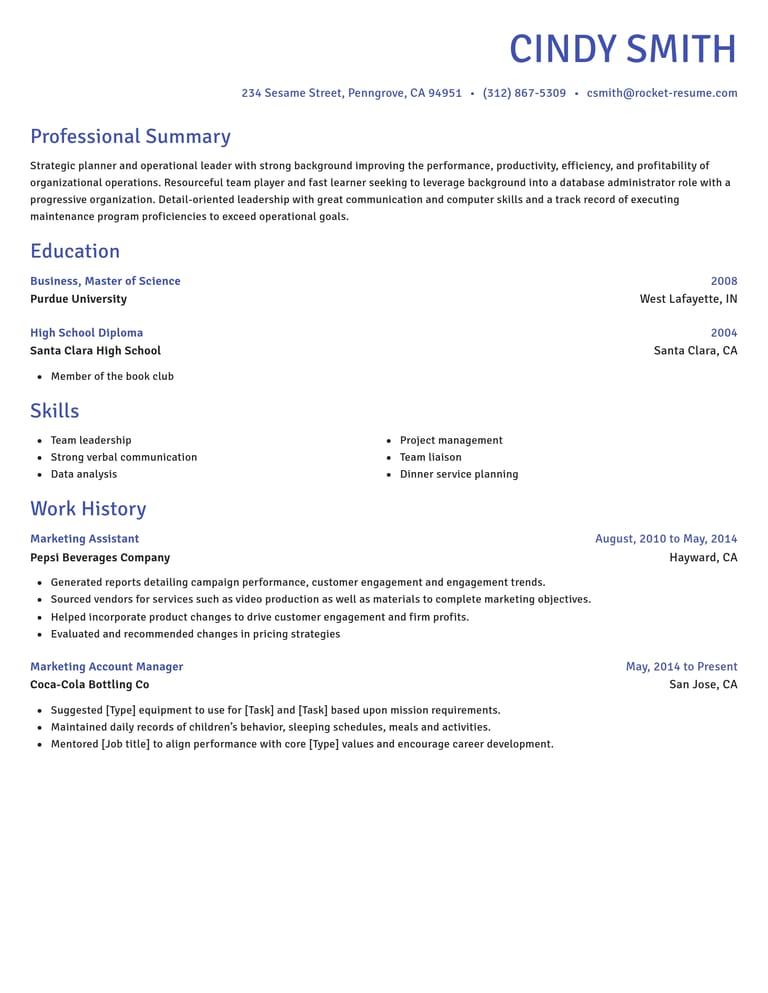
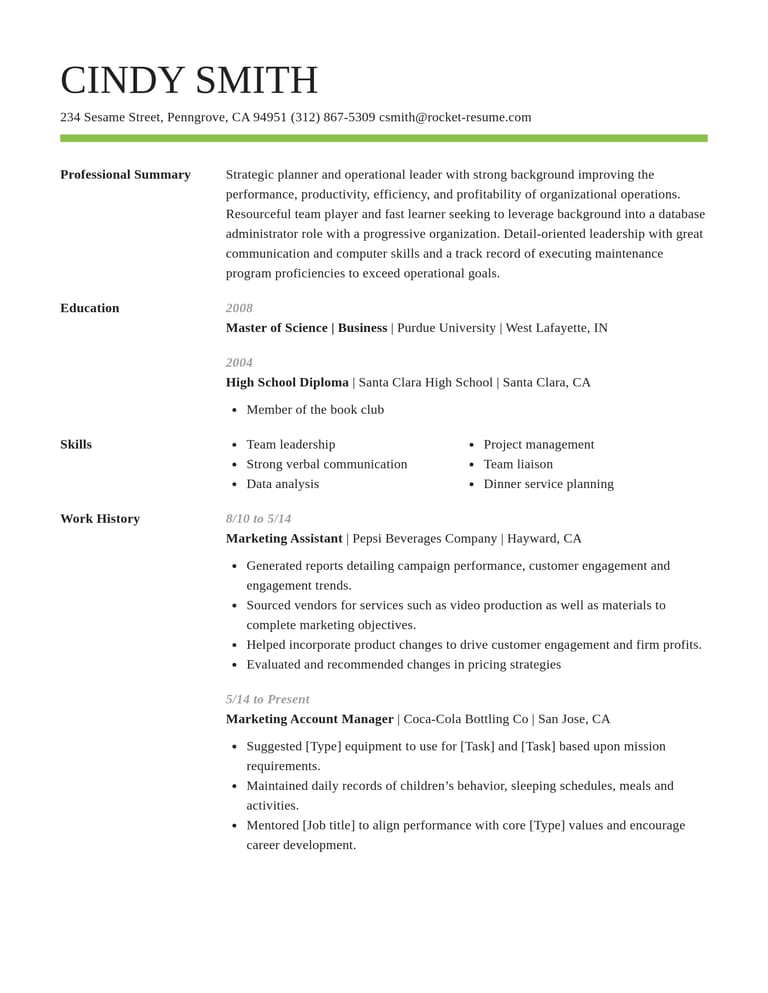
Where the builder takes over

Examples ready for each role
Search for your job title and choose examples that fit. Add a relevant detail or result from your work.
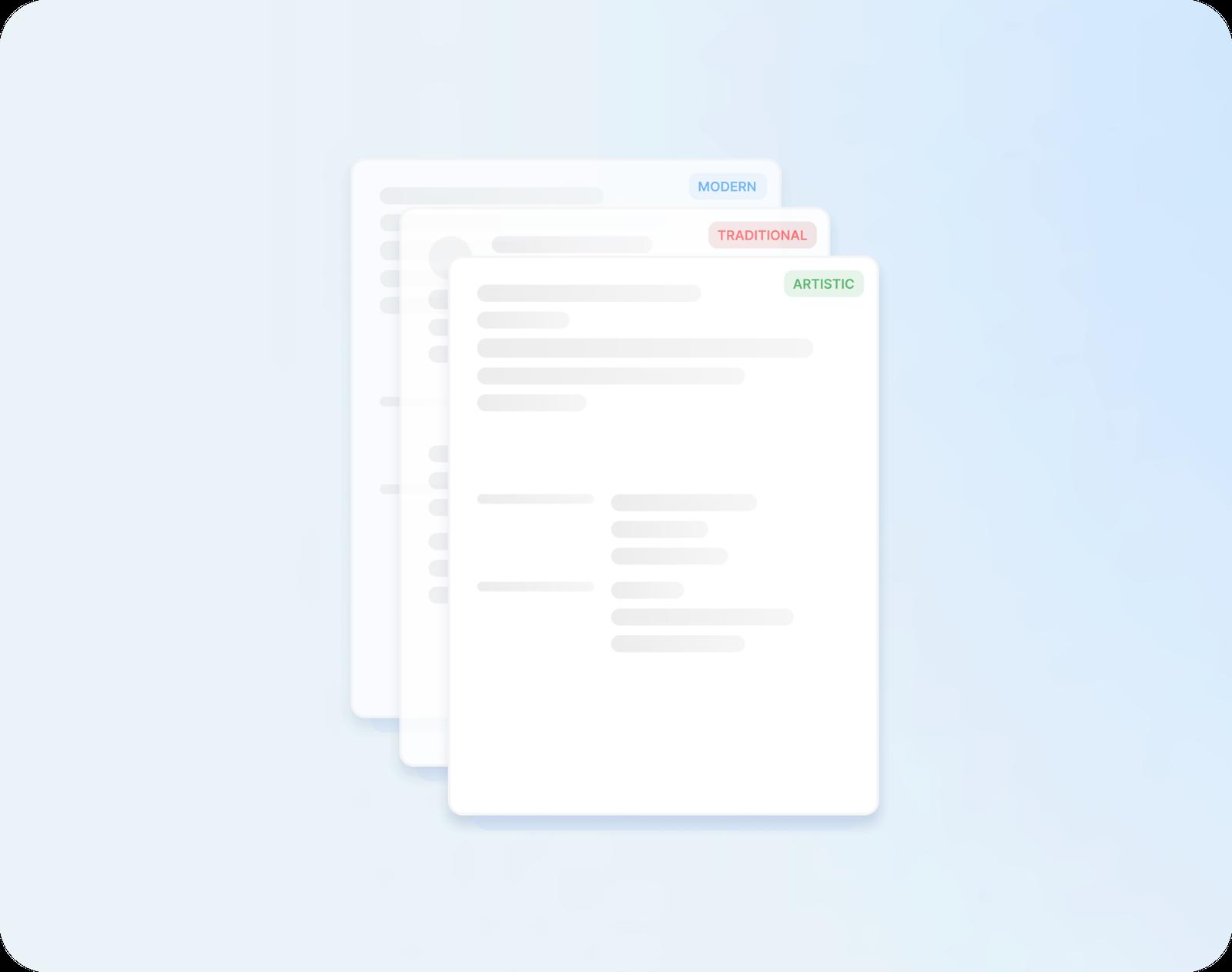
Spacing set before you type
The template you pick sets the margins and headings, so you keep typing and the page stays tidy.
Sections in the expected order
Use the sections to organize your jobs, education and skills. Review the whole resume to make sure the details are easy to find.

Focus your descriptions
Edit your work descriptions around this opening. Keep the relevant responsibilities and results, and trim repeated details.
Research to keep in mind before sending
“Great resume builder, I'll be using it again”

“I needed a resume fast, great and very useful”

Last-minute resume questions
What should I enter before choosing a suggestion?
Start with a job title that reflects work you have actually done. Read the suggested tasks against your memory of that role, then supply the organization, dates, and personal details yourself. A title helps surface relevant wording; it does not establish any facts about your employment.
Can I finish the draft while a date is still uncertain?
You can continue writing the other sections, but keep track of the unresolved date separately. Check a reliable record before treating the resume as ready. Do not choose an approximate month merely to complete the entry or let an uncertain date become an unqualified statement.
Which decisions can wait until the first draft is complete?
Fine wording choices and design comparisons can usually wait while you establish the content. Focus first on accurate contact details, relevant experience, education, and skills. Once that material is present, write the summary and review the layout with enough text to make a useful judgment.
Build from an example in your field
Industries in the weekly focus





- 39 examples
- 10 examples
- 14 examples
- 9 examples
- 6 examples
- 15 examples






Show all industries (A–Z)Show fewer
- Aerospace & Defense, 8 examples
- Agriculture, 23 examples
- Apparel & Textiles, 13 examples
- Architecture, 15 examples
- Artificial Intelligence, 6 examples
- Arts & Entertainment, 24 examples
- Automotive, 21 examples
- Beauty & Personal Care, 17 examples
- Biotechnology & Life Sciences, 7 examples
- Business Services, 23 examples
- Chemical Engineering, 4 examples
- Childcare, 14 examples
- Construction, 106 examples
- Creative, 15 examples
- Customer Service, 17 examples
- Education, 94 examples
- Energy, 39 examples
- Environmental Science, 5 examples
- Finance, 63 examples
- Food & Beverage, 68 examples
- Government, 48 examples
- Healthcare, 160 examples
- Hospitality, 35 examples
- Human Resources, 18 examples
- Insurance, 10 examples
- Legal, 12 examples
- Logistics, 37 examples
- Manufacturing, 68 examples
- Marketing, 8 examples
- Media, 20 examples
- Military, 24 examples
- Mining & Metals, 9 examples
- Nonprofit, 8 examples
- Pharmaceuticals, 12 examples
- Public Relations, 10 examples
- Real Estate, 7 examples
- Retail, 38 examples
- Robotics, 11 examples
- Sales, 14 examples
- Security Services, 19 examples
- Social Services & Counseling, 21 examples
- Social Work, 14 examples
- Sports & Fitness, 96 examples
- Technology, 67 examples
- Telecommunications, 6 examples
- Tourism & Travel, 9 examples
- Transportation, 38 examples
- Veterinary, 9 examples
Reviews from people who finished their resume here
from 3,900+ reviews