CV templates
Browse professional CV templates in modern, traditional or creative styles, then fill yours in step by step with suggested lines for your job title.
- ATS-friendly designs you can customize
- Suggested wording for your job title
- Change designs and keep every word
- Fill it in on your phone or computer

Ed A.
Aug 2022
“Very helpful for making a resume and applying for jobs”

James S.
Aug 2026
“This service was perfect for my needs.”

Nicole C.
Feb 2026
“I loved the templates.”

Sheila J.
Apr 2026
“This app is perfect, it helped me get my job”
from 4,000+ reviews
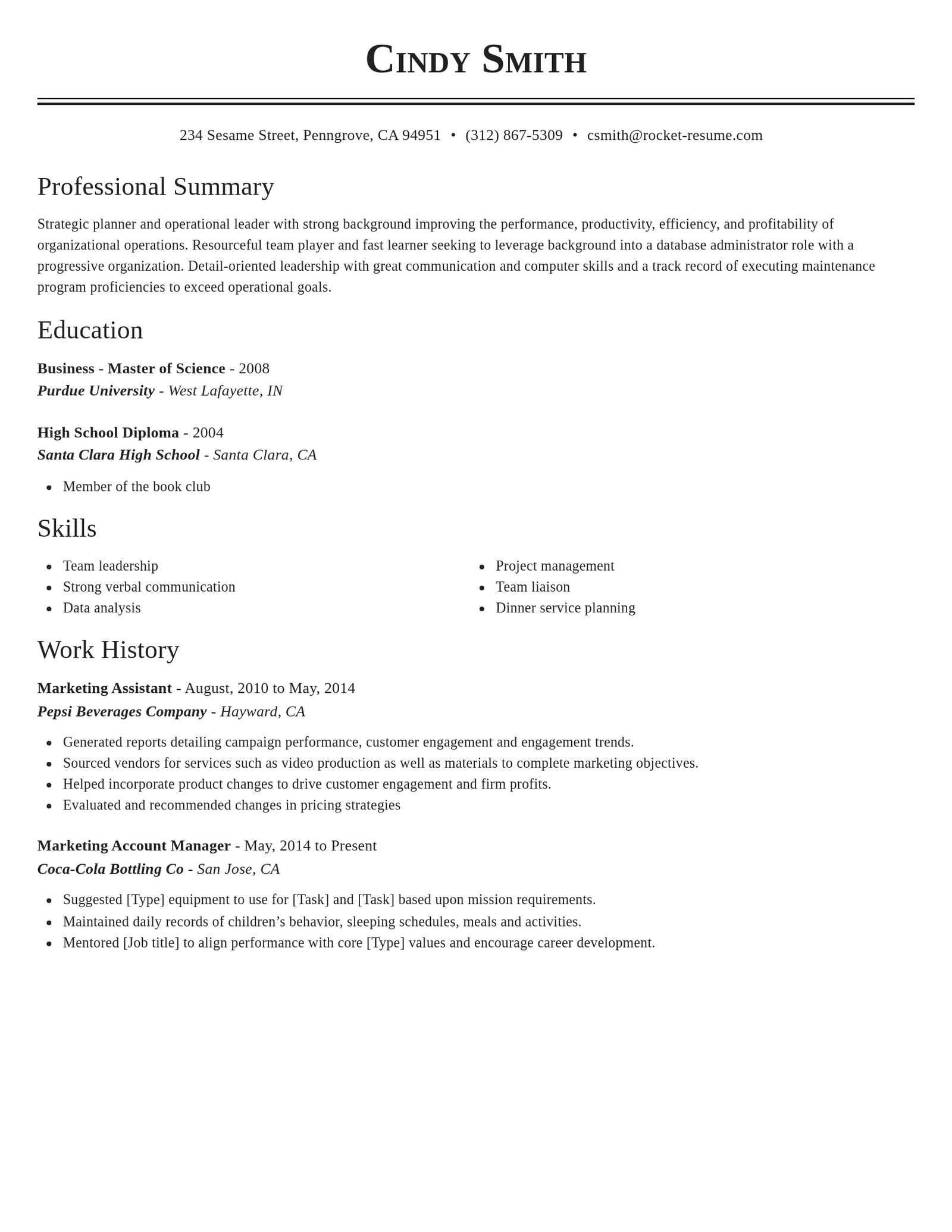
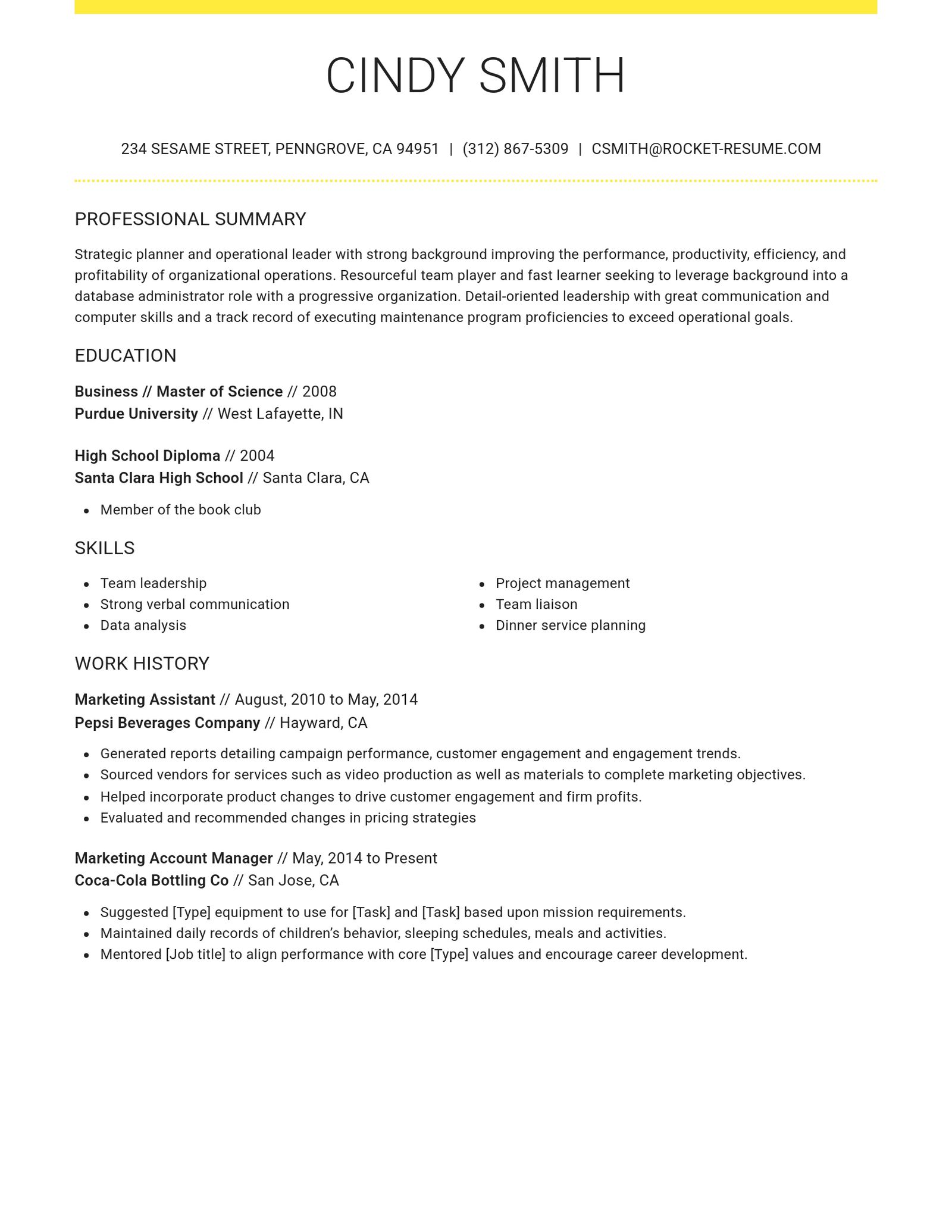
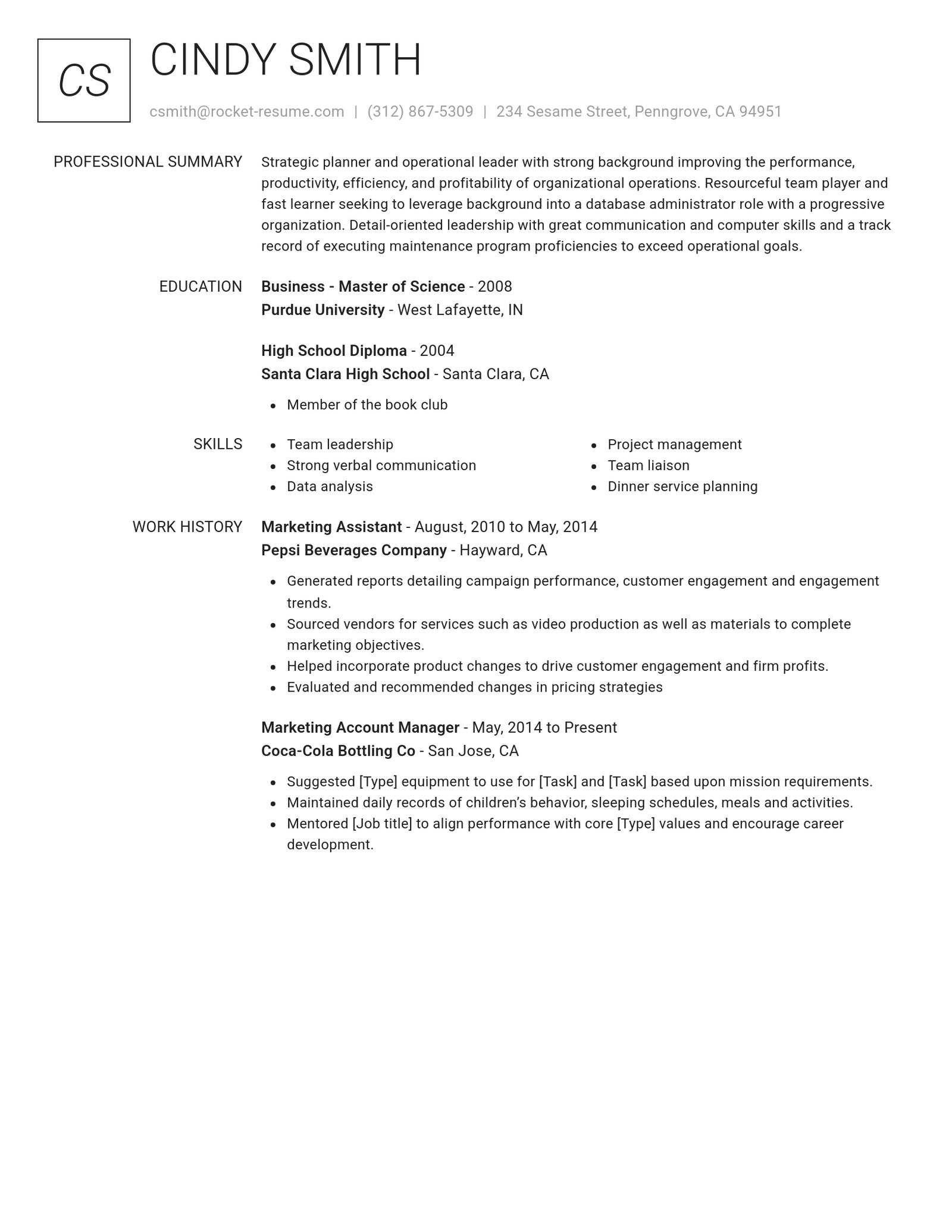
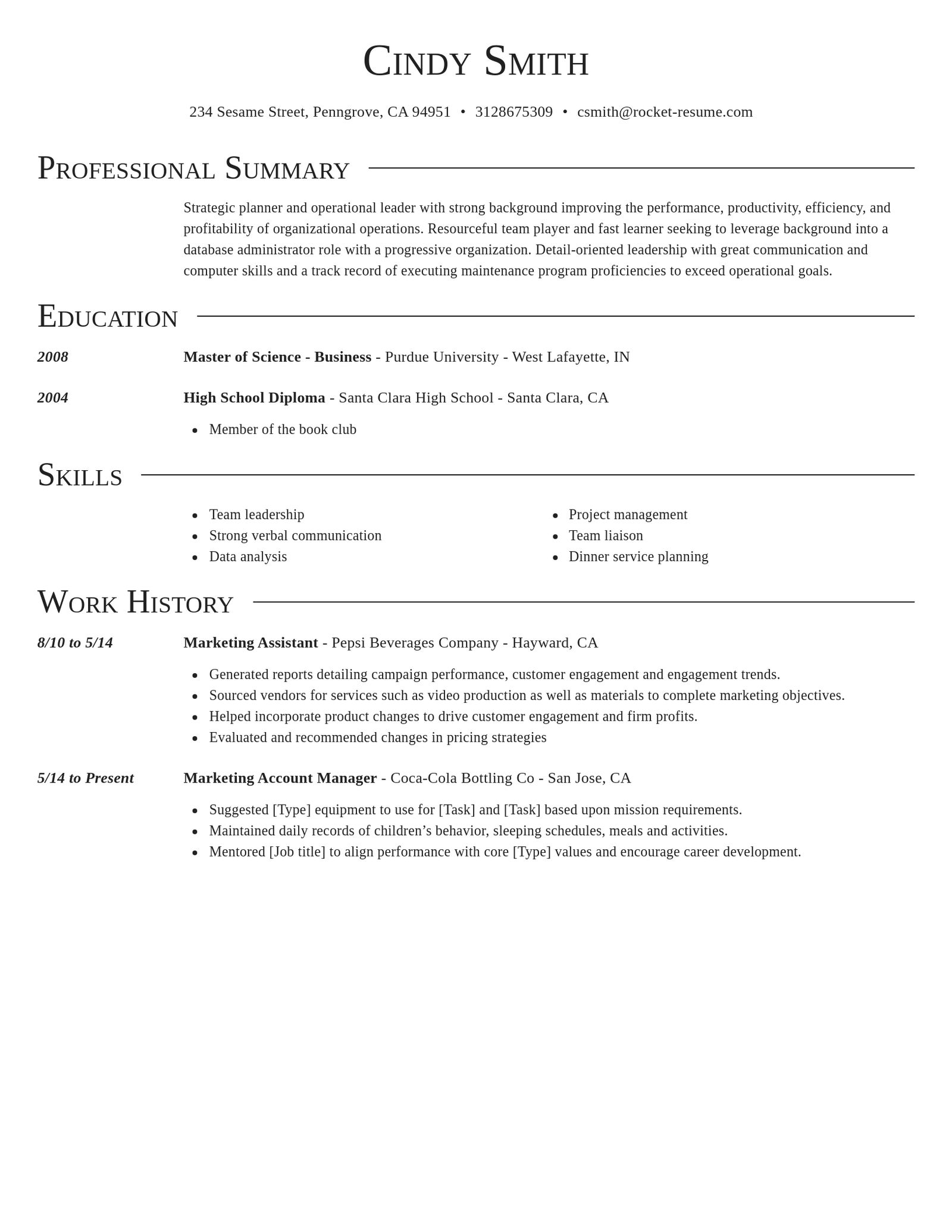
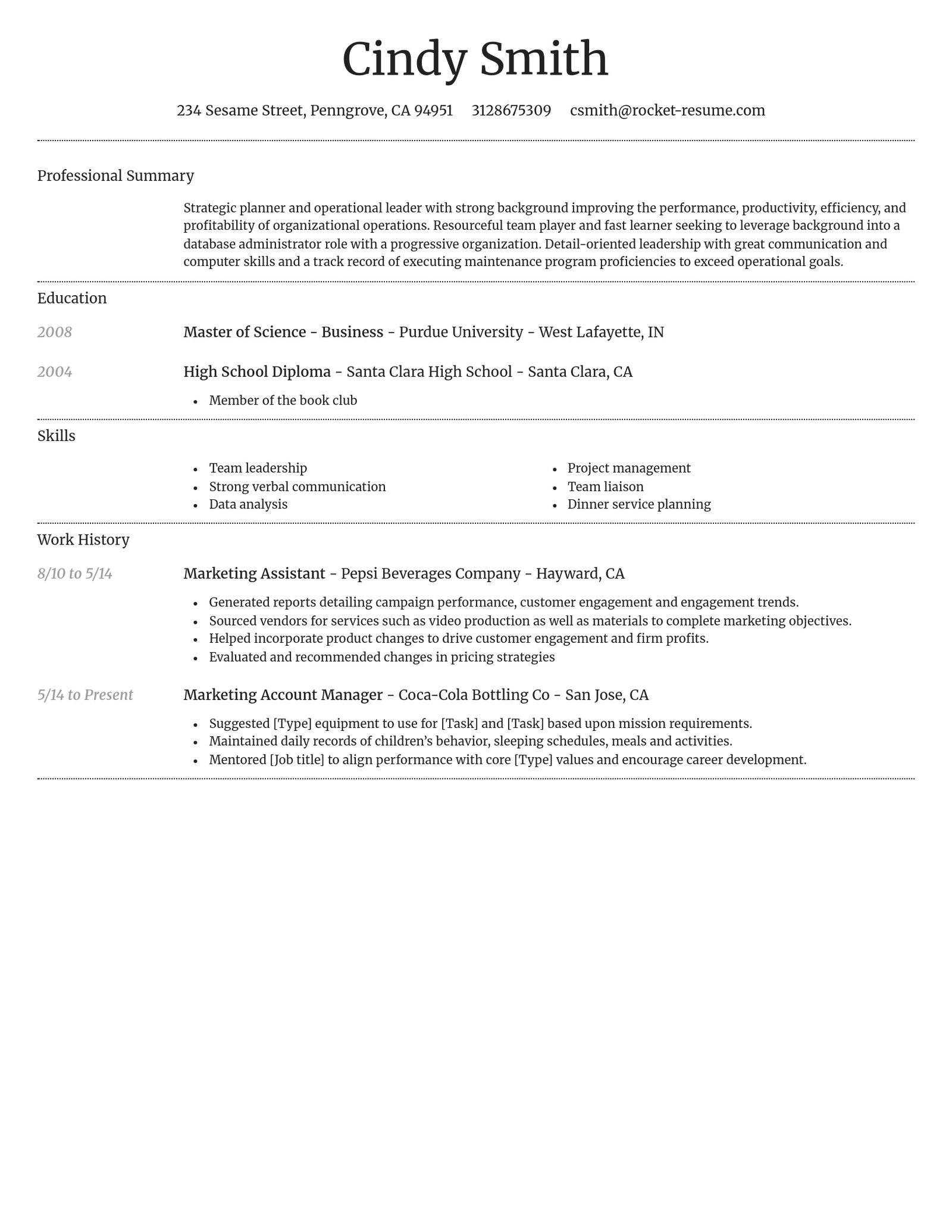
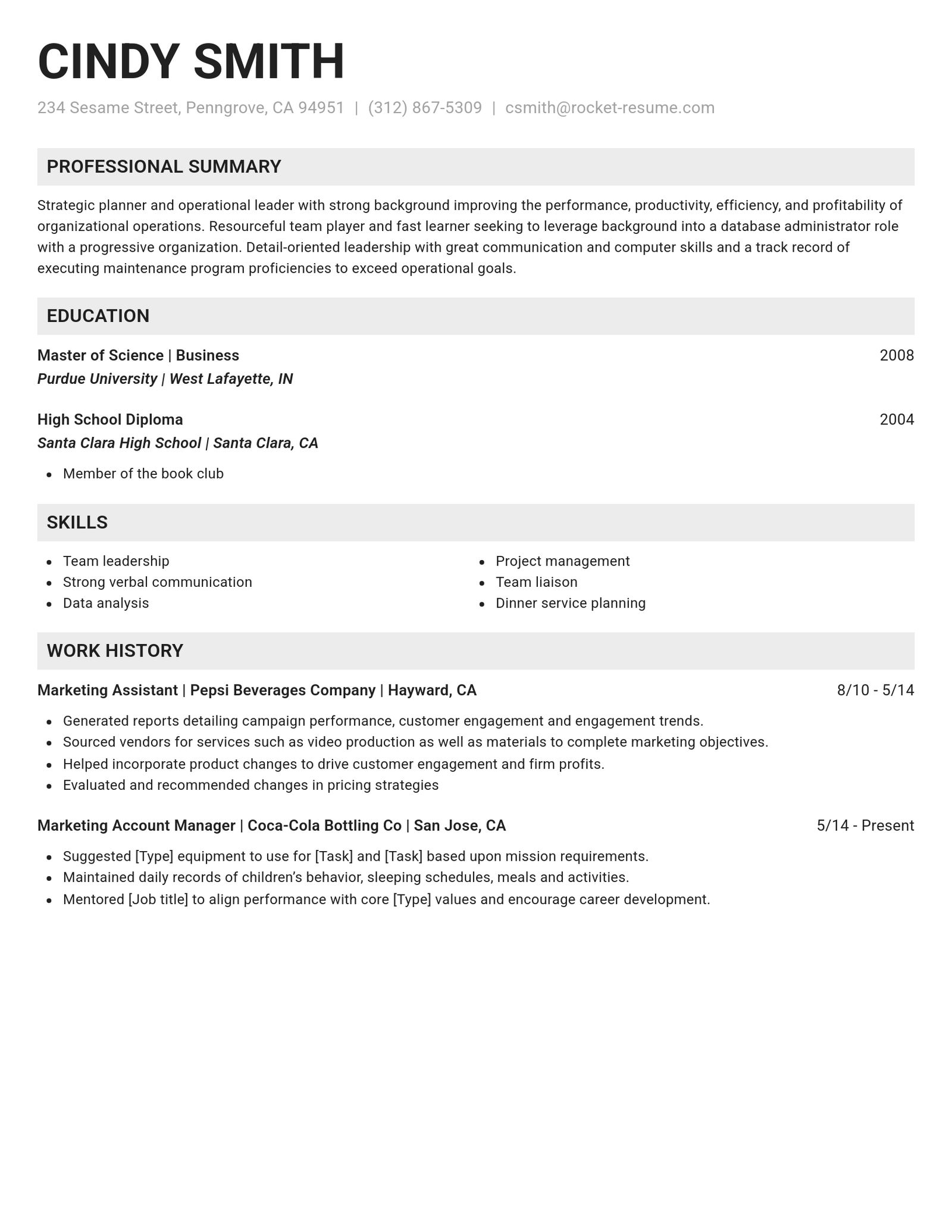
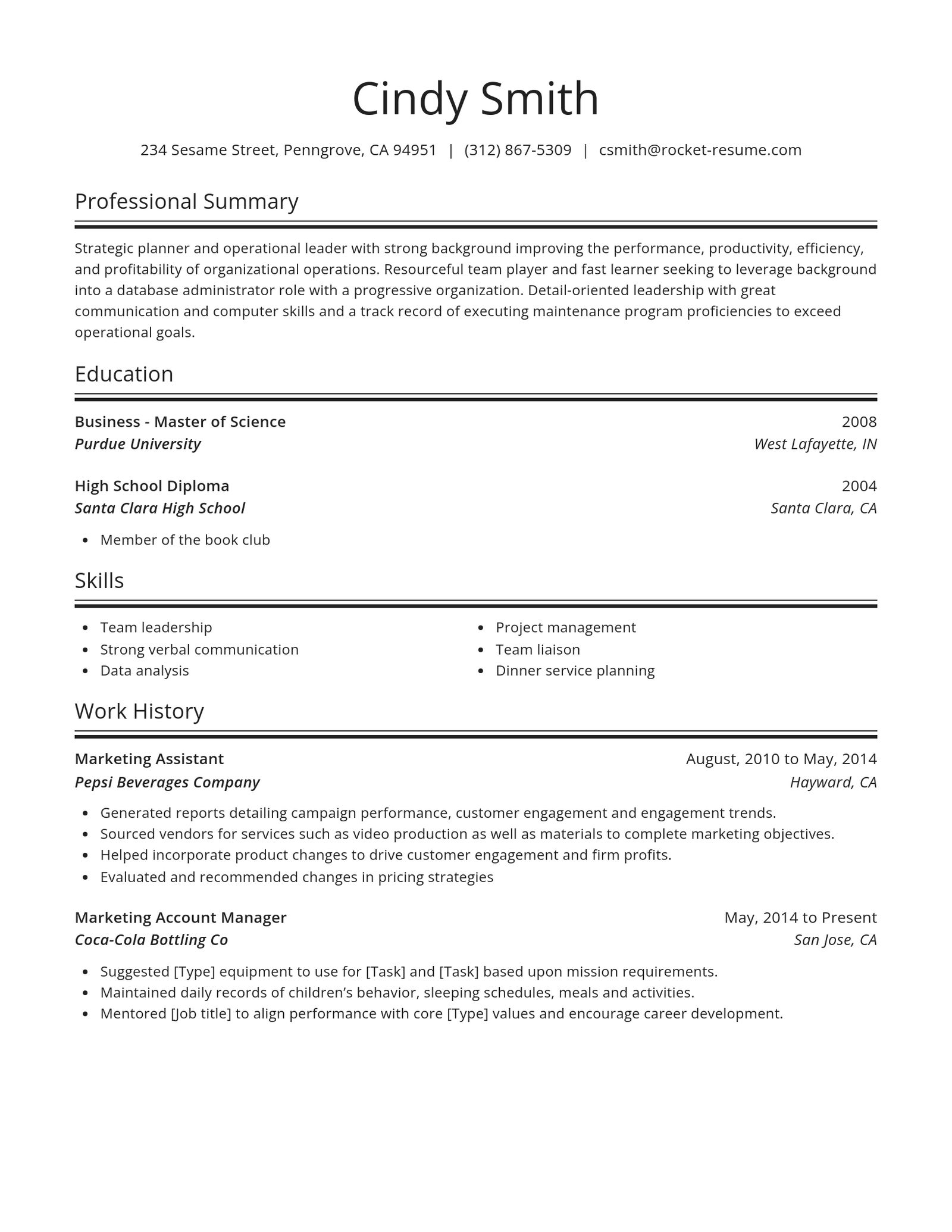
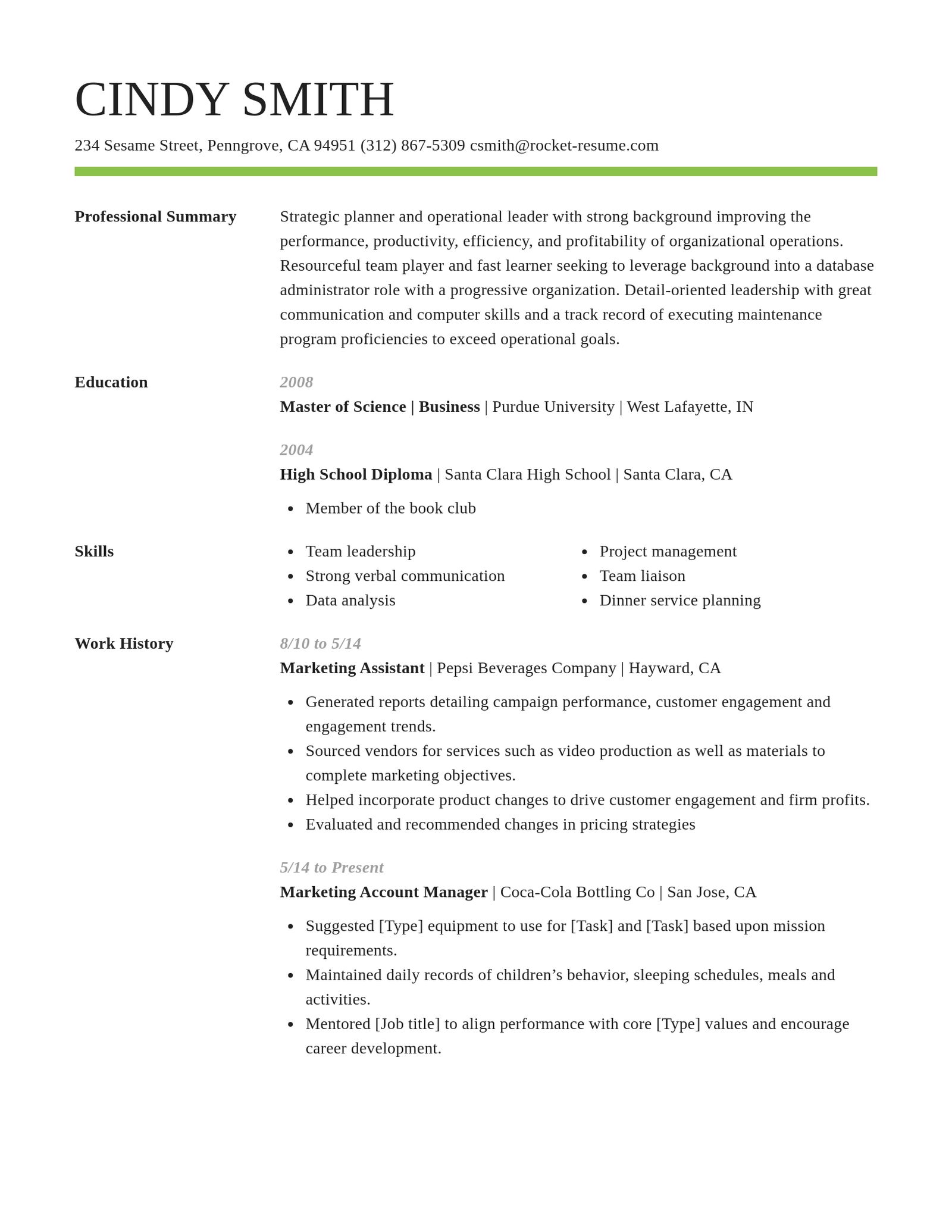
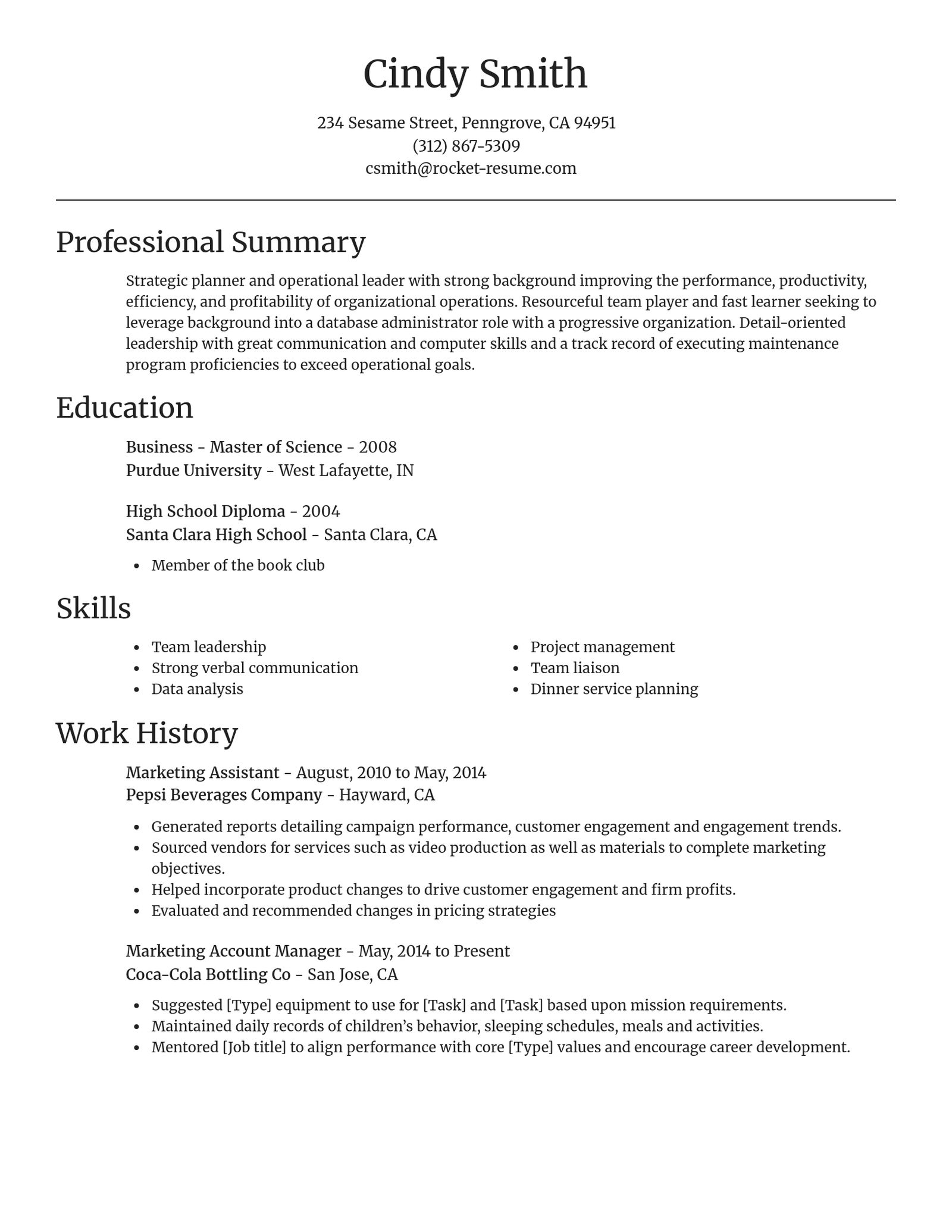
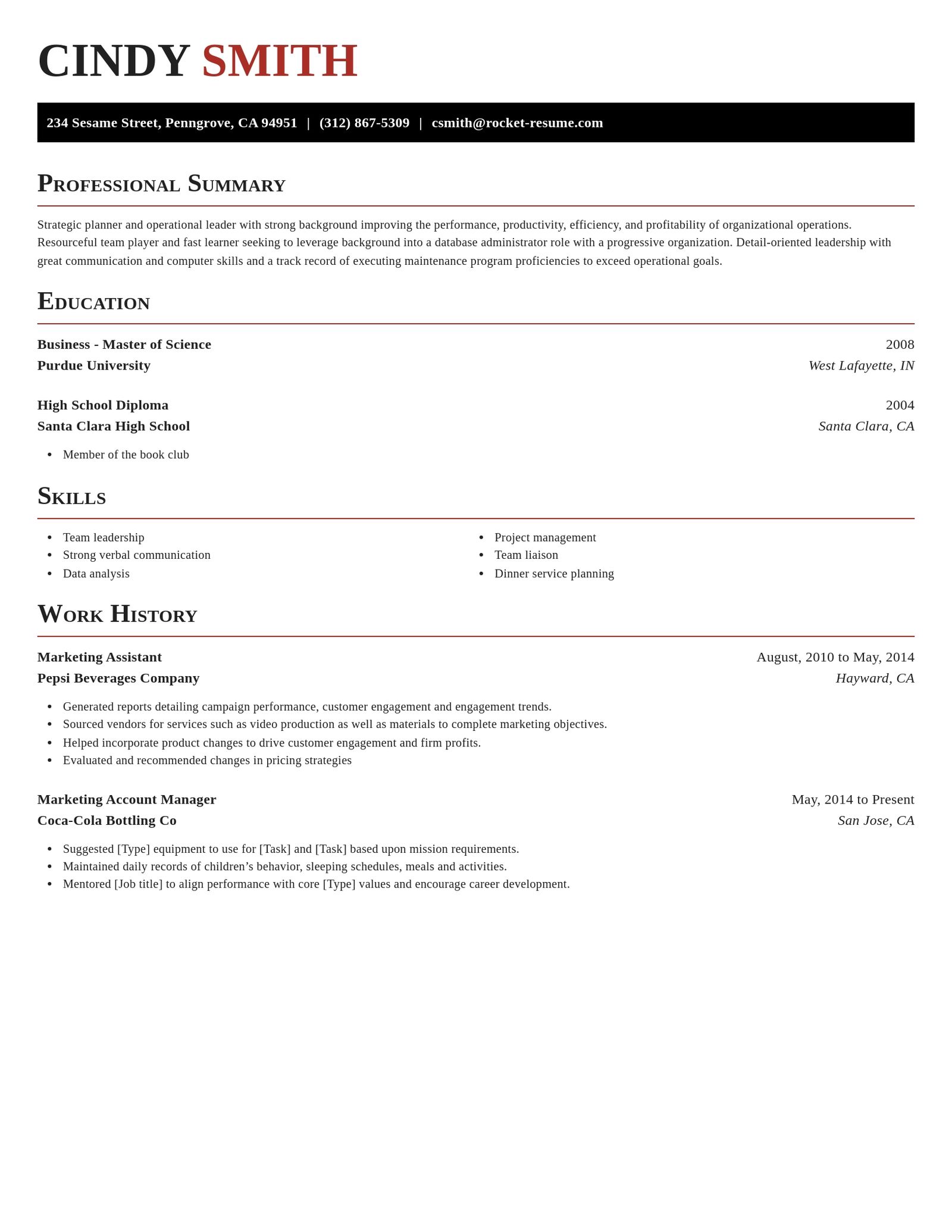
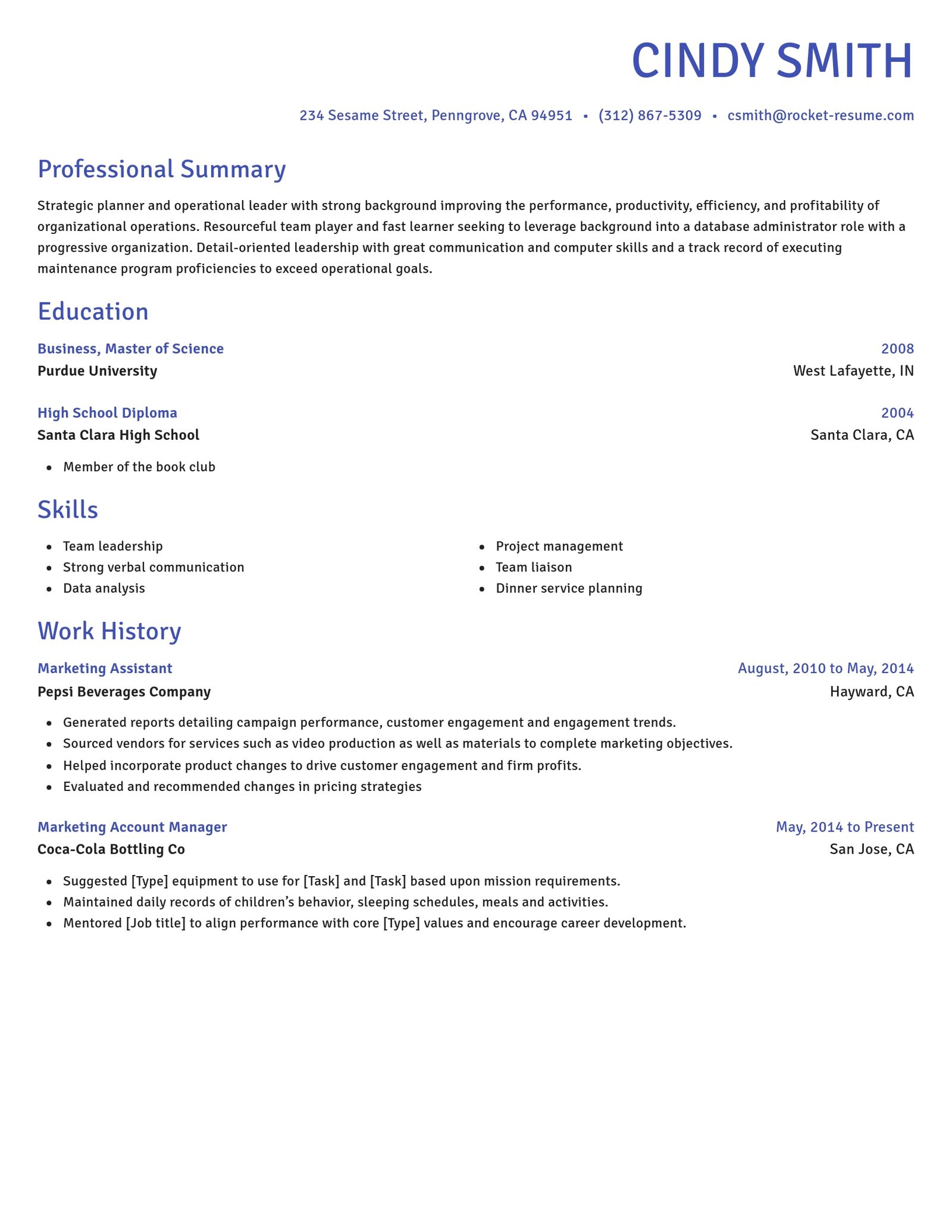
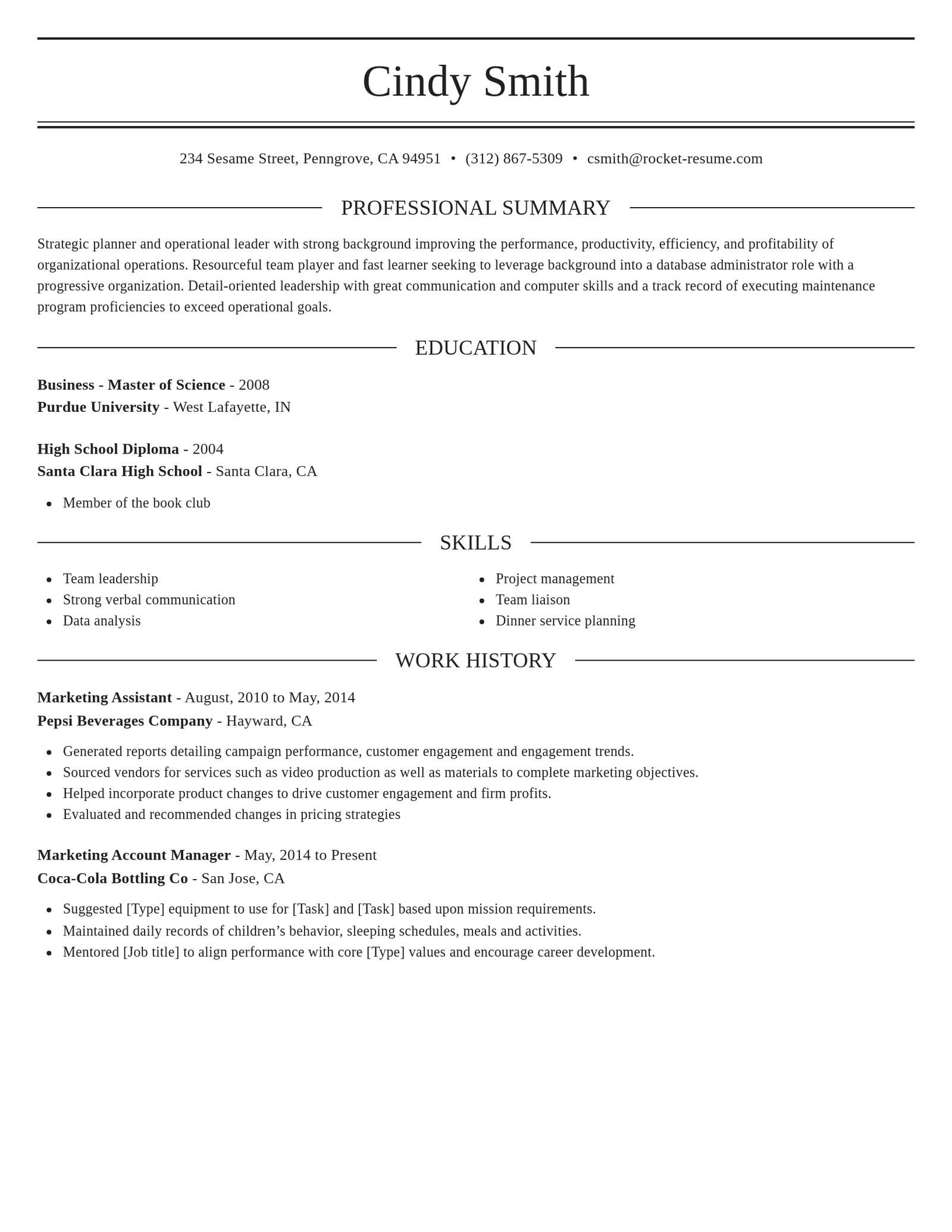
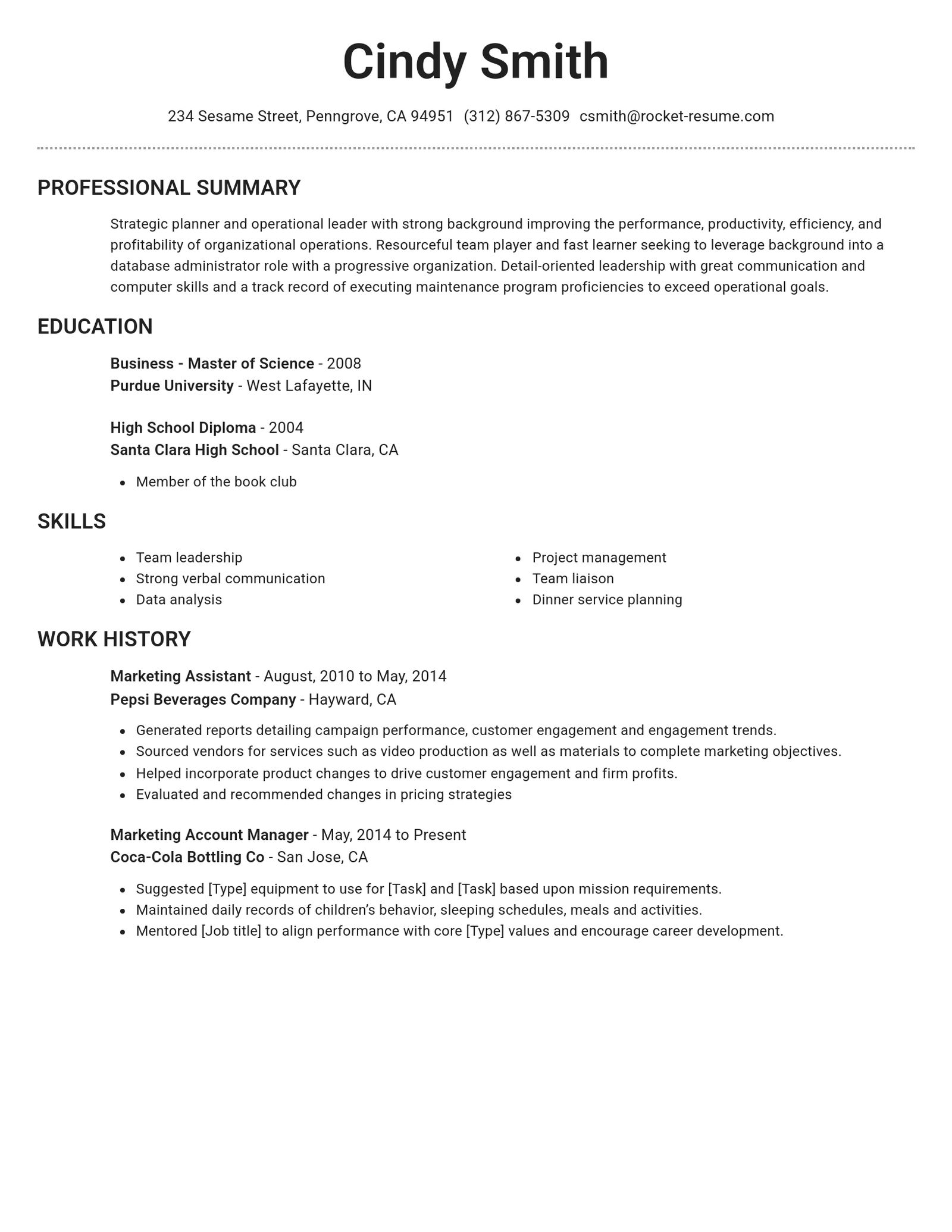
Choose your CV template

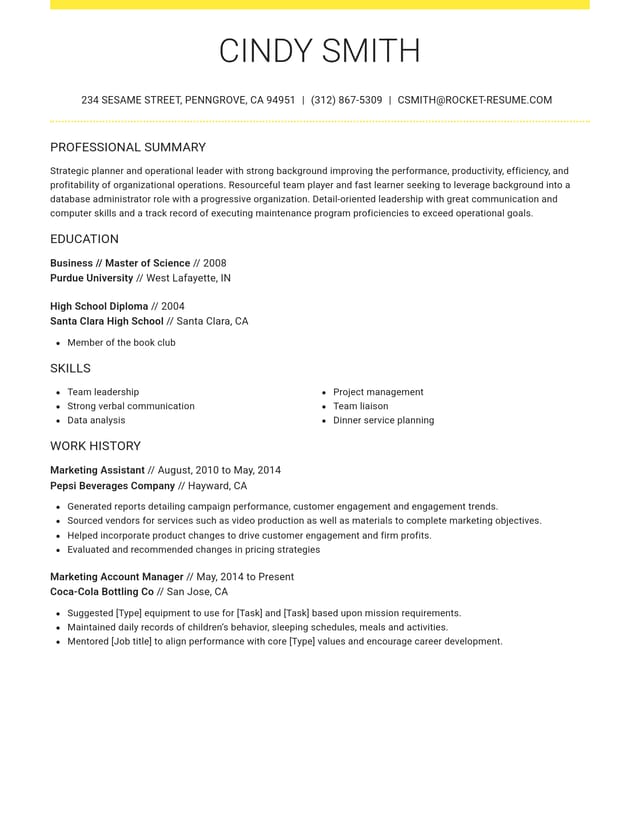
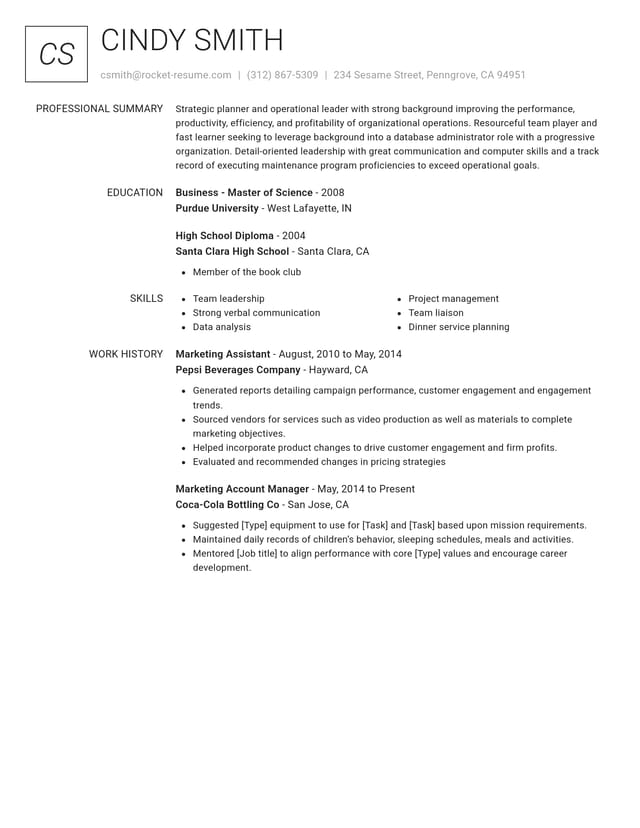
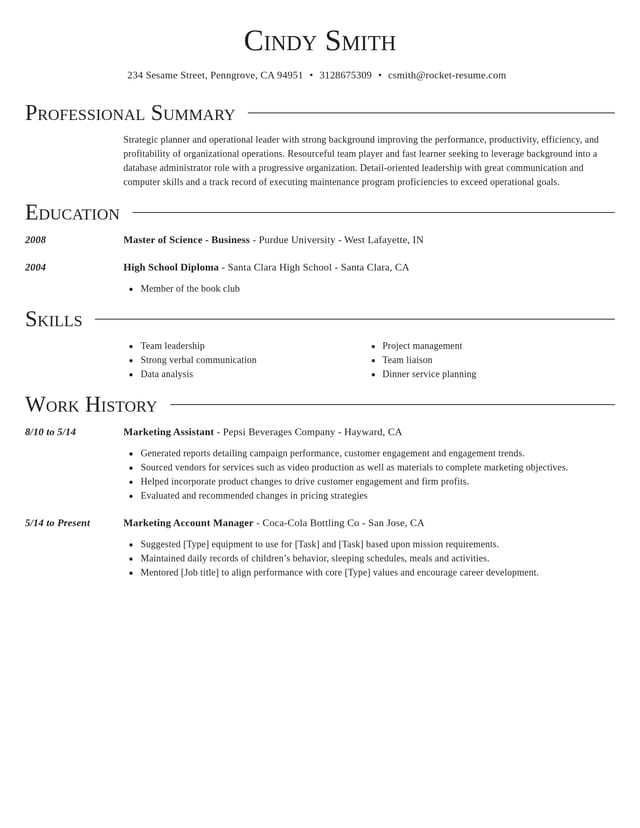
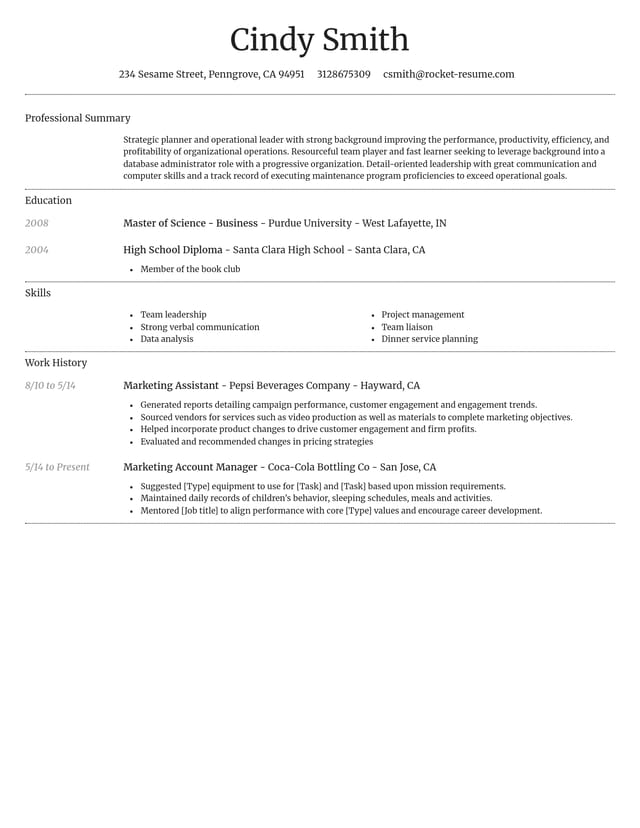
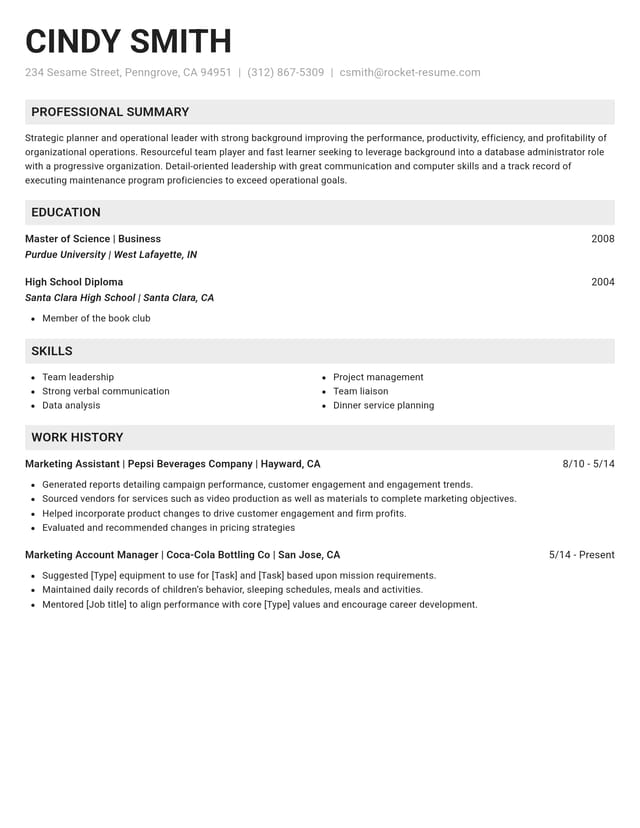
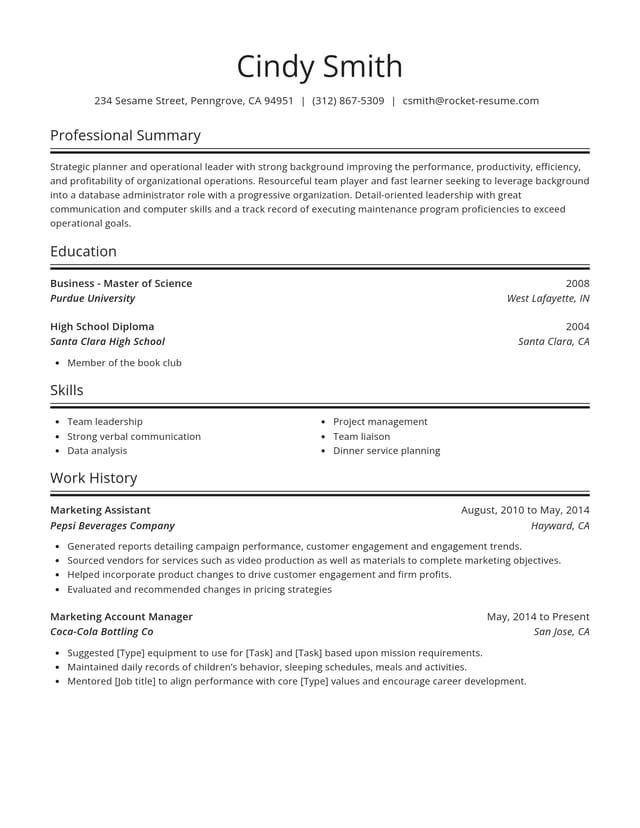
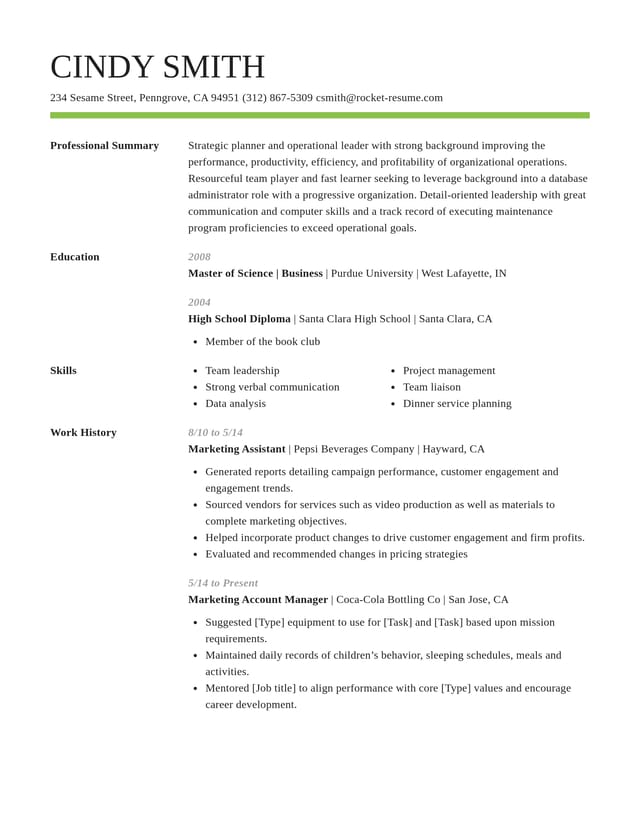
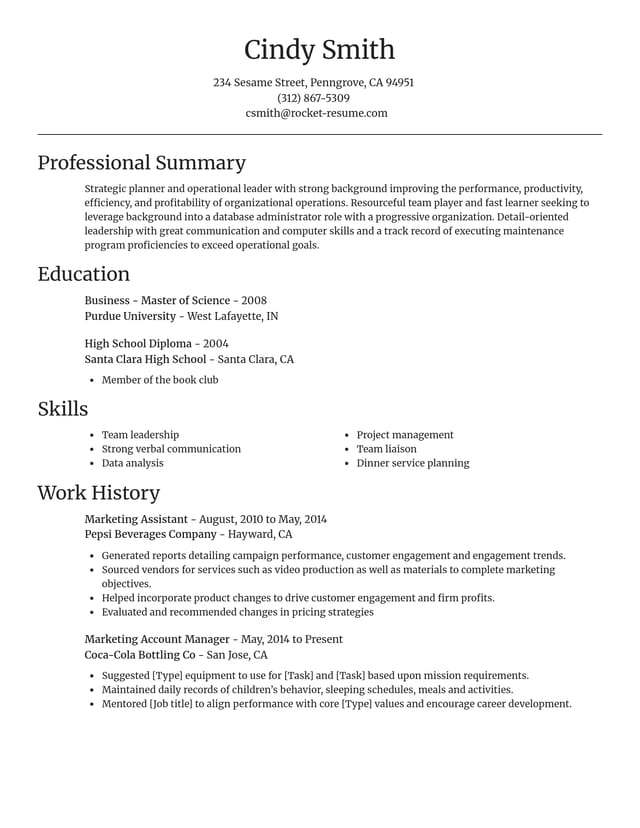

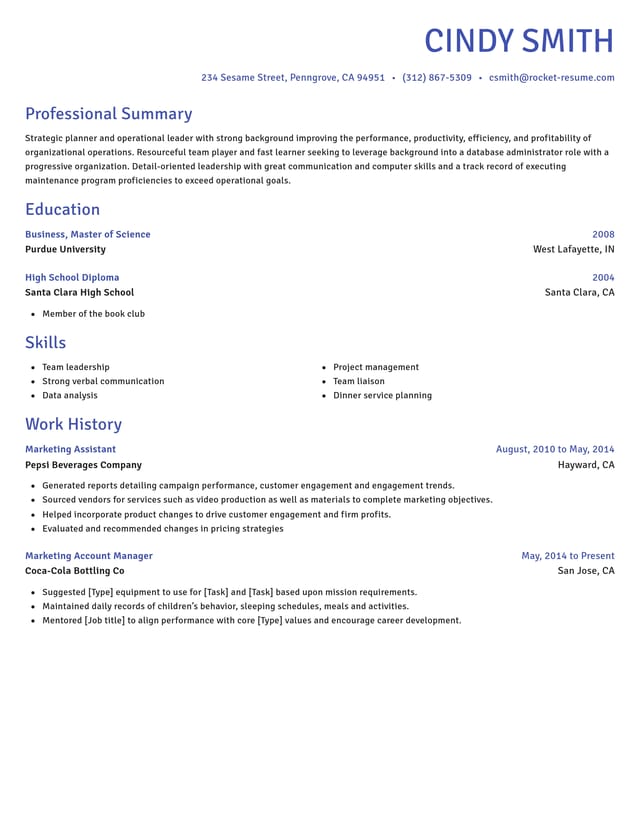
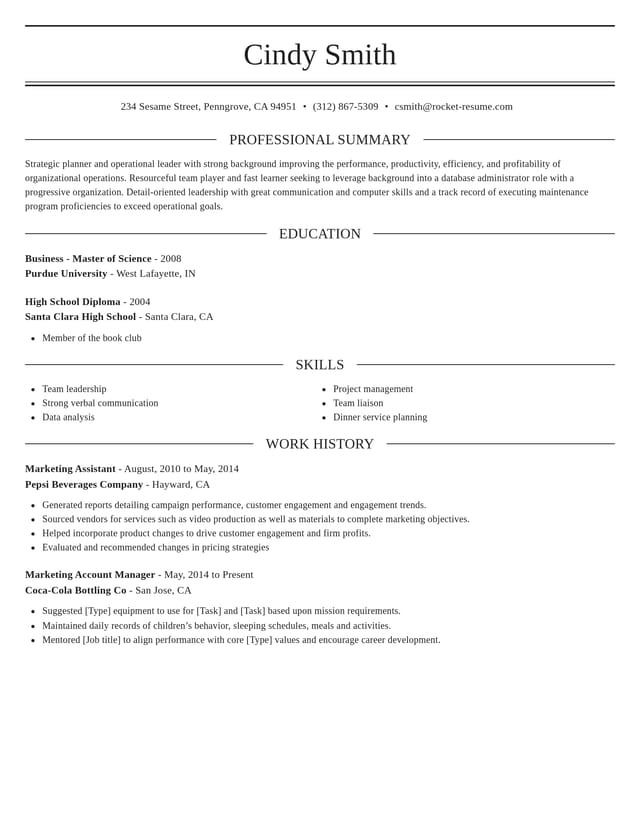
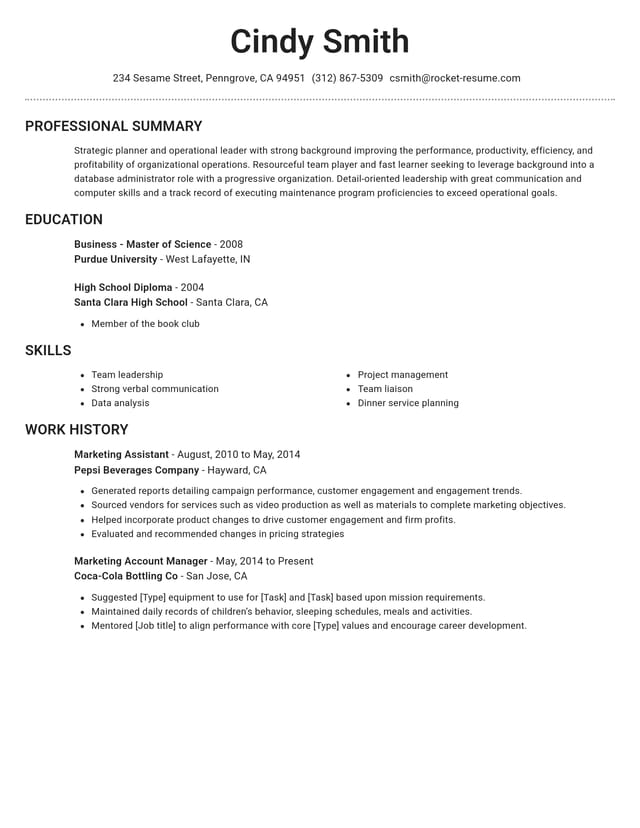
More than a blank CV layout
Every template comes with guidance that helps you write a CV employers can read quickly and remember.

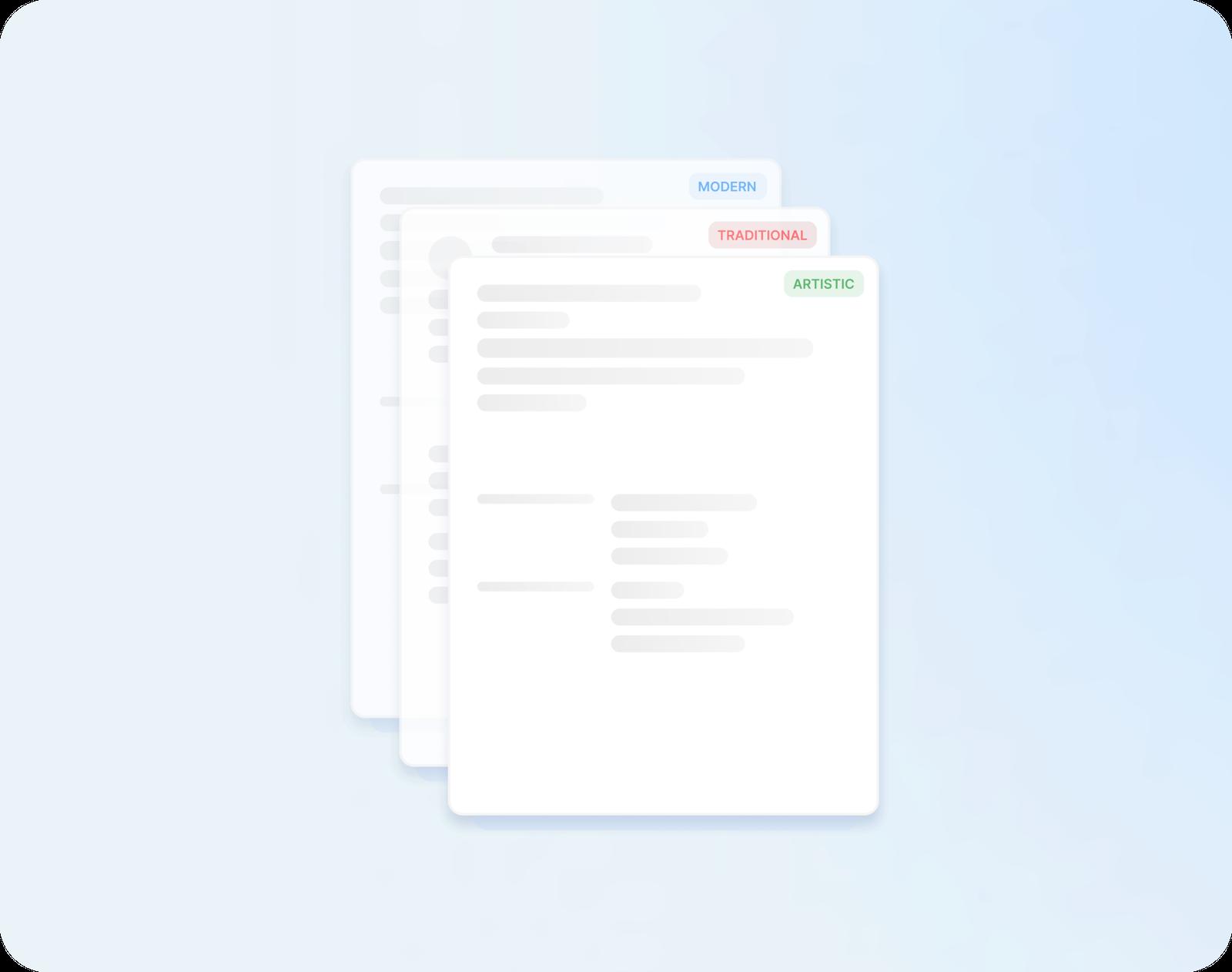
Lines written for your role
Your job title brings up AI-enhanced suggestions written for the role. Choose a few, then add your own numbers and tools.
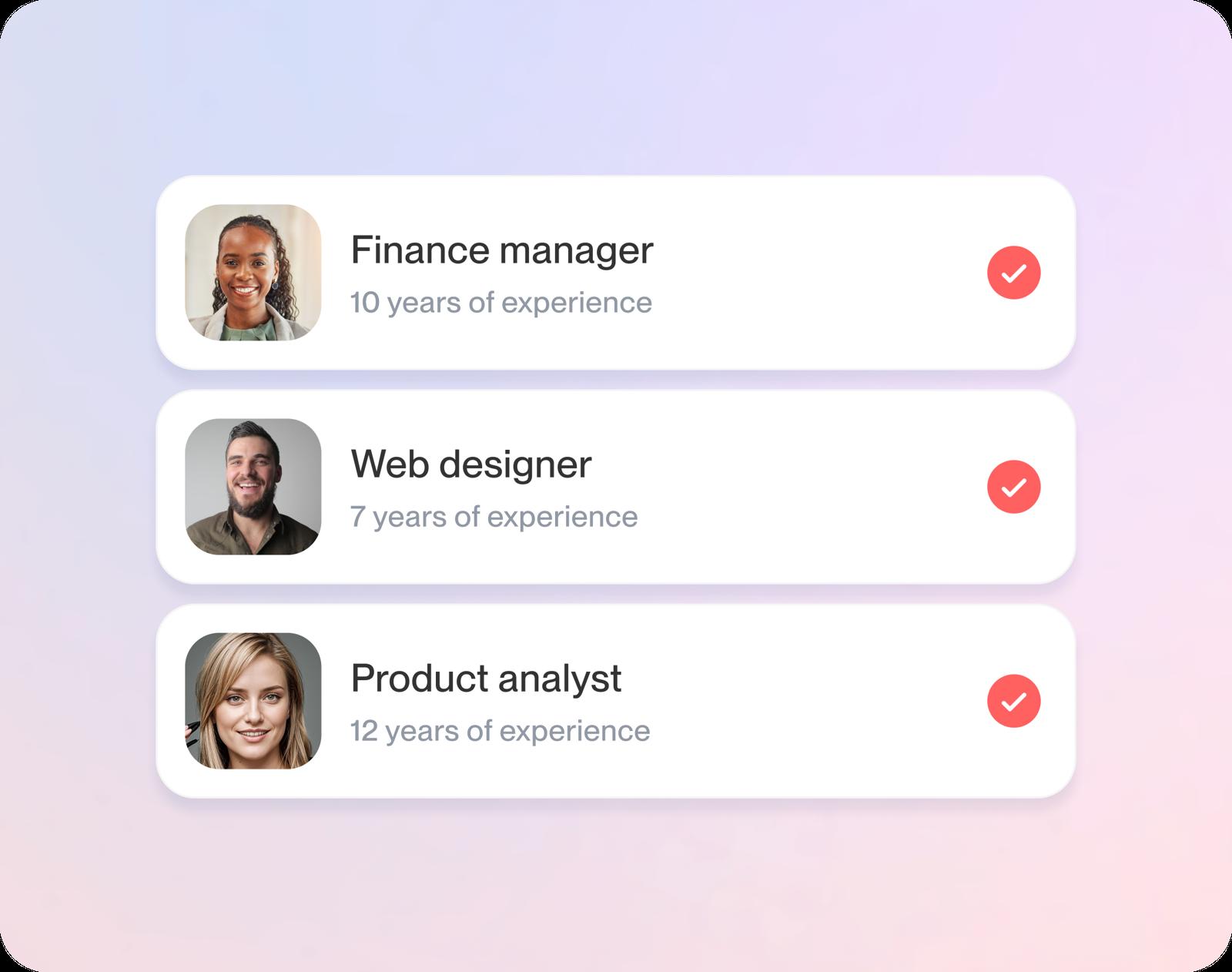
Easy to edit as you go
Change a line, move a section up or try another design. Your words stay put, and the preview shows each change straight away.
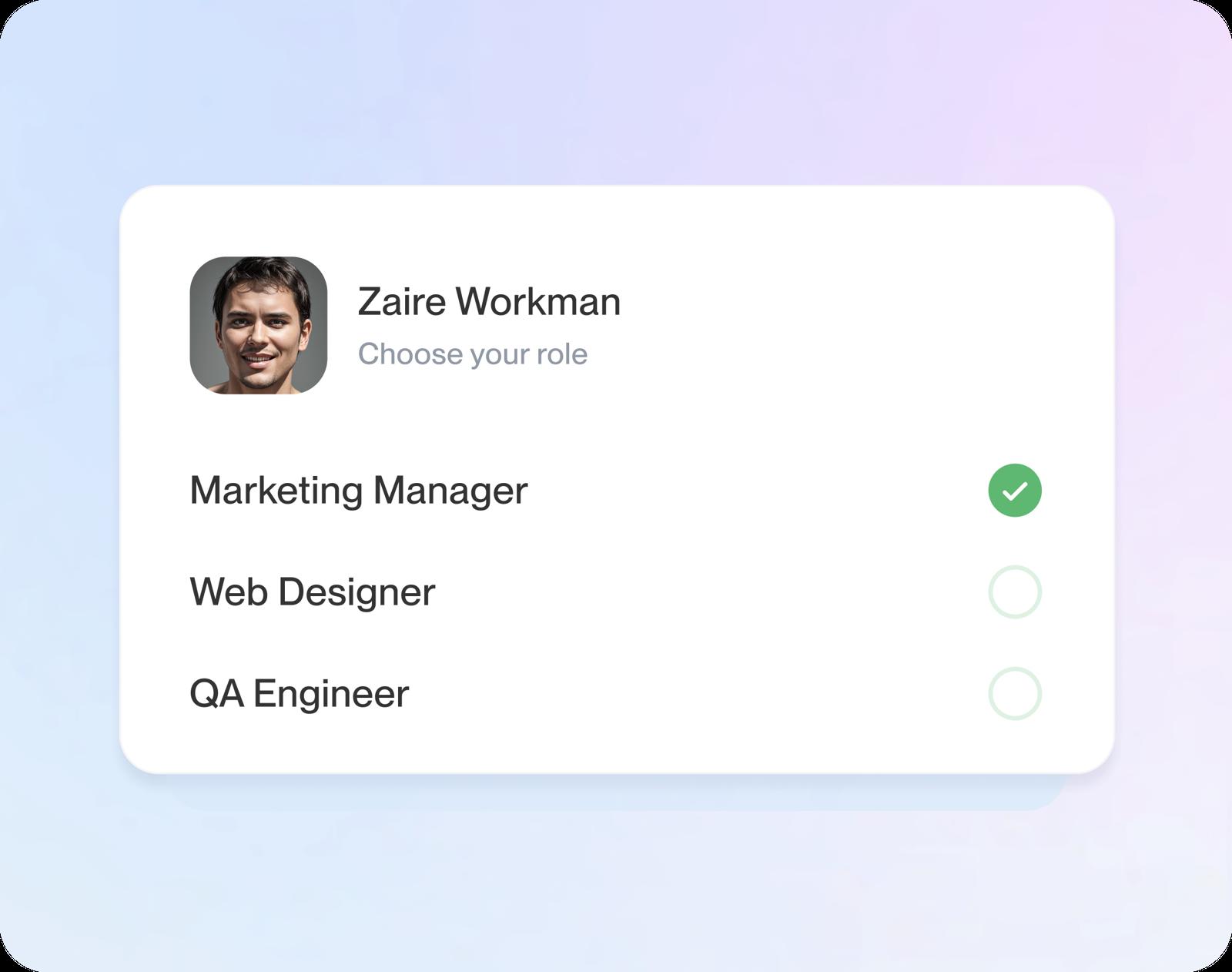
Clear for screeners and people
ATS-friendly layouts, the kind applicant tracking software can read, keep your job titles, dates and results easy to find at a glance.
A strong draft, fast
Step-by-step guidance walks you through every section, so you can have a first draft ready in under 10 minutes.
What happens after you pick a design
Step 1
Pick your design
Answer the opening question about your experience and the designs appear; choose the one you like. Switching later never means retyping.
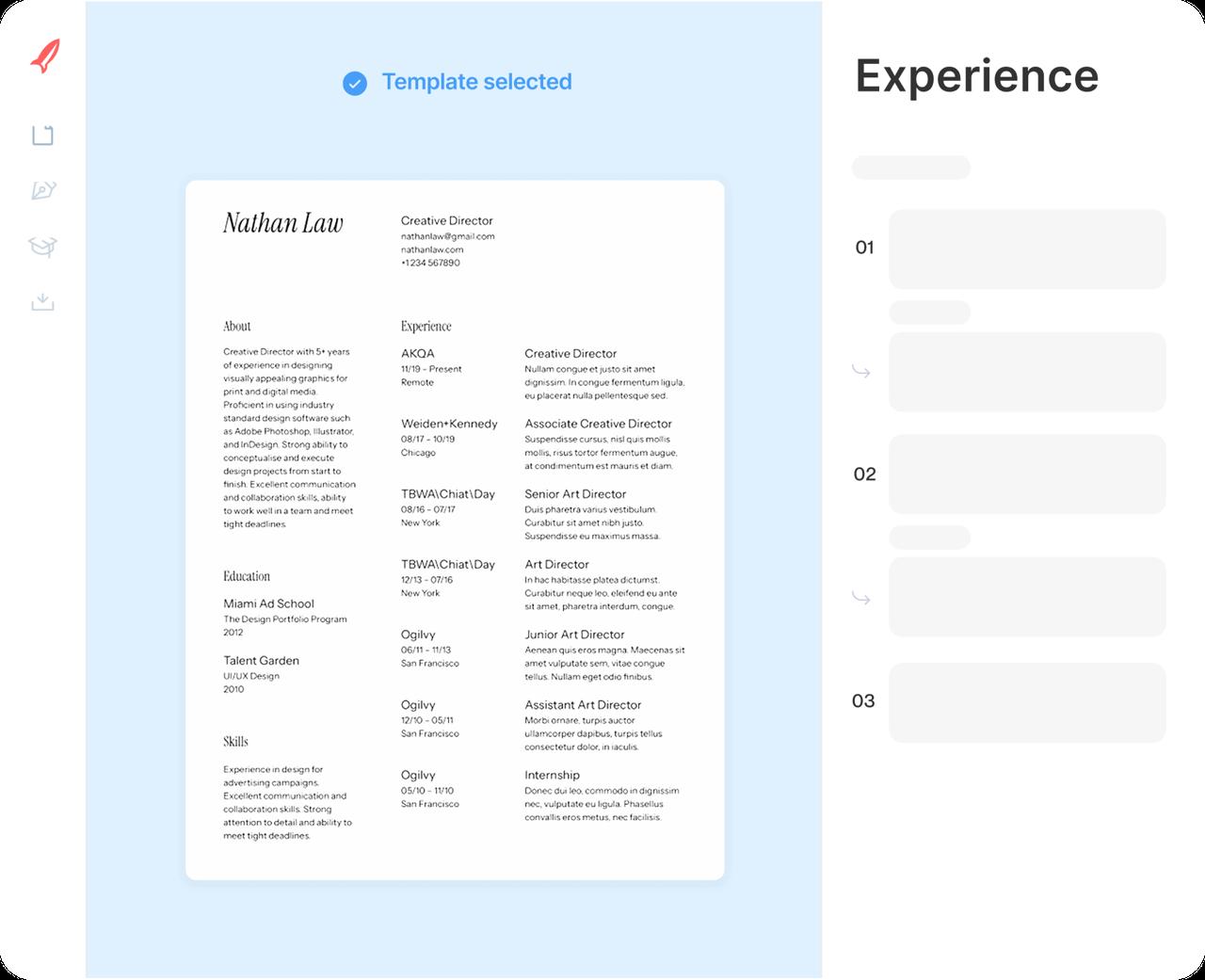
Step 2
Add your work history
Enter each job, newest first. Suggested lines for each title appear as you go: keep the useful ones and make them your own.
Step 3
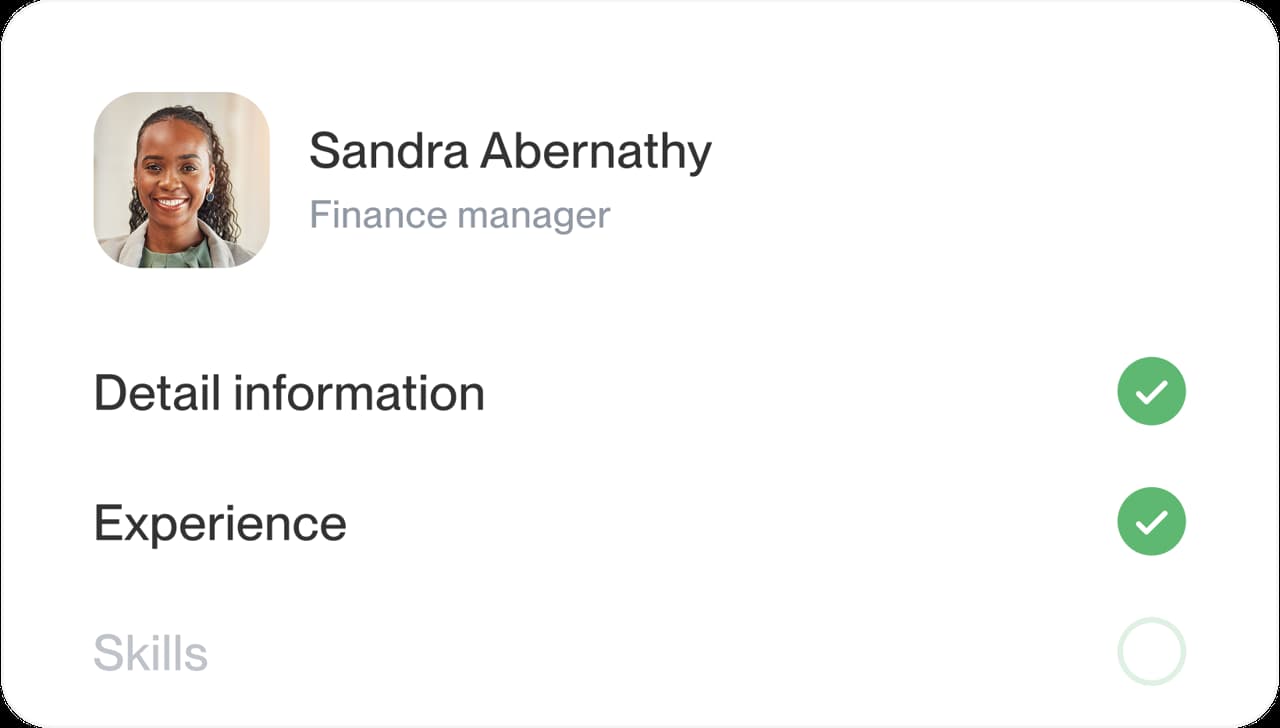
Finish the other sections
Add education and skills, then a short profile. It's easier to sum yourself up once your jobs are on the page.
Step 4
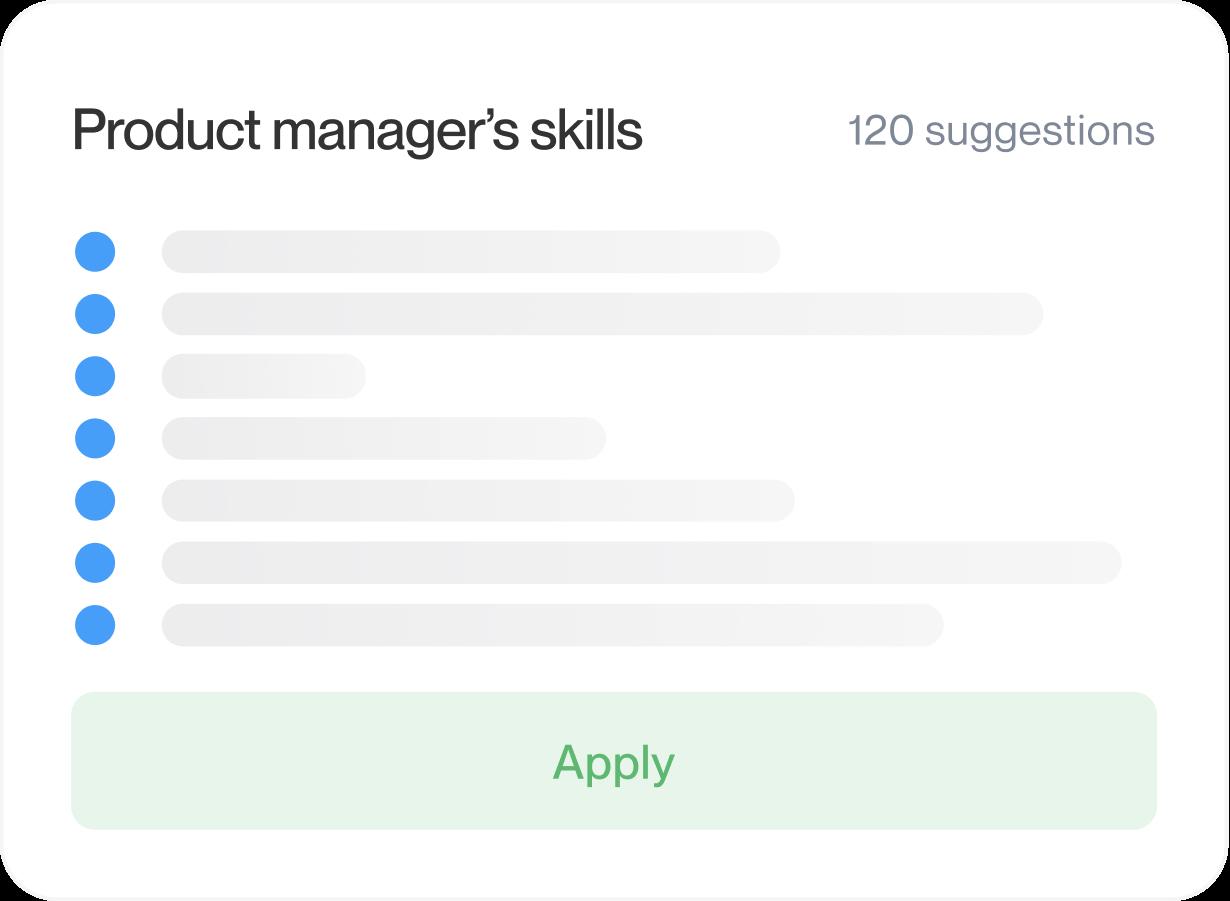
Review and download
Read the preview, put your sections in the order that suits you, then download your finished CV.

Step 1
Pick your design
Answer the opening question about your experience and the designs appear; choose the one you like. Switching later never means retyping.
Step 3
Finish the other sections
Add education and skills, then a short profile. It's easier to sum yourself up once your jobs are on the page.
Step 2
Add your work history
Enter each job, newest first. Suggested lines for each title appear as you go: keep the useful ones and make them your own.
Step 4
Review and download
Read the preview, put your sections in the order that suits you, then download your finished CV.

Which type of CV template do you need?
Most people looking for a CV template need a job CV: a one- or two-page summary of their work, education and skills. Researchers and lecturers need a longer academic CV, and a few European applications ask for a Europass CV by name. Here’s how to tell the three apart, and what each one should hold.
What a job CV template should include
In the UK, Ireland, Australia, much of Europe and many other countries, a CV is the short document you send for most jobs; Americans call the same thing a resume. A good job CV template gives each part a clear place: contact details, a short profile, work history with the newest job first, education and skills. It also keeps them easy to scan, so a reader finds your latest role without searching.
That’s the document Rocket Resume’s CV templates are designed for. Type a job title and you get suggested lines for that role to pick and reword. For finished CVs in your field, look through our CV examples and keep one open beside the CV maker while you write.
What goes in an academic CV
Universities, research institutes, fellowships and graduate programs usually ask for an academic CV, and in the US and Canada this is what “CV” most often means. It runs as long as your record needs. Alongside education and appointments, it lists publications, conference talks, grants, teaching and research interests. Ask the department which headings and order it expects, then follow that model closely.
When to use a Europass CV
Europass is a standard CV format from the European Union, made on the Europass website. Use it when a posting, scholarship or exchange program asks for it by name. If an employer in Europe simply asks for your CV, a well-organized job CV in a clean design is the usual choice.
How to tell which CV the employer wants
The posting and the country usually tell you. Check these four things before you choose a design:
- Read the posting: publications, a research statement or a teaching record point to an academic CV.
- Look for the name: a request for a Europass CV will say so plainly.
- Check the country: outside North America, “send your CV” for an ordinary job means a job CV.
- Still unsure? Ask the recruiter; it’s a normal question.
Why start from a CV template, not a blank page
A template settles the layout, spacing and heading order before you type, so your time goes into the words. In the CV maker you fill in one section at a time, the preview shows the finished CV as you go, and you can move to another design whenever you like without losing anything you’ve written.
Do you need a different CV template for each country?
Usually not. A job CV’s structure travels well; what changes from country to country is custom, such as spelling, date formats, how long the CV runs and which personal details belong on it. Keep the design you like and adjust those details for each application. Our CV vs resume guide compares the US, the UK, the EU and India in one table.
One template, several applications
Keep one main CV, then create a version for each type of job you go after, such as one for sales roles and one for customer service. In each version, move the most relevant jobs and skills higher and borrow the job ad’s own terms. Your account holds more than one version, so a new application never starts from scratch. The how to write a CV guide walks through the wording of every section.
Why readable CVs get a closer look
“Great resume service.”

“My resume is now a hot topic!”

CV templates: what people ask
Are CV templates and resume templates the same?
Outside North America, yes. The CV you send for most jobs there is what Americans call a resume, so the same designs work for both.
In the US and Canada, “CV” more often means a longer academic record.
Which CV template should I use?
Choose the style that suits your field, then judge it with your own details in it. Modern designs fit most jobs, traditional ones suit formal fields, and creative ones suit roles where presentation counts.
Are these CV templates ATS-friendly?
Yes. Every design is ATS-friendly, with standard section headings and a clear order that applicant tracking software can follow. Matching your skills to the wording of the job ad helps too.
Can I change the section order in a CV template?
Yes. Move any section up or down as you create your CV, so your strongest part comes first: education for a recent graduate, recent experience for most others.
What’s the difference between a CV template and a CV example?
A template is the design: fonts, spacing and the order of sections, ready for your details. An example is a finished CV for one job, which shows how its lines are worded. Create yours in a template and keep an example open for ideas.
Will the templates work on my phone?
Yes. Pick and fill in any design in your phone's web browser, with no app to install. Your CV saves to your account, so you can pick it up again on a computer whenever you like.
See CV examples from your industry
Featured this week
 9 examples
Veterinarian Assistant · Locum Tenens Veterinarian · Professional Pet Groomer




All 45 industries
- Aerospace & Defense, 8 examples
- Agriculture, 23 examples
- Apparel & Textiles, 13 examples
- Architecture, 15 examples
- Arts & Entertainment, 24 examples
- Automotive, 21 examples
- Beauty & Personal Care, 17 examples
- Biotechnology & Life Sciences, 7 examples
- Business Services, 31 examples
- Chemical Engineering, 4 examples
- Construction, 107 examples
- Creative, 15 examples
- Data Science, 4 examples
- Education, 99 examples
- Energy, 40 examples
- Environmental Science, 5 examples
- Finance, 66 examples
- Food & Beverage, 68 examples
- Government, 48 examples
- Healthcare, 162 examples
- Hospitality, 36 examples
- Human Resources, 18 examples
- Insurance, 10 examples
- Legal, 12 examples
- Logistics, 39 examples
- Manufacturing, 68 examples
- Marketing, 18 examples
- Media, 20 examples
- Military, 24 examples
- Mining & Metals, 9 examples
- Nonprofit, 8 examples
- Pharmaceuticals, 12 examples
- Public Relations, 2 examples
- Real Estate, 7 examples
- Retail, 39 examples
- Robotics, 1 example
- Security Services, 18 examples
- Social Services & Counseling, 21 examples
- Social Work, 22 examples
- Sports & Fitness, 96 examples
- Technology, 66 examples
- Telecommunications, 6 examples
- Tourism & Travel, 8 examples
- Transportation, 38 examples
- Veterinary, 9 examples
Don’t see your role?

Pick your CV template and start
Choose a design, add your experience and let the CV creator lead you through every section.
Hear from customers before you pick
from 4,000+ reviews