Formatting & ATS FAQs: Color, File Names and ATS Scores
Resume formats, layout, fonts, color and file names, and how an applicant tracking system (ATS) reads and scores your resume.

How your resume should look, and how an applicant tracking system (ATS) reads it: formats, columns and tables, margins, fonts, color, file names, keywords and ATS scores. It's one of eight topics in our Resume & Career FAQs.
More articles: Applicant Tracking System
Formatting and ATS questions
What is the best resume format?
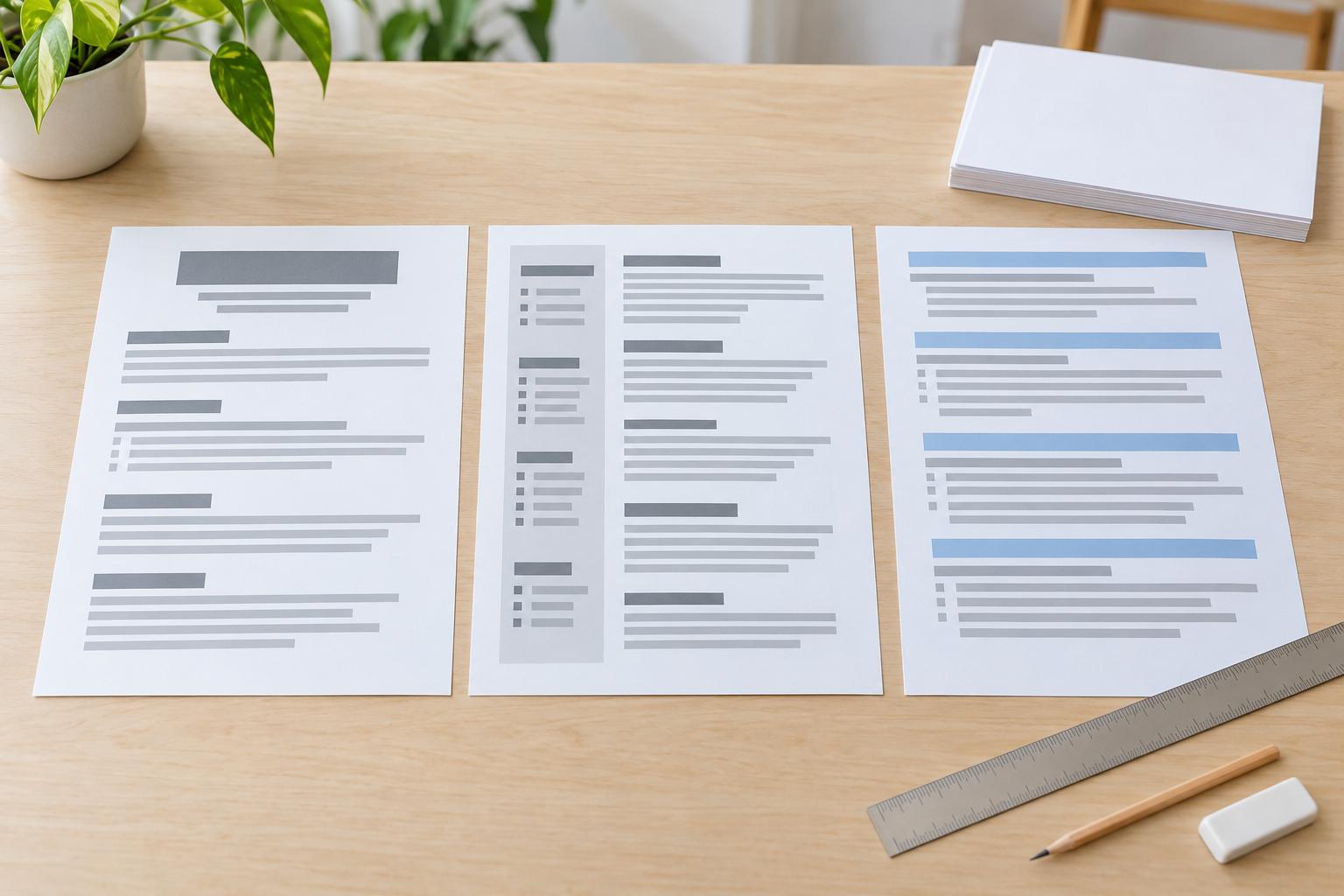
A chronological resume, most recent job first, is the safe choice for a steady history in one field; a hybrid suits career changes, returns after a break and skills from several jobs. When you compare chronological, hybrid and functional formats, be wary of a purely functional one, which hides where you used each skill.
What is a hybrid resume?
A hybrid, or combination, resume opens with a summary and a skills section with examples, then lists your full work history with employers and dates. It lets you lead with what you can do without hiding where and when you did it.
Are two-column resumes ATS-friendly?
A two-column resume can work, but a single column is the safer choice, because some systems read text across the columns out of order. If you do use two columns, keep essential details in plain text rather than text boxes or graphics.
What margins should a resume have?
Use margins between half an inch and one inch, the range the Rutgers Business School and University of Nebraska–Lincoln career guides give students. We suggest starting at the wide end, and going narrower only while the page still reads easily, never to squeeze in lines you should cut.
What font size should a resume use?
Use body text between 10 and 12 points, the range the Rutgers Business School and University of Nebraska–Lincoln career guides give students. We suggest starting at the top of that range, with section headings a little larger so each one is easy to find, and sizing down within the range only if your font runs large.
Should I submit my resume as PDF or Word?
Follow the employer's instructions; if there are none, either a .docx or a text-based PDF works, just never an image scan.
What is an ATS?
An applicant tracking system (ATS) is software employers use to collect, sort, search and manage job applications. Many can pull the text of your resume into fields recruiters search, but systems differ in how they do it.
How do I make my resume ATS-friendly?
To make your resume ATS-friendly, use a clean single-column layout and real, selectable text, and keep anything important out of tables, text boxes and graphics. Use the job posting's terms where they honestly describe your experience.
Do I need exact keywords from a job description?
Use the job posting's own terms where they truthfully describe your experience, worked into your bullets rather than piled into a list. Don't add a keyword you can't back up.
Can ATS read tables?
Not reliably: some systems misread text inside tables, so they're among the layouts to avoid for anything important.
What font should I use on my resume?
Pick a common, easy-to-read font such as Arial, Calibri or Times New Roman, and use it for the whole resume. Common fonts are installed on most computers, so your file looks the way you set it when an employer opens it. An unusual font in a Word file can be swapped for a default, which can shift your layout. Use bold for headings rather than a second font; our layout guide covers choosing a resume font style.
Should a resume have color?
A little color is usually fine, such as one dark accent color on your name or section headings, as long as the main text stays black on a white background. In traditional fields such as law or finance, plain black and white is the safer choice. Pick a shade that still reads clearly when the page is printed or viewed in black and white, and use bold rather than color to show what matters most.
What should I name my resume file?
Use your full name and the word "resume," such as Jane-Doe-Resume.pdf. When you tailor a version for one job, add the job title, such as Jane-Doe-Resume-Marketing-Manager.pdf. Leave out version numbers and words like "final" or "new," and if the job posting asks for a particular file name, use that instead. Separate the words with hyphens or underscores rather than spaces, and skip symbols such as # or &, so the name stays readable wherever you upload it.
How can I check if my resume is ATS-friendly?
Copy all the text in your resume file and paste it into a plain-text editor, such as Notepad or TextEdit in plain-text mode. What you see there is roughly what an applicant tracking system (ATS) can pull from the file. Your name, contact details, headings, job titles, dates and bullets should all appear in the right order, with nothing missing or jumbled. When an application form fills in your details from your resume, check which fields come out wrong before you submit. If anything is lost, simplify the layout so software can read it and test again.
What is an ATS score?
An ATS (applicant tracking system) score usually means the number a resume-checking tool gives your resume, based on how closely your wording matches a job posting and how cleanly the tool could read your file. Each tool scores in its own way, with no standard scale or passing mark, and the number can't tell you how an employer's own system will treat your application. Treat the report as a list of things to check, such as layout problems or terms from the job posting you left out, and don't raise the number by adding skills you don't have.
Related guides
- How to Beat an Applicant Tracking System in the Age of AI
- Resume Margins, Font Size and Layout: What to Use
More FAQ topics
Back to all Resume & Career FAQs.
Build your resume with our resume builder
Tell us how much experience you have, pick a template, then build a resume one section at a time.